Customer Ratings & Reviews
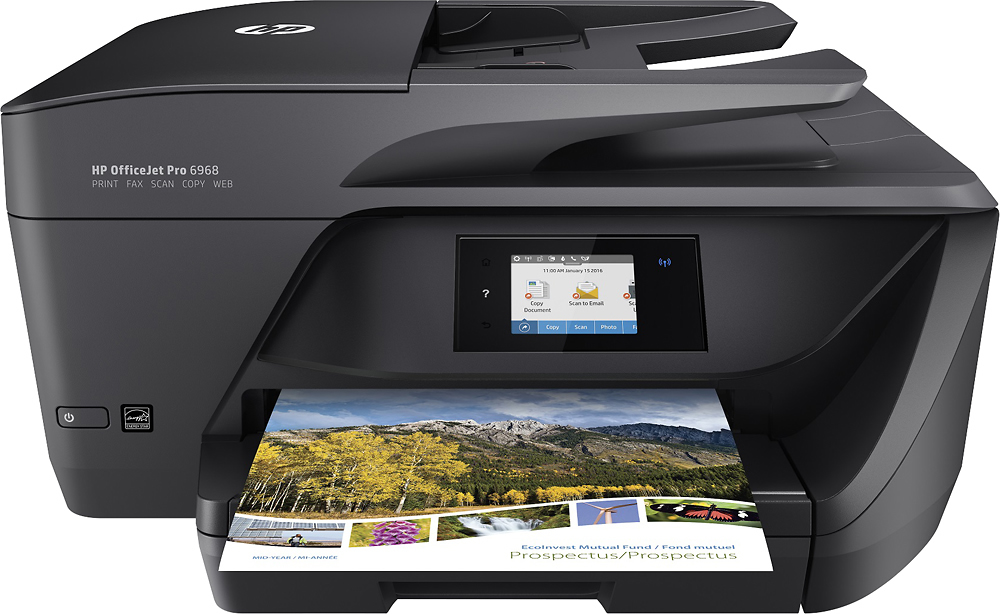
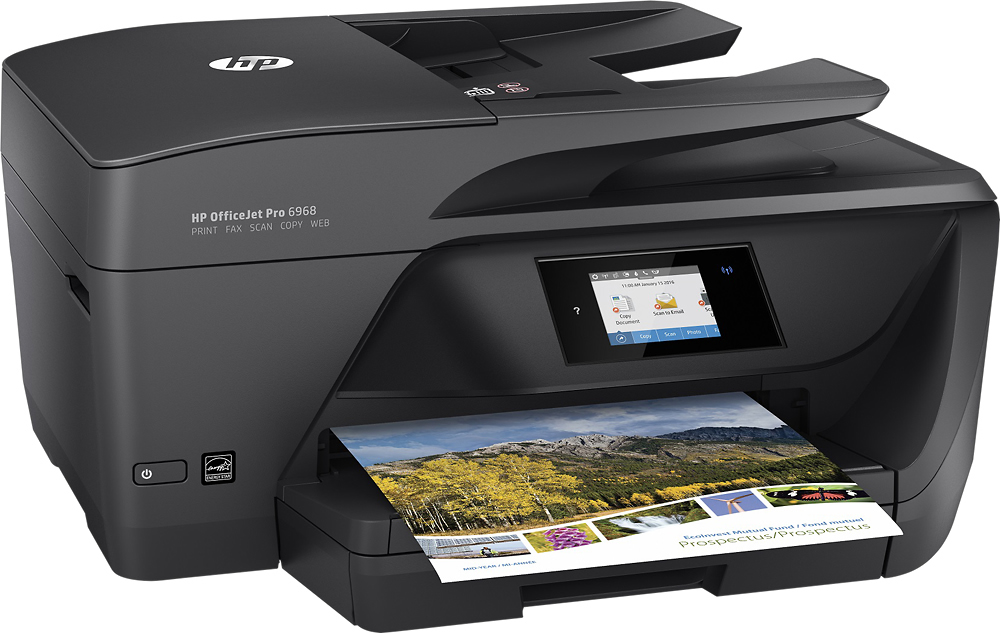
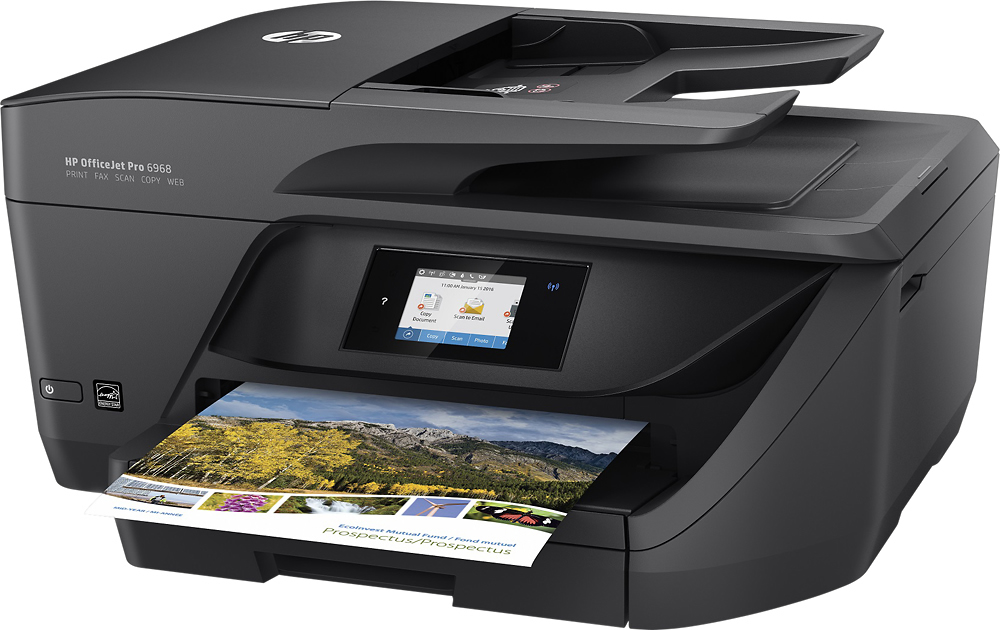
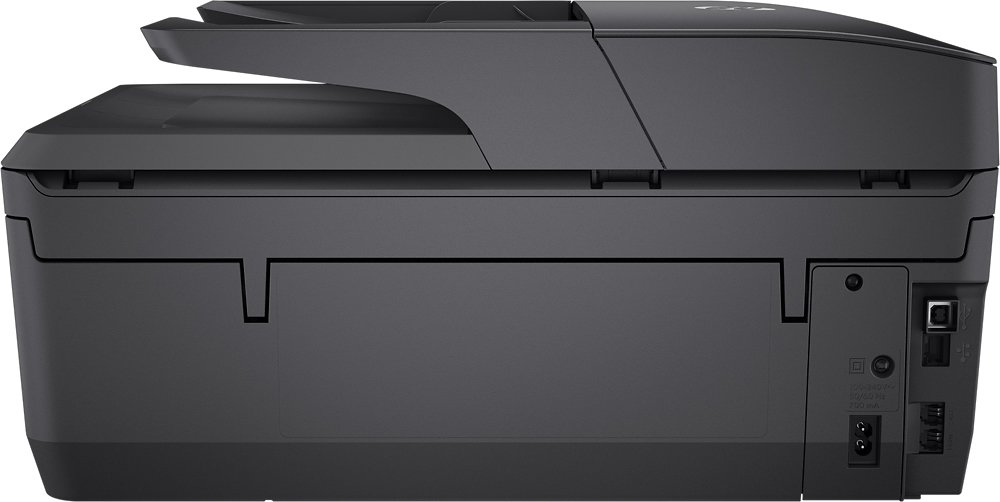
- Model:
- T0F28A#B1H
- SKU:
- 5119700
Rating by feature
- Value
Rating 4.4 out of 5 stars
- Quality
Rating 4.3 out of 5 stars
- Ease of Use
Rating 4.4 out of 5 stars
Customers are saying
Customers commend the OfficeJet Pro 6968 for its excellent print quality, ease of use, and wireless functionality. Many appreciate its compact size, straightforward setup, and quiet operation during printing. The printer's ability to scan, copy, and fax is also frequently praised. Positive feedback consistently highlights the printer's reliability and value for its price.
This summary was generated by AI based on customer reviews.
Disappointing
Posted .This reviewer received promo considerations or sweepstakes entry for writing a review.At the time we badly needed a printer our 10 year old Canon had packed up, so at first it worked well but we ran out of ink ordered more through HP it was promised express the same we ordered from Best Buy something we needed 5 days later we had it, the ink did not so we got it from Staples or Costco, just over 2 years and not heavily used it does not work says paper is jammed checked with flashlight nothing, in retrospect should have used a cable I think however we have to buy a new one giving HP a miss
No, I would not recommend this to a friendWon't last!!
Posted .This reviewer received promo considerations or sweepstakes entry for writing a review.Bought this printer approximately a year ago for home use which is not much. Already on 3rd set of color cartridges with little use (and they're not cheap). Now the printer has totally quit working for no apparent reason. Had bought this printer to replace another HP printer that had its touchscreen crash. Giving up on HP. Only good for boat anchors.
No, I would not recommend this to a friendBrand response from HP Team
Posted .Hi Larry,
I'm sorry this happened to you. This is definitely not the kind of customer experience we strive for.
Not really sure what the problem could be, but you can try getting help from our volunteer experts on the HP Forums: hp.com/supportforum
As to ink usage, there are two tricks to help use less ink that you might not have tried? First of all, you can use the draft mode setting, or you could try the setting that prints in black and white only.
There is also the Instant Ink program, which has plans for different usage rates and can save you money on ink: hpinstantink.com
You can always contact HP Support in case you need further assistance at: hp.com/contacthp
Mary
HP Care
hp.com/support
Bought 2 - each lasted a few weeks
Posted .This reviewer received promo considerations or sweepstakes entry for writing a review.I purchased one of these printers based on reviews. It died in 3-4 weeks. Thankfully as Best Buy Elite I had an extended return policy. I exchanged it for another of the same model thinking the first time was a fluke. Guess what? 7 weeks later and this one isn't working. I've done all of the troubleshooting and I'm past the return window. It would be less frustrating to just set your money on fire.
No, I would not recommend this to a friendPoor wireless connection
Posted .This reviewer received promo considerations or sweepstakes entry for writing a review.I ended up returning this printer. For me had a HORRIBLE wireless connection, I had to turn off and on just to print because my laptop, phone and my wife's phone never detected the printer.
No, I would not recommend this to a friendJunk
Posted .This reviewer received promo considerations or sweepstakes entry for writing a review.Purchased for home use. Rarely use and now can't use at all. System is locked saying there is a print head error which I cannot fix using HP instructions. Save your money and aggravation.
No, I would not recommend this to a friendBrand response from HP Team
Posted .Hey there,
I'm so sorry to hear that your printer has been posing these printhead issues that don’t seem resolvable by following the support guides. This is very disappointing, especially since it's always our intention to deliver long-lasting reliability. With that said, I hope you'll allow us an opportunity to make things right and get this resolved for you.
What I'd recommend is reaching out to us for support at +1 800-474-6836. We would be more than happy to work through some troubleshooting with you and arrange for a printer replacement if necessary. To speed up the process a bit, you can gather the following information beforehand:
- Model number
- Serial number
- Your location
- Your case number (from prior contact with support)
We look forward to making this right and again, sincerest apologies.
Chelsea
HP Care
hp.com/support
poor quality
Posted .This reviewer received promo considerations or sweepstakes entry for writing a review.poor quality and don't expect customer service to help when there is a problem
No, I would not recommend this to a friend