Customer Ratings & Reviews




- Model:
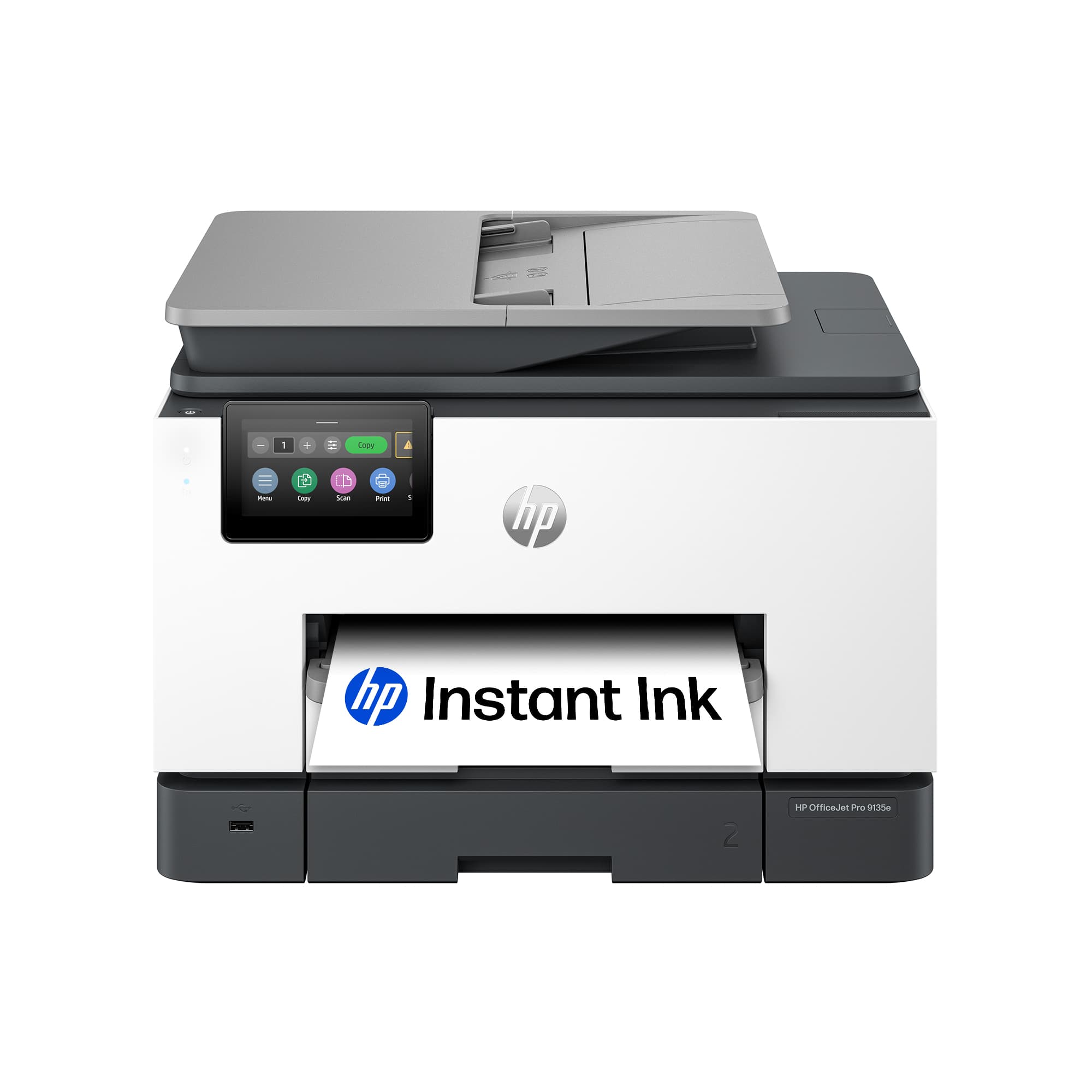
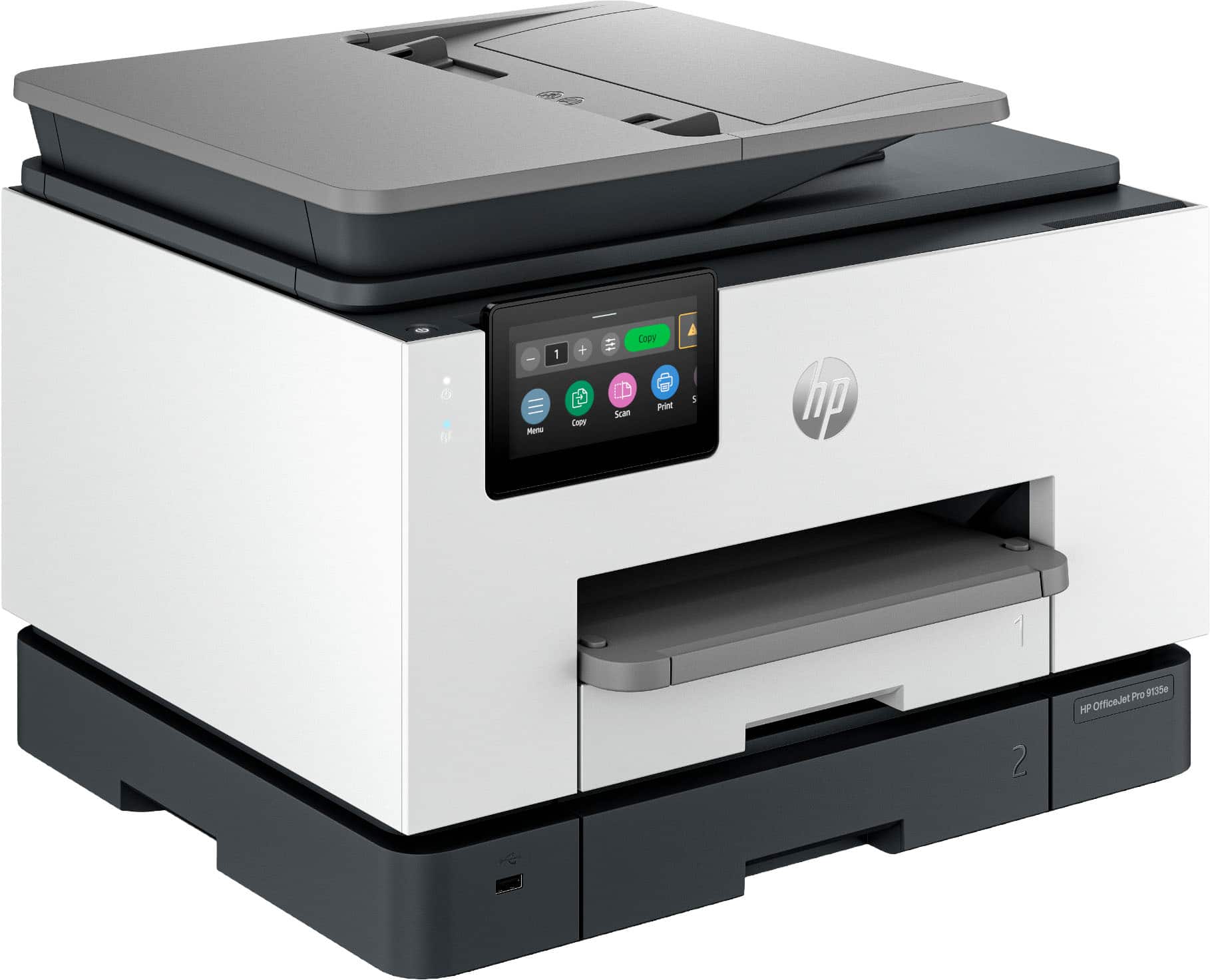
- OFFICEJET PRO 9135E/404M0A#B1H
- SKU:
- 6565473
Rating by feature
- Value
Rating 4.3 out of 5 stars
- Quality
Rating 4.3 out of 5 stars
- Ease of Use
Rating 4.2 out of 5 stars
Customers are saying
Customers highly value the excellent print quality, overall performance, and ease of use and setup, noting its convenient connectivity, compact size, and noticeable speed. However, some customers have noted that the device can be a bit noisy. A few users also expressed concerns regarding the accompanying software.
This summary was generated by AI based on customer reviews.
- Pros mentioned:Print quality

Great Printer for my Home Office
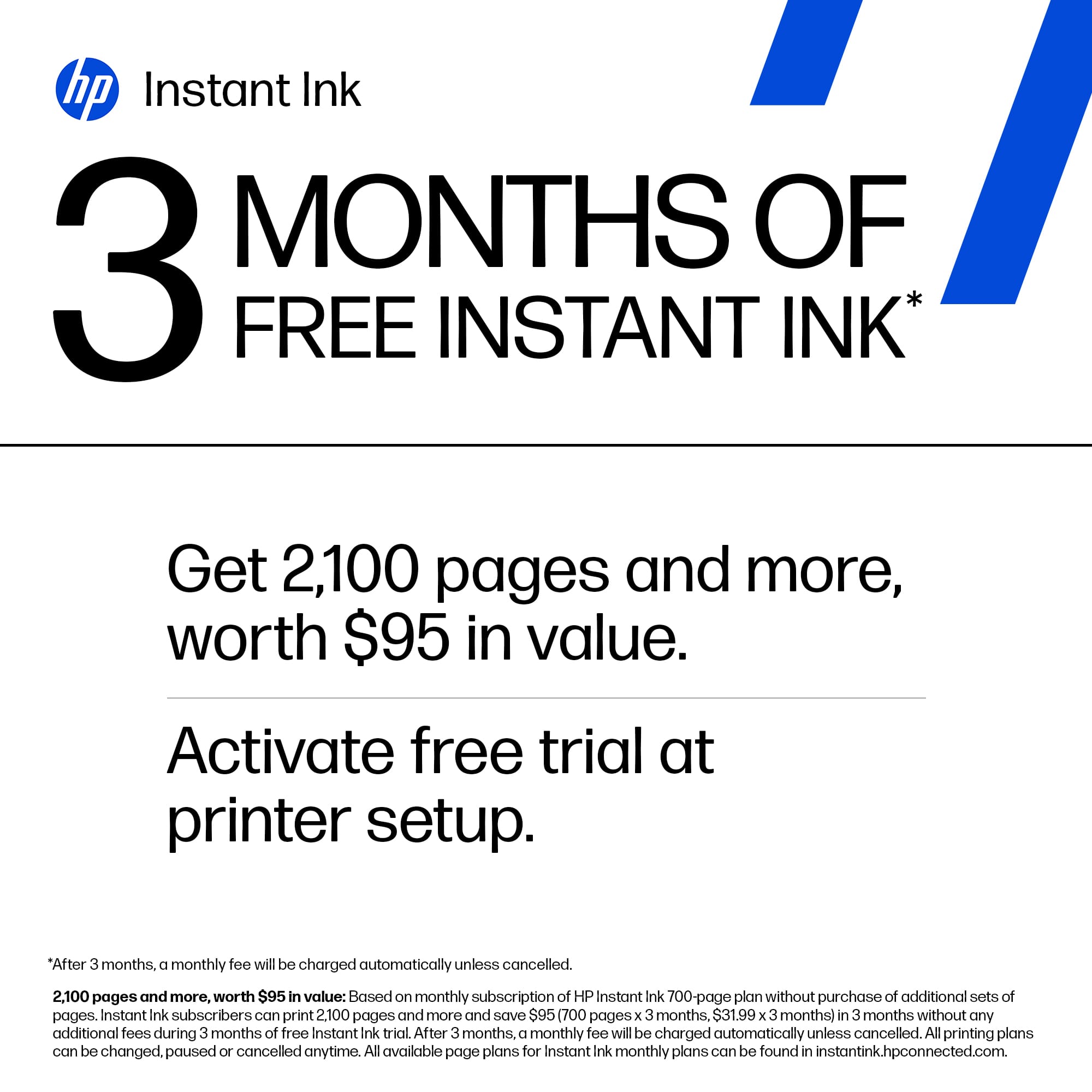
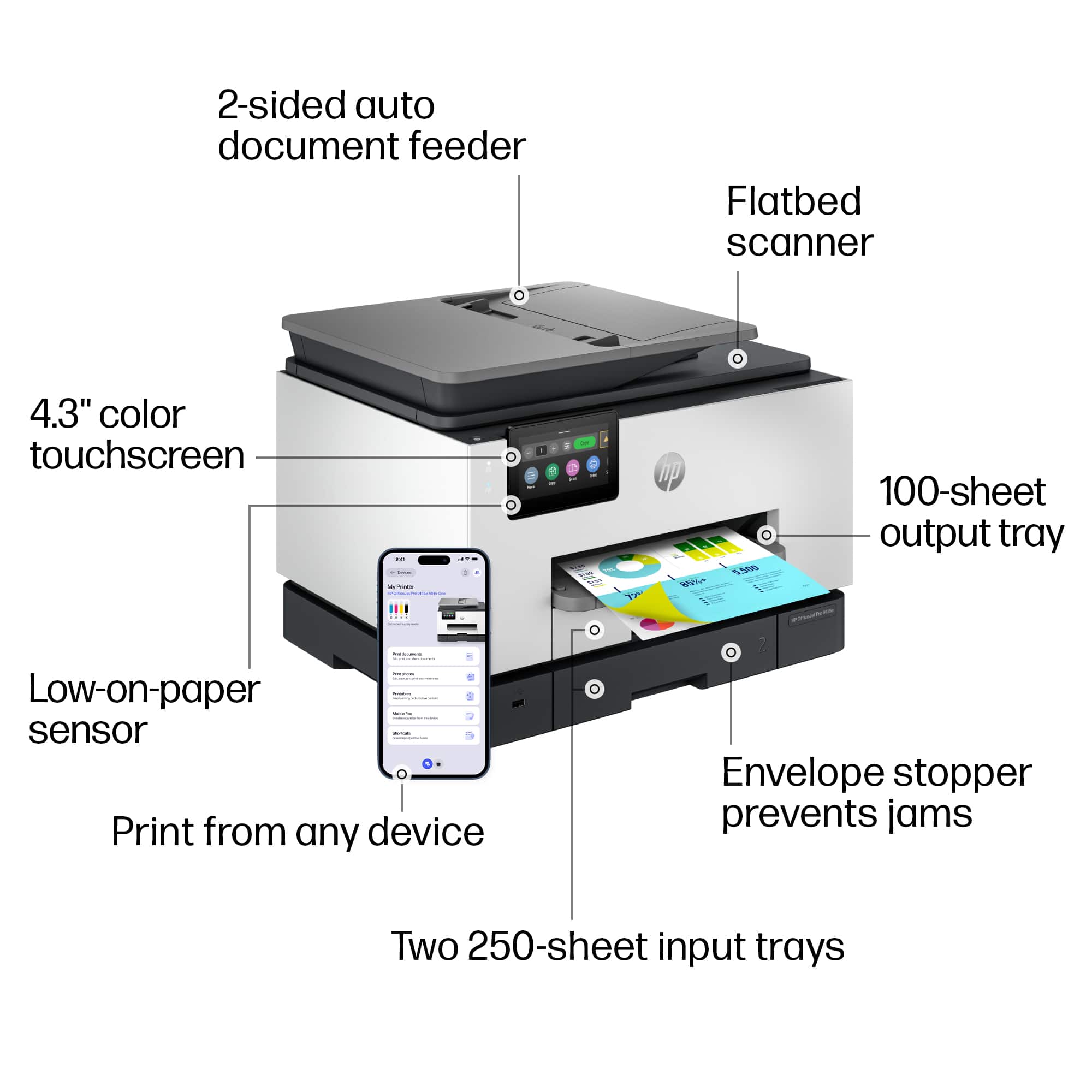
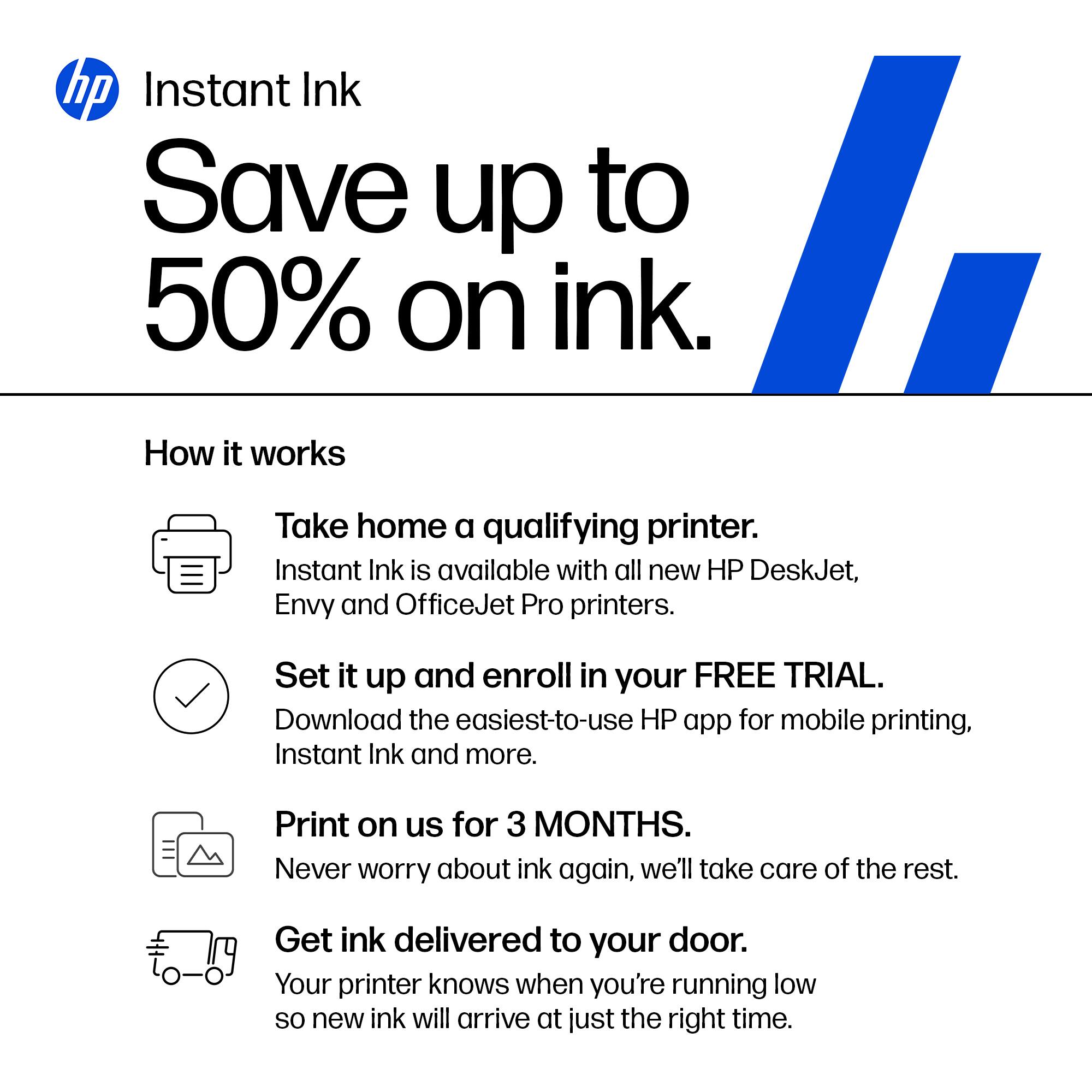
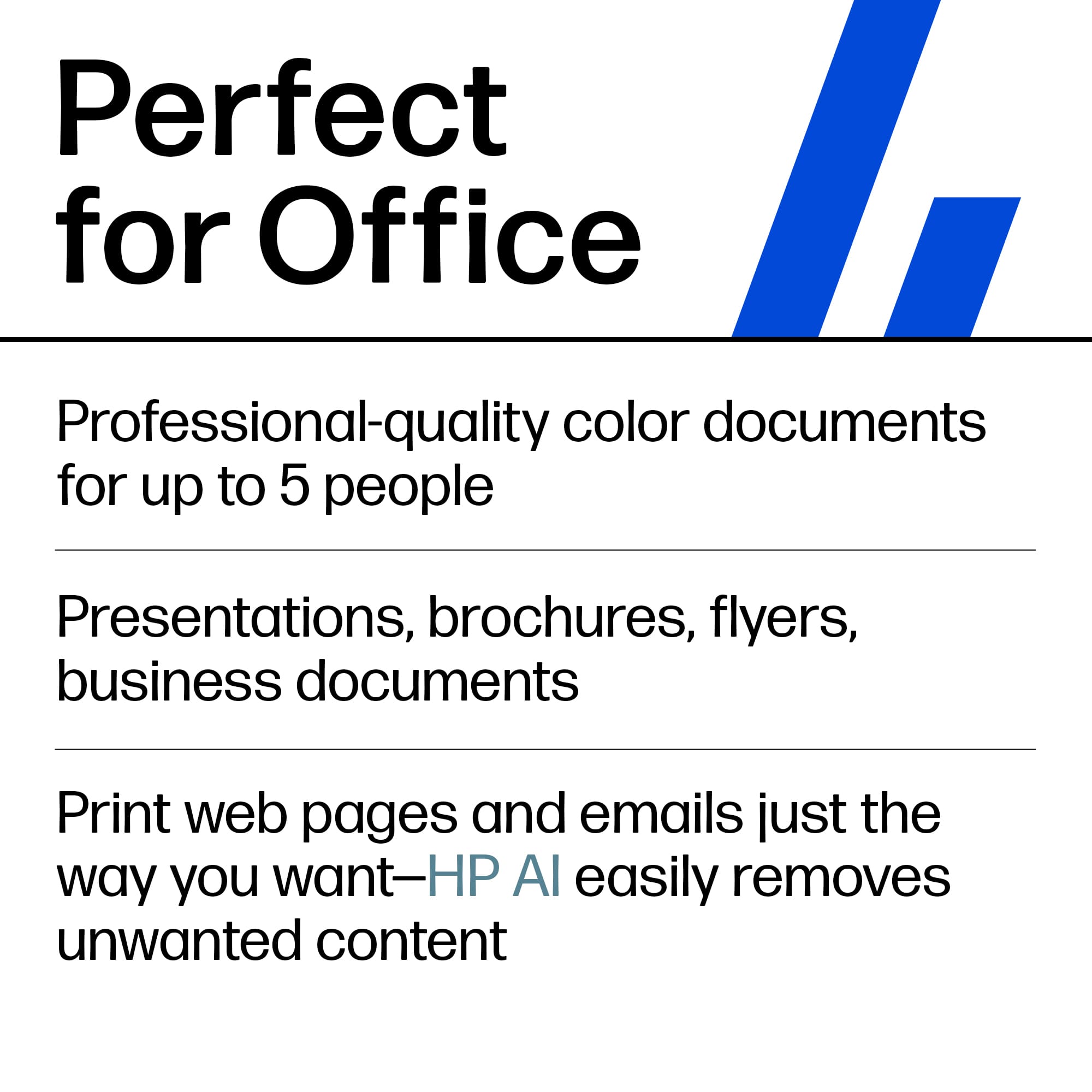
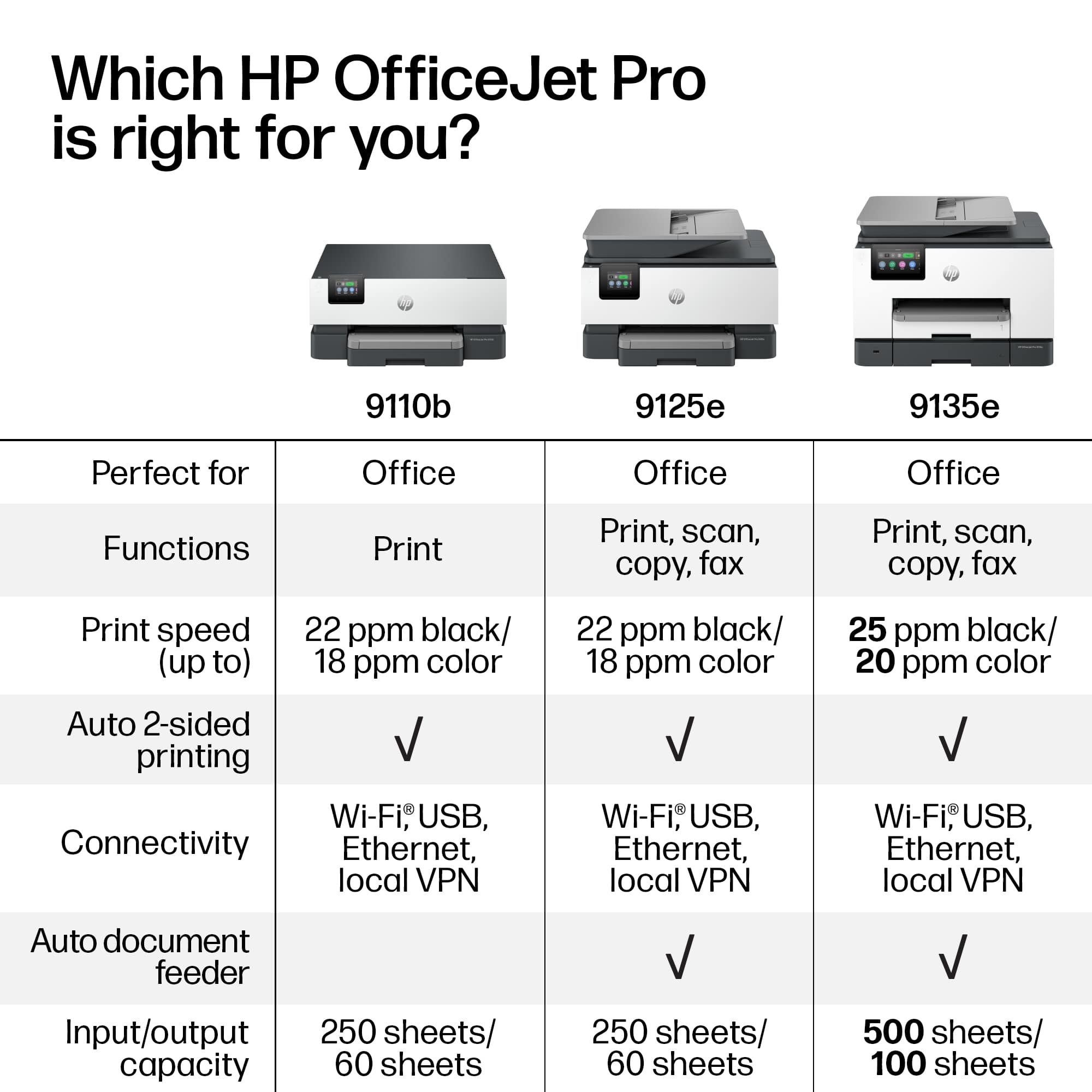
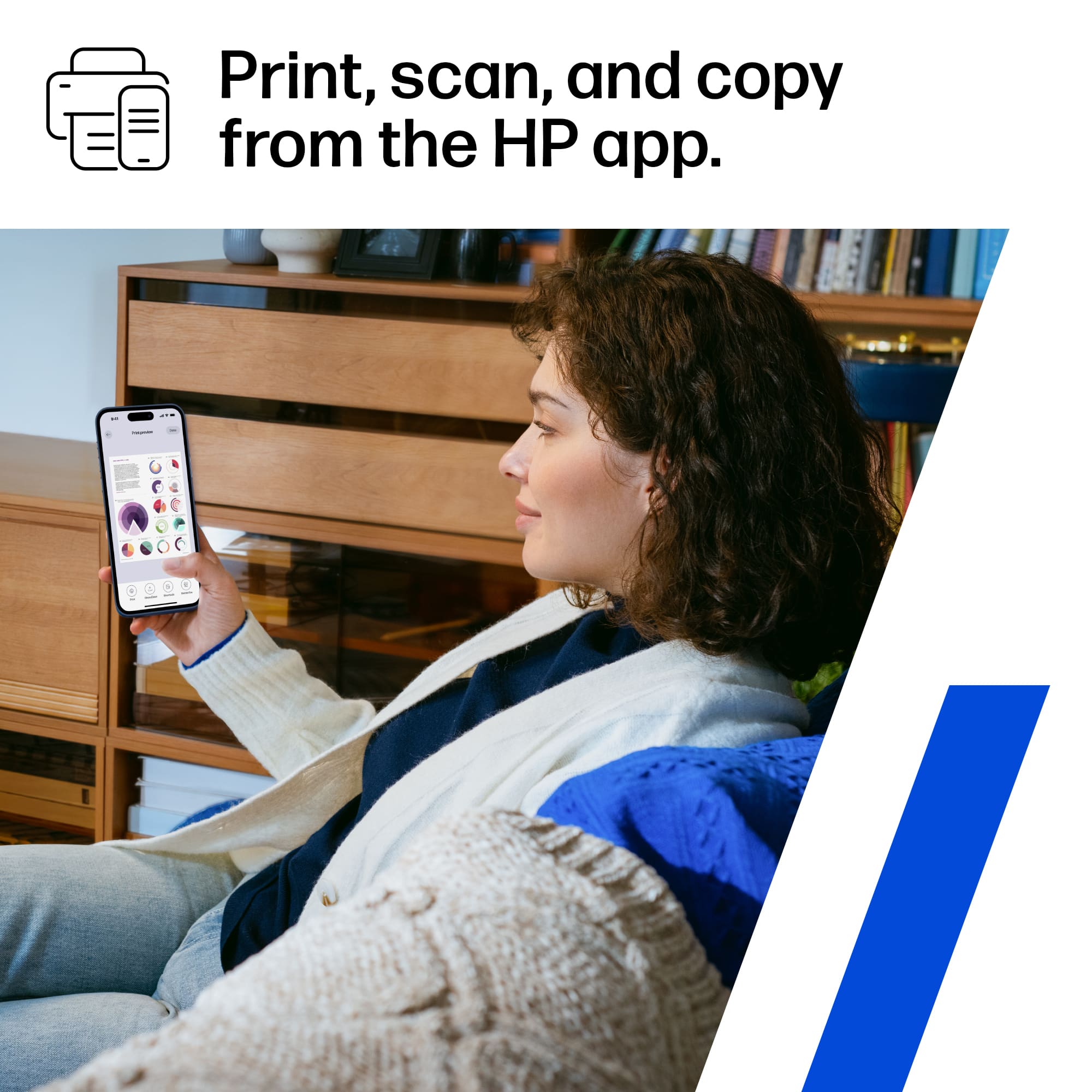
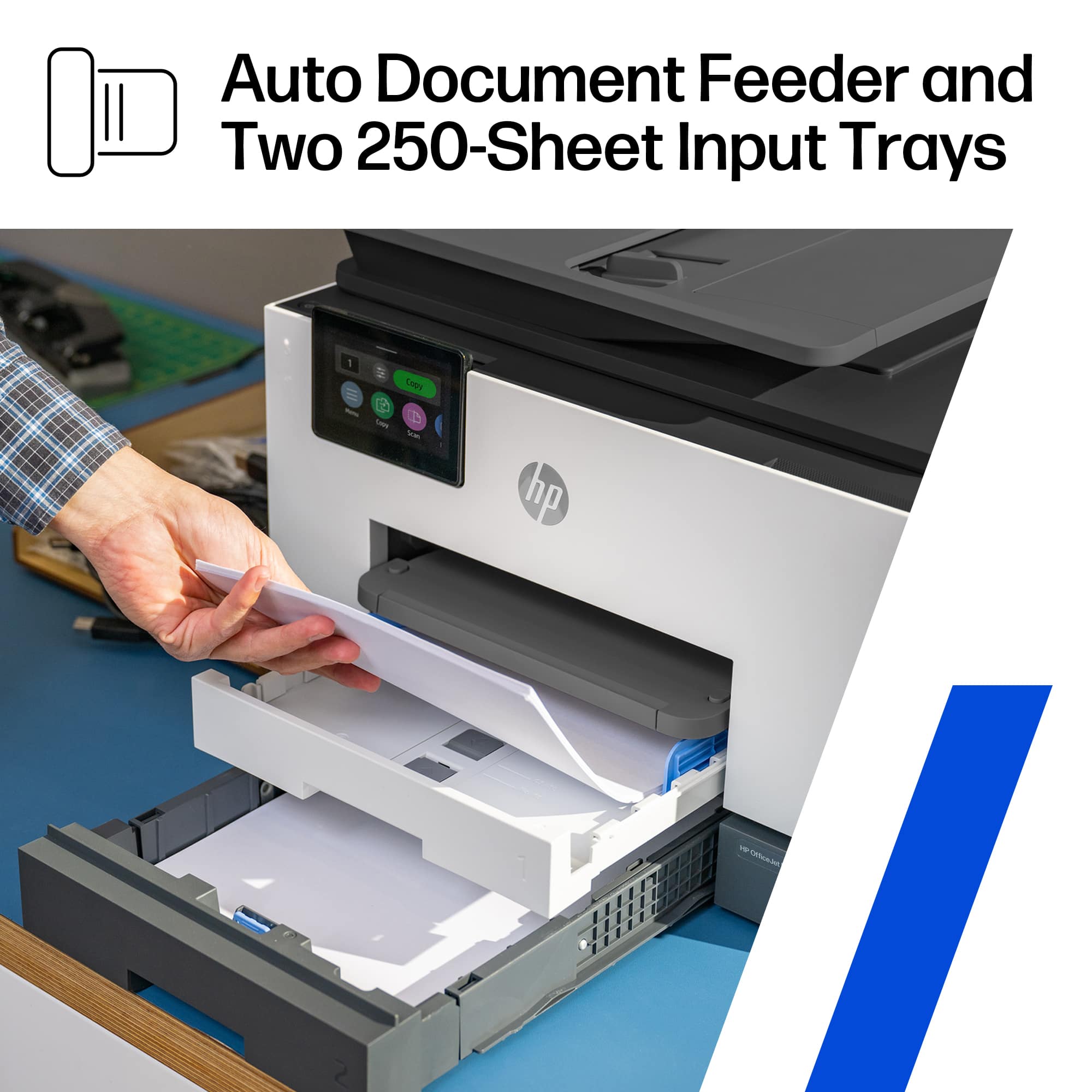
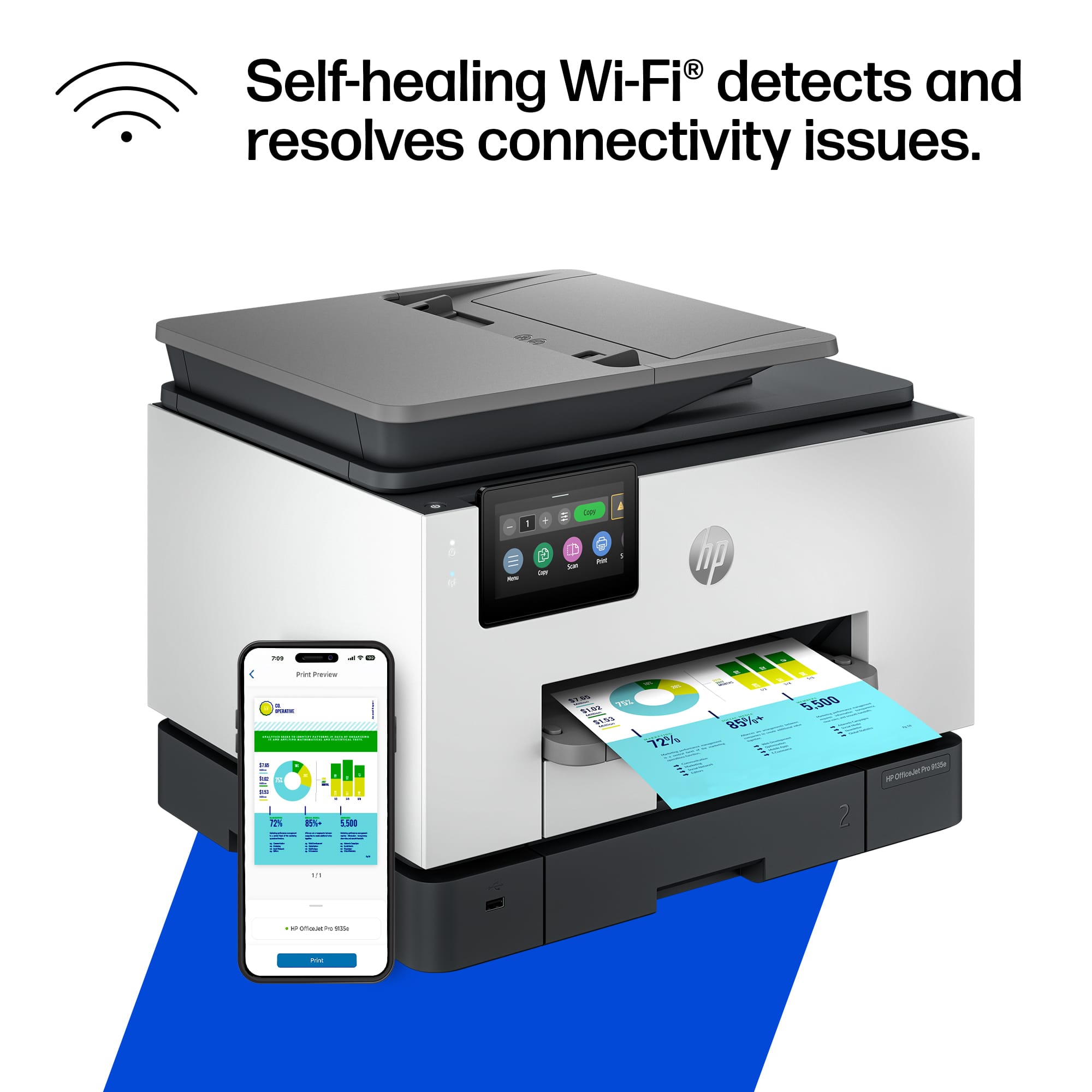
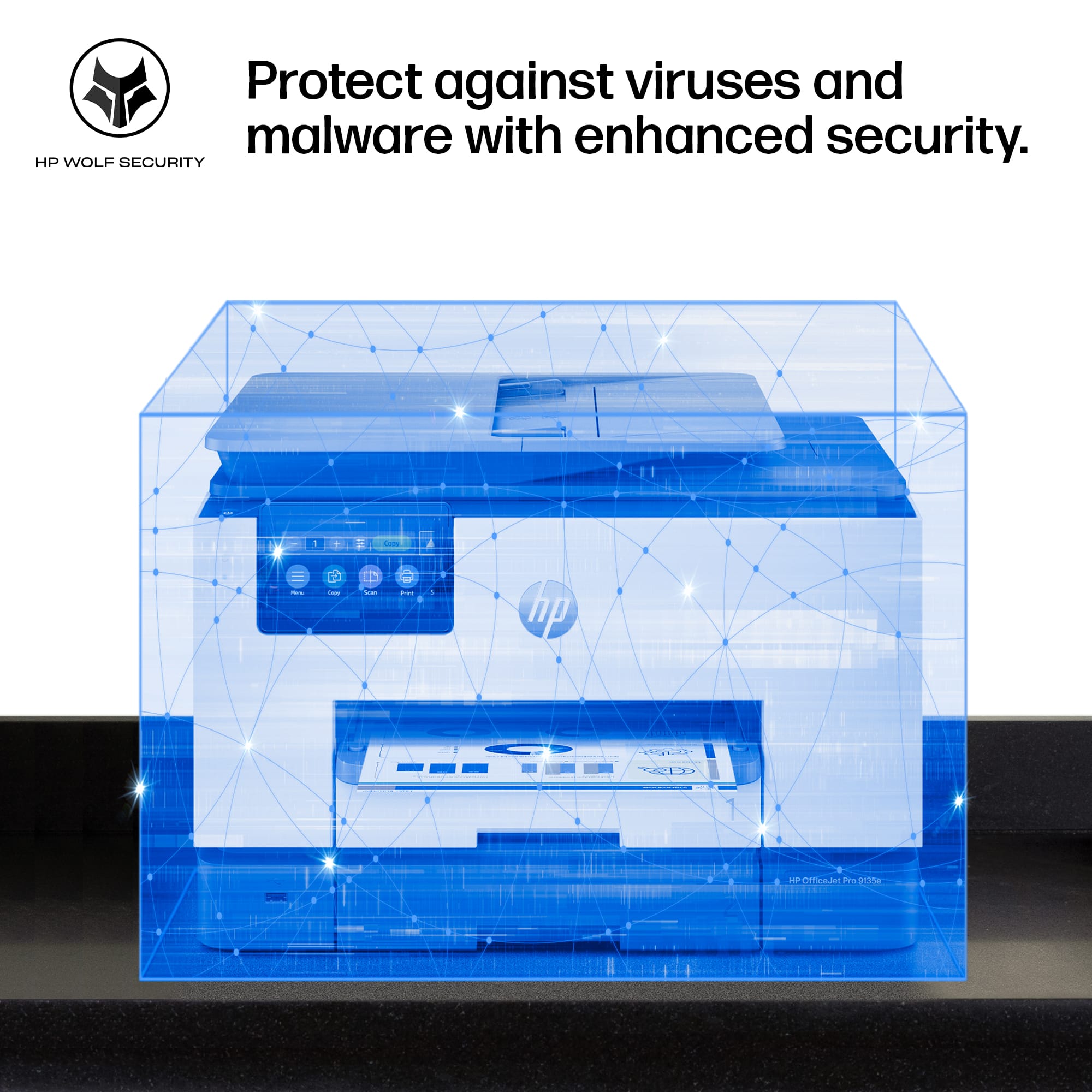
|Posted .This reviewer received promo considerations or sweepstakes entry for writing a review.In the fast-paced world of office work, finding a reliable and efficient printer is paramount. My search ended with the HP OfficeJet Pro 9135e, a sleekly designed powerhouse that transformed my document management routine. Below, I delve into the features that stand out, making this printer a staple in my home office. Professional-Quality Color Printing The HP OfficeJet Pro 9135e shines when printing professional-quality color documents. The output is consistently crisp and vibrant, whether it is presentations, brochures, or flyers. With print speeds of up to 20 ppm in color and 25 ppm in black, my workflow has seen significant efficiency improvements. Upgraded Features for Enhanced Productivity This printer doesn't just print; it is an all-in-one device designed to cater to all my office needs. The fast color printing, copying, faxing, and auto 2-sided printing and scanning are just the tip of the iceberg. Including an auto document feeder and two 250-sheet input trays ensures I spend less time managing the printer and more on what matters. Seamless Wireless Printing Experience The dual-band Wi-Fi connectivity of the OfficeJet Pro 9135e is a game-changer. It keeps me connected reliably with an intelligent system that automatically detects and resolves connection issues. The freedom to print from anywhere in the office without worrying about connectivity issues is a significant advantage. Simplified Printing with the HP App The HP app integration has made this printer even more indispensable. The ability to print, scan, copy, or fax right from my smartphone is the epitome of convenience. It is user-friendly and the most straightforward print app I have encountered, streamlining my document management process. Cost-Effective Printing Solutions HP's Instant Ink delivery service is a revelation. With three months of printing included, I hope to take the convenience of having ink delivered to my door and significant savings. The subscription service, which is optional after the initial period, will reduce my printing costs by up to 50%. Uncompromised Data Security In today's digital age, security is non-negotiable. The HP Wolf Pro Security features provide peace of mind with customizable tools to bolster security and protect against cyber threats and malware. This added layer of security is crucial for sensitive documents and data. Intuitive User Interface The 4.3-inch touchscreen with a phone-like user interface is another highlight. Navigating the printer's features has never been easier, allowing for a more efficient and pleasant user experience. Commitment to Sustainability The sustainable design of the OfficeJet Pro 9135e, made with over 40% recycled plastic, reflects HP's commitment to environmental responsibility. It is reassuring that my choice of printer contributes positively to the planet. Smart Cartridge System HP's decision to ensure the printer works only with cartridges equipped with original HP chips or circuitry might seem restrictive, but it guarantees optimum performance and security. The periodic firmware updates keep the system running smoothly and securely. Conclusion The HP OfficeJet Pro 9135e Wireless All-in-One Color Inkjet Printer has exceeded my expectations in every aspect. From its professional-quality prints to its robust security features and commitment to sustainability, it is an invaluable asset to my office. I highly recommend it to anyone seeking a reliable, efficient, and feature-rich printing solution.
I would recommend this to a friend - Pros mentioned:Print quality
Productivity Powerhouse with a Twist
|Posted .This reviewer received promo considerations or sweepstakes entry for writing a review.First, this HP OfficeJet Pro 9130e is a feature-packed all-in-one printer designed for busy professionals and small businesses. If you don’t print a lot, it may not be for you. I am giving you a breakdown of its key strengths and weaknesses to help you decide if it's the right fit for you: Pros: • Sharp text and vibrant colors. Perfect for making a lasting impression. • Impressive speed for a non-laser printer: black/white documents at speeds of 25 ppm and color documents at up to 20 ppm. That’s a full color page in 3 seconds. • Go beyond printing with copy, fax and scanning capabilities with an automatic document feeder for multi-page tasks. • Auto 2-sided printing. This is one of my favorite features in a printer. • Two 250-sheet input trays. That’s 500 hundred sheets and up to 1000 pages. • Supports dual-band Wi-Fi (2.4Gh and 5Ghz). Most wireless printers usually support only 2.4Ghz, thus affecting performance. • Print, scan and fax directly from your smartphone using the HP Smart app. You can also print using just iOS which can find the printer automatically. • 4.3-inch touchscreen is a very good size as it allows you to easily navigate the menu options. Try that with a smaller size and you’ll notice how important that is. • Instant Ink convenience: only worth it if you print a lot, but when you do, it can save you a lot. Cons: • Somewhat high initial cost: the printer itself might be a significant investment upfront compared to some competitors, although it is not excessively expensive, and I like the quality compared to others. Current discounts make it a lot more affordable. • Cartridge restrictions: HP's policy of blocking non-HP cartridges can be a drawback for some users seeking lower-cost alternatives. • Somewhat large footprint: Consider the size and weight of the printer before purchasing. However, I’ve seen the competition with a much larger footprint for the same features. Overall, the HP OfficeJet Pro 9130e is a powerful and versatile all-in-one printer ideal for professionals and small businesses demanding high-quality output, fast printing speeds, and convenient features. However, its slightly high initial cost and cartridge restrictions might deter budget-conscious buyers. If sustainability and ink convenience are priorities, the included Instant Ink subscription can be a valuable perk, especially if you print a lot. But if you're on a tight budget or prefer flexibility with ink cartridges, consider exploring alternative models. Since I tend to print a lot, the subscription will work well for me.
- Pros mentioned:Ease of use
Highly recommend
Posted .This reviewer received promo considerations or sweepstakes entry for writing a review.Easy set up. Lots of features. A great office printer! It’s perfect if you don’t want something commercial and that takes up to much room.
I would recommend this to a friend - Pros mentioned:Print quality
HP never lets me down! Bigger LCD!!
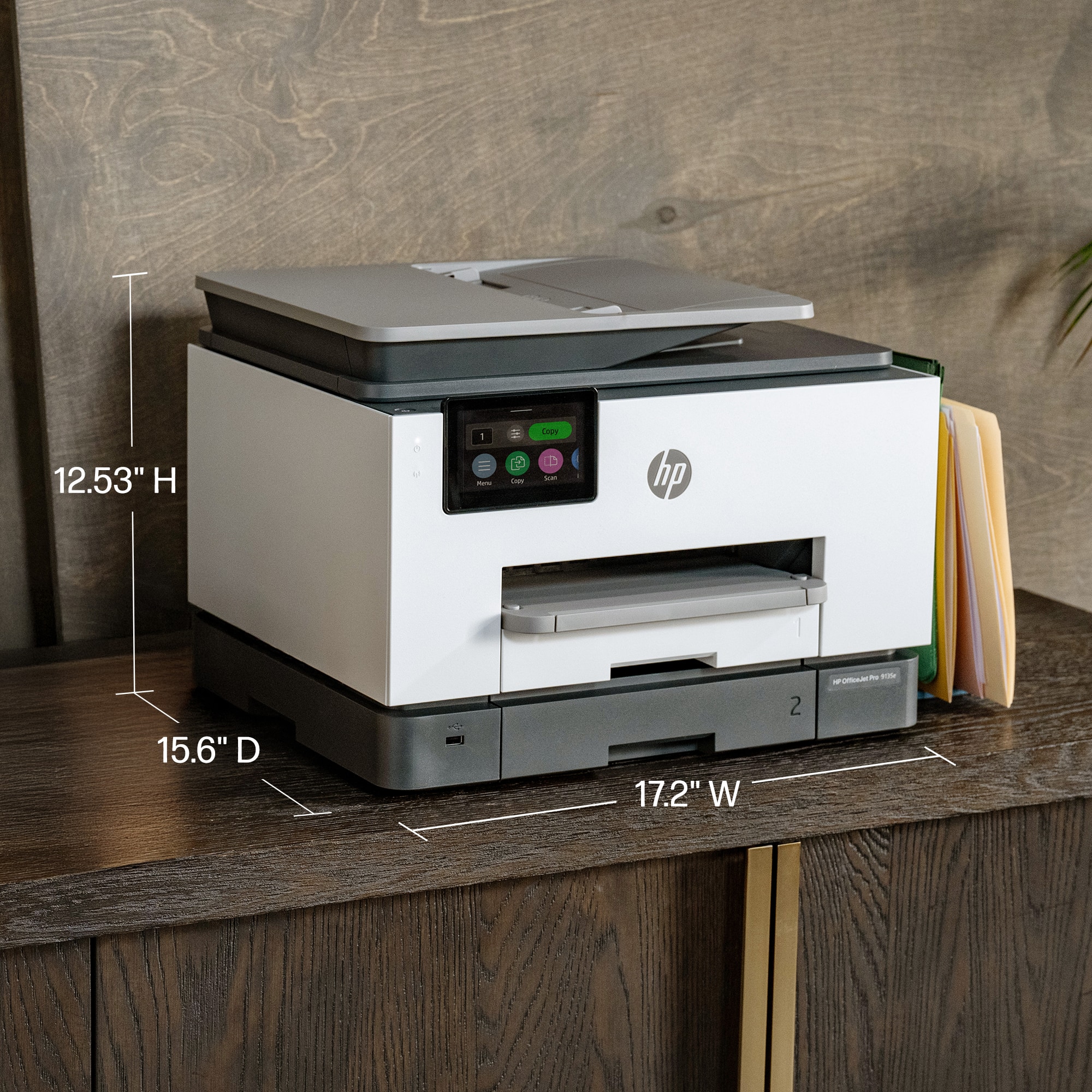
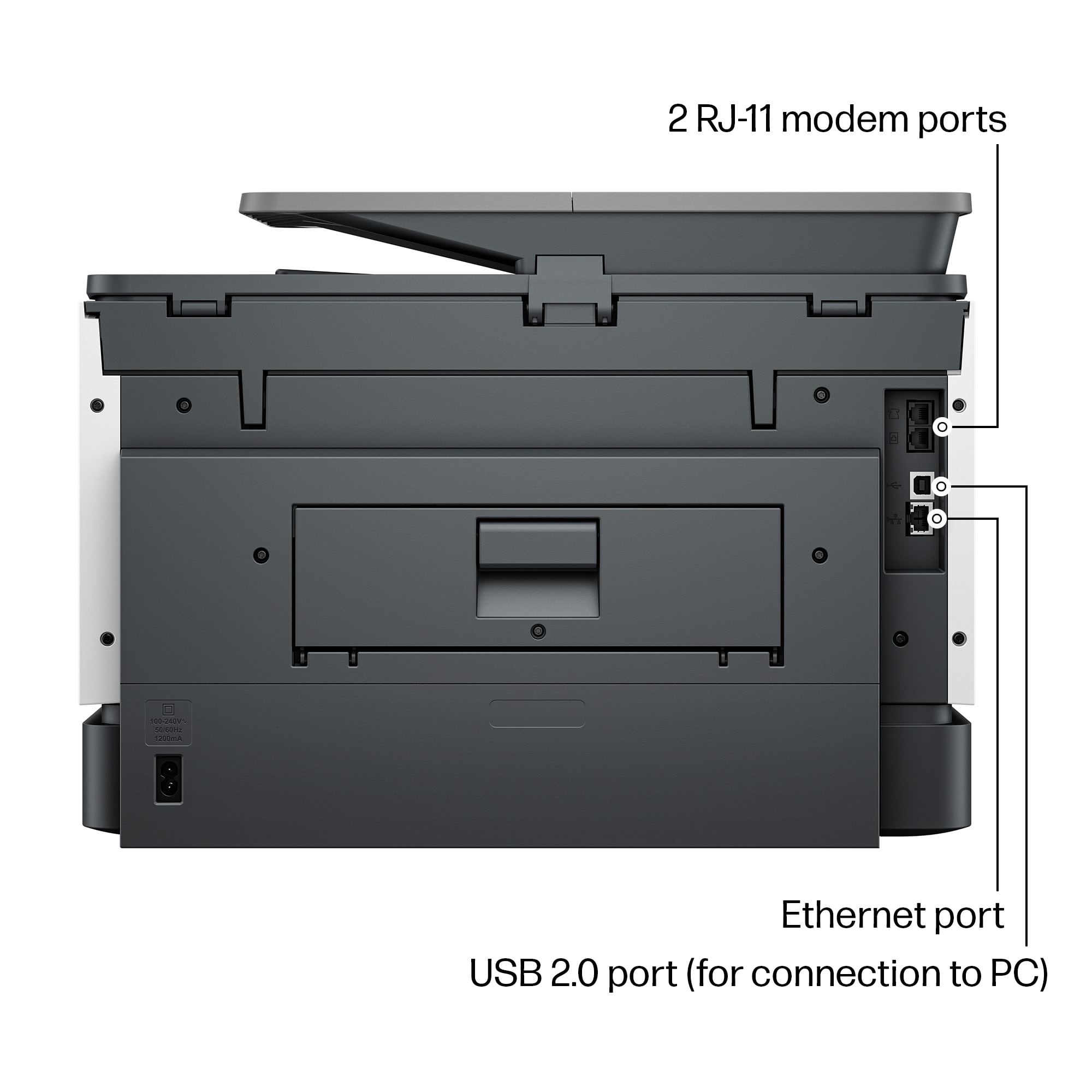
|Posted .This reviewer received promo considerations or sweepstakes entry for writing a review.My first PC was Hewlett Packard, throughout the years I’ve had numerous products from their company, whether it be printers, scanners, copiers, or pc. The one thing that always came to be true was that I never had an issue with any of them. Setup was always simple and easy. Just as with this HP OfficeJet Pro 9135e All-in-One Printer was. One of the first things that stands out from my last HP printer, copier, and fax, was the size of the touch screen LCD screen which was noticeably larger at 4.3 inches now, and easier to read as well as manipulate through the settings. You can use it wirelessly or wired, it’s Energy Star compliant which is always a plus. Color print speed are about 20 pages per minute and Mono Print Speed is roughly 25 pages per minute. It doesn’t take much desktop space being at 12.53 height, 17.2 width, and 15.6 depth. And you’re getting multiple devices all wrapped up in one. Other things I liked were it automatically prints double sided prints, tray capacity is 250. As far as the scanner the resolution is 1200 x 1200. It has 4 separate cartridges for the different ink colors and black. This does come with 3 months of free HP’s ink program. Printer resolution for black is up to 1200 x 1200, and for color up to 4800 x 1200. In using it they’re super fast. I haven’t tried to print any pictures out as of yet but as far as documents everything I throw at it, it handles with ease. I would highly recommend this to others
I would recommend this to a friend - Pros mentioned:Print quality
Great Printing! Easy Setup!
|Posted .This reviewer received promo considerations or sweepstakes entry for writing a review.So far the printing ability of this printer is fantastic. It prints extremely fast black and white and color, prints two sided, and works perfectly when printing from computers, phones, and tablets. The major bonuses for me are the additional tray that allows me to keep legal paper in the bottom tray and letter sized paper in the top tray and the fast scanning and two sided scanning. Set up was easy using the HP app. I do have a few notes about set up though. First, you do not need the app on every device like it says you do. It's easy to add the printer to any PC and once connected to wifi, the printer shows up on phones and tablets with no need to have the app installed on everything. Second, and this may be why the try to get you to install the app on every device, is you are going to be hounded about HP plus and an Instant Ink subscription. The bombardment of reminders and begging to sign up for those paid subscriptions is constant throughout setup. We are using this as a family printer and we do not print a ton, so after reading through the fine print, the Instant Ink subscription appears to be rip off for us. If you plan on printing ALOT, then you may want to consider a subscription as it appears to be a good deal for heavy printer users. Now, hopefully this printer will last longer than our previous printer that was a Brother.
I would recommend this to a friend - Pros mentioned:Print quality
Just Great
|Posted .This reviewer received promo considerations or sweepstakes entry for writing a review.This printer is a beast. It looks like any other hp office all in one printer. It's white and blends well into my area. It was fairly simple to setup. I use it with my PC, my Laptop and my smart phone. The software and app are great and sync with the printer very easily. I have had no issues printing, scanning or copying while using the app. I really like the dual trays and the ability to scan double sided documents is great. I was able to scan so many personal documents, that had information on both side, so easily and super quick compared to scanning one side at a time. The print speed is excellent. It shoots anything out super fast. The quality of the printer is also very good. I have printed a range of things, from documents to photos, and it has printed them with ease. The photos turned out really well on both standard paper and photo paper. I don't notice and smudging or dripping on anything that I have printed. The best part is that it's wireless. Just great at what it's supposed to do. Overall, I am extremely happy with this all in one printer. HP did it again.
I would recommend this to a friend Another fine HP printer with good software feature
|Posted .This reviewer received promo considerations or sweepstakes entry for writing a review.I have been using HP Printers for something like 30 years, which indicates that (with occasional exceptions) I have had good experiences with HP. Before I acquired the HP OfficeJet Pro 9130e, I was using the HP OfficeJet 8034e and the HP OfficeJet Pro 9015 in different rooms. The latter died after almost exactly five years of use, which is why I acquired the 9130e. The new 9130e is physically very similar to the older 9015, except that it has two paper trays, both of which slide in and out much easier than with the 9015 and 8034e. Paper is much easier to load in the 9130e than the 8034e and 9015, which required removal of the output tray every time I added paper—and this never seemed to go smoothly. The setup process is also similar. Written instructions indicated that I should scan a QR code to access online instructions. When I did so, the procedure had me go back and forth between the online instructions and instructions on the LCD panel on the computer. At one point, I was told to download the HP Smart App (which I already had on my phone) to help with the setup. Using four sets of instructions (written, online, LCD, phone app) for setup sounds complicated, but it is not. The instructions were easy to follow. I compared my experience to what I had written about the 9015 setup, and setup was much smoother this time. Setup with the older HP printer required downloading and installing two APK files on my phone, and the setup hung until I unplugged my Ethernet cable. With the newer HP 9130c, everything about the setup was much smoother, with one exception. The exception involved the new design of the ink cartridges. With all my older HP printers, I could tell when the ink cartridges were properly installed because they clicked into place. You could literally hear a clicking sound, and the cartridge would not move around unless you ejected it. With the new cartridges for the 9130c, there was no audible click. And there was a spongey feeling as I inserted the cartridges, so I could not tell if I had pushed them in all the way. (There is a visible spring responsible for the spongey feeling.) After I thought I had all four cartridges installed correctly and I closed the cartridge access door, the LCD told me that the yellow and black cartridges were not installed properly. On opening the door, I could see no visible difference between the cartridges. They all lined up; it wasn't like the yellow and black cartridges were sticking out. It took several tries of pushing in harder on these cartridges before the LCD panel said they were installed correctly. And then when I tried to proceed, the LCD panel told me that the cartridge carriage was hung up. I opened the access door, jiggled the carriage a little, and then everything seemed to be okay. I sailed through the rest of the setup, and the printer has been printing just fine since the initial setup. One odd thing about all the HP printers I've owned is that they vibrate intensely while printing. If I could post videos with this review, I would show that the printer literally makes the wooden two-drawer file cabinet that I placed it on sway back and forth as it prints out pages. I was hoping the 9130e might print less vigorously than the 9015, but it does not. Not a deal-breaker, and you might not notice the vibration if your printer is on a very solid surface. The HP Smart app continues to provide useful functions for a phone such as scanning, copying, faxing (at extra cost after a free trial), and, of course, printing. You can also check the status of your ink with the app, although oddly this is accomplished by linking to the HP website. I doubted the usefulness of the app with my previous printer, but I now think that this app is indispensable. And on my laptop, there is no excessive bloatware that came with older HP printers back in the days of Windows XP. One of the best things about HP printers is the instant ink system, which allows you to purchase ink cartridge replacements based on the number of pages you print. When I was new to this system, I was very leery and was not sure I was really getting a better deal with instant ink. But I learned over the years that it really is more convenient and less expensive than buying ink cartridges when they run out. HP monitors page and ink usage over the Internet and automatically sends new cartridges when I need them. And if I find that I will be printing fewer pages than usual (or more, like with Christmas letters), I can easily change my subscription online. I'm totally sold on instant ink and can heartily recommend this program as well as the HP OfficeJet Pro 9130e.
I would recommend this to a friend- Pros mentioned:Overall performance
Good all around printer
Posted .This reviewer received promo considerations or sweepstakes entry for writing a review.Overall great printer. There is a limitation to the doi when scanning from the document feeder. But other than that, I'm liking this printer.
I would recommend this to a friend - Pros mentioned:Ease of use
printer
Posted .This reviewer received promo considerations or sweepstakes entry for writing a review.more compact, more attractive, does everything i want it to, easier than before.
I would recommend this to a friend - Pros mentioned:Print quality
HP COPIER
Posted .This reviewer received promo considerations or sweepstakes entry for writing a review.Love the vividness of my color copies and the precision of the the print.
I would recommend this to a friend - Pros mentioned:Print quality
Rapid and good
Posted .This reviewer received promo considerations or sweepstakes entry for writing a review.Quick and efficient Good clarity. Very rapid delivery 12 hours
I would recommend this to a friend - Pros mentioned:Ease of use
Great printer
Posted .This reviewer received promo considerations or sweepstakes entry for writing a review.I bought this printer to replace a previous model which blew out from a lightning strike surge. I love this all in one printer. This one was even easier to set up than the previous one, which was easy, and it's just as user friendly to operate. I had a 4 year warranty. On my previous model. Best Buy made it very easy to swap printers. I recommend this product.
I would recommend this to a friend - Pros mentioned:Overall performance, Print quality
Not reliable.
Posted .This reviewer received promo considerations or sweepstakes entry for writing a review.As a long-time HP loyalist, I’ve always trusted their products and, over the past year, I’ve purchased three different models (9025, 9015, and 9135). When they work, they perform well. The print quality is solid, they operate fairly quietly, and I like their sleek design. However, they don’t seem to be as durable as older models. Unfortunately, I’ve experienced frequent issues across all three printers. HP Smart often fails to detect the scanner, requiring me to spend 30 minutes rebooting or toggling between wired and wireless connections just to get it working. At times, the printer mistakenly reports that it's out of paper when it’s fully stocked or shows as offline even though it’s connected to the same network and accessible via the web interface. I’ve spent countless hours on the phone with HP support, but despite the printers being under warranty, the issues remain unresolved, and no replacements have been offered. Frustrated, I’ve finally switched to Canon. HP, you’ve lost a loyal customer.
No, I would not recommend this to a friend - Pros mentioned:Ease of use, Print quality
Great printer!!
Posted .This reviewer received promo considerations or sweepstakes entry for writing a review.Great printer!! Easy to install and prints awesome photos!
I would recommend this to a friend - Pros mentioned:Overall performance
Great printer
Posted .This reviewer received promo considerations or sweepstakes entry for writing a review.Great printer! Haven't used the fax yet but we're very happy so far.
I would recommend this to a friend - Cons mentioned:Noise level
Good printer for the price
Posted .This reviewer received promo considerations or sweepstakes entry for writing a review.It is a very good printer for the price. The setup was like normal setup for other printers. It is not a quiet printer but neither was my last HP.
I would recommend this to a friend - Pros mentioned:Overall performance
HP - OfficeJet Pro 9135e
Posted .This reviewer received promo considerations or sweepstakes entry for writing a review.Excellent MFP for small business use. Definitely a workhorse!
I would recommend this to a friend - Pros mentioned:Print quality
A Little Dissatisfied
Posted .This reviewer received promo considerations or sweepstakes entry for writing a review.I have always purchased HP printers because of the reliability and quality of the printers. I have had problems with this printer with some features suddenly stop working and an error message that appears periodically indicating that a fatal failure has occurred. I have made calls to HP support but have not received a solution that corrects the problems. They have told me that my problems are unique for this new model in their product line.
No, I would not recommend this to a friend - Pros mentioned:Overall performance
Love it!!
Posted .This reviewer received promo considerations or sweepstakes entry for writing a review.A great printer!!! I’ve always liked HP printers! They are great!!
I would recommend this to a friend The Most Temperamental Printer I have ever used.
Posted .This reviewer received promo considerations or sweepstakes entry for writing a review.This is the worst printer I have ever owned. I bought it because it was the only duplex printer/scanner in the "home business" category. It is temperamental, has a horrible Bluetooth connection and smears ink on anything but cheap paper. Gloss paper and card stock are a huge no, ruined both. I have to open HP Smart for the printer to print a tri or bi fold without cutting off an edge. The duplex, printing and copy are all slow. Beware opening the paper holder, the printer has a fit. I wanted to print on A4 cards, but the printer does not have a setting for that. Freaked out, wouldn't print because it said the paper didn't match. I hate this printer and wish I had bought an Epson printer and a separate duplex scanner.
No, I would not recommend this to a friend