Customer Ratings & Reviews
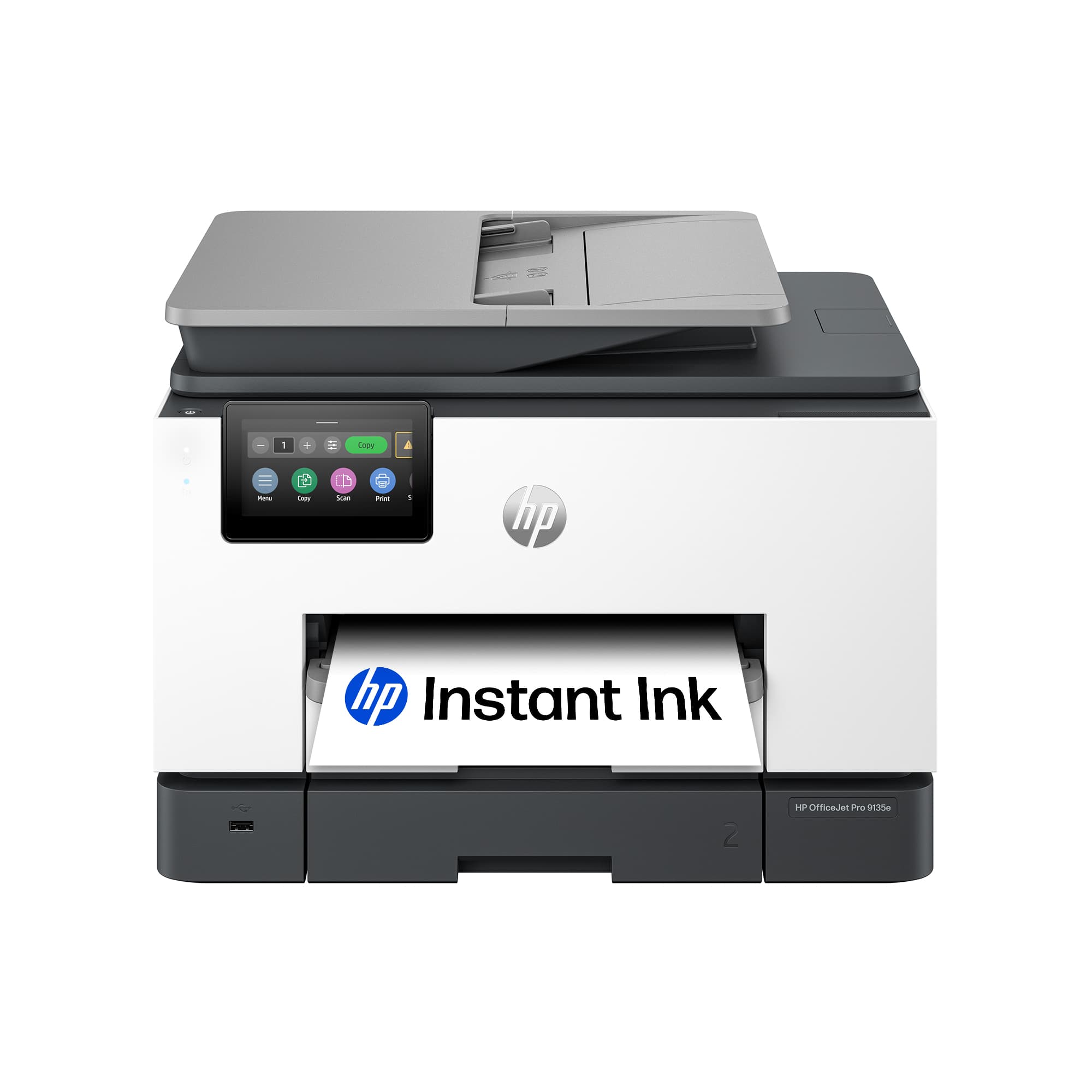
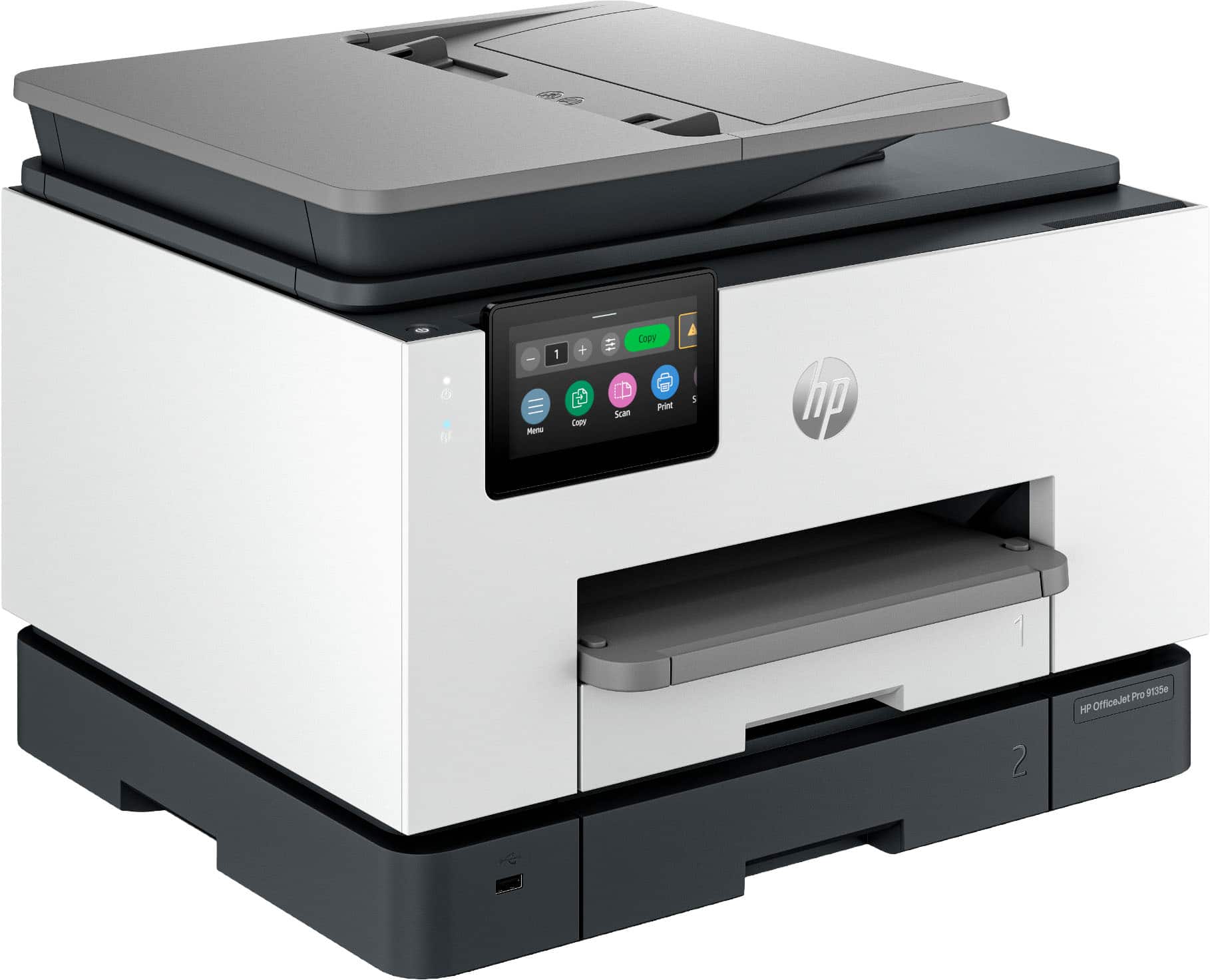





- Model:
- OFFICEJET PRO 9135E/404M0A#B1H
- SKU:
- 6565473
Rating by feature
- Value
Rating 4.3 out of 5 stars
- Quality
Rating 4.3 out of 5 stars
- Ease of Use
Rating 4.2 out of 5 stars
Customers are saying
Customers highly value the excellent print quality, overall performance, and ease of use and setup, noting its convenient connectivity, compact size, and noticeable speed. However, some customers have noted that the device can be a bit noisy. A few users also expressed concerns regarding the accompanying software.
This summary was generated by AI based on customer reviews.
- Pros mentioned:Print quality

Fast, Vivid prints still tied to expensive ink.
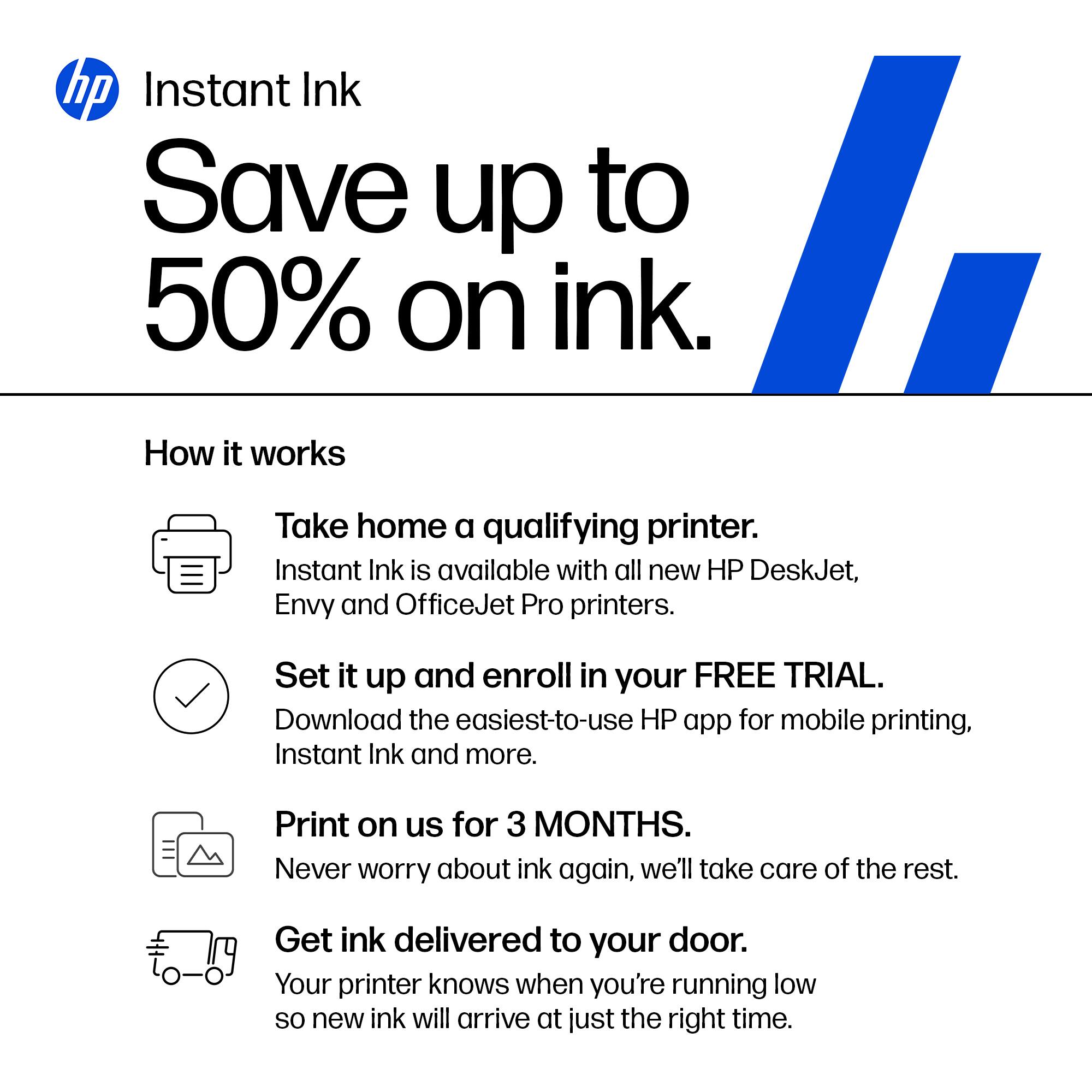
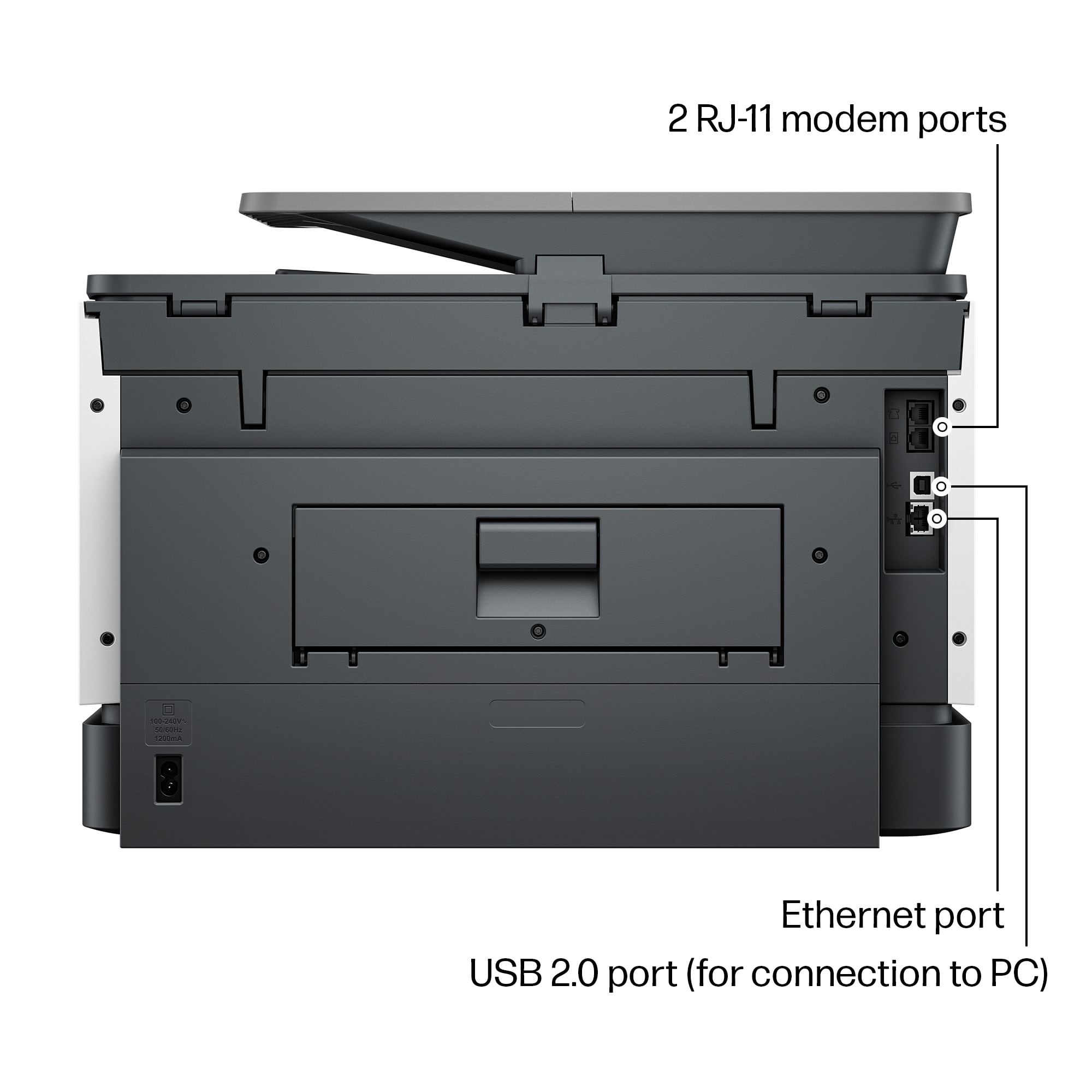
|Posted .This reviewer received promo considerations or sweepstakes entry for writing a review.The HP 9135e printer creates bright, clear, colorful printouts quickly from many different devices. The ink dries quickly, allowing for double sided printing nearly as fast as single sided. There was only a 5 second difference between a double sided page and 2 single sided pages. Scanning speed is good as well. This model scans images from both sides at same speed as the last model did a single side. Print speed is in line with what is promised on the box, which was a pleasant surprise. I could easily print from multiple devices including different PCs, my phone, and my iPad. The phone already had HPs app from a previous printer. The PC & the iPad didn’t even need anything set up in advance of connecting to the printer. In both cases, I could easily set double sided and color options to my liking. Not all is rosy however: The printer ships with a couple of short cuts set up on it’s LCD screen for copying. If you want to scan, you have to accept that HP has access to your device storage and the printer directly. HP seems to have a decent privacy policy, but like most large companies it’s subject to unilateral change at any time. There’s no option to have the printer send directly to a local device to bypass HP’s servers. Set up was fairly straightforward. There were two minor issues I encountered: A friend tried printing using WiFi direct and it took quite a while to have the driver installed. Once it was installed, it didn’t print right away. After rebooting the PC, everything worked fine. The initial print job started coming out. One note: You must install the HP app on a phone or navigate to the web site on your PC in order to configure the printer on your network. The printer has an Ethernet port for those who are running with wires at your office or home. Just like every other printer maker, HP sells its own ink. They want you to buy it. They note during set up they may disable 3rd party ink cartridges that aren’t “authorized” by HP. If you know how much you regularly print, you can save by prepaying for your ink using HP Instant Ink. That said, I’ve used 3rd party consumables in other printers and it doesn’t always work out well, so HP may be saving you some trouble in the long run.
I would recommend this to a friend - Pros mentioned:Print quality
Great for Small Businesses
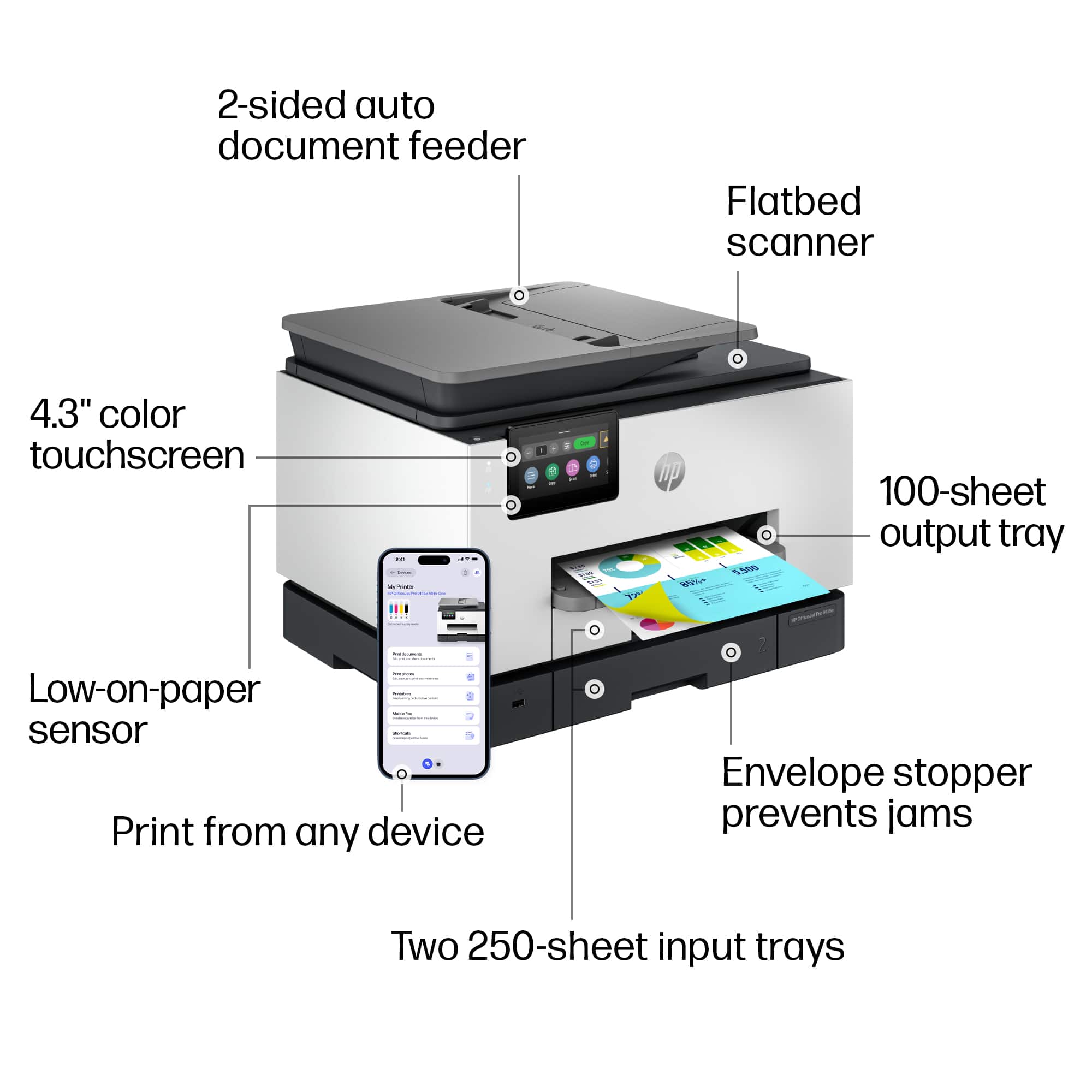
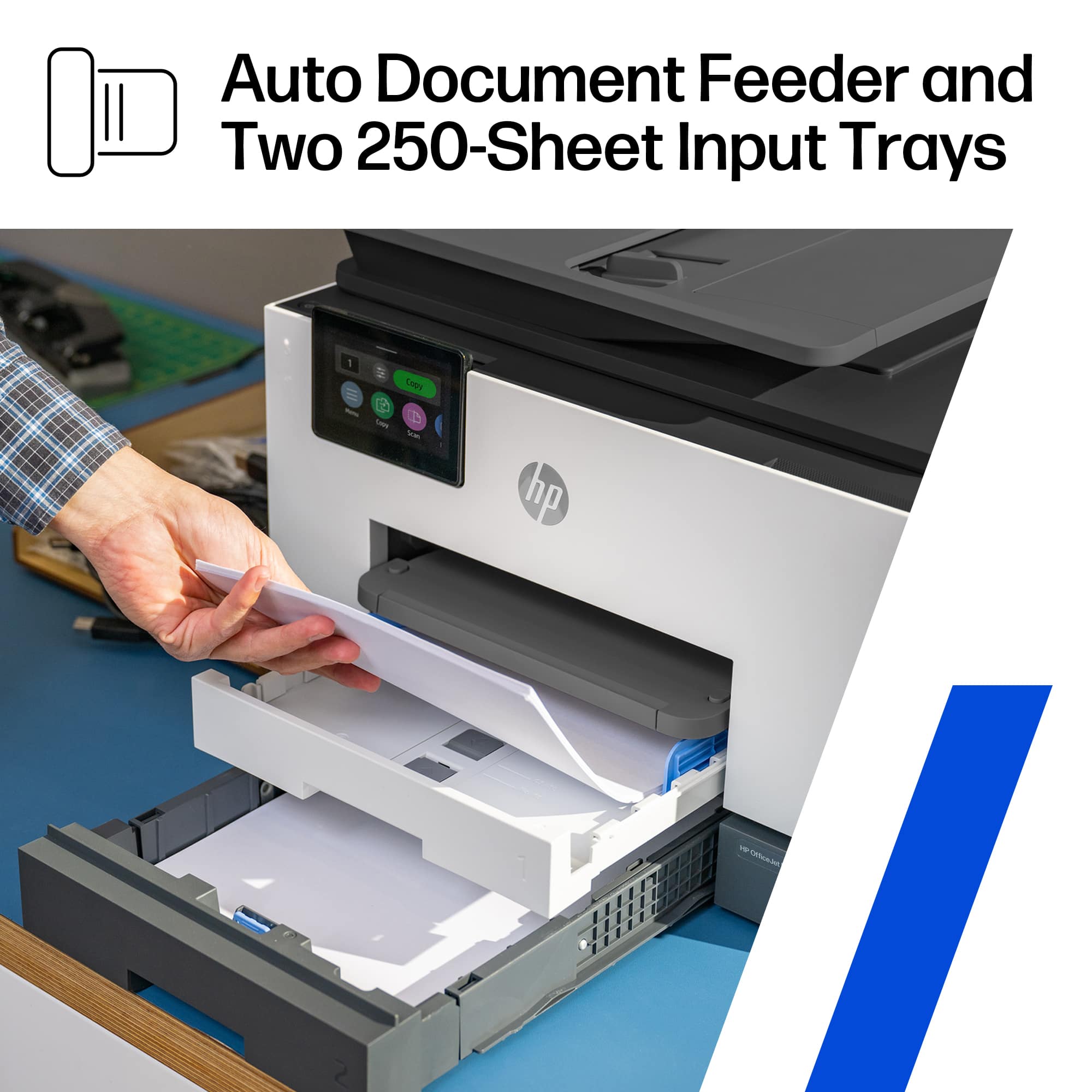
|Posted .This reviewer received promo considerations or sweepstakes entry for writing a review.This multi-function printer has everything a small business needs to get work done including fax, print, scan and copy. If you subscribe to HP's Instant Ink program, you can also add remote printing and mobile faxing to the list, 2 features that are essential for anyone on the go. With that stuff said, I'm going to get the cons out of the way right now. This printer does come with a notice that states that this printer only works with New or Reused(remanufactured) HP chipped ink cartridges. So, most likely 3rd party inks will be rejected by the printer. This is not a deterrent for me as I subscribe to the Instant Ink so that I can use those added features, which are more than worth it to me. A lot of other companies charge high prices to use their software and servers to print remotely, and subscribing to a VPN to get the same thing accomplished is sometimes just as pricey. With the HP Smart app (available on PC, Android, and Apple) I can literally print from any device at any time to the specific printer I need, no matter my physical location. The HP Smart app can work with as many HP "print anywhere" capable printers that you own. Just make note that not all HP printers offer this feature. A list of the compatible printers can be found on their website. The list is important as for some reason it is not clear when buying some HP printers if this feature is available. Even HP's own support gets this wrong. I was directed to a few models by HP support that were not compatible that I needed to point out to them that the "print anywhere" feature does not work with. The second issue that I have come across is with the scanner. This issue, like the other is kind of moot. I have noticed that some print when scanned in the landscaped position at any resolution over 300dpi results in distorted words and symbols. (I will include a picture of the distortion.) I even tried turning off the enhanced scan features and got the same result. This again is not a breaker for me as I hardly ever have a need to scan something like that at a high resolution. The scanner and ADF scanner work great for everything else in portrait mode at any resolution with both text and images. The third issue is that the printer is capable of holding 500 papers, but the output tray only holds 100 standard papers. A lot of the jobs I send to the printer are over 100 pages. While this could be inconvenient, I did figure a work around. (I will include a picture.) If the printer is on a stand, you can let the output papers fall into a box. The box has to be butted up to the printer and the output tray can be extended out of the printer about an inch or two. The printed papers will slide off the tray into the box, which can be retrieved at any point. Instead of standing by the printer waiting to grab the first 100 papers so the rest can print correctly without jamming. So far the box trick has worked great with no problems. The next thing is more of a pet peeve. If you accidentally send the wrong print job to the printer, and it starts printing. The cancel feature is a bit hidden. You have to scroll on the LCD all the way to the right, which is past about 8 different icons to find the "Print Jobs" icon. Select that icon and then select the print job, and then press on the three lines for additional options and press cancel job. Unfortunately this takes a bit of time, and a few additional pages might print while you are navigating the menu icons. With all the cons out of the way, this is still a great printer. The 9135e has 2 separate paper trays capable of holding 250 pages each. The trays can be set to hold the same type of media or different. The print quality is great at any level of dpi. I have printed and scanned a few examples of the three different quality options - 300dpi, 600dpi, and 1200dpi. Obviously the 1200dpi print gives the darkest print and finest lines, and is the closest to a laser print as this gets. However, the draft quality is a faster print and still looks great for all intensive purposes. Plus you will save a bit on ink at the lower dpi. The 1.2ghz processor seems to work great, I have yet to see the printer lag down from lack of processing power. It has been very snappy to respond to all print jobs. I printed two full page borderless photos on photo paper, both were printed at the finest quality and took approximately 1minute and 30seconds to print. The color is accurate and rich, with excellent clarity and definition. (scans of these at 1200dpi are attached) Pretty much all other printing and scanning specs are as claimed by HP, and listed in the specs description for the printer. Printing my larger print jobs on the draft setting yields print speeds closer to higher end and more expensive business printers. Overall this printer has worked great. While it's not perfect, the pros definitely outweigh the cons.
I would recommend this to a friend - Pros mentioned:Print quality
Same Reliability and Functionality with a Facelift
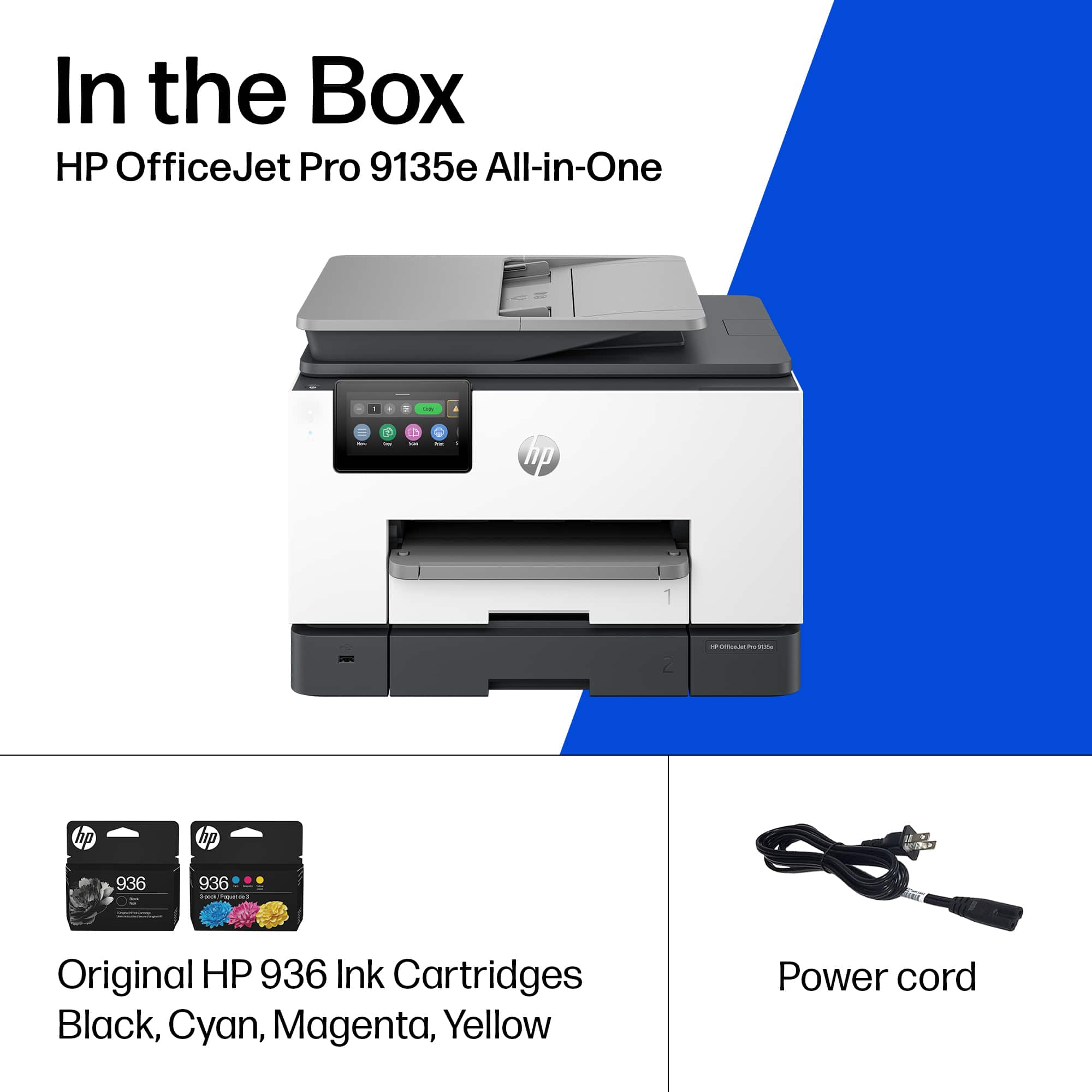
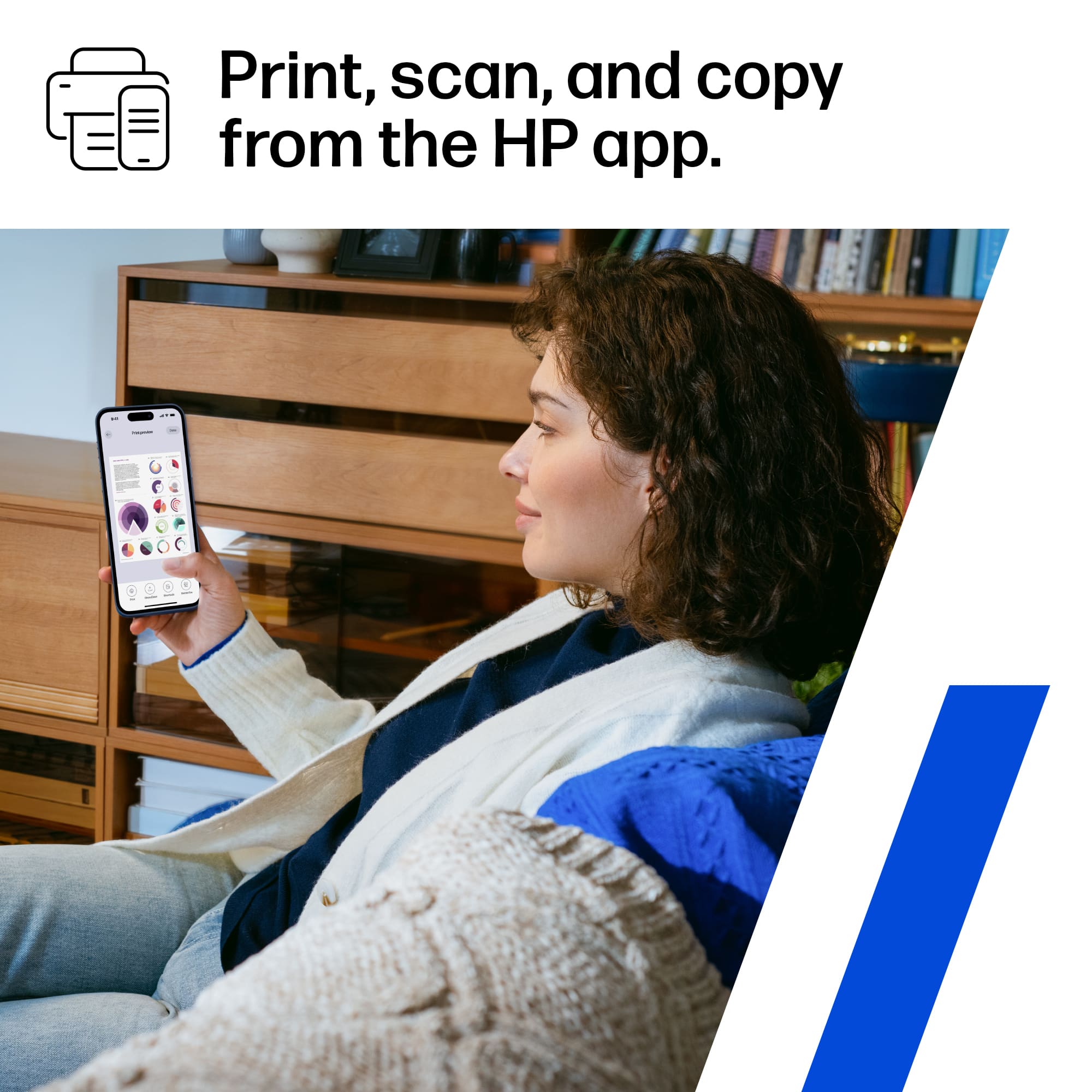
|Posted .This reviewer received promo considerations or sweepstakes entry for writing a review.I love HP OfficeJet Pro printers. I’ve used some kind of HP InkJet Printer for as long as I can remember after dot matrix went away, and once they went to Mulfi-Function Printers with Scanners, Fax and Feed Copying, they really did everything I needed as a student, young professional and now head of household. The OfficeJet Pro 9135e is a solid update to the 9025e I have been using the last few years. There’s not a whole lot of difference in appearance other than the LCD screen is quite a bit larger and it feels and looks snappier and more vibrant. The other major improvement I saw was the set-up experience. They’ve really updated the onboarding experience by making it Phone App driven with the HP Smart App. It very much feels like a smart device experience now. Once you download the app, it automatically finds your local WiFi and sends the password you type in via BlueTooth. Then it does all the IP and network discovery from Printer to Phone App and lets you control and monitor the Printer with useful info like paper and ink levels. After connecting the Printer to WiFi, provided you have network discovery enabled on your home PCs, the Printer was detected and added in seconds without any need to download printer drivers (thank you HP for FINALLY making a universal driver package that works!). If you need to, you can still access the admin console by punching the printer’s IP address into a browser address bar. if you try to access anything you will be asked to enter the PIN# in the cartridge access area of the printer which serves as its default password. Again, you’ll notice here there’s a bit of a facelift in the GUI compared to older interfaces. This is also where you’ll want to set up more advanced features like scan to email if you are using this as an office printer instead of a home office printer. The only negative thing I ran into is that HP really tries to push you into signing up for HP+ and prompts you to set something up about 10x which is pretty annoying. It’s one of those subscriptions that are free at first, but auto-bill you if you don’t cancel, so that’s kind of annoying. This could be great for folks who print a lot, but I really don’t, if anything I print to PDF as much as possible and store or email documents digitally. But, sometimes you do need to print and I usually just buy 936 cartridges (same as my 9025e) every few years. HP does also say if you don’t use genuine HP cartridges and chips, your chips may stop working after firmware updates, so keep that in mind. Again, minor issue given I print so infrequently but something to be aware of. Otherwise, the scanner is great, the copy function works great so everything else feels familiar and probably slightly improved. Oh and the build quality is slightly better I’d say than the 9025e, which I thought was slightly more flimsy than the 9025. The printer trays also have a lock in place type mechanism too which is nice. So again, no major surprises here, if you love HP OfficeJet products this is the best one under $500 yet, even better remote and mobile functionality and feels faster than before. I’m using it connected only wirelessly with no hard wire connected to my mesh network and it works great, really enjoying it and even during set-up, I didn’t need to connect a network cable.
I would recommend this to a friend - Pros mentioned:Print quality
Hp 9135e Amazing
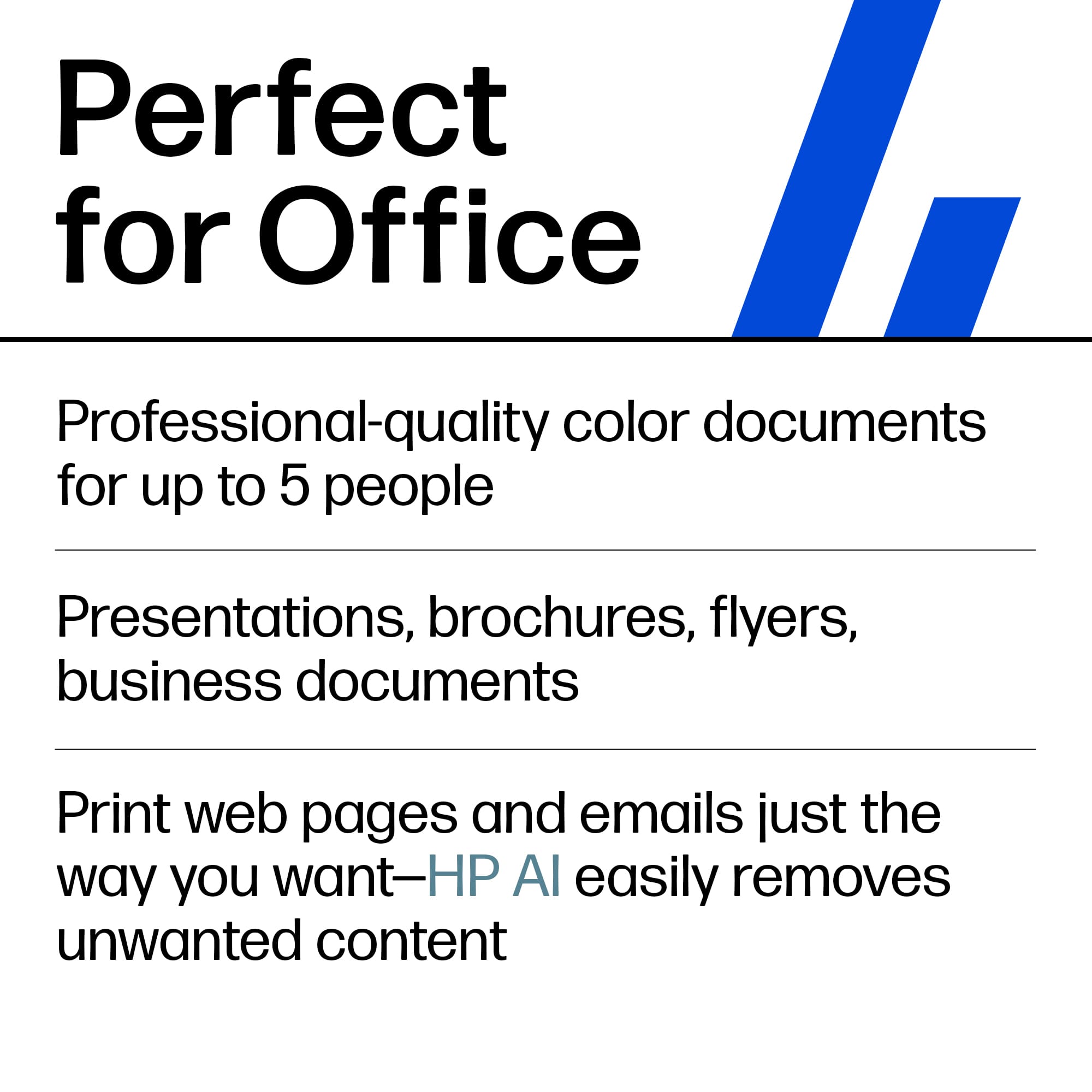
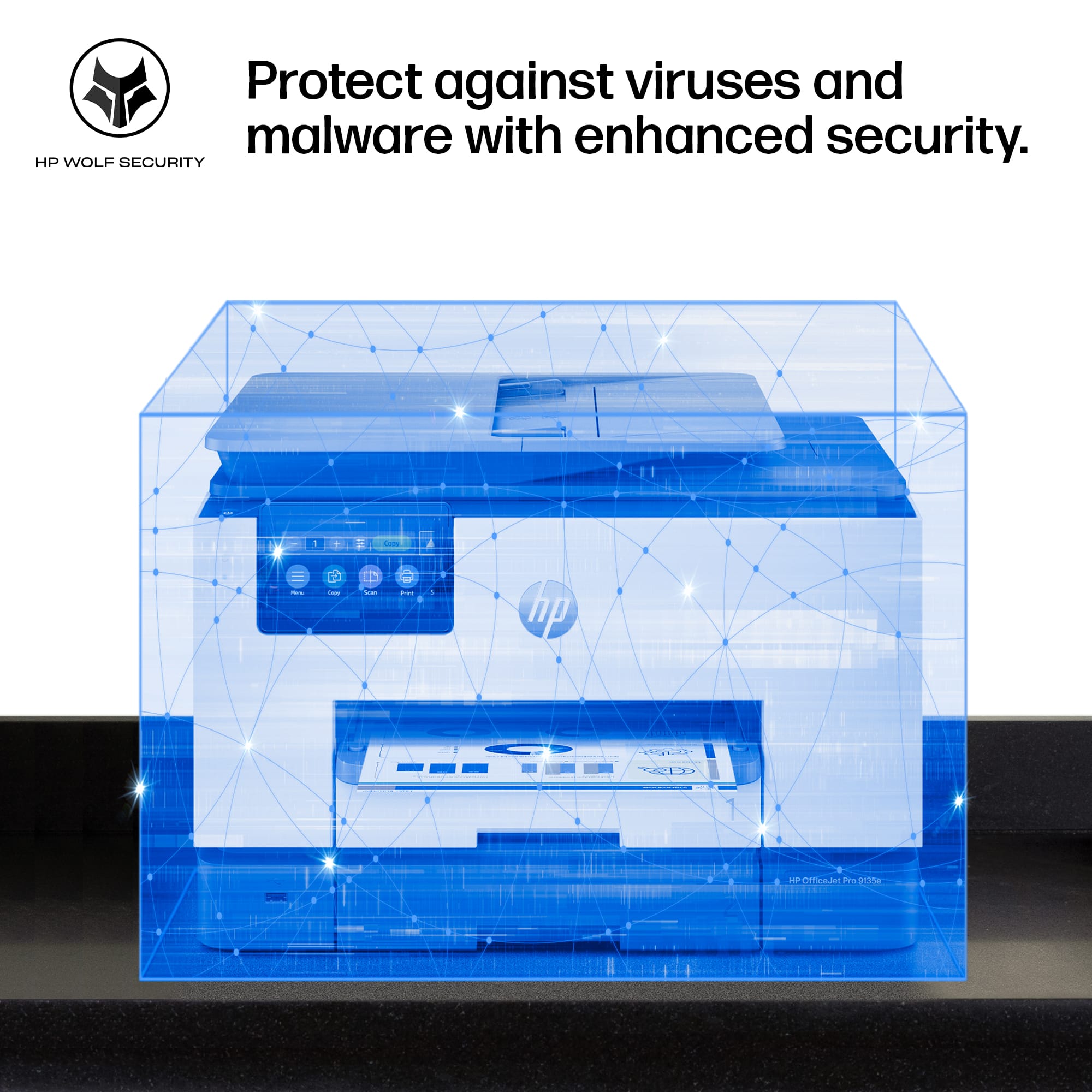
Posted .This reviewer received promo considerations or sweepstakes entry for writing a review.Meet the new HP 9135e all-in-one printer. This beautiful printer is feature-packed and is incredibly powerful. When looking for a printer, I need something that prints fast, is easy to use, and can be a workhorse for my business. Ink supplies need to be readily available and affordable. The 9135e exceeds my expectations in all of these categories. Here are some highlights that I found important and I needed in a printer. - Fastest color print, copy, scan, and fax; features faster scan; mobile/wireless - Professional-quality color for presentations, brochures, and flyers - Ink subscription ready - HP Wolf Security - Print Speed: Black: Up to 24 pages per minute; Color: Up to 20 pages per minute - Equipped with two 250-page input trays - Upgraded 4.3” Touchscreen control panel. One I can actually see whats going on Inky sharp display That allows on board Controller as well as Mobile app controls. The ability to print from anywhere with a data connection is Great and extremely useful for business purposes. I actually owned the last generations variation. I have found that everything feels more polished and fluid. So if you are looking to upgrade but wonder if you should? My recommendation is absolutely upgrade as you will definitely notice the difference. The build quality feels superb. It has a removable power cord. And that might seem silly to care about a power cord? But it really matters if you have ever had your cat decide to chew your cord lol. Simply replace it and you are ready to go. Bottom line is at this point I highly recommend This new printer from HP. It has all the features I need. Most importantly they work Flawlessly. It has beautiful Inky printing capabilities. Whether you want to print documents or photos. It all looks great. With many more options available. If you are in the market for a new printer? You need one that can literally be used for anything? Whether it be Simple everyday printing? Or printing for a small business? I say Look no further Then the new HP 9135e all-in-one printer. If you decide to buy it you will be happy you did.
I would recommend this to a friend - Pros mentioned:Ease of use, Print quality
Outstanding printer
||Posted .This reviewer received promo considerations or sweepstakes entry for writing a review.Ordered it on line and it arrived quickly. It was easy to install on PCs and MACs in the house. The HP app is excellent as well. As for the printer, it is an outstanding printer. It is quiet and fast and produces outstanding print quality.
I would recommend this to a friend - Pros mentioned:Print quality
Great Features, Several Issues
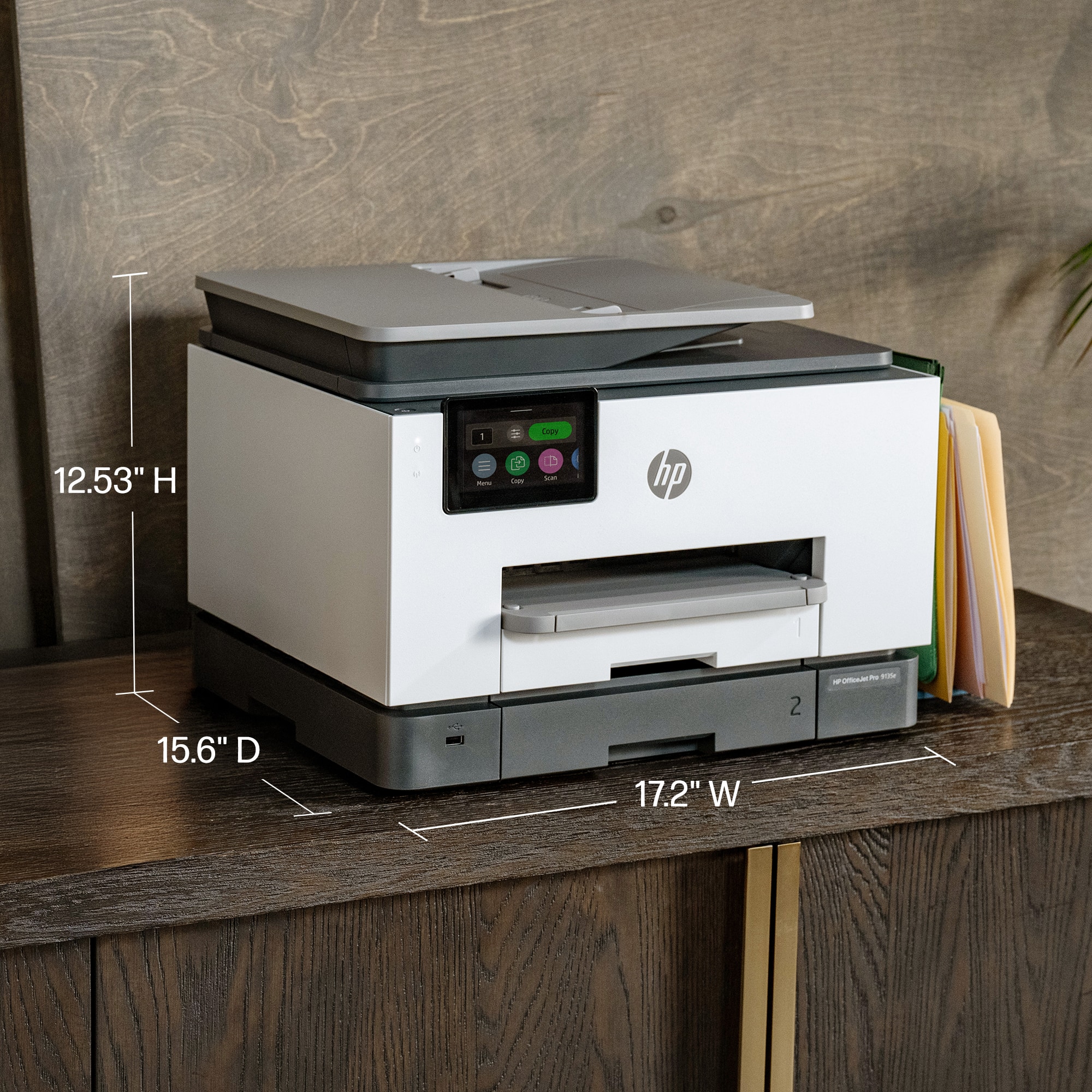
|Posted .This reviewer received promo considerations or sweepstakes entry for writing a review.HP's latest 9135e printer is a fast, medium-sized capacity printer in a smaller package. HP’ 9135e comes in a great size for as many features it has. It prints quickly (most pages in a couple of seconds), in good quality prints (the ink displays vibrant colors and dries relatively quickly compared to other printers I've owned), and has nifty features like automatic double sided printing & scanning, wifi direct printing, NFC device recognition, Apple AirPrint, and more. The setup was also easy and the printer’s small display helped guide me through the setup. As for scanning, photos and receipts were able to scan relatively quick and at a good resolution. What I loved the most aside from the quick printing, were the dual trays and ability to print up to legal size. Having the extra storage space helped me avoid finding out something didn't print due to running out of pages midway through a packet of worksheets and having to refill the trays often. When everything works well, it really is a great printer. The problem I've had is that I’ve had constant issues when trying to print from Android devices and at times from Windows computers. I did not have any issues printing from Apple devices (looks like it is targeted for Apple devices). After spending some time troubleshooting, changing settings, and resetting the printer, I continued to have issues printing from my Android phone (as well as other Android devices). Overall, I wanted to like this printer but with the several issues I encountered, I ended up continuing to use an older printer. The HP 9135e has many neat features and was easy to use on my Apple devices. I wish I was able to use it on all of my devices though.
No, I would not recommend this to a friend Good printer for the money, but
||Posted . Owned for 7 months when reviewed.This reviewer received promo considerations or sweepstakes entry for writing a review.This HP printer is very good for the money. Quality photo prints. The document feeder and scanner all work nicely. The problem we have experienced is it keeps going off line and to print from our phones or Ipads we have to frequently reboot the IOS devices and/or the printer. This is true despite having 3 gbs of wifi over a wifi 7 network. No other devices lose the connection or go offline except the HP printer.
No, I would not recommend this to a friend- Pros mentioned:Overall performance, Print quality
Good purchase
||Posted . Owned for 3 weeks when reviewed.This reviewer received promo considerations or sweepstakes entry for writing a review.Works perfect for my office set up, the size and functions. It's print quality is good for the reports i use it one
I would recommend this to a friend - Pros mentioned:Connectivity, Overall performance
Need a new HP
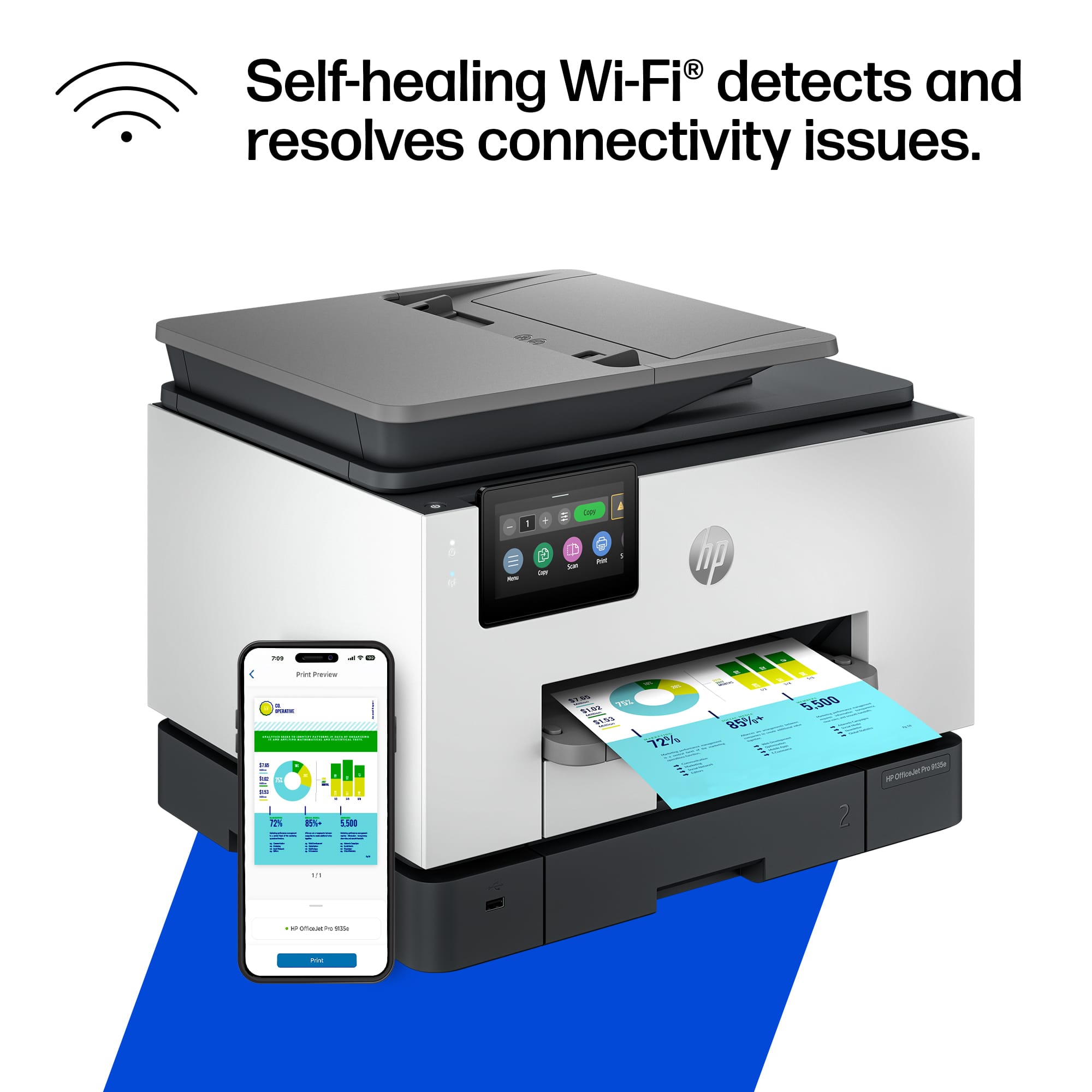
||Posted . Owned for 1 week when reviewed.This reviewer received promo considerations or sweepstakes entry for writing a review.The printer works great. Connected easily to computer through network wifi and the APP works great scanning to computer from phone and from printer to vomputer
I would recommend this to a friend - Pros mentioned:Overall performance, Print quality
Great Machine
||Posted .This reviewer received promo considerations or sweepstakes entry for writing a review.Works very well, no issues so far. I like that it does double sides if needed. Also, like that it’s not bulky—plus it’s a nice-looking machine.
I would recommend this to a friend - Pros mentioned:Overall performance, Setup
HP Officejet pro 9130e
||Posted . Owned for 1 month when reviewed.This reviewer received promo considerations or sweepstakes entry for writing a review.The printer was easy to install. The printer works and I have had no problems with it.
I would recommend this to a friend - Cons mentioned:Noise level
HP 9135e compared to HP 8600
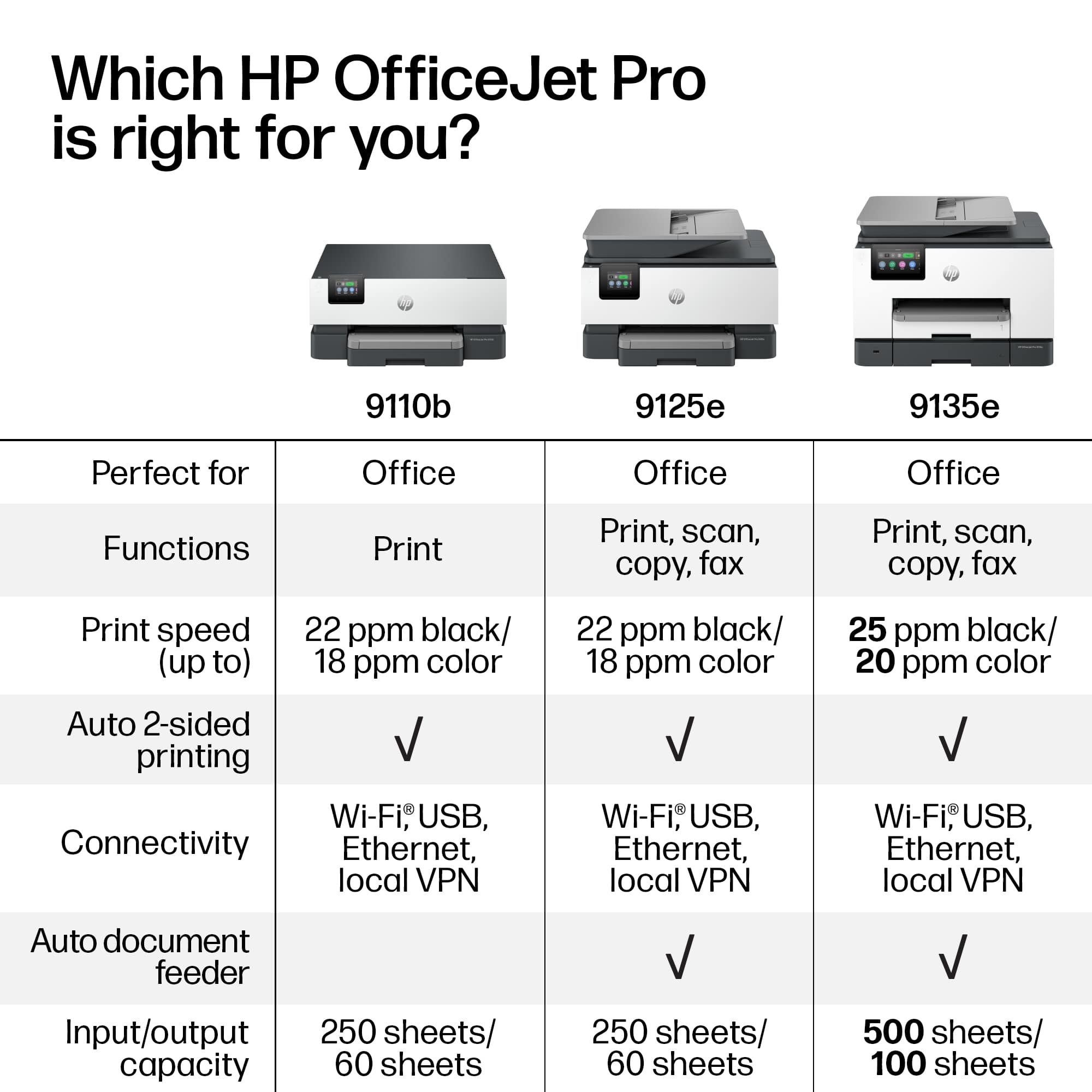
||Posted .This reviewer received promo considerations or sweepstakes entry for writing a review.Replaced our old 2012 HP Pro 8600 plus printer (which worked great until we had to replace HP black ink after updating to Windows 11 and it gives ink error) with this HP Pro 9135e printer. 1) This new one is noisy in comparison. Each page printing sounds like recalibration after inserting new ink. 2) During setup, the 9135e printer kept popping out the ink cartridges that came with printer. I called HP and was connected to Ai which gave me choice man or woman's voice & told me to talk to it like it was human. It answered every question and remained on the call until I was able to print. 5 star rating for Ai. But I remain concerned that I may have future problems with inserting ink cartridges. 3) I declined the 3 months instant ink and future ink after reading reviews. I prefer to buy HP catridges local as needed. 4) I have not tried using the second tray. The only reason I selected 9135e over 9125e was for larger size of the Touchscreen. 5) Duplex printing worked when I selected it. 6) I have not tried scanning yet, so cannot comment on it. 7) The quality of typed print and pictures on my old HP 8600 were definately better ( sharper letters & images) than this new HP 9135e. This was a disappointment. I hesitate to set default to Best since it will use more ink. So I will have to remember, to change this setting whenever I print important documents with inserted pictures. 8) I haven't used it long enough to know if the connection will be there when needed or drop off like other reviewers noted. The 8600 constantly had the connectivity problem. 9) I haven't tried the feeder yet. That was another issue with the 8600 ( the feeder quit working after 1 year). I'm hoping the 9135e feeder will work and last longer. In summary, I hope HP will put their Ai to work to improve quality of HP printers. This printer is definately a step backwards. HP needs to put less emphasis on instant ink. I'm sure that is the only reason my 8600 no longer works ( some bad coding- since many other HP owners had same problem with ink errors even though reloading with official HP ink).
I would recommend this to a friend - Pros mentioned:Overall performance, Print quality
Title of what?
||Posted . Owned for 1 month when reviewed.This reviewer received promo considerations or sweepstakes entry for writing a review.So far so good! I am happy with the performance of my HP OfficeJet Pro 9135e. The color printing is Very Good. The black ink documents are a crisp, clear print. The speed of the printing is great. The scanner has worked easily. I got it at a Sale Price. And the photo's have been fine quality. - - - My only complaint, so far, is that when you first turn the machine on, it takes quite a while to go "through" its noisy processing. All in all, it has been a "great deal".
I would recommend this to a friend - Pros mentioned:Connectivity, Setup
Officer Pro 9135e
||Posted . Owned for 1 month when reviewed.This reviewer received promo considerations or sweepstakes entry for writing a review.Was easy to correct to the internet. I like the quantity of paper supply.
I would recommend this to a friend - Pros mentioned:Connectivity, Print quality
Prints fast and looks great
||Posted . Owned for 3 weeks when reviewed.This reviewer received promo considerations or sweepstakes entry for writing a review.the printer connected to my wifi easily. It also prints a page pretty fast.
I would recommend this to a friend - Cons mentioned:Noise level, Software
Extremely disappointed with this HP printer
||Posted . Owned for 4 months when reviewed.This reviewer received promo considerations or sweepstakes entry for writing a review.I have owned several HP printers in the past. The HP 9135e printer will be my last HP printer. This has by far been the worst printer I have ever owned. First and foremost, the software that comes with the printer is extremely difficult to use and is very unresponsive. The paper settings listed in the software do not work. It's fine as long as you use standard letter size paper, but the minute you deviate from that setting, the printer becomes completely unresponsive. After spending over an hour trying to get the HP 9135e to print on A5 size paper, I simply gave up. The message kept saying I was using the wrong size paper in the tray, even with the paper packaging clearly said A5. In addition, the HP 9135e is extremely slow to respond to computer demands and when it does print, it is extremely load. Considering the price point for the HP 9135e printer, it is simply not worth the expense. I would not recommend the HP 9135e and it will be the last HP printer I ever buy.
No, I would not recommend this to a friend - Pros mentioned:Ease of use, Print quality
Very nice printer!
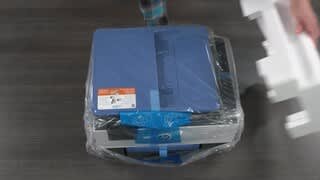
||Posted . Owned for 2 weeks when reviewed.This reviewer received promo considerations or sweepstakes entry for writing a review.I have had this printer for about 2 weeks now, and I like it a lot. Very nice quality prints. I haven't used the scan yet, but I can update this review later to add my comments on that. One thing I have noticed is that if you turn it off and start it up later, it seems to have problem finding the paper in the tray. All I have to do is slide the paper tray out a few inches, then push it back into place, and the printer immediately clears that error message. I didn't get the Instant Ink option, as I probably will not go through that much ink, and also based on some previous reviews I read. But overall, I am very pleased with this printer and would buy it again. I would advise potential buyers to read some of the detailed reviews where people talk about how they set it up. I found it pretty easy to set up and get running. It took maybe an hour to work through everything. Oh, and HP really did some nice thinking on the packaging. I was a little worried about lifting this pretty heavy printer out of the box, but found that HP had already thought of that and the printer was inside a plastic bag that had nice handles, so it was very easy to remove from the box. Thanks to HP's packaging engineers!
I would recommend this to a friend - Pros mentioned:Connectivity, Ease of use, Overall performance
Retire
||Posted .This reviewer received promo considerations or sweepstakes entry for writing a review.Excellent product, easy to use, quickly accessible to computer, super dependable.
I would recommend this to a friend - Pros mentioned:Overall performance, Print quality
ministry assistant
||Posted .This reviewer received promo considerations or sweepstakes entry for writing a review.this has been a great printer. It does what I need to do and the copying is fast and the printer is even better.
I would recommend this to a friend - Pros mentioned:Overall performance
HP Officejet Pro 9135e
||Posted . Owned for 1 month when reviewed.This reviewer received promo considerations or sweepstakes entry for writing a review.Works great! Easy to connect through my phone. I had a little bit of trouble getting it connected to my wifi. But after that it worked great. We have always had HP printers. I don't care for the ink program so will just buy ink when it runs out, since I don't print much.
I would recommend this to a friend