Customer Ratings & Reviews


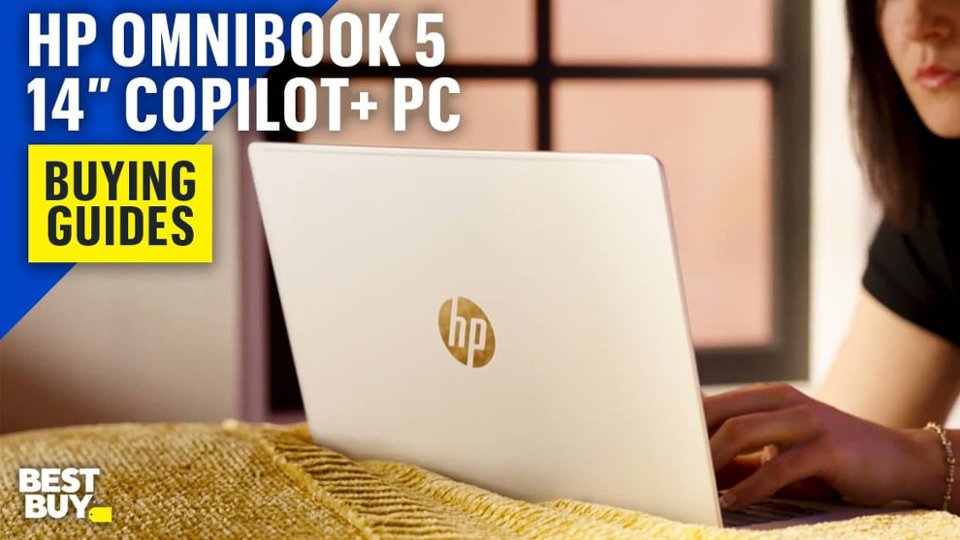

- Model:
- 14-HE0245DX/BV9S3UA#ABA
- SKU:
- 6633220
Rating by feature
- Battery Life
Rating 4.8 out of 5 stars
- Speed
Rating 4.7 out of 5 stars
- Display
Rating 4.8 out of 5 stars
Customers are saying
Customers express satisfaction with the OmniBook 5's overall performance, impressive battery life, and the gorgeous OLED screen quality. The laptop's portability and processor speed also receive positive feedback. Some customers note the keyboard lacks backlighting and the port selection is limited.
This summary was generated by AI based on customer reviews.
- Pros mentioned:Battery life, Oled quality, Overall performance
Amazing Laptop
||Posted .This reviewer received promo considerations or sweepstakes entry for writing a review.I've been really enjoying this Laptop. Awesome battery life and the display is simply gorgeous. This is my first Snapdragon Laptop and it delivers. I've been using it for work, browsing, videos and movies and it looks amazing. Lightweight and thin, perfect for those of are on the road a lot. Keyboard feels great too!
I would recommend this to a friend - Pros mentioned:Battery life, Overall performance, Portability
A Very Light Powerhouse!
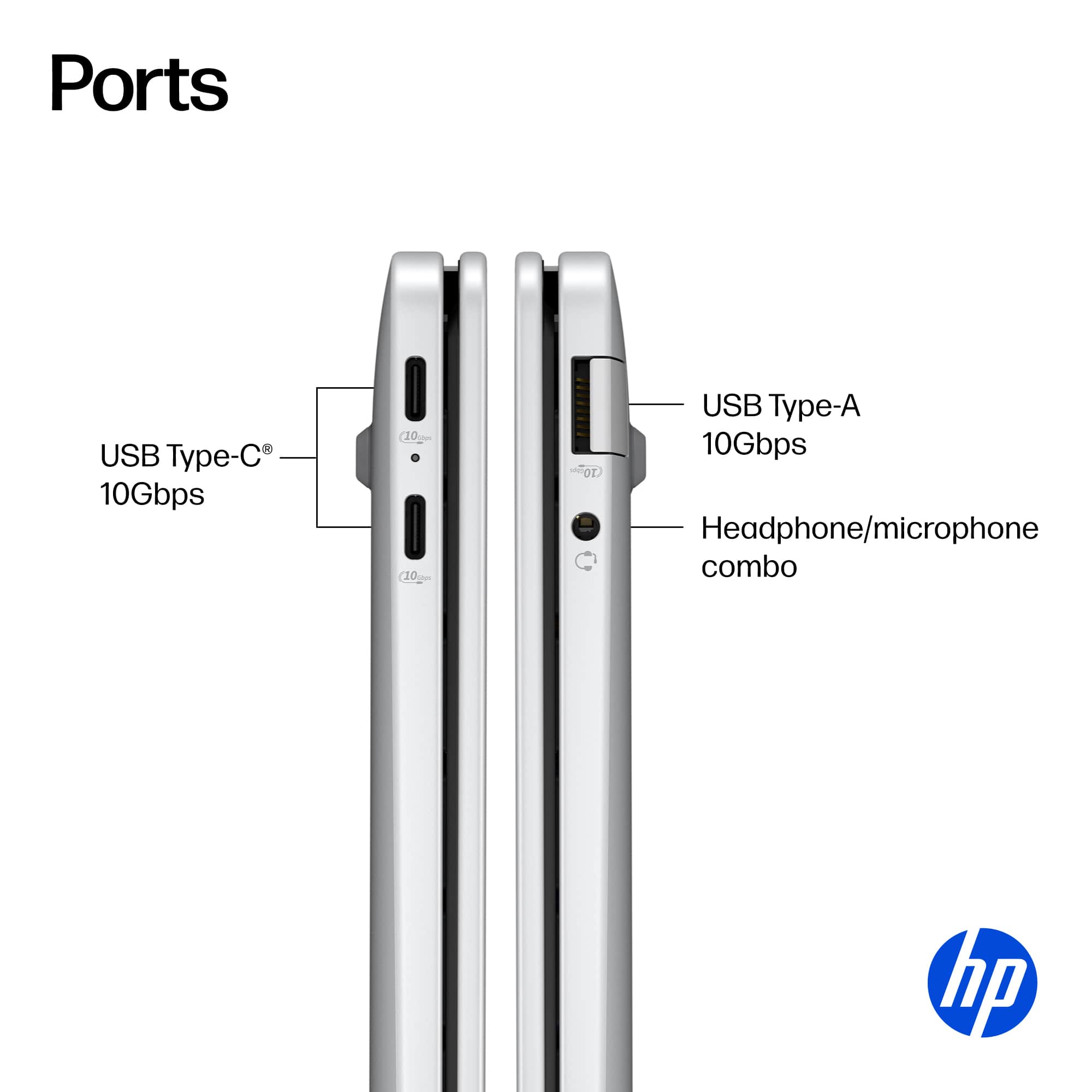
||Posted . Owned for 1 week when reviewed.This reviewer received promo considerations or sweepstakes entry for writing a review.I have really enjoyed using my new HP Omnibook 5 laptop. I was looking for a smaller laptop that I could use while traveling and also just around the house. This laptop absolutely exceeded my expectations in almost every single way. - Battery life is insane. I can easily go multiple days without charging even if I'm using it 4-5 hours per day. Even if I leave it to sleep overnight I open it up the next morning and maybe 1-2% of the battery has drained. I have never seen a Windows laptop do that! I don't hesitate to leave the charger behind if I'm going out for the day or on a 2-3 day trip. - This laptop has easily kept up with me in all I've been doing. Granted, I'm not doing design work or playing FPS games but this laptop shows no sign of slowing down. The Snapdragon X Plus processor runs cool and I never even hear a fan. - Quick resume. When I open the laptop the webcam uses Windows Hello and instantly logs me in. There is ZERO wait time. You open the lid, log in and are ready to go within a second. Never have I seen this on a Windows laptop. - Overall great value. For $699 you'd expect to get a laptop with pretty basic specs and probably all plastic. This is a metal laptop with an OLED screen and 16GB of memory. If your budget is around $700 look no further. Storage of 512GB is also plenty. Seriously, probably one of the better values you can find in Windows laptops. - Zero compatibility issues. I had read about some applications not working on this laptop as well since it's not AMD or Intel. I have had zero issues and have been running Photoshop, Lightroom, Chrome, VLC. My HP printer also works flawlessly. I was ready to accept a few minor hiccups to have this kind of battery life but have found zero tradeoffs. I'd say purchase with confidence. - Port selection. I do appreciate having the traditional USB-A port on the right side. There are also two USB type C ports on the left. Ideally there would be one more on the right side but that's a very minor complaint. - Keyboard is comfortable. Doesn't feel cramped at all. Trackpad feels solid too. No haptic feedback but I wouldn't expect that at this price. - AI features. I haven't used Copilot+ too much yet but I do like knowing that as more applications are running AI on the computer this one is ready for it. The Microsoft Co-Creator feature in paint is cool but probably won't use much. I have found Recall to be helpful and I've programmed it to not take snapshots of sensitive stuff (like bank info). Makes it super easy to find things so I'm comfortable using it. Overall, this laptop is insane value for money and I'd recommend it to anyone who needs a laptop with multiple day battery life and doesn't want to carry around a heavier model. At $699 this is excellent and when if it goes on sale it will be even more appealing.
I would recommend this to a friend - Pros mentioned:Oled quality, Overall performance
very reliable!
||Posted . Owned for 1 month when reviewed.This reviewer received promo considerations or sweepstakes entry for writing a review.i love the color display!! very bright! i use this for work and writing and it is quick and reliable!
I would recommend this to a friend - Pros mentioned:Overall performance
100% the best laptop
||Posted . Owned for 2 weeks when reviewed.This reviewer received promo considerations or sweepstakes entry for writing a review.The best laptop i've ever purchased. Great for college classes because it writes down everything the professor is saying it records it
I would recommend this to a friend - Pros mentioned:Battery life, Oled quality, Overall performanceCons mentioned:Keyboard backlighting

The Best Bang for Your Buck
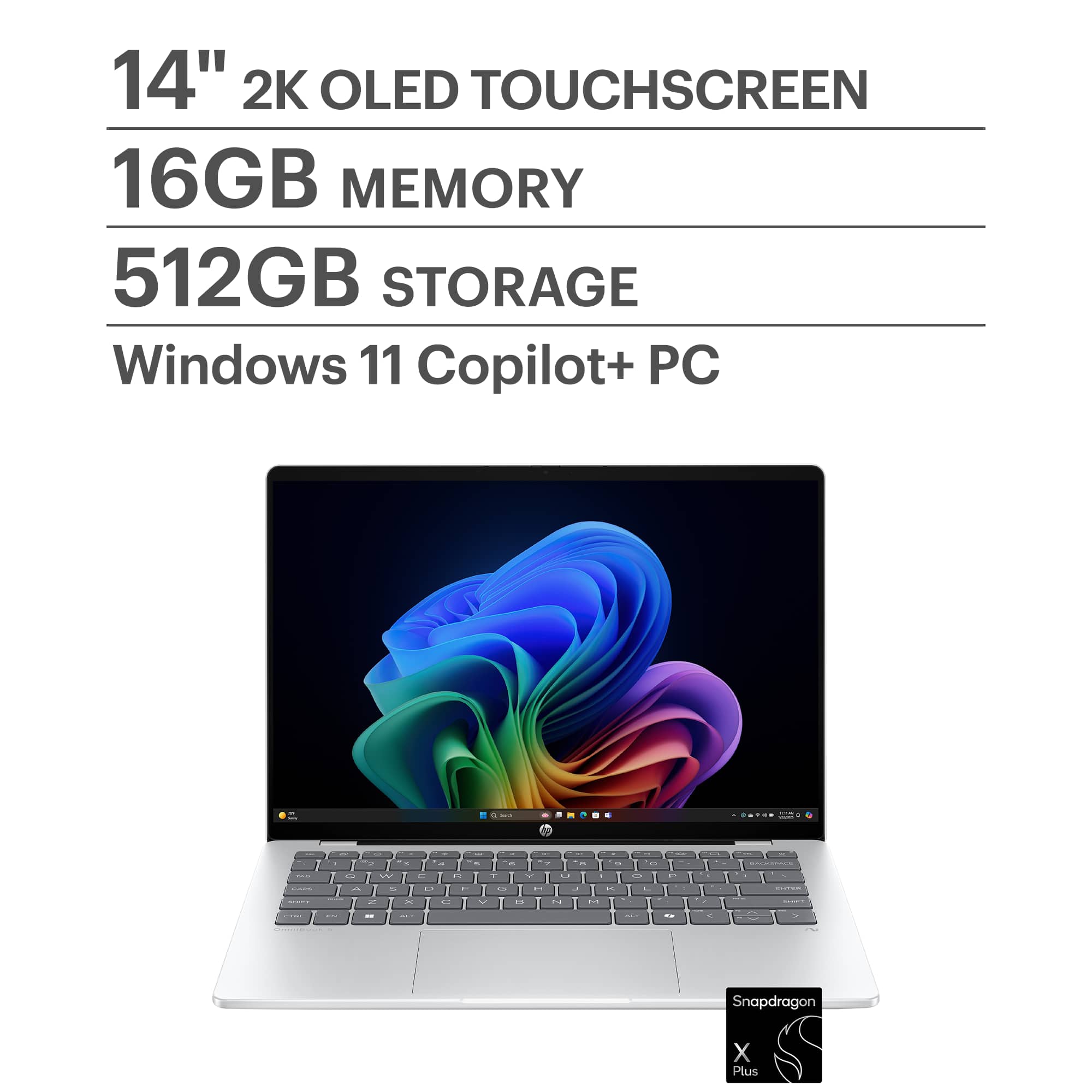
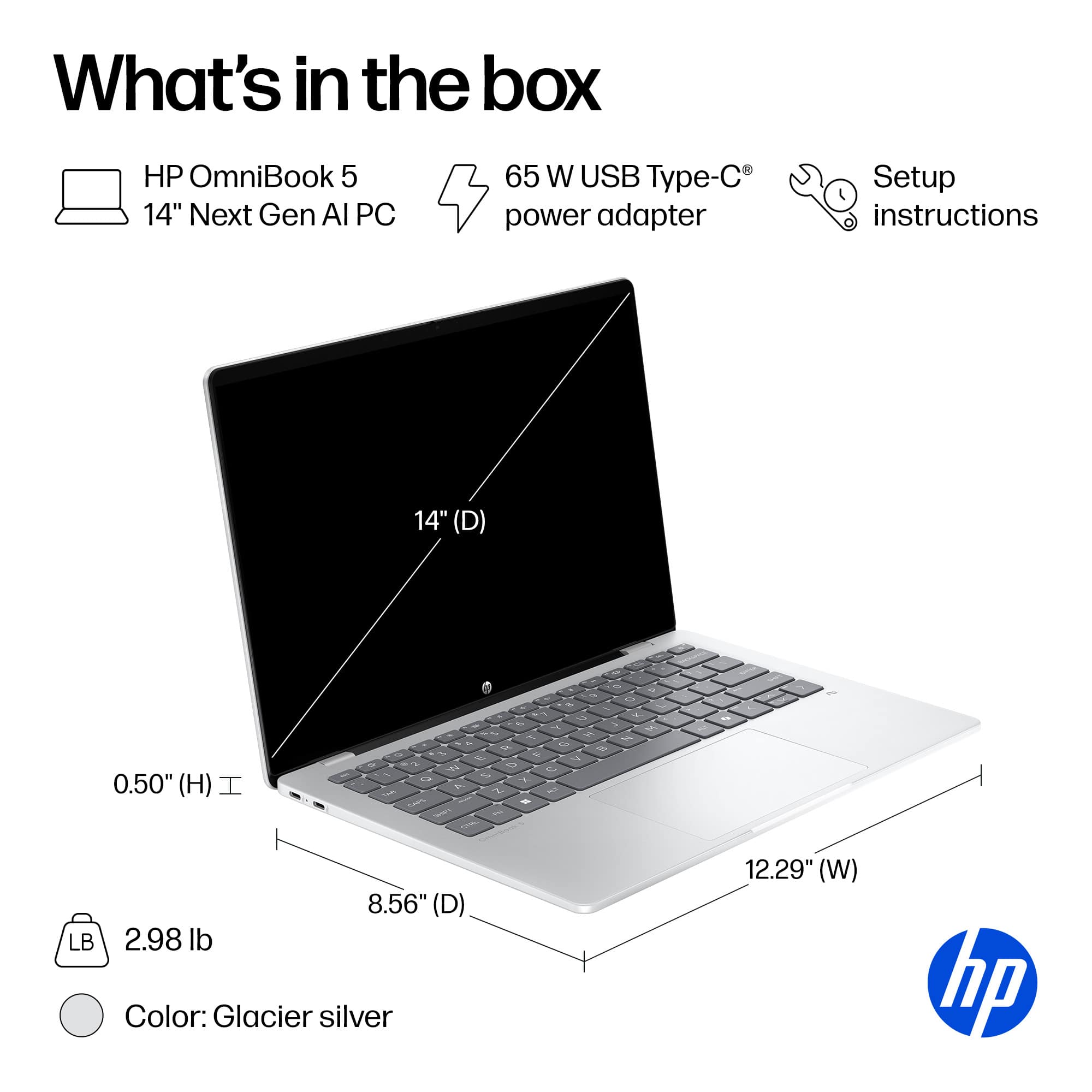
|Posted .This reviewer received promo considerations or sweepstakes entry for writing a review.At $700, one may not expect a fast laptop or an amazing display. This OmniBook 5 has both of these items. The OmniBook 5 is fast, and the display is beautiful. I have been using this laptop for the past couple of days now, and was left surprised at how well it performed in most tasks. Of course, it does have its downfalls, but there are certainly more positives that were found. This is my review of the HP OmniBook 5 14-inch Laptop. *TLDR at the bottom ========= IN THE BOX/SET-UP: The box is lightweight and small itself. The box contains the ultra-light OmniBook 5, a 65W USB-C charger, and some documentation. Setup is straightforward. It is your typical Windows 11 out-of-the-box experience. I typically go through the laptop and delete any bloatware or apps I won’t ever use before setting up my stuff. There were some bloatware apps like McAfee, HP apps, and some AI apps like Otter.ai. I uninstalled most of the built-in AI apps because I only really use a select few LLMs. I hope HP, in the future, can give the consumer the option to install these apps if they desire, rather than the apps coming preinstalled. ========= DESIGN/SPECS: In terms of design, one of the first items I noticed was how lightweight and thin the OmniBook 5 was. The small size makes this laptop extremely portable, which is a plus for students and travelers. For $700, I thought HP would’ve cut corners on the materials, but this laptop feels very sturdy. The aluminum frame feels to be on par with some of their more high-end laptops. On the other hand, the keyboard is not backlit. Luckily, the keys are gray with white lettering, which, in a way, makes them slightly more visible. The keyboard is also quiet, and along with the large trackpad, this all makes the laptop comfortable to use. When it comes to ports, there isn’t much. This makes sense with how thin the laptop is. There are only 2 USB-C ports, 1 USB-A port, and the all-important AUX port. If you need more ports than what this has, I recommend buying a USB Port Extender. One of the better features is the display. It is a 2k OLED display with a brightness of up to 300 nits. It looks amazing in most lighting. The screen can be viewed from any angle without the colors being washed out, and it does have touchscreen capabilities if needed. Below are some of the computer’s internal hardware specs: CPU: Snapdragon X Plus X1P42100 GPU: Integrated Qualcomm Adreno X1-45 Memory: 16GB Storage: 1 512GB SSD NIC: FastConnect 6900 Wi-Fi 6E ========= PERFORMANCE: I was able to use the OmniBook 5 in a variety of situations over the past couple of days. I work in IT and was able to stress test some of its business capabilities there. While this laptop is not marketed as a gaming laptop, I still tried some games to see how it performs in that space. I was also able to watch a couple of movies and live events. Finally, I ran several benchmark software programs. I will first cover the benchmark software. The first one I ran was 3D Mark. This was used to test out the laptop’s gaming capabilities. PC Mark was used to test out the computer’s capabilities with modern office applications like Word, video conferencing software, web browsing, data processing, etc., Cinebench was used to test out the computer’s CPU rendering, and CanYouRunIt was used to see what percentage of the most popular games the computer could run at minimum and recommended requirements. The scores for these benchmark applications can be seen below. 3DMark Time Spy Score: 1065 Steel Nomad Light Score: 1081 PCMark10 Overall Score: TEST WAS NOT SUPPORTED Cinebench CPU (Multi Core): 6562 CPU (Single Core): 1013 CYRI MIN: TEST WAS NOT SUPPORTED REC: TEST WAS NOT SUPPORTED The benchmarks did not go as planned. I was able to successfully run 3DMark, and as expected, the scores are low. The laptop is not meant for gaming, but I decided to attempt to run Control anyway to see how far I could take it. The game would run in the lowest settings, but I was only averaging about 20fps, which is terrible. I was able to make it playable by dialing down the rendering resolution to around 480p. Only then was the game playable at about 58fps. On the other hand, online games portals like Cool Math, Crazy Games, and Roblox ran extremely well. To put it together, the laptop can be used for games, but only in an online or cloud gaming setting. The Cinebench scores tell you that this laptop does a decent job with rendering. If light video editing is on your radar, this laptop will complete the task just fine. Two benchmark tests could not run: PCMark10 and CYRI. PCMark10 would flat out not run at all, and CYRI did run initially, but no scores were ever given, which tells me the test was not supported. These tests not being supported simply came down to the ARM-based processor in the hardware. To keep it short, most apps run on x86 architecture these days. The apps that could not run were coded to run on this architecture and not ARM architecture. Unfortunately, it is hard to tell which apps will and which apps won’t run on ARM architecture without doing some research. On the bright side, ARM-based processors are known to be energy efficient and fast, which this laptop excels at. The laptop was able to go through every business-related task I put it through. From heavy web browsing to word processing and even some light photo editing, this laptop excelled in all of these quickly. On top of this, battery life is amazing. I was able to get about 13 hours of battery life. HP claims that the laptop can go up to 34 hours, but I was not able to get there. If I had optimized the settings of the laptop to save more energy, I may have reached that number. ========= FEATURES/OTHER NOTES: The following lists some features and other notes about the OmniBook 5: - Built-in speakers are decent, there is a lack of lows - Good 1080p webcam, will work great for video calls - The fans are quiet, even when running heavy computing tasks - Perfect for viewing media, the OLED screen makes the colors pop out - A 2-in-1 laptop version of this would be nice for a slightly higher price - 3 free months of PC Game Pass are included with the device ========= CONCLUSION/TLDR: Overall, the OmniBook 5 is an excellent budget-friendly laptop. For $700, you will be getting a lot more than you expect. The fast processing, bright OLED display, and energy-efficient design are some of the key features that will make everyday use feel like you are receiving more than your money's worth. A couple of downsides are the lack of a backlit keyboard and the uncertainty of whether an app will run on the ARM-based processor this laptop has. I highly recommend conducting some research and verifying that the apps you want to use are compatible with this processor. Now, who is this for? This is the perfect laptop for the average student and business professional. If you are one of these individuals or someone who is looking for a budget-friendly laptop that runs well, I wholeheartedly recommend you try this one out!
I would recommend this to a friend - Pros mentioned:Overall performance
Very happy with purchase
||Posted . Owned for 2 weeks when reviewed.This reviewer received promo considerations or sweepstakes entry for writing a review.So far so great. Does everything I needed to do as a simple home laptop
I would recommend this to a friend Microsoft surface Pro
||Posted . Owned for 2 months when reviewed.This reviewer received promo considerations or sweepstakes entry for writing a review.Best laptop ever. Dynamic functions, very portable, very strong, suoer processor, resolution etc.
I would recommend this to a friendPowerful!!
||Posted . Owned for 1 month when reviewed.This reviewer received promo considerations or sweepstakes entry for writing a review.Very happy with my purchase! This a light and powerful laptop that's ready for all I need as a mobile notary!! :)
I would recommend this to a friend- Pros mentioned:Oled quality, Portability, Processor speedCons mentioned:Keyboard backlighting, Port selection
Polish and Performance in a Portable Package
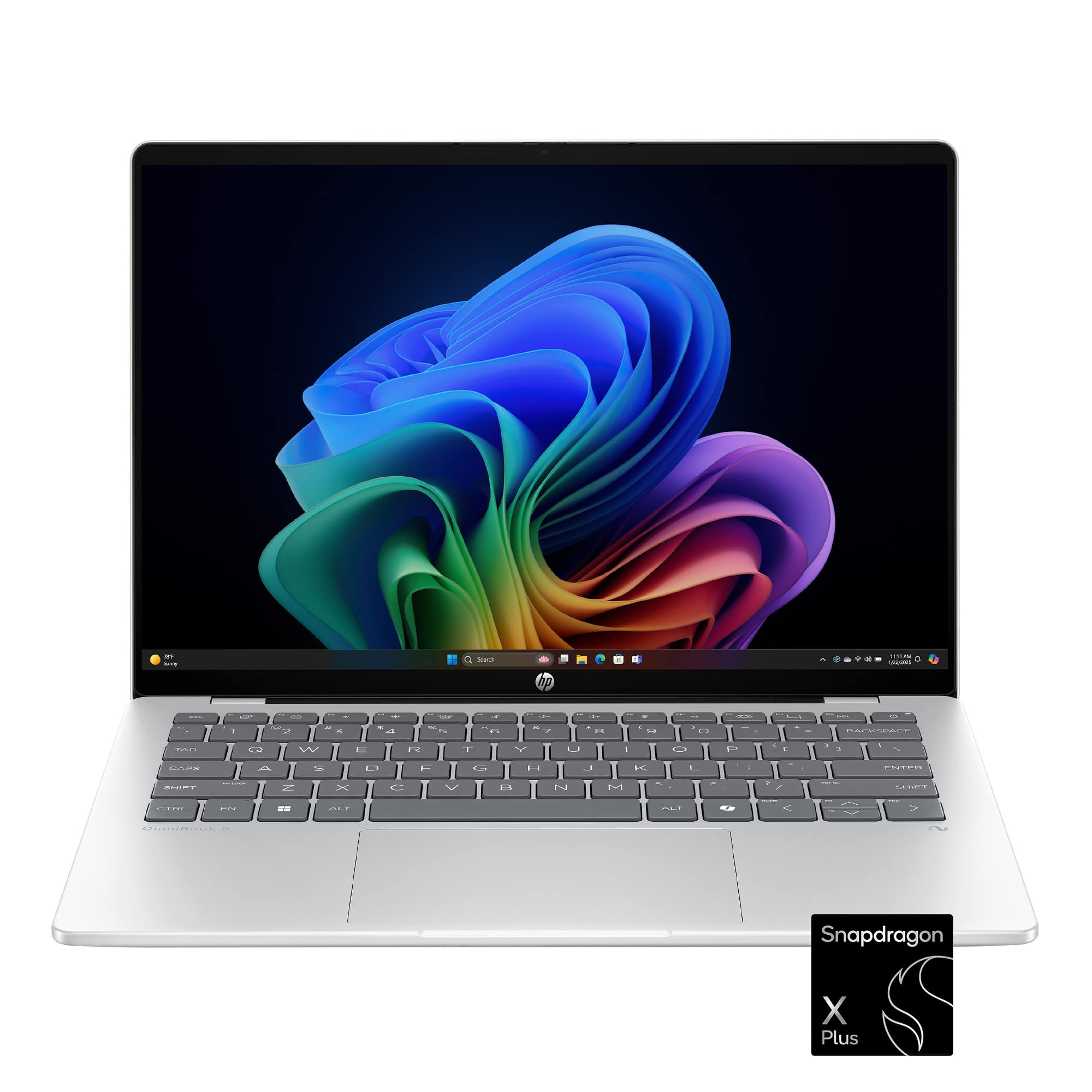
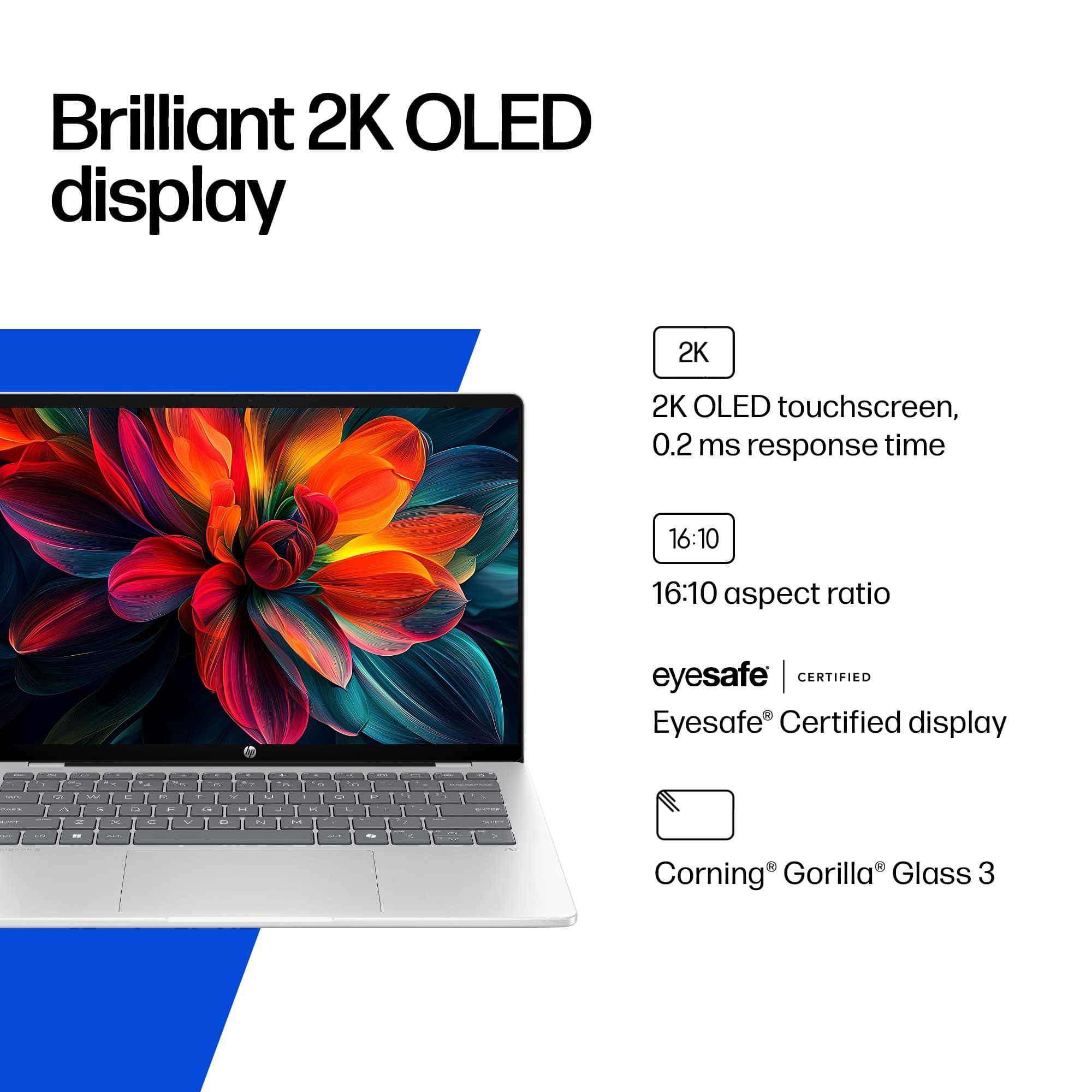
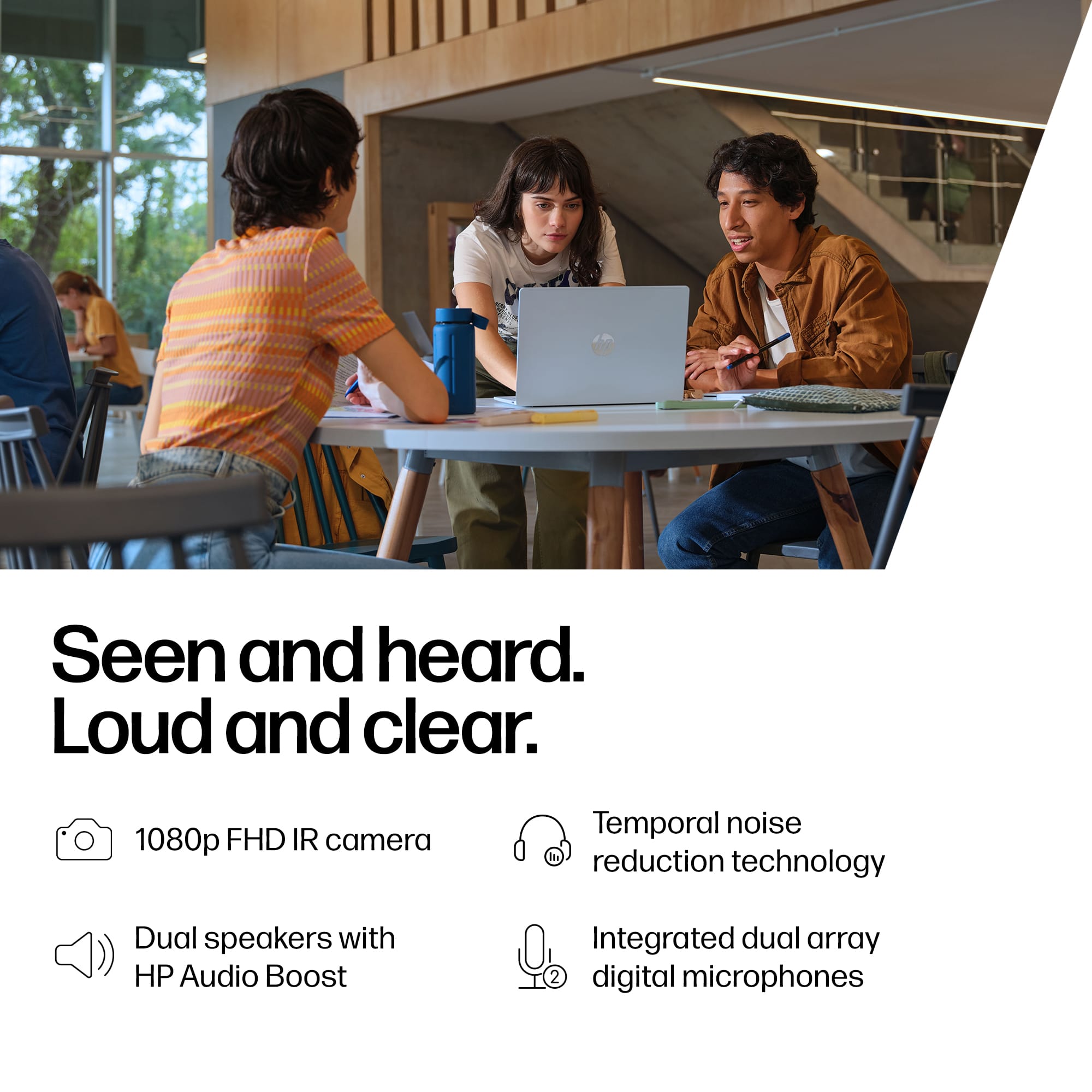
|Posted .This reviewer received promo considerations or sweepstakes entry for writing a review.At $700, I wasn’t expecting more than a basic student or work laptop, but after using it for a while I’ve been pleasantly surprised by how much performance and polish HP packed in. The first thing I noticed was how light and thin this laptop is. At just under 3 lbs and about half an inch thick, it’s incredibly easy to slip into a bag and carry around. The aluminum chassis feels very premium, which was a pleasant surprise based on the price point. The Glacier Silver finish does a good job resisting fingerprints, so it stays looking clean. A minor complaint on the design side is that the keyboard isn’t backlit. The light gray keys with large white lettering are still readable in decent lighting, but in a dark room, it may not be ideal. The 14” OLED display (1920 × 1200) with scratch-resistant Corning Gorilla Glass 3 is easily one of the best things about this laptop. Colors pop, blacks are deep, and text looks crisp. It’s also a touchscreen, and I found it to be smooth and responsive. Brightness is fine indoors, though at 300 nits it can be a little reflective in direct sunlight due to the glossy finish. Still, for the price, it’s one of the nicest displays I’ve seen. Inside, you get the Snapdragon X Plus processor, 16 GB of RAM, and a 512 GB SSD. Day-to-day performance is quick: web browsing, Office apps, video calls, and even light photo and music editing all ran smoothly. The built-in NPU (neural processing unit) also helps with AI features in Windows 11, and the dedicated Copilot button makes pulling up Microsoft’s AI assistant really intuitive. One caveat: this is an ARM-based processor, not Intel or AMD. That means not every app is supported. Most modern Windows apps run fine, but some benchmarks and older x86 programs wouldn’t launch at all. For example, certain legacy programs like niche smartphone emulators and music production plugins I have used on older Intel-based systems weren’t compatible, so this is something to keep in mind. Ports are minimal: 2 USB-C, 1 USB-A, and a headphone/mic jack, but this is a worthwhile tradeoff to keep the thin profile. There’s no HDMI or DisplayPort, and no built-in way to connect to an external display without a hub. It’s fine for light users, but if you need lots of peripherals, you’ll want to either pair this laptop with a dock or a hub. The 1080p webcam is clear and comes with a physical privacy shutter, which is a nice touch. Microphones pick up voices well, and during video calls people said I sounded crisp. The speakers are decent for watching videos and taking calls as well. Overall, the HP OmniBook 5 punches well above its weight for a $700 laptop. If you need a lightweight daily driver with a gorgeous screen, this laptop won't disappoint.
I would recommend this to a friend Smooth laptop
||Posted .This reviewer received promo considerations or sweepstakes entry for writing a review.The shopping exp was smooth delivered on Time and I love the laptop I bought it for school and it’s great it doesn’t lags or anything it’s smooth, would definitely recommend students it’s good laptop at this price.
I would recommend this to a friend- Pros mentioned:Battery life, Oled quality, Overall performance
Premium Features at a Budget Price
|Posted .This reviewer received promo considerations or sweepstakes entry for writing a review.Overview: This HP Omnibook 5 is a very nice-looking laptop. With a modern aesthetic that feels more premium than the price suggests. The laptop is fairly thin, I would describe the design as minimal. It features 2 USB-C ports, 1 USB-A and 3.5mm jack for headphones. Coming in at a bit under 3 pounds, this would be perfect to carry to school or work. It’s not a rugged workhorse, but it’s perfect for portability and style. Performance: Equipped with the Qualcomm Snapdragon X plus processor, it handled all the tasks I threw at it well. This includes office applications, photo organizing and minor touchups with Lightroom and AI tasks with Co-pilot. I also found multitasking to be smooth and responsive. The 2K OLED touch screen is the star of the show. I found the colors to be vibrant with deep blacks on the videos I watched and photos I edited. Battery: Thanks to the energy-efficient Snapdragon chip and OLED panel, battery life is expected to be an impressive at 34 hours. I only tested this for a few days, the battery did seem to last longer than my other laptops. I would expect this to last all-day usage on a single charge, making it ideal for students, remote workers, and road warriors. Conclusion: This HP Omnibook packs a lot of features that would suit many at a very reasonable price. For $699, it’s a great choice for anyone that prioritize battery life and display quality, and quiet performance.
I would recommend this to a friend - Pros mentioned:Battery life, Oled quality, Portability
Lightweight and efficient
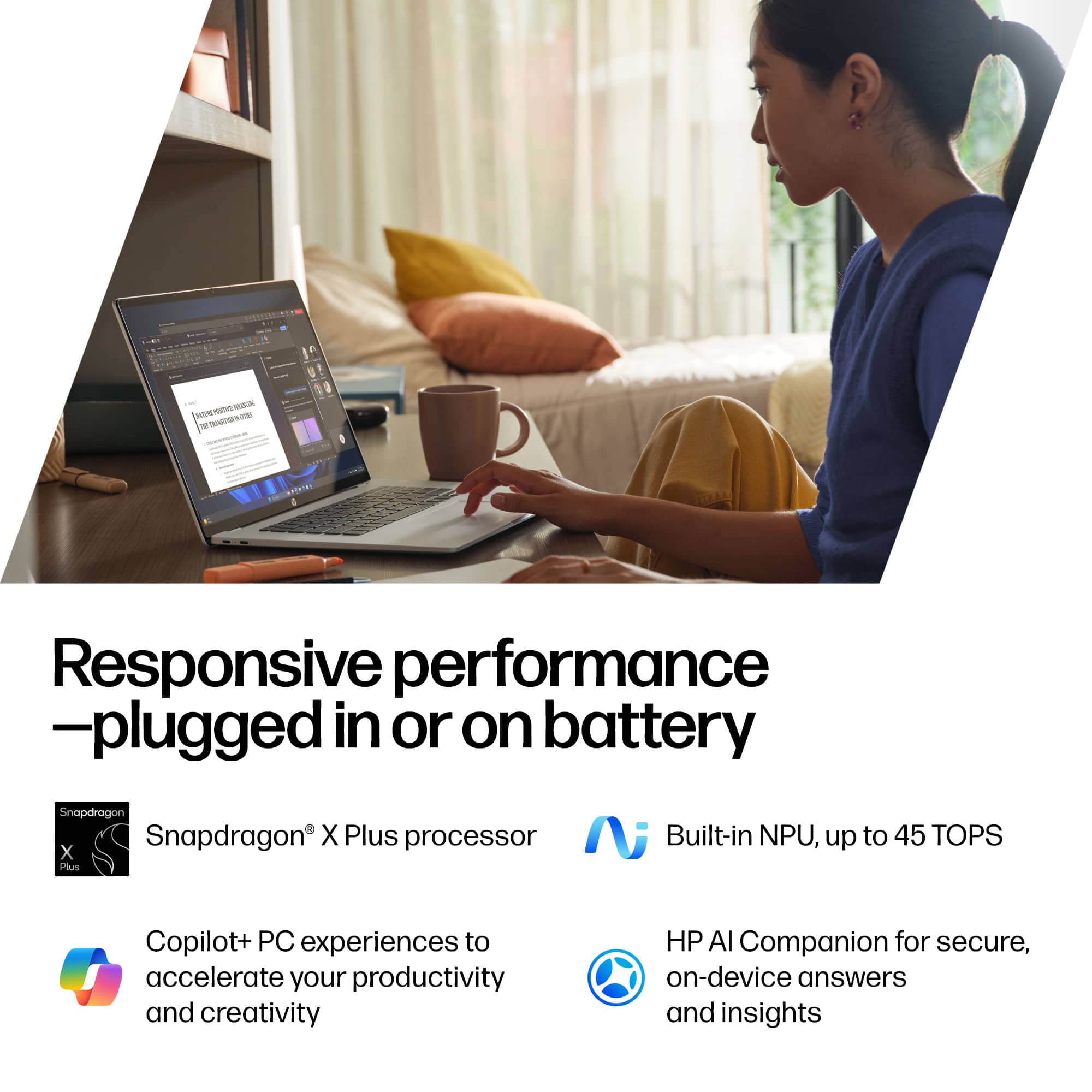
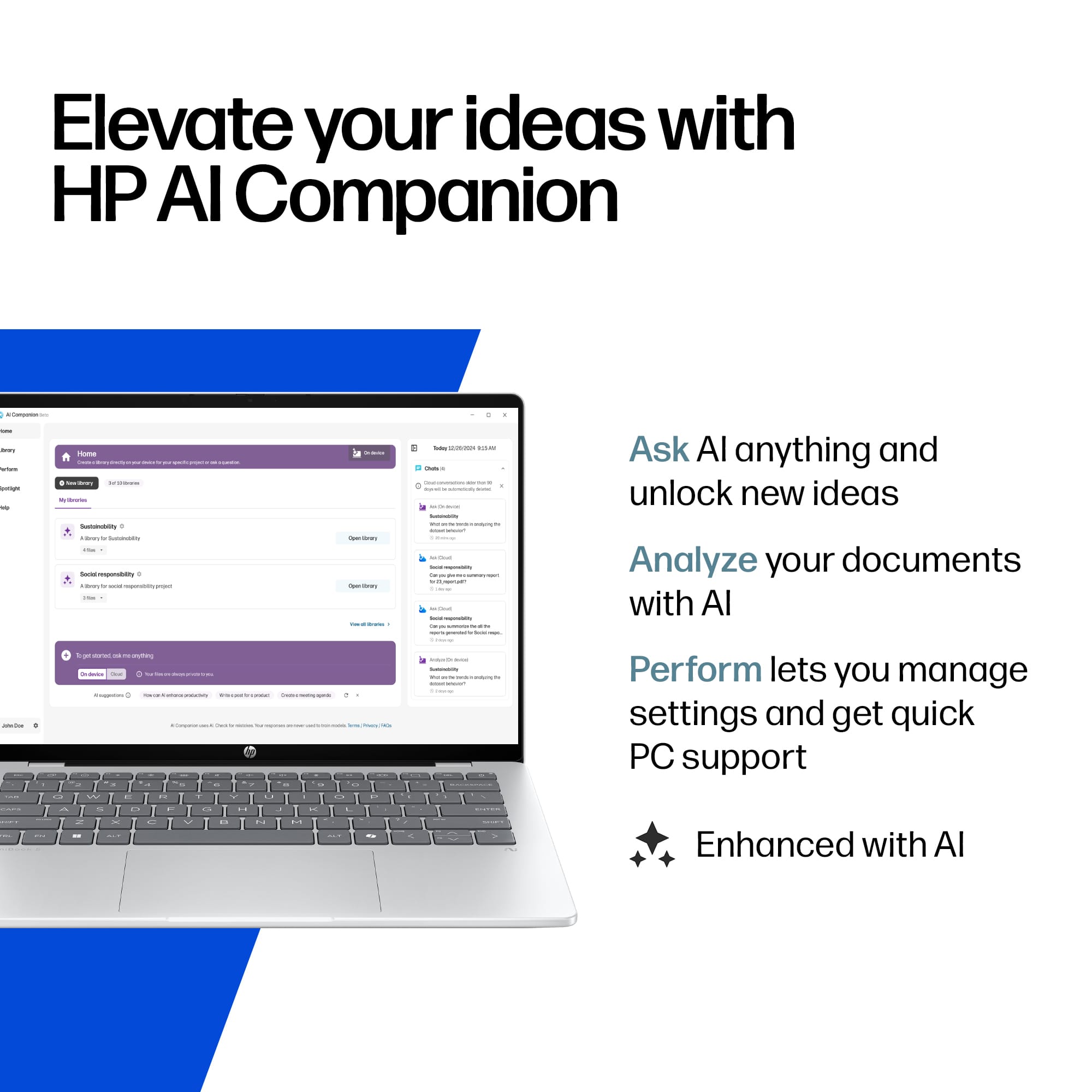
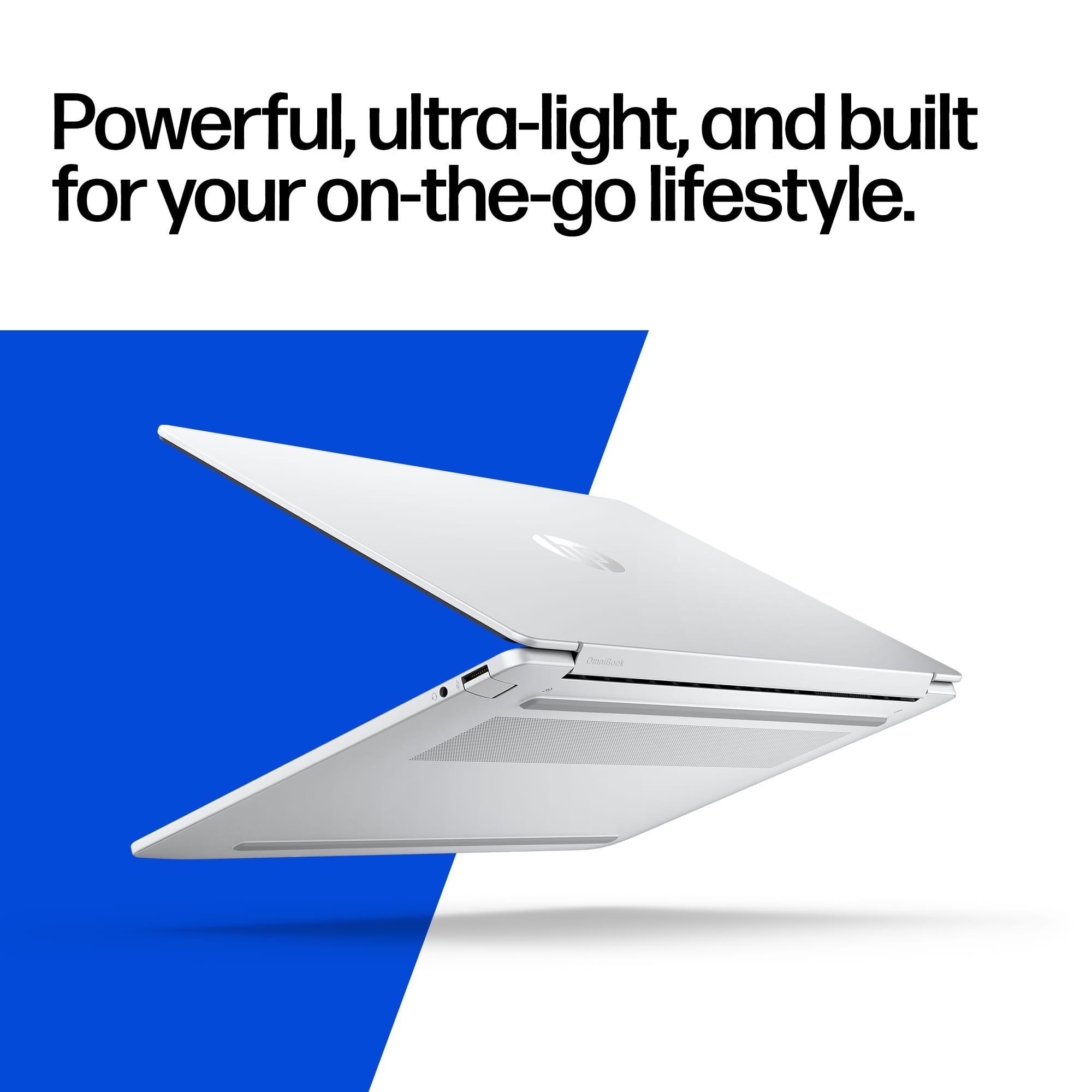
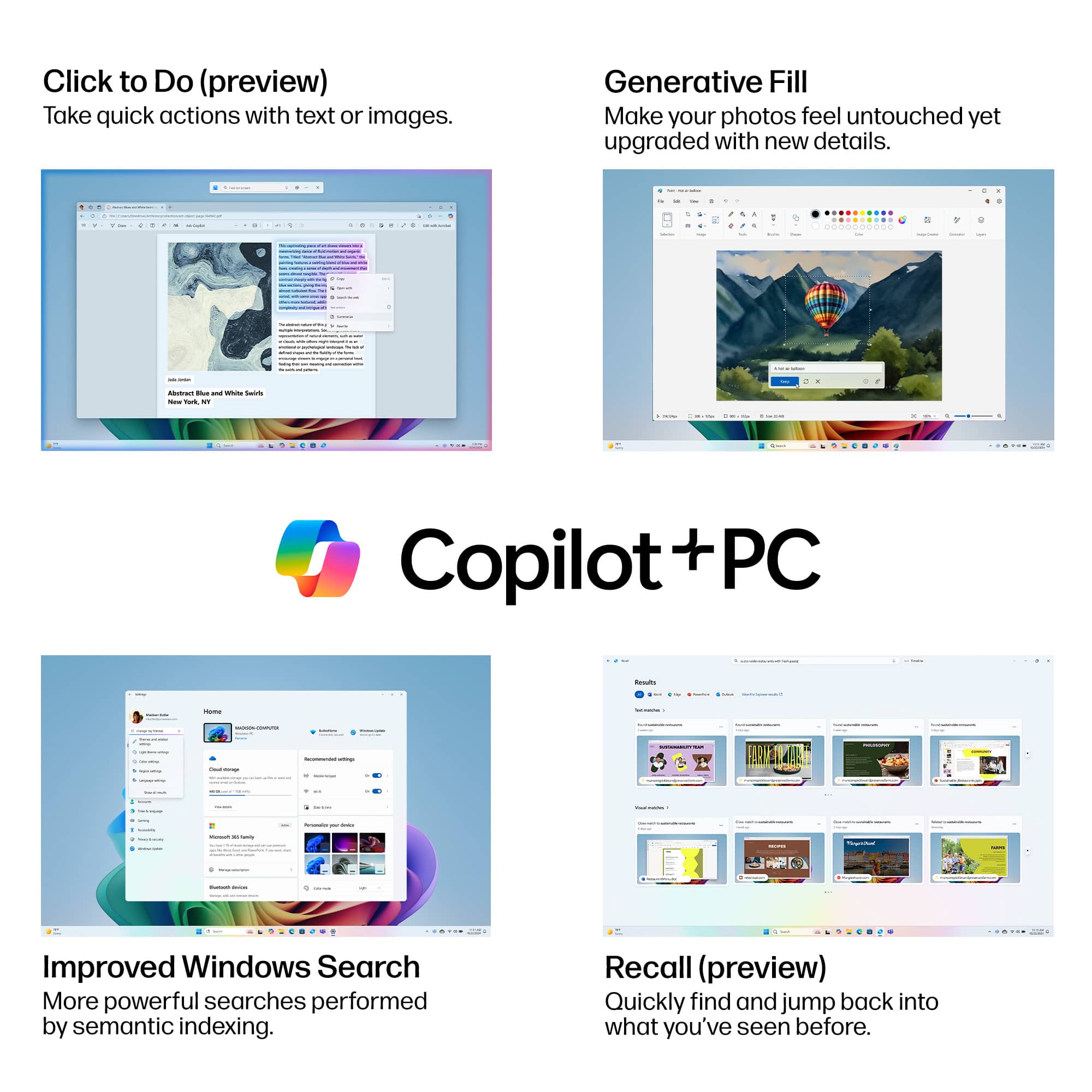
|Posted .This reviewer received promo considerations or sweepstakes entry for writing a review.## Design The HP OmniBook 5 has a very thin ultrabook design to it. It is only 0.5 inches thick and weighs just shy of 3 pounds. It is easy to transport and carry, making it great for taking from class to class or meeting to meeting. The silver aluminum exterior feels sturdy and does not look at cheap at all. There are two USB-C ports on the left side as well as a regular USB-A port on the right side of the laptop. The USB-C ports can be used for both data connections and charging. The laptop features an OLED screen that looks great and the colors are vivid. ## Performance This particular configuration of the HP OmniBook 5 features 16GB of RAM, which is plenty for running multiple applications at the same time as well as having lots of tabs open on your browser. It also features 512GB of storage, good for storing photos and videos. This laptop uses a Snapdragon X series processor. This is an ARM processor and may cause compatibility problems with certain software, such as VPN software. You'll need to check that a ARM version of the software is available, but generally, most applications should run fine as there is an emulation layer that can run x64-based software on this processor. Also, developers beware: while many packages are precompiled for macOS ARM systems, I do not find that to be the case for *Windows* ARM systems and you may have to compile some packages manually. ### CoPilot+ Features This PC contains the normal CoPilot+ features which can be confusing to understand and utilize. These features include: - Cocreator: The local AI systems helps generate images based on what you draw in the Paint application. For example, if you're bad at drawing turtles, you can do your best in Paint and Cocreator will generate a (hopefully) better version. - Image Creator: This app feature actually found in the *Photos* app (there's a feature by the same name in Paint, but it requires a paid plan for some reason). This lets you use the local AI on your CoPilot+ machine to create your own images based on a text prompt, no drawing required. - Live Captions: Local AI transcribes and translates over 40+ languages in real-time when watching videos (enabled with Windows key + CTRL + L) - Windows Studio Effect: With this feature, local AI helps enhance your webcam video, by blurring the background, auto framing, and performing noise cancellation on the microphone's audio in real time. - Click to Do: (still in preview at the time of this review) This feature summarizes text on your screen or selects text that you normally wouldn't be able to select from an image. Press Windows key + Q to invoke this feature. When using these features, I monitored the NPU usage and found the processor to be quite efficient: - During live captions translating a video from Spanish to English, the NPU usage hovered about 5-10% - Windows Studio Effects used about 20% of the NPU's resources. Using the more intense features, such as Image Generation, did use around 90-100% of the NPU's resources, but had minimal impact on the main CPU. The images generated by Image Creator aren't as realistic as you would get from ChatGPT, but they're still useful as filler images for blog posts or newsletters. ### HP's AI Chatbot Unlike other CoPilot+ PCs, HP as included their own HP AI Companion software on this PC that can summarize and highlight key points from your documents, answer general knowledge questions, and get help with the PC itself. While HP states their software can support on-device processing, it unfortunately was not available on this PC at the time of this review. So in this case, your chats with the HP AI Companion will be sent to the cloud for processing. However, I couldn't locate any paid upgrades, so it looks like it might be a nice AI alternative if ChatGPT states you reached your usage quota for the day. ### AnythingLLM Testing If you want to totally nerd out with local AI, there is a third-party application named AnythingLLM that can run local models utilizing the NPU of Snapdragon X series processors. I tested this out with Microsoft's Phi 3.5 Mini Instruct 4K model and received some decent performance from it on this HP OmniBook 5 Copilot+ PC. I averaged around 10 tokens/second when using the local Phi model, which isn't bad for non-gaming laptop. Not nearly as fast as a dedicated Nvidia GPU could achieve, but definitely usable and without the bulk and weight of a gaming PC. ## Battery Life HP states you can get up to 34 hours of battery life on the HP OmniBook 5 Copilot+ PC, likely due in part to the energy efficiency of the Snapdragon processor. I did find that general web browsing and writing documents used very little power, about 2-6% per hour. The included USB-C charging brick is 65 watts, but I found that a general 30 watt USB-C PD charger will work as well (although, I did get a warning about "slow charging"). ## Summary Overall, the HP OmniBook 5 Copilot+ PC is a lightweight and efficient Windows PC with some cool (and somewhat confusing) AI applications built-in. The HP AI Companion is a nice addition to the AI feature set, and the long battery life and convenient USB-C charging make this PC perfect for students and business professionals alike.
I would recommend this to a friend - Pros mentioned:Oled quality, Portability, Processor speedCons mentioned:Keyboard backlighting
Powerful and Great Features!
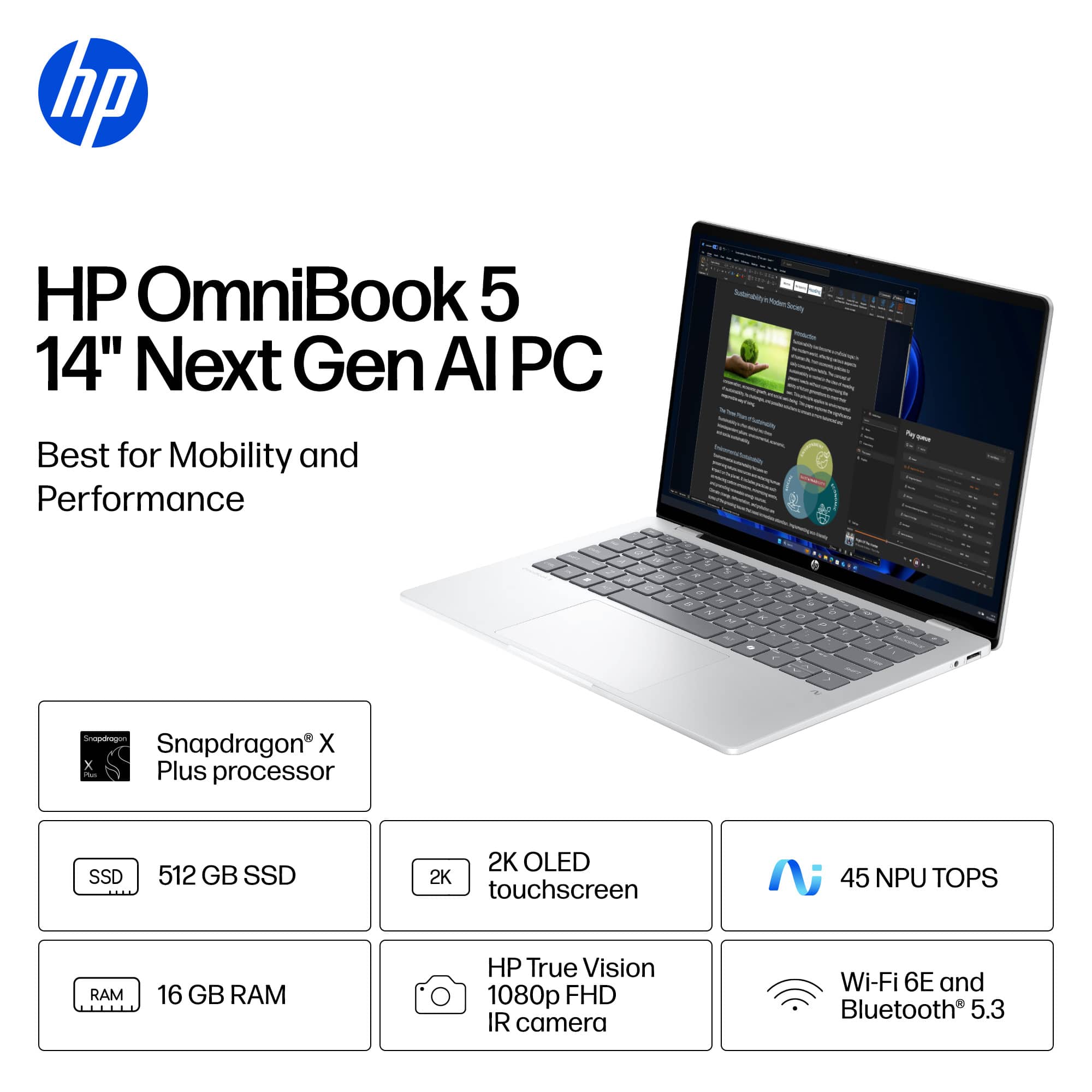
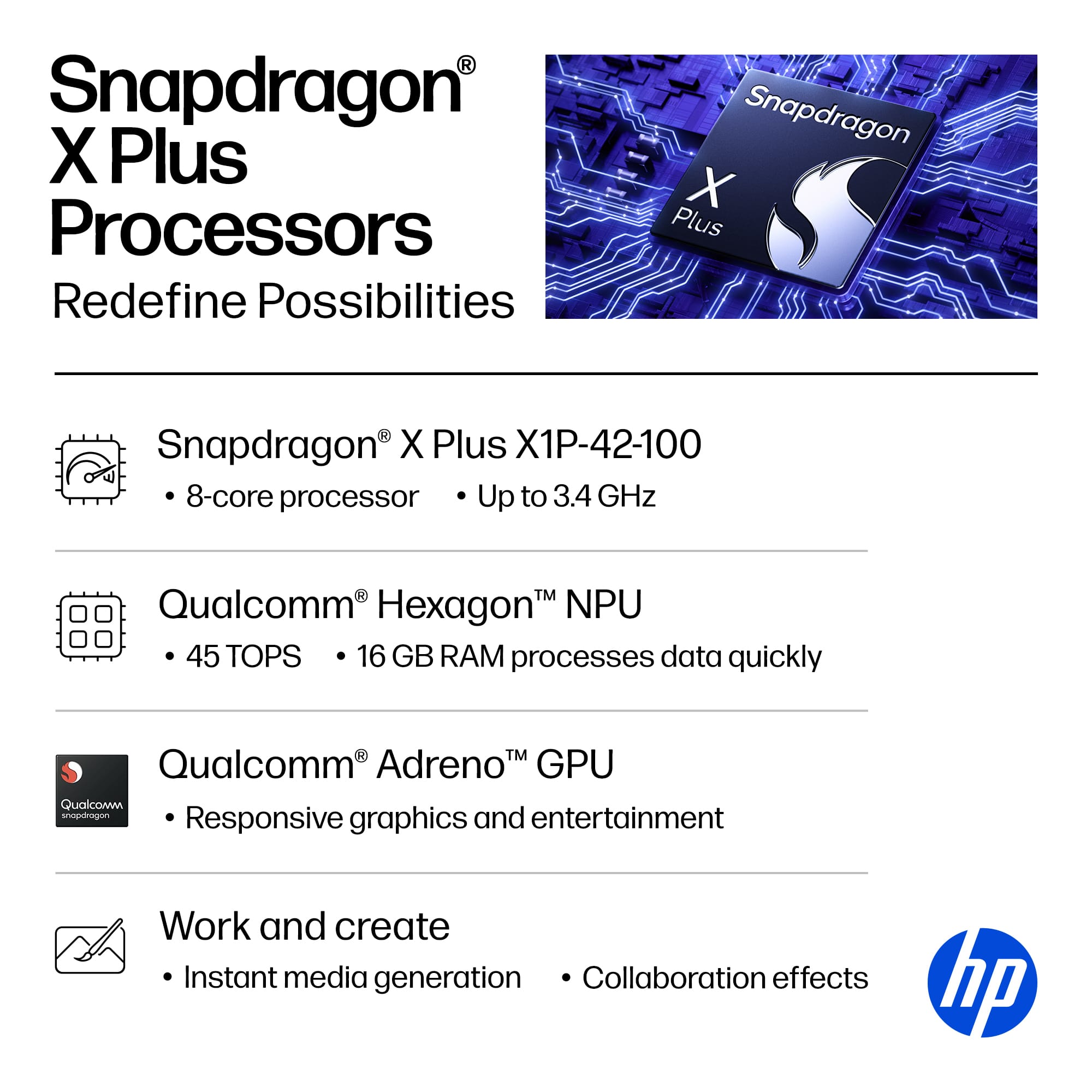
|Posted .This reviewer received promo considerations or sweepstakes entry for writing a review.I must be honest that I am biased towards HP as a favorite brand. I am a longtime fan of HP made desktops and then laptops. I have owned more HP brand technology than any other brand. I was drawn to this compact laptop because it had a 14” touchscreen with full HD+ resolution of 1920 x 1200. The screen brightness is rated 300 nits. I loved how the display was able to provide sharp looking images that were brighter than prior HP laptops I owned. The lightweight laptop is powered by the Snapdragon X Plus X1P-42-100 processor with Qualcomm Hexagon NPU (45 NPU TOPS) and has 16GB of LPDDR5X ram. The graphics card is the Qualcomm Adreno GPU. The laptop has 512GB Solid State Drive (SSD) storage high-speed data transfer, the PCIe Gen4 NVMe M.2 SSD offers fast speed and useful storage. One of my favorite features is the Wi-Fi 6E (2x2) Dual Band Simultaneous and Bluetooth 5.3. The Wi-Fi card uses the 6 GHz spectrum for faster speeds which provides up to 950+ mbps with my home high speed fiber internet. I like that I normally do not have any connectivity issues with it so it stays on my preferred internet connection I use out of 3 running in my home temporarily. AI features on this laptop give you two built-in choices with HP’s own Beta AI application and Copilot from Microsoft so you have plenty of options. I honestly did not use Copilot much in the past due to the prices they charged for the pro version. I noticed that the free version on this laptop has an option for GPT-5 recently. The HP Beta AI application has special settings to keep your laptop running at the best settings. It also uses cloud-based searching for your queries. The connections built in the laptop are 3 USB ports, 2 x USB-C 3.1, and 1 x USB-A 3.1. It does not have a HDMI port. It does have a dual use microphone/headphone port which is useful for video sessions or for gamers to connect their headphones. Another good feature is the Front-Facing Camera with 1080p video resolution called the HP True Vision FHD IR camera. It has a privacy shutter so you can close the lens while not in use. The infrared signal is used for the Windows Hello security to only allow you to access the laptop. The sound that is produced on the laptop was better than I expected for a 2-speaker setup. I decided to add some sound applications to produce spatial sound quality like I have been used to lately and was pleased with the improved options for the audio card. One of the best features of this laptop is that it is very lightweight compared to most laptops and only weighs 2.98lbs. I have been pleased with how useful this little powerhouse laptop had become my favorite so far for easy portability and great overall features. The only thing I was disappointed in was that it did not have a backlit keyboard. It was not a big deal since I could still see the keys well and the layout was good enough that I had minimal errors while typing without a light on in a room. I would recommend this HP laptop to friends and family.
I would recommend this to a friend - Pros mentioned:Battery life, Oled quality, Overall performanceCons mentioned:Keyboard backlighting
Excellent Performance, Display and Battery Life
|Posted .This reviewer received promo considerations or sweepstakes entry for writing a review.For the last week, I've been testing the HP OmniBook 5. The version I tested came with a 2K OLED display, Snapdragon X Plus processor, 16 GB of RAM, and a 512 GB SSD. All of which are great specs for a basic everyday laptop. However, this laptop feels and performs far better than it should. After unboxing the laptop, the first thing I noticed was its metal body, which makes it feel both premium and solid in hand. Another contributor to the solid feel was the hinge, which does a good job of holding the display in place with virtually no wobble. The keyboard is well-spaced and comfortable to type on, but unfortunately, it does not feature any backlighting. This isn't a deal-breaker for me, considering the great value this laptop offers. The speakers sound good and have a decent output. The Wi-Fi is solid, and there are many unexpected bonus features like Windows Hello, a sliding webcam cover, USB-C charging, a standard selection of ports, and a touchscreen. When it comes to performance, the display, battery, and processor were outstanding. The entire time I tested the OmniBook, I had the brightness set to maximum and the power mode set to "best performance." I performed basic tasks like surfing the web, editing photos, and writing emails while playing movies in the background. The laptop never lagged, stuttered, or got remotely warm, all while staying completely silent. The display is just stunning. Blacks are nice and deep, as you would expect with an OLED display, but it's also super bright and vibrant. As for the battery, it lasted 12 hours before dropping to its last 10 percent. This is impressive because OLED displays are power-hungry, and I was using the laptop with its most power-hungry settings. When using the laptop casually without the settings maxed out, I was able to use the laptop for the rest of the week without charging. With that said, the OmniBook 5 is an excellent choice for someone looking for an affordable, high-quality laptop with great performance, a fantastic display, and long battery life.
I would recommend this to a friend - Pros mentioned:Oled quality, Portability, Processor speed
Powerful, light, and a delight to use
|Posted .This reviewer received promo considerations or sweepstakes entry for writing a review.To be honest, I wasn't expecting to enjoy this laptop as much as I do. Given its price, I was expecting an "entry level," relatively bland laptop. I was wrong. This laptop is truly a delight to use. It's lightweight and has a very high quality feel -- especially the keyboard. I would say the keyboard on this laptop is probably one of the best I have ever experienced. The keys are quiet and the design is good. I would have loved to have a number pad, but on a 14" laptop, that's unlikely. I also would have liked to have a backlit keyboard but that's not necessarily a con. The screen surprised me too. The 2K OLED display is bright, crisp, and very responsive to touch. Now, let's talk about productivity. I removed a lot of the bloatware because I don't care for some of the included software (virus protection as an example) I was an early adopter of Copilot and Copilot+ when it was in its infancy. The OmniBook 5 has Copilot+ integrated along with HP's version of AI. Copilot+, especially if you use Microsoft 365 apps, is embedded everywhere in this laptop. Very fast, responsive, and remarkably accurate responses. The processor is quick as a hiccup. The 16GB of RAM feels more than sufficient for everyday use. I am not a gamer, but I am a power user of Excel and Access and this laptop didn't disappoint. I really don't have any cons to mention - this is a lightweight, adequately-powered, well designed and made laptop. I would definitely recommend it.
I would recommend this to a friend - Pros mentioned:Battery life, Overall performance, Portability
Sleek, Smart, and Surprisingly Stamina-Packed
|Posted .This reviewer received promo considerations or sweepstakes entry for writing a review.Today I’ve reviewed the HP Omnibook 5 CoPilot PC – and my overall summary is that it’s a lightweight AI-powered ultrabook with stunning visuals and marathon battery life—ideal for mobile professionals and students. It will become my daily mobile device just due to the convenience, performance and awesome looks! You can read about the specs of this device, but it’s worth noting a few points: • Battery Life: This is where the OmniBook 5 truly shines. Real-world usage clocks in over 25 hours, and HP claims up to 34 hours. Fast charging gets you to 50% in just 30 minutes. • Display Quality: The 2K OLED screen is vivid, color-rich, and responsive (0.2ms). Ideal for media consumption, creative work, and multitasking. I really like the quality of the display and it makes using the device even more fun and easy. • AI Features: Copilot+ and HP AI Companion offer productivity boosts, from smart suggestions to workflow automation. While some features may feel experimental, they’re forward-looking. You need to create a free account for the HP AI Companion app. • Performance: The Snapdragon X Plus chip prioritizes battery life over raw speed. It’s fine for everyday tasks, but not ideal for heavy-duty video editing or gaming. • Build Quality: While the materials feel premium, some users noted minor chassis flexing when handled from one corner. • Touchpad: Functional but average. It’s responsive and gesture-friendly, but lacks the premium feel of higher-end competitors. I’m excited to continue to use this laptop and replace the heavy gaming rig that I’ve been carrying in my backpack! Nice job HP on a creating a solid device that looks both looks and performs great!
I would recommend this to a friend - Pros mentioned:Battery life, Oled quality, Overall performanceCons mentioned:Keyboard backlighting
Great affordable OLED laptop
||Posted .This reviewer received promo considerations or sweepstakes entry for writing a review.This HP Omnibook 5 is a great affordable laptop if you want something light for travel or to use around the home. The OLED touchscreen display is nice to have, although it isn't as bright as some other options on the market. I'm still happy to have a rich OLED display vs an LED when viewing and editing photos. My only real complaint is not having a backlit keyboard, but I can live with that for a budget sale price of $550. Pros -Snappy performance -Great battery life -Quiet and keeps cool -Fast Charging with USB-C -OLED -Keyboard feels good -No complaints about build quality in the price range -Lightweight just under 3 lbs. (2lbs 15 oz measured) Cons -No backlit keyboard -Snapdragon ARM processor could limit use of some apps (check compatibility for specific apps before buying) -USB-C Ports only on left side, none on right.
I would recommend this to a friend - Pros mentioned:Battery life, Oled quality, Overall performance
good for a starter
||Posted . Owned for 2 weeks when reviewed.This reviewer received promo considerations or sweepstakes entry for writing a review.Bought this for my girlfriend since she's getting into AI and starting to learn more about tech. She loves it and uses it every day for her online courses, notes, and messing around with some beginner AI stuff. It runs really smooth. Opening apps, switching between tabs, running code in notebooks, all feels quick. The battery lasts forever, she goes through a whole day of studying and still has plenty left, no need to carry the charger everywhere. Screen looks amazing, colors are bright and everything is sharp, perfect for watching tutorials or reading long pages. It's lightweight and the silver color is clean, she says it feels nice to carry around. Some programs aren't made for this chip yet so they run a little slower, but the stuff she needs like browser, office, python, all work great. Things are getting better with updates anyway. For anyone starting out in tech or wanting a solid laptop that lasts all day and has the new AI features built in, this is a good pick. She's happy with it and that's what matters.
I would recommend this to a friend - Pros mentioned:Battery life, Oled quality, Overall performance
Fast, light, and just works...
||Posted .This reviewer received promo considerations or sweepstakes entry for writing a review.Been using this for everyday work and creative stuff and it’s been solid across the board. The OLED touchscreen looks amazing, super crisp and bright. Performance is snappy, apps open fast, and it stays cool and quiet. Battery life is better than I expected for a Windows laptop, which is a win. It’s lightweight, feels well built, and doesn’t get in the way of getting things done. Overall, a really nice machine that just works without headaches.
I would recommend this to a friend - Pros mentioned:Battery life, Oled quality, Overall performance
Great Laptop
||Posted .This reviewer received promo considerations or sweepstakes entry for writing a review.I have only had this laptop for about 2 weeks but so far I am very happy with it. It is super light (under 3 pounds) and the battery life is unbelievable at over 30 hours. The screen is only 14 inches but it is sharp and vibrant. The keyboard pads are a good size and very comfortable. It is fast and has a good amount of memory. It is good solid machine at this price point.
I would recommend this to a friend