Customer Ratings & Reviews









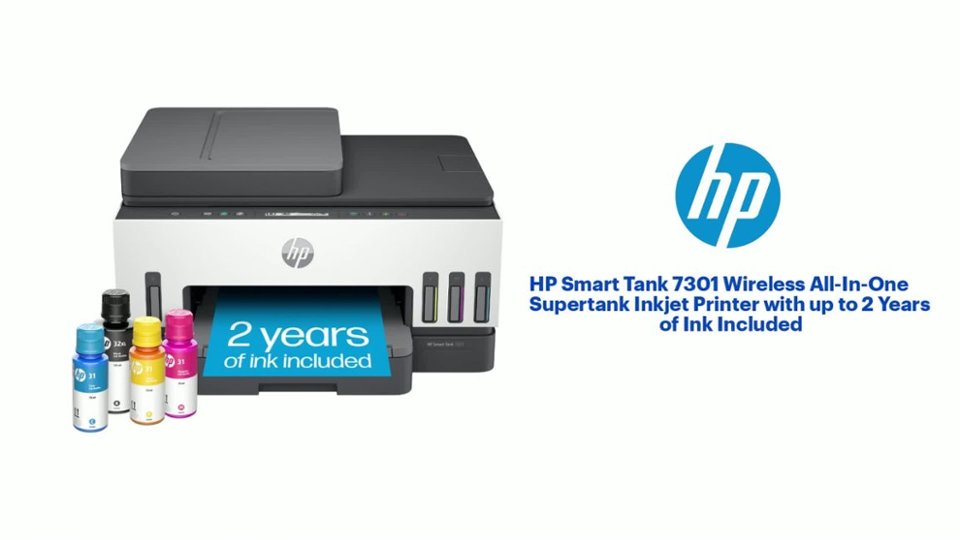
- Model:
- SMART TANK 7301/28B70A#B1H
- |
- SKU:
- 12752343
Customer reviews
Rating 4.3 out of 5 stars with 680 reviews
(680 customer reviews)Rating by feature
- Value4.2
Rating 4.2 out of 5 stars
- Quality4.3
Rating 4.3 out of 5 stars
- Ease of Use4.1
Rating 4.1 out of 5 stars
Customers are saying
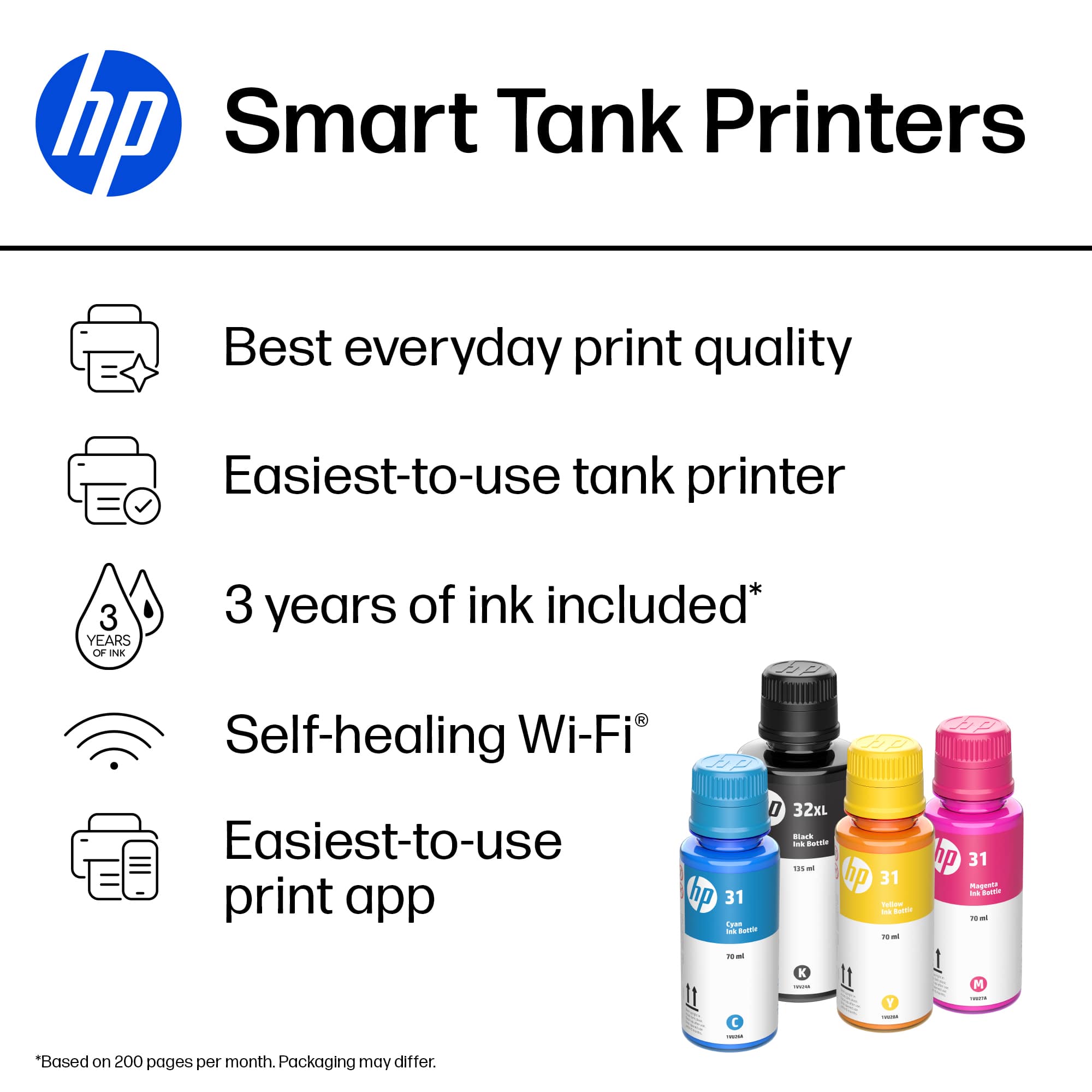
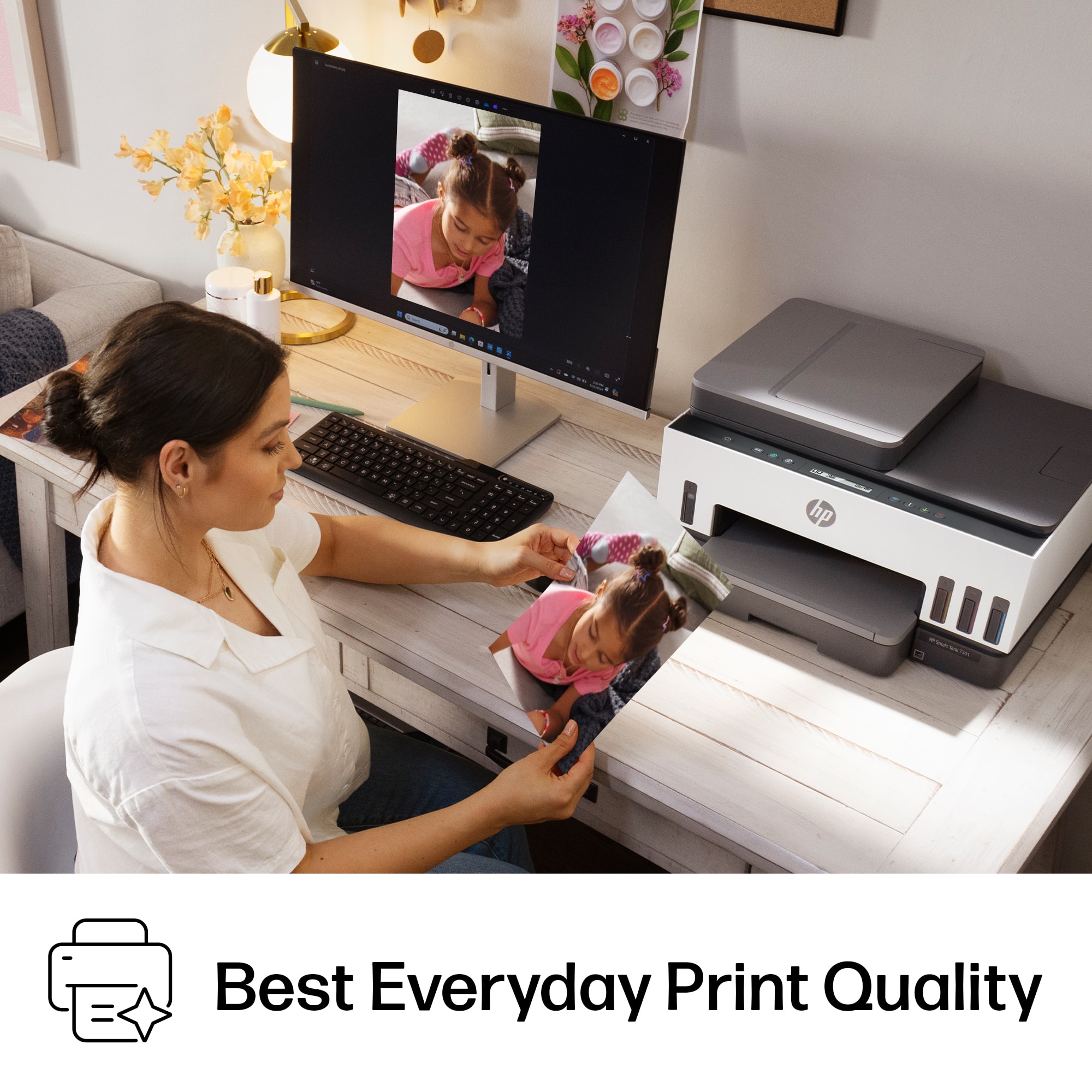
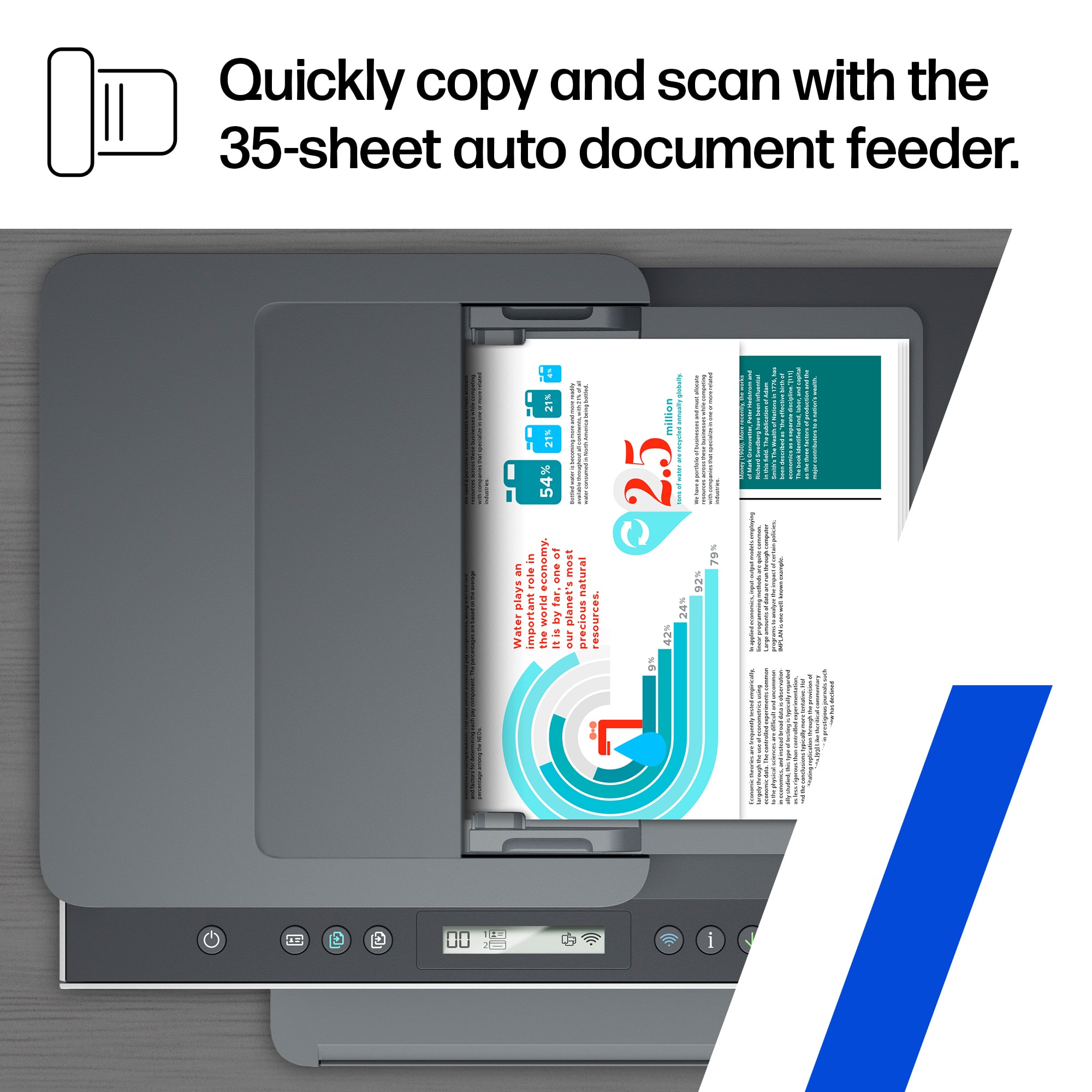
Customers praise the outstanding print quality and the overall ease of use that makes this device a reliable choice for small offices. While the setup process is quick and efficient, some users have noted minor frustrations regarding the stability of the Wi-Fi connection and the design of the paper tray. Additionally, a few individuals found the scanning feed to be less robust than expected and felt the LCD display lacked sufficient detail. Overall, the printer is widely regarded as a high-performing tool for daily tasks.
This summary was generated by AI based on customer reviews.
- Pros mentioned:Print quality
Rated 5 out of 5 stars
Smart Tank 7301 Tankless
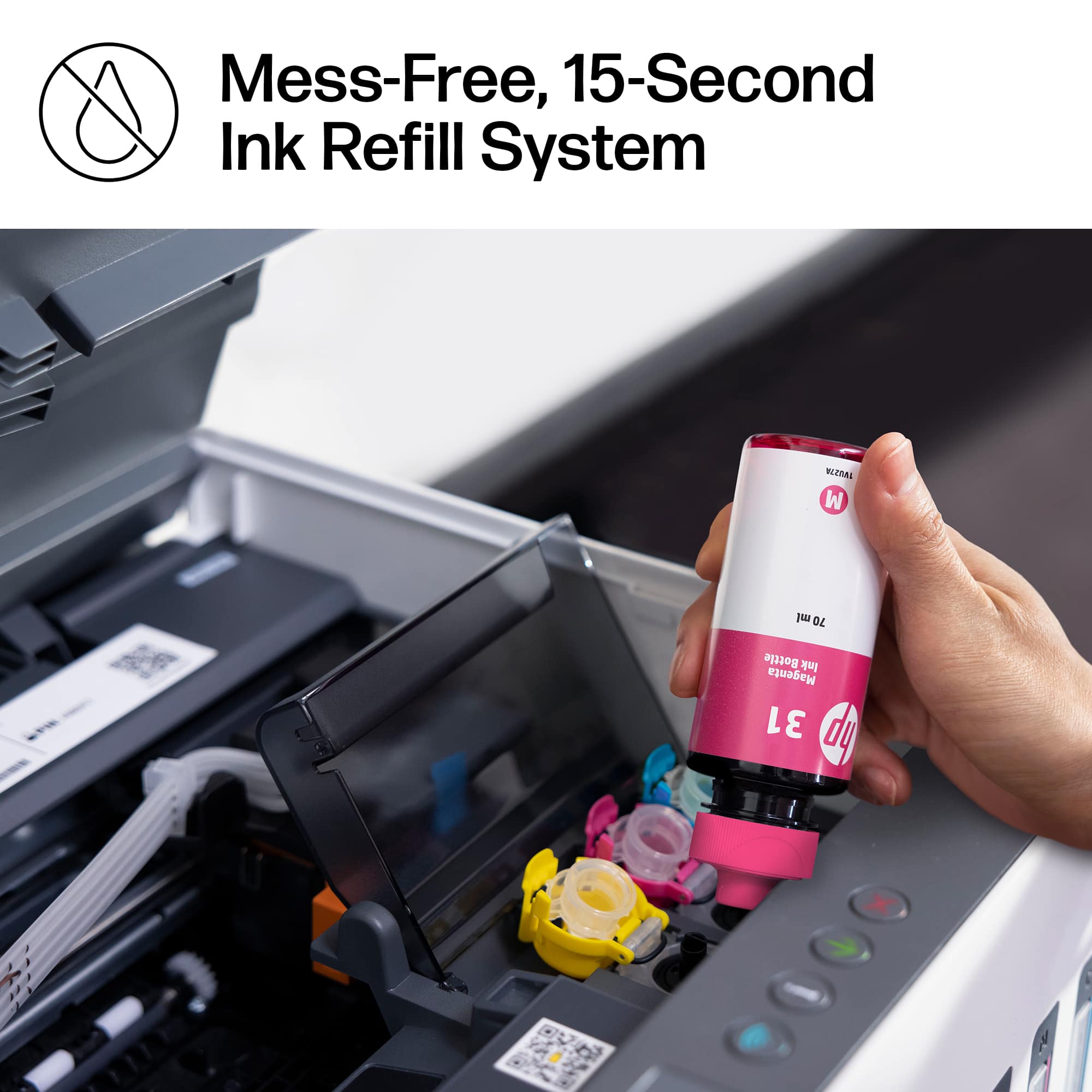
||Posted . Owned for 3 weeks when reviewed.This reviewer received promo considerations or sweepstakes entry for writing a review.Printer does what it is supposed to do: print. Makes clear prints, is relatively fast and easy to set up with the free HP software from HP. Works well with my Win 10 and my Win 11 PCs. It is easy to load the ink (does not spill with reasonable care). No expensive cartridges that always run empty in the middle of a job. Tip: if you are making 2 sided copies use 20 lb paper (not the heavier 24 lb type) to avoid some smearing on the back pages. Works best with general purpose 20 lb paper for all printers (not the kind that has a special finish for laser printers).
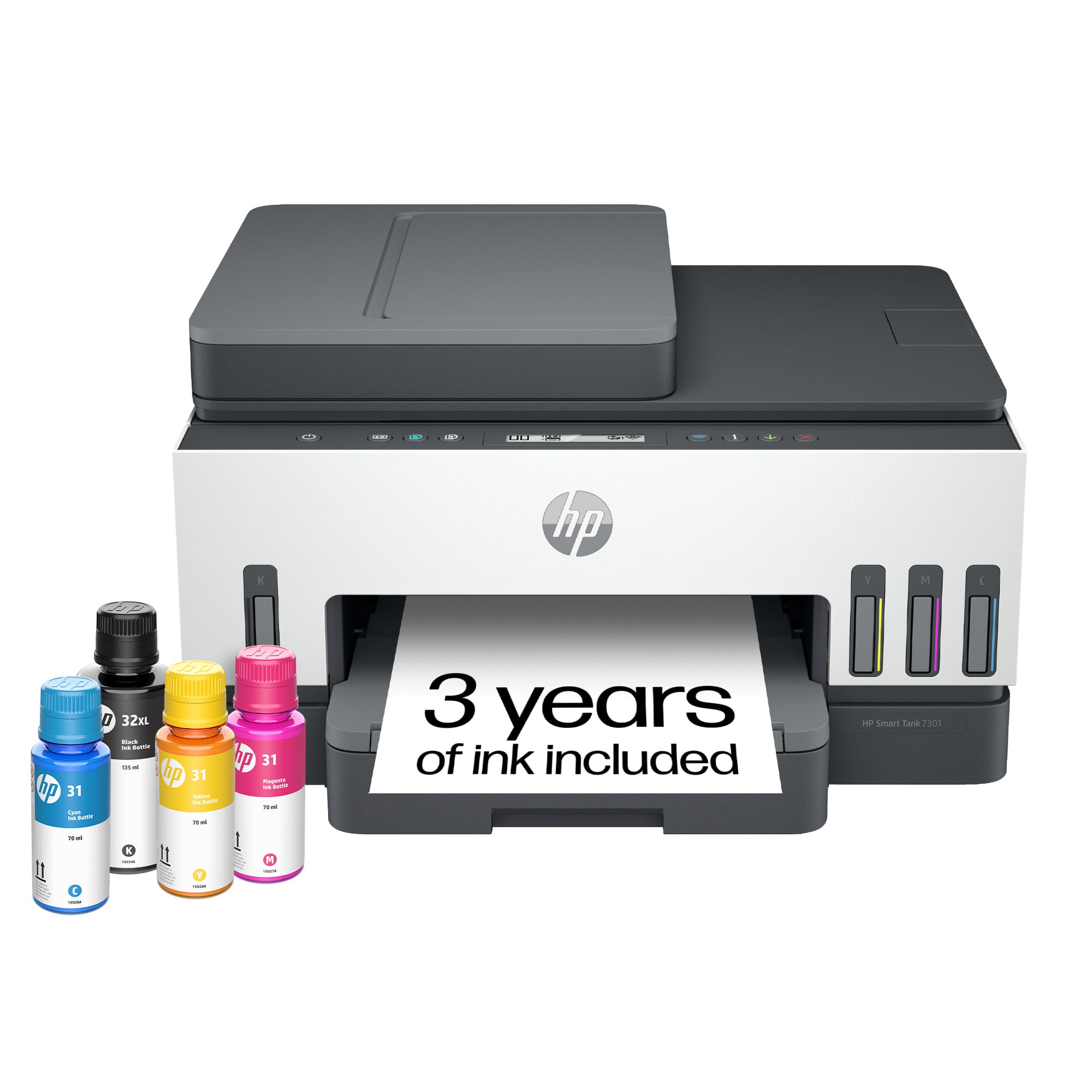
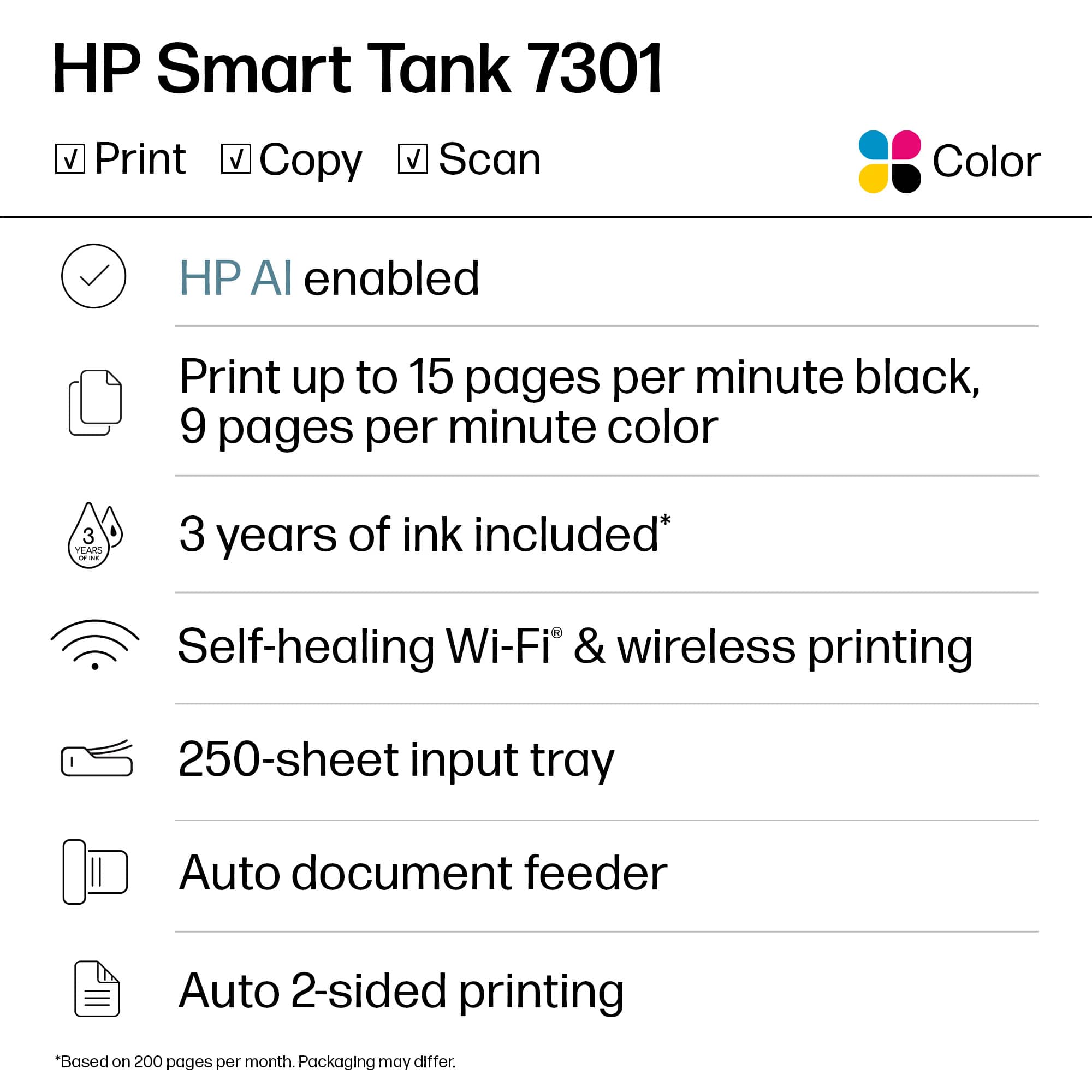
This review is from HP - Smart Tank 7301 Wireless AI-Enabled All-in-One Cartridge-Free Supertank Inkjet Printer with 3 Years of Ink Included¹ - White & Slate
I would recommend this to a friend - Pros mentioned:Ease of use, Print quality
Rated 5 out of 5 stars
Love this printer!
||Posted . Owned for 1 month when reviewed.This reviewer received promo considerations or sweepstakes entry for writing a review.I absolutely LOVE how easy it was to get this printer up and running. It took me less than 20 minutes to unpack, install ink, download HP printing app on phone and laptop and then print my first project. I've only been printing for a day or so and have a few things to learn but over all it is super simple, easy and fast at it's print jobs. I did notice when the printer goes to "sleep" it was a bit of a challenge to wake it up for a print job. The on/off button as well as the wifi button are lit up but when I went to print, my computer just kept searching for the printer. So I pressed the power button thinking that would wake it up. Nothing happened. I looked through the manual and it didn't say anything regarding waking it up. I pushed buttons and even unplugged the printer and plugged it back in. Only after I did that did it start to load and reconnect back to the wifi. Asides from that, which again I'll continue to familiarize myself with the printer, It's a great purchase and I would recommend to anyone looking for an in home office printer. Heard great things about how long lasting the ink is, so we'll see over time if that stands up to those incredible reviews.
This review is from HP - Smart Tank 7301 Wireless AI-Enabled All-in-One Cartridge-Free Supertank Inkjet Printer with 3 Years of Ink Included¹ - White & Slate
I would recommend this to a friend Rated 5 out of 5 stars
Excellent Printer
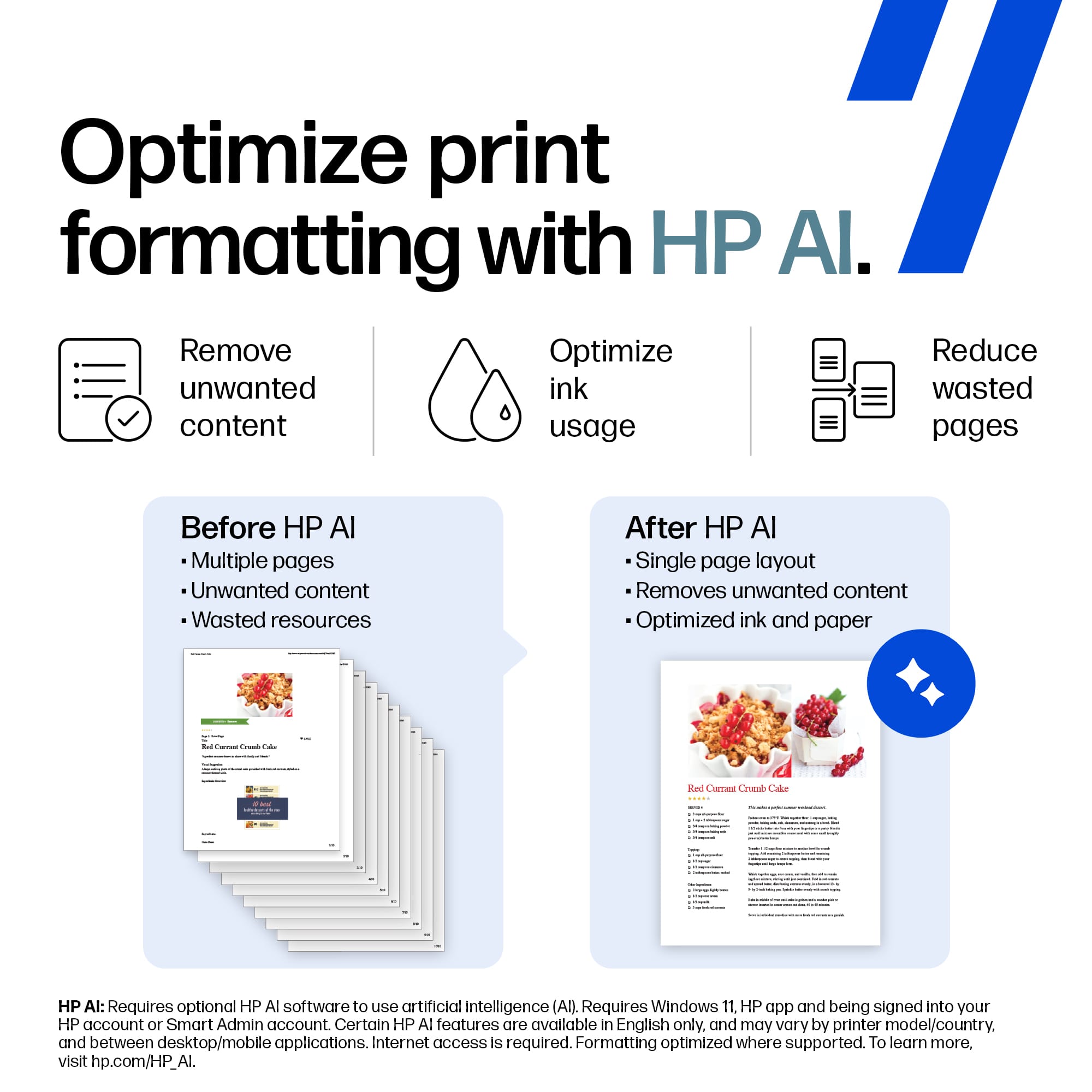
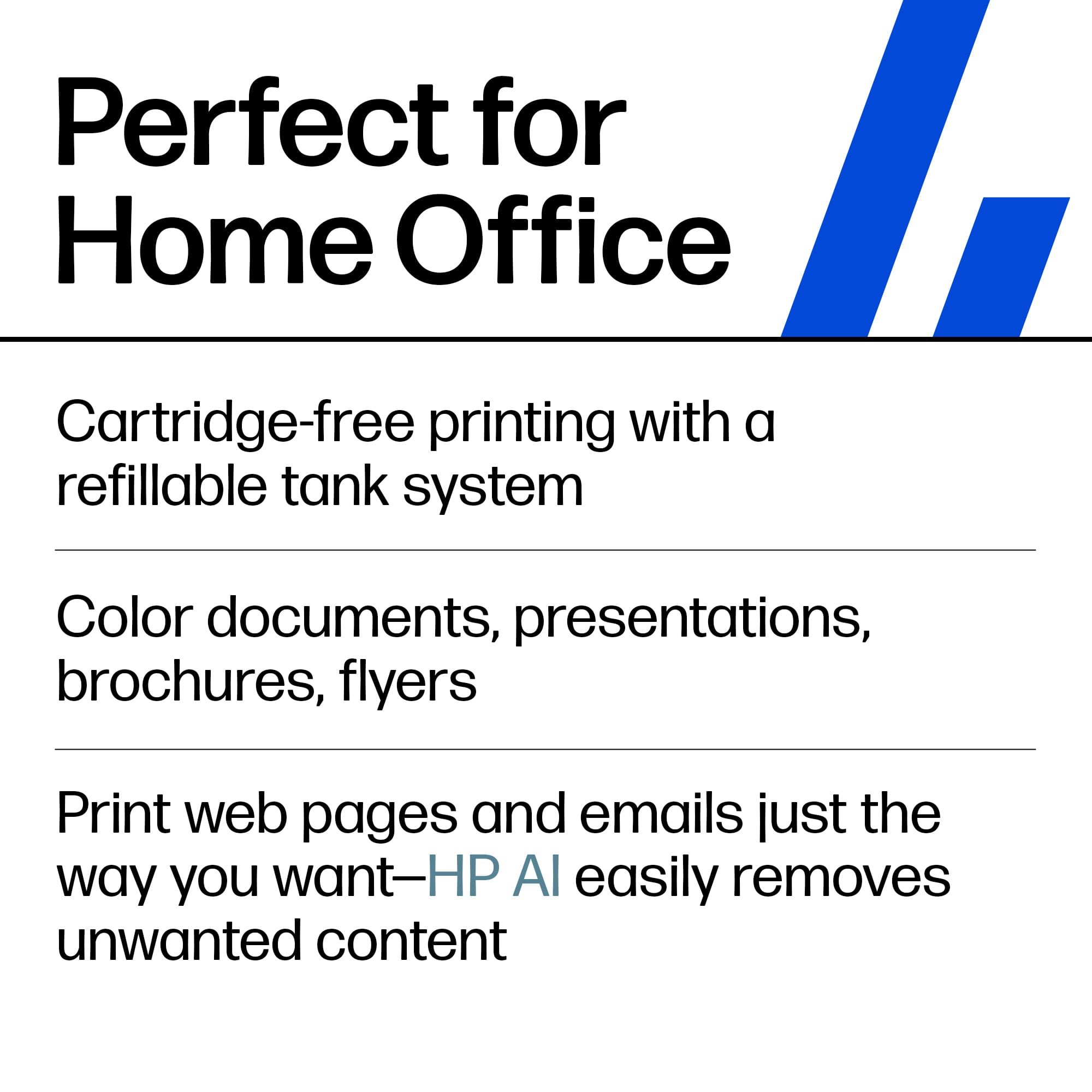
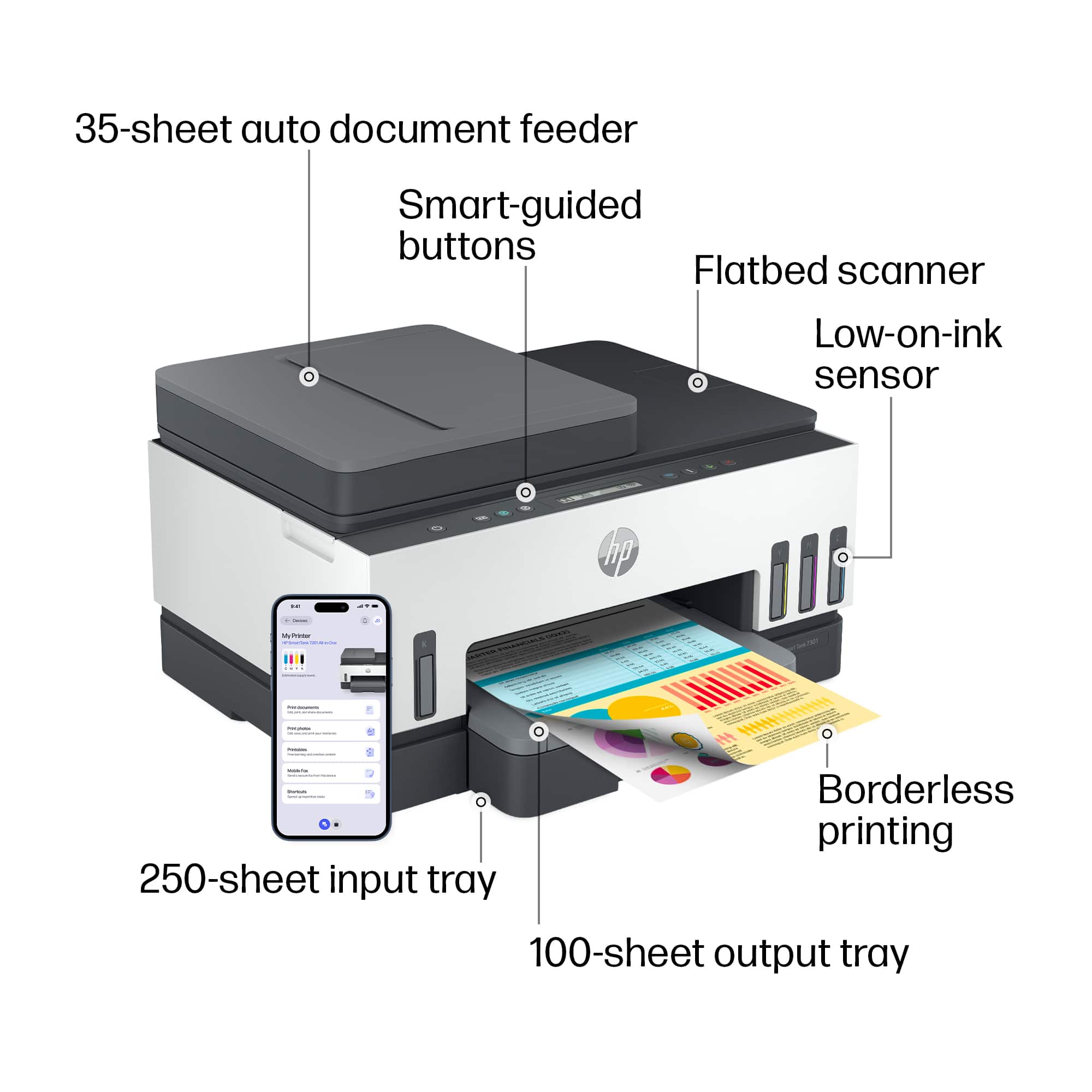
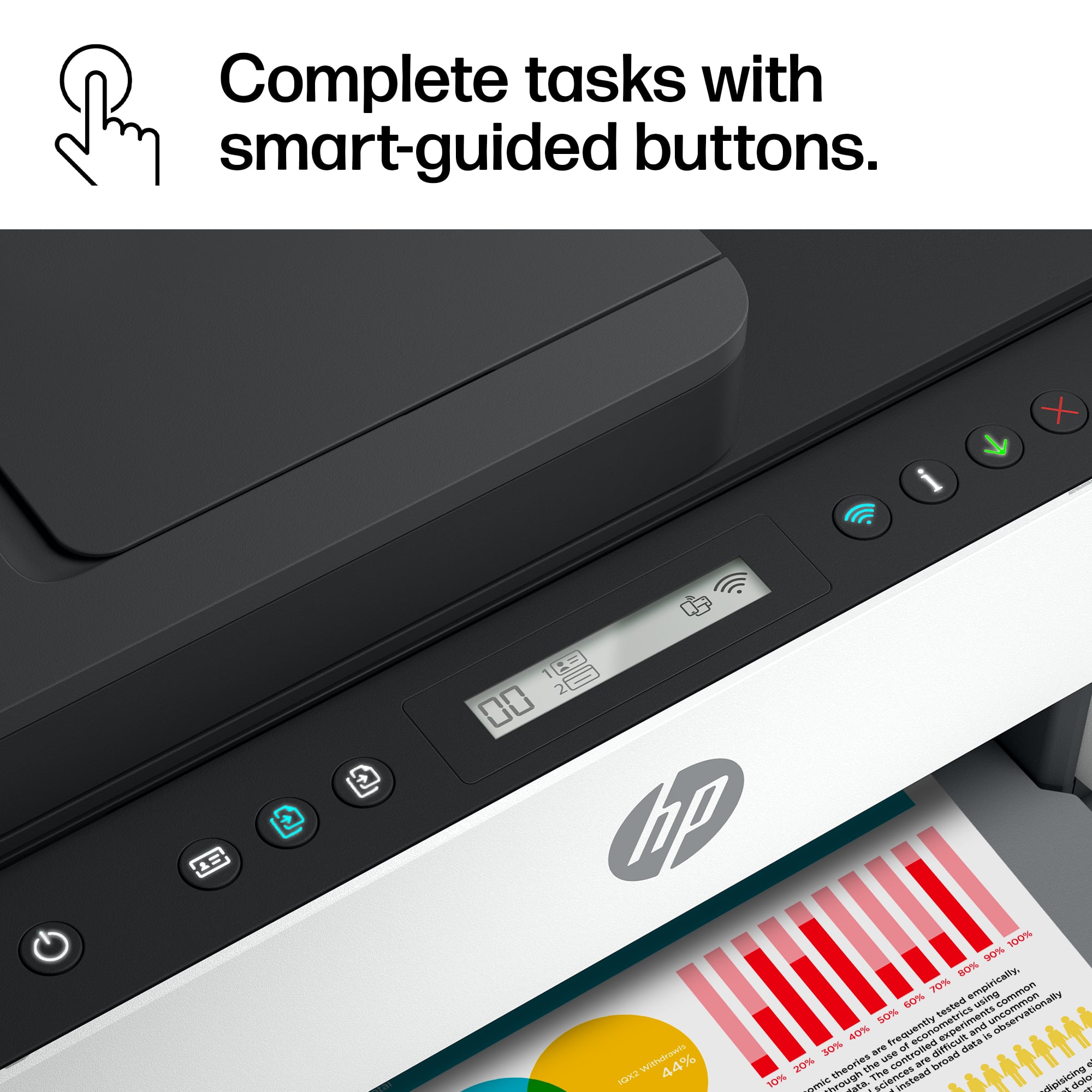
||Posted . Owned for 2 weeks when reviewed.This reviewer received promo considerations or sweepstakes entry for writing a review.The HP-Smart Tank 7301 is an excellent printer. I am a non-business home user who likely prints and scans more than the average home user. The printer set-up and the software installation are easy. I used 123.hp.com, it is very thorough. The HP Smart app (I use it on a laptop) is well designed and uncomplicated. The physical printer is solidly built. All buttons and the message window are on the top-front of the printer, a great layout. The HP AI is great. It strips website prints of advertisements, etc. and creates a nice layout of the relevant information, but let's you decide if you want to print the original or the optimized image.
This review is from HP - Smart Tank 7301 Wireless AI-Enabled All-in-One Cartridge-Free Supertank Inkjet Printer with 3 Years of Ink Included¹ - White & Slate
I would recommend this to a friendRated 4 out of 5 stars
HP7301 Good but not great
||Posted . Owned for 3 weeks when reviewed.This reviewer received promo considerations or sweepstakes entry for writing a review.pro: good quality printing, easy to fill/refill, works well with HP Smart con: very small (not in color) notification screen with not very intuitive symbols. Not sure (yet) about reliability. Already had 2 occasions where every light and symbol on screen began flashing, with no clear indication of why, and could only clear it by pulling the plug (i.e. just hitting the off button would not shut it off)
This review is from HP - Smart Tank 7301 Wireless AI-Enabled All-in-One Cartridge-Free Supertank Inkjet Printer with 3 Years of Ink Included¹ - White & Slate
I would recommend this to a friend- Pros mentioned:Ease of use, Overall performance
Rated 5 out of 5 stars
H P printer
||Posted . Owned for 1 month when reviewed.This reviewer received promo considerations or sweepstakes entry for writing a review.Excellent printer and easy to set up. Value was excellent and will recommend
This review is from HP - Smart Tank 7301 Wireless AI-Enabled All-in-One Cartridge-Free Supertank Inkjet Printer with 3 Years of Ink Included¹ - White & Slate
I would recommend this to a friend - Pros mentioned:Ease of use, Print quality
Rated 5 out of 5 stars
Great printer
||Posted . Owned for 1 month when reviewed.This reviewer received promo considerations or sweepstakes entry for writing a review.Great quality prints. Quieter than my previous printer. Fast printing. Easy to setup
This review is from HP - Smart Tank 7301 Wireless AI-Enabled All-in-One Cartridge-Free Supertank Inkjet Printer with 3 Years of Ink Included¹ - White & Slate
I would recommend this to a friend - Pros mentioned:Print quality
Rated 4 out of 5 stars
Excellent at home printer
||Posted .This reviewer received promo considerations or sweepstakes entry for writing a review.Needed a printer to use at home and this one definitely checked all the boxes for me. A good in between of tech and basic. I love the ability to print anything from my computer or my phone by the easy connection. Definitely was worth the investment. And the ink definitely does last and will allow for easy and quick refills. But I haven't had to yet.
This review is from HP - Smart Tank 7301 Wireless AI-Enabled All-in-One Cartridge-Free Supertank Inkjet Printer with 3 Years of Ink Included¹ - White & Slate
I would recommend this to a friend Rated 4 out of 5 stars
Copier Review
||Posted . Owned for 1 month when reviewed.This reviewer received promo considerations or sweepstakes entry for writing a review.this is the second one I have because the first one did not work and had to be returned. This second one seems to be working better but every now and then it has to be rebooted. I give it a 4- because when it is working it’s okay. Also difficult to set up for an 80 year old.
This review is from HP - Smart Tank 7301 Wireless AI-Enabled All-in-One Cartridge-Free Supertank Inkjet Printer with 3 Years of Ink Included¹ - White & Slate
No, I would not recommend this to a friend- Pros mentioned:Print quality
Rated 5 out of 5 stars
Great quality printing!
||Posted . Owned for 1 month when reviewed.This reviewer received promo considerations or sweepstakes entry for writing a review.Great for home office use. Using much less ink than on cartridge printer and print quality is great!
This review is from HP - Smart Tank 7301 Wireless AI-Enabled All-in-One Cartridge-Free Supertank Inkjet Printer with 3 Years of Ink Included¹ - White & Slate
I would recommend this to a friend - Pros mentioned:Overall performance
Rated 5 out of 5 stars
Awesome
||Posted . Owned for 3 weeks when reviewed.This reviewer received promo considerations or sweepstakes entry for writing a review.I definitely recommend this as a printer!! I definitely like everything about it.
This review is from HP - Smart Tank 7301 Wireless AI-Enabled All-in-One Cartridge-Free Supertank Inkjet Printer with 3 Years of Ink Included¹ - White & Slate
I would recommend this to a friend - Pros mentioned:Print quality
Rated 4 out of 5 stars
Easy Set Up
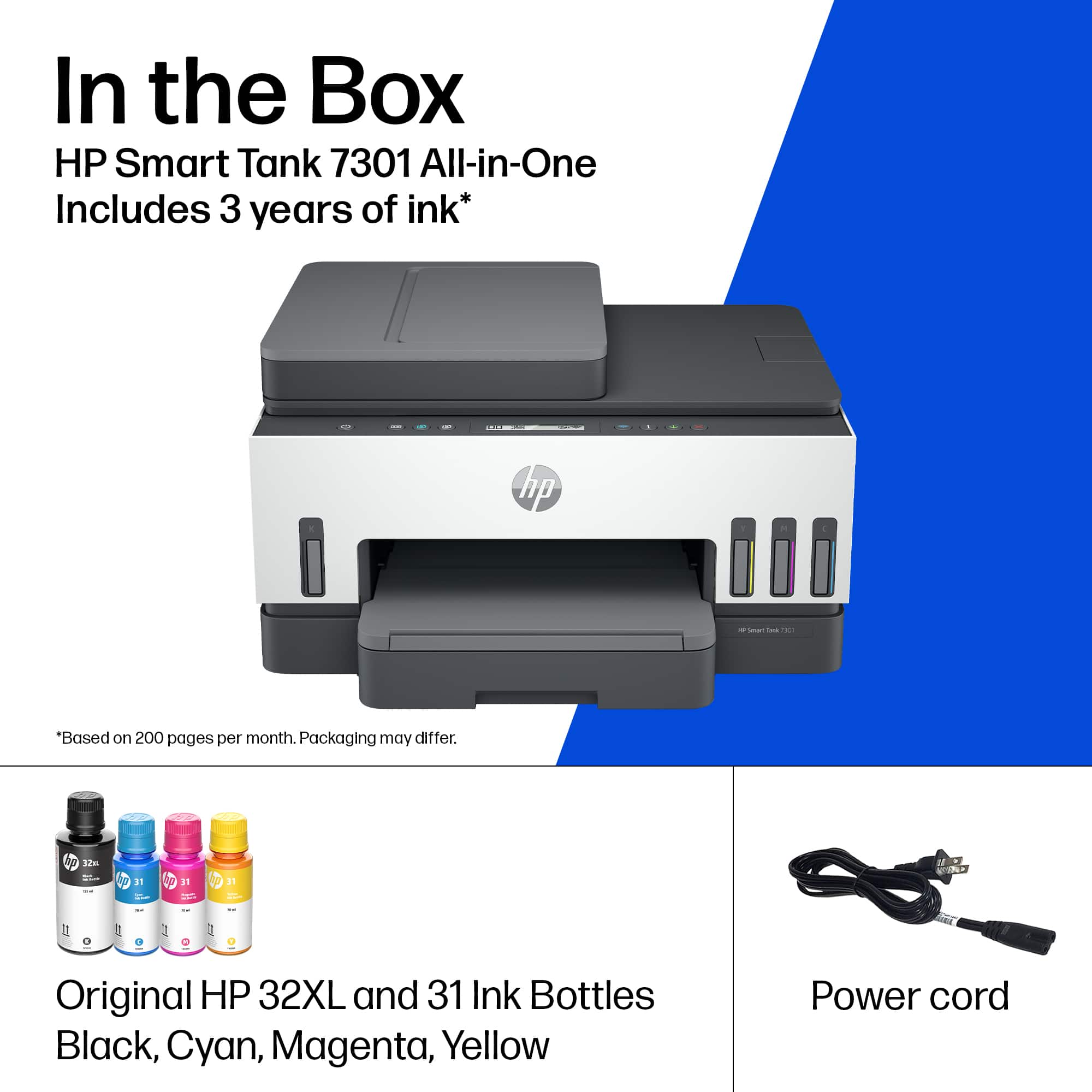
||Posted .This reviewer received promo considerations or sweepstakes entry for writing a review.I was a little afraid of this printer because several reviews talked about how difficult it was to set up. I was pleasantly surprised when I found simply reading the setup manual made setup pretty easy. I took my time and went step by step and had no problems. The color printing is vibrant on regular office paper - It should look fantastic on photo paper. If you are looking for a solid heavy-duty built printer, this is not it. I am disappointed in the build quality. I have an older HP cartridge printer that is built much better. This printer was purchased for a church, and I am a bit concerned with multiple people using this printer and taking the care that will be necessary to keep it all in one piece. I wanted to scan and print the cover from a hard cover book and when I put the book on the scanning glass and closed the lid, the hinge came apart on the right side. I don't know if this is going to hold up to the rigors of office use. At best, it is an okay quality home-printer. I gave it 4 stars because I think the print quality is very good - so it does what it was made to do well. Just don't expect this to stand up to hard use. I like the fact it has a paper tray, but there is nothing to hold the paper in place. It will hold the paper tightly from side to side, but there is nothing that holds it front to back. I am guessing this will not be an issue or HP would have changed it by now, but just another example being built light. It comes with large bottles of ink, and I anticipate the original supply will last a pretty long time. The bottles do not "latch on" to the tank when you are filling it, so I am not sure how it will be for adding ink in the future if it does not require a full bottle. Overall impression - very good print results. Light build quality and will need to be handled with care to keep it one piece.
This review is from HP - Smart Tank 7301 Wireless AI-Enabled All-in-One Cartridge-Free Supertank Inkjet Printer with 3 Years of Ink Included¹ - White & Slate
I would recommend this to a friend - Pros mentioned:Overall performance
Rated 5 out of 5 stars
7301 HP Printer
||Posted . Owned for 2 weeks when reviewed.This reviewer received promo considerations or sweepstakes entry for writing a review.This printer works great and is extremely easy to set up. Highly recommend it..
This review is from HP - Smart Tank 7301 Wireless AI-Enabled All-in-One Cartridge-Free Supertank Inkjet Printer with 3 Years of Ink Included¹ - White & Slate
I would recommend this to a friend - Pros mentioned:Print quality
Rated 4 out of 5 stars
Almost There!
||Posted . Owned for less than 1 week when reviewed.This reviewer received promo considerations or sweepstakes entry for writing a review.HP was not on our radar when looking for a new printer for home, but inventories are such mess these days, so we had to look at what was available able from anyone. We wanted a printer that at least printed, scanned and copied, had a document feeder, did two sided printing, and did not use ink cartridges. This HP 7301 filled all of those wants. So far, it has worked well. I used the HP Smart app and it walked me through the setup step-by-step and had me done in about 15 - 20 minutes. The app is very useful in using the printer, as the control panel is minimal. The print quality is typical for an inkjet, but the colors are vibrant and text selection will make a difference in how fine it appears when printing. The ink tanks are easy to fill and I am looking forward to seeing how long they last before needing to be refilled. New bottles appear to be in the $15.00 range. Minor complaints would be that at this price point, I would expect the document feeder to feed documents properly, without them being slanted at scanning. They can be slightly off. Also, your favorite font may not look as sharp as expected. Given that the pricing is in the range of some some laser printers, all fonts should print sharply. I am not sorry that we purchased it, just slightly disappointed in its performance.
This review is from HP - Smart Tank 7301 Wireless AI-Enabled All-in-One Cartridge-Free Supertank Inkjet Printer with 3 Years of Ink Included¹ - White & Slate
I would recommend this to a friend - Pros mentioned:Overall performance
Rated 5 out of 5 stars
Excellent WIFI Connectability
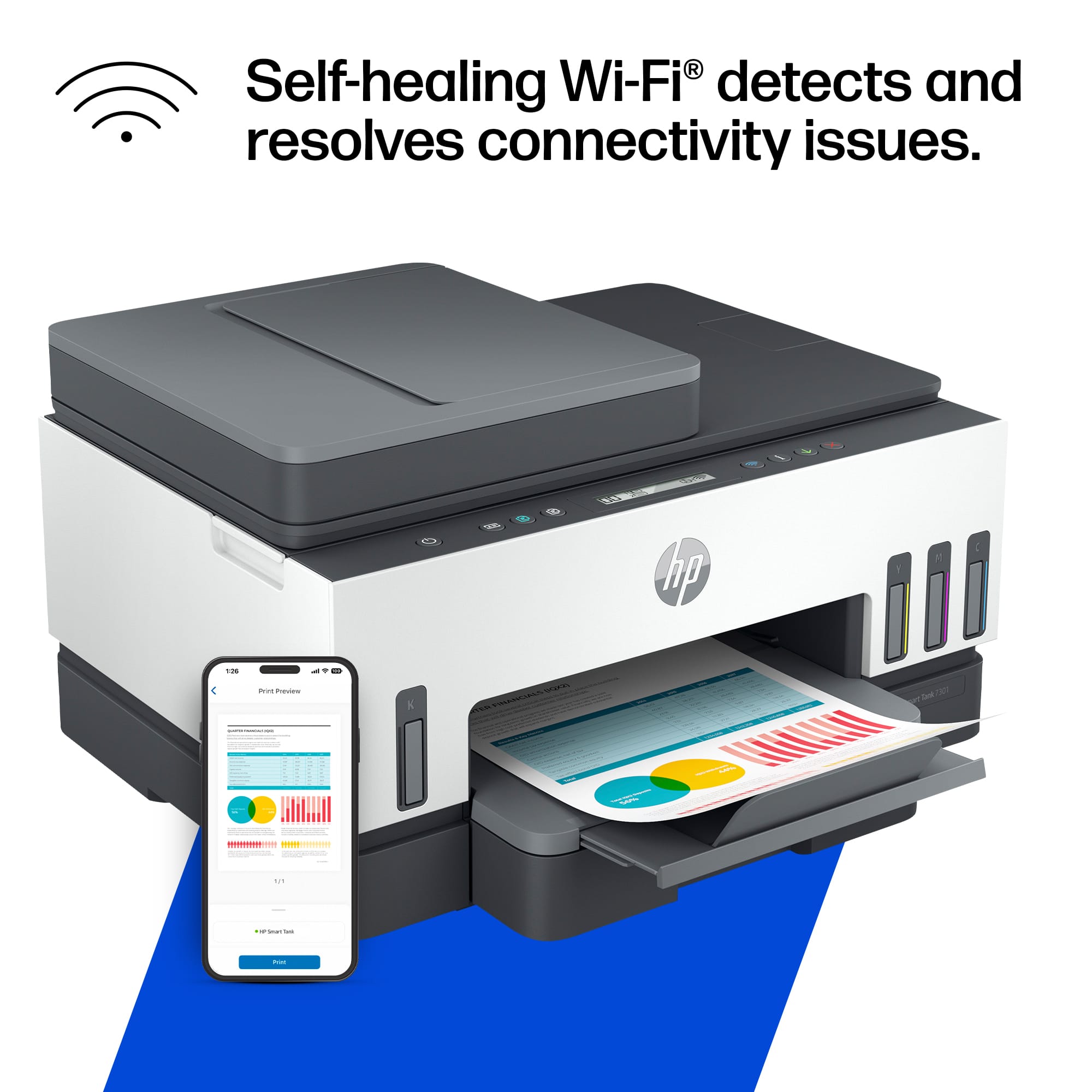
||Posted . Owned for 3 weeks when reviewed.This reviewer received promo considerations or sweepstakes entry for writing a review.Our previous print which was the same type without auto feed was terrible with connection to WIFI. So far this HP 7301 has been an excellent upgrade.
This review is from HP - Smart Tank 7301 Wireless AI-Enabled All-in-One Cartridge-Free Supertank Inkjet Printer with 3 Years of Ink Included¹ - White & Slate
I would recommend this to a friend - Pros mentioned:Print qualityCons mentioned:Lcd display
Rated 4 out of 5 stars
Missing One Thing
||Posted . Owned for 3 weeks when reviewed.This reviewer received promo considerations or sweepstakes entry for writing a review.The print quality is excellent, and the print speed is fine. I would give it a 5+ except for the fact that the printer has no display for changing options and for things like enlarging and shrinking copies. I should have noticed the lack of a display when shopping for the printer.
This review is from HP - Smart Tank 7301 Wireless AI-Enabled All-in-One Cartridge-Free Supertank Inkjet Printer with 3 Years of Ink Included¹ - White & Slate
No, I would not recommend this to a friend - Pros mentioned:Ease of use, Overall performance, Print quality
Rated 5 out of 5 stars
The very best printer ever!
||Posted . Owned for 3 weeks when reviewed.This reviewer received promo considerations or sweepstakes entry for writing a review.The HP smart tank is the best printer I have ever had. It was extremely easy to set up. The ink cartridges are so easy to add ink to the printer. It prints very fast.
This review is from HP - Smart Tank 7301 Wireless AI-Enabled All-in-One Cartridge-Free Supertank Inkjet Printer with 3 Years of Ink Included¹ - White & Slate
I would recommend this to a friend - Pros mentioned:Print quality
Rated 4 out of 5 stars
Good Printer needs better setup instructions
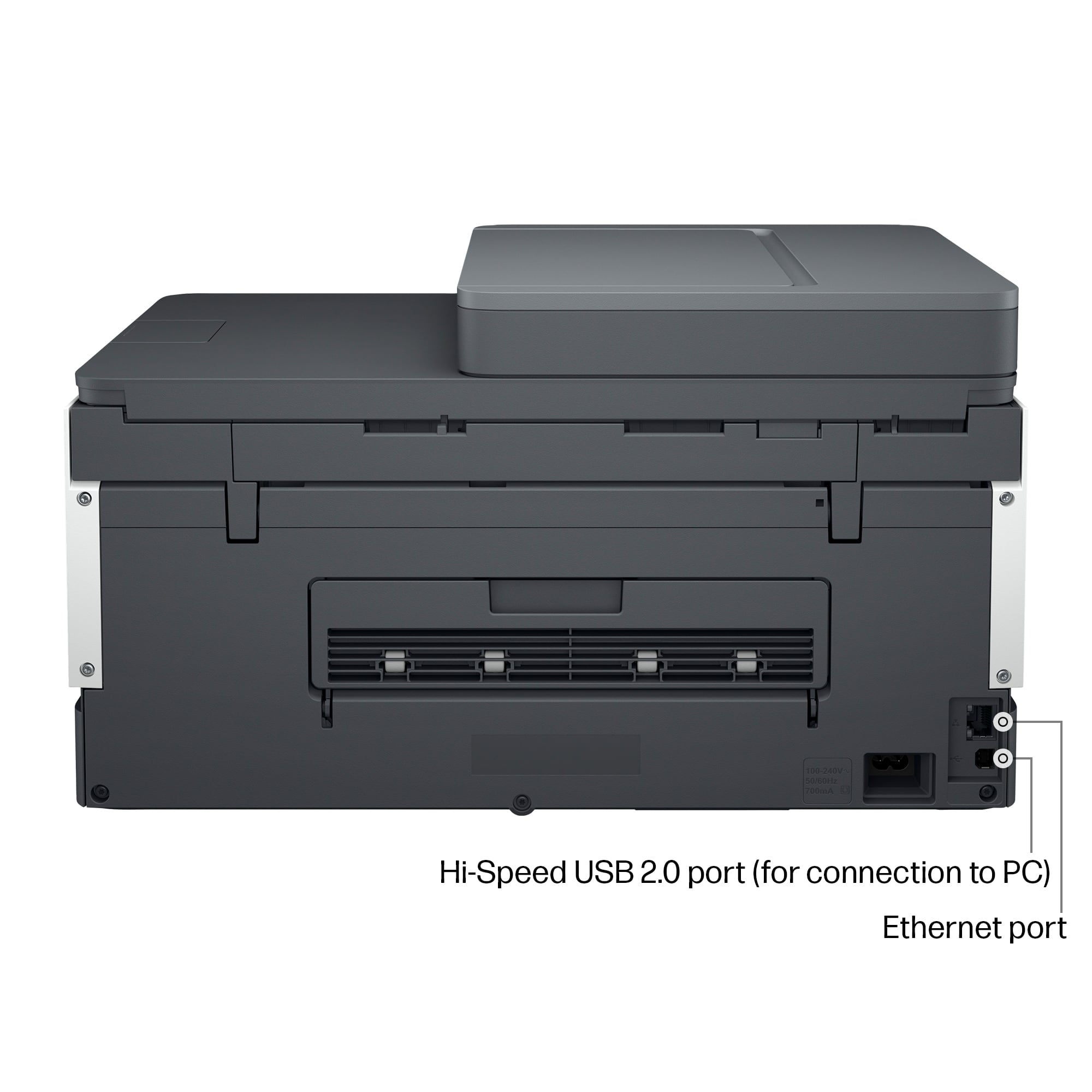
||Posted . Owned for less than 1 week when reviewed.This reviewer received promo considerations or sweepstakes entry for writing a review.Finally got thr printer up and working. Setup instructions were not very good. Had to connect the wi-fi through my phone first, then connect the computer to the wi-fi nexxt to get it to work line it should. The print quality is good. When I scanned their QR code with my phone it took me to an over 50's dating website. Was ot happy about that, but happy with the printer once I got it all set up. The power cable that came with the printer is loose in the printer recepticle and keeps loosing contact and power to the printer.
This review is from HP - Smart Tank 7301 Wireless AI-Enabled All-in-One Cartridge-Free Supertank Inkjet Printer with 3 Years of Ink Included¹ - White & Slate
I would recommend this to a friend - Pros mentioned:Ease of useCons mentioned:Paper tray
Rated 4 out of 5 stars
HP Smart Tank Printer 7300 series
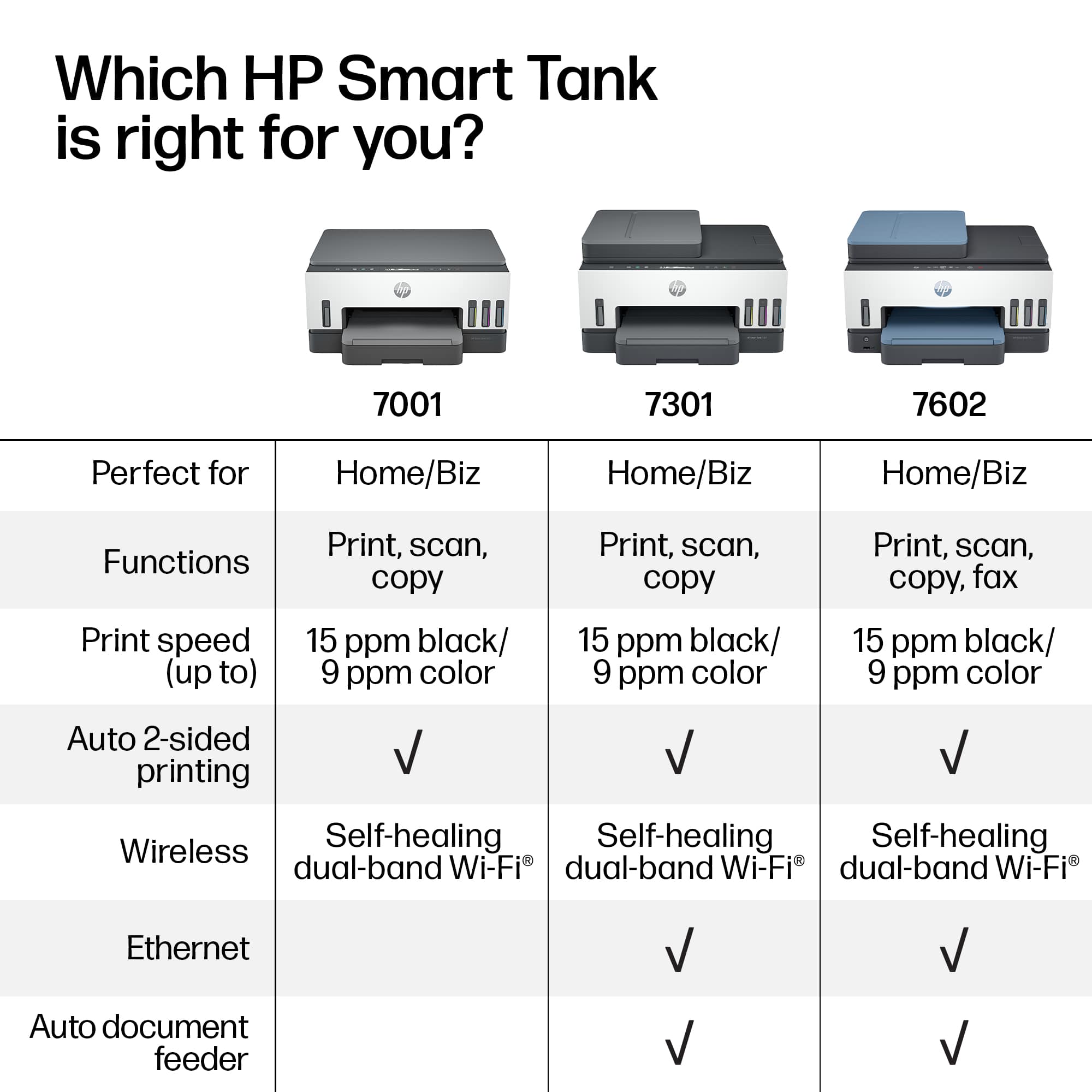
||Posted . Owned for 1 week when reviewed.This reviewer received promo considerations or sweepstakes entry for writing a review.It was easy to setup and loading the ink bottles was simple. I was disappointed the there was no separate paper tray for photo paper like my older HP and it didn't have a straight fax option. I don't use the fax very often but nice to have when needed. Overall a nice printer but look over all the specifications to see if it meets your needs.
This review is from HP - Smart Tank 7301 Wireless AI-Enabled All-in-One Cartridge-Free Supertank Inkjet Printer with 3 Years of Ink Included¹ - White & Slate
I would recommend this to a friend - Pros mentioned:Ease of use, Print quality
Rated 5 out of 5 stars
Replaced an Epson Tank Printer
||Posted . Owned for 3 weeks when reviewed.This reviewer received promo considerations or sweepstakes entry for writing a review.This HP7301 tank style printer replaced an Epson 2850 tank printer that only lasted 7 months with very light printing before it malfunctioned. This HP prints better and was much easier to setup operation and get online. Just a much better design. By the way, we own another Epson printer that works fine but after our experience with Epson on their warranty compliance, we won’t be going back to them again.
This review is from HP - Smart Tank 7301 Wireless AI-Enabled All-in-One Cartridge-Free Supertank Inkjet Printer with 3 Years of Ink Included¹ - White & Slate
I would recommend this to a friend - Pros mentioned:Print qualityCons mentioned:Connectivity
Rated 2 out of 5 stars
Does not work consistently enough
||Posted .This reviewer received promo considerations or sweepstakes entry for writing a review.I have had this printer for well over a year. Every time I use it I have problems with it. Not problems with it printing, it prints very good quality and it does not use a lot of ink. I like that a lot. But I always have a problem with connection , but I'm pretty sure is not operator error. I usually have to unplug it and plug it back in I generally have had issues printing from my laptop or my phone, both which list this printer as my printer to use. I also have problems if I want to just make a copy. If I put something on the glass and just want to make one or two copies I have a problem with that. The manual is not at all helpful. It's very minimal on operation, troubleshooting, and guidelines. I honestly don't think I am the problem. My son is in IT and has to help me quite a bit with it. If I could take it back I would. I would not recommend purchasing this.
This review is from HP - Smart Tank 7301 Wireless AI-Enabled All-in-One Cartridge-Free Supertank Inkjet Printer with 3 Years of Ink Included¹ - White & Slate
No, I would not recommend this to a friend