Customer Ratings & Reviews
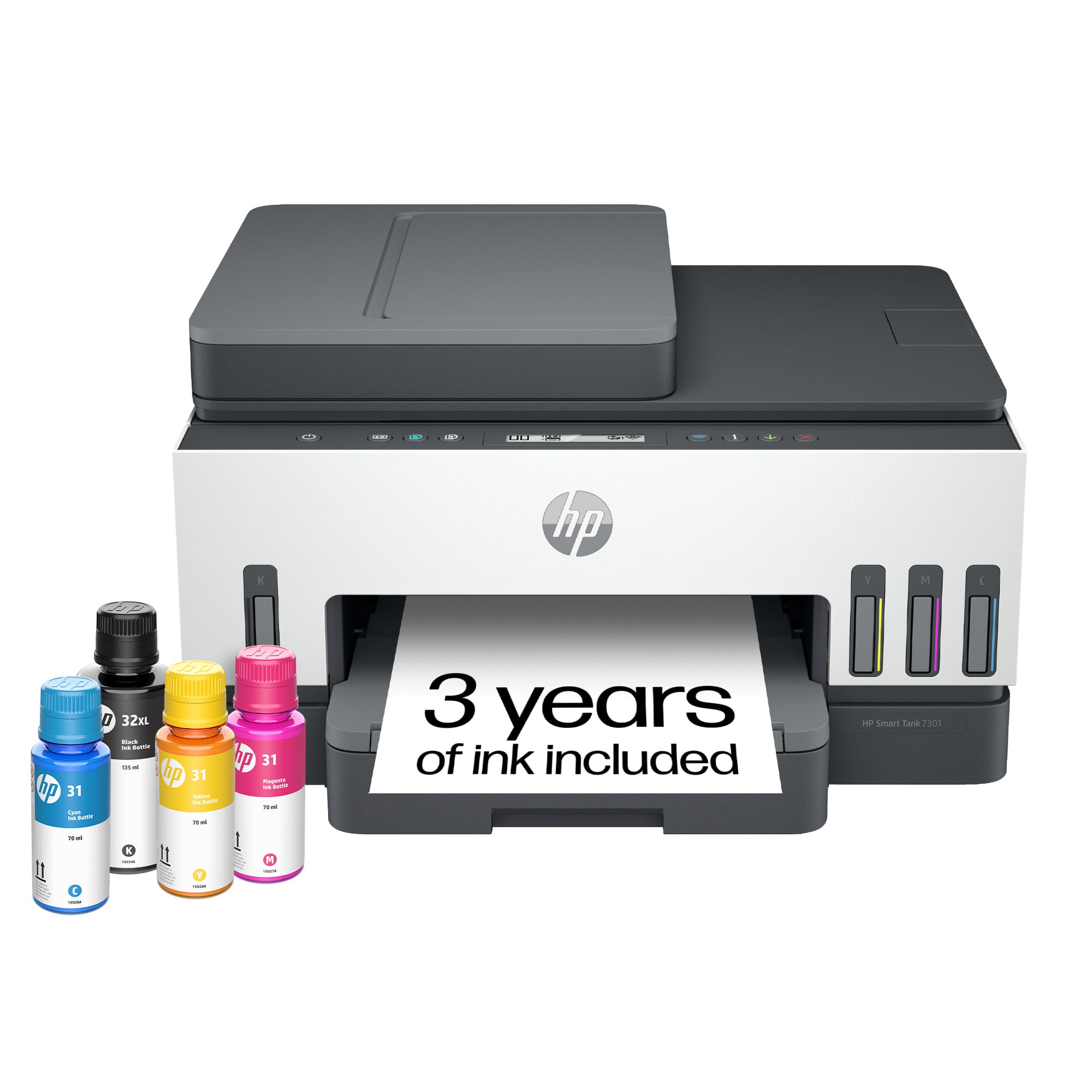
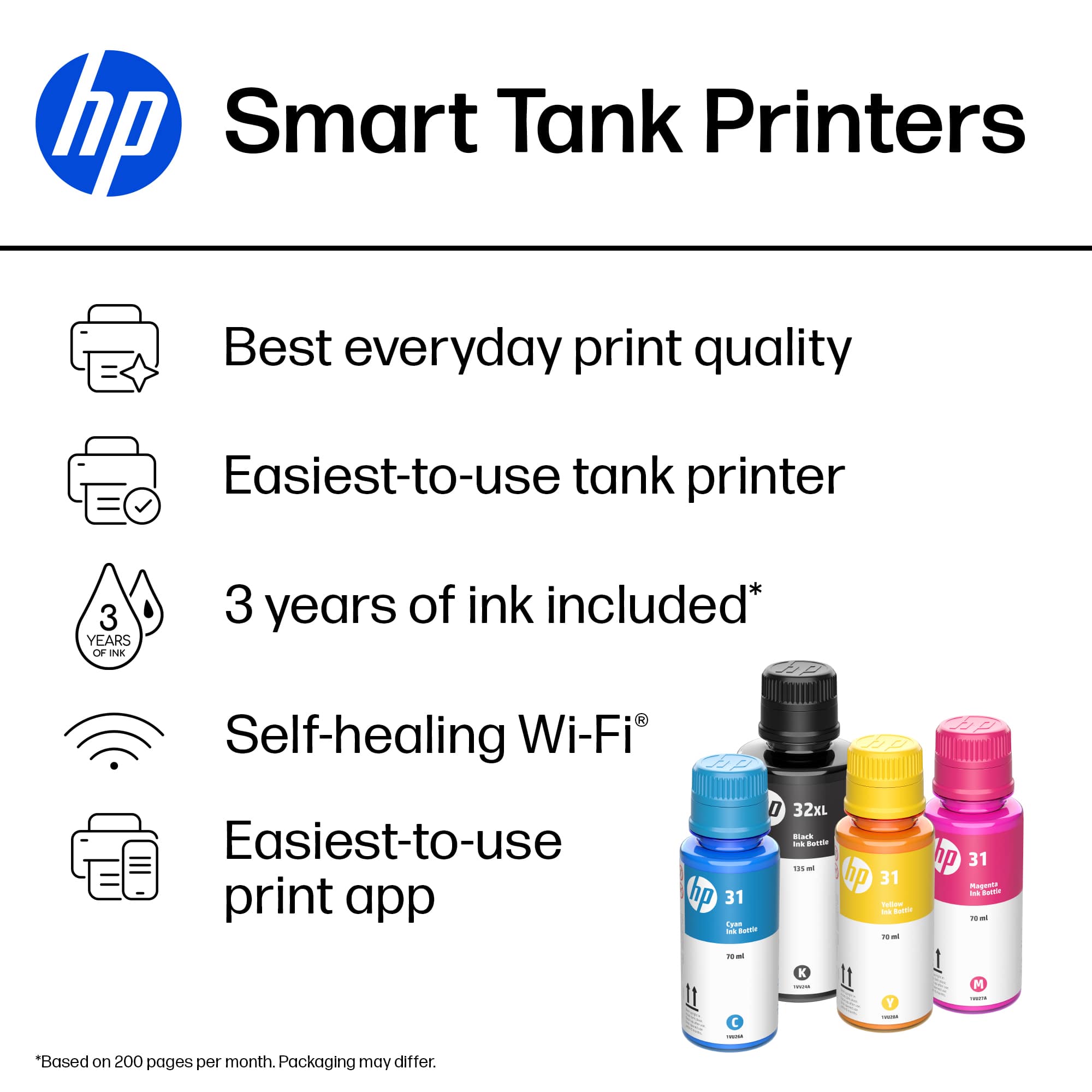

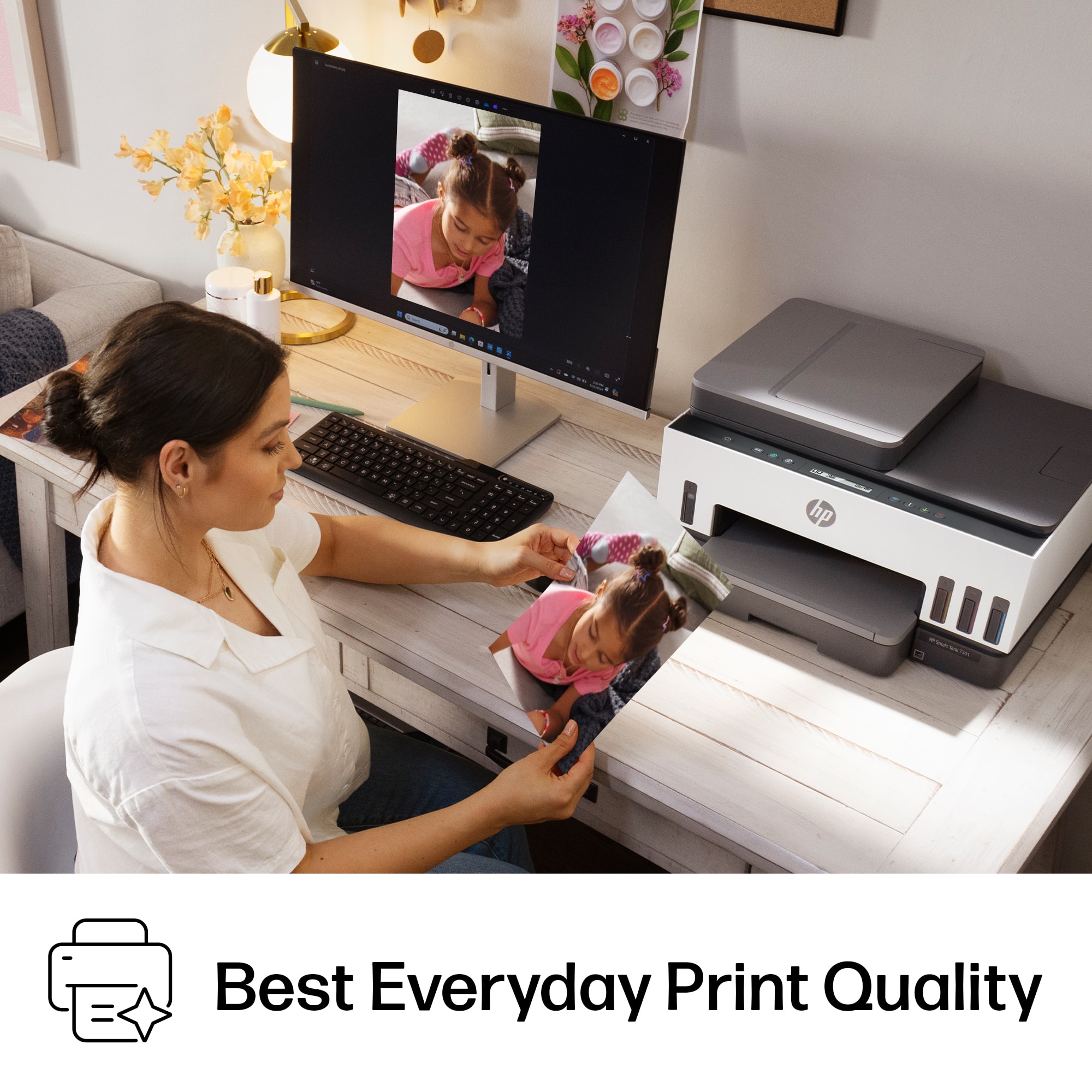







- Model:
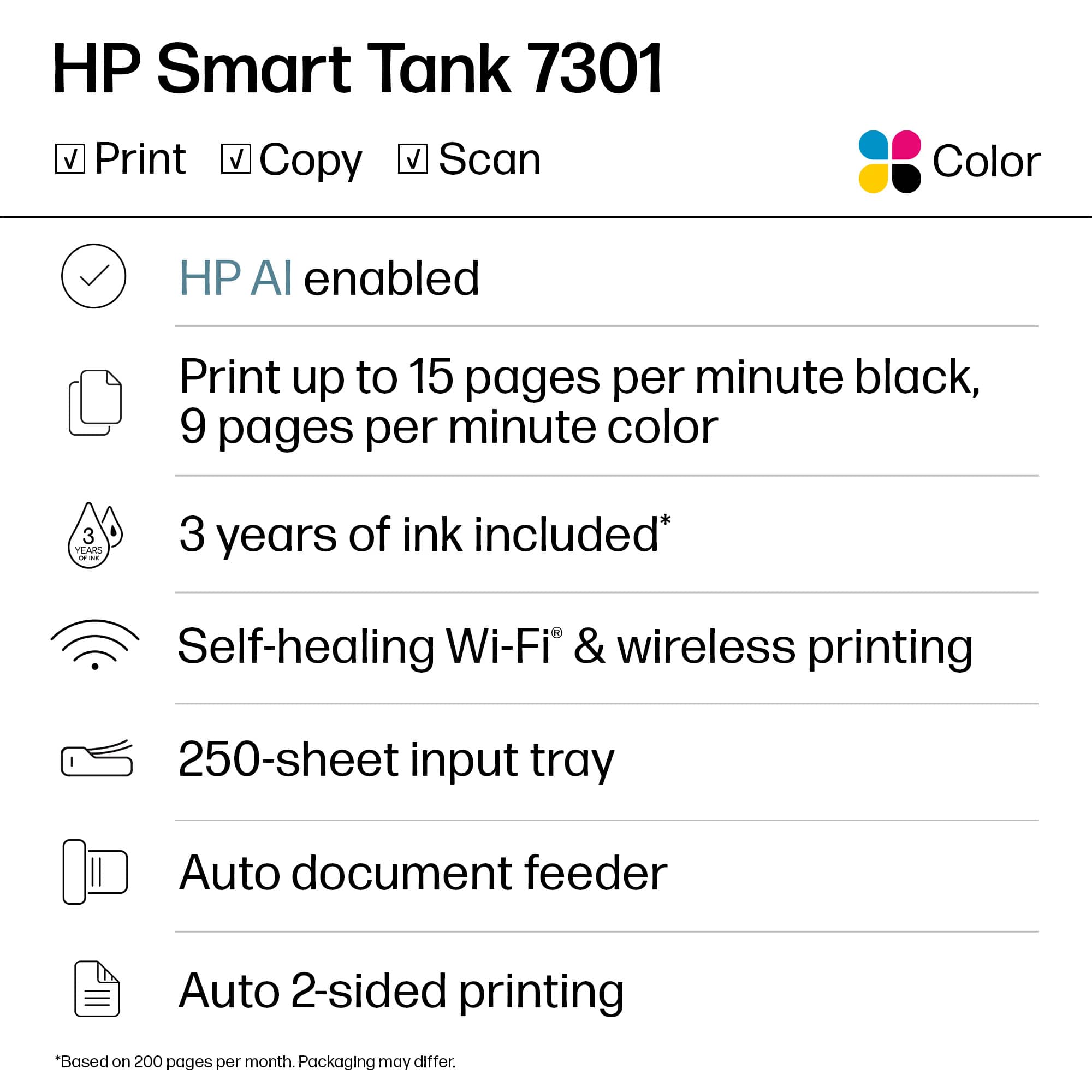
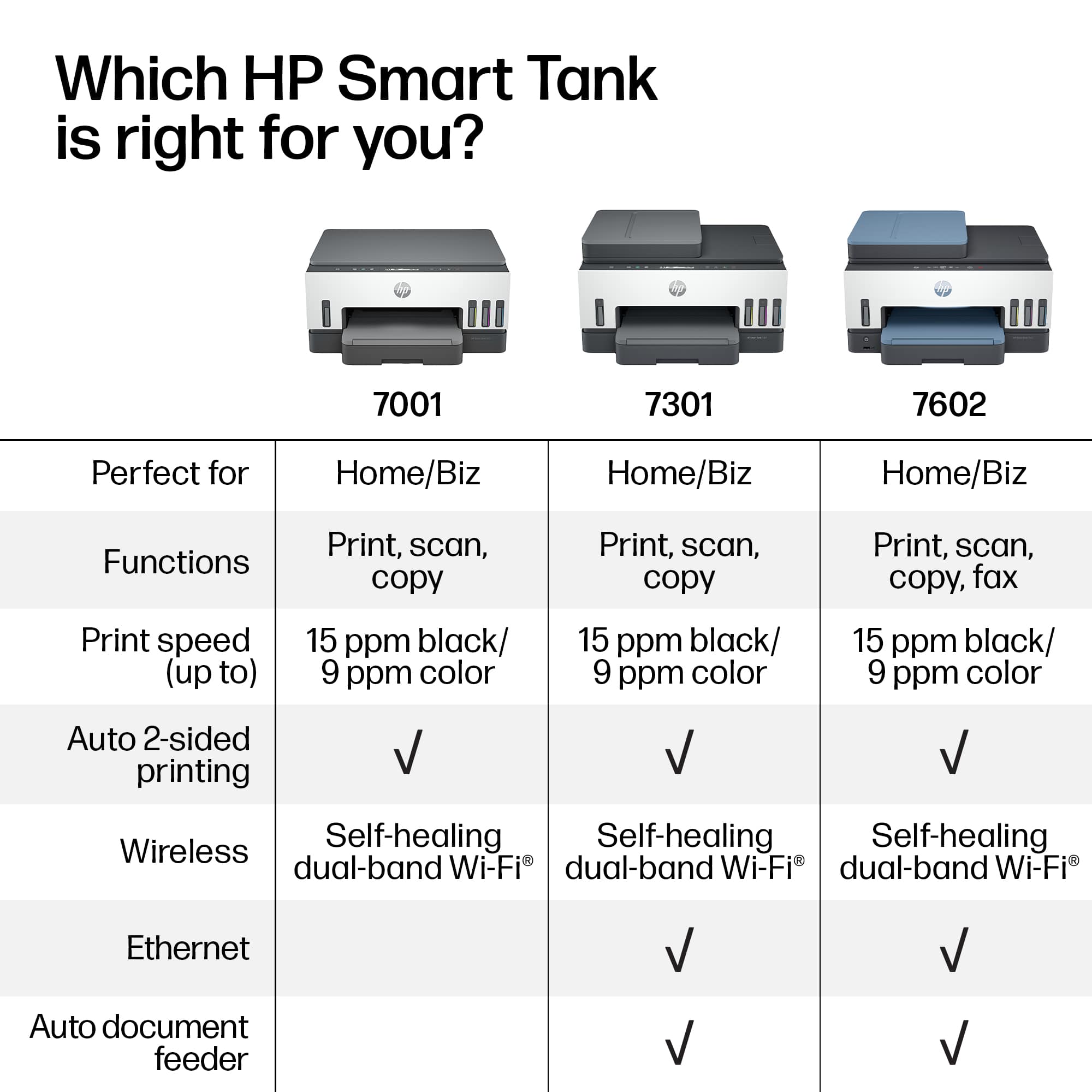
- SMART TANK 7301/28B70A#B1H
- SKU:
- 12752343
Rating by feature
- Value
Rating 4.2 out of 5 stars
- Quality
Rating 4.3 out of 5 stars
- Ease of Use
Rating 4.1 out of 5 stars
Customers are saying
Customers praise the outstanding print quality and the overall ease of use that makes this device a reliable choice for small offices. While the setup process is quick and efficient, some users have noted minor frustrations regarding the stability of the Wi-Fi connection and the design of the paper tray. Additionally, a few individuals found the scanning feed to be less robust than expected and felt the LCD display lacked sufficient detail. Overall, the printer is widely regarded as a high-performing tool for daily tasks.
This summary was generated by AI based on customer reviews.
- Pros mentioned:Print quality
So far so good
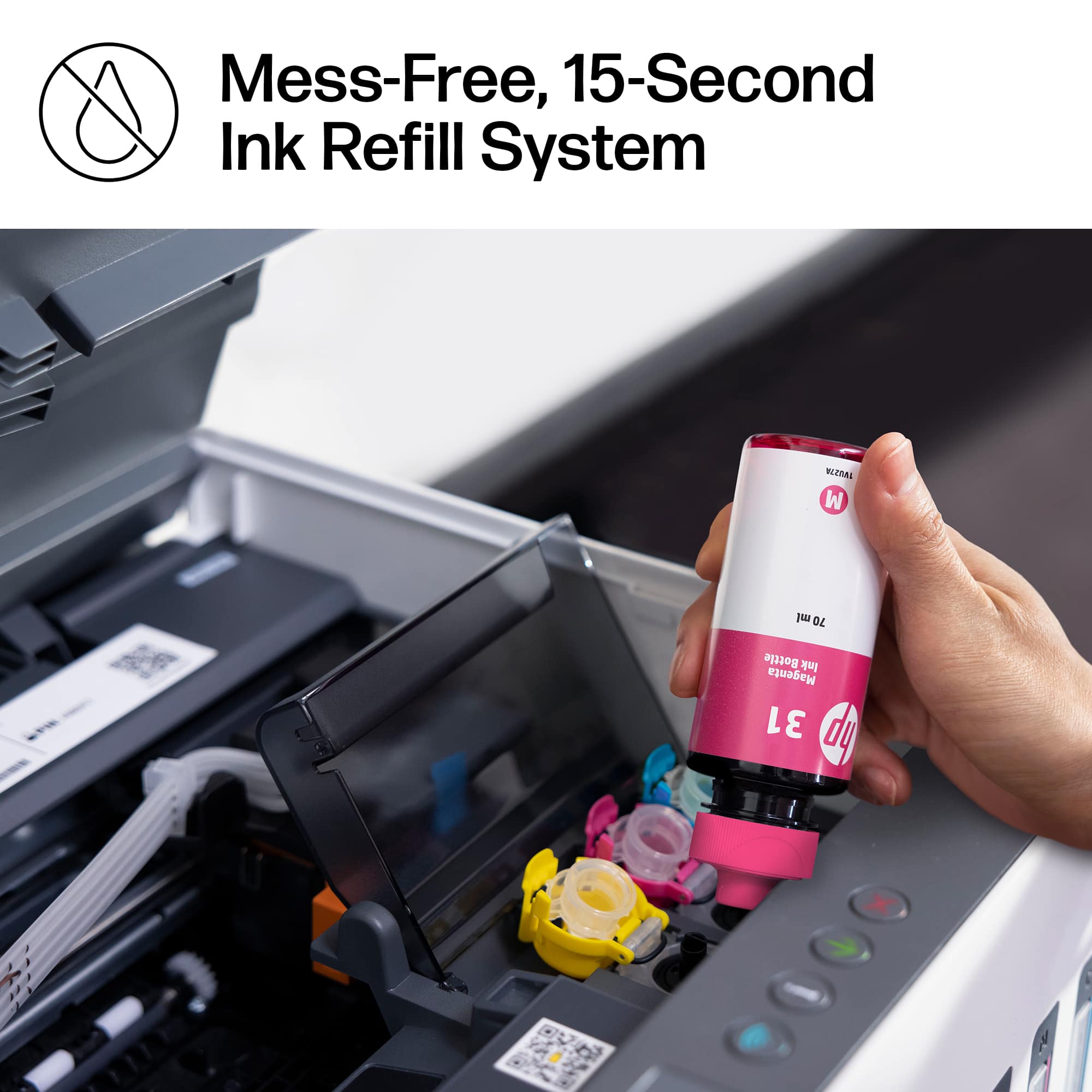
||Posted . Owned for 3 weeks when reviewed.This reviewer received promo considerations or sweepstakes entry for writing a review.So far so good. Set up was easy through the HPSmart App. Prints are clear and quick, and I like that you can set two-sided printing as a default. Filling the ink tanks was an easy, no mess process. Will see how it does over time or as I use more functions.
I would recommend this to a friend - Pros mentioned:Ease of use, Print quality
The Printer
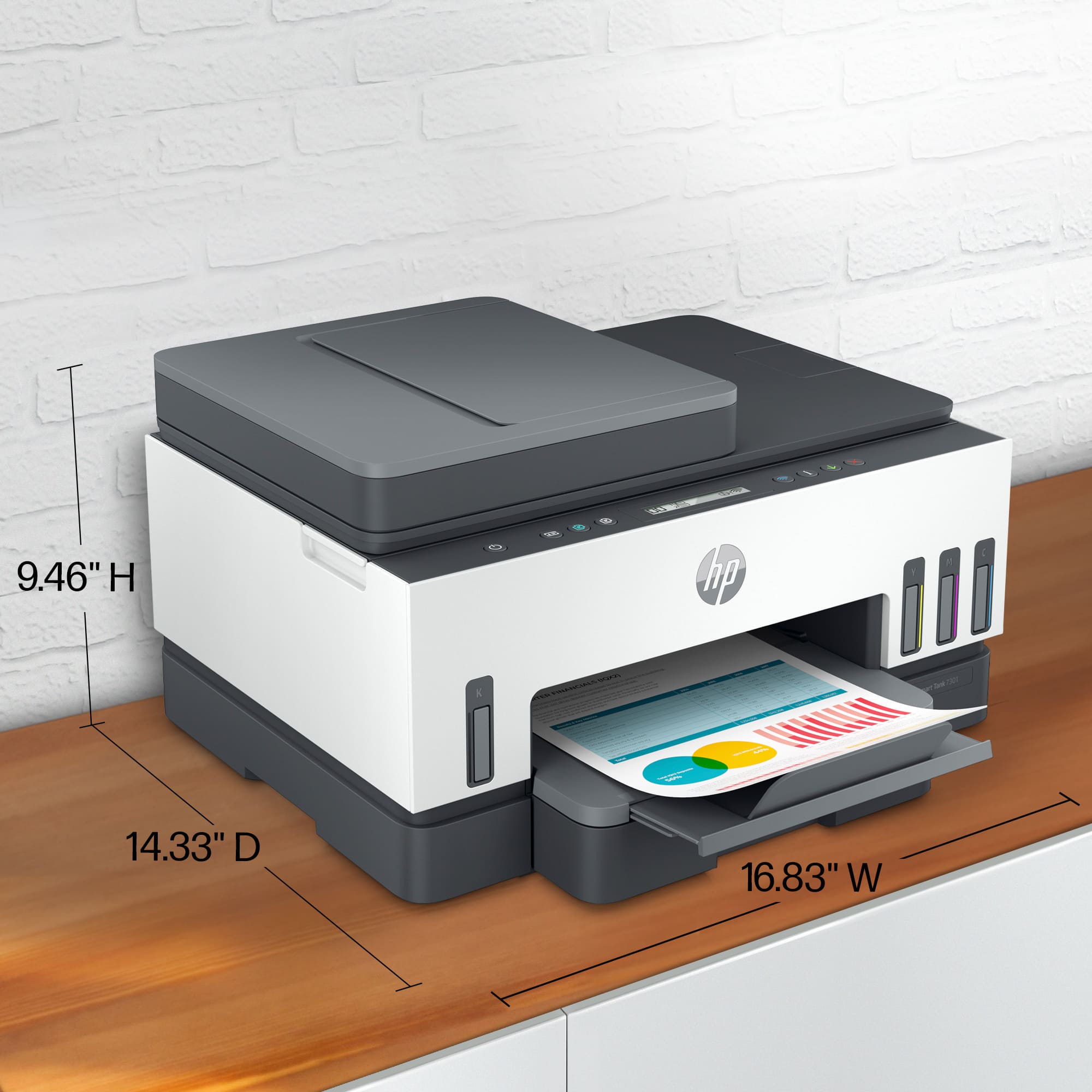
||Posted . Owned for 3 weeks when reviewed.This reviewer received promo considerations or sweepstakes entry for writing a review.Item is easy to install and intuitive to use. Very compact therefore does not require lots of space. The print quality is extremely good for personal and business use.
I would recommend this to a friend - Pros mentioned:Ease of use, Print quality
HP Smart Tank Printer
||Posted . Owned for 1 month when reviewed.This reviewer received promo considerations or sweepstakes entry for writing a review.Good printer, easily setup, great printouts from computer, phone, or tablet.
I would recommend this to a friend - Pros mentioned:Ease of use, Print quality
Worth The Extra Monet
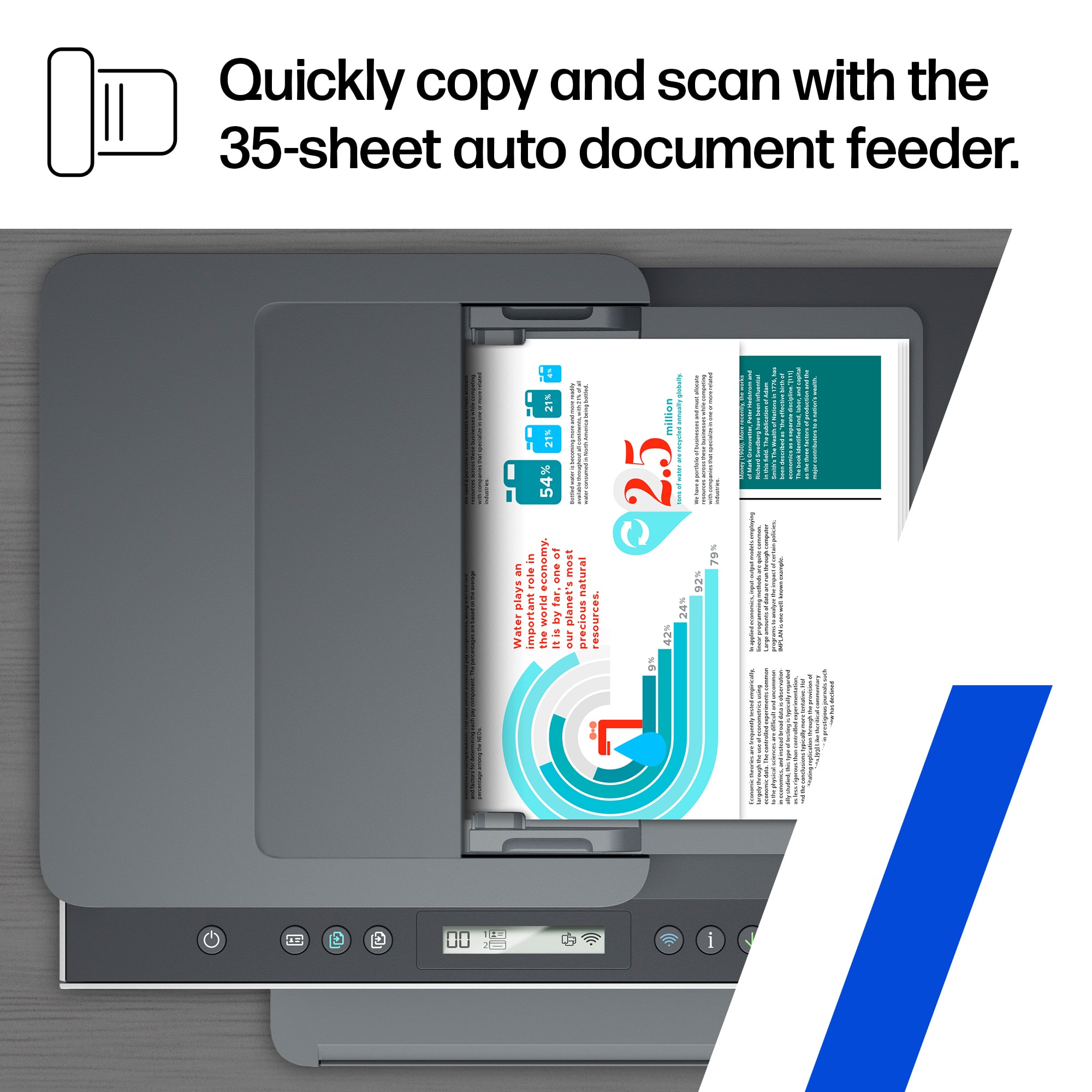
||Posted . Owned for 3 weeks when reviewed.This reviewer received promo considerations or sweepstakes entry for writing a review.Easy to install. Color or black & white. Very quick. Quality prints. Fast and easy scans. Ability to set the resolution of scans. Lots of ink.
I would recommend this to a friend - Pros mentioned:Print quality
HP 7300 printer
||Posted . Owned for 2 months when reviewed.This reviewer received promo considerations or sweepstakes entry for writing a review.We love this printer. No more worrying about buying ink cartridges all the time. Hope these will last longer. Print is wonder and color is fabulous.
I would recommend this to a friend - Pros mentioned:Print quality, Setup
Great Printer
||Posted . Owned for 1 month when reviewed.This reviewer received promo considerations or sweepstakes entry for writing a review.This printer replaced an older one that had suddenly stopped working. Setup was very quick, adding to my home network was even easier and printing is super quick
I would recommend this to a friend Great Printer
||Posted . Owned for 1 month when reviewed.This reviewer received promo considerations or sweepstakes entry for writing a review.Love the inkwells instead of cartridges. Have always had HP printers and is my favorite one!
I would recommend this to a friend- Pros mentioned:Print qualityCons mentioned:Scanning
mr.
||Posted . Owned for 1 month when reviewed.This reviewer received promo considerations or sweepstakes entry for writing a review.very service for home use. good quality printing. scanning a problem for us.
I would recommend this to a friend - Pros mentioned:Ease of use, Print quality
A great printer.
||Posted . Owned for 1 month when reviewed.This reviewer received promo considerations or sweepstakes entry for writing a review.I like the simplicity of the printer, but the ability of what it can do. With the low cost of the ink.
I would recommend this to a friend - Pros mentioned:Overall performance
Would recommend for a small family.
||Posted . Owned for 6 months when reviewed.This reviewer received promo considerations or sweepstakes entry for writing a review.Great printer so far! Works well, especially plugged directly into my Orbi.
I would recommend this to a friend - Pros mentioned:Ease of use, Print quality
Good Printer
||Posted . Owned for 1 month when reviewed.This reviewer received promo considerations or sweepstakes entry for writing a review.Easy set up, able to print from anywhere, quality machine!
I would recommend this to a friend Jury is still out
||Posted . Owned for 1 month when reviewed.This reviewer received promo considerations or sweepstakes entry for writing a review.The jury is still out. I have had mor than my share of paper jams! I have a hard time waking up the printer.
I would recommend this to a friend- Pros mentioned:Print quality
Nice but with Set-Up Issues.
||Posted . Owned for 1 month when reviewed.This reviewer received promo considerations or sweepstakes entry for writing a review.I like it but it was not as straight forward setting it up as expected. It may have been due to my virus scanning (VS) software being enabled, but if it is a possibility, to find issues during set-up due to VS software HP should state so. I love the high volume ink reservoirs. We shall see how long they last, (@-yrs as advertized?).
I would recommend this to a friend - Pros mentioned:Ease of use, Print quality
Great document printer not a good photo printer
||Posted . Owned for 1 month when reviewed.This reviewer received promo considerations or sweepstakes entry for writing a review.Easy setup easy to use. Very good for printing documents, but it's not a good photo printer. If you're looking for a photo printer look for a different model.
I would recommend this to a friend - Pros mentioned:Ease of use, Print quality
HP Printer
||Posted . Owned for 3 weeks when reviewed.This reviewer received promo considerations or sweepstakes entry for writing a review.Easy setup and use. Quality is what you would expect from HP. Had to make a few adjustments from the default to get a good print.
I would recommend this to a friend - Pros mentioned:Setup
We originally bought the Epson tankless printer
||Posted . Owned for 1 week when reviewed.This reviewer received promo considerations or sweepstakes entry for writing a review.We have owned many HP printers over the years but decided to try the Epson tankless printer. Setup was a nightmare as it would not stay connected to our WIFI network. Returned and tried a second Epson. After hours over two days we took it back and bought this HP SmartTank. We had some concern as it had far fewer reviews. Well setup was very simple and took little time. Drivers seem to be in the printer as all we needed on the computer was an app. Setup took maybe 10 minutes, it connected to our WIFI no problem and has worked great. Highly recommend.
I would recommend this to a friend - Cons mentioned:Lcd display
Stay away from these printers!
||Posted . Owned for 6 months when reviewed.This reviewer received promo considerations or sweepstakes entry for writing a review.Black printhead died without warning at 5 months. I had to teleconference with HP support to show them it wouldn't print, prove that the black ink tank was full and show them the empty black ink line to the printhead along with explaining all of the troubleshooting steps I'd taken before contacting them. They told me it would take 2 weeks to ship me a replacement unless I wanted to pay $4 shipping and handling to expedite the replacement. In the end they just shipped it expedited at no charge after I protested. Do you really want to pay this much money for this kind of treatment? While the feature set of this model is impressive it does not appear to be reliable like some other printers I've had over the years. The literature boasts of thousands of pages out of a tank of ink but my black tank was half used at only 184 pages. Maybe that was because of my defective printhead or maybe it isn't as thrifty as they'd have you believe it is. The days of standalone software suits are gone and you must use the HP Smart utility located in the windows store. When it is functioning correctly its okay but once things go awry it will leave you pulling your hair out trying to figure out whats wrong. Imagine trying to run the provided diagnostic software only to see it fail each time you attempt to launch it. Or trying to run the printhead cleaner utility and see it error out each time to you click on the start button. Plus it doesn't have its own screen so you have to use the utility or learn the secret button combinations on the top of the printer to actuate different functions. Would I recommend this printer? Just run away from it folks and if you decide that you just have to have it get a geek squad warranty like I did so when it croaks outside of the factory warranty you can just haul it back to BB and get another printer. I'm going back to a color laser next time.
No, I would not recommend this to a friend - Pros mentioned:Print quality
Excellent product
||Posted . Owned for 1 month when reviewed.This reviewer received promo considerations or sweepstakes entry for writing a review.easy to set up on the wireless network, and the ink tanks do not empty quickly. So far over 100 color photos have been printed and the tanks are still 3/4 full. A new ink carton of 4 is less than one set of ink cartridges. The print quality is excellent. I hesitate to put it in the same league with dedicated photo printers — but I’m not jerking your chain here when I tell you that on high-quality photo papers or even high-grade plain papers, the quality is as good or a bit better than I’ve ever seen in a low cost home or small office printer.
I would recommend this to a friend Great compact all-in-one!
||Posted . Owned for 1 year when reviewed.This reviewer received promo considerations or sweepstakes entry for writing a review.Great little all-in-one printer. We replaced an old HP Deskjet all-on-printer with this one. Same features except for the new super ink capacity. Easy install, setup to network, and function. Basic but perfect for our home office needs.
I would recommend this to a friend- Cons mentioned:Lcd display, Paper tray
DO NOT BUY!!!
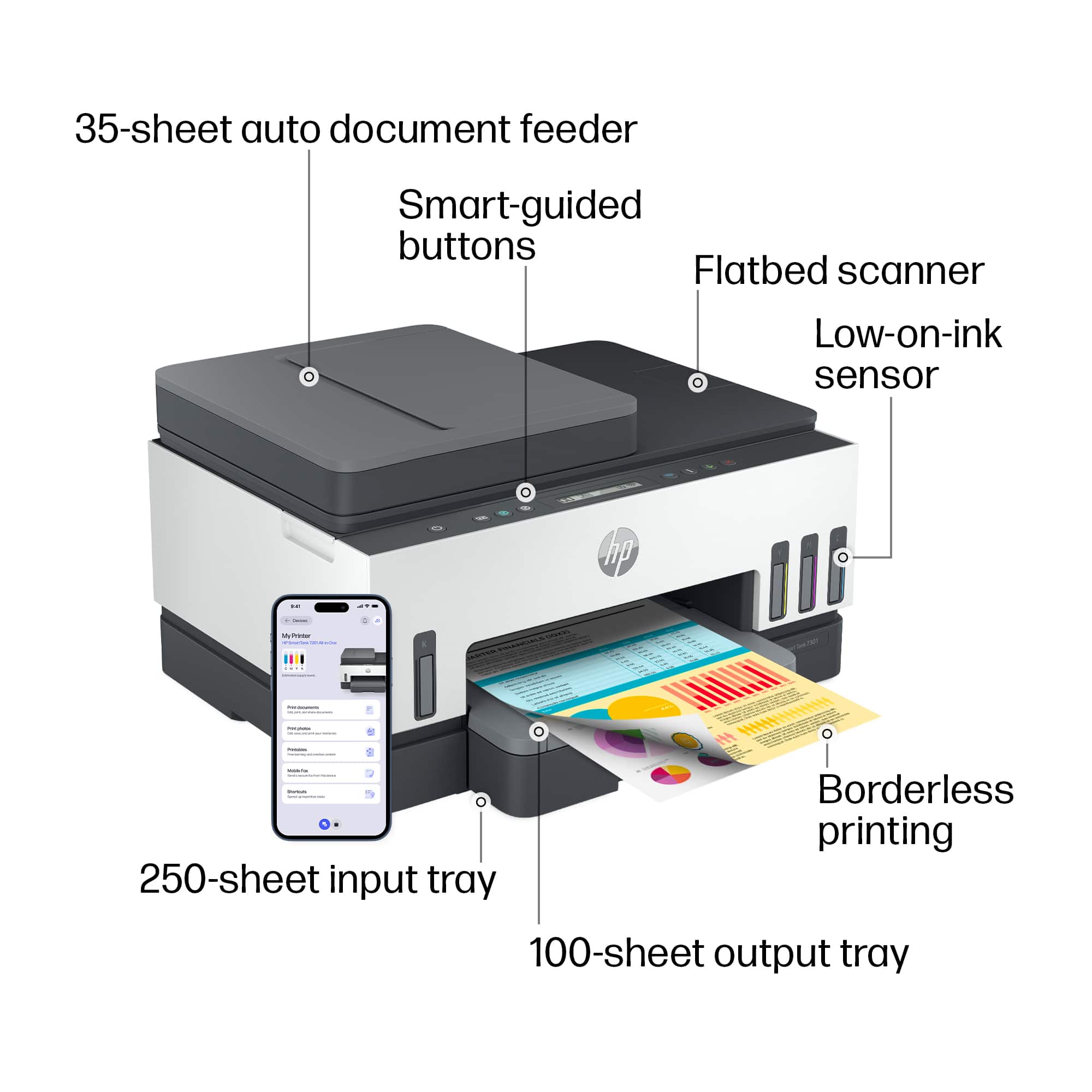
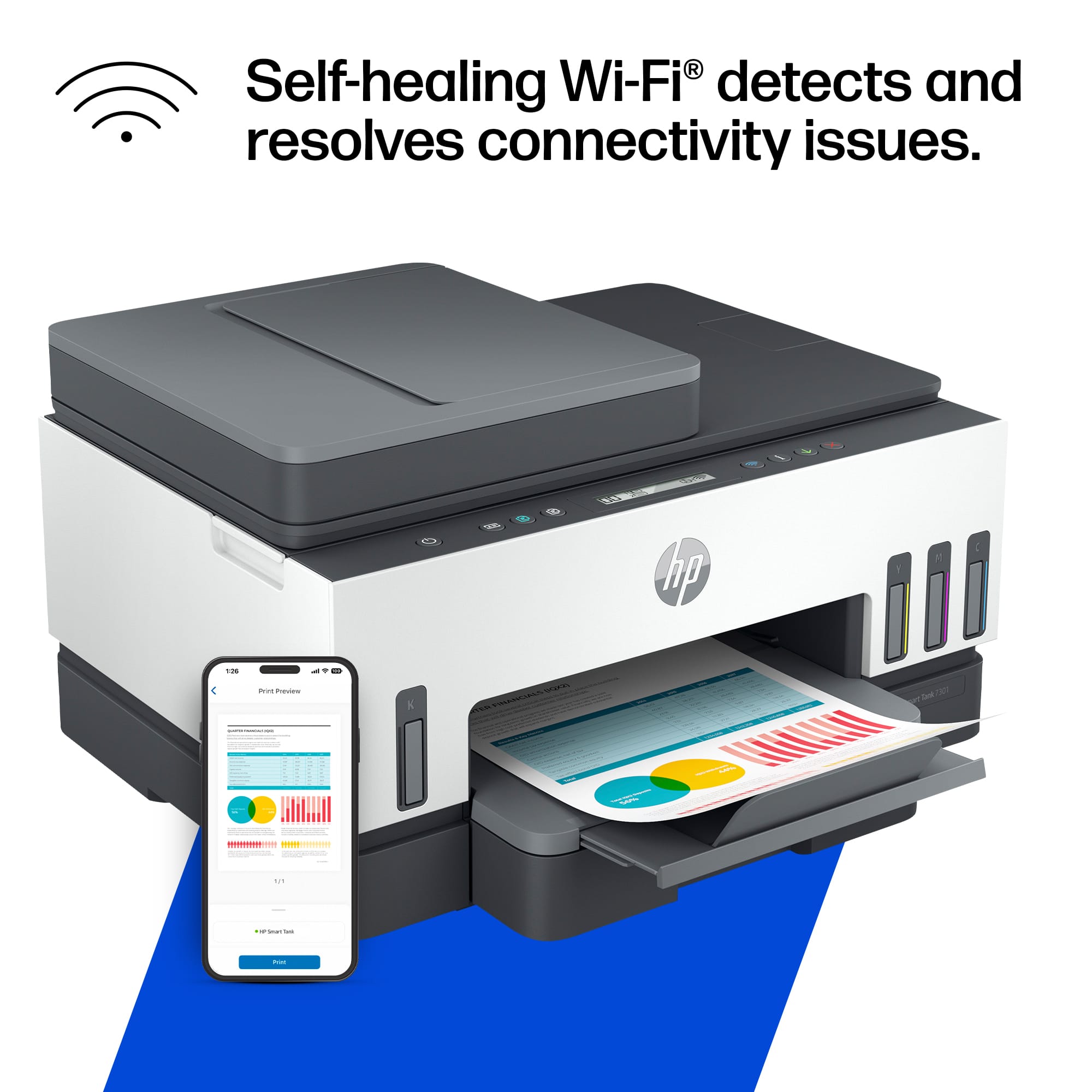
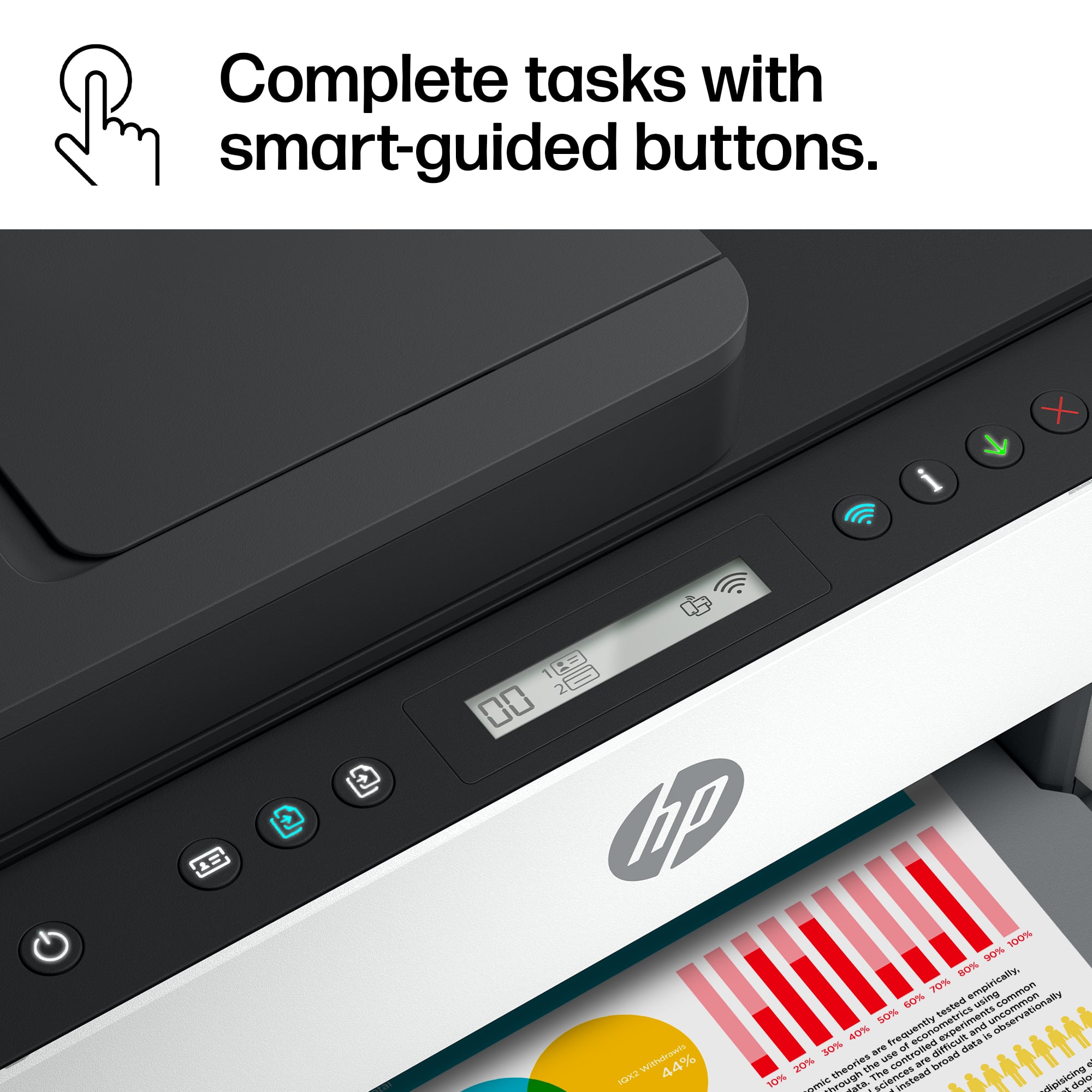
||Posted . Owned for 2 months when reviewed.This reviewer received promo considerations or sweepstakes entry for writing a review.The worst HP printer in the lineup. We had this printer as a temporary replacement and missed our return date or we would have done so. Below is a detailed list in no particular order of what I dislike about it: 1: the digital display has no backlight and it hard to read 2: the print speed is unreasonably slow compared to other models 3: the paper tray that collects printed sheets does not extend causing pages to sometimes shoot off the stack and onto the floor (hope you have pr need page numbering turned on. 4: the paper tray itself gets stuck on a constant basis and is difficult to replace when empty 5: this printer regularly disconnects from your wifi. Should auto shut-off happen, you will be stuck with restarting the printer just to get the wifi to re-register. 6: if the printer has committed to a job, but you had second thoughts, it will freeze up all other jobs when you cancel the one, and cancelling every job will give you an error on the first cancelled job of "deleting-restarting-canceling". 7: the printer has an auto shut-off feature that puts it into sleep mode. This is great except when you want it to turn back on. you go to press a button but it does not wake up. So you tap the power button, but instead of "waking up", it shuts down and you are forced to bear through its 2-4 minute boot up sequence.
No, I would not recommend this to a friendBrand response from HP Team
Posted .Hi there.
I’m sorry to learn that your printer has caused you so much inconvenience and frustration. It’s no surprise that you’re exasperated, considering you’ve endured difficulty with printing speed, connectivity, sleep mode and other factors. I want to help you resolve this situation. I hope the resource and information below will guide you to that end.
I can’t tell from your review what’s causing the problems you describe or whether they’re related to one another. I recommend that you contact us directly at +1 800-474-6836 so we can help you assess what’s happening and find the best course of action. To expedite the process, I recommend gathering the following information before the call:
- Model number
- Serial number
- Your location
- Case number (from any previous contact with HP support)
I'll also mention that HP printers have a one-year warranty from their purchase date that covers hardware as well as ink supplies, so if it comes to that, you might consider making use of it. You can verify the warranty using the following link:
- support.hp.com/us-en/checkwarranty
Keith
HP Care
hp.com/support