Customer Ratings & Reviews
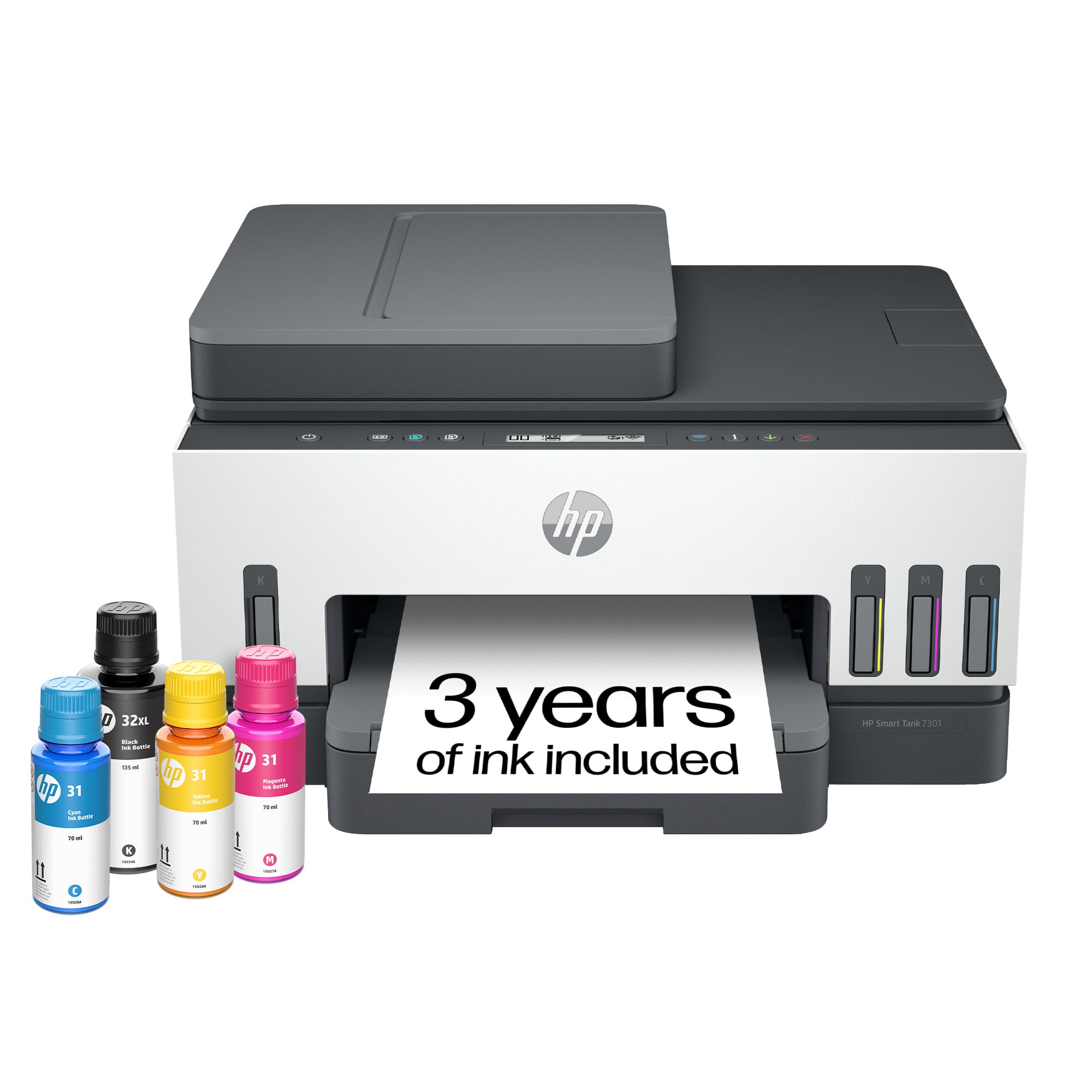
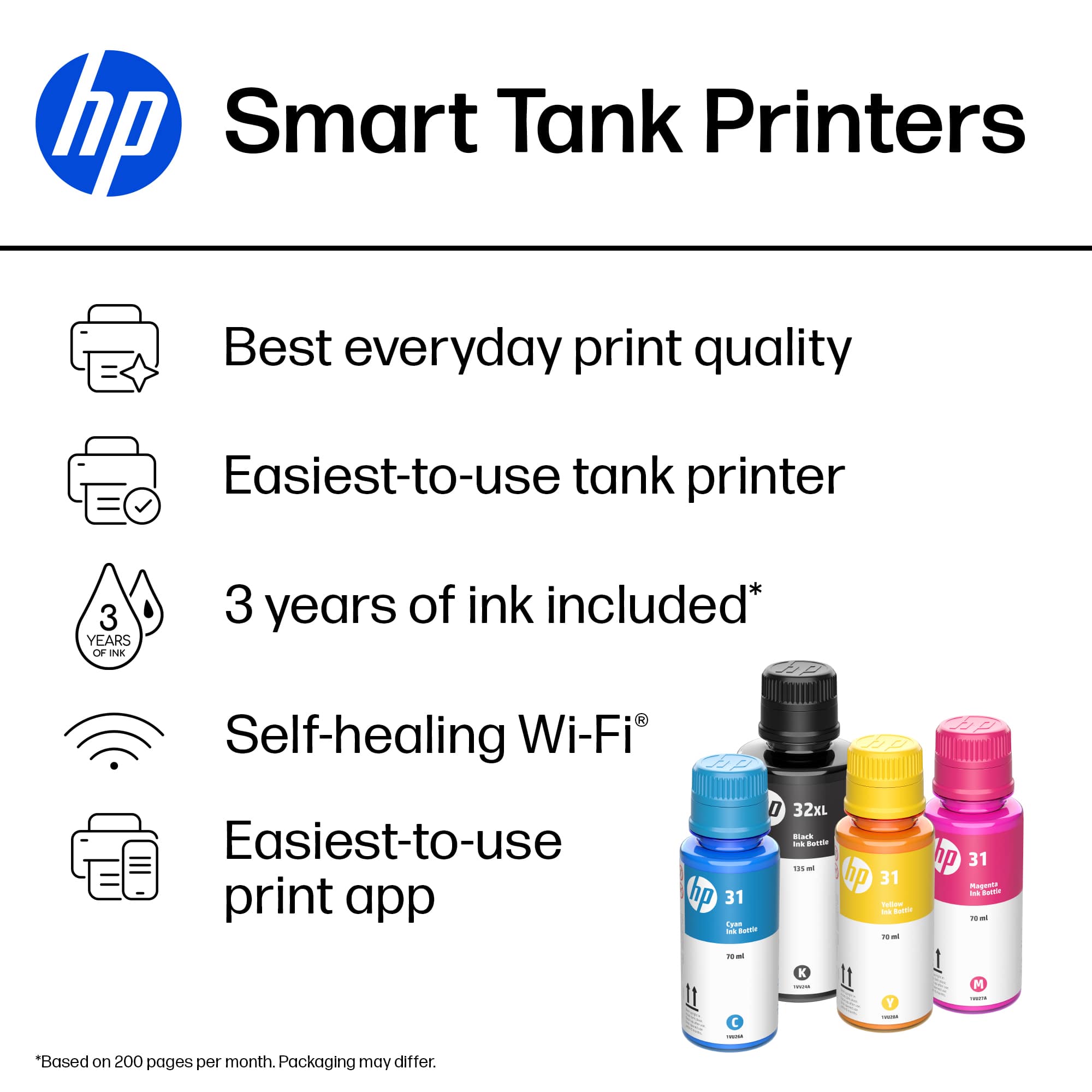

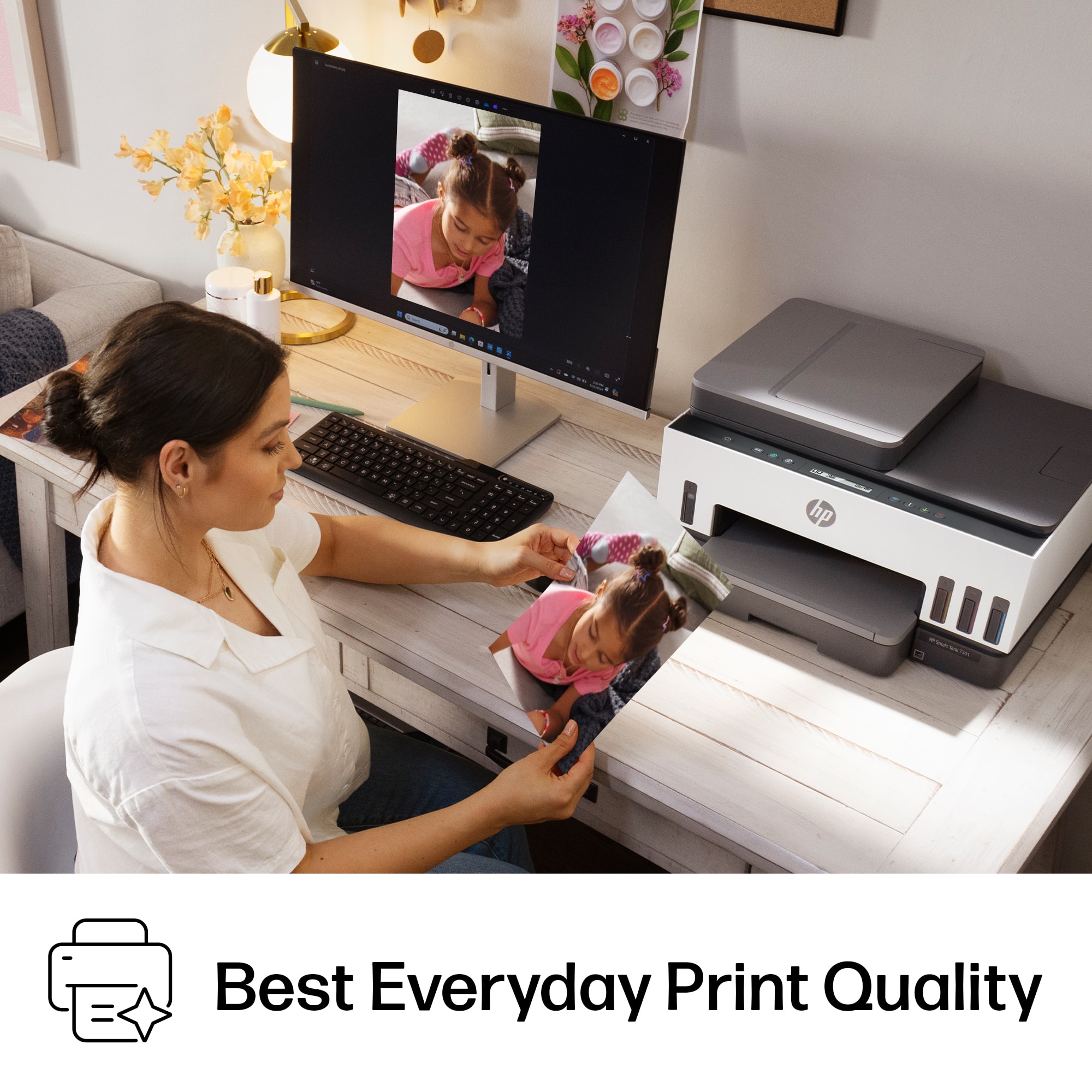
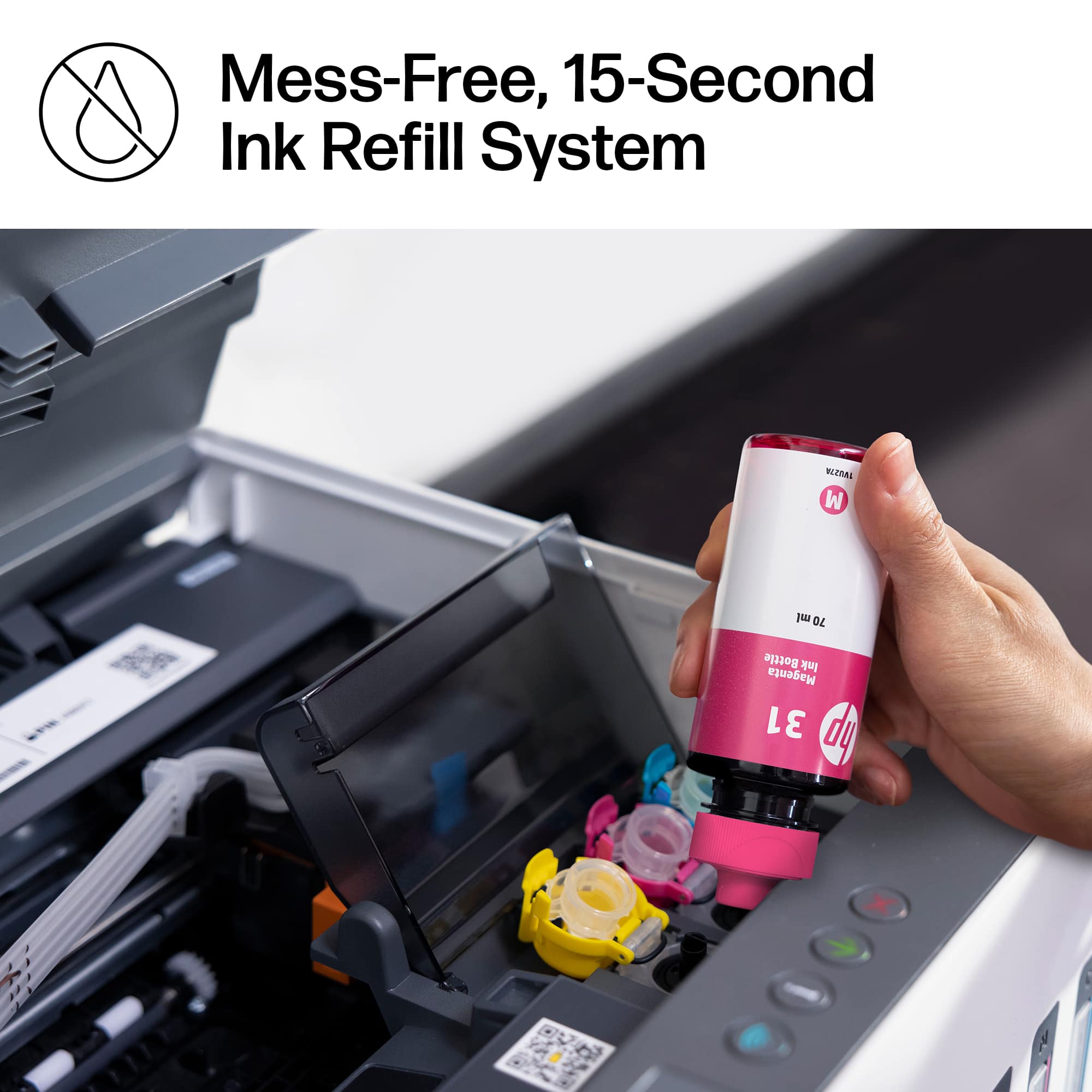

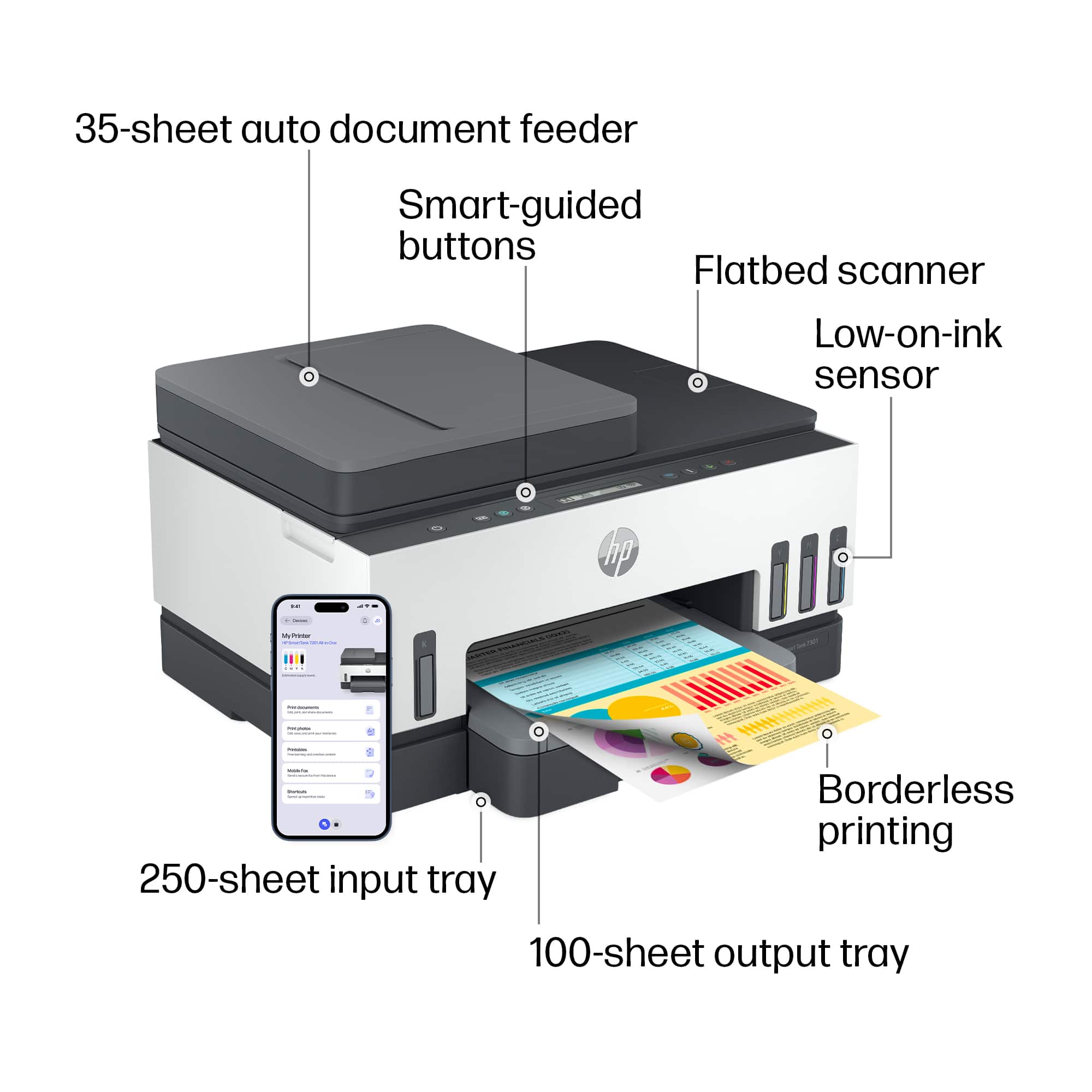
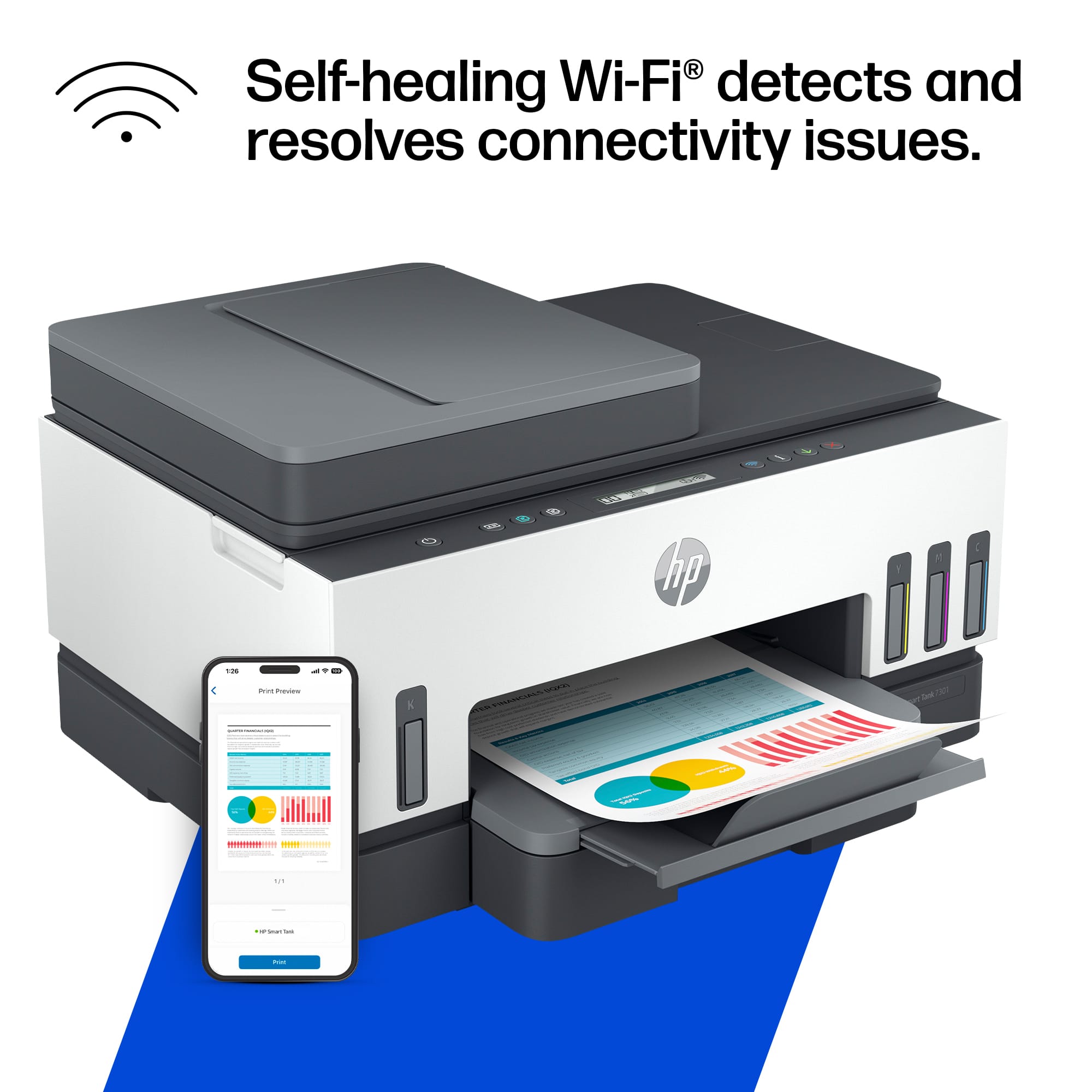
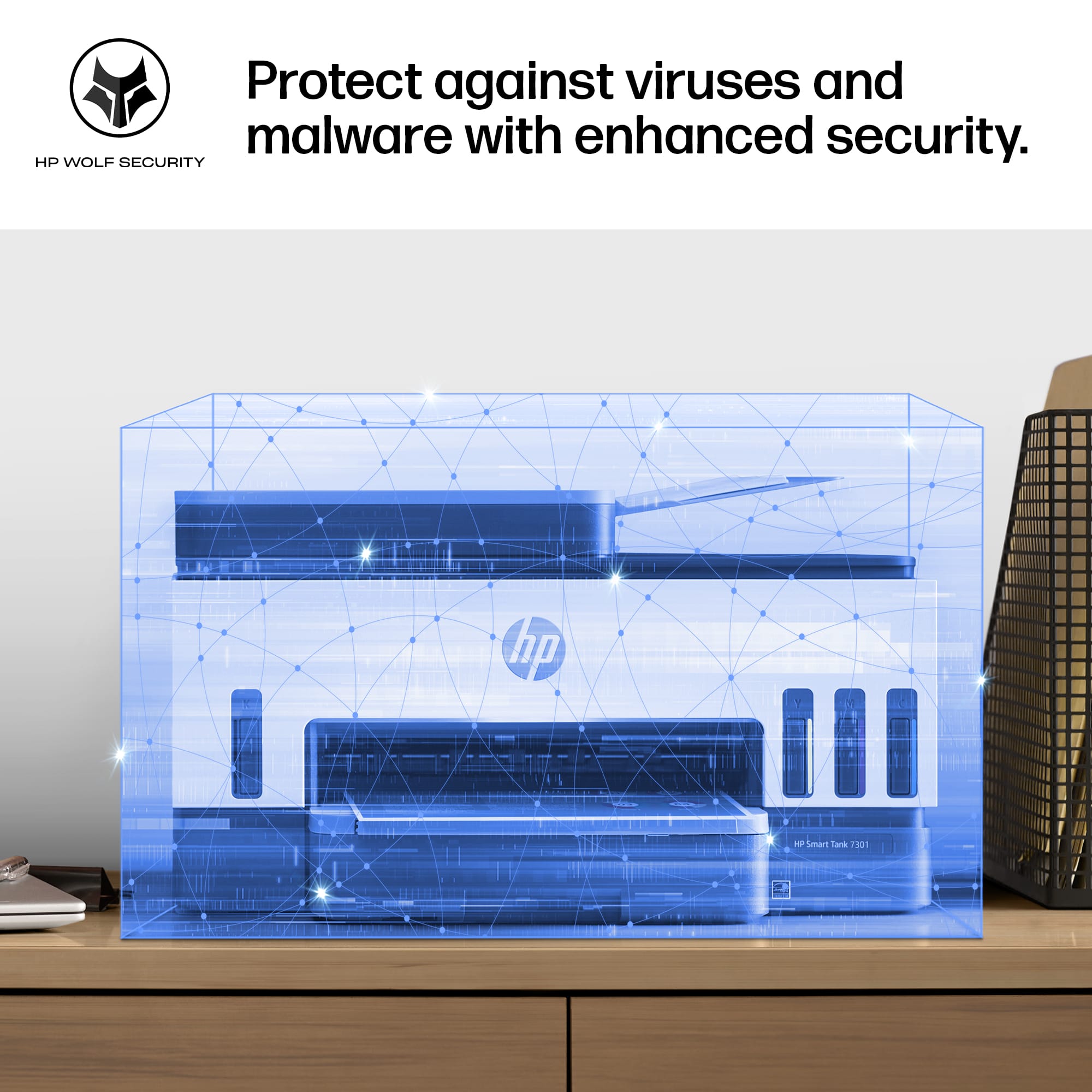
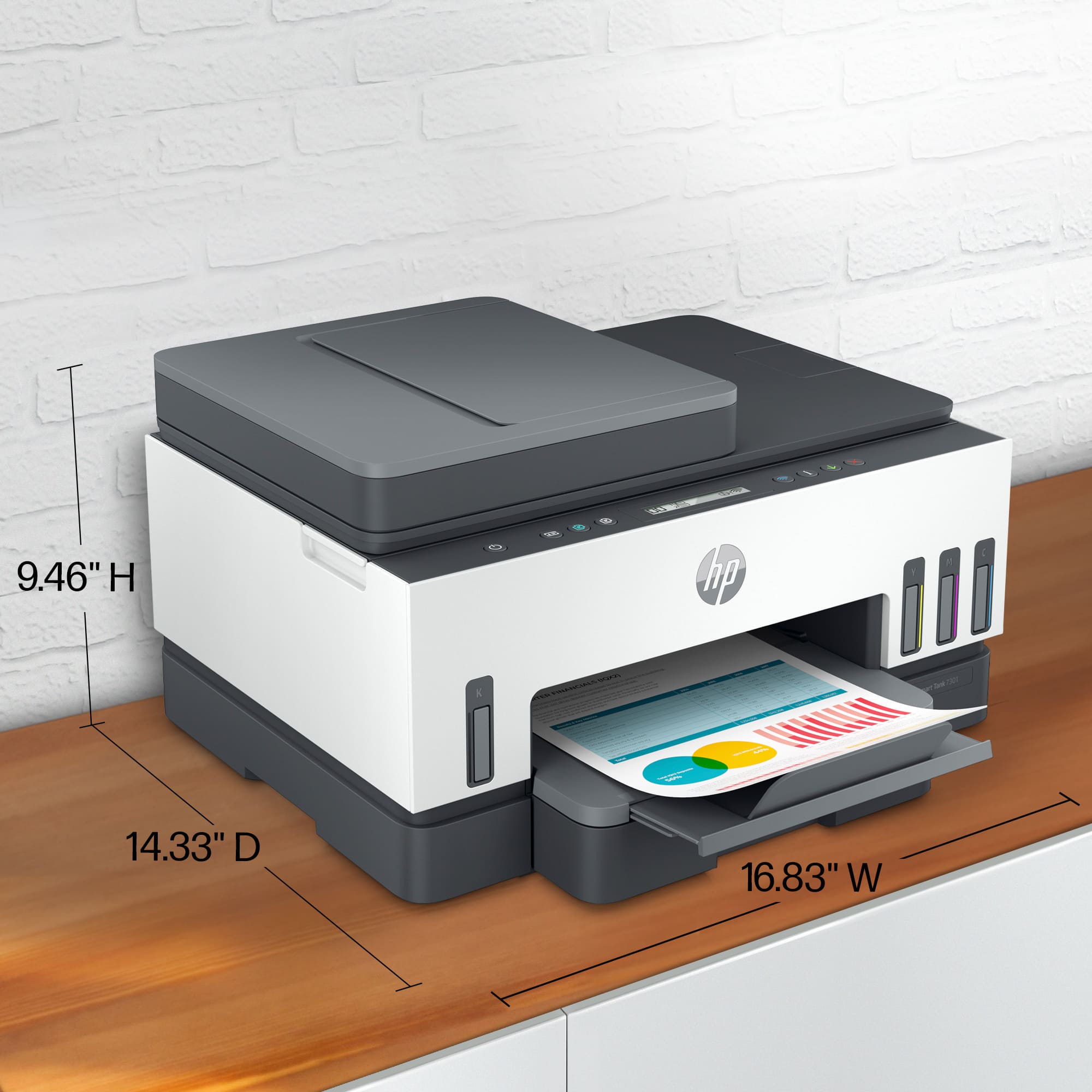
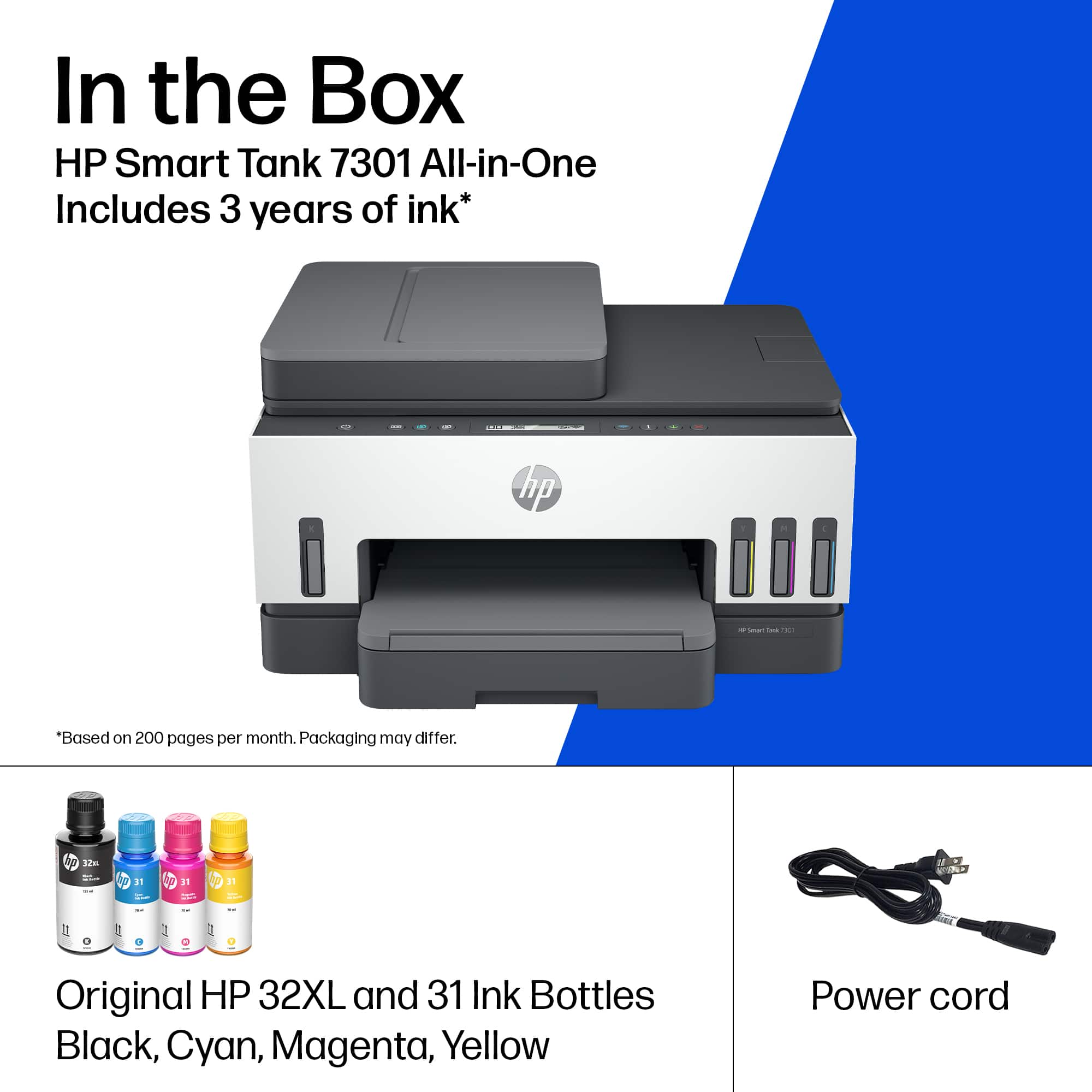

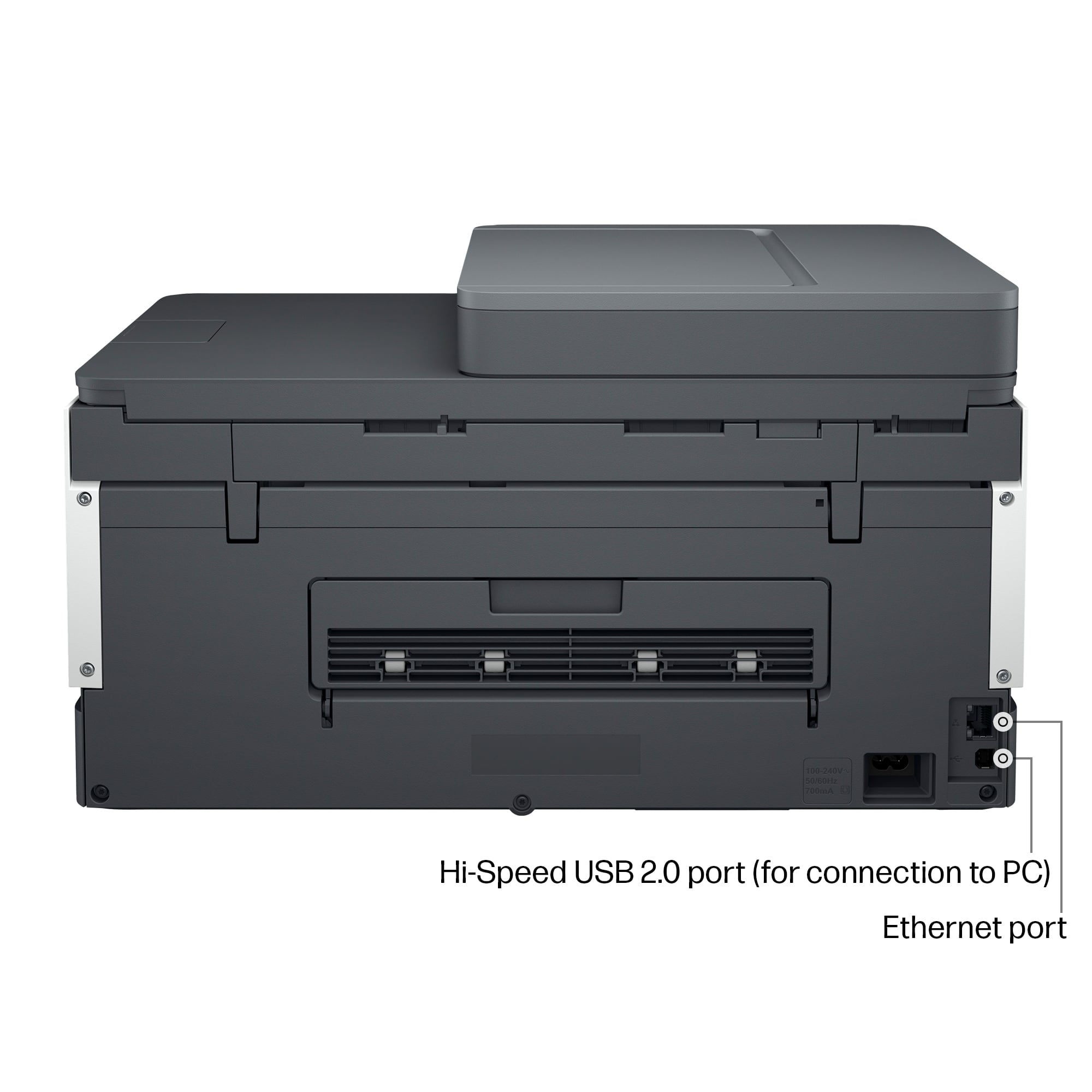





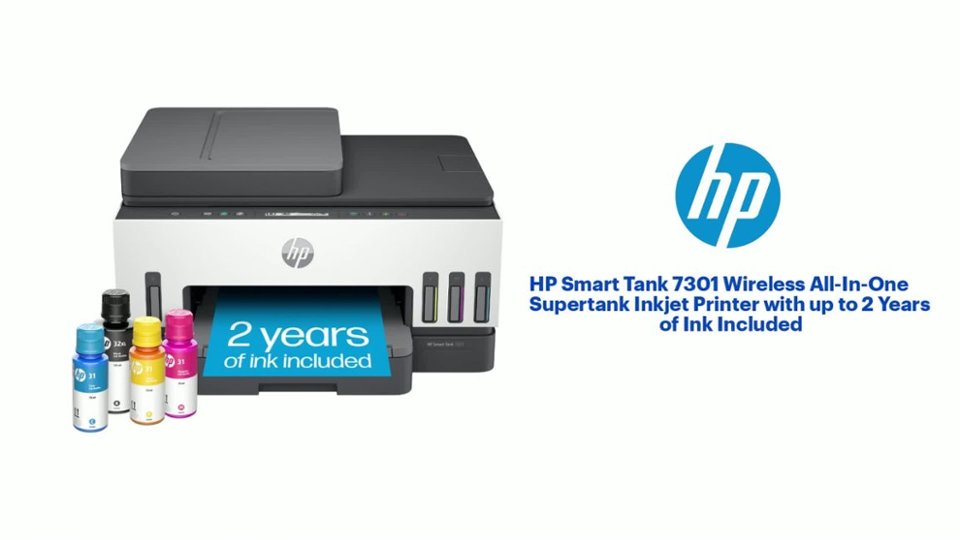
- Model:
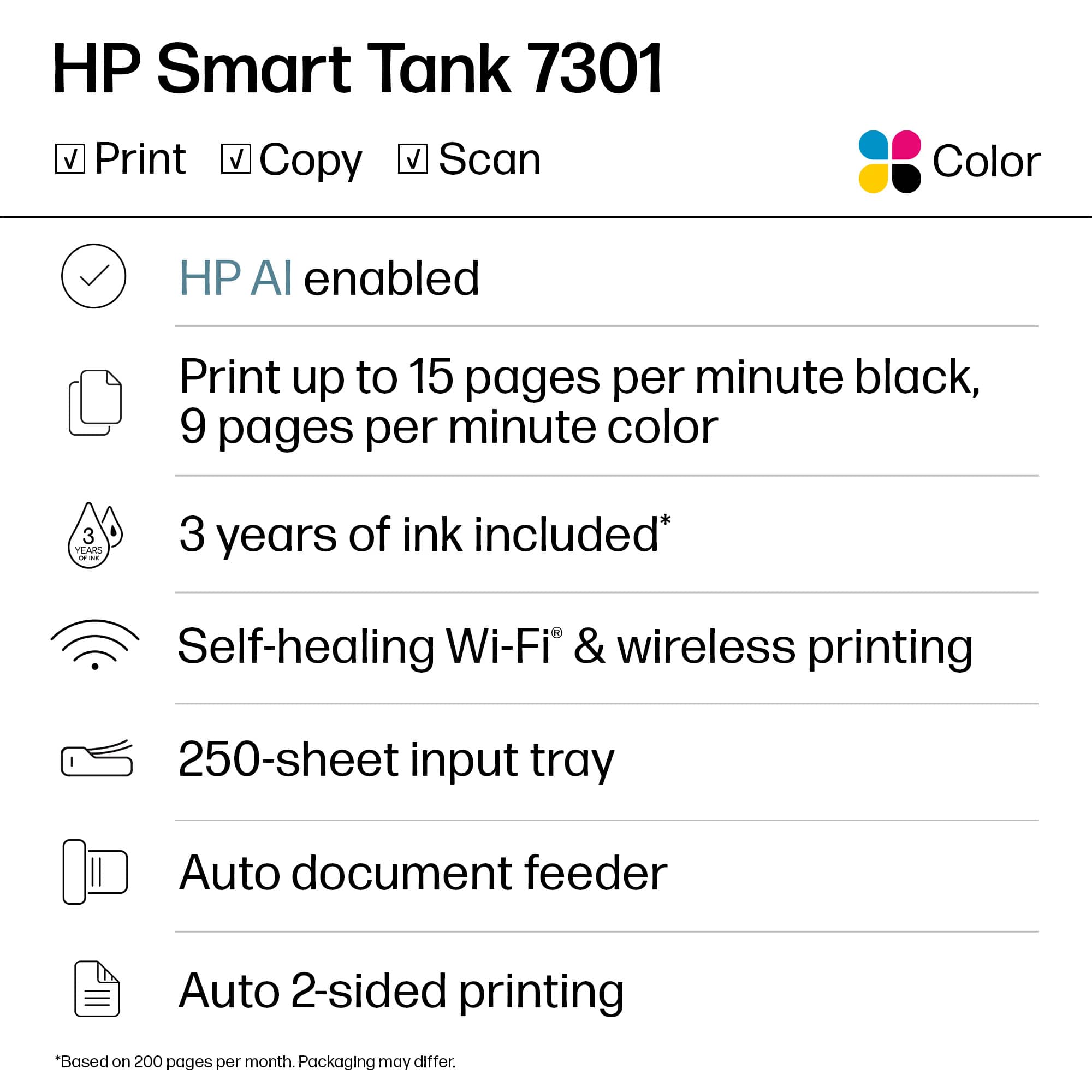
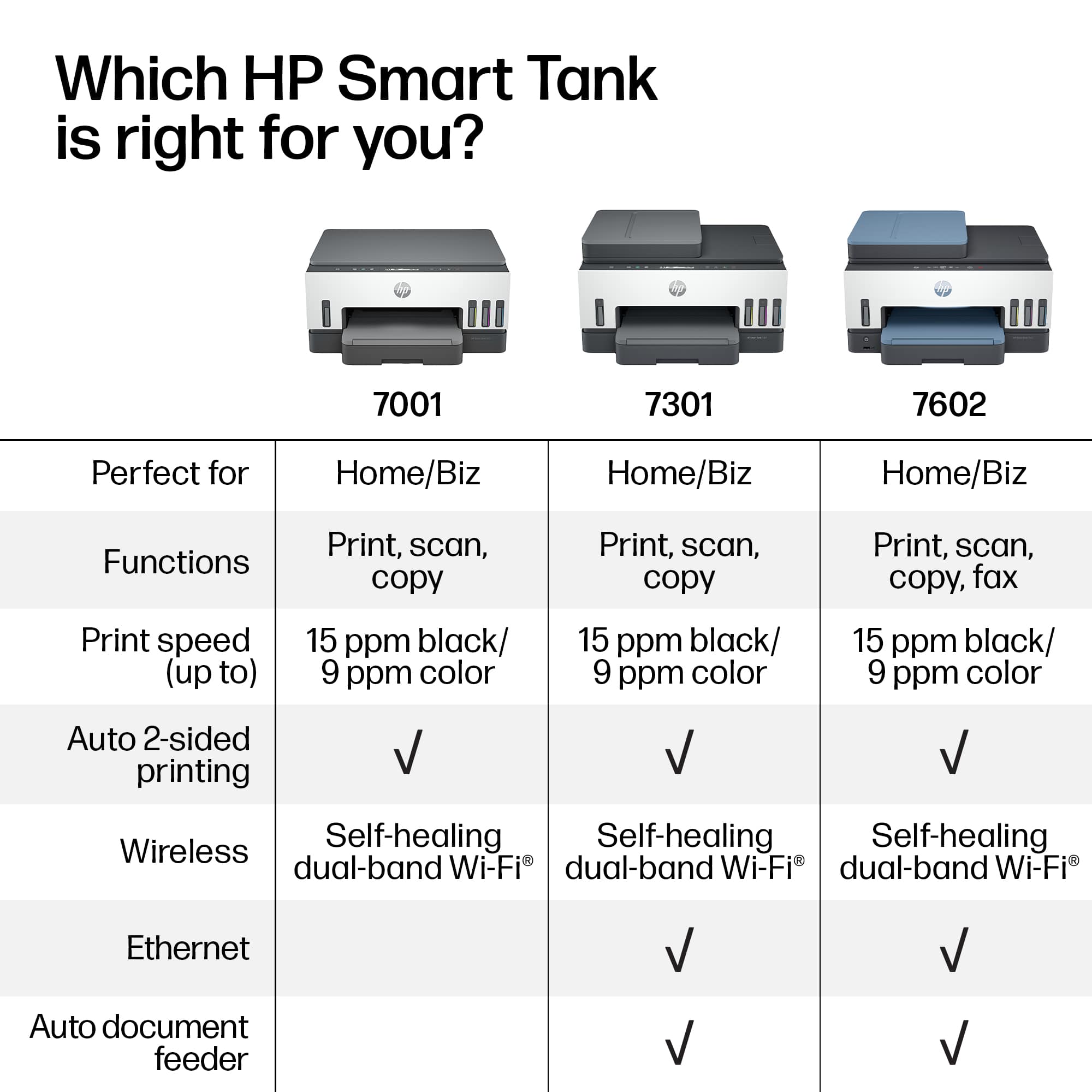
- SMART TANK 7301/28B70A#B1H
- SKU:
- 12752343
Rating by feature
- Value
Rating 4.2 out of 5 stars
- Quality
Rating 4.3 out of 5 stars
- Ease of Use
Rating 4.1 out of 5 stars
Customers are saying
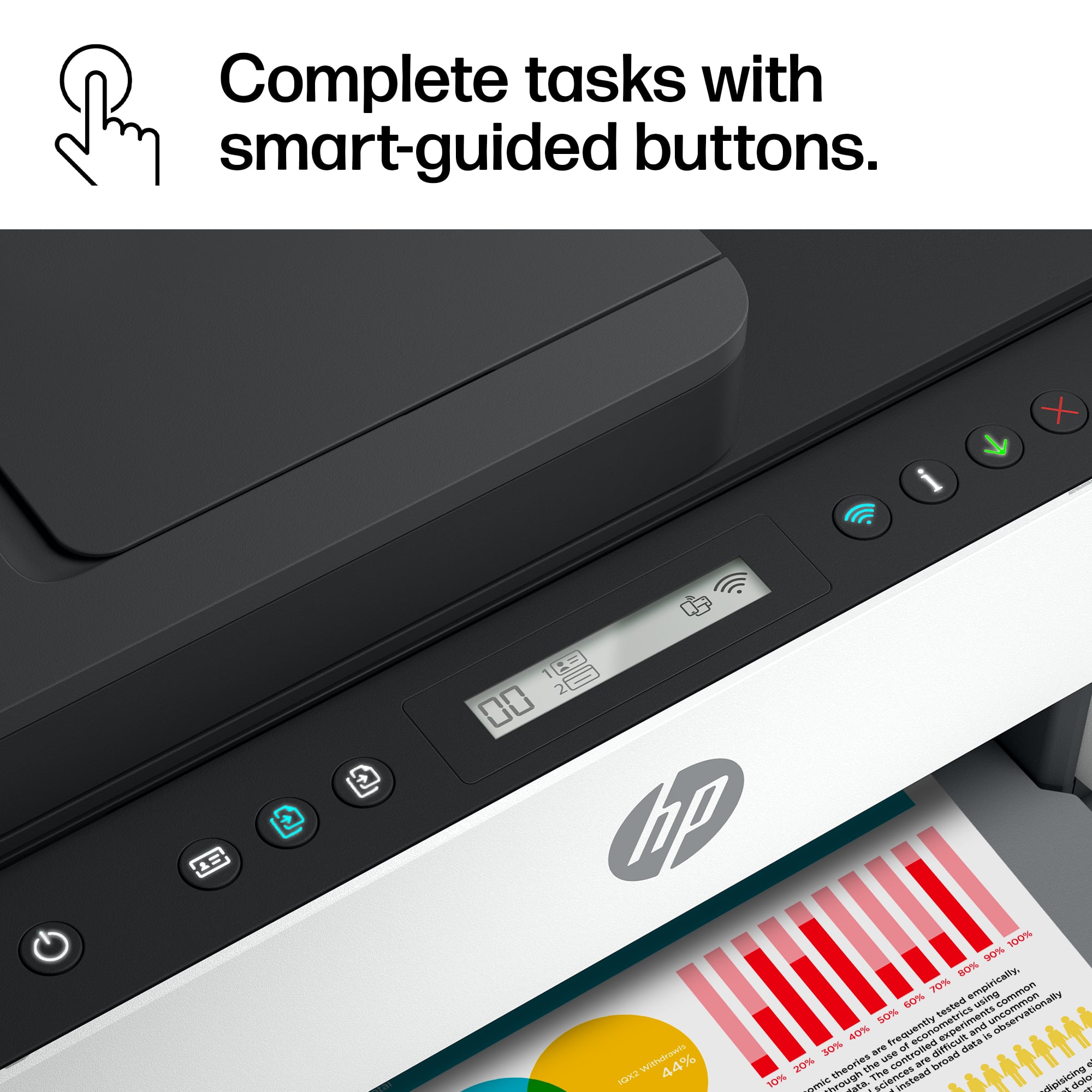
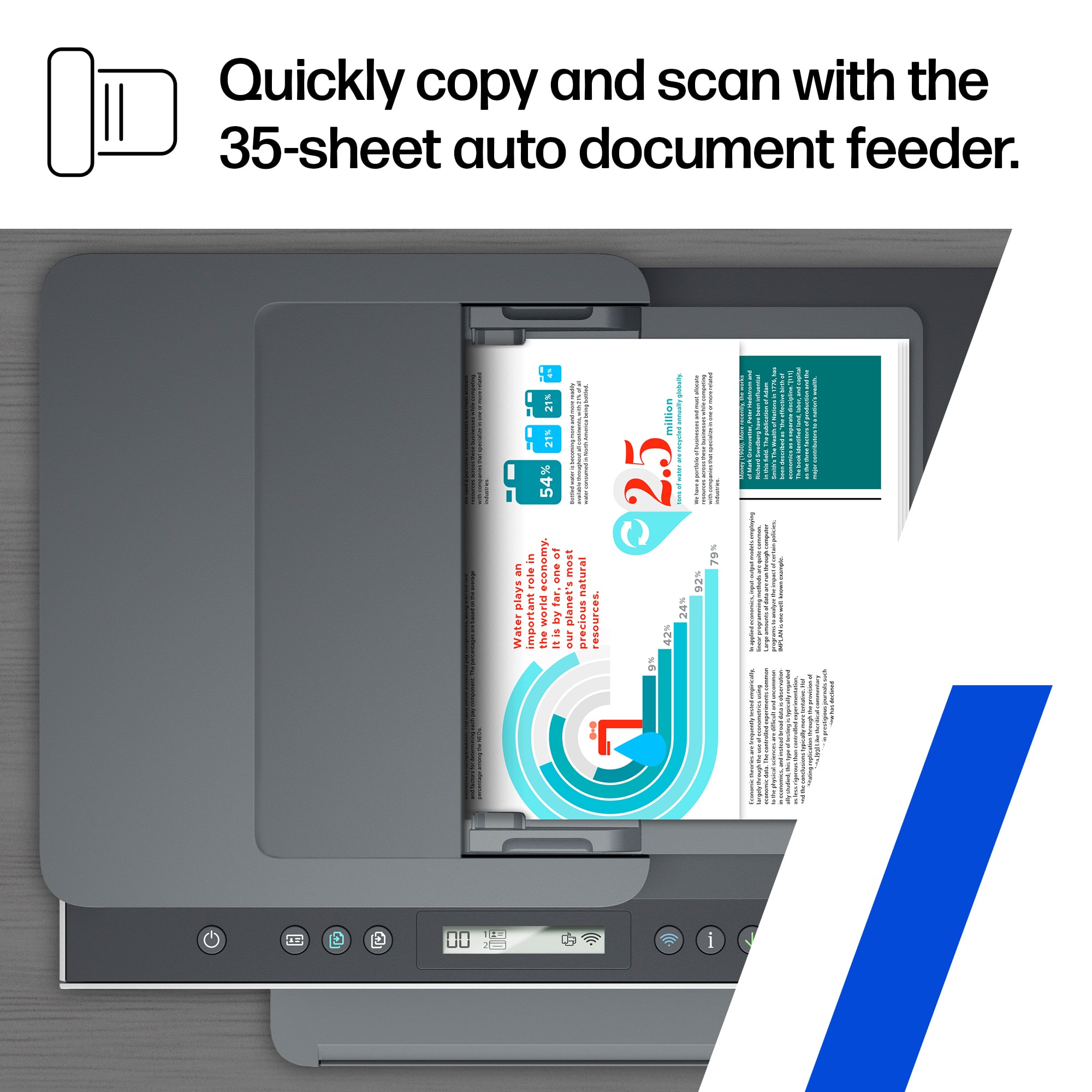
Customers praise the outstanding print quality and the overall ease of use that makes this device a reliable choice for small offices. While the setup process is quick and efficient, some users have noted minor frustrations regarding the stability of the Wi-Fi connection and the design of the paper tray. Additionally, a few individuals found the scanning feed to be less robust than expected and felt the LCD display lacked sufficient detail. Overall, the printer is widely regarded as a high-performing tool for daily tasks.
This summary was generated by AI based on customer reviews.
Computer and printer
||Posted . Owned for 1 week when reviewed.This reviewer received promo considerations or sweepstakes entry for writing a review.I really love my new set up bought computer and printer. Really are enjoying them.
I would recommend this to a friend- Cons mentioned:Connectivity
Not for me
||Posted . Owned for 1 year when reviewed.This reviewer received promo considerations or sweepstakes entry for writing a review.Did not work for constant use The Geek squad had to come out 3 times. It kept disconnecting itself from my Apple desktop. I replaced it with a Laser Printer. No further problems
No, I would not recommend this to a friend Piece of Garbage
||Posted . Owned for 3 months when reviewed.This reviewer received promo considerations or sweepstakes entry for writing a review.This printer is a huge pain. I am done with HP printers. It took me forever to find one with reloadable ink that also prints duplex. But beware, it won't COPY duplex. It also won't really print. I can get one page and then it almost always says "error," prints just enough to ruin a blank piece of paper, then stops. Seriously RUN away from this garbage. I have a cheap $35 HP that also sucks, but is still more reliable than this one. Don't waste your money and even more importantly your valuable time with this garbage.
No, I would not recommend this to a friendNew printer
||Posted . Owned for 1 month when reviewed.This reviewer received promo considerations or sweepstakes entry for writing a review.This printer works quietly and smoothly. It’s a great alll in one printer!
I would recommend this to a friendGreat printer
||Posted . Owned for 2 weeks when reviewed.This reviewer received promo considerations or sweepstakes entry for writing a review.Great printer. Higher volume printing with great features such as auto scanning
I would recommend this to a friendHappy printing
||Posted . Owned for 1 month when reviewed.This reviewer received promo considerations or sweepstakes entry for writing a review.Great printer. Setup was easier than expected. Ink fill is so simple.
I would recommend this to a friendExceptional Printing.
||Posted . Owned for less than 1 week when reviewed.This reviewer received promo considerations or sweepstakes entry for writing a review.This unit is exceptional. Has all of the functions needed for my business.
I would recommend this to a friendGo 7301
||Posted . Owned for 3 weeks when reviewed.This reviewer received promo considerations or sweepstakes entry for writing a review.Hard to connect to computer and internet. Not very easy to use and print quality is not the best
No, I would not recommend this to a friendToo hard
||Posted . Owned for 5 months when reviewed.This reviewer received promo considerations or sweepstakes entry for writing a review.Too hard to use always needing to reload it yo my two computers and phone not sure why
No, I would not recommend this to a friendGood luck getting it to work wirelessly.
||Posted . Owned for 3 weeks when reviewed.This reviewer received promo considerations or sweepstakes entry for writing a review.HP is not the same anymore when it come to ease of use. I bought this printer over Epson because of software features HP offers. Setting up this printer for the first use was a total nightmare and just plain stupid. No helpful instructions included. I am not a lay person and do have background in computers, but this one took an hour to get it connected to the wifi. Even when it was successfully connected, it will lose connection without warning hence repeating the painful process of getting it reconnected. Very very disappointed with HP software team.
No, I would not recommend this to a friendBrand response from HP Team
Posted .Hi there.
I’m sorry to learn that your printer has failed to maintain a reliable wireless connection. It’s easy to understand why that would be exasperating, especially after the difficult setup and connectivity process you describe. I want to help you remedy this problem, so I’ll provide some resources aimed at making that happen.
First, I recommend you visit a page on our support site that has diagnostic tools for various issues, including wireless connectivity and printer-offline difficulties. You can find that page here:
- support.hp.com/us-en/topic/diagnostics
If the problem persists, I suggest that you contact us directly at +1 800-474-6836 so we can help you assess the situation and find a solution. (Please note that because of restrictions on personal movement and workplace attendance associated with the COVID-19 pandemic, wait times for agents are longer than normal. Thanks in advance for your understanding.) To expedite the process, I recommend gathering the following information before the call:
- Model number
- Serial number
- Your location
- Case number (from any previous contact with HP support)
Keith
HP Care
hp.com/support
Defective from the box.
||Posted . Owned for less than 1 week when reviewed.This reviewer received promo considerations or sweepstakes entry for writing a review.In the past 20 years, I've probably owned half a dozen HP printers. Each time I swear I'll never buy another because they just don't last or the ink cartridges dry up inside of a couple months. After sticking true to my word for five years, I begrudgingly took a flyer on this one because of the ink-well concept. I figured at least I wouldn't have dried-out cartridges that cost $50 a piece. Unfortunately, the printer was defective right out of the box. Upon trying to set it up, I was unable to get the printer head carriage to return to the middle of the printer as it is supposed to be to replace/add the cartridges. Without it in the middle position, I was unable to install the printer cartridges. I attempted to call HP for technical support (which in and of itself is a horrible process), and was forced to first create an account. Upon doing so, I registered for a call back. It took a little over four hours for a return call. The three-minute call consisted of me explaining what I'd done (reset, unplugged, all the usual suspects...) and the rep telling me to just return the unit. I'm a relatively techy person and have set up numerous peripherals, networks, and computers over the years. This was the first product I purchased that completely stumped me from the box. It's going back, and I'm getting an Epson instead.
No, I would not recommend this to a friendSlow and Expensive
||Posted . Owned for less than 1 week when reviewed.This reviewer received promo considerations or sweepstakes entry for writing a review.This printer is slooooooow ans way too expensive for a home printer. Did i mention how slow it is? They say its an all in one but there is NO FAX CAPABILITY on this printer. You would be better of spending less to get a brother color LASERJET printer since they perform faster, cost less and have true all in one functions including FAX. I expect way more from a nearly $500 printer.
No, I would not recommend this to a friendBrand response from HP Team
Posted .Hi there.
I’m sorry to learn that your printer has rendered prints slowly, and that you’re not satisfied with its features. I can certainly understand why this combination would add up to a disappointing start to ownership. I want to help you remedy the speed problem and learn more about the device’s functionality (including fax), so I’ll offer some resources aimed at making that happen.
First, I recommend that you follow a guide on our support site that covers improving print speed; choose whichever of the following two links matches your operating system:
- Windows: support.hp.com/us-en/document/bud03409
- Mac OS: support.hp.com/us-en/document/c01928898
Also, often just updating the firmware can help improve print speed. You can find out how to do that here:
- support.hp.com/us-en/document/c02919168
Regarding functionality, your printer does not support a traditional landline-based fax function, but it does have mobile fax. To learn more about this, I recommend that you consult the main user manual for your printer, which you can find on our support site. Scroll in the table of contents to the section labeled “5. Copy, Scan and Mobile Fax,” then click on the page number associated with the “Mobile Fax” heading. Find that manual here:
- www1.hp.com/ctg/Manual/c07762999.pdf
If any problem persists, I suggest that you contact us directly at +1 800-474-6836 so we can help you assess the situation and find a solution. (Please note that because of restrictions on personal movement and workplace attendance associated with the COVID-19 pandemic, wait times for agents are longer than normal. Thanks in advance for your understanding.) To expedite the process, I recommend gathering the following information before the call:
- Model number
- Serial number
- Your location
- Case number (from any previous contact with HP support)
Keith
HP Care
hp.com/support
I have a dedecated fax phone line
||Posted . Owned for 1 month when reviewed.This reviewer received promo considerations or sweepstakes entry for writing a review.had major issues with origional purchase taken back n given this product that does not have all the systems that the origional product had no fax
No, I would not recommend this to a friendMy printer
||Posted . Owned for 3 weeks when reviewed.This reviewer received promo considerations or sweepstakes entry for writing a review.Great printer highly recommend but HP support wasn’t good.
I would recommend this to a friendGreat color printer/Combo
||Posted . Owned for 1 week when reviewed.This reviewer received promo considerations or sweepstakes entry for writing a review.Love this printer combo. No more expensive ink cartridges!
I would recommend this to a friendPrinter
||Posted . Owned for 2 months when reviewed.This reviewer received promo considerations or sweepstakes entry for writing a review.Love this printer. So excited I can print anywhere
I would recommend this to a friend- Pros mentioned:Print quality
Clara Murphy
||Posted . Owned for 3 weeks when reviewed.This reviewer received promo considerations or sweepstakes entry for writing a review.I like the Quality of print and the idea of the inkjet. I would give it a 5.
I would recommend this to a friend Hp copier
||Posted . Owned for 3 months when reviewed.This reviewer received promo considerations or sweepstakes entry for writing a review.Copier is very slow. It’s very confusing to figure out what functions this HP copier has for example copying several copies.
No, I would not recommend this to a friendGo cheaper
||Posted . Owned for 1 month when reviewed.This reviewer received promo considerations or sweepstakes entry for writing a review.Not simple to pair to laptop or smartphones, do not recommend
No, I would not recommend this to a friendSlow
||Posted . Owned for 1 month when reviewed.This reviewer received promo considerations or sweepstakes entry for writing a review.This printer is very slow and only scans one side at a time. If you need to get things done quickly, this is not gonna do it
No, I would not recommend this to a friend