Customer Ratings & Reviews
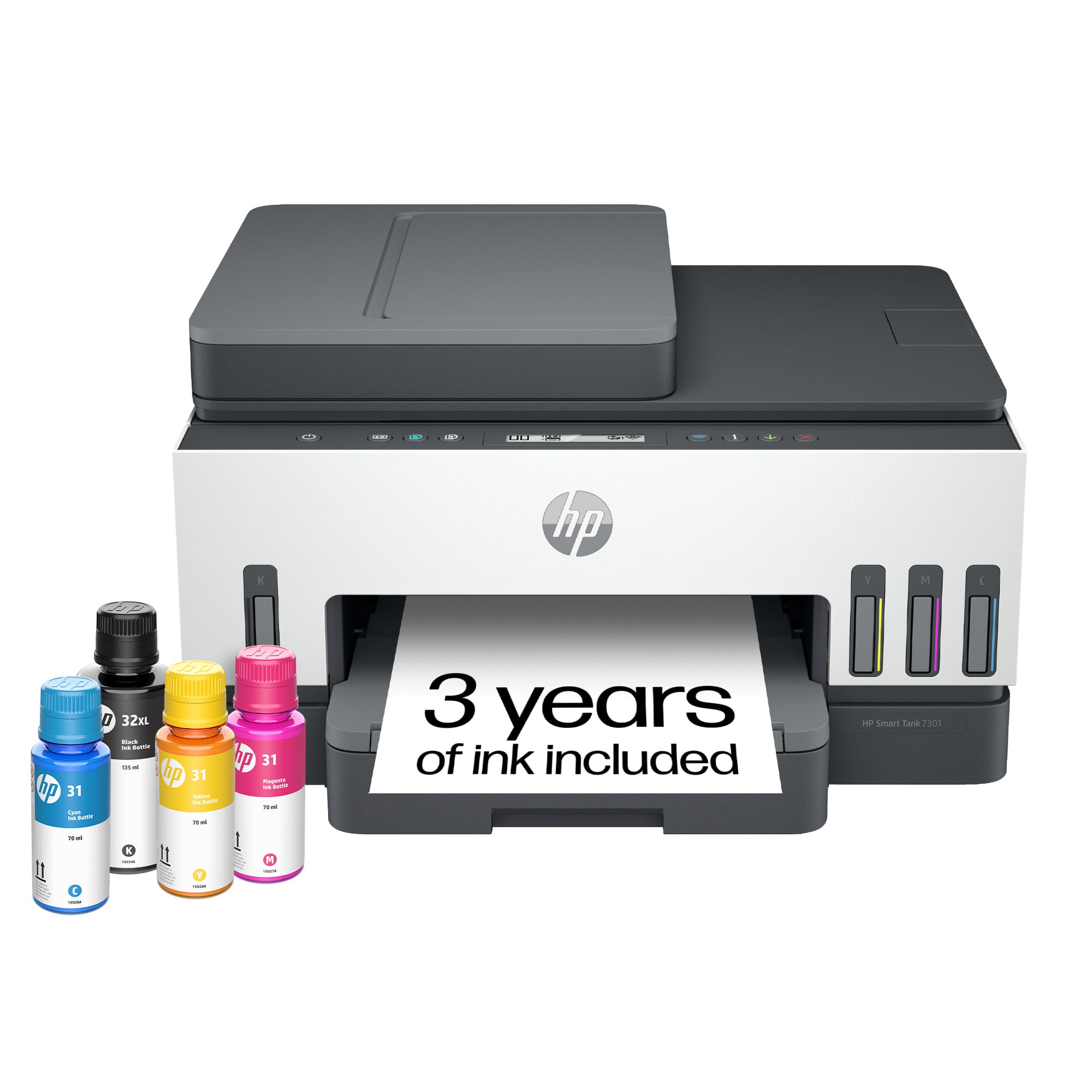
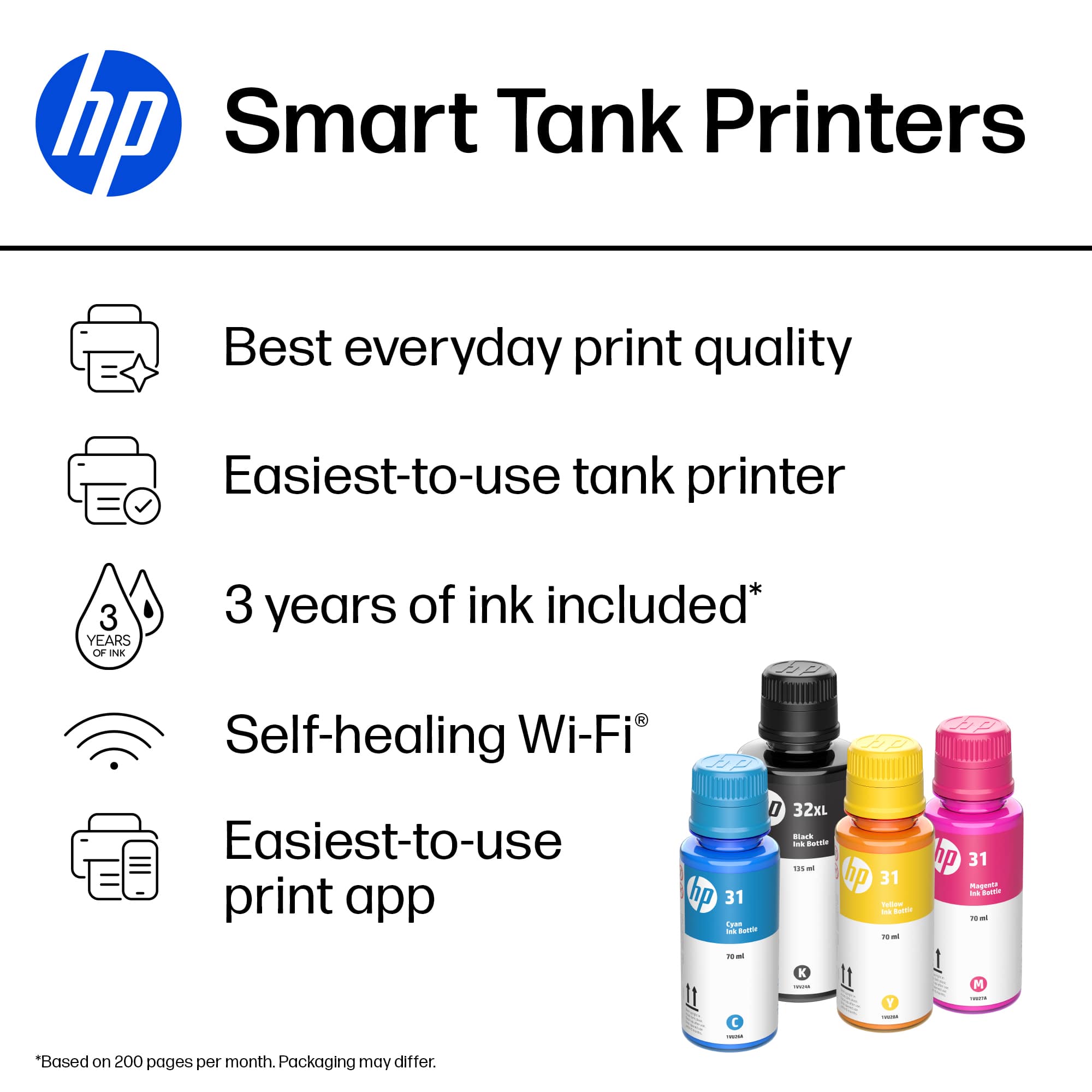

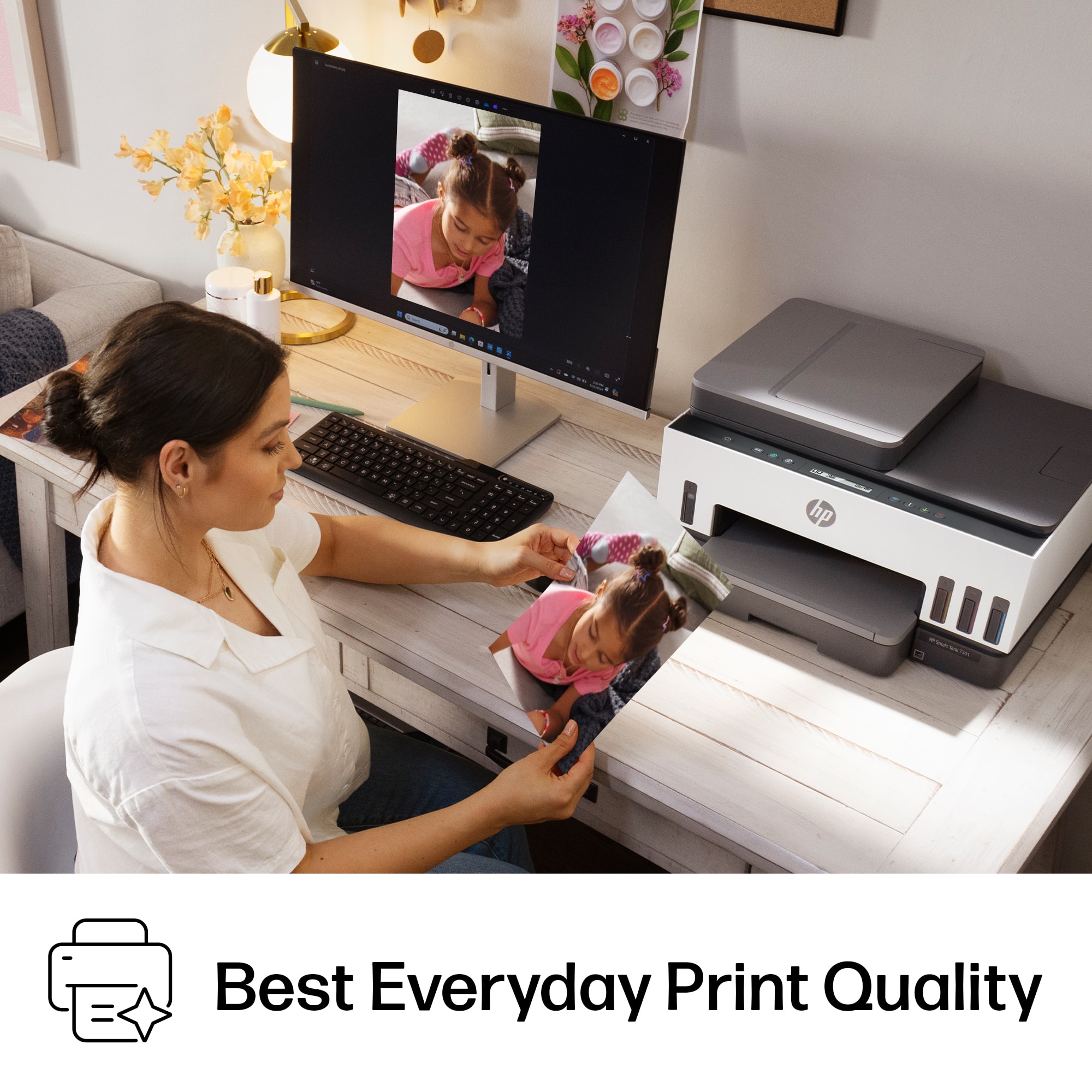
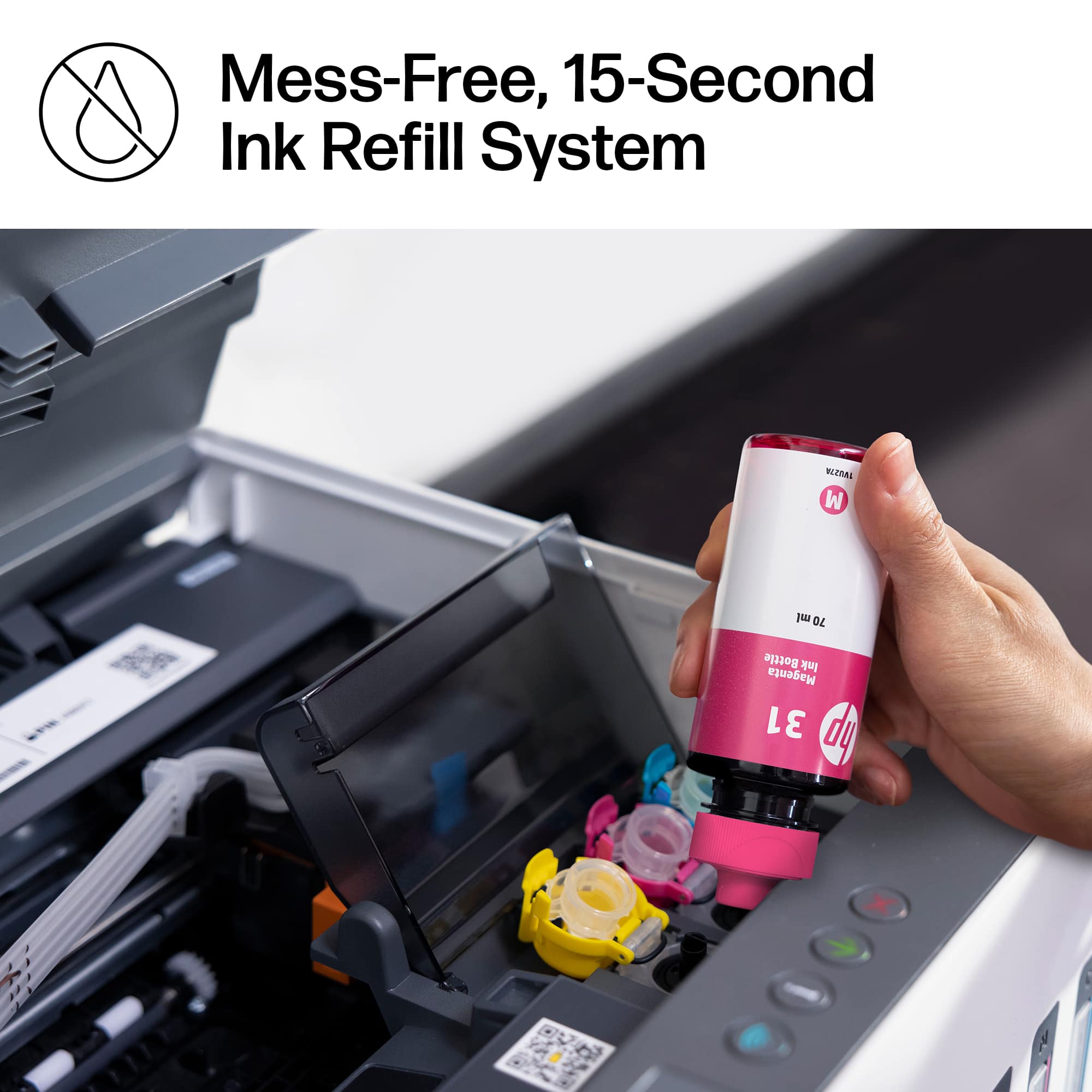

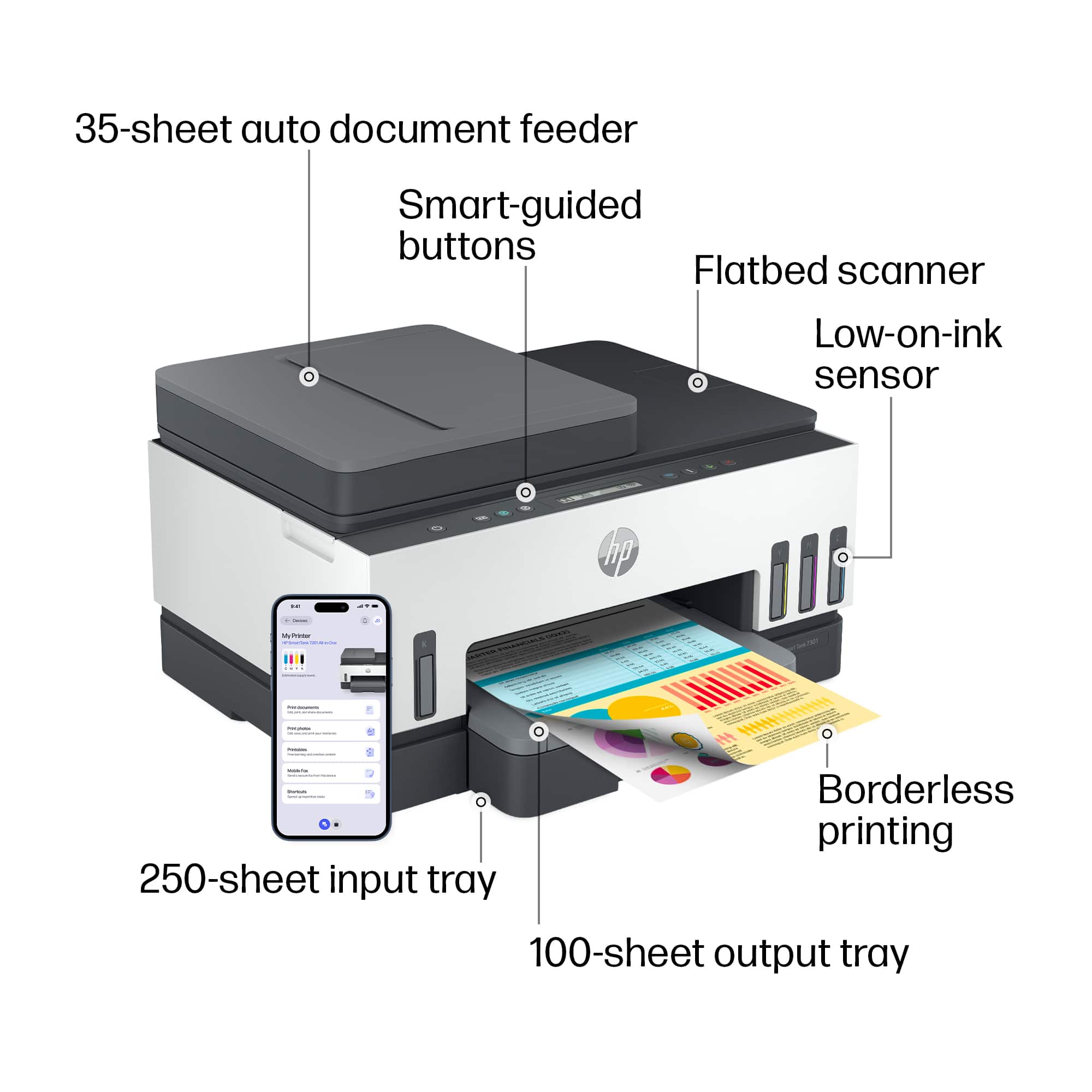
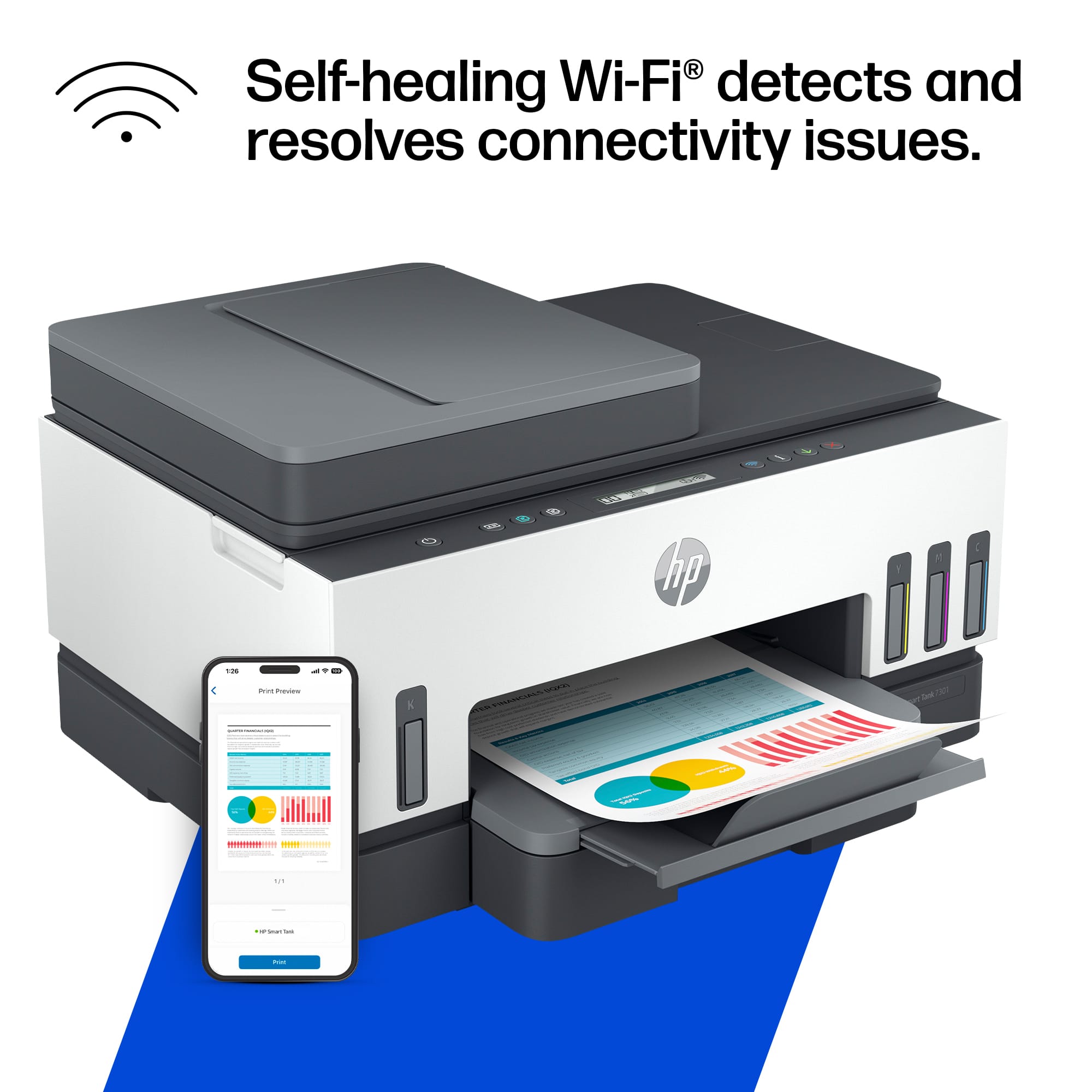

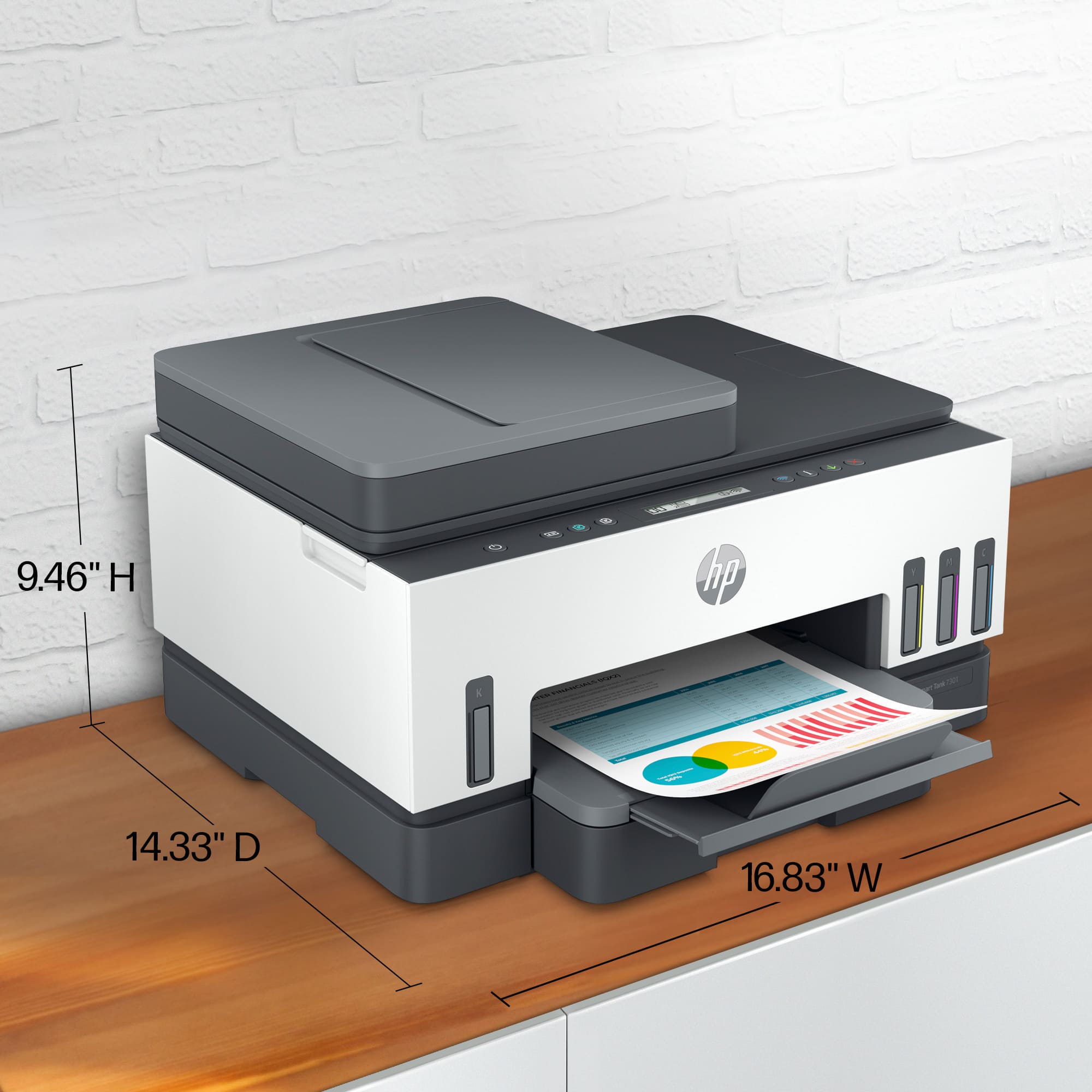
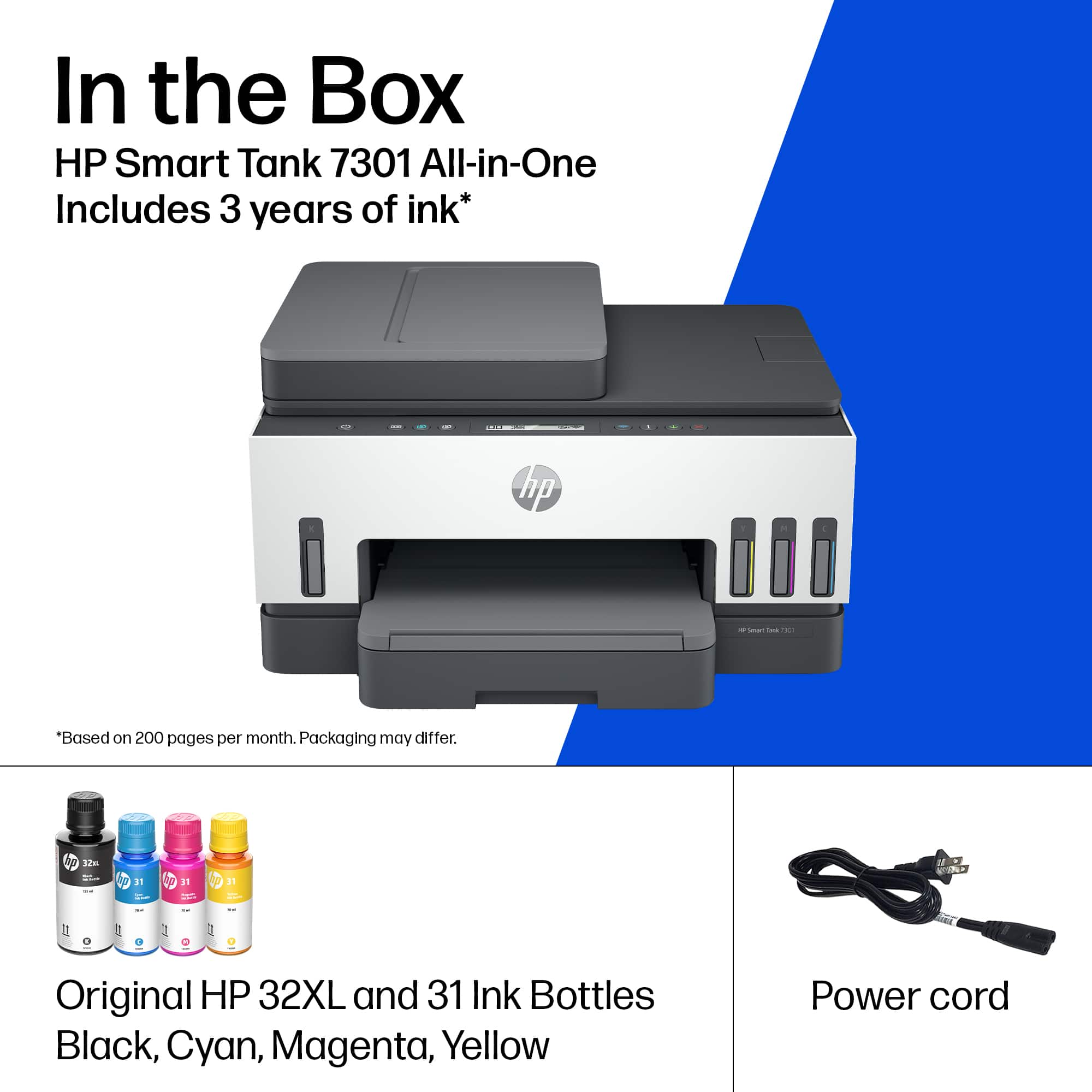





- Model:
- SMART TANK 7301/28B70A#B1H
- SKU:
- 6477858
Rating by feature
- Value
Rating 4.2 out of 5 stars
- Quality
Rating 4.3 out of 5 stars
- Ease of Use
Rating 4.1 out of 5 stars
Customers are saying
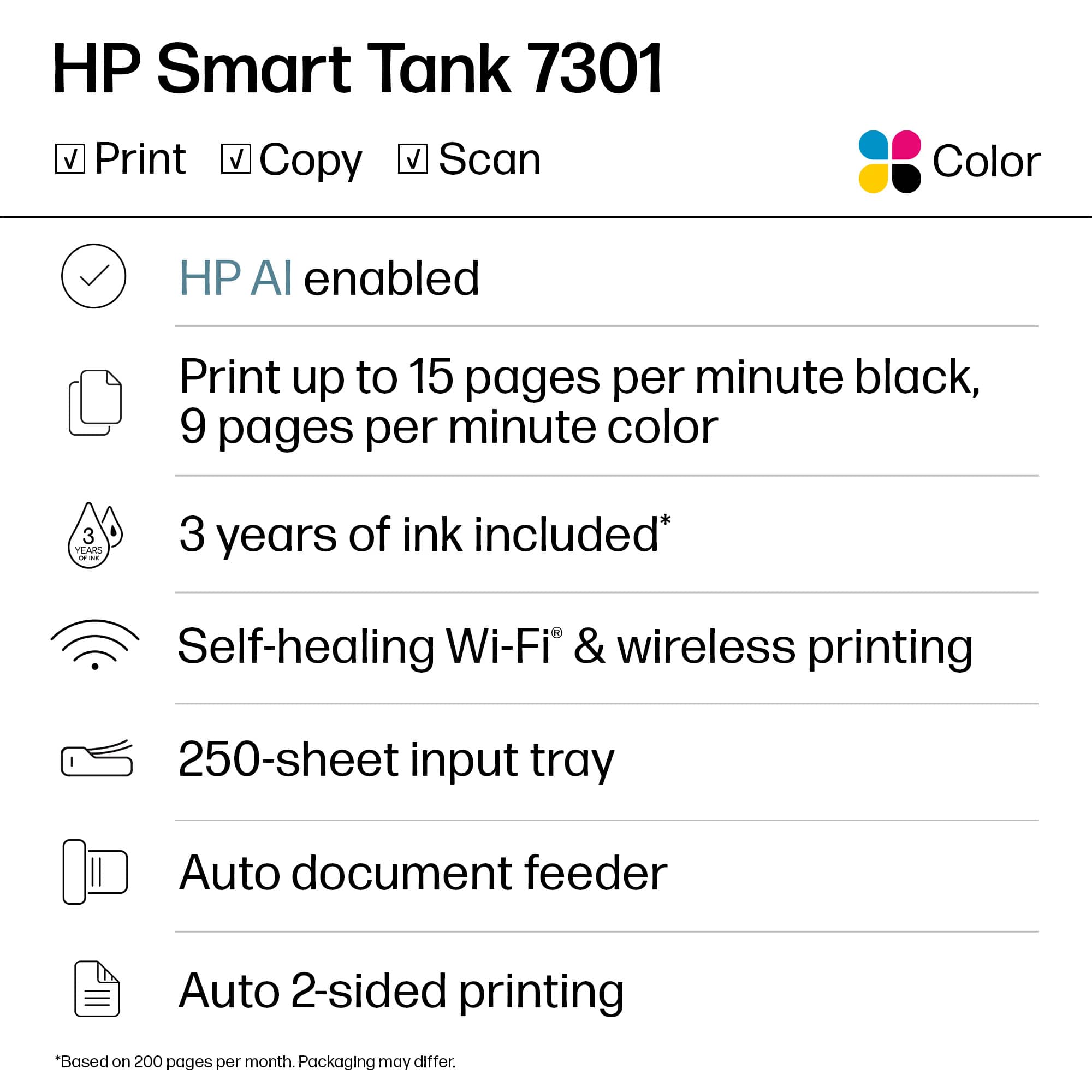
Customers are pleased with the Smart Tank 7301's outstanding print quality and ease of use. Many also appreciate the quick setup and suitable size for small offices. However, some customers have expressed concerns regarding the paper tray, spotty Wi-Fi connection, and scanning functionality. Additionally, a few find the price a bit high and the LCD display uninformative.
This summary was generated by AI based on customer reviews.
Great printer
||Posted . Owned for 1 week when reviewed.This reviewer received promo considerations or sweepstakes entry for writing a review.This printer really changes the game not having to deal with the cartridges all the time
I would recommend this to a friendNot great
||Posted . Owned for 2 months when reviewed.This reviewer received promo considerations or sweepstakes entry for writing a review.It worked fine for a few weeks, but then it started showing white streaks in color prints. HP customer service was very slow in their chat responses and had no helpful solutions.
No, I would not recommend this to a friendReliable Printer
||Posted . Owned for 3 weeks when reviewed.This reviewer received promo considerations or sweepstakes entry for writing a review.Good value! I would recommend this printer for home office or any work that doesn't require a lot of use.
I would recommend this to a friendPiece of Garbage
||Posted . Owned for 3 months when reviewed.This reviewer received promo considerations or sweepstakes entry for writing a review.This printer is a huge pain. I am done with HP printers. It took me forever to find one with reloadable ink that also prints duplex. But beware, it won't COPY duplex. It also won't really print. I can get one page and then it almost always says "error," prints just enough to ruin a blank piece of paper, then stops. Seriously RUN away from this garbage. I have a cheap $35 HP that also sucks, but is still more reliable than this one. Don't waste your money and even more importantly your valuable time with this garbage.
No, I would not recommend this to a friendAwesome business tool
||Posted . Owned for 1 month when reviewed.This reviewer received promo considerations or sweepstakes entry for writing a review.Best purchase so far,we absolutely love the air printing as we can be in another country and still send things to this printer
I would recommend this to a friendPrinter purchase confusion
||Posted . Owned for 1 month when reviewed.This reviewer received promo considerations or sweepstakes entry for writing a review.The purchase and instructions after receiving the printer were not correct and information given about the printer was not correct. Frustrating process of purchase and setup
I would recommend this to a friendHp Printer
||Posted . Owned for 3 weeks when reviewed.This reviewer received promo considerations or sweepstakes entry for writing a review.Originally bought the epson printer equivalent to the Hp. Epson was horrible. This HP is a great printer and works perfectly
I would recommend this to a friend- Cons mentioned:Paper tray
Not as happy as could be
||Posted . Owned for 2 weeks when reviewed.This reviewer received promo considerations or sweepstakes entry for writing a review.At first was excited but then not so much. Paper tray hard to pull out and it seems like the hinges are loose when you lift up the scanner lid. Would have loved a better screen.
No, I would not recommend this to a friendBrand response from HP Team
Posted .Hi there.
I’m sorry that you’ve encountered difficulty with your printer’s paper tray and discovered what might be a hardware problem with the scanner and copier lid. Your disappointment is no surprise, considering you were excited about the purchase. I want to help you resolve this situation, so I hope you’ll use the resource and information below to reach that goal.
I can’t tell from your review what’s causing either issue that you describe, but each of them concerns me. I believe both deserve further investigation. I recommend that you contact us directly at +1 800-474-6836 so we can help you assess what’s happening and find the best course of action. (Please note that because of restrictions on personal movement and workplace attendance associated with the COVID-19 pandemic, wait times for agents are longer than normal. Thanks in advance for your understanding.) To expedite the process, I recommend gathering the following information before the call:
- Model number
- Serial number
- Your location
- Case number (from any previous contact with HP support)
I'll also mention that HP printers have a one-year warranty from their purchase date that covers hardware as well as ink supplies, so if it comes to that, you might consider making use of it. You can verify the warranty using the following link:
- support.hp.com/us-en/checkwarranty
Keith
HP Care
hp.com/support
- Cons mentioned:Scanning
Printing is Fine, Scanner Process Poor
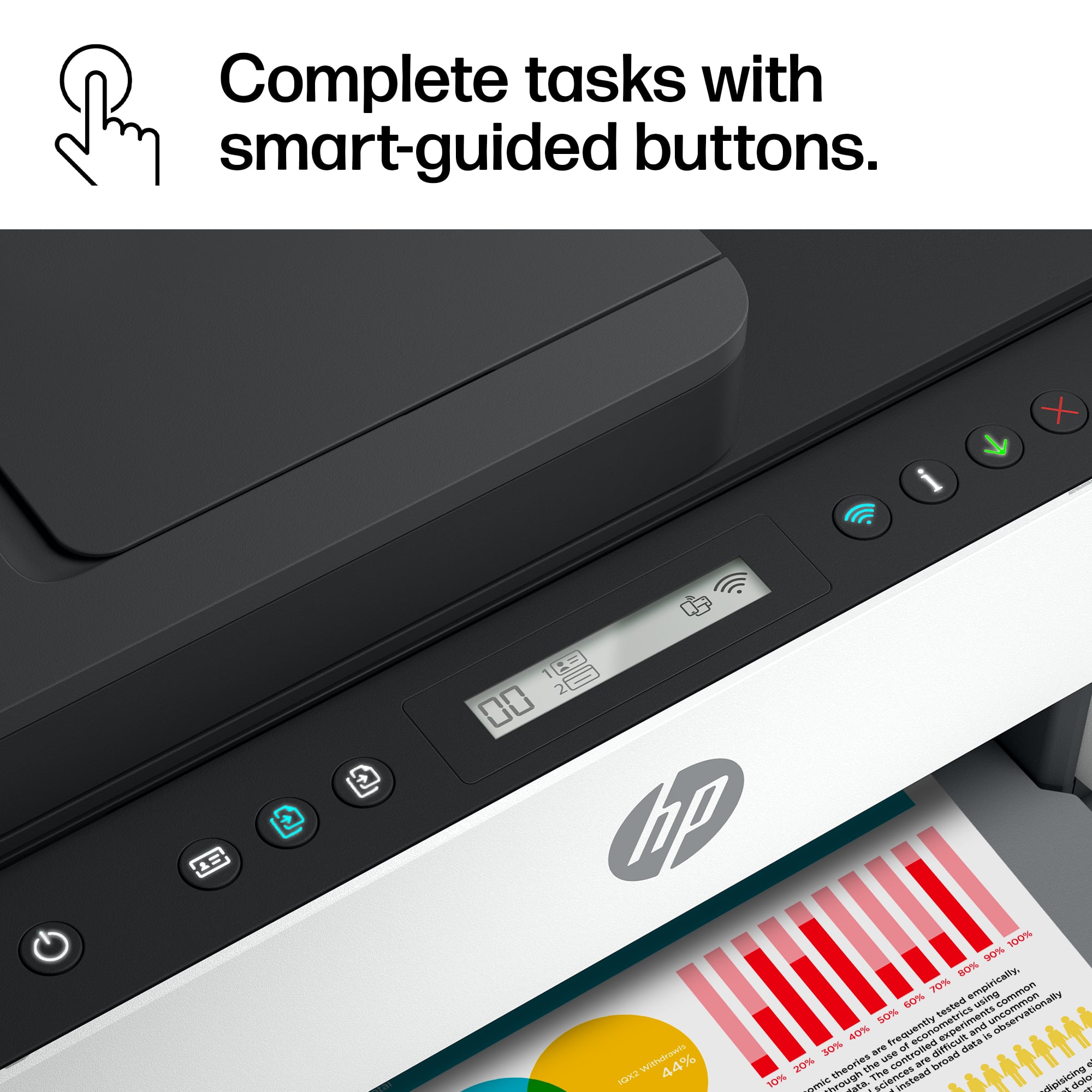
||Posted . Owned for 3 weeks when reviewed.This reviewer received promo considerations or sweepstakes entry for writing a review.The scanning settup is inept compared to the Office Jet Pro 8620 I had. The buttons have no color to them for showing what is what-hard to use
No, I would not recommend this to a friend No title
||Posted .This reviewer received promo considerations or sweepstakes entry for writing a review.The overall value with the ink and the number of pages that can be printed per ink quantity is the main selling point.
I would recommend this to a friendregretting this purchase
||Posted . Owned for less than 1 week when reviewed.This reviewer received promo considerations or sweepstakes entry for writing a review.This printer is horrible. Can't tell you how it actually works yet because mine doesn't. I worked on it Sunday by myself setting it up. Even though I emptied all of the ink bottles into the appropriate spot, it said the magenta tank was empty. It also would never move the carriage that holds the print heads over to the middle so I could actually install them. Spent two hours on a chat with HP this morning and got nowhere. They finally said to send it back. So now I have to wait for Fedex to ship it to them (they said due to staffing shortages it might take 2 weeks just to go to another location in CA). Then HP says they may take 5 to 7 days just to receive my old printer, and then will ship me a new one. So I might be without a printer for a month or more. If I had known this would happen would never have bought an HP printer this time around. At the moment, I have no faith the new one will work but don't really have a choice.
No, I would not recommend this to a friendBrand response from HP Team
Posted .Hi, Randy.
I’m so sorry to learn that you’ve endured such a dreadful experience with your printer and the delays associated with getting a replacement. It’s obvious that no one has this in mind when purchasing a printer, and it’s no surprise that your expectations are low for the future. That said, I want to provide the best possibility for a good experience with the new unit, so I’ll direct you to some resources and facts that I hope will help you reach that goal.
First, to learn more about your printer and all its functions, you can access video setup tutorials, how-to documents, user manuals, troubleshooting guides, product specifications and software updates on our support site. Find all those materials by following this link:
- support.hp.com/us-en/product/model/2100178910
You can also visit a page on our support site that has diagnostic tools for various tasks and issues, including setup, cartridge/printhead installation, print quality, operating-system compatibility and connectivity. There you can find a general-purpose tool called the HP Print and Scan Doctor. If you use Windows, the tool will help identify and guide you through solutions to a wide range of common printing and scanning issues. You can find the page here:
- support.hp.com/us-en/topic/diagnostics
Finally, if you need any assistance or have questions about the printer, I hope you’ll contact us directly at +1 800-474-6836 so we can help you assess the situation and find a solution. To expedite the process, I recommend gathering the following information before the call:
- Model number
- Serial number
- Your location
- Case number (from any previous contact with HP support)
I hope this helps and, again, sincerest apologies.
Keith
HP Care
hp.com/support
- Cons mentioned:Price
Throw it in the trash can
||Posted . Owned for 1 month when reviewed.This reviewer received promo considerations or sweepstakes entry for writing a review.Worst printer I’ve ever purchased. For $430 what you get is absolutely crap. Stay away by a color laser printer for an extra 75 $80 and stay away from this piece of junk
No, I would not recommend this to a friendBrand response from HP Team
Posted .Hi, Justin.
I’m sorry that your early impressions of your printer are so bad. I can’t tell from your brief review what specific roadblocks you’ve hit or what features leave you wanting more, but I’ll nonetheless provide some resources I hope will help you get the most from the device.
First, to learn more about your printer and all its features, or for help solving problems, you can access a setup tutorial – if you still need it – as well as user manuals, how-to documents, software updates and troubleshooting guides here:
- support.hp.com/us-en/product/model/2100178910
You can also visit a page on our support site that has diagnostic tools for various tasks and issues, including setup, ink installation, print quality and connectivity. There you’ll also find a general-purpose tool called the HP Print and Scan Doctor. If you use Windows, the tool will help identify and guide you through solutions to a wide range of common printing and scanning issues. Visit that page here:
- support.hp.com/us-en/topic/diagnostics
If there's any specific way that we can help you, I hope you’ll get in touch with us directly at +1 800-474-6836 so we can help you assess what’s happening and find a solution. (Please note that because of restrictions on workplace attendance associated with the COVID-19 pandemic, wait times for agents are longer than normal. Thanks in advance for your understanding.) To expedite the process, I recommend gathering the following information before the call:
- Model number
- Serial number
- Your location
- Case number (from any previous contact with HP support)
Keith
HP Care
hp.com/support
Happy
||Posted . Owned for 1 month when reviewed.This reviewer received promo considerations or sweepstakes entry for writing a review.Amazing Printer and now I spend way less for ink they need to make one like this for taxing as well
I would recommend this to a friend- Pros mentioned:Print quality
Hoping for Better
||Posted . Owned for 1 month when reviewed.This reviewer received promo considerations or sweepstakes entry for writing a review.Faster than our last printer but definitely louder and more difficult to set up. The printer often loses the WIFI signal
No, I would not recommend this to a friendBrand response from HP Team
Posted .Hi there.
I’m sorry to hear that your printer has not maintained a reliable wireless connection and that it’s loud when printing. I can easily understand why these two issues would add up to a tremendous frustration. I want to help you remedy these problems, so I’ll provide some resources aimed at making that happen.
First, I recommend you visit a page on our support site that has diagnostic tools for various issues, including wireless connectivity. You can find that page here:
- support.hp.com/us-en/topic/diagnostics
Next, I'll explain one factor that might be causing the noise you hear. While your printer is powered up, it makes sure that the nozzles are regularly cleared, which can be noisy, especially if the printer is on a hard surface. I suggest you try placing the printer on a padded surface to muffle the vibrations that occur.
If the connectivity problem remains, or you believe the noise issue deserves further investigation, I suggest that you contact us directly at +1 800-474-6836 so we can help you assess what’s happening and find a solution. (Please note that because of restrictions on personal movement and workplace attendance associated with the COVID-19 pandemic, wait times for agents are longer than normal. Thanks in advance for your understanding.) To expedite the process, I recommend gathering the following information before the call:
- Model number
- Serial number
- Your location
- Case number (from any previous contact with HP support)
Keith
HP Care
hp.com/support
Excellent printer
||Posted . Owned for 1 month when reviewed.This reviewer received promo considerations or sweepstakes entry for writing a review.Excellent product for the cost. Highly recommended!
I would recommend this to a friend- Cons mentioned:Connectivity
Not for me
||Posted . Owned for 1 year when reviewed.This reviewer received promo considerations or sweepstakes entry for writing a review.Did not work for constant use The Geek squad had to come out 3 times. It kept disconnecting itself from my Apple desktop. I replaced it with a Laser Printer. No further problems
No, I would not recommend this to a friend HP smart Tank 7301 Review.
||Posted . Owned for 1 month when reviewed.This reviewer received promo considerations or sweepstakes entry for writing a review.I would not buy this printer again. It has too many problems for the average user to deal with. It is very difficult to install and after about two weeks the Wi-Fi quit and I had to call HP support to get it installed again. This took almost three hours to get it working correctly.
No, I would not recommend this to a friend- Pros mentioned:Print quality
Printer
||Posted . Owned for 2 weeks when reviewed.This reviewer received promo considerations or sweepstakes entry for writing a review.Got this for my wife’s laptop. Cause she needs to print a lot of things for work! So far it seems to hold up and working well.
I would recommend this to a friend Printer HP
||Posted . Owned for 1 month when reviewed.This reviewer received promo considerations or sweepstakes entry for writing a review.Great printer, scanner, and fax. Hope for many years of use.
I would recommend this to a friendGreat printer
||Posted . Owned for 1 month when reviewed.This reviewer received promo considerations or sweepstakes entry for writing a review.So far, so good. We like not having to change ink cartridges so often.
I would recommend this to a friend