Customer Ratings & Reviews
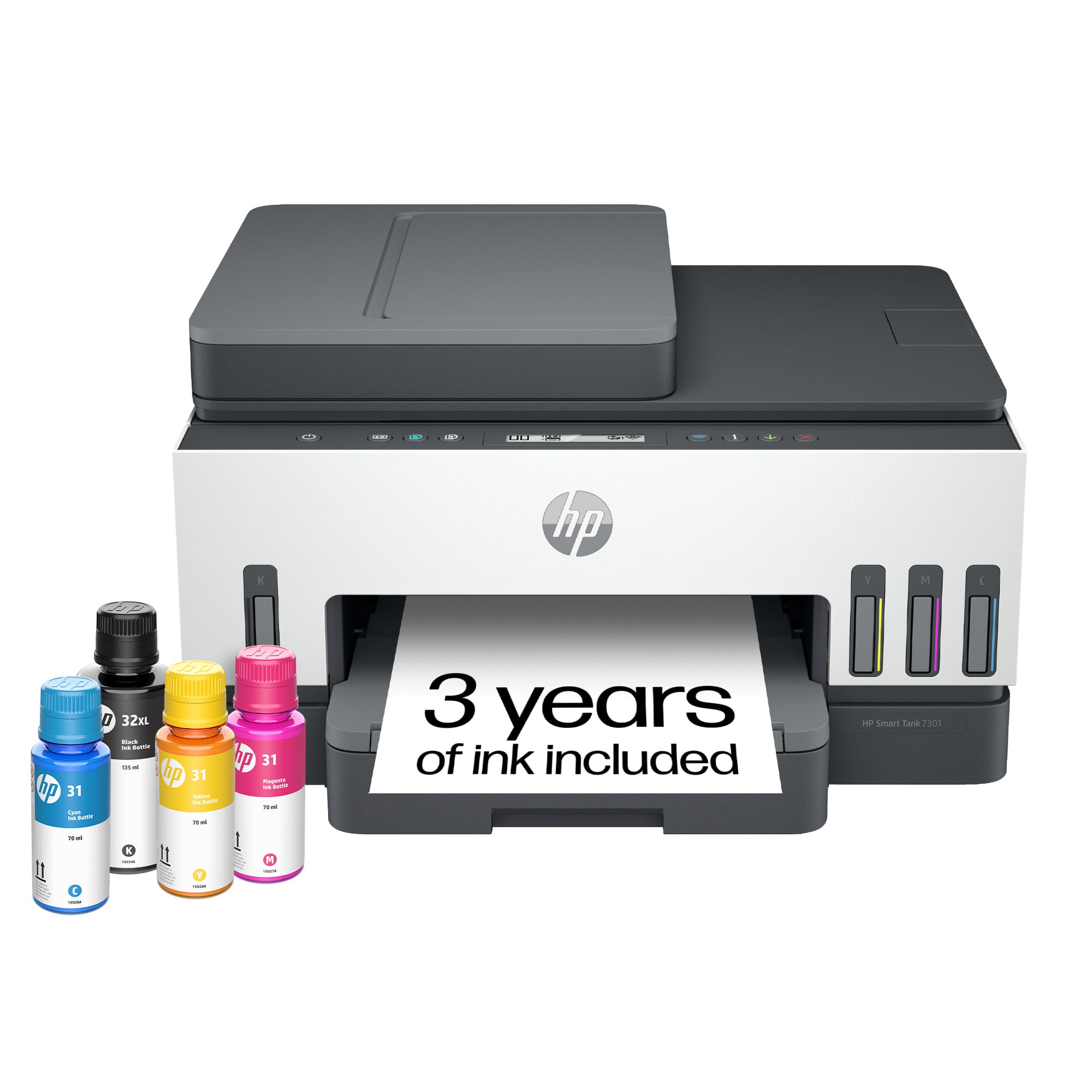


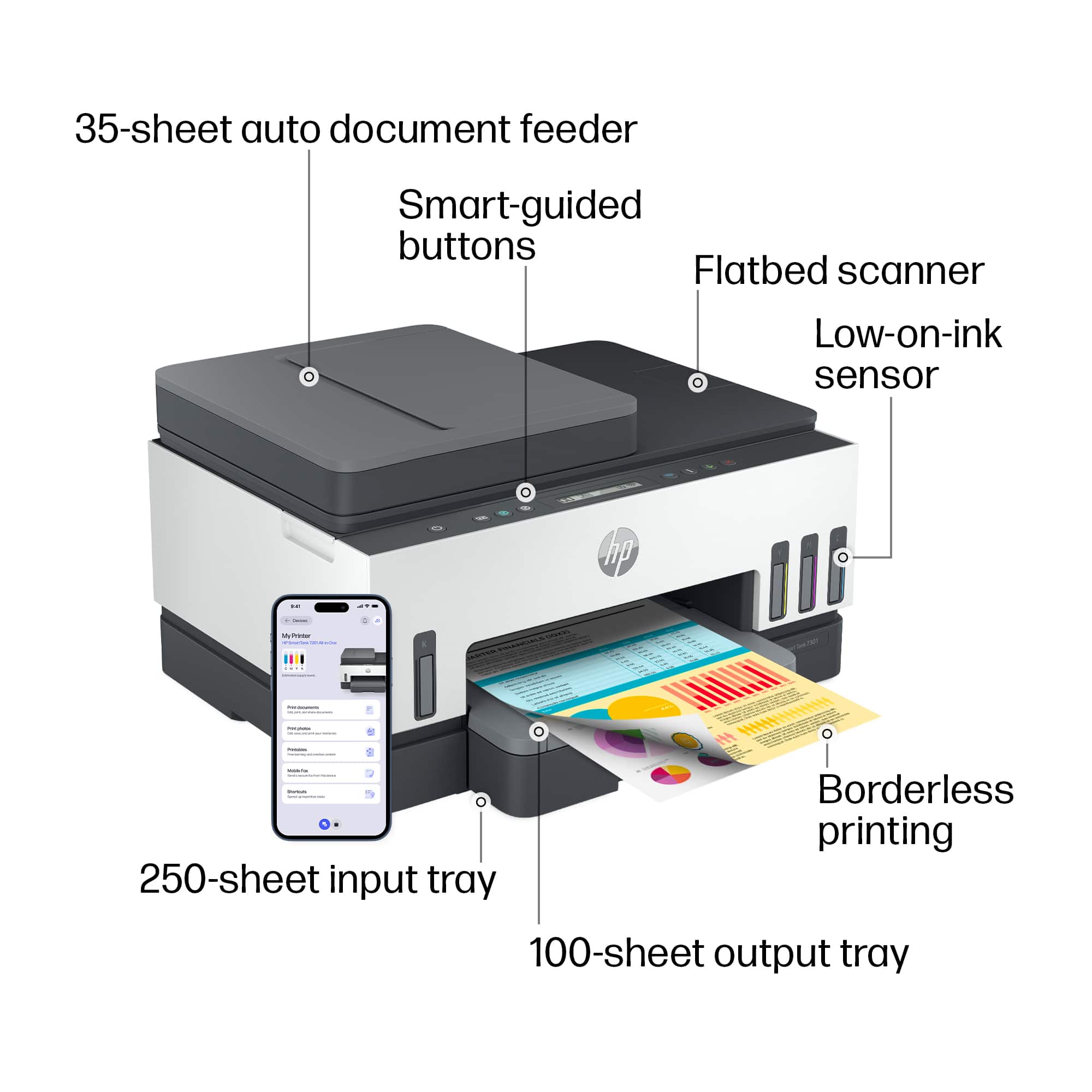
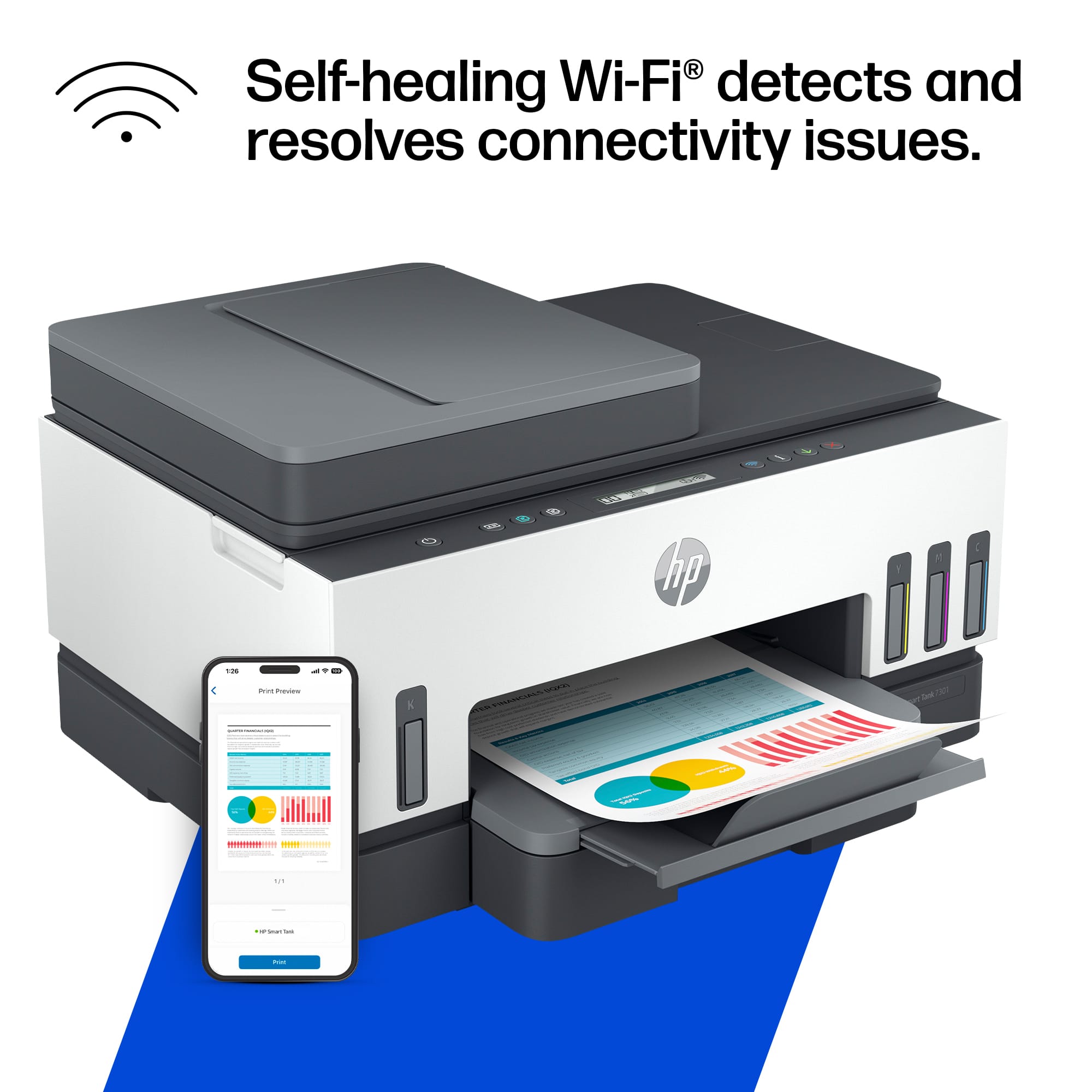

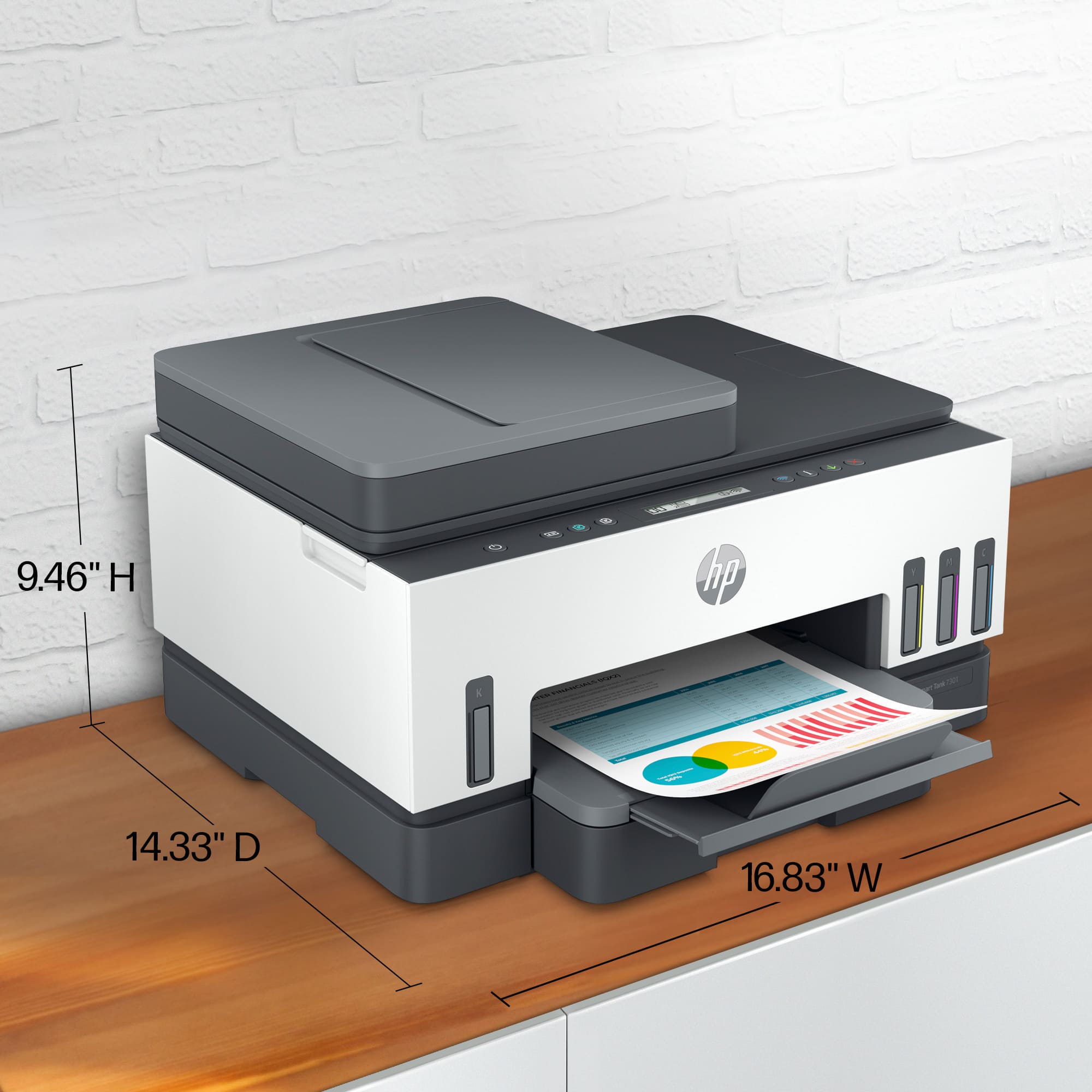
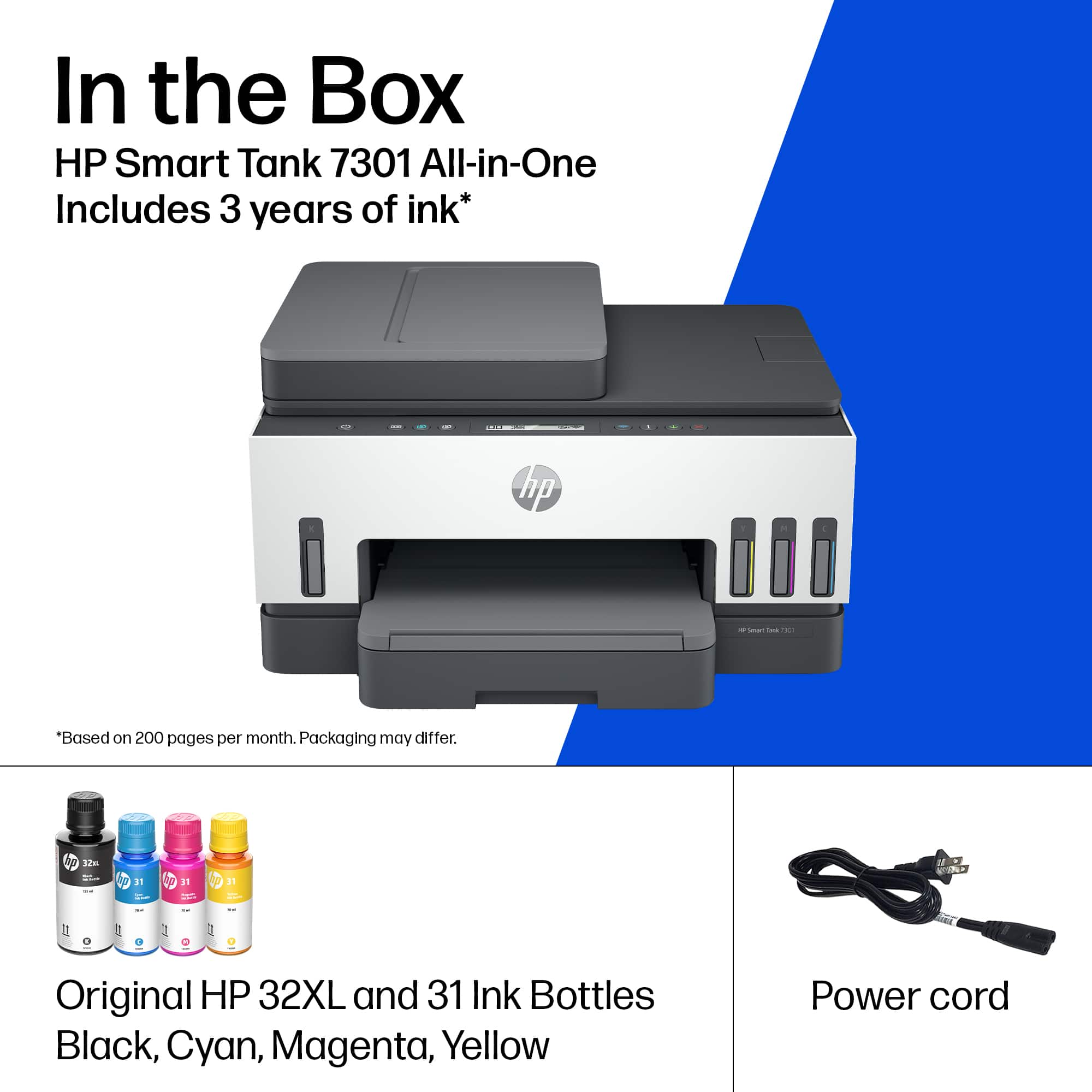





- Model:
- SMART TANK 7301/28B70A#B1H
- SKU:
- 6477858
Rating by feature
- Value
Rating 4.2 out of 5 stars
- Quality
Rating 4.3 out of 5 stars
- Ease of Use
Rating 4.1 out of 5 stars
Customers are saying
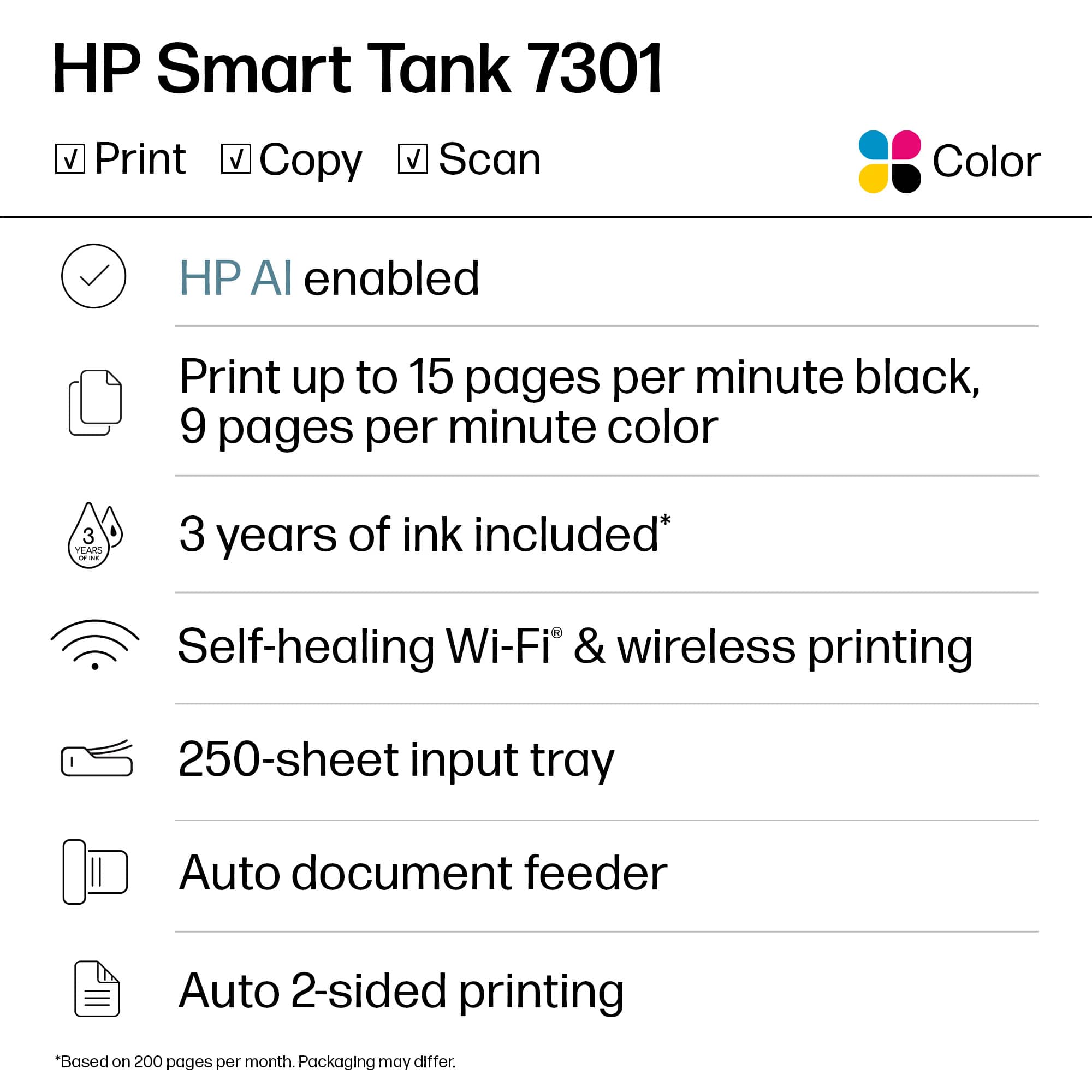
Customers are pleased with the Smart Tank 7301's outstanding print quality and ease of use. Many also appreciate the quick setup and suitable size for small offices. However, some customers have expressed concerns regarding the paper tray, spotty Wi-Fi connection, and scanning functionality. Additionally, a few find the price a bit high and the LCD display uninformative.
This summary was generated by AI based on customer reviews.
All in One Printer
||Posted . Owned for 1 month when reviewed.This reviewer received promo considerations or sweepstakes entry for writing a review.So far so good. Appreciated the conversation with the sales associate in store explaining the ink savings
I would recommend this to a friendHP Smart Tank
||Posted . Owned for 1 month when reviewed.This reviewer received promo considerations or sweepstakes entry for writing a review.This is a great small office printer/scanner. I would recommend this to small office owners everywhere.
I would recommend this to a friendGood Purchase
||Posted . Owned for less than 1 week when reviewed.This reviewer received promo considerations or sweepstakes entry for writing a review.I bought it to test how it worked, and it exceeded my expectations.
I would recommend this to a friend- Cons mentioned:Connectivity
Can’t review what would never connect…
||Posted . Owned for 1 month when reviewed.This reviewer received promo considerations or sweepstakes entry for writing a review.Never could get it to connect to my home wifi. And the HP app is no help whatsoever. Bought another brand printer and had it set up In 10 minutes
No, I would not recommend this to a friend Excellent Printer
||Posted . Owned for 3 weeks when reviewed.This reviewer received promo considerations or sweepstakes entry for writing a review.Cost to value makes this an excellent choice - I would highly recommend
I would recommend this to a friendComputer and printer
||Posted . Owned for 1 week when reviewed.This reviewer received promo considerations or sweepstakes entry for writing a review.I really love my new set up bought computer and printer. Really are enjoying them.
I would recommend this to a friendGo 7301
||Posted . Owned for 3 weeks when reviewed.This reviewer received promo considerations or sweepstakes entry for writing a review.Hard to connect to computer and internet. Not very easy to use and print quality is not the best
No, I would not recommend this to a friendNew printer
||Posted . Owned for 1 month when reviewed.This reviewer received promo considerations or sweepstakes entry for writing a review.This printer works quietly and smoothly. It’s a great alll in one printer!
I would recommend this to a friendGreat printer
||Posted . Owned for 2 weeks when reviewed.This reviewer received promo considerations or sweepstakes entry for writing a review.Great printer. Higher volume printing with great features such as auto scanning
I would recommend this to a friendHappy printing
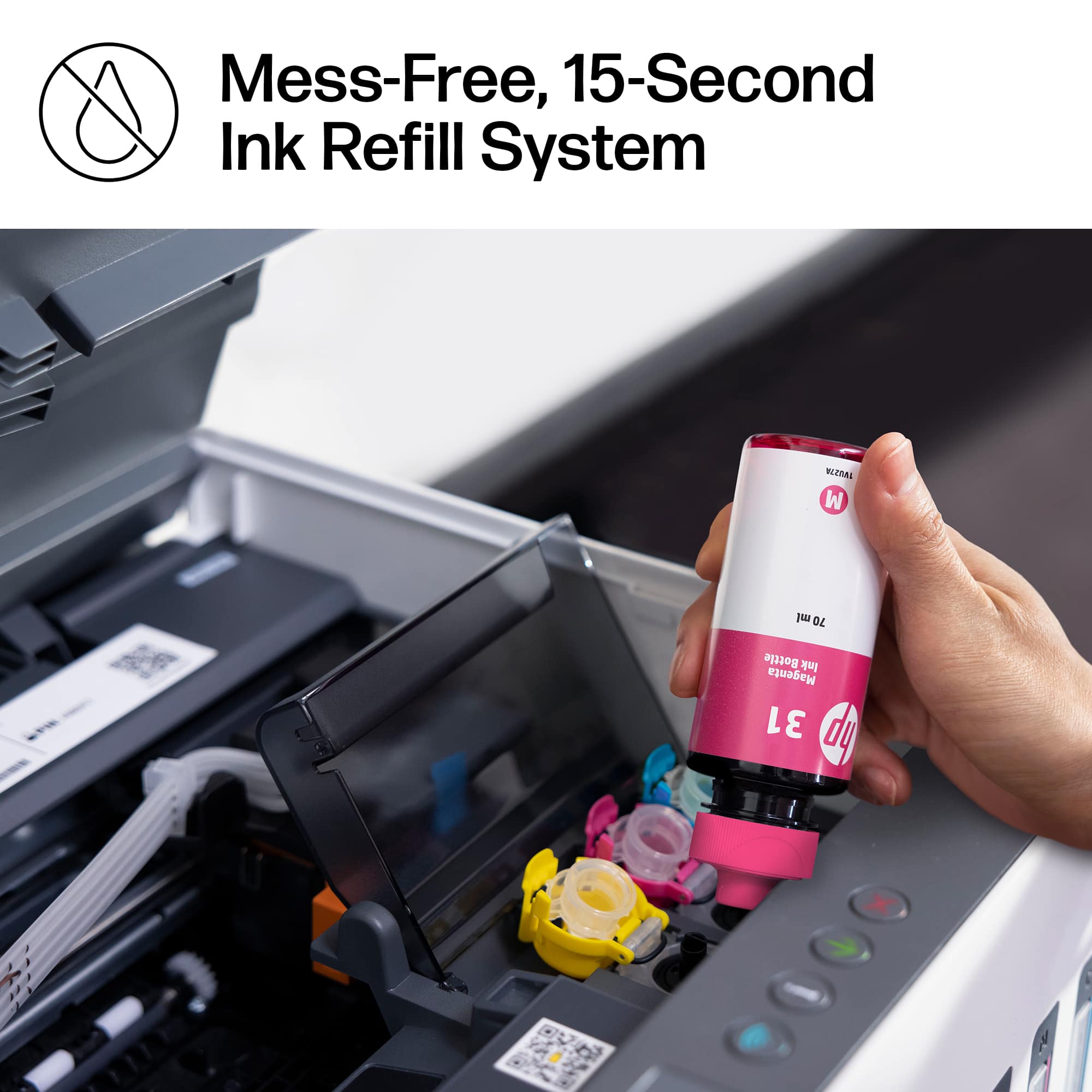
||Posted . Owned for 1 month when reviewed.This reviewer received promo considerations or sweepstakes entry for writing a review.Great printer. Setup was easier than expected. Ink fill is so simple.
I would recommend this to a friend- Cons mentioned:Paper tray
Not Worth the Money
||Posted . Owned for 3 weeks when reviewed.This reviewer received promo considerations or sweepstakes entry for writing a review.The hp smart tank paper tray broke for no apparent reason. Still trying to locate a paper tray. Only had the printer 3 weeks. Now I have printer I can’t use.
No, I would not recommend this to a friend Exceptional Printing.
||Posted . Owned for less than 1 week when reviewed.This reviewer received promo considerations or sweepstakes entry for writing a review.This unit is exceptional. Has all of the functions needed for my business.
I would recommend this to a friendGood luck getting it to work wirelessly.
||Posted . Owned for 3 weeks when reviewed.This reviewer received promo considerations or sweepstakes entry for writing a review.HP is not the same anymore when it come to ease of use. I bought this printer over Epson because of software features HP offers. Setting up this printer for the first use was a total nightmare and just plain stupid. No helpful instructions included. I am not a lay person and do have background in computers, but this one took an hour to get it connected to the wifi. Even when it was successfully connected, it will lose connection without warning hence repeating the painful process of getting it reconnected. Very very disappointed with HP software team.
No, I would not recommend this to a friendBrand response from HP Team
Posted .Hi there.
I’m sorry to learn that your printer has failed to maintain a reliable wireless connection. It’s easy to understand why that would be exasperating, especially after the difficult setup and connectivity process you describe. I want to help you remedy this problem, so I’ll provide some resources aimed at making that happen.
First, I recommend you visit a page on our support site that has diagnostic tools for various issues, including wireless connectivity and printer-offline difficulties. You can find that page here:
- support.hp.com/us-en/topic/diagnostics
If the problem persists, I suggest that you contact us directly at +1 800-474-6836 so we can help you assess the situation and find a solution. (Please note that because of restrictions on personal movement and workplace attendance associated with the COVID-19 pandemic, wait times for agents are longer than normal. Thanks in advance for your understanding.) To expedite the process, I recommend gathering the following information before the call:
- Model number
- Serial number
- Your location
- Case number (from any previous contact with HP support)
Keith
HP Care
hp.com/support
Defective from the box.
||Posted . Owned for less than 1 week when reviewed.This reviewer received promo considerations or sweepstakes entry for writing a review.In the past 20 years, I've probably owned half a dozen HP printers. Each time I swear I'll never buy another because they just don't last or the ink cartridges dry up inside of a couple months. After sticking true to my word for five years, I begrudgingly took a flyer on this one because of the ink-well concept. I figured at least I wouldn't have dried-out cartridges that cost $50 a piece. Unfortunately, the printer was defective right out of the box. Upon trying to set it up, I was unable to get the printer head carriage to return to the middle of the printer as it is supposed to be to replace/add the cartridges. Without it in the middle position, I was unable to install the printer cartridges. I attempted to call HP for technical support (which in and of itself is a horrible process), and was forced to first create an account. Upon doing so, I registered for a call back. It took a little over four hours for a return call. The three-minute call consisted of me explaining what I'd done (reset, unplugged, all the usual suspects...) and the rep telling me to just return the unit. I'm a relatively techy person and have set up numerous peripherals, networks, and computers over the years. This was the first product I purchased that completely stumped me from the box. It's going back, and I'm getting an Epson instead.
No, I would not recommend this to a friend- Cons mentioned:Price
Slow and Expensive
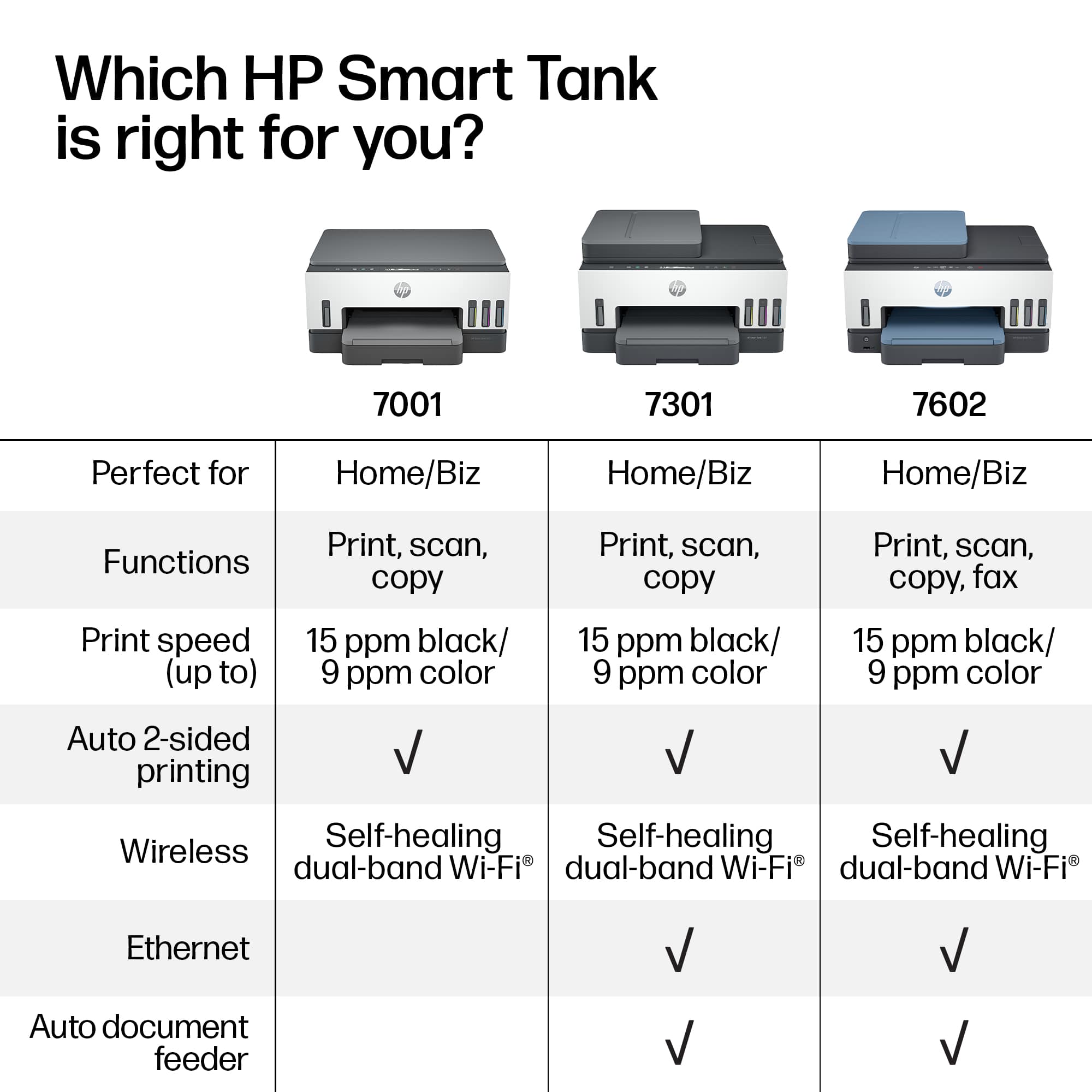
||Posted . Owned for less than 1 week when reviewed.This reviewer received promo considerations or sweepstakes entry for writing a review.This printer is slooooooow ans way too expensive for a home printer. Did i mention how slow it is? They say its an all in one but there is NO FAX CAPABILITY on this printer. You would be better of spending less to get a brother color LASERJET printer since they perform faster, cost less and have true all in one functions including FAX. I expect way more from a nearly $500 printer.
No, I would not recommend this to a friendBrand response from HP Team
Posted .Hi there.
I’m sorry to learn that your printer has rendered prints slowly, and that you’re not satisfied with its features. I can certainly understand why this combination would add up to a disappointing start to ownership. I want to help you remedy the speed problem and learn more about the device’s functionality (including fax), so I’ll offer some resources aimed at making that happen.
First, I recommend that you follow a guide on our support site that covers improving print speed; choose whichever of the following two links matches your operating system:
- Windows: support.hp.com/us-en/document/bud03409
- Mac OS: support.hp.com/us-en/document/c01928898
Also, often just updating the firmware can help improve print speed. You can find out how to do that here:
- support.hp.com/us-en/document/c02919168
Regarding functionality, your printer does not support a traditional landline-based fax function, but it does have mobile fax. To learn more about this, I recommend that you consult the main user manual for your printer, which you can find on our support site. Scroll in the table of contents to the section labeled “5. Copy, Scan and Mobile Fax,” then click on the page number associated with the “Mobile Fax” heading. Find that manual here:
- www1.hp.com/ctg/Manual/c07762999.pdf
If any problem persists, I suggest that you contact us directly at +1 800-474-6836 so we can help you assess the situation and find a solution. (Please note that because of restrictions on personal movement and workplace attendance associated with the COVID-19 pandemic, wait times for agents are longer than normal. Thanks in advance for your understanding.) To expedite the process, I recommend gathering the following information before the call:
- Model number
- Serial number
- Your location
- Case number (from any previous contact with HP support)
Keith
HP Care
hp.com/support
terrible
||Posted . Owned for 1.5 years when reviewed.This reviewer received promo considerations or sweepstakes entry for writing a review.terrible printer. hard to print from wire less device at first. after 2 yrs cant print at all. now i can't even print from wired device.
No, I would not recommend this to a friendI have a dedecated fax phone line
||Posted . Owned for 1 month when reviewed.This reviewer received promo considerations or sweepstakes entry for writing a review.had major issues with origional purchase taken back n given this product that does not have all the systems that the origional product had no fax
No, I would not recommend this to a friendMy printer
||Posted . Owned for 3 weeks when reviewed.This reviewer received promo considerations or sweepstakes entry for writing a review.Great printer highly recommend but HP support wasn’t good.
I would recommend this to a friendWould need to replace at some point
||Posted .This reviewer received promo considerations or sweepstakes entry for writing a review.Ive purchased this muitple times but it always doesnt last after a year and you need to replace it
No, I would not recommend this to a friend- Pros mentioned:Print quality
Clara Murphy
||Posted . Owned for 3 weeks when reviewed.This reviewer received promo considerations or sweepstakes entry for writing a review.I like the Quality of print and the idea of the inkjet. I would give it a 5.
I would recommend this to a friend