Customer Ratings & Reviews
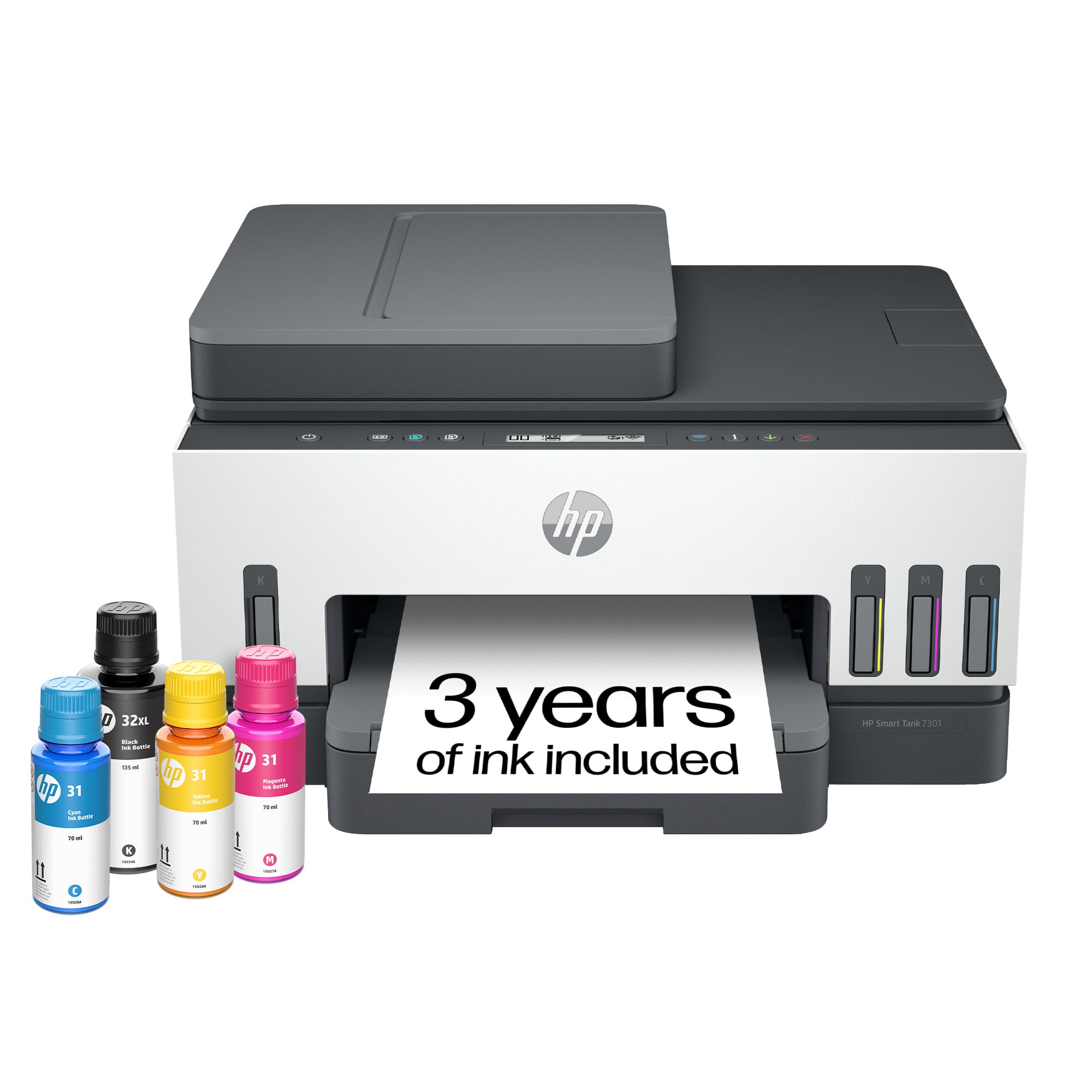
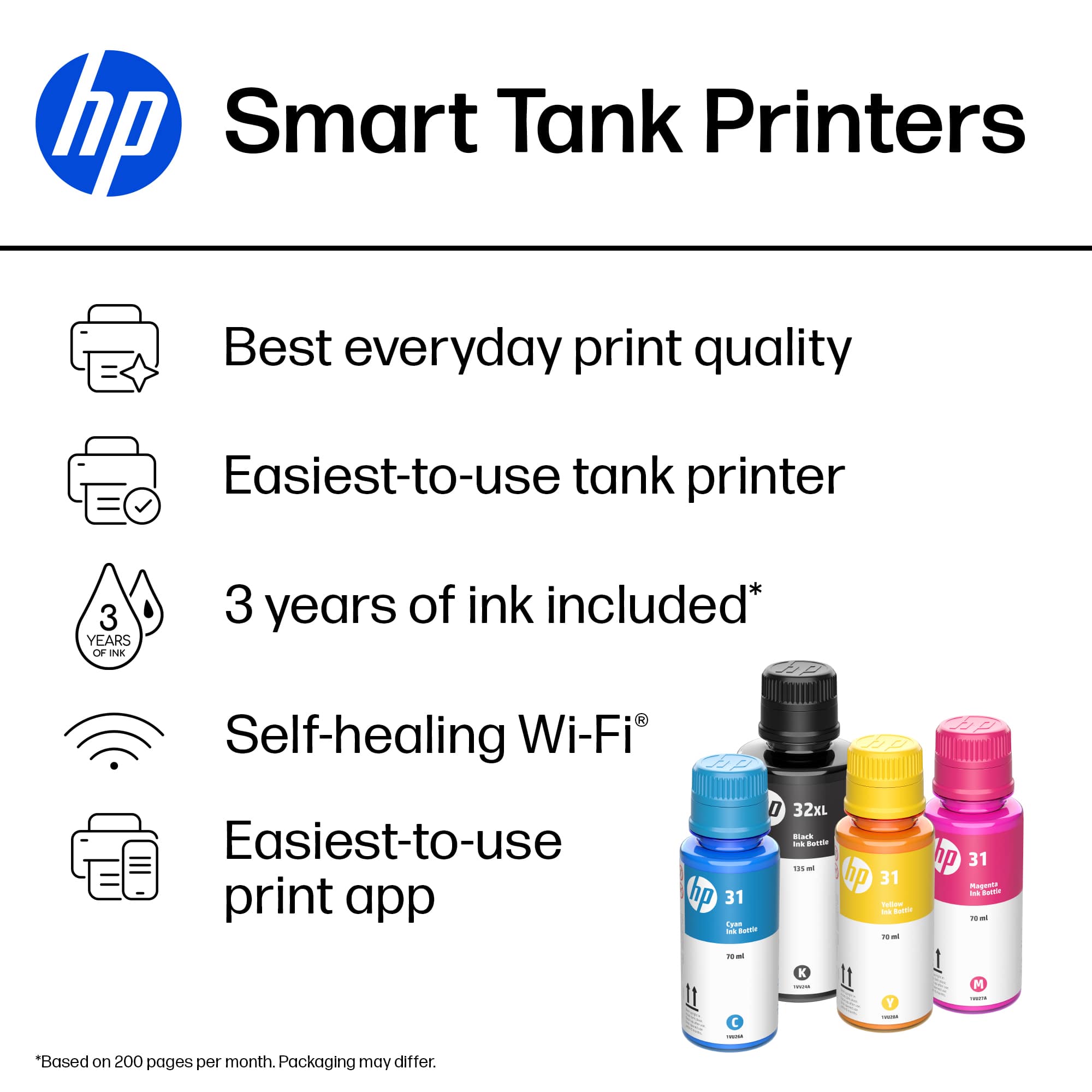

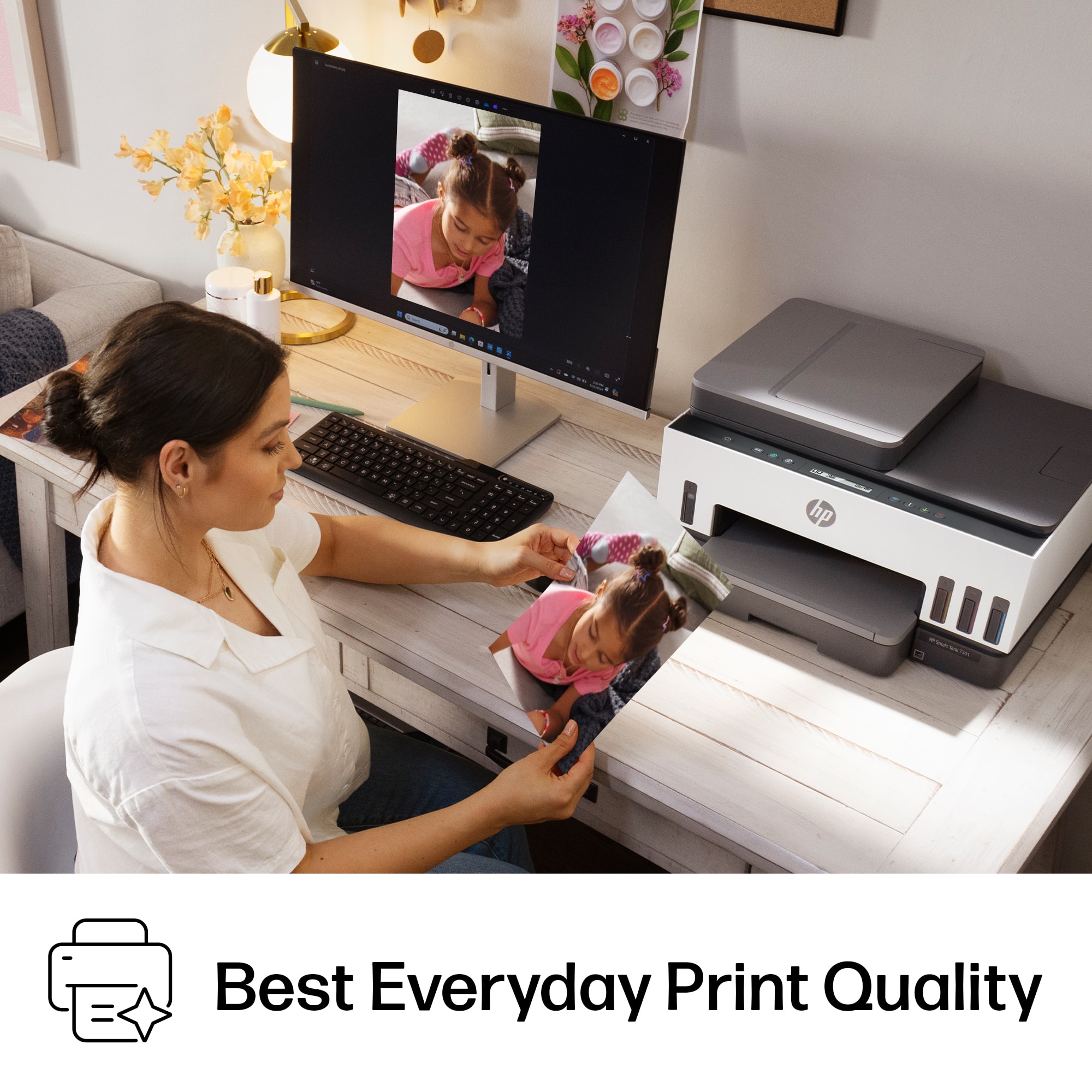
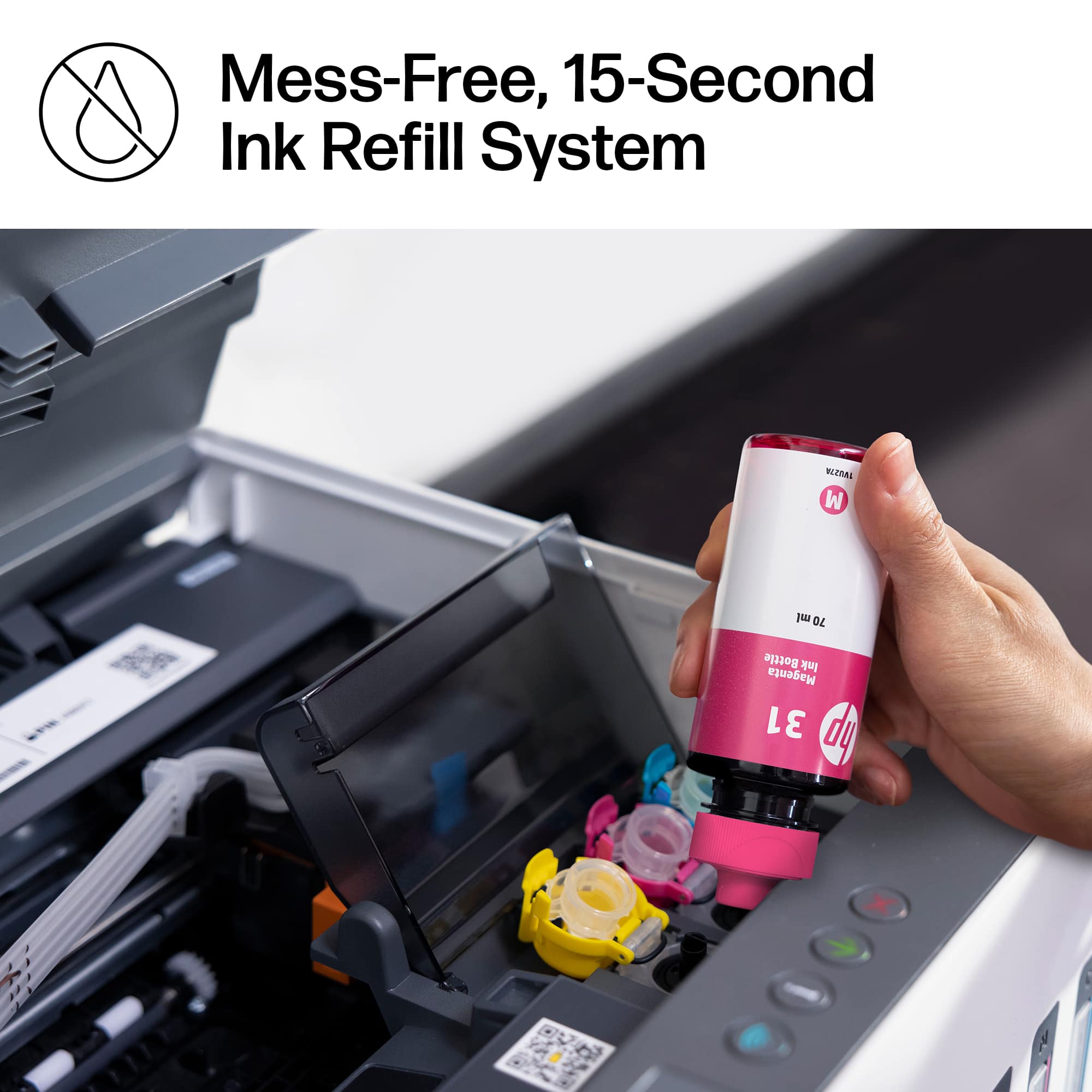

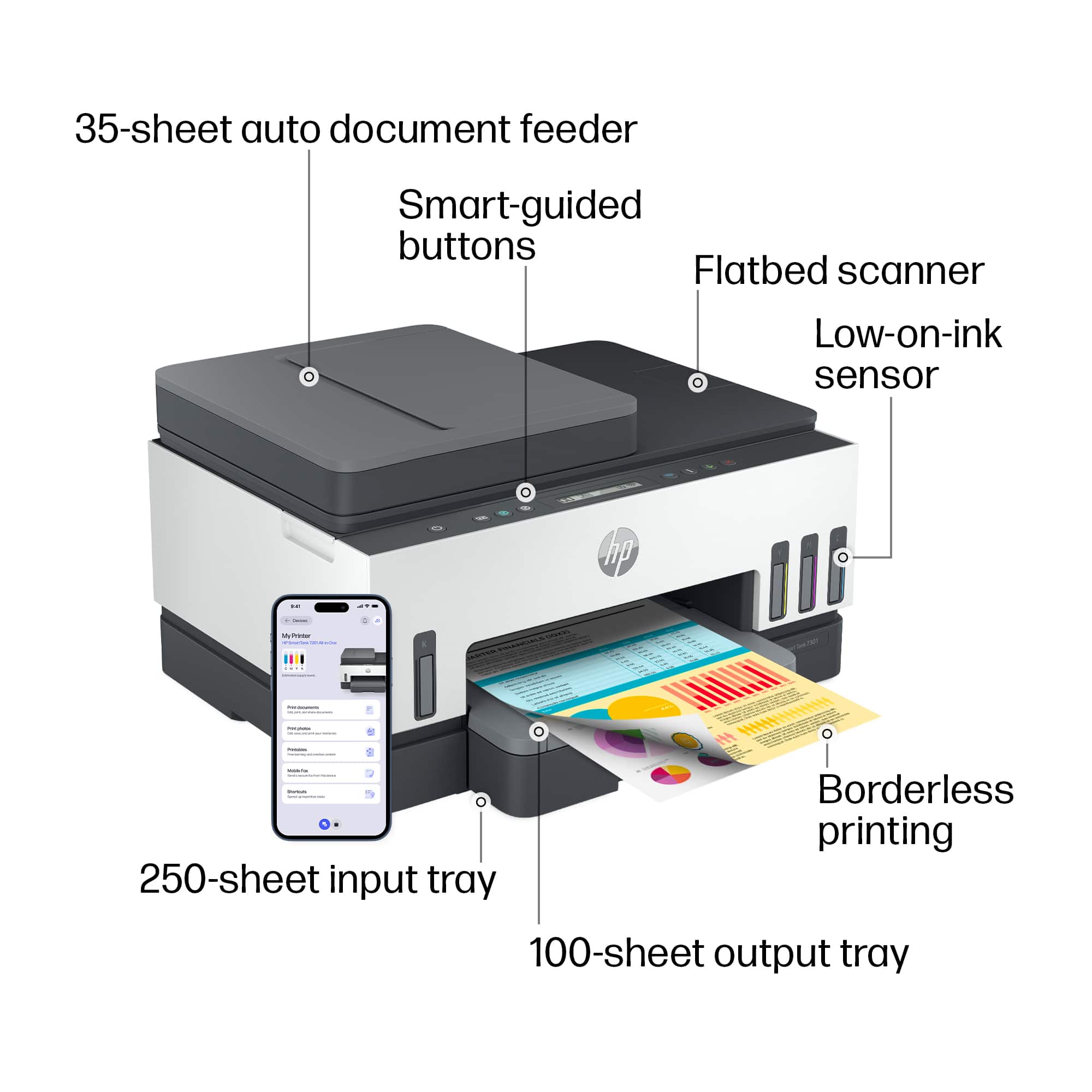
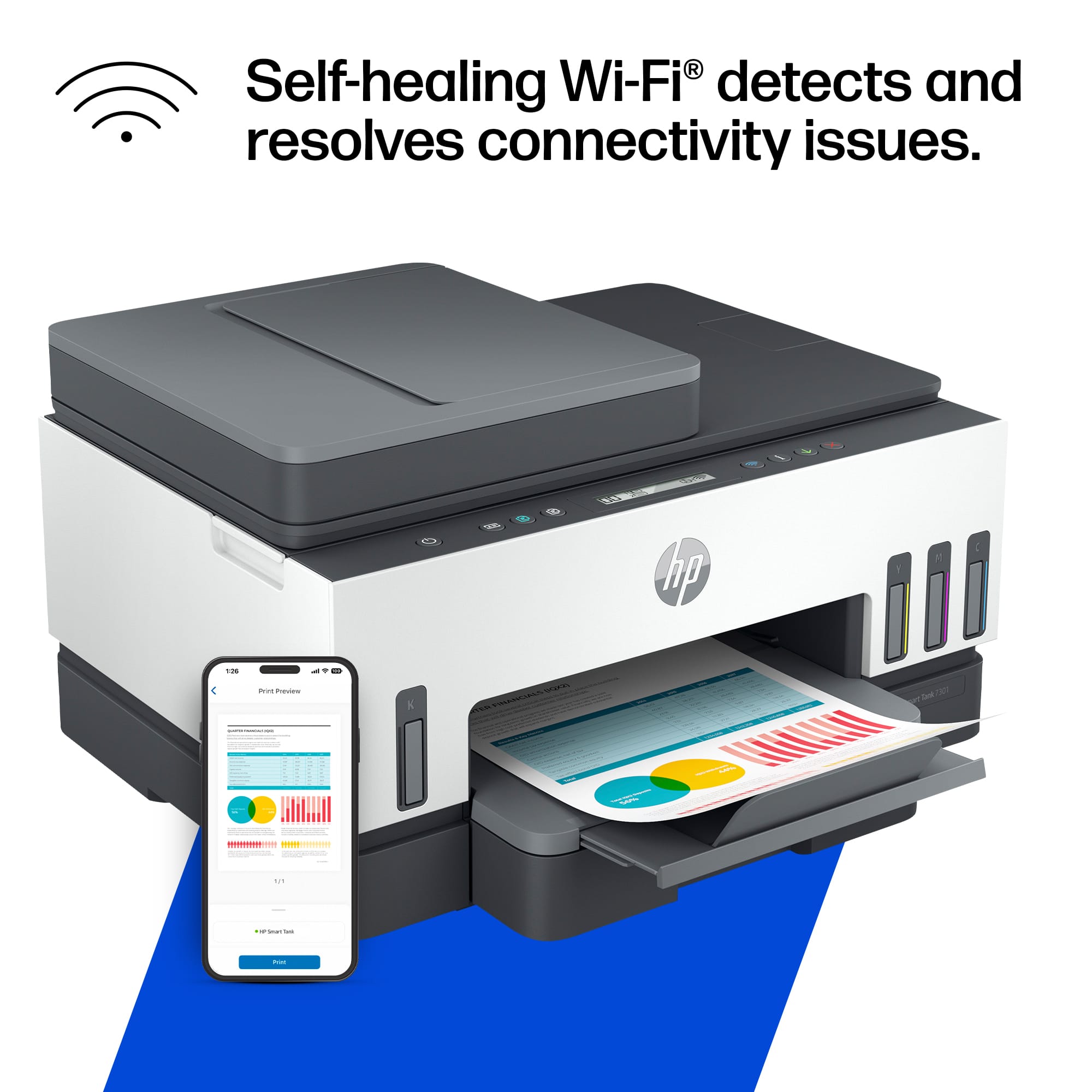

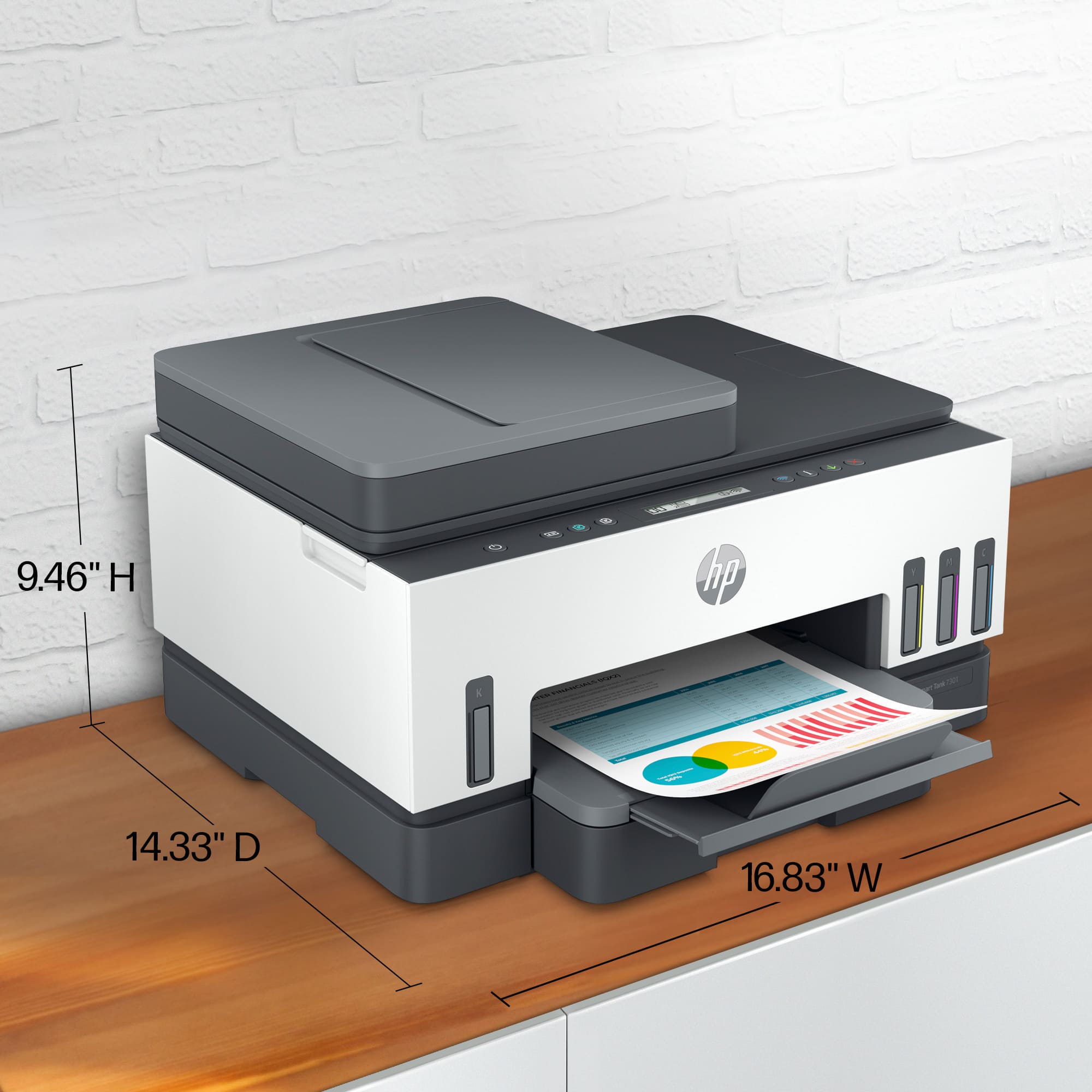
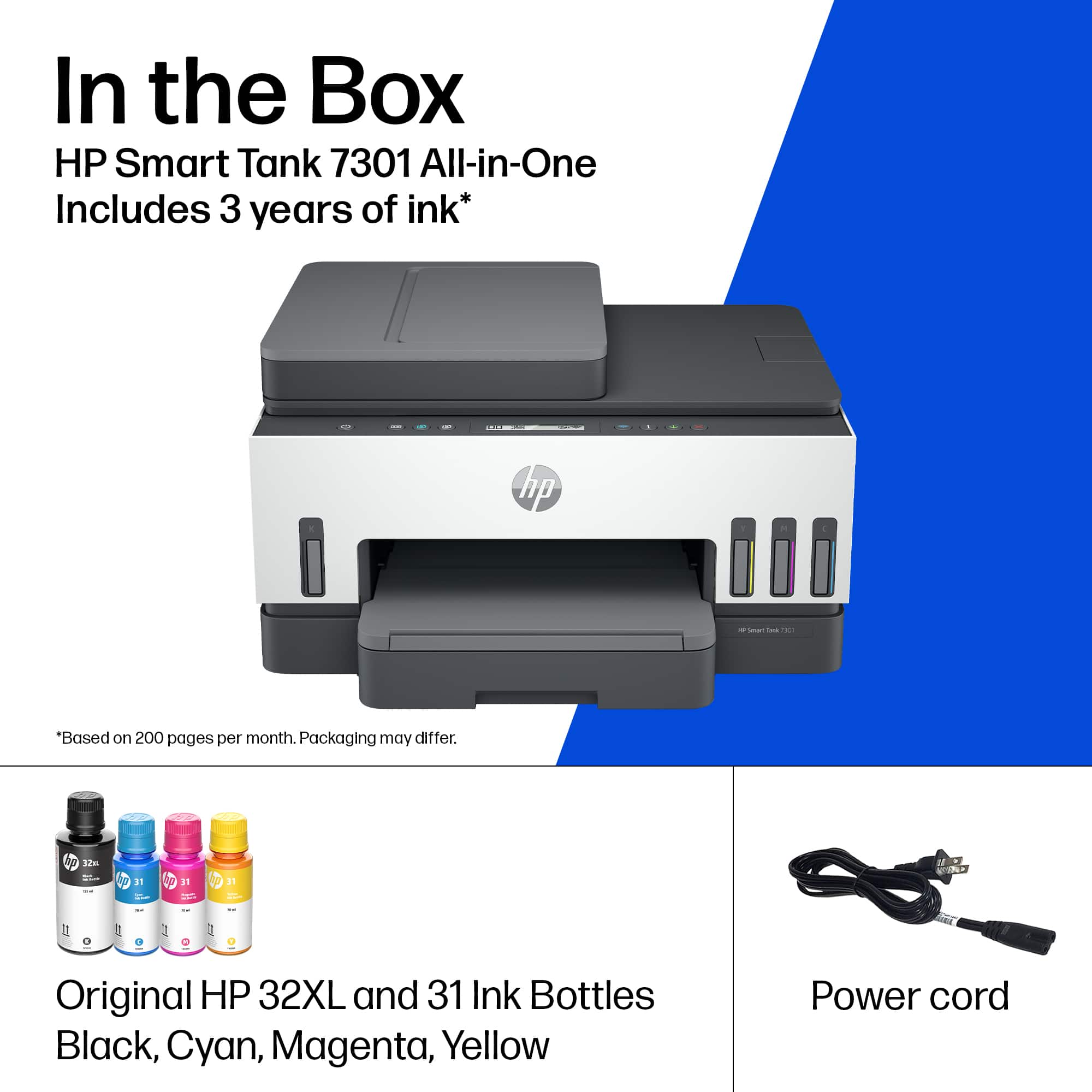





- Model:
- SMART TANK 7301/28B70A#B1H
- SKU:
- 6477858
Rating by feature
- Value
Rating 4.2 out of 5 stars
- Quality
Rating 4.3 out of 5 stars
- Ease of Use
Rating 4.1 out of 5 stars
Customers are saying
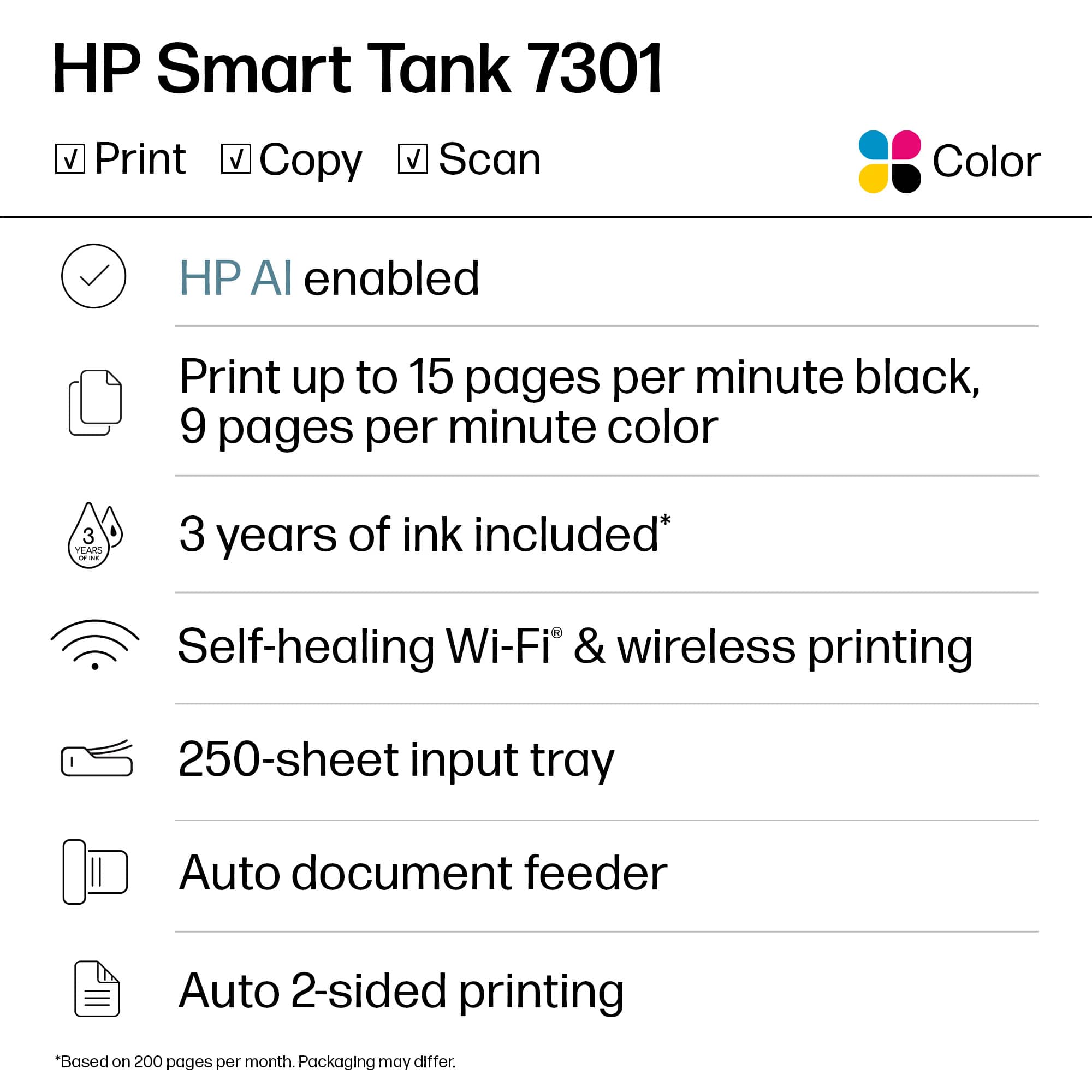
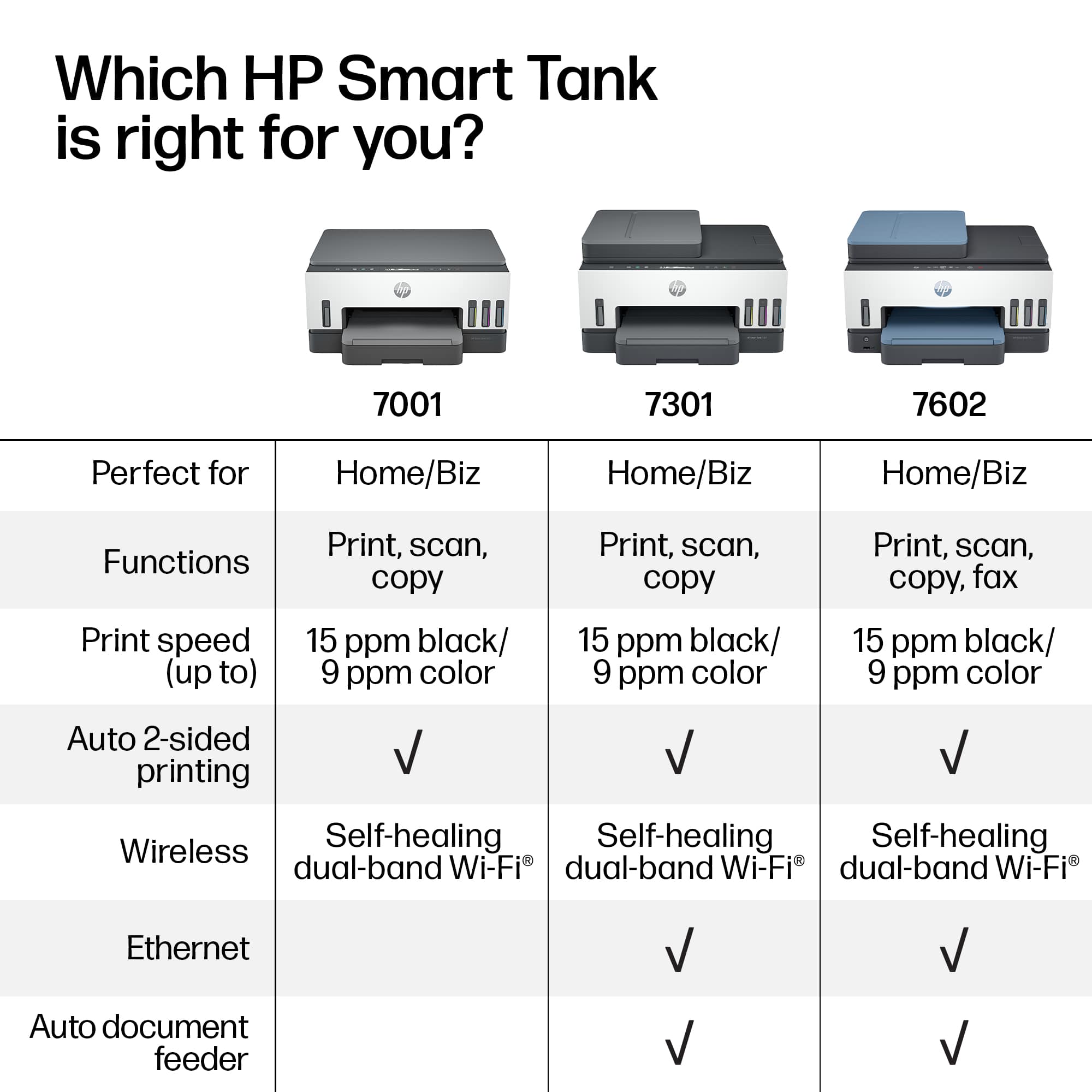
Customers are pleased with the Smart Tank 7301's outstanding print quality and ease of use. Many also appreciate the quick setup and suitable size for small offices. However, some customers have expressed concerns regarding the paper tray, spotty Wi-Fi connection, and scanning functionality. Additionally, a few find the price a bit high and the LCD display uninformative.
This summary was generated by AI based on customer reviews.
Bad printer worth maybe 50$ not 370$
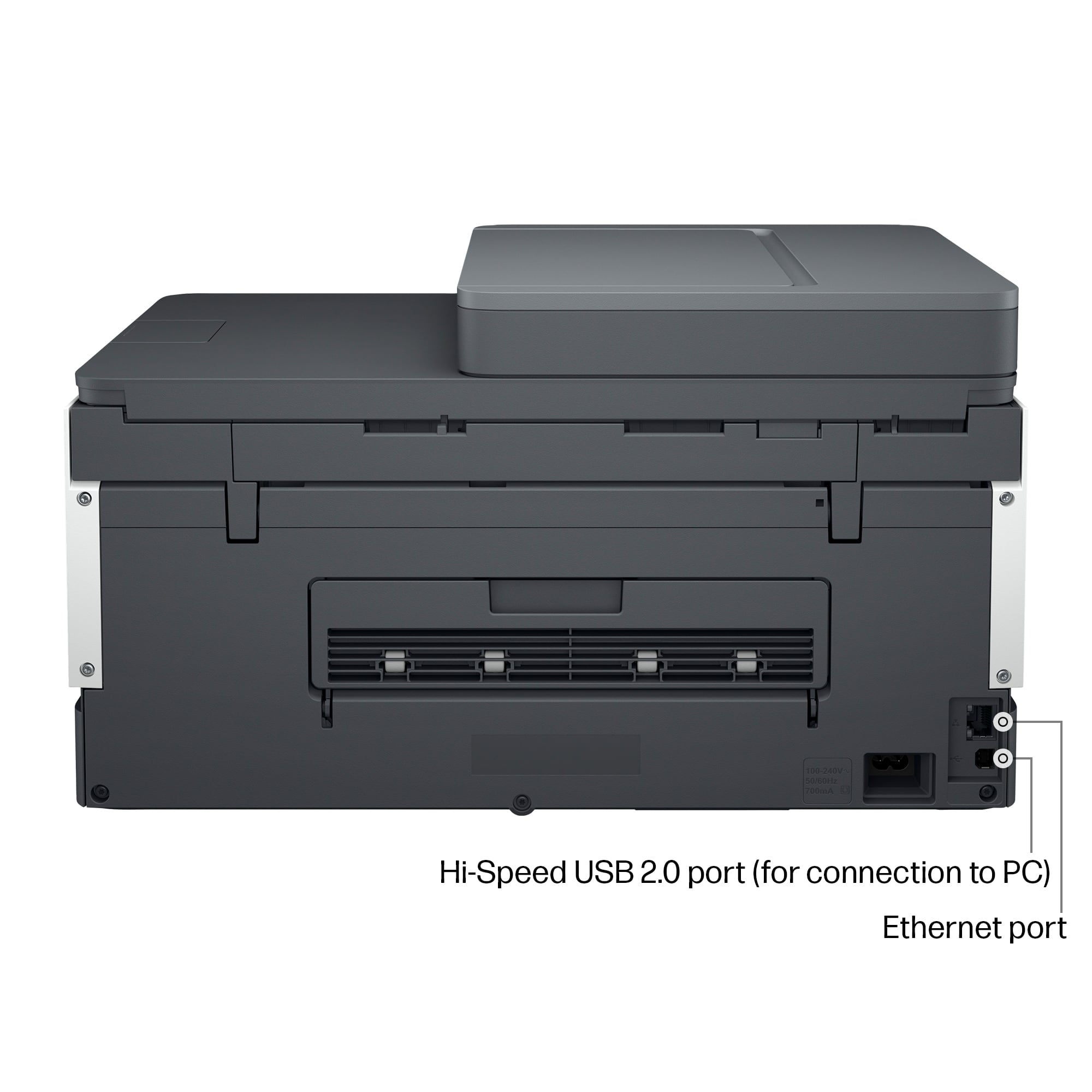
||Posted . Owned for more than 2 years when reviewed.This reviewer received promo considerations or sweepstakes entry for writing a review.After changing modem in past this printer was able to be added to network but lately they change our internet router and since then I not able to add the printer and also we connected thru cable -ethernet and it also not work
No, I would not recommend this to a friend- Cons mentioned:Paper tray
7301 printer
||Posted . Owned for 3 weeks when reviewed.This reviewer received promo considerations or sweepstakes entry for writing a review.Had to take it back. Kept eating paper. Would get a paper jam about every 4 or 5 pages. Otherwise was goid.
No, I would not recommend this to a friend Really wanted this to work
||Posted . Owned for 2 weeks when reviewed.This reviewer received promo considerations or sweepstakes entry for writing a review.Absolutely the worst set up experience. Finally got it up and running only to have it constantly drop the WiFi (its sitting right next to the modem). Never could get it to print. Job would sit in print que. Then it would randomly print a single page out of the print job. Went back to Best Buy
No, I would not recommend this to a friendClyde
||Posted . Owned for 1 week when reviewed.This reviewer received promo considerations or sweepstakes entry for writing a review.Very difficult to setup and operate and manual is not helpful
No, I would not recommend this to a friendHP Smart Tank 7300 Printer
||Posted . Owned for 2 months when reviewed.This reviewer received promo considerations or sweepstakes entry for writing a review.I am very unhappy with this printer and am asking for either a replacement or full credit! I cannot hook it up to my Wi-Fi despite repeated attempts including re-DOING virtually every step many times along with router reboots, etc. Every other wireless connection is flawless. I’ve also tried Best Buy internet resolutions.
No, I would not recommend this to a friendBrand response from HP Team
Posted .Hi there.
I’m sorry you’ve been unable to connect your printer to your Wi-Fi network. Your frustration comes as no surprise, considering you’ve spent so much time and effort to complete the process without success. I want to help you get the device connected and working as it should, so I’ll direct you to a resource I hope will guide you to that end.
I recommend that you contact us directly at +1 800-474-6836 so we can help you assess what’s happening and find the best course of action. To expedite the process, I recommend gathering the following information before the call:
- Model number
- Serial number
- Your location
- Case number (from any previous contact with HP support)
I hope this helps and, again, our sincerest apologies.
Keith
HP Care
hp.com/support
- Pros mentioned:Ease of use
Mr.
||Posted . Owned for 1 month when reviewed.This reviewer received promo considerations or sweepstakes entry for writing a review.Easy setup and connectivity. Does as advertised. Haven’t tried to print photos yet.
I would recommend this to a friend - Pros mentioned:Print quality
HP printers are the best.
||Posted . Owned for 1 month when reviewed.This reviewer received promo considerations or sweepstakes entry for writing a review.Perfect printer to use for advertising. Best Buy always carries the top equipment.
I would recommend this to a friend It's ok but not for my use case
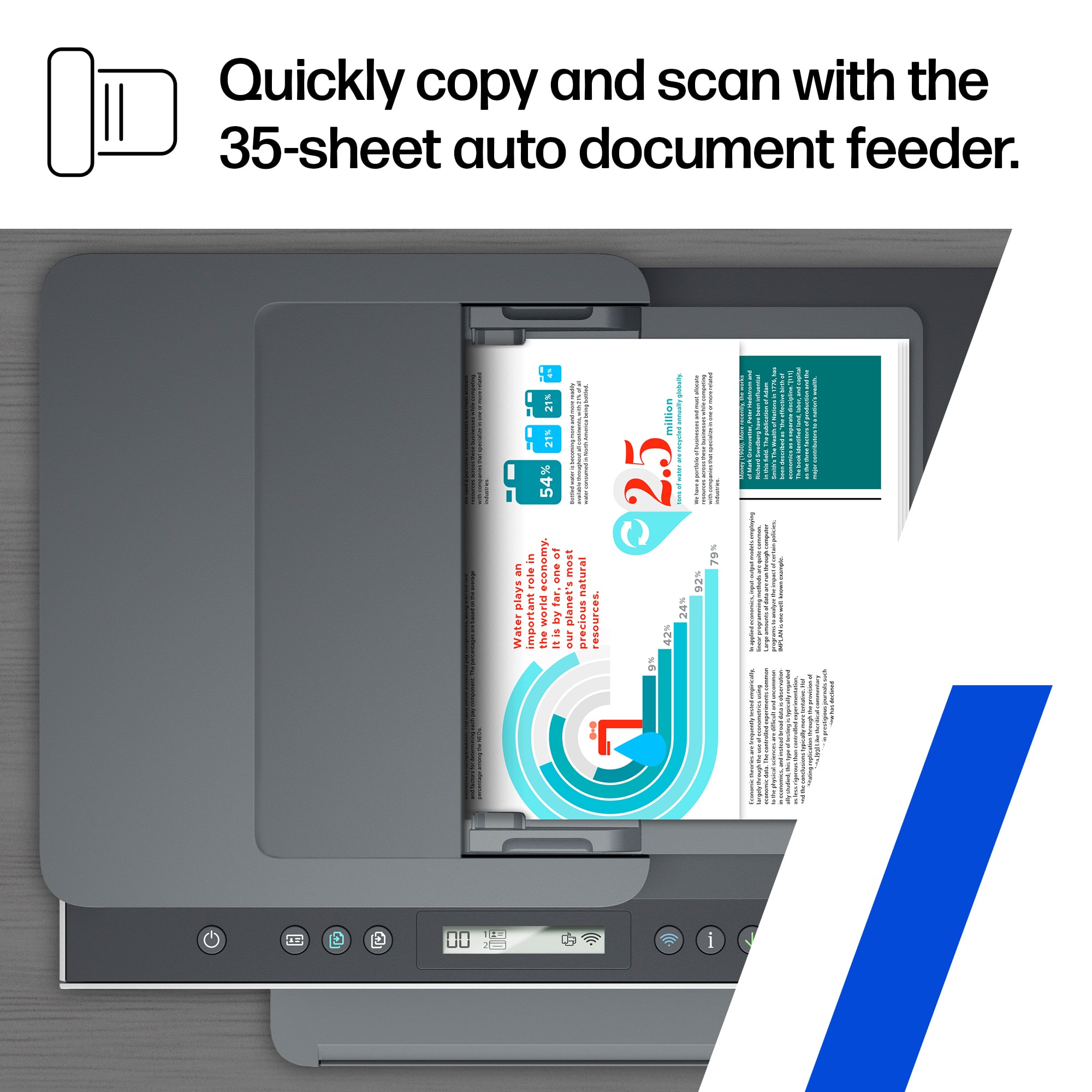
||Posted .This reviewer received promo considerations or sweepstakes entry for writing a review.Prints slow, no scanner. I had to return the unit.
No, I would not recommend this to a friend- Cons mentioned:Connectivity
Do not buy, too painful.
||Posted . Owned for 8 months when reviewed.This reviewer received promo considerations or sweepstakes entry for writing a review.This has been miserable to get set up and keep connected. We are fairly tech savvy and it still works maybe 1 out of 3 times...
No, I would not recommend this to a friend - Pros mentioned:Print quality
Mr
||Posted . Owned for 1 month when reviewed.This reviewer received promo considerations or sweepstakes entry for writing a review.Great printer will purchase again. One of the best printer I purchased
I would recommend this to a friend Smart tank
||Posted . Owned for 3 weeks when reviewed.This reviewer received promo considerations or sweepstakes entry for writing a review.I have spent four days on line’with the geek squad trying to get the printer to work with the computer’ the problem is not resolved.
No, I would not recommend this to a friendBrand response from HP Team
Posted .Hi there.
I’m sorry that your printer has not worked like it should through with computer. Your frustration comes as no surprise, considering you’ve hired the seller’s technical support service and still had no success. I want to help you out of this dilemma. I hope the resource I’ve listed below makes that happen.
I can’t tell from your review what issue your printer faces or why it won’t work with your computer. I recommend that you contact us directly at +1 800-474-6836 so we can help you assess what’s happening and find the best course of action. To expedite the process, I recommend gathering the following information before the call:
- Model number
- Serial number
- Your location
- Case number (from any previous contact with HP support)
Keith
HP Care
hp.com/support
Bad Firmware Update.
||Posted . Owned for less than 1 week when reviewed.This reviewer received promo considerations or sweepstakes entry for writing a review.I bought this printer on 2/16/23. I am taking it back to try to exchange it for a new one. This one when I attempted to do the firmware update (HP_ST750_ST7300_2244A) quit working. I spent over 2 hours on the phone with HP tech support to try and fix this one DO NOT INSTALL the firmware update.
I would recommend this to a friend- Pros mentioned:Ease of use
Great copier/scanner
||Posted . Owned for 3 weeks when reviewed.This reviewer received promo considerations or sweepstakes entry for writing a review.It was very easy to set up and functions perfectly.
I would recommend this to a friend RETURN.
||Posted .This reviewer received promo considerations or sweepstakes entry for writing a review.Been buying HP printers for over 20 years and I finally decided to try a different brand. I didn't check closely enough if this printer included a fax and figured for $450 it would. Well, it doesn't and I definitely wanted that in an all-in-one. So it was going back anyway. I did look it over before I boxed it back up though. Very light, feels like a toy. Another thing I didn't like was the plug in the back, didn't feel secure, no satisfying click or feeling of being seated and secure. I'm looking at different brands now, for that amount of money I shouldn't feel I bought a cheap piece of junk.
No, I would not recommend this to a friendRegrettable purchase
||Posted . Owned for 1 month when reviewed.This reviewer received promo considerations or sweepstakes entry for writing a review.Extremely difficult to operate. Constantly have to unplug and plug back in to reset. The printer software application isn’t much help either. A very regrettable purchase.
No, I would not recommend this to a friendDROPPED THE BALL
||Posted . Owned for 1.5 years when reviewed.This reviewer received promo considerations or sweepstakes entry for writing a review.I ordered this @ 1pm, on Dec 18, paid extra $10 to have it delivered. Finally @ 830 pm I was told it was NOT AVAILABLE for same day delivery. Why wasn't I told that when I placed the order ?
I would recommend this to a friendCrap
||Posted .This reviewer received promo considerations or sweepstakes entry for writing a review.Had nothing but trouble with this printer and little to no help from tech support
No, I would not recommend this to a friend- Pros mentioned:Print quality
Not what I expected
||Posted . Owned for 3 weeks when reviewed.This reviewer received promo considerations or sweepstakes entry for writing a review.Like the cost of the ink but do not like the slower printing and quality of the colors.
No, I would not recommend this to a friend Not worth it
||Posted . Owned for 7 months when reviewed.This reviewer received promo considerations or sweepstakes entry for writing a review.This is the most temperamental printer ever. The WiFi feature is not good and won’t connect to all computers readily
No, I would not recommend this to a friendBrand response from HP Team
Posted .Hi there.
I’m sorry your printer has failed to maintain a reliable wireless connection. Your review is brief, but your dilemma is clear. I want to help you remedy this problem. I hope the resources listed below serve that end.
First, I recommend you visit a page on our support site that has diagnostic tools for various issues, including wireless connectivity. You can find that page here:
- support.hp.com/us-en/topic/diagnostics
You can also find troubleshooting guides specific to your printer, including ones on connectivity, in addition to user manuals, how-to documents and software updates here:
- support.hp.com/us-en/product/model/2100178910
If the problem persists, I suggest that you contact us directly at +1 800-474-6836 so we can help you assess what’s happening and find the best course of action. To expedite the process, I recommend gathering the following information before the call:
- Model number
- Serial number
- Your location
- Case number (from any previous contact with HP support)
Keith
HP Care
hp.com/support
Not happy
||Posted . Owned for 3 weeks when reviewed.This reviewer received promo considerations or sweepstakes entry for writing a review.Horrible service Won’t buy anything more there I’ll guarantee you the way I was treated
No, I would not recommend this to a friend