Customer Ratings & Reviews


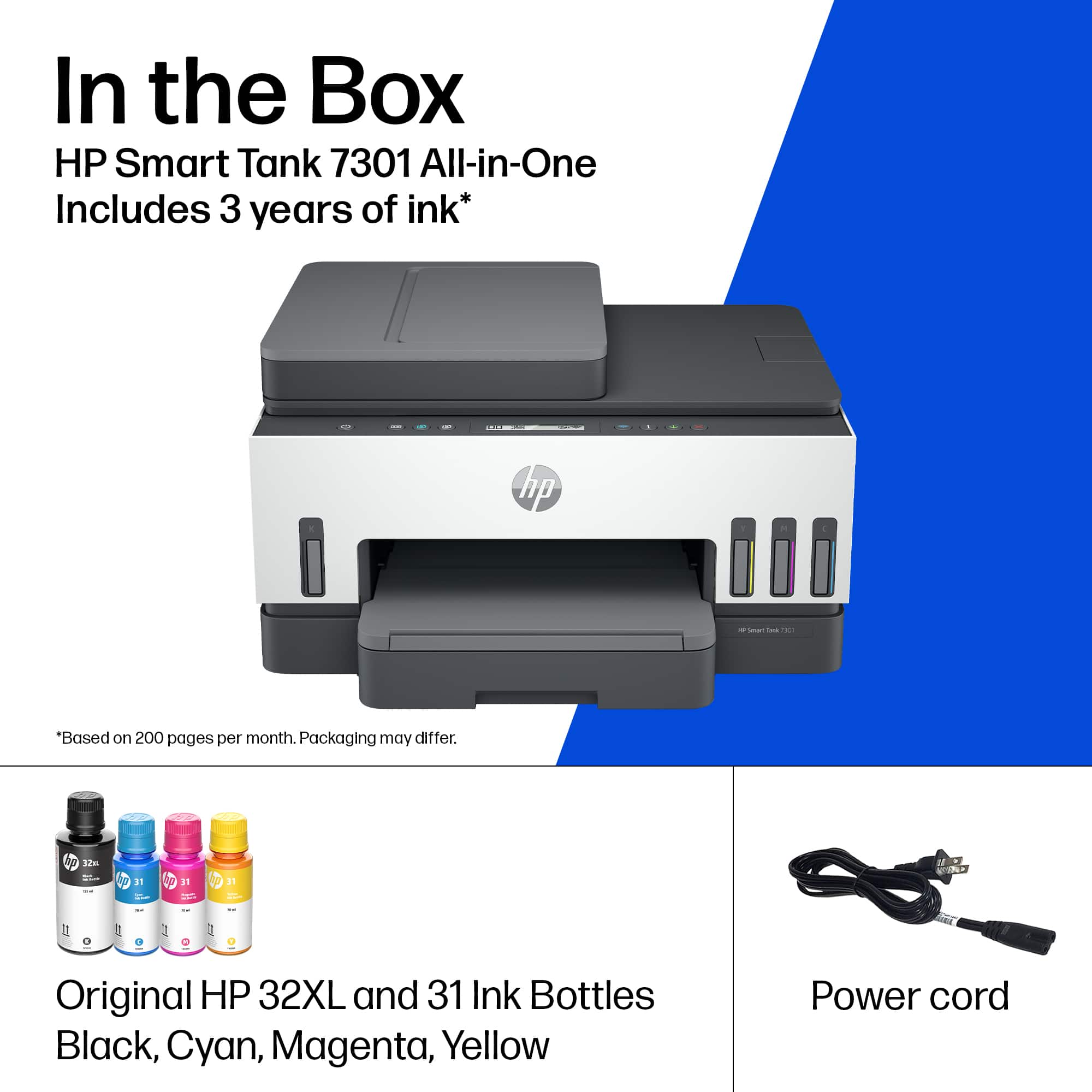





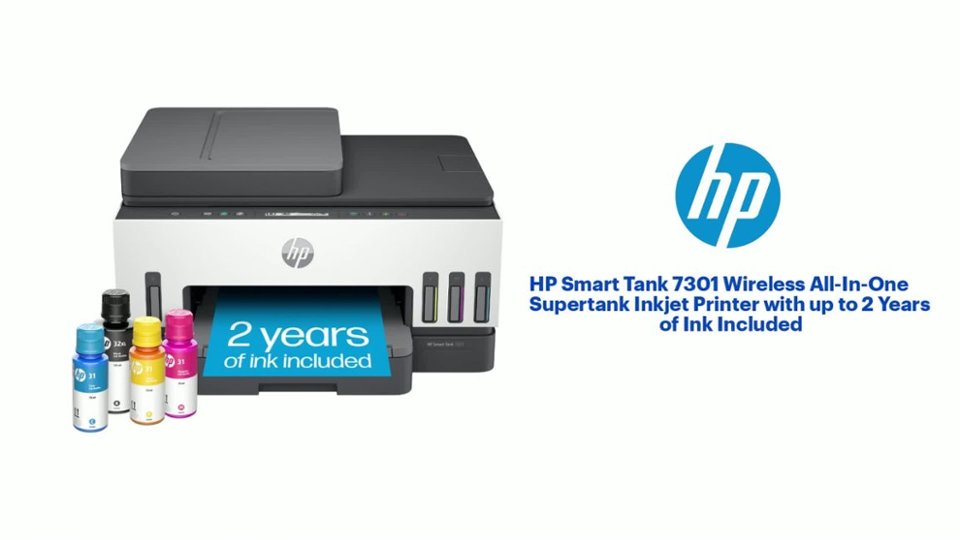
- Model:
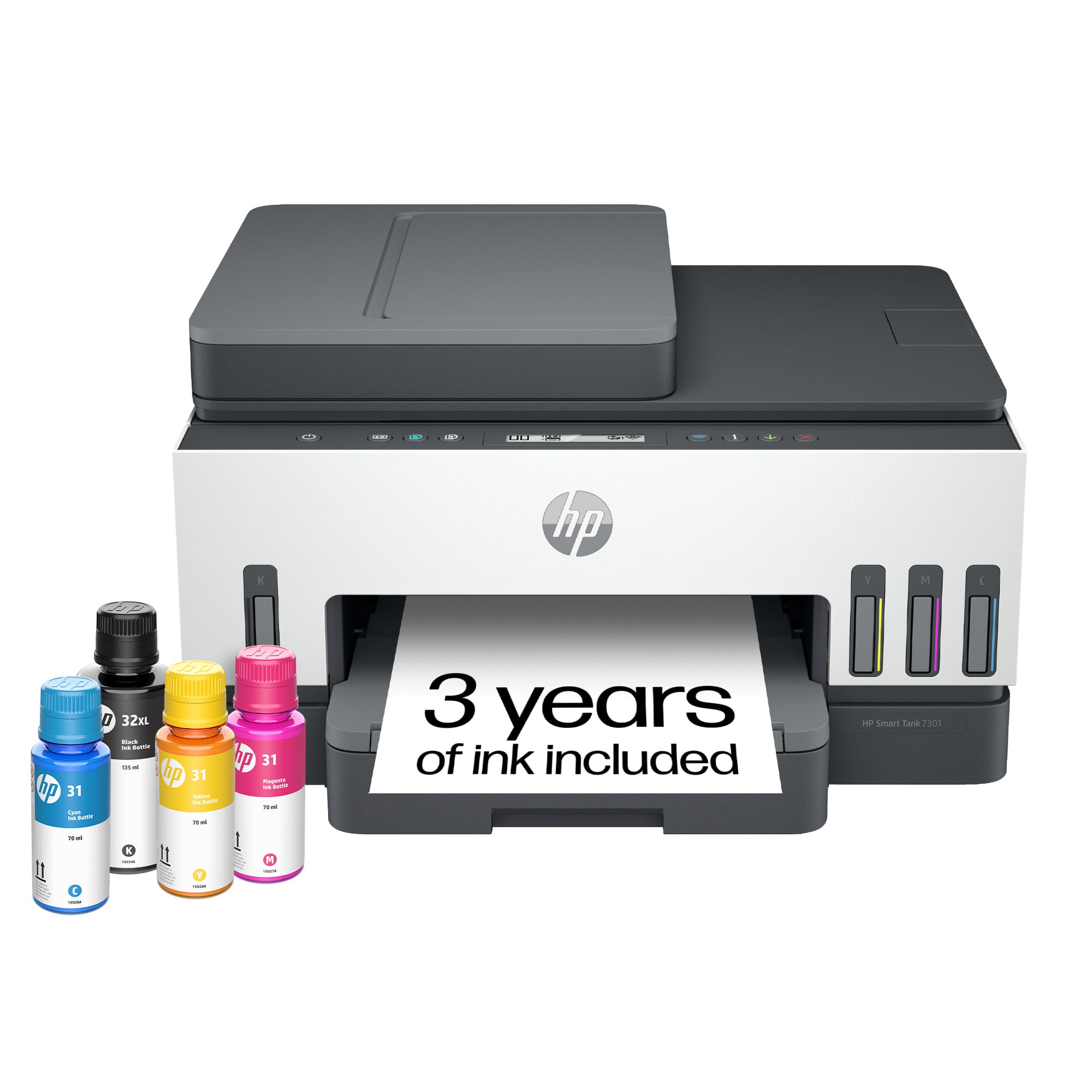
- SMART TANK 7301/28B70A#B1H
- SKU:
- 6477858
Rating by feature
- Value
Rating 4.2 out of 5 stars
- Quality
Rating 4.3 out of 5 stars
- Ease of Use
Rating 4.1 out of 5 stars
Customers are saying
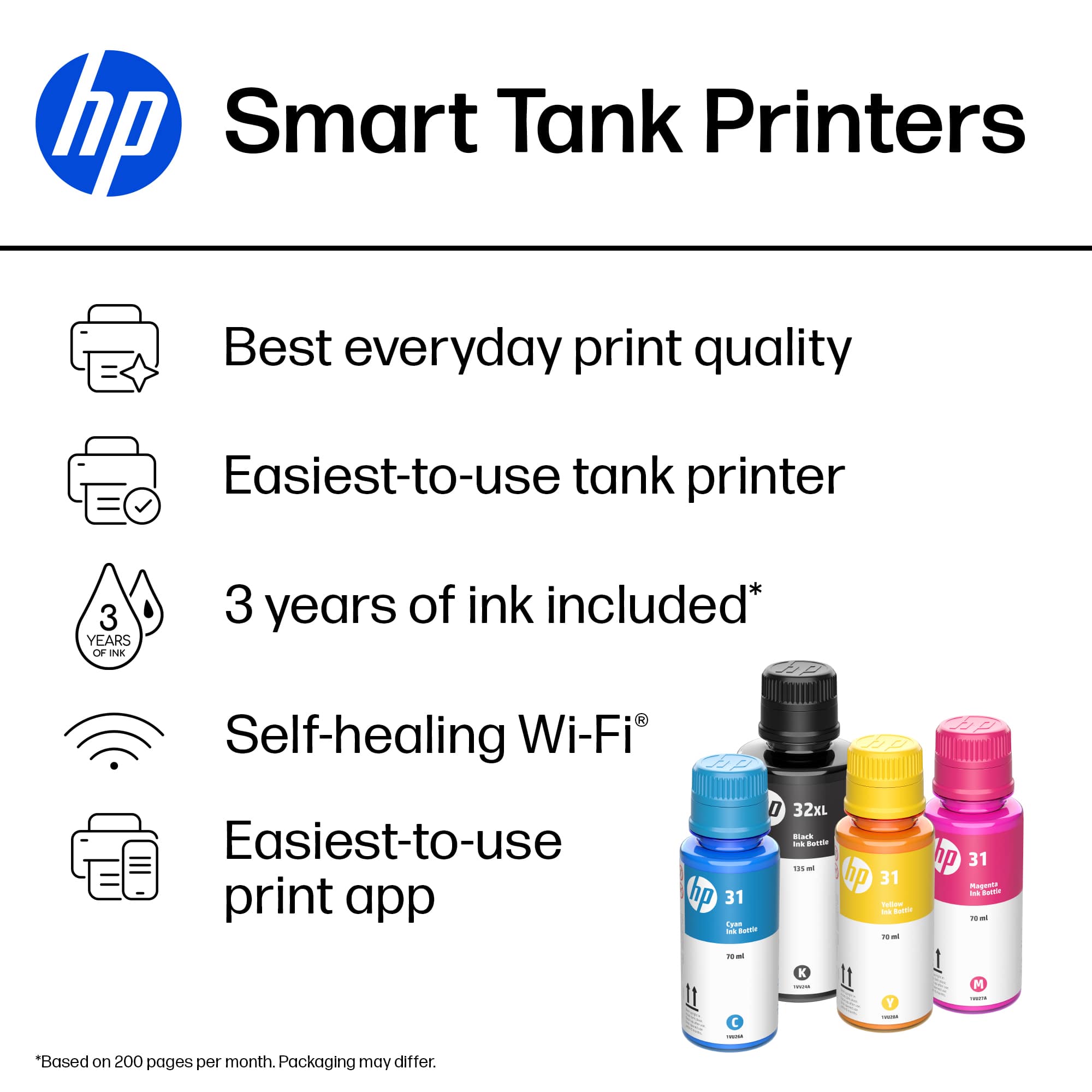
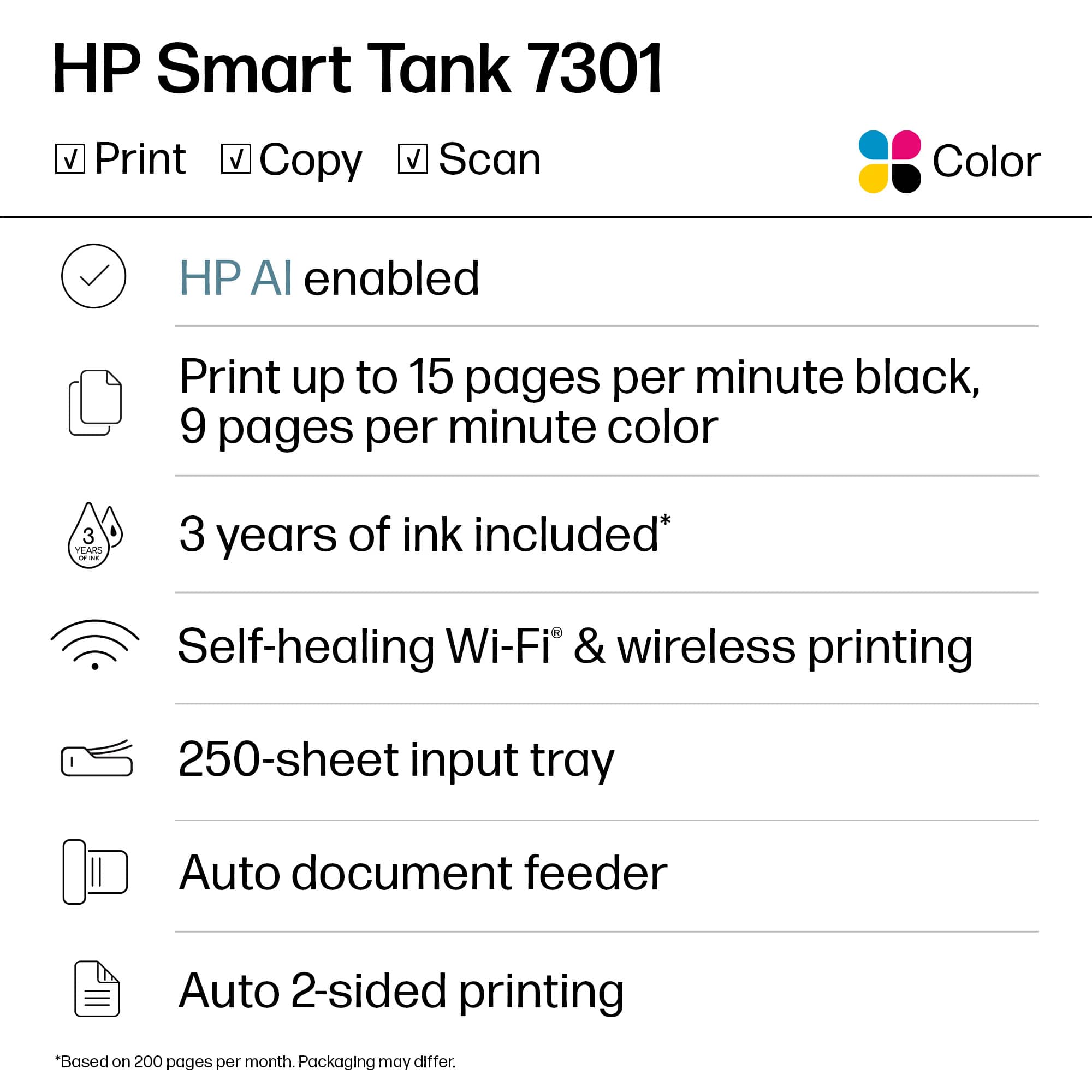
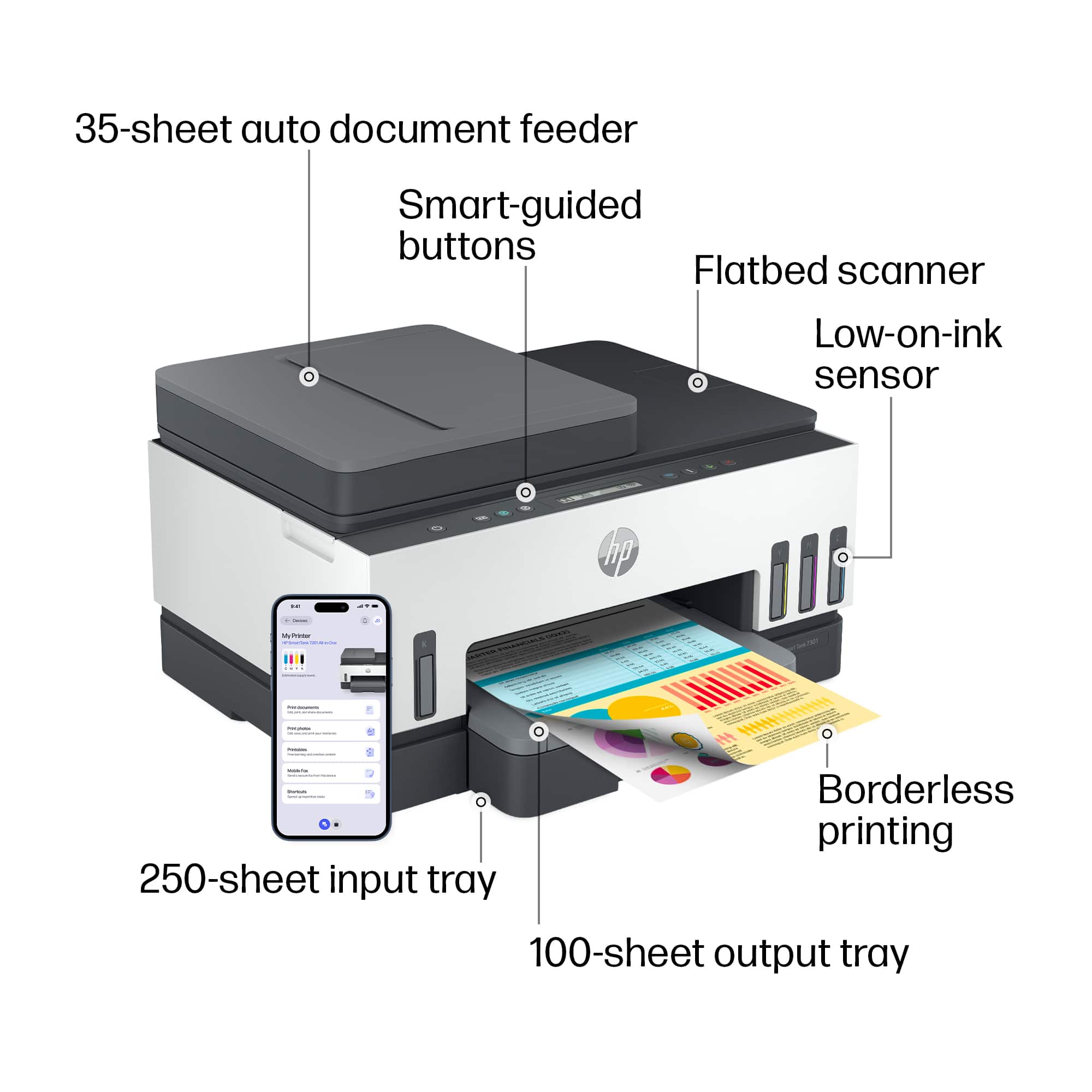
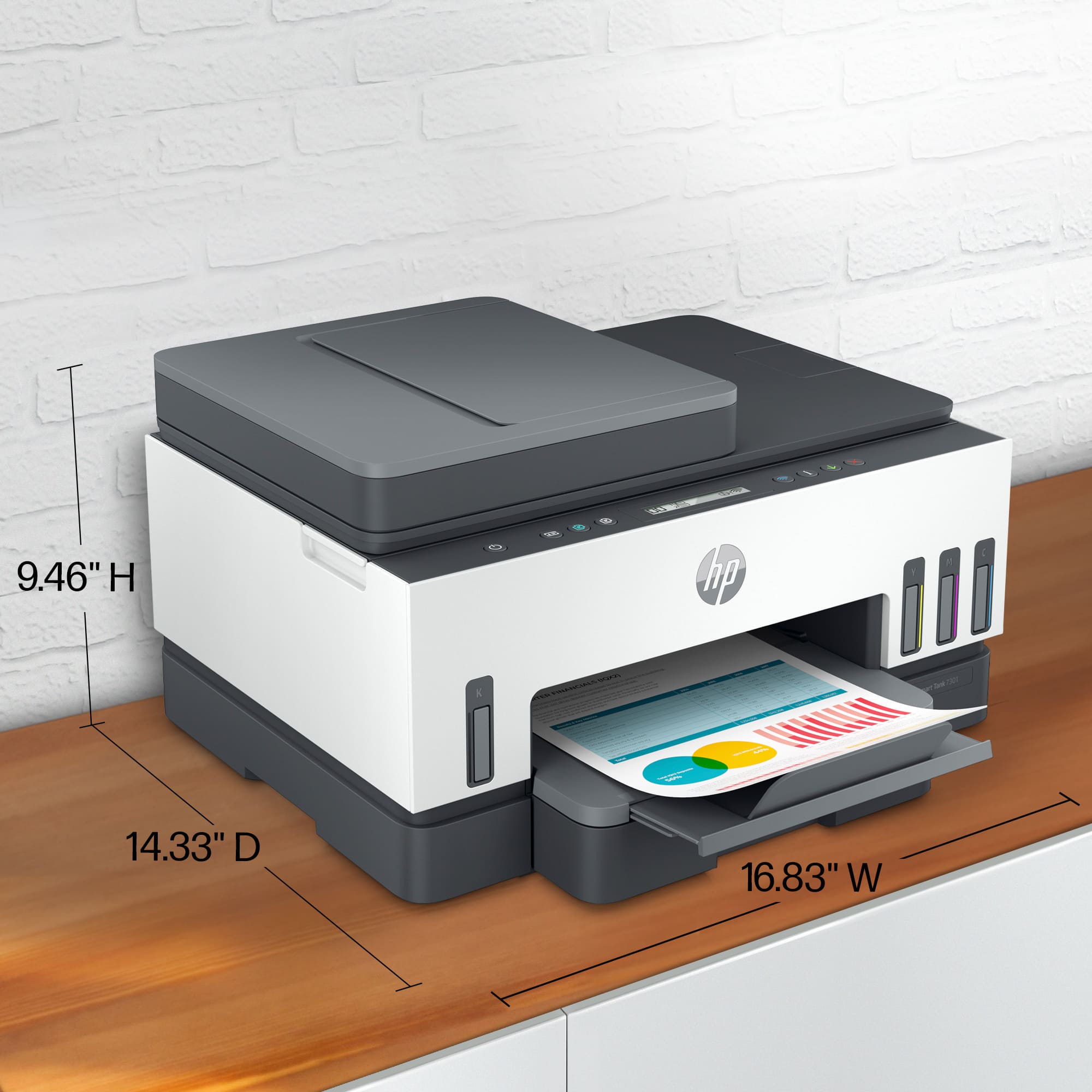
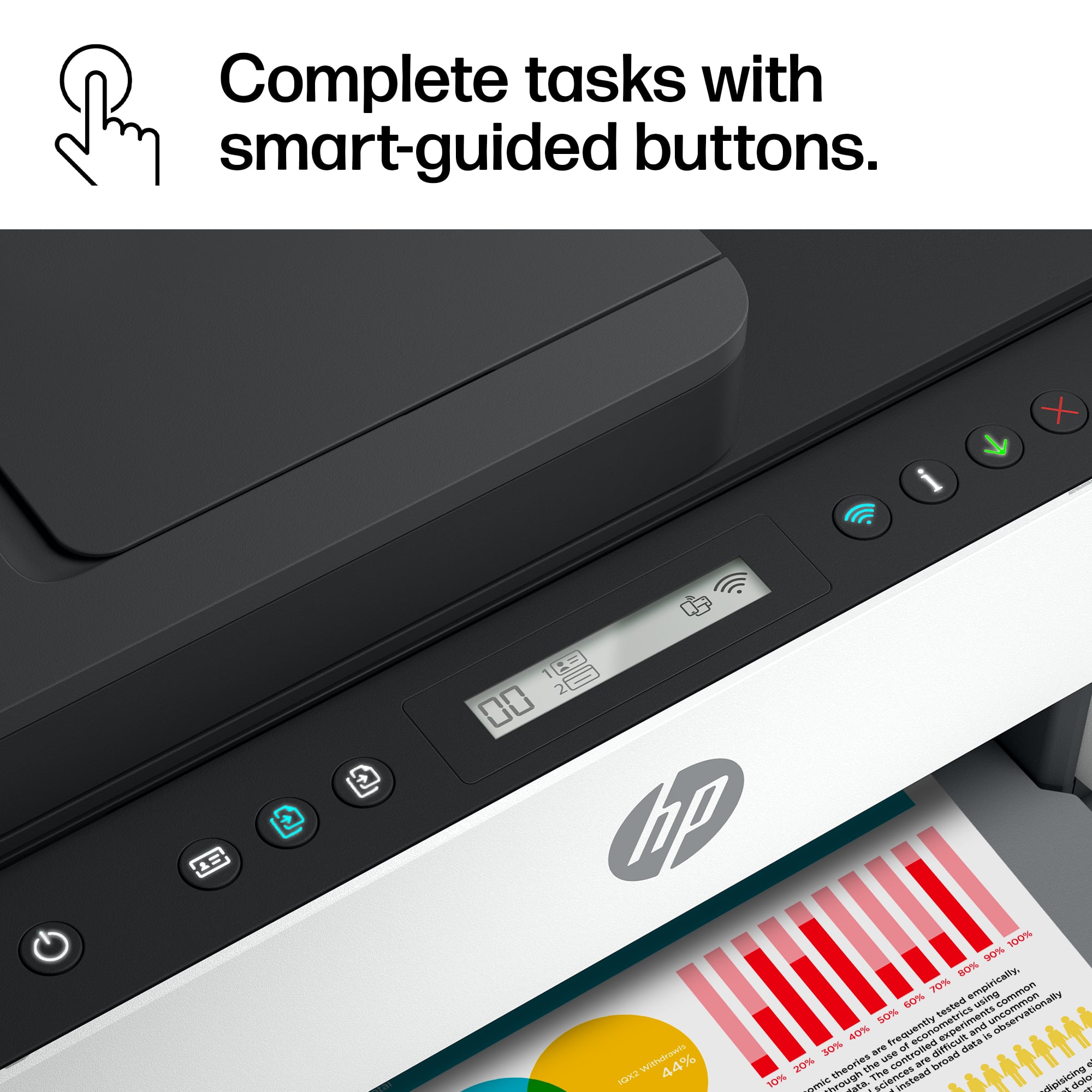
Customers are pleased with the Smart Tank 7301's outstanding print quality and ease of use. Many also appreciate the quick setup and suitable size for small offices. However, some customers have expressed concerns regarding the paper tray, spotty Wi-Fi connection, and scanning functionality. Additionally, a few find the price a bit high and the LCD display uninformative.
This summary was generated by AI based on customer reviews.
Look for something else, anything else
||Posted . Owned for 2 months when reviewed.This reviewer received promo considerations or sweepstakes entry for writing a review.Terrible from day one. The setup is very poor as it relies completely on an app. I had to reset it daily as even a simple Word document would cause an error. It limped along for a couple of months, and then completely stopped working two weeks past the return window. The HP help is anything but helpful. Last HP printer I buy ever!
No, I would not recommend this to a friendBrand response from HP Team
Posted .Hi there.
I’m sorry to hear that you’ve encountered so much trouble with your printer, and that the device stopped working so soon after your purchase. It’s no surprise you’re at your wit’s end here. I want to help you out of this dilemma, so I’ll provide a resource and some information aimed at making that happen.
I can’t tell from your review what caused the problems you describe, but they certainly involve further investigation. I recommend that you contact us directly at +1 800-474-6836 so we can help you assess what’s happening and find the best course of action. (Please note that because of restrictions on personal movement and workplace attendance associated with the COVID-19 pandemic, wait times for agents are longer than normal. Thanks in advance for your understanding.) To expedite the process, I recommend gathering the following information before the call:
- Model number
- Serial number
- Your location
- Case number (from any previous contact with HP support)
I'll also mention that HP printers have a one-year warranty from their purchase date that covers hardware as well as ink supplies, so if it comes to that, you might consider making use of it. You can verify the warranty using the following link:
- support.hp.com/us-en/checkwarranty
Keith
HP Care
hp.com/support
Print from your cell phone
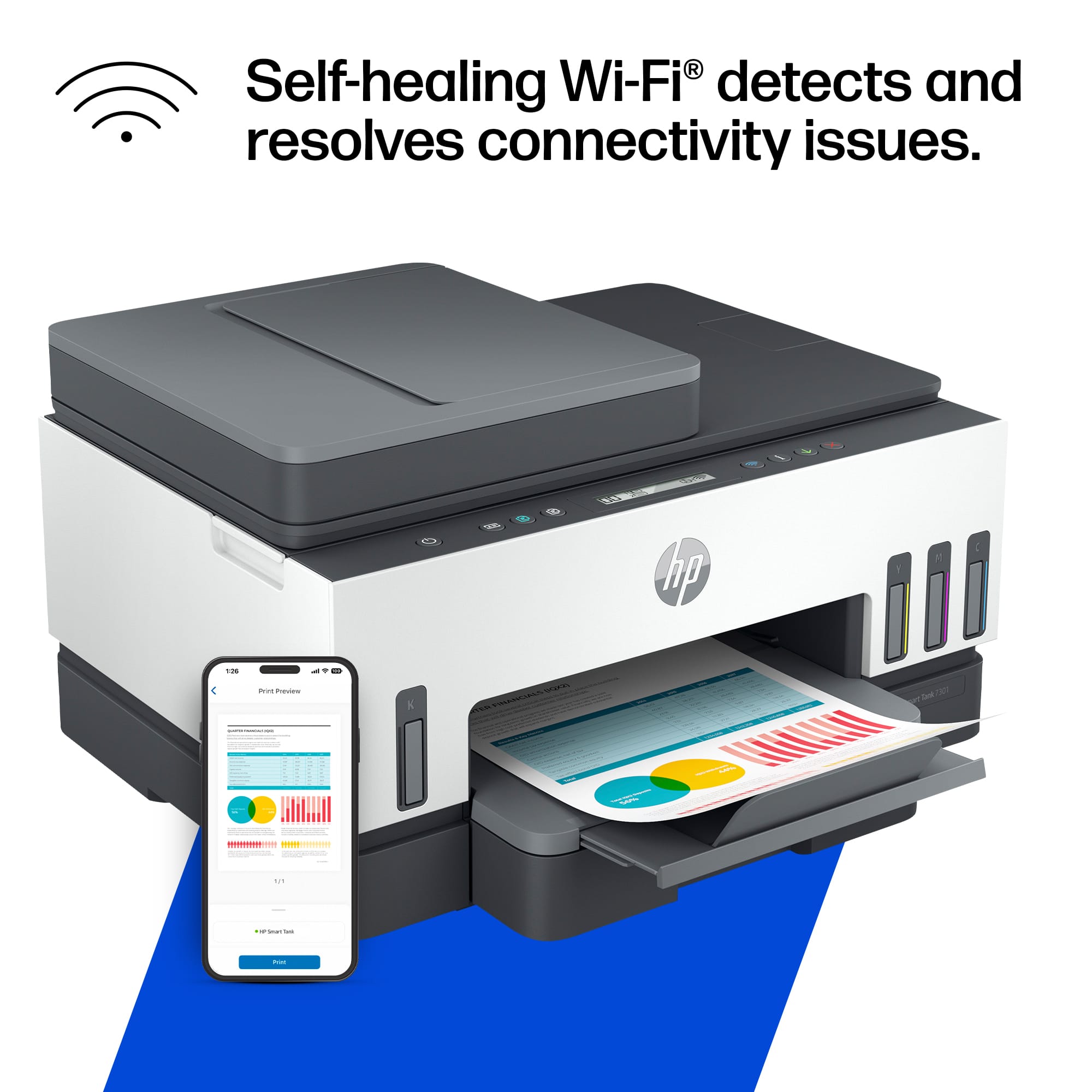
||Posted . Owned for 10 months when reviewed.This reviewer received promo considerations or sweepstakes entry for writing a review.Awesome purchase. During the ongoing supply chain issues, I could have gotten the cheapest printer available or this one. AirPrint from the phone alone is nice. The ink refills make ink a little more economical.
I would recommend this to a friendSmart Tank 7301 Wireless - Do Not Buy It is JUNK
||Posted . Owned for 3 months when reviewed.This reviewer received promo considerations or sweepstakes entry for writing a review.HP has always had awesome printers, and I never had any problems with any of them, until I purchased the HP - Smart Tank 7301 Wireless All-in-one, it is the worst, it is junk, do not buy!!!
No, I would not recommend this to a friend- Cons mentioned:Connectivity
Bad printer, do not buy
||Posted .This reviewer received promo considerations or sweepstakes entry for writing a review.This printer is such total garbage that it's basically an overpriced paperweight. It is connected to the internet, information is fine, computer sees it, but it never prints the ducking page unless I restart it, then the modem and then pray that it does.. then randomly out of nowhere it will print the ducking backlog of 4000 pages I no longer need cause I printed them elsewhere. HP in this case Holy poop, cause it's absolute poop
No, I would not recommend this to a friendBrand response from HP Team
Posted .Hi there.
I’m sorry that your printer has performed poorly. It’s easy to understand why connectivity and reliability problems in addition to the device unexpectedly processing backlogs of print jobs would be a frustrating combination. I want to help you resolve this situation, so I’ll provide a resource designed to make that happen.
I can’t tell from your review what’s causing the performance you describe. I recommend that you contact us directly at +1 800-474-6836 so we can help you assess what’s happening and find the best course of action. To expedite the process, I recommend gathering the following information before the call:
- Model number
- Serial number
- Your location
- Case number (from any previous contact with HP support)
Keith
HP Care
hp.com/support
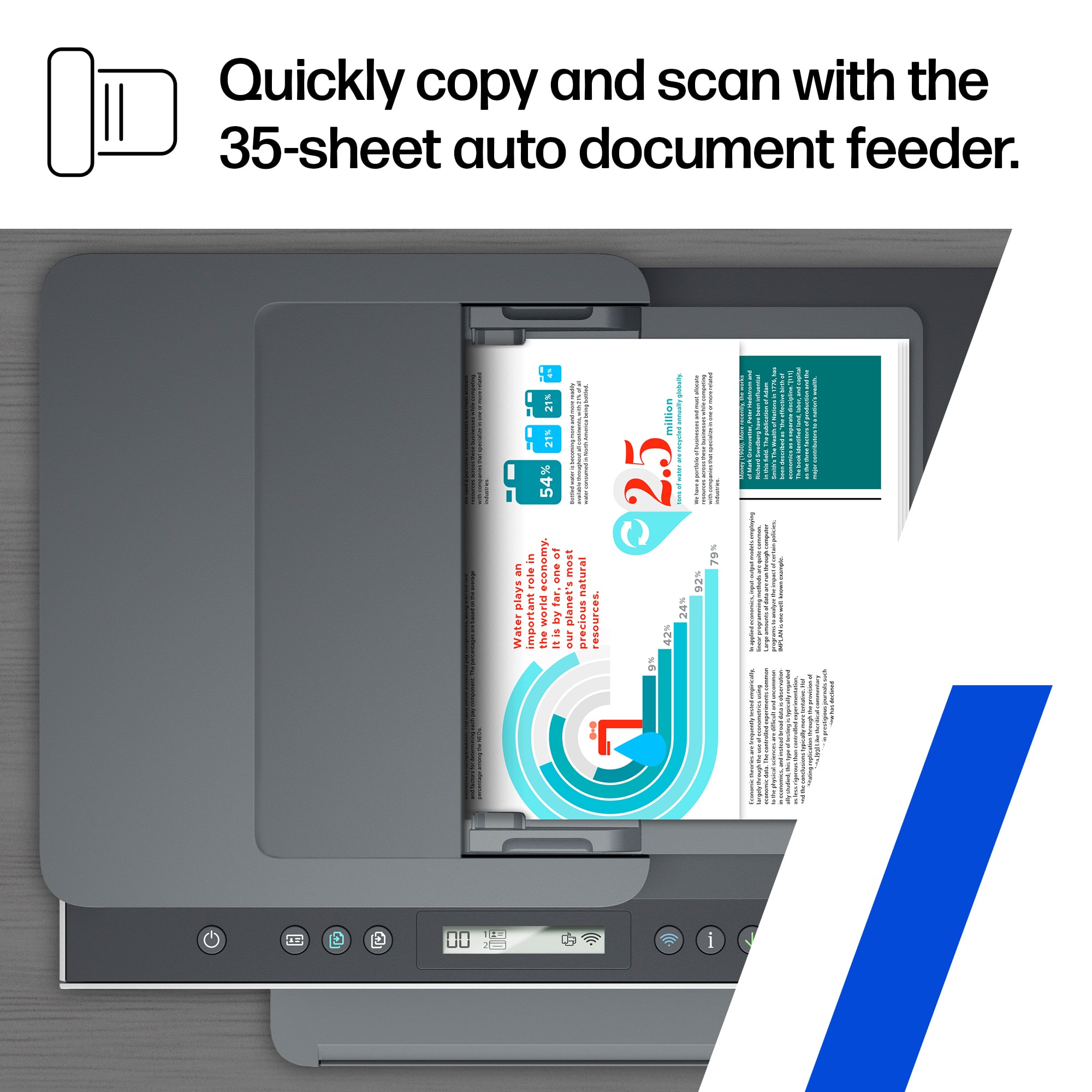
Faulty scanner
||Posted . Owned for 4 months when reviewed.This reviewer received promo considerations or sweepstakes entry for writing a review.Scanner ate my documents. But I love the Supertank!
No, I would not recommend this to a friendWon’t hold wifi
||Posted . Owned for 1 week when reviewed.This reviewer received promo considerations or sweepstakes entry for writing a review.This is an awful machine. It will not hold wifi for more than 15 mins. Must be rebooted to get to work. Spent hours with HP Helpdesk. Eventually they told me it goes to sleep in 15mins and must be rebooted to operate. Of course that’s BS but it doesn’t work. It’s going back. Don’t buy it.
No, I would not recommend this to a friend- Cons mentioned:Connectivity
Frustrating!
||Posted . Owned for 2 months when reviewed.This reviewer received promo considerations or sweepstakes entry for writing a review.Tried many times to connect it to the internet and can’t.
No, I would not recommend this to a friendBrand response from HP Team
Posted .Hi there.
I’m sorry to learn that your printer has not connected wirelessly like it should. Your review is brief, but your frustration is easy to understand, especially considering you’ve tried to connect the device multiple times without success. I want to help you out of this dilemma, so I’ll provide some resources aimed at making that happen.
First, I recommend you visit a page on our support site that has diagnostic tools for various issues, including setup and wireless connectivity difficulties. You can find that page here:
- support.hp.com/us-en/topic/diagnostics
If the printer still won’t connect, I suggest that you contact us directly at +1 800-474-6836 so we can help you assess what’s happening and find the best path to a resolution. To expedite the process, I recommend gathering the following information before the call:
- Model number
- Serial number
- Your location
- Case number (from any previous contact with HP support)
Keith
HP Care
hp.com/support
Run
||Posted . Owned for 1 month when reviewed.This reviewer received promo considerations or sweepstakes entry for writing a review.Don't buy it. Worst investment ever. Sadly I have to give it one star to be able to write this review.
No, I would not recommend this to a friendDisgruntled
||Posted . Owned for 3 weeks when reviewed.This reviewer received promo considerations or sweepstakes entry for writing a review.I have had many difficulties with this printer and wish I had not purchased it.
No, I would not recommend this to a friendBrand response from HP Team
Posted .Hi there.
I’m sorry to hear that you've encountered difficulty with your printer, and I’m sorry for any resulting inconvenience. I can’t tell from your brief review what specific roadblocks you’ve hit or what features leave you wanting more, but I’ll nonetheless provide some resources I hope will help you remedy any issues at hand so you can get the most from the device.
First, for help solving problems, you can visit a page on our support site that has diagnostic tools for various tasks and issues, including setup, print quality, operating-system compatibility and connectivity. There you’ll also find a general-purpose tool called the HP Print and Scan Doctor. If you use Windows, the tool will help identify and guide you through solutions to a wide range of common printing and scanning issues. Visit that page here:
- support.hp.com/us-en/topic/diagnostics
For more help with difficulties, or to learn more about your printer and all its features, you can access troubleshooting guides, how-to documents, user manuals and software updates here:
- support.hp.com/us-en/product/model/2100178910
If any problem persists, I suggest that you contact us directly at +1 800-474-6836 so we can help you assess the situation and find a solution. (Please note that because of restrictions on personal movement and workplace attendance associated with the COVID-19 pandemic, wait times for agents are longer than normal. Thanks in advance for your understanding.) To expedite the process, I recommend gathering the following information before the call:
- Model number
- Serial number
- Your location
- Case number (from any previous contact with HP support)
Keith
HP Care
hp.com/support
Disappointed
||Posted . Owned for 1 week when reviewed.This reviewer received promo considerations or sweepstakes entry for writing a review.Very limited selection of HP printers and no inexpensive ones available.
No, I would not recommend this to a friend- Pros mentioned:Print qualityCons mentioned:Lcd display, Paper tray
Great Printer! Love the tank -- Goodbye ink cartr
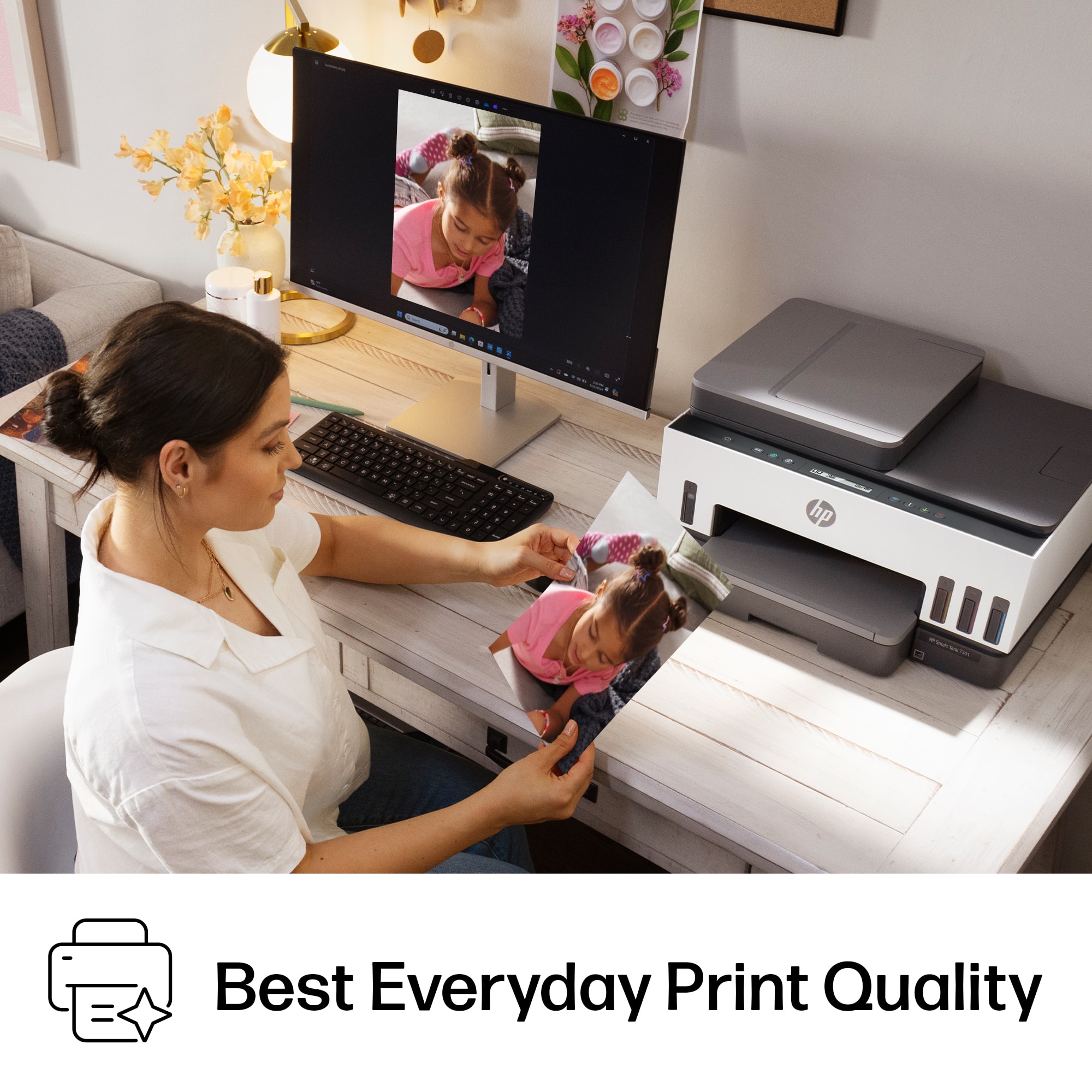
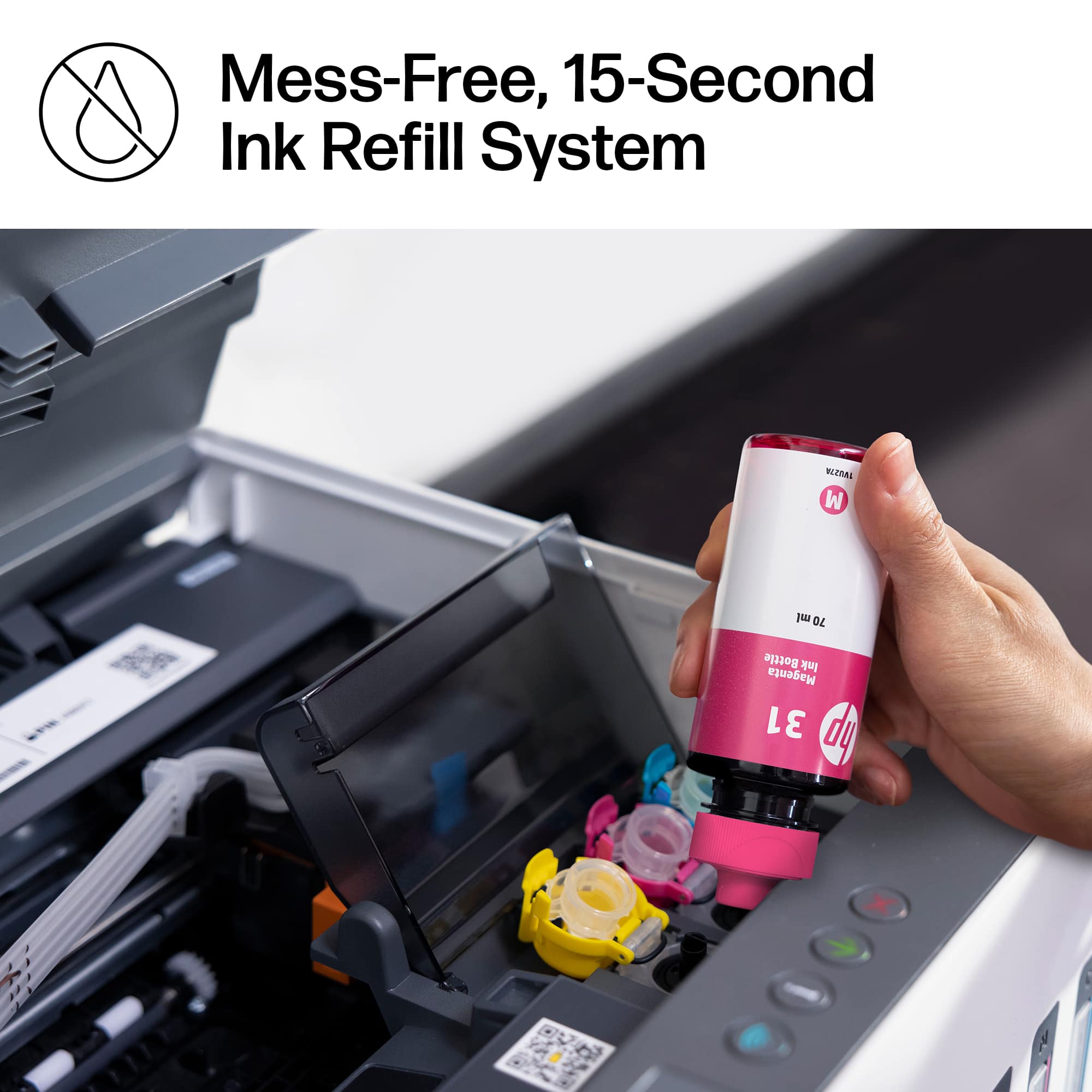
Posted .This reviewer received promo considerations or sweepstakes entry for writing a review.I bought this printer to replace a 13 year old hp printer that finally bit the dust. The HP Smart Tank 7301 is a phenomenal printer. Setup was a breeze. 123.hp.com had excellent detailed instructions that were easy to follow and included troubleshooting in needed -- none was needed. Once set up, the printer's output is exceptional. Borderless photo printing (up to 8X10) is a breeze and produces true to life color images. Printing from my phone was a snap as well. I love the ink tank concept . Filling the tanks was simple and easy (covered in setup instructions). Since I haven't had the printer very long I can't talk to how long an ink tank fill will last. I have two minor complaints: 1. The printer has only one paper tray. 2. The small display doesn't fit with the overall look and feel of a deluxe model printer. Not sure what HP was thinking but it looks cheesy. Overall, I am very satisfied with the printer and glad I bought it. I expect many years of service from this machine.
I would recommend this to a friend HP printer
||Posted . Owned for 3 weeks when reviewed.This reviewer received promo considerations or sweepstakes entry for writing a review.Works well, does everything I need it to do. Seemed more sturdy than a lot of the other printers I looked at in this price range.
I would recommend this to a friendWireless not wireless
||Posted . Owned for 1 month when reviewed.This reviewer received promo considerations or sweepstakes entry for writing a review.I bought this printer because it looks and the specifications were really nice, but it did not work as I expected. It is a nightmare to get this printer wireless. You have to do everything through the HP app.
No, I would not recommend this to a friendBrand response from HP Team
Posted .Hi, Jennifer.
I’m sorry to hear you’ve encountered such difficulty setting up and connecting your printer. I can’t tell from your review specifically what roadblocks you’ve hit, but I’ll nonetheless provide some resources that I hope will help you get the device working to your satisfaction.
First, I recommend that you follow a guide on our support site to installing and using the HP Smart App, especially the FAQ portion, which covers common questions as well as difficulties users have encountered. Choose the link to whichever document matches your operating system:
- Windows 10: support.hp.com/us-en/document/c04675142
- Mac OS: support.hp.com/us-en/document/c06188214
- Android and iOS: support.hp.com/us-en/document/c03561640
To learn more about your printer and all its features, or for help solving problems, you can access user manuals, how-to documents, troubleshooting guides and software updates here:
- support.hp.com/us-en/product/model/2100178910
If any problem persists, I recommend that you contact us directly at +1 800-474-6836 so we can help you assess what’s happening and find the best course of action. (Please note that because of restrictions on personal movement and workplace attendance associated with the COVID-19 pandemic, wait times for agents are longer than normal. Thanks in advance for your understanding.) To expedite the process, I recommend gathering the following information before the call:
- Model number
- Serial number
- Your location
- Case number (from any previous contact with HP support)
Keith
HP Care
hp.com/support
Disappointed
||Posted . Owned for 1 year when reviewed.This reviewer received promo considerations or sweepstakes entry for writing a review.I bought it January last year. Now it didn't work. Color is messed. Red color doesn't work. I disappointed.
No, I would not recommend this to a friendStay away...
||Posted .This reviewer received promo considerations or sweepstakes entry for writing a review.-1 Star! Product didn't work when I received the HP printer from Best buy. Returned to Best Buy and still waiting to get a refund through Best Buy credit card.
No, I would not recommend this to a friendI was told it had a scanner
||Posted . Owned for 1 month when reviewed.This reviewer received promo considerations or sweepstakes entry for writing a review.I was told it could scan multiple pages, apparently it cant. Totally bummed.
No, I would not recommend this to a friendHP smart is not so smart would not hook up tried t
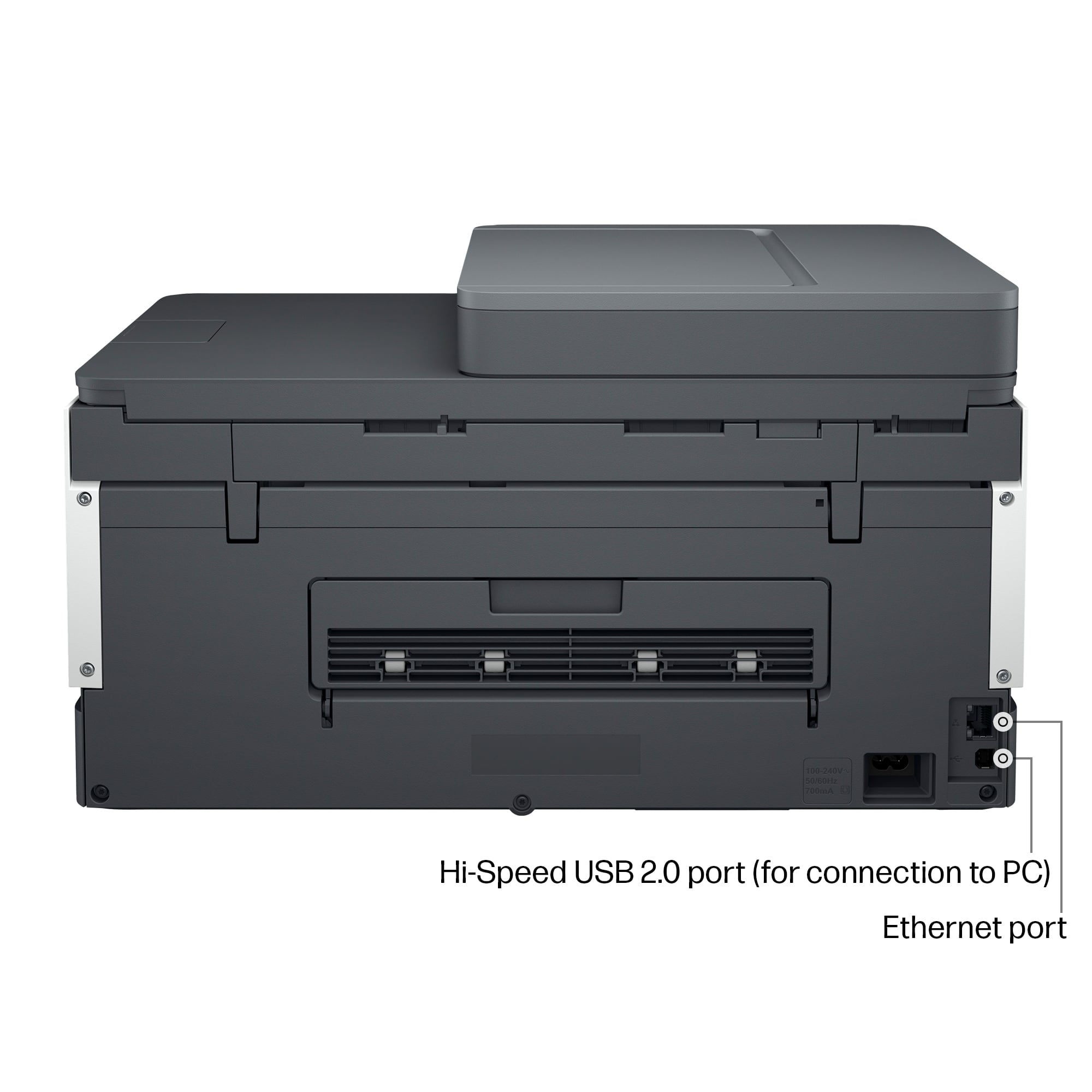
||Posted . Owned for 1 week when reviewed.This reviewer received promo considerations or sweepstakes entry for writing a review.HP smart is not so smart would not hook up tried three different printers to a brand new HP computer the only way the printer would hook up is if you hooked it up with a cable would not work on Wi-Fi
No, I would not recommend this to a friendBrand response from HP Team
Posted .Hi there.
I’m sorry to hear that your printer would not connect wirelessly to your computer via the HP Smart App. Your review is brief, but the amount of effort you spent here is clear, so I’m sure it was quite frustrating. I want to help you get the device connected and working as it should. I hope the resources below will do just that.
First, I recommend that you follow a guide on our support site to installing and using the HP Smart App, especially the FAQ portion, which covers common questions as well as difficulties users have encountered. Choose the link to whichever document matches your operating system:
- Windows 10: support.hp.com/us-en/document/c04675142
- Mac OS: support.hp.com/us-en/document/c06188214
- Android and iOS: support.hp.com/us-en/document/c03561640
Next, if you’ve not done so already, I recommend that you follow a setup tutorial specific to your printer you can find on our support site. On the same page you can also access user manuals, troubleshooting guides, how-to documents and software updates. Do that by following this link:
- support.hp.com/us-en/product/model/2100178910
If the printer still will not connect, I suggest that you contact us directly at +1 800-474-6836 so we can help you assess what’s happening and find the best course of action. (Please note that because of restrictions on workplace attendance associated with the COVID-19 pandemic in some areas, wait times for agents are longer than normal. Thanks in advance for your understanding.) To expedite the process, I recommend gathering the following information before the call:
- Model number
- Serial number
- Your location
- Case number (from any previous contact with HP support)
Keith
HP Care
hp.com/support
Mrs.J.
||Posted . Owned for 1 week when reviewed.This reviewer received promo considerations or sweepstakes entry for writing a review.I love this printer I don't know what I did without it all these years.
I would recommend this to a friendmr
||Posted .This reviewer received promo considerations or sweepstakes entry for writing a review.Haro to set up. would not link to wi-fi. When I took it back Best buy, The woman for the return was rude and tried to make me feel like it was my problem and not much she would do.
No, I would not recommend this to a friendHP Smart Tank 7301
||Posted . Owned for 3 weeks when reviewed.This reviewer received promo considerations or sweepstakes entry for writing a review.I have used HP printers for over 20 years and this is by far the worst printer I have ever used. It is so slow my old HP printer that is at least five years old beats it hands down.
No, I would not recommend this to a friendBrand response from HP Team
Posted .Hi there.
I’m sorry to learn that you’re so dissatisfied with your printer. The intensity of your dismay is quite clear. While I can’t tell from your review what specific problems you’ve encountered other than print speed, I’ll nonetheless provide some resources that I hope will help you have a better experience and get all you need from the device.
First, I recommend that you follow a guide on our support site that covers improving print speed; choose whichever of the following two links matches your operating system:
- Windows: support.hp.com/us-en/document/bud03409
- Mac OS: support.hp.com/us-en/document/c01928898
Also, updating the firmware can often help improve print speed and other performance. You can find out how to do that here:
- support.hp.com/us-en/document/c02919168
For more help with difficulties, or to learn more about your printer and all its features, you can access troubleshooting guides, how-to documents, user manuals and software updates here:
- support.hp.com/us-en/product/model/2100178910
If any problem persists, I suggest that you contact us directly at +1 800-474-6836 so we can help you assess what’s happening and find the best course of action. (Please note that because of restrictions on workplace attendance associated with the COVID-19 pandemic in some areas, wait times for agents are longer than normal. Thanks in advance for your understanding.) To expedite the process, I recommend gathering the following information before the call:
- Model number
- Serial number
- Your location
- Case number (from any previous contact with HP support)
I'll also mention that HP printers have a one-year warranty from their purchase date that covers hardware as well as ink supplies, so if it comes to that, you might consider making use of it. You can verify the warranty using the following link:
- support.hp.com/us-en/checkwarranty
Keith
HP Care
hp.com/support