Customer Ratings & Reviews

- Model:
- 6HF11A#B1H
- SKU:
- 6390493
Rating by feature
- Value
Rating 3.9 out of 5 stars
- Quality
Rating 4.1 out of 5 stars
- Ease of Use
Rating 3.9 out of 5 stars
Customers are saying
Customers are enthusiastic about the Smart Tank Plus 551 Wireless All-In-One Inkjet Printer's print quality, ease of use, and straightforward setup. Many appreciate its compact size and reliable wireless connectivity, enabling convenient printing from anywhere in the home. However, some customers find the price to be relatively high and express concerns about the printer's small paper tray and occasional paper jams. Overall, the positive feedback on printing and ease of use outweighs the negative comments regarding cost and paper handling.
This summary was generated by AI based on customer reviews.
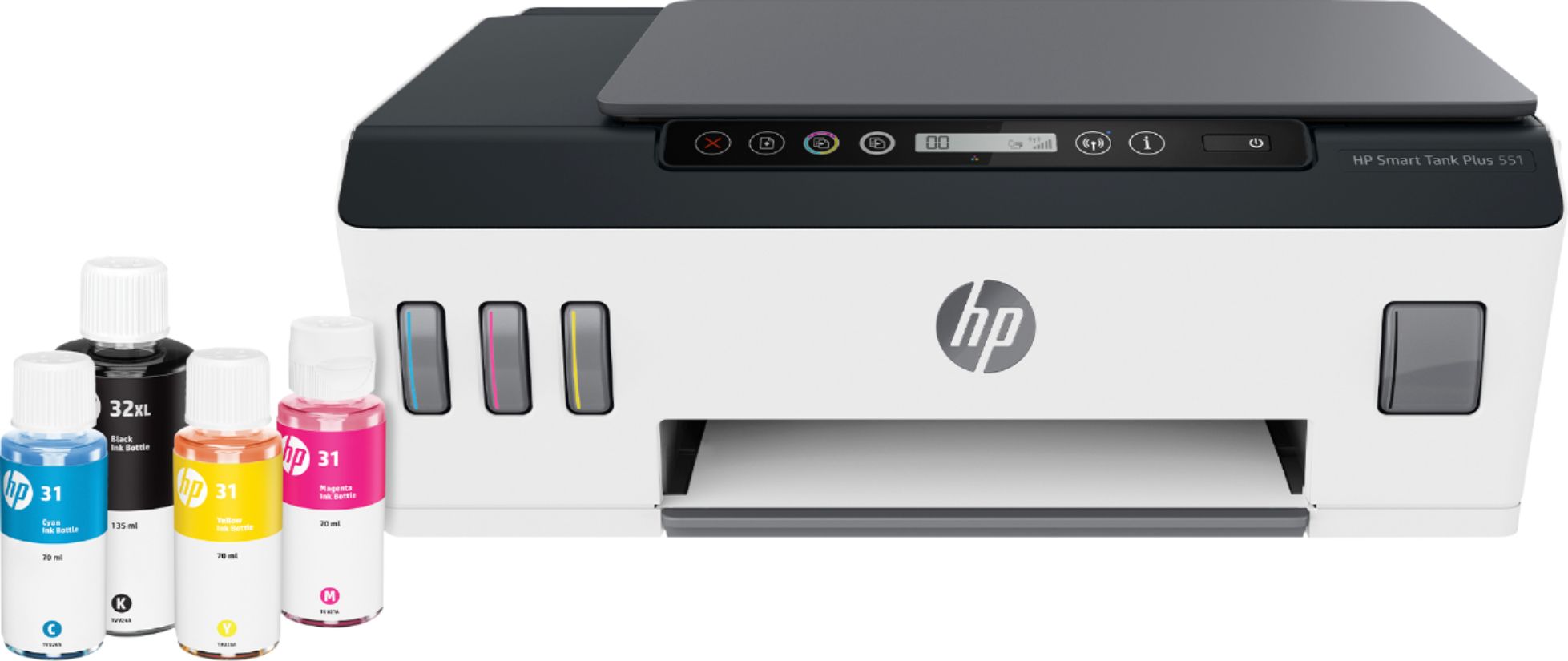
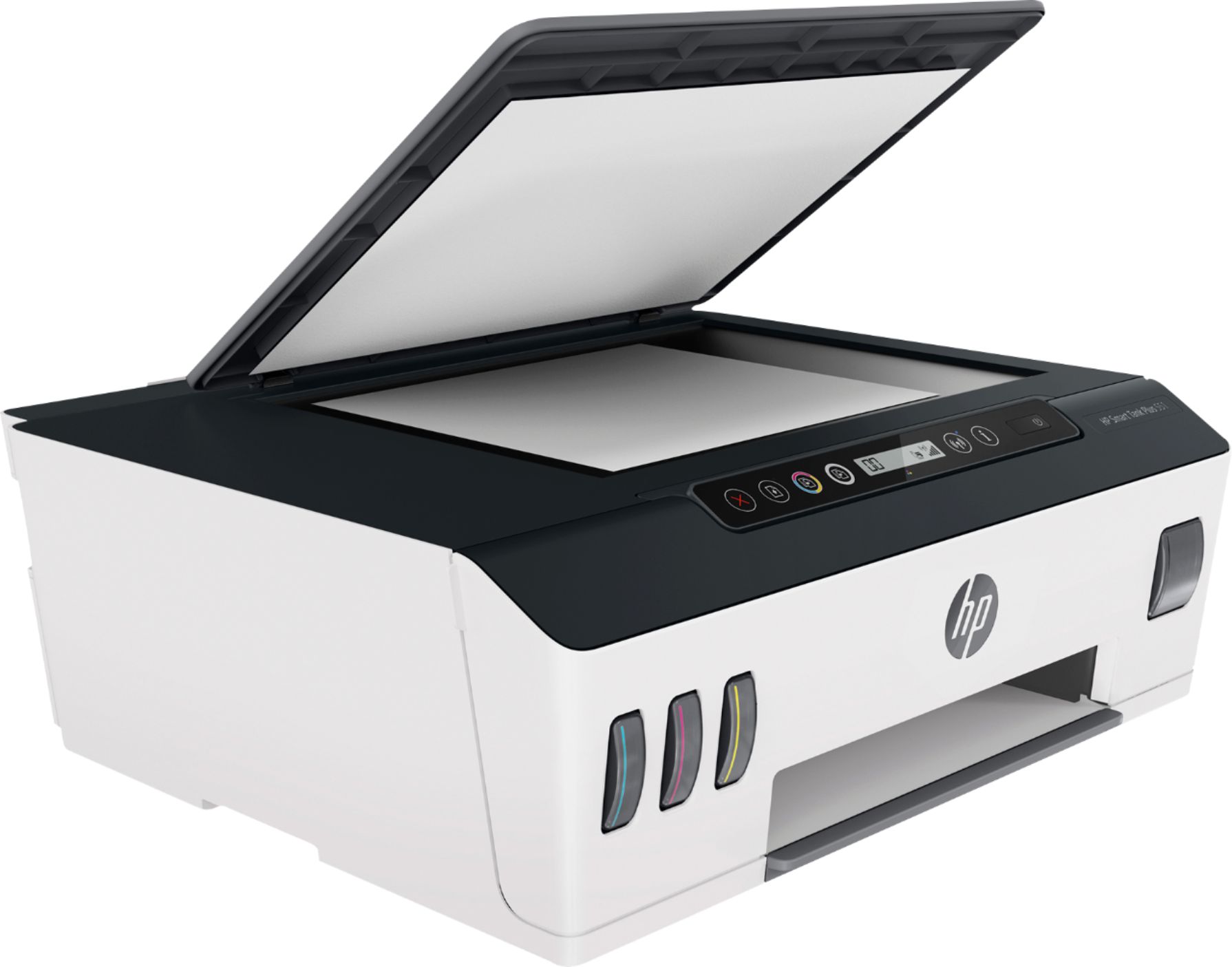
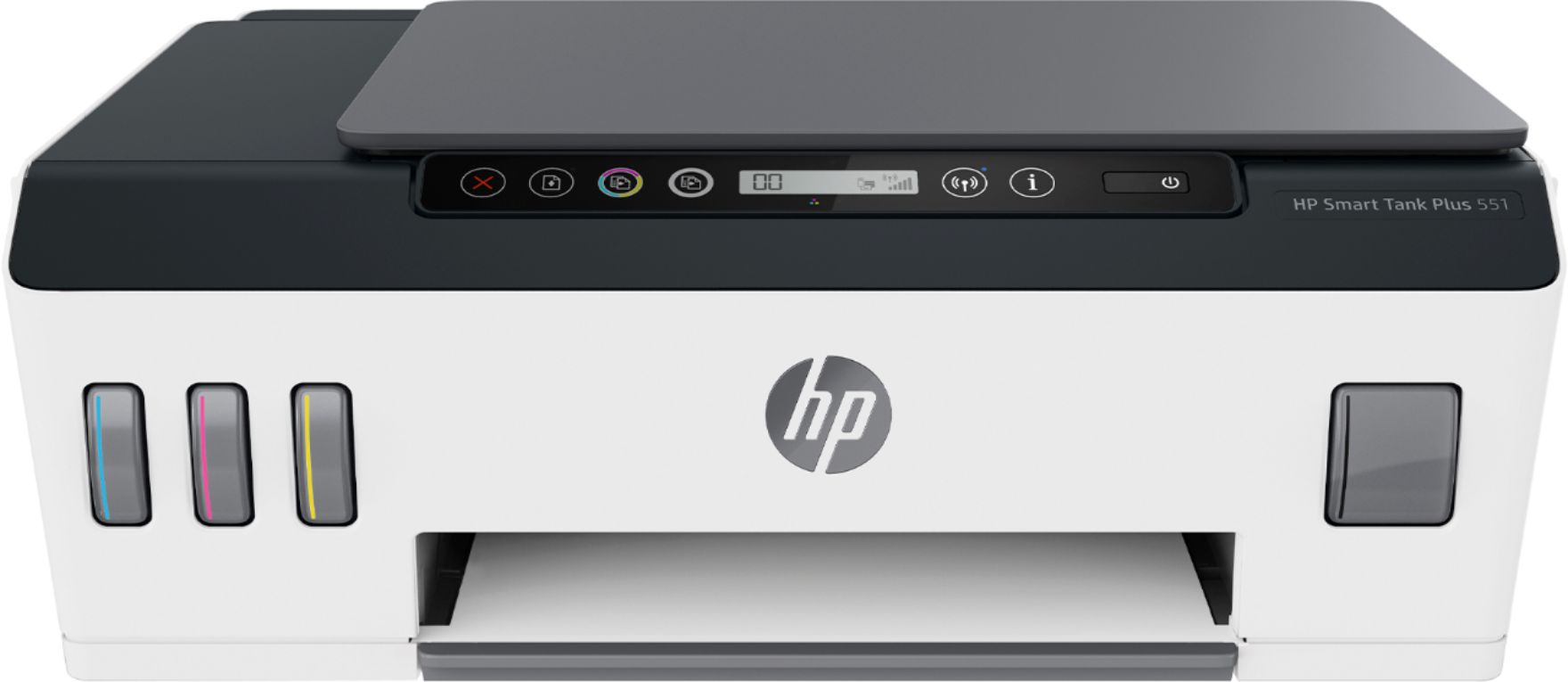
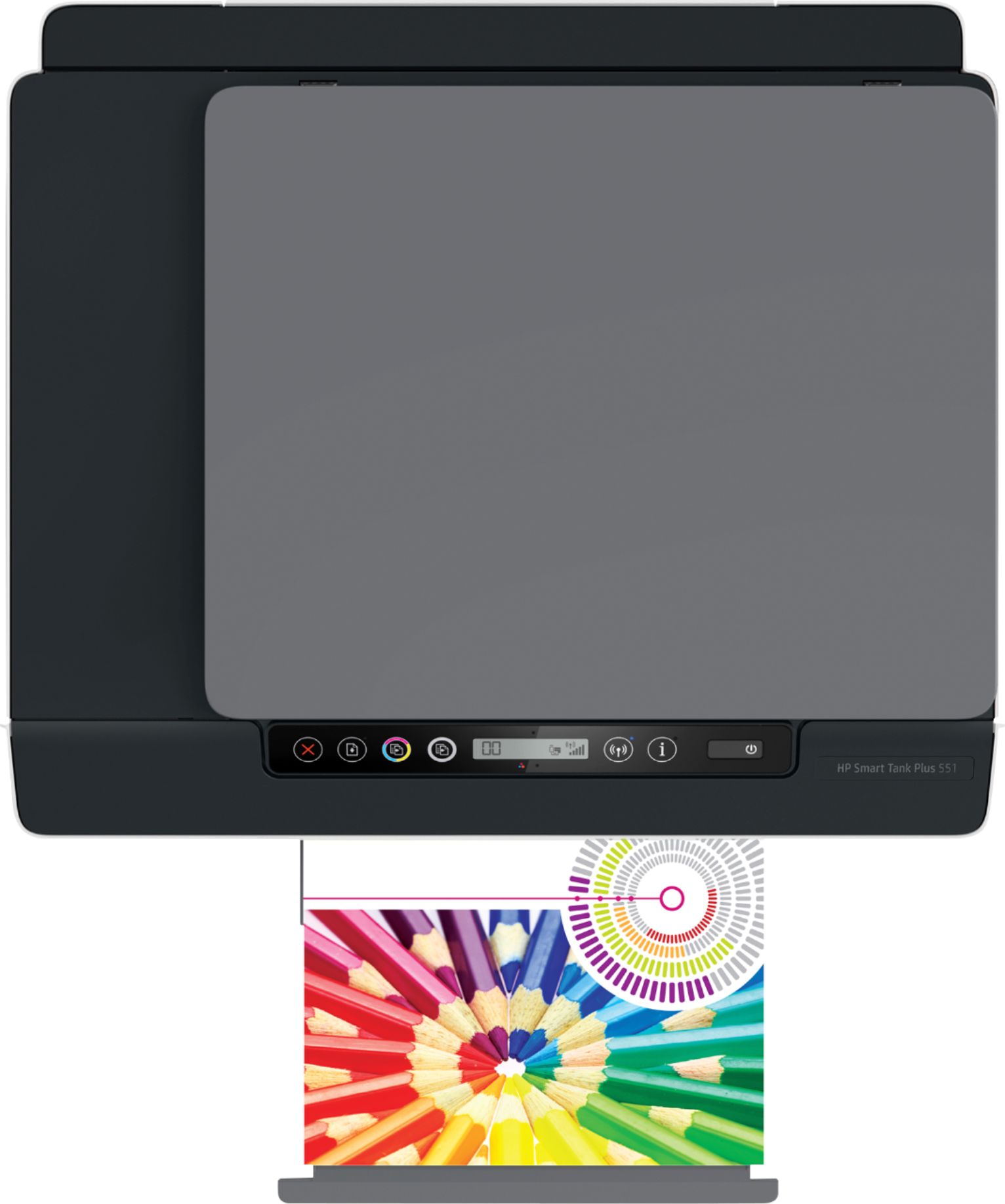
Smart Tank Plus 551
||Posted . Owned for 3 weeks when reviewed.This reviewer received promo considerations or sweepstakes entry for writing a review.I am not real happy with this printer. The cartridge keeps jamming and it is difficult to make a two sided copy with a copy.
No, I would not recommend this to a friendBrand response from HP Team
Posted .Hello there,
This is really disappointing to hear about those cartridge jams in your printer and other issues. I can assure you that we certainly build our printers with the intent of providing a reliable experience for our customers, so I can imagine how frustrating and disappointing a situation like yours can be.
I would recommend reaching out to us for support. We'd be more than happy to work through any troubleshooting or initiate a replacement under your printer's warranty. You can reach us at: hp.com/contactHP
On a related note, I'd like to mention that HP printers also have a warranty from their purchase date, so if you find you need to use it, I hope you will. To verify the warranty, you can use the following link: support.hp.com/us-en/checkwarranty
Kacper
HP Care
hp.com/support
Be aware of the limitations of this product
||Posted . Owned for 2 months when reviewed.This reviewer received promo considerations or sweepstakes entry for writing a review.Noisy, SLOW, didn't print well. I tried to use it and took it back the next day. Changed brands and am happy with that new one.
No, I would not recommend this to a friendBrand response from HP Team
Posted .Hello there,
I’m sorry to hear that this printer couldn’t meet your expectations. We of course always strive to offer our customers a reliable and satisfactory experience and I regret that we missed the mark here. I hope you could return the printer without further issues.
Please give us another chance to convince you of the quality of our products. Contact our customer service to get additional support in choosing a printer that closer fits your needs. We would love to help you. Find our official support site by searching the web with keywords “HP Support.”
Denise
HP Care
Nothing but problems
||Posted . Owned for 1 week when reviewed.This reviewer received promo considerations or sweepstakes entry for writing a review.Very disappointed on this. It is nothing but problems. Was very difficult to setup to the network and is always failing on printing jobs and it is not obvious how to reset the printer when it does fail. Real crap. I need to return it.
No, I would not recommend this to a friendNot happy
||Posted . Owned for 1 year when reviewed.This reviewer received promo considerations or sweepstakes entry for writing a review.Difficult to operate and always offline when I try to print something
No, I would not recommend this to a friend- Pros mentioned:Print quality, Setup

Another great HP printer
|Posted .This reviewer received promo considerations or sweepstakes entry for writing a review.I have been putting the HP Smart Tank Plus 551 to its paces while working remotely for the past several weeks and have been thoroughly impressed. HP seems to have mastered the art of simple, hassle-free setup. After unpacking and filling the tanks with the included ink (which was amazingly easy and spill-free!), I was printing my first set of documents within 10 minutes. Much of that time was spent charging the ink and ensuring the print heads were aligned to my liking. Color saturation and reproduction is very good as would be expected from a printer at this price point. The first page of any document takes a few seconds to start, but then this little guy really spits them out, at least for black and white pages. As should be expected, full color prints take a bit longer, but they are still relatively quick. Whether printing a project created on my laptop or printing a shared document from Dropbox off my phone, the results are as good or better than I am used to getting from my main printer at my regular office. Regardless of the device I’m using, I haven’t run into a single connection issue yet. (For the record, I use AirPrint for my mobile device printing needs and have not downloaded or tested the HP Smart app.) I have run close to 500 pages through this machine and can’t tell a noticeable decline in the ink levels. Being able to see the levels at a glance is reassuring and hopefully will keep me from making any frantic runs to the store to get ink cartridges. I doubt I’ll get “2 years’ worth of printing” out of the initial ink supply, but I tend to print a lot of stuff. So far, I have been extremely pleased with the 551 and hope it will give me many years of service like other HP printers I’ve had in the past.
I would recommend this to a friend Disappointing
||Posted . Owned for 1 month when reviewed.This reviewer received promo considerations or sweepstakes entry for writing a review.I purchased this printer for quality and ink savings. I must say i was extremely disappointed. It was slow, limited screen functionality and every label page i printed rubbed right off. I even sprayed the pages to seal the ink with no luck. Dont buy it if youre going to print on anything other than plain paper
No, I would not recommend this to a friendBrand response from HP Team
Posted .Hi there.
I’m sorry to hear that your printer has performed poorly for you. I can certainly understand why slow printing in addition to unsatisfactory label printing would add up to a disappointing start to ownership. I want to help you resolve these problems, so I’ll direct you to some resources I hope will make that happen.
First, I just checked the main user manual for your printer on our support site. It does not mention labels specifically, but glossy brochure paper and photo paper are listed among the supported media, so I suspect labels can be printed effectively. You can find that user manual as well as troubleshooting guides specific to your printer (including ones on print quality), how-to documents and software updates here:
- support.hp.com/us-en/product/model/28244057
Next, I recommend that you follow a guide on our support site that covers improving print speed; choose whichever of the following two links matches your operating system:
- Windows: support.hp.com/us-en/document/bud03409
- Mac OS: support.hp.com/us-en/document/c01928898
Also, often just updating the firmware can help improve print speed. You can find out how to do that here:
- support.hp.com/us-en/document/c02919168
If any problem persists, I suggest that you contact us directly at +1 800-474-6836 so we can help you assess the situation and find the best course of action. (Please note that because of restrictions on personal movement and workplace attendance associated with the COVID-19 pandemic, wait times for agents are longer than normal. Thanks in advance for your understanding.) To expedite the process, I recommend gathering the following information before the call:
- Model number
- Serial number
- Your location
- Case number (from any previous contact with HP support)
Keith
HP Care
hp.com/support
Not worth the money!
||Posted . Owned for 3 weeks when reviewed.This reviewer received promo considerations or sweepstakes entry for writing a review.Difficult to set up! My wife still cannot print from her computer!!!
No, I would not recommend this to a friendBrand response from HP Team
Posted .Hi, Hale.
I’m sorry that your printer has been so difficult to set up, and that your wife still cannot print from her computer. Your review is brief, but your dilemma and frustration are clear – and totally understandable – so I’ll direct you to a resource and some information I hope will help you resolve the situation.
I recommend that you contact us directly at +1 800-474-6836 so we can help you assess the situation and find the best course of action. (Please note that because of restrictions on personal movement and workplace attendance associated with the COVID-19 pandemic, wait times for agents are longer than normal. Thanks in advance for your understanding.) To expedite the process, I recommend gathering the following information before the call:
- Model number
- Serial number
- Your location
- Case number (from any previous contact with HP support)
I'll also mention that HP printers have a one-year warranty from their purchase date that covers hardware as well as ink supplies, so if it comes to that, you might consider making use of it. You can verify the warranty using the following link:
- support.hp.com/us-en/checkwarranty
Keith
HP Care
hp.com/support
- Pros mentioned:Print quality, Size, Wireless connectivity
Best Purchase Possible
|Posted .This reviewer received promo considerations or sweepstakes entry for writing a review.This printer should be in everyone's home. It is not that big. Looks great. In fact, sizewise it looks like any other printer and is stylish. But the capacity is huge. Wireless and blue-tooth connectivity is fast and precise. Photo-printing is crisp. Normal BW printing is as desired. Ink life is astonishing. I mean there is no bad thing I can discuss about this product. The app works seamlessly. Super highly recommended.
I would recommend this to a friend Not user friendly at all!!!
||Posted . Owned for 1 month when reviewed.This reviewer received promo considerations or sweepstakes entry for writing a review.unfortunately this machine was returned ! Very difficult to hook up.. then when we did get it hooked up it would disconnect constantly from the network and we could not get it to work again. It would take me hours to get it back online!!
No, I would not recommend this to a friend- Pros mentioned:Ease of use, Print quality
A great printer
|Posted .This reviewer received promo considerations or sweepstakes entry for writing a review.It has a flatbed scanner with no ADF, but has a compact rear loading paper tray for printing paper. It didn’t seem to be all that fast in print speed, but the quality is pretty good, even on plain paper. The printer itself is lightweight and fairly easy to setup with the mobile app. I found that the ink containers were easy to add to the printer, with seemingly spill proof caps. With this being an “Tank” printer, it should get several thousand pages between ink refills. I cannot affirm this as I don’t have enough paper sitting around. A great HP ink printer overall.
I would recommend this to a friend Regret this purchase
||Posted . Owned for 1 month when reviewed.This reviewer received promo considerations or sweepstakes entry for writing a review.Printer won’t print in color. Followed set-up instructions and support instructions and still won’t work. Can’t send back or take to Geek Squad because of the liquid filled ink tanks. You can’t move the printer once the tanks are full. Regret this purchase. Do not recommend
No, I would not recommend this to a friendAverage printer
||Posted . Owned for 3 weeks when reviewed.This reviewer received promo considerations or sweepstakes entry for writing a review.Not the purchase I wanted but the only thing available in store
No, I would not recommend this to a friendBrand response from HP Team
Posted .Hi, Robyn.
I’m sorry to hear that you've not had the experience you expected with the printer, and that your first choice was not available for order. I'm sorry for any resulting inconvenience. We aim to provide a reliable experience with our printers and support, so I’ll try to offer some helpful suggestions.
First, to learn more about your printer and all its features, or for help solving problems, you can access video tutorials, user manuals, how-to documents, software updates and troubleshooting guides here:
- support.hp.com/us-en/product/hp-smart-tank-plus-550-wireless-all-in-one-series/18695928/model/28244057
For additional help solving problems, I recommend you visit a page on our support site that has diagnostic tools for various tasks and issues, including setup, cartridge installation and connectivity. There you’ll also find a general-purpose tool called the HP Print and Scan Doctor. If you use Windows, the tool will help identify and guide you through solutions to a wide range of common printing and scanning issues. Visit that page here:
- support.hp.com/us-en/topic/diagnostics
If there's any specific way that we can help you, I hope you’ll get in touch with us directly for support. We're always here and would be more than happy to help you make the most of your experience with the printer. On our site you can get help from a virtual agent, get troubleshooting documents specific to your printer or search our extensive knowledge library. Get in touch via this link: support.hp.com
Keith
HP Care
hp.com/support
Skip it
||Posted . Owned for 3 weeks when reviewed.This reviewer received promo considerations or sweepstakes entry for writing a review.Slowest printing I've ever seen. Each page takes 2-3 minutes to load before it starts, so printing a multi-page document takes forever. Combine that with the inability to print front and back, and this is a printer to skip.
No, I would not recommend this to a friendBrand response from HP Team
Posted .Hello there,
I'm sorry to hear that your printer is yielding prints so slowly. It’s easy to understand why this could be tremendously frustrating. We want to make sure that your printer is reliable for any urgent printing needs, so I’ll point you toward some resources I hope will help.
First, I recommend that you follow a guide on our support site that covers improving print speed:
- Slow printing fix: support.hp.com/us-en/product/hp-smart-tank-plus-550-wireless-all-in-one-series/18695928/model/28244057/document/ish_2817150-2408088-16
If the problem persists, I suggest that you contact us directly at +1 800-474-6836 so we can help you assess the situation and find a solution. (Please note that because of restrictions on personal movement and workplace attendance associated with the COVID-19 pandemic, wait times for agents are longer than normal. Thanks in advance for your understanding.) To expedite the process, I recommend gathering the following information before the call:
- Model number
- Serial number
- Your location
- Case number (from any previous contact with HP support)
I'll also mention that HP printers have a one-year warranty from their purchase date that covers hardware as well as ink supplies, so if it comes to that, you might consider making use of it. You can verify the warranty using the following link: support.hp.com/us-en/checkwarranty
Kacper
HP Care
hp.com/support
I paid $300 for this?
||Posted . Owned for less than 1 week when reviewed.This reviewer received promo considerations or sweepstakes entry for writing a review.I paid $300 for a printer that doesn't print on both sides of the page. Would have been nice information to know before purchasing. Will be returning. The only redeeming feature is the longer lasting ink reservoirs.
No, I would not recommend this to a friendBrand response from HP Team
Posted .Hello there,
This is so upsetting to learn that you are not entirely satisfied with this printer. We are always grateful for our customers' feedback, as we can continuously care for their experience. This also allows us to adjust our Products' design to suit our customers' needs the best.
Also, I would recommend contacting us for support to resolve any issue that you may be experiencing with this device. We'd be more than happy to help you. You can find our official support site at: support.hp.com/us-en
Kacper
HP Care
hp.com/support
No good
||Posted . Owned for 2 weeks when reviewed.This reviewer received promo considerations or sweepstakes entry for writing a review.Really bad printer won’t recommend this to no one! I purchase one and didn’t work ! Went back and exchange for other one same printer but was the same problem, had to go back and pay more money to get a laserjet
No, I would not recommend this to a friend0 stars
||Posted . Owned for less than 1 week when reviewed.This reviewer received promo considerations or sweepstakes entry for writing a review.Hardest thing to connect to WiFi. Go to Costco get the HP OFFICE JET Pro 8028 for 149.00 plus 4 months free ink. To expensive. To hard to use. Chat support sucked
I would recommend this to a friendBrand response from HP Team
Posted .Hi there.
I’m sorry to hear that your printer has failed to maintain a reliable wireless connection and has been difficult to use. It’s easy to see why that combination would be tremendously frustrating, so I’ll point you toward some resources I hope will help.
Because you did not resolve the problem with our online support system, I recommend that you contact us directly at +1 800-474-6836 so we can help you assess the situation and guide you through any applicable troubleshooting. (Please note that because of restrictions on personal movement and workplace attendance associated with the COVID-19 pandemic, wait times for agents are longer than normal. Thanks in advance for your understanding.) To expedite the process, I recommend gathering the following information before the call:
- Model number
- Serial number
- Your location
- Case number (from any previous contact with HP support)
I'll also mention that HP printers have a one-year warranty from their purchase date that covers hardware as well as ink supplies, so if it comes to that, you might consider making use of it. You can verify the warranty using the following link: support.hp.com/us-en/checkwarranty
Keith
HP Care
hp.com/support
N othing but trouble.
||Posted . Owned for 8 months when reviewed.This reviewer received promo considerations or sweepstakes entry for writing a review.Would not stay on line. Started getting fault for ink or printer head, which through it off line. Reetting did no good. Returned, not likely to buy anymore HP products.
No, I would not recommend this to a friendA waste of time
||Posted . Owned for 1 week when reviewed.This reviewer received promo considerations or sweepstakes entry for writing a review.Unfortunately have not been able to make it work , it reads a malfunction on the black head printer , went to the store and felt helpless , return it is , what a waste of time .
No, I would not recommend this to a friendDon't buy it
||Posted .This reviewer received promo considerations or sweepstakes entry for writing a review.This is absolutely the worst wifi interface I have ever seen. Not worth the aggravation. The troubleshooting instructions suck. I can't believe that they released a product like this.
No, I would not recommend this to a friend- Pros mentioned:Print quality
Superb printer!
|Posted .This reviewer received promo considerations or sweepstakes entry for writing a review.This is a great printer, and especially for anyone that doesn't like having to deal with the small ink cartridges. This really is a must-have for anyone that prints lots of different documents and photos and especially in the case where it's shared with members of a household as it eliminates the worry of running out of ink or wasting cartridges when you go for a period without printing. I would even go so far as saying it'd be good for small business depending on the volume of prints you do. Setup: Like other HP Printers Set up with the App and Software for your computer (though no computer is necessarily required in order to set it up or use it). The ink bottles connect so that when you're filling the ink it's designed not to spill and in fact, this was my biggest concern with this style of the printer and the way they connect to fill eliminates that worry. Once I set it up it was ready to go within a matter of a few minutes over Wifi. Print Quality: Prints came out crisp and clean even on draft settings. Borderless photos work great from PC or my phone. When printing photos the quality there is as good or better than the HP Tango printer that I have so I'm overall pleased with the print quality. Printing speed is average for photos and drafts come out super quick. Scans: The scanner works great as it's fairly quick and the printer makes it easy to scan to a device even if your computer/device is not right there. It is actually nice to have when scanning to copy a quick page or scan it to a computer without hassle. Either way, the scanner works great and does okay scanning photos as well. Where it excels is with the HP Smart app which definitely plays a huge part in making this printer work great. Software: HP's smart printing app works great and enables you to print from anywhere on just about any device. Again, you don't even necessarily need a computer to use or set this printer up which is a common question people have with so many devices out there. I like the App as it helps with printing documents, photos and even helps with scanning as well. The best part is the experience is largely the same whether you're using the App on the computer or on your iPad or Android. I tested it on my iPad, iPhone and an LG android tablet in addition to my computer and it works great on all of them. I think this machine is well worth the investment especially if you're tired of going through ink cartridges. I have been hoping that HP would release an updated version of a printer as an option to bulk refill ink rather than have you go through dozens of small cheap cartridges that tend to dry up or clog and never work again. While I haven't had it long enough to say how well it stands up to going without printing for a few weeks without clogging (which tends to happen around certain times of the year) I'm sure that HP has addressed that too with a higher quality print head. Based on how well the system works so far and where you have so much ink you really can print whatever whenever to keep that from happening by just simply printing without the worry of running out of ink. Overall, a great printer and I'd definitely recommend this printer.
I would recommend this to a friend