Customer Ratings & Reviews
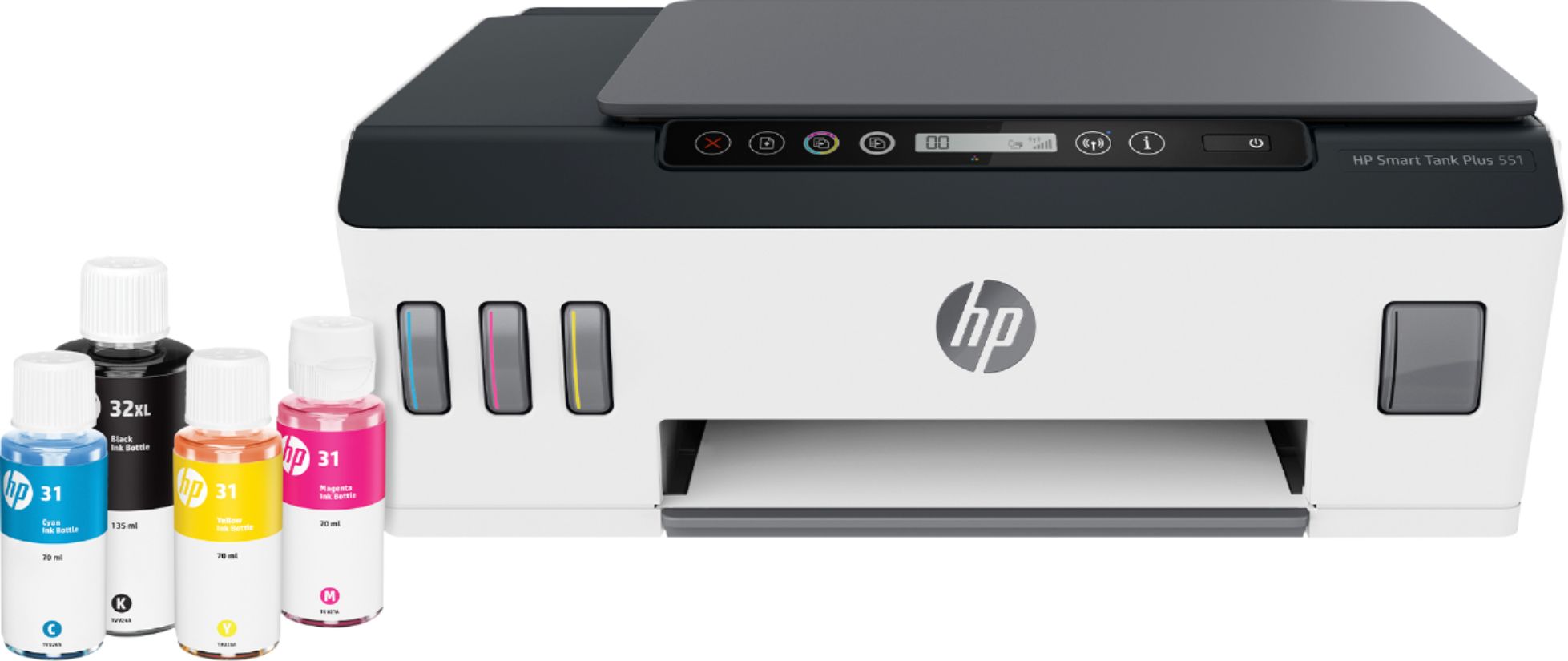
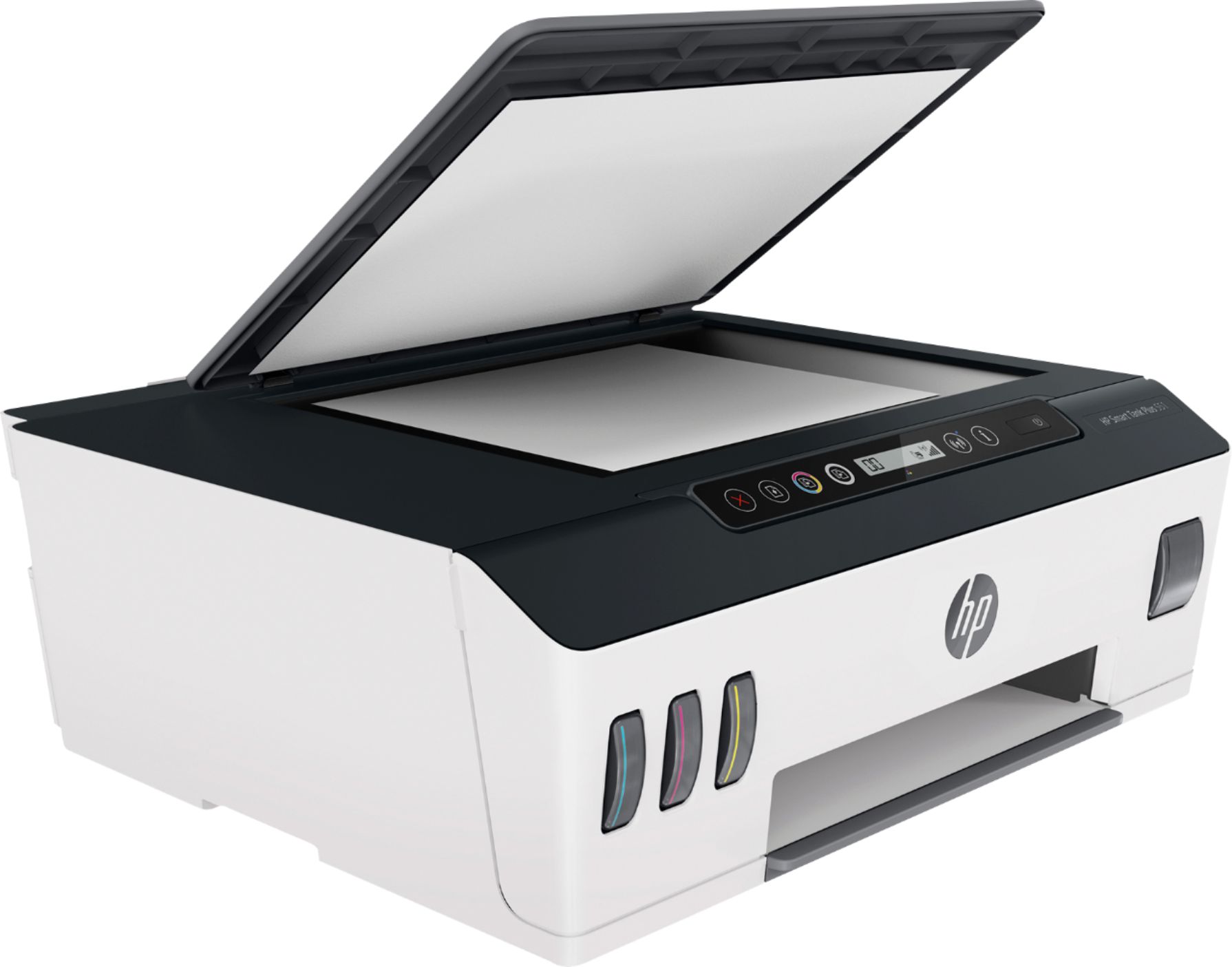
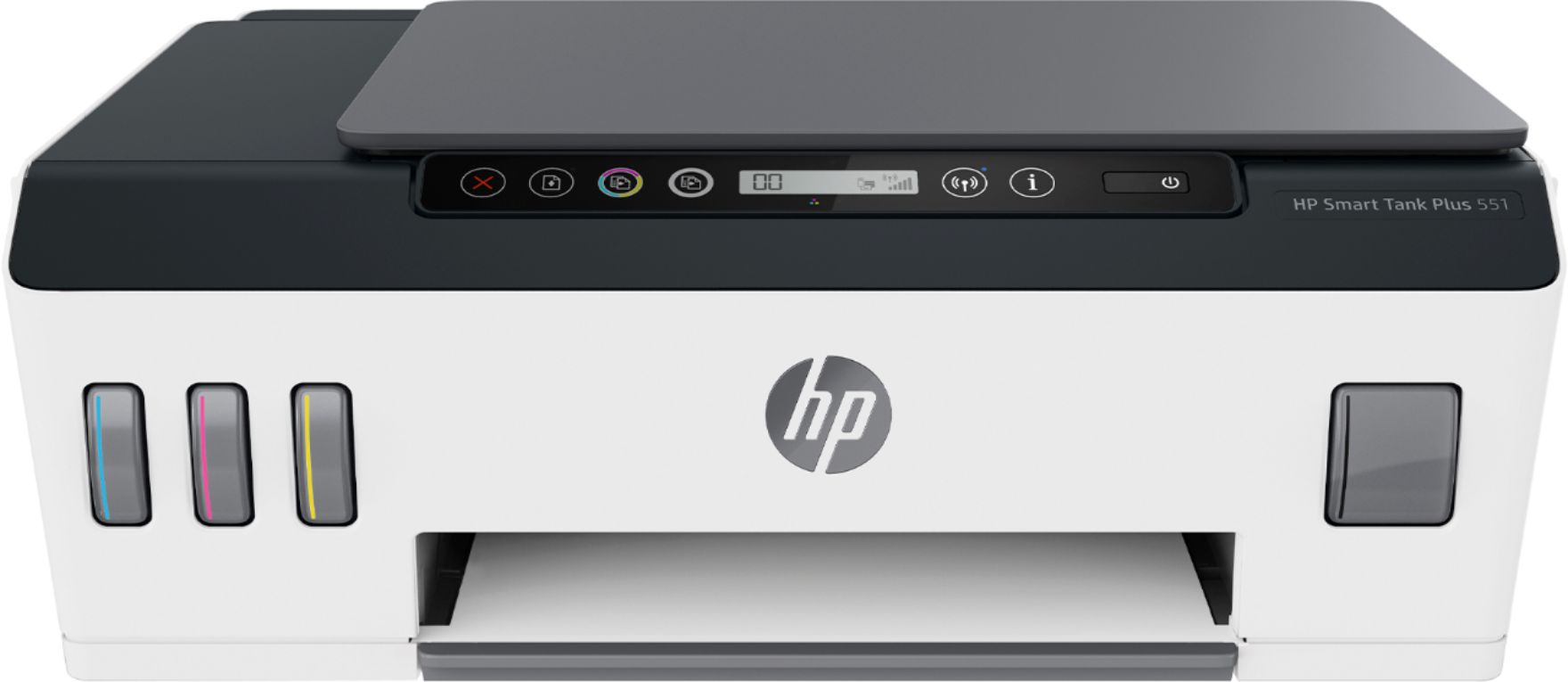
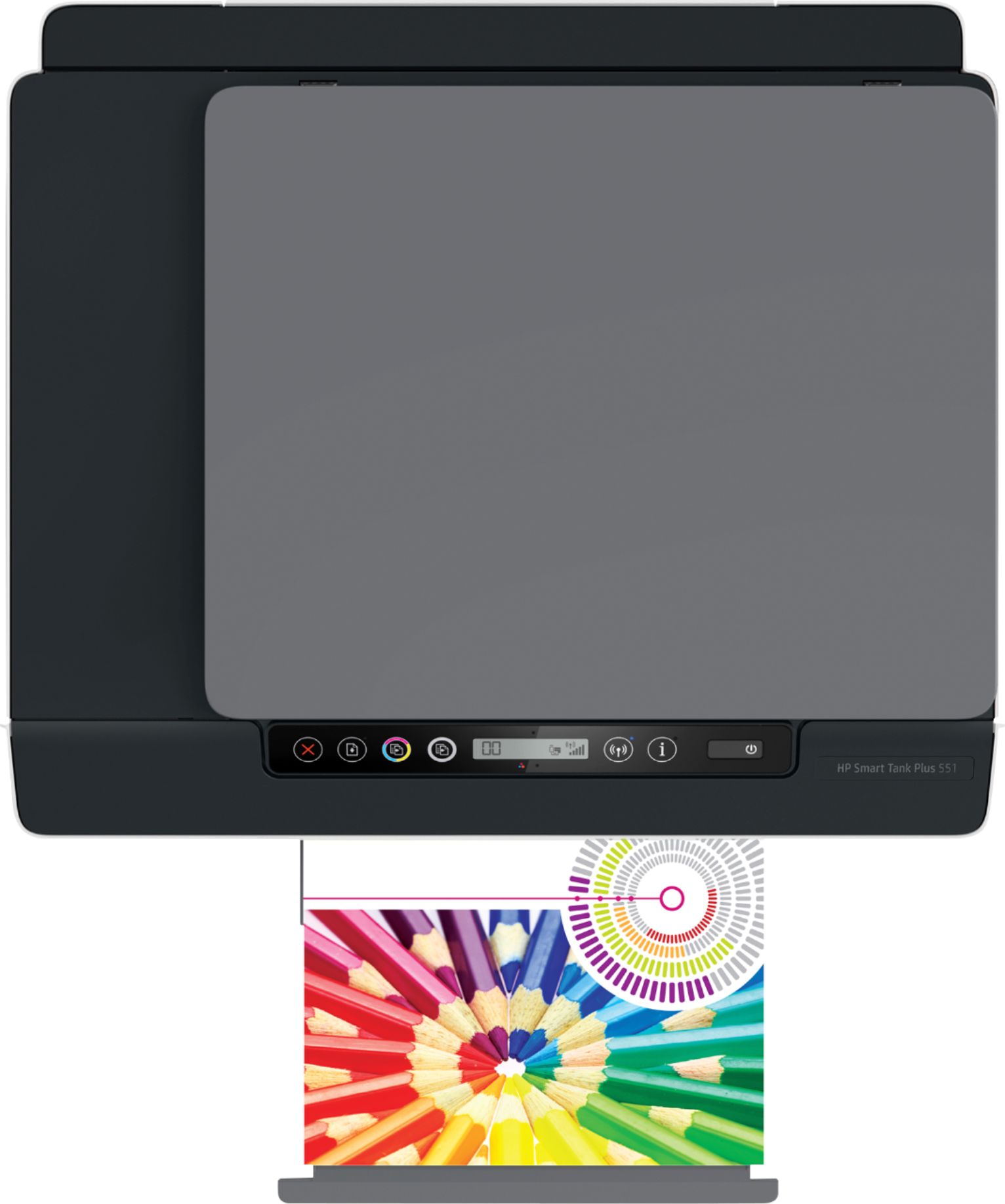
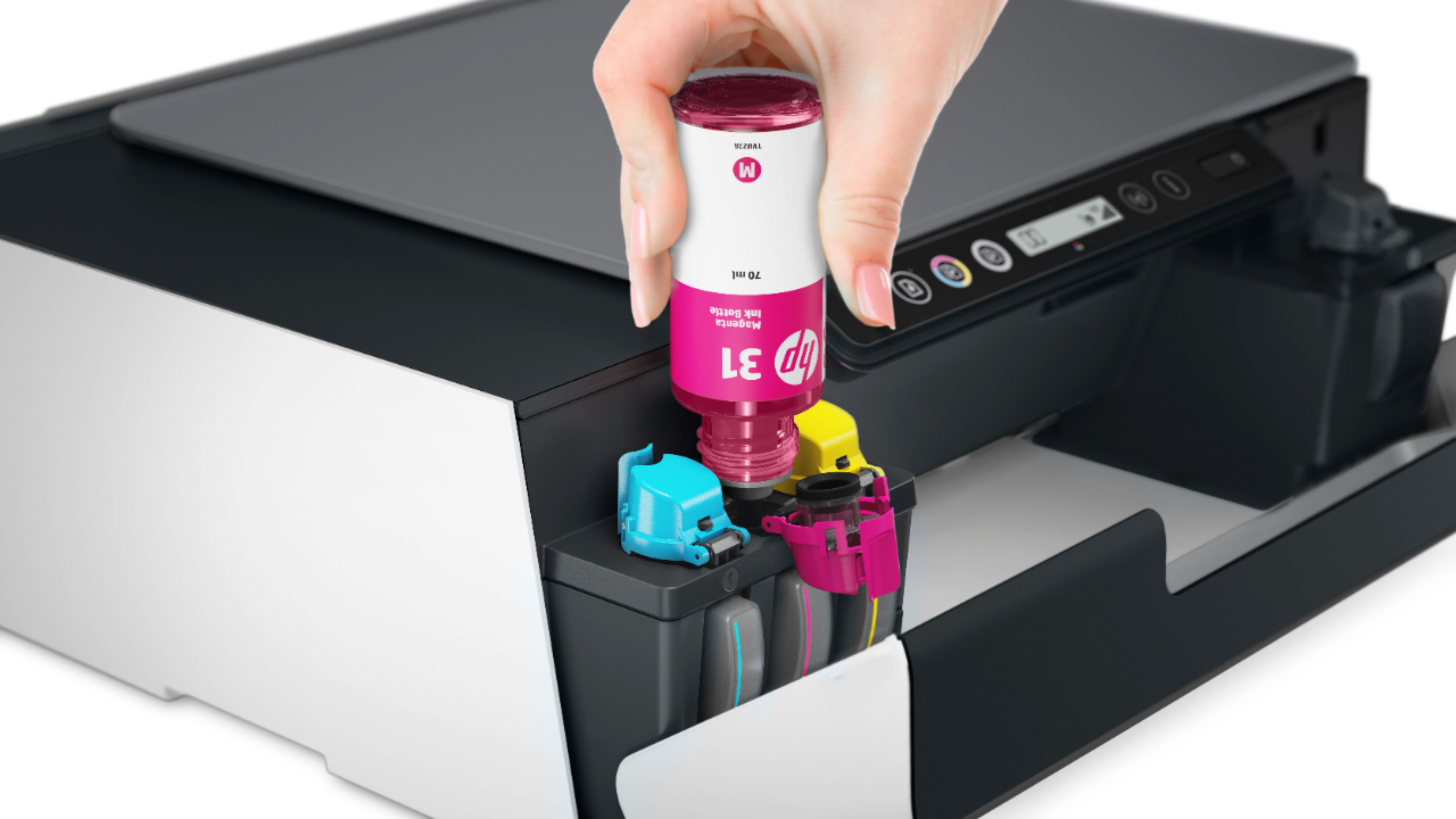

- Model:
- 6HF11A#B1H
- SKU:
- 6390493
Rating by feature
- Value
Rating 3.9 out of 5 stars
- Quality
Rating 4.1 out of 5 stars
- Ease of Use
Rating 3.9 out of 5 stars
Customers are saying
Customers are enthusiastic about the Smart Tank Plus 551 Wireless All-In-One Inkjet Printer's print quality, ease of use, and straightforward setup. Many appreciate its compact size and reliable wireless connectivity, enabling convenient printing from anywhere in the home. However, some customers find the price to be relatively high and express concerns about the printer's small paper tray and occasional paper jams. Overall, the positive feedback on printing and ease of use outweighs the negative comments regarding cost and paper handling.
This summary was generated by AI based on customer reviews.
Awful
||Posted .This reviewer received promo considerations or sweepstakes entry for writing a review.Worst printer I have ever own. I had it for less than a day and am taking it back because of how bad this is. WILL NOT BUY AN HP AGAIN BECAUSE OF THIS PRINTER.
No, I would not recommend this to a friendBrand response from HP Team
Posted .Hello Tim,
I'm sincerely sorry to hear that you are not entirely satisfied with this printer. We are always grateful for our customers' feedback, as we can continuously care for their experience. This also allows us to adjust our Products' design to suit our customers' needs the best.
Furthermore, I would suggest contacting us for support to resolve any issue that you may be experiencing with this device. We'd be more than happy to help you. You can find our official support site at: support.hp.com/us-en
Kacper
HP Care
hp.com/support
RefundMePlease
||Posted . Owned for 3 weeks when reviewed.This reviewer received promo considerations or sweepstakes entry for writing a review.Can I still return this item? It’s terrible. Always malfunctions. I’ve had to contact HP support at least once a week since having.
No, I would not recommend this to a friendDoesn't Connect
||Posted . Owned for 3 weeks when reviewed.This reviewer received promo considerations or sweepstakes entry for writing a review.Could not get it to connect to our wireless internet, despite help from HP customer service. Returned it to Best Buy.
No, I would not recommend this to a friend- Pros mentioned:Print quality, Setup

A Solid Ink-Tank Printer - Easy to Set-up and Use
|Posted .This reviewer received promo considerations or sweepstakes entry for writing a review.The HP Smart Tank 551 Wireless All in One Printer is one of the newer inkjet printers that uses ink tanks rather than cartridges for economy and larger print runs. This is a great improvement over cartridges. The quality for this printer is great, the set up is quick and easy, and the app works great. It just works, and for me that's exactly what I want. One thing to consider with this printer: Due to the ink tank design, it's important to keep the unit level when moving it from one place to another. So, if your use requires frequently relocating the printer, this may not be the best choice. Otherwise, this a great printer.
I would recommend this to a friend HP Printer
||Posted . Owned for 1 month when reviewed.This reviewer received promo considerations or sweepstakes entry for writing a review.This Printer in comparison to my other HP printers looks cheap and outdated.
No, I would not recommend this to a friendBrand response from HP Team
Posted .Hi there.
I’m sorry to hear that you’ve not had the experience you expected with the printer, aesthetically speaking, and I'm sorry for any resulting bad feelings or inconvenience. We aim to provide a reliable experience with our printers and support, so I’ll try to offer some helpful suggestions.
To learn more about your printer and all its features, or for help solving problems, you can access video tutorials, user manuals, how-to documents, software updates and troubleshooting guides here:
- support.hp.com/us-en/product/hp-smart-tank-plus-550-wireless-all-in-one-series/18695928/model/28244057
If there's any specific way that we can help you, I hope you’ll get in touch with us directly for support. We're always here and would be more than happy to help you make the most of your experience with the printer. On our site you can get help from a virtual agent, get troubleshooting documents specific to your printer or search our extensive knowledge library. Get in touch via this link: support.hp.com
Keith
HP Care
hp.com/support
- Pros mentioned:Print quality
The ink just never runs out.
|Posted .This reviewer received promo considerations or sweepstakes entry for writing a review.The printer is fantastic and does every task I need done. HP has finally made something that all of their years of hard work on making printers have come to this consumer-friendly moment. Starting with Setting it up is as easy as just connecting it to the Wifi. Smart Tank 551 has dual-band Wifi so setting up the 5gz was a breeze on the network. Once that was done the printer was ready to print basic pages from a smartphone or tablet. My iPhone immediately recognized the printer to start printing. There is an easier way to pair your device to the 551 with Bluetooth as well so the connectivity options are here. With more ways to connect wirelessly for your documents, you can also use Google Drive, Email, and Dropbox. This is an all in one so it can Scan, Copy, and Print for all your needs. For the most part, the pages come out ultra-fast and the ink drying is quick. I manage to print out a large poster at a rapid speed and the picture came out clear and crisp with vibrant colors. Much more vibrant than an Epson printer I have around. the best part here is that HP gives you 2 years' worth of Ink included and while I'm not sure it will last two years it certainly takes a long time draining the Ink (up to 8000 color pages or up to 6000 black pages that HP is claiming.) Photo images from the phone were amazing to look at giving a good contrast to each photo. Total capacity can handle up to 100 pages which is well enough for me. Ink bottles don't seem that expensive especially the fact that two years' worth of Ink will last you like a very long time. Design-wise the printer is just a printer with nothing too special to it; more in line with modern printers. The mobile app is designed well with it having speed and overall navigation to the UI. The app can send notifications for when things are done. It's not much to this WIFI printer with features but the HP 551 has enough there for all the essentials when it comes to printing. At the end of the day they stand out feature here is not being able to buy Ink for years to come and HP does accomplish that as I have not even drained the ink in my 2 weeks of using. This is whats most likely going to sell this product as its the main thing most people are worried about when it comes to buying one. HP has hit their stride when it comes to consumer products and this is one of their best printers they could have made. 5/5 stars!
I would recommend this to a friend Slow
||Posted . Owned for 9 months when reviewed.This reviewer received promo considerations or sweepstakes entry for writing a review.Its slow and dosent fees card stock. Also pain yo scan multiple pages.
No, I would not recommend this to a friendBrand response from HP Team
Posted .Hi there.
I’m sorry to learn that you’ve encountered problems with your printer. I can certainly understand why slow printing, a difficult scan feature and the inability to use card stock would add up to a frustrating start to ownership. I want to help you remedy these issues and learn more about the device, so I’ll guide you to some resources I hope will make that happen.
First, I recommend that you follow a guide on our support site that covers improving print speed; choose whichever of the following two links matches your operating system:
- Windows: support.hp.com/us-en/document/bud03409
- Mac OS: support.hp.com/us-en/document/c01928898
Also, often just updating the firmware can help improve print speed. You can find out how to do that here:
- support.hp.com/us-en/document/c02919168
You might also gain useful information from a guide to scanning with HP printers you’ll find on our support site. It includes instructions for various desktop and mobile operating systems as well as an FAQ section:
- support.hp.com/us-en/document/ish_2275901-2074064-16
If any problem persists – and for input on how your printer can accommodate card stock – I suggest that you contact us directly at +1 800-474-6836 so we can help you assess the situation and find a solution. (Please note that because of restrictions on personal movement and workplace attendance associated with the COVID-19 pandemic, wait times for agents are longer than normal. Thanks in advance for your understanding.) To expedite the process, I recommend gathering the following information before the call:
- Model number
- Serial number
- Your location
- Case number (from any previous contact with HP support)
Keith
HP Care
hp.com/support
hp551printer
||Posted . Owned for 1 month when reviewed.This reviewer received promo considerations or sweepstakes entry for writing a review.too hard for me,not machine fault,it was just too hard for me too hook up..
I would recommend this to a friendBrand response from HP Team
Posted .Hello there,
I'm so sorry to hear that you stumbled upon some issues with the setup of your printer. Despite this experience, I want to assure you that it’s always our intention to provide long-lasting reliability with our printers. On that note, I regret that we fell short this time, so, let me try to help you.
First of all, the document listed below may prove helpful in guiding on how to set up your device properly:
- First printer setup: support.hp.com/us-en/document/c06263649
Last of all, If all of the above fails, we would be more than happy to help so please feel free to contact us through: support.hp.com/us-en/contact-hp
Kacper
HP Care
hp.com/support
Worst $430 invested
||Posted . Owned for 1 year when reviewed.This reviewer received promo considerations or sweepstakes entry for writing a review.I barely used it, and it’s not working anymore , almos $500
No, I would not recommend this to a friendBrand response from HP Team
Posted .Hi there.
I’m sorry to learn that your printer has stopped working. Your review is brief, but I can easily understand the shock and disappointment associated with spending several hundred dollars on a printer only to have it stop working after minimal use. I want to help you resolve this dilemma, so I’ll provide a resource and some information aimed at making that happen.
I can’t tell from your review why your printer stopped working or whether a remedy exists that will get it going again, so I recommend that you contact us directly at +1 800-474-6836 so we can help you assess the situation and determine the best course of action. (Please note that because of restrictions on personal movement and workplace attendance associated with the COVID-19 pandemic, wait times for agents are longer than normal. Thanks in advance for your understanding.) To expedite the process, I recommend gathering the following information before the call:
- Model number
- Serial number
- Your location
- Case number (from any previous contact with HP support)
I'll also mention that HP printers have a one-year warranty from their purchase date that covers hardware as well as ink supplies, so if it comes to that, you might consider making use of it. You can verify the warranty using the following link:
- support.hp.com/us-en/checkwarranty
Keith
HP Care
hp.com/support
Buyer beware
||Posted . Owned for 1 month when reviewed.This reviewer received promo considerations or sweepstakes entry for writing a review.Awful product, paper feed didn’t work. Very hard to set up.
No, I would not recommend this to a friendBrand response from HP Team
Posted .Hello there,
This is so upsetting to learn that you are not entirely satisfied with this printer. We are always grateful for our customers' feedback, as we can continuously care for their experience. This also allows us to adjust our Products' design to suit our customers' needs the best.
Also, I would recommend contacting us for support to resolve any issue that you may be experiencing with this device. We'd be more than happy to help you. You can find our official support site at: support.hp.com/us-en
Kacper
HP Care
hp.com/support
Workhorse
|Posted .This reviewer received promo considerations or sweepstakes entry for writing a review.Just like cars, there are Lamborghinis with all the latest bells and whistles which you pay a premium for.. And then there are Honda's that get the job done, and you know they will last a lifetime. This printer falls more in line with the Honda analogy than the other. It may not have a touchscreen, but it is built solid. Built to last. I am glad another major printer company has jumped on the bandwagon with these "mega ink tank" type printers. With the amount of ink each reservoir holds, it is estimated that the general user can get years worth of printing from a single fill. Setting up the printer with the included app was a breeze. There real test in my opinion was how easy was it going to be too set it up in fedora Linux? Very easy. I just had to provide the IP address of the printer, and it somehow already had the appropriate drivers ready to install. Print quality is excellent for a printer in this class. And it is speedy. Even in "noise reduction" mode, it was still spitting out color copies at a respectable rate. The one thing that I wish it had was a top loading copy feed tray. Short of that though, it's a perfect printer if you are in the market for a true workhorse!
I would recommend this to a friend- Pros mentioned:Print quality
Easy Setup, No More Buying Ink Every Month!
|Posted .This reviewer received promo considerations or sweepstakes entry for writing a review.My top complaint with ink printers has always been buying new ink cartridges every month (or sooner). This HP Printer has eliminated that problem! The tanks of ink are a genius idea, and will save me so much money! I had this printer setup in about 10 minutes, super easy! Dozens of color prints so far and no issues at all.
I would recommend this to a friend Ditch Those Old Ink Cartridge Printers!
|Posted .This reviewer received promo considerations or sweepstakes entry for writing a review.The HP Smart Tank 551 Wireless All in One Printer is a fantastic improvement over the ink cartridge printers of yesterday. It claims up to two years of ink included in the box, and based off of my experience I will personally get at least that much. Probably more. Before I get too far let's start at the beginning. Packaging is secure, and the build quality of the unit itself if very good. It's footprint is small considering everything it can do. With all of the options for ink tank printers these are good reasons to go with the HP. Setup is very easy. Testing out the functionality I was quickly printing, copying, and scanning without problems. I have printed from my computer, tablet, and phone with ease. The HP Smartapp is a great phone companion to the printer, and works well. Print quality is FANTASTIC. With all of the functionality coming in such a compact all in one I wholeheartedly recommend the HP Smart Tank 551 Wireless All in One Printer. It's a lot of bang for the buck.
I would recommend this to a friend3 years and No Refills
Posted .This reviewer received promo considerations or sweepstakes entry for writing a review.I love this printer. I purchased it in June 2020 and have not bought refill ink for it yet. It’s November 2023 and I have enough ink to carry me well into the new year. I am a crafter and the mom to a two-year-old and a 12 year old and so we use this printer a lot especially nearing the holidays. Will we make picture postcards to send to family members. The colors print so bright when I’m using iron on paper for items or photo paper or card stock. I love this thing.
I would recommend this to a friend- Pros mentioned:Print quality
Great
|Posted .This reviewer received promo considerations or sweepstakes entry for writing a review.Great printer! I'm interested to see how easy refilling the tank will be. But it is perfect for my little office! It prints fast and looks great!
I would recommend this to a friend HP printer
Posted .This reviewer received promo considerations or sweepstakes entry for writing a review.It was great when it was new. However after 1 year, I had to replace the printer head. It easily gets clogged up
No, I would not recommend this to a friend- Pros mentioned:Size
Good Printer, Good Price
Posted .This reviewer received promo considerations or sweepstakes entry for writing a review.Excellent product ..... performs as advertised Really like refillable ink wells. Compact. Indicators of function not complex
I would recommend this to a friend - Cons mentioned:Price
Terrible Printer
Posted .This reviewer received promo considerations or sweepstakes entry for writing a review.Worst printer I've ever had. Doesn't hold a lot of paper, can't print double sided, seems to always have some type of error message, no document feeder...but husband bought it before I had time to research it so now we are stuck with it. Not worth the high price.
No, I would not recommend this to a friendBrand response from HP Team
Posted .Hello Jen,
This is so upsetting to learn that you are not entirely satisfied with this printer. We are always grateful for our customers' feedback, as we can continuously care for their experience. This also allows us to adjust our Products' design to suit our customers' needs the best.
Also, I would recommend contacting us for support to resolve any issue that you may be experiencing with this device. We'd be more than happy to help you. You can find our official support site at: support.hp.com/us-en
Kacper
HP Care
hp.com/support
This printer is poor and just drives me crazy
Posted .This reviewer received promo considerations or sweepstakes entry for writing a review.The setup wasn't that difficult, but it just won't print 25% of the time. Documents just sit in the queue, and there is horrible feedback as to what the problem is. The device is just a mess. I have to continually reboot and clear the print queue. And I'm at IT guy....it is just so frustrating. I'd throw it in the trash if it wasn't so expensive.
No, I would not recommend this to a friendBrand response from HP Team
Posted .Hi, Chris.
I’m sorry to hear that your printer has not performed like it should and caused such inconvenience for you. I can understand how the level of unreliability you describe would make for a bad experience, so I’ll point you toward some resources and provide some information that I hope will help.
First, I recommend you visit a page on our support site that has diagnostic tools for various problems, including print jobs that get stuck in queue. There you’ll also find a general-purpose tool called the HP Print and Scan Doctor. If you use Windows, the tool will help identify and guide you through solutions to a wide range of common printing and scanning issues. Visit that page here:
- support.hp.com/us-en/topic/diagnostics
If any problem persists, I recommend that you contact us directly at +1 800-474-6836 so we can guide you through the proper troubleshooting. (Please note that because of restrictions on personal movement and workplace attendance associated with the COVID-19 pandemic, wait times for agents are longer than normal. Thanks in advance for your understanding.) To expedite the process, I recommend gathering the following information before the call:
- Model number
- Serial number
- Your location
- Case number (from any previous contact with HP support)
I'll also mention that HP printers have a one-year warranty from their purchase date that covers hardware as well as ink supplies, so if it comes to that, you might consider making use of it. You can verify the warranty using the following link: support.hp.com/us-en/checkwarranty
Keith
HP Care
hp.com/support
Piece of junk
Posted .This reviewer received promo considerations or sweepstakes entry for writing a review.Absolute piece of junk. I bought this when going into lock-down due to Covid-19 and having to work from home. I don't print often so it was some weeks before I realized how awful this is. I have yet to print one page that actually printed correctly - the left side of the page doesn't print at all, bar codes never come out as shown (smears and blips), lines in the middle of the page don't print. The cord connecting it won't stay in place. The slightest movement of the printer and the cord simply falls out. I would have returned it long ago but haven't dared go into the store (I'm at high risk). As it is, I'll be buying something else and this will be going on the junk heap.
No, I would not recommend this to a friend