Customer Ratings & Reviews
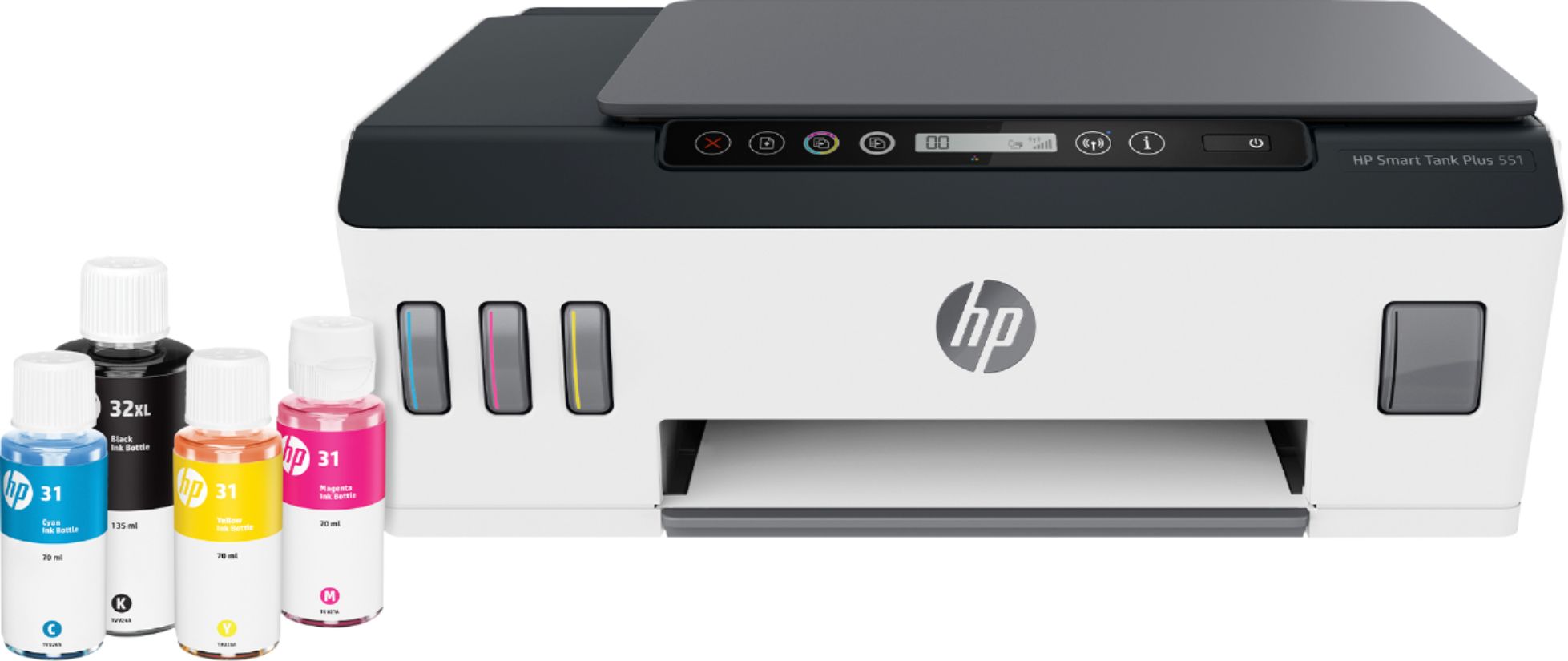
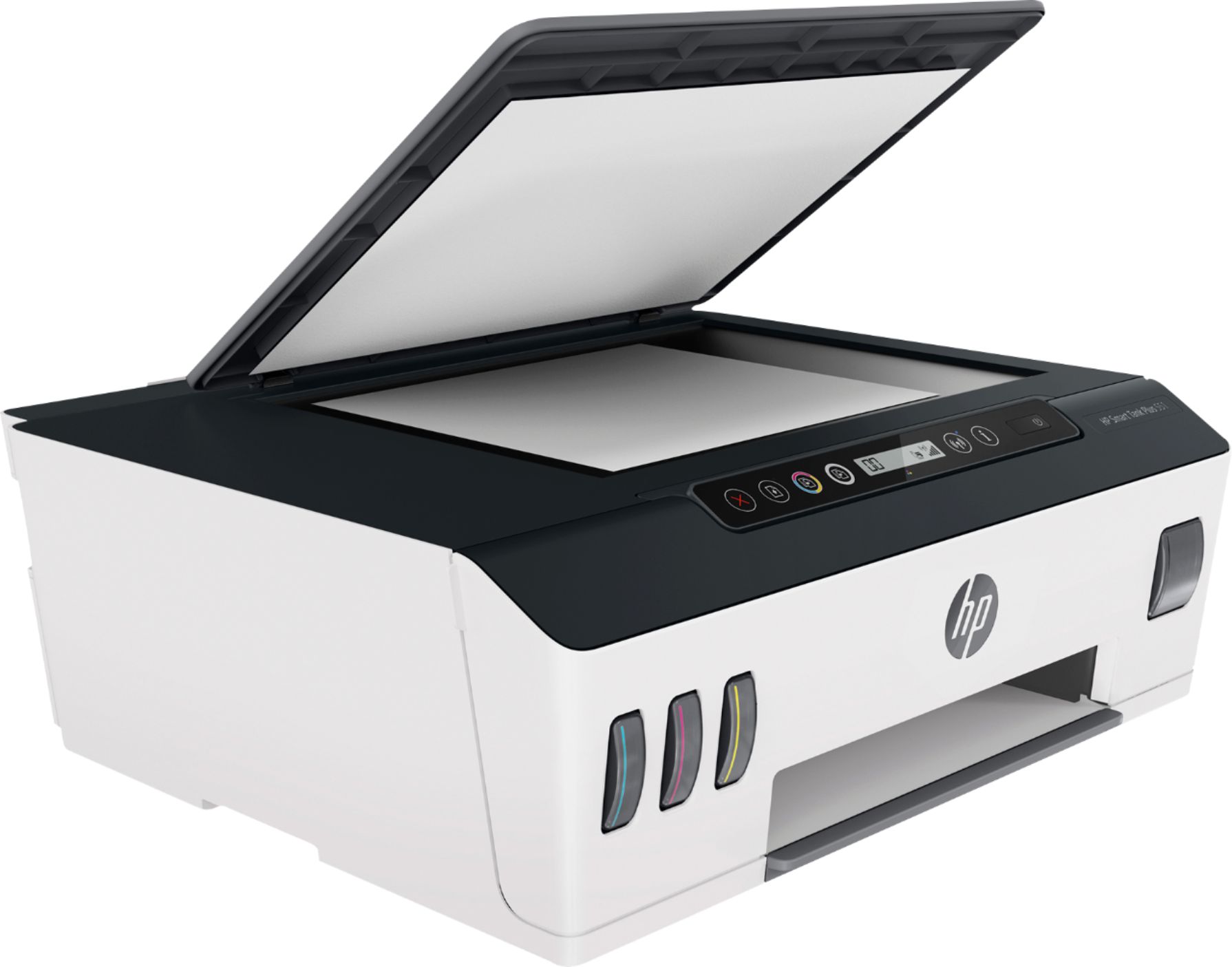
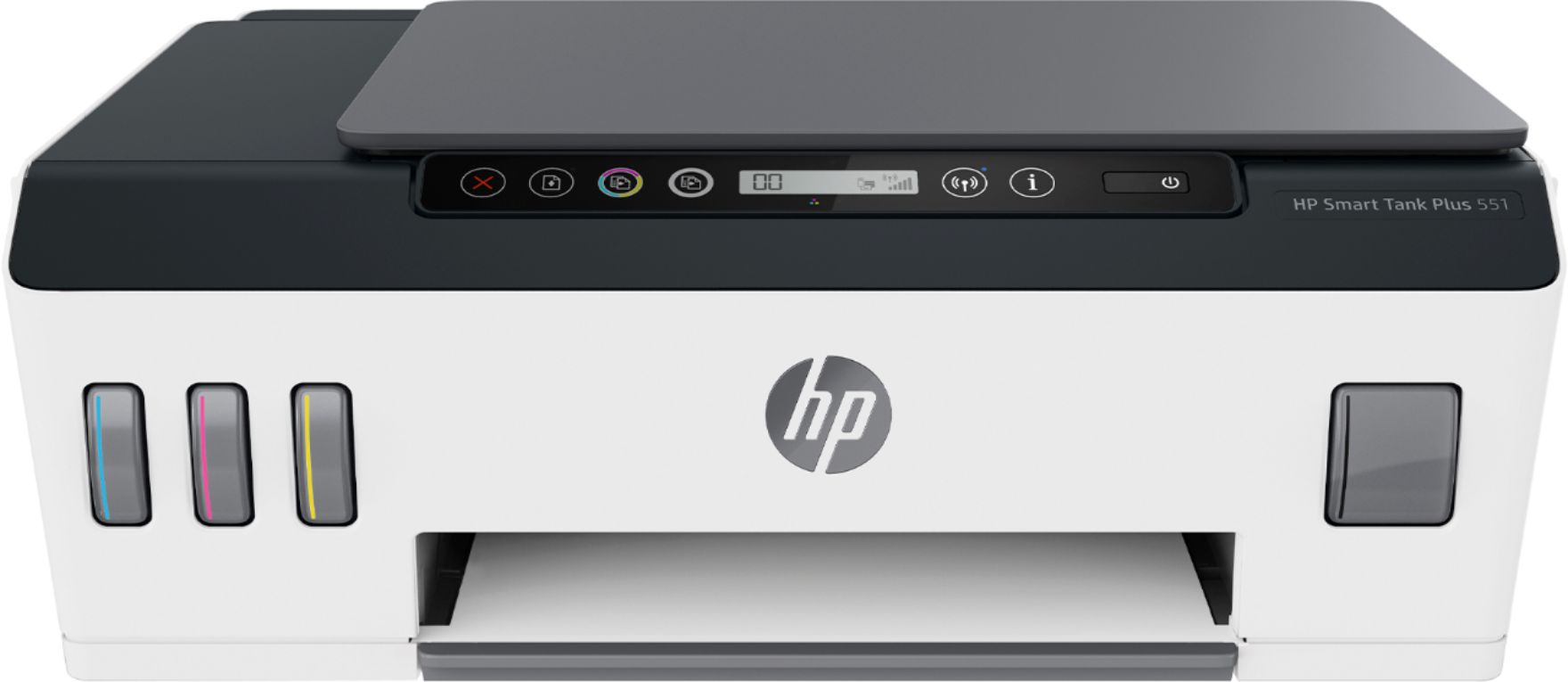
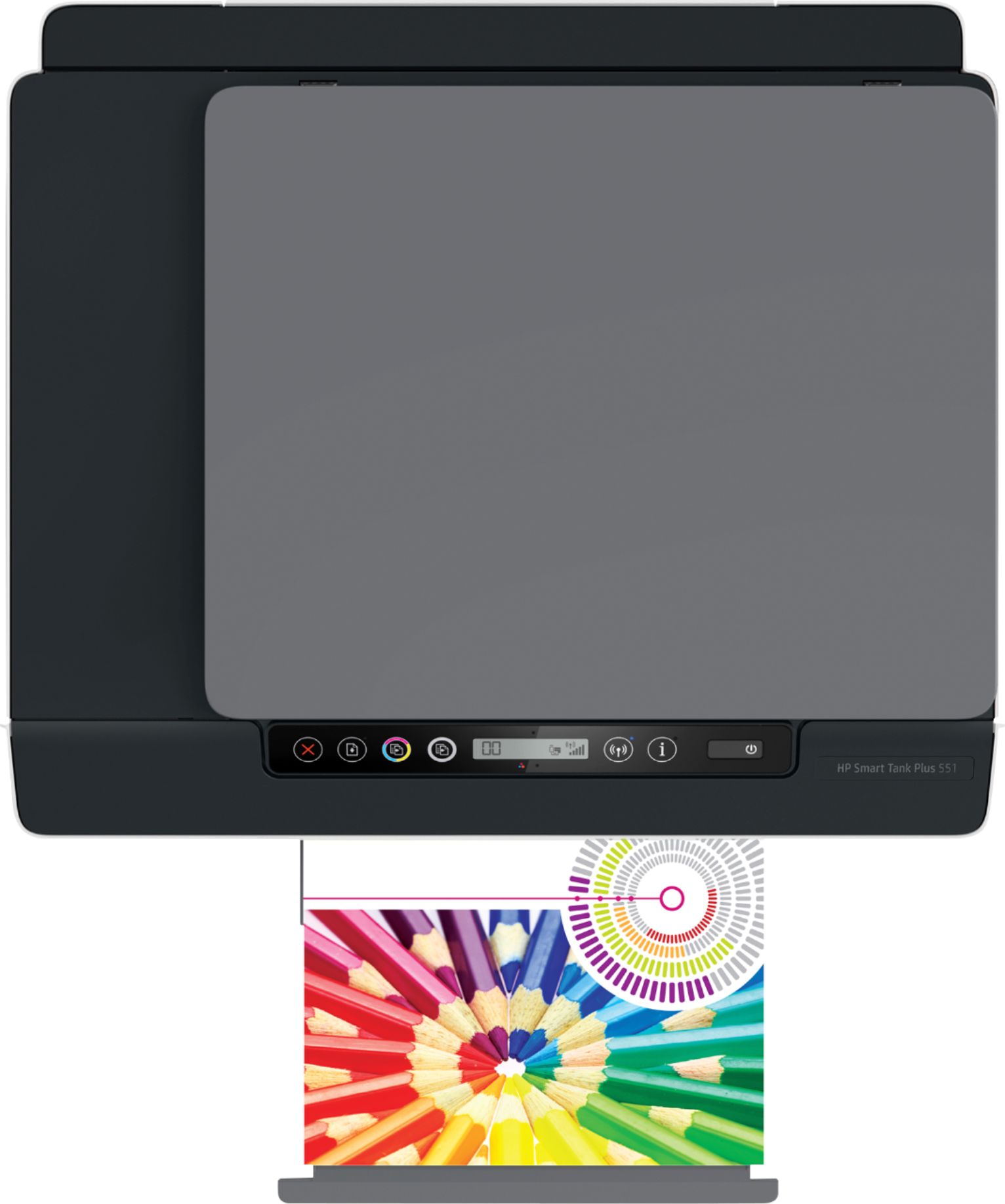
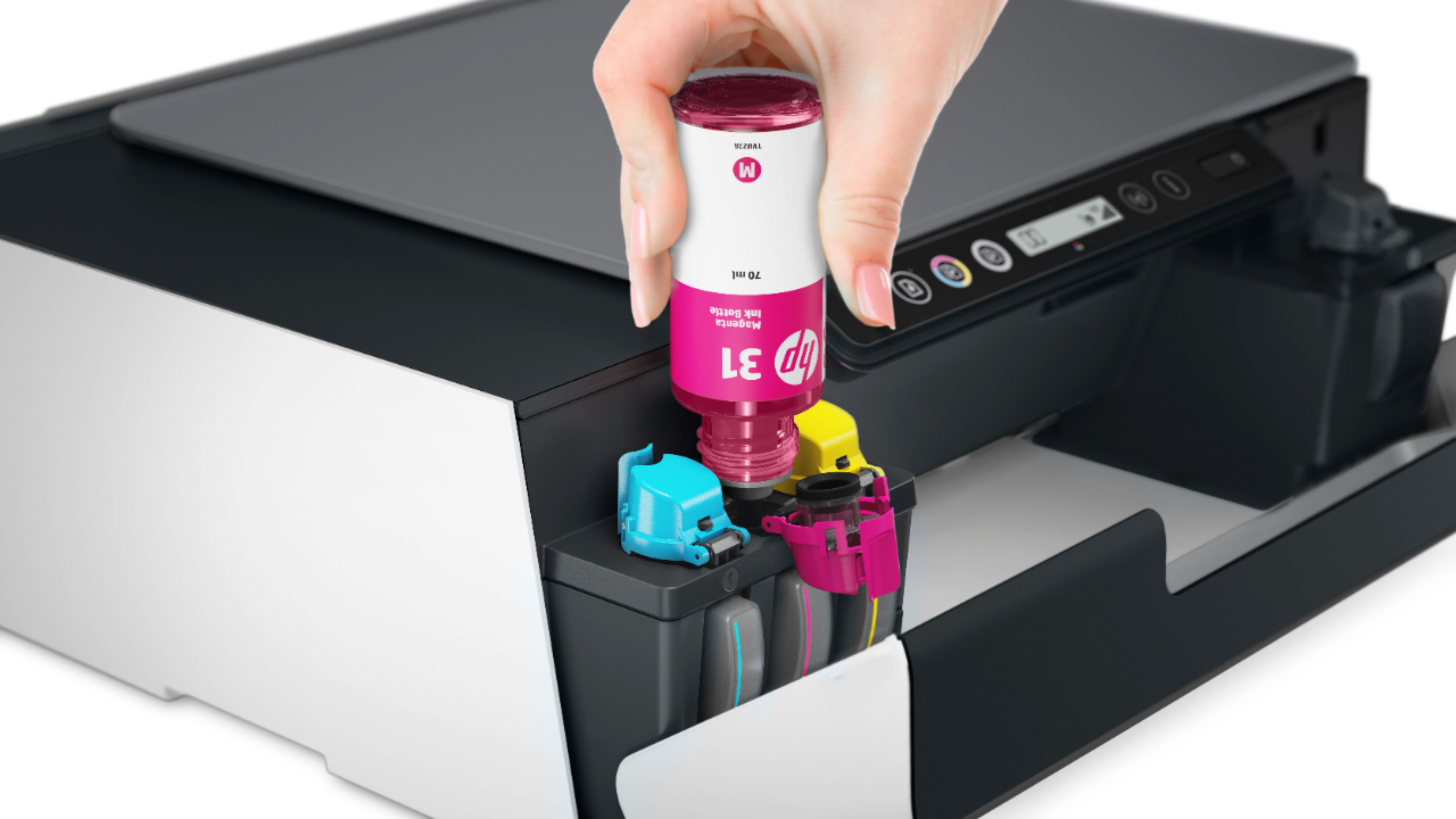

- Model:
- 6HF11A#B1H
- SKU:
- 6390493
Rating by feature
- Value
Rating 3.9 out of 5 stars
- Quality
Rating 4.1 out of 5 stars
- Ease of Use
Rating 3.9 out of 5 stars
Customers are saying
Customers are enthusiastic about the Smart Tank Plus 551 Wireless All-In-One Inkjet Printer's print quality, ease of use, and straightforward setup. Many appreciate its compact size and reliable wireless connectivity, enabling convenient printing from anywhere in the home. However, some customers find the price to be relatively high and express concerns about the printer's small paper tray and occasional paper jams. Overall, the positive feedback on printing and ease of use outweighs the negative comments regarding cost and paper handling.
This summary was generated by AI based on customer reviews.
- Cons mentioned:Price
Not for small office use.
Posted .This reviewer received promo considerations or sweepstakes entry for writing a review.If you need to copy more than 1 page at a time. Do not get this printer. It does not have that capability. Its way overpriced and is very, very slow.
No, I would not recommend this to a friendBrand response from HP Team
Posted .Hello,
I’m sorry to hear that you were not satisfied with the print speed of this device. It's very important to us to provide our customers with both a reliable and satisfactory product experience, and it's a shame that we didn't manage to do that here. I can certainly understand how disappointing this must be for you.
I recommend you follow the steps in a print speed improvement guide that you can find on our support website. We can't list direct links here at this time, but you can find this guide by searching the web for the keyword "HP Support bud03409" (for Windows) and "HP Support c01928898" (for Mac).
Remember you can contact us for support at any time. Find our official support site by searching the web with keywords “HP Support.” We would always love to help you with any issues you might be having with this device
Denise
HP Care
HP Smart Tank plus 555
Posted .This reviewer received promo considerations or sweepstakes entry for writing a review.Very disappointing, I would have thought all printers from HP, and not cheap would be capable of back to back printing. My fault I should have checked. I don’t like the paper feed. The image on the box is misleading.
No, I would not recommend this to a friendTake it back
Posted .This reviewer received promo considerations or sweepstakes entry for writing a review.The worst printer ever. If you bought one I recommend taking it back ASAP. Slow connection, slow printing. Do not buy this for a college student.
No, I would not recommend this to a friendBrand response from HP Team
Posted .Hi there.
I’m sorry to hear that your printer has experienced connectivity problems and has rendered prints so slowly. I can wholly understand why you’d be put off by this performance, especially if you bought the printer for a college student who undoubtedly has frequent printing needs under deadline. I want to help you resolve these problems, so I’ll offer some resources aimed at making that happen.
First, I recommend you visit a page on our support site that has diagnostic tools for various issues, including wireless connectivity. You can find that page here:
- support.hp.com/us-en/topic/diagnostics
I also suggest that you follow a guide on our support site that covers improving print speed; choose whichever of the following two links matches your operating system:
- Windows: support.hp.com/us-en/document/bud03409
- Mac OS: support.hp.com/us-en/document/c01928898
Also, often just updating the firmware can help improve print speed. You can find out how to do that here:
- support.hp.com/us-en/document/c02919168
If the problem persists, I suggest that you contact us directly at +1 800-474-6836 so we can help you assess the situation and find a solution. (Please note that because of restrictions on personal movement and workplace attendance associated with the COVID-19 pandemic, wait times for agents are longer than normal. Thanks in advance for your understanding.) To expedite the process, I recommend gathering the following information before the call:
- Model number
- Serial number
- Your location
- Case number (from any previous contact with HP support)
Keith
HP Care
hp.com/support