Customer Ratings & Reviews
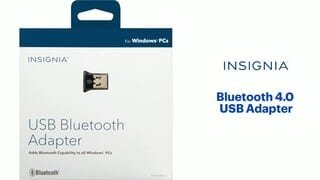
- Model:
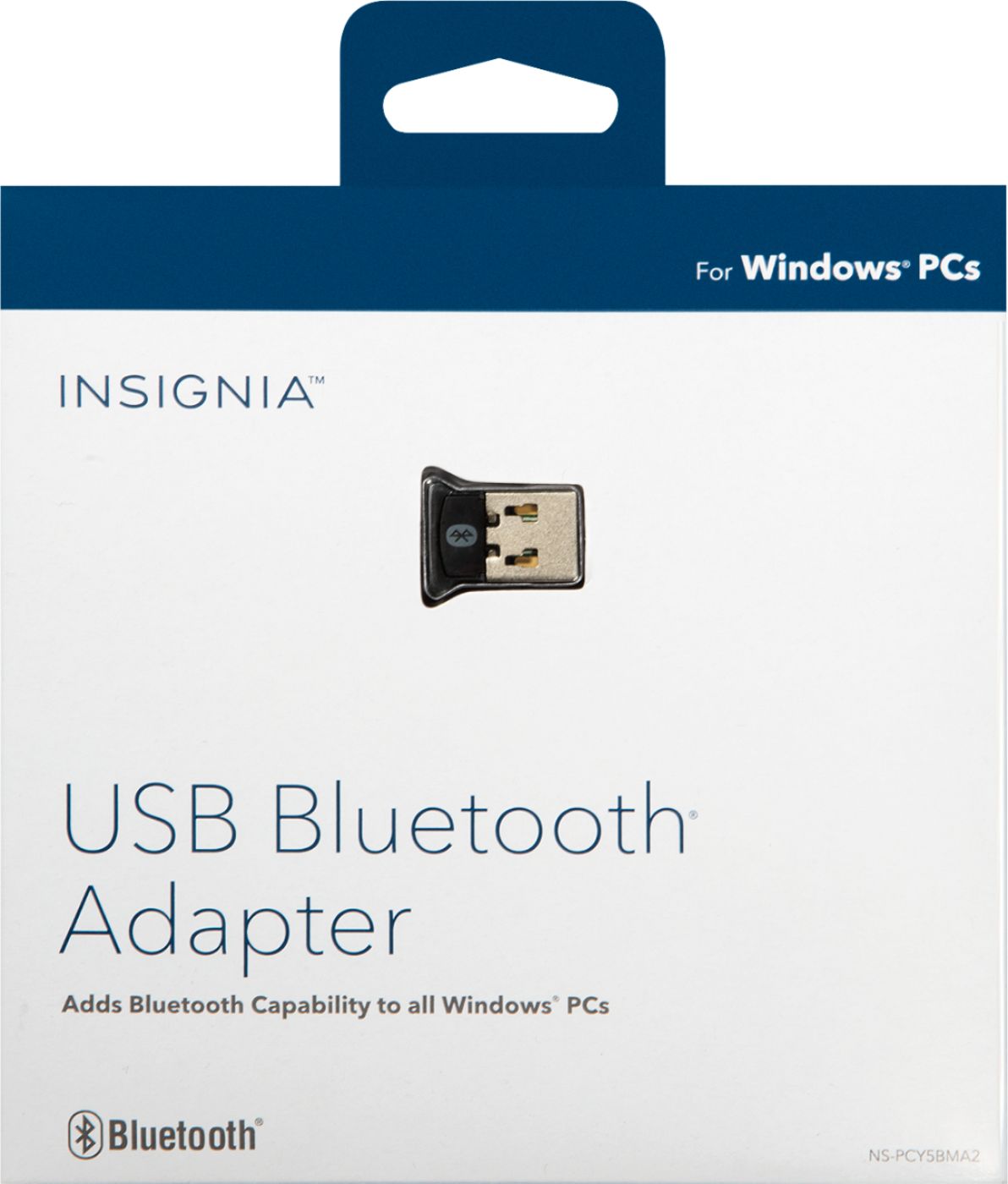
- NS-PCY5BMA2
- SKU:
- 4884001
Rating by feature
- Value
Rating 4.1 out of 5 stars
- Quality
Rating 4.1 out of 5 stars
- Ease of Use
Rating 4.0 out of 5 stars
Customers are saying
Customers praise the Bluetooth functionality, ease of use, and compatibility of this USB adapter, frequently citing its affordability and compact size. Positive feedback also highlights the straightforward setup and reliable performance. However, some users experienced difficulties with driver installation and reported that the range and signal strength could be improved.
This summary was generated by AI based on customer reviews.
- Cons mentioned:Driver installation
It won't install
||Posted . Owned for 3 weeks when reviewed.This reviewer received promo considerations or sweepstakes entry for writing a review.It will not install on Windows 10 and no drivers are provided by the manufacturer. Tried on multiple Windows 10 machines. Don't waste your time.
No, I would not recommend this to a friendBrand response from InsigniaCustomerSupport
Posted .Hello Adam,
We do apologize for not being able to install the driver for our Insignia™ - Bluetooth 4.0 USB Adapter. To assist you with your concern, please contact our support team at 1 (877) 467-4289 Daily 8am - 9pm CT.
Insignia Support
Molina
www.insigniaproducts.com/support
Good for a couple months, then stops working.
||Posted . Owned for 2 months when reviewed.This reviewer received promo considerations or sweepstakes entry for writing a review.I would not recommend buying this product. Bought this in Feb 23rd 2021, and today ( May 8th, 2021) I tried using it for my Xbox controller but kept getting notification that the device has malfunctioned so it's no longer useable.
No, I would not recommend this to a friendBrand response from InsigniaCustomerSupport
Posted .Hi Jacob!
I understand that you just want to continue using your Bluetooth adapter and so, please know that you can contact us on the link below, and we will gladly assist you with this matter.
Viridiana E.
Insignia Support
https://www.insigniaproducts.com/contact-us
- Pros mentioned:Bluetooth, Ease of useCons mentioned:Driver installation
A Good Adapter, But No Drivers Included.
||Posted . Owned for 1 month when reviewed.This reviewer received promo considerations or sweepstakes entry for writing a review.A very good adapter when the drivers are available. I thought this would be a simple plug-and-play, but I was mistaken. My HP desktop would not recognize this when plugged in. The website did not have the driver, so I was left Googling and trying different Bluetooth drivers. In the end, I found a driver on the HP site that worked. After that, the adapter has been working perfectly.
I would recommend this to a friend - Pros mentioned:BluetoothCons mentioned:Driver installation
How to install the drivers for Insignia Bluetooth
||Posted . Owned for 1 month when reviewed.This reviewer received promo considerations or sweepstakes entry for writing a review.Good BT (bluetooth) but drivers not available & it does not auto-install as it is supposed to because Windows, for some reason, no longer supports it as a standard USB device. However, here is the work around... a. tap WINDOWS key, type in DEV and choose device manager b. expand BLUETOOTH and for each item listed, RIGHT-CLICK each and > UNINSTALL DEVICE ((don't worry, it will auto-reinstall upon reboot) c. INSERT THE INSIGNIA BT device d. tap WINDOWS key, type in UPD and choose CHECK FOR UPDATES e. click CHECK FOR UPDATES. ..after a few minutes, you should be presented with VIEW OPTIONAL UPDATES . click that and expand the optional updates branch and one of the listed will be a BlueTooth driver, so INSTALL that . f. I strongly suggest you also install the Broadcom WIDCOMM software that lets you manage this device. Softpedia still offers it for download and the package scanned as clean by my 2 antivirus packages (AVG Business and Windows Defender) : https://drivers.softpedia.com/get/BLUETOOTH/Broadcom/Broadcom-WIDCOMM-Bluetooth-Driver-1201940-64-bit.shtml g. You should be good to go. h. Reboot -- your prior USB device that we uninstalled in step b. should reinstall for you. John!
No, I would not recommend this to a friend - Pros mentioned:CompatibilityCons mentioned:Driver installation
Recommended Bluetooth adapter
||Posted . Owned for 1 month when reviewed.This reviewer received promo considerations or sweepstakes entry for writing a review.This Bluetooth/USB adapter is very good for how inexpensive it is. I use it primarily for connecting headphones. I've been using it at my leisure, and I haven't noticed any noticeable picture and sound being out of sync and I would usually notice and be annoyed by that type of issue. Connecting to a headphone, I can walk about 20 ft away before sound starts cutting out. Depending on where your PC is it may have longer range. I do have a few walls, a heater, a bathroom, and some furniture in between the adapter and where it cuts out. It's perfect for 'upgrading' your motherboard to be Bluetooth compatible without buying a more expensive MoBo. If I recall, I did have to download a driver specifically for this which might be asking a little too much for some users. It might have just been an issue on my end but it did take some searching to get it working.
I would recommend this to a friend - Pros mentioned:Bluetooth, Ease of use
Did not know these existed.
||Posted .This reviewer received promo considerations or sweepstakes entry for writing a review.So a few months ago I purchased a starters laptop for my daughter that did not have Bluetooth. I should have purchased a better computer but figured kids would ultimately break it before we got our moneys worth out of it. Well I was wrong. But thanks to this wonderful Bluetooth adapter I am able to keep the computer useful for a few months longer until my daughter really needs a better one. After a couple days of use, we are happy with it. Its functionality is very useful. We plugged it in and it downloaded the necessary drivers. After a quick restart we were up and listening to the Insignia Soundbar im about to review. Pros: Great device. Low price and easy to set up. Cons: blinking light blinks and blinks and blinks...
I would recommend this to a friend - Pros mentioned:Compatibility, Price
serves the purpose well
||Posted .This reviewer received promo considerations or sweepstakes entry for writing a review.1. quick installation - need to download s/w from given site. Compatible with Win7 64 bit. 2. pairs my win7 with bose soundlink 3 well; sends good quality audio to slave if it's mp3. 3. got it cheaper than regular price; hence it was even value for money. 4. However it's not a perfect 5 for me as raw audio files does not sound upto the mark.
I would recommend this to a friend - Pros mentioned:Bluetooth, Price
Quick Way to Add Bluetooth!
||Posted . Owned for 2 months when reviewed.This reviewer received promo considerations or sweepstakes entry for writing a review.Great and inexpensive way to add Bluetooth to older PCs. When looking at available options at Best Buy, this adapter seemed to be the best option at the best price point. Setup was quick and within minutes, Bluetooth was available on the PC. Once installed, adding headphones along with other Bluetooth devices was easy and all work as expected. It has been a couple of months since adding this and no issues to date. If Bluetooth is needed on an older PC, then I would certainly recommend Insignia's Bluetooth adapter!
I would recommend this to a friend ANYONE WITH "DRIVER UNAVAILABLE"
Posted .This reviewer received promo considerations or sweepstakes entry for writing a review.For ANYONE having driver problems. I got the "driver unavailable" in windows 10 and the insigna site does not have any info on drivers for it. I installed an intel bluetooth driver straight from intels website and it works like it should. Should you have to do that? No. But if your pc already has some sort of bluetooth driver it may function without having to do this. I've included a picture of the driver I installed and am listening to youtube while typing this. Insigna please add a driver section to your website.
I would recommend this to a friend- Pros mentioned:Ease of useCons mentioned:Driver installation
Works as expected, but hard to install
||Posted . Owned for 1 week when reviewed.This reviewer received promo considerations or sweepstakes entry for writing a review.This USB to Bluetooth adapter works as advertised: it enables Bluetooth on your computer. I used it to give my desktop PC the ability to connect to headphones and game controllers successfully. However, installing the driver was not straightforward as the instructions suggested. To install the driver, in Windows 10, plug the device into the USB port you want it to live. Then, go to Settings > Updates and Security. Check for Windows updates. Under optional updates, expand "Driver updates". Install the driver listed as "Broadcom Bluetooth". You may need to restart your PC after checking for updates, and/or after installing the driver.
I would recommend this to a friend - Pros mentioned:BluetoothCons mentioned:Driver installation, Signal strength
Good for price
||Posted . Owned for 1 month when reviewed.This reviewer received promo considerations or sweepstakes entry for writing a review.Can't go that far away from the adapter, just a few feet and you lose signal in headphones. Had to find the connection/drivers online which was a little difficult. Works great once connected.
I would recommend this to a friend - Pros mentioned:Compatibility, Ease of use, Price
Easy to use Bluetooth dongle!
||Posted .This reviewer received promo considerations or sweepstakes entry for writing a review.Easy to use, very easy to set up. I didn't even need to download extra drivers after installing into a USB port. Just let windows install their drivers, and it will go right to work. I use this dongle to move files between my phone and computer and also play games with my Playstation Dualshock 4 controller. Would Highly recommend this to anyone looking to easily and cheaply add Bluetooth to your PC.
I would recommend this to a friend - Cons mentioned:Driver installation
Powerful Little Guy
||Posted . Owned for 1 year when reviewed.This reviewer received promo considerations or sweepstakes entry for writing a review.I wanted wireless headphones without the big ticket price that comes with the big name brands like Razor and Corsair. Not to mention their problems with having to buy a whole new set if either piece breaks. This works great with a cheapo bluetooth headset and I can walk around the room and do tasks while listening or talking with great connectivity. It does typically require an extra step to get my headset to pair with it, but I also don't have any problems with random strangers pairing with my bluetooth as a result. The signal quality is perfect for my needs and even when it gets interrupted it doesn't lose the connection - I just go back into the same room and problem solved! Was a bit tricky getting the proper drivers installed and occasionally I have to turn it on/off again but it's exactly what I wanted. If I wanted perfection I'd have gotten a bluetooth chip to put into my motherboard.
I would recommend this to a friend - Pros mentioned:Ease of use, Price, Size
Great Item With A Great Price
||Posted . Owned for 3 weeks when reviewed.This reviewer received promo considerations or sweepstakes entry for writing a review.Love this item it is very small, was easy to install, great price and works great.
I would recommend this to a friend - Pros mentioned:BluetoothCons mentioned:Signal strength
Bought for XBOne Controller on PC
||Posted .This reviewer received promo considerations or sweepstakes entry for writing a review.Got a new type Xbox One controller with bluetooth so i could play wirelessly on my PC. I had an older adapter that would connect with the controller however my game would not recognize it. went to best buy and bought this newer version and it has worked almost flawlessly. "almost" is because i recommend that you use it with some sort of extension cable to move it away from sources of interference as the signal can randomly drop even only a few feet away. i now have it sitting just above my desk instead of directly on the computer (near floor level) and have had no issues since.
I would recommend this to a friend - Pros mentioned:Bluetooth, Ease of useCons mentioned:Range
Exactly what I was looking for
||Posted .This reviewer received promo considerations or sweepstakes entry for writing a review.Like everyone else, this pandemic has forced me to shift to my home office. My PC is great, but it's a little older and doesn't have bluetooth. This adapter has been a godsend. I'm able to use my wireless headphones with out issue. It's easy to use and hardly noticeable. The only downside might be the range. It's good for about 25-30 feet before I start to get interference.
I would recommend this to a friend - Pros mentioned:BluetoothCons mentioned:Driver installation
Insignia Bluetooth USB
||Posted . Owned for 1 month when reviewed.This reviewer received promo considerations or sweepstakes entry for writing a review.I bought this product and it has worked as advertised which is to help me be able to connect with ‘Bluetooth’ speakers. The set-up was simple, but my computer was unable to find the right drivers to ‘run’ it initially. Once I was given some direction the problem was fixed and I was able to enjoy the music and podcasts using my computer.
I would recommend this to a friend - Cons mentioned:Driver installation
Difficult Locate Driver
||Posted . Owned for 2 weeks when reviewed.This reviewer received promo considerations or sweepstakes entry for writing a review.Once I got it working, it works great. Windows 10 couldn't find the driver, and the Insignia web site does not provide a download for this. I almost gave up and returned the device, but on second day of trying I was able to locate a driver. Now, I'm glad I have it. But if you want an easier installation, look for a device where the driver is easier to locate. I would recommend, but with the condition of needing to hunt for a driver.
I would recommend this to a friend - Pros mentioned:Bluetooth, Compatibility, Ease of use
Exactly what I needed!
||Posted .This reviewer received promo considerations or sweepstakes entry for writing a review.My old desktop computer wasn't equipped with Bluetooth from the factory but I needed a way to connect my Bluetooth keyboard and mouse to it. I plugged this in, Windows found it immediately, and after a few clicks of the mouse everything was working perfectly. If you need to add Bluetooth accessories to your computer that isn't Bluetooth ready, this is what you need!
I would recommend this to a friend - Pros mentioned:Ease of use
How to get the drivers for it to work!
||Posted .This reviewer received promo considerations or sweepstakes entry for writing a review.Need Help finding the driver to make it work? If this information was a little better available on their website, it would have gotten 5stars... Easy plug and play! Which turned out to be true. It plugged in easy. I then spent hours playing around getting it to work. And here is how I did it. I'm posting this because I never did find the answer here. After you have plugged it in, let Windows 10 find it, then restarted your machine. Only to find out no drivers were installed. Do this. Open Windows Update. Click View Optional Updates. Then Click Driver Updates. This Insignia adapter is evidently made by Broadcom. Find the line about Broadcom Bluetooth and click that to install. A restart may be needed. And there it is. It's working for me. Hope it will for you too.
I would recommend this to a friend