Customer Ratings & Reviews
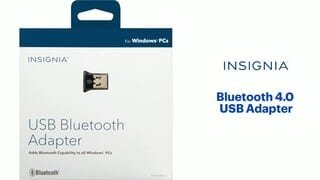
- Model:
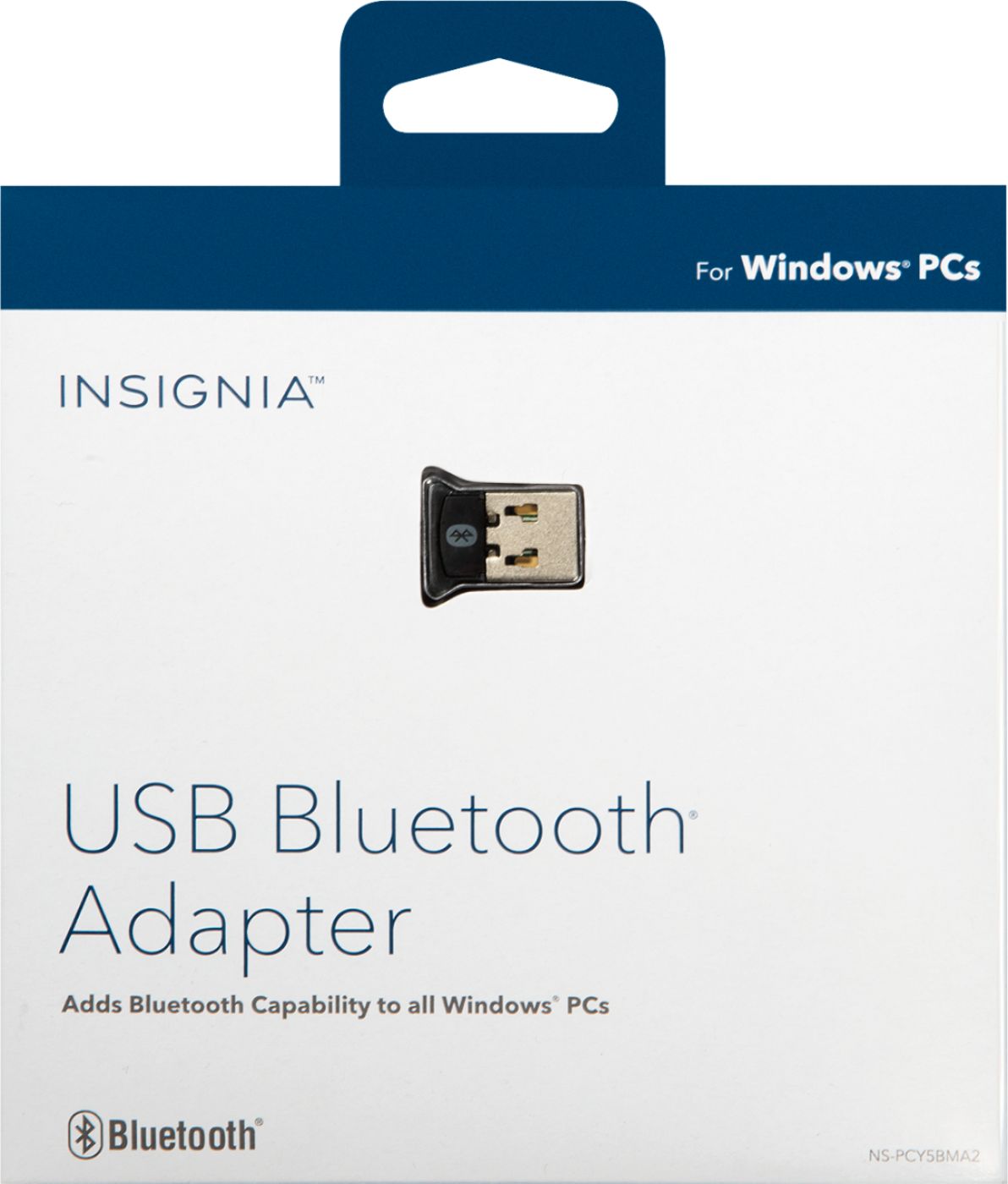
- NS-PCY5BMA2
- SKU:
- 4884001
Rating by feature
- Value
Rating 4.1 out of 5 stars
- Quality
Rating 4.1 out of 5 stars
- Ease of Use
Rating 4.0 out of 5 stars
Customers are saying
Customers praise the Bluetooth functionality, ease of use, and compatibility of this USB adapter, frequently citing its affordability and compact size. Positive feedback also highlights the straightforward setup and reliable performance. However, some users experienced difficulties with driver installation and reported that the range and signal strength could be improved.
This summary was generated by AI based on customer reviews.
Didn't work
||Posted .This reviewer received promo considerations or sweepstakes entry for writing a review.I never got the adapter to work after several attempts.
No, I would not recommend this to a friendSeems to be doing what it is suppose to do
||Posted .This reviewer received promo considerations or sweepstakes entry for writing a review.So far so good I like it it does what it is suppose to do
I would recommend this to a friendSlay
||Posted .This reviewer received promo considerations or sweepstakes entry for writing a review.This product died a few weeks after I started using it.
No, I would not recommend this to a friendGood device for price
||Posted .This reviewer received promo considerations or sweepstakes entry for writing a review.Once the drivers were installed the device worked.
I would recommend this to a friendGreat item!
||Posted .This reviewer received promo considerations or sweepstakes entry for writing a review.This is a great item. I was very impressed with it.
I would recommend this to a friendDifficult to use with Windows 10
||Posted .This reviewer received promo considerations or sweepstakes entry for writing a review.I found this product difficult to use with my laptop. The drivers did not automatically load. I went to the website and made 3 tries. Best Buy was nice enough to take it back as I am not a pc technician who knows how to do anything but plug and play :)
No, I would not recommend this to a friendNo improvement
||Posted .This reviewer received promo considerations or sweepstakes entry for writing a review.I purchased this for my new Designer Microsoft desktop. I was hoping it would give me benefits: reduce any lag time, allow touch to wake and more. Unfortunately the lag time was much worse and not able to wake. I did get the latest drivers but no help.
No, I would not recommend this to a friendJust Won't Recognize!!
||Posted .This reviewer received promo considerations or sweepstakes entry for writing a review.I have a Toshiba laptop running Windows 10, 64 bit. This should have been a no brainer. I followed the directions, downloaded and installed the driver & software. The bluetooth adapter recognized and paired with my iphone, no problem. It did not recognize my bose qc 35 wireless headphones, and vice versa. Did not recognize my bluetooth mouse, either. I'm extremely frustrated. I'm going to try it on my Vaio to see if I have any luck there before I return it. I'm indicating I would not recommend to a friend but would be happy to change it if some one can help me get it working right!!
No, I would not recommend this to a friendDid not work for my Yamaha CD player
||Posted .This reviewer received promo considerations or sweepstakes entry for writing a review.I was hoping that this device would provide signal to my Yamaha CD Player. It did not work for that task. I got a stronger router and plugged my ipad into the USB slot on the CD player. That worked.
No, I would not recommend this to a friendNot what I wanted
||Posted .This reviewer received promo considerations or sweepstakes entry for writing a review.This Bluetooth adapter was good for what is was but did not connect easily enough with laptop for game controller purposes. Best Buy was polite and helpful when I exchanged this item
No, I would not recommend this to a friendInconsistant connection issues with some files.
||Posted .This reviewer received promo considerations or sweepstakes entry for writing a review.Depending on the file, I could sometimes transfer them from my cellphone to my PC or vice versa. But it depends on how large the file is.
No, I would not recommend this to a friendGood Price
||Posted .This reviewer received promo considerations or sweepstakes entry for writing a review.The adapter needs drivers that need to be downloaded from the company website but the website no longer supports the item/drivers..
No, I would not recommend this to a friendCouldn't get to work
||Posted .This reviewer received promo considerations or sweepstakes entry for writing a review.I could not get this product to work with my laptop. It's probably a laptop issue as the laptop is an older work laptop.
I would recommend this to a friend- Cons mentioned:Driver installation
How to install this product - instructions below
Posted .This reviewer received promo considerations or sweepstakes entry for writing a review.Here are the directions from Insignia themselves. I must admit after a frustrating 3 hours Insignia responded by email very quickly with this response - and it worked. Why they don't put this in the user's guide I have no idea. No need to install any drivers on Windows 10. #6 is the key to making this work. 1: Go to Device Manager (this can be done by left clicking on the start button) 2: Plug in USB Bluetooth Device 3: Check Device Manager and look for your Bluetooth device, which should come up as BCM20XXXXX (BCM20702A0) (the X's will be different depending on your exact model but it is not important, what is important, is that you find the proper device. The device should pop up as soon as you plug it in and you will see display manager flicker and it will repopulate its listing. you will probably see a yellow mark on the icon telling you something is wrong, which is correct. ) 4: Right Click on the BCM20702A0 in device manager and click on "update driver software" 5: Select Browse my computer for updates, 6: Select "Let me pick from a list of Device Drivers" 7: Select Bluetooth Radius 8: Select "Broadcom" on the left list of manufactures. 9: Select "BCM2033 Single" Driver on the right. 10: Click Install 11: Reboot computer
I would recommend this to a friendBrand response from InsigniaCustomerSupport
Posted .Hello Mark , your comments are really important for us, so I will be directing your feedback to our development team to pass this feedback and include these steps with the unit, all of this with the purpose of keep improving our products and services for you. Please feel free to contact us, if you ever have any other questions.
Hector S. - Insignia Support https://www.insigniaproducts.com/contact-us
Poor quality product
||Posted .This reviewer received promo considerations or sweepstakes entry for writing a review.This is my second one. Just like the first one, it works fine when it makes the connection in the USB port. I have tried in several different laptops and desktops but they all require moving them around in the port until you get a connection and then may or may not stay connected. If you bump or touch it, it will lose connection. I will be returning this one too.
No, I would not recommend this to a friendDoesn't work for Logitech keyboard
||Posted .This reviewer received promo considerations or sweepstakes entry for writing a review.I was told it would work, it doesn't. Three weeks, or more later, I still don't have a working keyboard... the original dongle seems to have gone away with a traded in computer. No retail on the Logitech dongle, only through them and their ordering system doesn't accept payments. This is supposed to be "universal." It isn't!
No, I would not recommend this to a friendBasic Use
||Posted .This reviewer received promo considerations or sweepstakes entry for writing a review.This is an okay Bluetooth Dongle. Not worth the money for the basics.
No, I would not recommend this to a friendWorked too well
||Posted .This reviewer received promo considerations or sweepstakes entry for writing a review.I purchased my bluetooth adapter so I could listen to music, etc. on demand from my computer. Instead of on demand it turned the stereo on and switched the stereo on and to bluetooth every time I turned on the computer. I removed the device from the computer usb port to disable it.
No, I would not recommend this to a friendCan't get it to work
||Posted .This reviewer received promo considerations or sweepstakes entry for writing a review.This would be an amazing little device, if I could get it to work. Now, it just sits on my desk and that's all it's worth. I purchased it to allow my Bluetooth headphones the ability to connect to the laptop at work. No go.. Help?
No, I would not recommend this to a friendunacceptable
||Posted .This reviewer received promo considerations or sweepstakes entry for writing a review.Did not work with Windows 7 as stated both on the package and on the website. Complete waste of my time and my tech's time trying to install, and more time to take back to store
No, I would not recommend this to a friend