Customer Ratings & Reviews
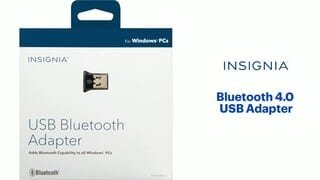
- Model:
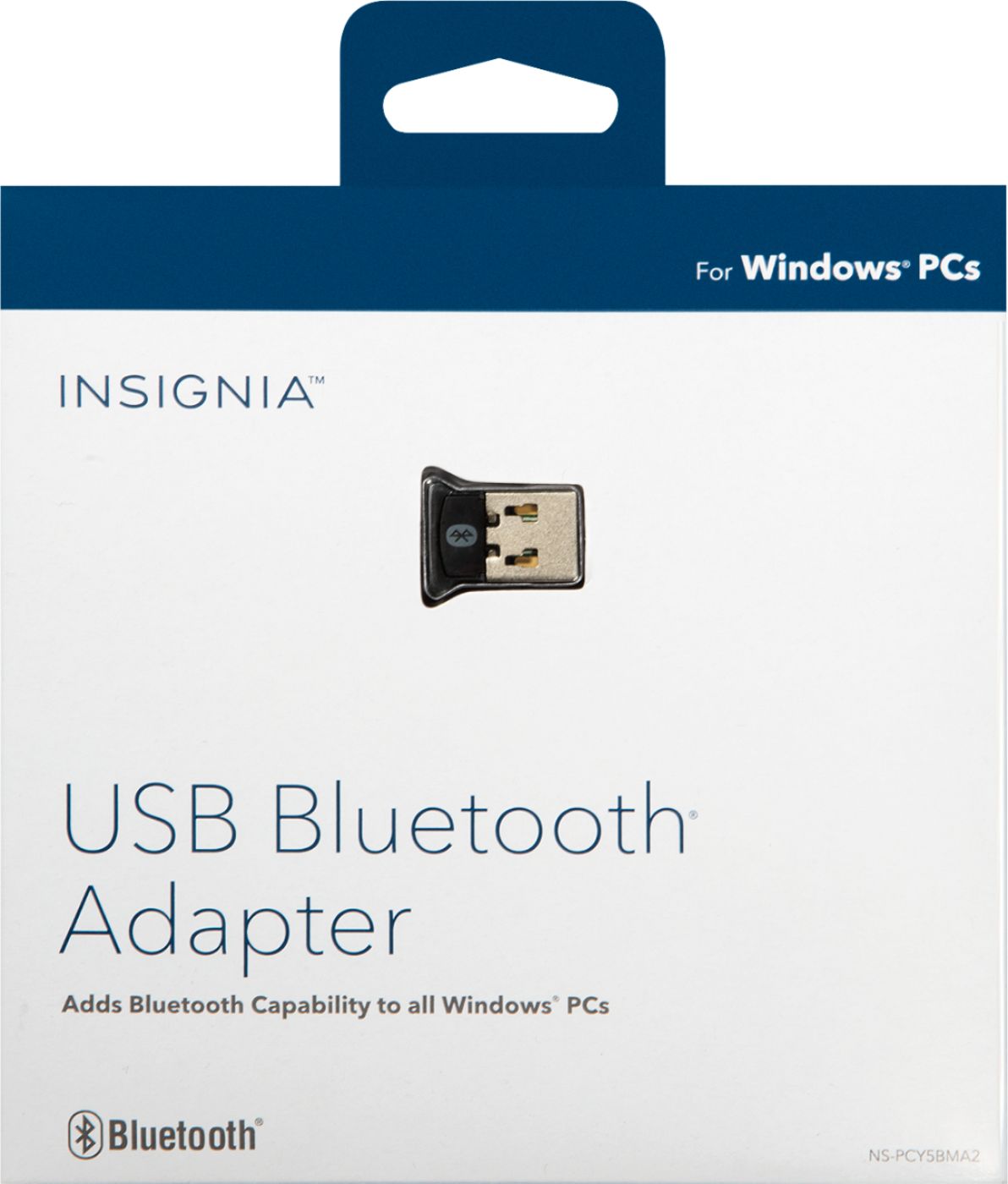
- NS-PCY5BMA2
- SKU:
- 4884001
Rating by feature
- Value
Rating 4.1 out of 5 stars
- Quality
Rating 4.1 out of 5 stars
- Ease of Use
Rating 4.0 out of 5 stars
Customers are saying
Customers praise the Bluetooth functionality, ease of use, and compatibility of this USB adapter, frequently citing its affordability and compact size. Positive feedback also highlights the straightforward setup and reliable performance. However, some users experienced difficulties with driver installation and reported that the range and signal strength could be improved.
This summary was generated by AI based on customer reviews.
Norm
||Posted .This reviewer received promo considerations or sweepstakes entry for writing a review.This is a poor product that did not work for me and it was return back to the store for a stupid store credit
No, I would not recommend this to a friendOutdated
||Posted .This reviewer received promo considerations or sweepstakes entry for writing a review.I just bought this recently and already I'm being told that it doesn't support USB 3. It's USB 2
No, I would not recommend this to a friendDidn't work
||Posted .This reviewer received promo considerations or sweepstakes entry for writing a review.Sadly it didn't work with my computer. Could be because the download was blocked by my company
No, I would not recommend this to a friend- Pros mentioned:Bluetooth, Compatibility
Good alternative if PC doesn't have BT ability
Posted .This reviewer received promo considerations or sweepstakes entry for writing a review.My company recently upgraded work stations and gave us Windows 10 enterprise, but it was custom built and they didn't include the BT feature. I bought the Insignia usb bluetooth adapter and it was compatible with my beats solo3's. I've watched TV shows, went on youtube, listened to satellite radio all wirelessly. This item works great. I recommend this product.
I would recommend this to a friend - Cons mentioned:Driver installation
Works great, but can be a hassle to setup
Posted .This reviewer received promo considerations or sweepstakes entry for writing a review.The hardware is excellent at a great price and great reliability, but figuring out the drivers is very troubling. The instructions suggest to get the drivers from a particular site, but the drivers are no longer available directly from Broadcom. But after a little searching on the internet, I found that the basic Broadcom drivers are embeded in Windows. After that, it was up and running relatively well. Note there are multiple base drivers in Windows that work, but I believe one gives full functionality with Win 10.
I would recommend this to a friendBrand response from InsigniaCustomerSupport
Posted .Hi, Mike.
Thank you for sharing you review with us. Your opinion is paramount for us to keep striving to provide the best experience when purchasing our products. We are definitely proud of this Adapter and I certainly appreciate your feedback.
Alexander G. - Insignia Support
- Pros mentioned:Bluetooth
Works fine on Windows 10 for mouse/keyboard
Posted .This reviewer received promo considerations or sweepstakes entry for writing a review.Plugged the Bluetooth adapter into my Windows 10 PC and it automatically installed driver. Using it for Bluetooth mouse and keyboard. My only criticism is that you need to modify the driver so that the mouse and keyboard don't fall asleep after 5 seconds of inactivity. This is due to Windows power management. Run Device Manager and find the Bluetooth adapter. There should be a Power Management tab where you can turn off putting the adapter to sleep to save power. This really should be under Settings to make it easier to find but that's Microsoft's fault -- not this product.
I would recommend this to a friend - Pros mentioned:PriceCons mentioned:Driver installation
Works When it Works
Posted .This reviewer received promo considerations or sweepstakes entry for writing a review.My first gripe is drivers. Expecting Windows Updates to install the driver is bad design. Give me an Insignia website where I can make sure I am getting current and correct version needed. The product is a repackaged Broadcom bcm20702a0. Even on their website it says to used Windows Update. So why the big gripe about the drivers? Because I have to uninstall the driver about once a month because it randomly stops working. With all that, I still recommend it because I don't think you'll find another one in this price range. Just know what you are getting into.
I would recommend this to a friendBrand response from InsigniaCustomerSupport
Posted .Hello AndrewS,
Thank you for taking the time to review our Insignia™ - Bluetooth 4.0 USB Adapter. I know it can be dissatisfying that its not working as expected.
Please know that we are improving the quality of this product by considering our customers feedback, however I'd like you to contact our support team for further assistance at 1 (877) 467-4289 Daily 8am - 9pm CT.
Insignia Support
Molina
www.insigniaproducts.com/support
- Pros mentioned:Bluetooth
Nice upgrade to my existing onboard adaptor
Posted .This reviewer received promo considerations or sweepstakes entry for writing a review.Needed an upgrade on my HP desktop computer. Onboard Bluetooth adaptor was not BT 4.0 so my Garmin VivoActiveHR would not connect. After installation on Win10, had no problems getting it connected. Added benefit was getting my mouse and keyboard on the adaptor as well. Disabled my onboard and smooth sailing now!
I would recommend this to a friend Works in Linux, but not in Windows 7
Posted .This reviewer received promo considerations or sweepstakes entry for writing a review.I found this device works in Linux Fedora 30, but not in Windows 7. For Windows 7, no device driver is automatically found. The support web pages from the Insignia web site do not have the driver. The only chance to get this working is to find a similar driver from another manufacturer. Even with the driver installed, Windows 7 cannot connect to my Bose QuietComfort 35 II headphones without a lengthy and painful installation process to hack Windows 7. Keep in mind, bluetooth 4.0 was standardized years after Windows 7, so nobody bothered with providing this support. I did find that this Bluetooth dongle was immediately working with Linux (Fedora 30). I paired my headphones, and started listening to music. This took no effort at all; i did not have to use google to find setup instructions. The sound is beautiful via Fedora. I can only recommend this for Linux users. I don't know if it works in Windows 10.
I would recommend this to a friend- Cons mentioned:Driver installation
Works Ok
Posted .This reviewer received promo considerations or sweepstakes entry for writing a review.The BT adapter works okay. It's a good solution when you need to add a BT enable device to a non-BT laptop or computer. The install on a Windows 10 Pro desktop was not too complicated, it wasn't a true plug and play. Now, the only issue I have with it is the slight delay when using a BT device like a keyboard. Occasionally, the adapter would appear to turn off (blue light on the adapter either starts to blink (like its in discover mode or turns off) and I would lose the use of my keyboard for a few seconds. I have experience this also on my BT ear buds. I have troubleshooted both devices and nothing appears to resolve the issue. I have also tried this on another laptop I have in the office with the same results. Personally, I can live with it but just occasionally annoying when you're clicking thru different fields/boxes/cells or typing an email.
I would recommend this to a friend - Pros mentioned:Ease of use, Size
Great product at a great price.
Posted .This reviewer received promo considerations or sweepstakes entry for writing a review.Small, simple, and effective. I used this to connect my Bose headphones to my laptop. It was done in less than five minutes. Not much else to say.
I would recommend this to a friend - Pros mentioned:Bluetooth
Handy to have options
Posted .This reviewer received promo considerations or sweepstakes entry for writing a review.Needed this for a laptop that's internal Bluetooth chip died & I didn't feel like ripping it apart. This usb bluetooth option worked just fine and solved the issue.
I would recommend this to a friend Manualy download driver!
Posted .This reviewer received promo considerations or sweepstakes entry for writing a review.I bought this to use my Xbox controller onto my PC. I built my computer and have windows 10 which is probably why the bluetooth driver did not show in my Device manager menu. after researching the reviews 1 person said that you have to download the driver manually and he linked it. Link: https://oemdrivers.com/bluetooth-bcm20702a0-driver#drivers i was hesitant but after a google search i trusted OEMdrivers and followed their instruction. it works! and i came and went through the trouble of leaving a review to help you if youre stuck in my previous situation. its a good device but my PC system was at fault.
I would recommend this to a friend- Cons mentioned:Driver installation
Hit or miss install
Posted .This reviewer received promo considerations or sweepstakes entry for writing a review.Per the reviews this dongle is going to self install or give you an error that the driver cannot be found and label the device BCM20702A0. I work in IT and find these irritations to be challenges. Fast forward almost an hour and my searching lead me to https://www.catalog.update.microsoft.com/Search.aspx?q=Broadcom+bluetooth Installing the broadcom 20702 bluetooth 4.0 driver got me going. Hope this helps a few people before they head back to Best But in frustration. I cannot give my experience more than a three star rating as Insignia should provide a current URL to get he product running. I would assume most customers are going to package this back up and return it.
I would recommend this to a friend - Pros mentioned:Bluetooth
Was fixing to return, but found driver
Posted .This reviewer received promo considerations or sweepstakes entry for writing a review.I was fixing to return this as it did not work when I plugged it into my Dell Optiplex 9020 but a day later I found the update in "optional updates" in "settings". The driver that came with it was for an old version of windows. It failed to install after using a driver updater program. Happy it works now. I have so many bluetooth devices and I need the dongle for it to work.
I would recommend this to a friend Works great if driver will install
Posted .This reviewer received promo considerations or sweepstakes entry for writing a review.If this would have been truly plug and play for me I would have given it 5 stars. I read enough reviews to know that Windows 7 doesn't always find the correct driver and that while labeled Insignia it's really Broadcom. When I plugged it in, my computer could not find the drivers. I did a search for the Broadcom driver and only found some questionable downloads but I recalled ASUS uses the same Broadcom chip in their adapter. Did a search for ASUS's driver and found it without issue and it installed and got my adapter working in no time. For anyone else having the same issue here is the ASUS download link: https://www.asus.com/us/Networking/USBBT400/HelpDesk_Download/
I would recommend this to a friend- Pros mentioned:Compatibility
Miracle-worker
Posted .This reviewer received promo considerations or sweepstakes entry for writing a review.So I have Steele Series Duo PC controller that has bluetooth capabilities but also comes with it's own usb adapter. Well, I lost my wireless adapter and could not get my laptop's bluetooth connection to work with it. So I went to Bestbuy this morning and the guys in the PC section told me to try out this little unit. They also said that if it didn't work I could take it back, which was cool. So I decided to try it out regardless... Low and behold, it actually worked!!!
I would recommend this to a friend - Pros mentioned:Bluetooth
Affordable For Low Spec Laptop/PC Users
Posted .This reviewer received promo considerations or sweepstakes entry for writing a review.For me, my laptop came without a Bluetooth device which leaves me nothing to connect with another wireless device such as a mouse or headset. With this device connected, I'm able to use it efficiently when I update my USB to the latest version to enable Bluetooth setting and connected my devices with my mouse, controller, and headset at the same without plugging in too many USB devices. Worked about a month after testing.
I would recommend this to a friend Poor connection quality and questionable design.
Posted .This reviewer received promo considerations or sweepstakes entry for writing a review.I purchased this adapter in order to use a wireless headset that I previously used for driving while on the phone. +This adapter installed instantly on my windows 10 PC, so that's a big plus for not having to worry about installing drivers +This works with windows' built in bluetooth settings menu, so there's no bloatware or unnecessary software. Cons: -This adapter is very small. I used this on my desktop pc, and depending on the location of the USB port, it can be VERY difficult to pull out because it barely sticks out. I can understand that some people might be using this in a notebook, but honestly in 2017 there are very few laptops that don't have built in bluetooth. -No matter where I positioned my desktop in relation to my headphones, I would get 5-20 seconds of almost static-y interuption every few minutes. I can't tell if it's due to the fact that the adapter is getting some interference (unlikely, unless wi-fi is causing some issue) or the adapter is just poor quality. The headphones I use work with my phone, my macbook pro, etc. so that isn't the issue. I sit about 3-4 feet away from my tower. I'm not entirely sure what the issue is, but considering the trouble I ended up returning this a few days after buying it. This may work better for people using it on a laptop if you need - as they tend to only be a couple feet away and almost always in line of sight.
No, I would not recommend this to a friend- Cons mentioned:Driver installation
Not Intuitive but works when you find the driver
Posted .This reviewer received promo considerations or sweepstakes entry for writing a review.I have Window 7 64bit wanted to get this so I can use my nice wireless headphones in my open office. The drivers are not included and took me a day to find the drivers to make it work. I was about to return it until I gave it one last try and found this forum with the drivers. But you need to know what you're doing to set it up. For Driver info to anyone that needs it on Windows 7 64bit. I found them in this HP Forum. https://h30434.www3.hp.com/t5/Notebook-Software-and-How-To-Questions/bcm20702a0-driver-not-found/td-p/5662847
I would recommend this to a friend