Customer Ratings & Reviews
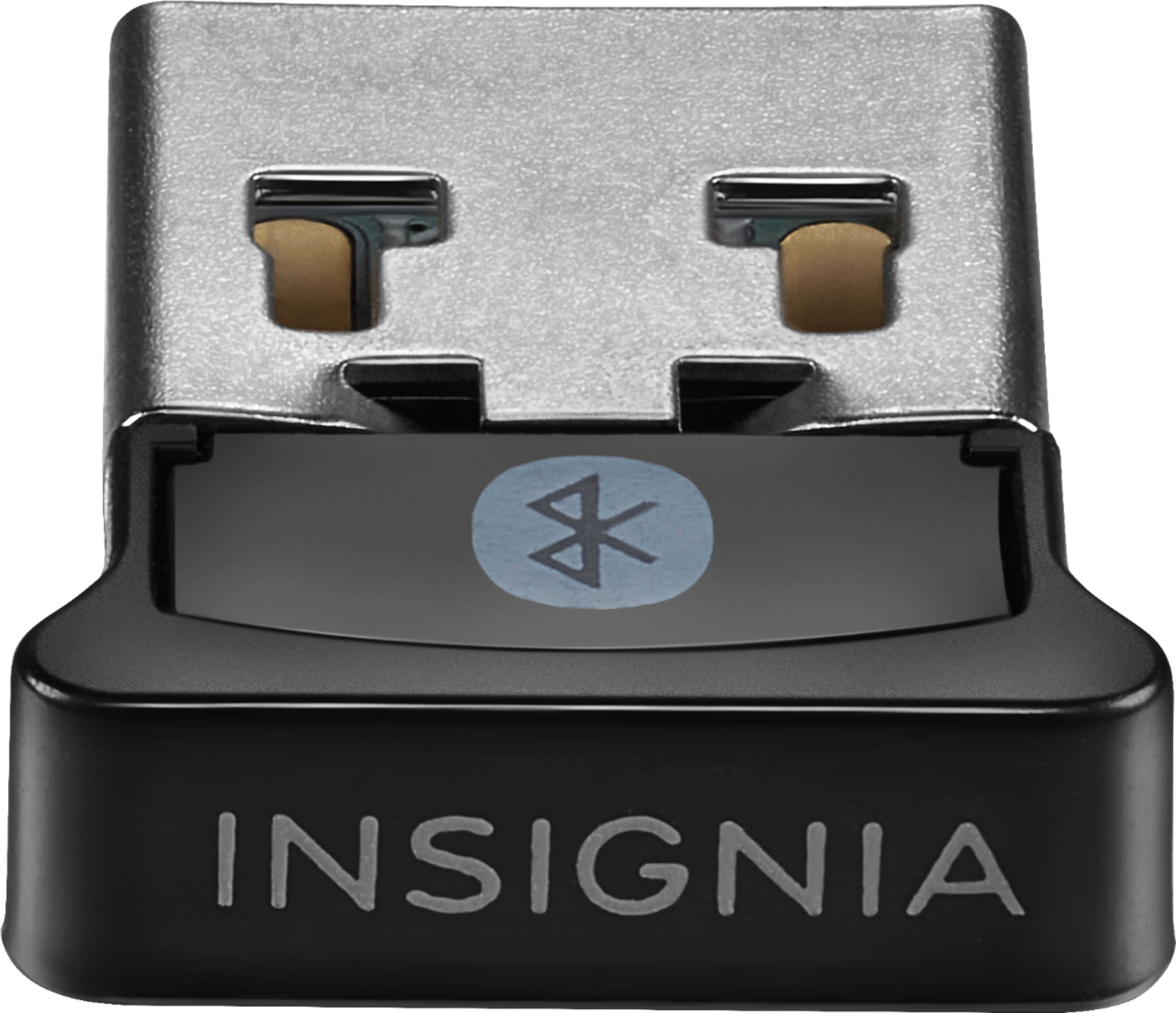
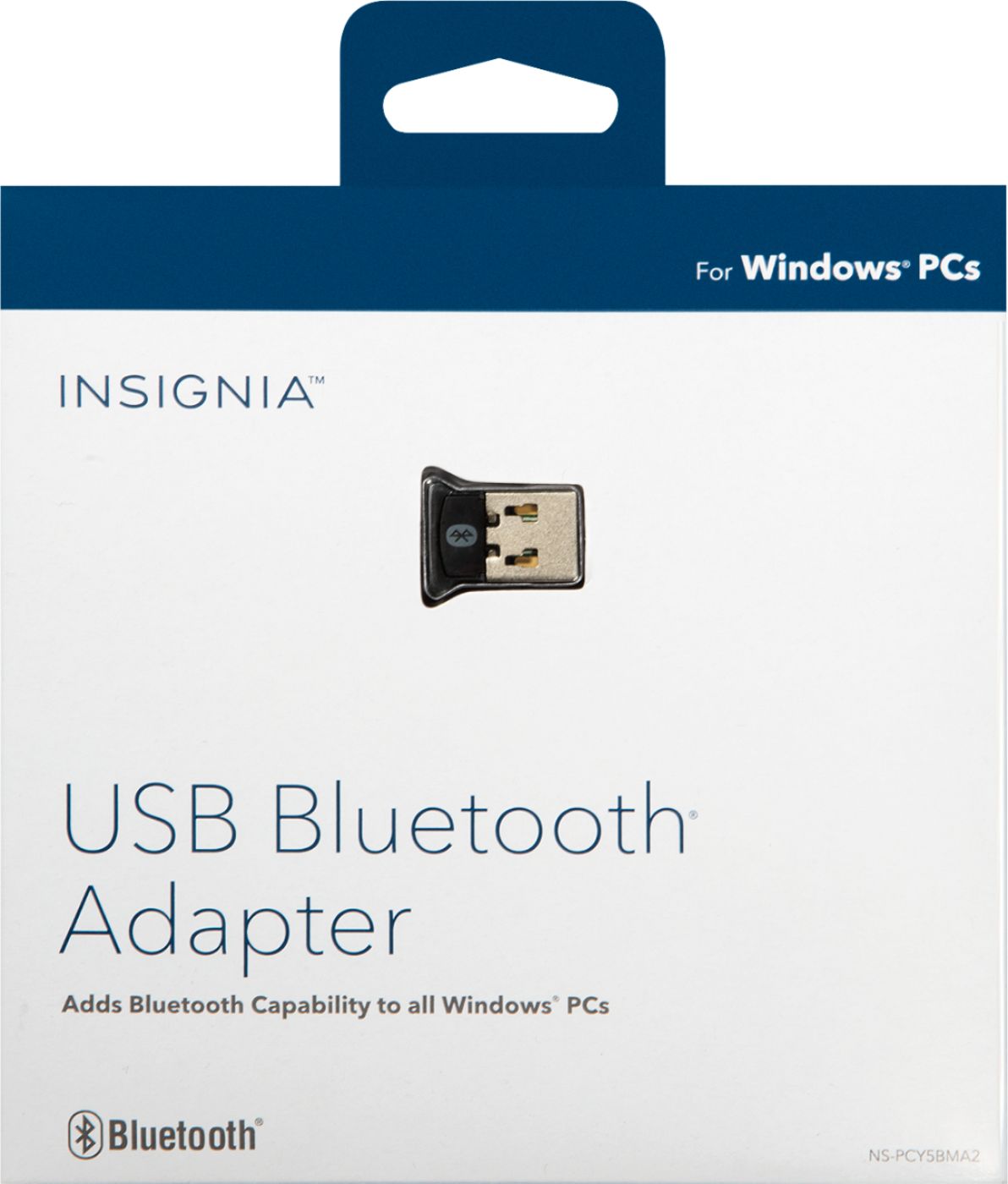
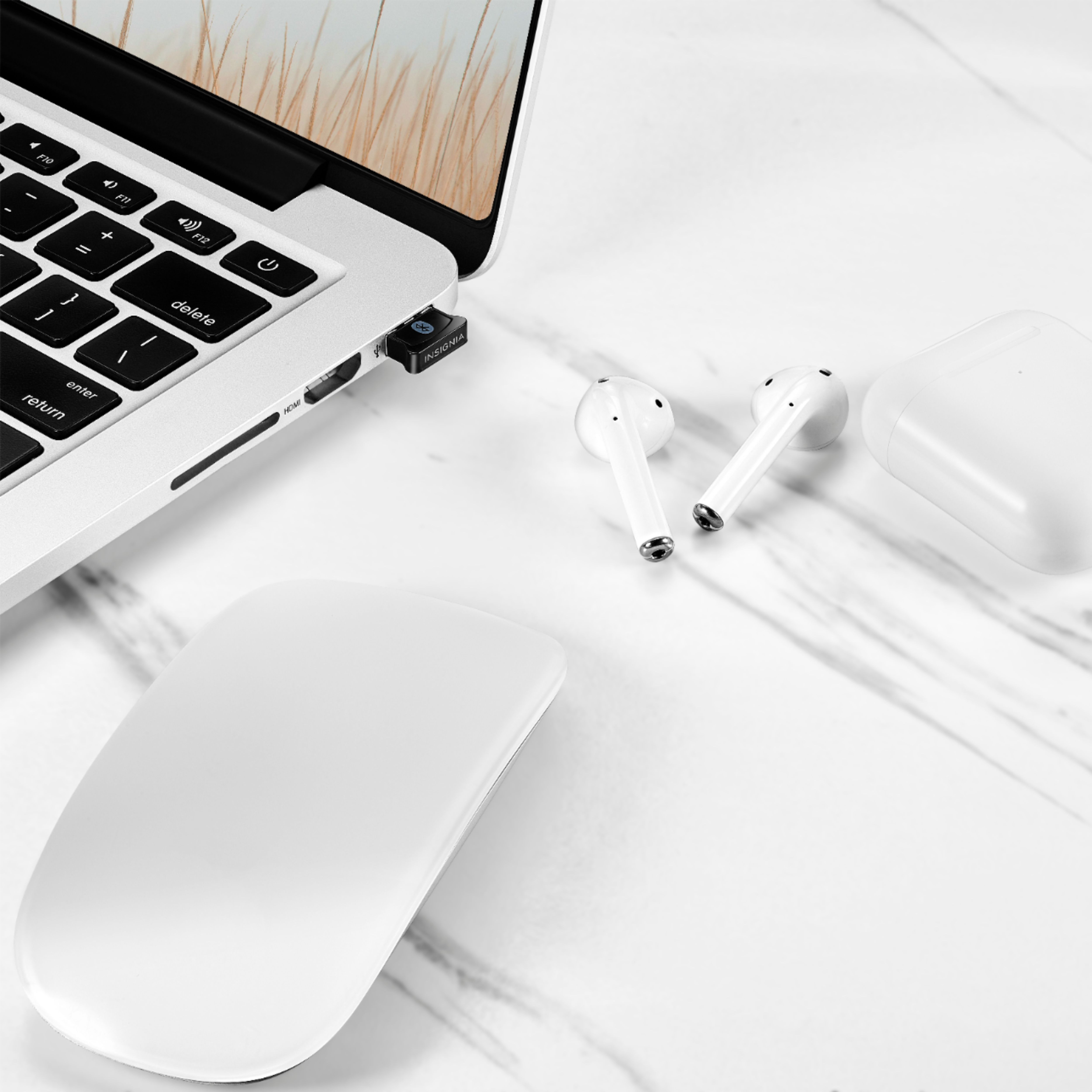
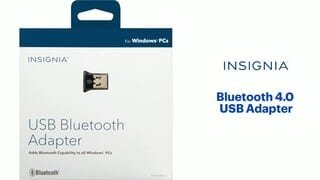
- Model:
- NS-PCY5BMA2
- SKU:
- 4884001
Rating by feature
- Value
Rating 4.1 out of 5 stars
- Quality
Rating 4.1 out of 5 stars
- Ease of Use
Rating 4.0 out of 5 stars
Customers are saying
Customers praise the Bluetooth functionality, ease of use, and compatibility of this USB adapter, frequently citing its affordability and compact size. Positive feedback also highlights the straightforward setup and reliable performance. However, some users experienced difficulties with driver installation and reported that the range and signal strength could be improved.
This summary was generated by AI based on customer reviews.
- Pros mentioned:Ease of use, Price
Does exactly what you want to do with a low price!
||Posted .This reviewer received promo considerations or sweepstakes entry for writing a review.This product is reasonably priced and easy-to-use even a beginner could use it. Great signal range also!
I would recommend this to a friend - Pros mentioned:BluetoothCons mentioned:Range
You Want Bluetooth? You Got it.
||Posted . Owned for 4 months when reviewed.This reviewer received promo considerations or sweepstakes entry for writing a review.Plugged this baby right in and had no issues keeping a solid connection to my bluetooth devices. Doesn't have a super long range outside of the current room it's in but is expected for a small dongle that goes into any usb slot. Easy plug in and have bluetooth instantly.
I would recommend this to a friend - Pros mentioned:Bluetooth, Price
Worth it
||Posted . Owned for 2 months when reviewed.This reviewer received promo considerations or sweepstakes entry for writing a review.Originally wanted to install on the pc board internally but decided to give this a try, I don’t notice any difference from PCs I’ve used with an internal Bluetooth and even got to save more money with an open box. I use it with headphones and a Nvidea shield controller.
I would recommend this to a friend - Pros mentioned:Compatibility
Works Perfectly
||Posted . Owned for 3 weeks when reviewed.This reviewer received promo considerations or sweepstakes entry for writing a review.Not the greatest Bluetooth adapter out there but for the price, its perfect. I could have bought a more expensive adapter and it would only work just as good as this one, so yeah, this is a better value and works perfectly, connected my Bose using this to my PC and works Great.
I would recommend this to a friend - Pros mentioned:Bluetooth
working good
||Posted . Owned for 1 month when reviewed.This reviewer received promo considerations or sweepstakes entry for writing a review.Since the virus situation hit I've needed to be available to do meetings online and I was limited to the capabilities of my camera microphone and using the speakers that gave me no privacy. Now I can use any of a number of headsets that I have and it's working great. The only bug that I needed to work out was that I have to shut off the bluetooth on my phone to get a good connection when starting up - or it connects to my phone instead
I would recommend this to a friend - Pros mentioned:Bluetooth, Ease of use
Bluetooth without breaking the bank.
||Posted . Owned for 9 months when reviewed.This reviewer received promo considerations or sweepstakes entry for writing a review.great bluetooth adapter! great functionality for a great price
I would recommend this to a friend - Pros mentioned:Bluetooth
Perfect for old computers
||Posted .This reviewer received promo considerations or sweepstakes entry for writing a review.Just about everything today has Bluetooth, but this is perfect for older equipment. Set up fast. Windows installed automatically.
I would recommend this to a friend - Pros mentioned:Ease of use, Price
Usb Bluetooth
||Posted .This reviewer received promo considerations or sweepstakes entry for writing a review.It’s cheap and it works. Easy to use. But might need to update drivers
I would recommend this to a friend - Pros mentioned:Bluetooth
Extended the Life of my Laptop
||Posted . Owned for 7 months when reviewed.This reviewer received promo considerations or sweepstakes entry for writing a review.I have an Alienware Laptop from 2010 and it was starting to get to the point of being obsolete. This simple little adapter gave it new life now that I'm still able to use headphones, even if they are wireless! It'd be great if there was a way connecting or turning on the Bluetooth device could turn on my laptop like with other tech of today's time, but I think that's more of my laptop's fault than the adapter.
I would recommend this to a friend - Pros mentioned:Ease of use
Good product, budget friendly.
||Posted . Owned for 1 month when reviewed.This reviewer received promo considerations or sweepstakes entry for writing a review.I personally haven’t used this device for much, other than using a Bluetooth xbox controller, but it works great, it’s really simple to set up, and has good overall connection. I would recommend this if you’re on a budget and really need bluetooth.
I would recommend this to a friend - Pros mentioned:Bluetooth, Ease of use
Works like a Charm
||Posted . Owned for 4 months when reviewed.This reviewer received promo considerations or sweepstakes entry for writing a review.So my brother built my computer for me and it didn't have bluetooth so I got this for bluetooth. Works like a charm, and very easy to use. I just plug it into my computer and it kinda does its own thing and now i am able to use bluetooth like magic!
I would recommend this to a friend Really hard to find driver!!!
||Posted .This reviewer received promo considerations or sweepstakes entry for writing a review.We had such a hard time finding the right driver. Currently dont have internet so we had to find the direct driver file on phone to transfer onto PC. Insignia's website didnt have it and a lot of the suggested ones didnt work. This is the one that finally worked for us: See also NerdyGirl's answer. The driver can be found on http://www.driverscape.com You want the driver for a device named BCM20702A0. The following link worked better for me to get to this driver package: http://www.driverscape.com/download/bcm20702a0. I downloaded this zip file: Driver Version: 12.0.0.9980 Release Date: 2014-09-25 File Size: 171.98M Supported OS: Windows 10 32 & 64bit, Windows 8.1 32 & 64bit, Windows 7 32 & 64bit, Windows Vista 32 & 64bit, Windows XP NerdyGirl is right -- the Setup.exe file in this package doesn't work, at least for my Windows 7 machine. I followed NerdyGirl's tip about manually updating the driver. Here's how: Download the zip file. Extract the driver package in the zip file. Remember where the driver package is on your computer. Go to Start: Control Panel: Device Manager. Look in the Other Devices list in Device Manager for a device named BCM20702A0. Right click on that name. Click on Update Driver Software. Choose Browse My Computer for Driver Software. Find the driver package. Choose the Win32 folder or the Win64 folder depending on what operating system is running on your computer. If you get a warning message that the driver can't be verified, click Yes to install the driver anyway. The driver install went fine for me after that. After installation, you'll see a new Bluetooth Radios category in the Device Manager. Hope this helps.
I would recommend this to a friendBrand response from InsigniaCustomerSupport
Posted .Hello.
Thank you for writing a review for our USB bluetooth adapter. In this case I think that our best options would be to get in contact with one of our agents, you can reach them everyday from 8am to 9pm CT at 1-877-467-4289. Our agents are really professional and will be more than glad to help you with this situation.
Carlos O - Insignia support.
- Pros mentioned:CompatibilityCons mentioned:Range
Easy peasy
||Posted .This reviewer received promo considerations or sweepstakes entry for writing a review.Bought this so I could use my BT headphones or speaker on my pc. Works great! The range on it isn’t the greatest, roughly about 20 feet. Connects to devices quick and I haven’t ran in to any random disconnect issues. If you want Bluetooth functionality on your pc, pick this up. You’ll be happy with it.
I would recommend this to a friend - Pros mentioned:Bluetooth, Size
Low cost, gets the job done
||Posted . Owned for 11 months when reviewed.This reviewer received promo considerations or sweepstakes entry for writing a review.I use this on my main desktop machine, works well with windows 10 and my bluetooth headsets and Xbox one controller. I like this brand for other electronics and haven’t had any issues. Will auto install drivers. Small and hardly noticeable.
I would recommend this to a friend - Pros mentioned:Price, Size
Bluetooth
||Posted .This reviewer received promo considerations or sweepstakes entry for writing a review.Small, compatible and great price. Fits perfectly in my vehicle small compartment.
I would recommend this to a friend - Pros mentioned:SizeCons mentioned:Range
Works as advertised
||Posted .This reviewer received promo considerations or sweepstakes entry for writing a review.No issues. I wish the range was a bit more but it works great for what it is. A small simple bluetooth receiver.
I would recommend this to a friend - Pros mentioned:Ease of use
So far, so good
||Posted .This reviewer received promo considerations or sweepstakes entry for writing a review.Full disclosure, I bought this in order to listen to my Bluetooth headphones on my new Win 10 system at work, and that's it. That said, setup could not have been easier (system recognized the device and auto-installed); pairing was just as easy; and the performance is rock solid. What else could one want?!
I would recommend this to a friend - Cons mentioned:Driver installation
Buy something else!
Posted .This reviewer received promo considerations or sweepstakes entry for writing a review.The driver could not be found. I spent about three hours trying to get it to work with no luck. There is no customer support and no way to download the driver from the manufacturer. Please save yourself all the trouble by avoiding this bluetooth adapter.
No, I would not recommend this to a friend - Cons mentioned:Driver installation
Works great! Might need to manually download drivr
||Posted . Owned for 1 week when reviewed.This reviewer received promo considerations or sweepstakes entry for writing a review.Works great! Only issue was that Windows 10 was not able to install the driver automatically. I had to go through oemdrivers.com to actually pull it up and download. After that, works great. Here's the link: https://drv.oemdrivers.com/bluetooth-bcm20702a0-driver/broadcom_bluetooth_12_0_0_9980.zip
I would recommend this to a friend - Pros mentioned:Ease of use, Price
Bluetooth adapter
||Posted . Owned for 1 month when reviewed.This reviewer received promo considerations or sweepstakes entry for writing a review.Good product and good price. Works perfectly. Definitely worth the price.
I would recommend this to a friend