Customer Ratings & Reviews

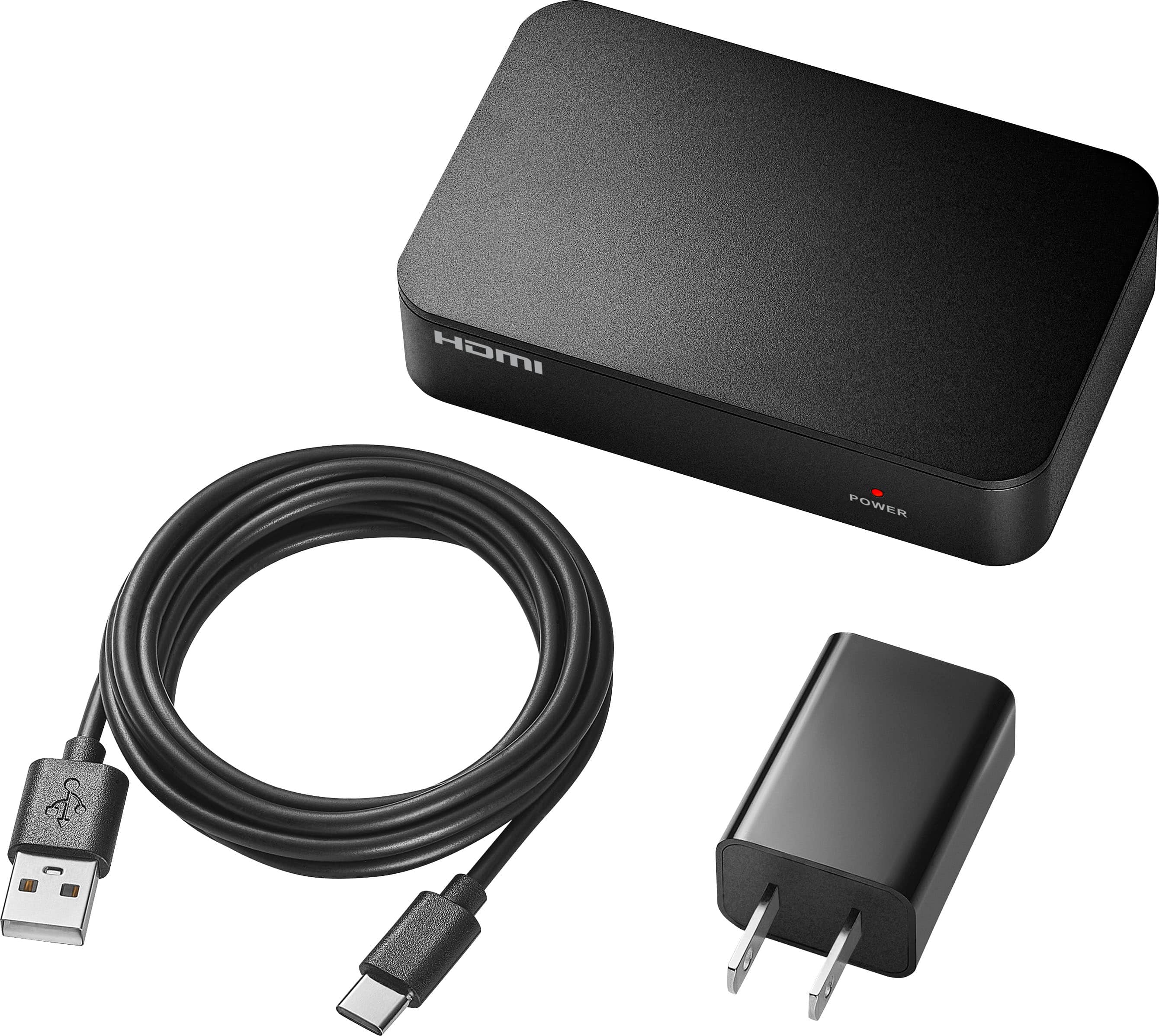
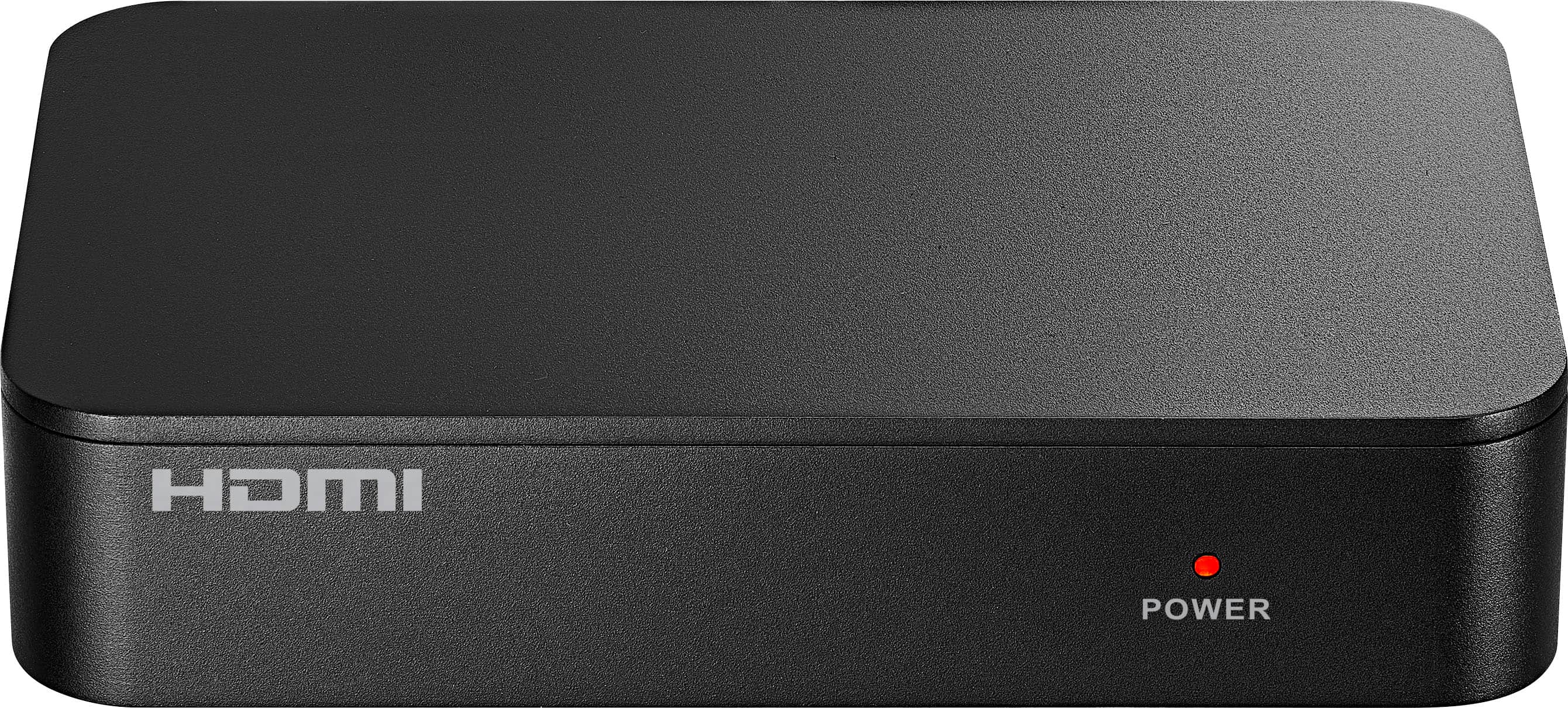
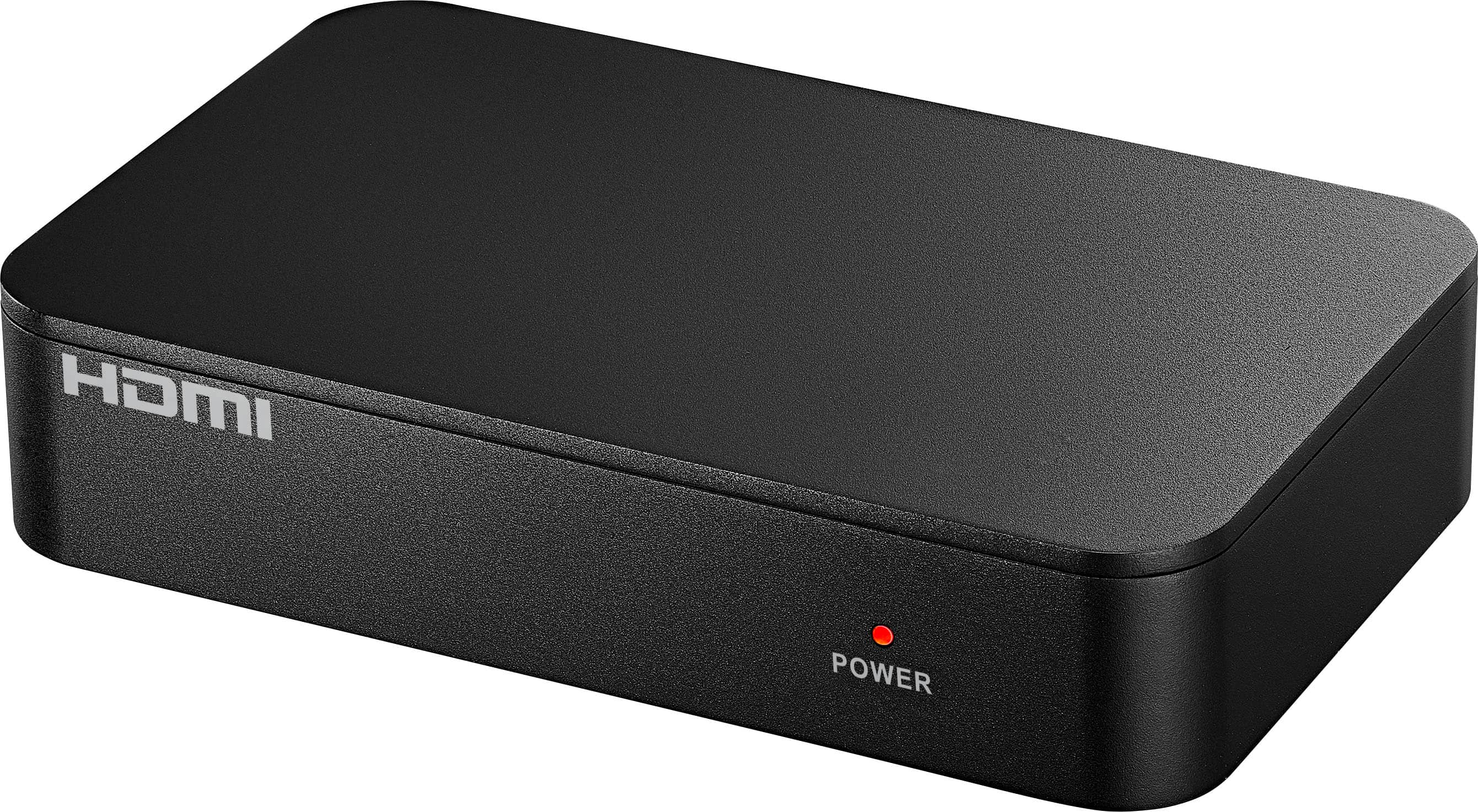
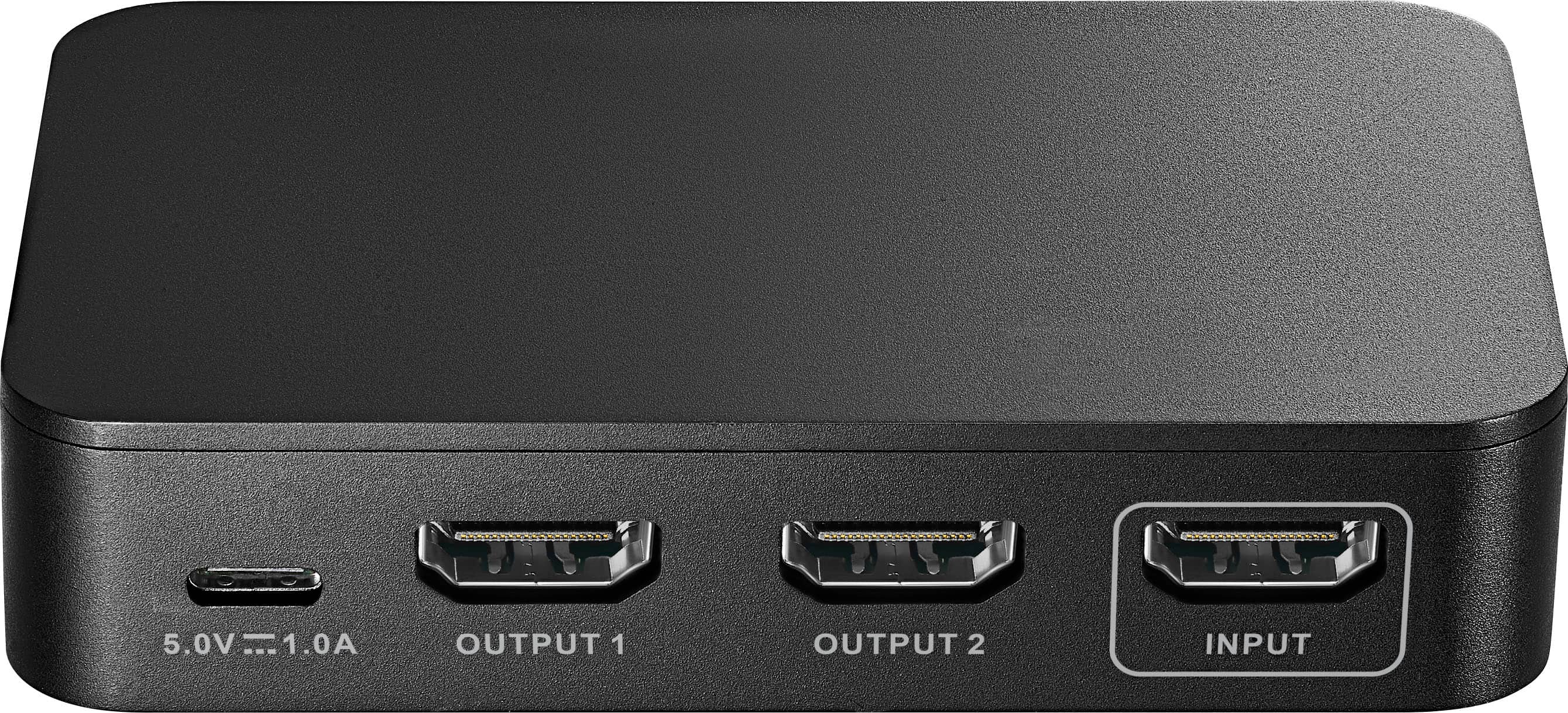

- Model:
- NS-AV20SPLTR
- SKU:
- 6633272
Rating by feature
- Value
Rating 4.2 out of 5 stars
- Quality
Rating 4.4 out of 5 stars
- Ease of Use
Rating 4.5 out of 5 stars
Customers are saying
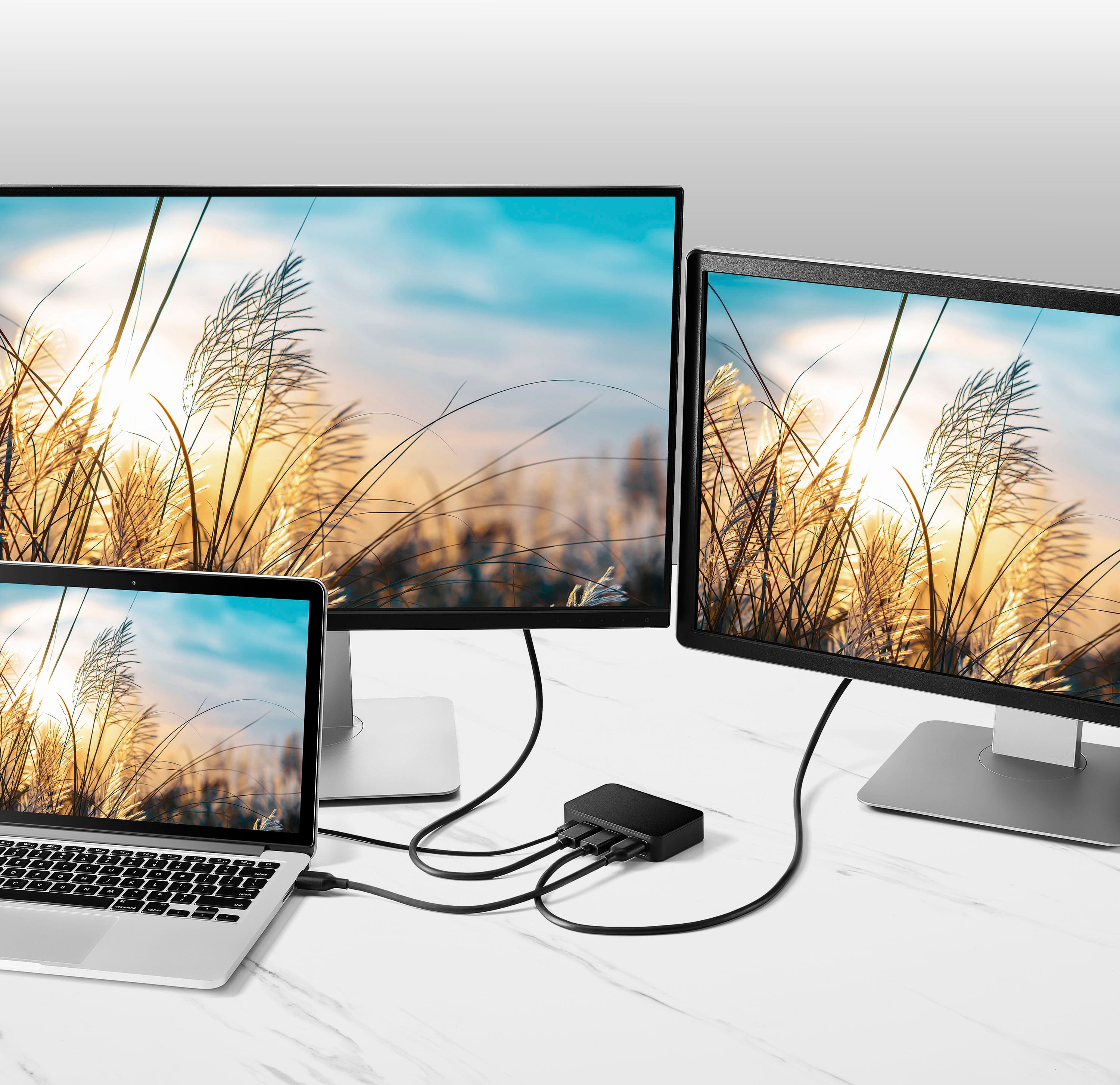
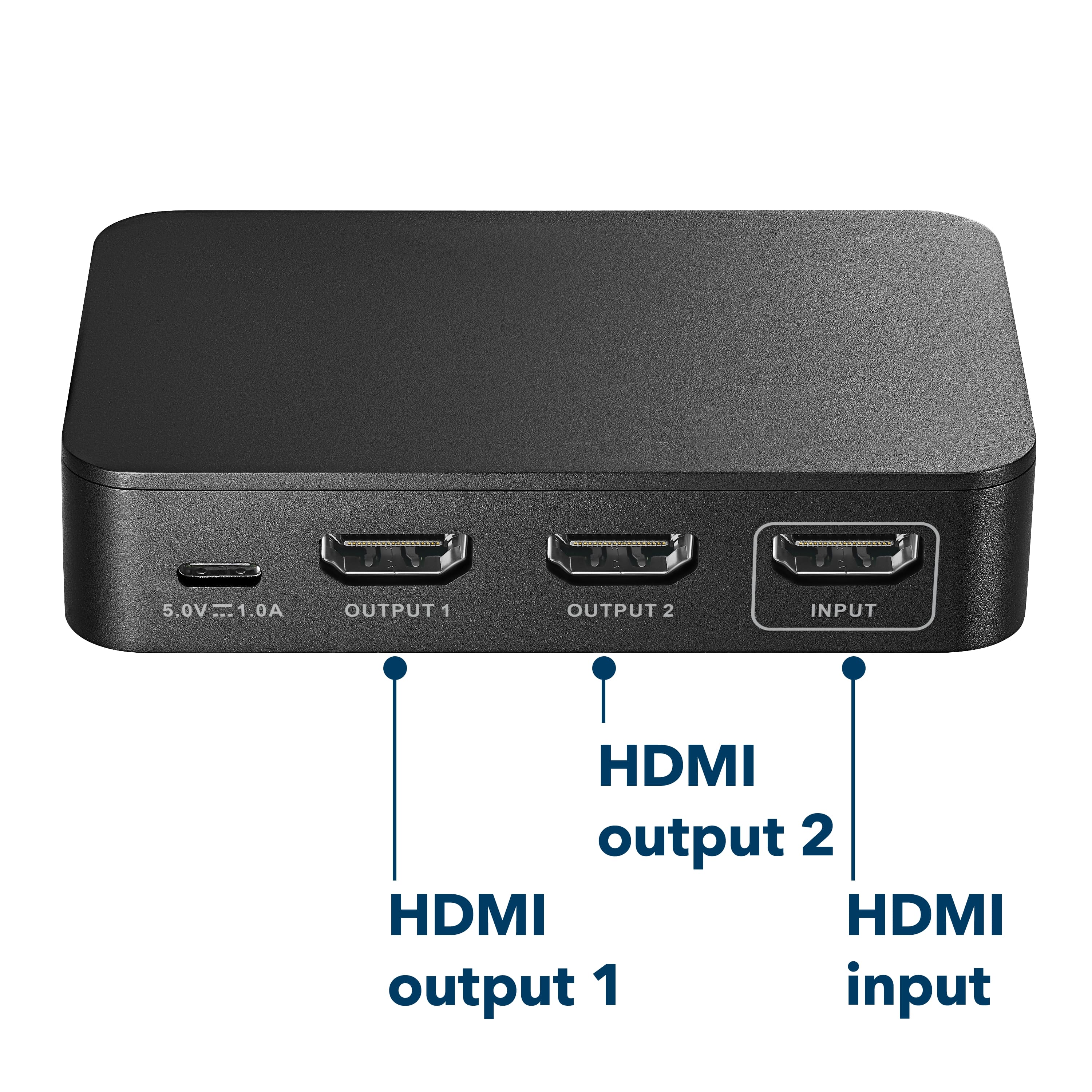
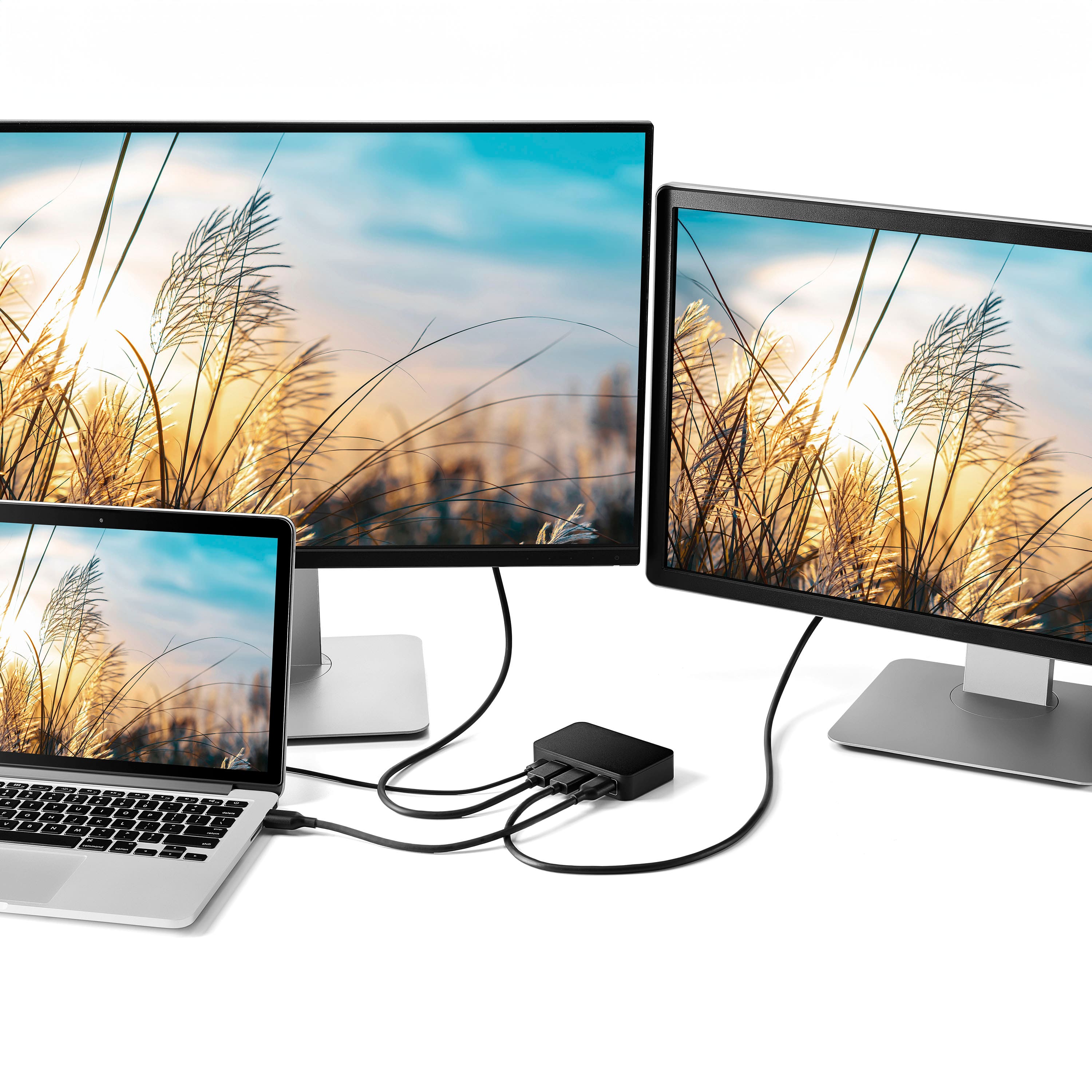
Customers are positive about the HDMI 2-Output Splitter with HDR Pass-Through. Users find the picture quality to be excellent on their 4K monitors. They also appreciate the device's connectivity, easy setup, and plug-and-play ease of use.
This summary was generated by AI based on customer reviews.
HDMI 4K Splitter
||Posted . Owned for 3 weeks when reviewed.This reviewer received promo considerations or sweepstakes entry for writing a review.Was very easy to connect, but it didn't work with an older TV. Perhaps the TV doesn't accept a 4K input???? So, it was returned.
I would recommend this to a friendBrand response from InsigniaCustomerSupport
Posted .Hello Henry, thank you for sharing your feedback! We're glad to hear that the Insignia HDMI 2-Output Splitter was easy to set up. We're sorry it wasn't compatible with your older TV and did not meet your needs. We appreciate you taking the time to share your experience. Thank you again for your feedback.
Sudeep | Insignia
Works great!
||Posted . Owned for 4 months when reviewed.This reviewer received promo considerations or sweepstakes entry for writing a review.I would refer this product since it is easy to use and works perfectly.
I would recommend this to a friendBrand response from InsigniaCustomerSupport
Posted .Hello Dhruv, thank you for sharing your feedback. We're delighted to hear that the Insignia HDMI 2-Output Splitter was easy to set up and worked perfectly for your needs. It's great to know that the product delivered the performance and convenience you were looking for. We truly appreciate your recommendation and support.
Sidhartha | Insignia
- Pros mentioned:Overall performance
Does as advertised
||Posted . Owned for 1 week when reviewed.This reviewer received promo considerations or sweepstakes entry for writing a review.Exactly what I been looking for. Does as advertised
I would recommend this to a friend Decent splitter
||Posted . Owned for 2 weeks when reviewed.This reviewer received promo considerations or sweepstakes entry for writing a review.Works well, a little overpriced but that happens when you need it quick.
I would recommend this to a friendBrand response from InsigniaCustomerSupport
Posted .Hi Ryan, Thank you for sharing your feedback on the Insignia HDMI 2 Output Splitter with HDR Pass Through. We are glad to hear it works well and provided the solution you needed when time was of the essence. We appreciate your candid comments regarding the value and your support. Thank you for being a valued Insignia customer. Shashank | Insignia.
- Pros mentioned:Overall performance
Brilliant at what it does, just not what I wanted
||Posted . Owned for 1 week when reviewed.This reviewer received promo considerations or sweepstakes entry for writing a review.This little splitter worked perfectly, duplicating my screen, but I needed an extended screen. So it didn't do what I needed, but worked well nonetheless.
I would recommend this to a friend - Pros mentioned:Overall performance
it does what it claims this far
||Posted . Owned for 1 week when reviewed.This reviewer received promo considerations or sweepstakes entry for writing a review.Working just as expected so far. Only been a couple weeks since purchase so can't site much more. Could have been a touch cheaper.
I would recommend this to a friend best purchase
||Posted . Owned for 5 months when reviewed.This reviewer received promo considerations or sweepstakes entry for writing a review.great purchase!!.. go for it if u need one!!!!!!!!
I would recommend this to a friendBrand response from InsigniaCustomerSupport
Posted .Hello Poojitha! Thanks for sharing your feedback, it’s great to hear you’re loving the Insignia HDMI 2‑Output Splitter with HDR Pass‑Through. Always awesome when a product just works exactly the way you need it to. Really appreciate you taking the time to leave such an enthusiastic review.
Darshan | Insignia
Satisfied
||Posted . Owned for 2 weeks when reviewed.This reviewer received promo considerations or sweepstakes entry for writing a review.This product is performing perfectly very satisfied with it
I would recommend this to a friendBrand response from InsigniaCustomerSupport
Posted .Hello Mark, thank you for sharing your feedback! We’re glad to hear that the Insignia HDMI 2-Output Splitter is performing perfectly and meeting your expectations. It’s great to know that you’re very satisfied with its reliability and functionality. If you ever need assistance, our support team is always here to help. Thank you again for your feedback.
Sudeep | Insignia
Purchasable
||Posted . Owned for 4 months when reviewed.This reviewer received promo considerations or sweepstakes entry for writing a review.Happy with this purchase so far & had no issue so far
I would recommend this to a friendBrand response from InsigniaCustomerSupport
Posted .Hello Momo, thank you for sharing your feedback with us. We’re glad to hear the Insignia HDMI Splitter has been working well for you so far. We appreciate you taking the time to leave your review and your support. Rahul | Insignia
Screen duplication over hdmi 4k.
||Posted . Owned for 1 month when reviewed.This reviewer received promo considerations or sweepstakes entry for writing a review.Setup for duplicating Televisions across my business. Carried over 50ft hdmi cable
I would recommend this to a friendBrand response from InsigniaCustomerSupport
Posted .Hello Mike, thank you for sharing your feedback! We're glad to hear that the Insignia HDMI 2-Output Splitter worked well for duplicating displays across your business and maintained a reliable connection over a long HDMI cable run. It's great to know that it met your setup needs and performed as expected. Thank you again for your feedback.
Sudeep | Insignia
2 way splitter
||Posted . Owned for 1 month when reviewed.This reviewer received promo considerations or sweepstakes entry for writing a review.Works great no degradation to both TV's easy to install
I would recommend this to a friendBrand response from InsigniaCustomerSupport
Posted .Dear Insignia Customer, thank you for sharing your feedback. We’re happy to hear that the Insignia™ HDMI 2‑Output Splitter with HDR Pass‑Through is working great for your setup, providing clear output to both TVs with no signal loss and an easy installation experience. We truly appreciate your support and thank you for choosing Insignia.
Rafay | Insignia Products
Hmdi connected
||Posted . Owned for 2 weeks when reviewed.This reviewer received promo considerations or sweepstakes entry for writing a review.Work great I would recommend this product if you need I e
I would recommend this to a friendNice item.
||Posted . Owned for 1 week when reviewed.This reviewer received promo considerations or sweepstakes entry for writing a review.Easy to set up and works as expected. No issues so far.
I would recommend this to a friendGreat
||Posted . Owned for 3 weeks when reviewed.This reviewer received promo considerations or sweepstakes entry for writing a review.It worked but not the one ibwas looking for, will highly recommend
I would recommend this to a friendBrand response from InsigniaCustomerSupport
Posted .Hello Insignia Customer, we’re glad the Insignia HDMI splitter worked well for your setup. It’s great that you still found it recommendable even though it wasn’t the exact model you originally needed. We appreciate you sharing your feedback.
Safuvan | Insignia
Just what I needed
||Posted . Owned for 1 week when reviewed.This reviewer received promo considerations or sweepstakes entry for writing a review.Work’s great and the employee was very informative.
I would recommend this to a friendEasy Splitter
||Posted . Owned for 2 weeks when reviewed.This reviewer received promo considerations or sweepstakes entry for writing a review.Easy to install, everything was plug and play. Good buy
I would recommend this to a friendI recommend this
||Posted . Owned for 1 month when reviewed.This reviewer received promo considerations or sweepstakes entry for writing a review.Good,,,,,!!!!!!!!!!!!!!!!!!!!!!!!!!!!!!!!!!!!!’ Ps5
I would recommend this to a friendHDMI 2-Output Splitter
||Posted . Owned for 2 weeks when reviewed.This reviewer received promo considerations or sweepstakes entry for writing a review.This device should be called an extender as a splitter is a bit misleading. My computer cannot separate the two channels from the device so I just end up having the same screen twice no matter what. I didn't want to duplicate my screen, I wanted two individual screens to work with.
No, I would not recommend this to a friendBrand response from InsigniaCustomerSupport
Posted .Hello Coby, thank you for sharing your feedback. We’re sorry to hear that the Insignia HDMI 2‑Output Splitter didn’t meet your expectations. We understand how frustrating it can be when a device doesn’t perform the way you need it to especially when you’re looking to extend your workspace with two independent screens. This splitter is designed to duplicate a single HDMI signal, so it will show the same image on both displays rather than creating two separate extended screens. If you need help finding a solution that supports true dual‑monitor output, you can reach our support team at 1‑877‑467‑4289 or insigniasupport@bestbuy.com. Our team is here to support you. Thank you again for your feedback. Sudeep | Insignia
Does not give option for 3rd monitor. Only duplic
||Posted .This reviewer received promo considerations or sweepstakes entry for writing a review.This duplicates monitors but does not allow for a 3rd monitor view how I was hoping
No, I would not recommend this to a friendDidn’t meet my nees
||Posted . Owned for 1 week when reviewed.This reviewer received promo considerations or sweepstakes entry for writing a review.The item didn’t meet my needs for what I was needing at this time
No, I would not recommend this to a friendBrand response from InsigniaCustomerSupport
Posted .Hi Steve, thank you for taking the time to share your experience with us. I’m sorry to hear that the HDMI splitter didn’t meet your needs, that’s not the experience we want for you. We appreciate you giving it a try and sharing your feedback, as it helps us continue improving our products. Thank you again for taking the time to leave a review.
Sudeep | Insignia