Customer Ratings & Reviews


- Model:
- NS-CH1XIS8
- |
- SKU:
- 5884100
Customer reviews
Rating 3.5 out of 5 stars with 347 reviews
(347 customer reviews)Rating by feature
- Value3.3
Rating 3.3 out of 5 stars
- Quality3.5
Rating 3.5 out of 5 stars
- Ease of Use3.1
Rating 3.1 out of 5 stars
Customers are saying
Customers are delighted by the ease of use, installation process, and affordable price point of the Wi-Fi Smart In-Wall Light Switch. However, some customers have expressed concerns regarding the app's performance, compatibility issues, connectivity problems, and the switch's size.
This summary was generated by AI based on customer reviews.
Rated 1 out of 5 stars
Wifi switch
||Posted . Owned for more than 2 years when reviewed.This reviewer received promo considerations or sweepstakes entry for writing a review.Did not work right. Tried to set up but would not work right
No, I would not recommend this to a friendRated 1 out of 5 stars
Waste of money
||Posted . Owned for 1.5 years when reviewed.This reviewer received promo considerations or sweepstakes entry for writing a review.Did not worked at all....does not connect to wifi...
No, I would not recommend this to a friendRated 1 out of 5 stars
Junk
||Posted .This reviewer received promo considerations or sweepstakes entry for writing a review.Don't waste your money. Wouldn't connect to the internet.
No, I would not recommend this to a friendRated 1 out of 5 stars
didn't work
||Posted .This reviewer received promo considerations or sweepstakes entry for writing a review.had to return for another as it did not sync up correctly
No, I would not recommend this to a friend- Pros mentioned:Homekit integration, Installation, Price
Rated 4 out of 5 stars
Installed last night and it works
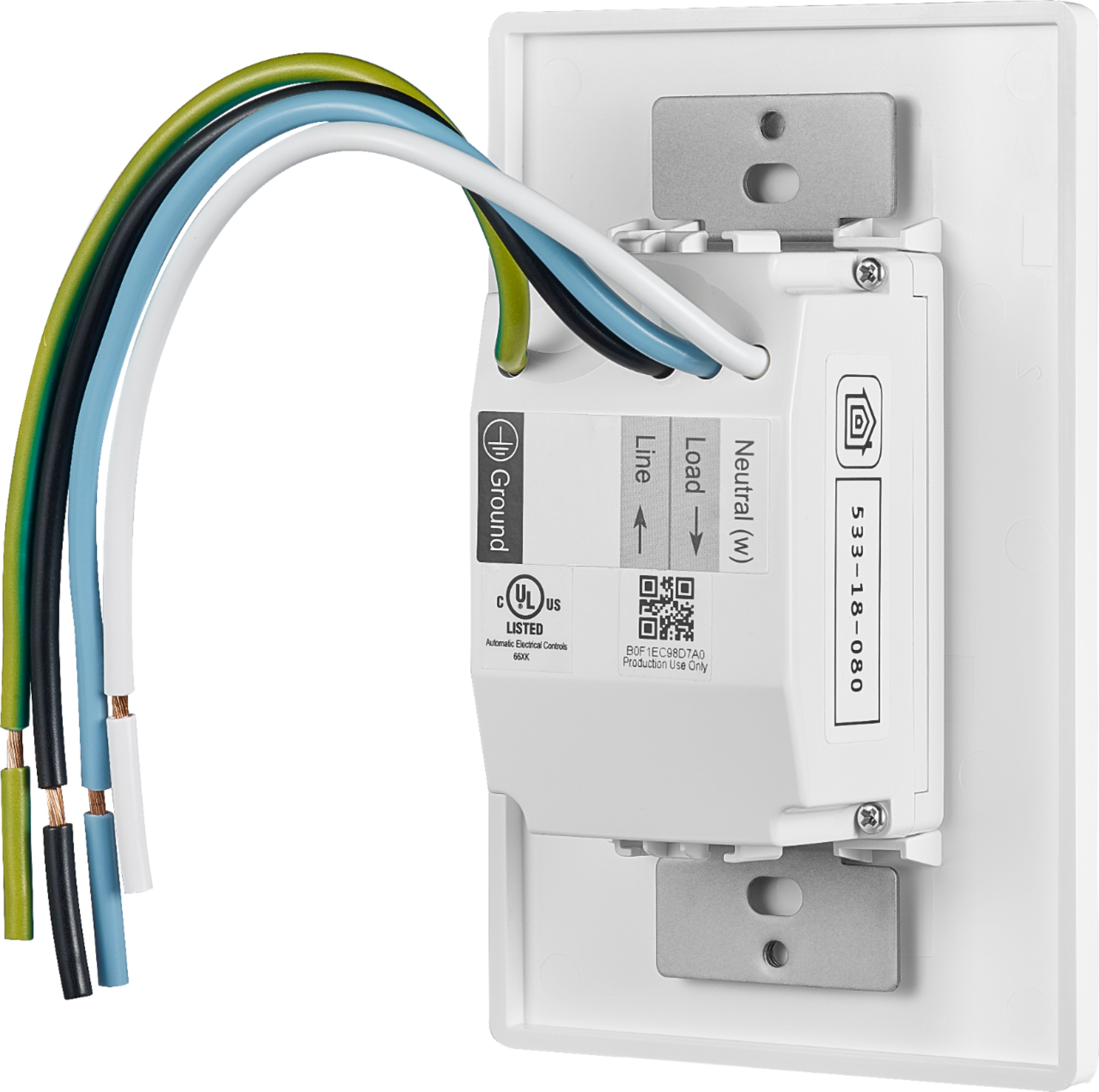
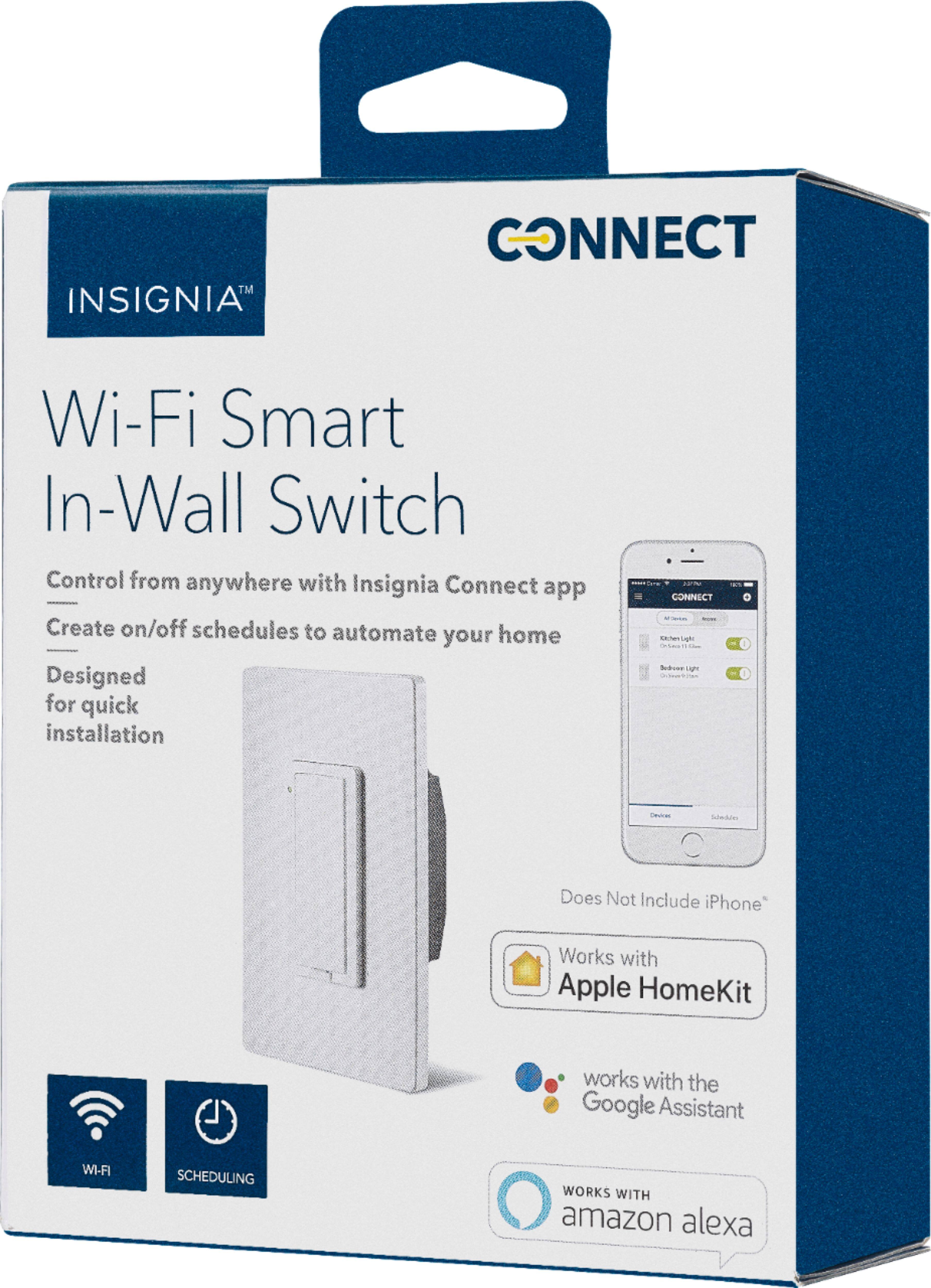
Posted .This reviewer received promo considerations or sweepstakes entry for writing a review.It was not hard to install and I am no electrician. Using the insignia connect app adding this to homekit was pretty easy just following the instructions. Alexa was hard though, I figured out after you add the skill and sign in with your best buy account you then have to turn the switch on and off with the connect app at the same time you are trying to get the alexa app to discover the device. Google home was the easiest to add to that app. Alexa voice to turn it on and off worked like a charm and I only see a slight delay with the home app on my iphone when I turn it on or off or I use sir to tell it to turn on or off. Otherwise this is the best price for homekit, alexa, and google home integration for a wall switch that is single pole.
I would recommend this to a friend - Pros mentioned:Ease of useCons mentioned:App, Compatibility, Connectivity
Rated 2 out of 5 stars
Works well, when it actually does work
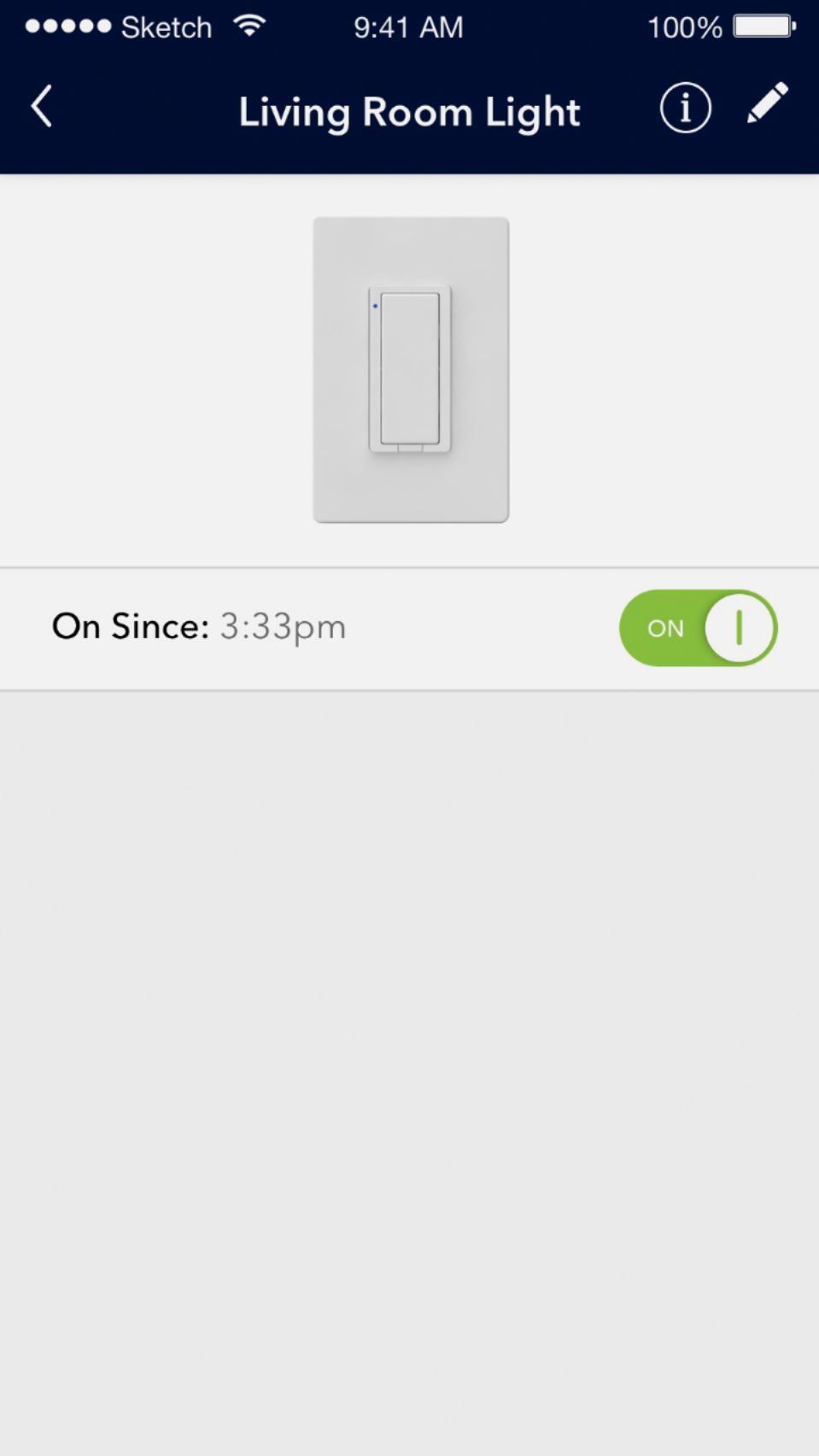
Posted .This reviewer received promo considerations or sweepstakes entry for writing a review.The item is easy to install and set up. I would warn that if you have a ton of wires already in the box or its not very deep, you might have a hard time getting this to fit in nicely. Was able to set it up, connect to home kit and use it fairly easily. While not on the network, its ability to be controlled via home kit was maybe 60%. Most of the time I would have to just go to the app in order to turn it on/off. The app is very simple looking and from turning it on/off, there is a 5 or so sec delay. My biggest complaint, is that it will just turn on by itself at random times during the day. There is no rhyme or reason to when it does this but I'm constantly having to turn it off during the day or night. I would spend a bit more and get something more reliable.
No, I would not recommend this to a friend - Pros mentioned:PriceCons mentioned:App
Rated 3 out of 5 stars
Sale price is great, setup another story.
Posted .This reviewer received promo considerations or sweepstakes entry for writing a review.I caught the sale at 19.99 per switch, I read the reviews but took the chance because of the price. Wiring is easy I had to install two switches in one opening. I bought a double switch cover to finish it. I was impressed on what was included, even wire nuts. Setup was a long ordeal. I went by all of the steps and failure each time. The app is horrible! Each time it would try to set up it would knock off the wifi of the setup device and try to default to others, thus giving errors. What I did figure out is the software does not like smart connect routers, you definitely have two have two separate networks enabled. The switches run on 2.4 as most smart home accessories do. They also cannot have the same password or you will get errors. I'm pretty tech literate but reached out for support. In 3 minutes I knew this was not going to work as the support rep was nice but completely clueless. So by process of elimination I factory reset my router, created two distinct ssid's and 2 completely different passwords. The app and firmware should be updated to newer router technology. Or just simply put that in the instructions. I just bought a new ac2600 router and a 24 x 8 DOCIS 3.0 modem and a a few weeks ago, I knew there were no issues with speed or range. Once I did this it was a normal easy HomeKit style setup. So I will now pick up a few more. But really had to work much longer than should have been necessary. It is a great price compared to others. But a full price I would have been furious and took back for something else. Recommendation of yes is conditional. If your tech savvy and don't mind possibly spending more time to to setup and want save a lot of money, give it a try. I will be picking up some more and will report back if any other issues arise.
I would recommend this to a friend - Pros mentioned:Ease of use, InstallationCons mentioned:Compatibility
Rated 5 out of 5 stars
Easy installation and Setup
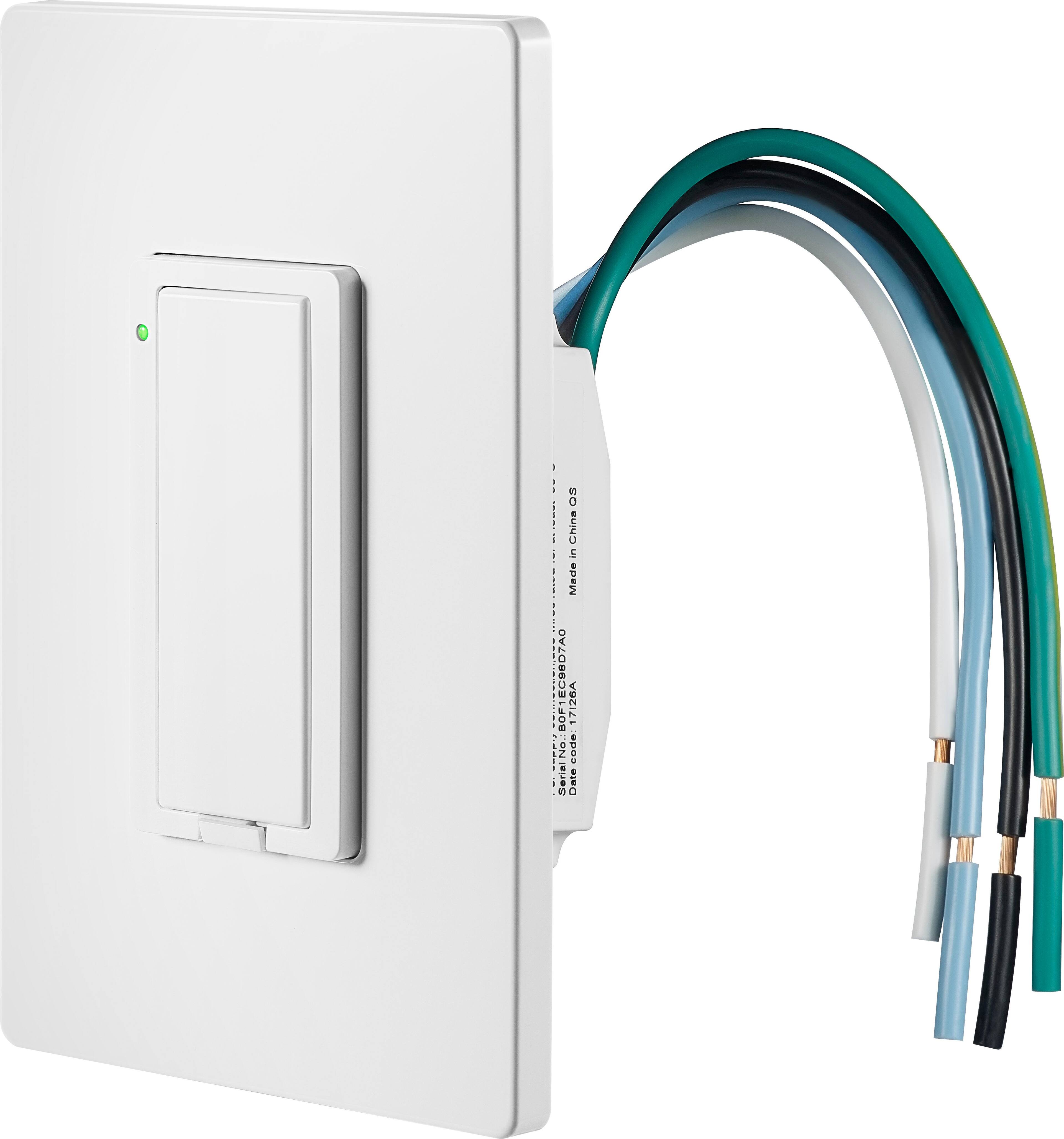
Posted .This reviewer received promo considerations or sweepstakes entry for writing a review.Product: Insignia™ - Wi-Fi Smart In-Wall Light Switch Model NS-CH1XIS8 One of my biggest fears when I purchased this switch was that the installation would be a pain and that after I finally got it installed I would learn that the switch is defective. WELL TO MY RELIEF, not only was the installation easy but the directions were very clear and informative. The directions explained what wires went where and how to hook them from your old switch to your new one. After I had the switch installed in the wall I had it hooked to my wifi in less than a minute and about a minute after that I had it linked to Amazon Alexa. Overall installation time was less than 10 minutes and I consider myself fairly slow and inexperienced at installing switches. I have only had it installed for a couple of days bust so far the switch has been working great. There is a small light on the switch that lets you know when it is in the on position. I have had no issues with lag when using Alexa. I can tell Alexa to turn on the back yard and about a second and a half later you can hear a very faint click from the switch and the light turns on in the back yard. My internet is through AT&T and I use the NETGEAR - Nighthawk AC1900 Dual-Band Wi-Fi router. I have multiple hubs, lights, tv's, and other devices on my wifi network and have had zero issues with my connection to this switch. The only con I have found so far is the switch does not appear to be compatible with IFTT . I believe this is due to it being independent and not syncing to a hub. This switch is great and works as described but If it could be made compatible with a hub like Phillips hue or Wink I believe it would dominate the smart switch market. Overall a very good device. I will update this review in the future if I have any issues with this product.
I would recommend this to a friend - Pros mentioned:Installation, Price
Rated 5 out of 5 stars
Simple, Good Price, Awesome
Posted .This reviewer received promo considerations or sweepstakes entry for writing a review.This switch is the bomb. It was very well made and almost silent. It has heavy gauge wire and comes with well made wire nuts. It was quick to install with thorough instructions. My house is wired with two black wires and no white wire(neutral) to the switch. The included instructions explained how to wire the switch in a house with this configuration. I bought two switches and they quickly programmed using the free app. You scan each switch using your camera on your iPhone and follow the onscreen instructions two minutes later your done. The app is easy to use and you can program weekly, daily or for infinity on and off cycles. I can’t praise this product enough. It automatically reprograms should a power outage occur which is a common problem in Florida. It cost 20 percent less then competitors.
I would recommend this to a friend Rated 4 out of 5 stars
Worked fantastic until today
Posted .This reviewer received promo considerations or sweepstakes entry for writing a review.Once installed works great until today. I have it setup on my kitchen light. I have it configured through Insignia Connect and I have it linked to my Google home and minis. Everything worked great. Until today. Now GH says there was an error and it can't control kitchen light. So I start all over. Delete it out of Connect, unlink it from GH and resetup everything from scratch. The Connect software is a nightmare. Sometimes it works but mostly doesn't. Once I finally get it setup in Connect, it doesn't turn the light on or off. Start over. Server connection error in Connect. Start over. Registration failure. Start over. Finally after 9 attempts. I get it back working in Connect. GH can't work it. Kitchen light is unavailable. The is an error and GH can't control kitchen light. Redo all the settings in GH.... Nothing. I just purchased 2 more today to see if I got a bum switch. It happens... Nope. Both other switches are having the same issue. That is about $100 in switches that don't work now. As of today...yesterday fine. Today zilch. I suspect a software issue between GH and insignia Connect. Connect is awful and needs to be fixed. I guess I will have to take back the switches and buy another brand. When they work, it is fantastic but nothing to indicate the problem and Connect is hard as heck to get the switches configured and working.
No, I would not recommend this to a friend- Cons mentioned:Compatibility, Connectivity
Rated 3 out of 5 stars
Random
Posted .This reviewer received promo considerations or sweepstakes entry for writing a review.It was not the easiest to set up with Alexa. it seems to work flawlessly with Apple Homekit, but Alexa cuts in and out. It sometimes has difficulty connecting with the switch.
No, I would not recommend this to a friend - Pros mentioned:Ease of use
Rated 3 out of 5 stars
Very Basic Functionality
Posted .This reviewer received promo considerations or sweepstakes entry for writing a review.I bought this for my outside front porch lights because someone on here said this switch could be scheduled to go on from sunset to sunrise as the seasons change. NOT TRUE! Very disappointed. Whoever said that was a liar. The Insignia Connect app only lets me set a fixed schedule with specific times. Not at all what I was looking for. That being said, this smart switch was very easy to install and very easy to pair if you follow the instructions in the app. I have a Google OnHub smart connect router with a single SSID for both the 2.4GHz and 5GHz bands and had zero issues pairing this smart switch.
I would recommend this to a friend Rated 4 out of 5 stars
Good, but can be difficult
Posted .This reviewer received promo considerations or sweepstakes entry for writing a review.After some difficulty I got my three switches working and connected to my Google Mini. It's important to realize the difference between these what switches and plain household switches. Plain switches don't require power, they simply connect/interrupt one leg of the power going to the light. The smart switch needs both legs to power it. Usually that means connecting a white wire that wasn't connected to your plain switch. No problem. But the plain switch has two, probably black, wires connected to it. The question is, which one goes to the load (light bulb) and which one comes from the power source. It may not be easy to tell. The plain switch doesn't care. Your smart does and so you have to know which wire guess to the light and which come from the power. You may have to flip a coin. I installed three smart switches. There is a tiny indicator light on the smart switch. If you picked the right wires to hook up to the load and power on the smart switch, it will light up. If not it will not. Two of the switches I installed did not light up. I switched the load and power wires and then they lit up. And then the three switches worked fine. Then I installed the Insignia Connect App on my Android phone. The smart switch has a reset hole at the lower left corner that takes a paper clip to operate. You may want to hold it down for 15 second to reset the switch. There is another switch on the bottom, in the middle, that you press in with you finger. This is used to pair the smart switch with the app. The app will prompt you to hold it down for about 15 second. In a few seconds, you will hear a click. Don't be fooled it's not ready yet. Wait for the second click, then tell the app to pair. This worked for me after a couple of tries. Once the Insignia Connect App recognizes your switch(es), your Google Home app should have no trouble finding them (At least mine did not.) Hopefully, Alexa is just as aminable. Hope this helps someone. I found the instructions with the switch difficult.
I would recommend this to a friend- Cons mentioned:Compatibility, Connectivity
Rated 1 out of 5 stars
Unreliable waste
Posted .This reviewer received promo considerations or sweepstakes entry for writing a review.Save yourself a lot of headache and DON'T BUY THIS. I purchased one of these a week ago to use with my Echo Dot which it says it is compatible with. The first one connected to my network once and then would not connect again so I returned it and bought another. The second one did not connect right away either so I called tech support. The first technician told me that they had a bug in their program that was first reported a week prior and he had no idea when it would be fixed. I asked for a supervisor and was disconnected. When I called back I talked to a lady who told me that there was something in my house interfering with the signal, even though I've got several other brands of smart devices and nothing has ever had interference. I explained that both of them gave me different and implausible answers and asked for her supervisor and was promptly disconnected. I stopped messing with it and in an hour it magically started working correctly. I used it for about a week and then started having the same issue again. This time, for 2 days it never connected. I called tech support and was again told that they had a programming error and had no idea when it would be fixed. I ordered a different switch from Amazon and will be returning this second one to Best Buy.
No, I would not recommend this to a friend - Pros mentioned:InstallationCons mentioned:Compatibility
Rated 1 out of 5 stars
Do Not Buy
Posted .This reviewer received promo considerations or sweepstakes entry for writing a review.Best Buy pushed out this product to compete in the Smart Home market before it was ready. It is easy to install. The Hardware is solid. The problem is the software is unreliable. I bought 5 because I did not read the reviews. Got 2 up and running in under 10 min. The other 3 took over 2 hours each. The issue is the software is not ready, it will not stay visible to other devices. The smart switch will constantly drop off the network. You will have to resync. Most of the time Alexa will not be able to find the device. You will spend hours trying to pair. Save yourself the headache DO NOT BUY. Customer service at my local store wonderful. Customer service at insignia WASTE OF TIME. Customer service at 1-888-Best-Buy incompetent and powerless to do anything. No help their answer was sorry you don't like it.
No, I would not recommend this to a friend - Cons mentioned:Compatibility, Connectivity
Rated 1 out of 5 stars
Don’t buy it, or waste your money
Posted .This reviewer received promo considerations or sweepstakes entry for writing a review.I have several smart switch and plug from different brand name, such as TP-Link and Wemo. This product is terrible, very difficult to setup and very unreliable. Sometime need to reset it if WIFI is lost, even need to switch off the breaker because reset doesn’t work at all. Save your money or buy other trusted brand name. Just use two weeks, unfortunately I cannot return it anymore. If I can return it, I defiantly will do it.
No, I would not recommend this to a friend - Pros mentioned:Ease of use
Rated 5 out of 5 stars
Works well
Posted .This reviewer received promo considerations or sweepstakes entry for writing a review.I have installed several of these in the house and I did have some of the difficulties other people experienced in the past. I found this to be from issues with my wifi and not so much the switches themselves. If your going to invest in home automation start with a solid wifi network. I got the Linksys Velop and set up all the switches to that network and for over a moth now I have had no problems with them at all going off line or not responding. I like these switches cause they work great with HomeKit and Siri and integrate Weill with the scenes. My only recommendation is if you use several of them and use them with HomeKit make a record of the device codes on where you have the switch, That way if you do have to do a reset you don't have to pull the switch out to get the code to re-register the switch to HomeKit.
I would recommend this to a friend - Cons mentioned:App, Connectivity
Rated 1 out of 5 stars
Nothing but problems
Posted .This reviewer received promo considerations or sweepstakes entry for writing a review.I bought two of these switches and have had nothing but problems. They disconnect randomly, I had a winter schedule for turning outside lights on which I deleted in the spring but the lights still come on and I have no way to stop it now because the app thinks the schedule is deleted. Now every time I go into the app to try and setup a new schedule it tells me my password in not valid. I have reset the password 3 times and it still will not let me in. I am going to remove these switches and throw them away. My advice is to stay away from the Insignia stuff.
No, I would not recommend this to a friend - Cons mentioned:Connectivity
Rated 4 out of 5 stars
Initial trouble using Echo
Posted .This reviewer received promo considerations or sweepstakes entry for writing a review.I had trouble initially getting my Echo to find it, but you HAVE to add the device to your Best Buy account. Did not work until I did that. Other than that, no issues so far.
I would recommend this to a friend - Cons mentioned:App
Rated 1 out of 5 stars
Defective product, little to no support
Posted .This reviewer received promo considerations or sweepstakes entry for writing a review.I purchased five of these switches, thinking they’d be a cost effective way to finish up my smart home. Shortly after installing them, I noticed one switch wasn’t responding in HomeKit. I checked out the Insignia app to see if it worked from there, and lo and behold the switch had deleted itself from the app. To fix it, I have to do a complete factory reset which involves removing the plate from the wall. I reached out to support, and after some back and forth they said it was an issue with the app and they were working on it, but ignored me when I asked for a more specific timetable. Since then, three of the other switches have now exhibited the same behavior, rendering them useless as smart switches, as a couple times a week I have to remove the plate from the wall and go through the process of resetting it and re-adding it, including re-adding it to all of my HomeKit scenes and automations. I have reached back out to the support agent several times but he has not responded at all for the last week. Very disappointed in Best Buy here for releasing a defective product, without the support to back it up.
No, I would not recommend this to a friend