Customer Ratings & Reviews


- Model:
- NS-CH1XIS8
- |
- SKU:
- 5884100
Customer reviews
Rating 3.5 out of 5 stars with 347 reviews
(347 customer reviews)Rating by feature
- Value3.3
Rating 3.3 out of 5 stars
- Quality3.5
Rating 3.5 out of 5 stars
- Ease of Use3.1
Rating 3.1 out of 5 stars
Customers are saying
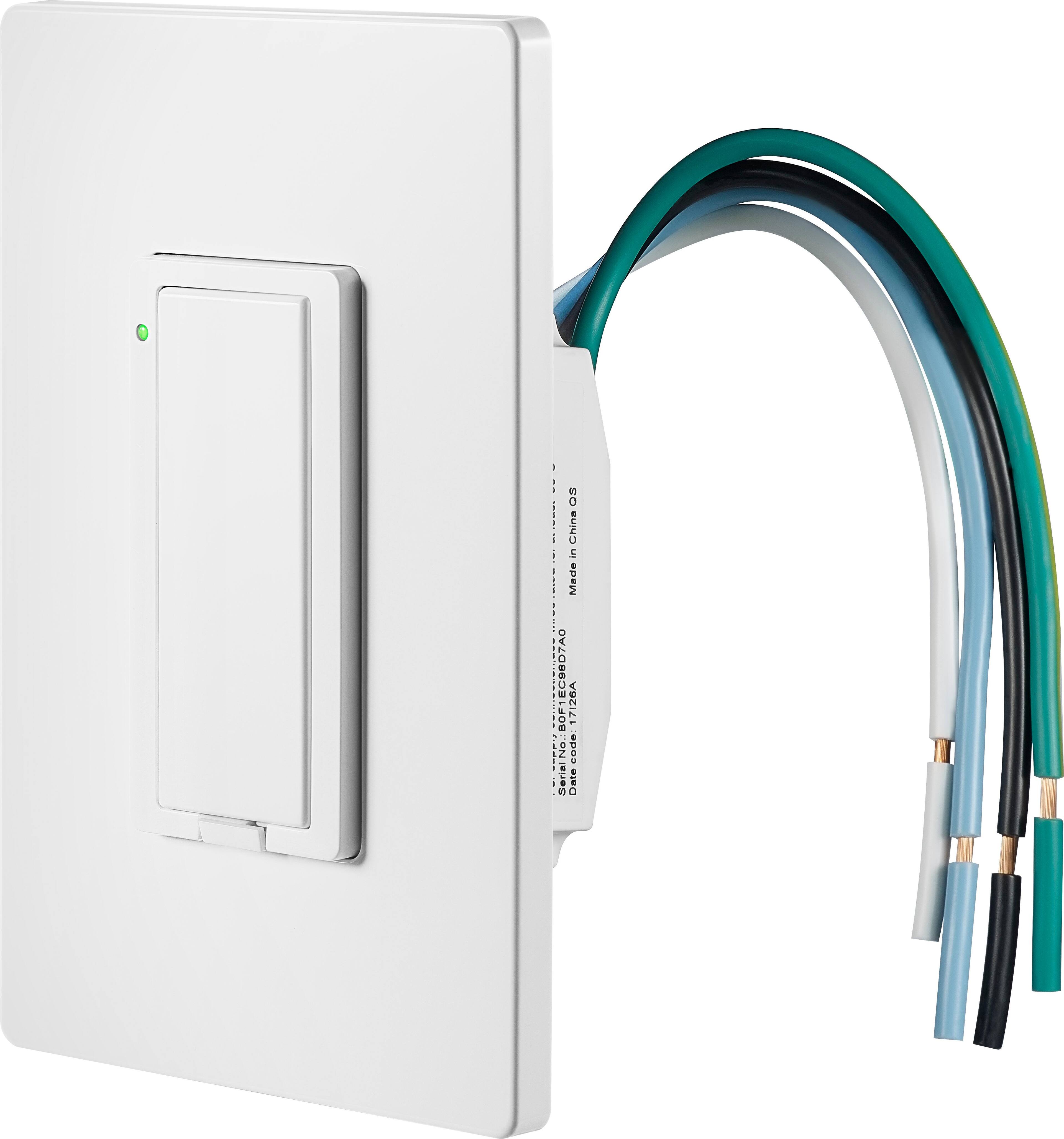
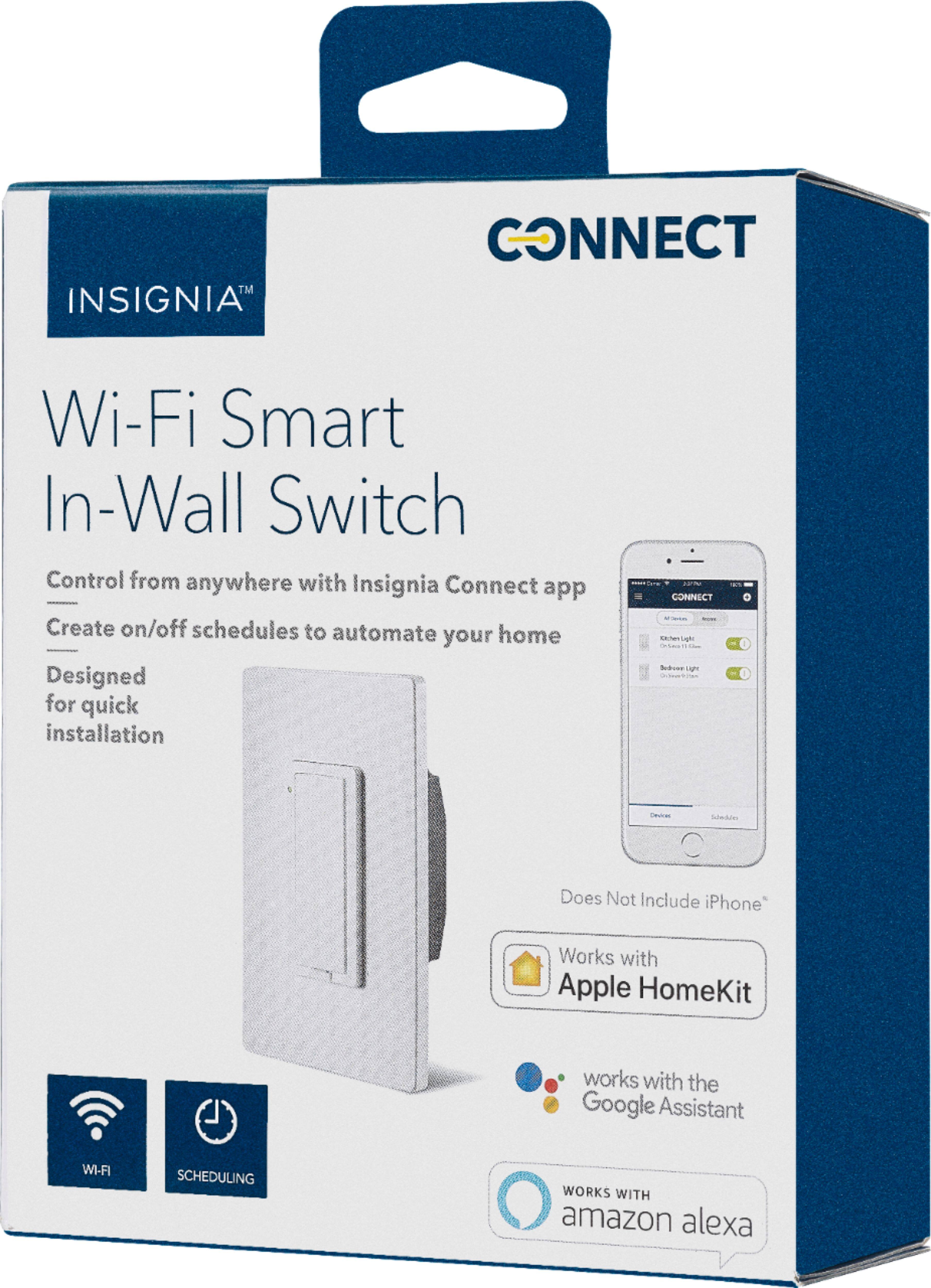
Customers are delighted by the ease of use, installation process, and affordable price point of the Wi-Fi Smart In-Wall Light Switch. However, some customers have expressed concerns regarding the app's performance, compatibility issues, connectivity problems, and the switch's size.
This summary was generated by AI based on customer reviews.
Rated 3 out of 5 stars
Switch is nice - lacks IFTTT or SmartThings
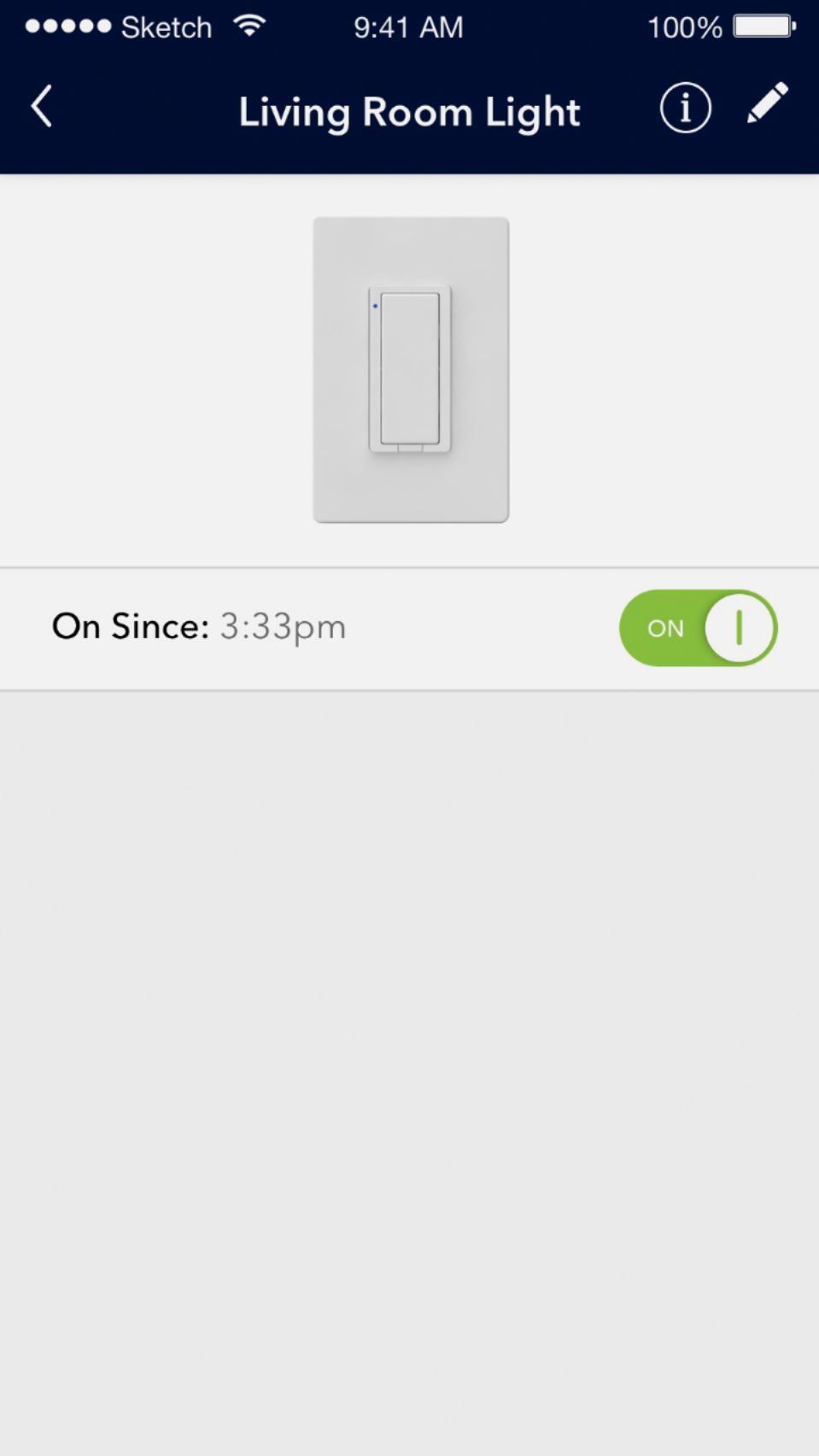
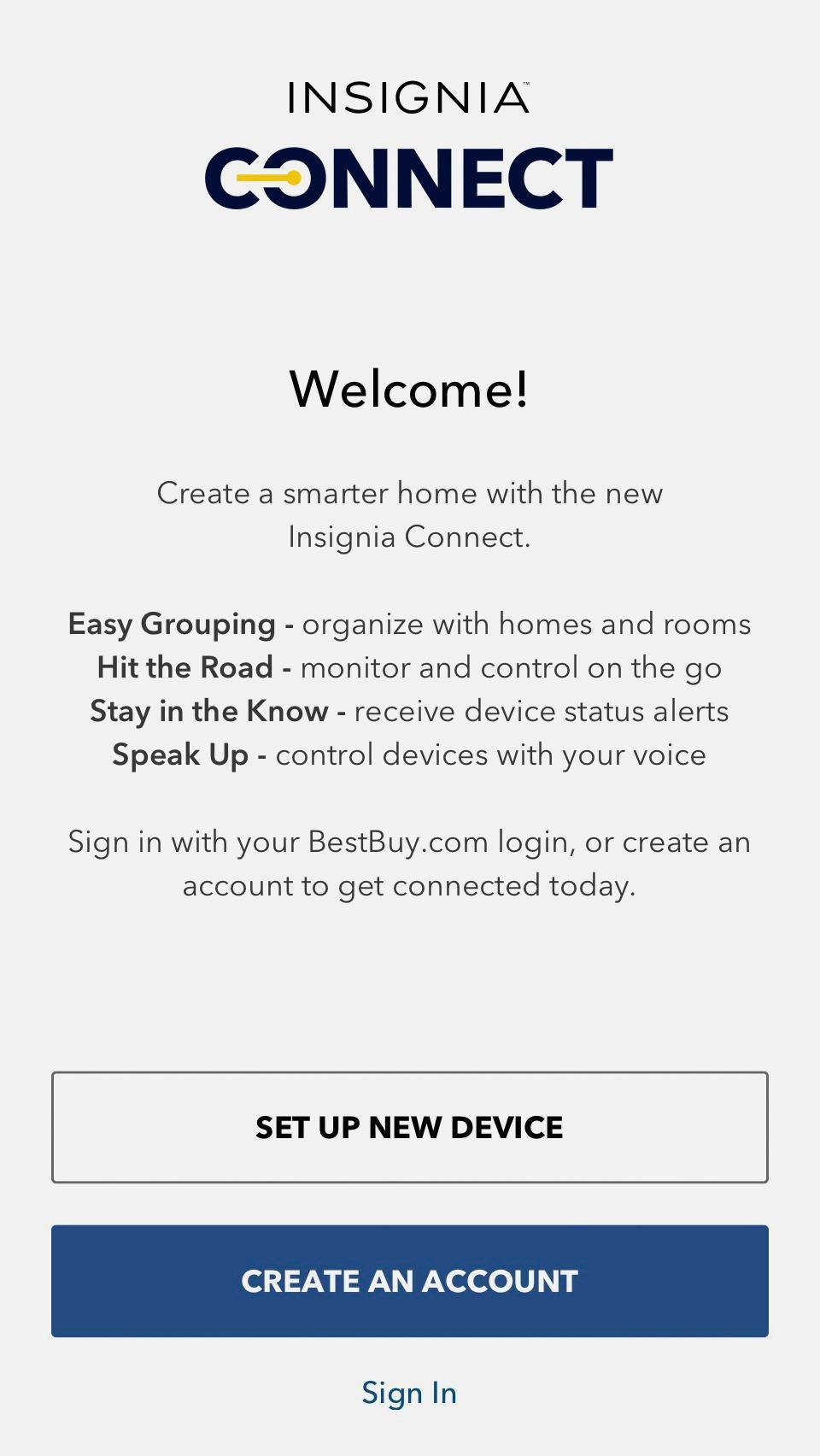
Posted .This reviewer received promo considerations or sweepstakes entry for writing a review.This switch seems nice and I can control it with Google Home/assistant. I got 9 of them installed but the trick is I needed to turn off my Mobile Data on my phone while I was setting up the switches. The phone has to directly connect to the switch then back to home WiFi. There is some issue (Android 8) that kept it from working with Mobile Data on. However, lack of IFTTT or SmartThings support greatly limits the possibilities compared to SIMILAR products. I wanted to do things like have the lights come on when I unlock my door. INSIGNIA PLEASE ADD IFTTT SUPPORT FOR YOUR PRODUCTS. This would be 5 starts if it had IFTTT support like most others.
No, I would not recommend this to a friend- Pros mentioned:Ease of use
Rated 2 out of 5 stars
Not stable
Posted .This reviewer received promo considerations or sweepstakes entry for writing a review.Bought three of them to work with HomeKit and it was a good price. They were also easy to set up but I returned it. Every time I opened my homekit app it would take forever to load, it would say updating. A few times it said devices not responding. My dozen other homekit devices still worked perfectly and They had a very good WiFi signal. I will stick with my super fast Lutron caseta switches, I guess you get what you pay for!
No, I would not recommend this to a friend - Pros mentioned:Ease of use
Rated 2 out of 5 stars
Not working as expected
Posted .This reviewer received promo considerations or sweepstakes entry for writing a review.The install of this product was pretty straight forward and easy to install in the wall socket. Connecting to the device and setting up the switch via the app was another story. After numerous attempts to connect the device to the wifi network I was unable to get it to work. I read that there may be a major bug in the software for the Android device I have not been able to confirm this at this point and will be making a call to customer support in the AM.
No, I would not recommend this to a friend - Pros mentioned:Ease of use
Rated 4 out of 5 stars
Works well
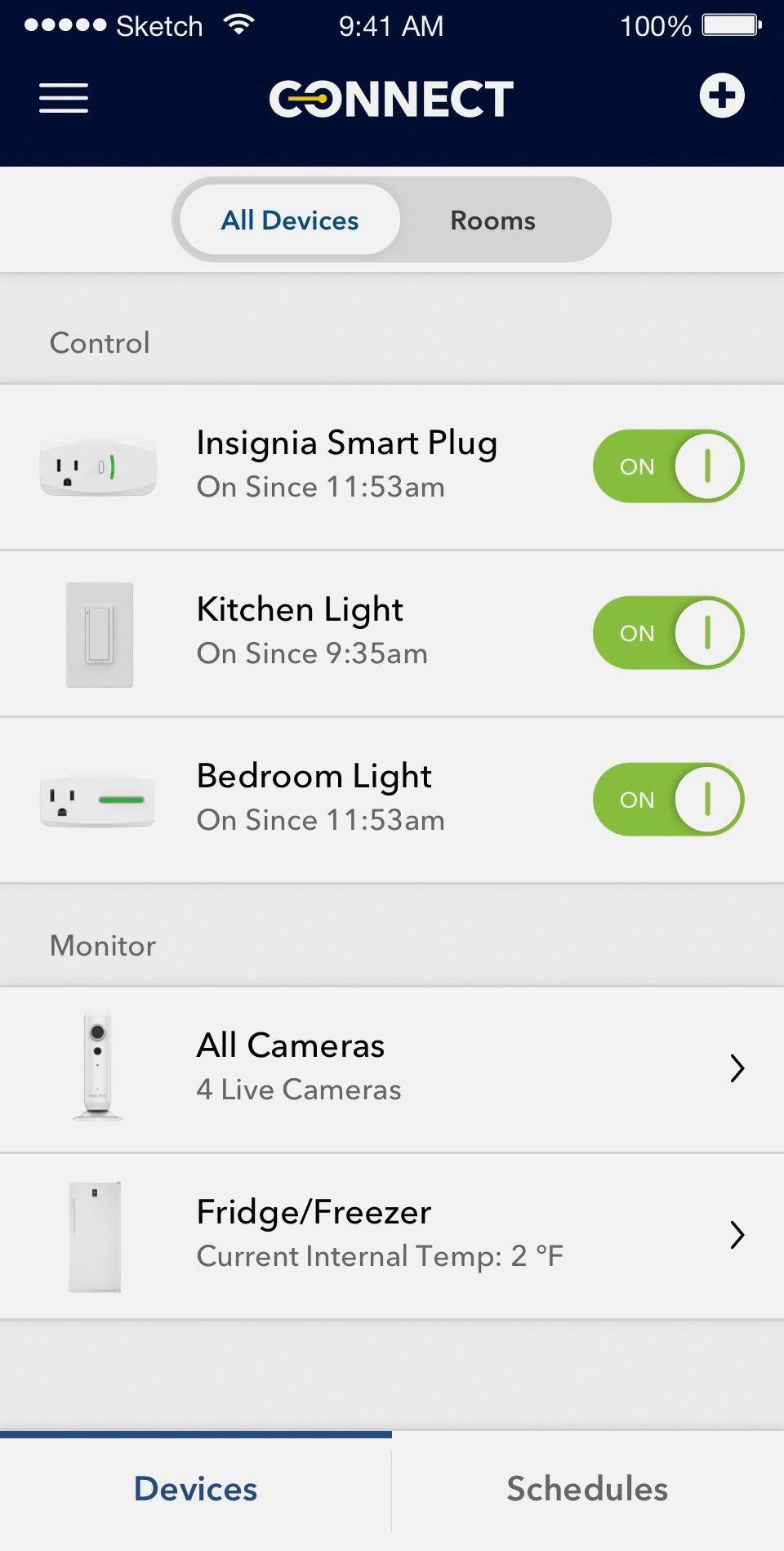
Posted .This reviewer received promo considerations or sweepstakes entry for writing a review.Works really well, easy to setup and make it work with Alexa and Google Home. Easy to set schedules.
I would recommend this to a friend Rated 1 out of 5 stars
Awful- unable to connect to Wifi
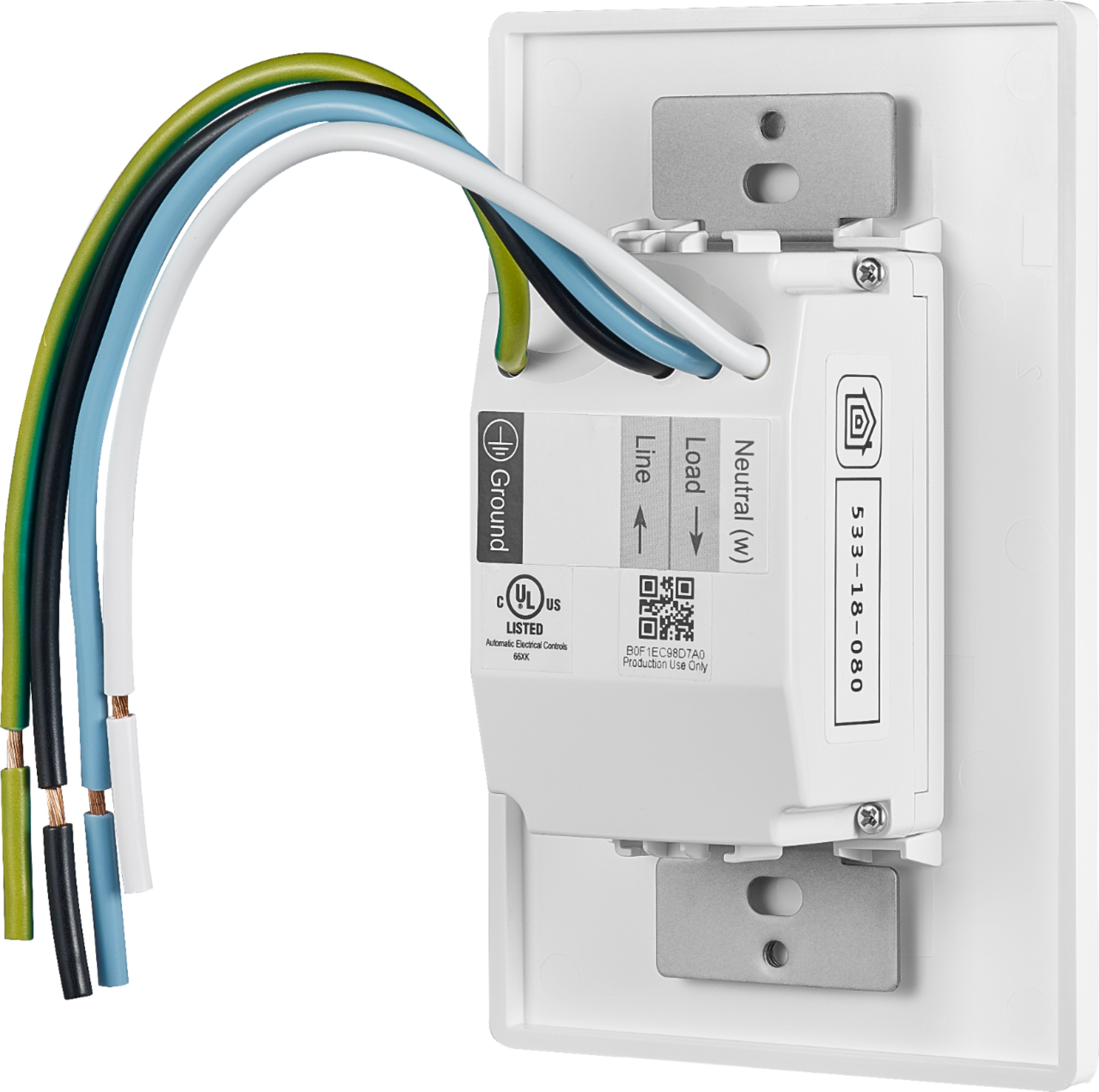
Posted .This reviewer received promo considerations or sweepstakes entry for writing a review.I purchased one of these smart wall switches in order to automate the timing of front yard light on our lamppost using the Apple Home Kit. The wiring of the switch in the electrical box was very easy. However, after powering up, I could not connect the device to my Wifi. It kept blinking green and clicking, but would not connect to the Insignia connect App. The reset button did not seem to work, nor did all the other online troubleshooting suggestions I tried (restarting router, making sure router has WPA security, paperclip to reset button, etc). The wifi has a very strong signal throughout my home and in the location where the switch was installed, so that cannot be the issue. I know that these switches do not work for objects controlled by more than one switch (i.e. 3-way), but this was not the case for this switch-- single light switch is the only way to control the lamp post. I was so frustrated that I returned the device to Best Buy. At first, the store manager would not let me return it because he said it was damaged. I had to convince him the device was defective, and he finally agreed to let me replace it with the same product (despite my hesitation to get the same product). Unfortunately, the exact same thing happened with the new switch. I verified that all the wiring was correct (confirmed the load and line wires with a power detector). The device simply blinked green and failed to connect to the Insignia connect app or the Apple Home Kit app. I ended up removing the switch and will return this product. Very frustrating- spent hours working on this yesterday. The Insignia connect app has a link for troubleshooting but the page would not open. I read online that a lot of people have had challenges with connecting this device to Wifi. I will go with another brand that is better rated in this regard.
No, I would not recommend this to a friend- Pros mentioned:Ease of useCons mentioned:App
Rated 1 out of 5 stars
Easy Install Poor Execution
Posted .This reviewer received promo considerations or sweepstakes entry for writing a review.I installed 4 of my 8 light switches which we pretty easy. The issue I keep running into is that the switches keep getting out of sync with the Insignia App and needed to reconnect the switch to the app numerous times. Alexa constantly had issues finding the switches. Ultimately I am removing the 4 i installed and getting a different switch
No, I would not recommend this to a friend - Cons mentioned:App
Rated 1 out of 5 stars
Doesn't work
Posted .This reviewer received promo considerations or sweepstakes entry for writing a review.I made a mistake buying 4 of these. I considered returning them unopened but sadly decided to try using them in some less important areas. I installed 2 correctly and attempted to connect them. At first, the app (android 3.1.9) said I had no internet (the switches are less than 5' from a router), but could connect...then couldn't. I reset the switches, powered ff the switches, reset the app, reinstalled the app and rebooted my phone in different combinations. The result? Now the app cannot even find the switches at all. I tried the apple app with my sons iPhone and that failed, press 'add device' and enter account info, then there's a 'proceed' button. Pressing the 'proceed' does nothing but cause the word 'proceed' to flash. I called support and they admitted it's an app problem that they are working on. Anyone considering this should wait till the issue is corrected and keep in mind that these do not work with Smarthings or Smartlife. They are unto themselves. Right now I replaced 2 dumb switches with positive notification of state with 2 dumb switches with no way of knowing the on/off state from the switch and a slightly annoying green flashing LED.
No, I would not recommend this to a friend Rated 4 out of 5 stars
Works Great With Android Setup
Posted .This reviewer received promo considerations or sweepstakes entry for writing a review.Was about to trash it because of frequent network drops. I use a mesh network which is hardwired so it’s rock solid. Had previously set it up with the Apple App so I tried one last time with Android App. Switch was trouble free for months. For the heck of it, I reset it and tried the Apple App again. After 5 network drops in 3 days went back to Android setup and no problem for several months again. Don’t know why it made a difference but it did. I just ordered more of them!
I would recommend this to a friend- Pros mentioned:Ease of use
Rated 4 out of 5 stars
works well with Homekit
Posted .This reviewer received promo considerations or sweepstakes entry for writing a review.setup was easy and it works well with Homekit. the only draw back is that it doesn't not have dimming or 3-way wiring.
I would recommend this to a friend - Cons mentioned:Compatibility
Rated 3 out of 5 stars
Will not work with 3 way switch.
Posted .This reviewer received promo considerations or sweepstakes entry for writing a review.Light switch works fine, it will not work with a 3 way switch. Ie a light controlled by more than one switch.
No, I would not recommend this to a friend Rated 3 out of 5 stars
Over all
Posted .This reviewer received promo considerations or sweepstakes entry for writing a review.I got my switches for Christmas and installed them. Have had problems with connecting to the home WiFi. After many try’s and phone calls I finally got them to work. But now setting up a schedule I found there’s a 1 hour time difference between what my phone says and the schedule time. If I want the light to turn on at 6pm, I have to set it for 7pm. ??? Still having problems deleting schedules. By the way my phone time and time zone are set correctly
No, I would not recommend this to a friend- Pros mentioned:Installation
Rated 5 out of 5 stars
4 Month review from an IOS User (Iphone/Ipad)
Posted .This reviewer received promo considerations or sweepstakes entry for writing a review.The installation is simple, if you are handy with electrical wiring. The INSIGNIA CONNECT app for the initial setup is easy and straight to the point. However, one personal recommendation i will make use IOS' home app to manage these switches, it works a lot better than the INSIGNIA CONNECT App.
I would recommend this to a friend - Pros mentioned:Ease of use
Rated 5 out of 5 stars
Works as Expected
Posted .This reviewer received promo considerations or sweepstakes entry for writing a review.If you know how to hook up a light switch, you can install this. They only trouble I had was realizing that I did have to use the best buy app even though I will only be using this with Apple Homekit. Once I paired with the app, it worked fine with Siri.I will definitely be buying more of these.
I would recommend this to a friend - Cons mentioned:App
Rated 2 out of 5 stars
Worked sometimes
Posted .This reviewer received promo considerations or sweepstakes entry for writing a review.After syncing with the app and creating schedules i thought it would work great. Next day i found out that it was only turning on when it was set to and not off. The on/off function in the app did not always work. I returned the switch and installed a programmable switch like i used to have.
No, I would not recommend this to a friend - Pros mentioned:Ease of use
Rated 5 out of 5 stars
Awesome switch!
Posted .This reviewer received promo considerations or sweepstakes entry for writing a review.Bought this switch to give it a try, I needed something to put my outside lights on a schedule and this puppy has delivered it plus some. Followed the directions step by step and had no problems with it. Work great with my google home as well. I will be buying more of these.
I would recommend this to a friend - Pros mentioned:Ease of use
Rated 5 out of 5 stars
Quick and easy
Posted .This reviewer received promo considerations or sweepstakes entry for writing a review.I’m using this switch with my HomeKit setup and had zero issues with not setup and use after 2 weeks. You need to follow the installation instructions in order and you need to go through the BestBuy app. But, if you do all that. This is a great product.
I would recommend this to a friend - Cons mentioned:App, Connectivity
Rated 1 out of 5 stars
Piece of Garbage.
Posted .This reviewer received promo considerations or sweepstakes entry for writing a review.Impossible to connect to Alexa. The App is trash. Does not turn the switch on/off unless the phone is connected to the House WIFI. DO NOT WASTE YOUR TIME. Buy something else.
No, I would not recommend this to a friend - Pros mentioned:Ease of use
Rated 5 out of 5 stars
Sliced bread has nothing on this unit!
Posted .This reviewer received promo considerations or sweepstakes entry for writing a review.I have a patio light which has its switch in the basement. I know, not smart but it works as long as you go down to the basement to turn it on and off. Now, no more stairs! Fairly simple install and works via Alexa or Siri. Too cool.
I would recommend this to a friend - Cons mentioned:Connectivity
Rated 1 out of 5 stars
Cant be configured with a Mesh router
Posted .This reviewer received promo considerations or sweepstakes entry for writing a review.These switches operate on WIFI frequency of 2.4 GHz. Any smartphone developed in the last few years operates at 5 GHz. Under Android, there is currently no way to specify a wifi frequency. If you have a multi speed mesh router like an Orbi, it is impossible to configure the Insignia switch because the switch thinks it is on a separate wifi network even thought both the 2.4 and the 5 GHz have the same SSID/network name. Spent hours on this, finally gave up and bought Leviton smart switches and had it configured in about 15 minutes. The Insignia switches will be going back for a refund.
No, I would not recommend this to a friend - Pros mentioned:Installation
Rated 1 out of 5 stars
Not reliable
Posted .This reviewer received promo considerations or sweepstakes entry for writing a review.I bought two of these switches. Easy to install if you are familiar with basic wiring. After a week of working fine they all of a sudden stopped working with my Google home. I tried removing the switch from the app and now I can not reconnect to it. Disappointed,wasted $60.
No, I would not recommend this to a friend