Customer Ratings & Reviews

- Model:
- NS-SP1XM8
- SKU:
- 5845000
Rating by feature
- Value
Rating 2.8 out of 5 stars
- Quality
Rating 3.0 out of 5 stars
- Ease of Use
Rating 2.8 out of 5 stars
Customers are saying
Customers express satisfaction with the product's ease of use, power metering capability, and compatibility with various smart home systems. Many appreciate its affordability and reliable performance for basic functions like timers. However, some users experienced challenges with connectivity, app functionality, and initial setup, while others noted slow response times. A few customers found pairing the device with smart home assistants to be difficult.
This summary was generated by AI based on customer reviews.
- Pros mentioned:Ease of use
Device OK but app horrible
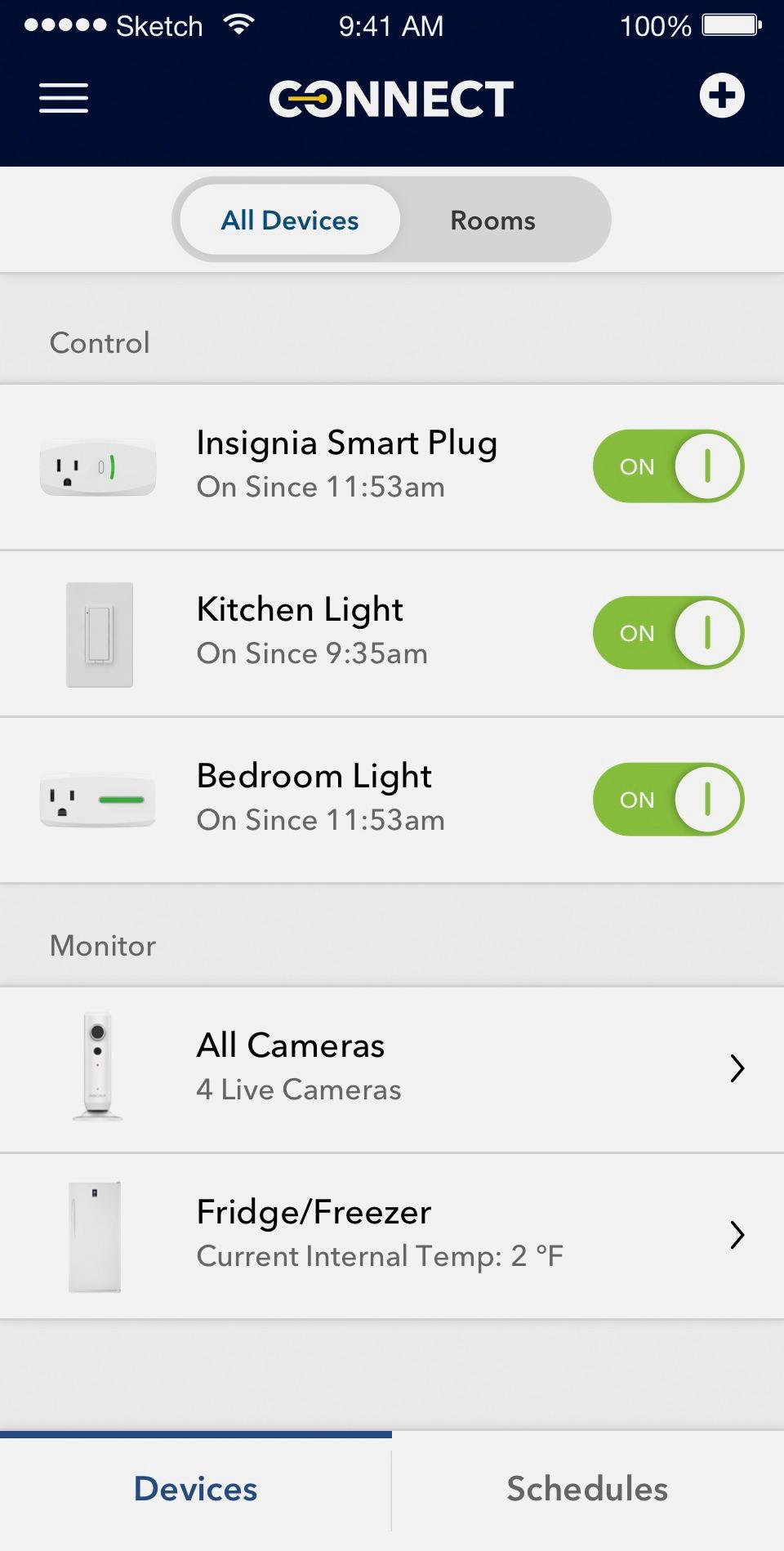
Posted .This reviewer received promo considerations or sweepstakes entry for writing a review.Device works well. Setup easy (even with mesh WiFi Orbi***). (Note that you have to grant the app access to your HomeKit, even if you don’t use HomeKit ). Scheduling easy. BUT app is horrible. When it works, it’s slow. But often my devices don’t show up in app at all. ***Note: Wemo devices are not compatible with Orbi nor many of the other mesh WiFi systems.
No, I would not recommend this to a friend - Pros mentioned:Power metering
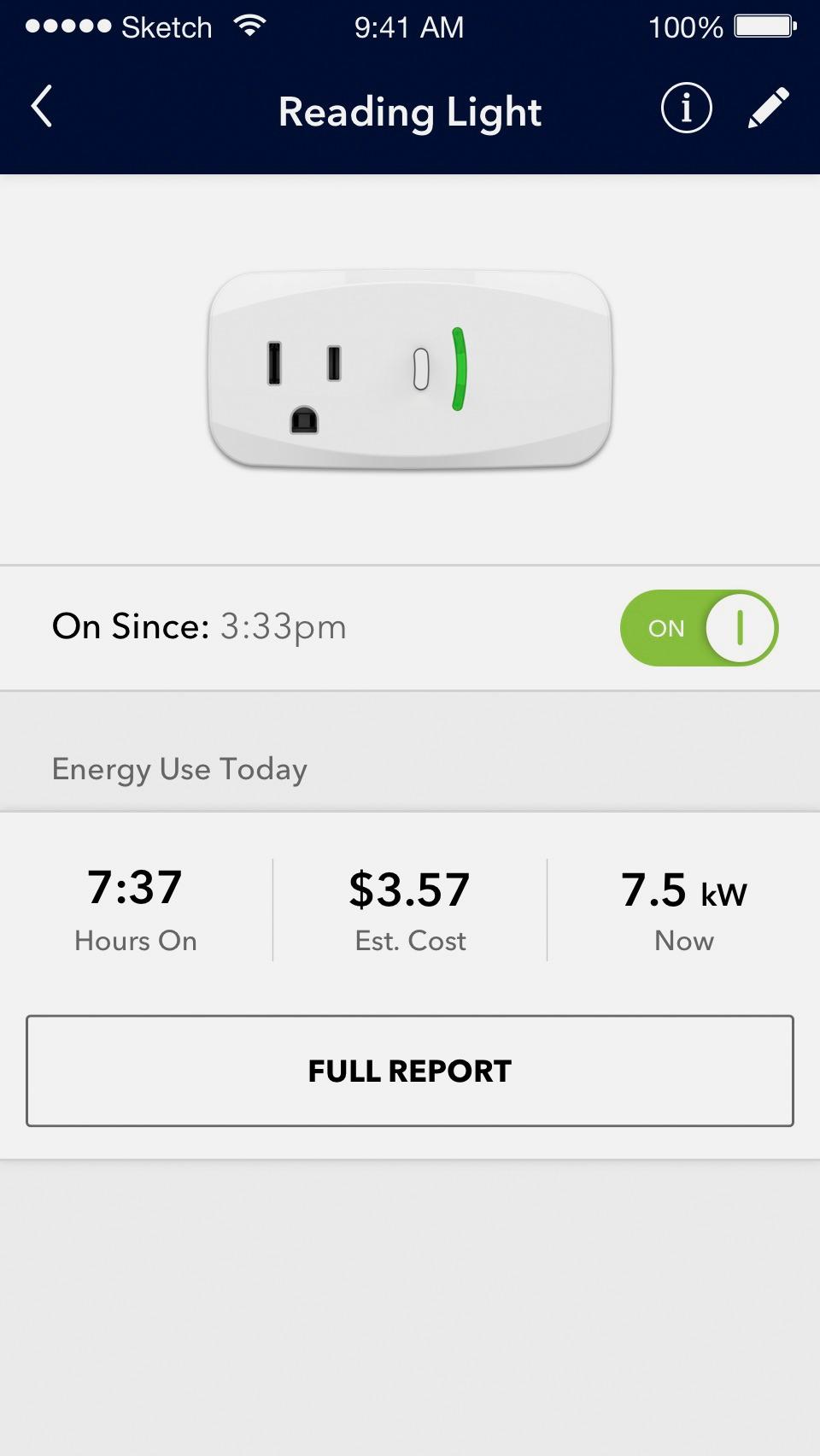
Gives wattage but estimated cost is off
Posted .This reviewer received promo considerations or sweepstakes entry for writing a review.I had this running for an hour at about 700 watts the whole time it says. It also says that it should cost me about $13 in energy over the hour which is ridiculous, it is more like $0.07 at 10 cents a kwh. If you're going to buy a smart switch anyway I would get this one for the energy usage bonus but you'll need to calculate the cost yourself.
I would recommend this to a friendBrand response from InsigniaCustomerSupport
Posted .Hi Drake,
Thank you for buying the Insignia Wi-Fi Smart Plug with Power Meter. We are continuously working on App updates and have just recently released version 3.1.0 to Google PlayStore and Apple's App Store. Please make sure you have this latest version of the app and the power meter function will be working fine. We hope you enjoy and make the most out of your new Smart Plug.
Arely R. - Insignia Support
- Pros mentioned:Ease of useCons mentioned:Connectivity
total garbage - dont waste your money
Posted .This reviewer received promo considerations or sweepstakes entry for writing a review.This doesn't work I spent hours and unable to configure it successfully. Even when it connects one out of 50 times it soon loses connection. I had bought TPLink smart plug about a month ago was able to configure it in less than 15 seconds including connecting to Alexa. I went to Best Buy to get another TPLink smart plug but of course they were out of stock so they can push their own garbage brand. Guess what I am returning it and I will never buy anything with the name Insignia.
No, I would not recommend this to a friend A bit tricky to set up, but works as advertised.
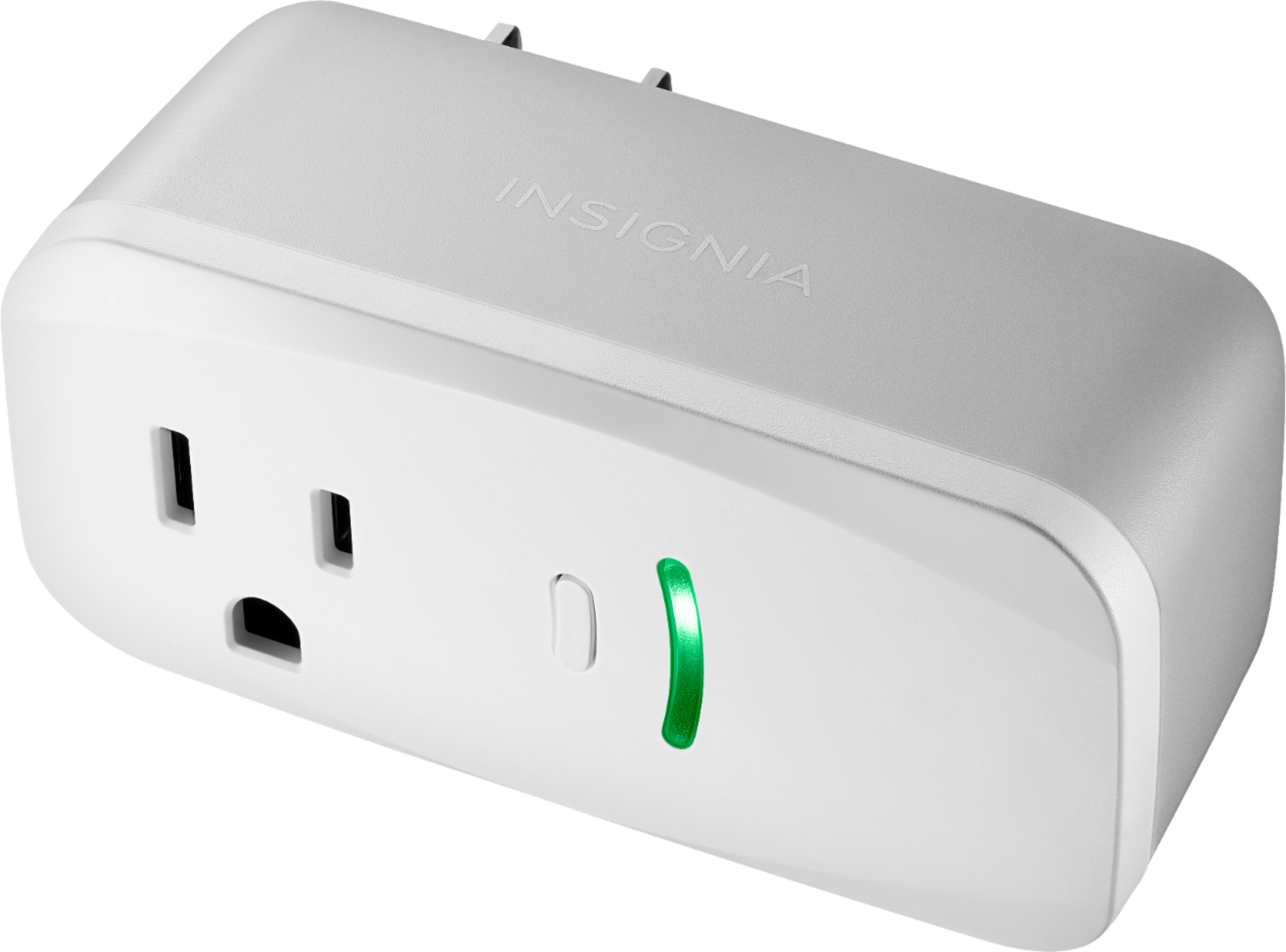
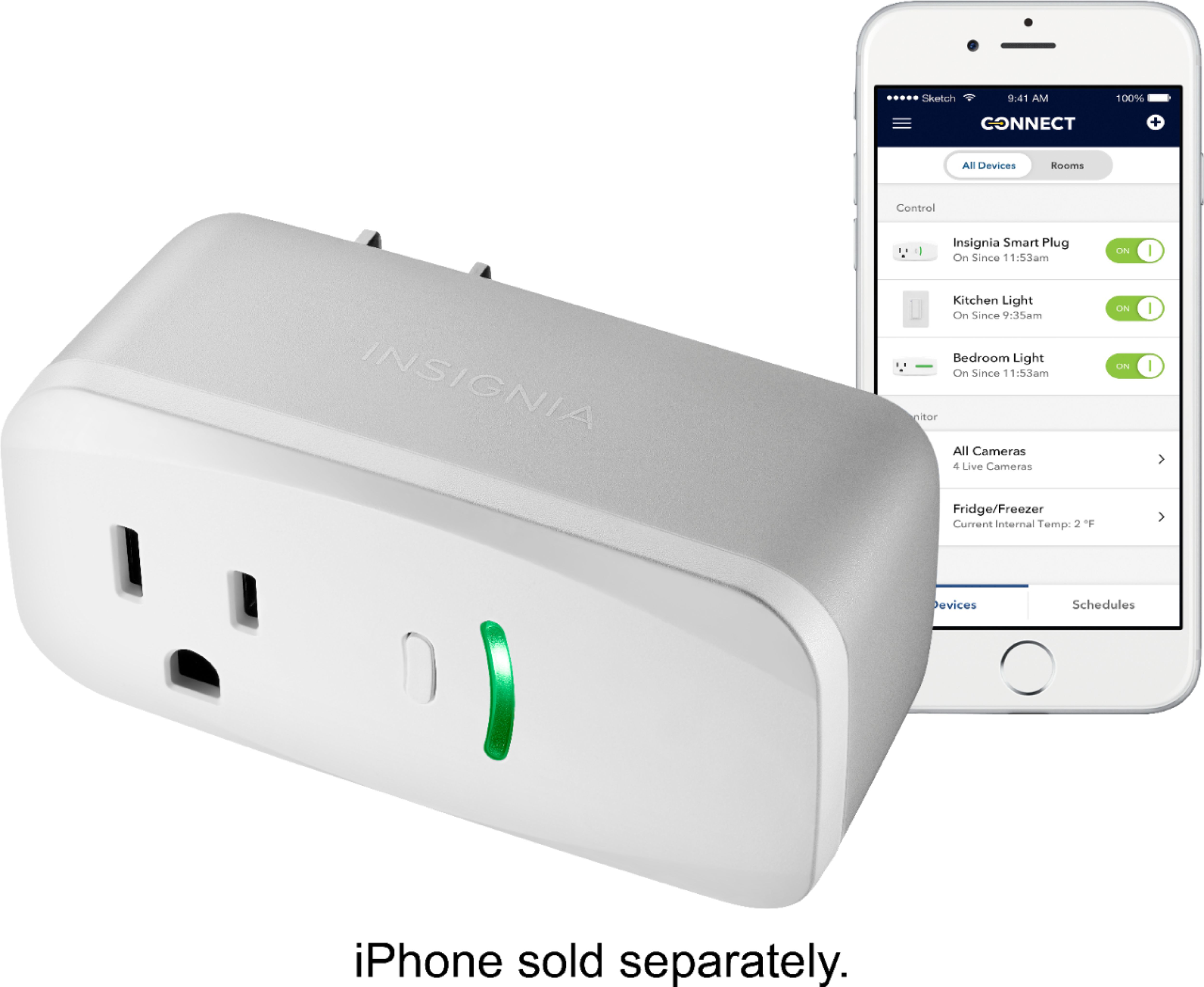
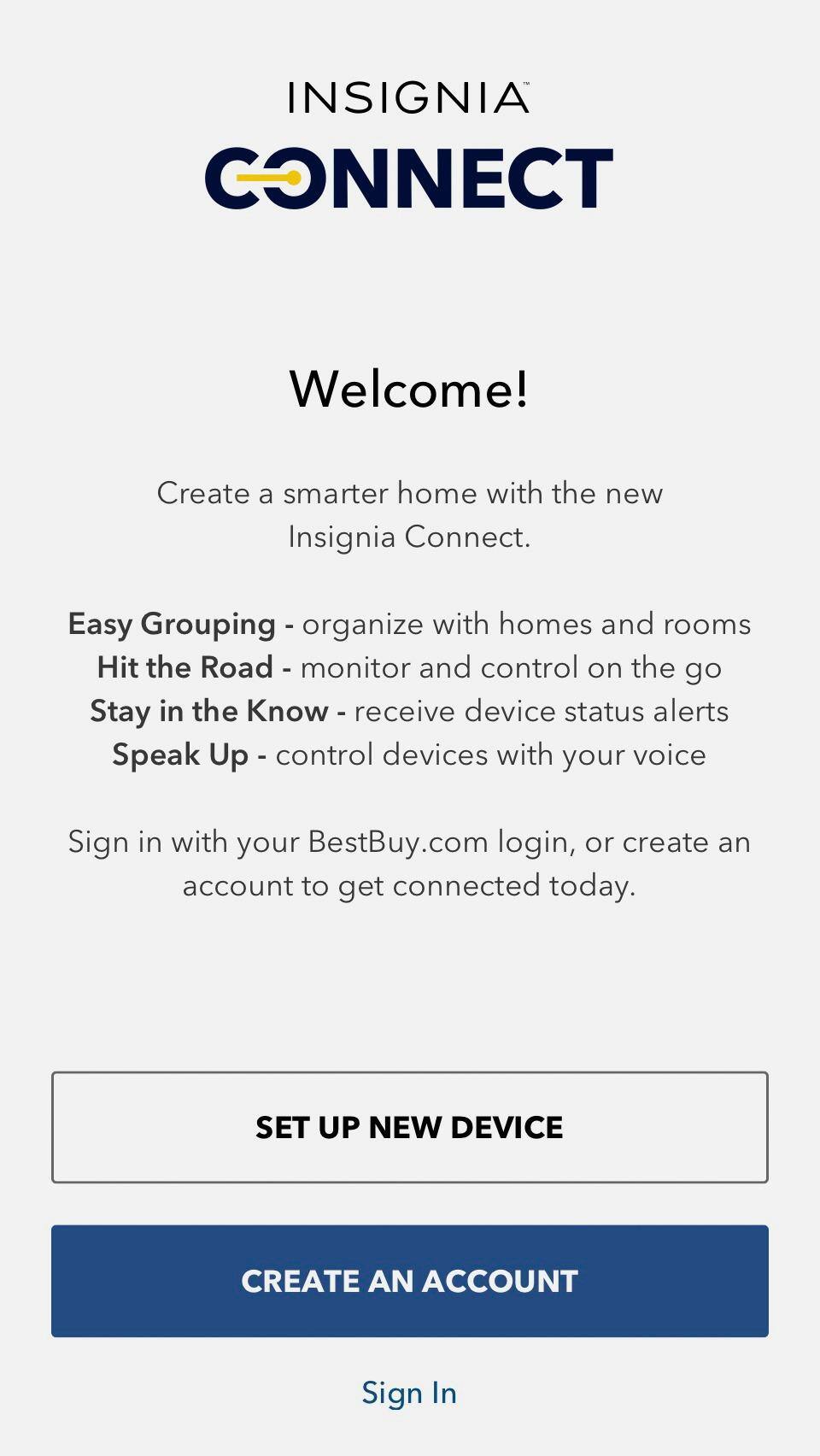
Posted .This reviewer received promo considerations or sweepstakes entry for writing a review.Works well with both Apple HomeKit and Amazon Alexa. Nice feature is an on off button on the plug itself with a solid green LED letting you know it is on. The allowed wattage is 1800 which is more than most competitors. I have no trouble with disconnects or accessing plug from outside of home network using Apple HomeKit. Installation was tricky for me, hence 4 stars instead of 5. I used the Insignia Connect App on my iPad to install. It is important that the iPad/iPhone is using the 2.4 GHz wifi network. The way I first interpreted the instructions was that the 2.4 GHz just needs to be broadcasting. Turns out that if your device is using the 5 GHz the installation will fail. Once I realized that and after a hard reset and reinstalling the app the set up went fine.
I would recommend this to a friend- Cons mentioned:App, Connectivity
Does nothing
Posted .This reviewer received promo considerations or sweepstakes entry for writing a review.The app is useless and the plugs won't connect with anything. It wouldn't pair with any of 3 different phones and various home automation devices and apps, including BestBuy's OWN Insignia app! Why would they make this piece of junk and sell it on their own shelves? Don't waste your time and sanity on this garbage.
No, I would not recommend this to a friend - Pros mentioned:Power metering
Worked flawlessly with Apple Homekit
Posted .This reviewer received promo considerations or sweepstakes entry for writing a review.I purchased four (4) of these switches and they work flawlessly. I ignored the instructions to use the BestBuy Insignia app/account as it's useful in this case ONLY electrical usage and integration with Alexa or SmartThings. Using ONLY Homekit...they all worked perfectly. Had to reset (super easy) one to get it to pair and then nothing but wonderful.
I would recommend this to a friend - Cons mentioned:Setup
Go with the NON Power Meter plug
Posted .This reviewer received promo considerations or sweepstakes entry for writing a review.I purchased 3 Smart Plugs 2 without the Power Meter Option and this one with the Power Meter. The 2 without the power meter setup without issue and work as needed. This unit after many attempts to configure and I say many failed. My gut tells me that it is unable to attach to the 2.4 GHZ network. My wireless system only shows one SSID and will connect the device to the proper network. Just guessing, but I assume that the app must be attempting to connect to the same mac address that my phone connect to which is the 5 GHz network. I will test this theory on an older device and will leave a comment if this resolved situation. Even if this does resolve the issue, this glitch in the software needs to be fixed. The 2 less expensive devices did not have this issue at all.
No, I would not recommend this to a friendBrand response from InsigniaCustomerSupport
Posted .Hello,
Thank you very much for sharing with us the experience you had using this insignia smart plug, I am really sorry for the inconvenient this has been for you. Please know we are continuously pushing updates for you to have the best possible experience.
It seems this smart plug needs to be reset to factory default. Also, this plug only works with 2.4GHz networks and as long as the phone shows that network in the app's pairing screen it would work.
However, if you need further assistance with the setup or the reset of this device, feel free to get in touch with us at https://www.insigniaproducts.com/contact-us
Karina R. - Insignia Support
Excellent Smart Plug
Posted .This reviewer received promo considerations or sweepstakes entry for writing a review.Works flawlessly with Apple home kit and Siri, no need to install insignia Connect app unless you want to check power consumption. A little tricky with google home and you need to install insignia Connect app, but still works. fast switching with no lag. solid connection to Wifi. To setup with Apple Home without Insignia Connect do this: - follow the install guide up until you get the plug connected to your wifi. - Skip the insignia connect app download. - On your phone or tablet open Apple Home and select "Add Accessory" and follow the directions (don't forget to change the device default name "outlet" to something relative to what you are using it for, like "side lamps" for example). Hint: enable "hey Siri" in settings to control the plug with your voice through your phone or tablet, no apple TV required!
I would recommend this to a friend- Cons mentioned:Connectivity
Setup? Voice Control?
Posted .This reviewer received promo considerations or sweepstakes entry for writing a review.Originally bought the item last year, had issues getting it setup (had to attempt setup 3 times before it would connect to WiFi) finally got it working then couldn't figure out voice control via Google Home device. Gave up. I've since moved, gotten a new WiFi setup, and have been impressed with recent updates to the Google Home app so I figured I'd give this device another shot. I've spent 40 minutes attempting to connect it to WiFi to no avail. I am not stupid, I've got Hue lights all through my house, Nest thermostats and 3 WeMo devices all setup and working great, but this device just doesn't work.
No, I would not recommend this to a friend - Cons mentioned:App
Works well
Posted .This reviewer received promo considerations or sweepstakes entry for writing a review.Product does what is says. Works pretty well, especially for the price. App is a little rough but gets updates.
I would recommend this to a friend - Pros mentioned:Ease of use
Simple and Useful
Posted .This reviewer received promo considerations or sweepstakes entry for writing a review.I bought this smart plug to remotely activate a couple lights, my dog stays at home and sometimes I get home late. Now I can turn on the light anytime and see him through my video camera. Setups is simple and works well. Problem solved.
I would recommend this to a friend - Cons mentioned:Connectivity
Never Worked
Posted .This reviewer received promo considerations or sweepstakes entry for writing a review.I bought this plug yesterday to plug in my christmas tree lights. I was a bit hesitant to buy it but I said hey let me give it a shot. Needless to say it never connected to my network. I was able to see it on the app but when I tried to connect it to the network, it kept saying connection failed. I will be returning this today for one of the wemo or belkin ones.
No, I would not recommend this to a friendBrand response from InsigniaCustomerSupport
Posted .Hello Chappy,
Thank you for taking the time to share your experience with us. In order to make sure that the Smart Plug can connect to your Wi-Fi Network we must use a router that works on a 2.4 GHz network as it won't connect to 5 GHz networks.
Arely R. - Insignia Support
Lacking integration
Posted .This reviewer received promo considerations or sweepstakes entry for writing a review.Does not work with Smartthings or IFTTT. You must use their app to monitor devices.
No, I would not recommend this to a friendBrand response from InsigniaCustomerSupport
Posted .Hi, by the moment our device it's only compatible to work with Alexa, Google home and Apple HomeKit. Please stay tuned since we keep updating our products to make them compatible with more apps. Alex C. - Insignia Support
Too Many Issues
Posted .This reviewer received promo considerations or sweepstakes entry for writing a review.Bought 2 units with much anticipation that this was going to be a great product. It took an hour to get the first unit to connect with the mobile app as I kept getting some error regarding the registration server not being available. I tried different outlets in house and a different cell phone and eventually got past the error message but not sure why. After that, the first unit worked great when manually turning the plug on/off via the application but the scheduler on the app wouldn't turn the plug on. Spent 20 minutes with customer service rep who unfortunately had no idea how the unit worked or how to fix issue. Never got the second unit to connect with my mobile app as I couldn't get past the error message re the registration server. Sending back to Best Buy. I'll have to try some other brand device.
No, I would not recommend this to a friendBrand response from InsigniaCustomerSupport
Posted .Hi Beto,
We are certainly sorry to know that the setup of both Smart Plugs was not as smooth as we desgined it to be.
We are constantly updating our Insignia Connect app to resolve any possible glitches but for the setup to be easily completed the smart plug must be connected to a 2.4 GHz network, with a strong signal in the plug location.
Arely R. - Insignia Support
- Cons mentioned:Connectivity
Can't Handle Basic Security Measures
Posted .This reviewer received promo considerations or sweepstakes entry for writing a review.Can't connect to network that isn't broadcasting SSID. You literally just needed to put two textboxes into the app to support this functionality. Contacted support who also confirmed there is no way to manually configure a network.
No, I would not recommend this to a friend Echo Plus could not discover this brand of plug
Posted .This reviewer received promo considerations or sweepstakes entry for writing a review.It worked using the Insignia app on the phone, but that was only the off and on function, not the timer. I plan to return this for another brand because it could not be discovered by Echo Plus. I was able to link the Insignia app to the Alexa app as instructed. All the smart Philips lights worked. Unfortunately, the time spent trying make this work, made it a real loser. No compensation for the gas and time to return this back to BB. I would not buy any insignia smart items for any Alexa commanded products.
No, I would not recommend this to a friendworked for a while - fails to maintain wifi connec
Posted .This reviewer received promo considerations or sweepstakes entry for writing a review.while this device worked for a couple months but lately, It is a pain to have to reconnect it to house wifi (no change in my wifi , no other devices having issue (non-Insignia). I wish I had saved my $$.
No, I would not recommend this to a friendFactory Reset
Posted .This reviewer received promo considerations or sweepstakes entry for writing a review.Frustrated yet? Do the Factory Reset- Hold the power button then plug the device into the outlet. Continue to hold until it resets. Now connect using the Insignia App. Upon initial plug in the device will flash. This is deceiving. If you do not do a factory reset(4 sec. reset vs. 10 sec.) you will want to smash it with a hammer. I performed the 4 sec. factory reset for two devices after spending an hour doing the 10 sec. reset. Works well so far.
I would recommend this to a friendTerrible system, useless product
Posted .This reviewer received promo considerations or sweepstakes entry for writing a review.When it says "Works with Apple Homekit" it means "Will NOT work without Apple Homekit". Tried to set up with my ipad. It forced me to set up a lot of iCloud stuff I really didn't want to set up and then still wouldn't work. A device that can't be set up is worthless. PLEASE DO NOT BUY THIS or any other insignia automation product if you do not have Apple Homekit already fully setup and operational.
No, I would not recommend this to a friendPretty Worthless
Posted .This reviewer received promo considerations or sweepstakes entry for writing a review.Tried with 3 different wireless devices, 3 different IPhones (6 plus, 6S, 7) and it will not complete registration via Insignia or Home apps. Connects to the network just fine manually via web interface or using device setup, but can't control lights or access the device ever afterwards. With every update I hope they'll fix it, but it never works..
No, I would not recommend this to a friend