Customer Ratings & Reviews



- Model:
- 80R900FYUS
- SKU:
- 5579834
to a friend
Customers are saying
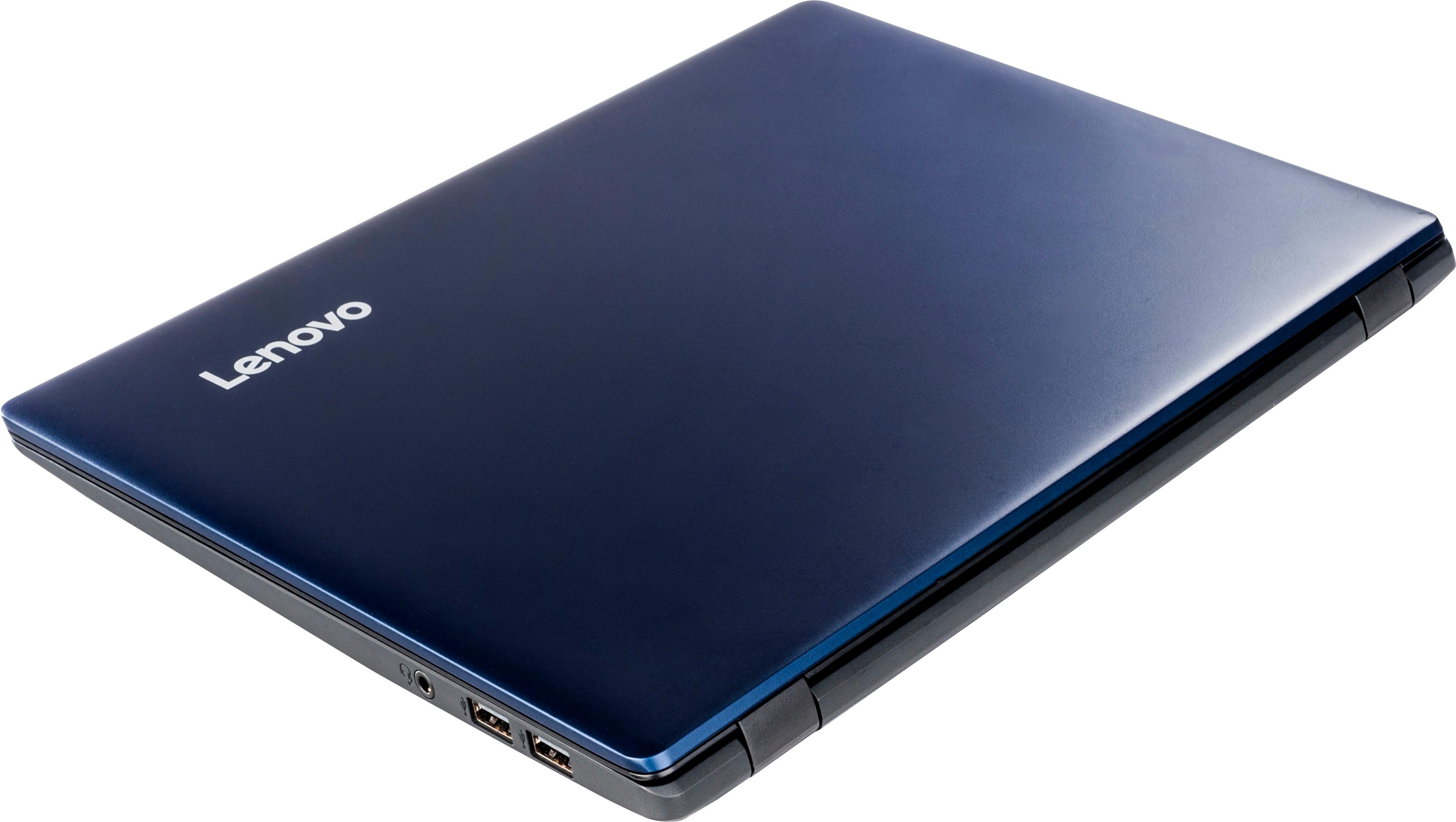
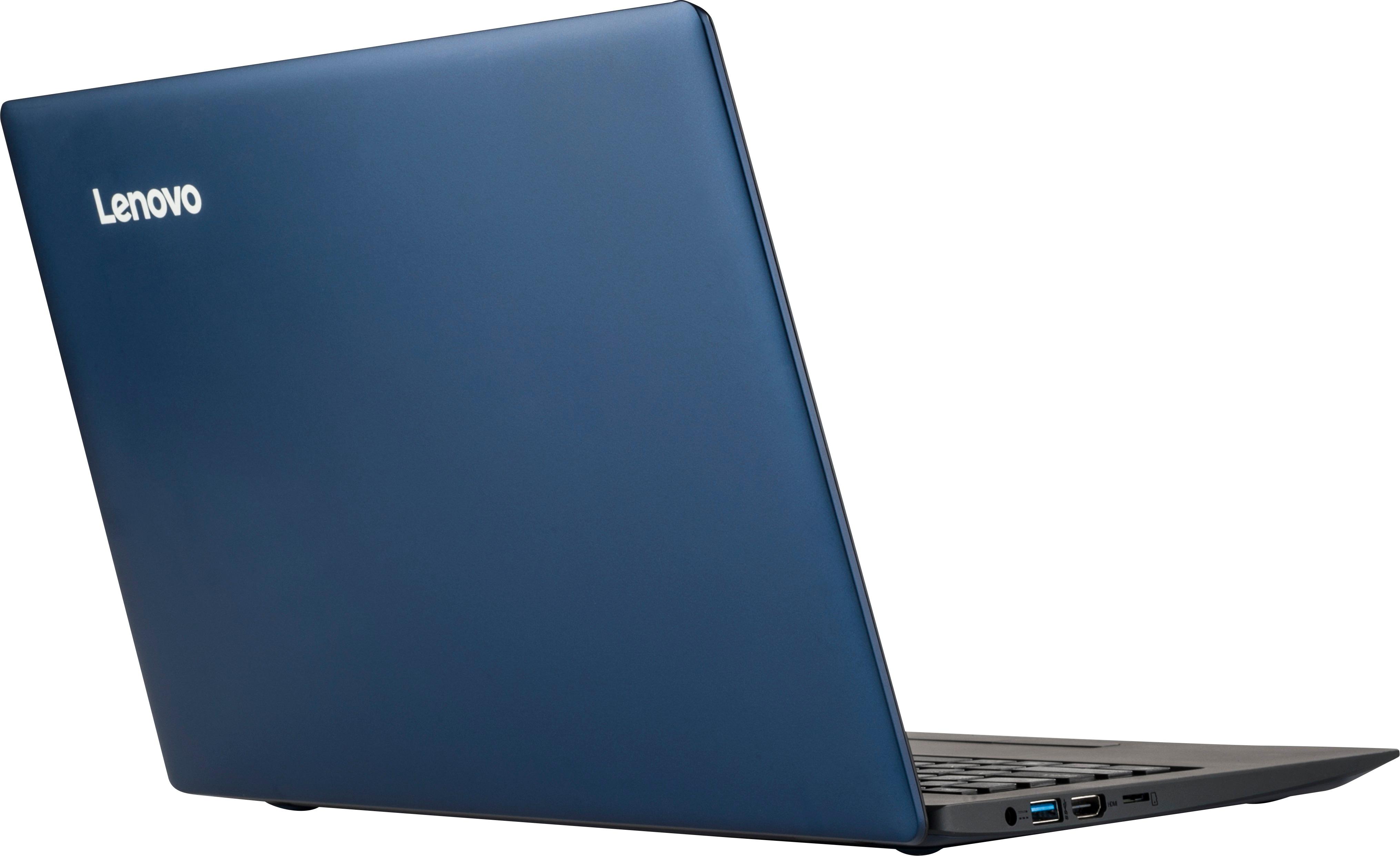
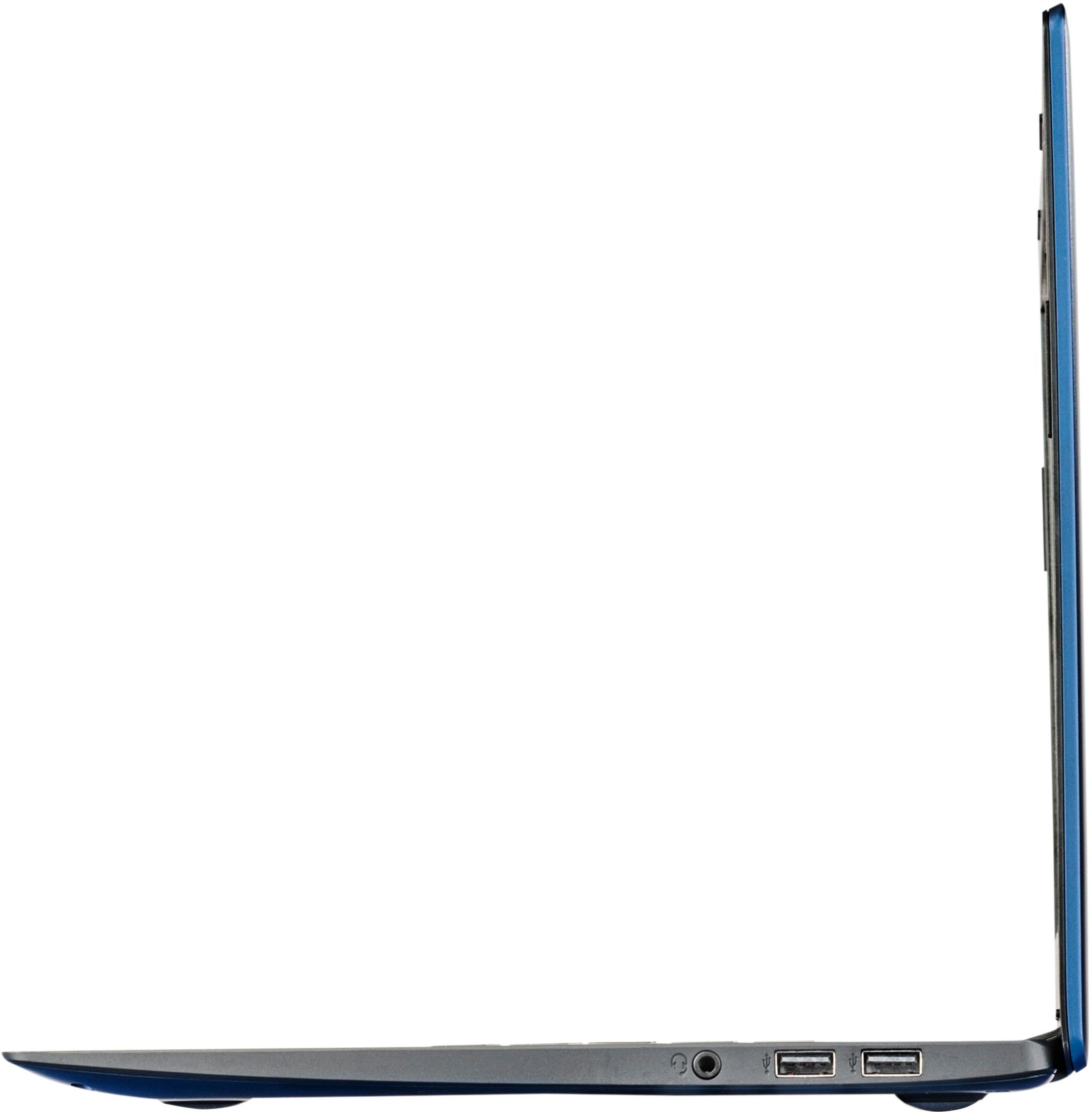
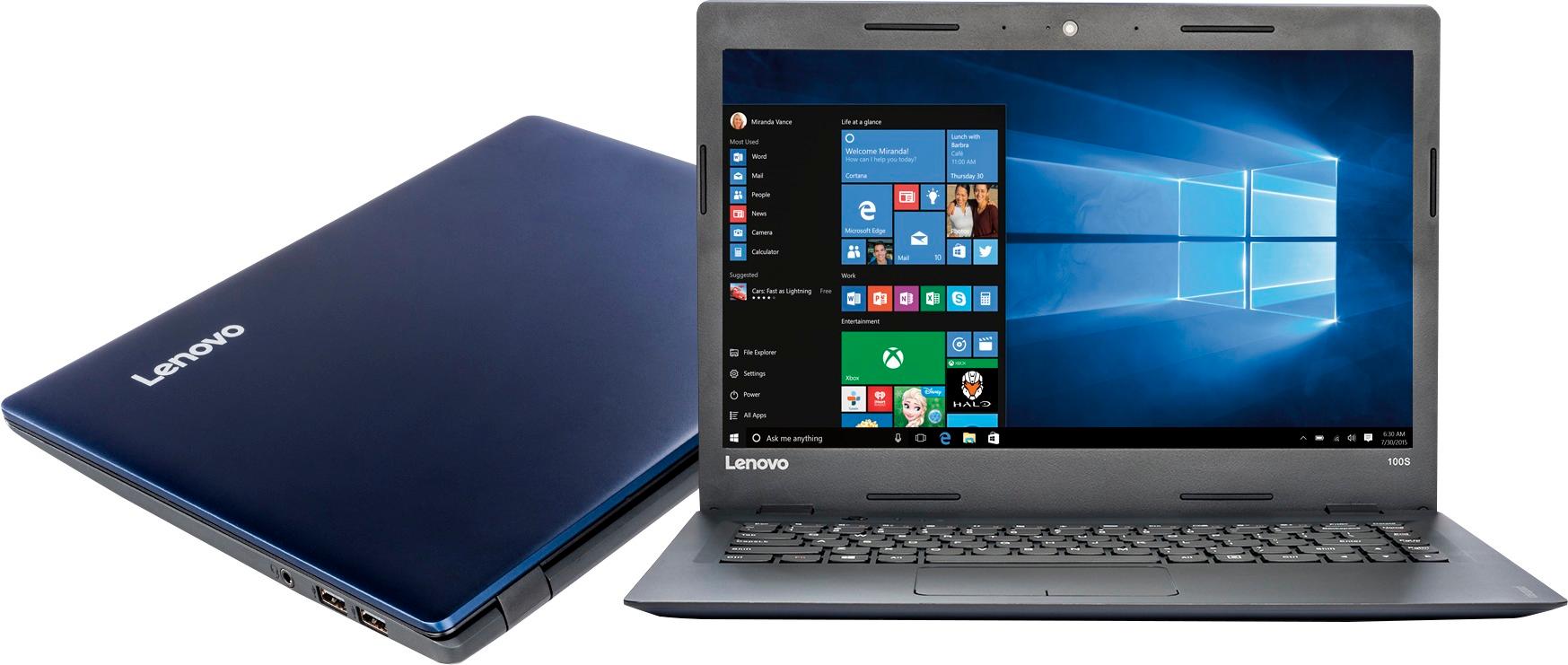
Customers are pleased with the 100S-14IBR 14" Laptop's ease of use, price, lightweight design, and performance. Many appreciate its compact size and long battery life, finding it suitable for web browsing and everyday tasks. However, some customers expressed a need for more storage and RAM. A lack of a CD drive was also noted as a drawback by a few users.
This summary was generated by AI based on customer reviews.
Didn't work out of the box
||Posted .This reviewer received promo considerations or sweepstakes entry for writing a review.Had to take it in to be repaired. Bluetooth never worked. Bluetooth still didn't work after repair and then the computer wouldn't come on. Took it back in to be repaired. Decided to return the computer and buy a different brand.
No, I would not recommend this to a friend- Cons mentioned:Memory
Only for internet use
||Posted .This reviewer received promo considerations or sweepstakes entry for writing a review.unfortunately due to the small memory this computer did not meet my needs. I mostly use Word for my documents and this computer doesn't hold much
No, I would not recommend this to a friendBrand response from Lenovo Product Expert
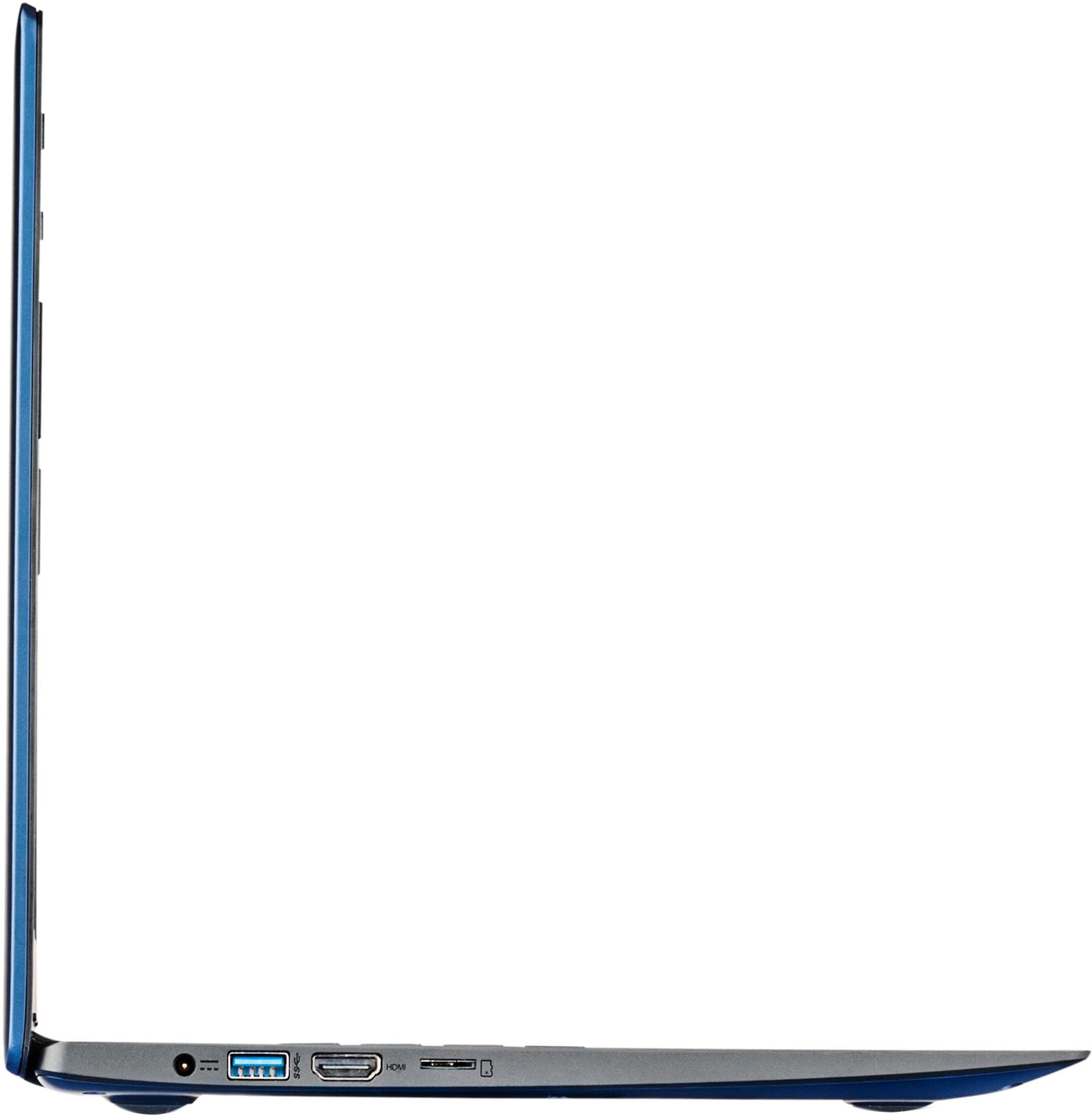
Posted .You can easily add additional solid state storage to this device by using a Micro-SD card in the Micro-SD card slot on this device.

Ok
||Posted .This reviewer received promo considerations or sweepstakes entry for writing a review.The laptop keeps dropping wifi signal. Further investigation revealed it is a known issue. I definitely would not recommend this brand to anyone else.
No, I would not recommend this to a friendBrand response from Lenovo Product Expert
Posted .With regard to the WiFi connectivity issues you mention with your device, there may be Wireless LAN driver updates for your specific system. Follow the link below to look for new driver updates for your specific system. You can also run diagnostics from the Lenovo site as well. As always, be sure to create a restore point on your system before you make any changes. You can do this by just typing "restore point" in the search window within Cortana and follow the link to create a restore point. Here is the link:
http://pcsupport.lenovo.com/us/en/products/laptops-and-netbooks/100-series/100s-14ibr/80r9/80r900fyus/downloads
Not a great experince overall
||Posted .This reviewer received promo considerations or sweepstakes entry for writing a review.I had to return the first laptop I purchased glitches and the second one is not great either and I passed the 14 day return period
No, I would not recommend this to a friendFind something else
||Posted .This reviewer received promo considerations or sweepstakes entry for writing a review.I needed a laptop quick and decided this would be an affordable laptop to get. I usually do research before jumping in but was in a hurry, so I bought it without doing much. Am I regretting that decision now! This laptop is unusable....i get more done on my phone! Don't make my mistake...do your research and only buy this laptop if you like spending most of your time waiting for programs to open.
No, I would not recommend this to a friendBrand response from Lenovo Product Expert
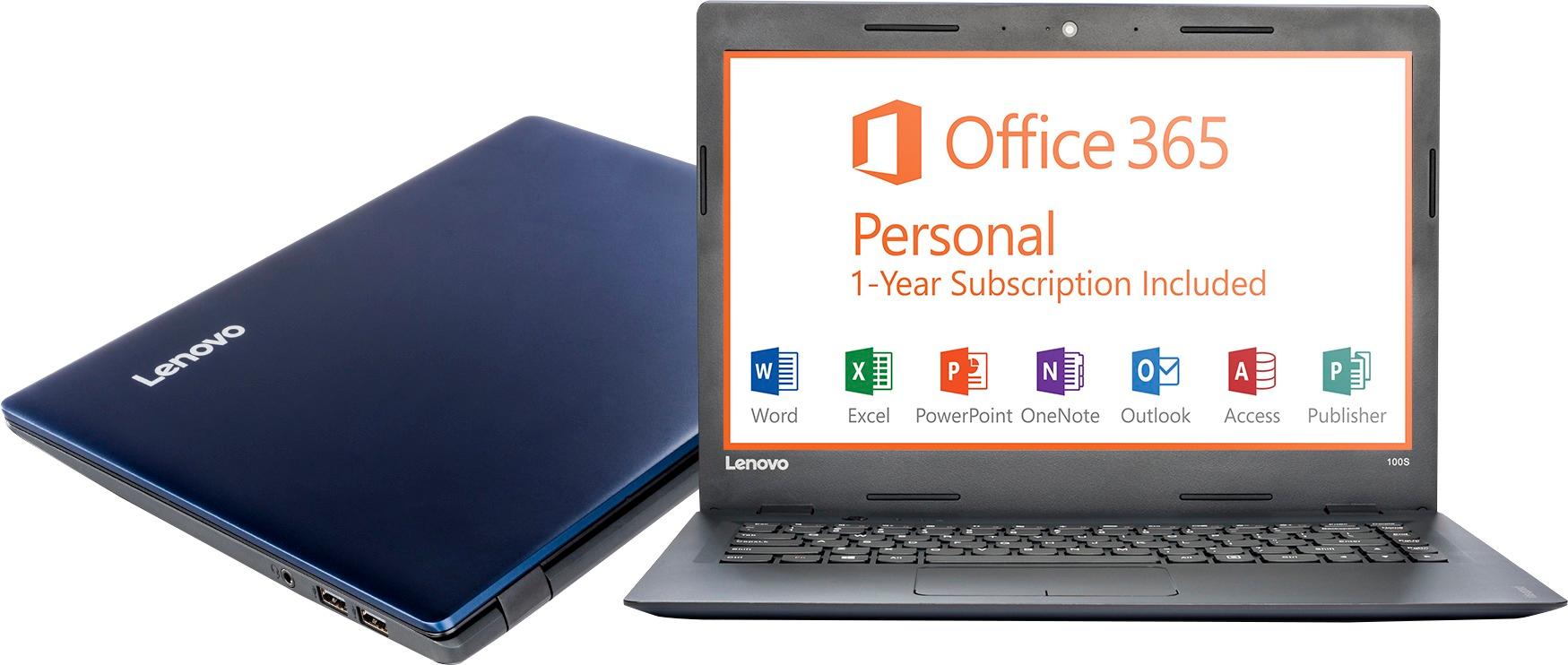
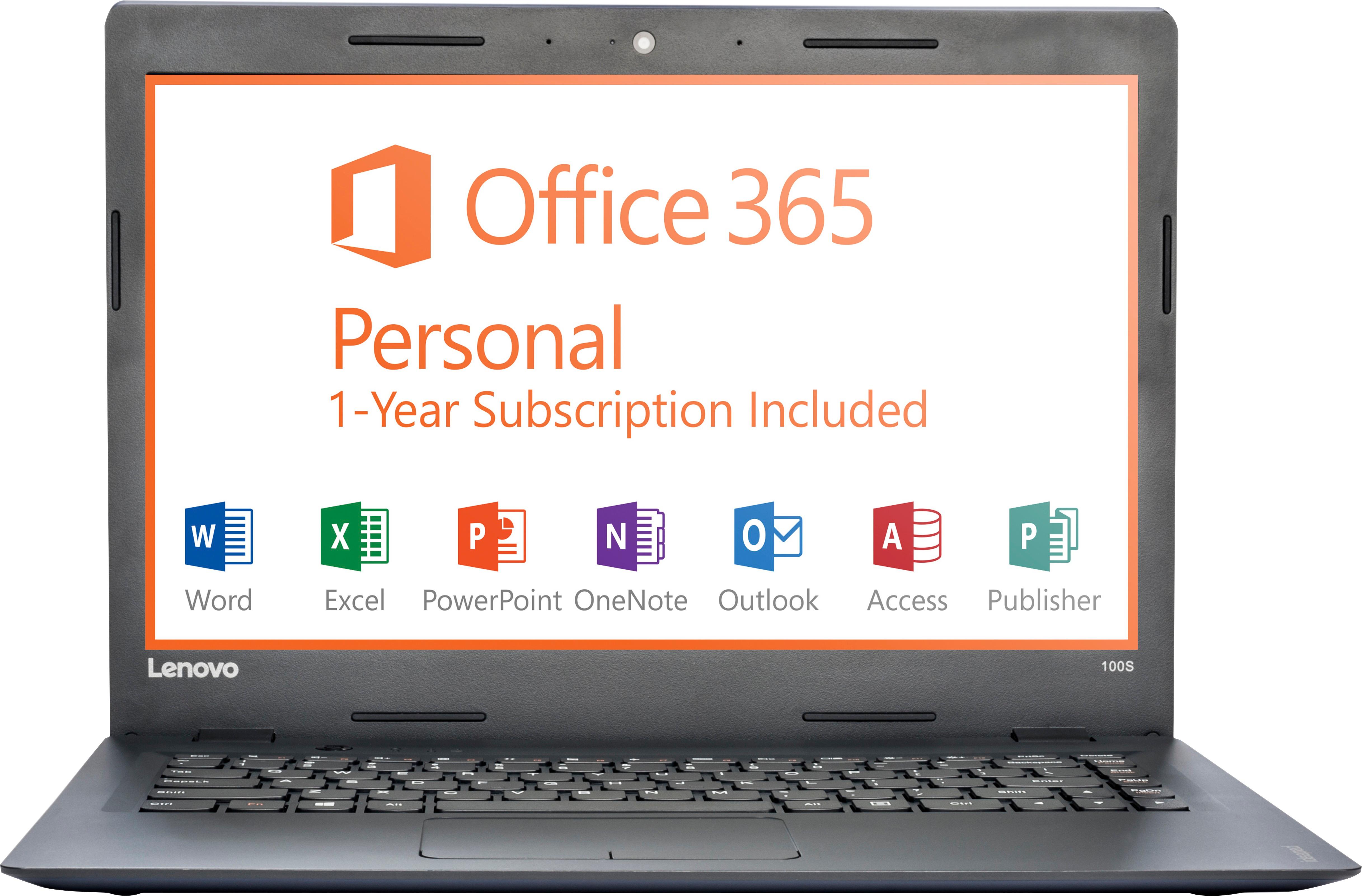
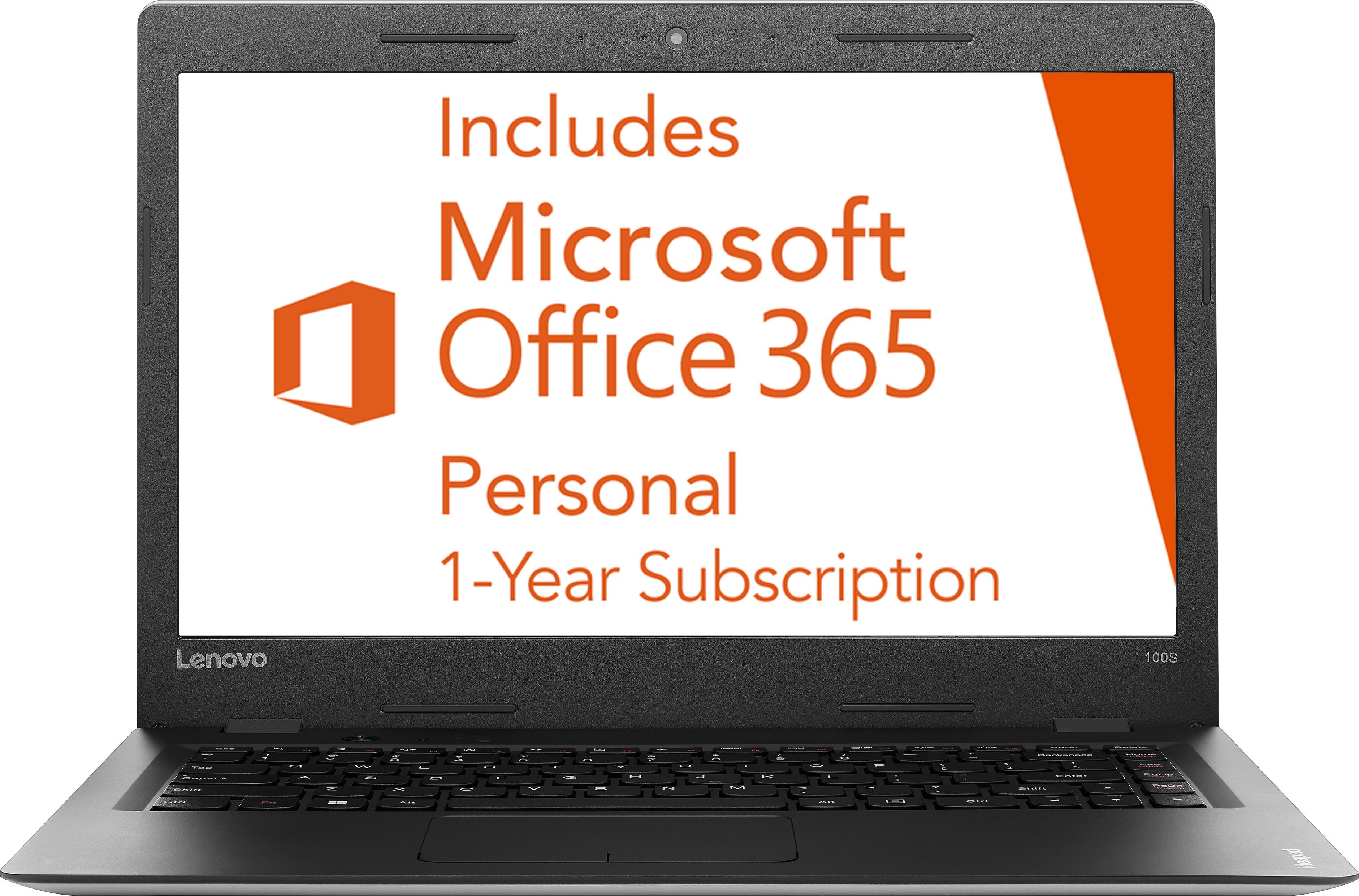
Posted .This is an entry level, light use system. It uses Windows 10 Home 32-Bit as its operating system, which requires less than 1GB of RAM to run. There is a 32GB solid state hard drive for quick boot up and quick loading of programs and files. This device has the latest WiFi capability, with 802.11AC connectivity. It comes with a free 1-year subscription to Microsoft Office 365. If your requirements fit this profile, this device is a good choice.
- Cons mentioned:Speed
cheap for a reason
||Posted .This reviewer received promo considerations or sweepstakes entry for writing a review.very cheap and there is a reason for it slow and touch pad is way to sensitive
No, I would not recommend this to a friend - Cons mentioned:Memory
Good for kid
||Posted .This reviewer received promo considerations or sweepstakes entry for writing a review.Need more memory lags updates suck live laptop but could be better
I would recommend this to a friend - Cons mentioned:Speed
very slow computer - returned to store
||Posted .This reviewer received promo considerations or sweepstakes entry for writing a review.very slow computer - simply was not what i was looking for returned to store
No, I would not recommend this to a friend slow and low quality
||Posted .This reviewer received promo considerations or sweepstakes entry for writing a review.Screen cracked on slightest bang. I have owned many laptops that have been through way worse. Was verrrry slow
No, I would not recommend this to a friend- Cons mentioned:Memory
It sucks
||Posted .This reviewer received promo considerations or sweepstakes entry for writing a review.It does not have enough memory update stay away from it
No, I would not recommend this to a friend salesperson knew absolutely nothing
||Posted .This reviewer received promo considerations or sweepstakes entry for writing a review.told me i could make a back up. not according to the machine. i called the decks , sure for a fee. really? brought the piece of junk back. 2 days later i get an email, from the store. hey we can set your laptop up and get it running. really? left hand doesn't talk to right?
No, I would not recommend this to a friend- Pros mentioned:Performance
Lonovo
||Posted .This reviewer received promo considerations or sweepstakes entry for writing a review.Loves it works great for my job would definitely buy again
I would recommend this to a friend Great for a child
||Posted .This reviewer received promo considerations or sweepstakes entry for writing a review.It didn't want to set up and then it didn't hold charge for very long at all.
No, I would not recommend this to a friendBrand response from Lenovo Product Expert
Posted .Sounds like there has been an error with the initial activation of Windows 10. You may need to restore your system to original factory default settings if any of the programing errors have occurred. You can do that by typing "restore" in the Cortana search window. Just click on the magnifying glass icon at the bottom left of your Windows 10 Desktop. Click on "Reset This PC" Then click on "Get Started" and follow the on screen directions to restore to factory defaults.
Not what I expected.
||Posted .This reviewer received promo considerations or sweepstakes entry for writing a review.I should have reviewed before I purchased the product. I am not happy at all.
No, I would not recommend this to a friendU Get What U Pay 4
||Posted .This reviewer received promo considerations or sweepstakes entry for writing a review.Inexpensive, but performs accordingly. Very slow and underpowered.
No, I would not recommend this to a friendThe drive is to small for windows 10 to update
||Posted .This reviewer received promo considerations or sweepstakes entry for writing a review.I have had this computer for 14 months and the ssd is to small to even do windows updates. I have tried to add a 250 gig ssd to it but the bios will not boot from the new drive, even though I set the bios boot order and disabled the 32 gig drive. Now I have to pay someone to look at it.
No, I would not recommend this to a friendslow machine
||Posted .This reviewer received promo considerations or sweepstakes entry for writing a review.very slow performance, touch pad not as responsive as expected
No, I would not recommend this to a friendBought for my 6 year old and would never use mysel
||Posted .This reviewer received promo considerations or sweepstakes entry for writing a review.Definitely not the top of the line and slow data use.
No, I would not recommend this to a friendI don't like a thing about it.
||Posted .This reviewer received promo considerations or sweepstakes entry for writing a review.I do not find this computer user friendly at all. I have not been able to get use to the small screen and the font constantly increases and decreases without notice. I would not purchase this again. I am disappointed in most things that I purchase from Best Buy.
No, I would not recommend this to a friendNot for me
||Posted .This reviewer received promo considerations or sweepstakes entry for writing a review.I purchased this Lenovo because I was too cheap to purchase a Mac book. It worked perfectly for about 2 weeks than it completely froze and I was unable to work on it again. This lab top does way too many software updates to just crash. Never again.
No, I would not recommend this to a friendBrand response from Lenovo Product Expert
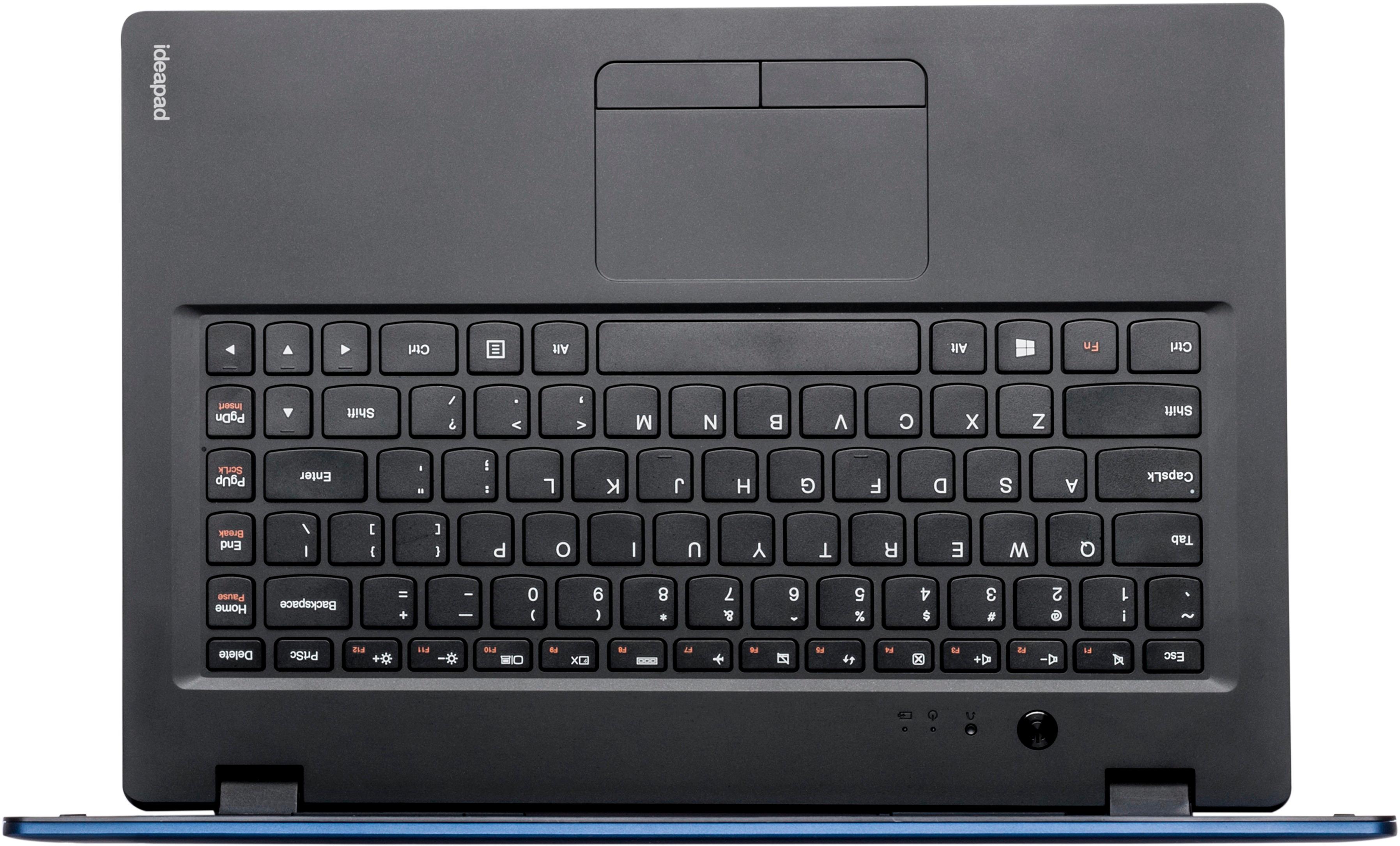
Posted .This system is equipped with OneKey Recovery System. There is a very small pin hole on the top left side of the keyboard area, near the left hinge, right near the power button on the device. You will need a pin to push this reset button. Plug the device in. Let the battery charge for about 15 minutes. Push the reset button. The system should boot to a choice screen where you can choose "Restore To Factory Default". Select this. You will be able to select "leave my file and programs" or "Delete all files and programs". You will need to reinstall all programs and files after the reset if you select "delete all files". If you don't have copies of the files, try to make one before you restore by selecting "Boot to desktop" and trying to back up your files.