Customer Ratings & Reviews



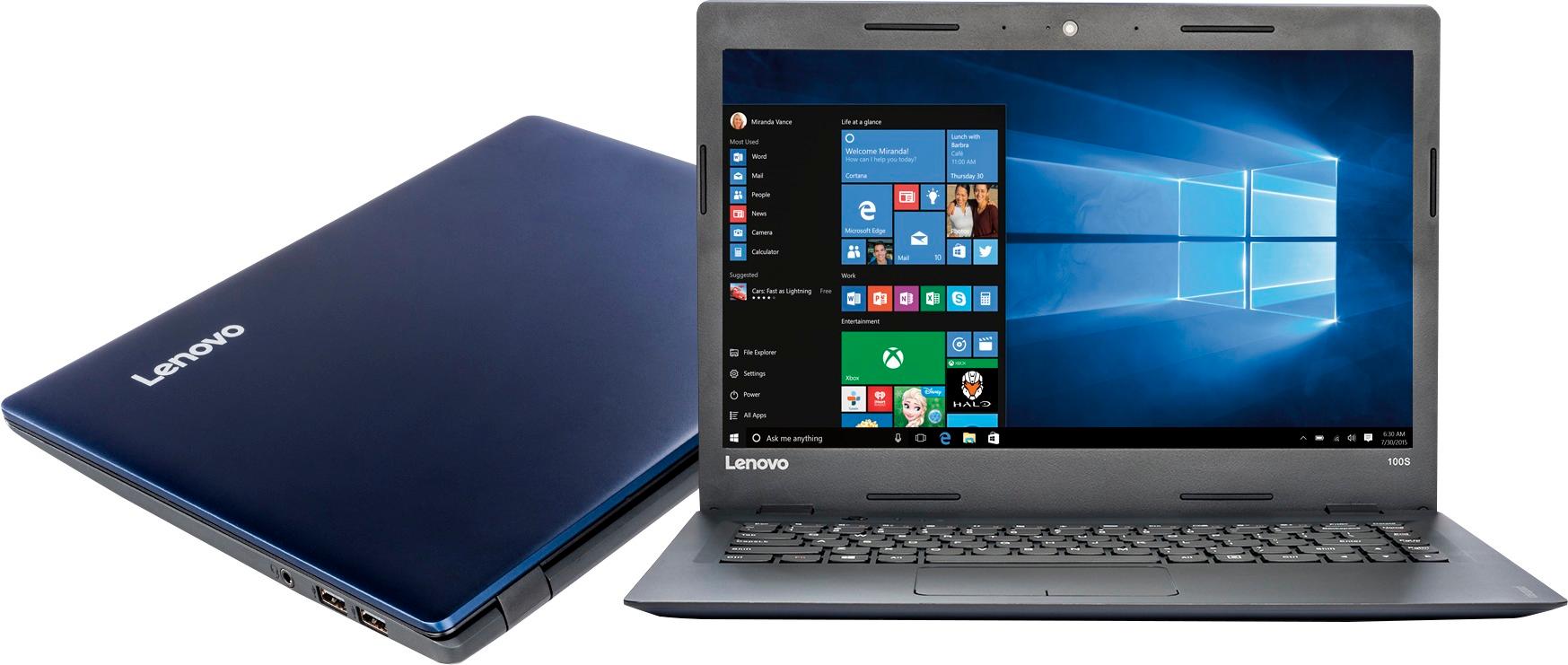
- Model:
- 80R900FYUS
- SKU:
- 5579834
to a friend
Customers are saying
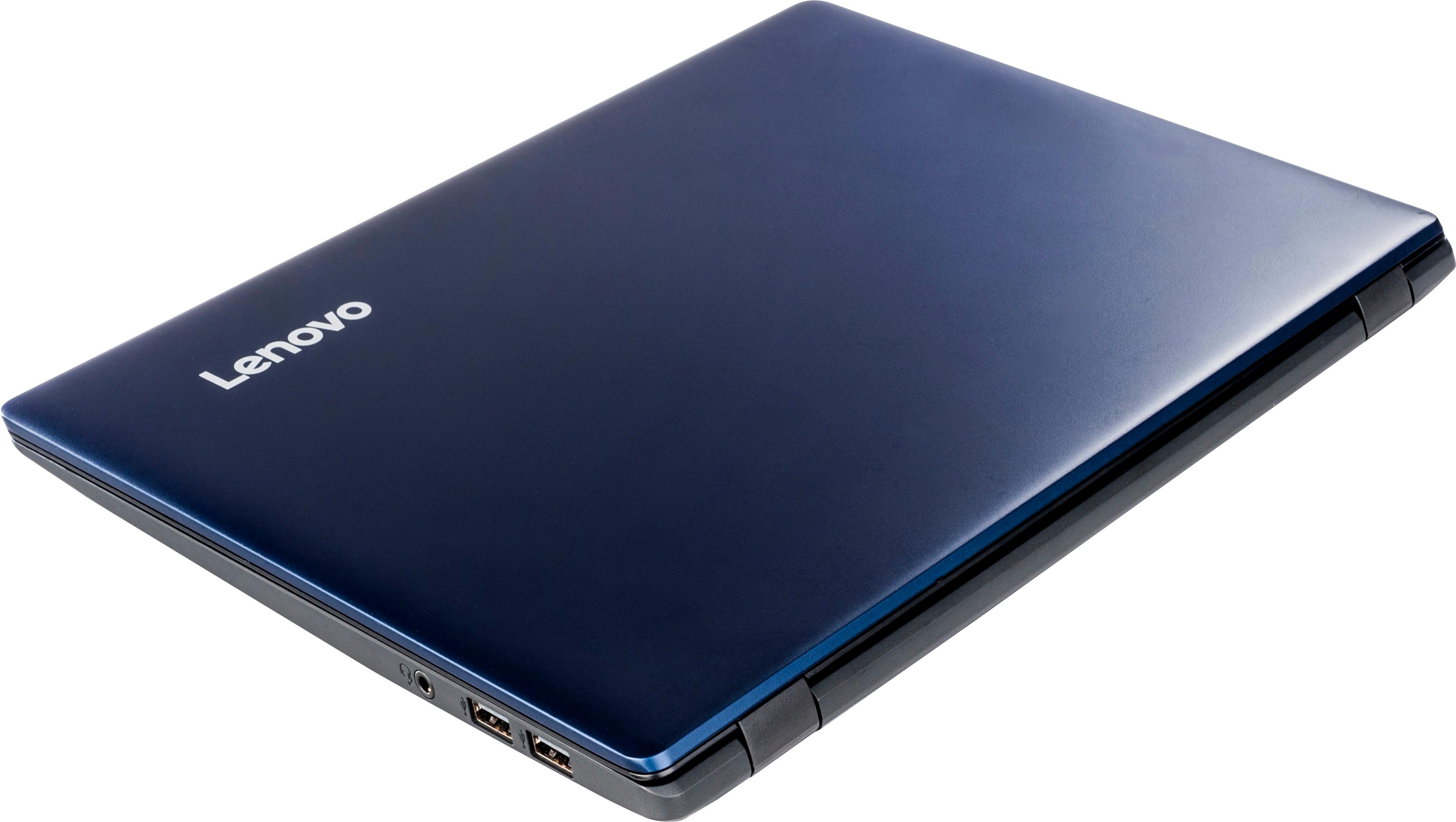
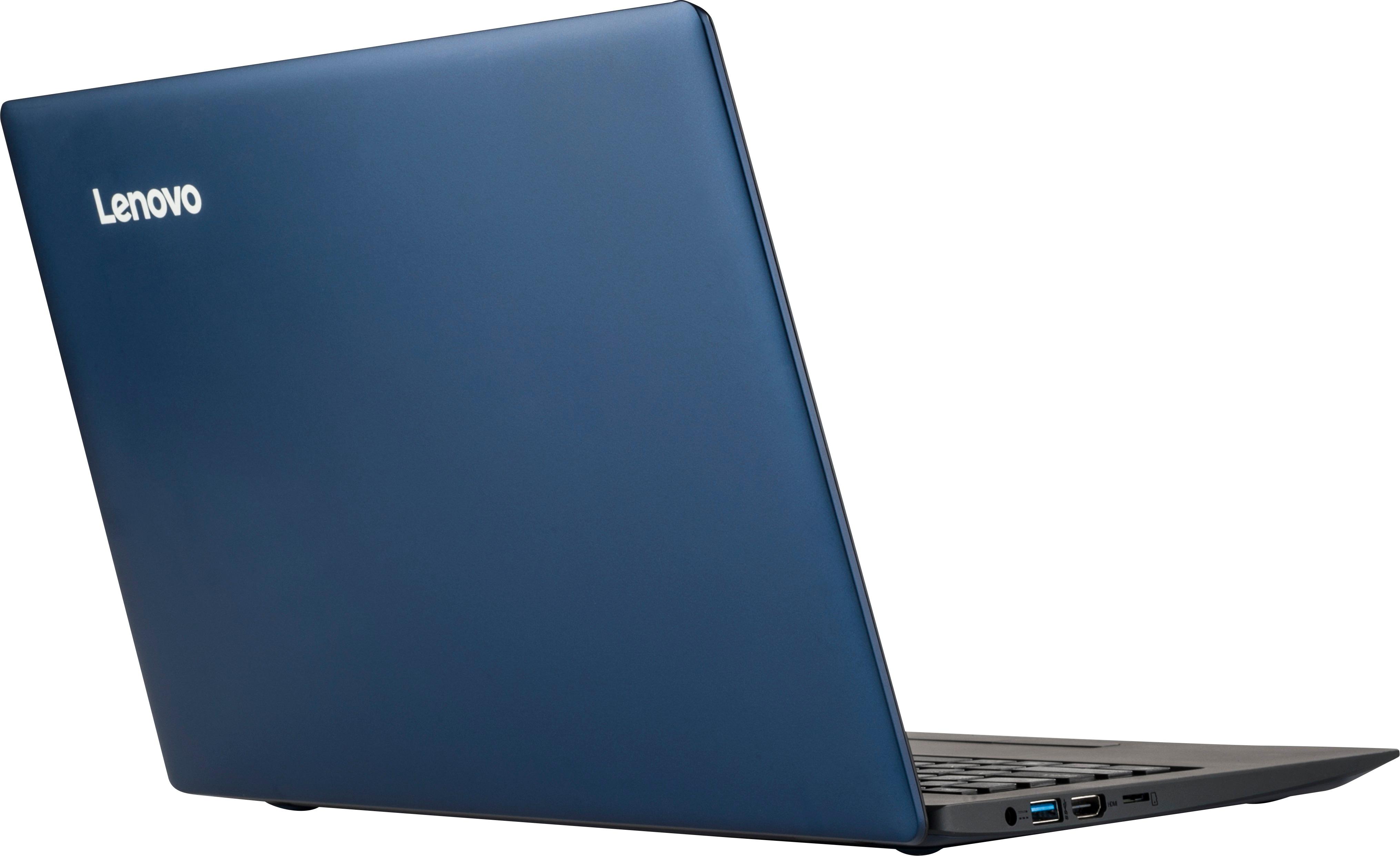
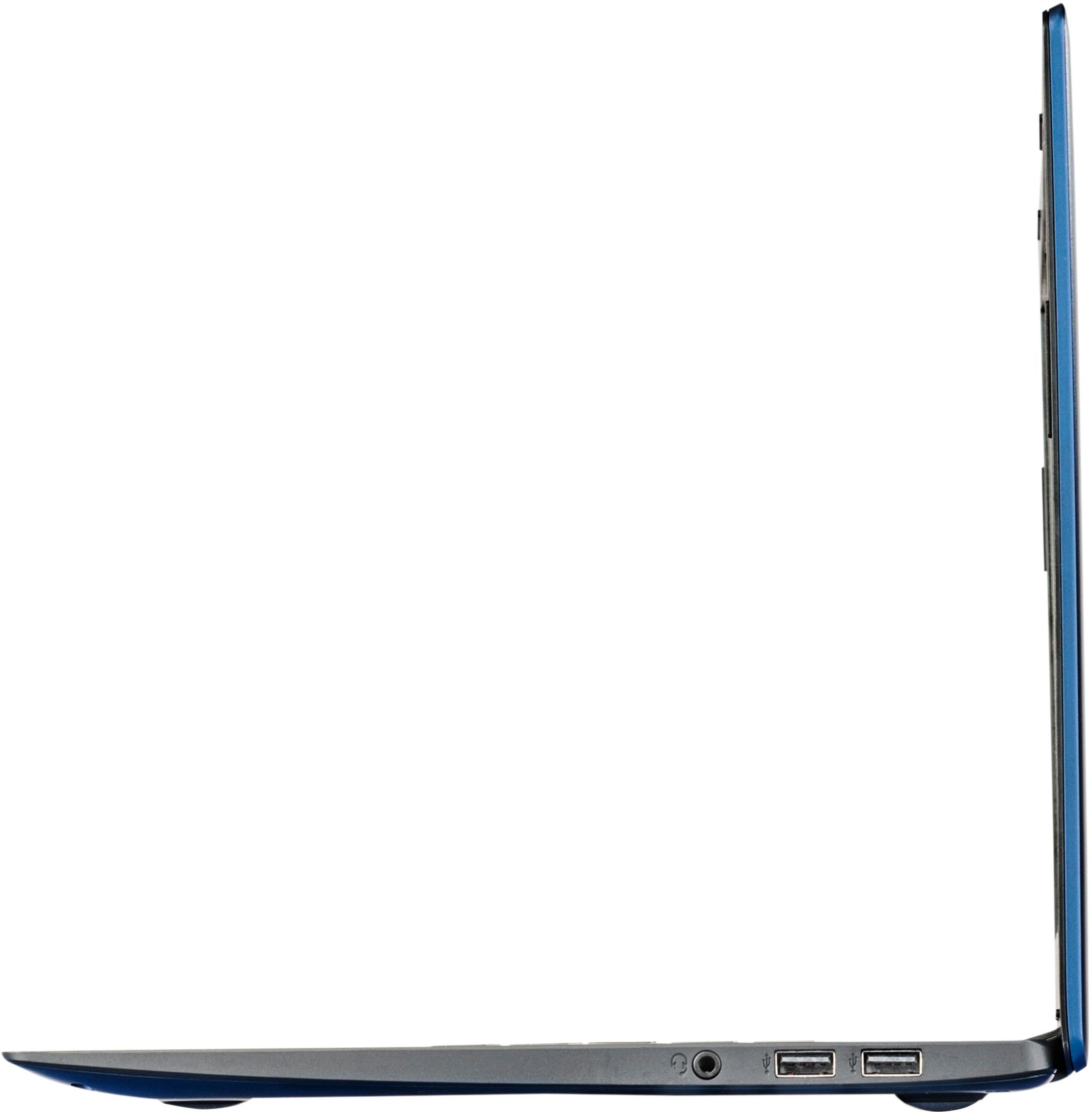
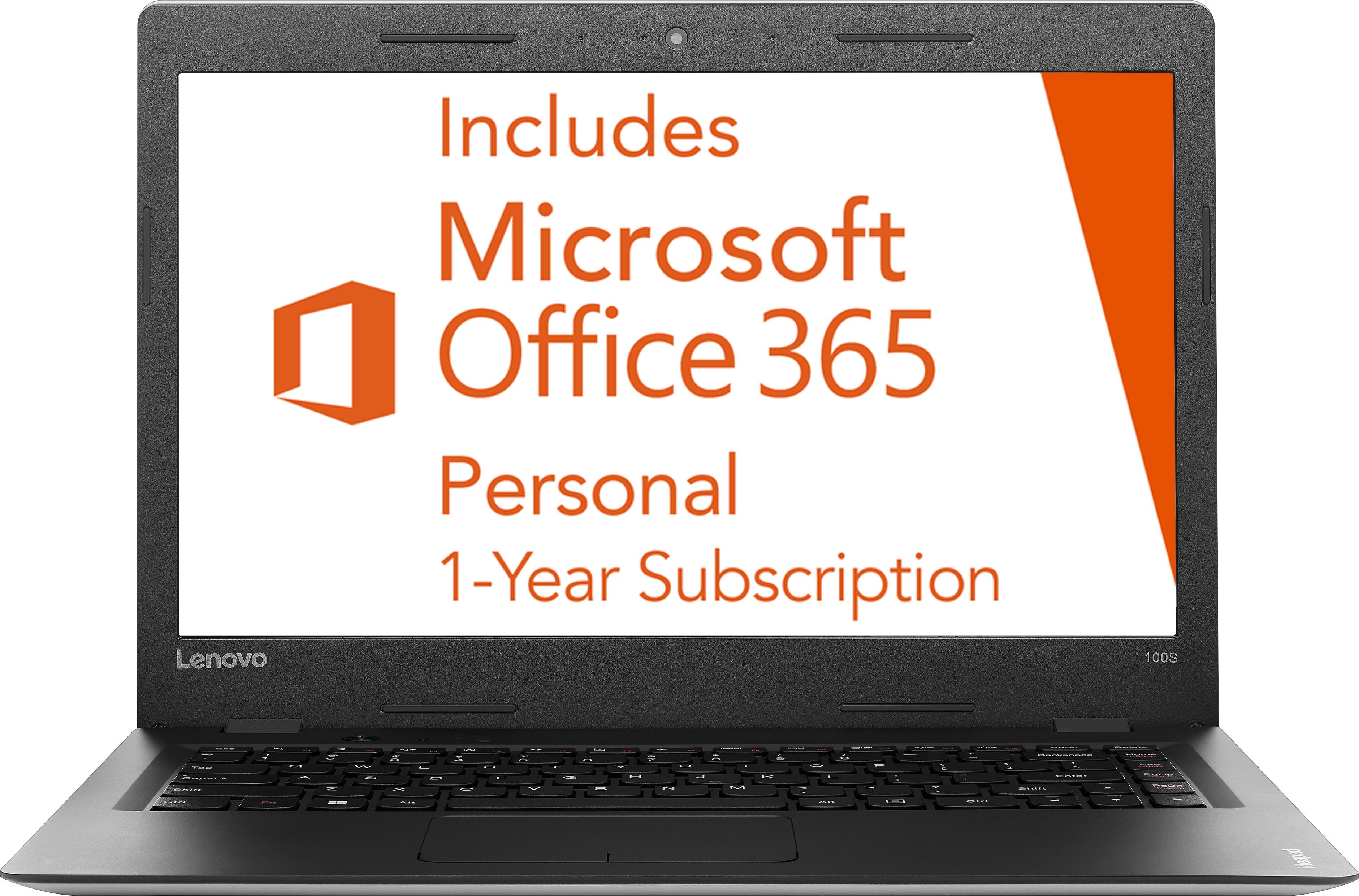
Customers are pleased with the 100S-14IBR 14" Laptop's ease of use, price, lightweight design, and performance. Many appreciate its compact size and long battery life, finding it suitable for web browsing and everyday tasks. However, some customers expressed a need for more storage and RAM. A lack of a CD drive was also noted as a drawback by a few users.
This summary was generated by AI based on customer reviews.
Terrible
||Posted .This reviewer received promo considerations or sweepstakes entry for writing a review.This isn't the idea laptop that you think it is within the two weeks I had purchased the laptop, it started blacking out every time I would open it and while it was open. I wouldn't recommend this to anyone at all !!!!!
No, I would not recommend this to a friendBrand response from Lenovo Product Expert
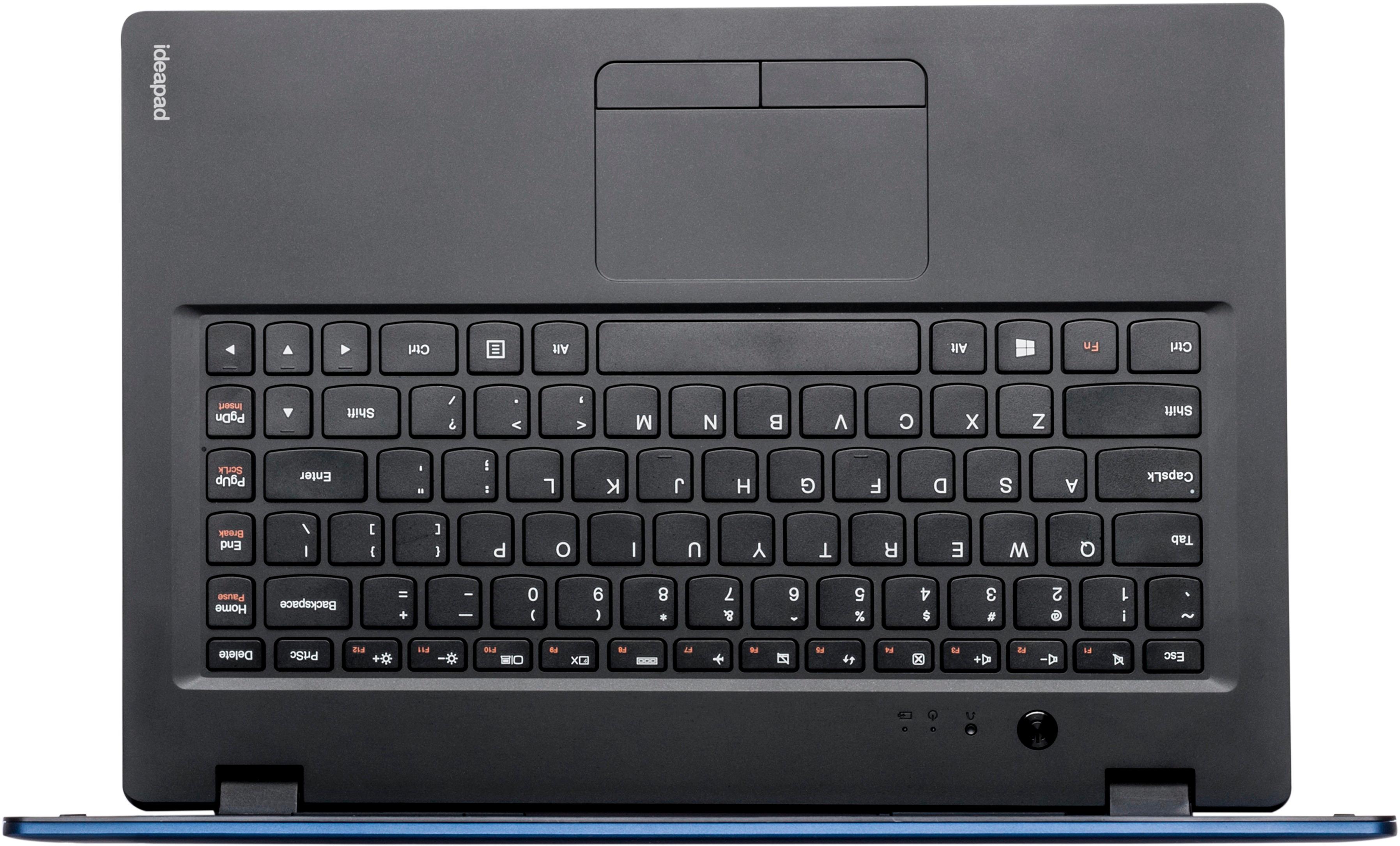
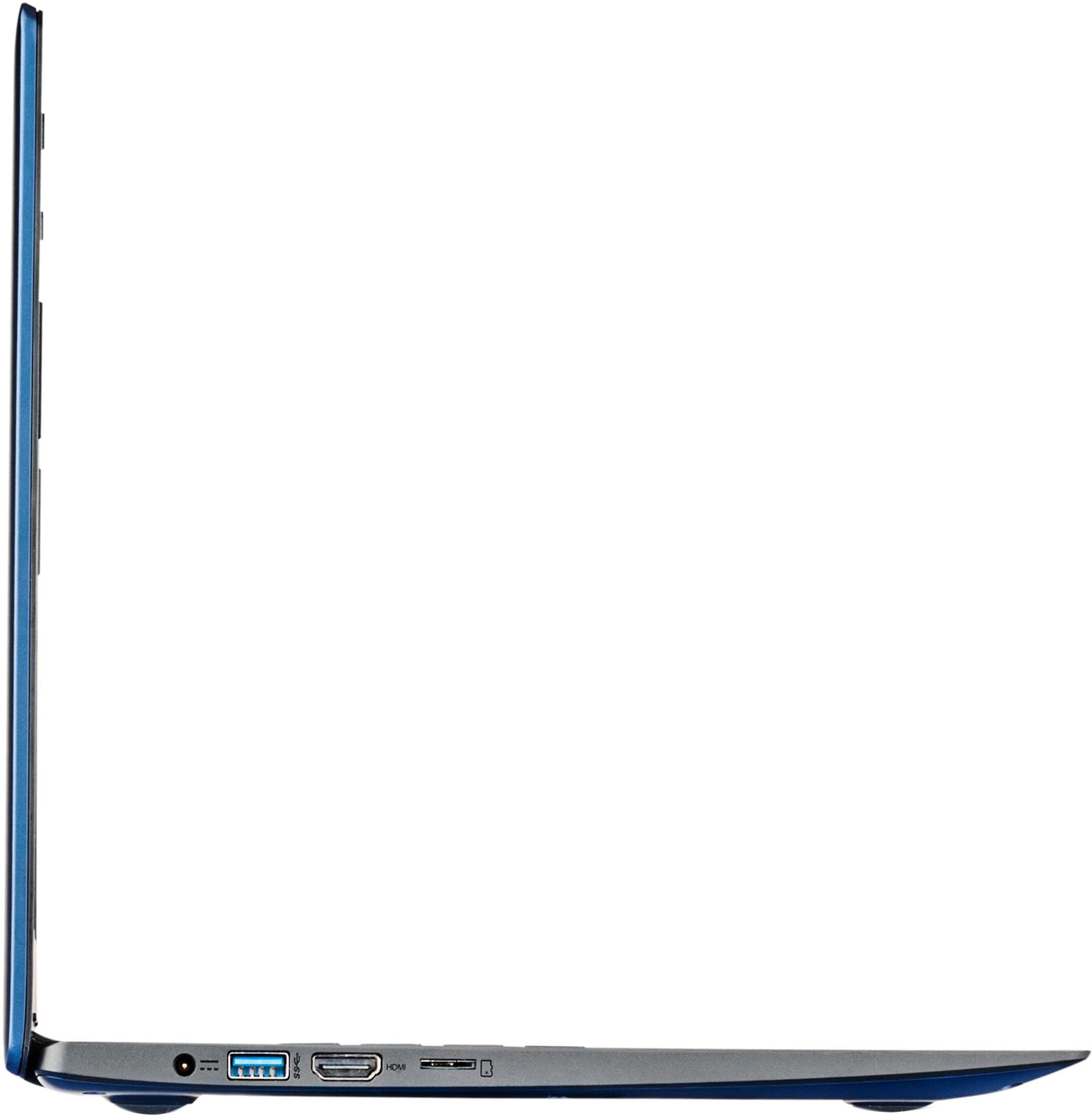
Posted .We are sorry to hear about the issues you are having with your Lenovo 100s-14. This system is equipped with OneKey Recovery System. There is a very small pin hole on the right side of the device, right near the HDMI port on the device. You will need a pin to push this reset button. Plug the device in. Let the battery charge for about 15 minutes. Push the reset button. The system should boot to a choice screen where you can choose "Restore To Factory Default". Select this. It will delete everything from the hard drive except the original factory install of the operating system. You will need to reinstall all programs and files after the reset. If you don't have copies of the files, try to make one before you restore by selecting "Boot to desktop" and trying to back up your files.

Broke within 2 months
||Posted .This reviewer received promo considerations or sweepstakes entry for writing a review.This computer had a software problem within 2 months. Best Buy's return policy and warranty are both just terrible so I'm out $200. Don't buy this. In fact, don't buy anything from Best Buy.
No, I would not recommend this to a friendBrand response from Lenovo Product Expert
Posted .This system is equipped with OneKey Recovery System. There is a very small pin hole on the left side of the device keyboard, near the left hinge, right near the power button on the device. You will need a pin to push this reset button. Plug the device in. Let the battery charge for about 15 minutes. Push the reset button. The system should boot to a choice screen where you can choose "Restore To Factory Default". Select this. It will delete everything from the hard drive except the original factory install of the operating system. You will need to reinstall all programs and files after the reset. If you don't have copies of the files, try to make one before you restore by selecting "Boot to desktop" and trying to back up your files.
Cheap, but that's about it.
||Posted .This reviewer received promo considerations or sweepstakes entry for writing a review.Got this computer to run certain Windows specific programs, it couldn't even handle basic web browsing so I returned it. I would recommend spending just a tad more for something more capable.
No, I would not recommend this to a friendNOT HAPPY
||Posted .This reviewer received promo considerations or sweepstakes entry for writing a review.The keyboard is very difficult to use. Windows 10 is incredibly difficult. Internet browsers are confusing. Not happy at all with this computer. Feel like I wasted money.
No, I would not recommend this to a friendBrand response from Lenovo Product Expert
Posted .With regard to learning your way around Windows 10, you may want to try YouTube.com (just type that address in your browser address window). There are hundreds for free instructional videos there about Windows 10. Just type Windows 10 Introduction in to the YouTube search window. You can watch free videos there that will show you the basics all the way up to tips and tricks videos and they're all free.
dont buy
||Posted . Owned for more than 2 years when reviewed.This reviewer received promo considerations or sweepstakes entry for writing a review.broke within 2 months, just started buzzing extremly loud while driving and i almost wrecked trying to make it stop. it wasnt even powered on.
No, I would not recommend this to a friendconsistant problems
||Posted .This reviewer received promo considerations or sweepstakes entry for writing a review.this computer has been factory reset 3 times and i will have to send it to. Lenovo for repair. it is only 6 weeks old. the system cant remember the wi fi driver.
No, I would not recommend this to a friendBrand response from Lenovo Product Expert
Posted .With regard to the WiFi issues you mention with your device, there may be Wireless LAN driver updates for your specific system. Follow the link below to look for new driver updates for your specific system. You can also run diagnostics from the Lenovo site as well. As always, be sure to create a restore point on your system before you make any changes. You can do this by just typing "restore point" in the search window within Cortana and follow the link to create a restore point. Here is the link:
http://pcsupport.lenovo.com/us/en/products/Laptops-and-netbooks/100-series/100s-14ibr/80R9/00FYUS/downloads?linkTrack=Caps%3ABody_SerialNumber
Don't buy
||Posted .This reviewer received promo considerations or sweepstakes entry for writing a review.This was a very slow Version of windows if you want something you can't stand waiting on buy it if you want somethings fast go else where
No, I would not recommend this to a friendnot good
||Posted .This reviewer received promo considerations or sweepstakes entry for writing a review.I bought 2 of this for my kids, windows it is just too heavy for this. ended returning them i got 2 samsungs, those really work great.
No, I would not recommend this to a frienda real piece of no good computer
||Posted .This reviewer received promo considerations or sweepstakes entry for writing a review.trash wish i had not bought it. also have another one better grade. not much!! will never buy this brand again!!!!!!!!!!!!!!!!!
No, I would not recommend this to a friendThe resolution on the screen is horrible
||Posted .This reviewer received promo considerations or sweepstakes entry for writing a review.The resolution on the screen is horrible. It is very hard to navigate since the fonts on some web page is on on readable.
No, I would not recommend this to a friendPoor sound quality
||Posted .This reviewer received promo considerations or sweepstakes entry for writing a review.The sound on this laptop is so low it is barely discernable. I was unable to listen to videos required for my class.
No, I would not recommend this to a friendVery slow
||Posted .This reviewer received promo considerations or sweepstakes entry for writing a review.Unfortunately I will be returning for a faster pc. Don't know if it's operating system or what. Very disappointed.
No, I would not recommend this to a friendStay away
||Posted .This reviewer received promo considerations or sweepstakes entry for writing a review.Terrible laptop, keyboard malfunctioning and has been serviced twice despite only purchasing a month ago.
No, I would not recommend this to a friendBad
||Posted .This reviewer received promo considerations or sweepstakes entry for writing a review.The Geek Squad guy told me never to spend less than about $700 on a laptop. I am sure he is right.
No, I would not recommend this to a friendHorrible
||Posted .This reviewer received promo considerations or sweepstakes entry for writing a review.Picked this up, unpacked it, tried to set it up and the mouse did not work. Returning it.
No, I would not recommend this to a friendBrand response from Lenovo Product Expert
Posted .We are sorry to hear that you are having problems with your IdeaPad 100s-14. With regard to the issue you mention with your touchpad/mouse, be sure the touchpad/mouse is not turned off. The F6 function key also is a "feature key". It turns the touchpad/mouse on/off. Press the F6 key, then try your touchpad/mouse, see if it works.
Went out in less then 3 months
||Posted .This reviewer received promo considerations or sweepstakes entry for writing a review.Purchased the laptop in February its now April 2 and its not coming on. Bad deal
No, I would not recommend this to a friendBrand response from Lenovo Product Expert
Posted .This system is equipped with OneKey Recovery System. There is a very small pin hole on the left side of the keyboard on the device, right near the power button on the device. You will need a pin to push this reset button. Plug the device in. Let the battery charge for about 15 minutes. Push the reset button. The system should boot to a choice screen where you can choose "Restore To Factory Default". Select this. It will delete everything from the hard drive except the original factory install of the operating system. You will need to reinstall all programs and files after the reset. If you don't have copies of the files, try to make one before you restore by selecting "Boot to desktop" and trying to back up your files.
No!
||Posted .This reviewer received promo considerations or sweepstakes entry for writing a review.Got this for my college student overall just not a good laptop!
No, I would not recommend this to a friend- Pros mentioned:Size, Weight
Awesome
Posted .This reviewer received promo considerations or sweepstakes entry for writing a review.This has been one of the best ones that have owned yet. Its the perfect size and light.
I would recommend this to a friend - Pros mentioned:SizeCons mentioned:Ram
Good Value Laptop
Posted .This reviewer received promo considerations or sweepstakes entry for writing a review.My daughter had a small 11.6 laptop and needed something bigger for high school. Mostly uses Google Docs, and Microsoft office products. Ok, that and Facebook, Youtube etc. Test drove in the store and it seems more than sufficient for what she needs. Pleasantly surprised with the basic specs. Might upgrade the RAM as 2 GB is kinda weak. If it holds up as well as my 4yr old Lenovo I'm typing on, I'll be happy. Just hope she is too.
I would recommend this to a friendBrand response from Lenovo Product Expert
Posted .Thank you for choosing the Lenovo IdeaPad 100s-14 for your daughter. We are pleased to hear that the IdeaPad 100s-14 is working out so well for your daughter. We appreciate your loyalty to the Lenovo Brand.
- Pros mentioned:Performance, Weight
Portable and Light
Posted .This reviewer received promo considerations or sweepstakes entry for writing a review.If you are looking for a new netbook for travel and basic tasks this may be the laptop for you. The specs may not look as amazing on paper but Lenovo always knows how to build a fast and efficient machine. This notebook is not for power users but rather is a nice piece of lightweight equipment for you to carry along with you. Keyboard is great and even though the touchpad may have right and left click keys you can still scroll and pinch to zoom like other buttonless mousepads. I think this is a great computer if you need something small that can access applications and use the web at the same time. Like a chromebook but better and faster.
I would recommend this to a friendBrand response from Lenovo Product Expert
Posted .Thank you for choosing the Lenovo IdeaPad 100s-14. We are pleased to hear that the features and performance of the IdeaPad 100s-14 meets your computing needs so well.