Customer Ratings & Reviews






- Model:
- 80R900FXUS
- SKU:
- 5669100
Rating by feature
- Value
Rating 3.8 out of 5 stars
- Quality
Rating 3.4 out of 5 stars
- Ease of Use
Rating 3.8 out of 5 stars
Customers are saying
Customers are pleased with the ease of use, value price, and lightweight design of the 100S-14IBR 14" Laptop. Many appreciate its adequate performance for basic tasks and web browsing. However, some users noted limitations in storage space and memory capacity. A few also mentioned minor issues with the touchpad and speakers.
This summary was generated by AI based on customer reviews.
Ill pass
||Posted .This reviewer received promo considerations or sweepstakes entry for writing a review.Got for work. Didnt add any programs but our invenvtory program and the computer ran slow. Even ran slow just for email use took back within a week.
No, I would not recommend this to a friend- Cons mentioned:Memory
Lacks memory
||Posted .This reviewer received promo considerations or sweepstakes entry for writing a review.I bought this laptop for my daughter to use at home, and the memory was not sufficient. It was so slow that I had to take it back.
No, I would not recommend this to a friend - Cons mentioned:Speed
Not for major projects
||Posted .This reviewer received promo considerations or sweepstakes entry for writing a review.We bought this laptop because ours crashed and we were in a pinch. It was way too slow for what we needed it for. We returned it.
No, I would not recommend this to a friendBrand response from Lenovo Product Expert
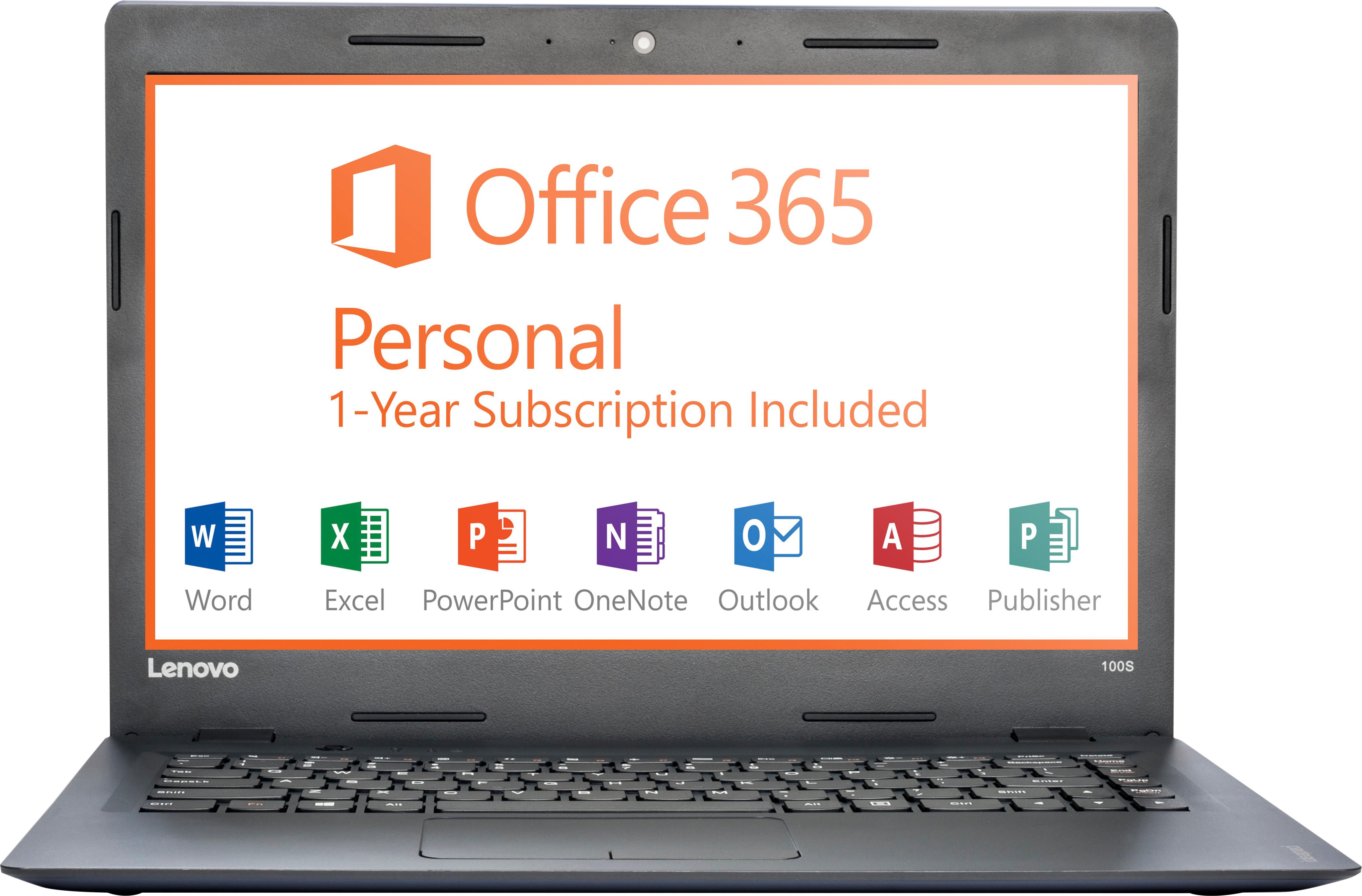
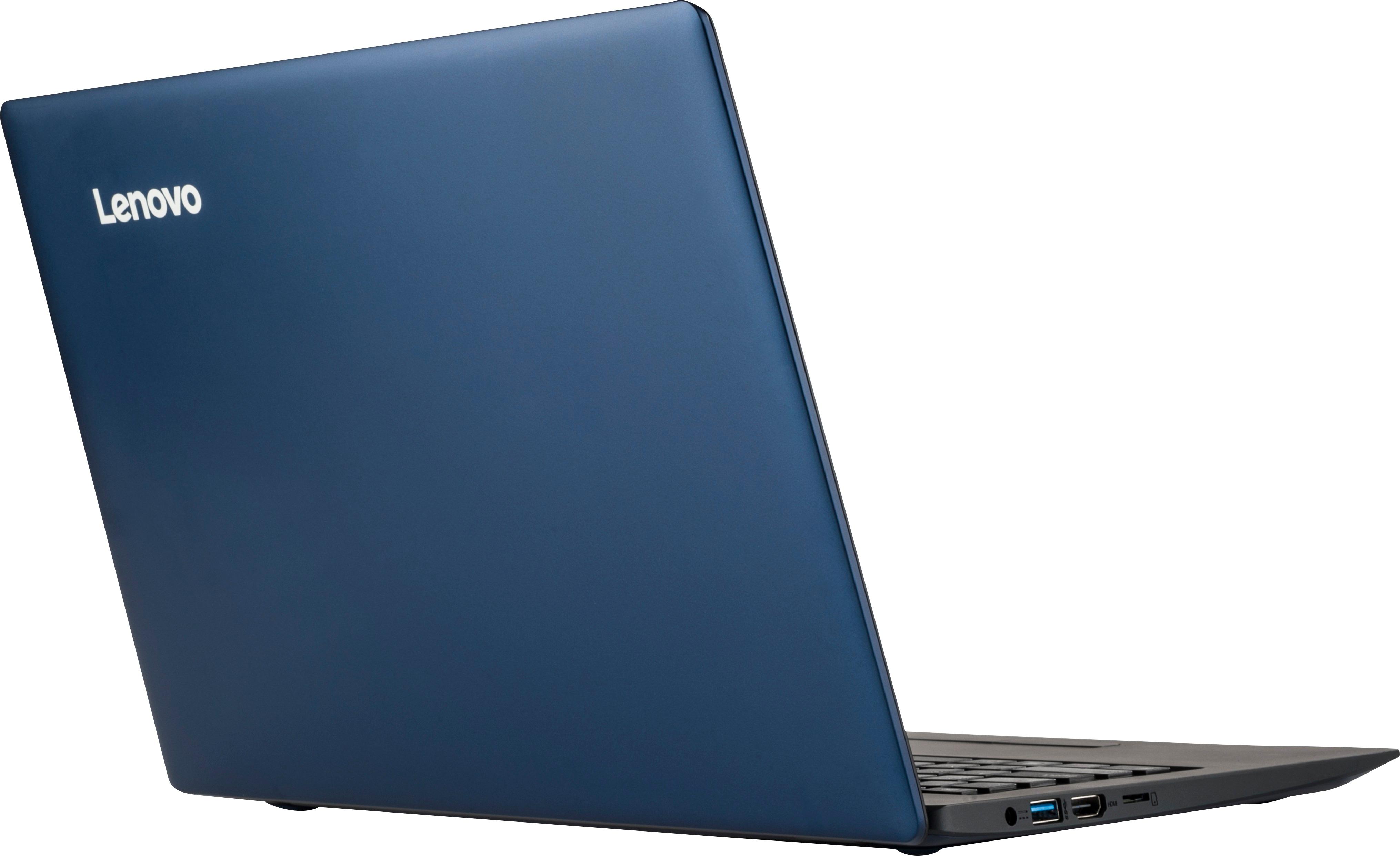
Posted .This is an entry level, light use system. It uses Windows 10 Home 32-Bit as its operating system, which requires less than 1GB of RAM to run. There is a 32GB solid state hard drive for quick boot up and quick loading of programs and files. This device has the latest WiFi capability, with 802.11AC connectivity. It comes with a free 1-year subscription to Microsoft Office 365. If your requirements fit this profile, this device is a good choice.

- Cons mentioned:Ram
Way to slow
||Posted .This reviewer received promo considerations or sweepstakes entry for writing a review.Theres not enough ram making it way to slow for heavy use. Would be good if you where just using it to surf or type notes etc.
No, I would not recommend this to a friend - Cons mentioned:Memory
Memory is very small
||Posted .This reviewer received promo considerations or sweepstakes entry for writing a review.It over heats and it has a very small memory and it tuns off by it self.
No, I would not recommend this to a friendBrand response from Lenovo Product Expert
Posted .It sounds like there may be a compatibility issue with installed software or the Windows 10 operating system. This system is equipped with OneKey Recovery System. There is a very small button on the top side of the device (the keyboard area), right near the power button on the device. You will need a pen to push this reset button. Plug the device in. Let the battery charge for about 15 minutes. Push the reset button. The system should boot to a choice screen where you can choose "Restore To Factory Default". Select this. It will delete everything from the hard drive except the original factory install of the operating system. You will need to reinstall all programs and files after the reset. If you don't have copies of the files, try to make one before you restore by selecting "Boot to desktop" and trying to back up your files.
Great for homework
||Posted .This reviewer received promo considerations or sweepstakes entry for writing a review.I bought this for college and it worked fine for homework but only homework and it slowed down drastically by the end of the year
No, I would not recommend this to a friend- Cons mentioned:Speed
Laptop
||Posted .This reviewer received promo considerations or sweepstakes entry for writing a review.The speed is so slow. The space bar came off on day one and it has never worked right since then.
No, I would not recommend this to a friendBrand response from Lenovo Product Expert
Posted .Obviously the keys should not be coming off. We recommend you return the device to your Best Buy purchase location, with your receipt for a return, since you are within the 15-day return period. This is an entry level, light use system. It uses Windows 10 Home 32-Bit as its operating system, which requires less than 1GB of RAM to run. There is a 32GB solid state hard drive for quick boot up and quick loading of programs and files. This device has the latest WiFi capability, with 802.11AC connectivity. It comes with a free 1-year subscription to Microsoft Office 365. If your requirements fit this profile, this device is a good choice.
- Cons mentioned:Memory
bad choice
||Posted .This reviewer received promo considerations or sweepstakes entry for writing a review.This laptop has no memory what so ever I was very happy that I could change it for another one
No, I would not recommend this to a friendBrand response from Lenovo Product Expert
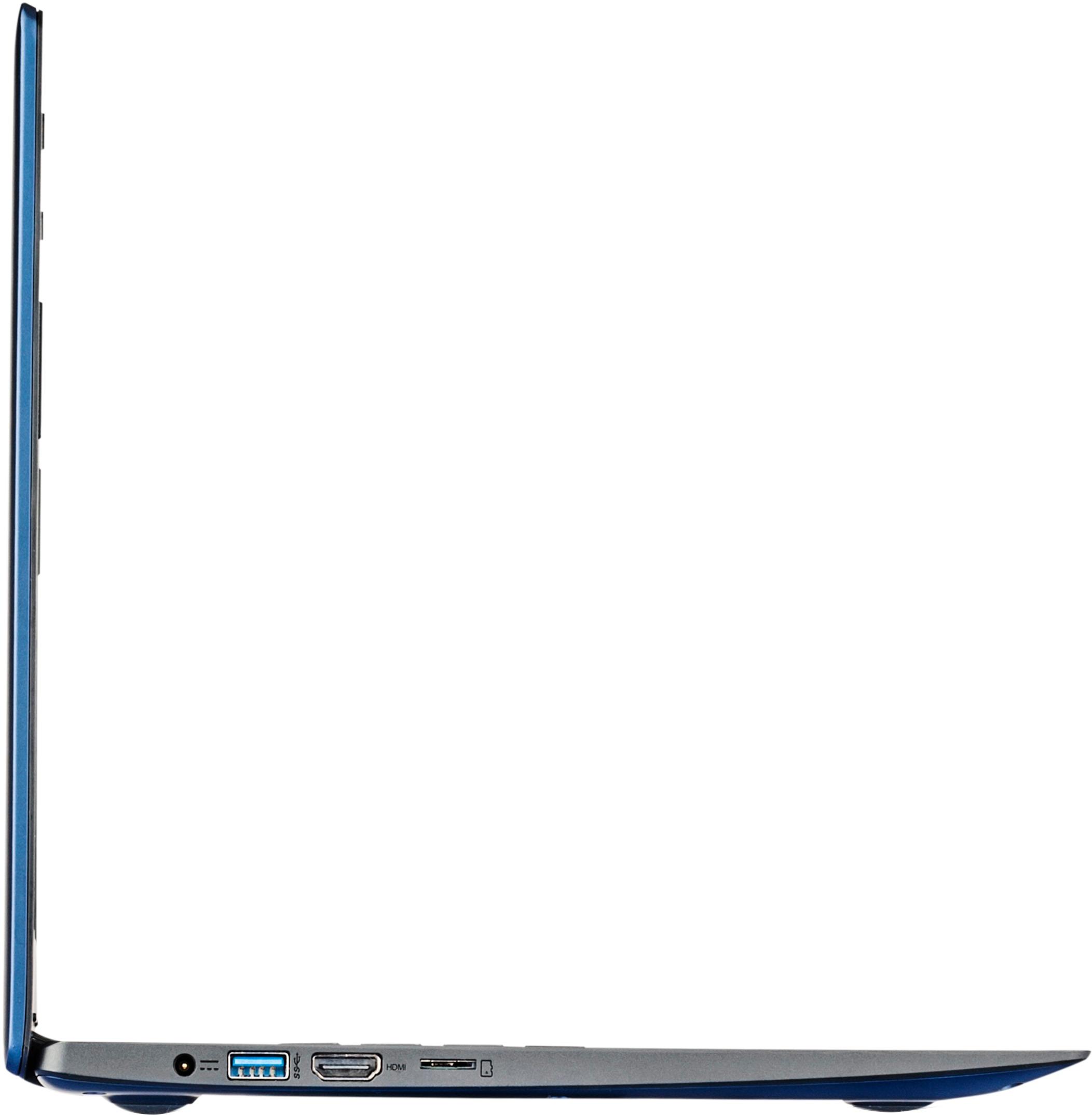
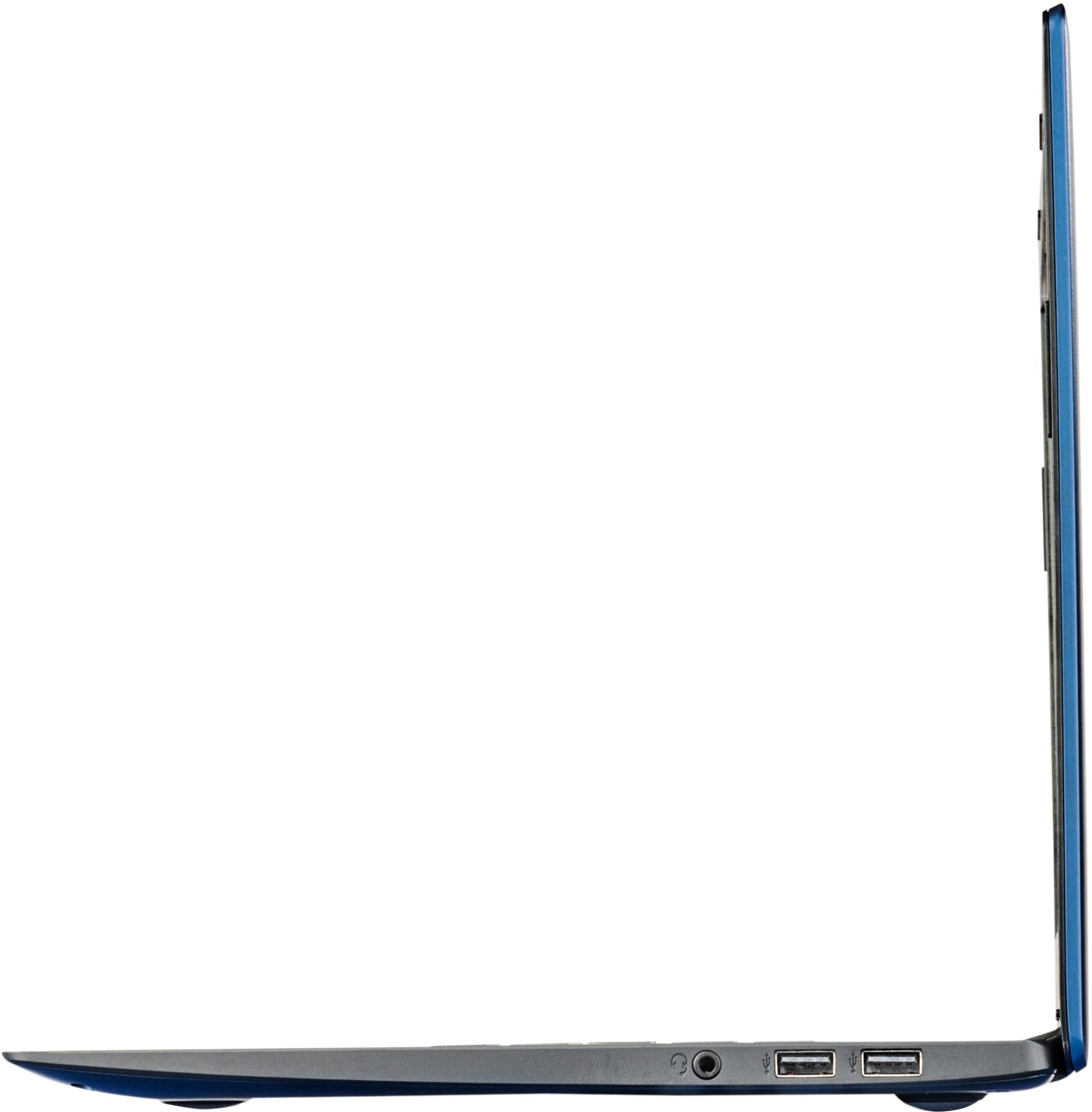
Posted .There is a Micro-SD card slot on this device that can be used for more storage space. This is an entry level, light use system. It uses Windows 10 Home 32-Bit as its operating system, which requires less than 1GB of RAM to run. There is a 32GB solid state hard drive for quick boot up and quick loading of programs and files. This device has the latest WiFi capability, with 802.11AC connectivity. It comes with a free 1-year subscription to Microsoft Office 365. If your requirements fit this profile, this device is a good choice.
- Cons mentioned:Memory
not happy
||Posted . Owned for more than 2 years when reviewed.This reviewer received promo considerations or sweepstakes entry for writing a review.It does not hold alot of memory used it only for about 6 month.
No, I would not recommend this to a friend - Cons mentioned:Ram
Not happy
||Posted .This reviewer received promo considerations or sweepstakes entry for writing a review.Really poor performer. I’ll never buy a laptop with so little memory and power again
No, I would not recommend this to a friend - Cons mentioned:Storage
not worth buying
||Posted .This reviewer received promo considerations or sweepstakes entry for writing a review.this laptop doesn't work with itunes right, it freezes and always run out of room
No, I would not recommend this to a friendBrand response from Lenovo Product Expert
Posted .Windows 10 Home 32-bit is compatible with iTunes. Be sure the installation of the iTunes software is correct. You may want to uninstall and reinstall the iTunes software to this device. There is a Micro-SD card slot on this device that you can use to add additional solid state storage to this device.
Terrible product x2!
||Posted .This reviewer received promo considerations or sweepstakes entry for writing a review.We bought this as a solution just for email, social media and general reading online. The first one was dead out of the box (even though we were told it would be fully charged). We charged it and the battery still wouldn't hold a charge. We took the first one back and got a replacement - same issues. We returned for a refund and went with a different manufacturer. Very disappointing!
No, I would not recommend this to a friend- Cons mentioned:Speed
I am not very happy with this product
||Posted .This reviewer received promo considerations or sweepstakes entry for writing a review.I am unhappy with this computer. It is slow and has many glitches.
No, I would not recommend this to a friendBrand response from Lenovo Product Expert
Posted .This is an entry level, light use system. It uses Windows 10 Home 32-Bit as its operating system, which requires less than 1GB of RAM to run. There is a 32GB solid state hard drive for quick boot up and quick loading of programs and files. This device has the latest WiFi capability, with 802.11AC connectivity. It comes with a free 1-year subscription to Microsoft Office 365. If your requirements fit this profile, this device is a good choice.
Not Enough Computer for me.
||Posted .This reviewer received promo considerations or sweepstakes entry for writing a review.This computer was bought thinking I was buying another IdeaPad 100, to use the pair in my business..
No, I would not recommend this to a friendDisappointed
||Posted .This reviewer received promo considerations or sweepstakes entry for writing a review.Got this because I had a 12" Leveno that was happy with. Big disappointment. Speakers are awful.
No, I would not recommend this to a friendBrand response from Lenovo Product Expert
Posted .This is an entry level, light use system. It uses Windows 10 Home 32-Bit as its operating system, which requires less than 1GB of RAM to run. There is a 32GB solid state hard drive for quick boot up and quick loading of programs and files. This device has the latest WiFi capability, with 802.11AC connectivity. It comes with a free 1-year subscription to Microsoft Office 365. If your requirements fit this profile, this device is a good choice. Concerning the speaker volume, here is a link to an article with tips for increasing speaker volume within Windows 10:
https://quickfever.com/make-windows-10-sound-louder-tips
- Cons mentioned:Speed
Slow laptop
||Posted .This reviewer received promo considerations or sweepstakes entry for writing a review.Very slow and keeps freezing not satisfied with it
No, I would not recommend this to a friend Not ideal
||Posted .This reviewer received promo considerations or sweepstakes entry for writing a review.Definitely not conducive for even the average level of work load
No, I would not recommend this to a friendNo easy way to increase RAM
||Posted .This reviewer received promo considerations or sweepstakes entry for writing a review.I did the research before buying the laptop. The reviews indicated that memory could be upgraded. But when I took the cover off, I couldn't find the slot. I did more research, then I found out that you could upgrade if you know how to solder it to the mother board. Wow. Talk about lack of transparency.
No, I would not recommend this to a friendBrand response from Lenovo Product Expert
Posted .This model is not upgradable.
waste of money
||Posted .This reviewer received promo considerations or sweepstakes entry for writing a review.I purchase this piece of junk on 4/3/17. For one, i had a hard time trying to get the box opened. Secondly, once i put in my personal information, the cursor kept rolling for over an hour and the screen stayed black. Windows never came up. Im taking this junk back today. It aint worth the money.
No, I would not recommend this to a friendBrand response from Lenovo Product Expert
Posted .This system is equipped with OneKey Recovery System. There is a very small pin hole on the top left keyboard side of the device, right near the power button on the device. You will need a pin to push this reset button. Plug the device in. Let the battery charge for about 15 minutes. Push the reset button. The system should boot to a choice screen where you can choose "Restore To Factory Default". Select this. It will delete everything from the hard drive except the original factory install of the operating system. You will need to reinstall all programs and files after the reset. If you don't have copies of the files, try to make one before you restore by selecting "Boot to desktop" and trying to back up your files.
It's already broken
||Posted .This reviewer received promo considerations or sweepstakes entry for writing a review.Twenty days in and several problems with the screen going blank.
No, I would not recommend this to a friendBrand response from Lenovo Product Expert
Posted .This sounds like a Windows 10 update failure. This system is equipped with OneKey Recovery System. There is a very small button on the top left of the keyboard, near the power button
on this device. You will need a pen to push this reset button. Plug the device in. Let the battery charge for about 15 minutes. Push the reset button. The system should boot to a choice screen where you can choose "Restore To Factory Default". Select this. It will delete everything from the hard drive except the original factory install of the operating system. You will need to reinstall all programs and files after the reset. If you don't have copies of the files, try to make one before you restore by selecting "Boot to desktop" and trying to back up your files.