Customer Ratings & Reviews

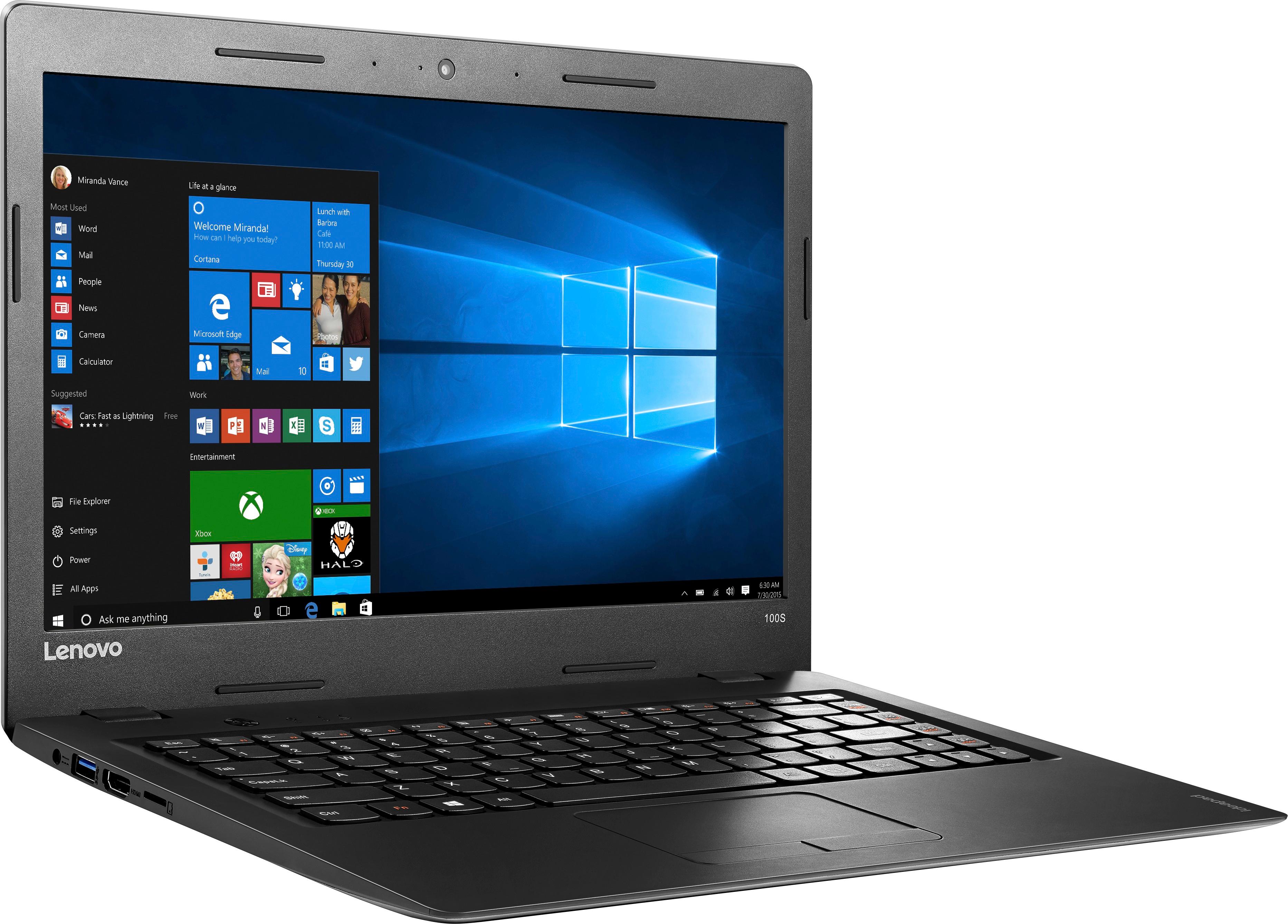
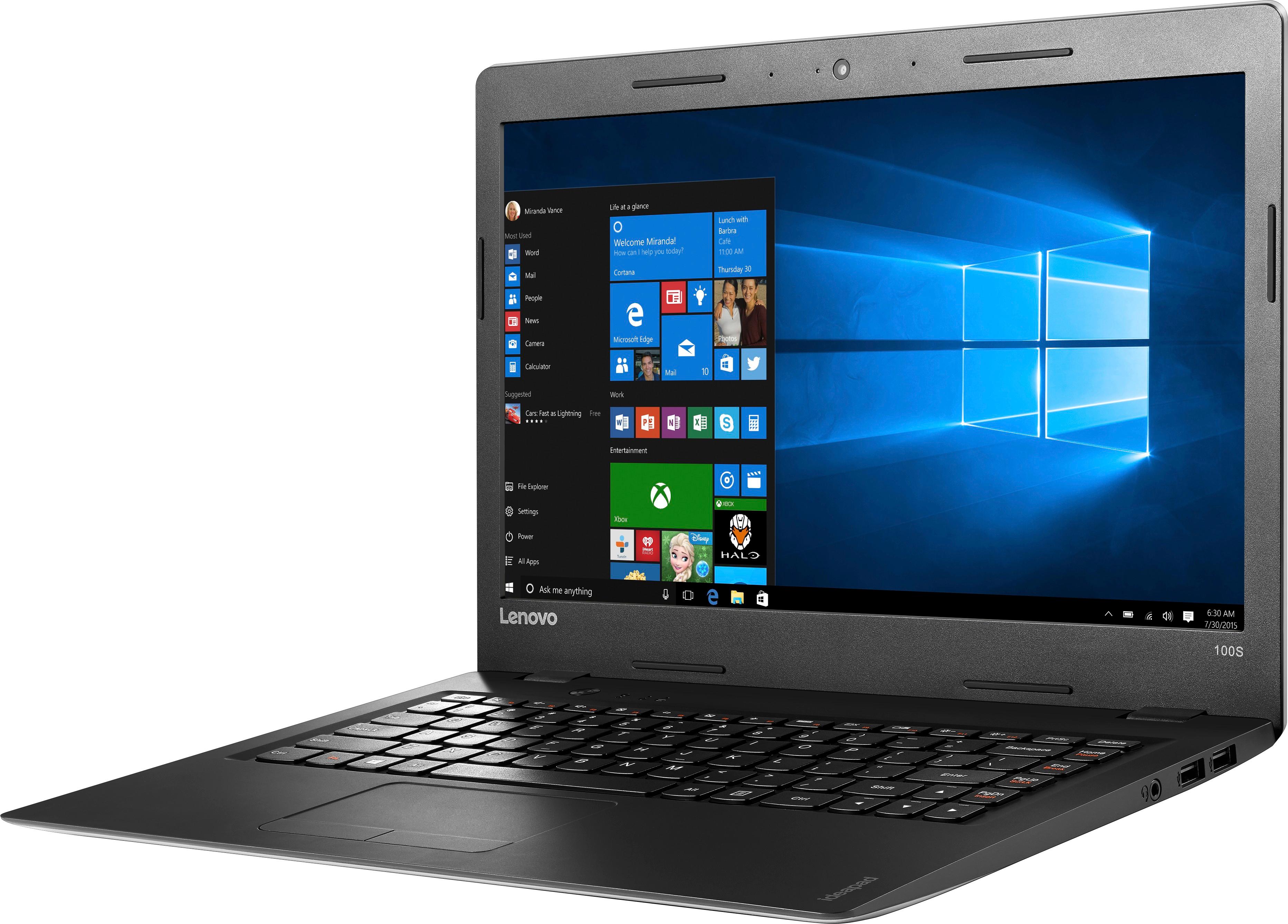
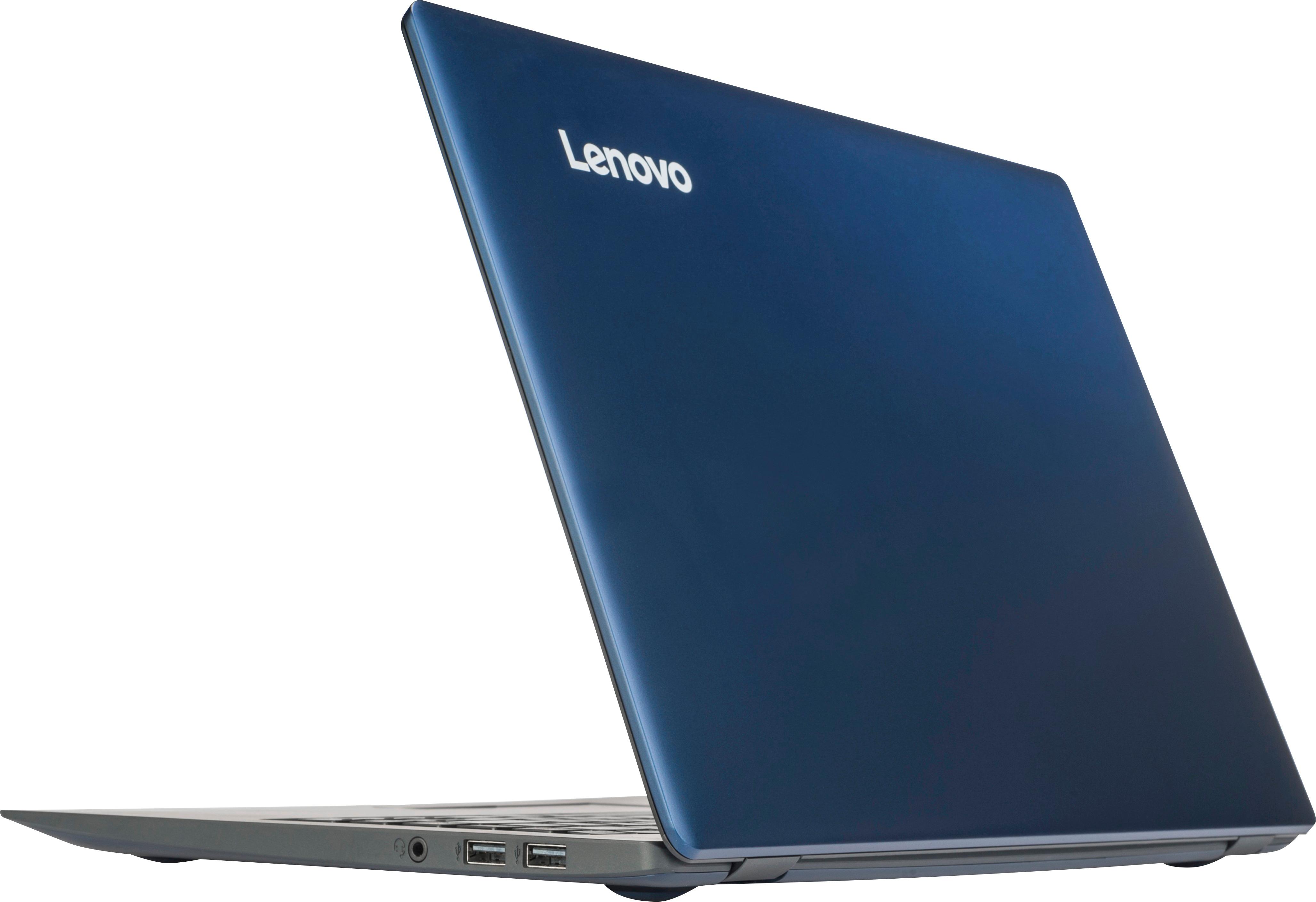



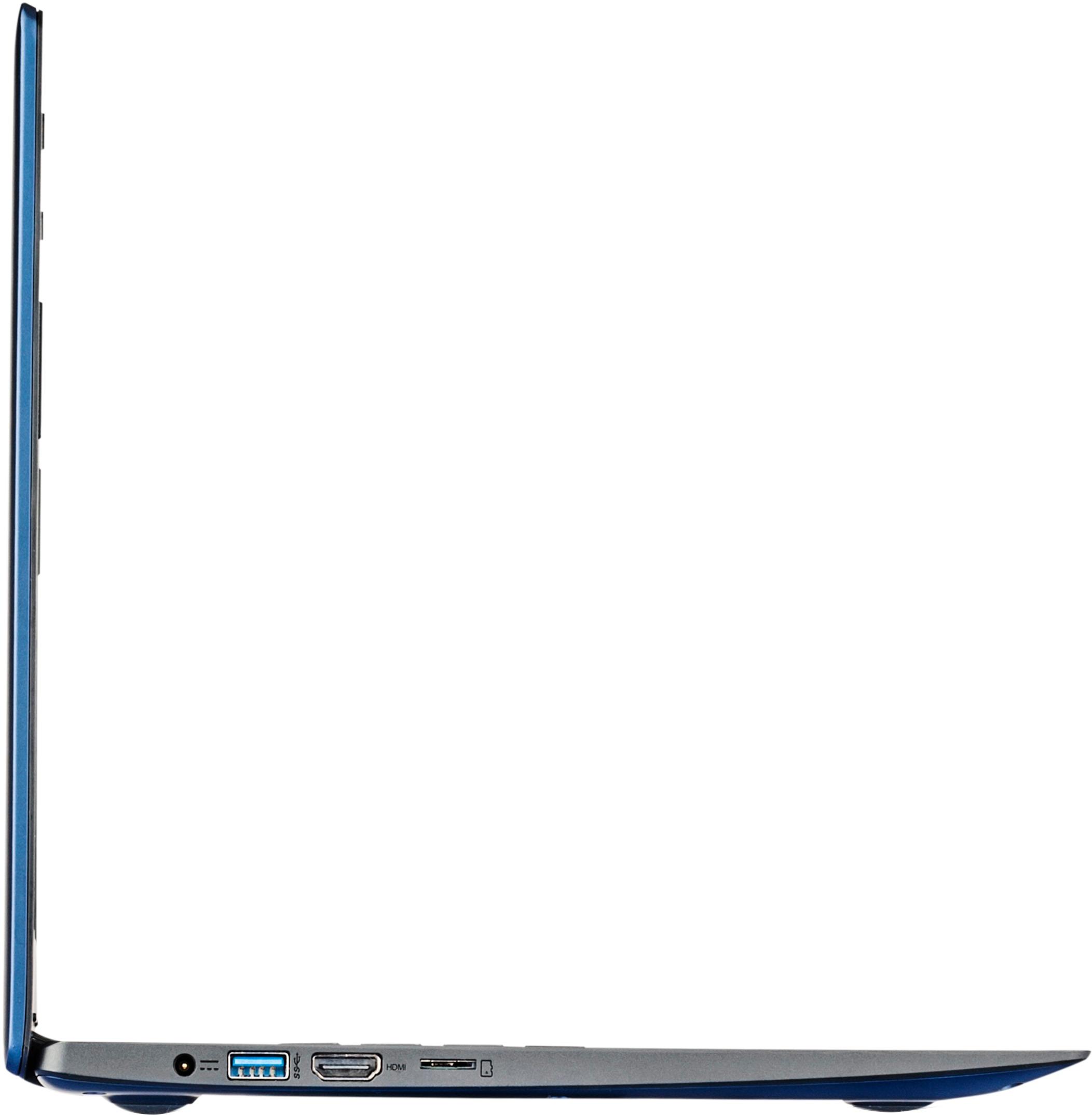


- Model:
- 80R900FXUS
- SKU:
- 5669100
Rating by feature
- Value
Rating 3.8 out of 5 stars
- Quality
Rating 3.4 out of 5 stars
- Ease of Use
Rating 3.8 out of 5 stars
Customers are saying
Customers are pleased with the ease of use, value price, and lightweight design of the 100S-14IBR 14" Laptop. Many appreciate its adequate performance for basic tasks and web browsing. However, some users noted limitations in storage space and memory capacity. A few also mentioned minor issues with the touchpad and speakers.
This summary was generated by AI based on customer reviews.
Not good for any type of work. Slow at processing.
||Posted .This reviewer received promo considerations or sweepstakes entry for writing a review.I am not pleased with this laptop. It did not perform as hoped.
No, I would not recommend this to a friendMissing Microsoft office
||Posted .This reviewer received promo considerations or sweepstakes entry for writing a review.Missing Microsoft office 360 in box and didn't receive
No, I would not recommend this to a friendOkay for beginners
||Posted .This reviewer received promo considerations or sweepstakes entry for writing a review.Okay for beginners. Not capable of doing too much.
No, I would not recommend this to a friendBrand response from Lenovo Product Expert
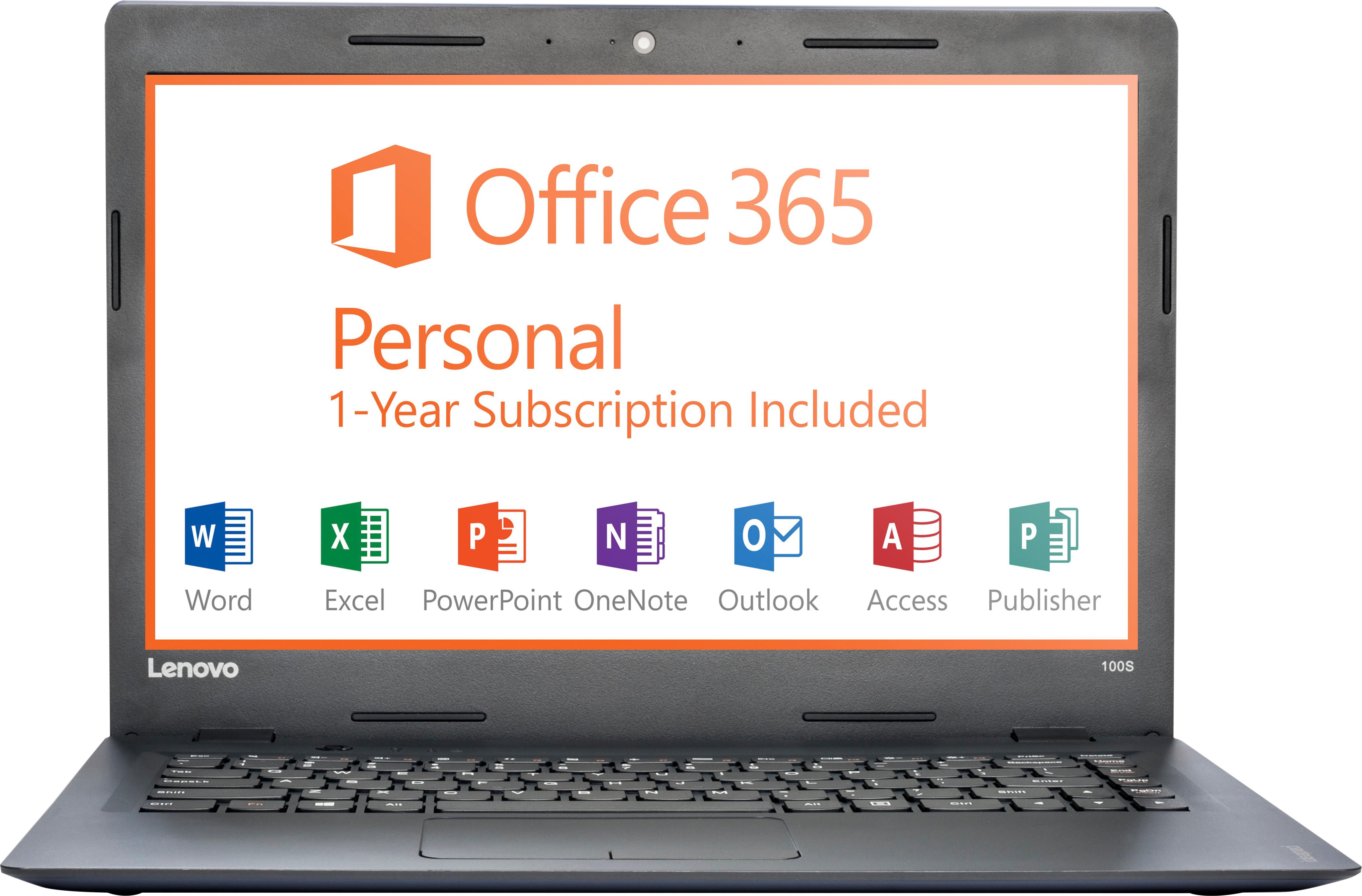
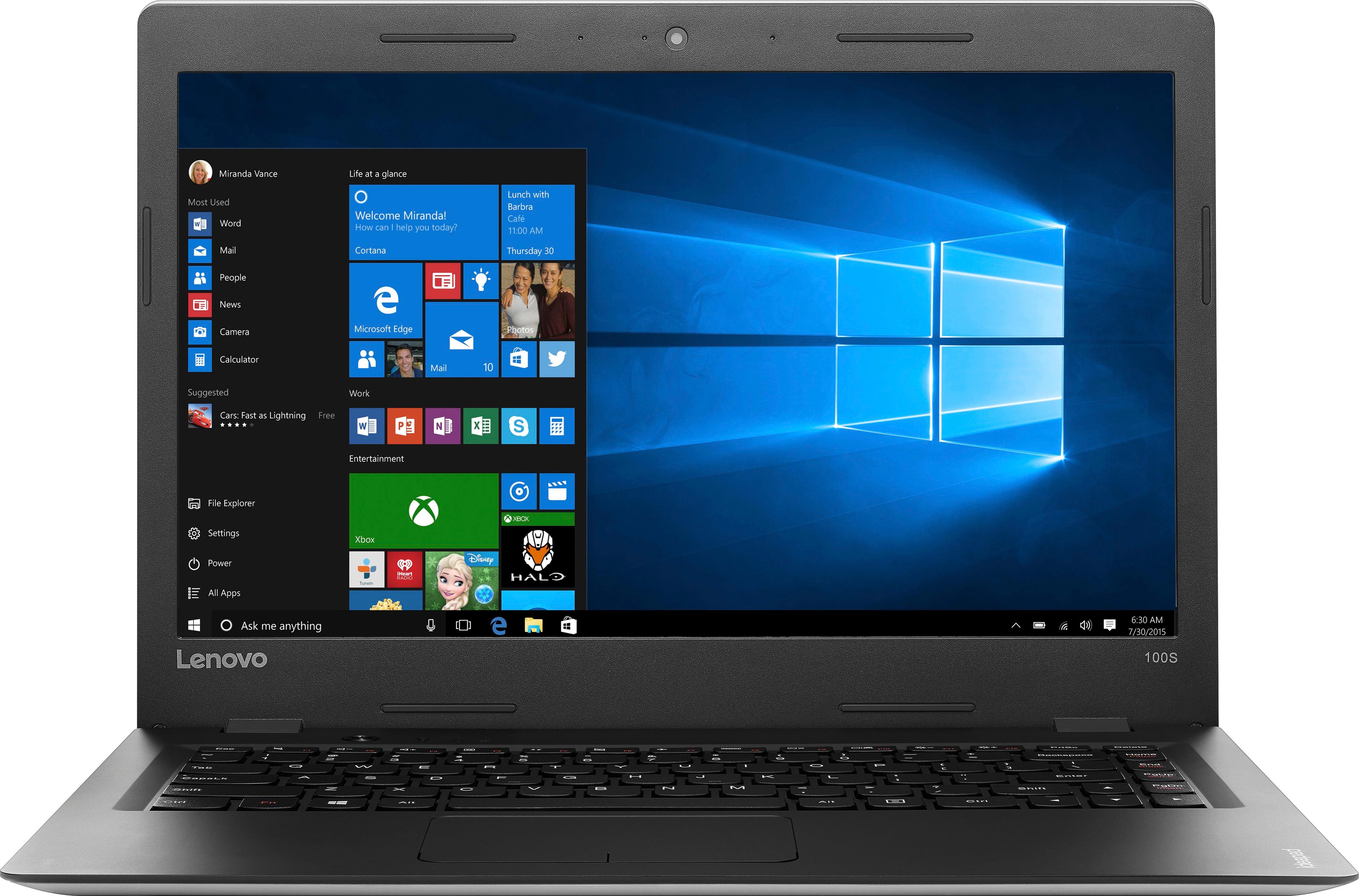
Posted .This is an entry level, light use system. It uses Windows 10 Home 32-Bit as its operating system, which requires less than 1GB of RAM to run. There is a 32GB solid state hard drive for quick boot up and quick loading of programs and files. This device has the latest WiFi capability, with 802.11AC connectivity. It comes with a free 1-year subscription to Microsoft Office 365. If your requirements fit this profile, this device is a good choice.

Slow
||Posted .This reviewer received promo considerations or sweepstakes entry for writing a review.Laptop is very slow. But no other problems so far.
No, I would not recommend this to a friendSmall size screen and slow, Yuck!
||Posted .This reviewer received promo considerations or sweepstakes entry for writing a review.It's cool for a kid or a HS student. I do not like the freezing and buffering. I can't make the screen resolution any better. It's a butter knife in a machete fight...Weak slow and ugly.... Sums it up. I rather write. In pencil.
No, I would not recommend this to a friendJunk
||Posted . Owned for 1.5 years when reviewed.This reviewer received promo considerations or sweepstakes entry for writing a review.Worst laptop. Brought 2 Lenovo within months. Had to buy this one as the other one was always in repair. Got this as I was in a bind and it was deeply discounted.
No, I would not recommend this to a friendHorrible Customer Service @ the geek squad
||Posted .This reviewer received promo considerations or sweepstakes entry for writing a review.Faulty keypad and server after one day of use.Went back to the store same day did not want to accept return would charge a 39 dollar fee for diagnostic. Condescending representatives.
No, I would not recommend this to a friendJunk computer
||Posted .This reviewer received promo considerations or sweepstakes entry for writing a review.Do not buy this piece of junk computer. The computer started one time, during initial registration. After that, it never started again. Could not get it to start.
No, I would not recommend this to a friendBrand response from Lenovo Product Expert
Posted .It sounds like there was an error during the initial Windows 10 set up, or incompatible software was loaded to the device. Be sure all programs you load are compatible with Windows 10 Home 32-bit version. Additionally, this system is equipped with OneKey Recovery System. There is a very small button on the top keyboard side of the device, right near the power button on the device. You will need a pen to push this reset button. Plug the device in. Let the battery charge for about 15 minutes. Push the reset button. The system should boot to a choice screen where you can choose "Restore To Factory Default". Select this. It will delete everything from the hard drive except the original factory install of the operating system. You will need to reinstall all programs and files after the reset. If you don't have copies of the files, try to make one before you restore by selecting "Boot to desktop" and trying to back up your files.
Terrible laptop
||Posted .This reviewer received promo considerations or sweepstakes entry for writing a review.Slow, badly working laptop. Best Buy's return policy is also so terrible. Pushed into buying this at the 5th ave Best Buy by a pushy salesman.
No, I would not recommend this to a friendWorse laptop ever
||Posted .This reviewer received promo considerations or sweepstakes entry for writing a review.This was to use after Hurricane Harvey. It did not make it to pay bills 2 months in a row. Could not access email for insurance
No, I would not recommend this to a friendReturn
||Posted .This reviewer received promo considerations or sweepstakes entry for writing a review.My son didn’t want this product return it. Nothing much I can say about it because we didn’t get to use it
No, I would not recommend this to a friend- Cons mentioned:Storage, Touchpad
Minimal, but OK
Posted .This reviewer received promo considerations or sweepstakes entry for writing a review.Somewhat of an impulsive buy (though I did read up and window-shop a couple times). I have a 7-year old 10" netbook I use for storing and viewing photos while on vacation. Now back at school, that netbook was a bit too slow (with too low of a screen resolution, and tiny keyboard) to use at all if needed. So, I was looking at a "15 HP minimal laptop for $229, but I got this open box (looks unused) for $65 less. No DVD (not really needed in these "download days") and though it is an inch smaller it has a slightly larger keyboard because there is no 10-key next to it. It has a tiny solid-state drive, so storage is limited. I put a couple hours-worth of music on it, and installed a small photo program (that I may remove) leaving me about 10GB of space - not even 1 SD card full of photos. However, I can work around that by getting a couple 64GB USBs to temporarily hold vacation photos though those days are mostly over. Removing games and other unused software bits won't really make much difference in space. the keyboard feels good, though the touchpad takes some getting used to as most do. It has a built-in delay (removable) so you don't mess up typing on accident. I don't know if all touchpads work the same way, but you can pinch, expand and scroll with it. The biggest annoyance is Cortana popping up, seemingly at the slightest twitch. It works OK for web-browsing and email and other light duty, but don't expect much more. It is not for power-tripping all day on. It included 1-year Office 365 and 1 TB on OneDrive
I would recommend this to a friend Don’t buy
||Posted . Owned for more than 2 years when reviewed.This reviewer received promo considerations or sweepstakes entry for writing a review.Don’t buy this brand of laptops the charging port broke when I was trying to charge my laptop
No, I would not recommend this to a friend- Cons mentioned:Storage
Perfect College Student Computer
Posted .This reviewer received promo considerations or sweepstakes entry for writing a review.I bought this for my daughter for a graduation present, to use at college in the fall. With Microsoft Office installed, I've been working it through the paces to make sure everything works. I have to say, for under $200, I'm SUPER impressed. It has everything you need and nothing you don't. I am now considering getting one for myself to replace my 3 year old HP. Pros: Thin, light, clear screen, and sufficient in speed to run MS Word, Excel, and Powerpoint without issue. The battery life is great, and works great for web use including web apps like Google Docs. Cons: Not much hard drive space, but enough to run MS Word without having to be attached to the web. Suggestion: Get a micro SD card for extra storage. I put a 64 GB micro SD card for file storage and any additional apps. And that is plenty for music library, some pictures, and file storage for college student. Conclusion: I teach at a local college, and this computer is PERFECT for a college student. I highly recommend it.
I would recommend this to a friendBrand response from Lenovo Product Expert
Posted .Thank you for choosing the Lenovo IdeaPad 100s-14 laptop for your daughter. We are pleased to hear that the performance of the IdeaPad 100s-14 is working out so well for your daughter.
Not good
||Posted .This reviewer received promo considerations or sweepstakes entry for writing a review.Don't spend your money in this product. Has trouble with everything that you need to use a computer for.
No, I would not recommend this to a friendBrand response from Lenovo Product Expert
Posted .This is an entry level, light use computer. It is perfectly suited for that level of use.
Buy something better
||Posted .This reviewer received promo considerations or sweepstakes entry for writing a review.Had the same issues with the screen going black on 2 computers within 2 weeks. Returned and upgraded.
No, I would not recommend this to a friendExtremely slow
||Posted .This reviewer received promo considerations or sweepstakes entry for writing a review.Extremely slow system. I purchased this laptop and returned it within a week of purchase.
No, I would not recommend this to a friendBrand response from Lenovo Product Expert
Posted .This is an entry level, light use system. It uses Windows 10 Home 32-Bit as its operating system, which requires less than 1GB of RAM to run. There is a 32GB solid state hard drive for quick boot up and quick loading of programs and files. This device has the latest WiFi capability, with 802.11AC connectivity. It comes with a free 1-year subscription to Microsoft Office 365. If your requirements fit this profile, this device is a good choice.
Junk! Don't waste your money or time!
||Posted .This reviewer received promo considerations or sweepstakes entry for writing a review.Its junk. It's slow and the response time on it is bad. Don't waste your time or money.
No, I would not recommend this to a friendSlow
||Posted .This reviewer received promo considerations or sweepstakes entry for writing a review.Battery went dead second week I had it .so beware don't buy.
No, I would not recommend this to a friendNot Good anything
||Posted .This reviewer received promo considerations or sweepstakes entry for writing a review.Expensive and bad quality to hard to use. Bad picture
No, I would not recommend this to a friend