Customer Ratings & Reviews

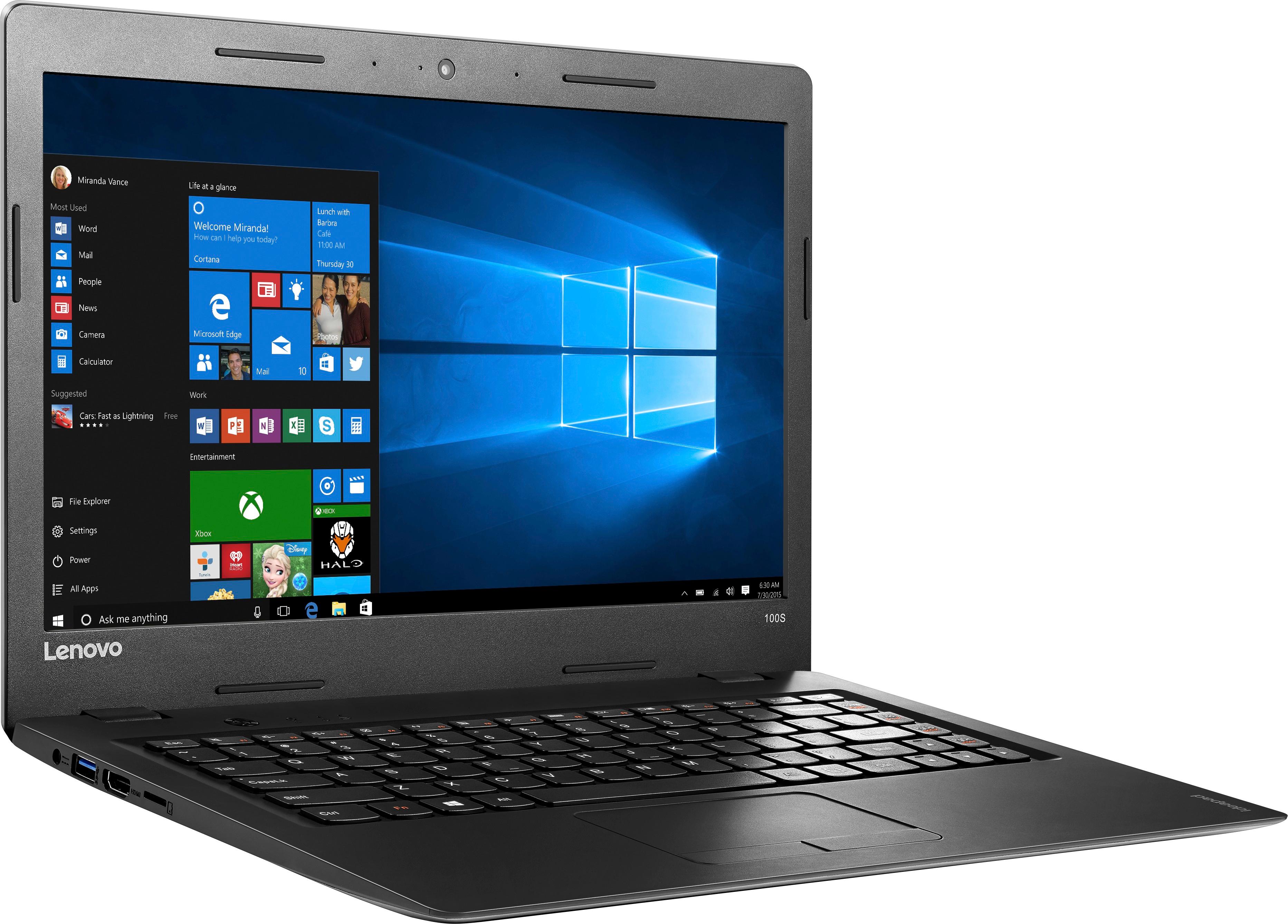
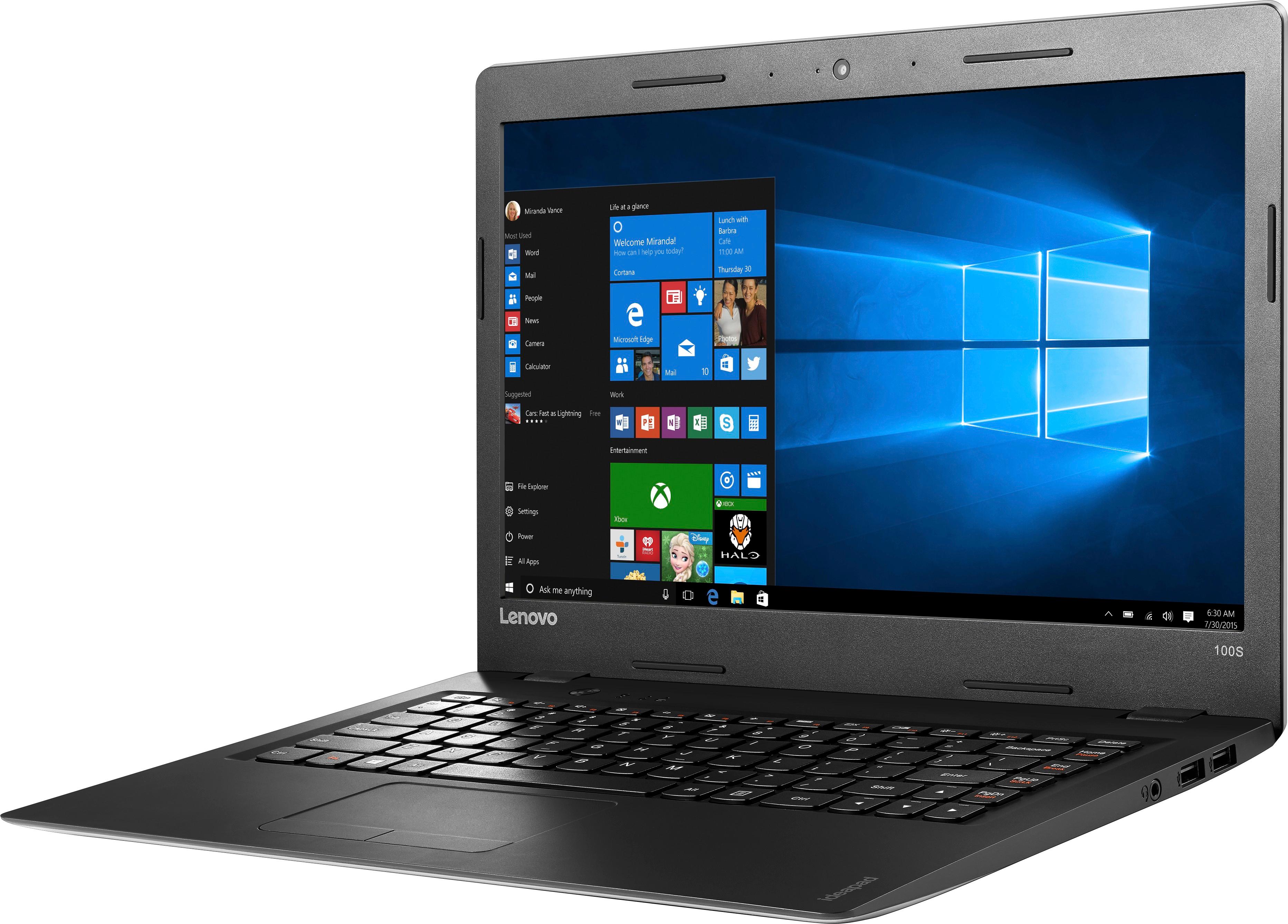
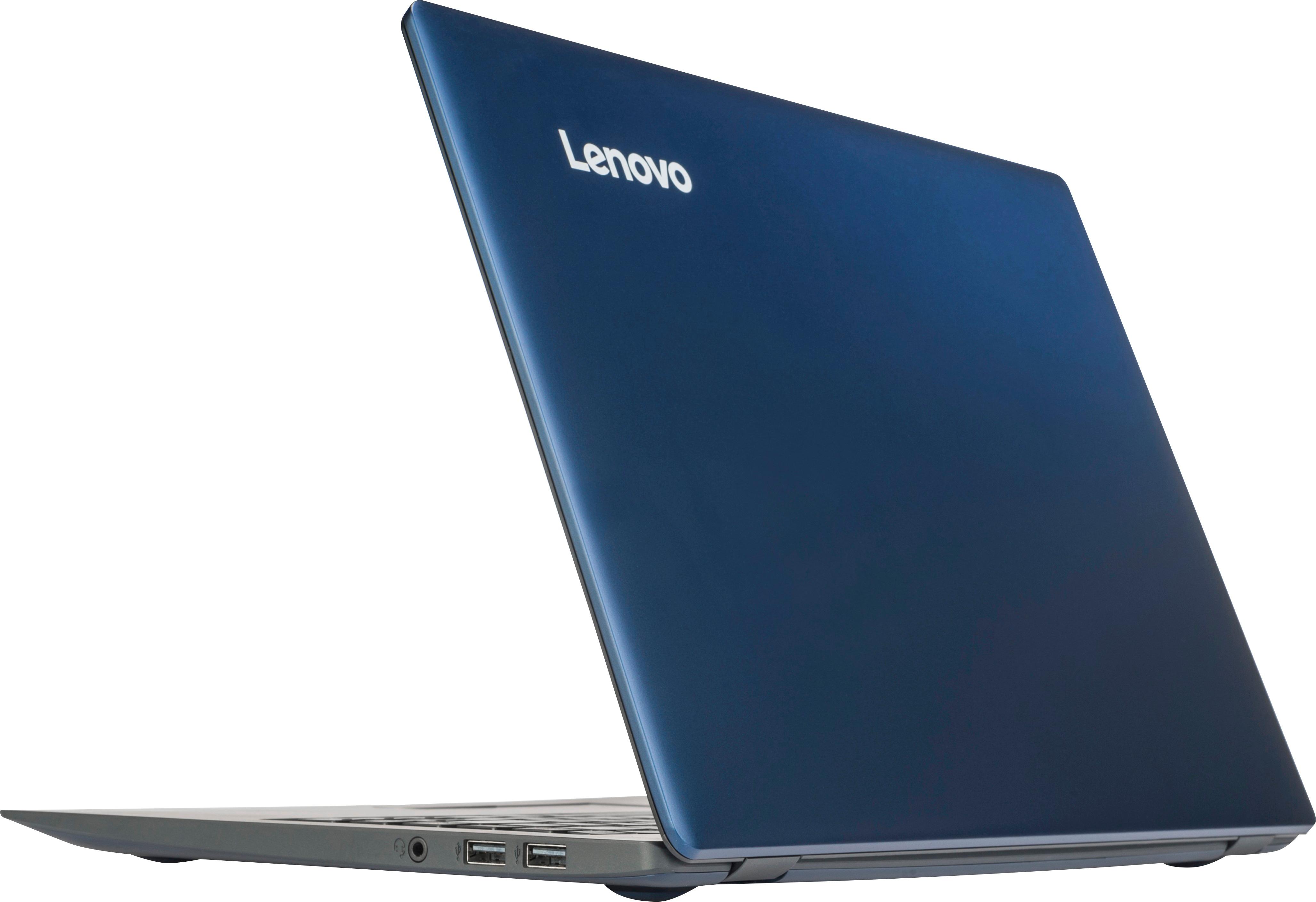



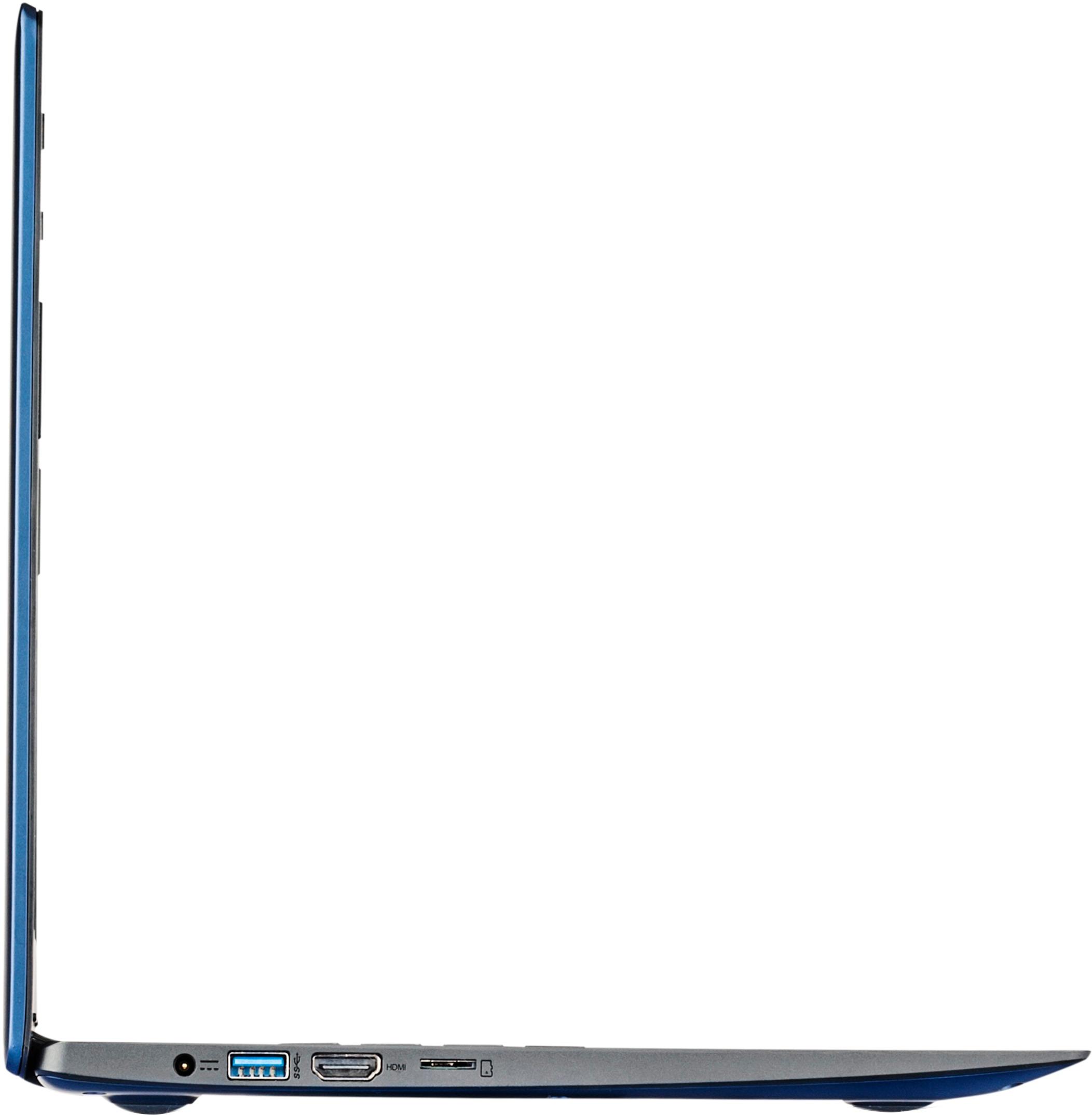


- Model:
- 80R900FXUS
- SKU:
- 5669100
Rating by feature
- Value
Rating 3.8 out of 5 stars
- Quality
Rating 3.4 out of 5 stars
- Ease of Use
Rating 3.8 out of 5 stars
Customers are saying
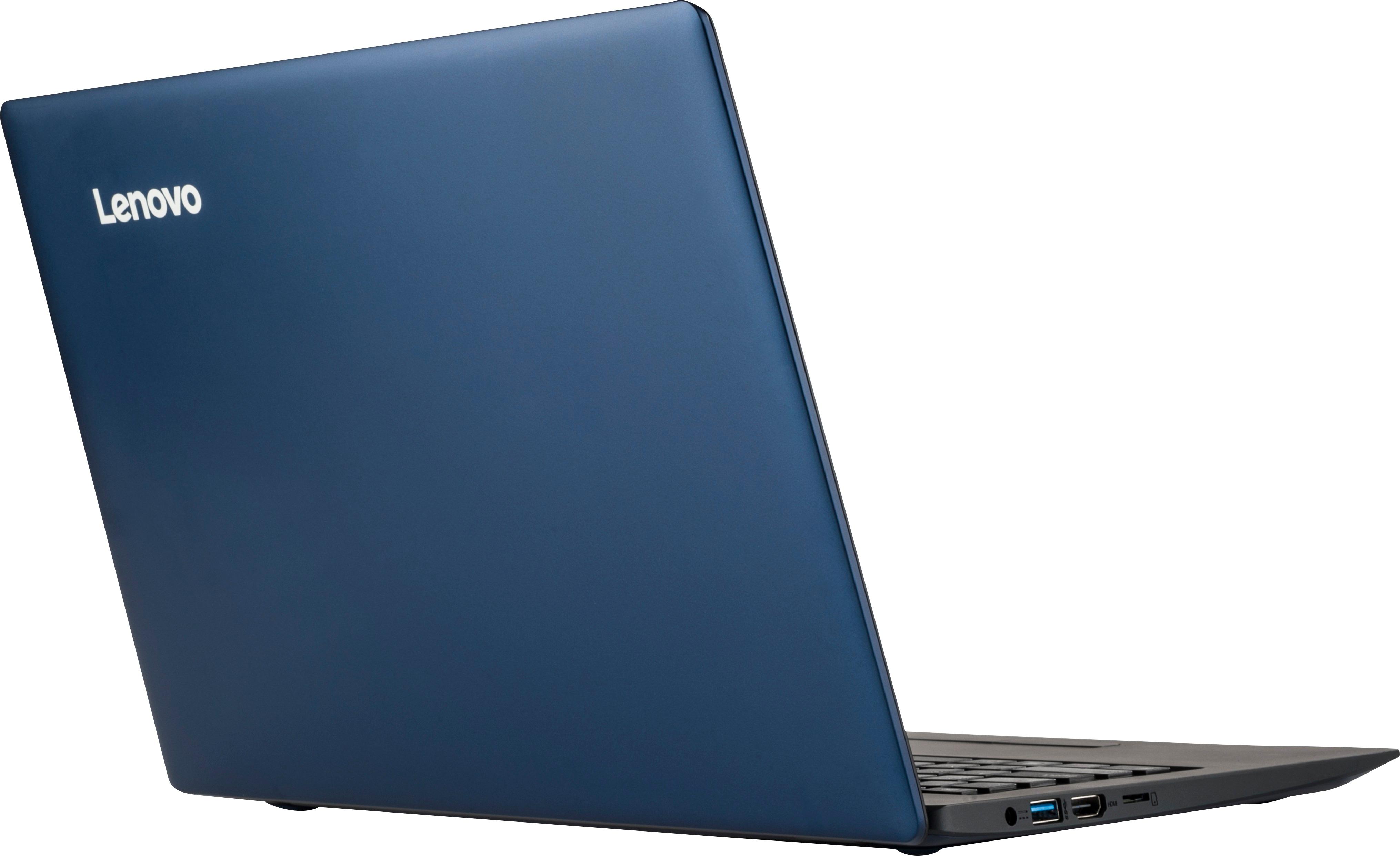
Customers are pleased with the ease of use, value price, and lightweight design of the 100S-14IBR 14" Laptop. Many appreciate its adequate performance for basic tasks and web browsing. However, some users noted limitations in storage space and memory capacity. A few also mentioned minor issues with the touchpad and speakers.
This summary was generated by AI based on customer reviews.
Basic laptop tablet
||Posted .This reviewer received promo considerations or sweepstakes entry for writing a review.Not a good computer stalls and stops unable to load.
No, I would not recommend this to a friendBrand response from Lenovo Product Expert
Posted .It sounds like there is an issue with the set up or and update of the Windows 10 operating system. This system is equipped with OneKey Recovery System. There is a very small button on the left top side (keyboard side) of the device, right near the power button on the device. You will need a pen to push this reset button. Plug the device in. Let the battery charge for about 15 minutes. Push the reset button. The system should boot to a choice screen where you can choose "Restore To Factory Default". Select this. It will delete everything from the hard drive except the original factory install of the operating system. You will need to reinstall all programs and files after the reset. If you don't have copies of the files, try to make one before you restore by selecting "Boot to desktop" and trying to back up your files.

- Cons mentioned:Ram, Speed
Horrible Laptop
Posted .This reviewer received promo considerations or sweepstakes entry for writing a review.I wasn't expecting much from this as it only had 2 gig of ram and 32 gig SSD but it went way beyond my low expectations. Starting up the computer with zero apps running takes up 70% of the ram and the processor is pegged at 90%. I tried to open a photo and it took almost a minute to open. The only thing this laptop is good for is if you want to install chrome and use it as a web browser. I've shopped at Best Buy for years and this is the first review I have done and it is because this laptop is so bad. I didn't expect it to run like my $2,500 ASUS ROG gaming laptop but I expected to be able to use it for minor things like viewing photos.
No, I would not recommend this to a friendBrand response from Lenovo Product Expert
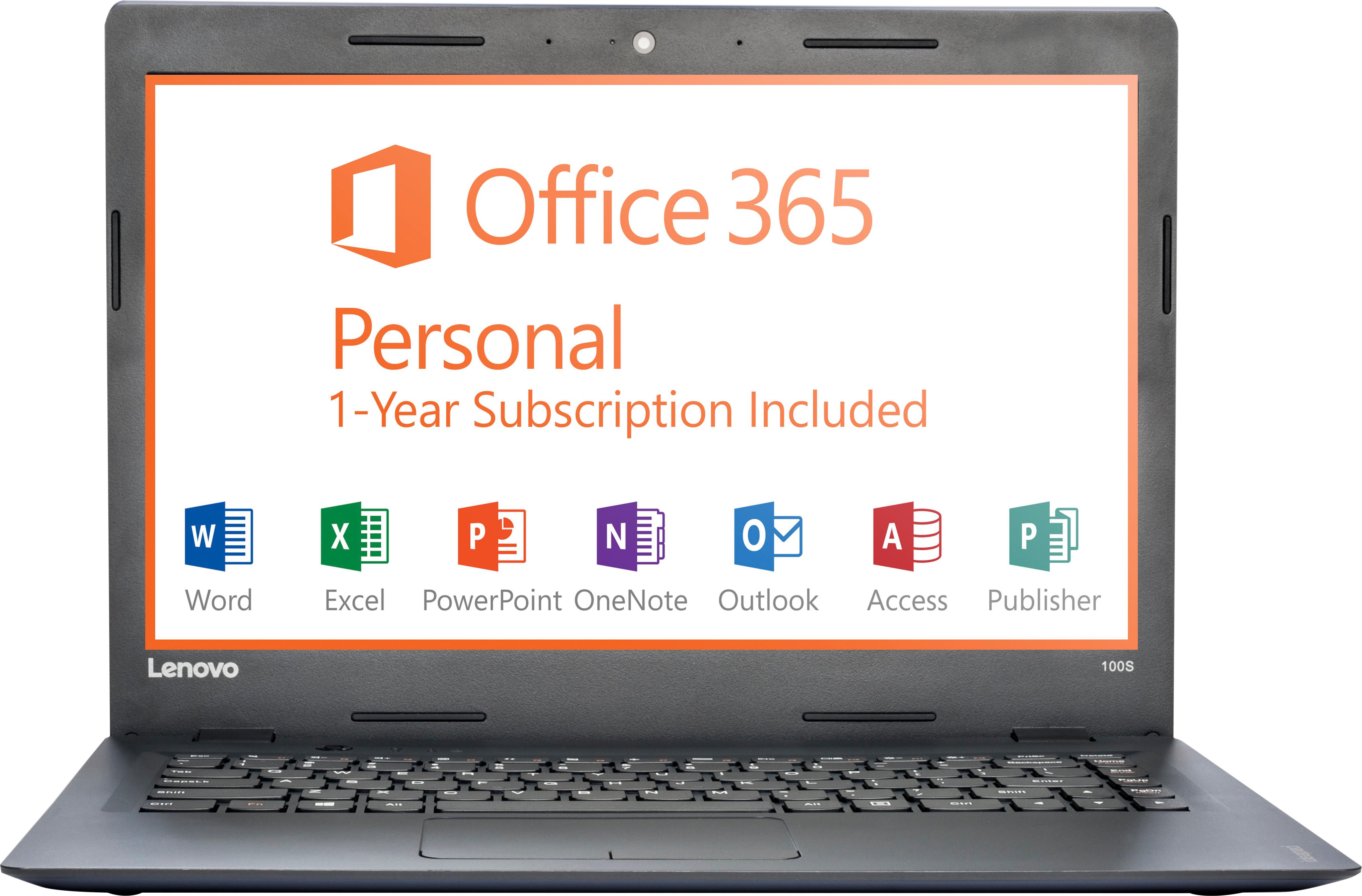
Posted .This is an entry level, light use system. It uses Windows 10 Home 32-Bit as its operating system, which requires less than 1GB of RAM to run. There is a 32GB solid state hard drive for quick boot up and quick loading of programs and files. This device has the latest WiFi capability, with 802.11AC connectivity. It comes with a free 1-year subscription to Microsoft Office 365, a $69.00 value. If your requirements fit this profile, this device is a good choice.
- Pros mentioned:WeightCons mentioned:Ram
Great light laptop but very limited.
Posted .This reviewer received promo considerations or sweepstakes entry for writing a review.I purchased this laptop because I needed one that was first and foremost light. This laptop is 2.2lbs, which is great for travelling and having on a daily basis. Unfortunately, the hard drive and memory are so limited that I'm getting messages from Microsoft that I don't have enough space to save updates. The Windows 10 operating system takes up at least half of the hard drive space. Keep that in mind when purchasing any laptop with 32gb hard drive. Ooops. I would still recommend this laptop for very, very, very, light use. Now, I have to spend more money to get an external hard drive. Also 2gb memory is frustratingly slow.
I would recommend this to a friendBrand response from Lenovo Product Expert
Posted .Thank you for choosing the Lenovo IdeaPad 100s-14 laptop. This is an entry level, light use system. It uses Windows 10 Home 32-Bit as its operating system, which requires less than 1GB of RAM to run. There is a 32GB solid state hard drive for quick boot up and quick loading of programs and files. If you need more storage space for this device, there is a Micro-SD card slot that you can use to add more storage space. This device has the latest WiFi capability, with 802.11AC connectivity. It comes with a free 1-year subscription to Microsoft Office 365. If your requirements fit this profile, this device is a good choice.
- Pros mentioned:Ease of use, Price
Easy to Use and Simple
Posted .This reviewer received promo considerations or sweepstakes entry for writing a review.This laptop is exactly what I was looking for. All I need it for is surfing the web and homework and it gets the job done. And HUGE bonus that office comes pre-installed! That's like a $50 value. Obviously this laptop is on the cheaper side but its also not for the heavy user, just for simple tasks and it's easy to use.
I would recommend this to a friendBrand response from Lenovo Product Expert
Posted .Thank you for choosing the Lenovo IdeaPad 100s-14 laptop. We are pleased to hear that the value and performance of the IdeaPad 100s-14 meets your computing needs so well.
- Cons mentioned:Storage
Trusted brand
Posted .This reviewer received promo considerations or sweepstakes entry for writing a review.Got me through 4yrs of college. Reliable and fast. Moderate storage.
I would recommend this to a friend Perfect for our needs!
Posted .This reviewer received promo considerations or sweepstakes entry for writing a review.We looked around at reviews and prices for a new second laptop. It didn't have to be top of the line, merely connectable to the internet through mobile hot spot tethering. We are using this machine for cloud based timekeeping, bookkeeping, and client invoicing in our lawn and landscape business. We bought it on May 6,2017 and it does exactly what we are needing. We feel like we made a very beneficial purchase and it will save us a ton of time having this in service for our mobile office. We consider this money very well spent!
I would recommend this to a friendBrand response from Lenovo Product Expert
Posted .Thank you for choosing the Lenovo IdeaPad 100s-14 laptop. We are pleased to hear that the performance of the IdeaPad 100s-14 meets your computing needs so well.
A worrying tech support experience
Posted .This reviewer received promo considerations or sweepstakes entry for writing a review.I purchased an S100 three days ago and had some issues with installations, and access of my account online. I called tech support and gave the tech access to the system. She asked if the computer was slow, and when I said yes, I watched as she systematically disabled all my protection - Windows Defender, Malwarebytes, etc. - and then told me never to install Windows updates! I terminated that session, reactivated my protection and installed all the latest WIndows 10 updates, which offer increased protection. The probelems with my installations and account access were not solved. That was the most bizarre tech support session I have experienced in many years of computing. SInce I keep all of my files on an external HD which is not connected to this computer nothing was in danger, but it was a very odd and worrying situation. I may return the computer, as my confidence in Lenovo is sorely shaken, and the issues still exist. (The computer is not excessively slow, given the specs, but the resources are pretty limited, which may account for some of the installation problems.)
No, I would not recommend this to a friendBrand response from Lenovo Product Expert
Posted .Thank you for choosing the Lenovo IdeaPad 100s-14. There can only be one virus protection software running at on this device. It sounds like you have at least two - Windows Defender and Malwarebytes running at the same time. Unless Malwarebytes specifically says it can run as a partner to Windows Defender, it is most likely in conflict with Windows Defender. This will slow the system down and could crash the system. With regard to Windows updates, possibly what the TECH was referring to is to turn off automatic Windows updates. You will still get an alert when there is a Windows update, but you decide when the update occurs. This gives you time to create a restore point on the device prior to allowing the update. This way, if there is a problem with the update, you can revert back to settings prior to the update. Be sure any programs you have installed are compatible with Windows 10 32-bit version operating system. Here is a link to Lenovo online support. You can scan your system here are check for driver/BIOS updates for your specific system:
http://pcsupport.lenovo.com/us/en/products/laptops-and-netbooks/100-series/100s-14ibr/80r9/80r900fxus/downloads
- Cons mentioned:Speed
This product is really slow!
Posted .This reviewer received promo considerations or sweepstakes entry for writing a review.This product is incredibly slow. If you want web pages to take hours to load, then this is for you. Just to get it at an acceptable level I had to remove every power saving feature, install new drivers, etc just to get this thing working correctly. If you want it to work out of the box, get something else.
No, I would not recommend this to a friend Oh boy...
Posted .This reviewer received promo considerations or sweepstakes entry for writing a review.I bought this device because the reviews were great, it was white and cute, and I couldn't afford a serious laptop at the time - but you get what you pay for. I noticed trouble right away when I was composing a tweet and the tweet posted before I was ready, even though my hand was nowhere near the SEND button. I told myself it was probably something I did. Soon, the internet connection started shutting down, even though my other electronics were functioning properly and there was nothing wrong with my internet service. In the beginning, I'd be doing something like submitting a long review on Goodreads when everything I just typed would vanish. I neglected to look to the lower right corner to see if the yellow inverted triangle with the inverted "!" was overtop the wifi fan. Too bad. Everything I spent considerable time typing went "poof." After a while the internet connection would be dead and I didn't even get the inverted triangle to warn me. The wifi "fan" looked fine but the connection would be dead. I always have to copy everything before sending. Half the time the connection is dead (usually with nothing to warn me of that) and I have to hit the wifi "fan", hit DISconnect, then hit CONNECT again. Then I have to paste the document back into the box and finally, hit "SEND." Before I send THIS I will have to do all that so I don't have to re-type my gripe (or, as I usually end up doing, give up). Any time I forget to copy and the connection is dead, I just wasted my time. Then there's the travelling cursor. I'm typing away when (I was a secretary for 18 years so I don't look), bam, I look up, and the cursor has moved to some other position in the document. It's happened four times as I've typed this. Something about laying my wrists along the bottom of the smooth section of the keyboard... Like something inside is being pressed on and it's causing the device to go nuts. I'll be typing something in the message section of a news article when the article (and my unsent comment) disappears... Oh, and then there's the times when the whole document I'm typing becomes highlighted all on it's own then the whole thing vanishes. This happens so much it's just exhausting. I've read among the reviews others who've had all my issues but most have not so if you want to give this a try I have a piece of advice: Know how long you have to return this item then use the heck out of it during that time, allowing enough time to get it back to the store before you're stuck with it. (cursor just moved on its own again... can't make this up). If you're going to have big issues you will notice right away. If you use it a lot you won't be able to kid yourself about where the fault lies. So if you do see the machine doing crazy stuff take the device back to the store and get your money back. It will not fix itself and the aggravation will never end. I don't know why I and a handful of others got a dud 100S when most seem to be having no issues whatsoever. But my experience has really turned me off of all things Lenovo.
No, I would not recommend this to a friendBrand response from Lenovo Product Expert
Posted .Thank you for choosing the Lenovo IdeaPad 100s-14 laptop. With regard to the touchpad, you can make adjustments to the touchpad in your system settings. You can get there by clicking on the magnifying glass at the bottom left of your Windows 10 screen. Type "touchpad" in the search window. Select "Mouse & touchpad settings" from the list of choices. You can make general adjustments to the touchpad there. You can also select "Additional mouse options" for more detailed adjustments to the touchpad sensitivity by increasing the delay of the touchpad. For your larger system issues, we recommend you call Lenovo Tech Support for help with your specific issue. The number is: 877-453-6686.
- Cons mentioned:Speed
I Hate this computer
Posted .This reviewer received promo considerations or sweepstakes entry for writing a review.If your familiar with dial up. and you like it. buy this computer. Words don't exist on how terrible this laptop is. By far the worst computer i have ever owned and as mad as it makes me 95% of the time on how slow it is. I'm shocked its not smashed. even the most simple thing. loading a web page while listening to music. extremely slow. right out of the box. I will be buying a new one soon because this is useless. i guess you get what you pay for. but i was expecting it to work for course training
No, I would not recommend this to a friendBrand response from Lenovo Product Expert
Posted .This system has Next-Gen Intel Wireless-AC connectivity. It allows you to connect to a Wireless-AC router for nearly 3x the speed, more capacity and wider coverage than Wireless-N. Backward-compatible with all other Wi-Fi networks and hotspots. This is an entry level, light use system. It uses Windows 10 Home 32-Bit as its operating system, which requires less than 1GB of RAM to run. There is a 32GB solid state hard drive for quick boot up and quick loading of programs and files. This device has the latest WiFi capability, with 802.11AC connectivity. It comes with a free 1-year subscription to Microsoft Office 365. If your requirements fit this profile, this device is a good choice.
Fast laptop with low 32GB eMMC Flash Memory
Posted .This reviewer received promo considerations or sweepstakes entry for writing a review.I got this laptop for my daughter for college, the laptop works great, but be ready to spent $ for M.2 SSD.
I would recommend this to a friendDoes it
Posted .This reviewer received promo considerations or sweepstakes entry for writing a review.Does it download game from the Internet am a youtuber
I would recommend this to a friendJunk
Posted .This reviewer received promo considerations or sweepstakes entry for writing a review.Most of the reviews I read said this was a pretty good laptop, maybe I just got the bad on! Within 15 minutes of setting it up the trackpad stopped working, well work sometimes. You would try to scroll and the cursor wouldn't move. This also happened while I was going through my work emails and it somehow deleted my entire inbox! For that reason I would no recommend this at all.
No, I would not recommend this to a friendBrand response from Lenovo Product Expert
Posted .It sounds as though there may be programs in conflict with the operating system. Be sure any software you installed is compatible with Windows 10. There is no need to install Microsoft Office software. The software is already part of the operating system, you just need to activate the software with a purchased product key. If you have installed a copy of Microsoft Office, this is conflicting with the existing copy on the system and this will slow your system down. If you have installed a 3rd party anti-virus program, be sure that Windows Defender is turned off and that the trial version of McAfee Anti-Virus software is uninstalled. There can only be one anti-virus program on the system. You may need to restore your system to original factory default settings if any of the programing errors have occurred. You can do that by typing "restore" in the Cortana search window. Just click on the magnifying glass icon at the bottom left of your Windows 10 Desktop. Click on "Reset This PC" Then click on "Get Started" and follow the on screen directions to restore to factory defaults. If you feel there is no compatibility issues with installed programs, check for new driver updates. Follow the link below to look for new driver updates for your specific system. You can also run diagnostics from the Lenovo site as well. As always, be sure to create a restore point on your system before you make any changes. You can do this by just typing "restore point" in the search window within Cortana and follow the link to create a restore point. Here is the link:
http://pcsupport.lenovo.com/us/en/products/laptops-and-netbooks/100-series/100s-14ibr/80r9/80r900fxus/downloads
- Cons mentioned:Speed
Disappointed
Posted .This reviewer received promo considerations or sweepstakes entry for writing a review.Cheap price, not worth the low price.Was returned to the store. Very slow. Nice screen and crisp picture, but very slow, my current device is 7+ years old and still works better than this did.
No, I would not recommend this to a friendBrand response from Lenovo Product Expert
Posted .This is an entry level, light use system. It uses Windows 10 Home 32-Bit as its operating system, which requires less than 1GB of RAM to run. There is a 32GB solid state hard drive for quick boot up and quick loading of programs and files. This device has the latest WiFi capability, with 802.11AC connectivity. It comes with a free 1-year subscription to Microsoft Office 365. If your requirements fit this profile, this device is a good choice.
Waste of money
Posted .This reviewer received promo considerations or sweepstakes entry for writing a review.This is the worse laptop I have owned. Windows 10 crashed. Cannot get to hard drive to replace it. Don't waste your money.
No, I would not recommend this to a friendJunk..your phone has more memory and is faster lol
Posted .This reviewer received promo considerations or sweepstakes entry for writing a review.Save your time and money. Look elsewhere. I'm only now commenting because Best Buy sent me a reminder that I had bought it.
No, I would not recommend this to a friend