Customer Ratings & Reviews

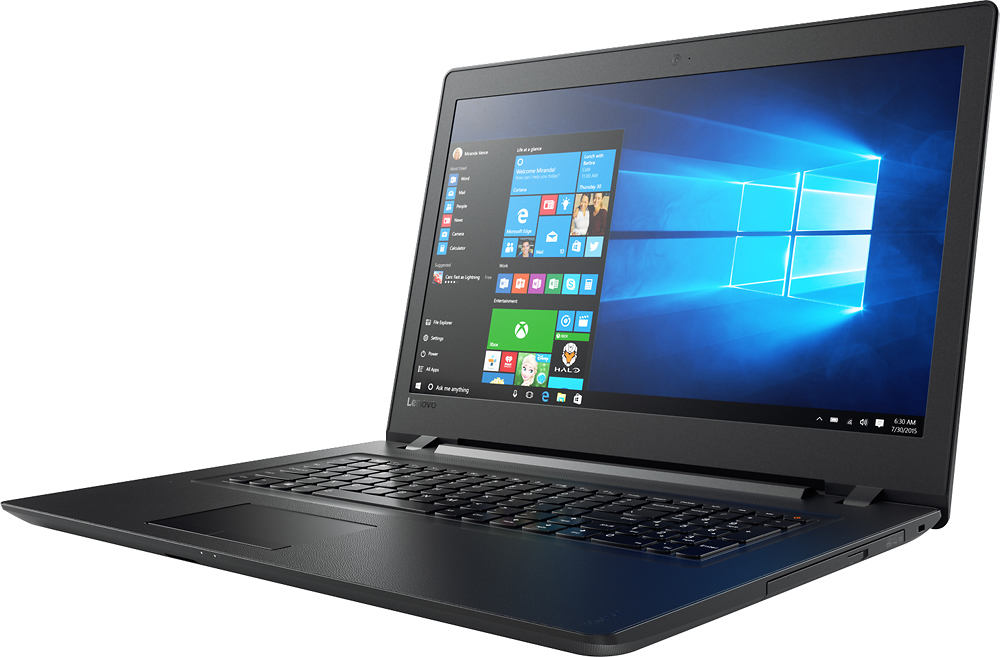



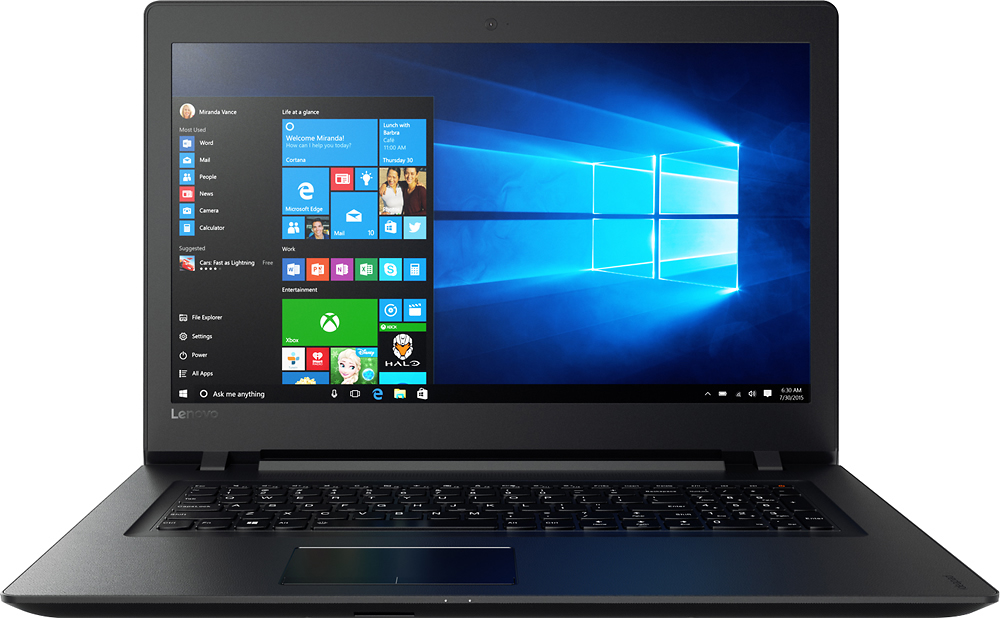


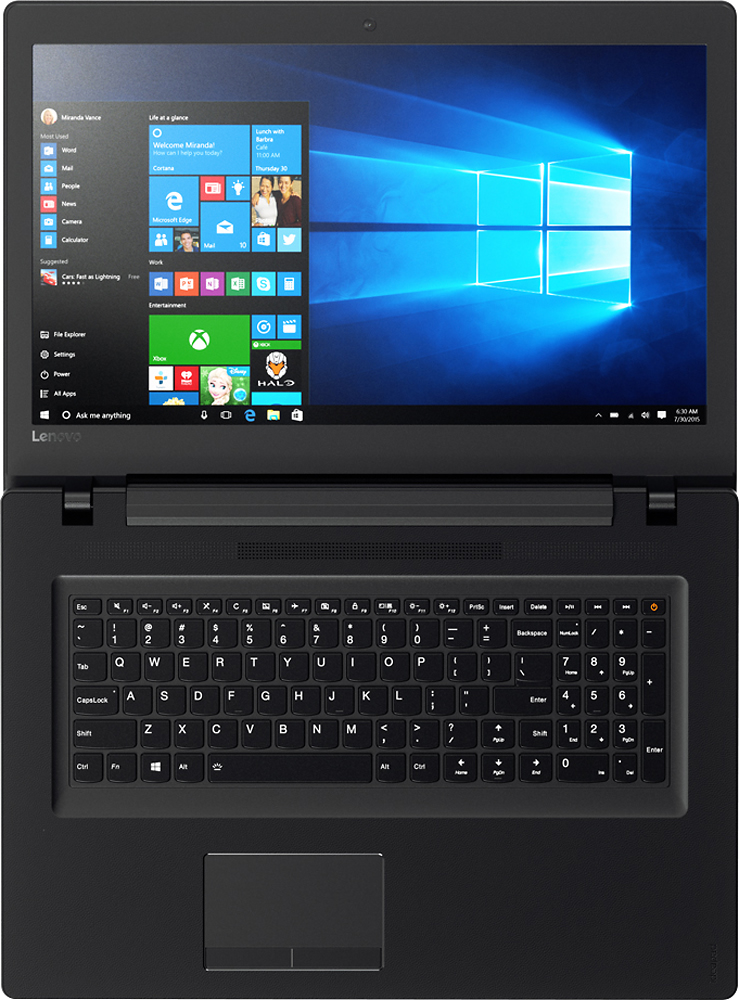
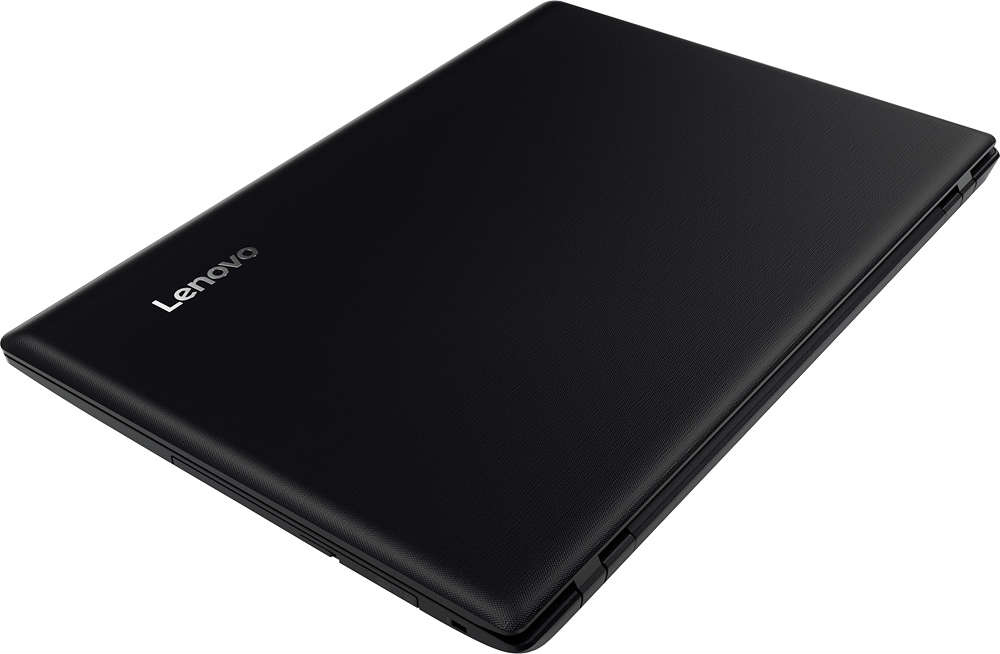
- Model:
- IDEAPAD 110 17 - 80VK003KUS
- SKU:
- 5708416
to a friend
Customers are saying
Customers are delighted by the large screen size, affordable price, and ease of use of the 110-17IKB 17.3" Laptop. Many appreciate its performance and lightweight design, along with the ample storage it offers. Positive feedback also highlights the sufficient RAM and acceptable battery life.
This summary was generated by AI based on customer reviews.
Just ok
||Posted .This reviewer received promo considerations or sweepstakes entry for writing a review.This was not a bad laptop, very light, almost too light- all plastic You basically get what you pay for.
No, I would not recommend this to a friendComputer Replacement
||Posted .This reviewer received promo considerations or sweepstakes entry for writing a review.Would say that this upgrade for my computer has been well deserved, and the customer service I received at the store was hands down awesome.
I would recommend this to a friendBrand response from Lenovo Product Expert
Posted .Thank you for choosing the Lenovo IdeaPad 110-17 laptop. We are pleased to hear that the IdeaPad 110-17 meets your computing needs so well.

Like large screen and all options
||Posted .This reviewer received promo considerations or sweepstakes entry for writing a review.the only thing I don't like is shift key on right is one key over too far. Constantly hitting it and moving cursor up by hitting arrow up.
I would recommend this to a friendBrand response from Lenovo Product Expert
Posted .Thank you for choosing the Lenovo IdeaPad 110-17 laptop. With regard to the right shift key issue you mention, there is a free software APP called KeyTweak that may help you. You can switch the key functions of specific keys on your keyboard with this software, so you could change the right shift key with the key you hit in its place. Just Google search "KeyTweak" and you will find articles about what the software does and you will find the download location for this free APP.
Does what I need
||Posted .This reviewer received promo considerations or sweepstakes entry for writing a review.Purchased because I was using an old vista laptop and certain things no longer worked so needed an upgrade, this was perfect fit for me.
I would recommend this to a friendBrand response from Lenovo Product Expert
Posted .Thank you for choosing the Lenovo IdeaPad 110-17 laptop. We are pleased to hear that the IdeaPad 110-17 is working out so well for you.
Good laptop for normal business use
||Posted .This reviewer received promo considerations or sweepstakes entry for writing a review.this is a good laptop for normall business use, including excel, work, ppt, checking email and suf internet, not for heavy user.
I would recommend this to a friendShift key
||Posted .This reviewer received promo considerations or sweepstakes entry for writing a review.The shift key onright side is smaller than I'm use to so I hit the wrong key often. Other than that computer is awesome.
I would recommend this to a friendBrand response from Lenovo Product Expert
Posted .With regard to the right shift key issue you mention, there is a free software APP called KeyTweak that may help you. You can switch the key functions of specific keys on your keyboard with this software, so you could change the right shift key with the key you hit in its place. Just Google search "KeyTweak" and you will find articles about what the software does and you will find the download location for this free APP.
Great laptop for price
||Posted .This reviewer received promo considerations or sweepstakes entry for writing a review.Walked in best buy looking for a laptop had great customer service there was about 3 staff members willing and ready to help me and they were very nice and knew what they were doing/ talking about answered all my questions and helped me decide the best laptop for me.
I would recommend this to a friend- Pros mentioned:Ease of use
Good tv for the price
||Posted .This reviewer received promo considerations or sweepstakes entry for writing a review.Tv is for my den and fits in perfectly for limited room. It's also simple tooperate.
I would recommend this to a friend Good for normal use
||Posted .This reviewer received promo considerations or sweepstakes entry for writing a review.This is a good laptop loaded with top features and a really good , large display. At this price point, it is a steal.
I would recommend this to a friendBrand response from Lenovo Product Expert
Posted .Thank you for choosing the Lenovo IdeaPad 110-17 laptop. We are pleased to hear that the value, features and performance of the IdeaPad 110-17 meets your computing needs so well.
My Dad Loves it
||Posted .This reviewer received promo considerations or sweepstakes entry for writing a review.He's taken the leap from desktop to laptop and his life has changed for the better! Only problem is that he sometimes forgets to charge it, but between wifi and being able to go anywhere without worrying about cords and wires, it's a small price to pay.
I would recommend this to a friendBrand response from Lenovo Product Expert
Posted .Thank you for choosing the Lenovo IdeaPad 110-17 laptop for your father. We are pleased to hear that the IdeaPad 110-17 is working out so well for your father.
Great computer for student personal use
||Posted .This reviewer received promo considerations or sweepstakes entry for writing a review.The computer is great for personal use for a student. Connects to our slow internet with ease. Consumer friendly.
I would recommend this to a friendBrand response from Lenovo Product Expert
Posted .Thank you for choosing the Lenovo IdeaPad 110-17 laptop. We are pleased to hear that the IdeaPad 110-17 is working out so well for you.
lap top
||Posted .This reviewer received promo considerations or sweepstakes entry for writing a review.brought it back two times, and the said it was my router, got my new router and was then able to get the Wi-Fi, but this computer is so slow, I am sorry I bought it , and the manager I talked to the 3 rd. time I admit I was frustrated , but did not care for the way I was treated, I am not going to buy anything else, as I used to buy all my things there, and I am done~~
No, I would not recommend this to a friendBrand response from Lenovo Product Expert
Posted .This system should be a fast system with its Core I-5 processor and 8GB of RAM. Be sure any software you installed is compatible with Windows 10. There is no need to install Microsoft Office software. The software is already part of the operating system, you just need to activate the software with a purchased product key. If you have installed a copy of Microsoft Office, this is conflicting with the existing copy on the system and this will slow your system down. If you have installed a 3rd party anti-virus program, be sure that Windows Defender is turned off and that the trial version of McAfee Anti-Virus software is uninstalled. There can only be one anti-virus program on the system. You may need to restore your system to original factory default settings if any of the programing errors have occurred. You can do that by typing "restore" in the Cortana search window. Just click on the magnifying glass icon at the bottom left of your Windows 10 Desktop. Click on "Reset This PC" Then click on "Get Started" and follow the on screen directions to restore to factory defaults.
big screen to work and homework
||Posted .This reviewer received promo considerations or sweepstakes entry for writing a review.I like my new laptop it's ok for the price , worth the money the only bad thing it takes a while to start .
I would recommend this to a friend- Pros mentioned:Screen size
Laptop priced right
||Posted .This reviewer received promo considerations or sweepstakes entry for writing a review.I like the larger screen, and quick start up. Overall, a great deal.
I would recommend this to a friend Haven't set up yet.
||Posted .This reviewer received promo considerations or sweepstakes entry for writing a review.I'm waiting to set my new laptop and MS 2016 next week. Have had to help move a friend to a newer house.
I would recommend this to a friendGREAT LAPTOP
||Posted .This reviewer received promo considerations or sweepstakes entry for writing a review.I HAVE FOUND OVER THE LAST THREE YEARS THAT I STARTED BUYING MOSTLY LENOVO COMPUTERS AND LAPTOPS. SOLIDLY BUILT AND UPGRADABLE,THEY LEAVE SIMILAR PRODUCTS IN THE DUST.THATS MY OPINION
I would recommend this to a friendGreat computer for a beginner
||Posted .This reviewer received promo considerations or sweepstakes entry for writing a review.I love it. It's user-friendly.I can actually download apps which makes it easier for me to kind things.
I would recommend this to a friendBrand response from Lenovo Product Expert
Posted .Thank you for choosing the Lenovo IdeaPad 110-17 laptop. We are pleased to hear that the IdeaPad 110-17 meets your computing needs so well.
Good computer for the money.
||Posted .This reviewer received promo considerations or sweepstakes entry for writing a review.Keyboard is a little different than most, makes it a little hard to get used too. Good buy for money.
I would recommend this to a friendI'm not sure it is worth the money!
||Posted .This reviewer received promo considerations or sweepstakes entry for writing a review.Performance wise, it's a pretty good laptop computer. The screen is bright. The keyboard layout leaves a little to desire. The SHIFT key is completely out of place for anyone who types alot! It needs at least three USB ports instead of the two installed! I would probably recommend this laptop to a friend. I would at least tell him to consider this laptop.
I would recommend this to a friendBrand response from Lenovo Product Expert
Posted .Thank you for choosing the Lenovo IdeaPad 110-17 laptop. With regard to the right shift key issue you mention, there is a free software APP called KeyTweak that may help you. You can switch the key functions of specific keys on your keyboard with this software, so you could change the right shift key with the key you hit in its place. Just Google search "KeyTweak" and you will find articles about what the software does and you will find the download location for this free APP. Additionally, concerning more USB ports for this device, you may want to consider using a USB hub with this device.
Great purchase
||Posted .This reviewer received promo considerations or sweepstakes entry for writing a review.better than Dell and HP. Only drawback is the volume on 100% is low unless you use headphones
I would recommend this to a friend