Customer Ratings & Reviews

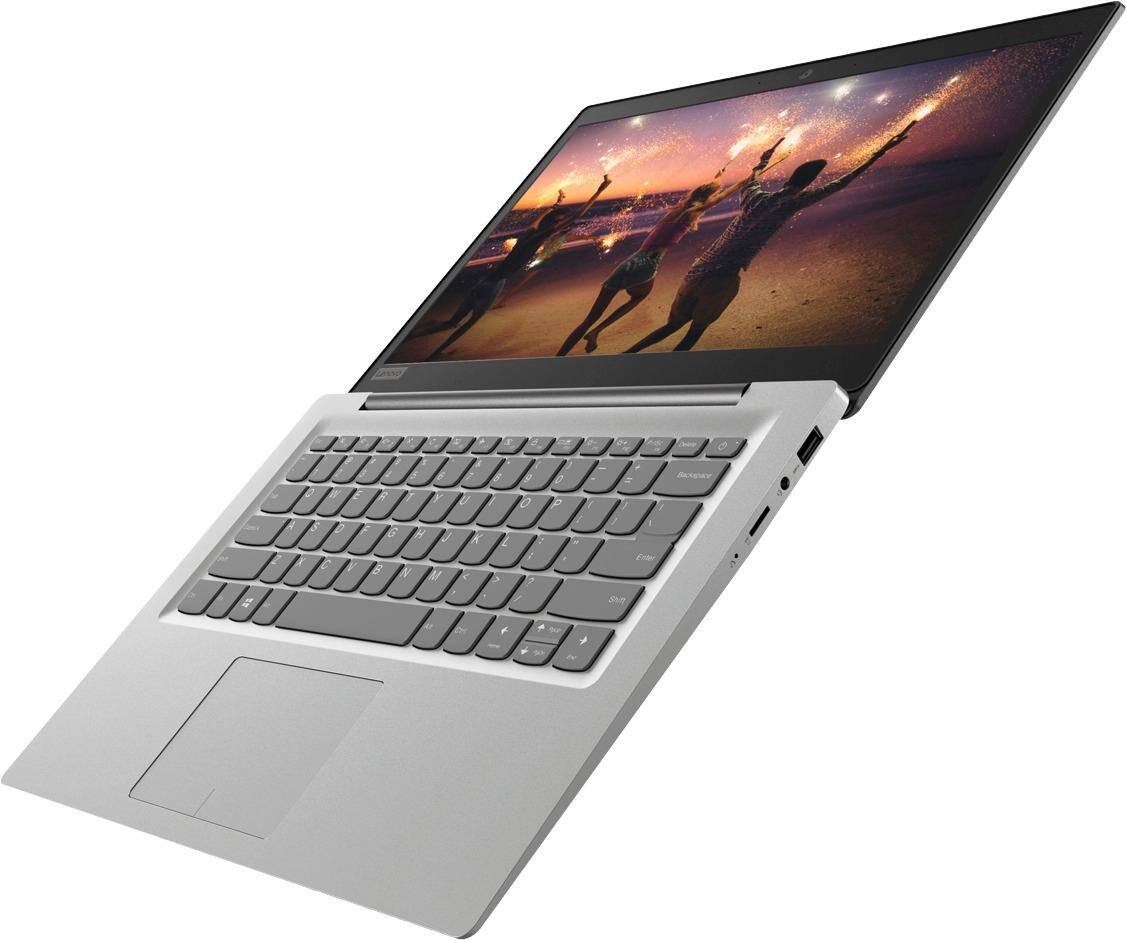
- Model:
- 81A5001UUS
- SKU:
- 6061700
Rating by feature
- Value
Rating 3.8 out of 5 stars
- Quality
Rating 3.6 out of 5 stars
- Ease of Use
Rating 3.8 out of 5 stars
Customers are saying
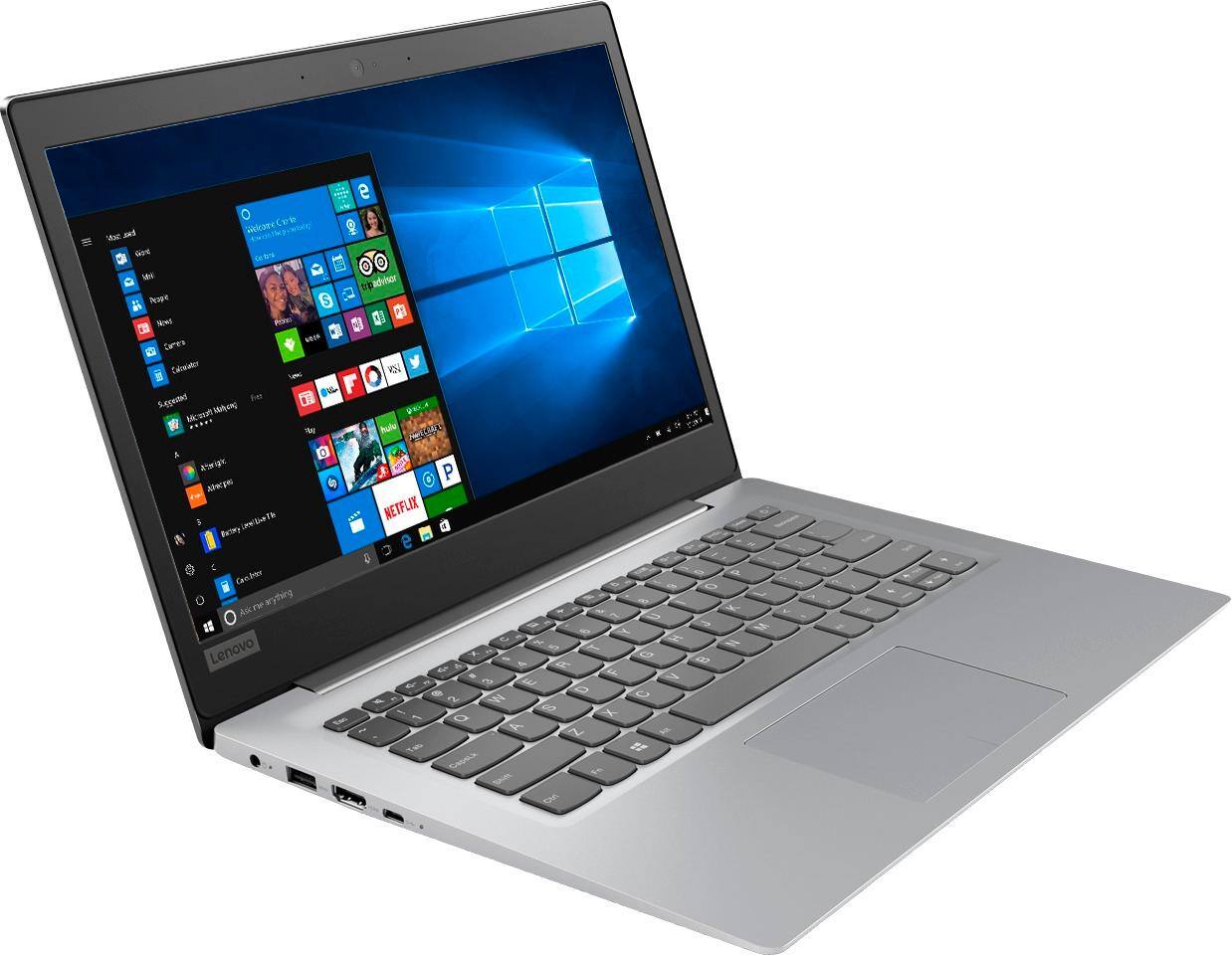
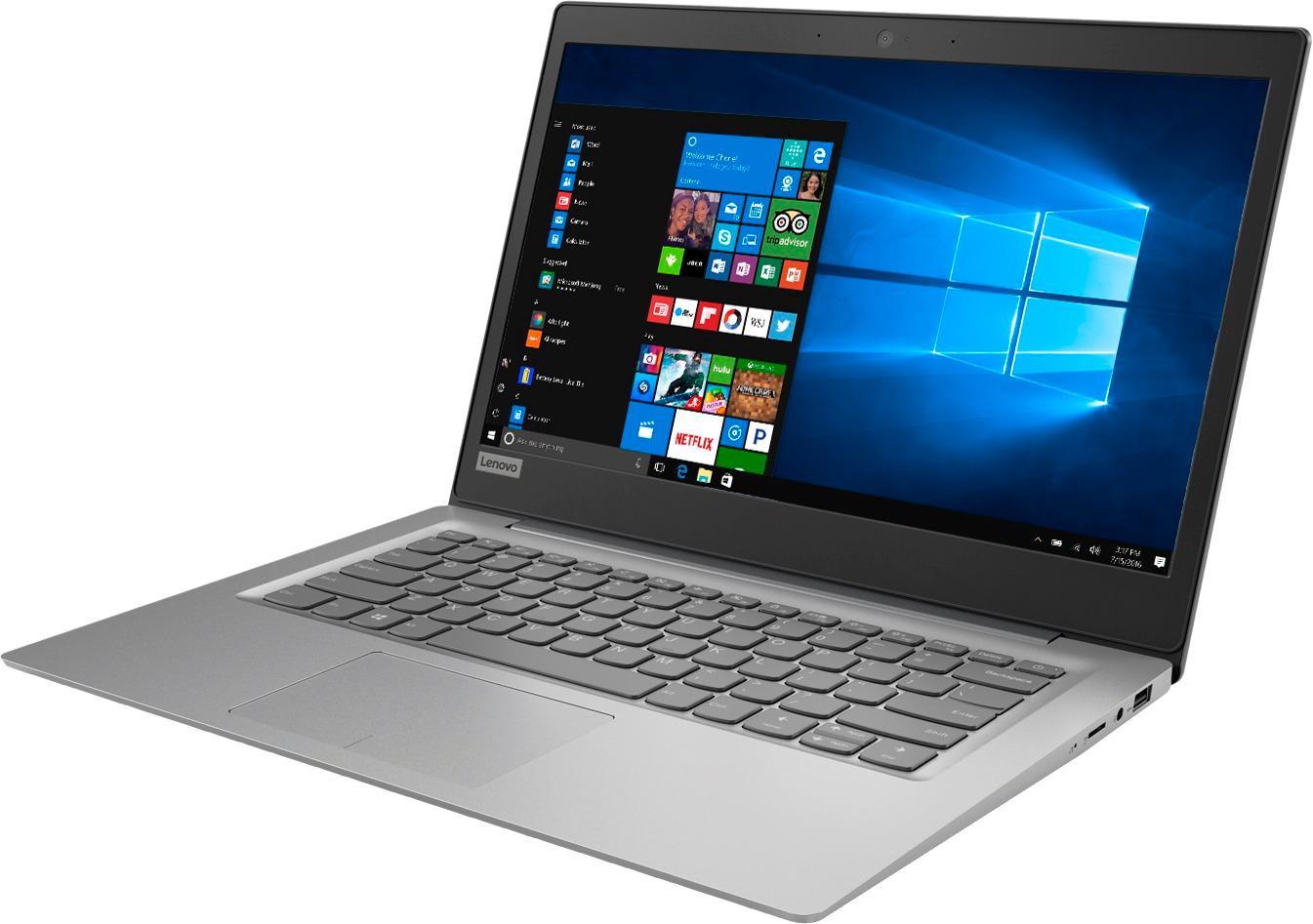
Customers praise the 14" Laptop for its budget-friendly price point and lightweight design, making it suitable for basic personal use. However, concerns are raised regarding its limited storage capacity, insufficient memory, and overall performance, which may not be suitable for multitasking or demanding tasks.
This summary was generated by AI based on customer reviews.
- Cons mentioned:Ram
nothing great, but it works and is cheap
||Posted .This reviewer received promo considerations or sweepstakes entry for writing a review.with 2GB of RAM, this is nothing great, but it is ok for the kids to do some elementary school homework.
I would recommend this to a friendBrand response from Lenovo Product Expert
Posted .This is a Chromebook. The configuration of the C330 Chromebook is great for a Cloud Computing system.

Good for the price.
||Posted .This reviewer received promo considerations or sweepstakes entry for writing a review.I was just looking for something for my daughter to do her homework on. It froze the first couple of weeks, so I exchanged it for another one. I actually bought 2. The other one didn't have any problems.
I would recommend this to a friendBrand response from Lenovo Product Expert
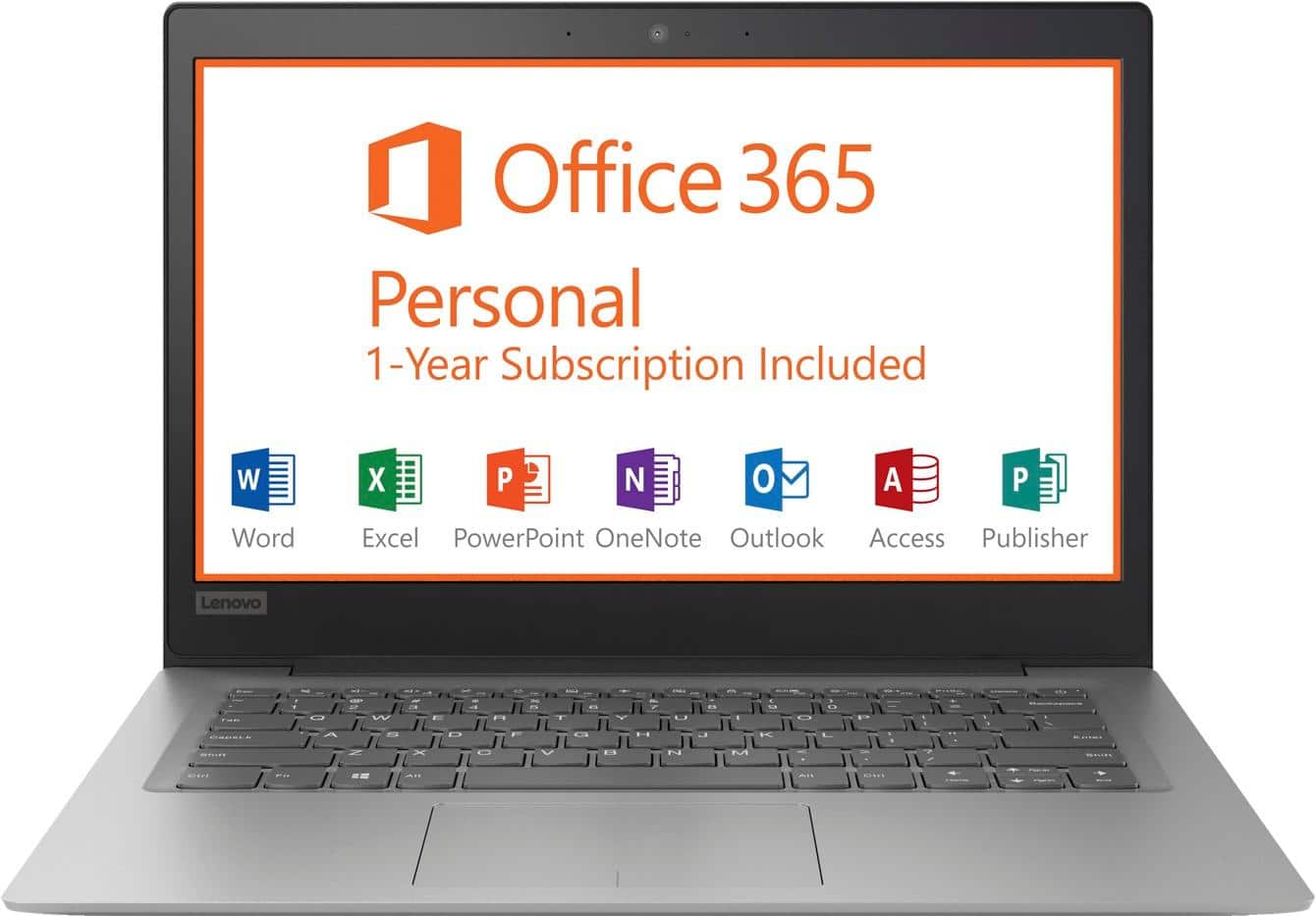
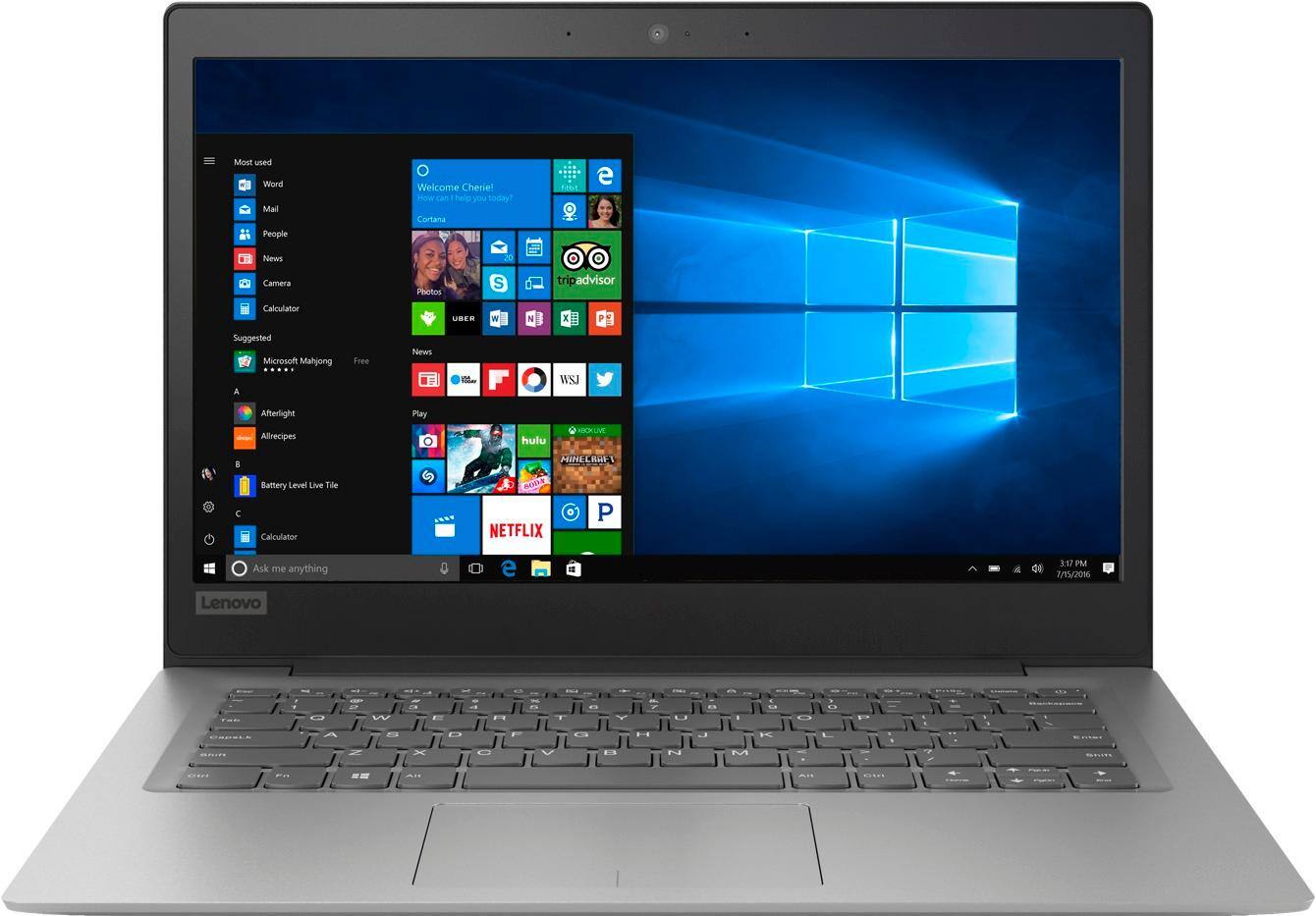
Posted .This is an entry level, light use computer system. It uses Windows 10 Home 64-Bit as its operating system, which requires less than 2GB of RAM to run. There is a 32GB solid state hard drive on this device for fast boot up and file recall. This device has the latest WiFi capability, with 802.11AC connectivity. There is a free 1-year subscription to Microsoft Office 365, a $69.00 value on this device. If your requirements fit this profile, this device is a good choice.
Great Laptop for the price,great for schoolwork.
||Posted .This reviewer received promo considerations or sweepstakes entry for writing a review.Bought laptop for my niece, she loves it!Its a big help on her schoolwork, laptop just has enough and more to it than the rest of its similar competitors in this price range. Better processing speed too
I would recommend this to a friendBrand response from Lenovo Product Expert
Posted .Thank you for choosing the Lenovo IdeaPad 120s-14 laptop for your niece. We are pleased to hear that the value, features and performance of the IdeaPad 120s-14 meets the computing needs of your niece so well. This is an entry level, light use computer system. It uses Windows 10 Home 64-Bit as its operating system, which requires less than 2GB of RAM to run. There is a 32GB solid state hard drive on this device for fast boot up and file recall. This device has the latest WiFi capability, with 802.11AC connectivity. There is a free 1-year subscription to Microsoft Office 365, a $69.00 value on this device. If your requirements fit this profile, this device is a good choice.
- Pros mentioned:PriceCons mentioned:Memory
Too slow
||Posted .This reviewer received promo considerations or sweepstakes entry for writing a review.The price is good but the memory is too little and speed of CPU is too slow.
No, I would not recommend this to a friendBrand response from Lenovo Product Expert
Posted .This is an entry level, light use computer system. It uses Windows 10 Home 64-Bit as its operating system, which requires less than 2GB of RAM to run. There is a 32GB solid state hard drive on this device for fast boot up and file recall. This device has the latest WiFi capability, with 802.11AC connectivity. There is a free 1-year subscription to Microsoft Office 365, a $69.00 value on this device. If your requirements fit this profile, this device is a good choice.

Great investment
||Posted . Owned for 1 year when reviewed.This reviewer received promo considerations or sweepstakes entry for writing a review.Good investment. I needed a laptop to work at home during an injury. This computer has not failed me in any manner. The screen could be a bit bigger but it's good for the price.
I would recommend this to a friend- Pros mentioned:Price
Excellent Lap top!
||Posted .This reviewer received promo considerations or sweepstakes entry for writing a review.I am more than please with my recent purchase. Really was worth the price I paid. I get to do my webseminars from home very happy enjoying my new Lenovo.
I would recommend this to a friendBrand response from Lenovo Product Expert
Posted .Thank you for choosing the Lenovo IdeaPad 120s-14 laptop. We are pleased to hear that the value and performance of the IdeaPad 120s-14 meets your computing needs so well. This is an entry level, light use computer system. It uses Windows 10 Home 64-Bit as its operating system, which requires less than 2GB of RAM to run. There is a 32GB solid state hard drive on this device for fast boot up and file recall. This device has the latest WiFi capability, with 802.11AC connectivity. There is a free 1-year subscription to Microsoft Office 365, a $69.00 value on this device. If your requirements fit this profile, this device is a good choice.
Good unit for the price
||Posted .This reviewer received promo considerations or sweepstakes entry for writing a review.Not enough ram, but good enough for emal & net surfing..light spreadsheet work etc...too many sheets or browser windows could slow things down..,.but better than a netbook ro chromebook..Good Value
I would recommend this to a friendBrand response from Lenovo Product Expert
Posted .This is an entry level, light use computer system. It uses Windows 10 Home 64-Bit as its operating system, which requires less than 2GB of RAM to run. There is a 32GB solid state hard drive on this device for fast boot up and file recall. This device has the latest WiFi capability, with 802.11AC connectivity. There is a free 1-year subscription to Microsoft Office 365, a $69.00 value on this device. If your requirements fit this profile, this device is a good choice.
Great laptop for the price
||Posted .This reviewer received promo considerations or sweepstakes entry for writing a review.Bought laptop as a gift for wife so she can use around the house when she isn't in her office. The mouse took some getting use to for her, but other than that, she hasn't complained. It is great for her use.
I would recommend this to a friendBrand response from Lenovo Product Expert
Posted .Thank you for choosing the Lenovo IdeaPad 120s-14 laptop for your wife. With regard to the touchpad, you can make adjustments to the touchpad in your system settings. You can get there by clicking on the magnifying glass at the bottom left of your Windows 10 screen. Type "touchpad" in the search window. Select "Mouse & touchpad settings" from the list of choices. You can make general adjustments to the touchpad there. You can also select "Additional mouse options" for more detailed adjustments to the touchpad sensitivity by increasing the delay of the touchpad.
- Cons mentioned:Storage
Ok
||Posted .This reviewer received promo considerations or sweepstakes entry for writing a review.Beautiful looking laptop but no space i got shocked that I didn't even do anything big just save 1 page from my excel and it says no more space haha
No, I would not recommend this to a friendBrand response from Lenovo Product Expert
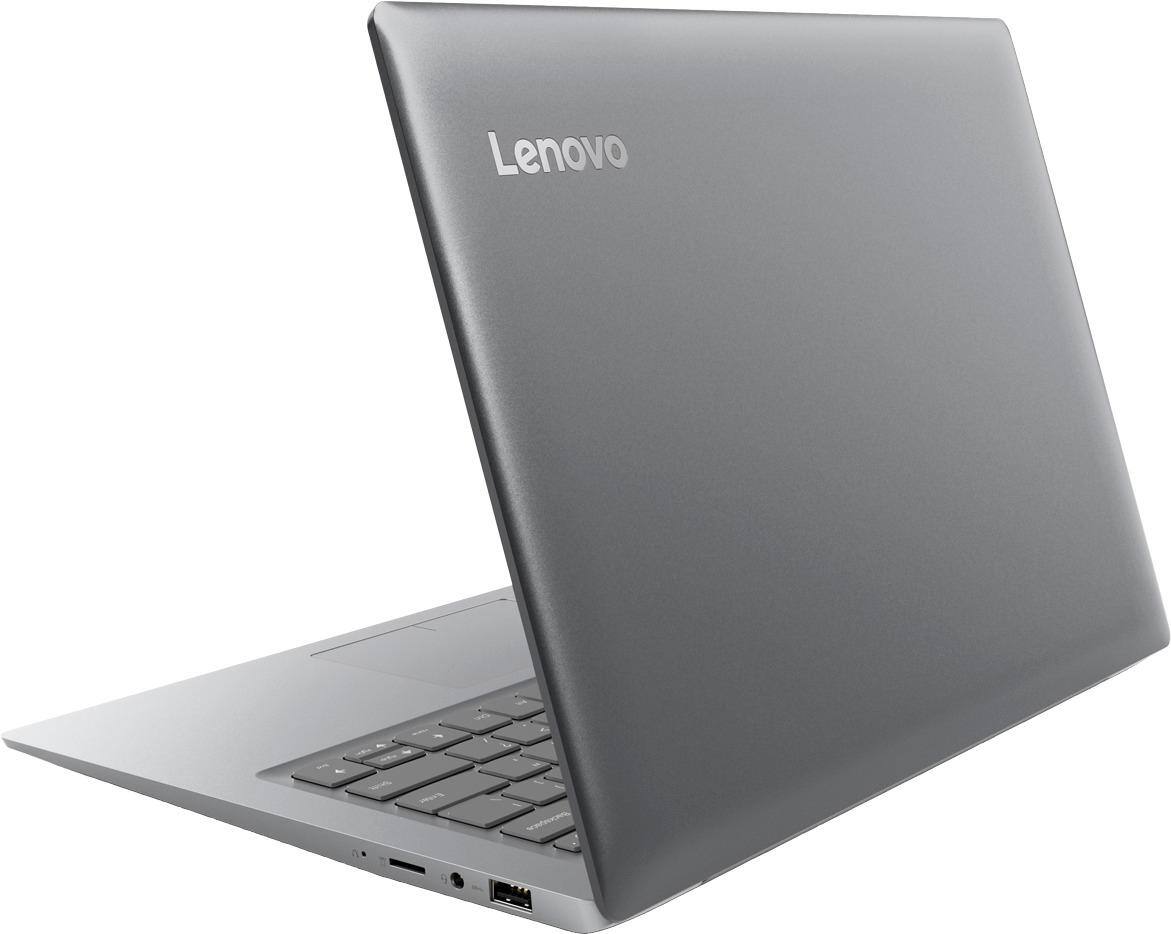
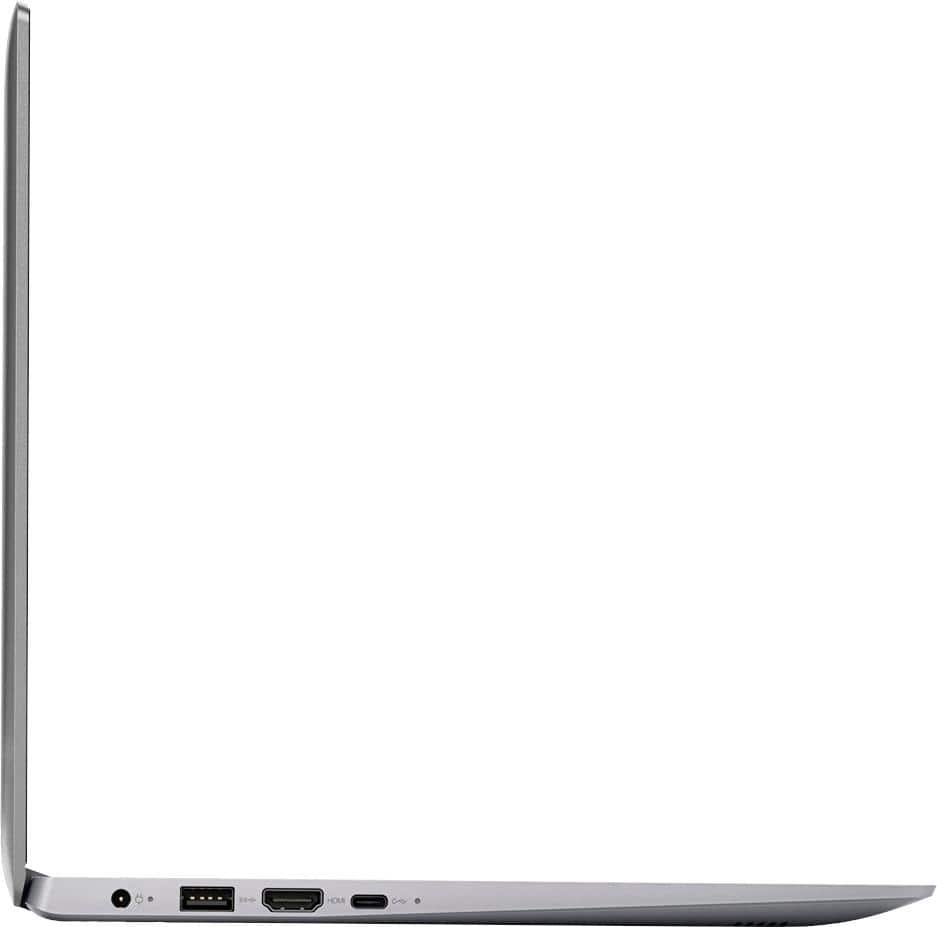
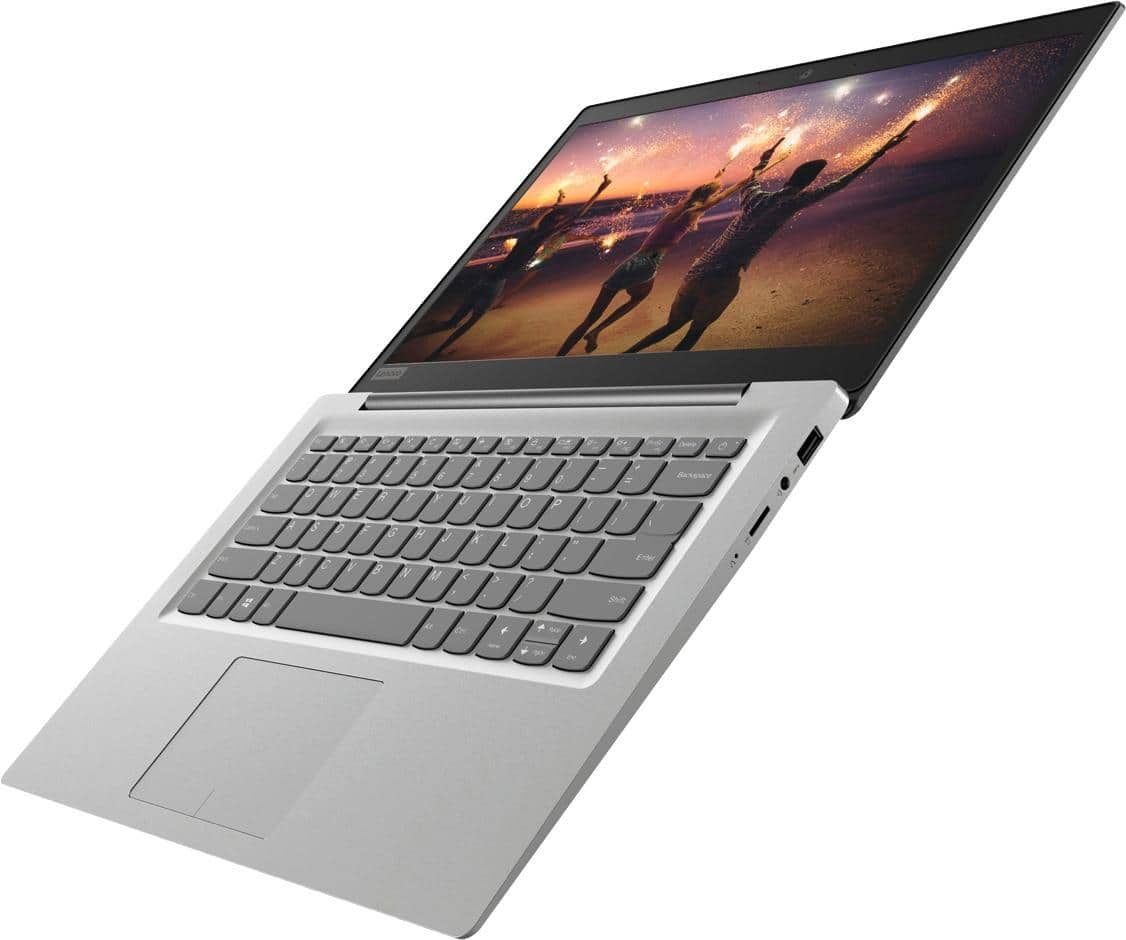
Posted .If you need more storage space for the IdeaPad 120s-14 laptop, there is a Micro-SD card slot on the device. You can also use any USB-based external hard drive or a Cloud Storage Account for additional storage space for the IdeaPad 120s-14. The Lenovo IdeaPad 120s-14 laptop is an entry level, light use system with its Intel Celeron processor, 2GB of RAM and a 32GB eMMC solid state hard drive. It is not meant for multi-tasking or demanding programs. It is good for Microsoft Office and light internet browsing. The IdeaPad 120s-14 laptop ships with a free 1-year subscription to Microsoft Office 365 (a $69.00 value). If this describes your computing needs, the IdeaPad 120s-14 laptop would be a good choice. For 2018, Lenovo retained its place for a second year as the best laptop vendor:
https://www.laptopmag.com/articles/laptop-brand-ratings
- Pros mentioned:Lightweight
Great laptop
||Posted .This reviewer received promo considerations or sweepstakes entry for writing a review.I wasn’t looking for anything fancy just something to get the job done and lightweight/portable. This has met every criteria. Definitely recommend.
I would recommend this to a friendBrand response from Lenovo Product Expert
Posted .Thank you for choosing the Lenovo IdeaPad 120s-14 laptop. We are pleased to hear that the performance of the IdeaPad 120s-14 meets your computing needs so well. The Lenovo IdeaPad 120s-14 laptop is an entry level, light use system with its Intel Celeron processor, 2GB of RAM and a 32GB eMMC solid state hard drive. It is not meant for multi-tasking or demanding programs. It is good for Microsoft Office and light internet browsing. The IdeaPad 120s-14 laptop ships with a free 1-year subscription to Microsoft Office 365 (a $69.00 value). If this describes your computing needs, the IdeaPad 120s-14 laptop would be a good choice. For 2018, Lenovo retained its place for a second year as the best laptop vendor:
https://www.laptopmag.com/articles/laptop-brand-ratings
- Pros mentioned:Price
Good computer
||Posted . Owned for more than 2 years when reviewed.This reviewer received promo considerations or sweepstakes entry for writing a review.Works well. Does what we need it do. No complaints. Good buy in this product.
I would recommend this to a friend - Cons mentioned:Speed
Okay for the price
||Posted .This reviewer received promo considerations or sweepstakes entry for writing a review.This was just okay. It meets basic needs, but it is not very fast. However it is nice and lite.
No, I would not recommend this to a friendBrand response from Lenovo Product Expert
Posted .This is an entry level, light use computer system. It uses Windows 10 Home 64-Bit as its operating system, which requires less than 2GB of RAM to run. There is a 32GB solid state hard drive on this device for fast boot up and file recall. This device has the latest WiFi capability, with 802.11AC connectivity. There is a free 1-year subscription to Microsoft Office 365, a $69.00 value on this device. If your requirements fit this profile, this device is a good choice.
- Cons mentioned:Storage
Amazing laptop!
||Posted .This reviewer received promo considerations or sweepstakes entry for writing a review.I needed a laptop for college and this laptop has been a life saver it literally is so good just has a little bit of storage but amazing overall
I would recommend this to a friendBrand response from Lenovo Product Expert
Posted .Thank you for choosing the Lenovo IdeaPad 120s-14 laptop. If you need more storage space, there is a Micro-SD card slot on the device that can be used for extra storage. You can also use any USB-based external hard drive or a Cloud Storage Account to add storage space to the IdeaPad 120s-14. The Lenovo IdeaPad 120s-14 laptop is an entry level, light use system with its Intel Celeron processor, 2GB of RAM and a 32GB eMMC solid state hard drive. It is not meant for multi-tasking or demanding programs. It is good for Microsoft Office and light internet browsing. The IdeaPad 120s-14 laptop ships with a free 1-year subscription to Microsoft Office 365 (a $69.00 value). If this describes your computing needs, the IdeaPad 120s-14 laptop would be a good choice. For 2018, Lenovo retained its place for a second year as the best laptop vendor:
https://www.laptopmag.com/articles/laptop-brand-ratings
- Pros mentioned:Price
Amazing performance for its price
||Posted .This reviewer received promo considerations or sweepstakes entry for writing a review.Bought this to do basic internet research and document typing. It may not be the fastest but for its price, its performance is pretty much amazing.
I would recommend this to a friendBrand response from Lenovo Product Expert
Posted .Thank you for choosing the Lenovo IdeaPad 120s-14 laptop. We are pleased to hear that the value and performance of the IdeaPad 120s-14 meets your computing needs so well. This is an entry level, light use computer system. It uses Windows 10 Home 64-Bit as its operating system, which requires less than 2GB of RAM to run. There is a 32GB solid state hard drive on this device for fast boot up and file recall. This device has the latest WiFi capability, with 802.11AC connectivity. There is a free 1-year subscription to Microsoft Office 365, a $69.00 value on this device. If your requirements fit this profile, this device is a good choice.
Great basic computer
||Posted . Owned for more than 2 years when reviewed.This reviewer received promo considerations or sweepstakes entry for writing a review.Great for internet browsing, and homework for students. The 1 year office subscription was a plus. Wish it had more internal memory but using a usb flash drive is fine.
I would recommend this to a friend- Cons mentioned:Speed
Ok computer
||Posted .This reviewer received promo considerations or sweepstakes entry for writing a review.Runs a little slow when opening applications but overall not a bad computer for the price.
I would recommend this to a friendBrand response from Lenovo Product Expert
Posted .The Lenovo IdeaPad 120s-14 laptop is an entry level, light use system with its Intel Celeron processor, 2GB of RAM and a 32GB eMMC solid state hard drive. It is not meant for multi-tasking or demanding programs. It is good for Microsoft Office and light internet browsing. The IdeaPad 120s-14 laptop ships with a free 1-year subscription to Microsoft Office 365 (a $69.00 value). If this describes your computing needs, the IdeaPad 120s-14 laptop would be a good choice. For 2018, Lenovo retained its place for a second year as the best laptop vendor:
https://www.laptopmag.com/articles/laptop-brand-ratings
Nice laptop for the budget conscious
||Posted .This reviewer received promo considerations or sweepstakes entry for writing a review.This unit was easy to set up. It was bundled with some very handy extras. I have not had any trouble with it, the battery seems to last for a pretty long time. I am happy with this purchase.
I would recommend this to a friendBrand response from Lenovo Product Expert
Posted .Thank you for choosing the Lenovo IdeaPad 120s-14 laptop. We are pleased to hear that the performance of the IdeaPad 120s-14 meets your computing needs so well. This is an entry level, light use computer system. It uses Windows 10 Home 64-Bit as its operating system, which requires less than 2GB of RAM to run. There is a 32GB solid state hard drive on this device for fast boot up and file recall. This device has the latest WiFi capability, with 802.11AC connectivity. There is a free 1-year subscription to Microsoft Office 365, a $69.00 value on this device. If your requirements fit this profile, this device is a good choice.
- Pros mentioned:Price, Usage
Ok
||Posted .This reviewer received promo considerations or sweepstakes entry for writing a review.You gor what you pay Nothing especial Good for the kids
No, I would not recommend this to a friendBrand response from Lenovo Product Expert
Posted .The Lenovo IdeaPad 120s-14 laptop is an entry level, light use system with its Intel Celeron processor, supported by 2GB of RAM and a 32GB eMMC solid state hard drive. It is not meant for multi-tasking or demanding programs. It is good for Microsoft Office and light internet browsing There is a free 1-year subscription to Microsoft Office 365, a $69.00 value included. If this describes your computing needs, the IdeaPad 120s-14 would be a good choice.
NIce Laptop for light tasks
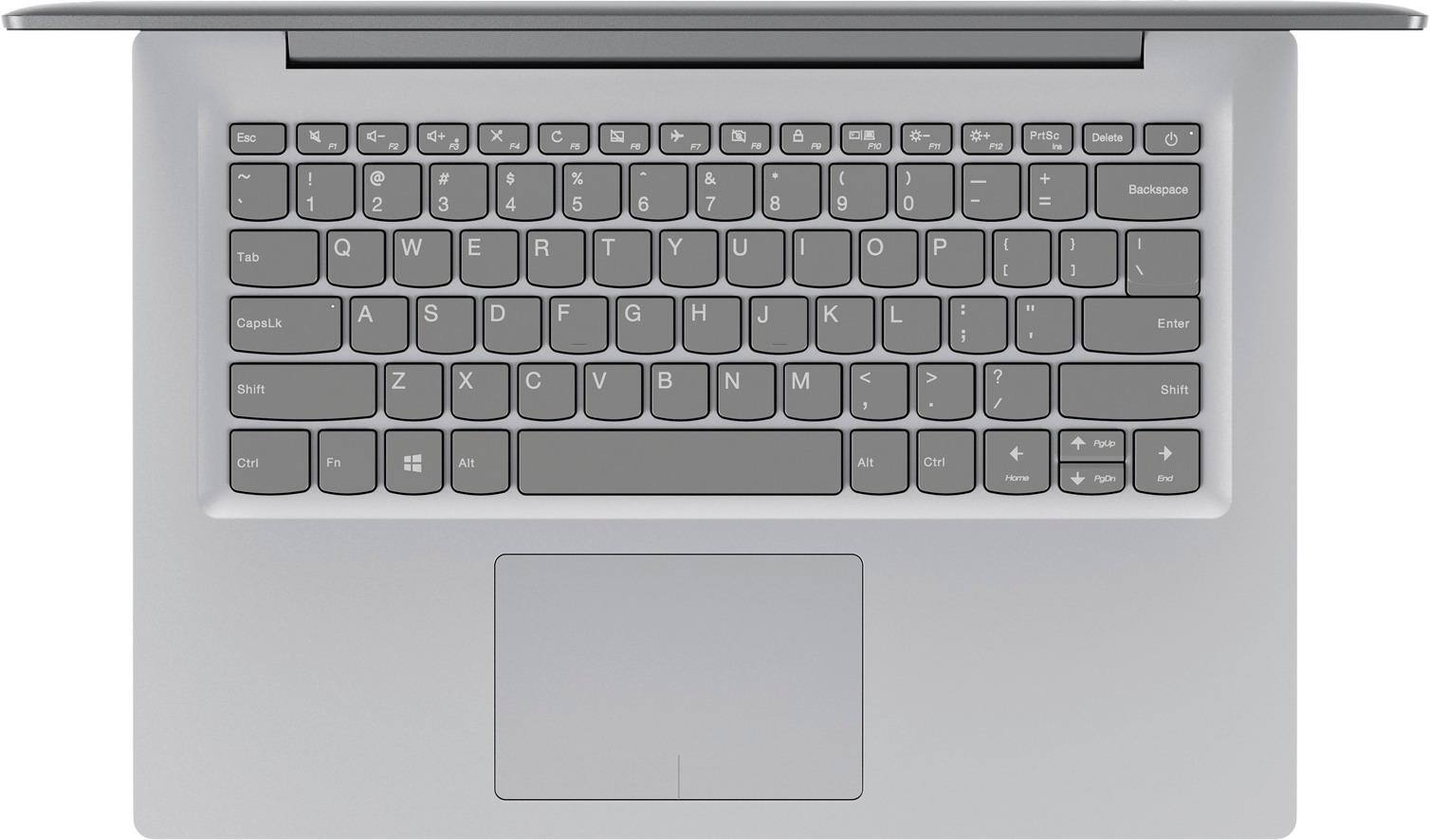
||Posted .This reviewer received promo considerations or sweepstakes entry for writing a review.Bright screen, satisfactory keyboard, so-so touch pad, but playing with the touch pad settings made it respond better then the basic settings it came with. Be aware of the limited SSD space.
I would recommend this to a friendBrand response from Lenovo Product Expert
Posted .Thank you for choosing the Lenovo IdeaPad 120s-14 laptop. With regard to the touchpad, you can make adjustments to the touchpad in your system settings. You can get there by clicking on the magnifying glass at the bottom left of your Windows 10 screen. Type "touchpad" in the search window. Select "Mouse & touchpad settings" from the list of choices. You can make general adjustments to the touchpad there. You can also select "Additional mouse options" for more detailed adjustments to the touchpad sensitivity by increasing the delay of the touchpad. If you need more storage space, you can use the Micro-SD card slot on the device or use a USB Flash Drive.
- Pros mentioned:Price
Perfect For What I need
||Posted .This reviewer received promo considerations or sweepstakes entry for writing a review.I got this laptop on sale, and it works great for simple browsing of the web and Netflix. Really lightweight, so it is easy to travel with!
I would recommend this to a friendBrand response from Lenovo Product Expert
Posted .Thank you for choosing the Lenovo IdeaPad 120s-14 laptop. We are pleased to hear that the IdeaPad 120s-14 meets your computing needs so well. The Lenovo IdeaPad 120s-14 laptop is an entry level, light use system with its Intel Celeron processor, 2GB of RAM and a 32GB eMMC solid state hard drive. It is not meant for multi-tasking or demanding programs. It is good for Microsoft Office and light internet browsing. The IdeaPad 120s-14 laptop ships with a free 1-year subscription to Microsoft Office 365 (a $69.00 value). If this describes your computing needs, the IdeaPad 120s-14 laptop would be a good choice. For 2018, Lenovo retained its place for a second year as the best laptop vendor:
https://www.laptopmag.com/articles/laptop-brand-ratings