Customer Ratings & Reviews

- Model:
- 81A5001UUS
- SKU:
- 6061700
Rating by feature
- Value
Rating 3.8 out of 5 stars
- Quality
Rating 3.6 out of 5 stars
- Ease of Use
Rating 3.8 out of 5 stars
Customers are saying
Customers praise the 14" Laptop for its budget-friendly price point and lightweight design, making it suitable for basic personal use. However, concerns are raised regarding its limited storage capacity, insufficient memory, and overall performance, which may not be suitable for multitasking or demanding tasks.
This summary was generated by AI based on customer reviews.
Good laptop
||Posted .This reviewer received promo considerations or sweepstakes entry for writing a review.Nice beginner laptop. It's really fast when surfing the net.
I would recommend this to a friendBrand response from Lenovo Product Expert
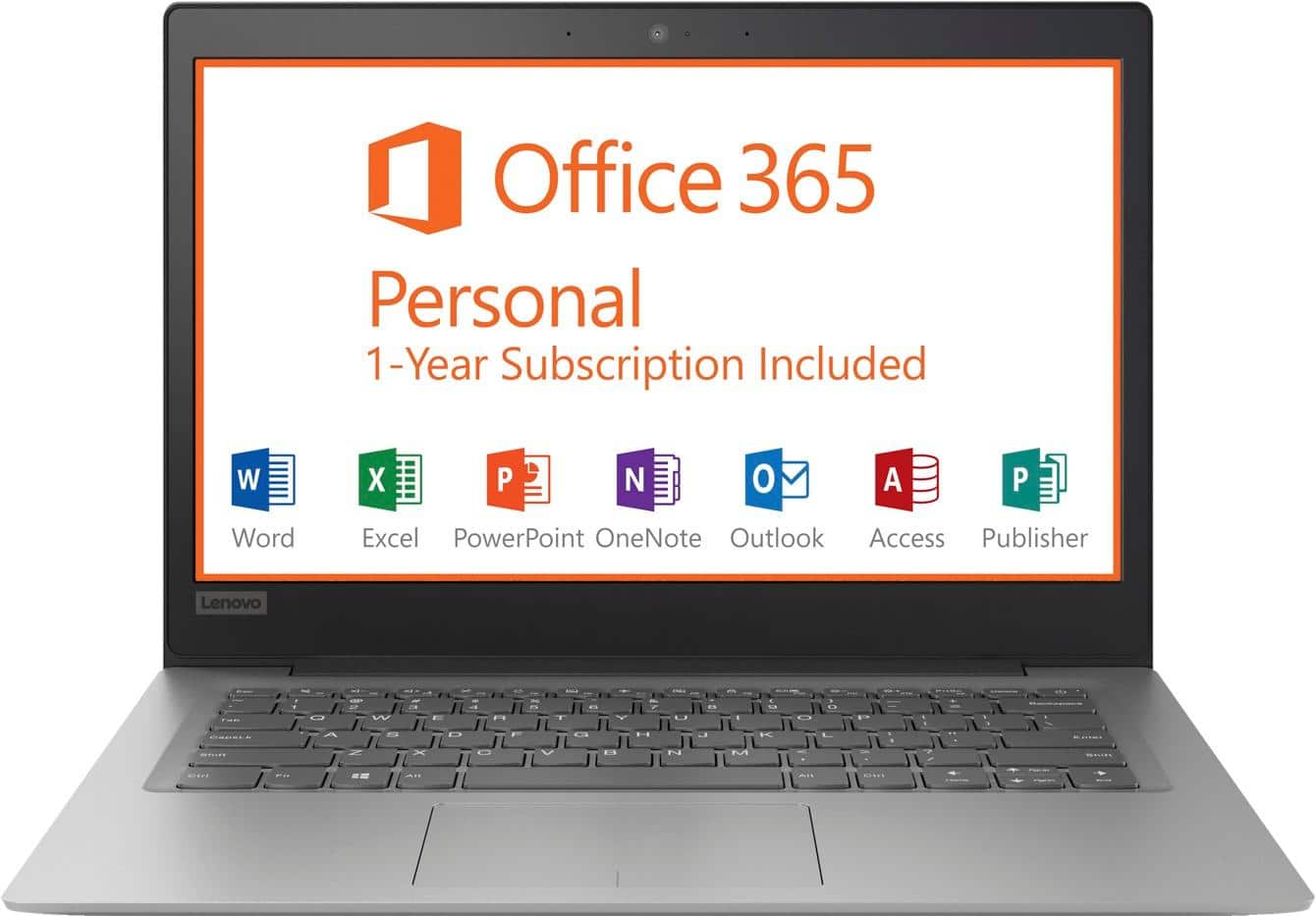
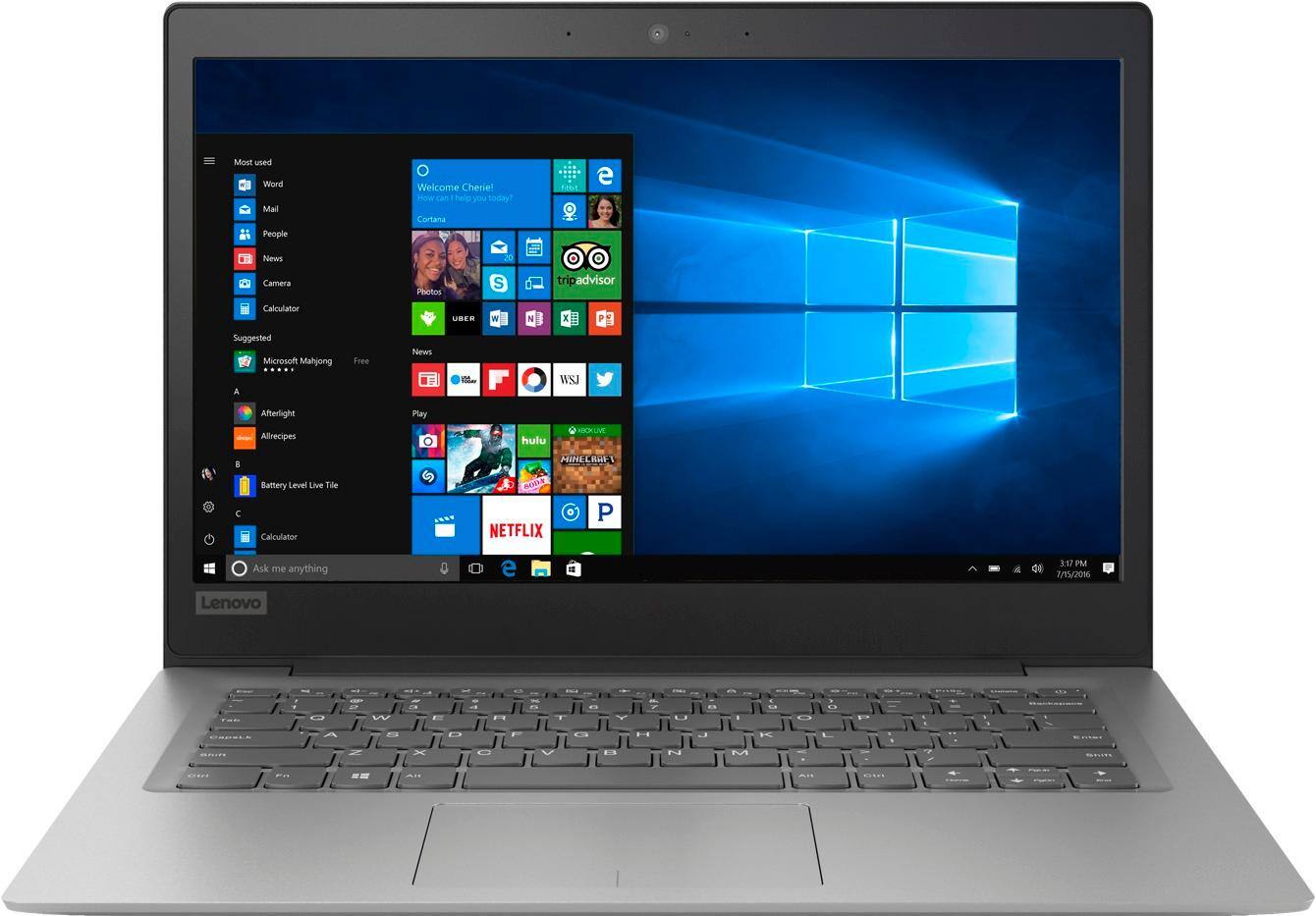
Posted .Thank you for choosing the Lenovo IdeaPad 120s-14 laptop. This is an entry level, light use computer system. It uses Windows 10 Home 64-Bit as its operating system, which requires less than 2GB of RAM to run. There is a 32GB solid state hard drive on this device for fast boot up and file recall. This device has the latest WiFi capability, with 802.11AC connectivity. There is a free 1-year subscription to Microsoft Office 365, a $69.00 value on this device. If your requirements fit this profile, this device is a good choice.

nice laptop
||Posted .This reviewer received promo considerations or sweepstakes entry for writing a review.this laptop is very dependable and does everything it says.
I would recommend this to a friendBrand response from Lenovo Product Expert
Posted .Thank you for choosing the Lenovo IdeaPad 120s-14 laptop. This is an entry level, light use computer system. It uses Windows 10 Home 64-Bit as its operating system, which requires less than 2GB of RAM to run. There is a 32GB solid state hard drive on this device for fast boot up and file recall. This device has the latest WiFi capability, with 802.11AC connectivity. There is a free 1-year subscription to Microsoft Office 365, a $69.00 value on this device. If your requirements fit this profile, this device is a good choice.

Nice computer
||Posted .This reviewer received promo considerations or sweepstakes entry for writing a review.Computer is fast and easy to use. Very beautiful product.
I would recommend this to a friendBrand response from Lenovo Product Expert
Posted .Thank you for choosing the Lenovo IdeaPad 120s-14 laptop. We are pleased to hear that the IdeaPad 120s-14 meets your computing needs so well. The Lenovo IdeaPad 120s-14 laptop is an entry level, light use system with its Intel Celeron processor, 2GB of RAM and a 32GB eMMC solid state hard drive. It is not meant for multi-tasking or demanding programs. It is good for Microsoft Office and light internet browsing. The IdeaPad 120s-14 laptop ships with a free 1-year subscription to Microsoft Office 365 (a $69.00 value). If this describes your computing needs, the IdeaPad 120s-14 laptop would be a good choice. For 2018, Lenovo retained its place for a second year as the best laptop vendor:
https://www.laptopmag.com/articles/laptop-brand-ratings
Good computer for the money
||Posted .This reviewer received promo considerations or sweepstakes entry for writing a review.Good computer for the money. Only downside is the small keyboard.
I would recommend this to a friendGreat travel computer
||Posted .This reviewer received promo considerations or sweepstakes entry for writing a review.There isn't anything fancy about this computer. It's the perfect take to Starbucks and write computer... the kind of thing you wouldn't mind losing to a cup of spilled coffee (not that I've ever done that). Perfect for checking email and typing papers, but don't expect speed or storage.
I would recommend this to a friendBrand response from Lenovo Product Expert
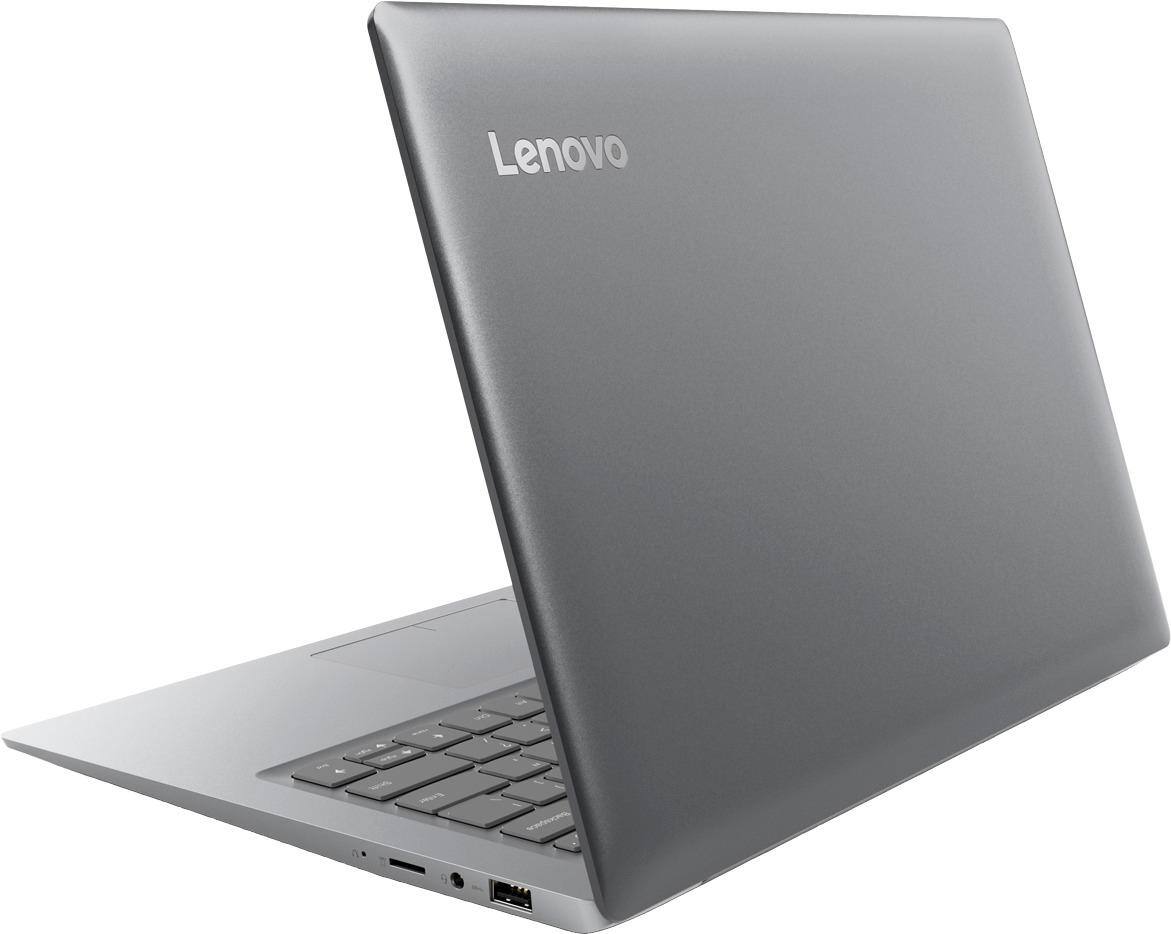
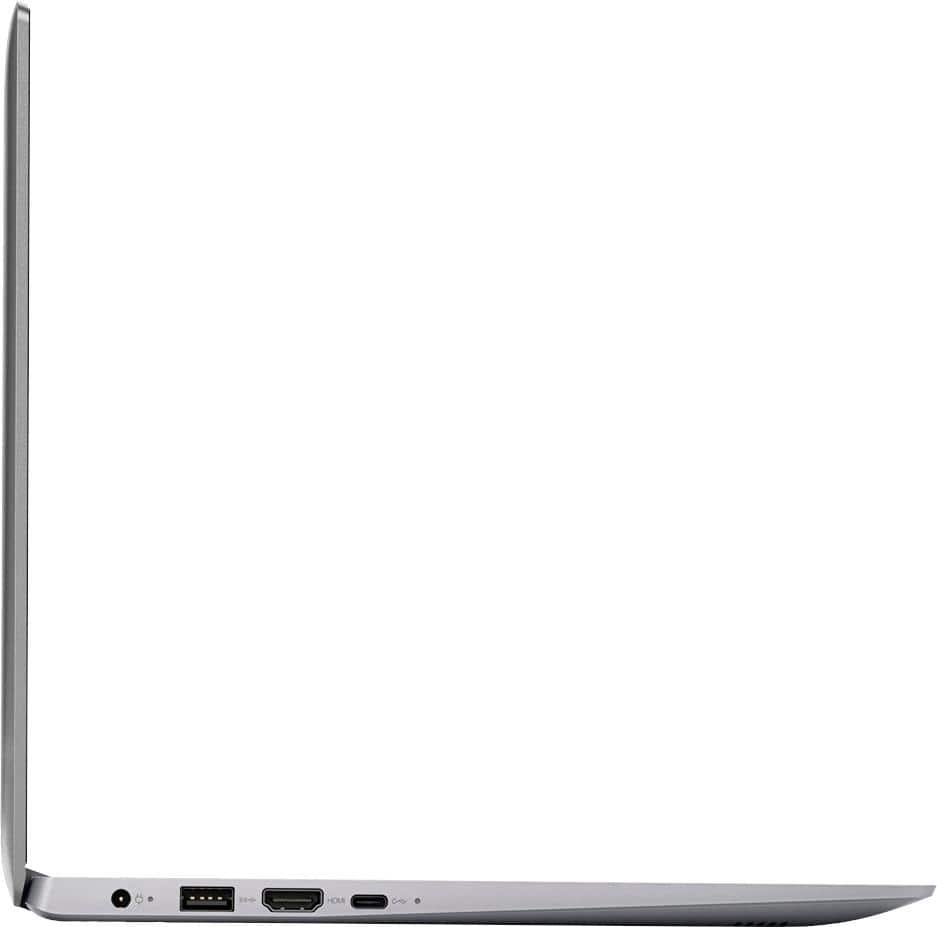
Posted .Thank you for choosing the Lenovo IdeaPad 120s-14 laptop. This is an entry level, light use computer system. It uses Windows 10 Home 64-Bit as its operating system, which requires less than 2GB of RAM to run. There is a 32GB solid state hard drive on this device for fast boot up and file recall. If you need more storage space for the device, there is a Micro-SD card slot on the device that can be used to add more storage space. This device has the latest WiFi capability, with 802.11AC connectivity. There is a free 1-year subscription to Microsoft Office 365, a $69.00 value on this device. If your requirements fit this profile, this device is a good choice.
The Lenovo 14" Intel Celeron is a fine computer.
||Posted . Owned for more than 2 years when reviewed.This reviewer received promo considerations or sweepstakes entry for writing a review.The Lenovo 14" Laptop Intel Celeron Mineral Gray is a great computer. It has performed every task I have given it without a problem. I have yet to need to have it repaired and I purchased it over 2 years ago. I am pleased with product.
I would recommend this to a friendBeginner item
||Posted . Owned for more than 2 years when reviewed.This reviewer received promo considerations or sweepstakes entry for writing a review.This laptop is nice enough. It is a beginner item and is best used for streaming and net browsing. It doesn't allow for a lot to be installed due to hard drive limitation which is known. Flash drive or cloud can be used. Great price.
I would recommend this to a friendGreat Laptop
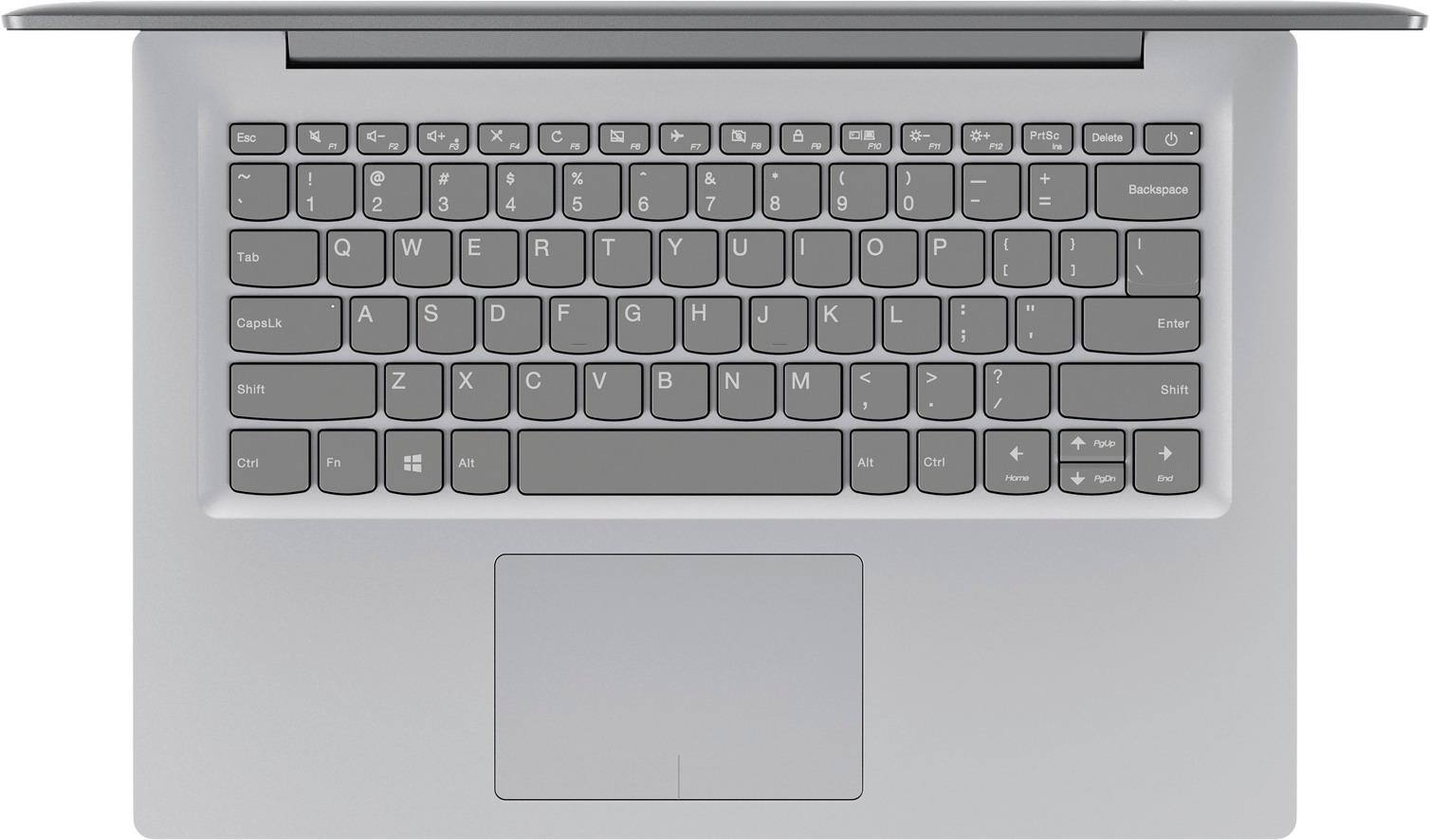
||Posted .This reviewer received promo considerations or sweepstakes entry for writing a review.I have never had a laptop before. I am having a hard time learning to use the Lenovo since there is no booklet or any info of any kind to learn how to use it and what the keys on the top row are for. I had a Lenovo desktop for years and it didn't have these keys. Such as the airplane?
I would recommend this to a friendBrand response from Lenovo Product Expert
Posted .Thank you for choosing the Lenovo IdeaPad 120s-14 laptop. All documentation is now available online. Here is a link to the User's Manual for this model: https://download.lenovo.com/consumer/mobiles_pub/ideapad_100_14_ibd_hmm_201602.pdf. The "Airplane" HotKey enables Airplane Mode on this device, which turns off WiFi on the device. This is used when flying on commercial airlines and they require you to turn off WiFi on your electronic devices. With regard to learning your way around Windows 10, you may want to try YouTube.com (just type that address in your browser address window). There are hundreds for free instructional videos there about Windows 10. Just type Windows 10 Introduction in to the YouTube search window. You can watch free videos there that will show you the basics all the way up to tips and tricks videos and they're all free.
Right price
||Posted .This reviewer received promo considerations or sweepstakes entry for writing a review.Great laptop for travel. Fits in my bag and is very light weight
I would recommend this to a friendBrand response from Lenovo Product Expert
Posted .Thank you for choosing the Lenovo IdeaPad 120s-14 Laptop. We are pleased to hear that the features and performance of the Ideapad 120s-14 meets your travel computing needs so well.
School Computer
||Posted .This reviewer received promo considerations or sweepstakes entry for writing a review.Daughter needed computer for school, this is a great deal.
I would recommend this to a friendBrand response from Lenovo Product Expert
Posted .Thank you for choosing the Lenovo IdeaPad 120s-14 laptop for your daughter. We are pleased to hear that the value and features of the IdeaPad 120s-14 meets your daughter's computing need so well. This is an entry level, light use computer system. It uses Windows 10 Home 64-Bit as its operating system, which requires less than 2GB of RAM to run. There is a 32GB solid state hard drive on this device for fast boot up and file recall. This device has the latest WiFi capability, with 802.11AC connectivity. There is a free 1-year subscription to Microsoft Office 365, a $69.00 value on this device. If your requirements fit this profile, this device is a good choice.
No complaints
||Posted .This reviewer received promo considerations or sweepstakes entry for writing a review.It works great!!! My daughter seems very happy with it!
I would recommend this to a friendBrand response from Lenovo Product Expert
Posted .Thank you for choosing the Lenovo IdeaPad 120s-14 laptop for your daughter. We are pleased to hear that the IdeaPad 120s-14 is working out so well for your daughter. The Lenovo IdeaPad 120s-14 laptop is an entry level, light use system with its Intel Celeron processor, 2GB of RAM and a 32GB eMMC solid state hard drive. It is not meant for multi-tasking or demanding programs. It is good for Microsoft Office and light internet browsing. The IdeaPad 120s-14 laptop ships with a free 1-year subscription to Microsoft Office 365 (a $69.00 value). If this describes your computing needs, the IdeaPad 120s-14 laptop would be a good choice. For 2018, Lenovo retained its place for a second year as the best laptop vendor:
https://www.laptopmag.com/articles/laptop-brand-ratings
A Steal!
||Posted .This reviewer received promo considerations or sweepstakes entry for writing a review.I was searching for an economical laptop for our home,to employ in lieu of our tablets.This Lenovo model came up on my search at Best Buy.The sale price was an amazing $100 OFF! Needless to say,I ordered it online IMMEDIATELY! We continue to be PLEASED with THIS purchase.
I would recommend this to a friendBrand response from Lenovo Product Expert
Posted .Thank you for choosing the Lenovo IdeaPad 120s-14 laptop. We are pleased to hear that the value and performance of the IdeaPad 120s-14 meets your computing needs so well. The Lenovo IdeaPad 120s-14 laptop is an entry level, light use system with its Intel Celeron processor, 2GB of RAM and a 32GB eMMC solid state hard drive. It is not meant for multi-tasking or demanding programs. It is good for Microsoft Office and light internet browsing. The IdeaPad 120s-14 laptop ships with a free 1-year subscription to Microsoft Office 365 (a $69.00 value). If this describes your computing needs, the IdeaPad 120s-14 laptop would be a good choice. For 2018, Lenovo retained its place for a second year as the best laptop vendor:
https://www.laptopmag.com/articles/laptop-brand-ratings
Nice Compter
||Posted .This reviewer received promo considerations or sweepstakes entry for writing a review.Works great for everyday computer needs, easy to use and set up
I would recommend this to a friendBrand response from Lenovo Product Expert
Posted .Thank you for choosing the Lenovo IdeaPad 120s-14 laptop. We are pleased to hear that the ease of setup and use, as well as the performance of the IdeaPad 120s-14 meets your computing needs so well.
Great, lightweight laptop.
||Posted .This reviewer received promo considerations or sweepstakes entry for writing a review.Seems a tad slow when turning it on, but then speeds up.
I would recommend this to a friendBrand response from Lenovo Product Expert
Posted .This device should boot up in less than 15 seconds with its 32GB solid state hard drive. Be sure any software you installed is compatible with Windows 10. There is no need to install Microsoft Office software. The software is already part of the operating system, you just need to activate the software with a purchased product key. If you have installed a copy of Microsoft Office, this is conflicting with the existing copy on the system and this will slow your system down. If you have installed a 3rd party anti-virus program, be sure that Windows Defender is turned off and that the trial version of McAfee Anti-Virus software is uninstalled. There can only be one anti-virus program on the system. You may need to restore your system to original factory default settings if any of the programing errors have occurred. You can do that by typing "restore" in the Cortana search window. Just click on the magnifying glass icon at the bottom left of your Windows 10 Desktop. Click on "Reset This PC" Then click on "Get Started" and follow the on screen directions to restore to factory defaults. If the problem persists, we recommend you contact Lenovo Tech Support at: 877-453-6686.
- Cons mentioned:Storage
32GB storage is a JOKE!!!
||Posted .This reviewer received promo considerations or sweepstakes entry for writing a review.I am so frustrated with this Laptop every updates. It has been Frozen with the lack of storage for downloading the large update files. Even I purchased a 64GB MicroSD card for storage... but no way I could tell the Laptop to put new downloaded update files to D: drive. The system update files saved to C: drive and jammed all availabe storage space and leave no room for update installation. I am so frustrated and put this laptop on the unused shelf collecting dust now.
No, I would not recommend this to a friendBrand response from Lenovo Product Expert
Posted .According to Microsoft Support, you can use an external hard drive, formatted NTFS, when downloading Windows 10 updates for the needed temporary files. Here is a link to an explanation:
https://support.microsoft.com/en-us/help/4013876/windows-10-freeing-up-space-to-install-latest-update
Great computer for my grandaon
||Posted .This reviewer received promo considerations or sweepstakes entry for writing a review.Still learning how to use it. Very sensitive to the touch.
I would recommend this to a friendBrand response from Lenovo Product Expert
Posted .Thank you for choosing the Lenovo IdeaPad 120s-14 laptop. With regard to the touchpad, you can make adjustments to the touchpad in your system settings. You can get there by clicking on the magnifying glass at the bottom left of your Windows 10 screen. Type "touchpad" in the search window. Select "Mouse & touchpad settings" from the list of choices. You can make general adjustments to the touchpad there. You can also select "Additional mouse options" for more detailed adjustments to the touchpad sensitivity by increasing the delay of the touchpad.
Good
||Posted .This reviewer received promo considerations or sweepstakes entry for writing a review.Very Hindi inexpensive computer to help with children
I would recommend this to a friendBrand response from Lenovo Product Expert
Posted .Thank you for choosing the lenovo IdeaPad 120s-14 laptop. The Lenovo IdeaPad 120s-14 laptop is an entry level, light use system with its Intel Celeron processor, 2GB of RAM and a 32GB eMMC solid state hard drive. It is not meant for multi-tasking or demanding programs. It is good for Microsoft Office and light internet browsing. The IdeaPad 120s-14 laptop ships with a free 1-year subscription to Microsoft Office 365 (a $69.00 value). If this describes your computing needs, the IdeaPad 120s-14 laptop would be a good choice. For 2018, Lenovo retained its place for a second year as the best laptop vendor:
https://www.laptopmag.com/articles/laptop-brand-ratings
Very fast and reliable
||Posted .This reviewer received promo considerations or sweepstakes entry for writing a review.Good value for the money. Better than a chromebook. It is light and very fast. Of course the memory it's an issue but you get what you pay for. If you don't have to deal with Office products, this is the way to go to browse internet, emails and day to day household tasks.
I would recommend this to a friendBrand response from Lenovo Product Expert
Posted .Thank you for choosing the Lenovo IdeaPad 120s-14. This system comes with a Free 1-year subscription of Microsoft Office 365, including Word. Excel and PowerPoint. This computer ships with a 32GB solid state hard drive. If you need more storage space, there is a Micro-SD card slot you can use to add more storage space. You can also use a USB Flash drive or any type external USB hard drive.
Great laptop
||Posted .This reviewer received promo considerations or sweepstakes entry for writing a review.Not a problem or a glitch. Runs smooth and seamless
I would recommend this to a friendBrand response from Lenovo Product Expert
Posted .Thank you for choosing the Lenovo IdeaPad 120s-14 laptop. We are pleased to hear that the performance of the IdeaPad 120s-14 meets your computing needs so well. The Lenovo IdeaPad 120s-14 laptop is an entry level, light use system with its Intel Celeron processor, 2GB of RAM and a 32GB eMMC solid state hard drive. It is not meant for multi-tasking or demanding programs. It is good for Microsoft Office and light internet browsing. The IdeaPad 120s-14 laptop ships with a free 1-year subscription to Microsoft Office 365 (a $69.00 value). If this describes your computing needs, the IdeaPad 120s-14 laptop would be a good choice. For 2018, Lenovo retained its place for a second year as the best laptop vendor:
https://www.laptopmag.com/articles/laptop-brand-ratings
Perfect for novice computer user
||Posted .This reviewer received promo considerations or sweepstakes entry for writing a review.Shopped for an older family member who had been sitting at an old desktop for years. The laptop was a huge hit. It has been an easy transition. The screen is large, the colors vivid. The keyboard appears to be full size which was necessary for this family member. Great deal!
I would recommend this to a friendBrand response from Lenovo Product Expert
Posted .Thank you for choosing the Lenovo IdeaPad 120s-14 Laptop. We are pleased to hear that the features and performance of the IdeaPad 120s-14 are working out so well for the user.