Customer Ratings & Reviews

- Model:
- 81A5001UUS
- SKU:
- 6061700
Rating by feature
- Value
Rating 3.8 out of 5 stars
- Quality
Rating 3.6 out of 5 stars
- Ease of Use
Rating 3.8 out of 5 stars
Customers are saying
Customers praise the 14" Laptop for its budget-friendly price point and lightweight design, making it suitable for basic personal use. However, concerns are raised regarding its limited storage capacity, insufficient memory, and overall performance, which may not be suitable for multitasking or demanding tasks.
This summary was generated by AI based on customer reviews.
Doesn't seem to be a good laptop
||Posted .This reviewer received promo considerations or sweepstakes entry for writing a review.Not enjoying having this laptop, it won't shutdown and apps don't seem to work properly for me. This brand was recommended by someone and now I wish I had bought the brand i usually buy.
No, I would not recommend this to a friendBrand response from Lenovo Product Expert
Posted .For the description of the issues you are having, it sounds like there is a software issue with your Lenovo IdeaPad 120s-14 laptop. First, be sure any software you installed is compatible with Windows 10. There is no need to install Microsoft Office software. The software is already part of the operating system, you just need to activate the software with a purchased product key. If you have installed a copy of Microsoft Office, this is conflicting with the existing copy on the system and this will slow your system down. If you have installed a 3rd party anti-virus program, be sure that Windows Defender is turned off and that the trial version of McAfee Anti-Virus software is uninstalled. There can only be one anti-virus program on the system. You may need to restore your system to original factory default settings if any of the programing errors have occurred. You can do that by typing "restore" in the Cortana search window. Just click on the magnifying glass icon at the bottom left of your Windows 10 Desktop. Click on "Reset This PC" Then click on "Get Started" and follow the on screen directions to restore to factory defaults. If the problem persists, we recommend you contact Lenovo Tech Support at: 877-453-6686. For 2018, Lenovo retained its place for a second year as the best laptop vendor:
https://www.laptopmag.com/articles/laptop-brand-ratings
Great computer for small projects. Nothing fancy.
||Posted .This reviewer received promo considerations or sweepstakes entry for writing a review.Great computer for small projects. Nothing fancy!!
I would recommend this to a friendBrand response from Lenovo Product Expert
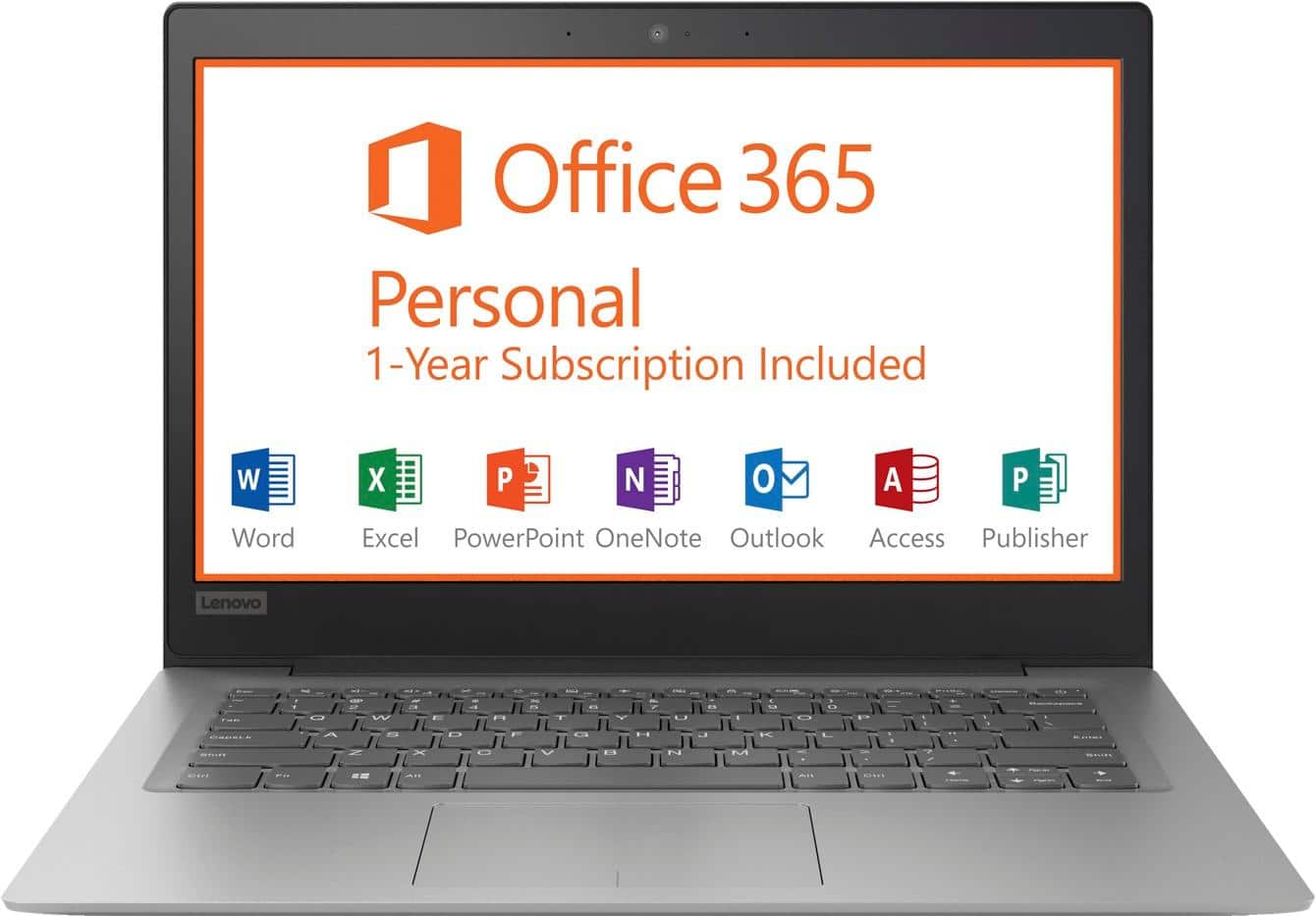
Posted .Thank you for choosing the Lenovo IdeaPad 120s-14 laptop. This is an entry level, light use computer system. It uses Windows 10 Home 64-Bit as its operating system, which requires less than 2GB of RAM to run. There is a 32GB solid state hard drive on this device for fast boot up and file recall. This device has the latest WiFi capability, with 802.11AC connectivity. There is a free 1-year subscription to Microsoft Office 365, a $69.00 value on this device. If your requirements fit this profile, this device is a good choice.

Awesome
||Posted .This reviewer received promo considerations or sweepstakes entry for writing a review.I bought this laptop for my son.... Great decision.
I would recommend this to a friendBrand response from Lenovo Product Expert
Posted .Thank you for choosing the Lenovo IdeaPad 120s-14 for your son. We are pleased to hear that the IdeaPad 120s-14 is working out so well for your son.
Works great
||Posted .This reviewer received promo considerations or sweepstakes entry for writing a review.It works great for my kid and his school work !!!!
I would recommend this to a friendBrand response from Lenovo Product Expert
Posted .Thank you for choosing the Lenovo IdeaPad 120s-14 laptop for your child. We are pleased to hear that the IdeaPad 120s-14 meets your child's computing needs so well.
ok
||Posted .This reviewer received promo considerations or sweepstakes entry for writing a review.ok great starter laptop for older person purchase.
I would recommend this to a friendDaughter loves her new laptop. Lots of features
||Posted .This reviewer received promo considerations or sweepstakes entry for writing a review.Will buy another . Lastest features for the price.
I would recommend this to a friendBrand response from Lenovo Product Expert
Posted .Thank you for choosing the Lenovo IdeaPad 120s-14 laptop for your daughter. We are pleased to hear that the value and performance of the IdeaPad 120s-14 meets your computing needs so well.
Fast & sleek!
||Posted .This reviewer received promo considerations or sweepstakes entry for writing a review.This was purchased to use for business for an employee and the computer has been exceptional. We connected it to a 32 inch monitor as our employee is vision impaired. It has been great! Not to mention the sleek design is very appealing.
I would recommend this to a friendBrand response from Lenovo Product Expert
Posted .Thank you for choosing the Lenovo IdeaPad 120s-14 laptop for your business. We are pleased to hear that the IdeaPad 120s-14 is working out so well. The Lenovo IdeaPad 120s-14 laptop is an entry level, light use system with its Intel Celeron processor, 2GB of RAM and a 32GB eMMC solid state hard drive. It is not meant for multi-tasking or demanding programs. It is good for Microsoft Office and light internet browsing. The IdeaPad 120s-14 laptop ships with a free 1-year subscription to Microsoft Office 365 (a $69.00 value). If this describes your computing needs, the IdeaPad 120s-14 laptop would be a good choice. For 2018, Lenovo retained its place for a second year as the best laptop vendor:
https://www.laptopmag.com/articles/laptop-brand-ratings
- Cons mentioned:Speed
Eh
||Posted . Owned for more than 2 years when reviewed.This reviewer received promo considerations or sweepstakes entry for writing a review.Not a terrible deal but just can't handle even basic tasks without taking forever to load or freezing up.
No, I would not recommend this to a friend - Cons mentioned:Storage
Not enough memory
||Posted .This reviewer received promo considerations or sweepstakes entry for writing a review.The computer isn’t updating because of low memory storage. I didn’t download anything. There is clearly a deficiency in this device.
No, I would not recommend this to a friendBrand response from Lenovo Product Expert
Posted .According to Microsoft Support, you can use an external hard drive, formatted NTFS, when downloading Windows 10 updates for the needed temporary files. Here is a link to an explanation:
https://support.microsoft.com/en-us/help/4013876/windows-10-freeing-up-space-to-install-latest-update
- Cons mentioned:Speed
It works.
||Posted .This reviewer received promo considerations or sweepstakes entry for writing a review.I bought this computer only because it was the cheapest computer I found. It works but is extremely slow. You get what you pay for
No, I would not recommend this to a friendBrand response from Lenovo Product Expert
Posted .This is an entry level, light use computer system. It uses Windows 10 Home 64-Bit as its operating system, which requires less than 2GB of RAM to run. There is a 32GB solid state hard drive on this device for fast boot up and file recall. This device has the latest WiFi capability, with 802.11AC connectivity. There is a free 1-year subscription to Microsoft Office 365, a $69.00 value on this device. If your requirements fit this profile, this device is a good choice.
Don't Expect Much
||Posted .This reviewer received promo considerations or sweepstakes entry for writing a review.This Lenovo laptop was a purchase my mother made for my sister, as my mom is not well-versed in tech she did not realize the capability of this product. When buying computers, typically, you get what you pay for. As this product is on the cheaper end of the spectrum, its potential is very limited. If all you plan to do is search the internet or use basic software for school or work this product may indeed be right for you. If you are planning on doing any more than that, I say you look elsewhere.
No, I would not recommend this to a friendBrand response from Lenovo Product Expert
Posted .The Lenovo IdeaPad 120s-14 laptop is an entry level, light use computer system. It uses Windows 10 Home 64-Bit as its operating system, which requires less than 2GB of RAM to run. There is a 32GB solid state hard drive on this device for fast boot up and file recall. This device has the latest WiFi capability, with 802.11AC connectivity. There is a free 1-year subscription to Microsoft Office 365, a $69.00 value on this device. If your requirements fit this profile, this device is a good choice.
Price is good
||Posted . Owned for more than 2 years when reviewed.This reviewer received promo considerations or sweepstakes entry for writing a review.I bought this on sale it was a great computer has Microsoft word and excel included battery stopped holding a charge after just a few months
I would recommend this to a friend- Cons mentioned:Speed
Average
||Posted .This reviewer received promo considerations or sweepstakes entry for writing a review.This is a bare minimum laptop. Runs slow and picture is not HD. Only needed it to run a single program and so far it works.
No, I would not recommend this to a friendBrand response from Lenovo Product Expert
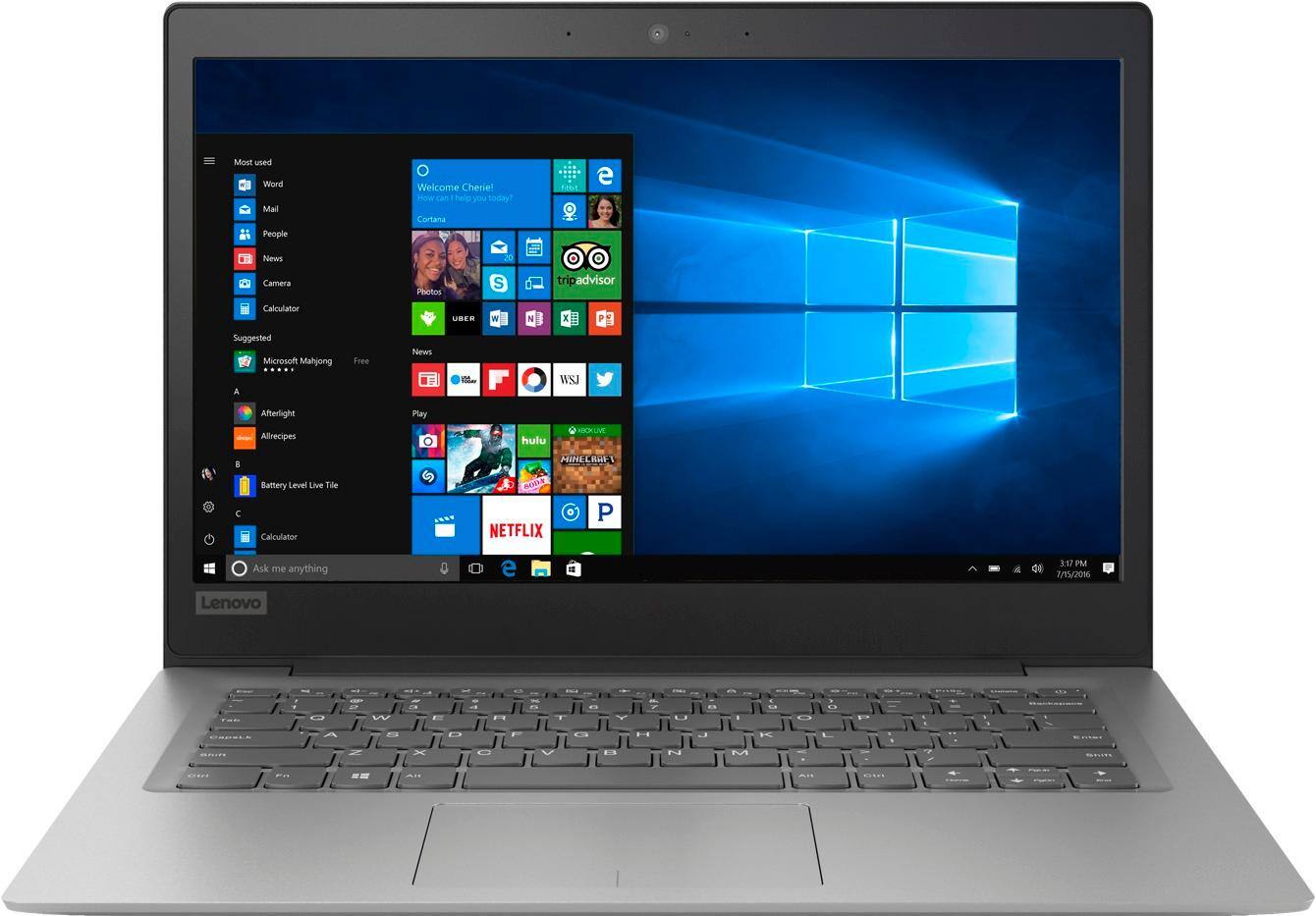
Posted .The Lenovo IdeaPad 120s-14 laptop ships with a LCD w/LED Backlight (Anti-glare) screen, with a resolution of 1366 X 768 (HD) and a brightness level of 220 nits. The Lenovo IdeaPad 120s-14 laptop is an entry level, light use system with its Intel Celeron processor, supported by 2GB of RAM and a 32GB eMMC solid state hard drive. It is not meant for multi-tasking or demanding programs. It is good for Microsoft Office and light internet browsing There is a free 1-year subscription to Microsoft Office 365, a $69.00 value included. If this describes your computing needs, the IdeaPad 120s-14 would be a good choice.
- Cons mentioned:Memory, Speed
Poor
||Posted . Owned for more than 2 years when reviewed.This reviewer received promo considerations or sweepstakes entry for writing a review.Very slow and old laptop. Can’t even update because of low memory
I would recommend this to a friend Great in a pinch!
||Posted .This reviewer received promo considerations or sweepstakes entry for writing a review.This computer was the perfect temporary fix when I had to send out my usual computer for a repair. While not the best laptop on the market, it's perfect in a pinch for producing Microsoft office documents and other basic needs!
I would recommend this to a friendBrand response from Lenovo Product Expert
Posted .The Lenovo IdeaPad 120s-14 laptop is an entry level, light use system with its Intel Celeron processor, 2GB of RAM and a 32GB eMMC solid state hard drive. It is not meant for multi-tasking or demanding programs. It is good for Microsoft Office and light internet browsing. The IdeaPad 120s-14 laptop ships with a free 1-year subscription to Microsoft Office 365 (a $69.00 value). If this describes your computing needs, the IdeaPad 120s-14 laptop would be a good choice. For 2018, Lenovo retained its place for a second year as the best laptop vendor:
https://www.laptopmag.com/articles/laptop-brand-ratings
Great Notebook ....
||Posted .This reviewer received promo considerations or sweepstakes entry for writing a review.This is an awesome lil' notebook! Of course with Edge, the setup it a bit daunting ... sorry Microsoft -- worst operating system ever, but after you get it set up, it is just as good as any $500 notebook. Highly recommend it.
I would recommend this to a friendBrand response from Lenovo Product Expert
Posted .Thank you for choosing the Lenovo IdeaPad 120s-14 laptop. Regarding initial setup of Windows 10, Windows Cortana will verbally walk you through the setup process if you choose Cortana voice instructions. This is an entry level, light use computer system. It uses Windows 10 Home 64-Bit as its operating system, which requires less than 2GB of RAM to run. There is a 32GB solid state hard drive on this device for fast boot up and file recall. This device has the latest WiFi capability, with 802.11AC connectivity. There is a free 1-year subscription to Microsoft Office 365, a $69.00 value on this device. If your requirements fit this profile, this device is a good choice.
- Cons mentioned:Ram
Nice but just a tad slow browsing speed
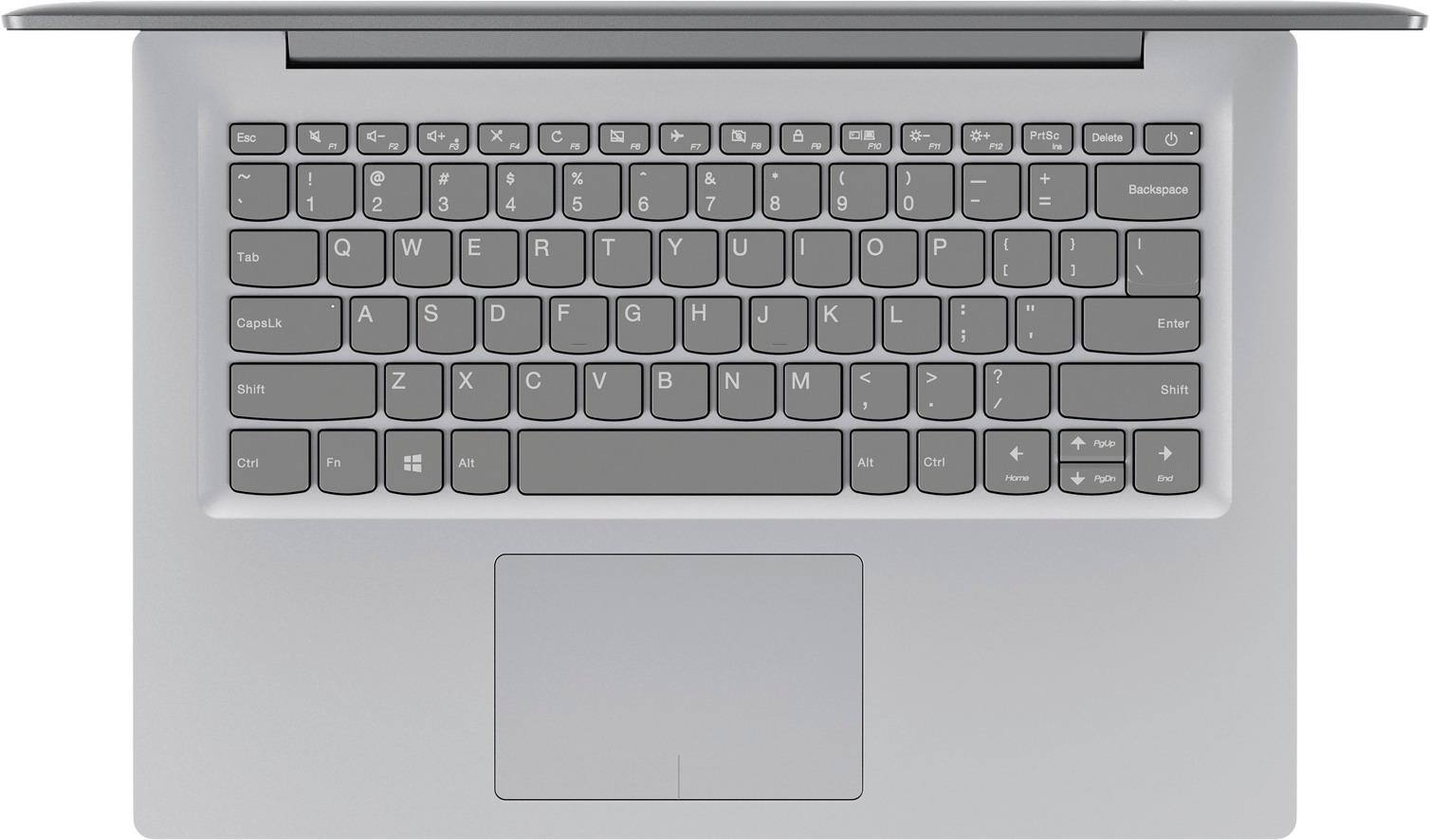
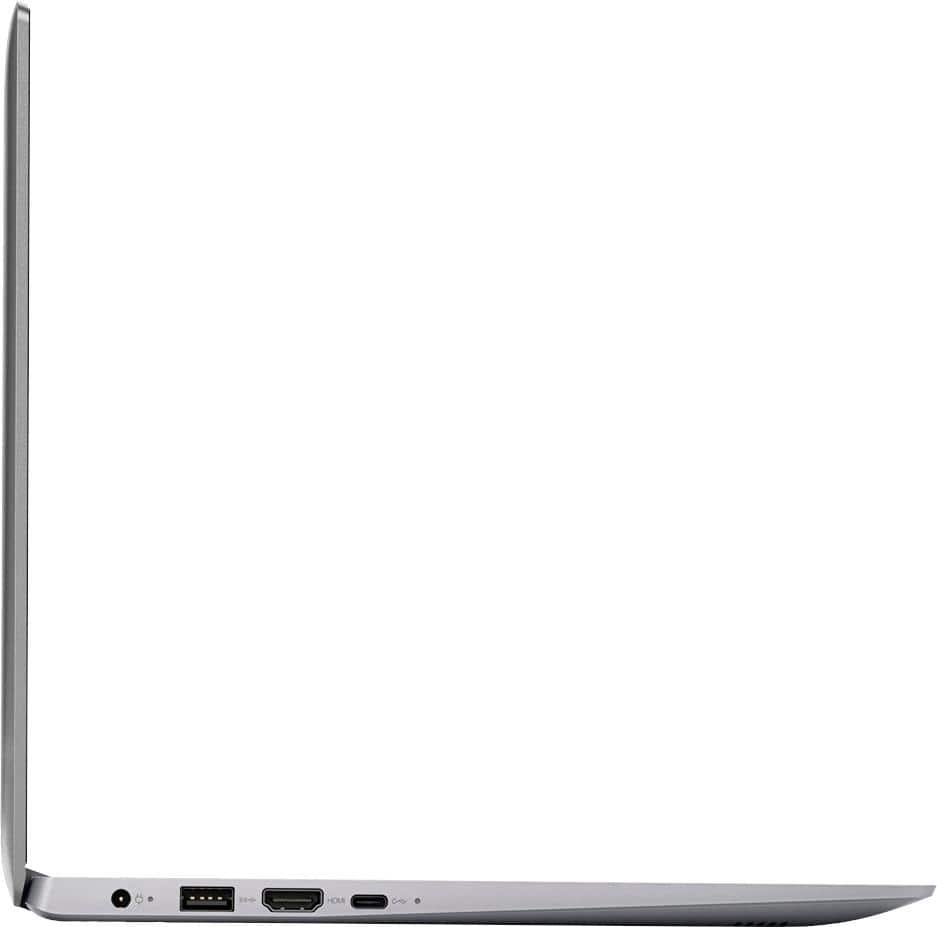
Posted .This reviewer received promo considerations or sweepstakes entry for writing a review.Thought I'd give a run down on this laptop after having it a week. I paid $149 for this while it was on sale. For $149 it is a decent deal. I don't think I'd spend $199 for it and definitely wouldn't buy it at it's normal price of $249. I like the build quality a lot. Even though it's plastic it is very strong and durable and feels very good in the hand. Fairly light but yet strong. No fingerprint problems. The cover is nice and smooth. The display is just ok. Not bad but it is a TN panel so the viewing angles are not going to be great. For browsing or working on documents it is fine. For watching movies the blacks are going to look bad and washed out. If you are use to an IPS screen you probably won't like it. But we are talking $149 here. Speed. I find the speed is fine except for browsing. Runs MS Office just fine. It even runs Microsoft flight Simulator 2004 fine (13 year old game and running it from the SD card getting 50+ frame rates). For todays games it might not be so good. For browsing it runs Edge OK, but Firefox and Chrome are slow. Comparing this to my Acer Chromebook 14 and my Chromebook is a speed demon compared to this Lenovo. Its ok for light browsing but you can really tell it is only 2gb of ram as it really needs 4. Just to clarify, this runs a 64bit version of Windows 10, not 32bit. And that's unfortunate because it would run better on 32bit and you would get another 5-6 gb of space if it did. Alas there are no 32bit drivers for touchpad and other hardware, believe me because I tried installing 32 bit on it. Here's whats funny. I have a 2 year old AcerX205ta 32bit WIn10 and with the same software installed, the Acer has 12gb left compared to this Lenovo which has 5gb left. So you are stuck with 64bit. Pros: Form factor, build quality, keyboard. Can live with the display. Price. Speed ok for some games and Office. AC wifi. USB-C and USB 3.0 ports. Micro SD slot. Battery life 8+hours. Light enough for travel. Cons: Browsing speed. RAM. HD space. Display for movies.
I would recommend this to a friend Great laptop for daughter
||Posted .This reviewer received promo considerations or sweepstakes entry for writing a review.My daughters laptop died and I purchased this Lenovo to replace her dying computer. Boy did it deliver! This computer so sleek, well designed. Set up was a breeze. The computer is working great so far, I want to buy one for myself.
I would recommend this to a friendBrand response from Lenovo Product Expert
Posted .Thank you for choosing the Lenovo IdeaPad 120s-14 laptop for your daughter. We are pleased to hear that the easy setup, features and performance of the IdeaPad 120s-14 meets your daughter's computing needs so well.
nice for not much $$
||Posted .This reviewer received promo considerations or sweepstakes entry for writing a review.Wasn't sure after reading some reviews but it has been fine for web browsing and basic use. Certainly not for anyone needing more than basic internet connection. My wife is using it for social media, email, and web browsing.
I would recommend this to a friendBrand response from Lenovo Product Expert
Posted .Thank you for choosing the Lenovo IdeaPad 120s-14 laptop for your wife. This is an entry level, light use computer system. It uses Windows 10 Home 64-Bit as its operating system, which requires less than 2GB of RAM to run. There is a 32GB solid state hard drive on this device for fast boot up and file recall. This device has the latest WiFi capability, with 802.11AC connectivity. There is a free 1-year subscription to Microsoft Office 365, a $69.00 value on this device. If your requirements fit this profile, this device is a good choice.
- Cons mentioned:Storage
average cpu
||Posted . Owned for more than 2 years when reviewed.This reviewer received promo considerations or sweepstakes entry for writing a review.good for very basic work. Excel etc. Not enough storage to have more then 1 or 2 programs on it.
No, I would not recommend this to a friend