Customer Ratings & Reviews

- Model:
- 81A5001UUS
- SKU:
- 6061700
Rating by feature
- Value
Rating 3.8 out of 5 stars
- Quality
Rating 3.6 out of 5 stars
- Ease of Use
Rating 3.8 out of 5 stars
Customers are saying
Customers praise the 14" Laptop for its budget-friendly price point and lightweight design, making it suitable for basic personal use. However, concerns are raised regarding its limited storage capacity, insufficient memory, and overall performance, which may not be suitable for multitasking or demanding tasks.
This summary was generated by AI based on customer reviews.
Horrible
||Posted .This reviewer received promo considerations or sweepstakes entry for writing a review.I purchased this for my son. I know this is a very low end laptop, but he can tends to be very clumsy and hard on anything electronic. However, I made the bad assumption it would work for basic internet searches and youtube. The only thing I installed was bitdefender. I cannot get any website to open except google. I will be trying to return this item and hope the time lapse (purchased several weeks prior to Christmas) doesn't cause any obstacles.
No, I would not recommend this to a friendBrand response from Lenovo Product Expert
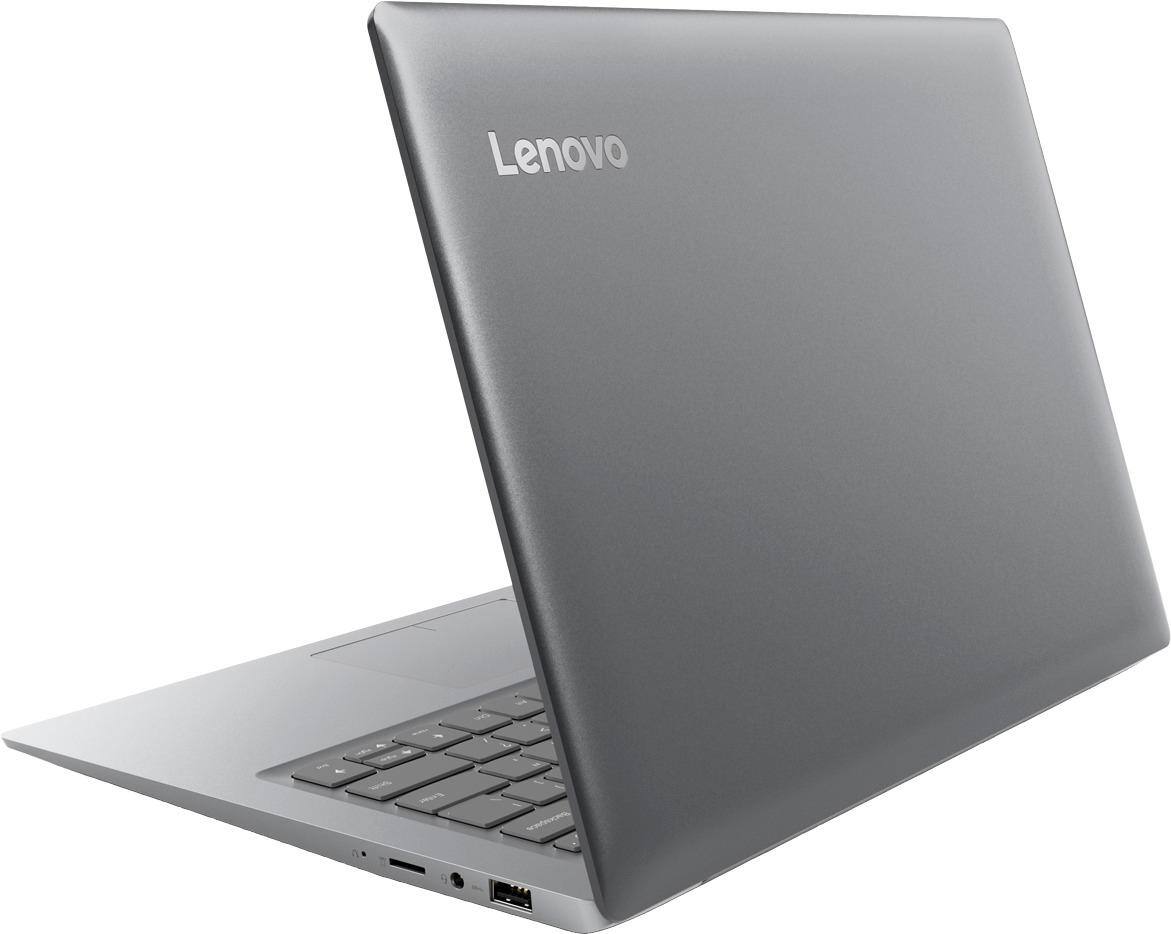
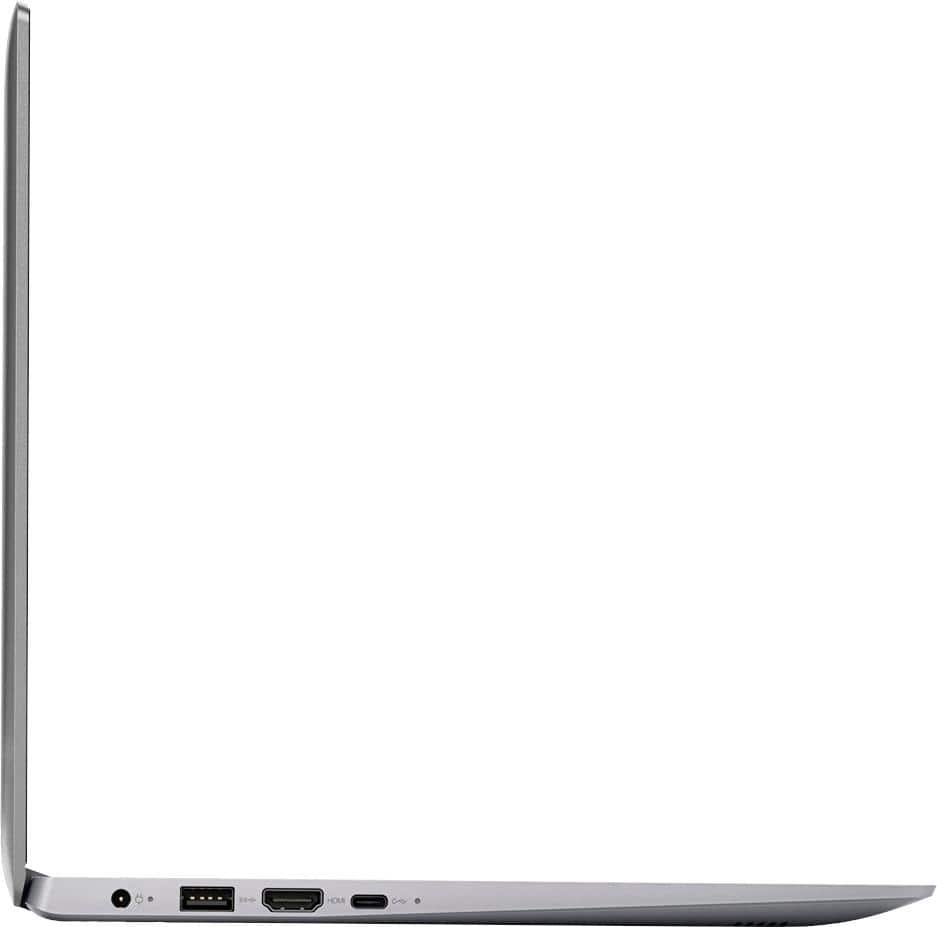
Posted .This system comes with McAfee Anti-Virus software installed as a 30-day trial. If you installed Bitdefender before fully uninstalling McAfee, the system will not operate correctly. There can only be one anti-virus software on the device at a time. This system is equipped with OneKey Recovery System. There is a very small pin hole on the right side of the device, right near the Micro-SD card slot on the device. You will need a pin to push this reset button. Plug the device in. Let the battery charge for about 15 minutes. Push the reset button. The system should boot to a choice screen where you can choose "Restore To Factory Default". Select this. It will delete everything from the hard drive except the original factory install of the operating system. You will need to reinstall all programs and files after the reset. If you don't have copies of the files, try to make one before you restore by selecting "Boot to desktop" and trying to back up your files.

- Cons mentioned:Speed
Returning this Laptop
||Posted .This reviewer received promo considerations or sweepstakes entry for writing a review.I bought this knowing it wasn’t the top of the line. I didn’t know it was going to be this slow!
No, I would not recommend this to a friendBrand response from Lenovo Product Expert
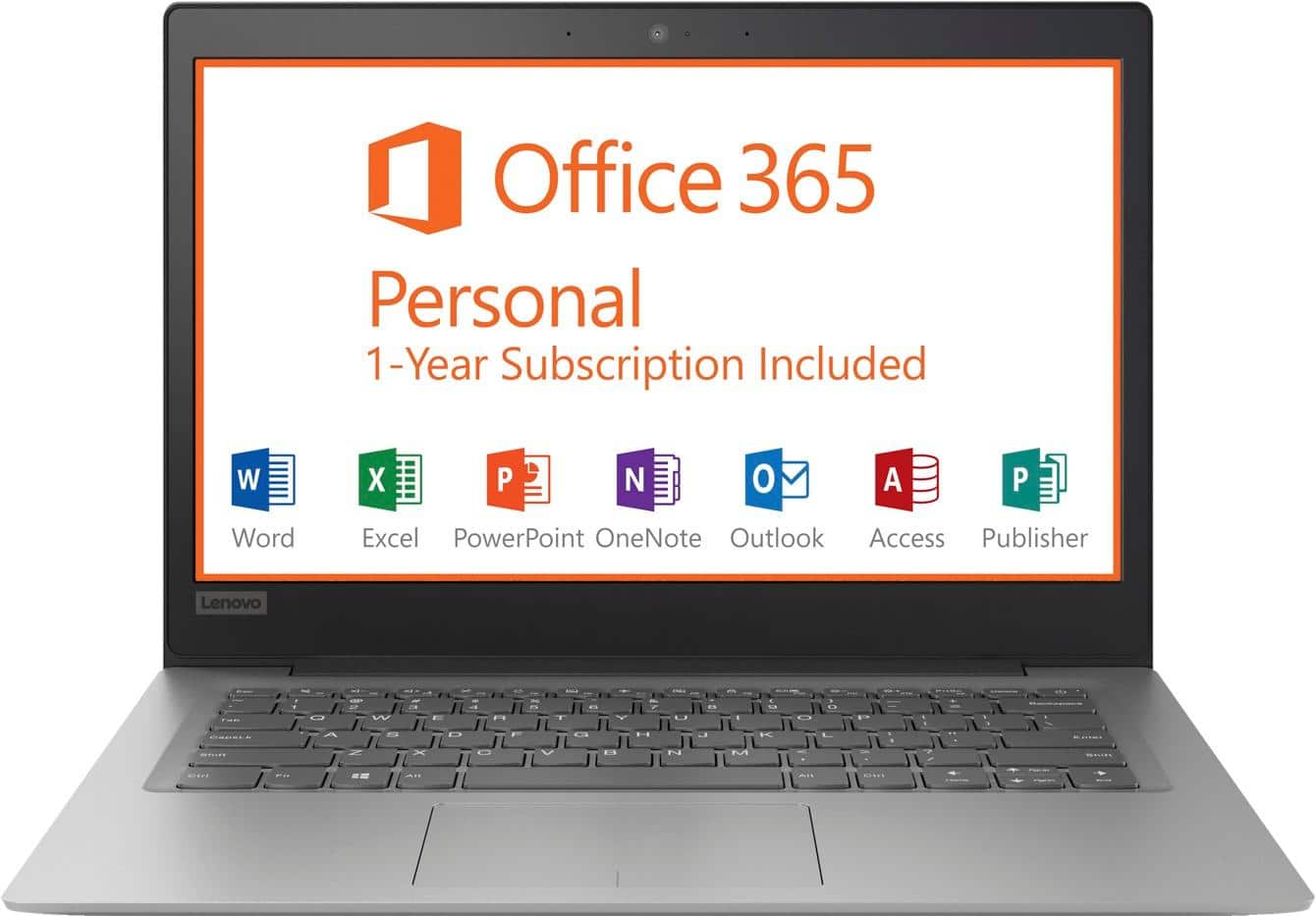
Posted .This is an entry level, light use computer system. It uses Windows 10 Home 64-Bit as its operating system, which requires less than 2GB of RAM to run. There is a 32GB solid state hard drive on this device for fast boot up and file recall. This device has the latest WiFi capability, with 802.11AC connectivity. There is a free 1-year subscription to Microsoft Office 365, a $69.00 value on this device. If your requirements fit this profile, this device is a good choice.

- Cons mentioned:Speed
Laptop is verry slow
||Posted . Owned for 1 year when reviewed.This reviewer received promo considerations or sweepstakes entry for writing a review.I bought this laptop for school work and it's Verry slow I DNT recommend it to anyone
No, I would not recommend this to a friend - Cons mentioned:Memory
Don't buy
||Posted . Owned for more than 2 years when reviewed.This reviewer received promo considerations or sweepstakes entry for writing a review.Sucks no memory. Don't waste your money..............................
No, I would not recommend this to a friend - Cons mentioned:Storage
Not the best performance
||Posted . Owned for 1.5 years when reviewed.This reviewer received promo considerations or sweepstakes entry for writing a review.It has such a small amount of storage. Not worth it, just buy a nicer laptop.
No, I would not recommend this to a friend - Cons mentioned:Speed
Don't like the operating system
||Posted .This reviewer received promo considerations or sweepstakes entry for writing a review.This computer is very slow and I would not recommend it for people who have a lot to do
No, I would not recommend this to a friendBrand response from Lenovo Product Expert
Posted .This is an entry level, light use computer system. It uses Windows 10 Home 64-Bit as its operating system, which requires less than 2GB of RAM to run. There is a 32GB solid state hard drive on this device for fast boot up and file recall. This device has the latest WiFi capability, with 802.11AC connectivity. There is a free 1-year subscription to Microsoft Office 365, a $69.00 value on this device. If your requirements fit this profile, this device is a good choice.
Needed something faster
||Posted .This reviewer received promo considerations or sweepstakes entry for writing a review.This was a nice looking computer with all the quirks. But the lag time and lack of memory was a negative for me.
No, I would not recommend this to a friendBrand response from Lenovo Product Expert
Posted .This is an entry level, light use computer system. It uses Windows 10 Home 64-Bit as its operating system, which requires less than 2GB of RAM to run. There is a 32GB solid state hard drive on this device for fast boot up and file recall. This device has the latest WiFi capability, with 802.11AC connectivity. There is a free 1-year subscription to Microsoft Office 365, a $69.00 value on this device. If your requirements fit this profile, this device is a good choice.
- Cons mentioned:Speed
Horrible
||Posted .This reviewer received promo considerations or sweepstakes entry for writing a review.Don’t buy this product, it is soooo slo. Nothing smooth about this machine.
No, I would not recommend this to a friendBrand response from Lenovo Product Expert
Posted .This is an entry level, light use computer system. It uses Windows 10 Home 64-Bit as its operating system, which requires less than 2GB of RAM to run. There is a 32GB solid state hard drive on this device for fast boot up and file recall. This device has the latest WiFi capability, with 802.11AC connectivity. There is a free 1-year subscription to Microsoft Office 365, a $69.00 value on this device. If your requirements fit this profile, this device is a good choice.
- Cons mentioned:Memory
Terrible. Don’t buy
||Posted .This reviewer received promo considerations or sweepstakes entry for writing a review.Total waste of money. Can’t even do updates since not sufficient memory
No, I would not recommend this to a friendBrand response from Lenovo Product Expert
Posted .According to Microsoft Support, you can use an external hard drive, formatted NTFS, when downloading Windows 10 updates for the needed temporary files. Here is a link to an explanation:
https://support.microsoft.com/en-us/help/4013876/windows-10-freeing-up-space-to-install-latest-update
- Cons mentioned:Speed
Slow and Low
||Posted .This reviewer received promo considerations or sweepstakes entry for writing a review.This computer is dreadfully slow and has no memory to store anything.
No, I would not recommend this to a friendBrand response from Lenovo Product Expert
Posted .This is an entry level, light use computer system. It uses Windows 10 Home 64-Bit as its operating system, which requires less than 2GB of RAM to run. There is a 32GB solid state hard drive on this device for fast boot up and file recall. If you need more storage space, there is a Micro-SD card slot on the device that can be used to add more storage space. You can also use a USB Flash drive or other external hard drives for additional storage space. This device has the latest WiFi capability, with 802.11AC connectivity. There is a free 1-year subscription to Microsoft Office 365, a $69.00 value on this device. If your requirements fit this profile, this device is a good choice.
Hate it
||Posted .This reviewer received promo considerations or sweepstakes entry for writing a review.It was good at first, But now it’s completely crashed and I haven’t even had it for a full year yet.
No, I would not recommend this to a friendBrand response from Lenovo Product Expert
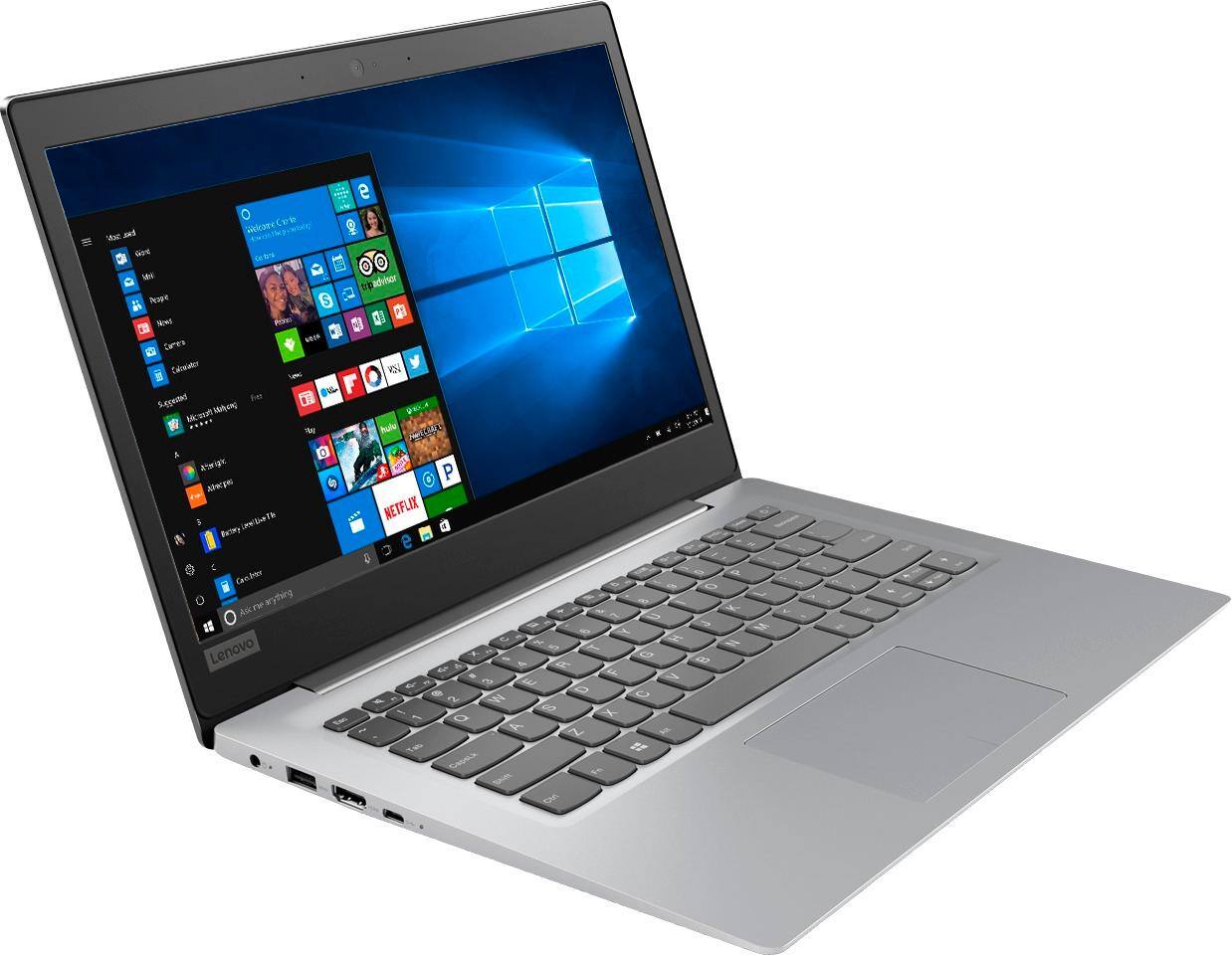
Posted .We are sorry to hear that you are having issues with your Lenovo IdeaPad 120s-14 laptop. You can restore this device back to original factory settings. This system is equipped with OneKey Recovery System. There is a very small pin hole on the right side of the device, right near the Micro-SD card slot on the device. You will need a pin to push this reset button. Plug the device in. Let the battery charge for about 15 minutes. Push the reset button. The system should boot to a choice screen where you can choose "Restore To Factory Default". Select this. It will delete everything from the hard drive except the original factory install of the operating system. You will need to reinstall all programs and files after the reset. If you don't have copies of the files, try to make one before you restore by selecting "Boot to desktop" and trying to back up your files. If the problem persists after the factory reset, we recommend you contact Lenovo Tech Support at: 877-453-6686.
So so
||Posted .This reviewer received promo considerations or sweepstakes entry for writing a review.This is a very basic laptop. If you are looking for any bells or whistles it won’t be in this laptop.
No, I would not recommend this to a friendBrand response from Lenovo Product Expert
Posted .This is an entry level, light use computer system. It uses Windows 10 Home 64-Bit as its operating system, which requires less than 2GB of RAM to run. There is a 32GB solid state hard drive on this device for fast boot up and file recall. This device has the latest WiFi capability, with 802.11AC connectivity. There is a free 1-year subscription to Microsoft Office 365, a $69.00 value on this device. If your requirements fit this profile, this device is a good choice.
- Cons mentioned:Memory
Would not recommend for purchase
||Posted . Owned for 1 year when reviewed.This reviewer received promo considerations or sweepstakes entry for writing a review.Sorry I purchased it. Very low memory and really unusable.
No, I would not recommend this to a friend Great for a beginner but not for the experienced.
||Posted .This reviewer received promo considerations or sweepstakes entry for writing a review.I would recommend this machine for a beginner. Not for the experienced user needing computing power.
No, I would not recommend this to a friendBrand response from Lenovo Product Expert
Posted .This is an entry level, light use computer system, with its Intel Celeron processor. It uses Windows 10 Home 64-Bit as its operating system, which requires less than 2GB of RAM to run. There is a 32GB solid state hard drive on this device for fast boot up and file recall. This device has the latest WiFi capability, with 802.11AC connectivity. There is a free 1-year subscription to Microsoft Office 365, a $69.00 value on this device. If your requirements fit this profile, this device is a good choice.
Ok.
||Posted .This reviewer received promo considerations or sweepstakes entry for writing a review.No camera. I suppose it's ok for a beginner. Will probably look to buy something a tad more advanced.
No, I would not recommend this to a friendBrand response from Lenovo Product Expert
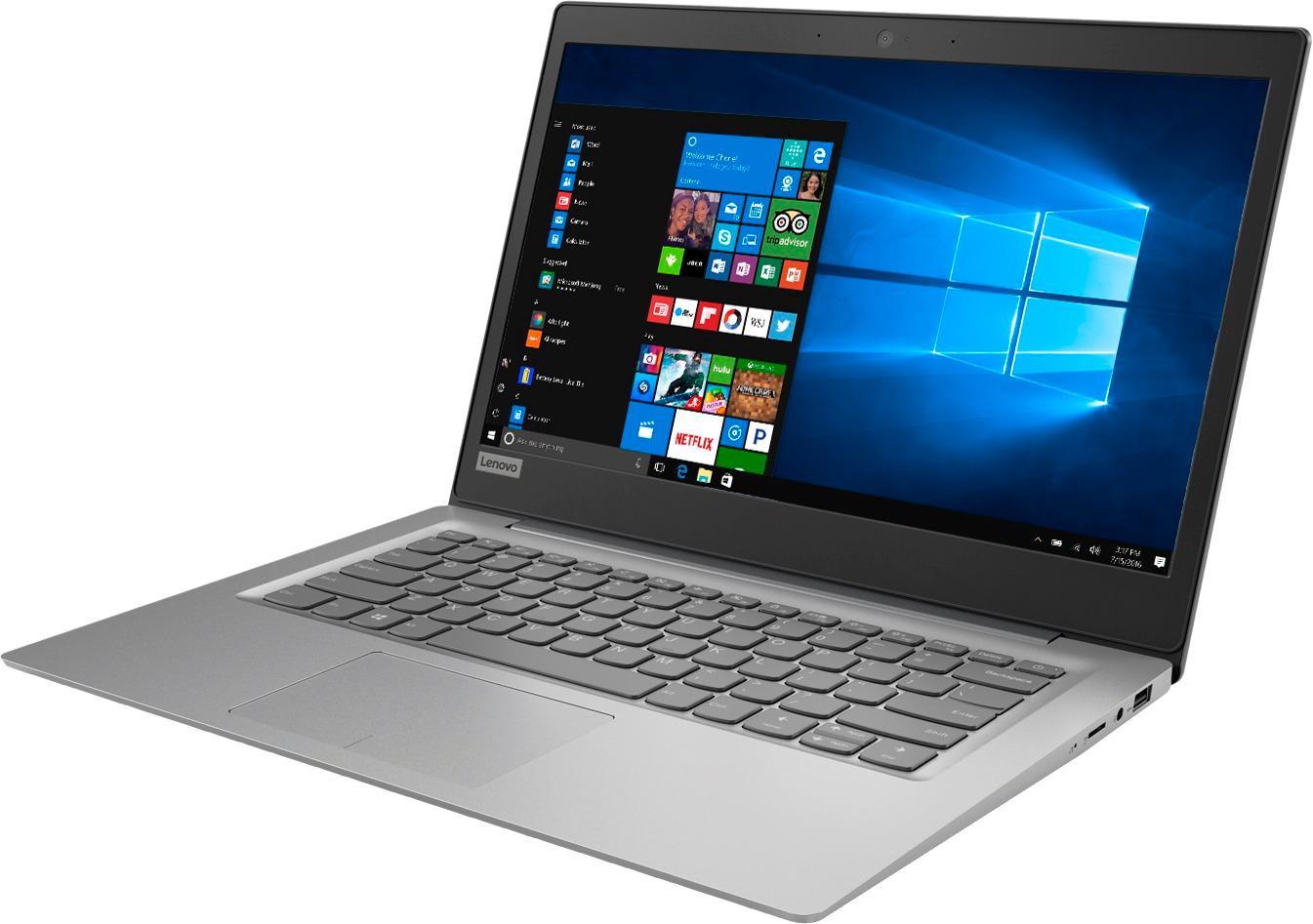
Posted .This model does have a built in web cam. This is an entry level, light use computer system. It uses Windows 10 Home 64-Bit as its operating system, which requires less than 2GB of RAM to run. There is a 32GB solid state hard drive on this device for fast boot up and file recall. This device has the latest WiFi capability, with 802.11AC connectivity. There is a free 1-year subscription to Microsoft Office 365, a $69.00 value on this device. If your requirements fit this profile, this device is a good choice.
- Cons mentioned:Speed
Worst choice ever
||Posted . Owned for 1.5 years when reviewed.This reviewer received promo considerations or sweepstakes entry for writing a review.Terrible! Slow and frustrating. Lenovo is a no go
No, I would not recommend this to a friend - Cons mentioned:Speed
Laptop
||Posted .This reviewer received promo considerations or sweepstakes entry for writing a review.I am not in love with it. It is slow and not very efficient.
No, I would not recommend this to a friendBrand response from Lenovo Product Expert
Posted .This is an entry level, light use computer system. It uses Windows 10 Home 64-Bit as its operating system, which requires less than 2GB of RAM to run. There is a 32GB solid state hard drive on this device for fast boot up and file recall. This device has the latest WiFi capability, with 802.11AC connectivity. There is a free 1-year subscription to Microsoft Office 365, a $69.00 value on this device. If your requirements fit this profile, this device is a good choice.
So slow
||Posted .This reviewer received promo considerations or sweepstakes entry for writing a review.This computer is extremely slow and can not handle more than 2 windows open at a time. Even when checking email and trying to do something else, it can't process fast enough. Even loading this page to write a review with a fast internet connection took entirely too long.
No, I would not recommend this to a friendBrand response from Lenovo Product Expert
Posted .This is an entry level, light use computer system. It uses Windows 10 Home 64-Bit as its operating system, which requires less than 2GB of RAM to run. There is a 32GB solid state hard drive on this device for fast boot up and file recall. This device has the latest WiFi capability, with 802.11AC connectivity. There is a free 1-year subscription to Microsoft Office 365, a $69.00 value on this device. If your requirements fit this profile, this device is a good choice.
- Cons mentioned:Speed
Slowest laptop ever
||Posted .This reviewer received promo considerations or sweepstakes entry for writing a review.Literally the slowest laptop I’ve ever purchased in my life
No, I would not recommend this to a friendBrand response from Lenovo Product Expert
Posted .This is an entry level, light use computer system. It uses Windows 10 Home 64-Bit as its operating system, which requires less than 2GB of RAM to run. There is a 32GB solid state hard drive on this device for fast boot up and file recall. This device has the latest WiFi capability, with 802.11AC connectivity. There is a free 1-year subscription to Microsoft Office 365, a $69.00 value on this device. If your requirements fit this profile, this device is a good choice.
- Cons mentioned:Storage
dont like laptop
||Posted .This reviewer received promo considerations or sweepstakes entry for writing a review.I dont like it doesn't have enough memory storage space!
No, I would not recommend this to a friendBrand response from Lenovo Product Expert
Posted .The Lenovo IdeaPad 120s-14 laptop ships with a 32GB solid state hard drive. If you need more stores space you can use Cloud Storage, or the Micro-SD card slot on the device or even use any USB-based external hard drive. According to Microsoft Support, you can use an external hard drive, formatted NTFS, when downloading Windows 10 updates for the needed temporary files. Here is a link to an explanation:
https://support.microsoft.com/en-us/help/4013876/windows-10-freeing-up-space-to-install-latest-update