Customer Ratings & Reviews

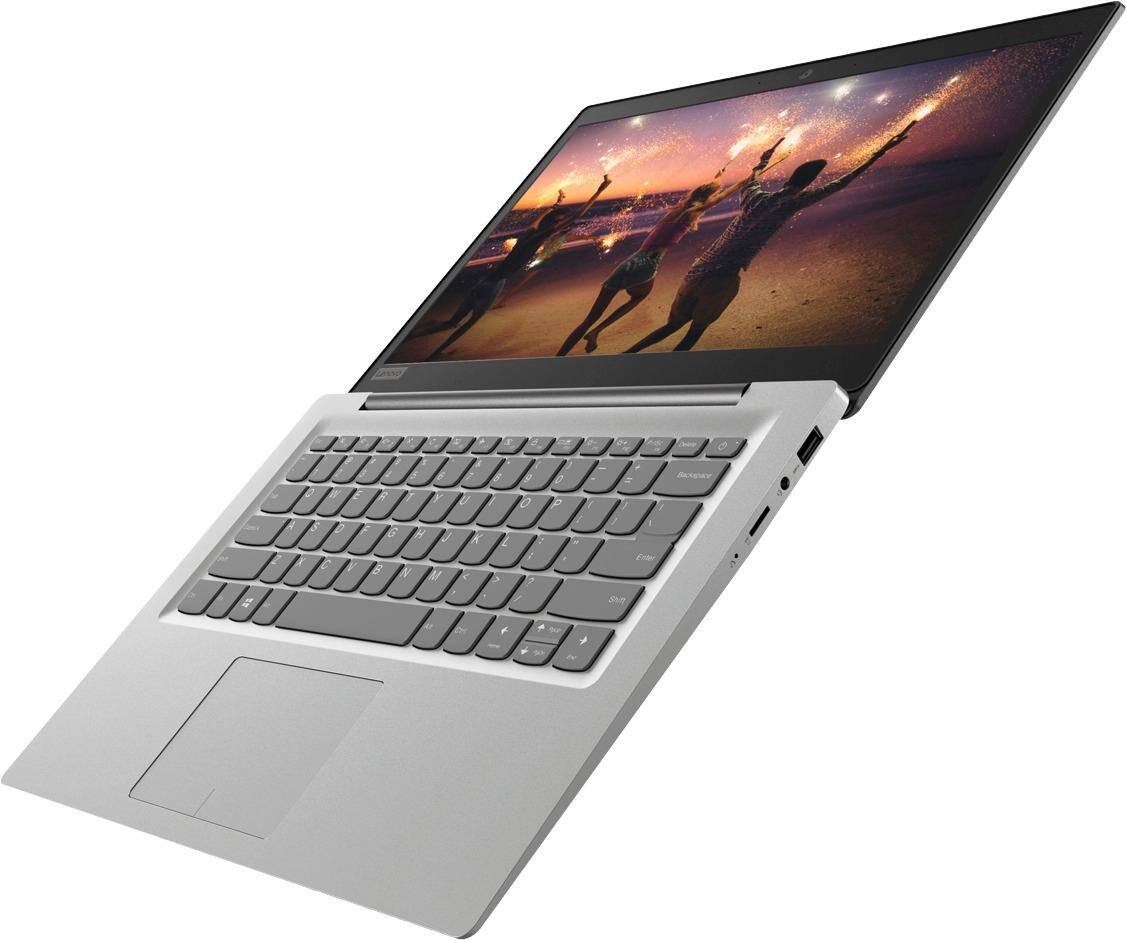
- Model:
- 81A5001UUS
- SKU:
- 6061700
Rating by feature
- Value
Rating 3.8 out of 5 stars
- Quality
Rating 3.6 out of 5 stars
- Ease of Use
Rating 3.8 out of 5 stars
Customers are saying
Customers praise the 14" Laptop for its budget-friendly price point and lightweight design, making it suitable for basic personal use. However, concerns are raised regarding its limited storage capacity, insufficient memory, and overall performance, which may not be suitable for multitasking or demanding tasks.
This summary was generated by AI based on customer reviews.
- Cons mentioned:Storage
total crap
||Posted .This reviewer received promo considerations or sweepstakes entry for writing a review.Memory is full and it's just useless. Nothing but problems.
No, I would not recommend this to a friendBrand response from Lenovo Product Expert
Posted .According to Microsoft Support, you can use an external hard drive when downloading Windows 10 updates for the needed temporary files. Here is a link to an explanation:
https://support.microsoft.com/en-us/help/4013876/windows-10-freeing-up-space-to-install-latest-update
Lags a lot
||Posted .This reviewer received promo considerations or sweepstakes entry for writing a review.I had to return it. For the price it’s great, but I need something with way less lag
No, I would not recommend this to a friendBrand response from Lenovo Product Expert
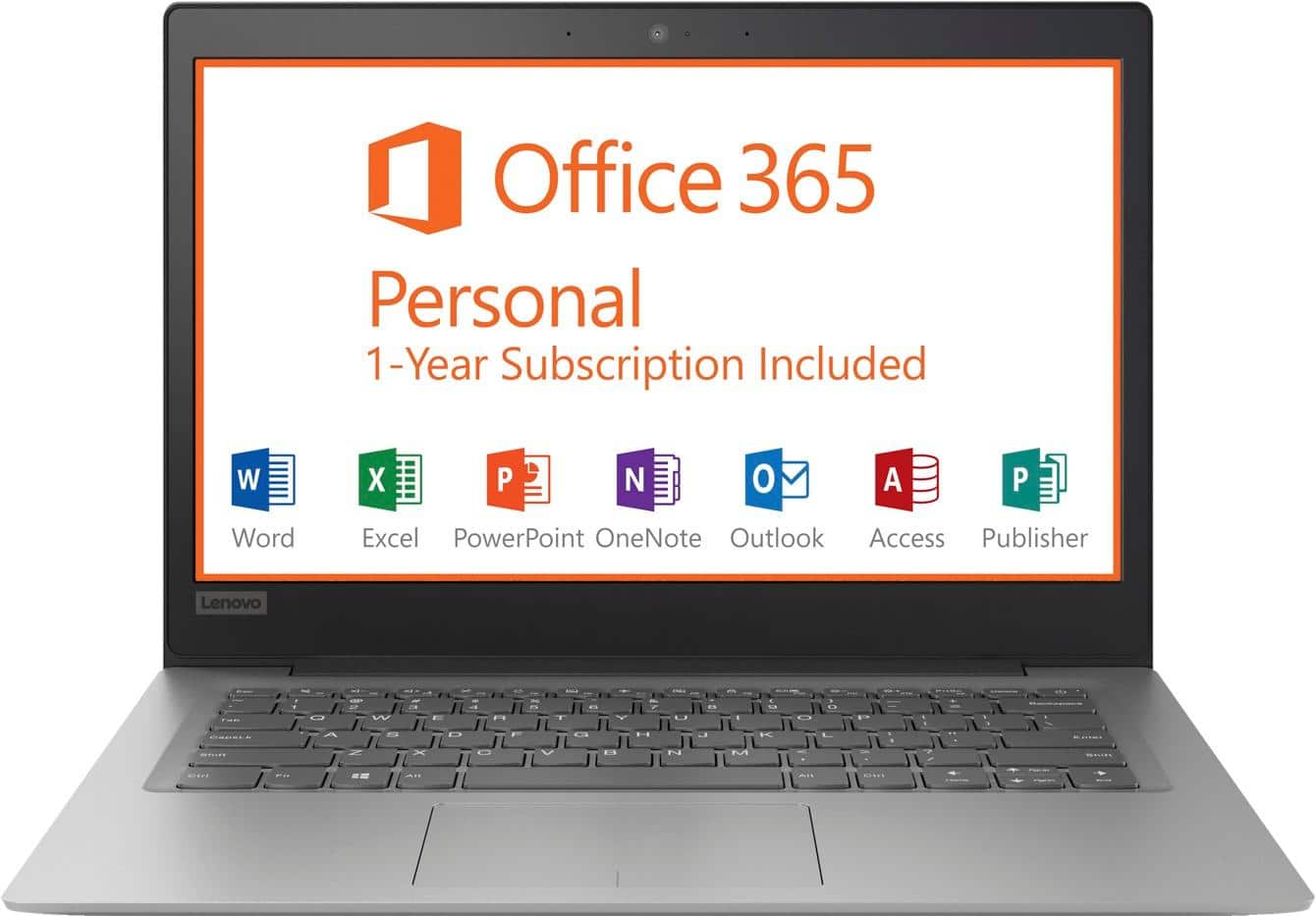
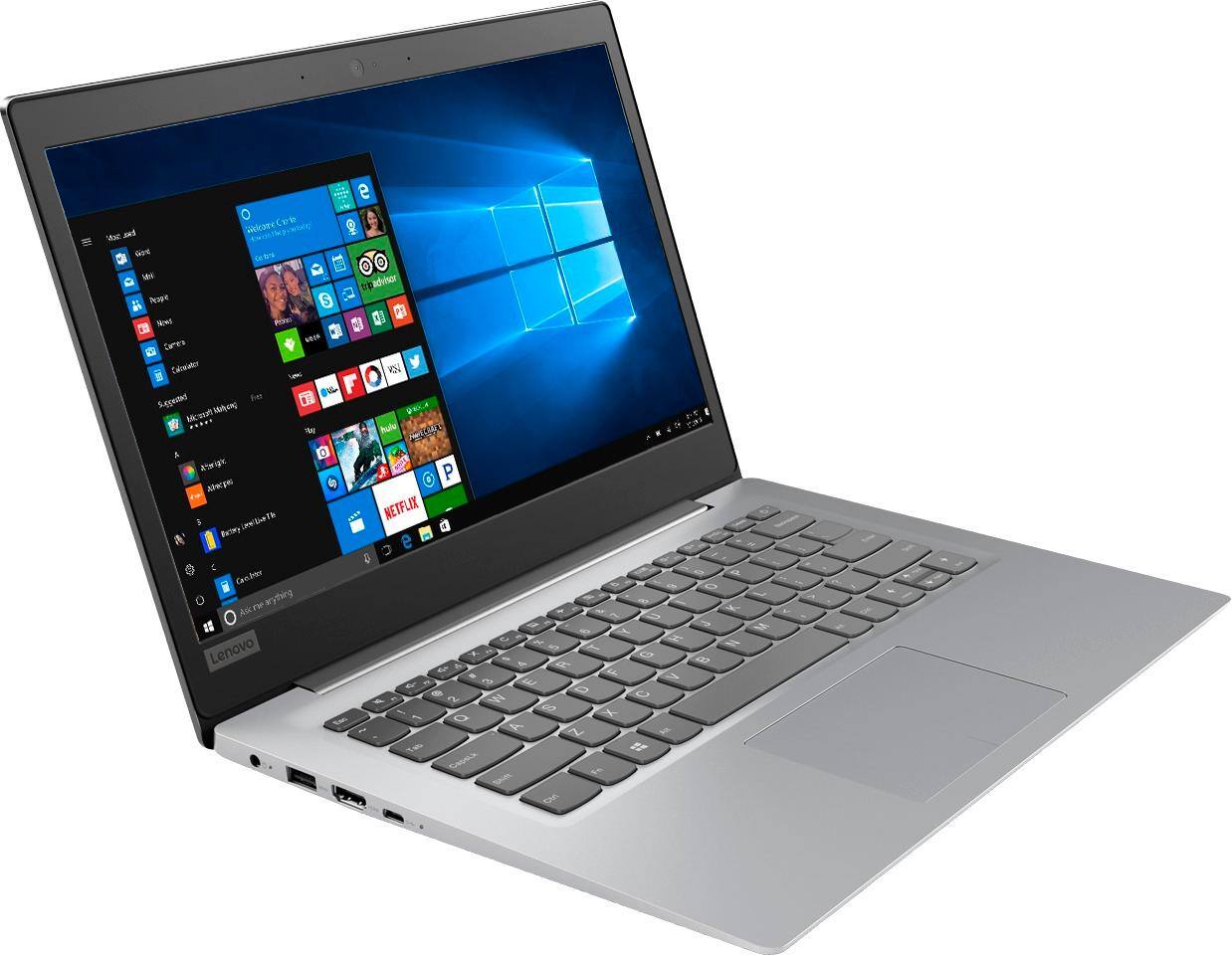
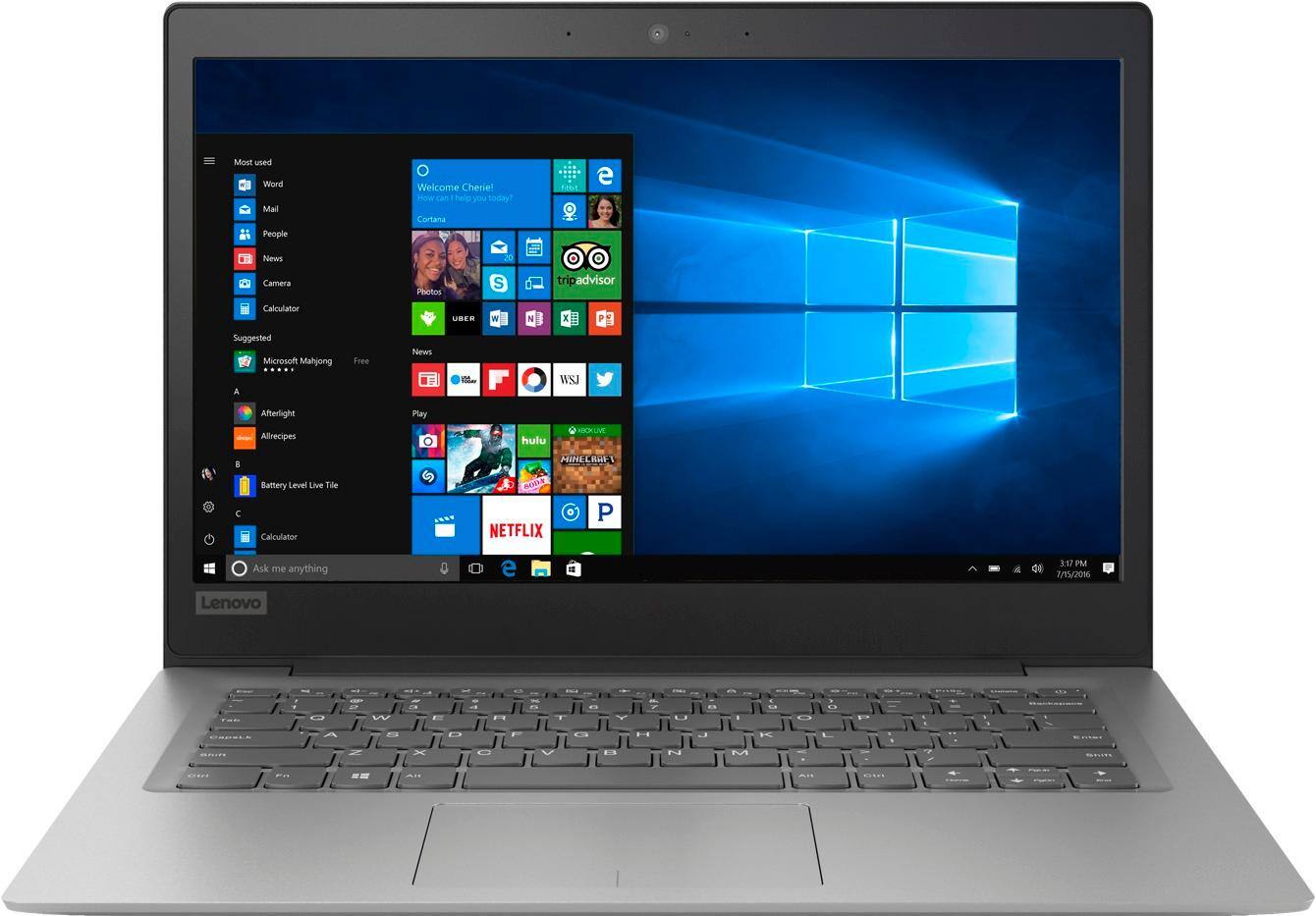
Posted .This is an entry level, light use computer system. It uses Windows 10 Home 64-Bit as its operating system, which requires less than 2GB of RAM to run. There is a 32GB solid state hard drive on this device for fast boot up and file recall. This device has the latest WiFi capability, with 802.11AC connectivity. There is a free 1-year subscription to Microsoft Office 365, a $69.00 value on this device. If your requirements fit this profile, this device is a good choice.
- Cons mentioned:Memory
Too little memory
||Posted .This reviewer received promo considerations or sweepstakes entry for writing a review.I dont have enough memory to run programs or downloads
No, I would not recommend this to a friendBrand response from Lenovo Product Expert
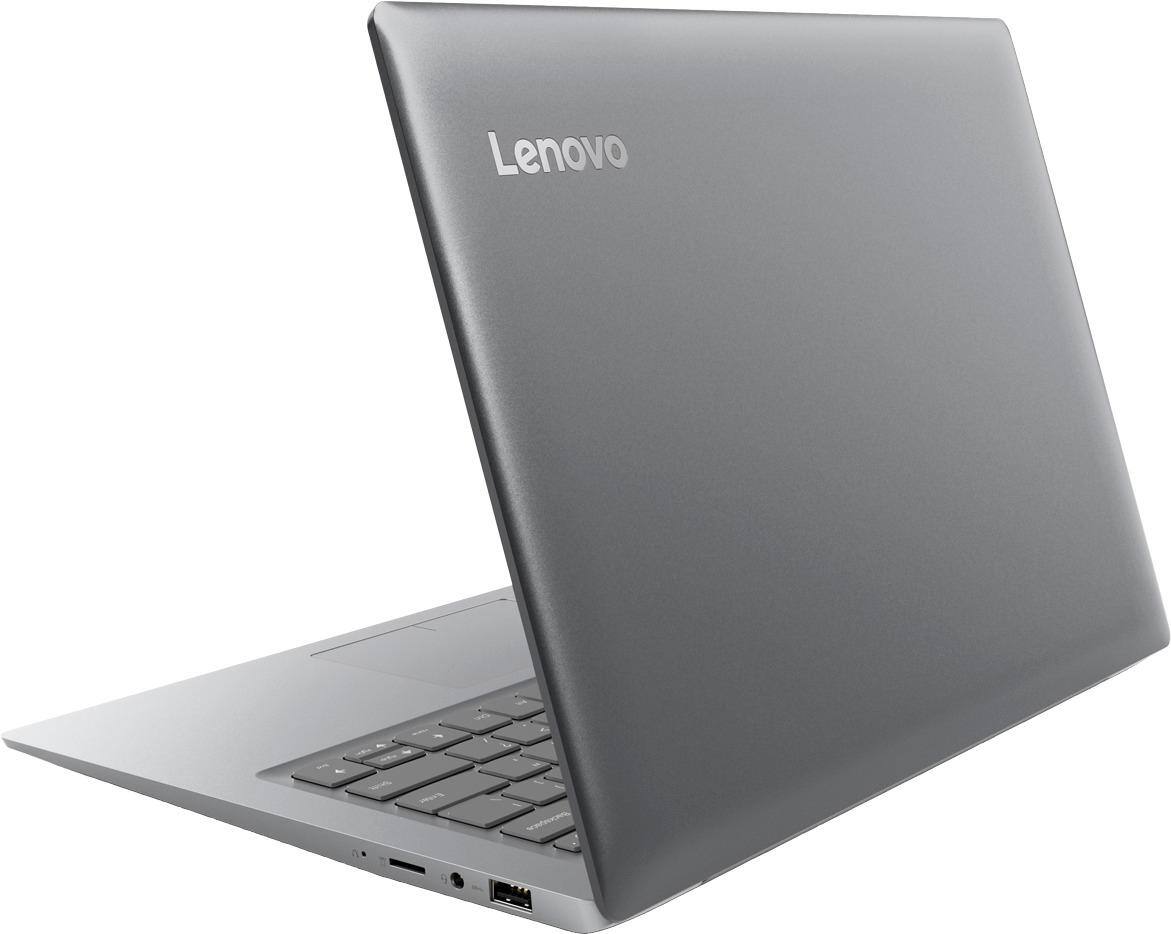
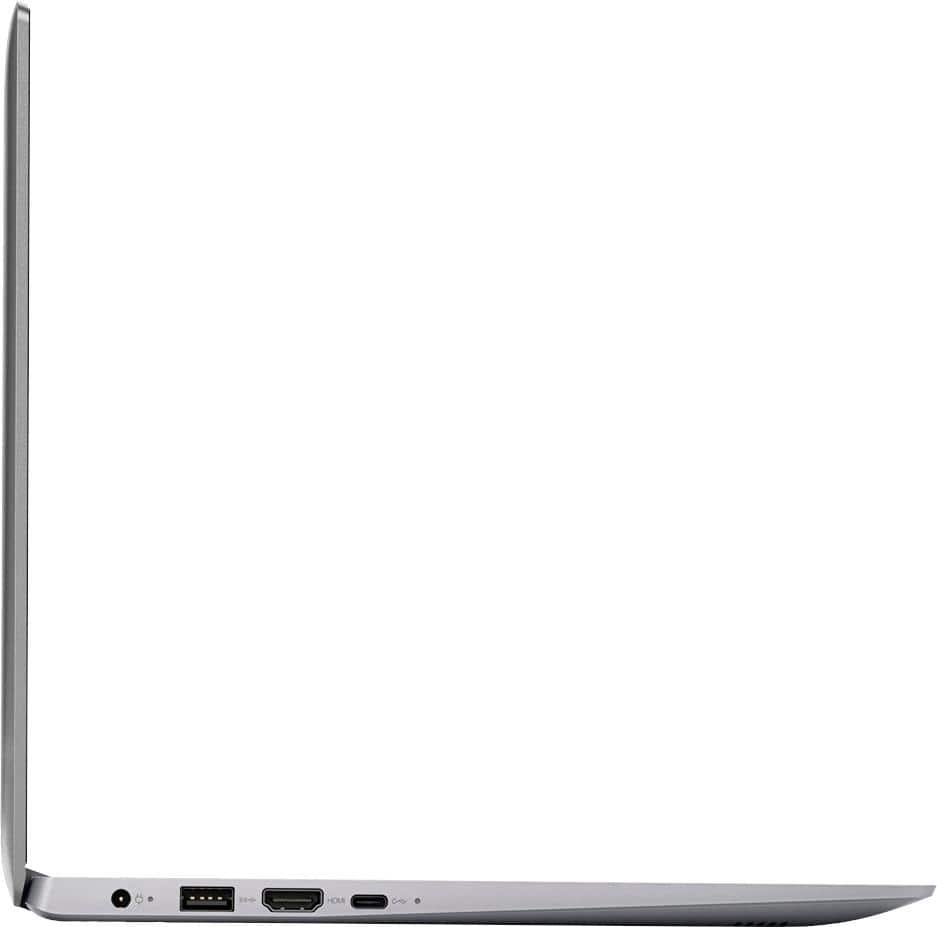
Posted .This is an entry level, light use system. It uses Windows 10 Home 64-Bit as its operating system, which requires less than 2GB of RAM to run. There is a 32GB solid state hard drive for fast boot up and file recovery. If you need more storage space with this device, there is a Micro-SD card slot on the device to add more storage space. This device has the latest WiFi capability, with 802.11AC connectivity. There is a free 1-year subscription to Microsoft Office 365 included, a $69.00 value. If your requirements fit this profile, this device is a good choice.
It was a gift
||Posted .This reviewer received promo considerations or sweepstakes entry for writing a review.Its can be better than it is but it is great for a office computer or school
No, I would not recommend this to a friendBrand response from Lenovo Product Expert
Posted .This is an entry level, light use computer system. It uses Windows 10 Home 64-Bit as its operating system, which requires less than 2GB of RAM to run. There is a 32GB solid state hard drive on this device for fast boot up and file recall. This device has the latest WiFi capability, with 802.11AC connectivity. There is a free 1-year subscription to Microsoft Office 365, a $69.00 value on this device. If your requirements fit this profile, this device is a good choice.

fair laptop
||Posted . Owned for 1 year when reviewed.This reviewer received promo considerations or sweepstakes entry for writing a review.this lap top is only good for browsing the web or using office
I would recommend this to a friendnot enough memory
||Posted .This reviewer received promo considerations or sweepstakes entry for writing a review.I had this for about 2 days - did not have any memory. Had to return it
No, I would not recommend this to a friendBrand response from Lenovo Product Expert
Posted .This is an entry level, light use computer system. It uses Windows 10 Home 64-Bit as its operating system, which requires less than 2GB of RAM to run. There is a 32GB solid state hard drive on this device for fast boot up and file recall. If you need more storage space for this device, there is a Micro-SD card slot on the device that can be used to add more storage space. This device has the latest WiFi capability, with 802.11AC connectivity. There is a free 1-year subscription to Microsoft Office 365, a $69.00 value on this device. If your requirements fit this profile, this device is a good choice.
Bought for a child
||Posted .This reviewer received promo considerations or sweepstakes entry for writing a review.Used for a child to play games. Starter laptop with the basics
No, I would not recommend this to a friendBrand response from Lenovo Product Expert
Posted .This is an entry level, light use computer system. It uses Windows 10 Home 64-Bit as its operating system, which requires less than 2GB of RAM to run. There is a 32GB solid state hard drive on this device for fast boot up and file recall. This device has the latest WiFi capability, with 802.11AC connectivity. There is a free 1-year subscription to Microsoft Office 365, a $69.00 value on this device. If your requirements fit this profile, this device is a good choice.
Lenova
||Posted .This reviewer received promo considerations or sweepstakes entry for writing a review.Terrible camera, ram is ok. Internal memory not that great.
No, I would not recommend this to a friendBrand response from Lenovo Product Expert
Posted .This is an entry level, light use system. It uses Windows 10 Home 64-Bit as its operating system, which requires less than 2GB of RAM to run. There is a 32GB solid state hard drive for quick boot up and quick loading of programs and files. This device has the latest WiFi capability, with 802.11AC connectivity. It comes with a free 1-year subscription to Microsoft Office 365, a $69.00 value. If your requirements fit this profile, this device is a good choice.
Terrible Computer
||Posted .This reviewer received promo considerations or sweepstakes entry for writing a review.We have had nothing but trouble from the get go. It was just received after complete servicing and lasted 2 hours, when the original issues returned and shut down the computer. A waste of hard earned income.
No, I would not recommend this to a friendBrand response from Lenovo Product Expert
Posted .We are sorry to hear you are having issues with your Lenovo IdeaPad 120s-14 laptop. Be sure any software you have loaded to the device is compatible with Windows 10 and this device's specific configuration. This system has Lenovo utilities installed to help maintain the health of the device and keep the operating system software up to date. Type "Lenovo Vantage" in the Cortana Search window. Select Lenovo Vantage from the list. In the window that opens, click on "Health and Support". In the expanded menu, select "Hardware Scan" In the window that opens, select "Run Quick Tests". This will scan your entire system for errors. Follow any directions that may pop up. If the problem continues after this scan, now click on "System Update". First select Windows update from the menu. Scan your system to be sure you have the latest version of Windows 10. Once that scan is complete, select "Additional Updates". This will scan your device to be sure there are no new BIOS/Driver updates needed. Follow any instructions that may pop up. If the issue still continues after these updates, we recommend you call Lenovo Tech Support at: 877-453-6686 for additional help.
Thought it had a disc slot guess not
||Posted .This reviewer received promo considerations or sweepstakes entry for writing a review.Oh well hahaha quick last minute purchase for school
No, I would not recommend this to a friendBrand response from Lenovo Product Expert
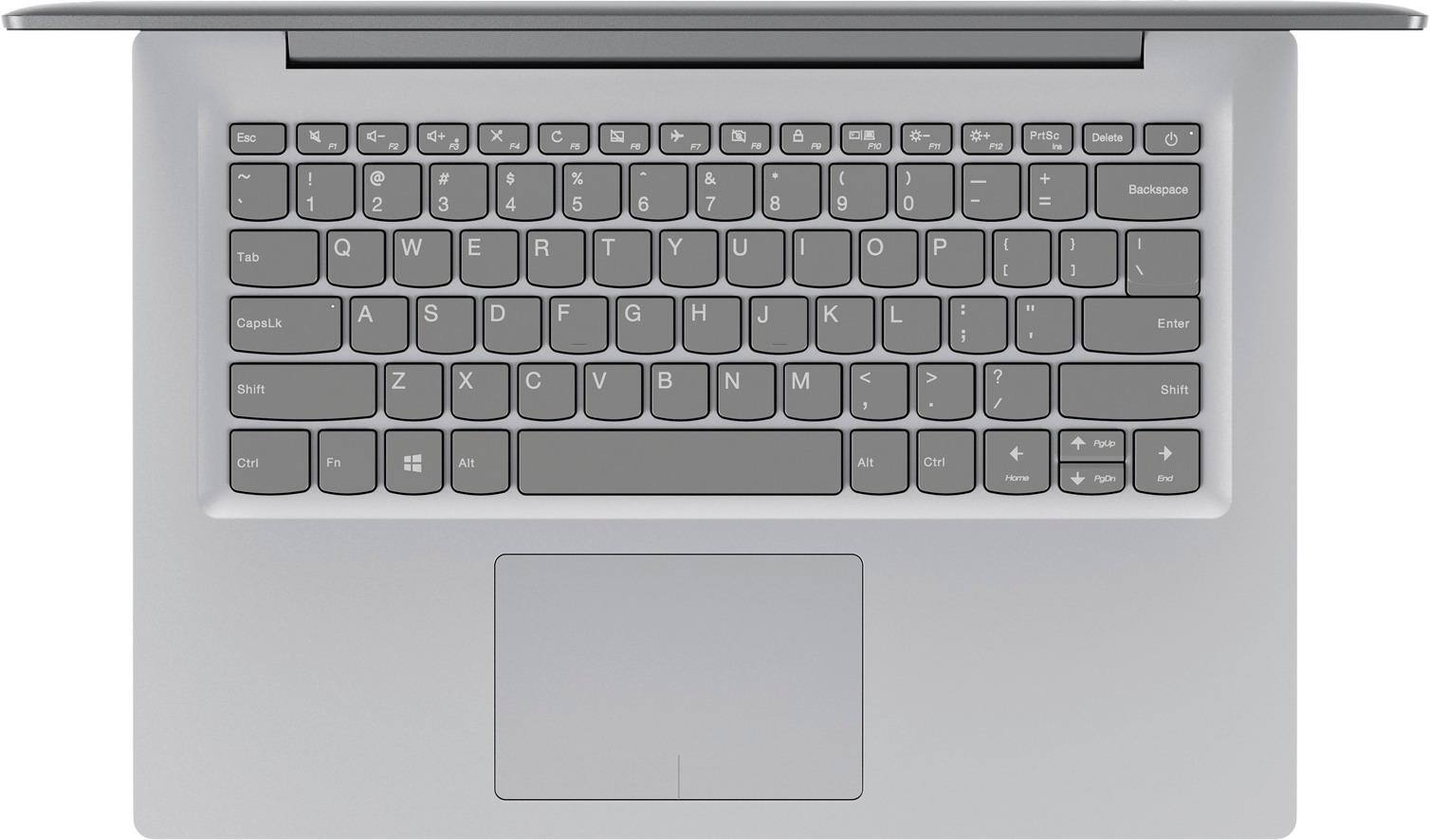
Posted .No, this model does not have a built in CD/DVD drive, but you can use an external CD/DVD drive by just plugging in to a USB port on the computer.
Very slow
||Posted .This reviewer received promo considerations or sweepstakes entry for writing a review.after 2 mths, battery doesn’t work. Lightweight...
No, I would not recommend this to a friendBrand response from Lenovo Product Expert
Posted .We are sorry to hear that you are having issues with the battery in your Lenovo IdeaPad 120s-14 laptop. Be sure the problem isn't with the AC adapter. Be sure the charging light on the computer comes on when the device is plugged. If not, you may need to replace the AC adapter. If the problem is not the AC adapter, Here is a link to instructions for resetting a non-removable battery. If you need further assistance, we recommend you call Lenovo Tech Support at: 877-453-6686. Here is the link: https://www.techwalla.com/articles/how-to-reset-a-laptop-battery
I really wish I could give it zero stars.
||Posted . Owned for 1 year when reviewed.This reviewer received promo considerations or sweepstakes entry for writing a review.I really wish I could give it zero stars. It freezes daily. It restarts daily. It started this after about three months. I hope Best Buy removes this crap from its inventory. This is the only BB purchase I’ve ever been dissatisfied with.
I would recommend this to a friendHated it
||Posted .This reviewer received promo considerations or sweepstakes entry for writing a review.Was really excited at first. But took forever to update. I'm talking 9 hours. Then when I turned it on the next day it took 11 min to power up. I then turn it off and it took 4 min to shut off. Then I turned on again and another 10min. Returned it
No, I would not recommend this to a friendBrand response from Lenovo Product Expert
Posted .We are sorry to hear that you had issues with the initial activation of Windows 10 on your Lenovo IdeaPad 120s-14 laptop. This system is equipped with OneKey Recovery System. There is a very small pin hole on the right side of the device, right near the Micro-SD card slot on the device. You will need a pin to push this reset button. Plug the device in. Let the battery charge for about 15 minutes. Push the reset button. The system should boot to a choice screen where you can choose "Restore To Factory Default". Select this. It will delete everything from the hard drive except the original factory install of the operating system. You will need to reinstall all programs and files after the reset. If you don't have copies of the files, try to make one before you restore by selecting "Boot to desktop" and trying to back up your files. If the problem persists after the factory reset, we recommend you contact Lenovo Tech Support at: 877-453-6686.
Awful!
||Posted .This reviewer received promo considerations or sweepstakes entry for writing a review.Worst laptop ever. Less than 1 month of use and the screen blacked out. I exchanged it for another one, thinking the one I got was defective. The second one did the same exact thing. I would rate it with 0 stars, if I could.
No, I would not recommend this to a friendBrand response from Lenovo Product Expert
Posted .Be sure any software you installed is compatible with Windows 10. There is no need to install Microsoft Office software. The software is already part of the operating system, you just need to activate the software with a purchased product key. If you have installed a copy of Microsoft Office, this is conflicting with the existing copy on the system and this will slow your system down. If you have installed a 3rd party anti-virus program, be sure that Windows Defender is turned off and that the trial version of McAfee Anti-Virus software is uninstalled. There can only be one anti-virus program on the system. You may need to restore your system to original factory default settings if any of the programing errors have occurred. If you can not boot the computer, this system is equipped with OneKey Recovery System. There is a very small pin hole on the right side of the device, right near the SD card slot on the device. You will need a pin to push this reset button. Plug the device in. Let the battery charge for about 15 minutes. Push the reset button. The system should boot to a choice screen where you can choose "Restore To Factory Default". Select this. It will delete everything from the hard drive except the original factory install of the operating system. You will need to reinstall all programs and files after the reset. If you don't have copies of the files, try to make one before you restore by selecting "Boot to desktop" and trying to back up your files. If the problem persists after the factory reset, we recommend you contact Lenovo Tech Support at: 877-453-6686. For 2018, Lenovo retained its place for a second year as the best laptop vendor:
https://www.laptopmag.com/articles/laptop-brand-ratings
Did not work for me
||Posted . Owned for 1 year when reviewed.This reviewer received promo considerations or sweepstakes entry for writing a review.From the day I got the computer it didn’t work properly and I was never able to use it for school. I took it to the geek squad and they weren’t able to fix it either. I wouldn’t waste my money for this computer.
I would recommend this to a friendBrand response from Lenovo Product Expert
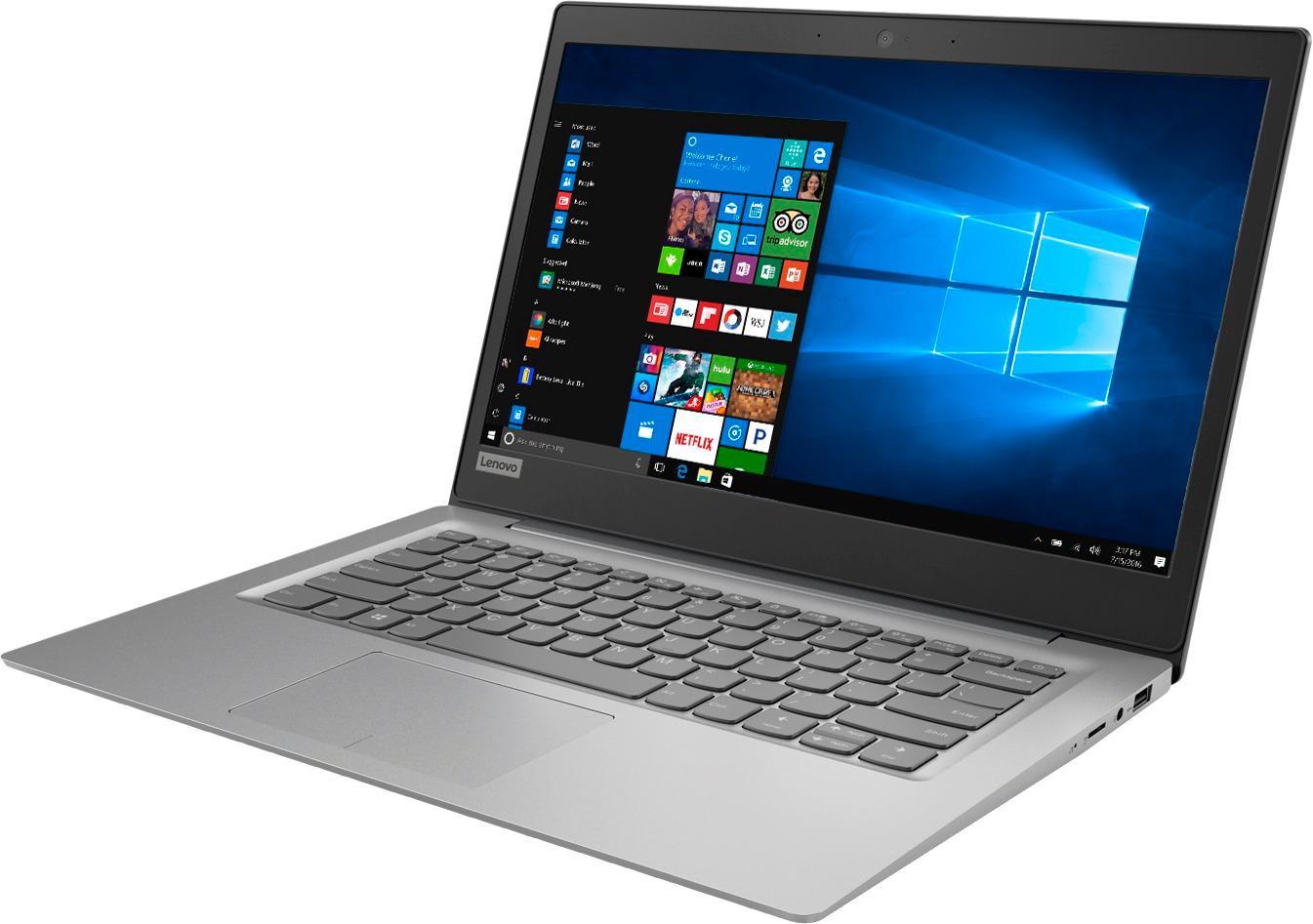
Posted .The Lenovo IdeaPad 120s-14 laptop is an entry level, light use system with its Intel Celeron processor, 2GB of RAM and a 32GB eMMC solid state hard drive. It is not meant for multi-tasking or demanding programs. It is good for Microsoft Office and light internet browsing. The IdeaPad 120s-14 laptop ships with a free 1-year subscription to Microsoft Office 365 (a $69.00 value). If this describes your computing needs, the IdeaPad 120s-14 laptop would be a good choice. For 2018, Lenovo retained its place for a second year as the best laptop vendor:
https://www.laptopmag.com/articles/laptop-brand-ratings
Dead
||Posted .This reviewer received promo considerations or sweepstakes entry for writing a review.After two weeks it won’t power up no matter what I do. Screen is black even though power button is lit and battery fully charged. Also - before it died-the 2 g ram is inadequate and it’s incredibly slow! JUNK
No, I would not recommend this to a friendBrand response from Lenovo Product Expert
Posted .We are sorry to hear that you are having issues with your Lenovo IdeaPad 120s-14 laptop. Be sure that any software you have installed on the device is compatible with Windows 10 and the specific configuration of this device. This system is equipped with OneKey Recovery System. There is a very small pin hole on the right side of the device, right near the Micro-SD card slot on the device. You will need a pin to push this reset button. Plug the device in. Let the battery charge for about 15 minutes. Push the reset button. The system should boot to a choice screen where you can choose "Restore To Factory Default". Select this. It will delete everything from the hard drive except the original factory install of the operating system. You will need to reinstall all programs and files after the reset. If you don't have copies of the files, try to make one before you restore by selecting "Boot to desktop" and trying to back up your files. If the problem persists after the factory reset, we recommend you contact Lenovo Tech Support at: 877-453-6686.
Horrible Laptop!
||Posted . Owned for 9 months when reviewed.This reviewer received promo considerations or sweepstakes entry for writing a review.Doesn’t recognize any drivers on the system and doesn’t have audio. No sound at all and troubleshooting doesn’t do anything except tell me it couldn’t find the issue or resolve it.
No, I would not recommend this to a friendDon't waste your money
||Posted .This reviewer received promo considerations or sweepstakes entry for writing a review.Wow, if you are doing anything except checking email and word processing, this computer is not for you. Don't bother trying to stream video or even visit heavy websites. It is simply underpowered!
No, I would not recommend this to a friendBrand response from Lenovo Product Expert
Posted .This is an entry level, light use computer system. It uses Windows 10 Home 64-Bit as its operating system, which requires less than 2GB of RAM to run. There is a 32GB solid state hard drive on this device for fast boot up and file recall. This device has the latest WiFi capability, with 802.11AC connectivity. There is a free 1-year subscription to Microsoft Office 365, a $69.00 value on this device. If your requirements fit this profile, this device is a good choice.
Junk
||Posted .This reviewer received promo considerations or sweepstakes entry for writing a review.Worst laptop ever stop working less month and Lenovo not Best Buy would stand behind there product to assist to repair will never buy a Lenovo again or shop at Best Buy geek squad you are a joke
No, I would not recommend this to a friendBrand response from Lenovo Product Expert
Posted .We are sorry to hear that you are having issues with your Lenovo IdeaPad 120s-14. This issues you are describing may require a reset of the device to factory original settings. This system is equipped with OneKey Recovery System. There is a very small pin hole on the right side of the device, right near the Micro-SD card slot on the device. You will need a pin to push this reset button. Plug the device in. Let the battery charge for about 15 minutes. Push the reset button. The system should boot to a choice screen where you can choose "Restore To Factory Default". Select this. It will delete everything from the hard drive except the original factory install of the operating system. You will need to reinstall all programs and files after the reset. If you don't have copies of the files, try to make one before you restore by selecting "Boot to desktop" and trying to back up your files. If the problem persists after the factory reset, we recommend you contact Lenovo Tech Support at: 877-453-6686.
COMPUTER WAS HORRIBLE
||Posted .This reviewer received promo considerations or sweepstakes entry for writing a review.This computer shuts down unexpectedly, is very slow, and freezes often. It was a cheaper computer so stay true to you get what you pay for. I would never purchase again.
No, I would not recommend this to a friendBrand response from Lenovo Product Expert
Posted .We are sorry to hear that you are having issues with your Lenovo IdeaPad 120s-14. Windows 10 should not ever freeze. Be sure any software you installed is compatible with Windows 10. There is no need to install Microsoft Office software. The software is already part of the operating system, this model ships with a free 1-year subscription to Microsoft Office 365. If you have installed a copy of Microsoft Office, this is conflicting with the existing copy on the system and this will slow your system down. If you have installed a 3rd party anti-virus program, be sure that Windows Defender is turned off and that the trial version of McAfee Anti-Virus software is uninstalled. There can only be one anti-virus program on the system. You may need to restore your system to original factory default settings if any of the programing errors have occurred. You can do that by typing "restore" in the Cortana search window. Just click on the magnifying glass icon at the bottom left of your Windows 10 Desktop. Click on "Reset This PC" Then click on "Get Started" and follow the on screen directions to restore to factory defaults. If the problem persists, we recommend you contact Lenovo Tech Support at: 877-453-6686. For 2018, Lenovo retained its place for a second year as the best laptop vendor:
https://www.laptopmag.com/articles/laptop-brand-ratings