Customer Ratings & Reviews

- Model:
- 81A5001UUS
- SKU:
- 6061700
Rating by feature
- Value
Rating 3.8 out of 5 stars
- Quality
Rating 3.6 out of 5 stars
- Ease of Use
Rating 3.8 out of 5 stars
Customers are saying
Customers praise the 14" Laptop for its budget-friendly price point and lightweight design, making it suitable for basic personal use. However, concerns are raised regarding its limited storage capacity, insufficient memory, and overall performance, which may not be suitable for multitasking or demanding tasks.
This summary was generated by AI based on customer reviews.
Slow PC.
||Posted . Owned for 1 year when reviewed.This reviewer received promo considerations or sweepstakes entry for writing a review.Bought this for my mother for basic internet browsing. The laptop is so slow, takes so long for pages to load up, even on Fiber Internet.
No, I would not recommend this to a friendWorst laptop
||Posted .This reviewer received promo considerations or sweepstakes entry for writing a review.It crashed as soon as I registered it online. They did not give me a new computer they ordered a part for a brand new computer. Very dissatisfied.
No, I would not recommend this to a friendBrand response from Lenovo Product Expert
Posted .We are sorry to hear you are having issues with your Lenovo IdeaPad 120s-14 laptop. Be sure any software you installed is compatible with Windows 10. There is no need to install Microsoft Office software. The software is already part of the operating system, you just need to activate the software with a purchased product key. If you have installed a copy of Microsoft Office, this is conflicting with the existing copy on the system and this will slow your system down. If you have installed a 3rd party anti-virus program, be sure that Windows Defender is turned off and that the trial version of McAfee Anti-Virus software is uninstalled. There can only be one anti-virus program on the system. You may need to restore your system to original factory default settings if any of the programing errors have occurred. You can do that by typing "restore" in the Cortana search window. Just click on the magnifying glass icon at the bottom left of your Windows 10 Desktop. Click on "Reset This PC" Then click on "Get Started" and follow the on screen directions to restore to factory defaults. If the problem persists, we recommend you contact Lenovo Tech Support at: 877-453-6686.

Bad purchase
||Posted . Owned for 1 year when reviewed.This reviewer received promo considerations or sweepstakes entry for writing a review.Small hard drive not even enough to upgrade to the newer version of windows 10 and can only install a couple things on it
No, I would not recommend this to a friendPoor choice
||Posted .This reviewer received promo considerations or sweepstakes entry for writing a review.I was not happy with this product within a week or two after buying it. The memory was too small to acept updates, finally I returned it.
No, I would not recommend this to a friendBrand response from Lenovo Product Expert
Posted .According to Microsoft Support, you can use an external hard drive, formatted NTFS, when downloading Windows 10 updates for the needed temporary files. Here is a link to an explanation:
https://support.microsoft.com/en-us/help/4013876/windows-10-freeing-up-space-to-install-latest-update
Absolutely horrible
||Posted .This reviewer received promo considerations or sweepstakes entry for writing a review.The computer froze and kept restarting. I wasnt about to set it up without it freezing
No, I would not recommend this to a friendBrand response from Lenovo Product Expert
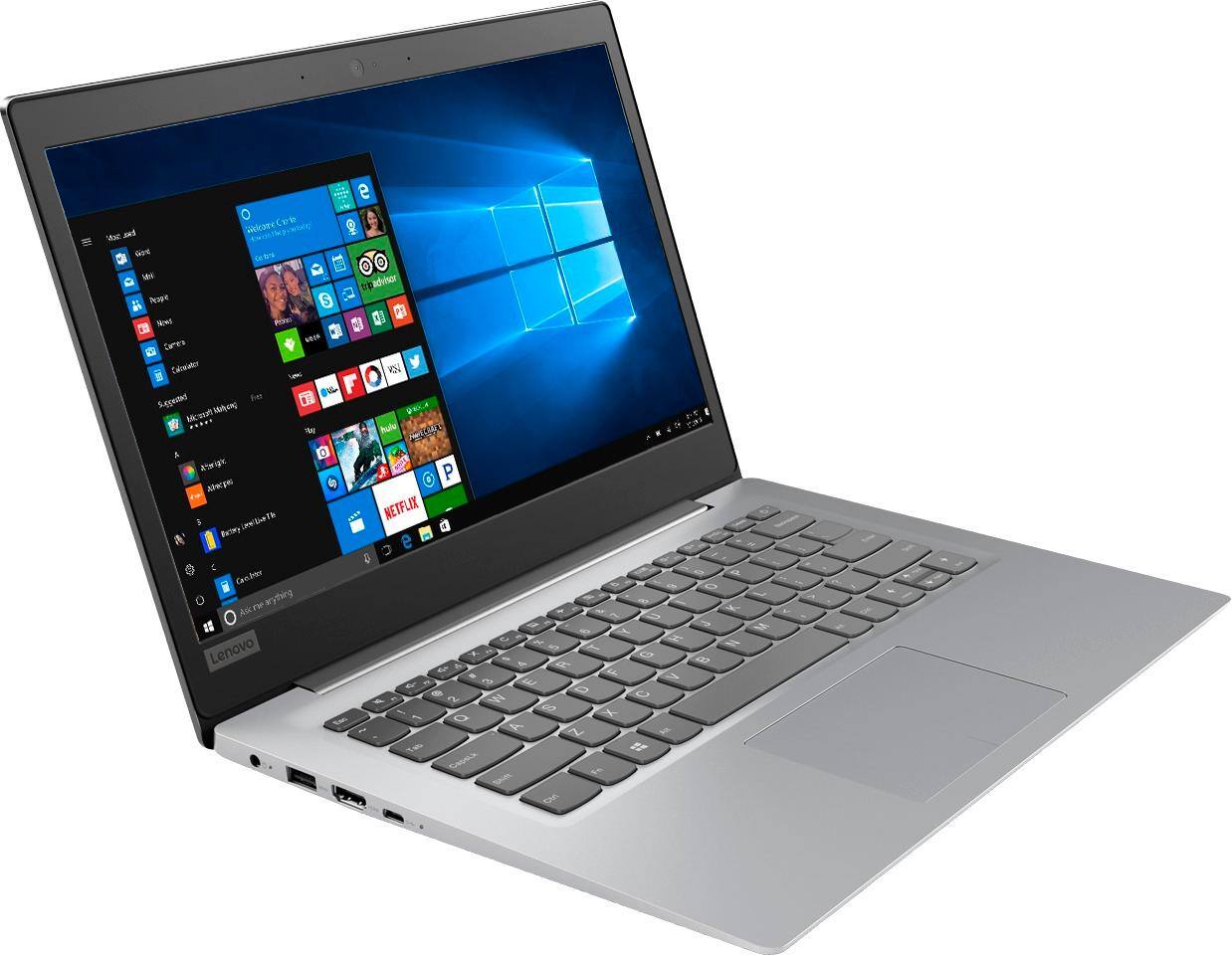
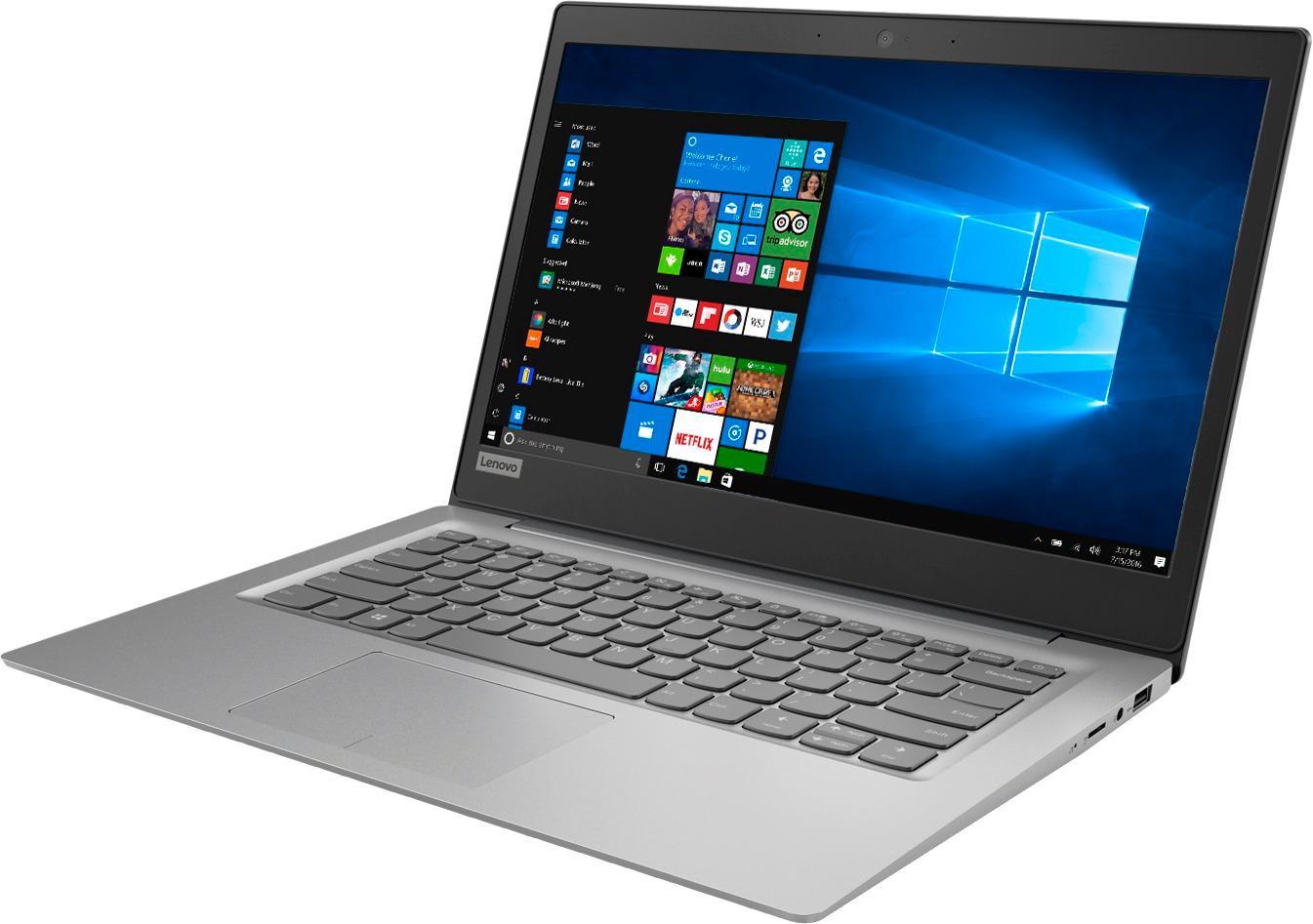
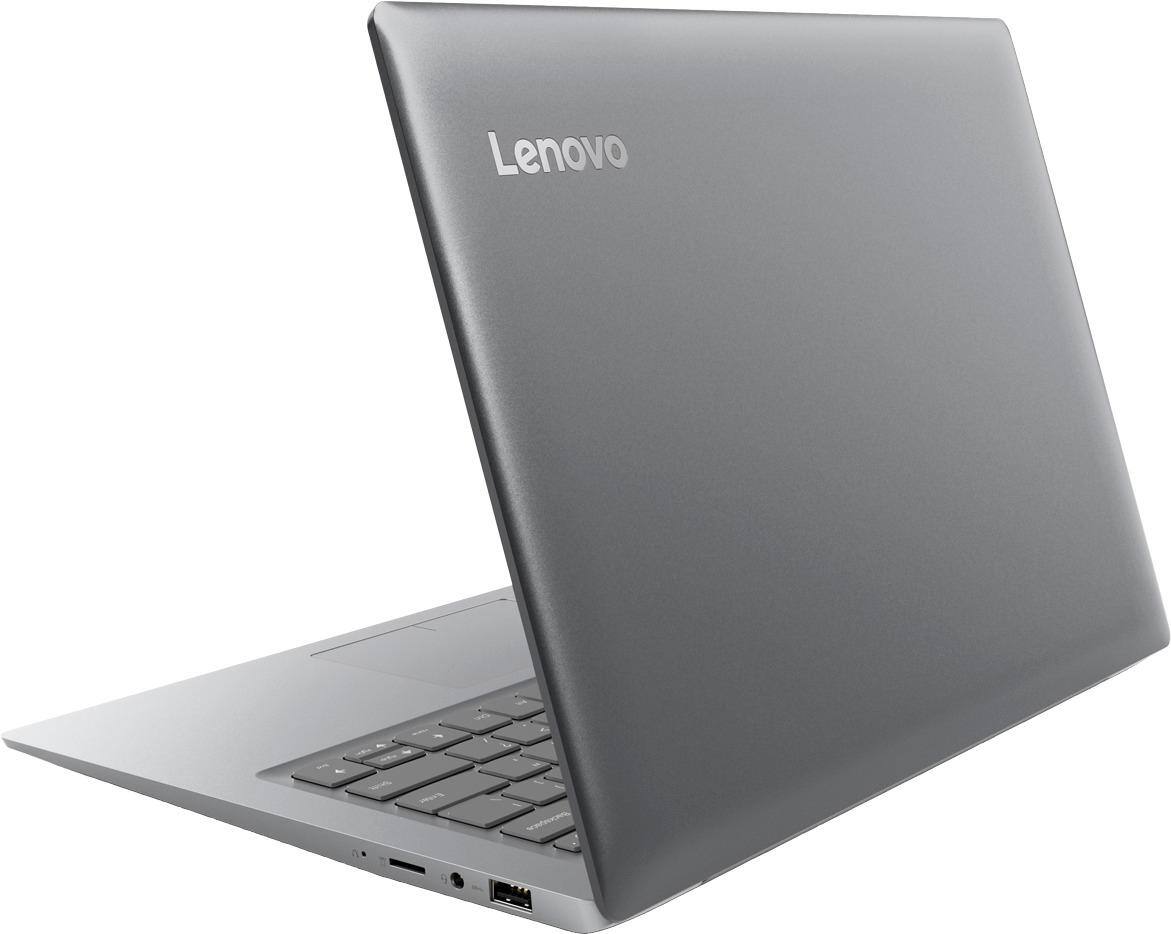
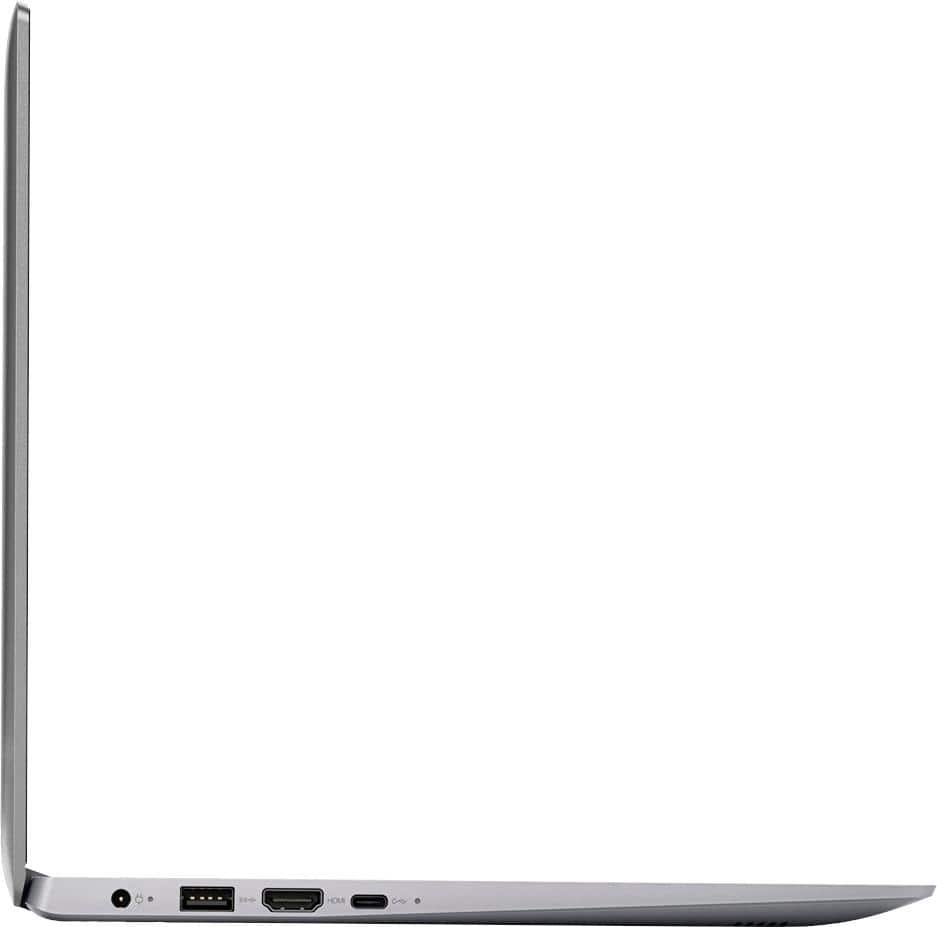
Posted .We are sorry to hear that you are having issues with the initial activation of Windows 10 on your Lenovo IdeaPad 120s-14 laptop. This system is equipped with OneKey Recovery System. There is a very small pin hole on the right side of the device, right near the Micro-SD card slot on the device. You will need a pin to push this reset button. Plug the device in. Let the battery charge for about 15 minutes. Push the reset button. The system should boot to a choice screen where you can choose "Restore To Factory Default". Select this. It will delete everything from the hard drive except the original factory install of the operating system. You will need to reinstall all programs and files after the reset. If you don't have copies of the files, try to make one before you restore by selecting "Boot to desktop" and trying to back up your files. If the problem persists after the factory reset, we recommend you contact Lenovo Tech Support at: 877-453-6686.

Junk
||Posted .This reviewer received promo considerations or sweepstakes entry for writing a review.If it weren't for the geek squad fixing this stupid thing every other week, it would only be good for toilet paper
No, I would not recommend this to a friendBrand response from Lenovo Product Expert
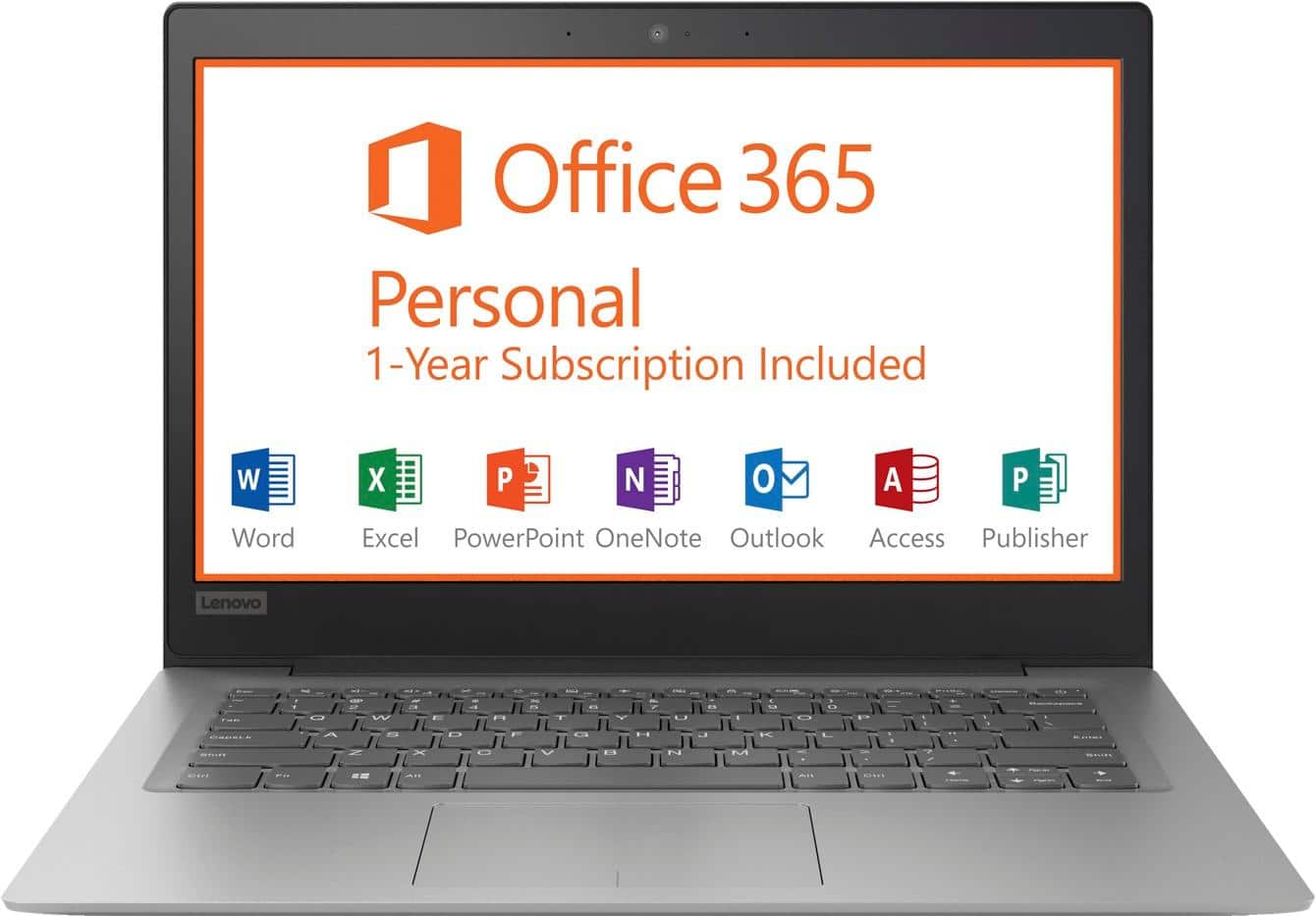
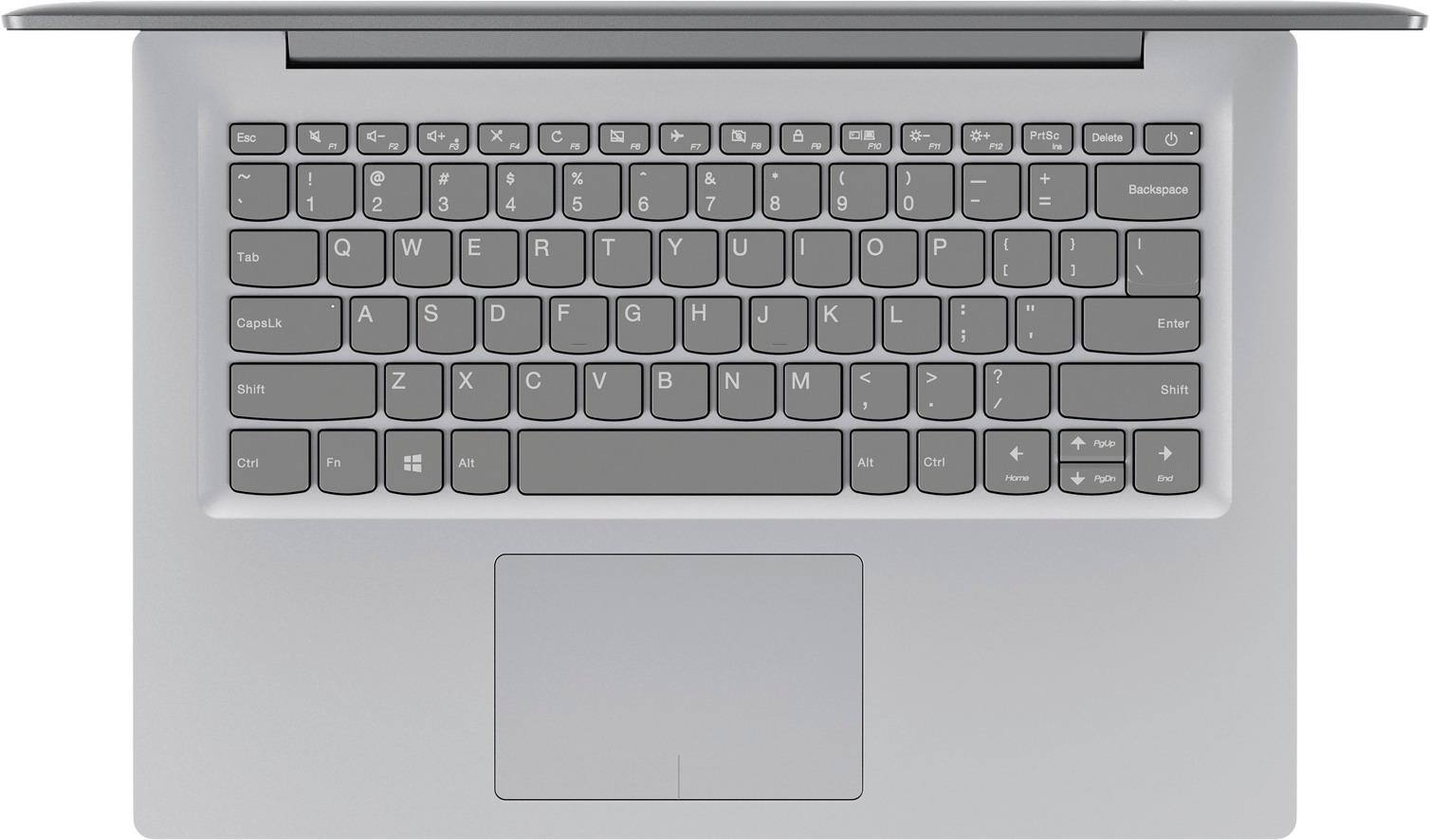
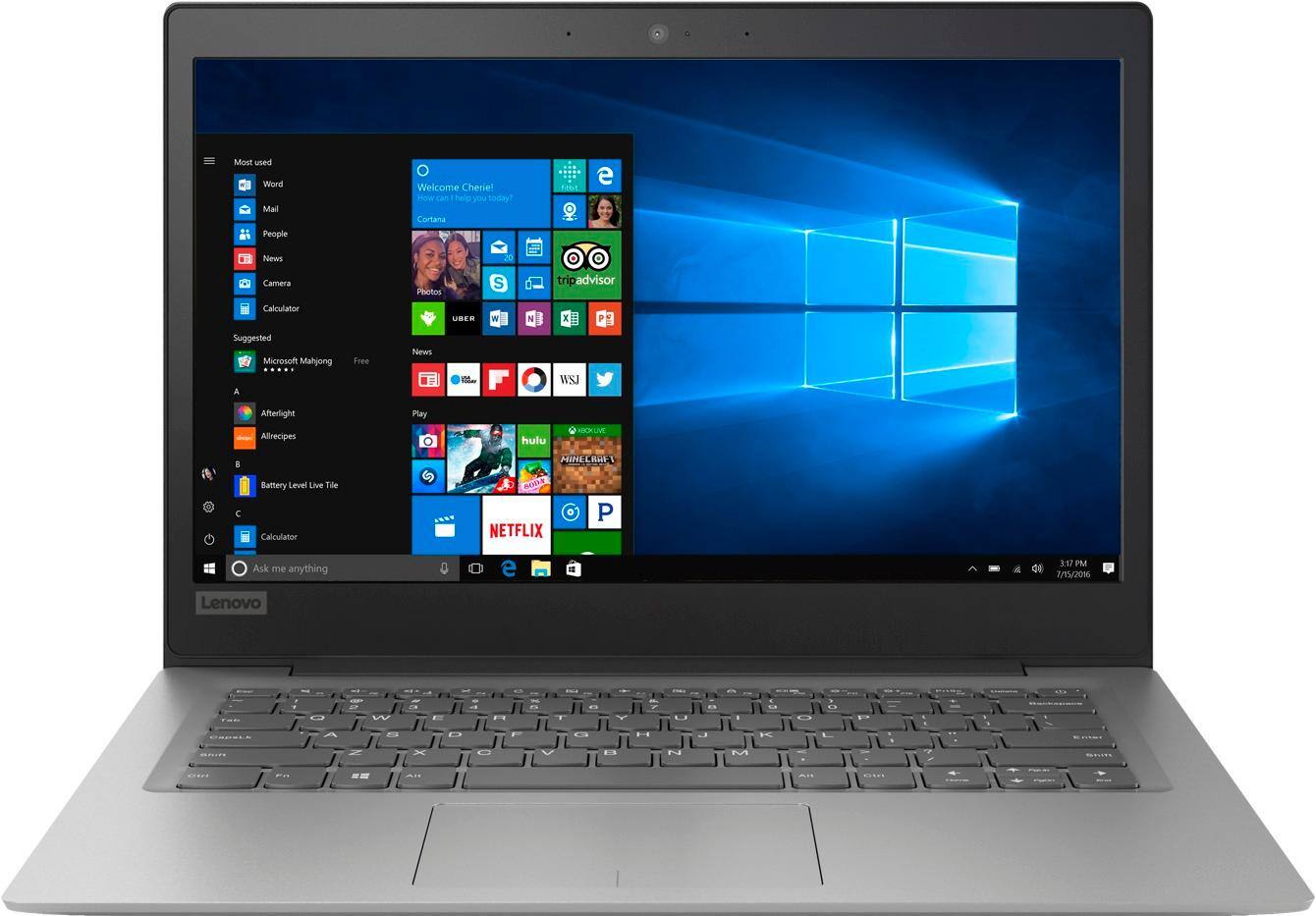
Posted .This is an entry level, light use computer system. It uses Windows 10 Home 64-Bit as its operating system, which requires less than 2GB of RAM to run. There is a 32GB solid state hard drive on this device for fast boot up and file recall. This device has the latest WiFi capability, with 802.11AC connectivity. There is a free 1-year subscription to Microsoft Office 365, a $69.00 value on this device. If your requirements fit this profile, this device is a good choice.
can't get it booted
||Posted .This reviewer received promo considerations or sweepstakes entry for writing a review.came with a password needed to get into windows,they didn't give me password,can't get it to boot in safe mode
No, I would not recommend this to a friendBrand response from Lenovo Product Expert
Posted .This system is equipped with OneKey Recovery System. There is a very small pin hole on the right side of the device, right near the Micro-SD card slot on the device. You will need a pin to push this reset button. Plug the device in. Let the battery charge for about 15 minutes. Push the reset button. The system should boot to a choice screen where you can choose "Restore To Factory Default". Select this. It will delete everything from the hard drive except the original factory install of the operating system. You will need to reinstall all programs and files after the reset. If you don't have copies of the files, try to make one before you restore by selecting "Boot to desktop" and trying to back up your files. If the problem persists after the factory reset, we recommend you contact Lenovo Tech Support at: 877-453-6686.
Bad
||Posted . Owned for more than 2 years when reviewed.This reviewer received promo considerations or sweepstakes entry for writing a review.Do not recommend this laptop for college students. Crashed on me multiple times.
No, I would not recommend this to a friendSuper slow computer
||Posted .This reviewer received promo considerations or sweepstakes entry for writing a review.I understood this computer had a slow processor, but this was SUPER slow! Had to return and get a better one
No, I would not recommend this to a friendBrand response from Lenovo Product Expert
Posted .This is an entry level, light use computer system. It uses Windows 10 Home 64-Bit as its operating system, which requires less than 2GB of RAM to run. There is a 32GB solid state hard drive on this device for fast boot up and file recall. This device has the latest WiFi capability, with 802.11AC connectivity. There is a free 1-year subscription to Microsoft Office 365, a $69.00 value on this device. If your requirements fit this profile, this device is a good choice.
Terrible
||Posted .This reviewer received promo considerations or sweepstakes entry for writing a review.The laptop is no good ! It freezes and doesnt load and tales forever too boot up . Very disappointed!
No, I would not recommend this to a friendBrand response from Lenovo Product Expert
Posted .Be sure any software you installed is compatible with Windows 10. There is no need to install Microsoft Office software. This system comes with a free 1-year subscription of Microsoft Office 365 already. If you have installed a copy of Microsoft Office, this is conflicting with the existing copy on the system and this will slow your system down. If you have installed a 3rd party anti-virus program, be sure that Windows Defender is turned off and that the trial version of McAfee Anti-Virus software is uninstalled. There can only be one anti-virus program on the system. You may need to restore your system to original factory default settings if any of the programing errors have occurred. You can do that by typing "restore" in the Cortana search window. Just click on the magnifying glass icon at the bottom left of your Windows 10 Desktop. Click on "Reset This PC" Then click on "Get Started" and follow the on screen directions to restore to factory defaults. If the problem persists, we recommend you contact Lenovo Tech Support at: 877-453-6686.
This was garbage. Just stopped working.
||Posted . Owned for 1 year when reviewed.This reviewer received promo considerations or sweepstakes entry for writing a review.Poor quality. Just would not turn on. Lost my work because of this. Did not last a year.
No, I would not recommend this to a friendBrand response from Lenovo Product Expert
Posted .We are sorry to hear that you had issues with your Lenovo IdeaPad 120s-14 laptop. Restoring the computer back to original factory settings may fix the issue. This system is equipped with OneKey Recovery System. There is a very small pin hole on the right side of the device, right near the SD card slot on the device. You will need a pin to push this reset button. Plug the device in. Let the battery charge for about 15 minutes. Push the reset button. The system should boot to a choice screen where you can choose "Restore To Factory Default". Select this. It will delete everything from the hard drive except the original factory install of the operating system. You will need to reinstall all programs and files after the reset. If you don't have copies of the files, try to make one before you restore by selecting "Boot to desktop" and trying to back up your files. If the problem persists after the factory reset, we recommend you contact Lenovo Tech Support at: 877-453-6686. For 2018, Lenovo retained its place for a second year as the best laptop vendor:
https://www.laptopmag.com/articles/laptop-brand-ratings
Garbage
||Posted .This reviewer received promo considerations or sweepstakes entry for writing a review.Took 8 hours for initial update. Spend the money and get another one. I returned it next day.
No, I would not recommend this to a friendBrand response from Lenovo Product Expert
Posted .This is an entry level, light use computer system. It uses Windows 10 Home 64-Bit as its operating system, which requires less than 2GB of RAM to run. There is a 32GB solid state hard drive on this device for fast boot up and file recall. This device has the latest WiFi capability, with 802.11AC connectivity. There is a free 1-year subscription to Microsoft Office 365, a $69.00 value on this device. If your requirements fit this profile, this device is a good choice.
Disapointed!
||Posted .This reviewer received promo considerations or sweepstakes entry for writing a review.Sold me a lemon, bad product. I have done 3 resetting to that pc is not working properly
No, I would not recommend this to a friendBrand response from Lenovo Product Expert
Posted .We are sorry to hear that you are having issues with your Lenovo IdeaPad 120s-14 laptop. Be sure any software you installed is compatible with Windows 10. There is no need to install Microsoft Office software. This model comes with a free 1-year subscription to Microsoft Office 365. If you have installed a copy of Microsoft Office, this is conflicting with the existing copy on the system and this will slow your system down or cause the operating system to fail. If you have installed a 3rd party anti-virus program, be sure that Windows Defender is turned off and that the trial version of McAfee Anti-Virus software is uninstalled. There can only be one anti-virus program on the system. You may need to restore your system to original factory default settings if any of the programing errors have occurred. You can do that by typing "restore" in the Cortana search window. Just click on the magnifying glass icon at the bottom left of your Windows 10 Desktop. Click on "Reset This PC" Then click on "Get Started" and follow the on screen directions to restore to factory defaults. If the problem persists, we recommend you contact Lenovo Tech Support at: 877-453-6686.
Little memory
||Posted .This reviewer received promo considerations or sweepstakes entry for writing a review.Not too happy with this purchase bought it because it was cheap but memory is small
No, I would not recommend this to a friendBrand response from Lenovo Product Expert
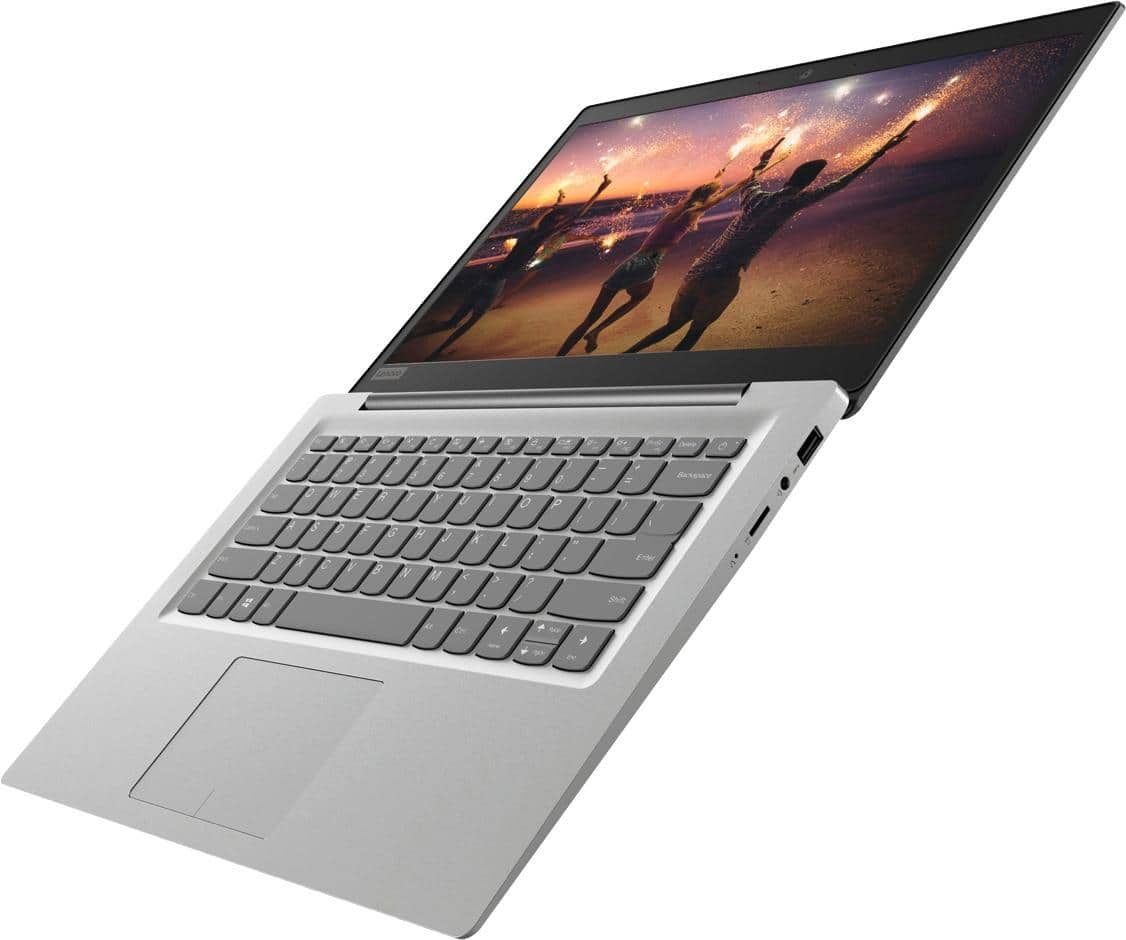
Posted .If you need additional storage space for the Lenovo IdeaPad 120s-14 laptop, there is a Micro-SD card slot on the device that can be used for adding more storage space. You can also use any USB-based external hard drive or Cloud-Based Storage Account for additional storage space. The Lenovo IdeaPad 120s-14 laptop is an entry level, light use system with its Intel Celeron processor, 2GB of RAM and a 32GB eMMC solid state hard drive. It is not meant for multi-tasking or demanding programs. It is good for Microsoft Office and light internet browsing. The IdeaPad 120s-14 laptop ships with a free 1-year subscription to Microsoft Office 365 (a $69.00 value). If this describes your computing needs, the IdeaPad 120s-14 laptop would be a good choice. For 2018, Lenovo retained its place for a second year as the best laptop vendor:
https://www.laptopmag.com/articles/laptop-brand-ratings
bad really
||Posted . Owned for 1.5 years when reviewed.This reviewer received promo considerations or sweepstakes entry for writing a review.no memory, and you can not ad memory. too basic, not for this proce
No, I would not recommend this to a friendha, no
||Posted .This reviewer received promo considerations or sweepstakes entry for writing a review.maybe the worst electronic device I have ever attempted to use. overpriced at $150.
No, I would not recommend this to a friendBrand response from Lenovo Product Expert
Posted .This is an entry level, light use computer system. It uses Windows 10 Home 64-Bit as its operating system, which requires less than 2GB of RAM to run. There is a 32GB solid state hard drive on this device for fast boot up and file recall. This device has the latest WiFi capability, with 802.11AC connectivity. There is a free 1-year subscription to Microsoft Office 365, a $69.00 value on this device. If your requirements fit this profile, this device is a good choice.
Not worth it
||Posted .This reviewer received promo considerations or sweepstakes entry for writing a review.Bought this item for streaming videos and it does not work well (very slow in speed)
No, I would not recommend this to a friendBrand response from Lenovo Product Expert
Posted .This is an entry level, light use computer system. It uses Windows 10 Home 64-Bit as its operating system, which requires less than 2GB of RAM to run. There is a 32GB solid state hard drive on this device for fast boot up and file recall. This device has the latest WiFi capability, with 802.11AC connectivity. There is a free 1-year subscription to Microsoft Office 365, a $69.00 value on this device. If your requirements fit this profile, this device is a good choice.
- Cons mentioned:Speed
Excellent PC for its purpose – with Linux
Posted .This reviewer received promo considerations or sweepstakes entry for writing a review.I think it’s worth the $128.99 open box or the $149.99 sale price, but in my humble opinion, I don’t believe it’s worth the regular price of $249.99. I played around with Win 10 and found it a bit slow for my taste which was no surprise given the 2GB of memory and 1.10 GHz dual-core Intel Celeron processor. After all, this is an entry level, light use system. After creating a USB recovery drive https://support.lenovo.com/us/en/solutions/ht117511 to provide a way back to Win 10, I downloaded Linux Mint 19 Tara Cinnamon edition https://linuxmint.com/download.php, created a bootable USB drive using Rufus, then performed a scratch install. Linux ran much better since it’s lighter than Win 10 and used disk space was freed up as well. I chose Linux Mint Cinnamon edition since the desktop is more Windows-like than other Linux distros. Linux Mint is based off of Ubuntu which has proven over the years to be one of the most popular Linux distros ever with a very strong and helpful support community. If you’re not happy with the Win 10 performance then give Linux a try, you may be pleasantly surprised. There’s plenty of flavors to choose from and the price is right – they’re all free. Care should be taken however which flavor to use as some distos require more resources than others. If you’re new to Linux and like Windows then I would suggest installing the Linux Mint Cinnamon edition. Although running Linux won’t transform the Lenovo 120S-141AP Laptop into a high performance high multi-task system, it will, in my opinion, provide a more enjoyable and less frustrating user experience for surfing the web, creating word like documents with LibreOffice, using Spotify, etc. Give it a try. If you create the USB recovery drive as noted above, then you can always go back to Win 10. Experiment, learn and most importantly, have fun. A 62 year old nerd.
I would recommend this to a friendBrand response from Lenovo Product Expert
Posted .This is an entry level, light use computer system. It uses Windows 10 Home 64-Bit as its operating system, which requires less than 2GB of RAM to run. There is a 32GB solid state hard drive on this device for fast boot up and file recall. This device has the latest WiFi capability, with 802.11AC connectivity. There is a free 1-year subscription to Microsoft Office 365, a $69.00 value on this device. If your requirements fit this profile, this device is a good choice.
Bad computer
||Posted .This reviewer received promo considerations or sweepstakes entry for writing a review.Can’t do anything on this computer can only have one tap open at a time.
No, I would not recommend this to a friendBrand response from Lenovo Product Expert
Posted .The Lenovo IdeaPad 120s-14 laptop is an entry level, light use system with its Intel Celeron processor, supported by 2GB of RAM and a 32GB eMMC solid state hard drive. It is not meant for multi-tasking or demanding programs. It is good for Microsoft Office and light internet browsing There is a free 1-year subscription to Microsoft Office 365, a $69.00 value included. If this describes your computing needs, the IdeaPad 120s-14 would be a good choice.
laptop
||Posted . Owned for 1.5 years when reviewed.This reviewer received promo considerations or sweepstakes entry for writing a review.This laptop can not install updates such as security uodates
No, I would not recommend this to a friend