Customer Ratings & Reviews

- Model:
- 81A5001UUS
- SKU:
- 6061700
Rating by feature
- Value
Rating 3.8 out of 5 stars
- Quality
Rating 3.6 out of 5 stars
- Ease of Use
Rating 3.8 out of 5 stars
Customers are saying
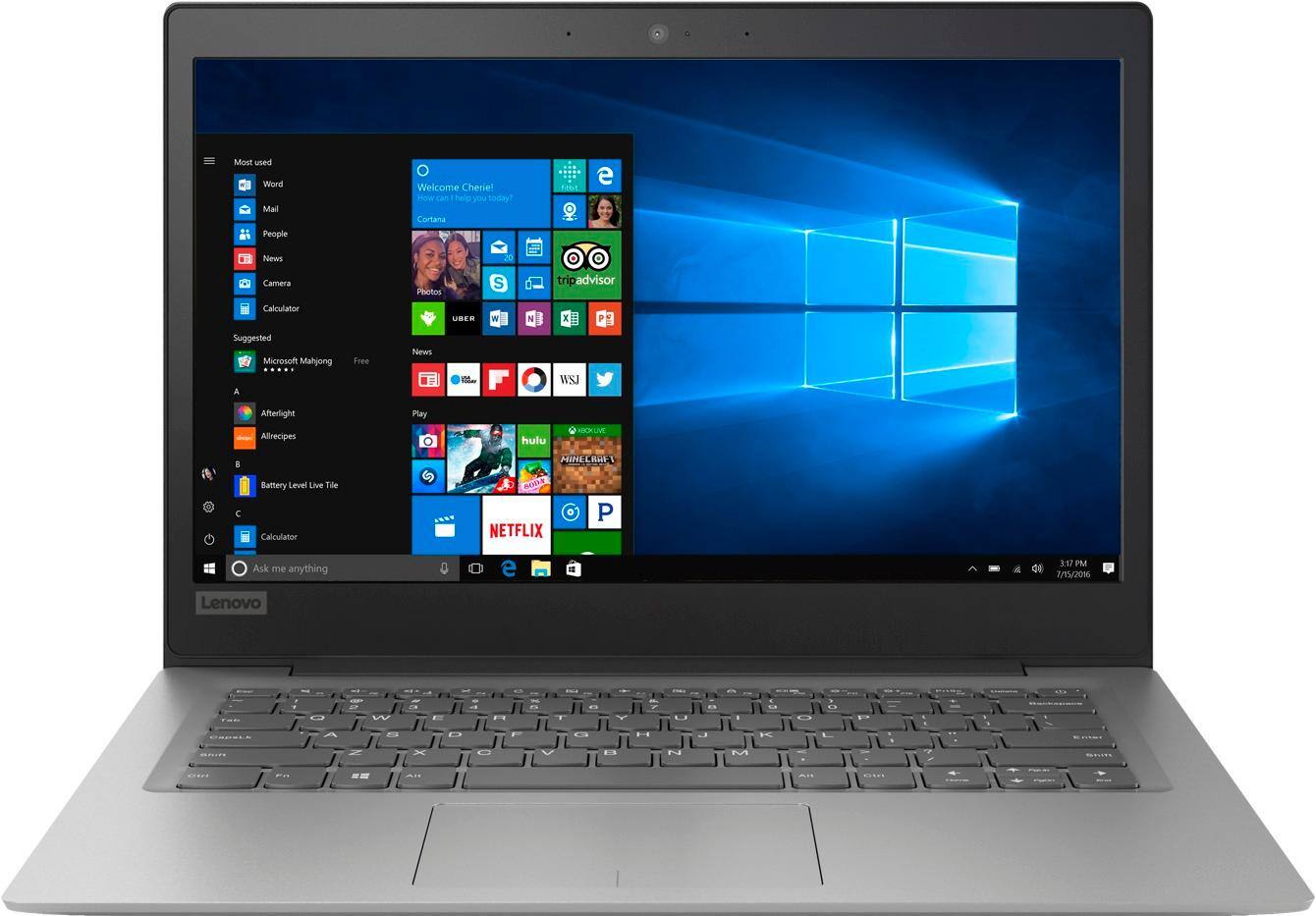
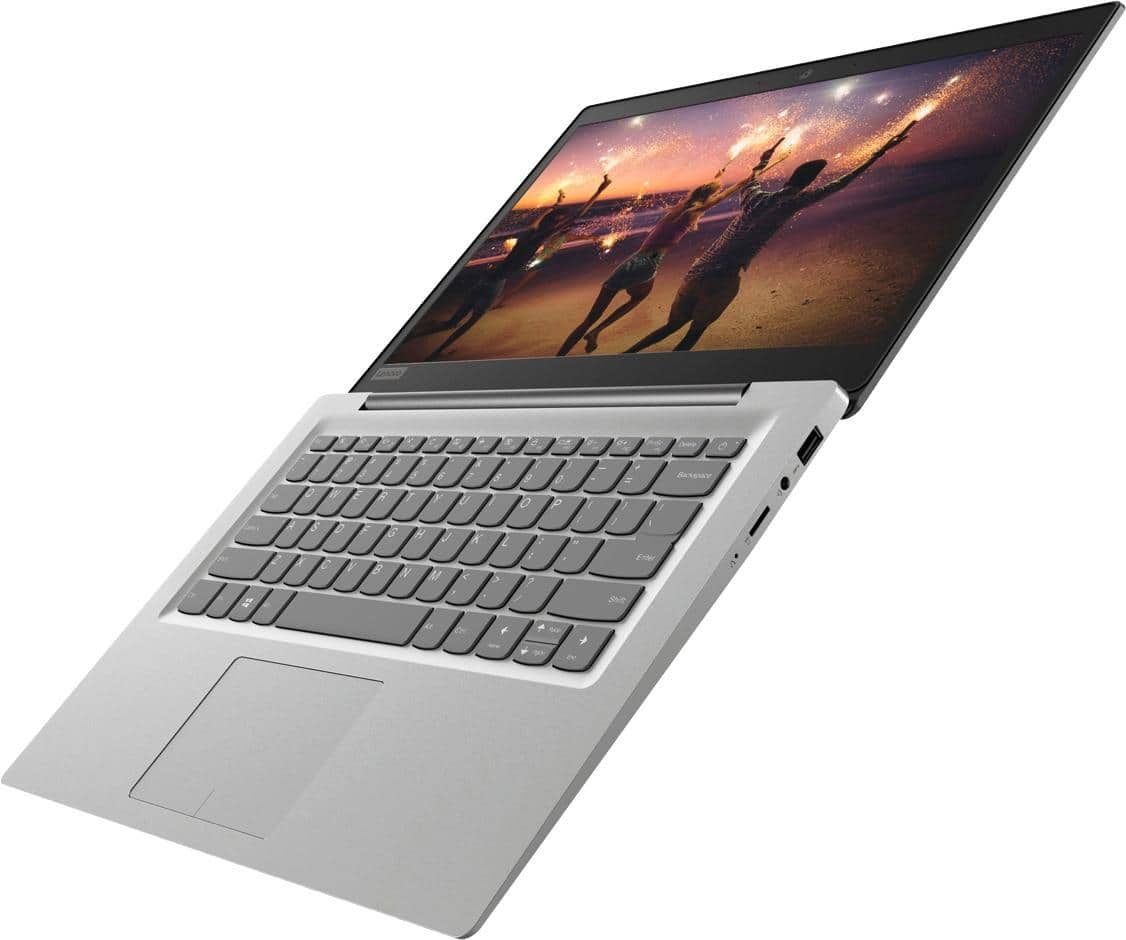
Customers praise the 14" Laptop for its budget-friendly price point and lightweight design, making it suitable for basic personal use. However, concerns are raised regarding its limited storage capacity, insufficient memory, and overall performance, which may not be suitable for multitasking or demanding tasks.
This summary was generated by AI based on customer reviews.
Not useful
||Posted .This reviewer received promo considerations or sweepstakes entry for writing a review.This product was so limited in its ability that it was of no use to me
No, I would not recommend this to a friendBrand response from Lenovo Product Expert
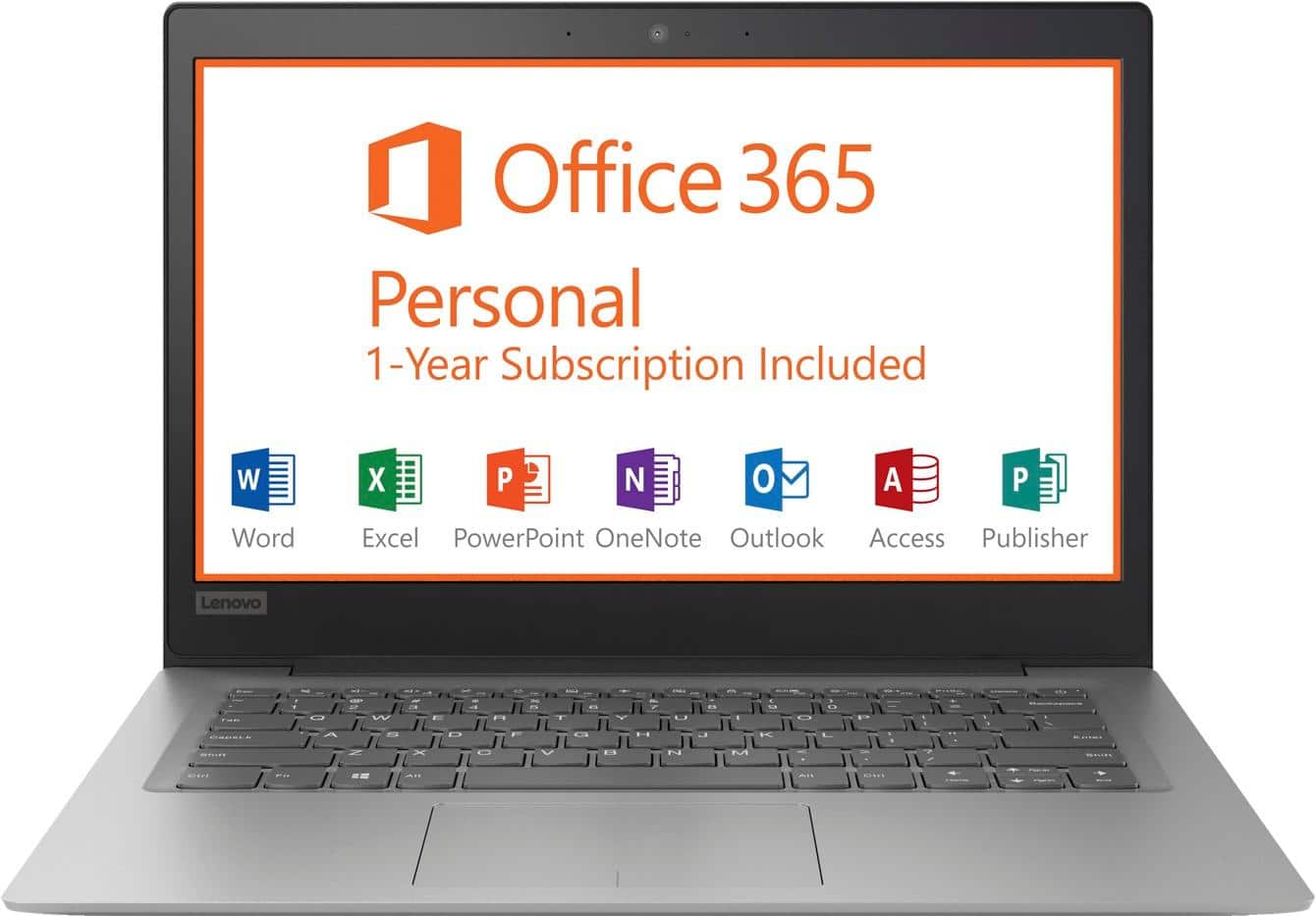
Posted .The Lenovo IdeaPad 120s-14 laptop is an entry level, light use system with its Intel Celeron processor, supported by 2GB of RAM and a 32GB eMMC solid state hard drive. It is not meant for multi-tasking or demanding programs. It is good for Microsoft Office and light internet browsing There is a free 1-year subscription to Microsoft Office 365, a $69.00 value included. If this describes your computing needs, the IdeaPad 120s-14 would be a good choice.

Damange
||Posted .This reviewer received promo considerations or sweepstakes entry for writing a review.The product was not in working order returned it Lenovo 14" laptop
No, I would not recommend this to a friendBrand response from Lenovo Product Expert
Posted .We are sorry to hear that you received damaged goods. We are pleased that you were able to return the Lenovo IdeaPad 120s-14 laptop without difficulty. The Lenovo IdeaPad 120s-14 laptop is an entry level, light use system with its Intel Celeron processor, 2GB of RAM and a 32GB eMMC solid state hard drive. It is not meant for multi-tasking or demanding programs. It is good for Microsoft Office and light internet browsing. The IdeaPad 120s-14 laptop ships with a free 1-year subscription to Microsoft Office 365 (a $69.00 value). If this describes your computing needs, the IdeaPad 120s-14 laptop would be a good choice. For 2018, Lenovo retained its place for a second year as the best laptop vendor:
https://www.laptopmag.com/articles/laptop-brand-ratings
Worst laptop
||Posted .This reviewer received promo considerations or sweepstakes entry for writing a review.Have only had for 2 months and the battery will no longer charge.
No, I would not recommend this to a friendBrand response from Lenovo Product Expert
Posted .We are sorry to hear that you are having issues charging your Lenovo IdeaPad 120s-14 laptop. A hard reboot of the battery may clear this issue. Here is a link to instructions for resetting a non-removable battery. If you need further assistance, we recommend you call Lenovo Tech Support at: 877-453-6686. Here is the link: https://www.techwalla.com/articles/how-to-reset-a-laptop-battery

Very slow
||Posted .This reviewer received promo considerations or sweepstakes entry for writing a review.Okay for beginners. Extremely slow, not the greatest laptop.
I would recommend this to a friendBrand response from Lenovo Product Expert
Posted .The Lenovo IdeaPad 120s-14 laptop is an entry level, light use system with its Intel Celeron processor, supported by 2GB of RAM and a 32GB eMMC solid state hard drive. It is not meant for multi-tasking or demanding programs. It is good for Microsoft Office and light internet browsing There is a free 1-year subscription to Microsoft Office 365, a $69.00 value included. If this describes your computing needs, the IdeaPad 120s-14 would be a good choice.
just ok
||Posted .This reviewer received promo considerations or sweepstakes entry for writing a review.i don't like this laptop, it is not as i expected before
No, I would not recommend this to a friendBrand response from Lenovo Product Expert
Posted .The Lenovo IdeaPad 120s-14 laptop is an entry level, light use system with its Intel Celeron processor, 2GB of RAM and a 32GB eMMC solid state hard drive. It is not meant for multi-tasking or demanding programs. It is good for Microsoft Office and light internet browsing. The IdeaPad 120s-14 laptop ships with a free 1-year subscription to Microsoft Office 365 (a $69.00 value). If this describes your computing needs, the IdeaPad 120s-14 laptop would be a good choice. For 2018, Lenovo retained its place for a second year as the best laptop vendor:
https://www.laptopmag.com/articles/laptop-brand-ratings
Poor
||Posted .This reviewer received promo considerations or sweepstakes entry for writing a review.I guess you get what you pay for! Not a good choice!!!!
No, I would not recommend this to a friendBrand response from Lenovo Product Expert
Posted .The Lenovo IdeaPad 120s-14 laptop is an entry level, light use system with its Intel Celeron processor, 2GB of RAM and a 32GB eMMC solid state hard drive. It is not meant for multi-tasking or demanding programs. It is good for Microsoft Office and light internet browsing. The IdeaPad 120s-14 laptop ships with a free 1-year subscription to Microsoft Office 365 (a $69.00 value). If this describes your computing needs, the IdeaPad 120s-14 laptop would be a good choice. For 2018, Lenovo retained its place for a second year as the best laptop vendor:
https://www.laptopmag.com/articles/laptop-brand-ratings
Didn’t like it.
||Posted .This reviewer received promo considerations or sweepstakes entry for writing a review.Not happy with computer so much so I decided to return it
No, I would not recommend this to a friendBrand response from Lenovo Product Expert
Posted .This is an entry level, light use computer system. It uses Windows 10 Home 64-Bit as its operating system, which requires less than 2GB of RAM to run. There is a 32GB solid state hard drive on this device for fast boot up and file recall. This device has the latest WiFi capability, with 802.11AC connectivity. There is a free 1-year subscription to Microsoft Office 365, a $69.00 value on this device. If your requirements fit this profile, this device is a good choice.
- Cons mentioned:Memory, Speed
It’s just OK
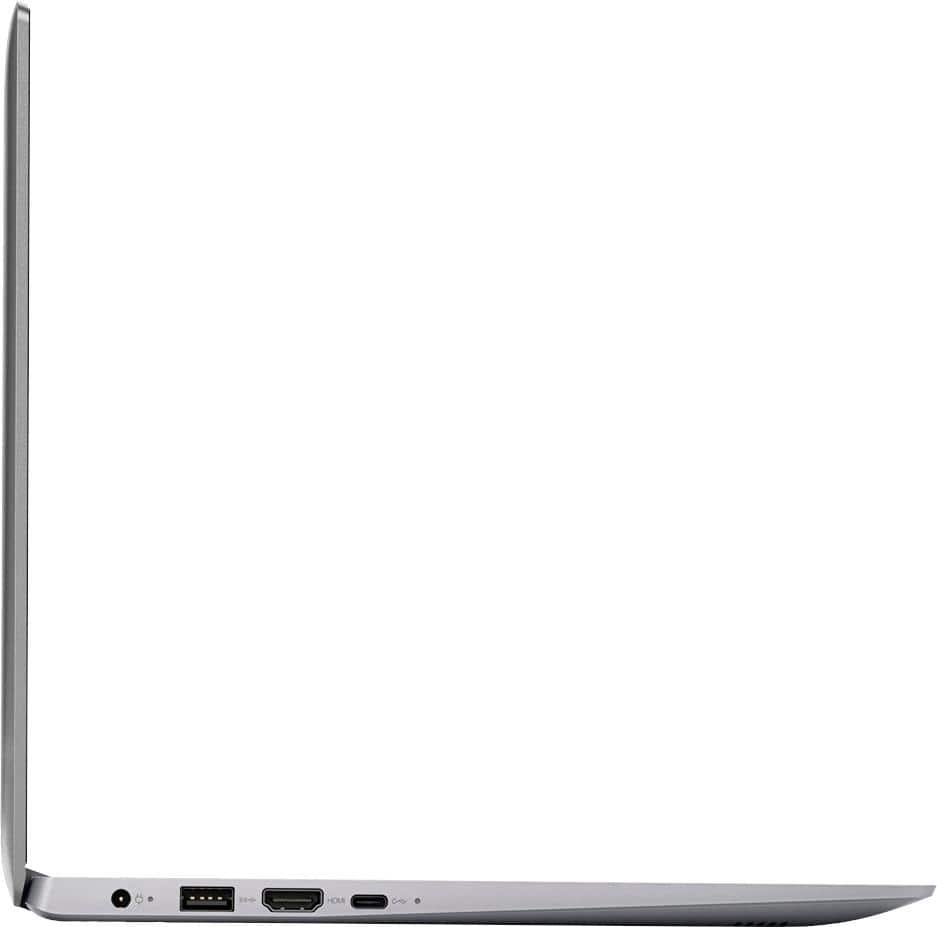
Posted .This reviewer received promo considerations or sweepstakes entry for writing a review.Bought this laptop to do my real estate course on and it’s just ok... doesn’t have enough memory, no cd drive, no place to insert SD card, and seems to run slow. I will be returning and upgrading to a more expensive one. I guess you get what you pay for. It’s perfect for someone that doesn’t need to do anything on it.
No, I would not recommend this to a friendBrand response from Lenovo Product Expert
Posted .The Lenovo IdeaPad 120s-14 laptop comes with a Micro-SD card reader built in. This is an entry level, light use system. It uses Windows 10 Home 64-Bit as its operating system, which requires less than 2GB of RAM to run. There is a 32GB solid state hard drive for quick boot up and quick loading of programs and files. You can use the Micro-SD card slot to add more storage space, if needed. This device has the latest WiFi capability, with 802.11AC connectivity. It comes with a free 1-year subscription to Microsoft Office 365, a $69.00 value. If your requirements fit this profile, this device is a good choice.
- Cons mentioned:Storage
Not good for a grandmother
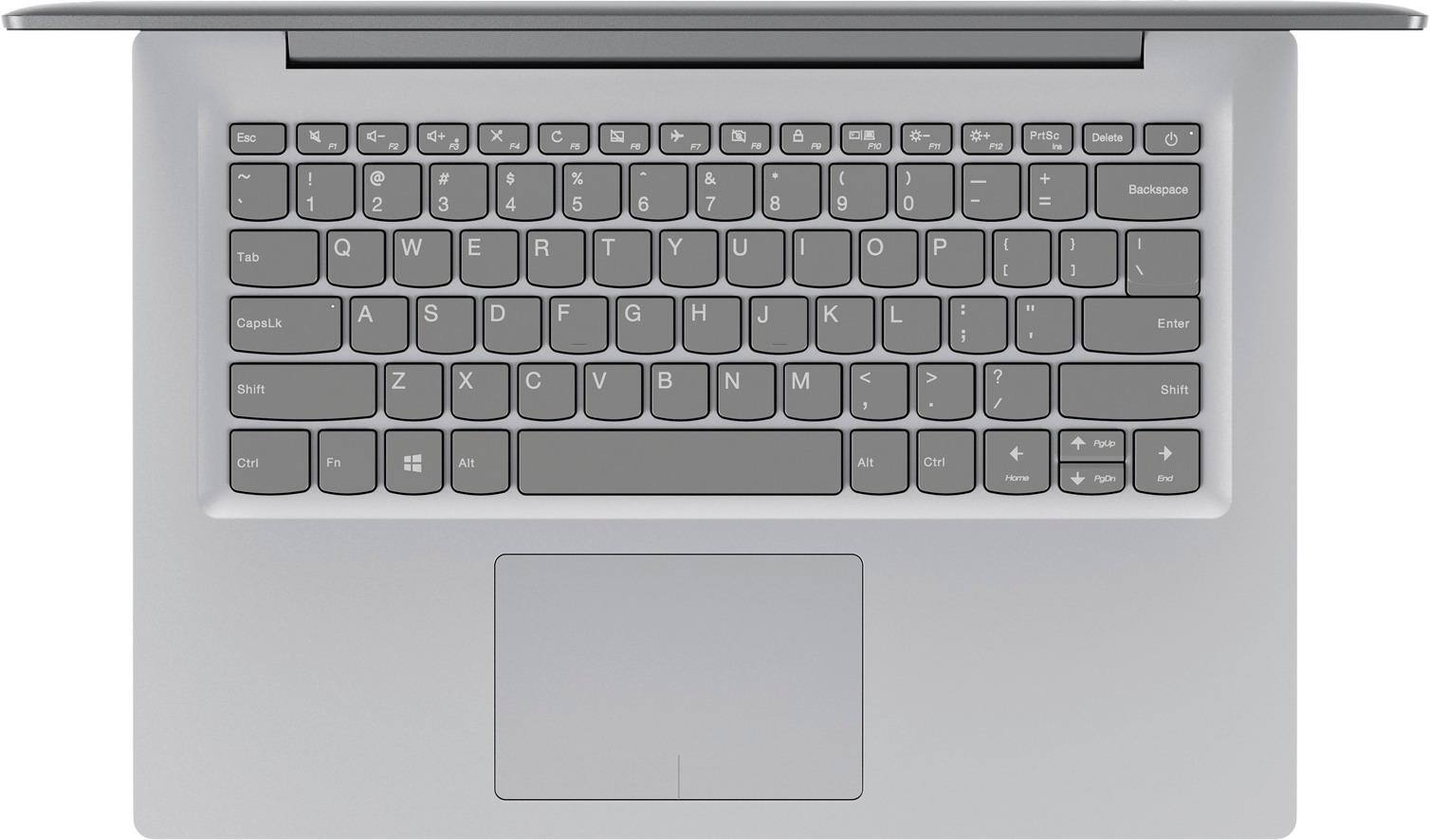
Posted .This reviewer received promo considerations or sweepstakes entry for writing a review.Lack of space on the main storage drive is not the issue when it is out of the box but once you put antivirus, updates and some utility programs it becomes obvious that this machine is not designed for anything. Resetting it to factory is not possible any more at this point since win 10 requires at least 8 GB just to do a reset with option of wiping out all the files. It becomes a storage ‘trap’ so to say. Screen is very dim and colors are not bright. It is a very poor quality. Under certain light conditions it hurts to look at it. Track pad is not usable. They should not even have bothered to put it there. Had to use mouse with this laptop. Camera produces some image. Speakers are pretty horrible. Can hardly hear at the highest setting. Computing speeds leave much to be desired. Browsing web takes effort for this machine. If you have multiple tabs open that will really slow you down. Office programs is the only thing it handles well. Battery lasts long time. I was glad to get rid of this machine. Would never recommend it to a friend or an enemy. Do not fall into this storage trap. Happy shopping!
No, I would not recommend this to a friendBrand response from Lenovo Product Expert
Posted .This is an entry level, light use system. It uses Windows 10 Home 64-Bit as its operating system, which requires less than 2GB of RAM to run. There is a 32GB solid state hard drive for quick boot up and quick loading of programs and files. If you need more storage space for this device, there is a Micro-SD card slot on this device that can be used to add more storage space. This device has the latest WiFi capability, with 802.11AC connectivity. It comes with a free 1-year subscription to Microsoft Office 365, a $69.00 value. If your requirements fit this profile, this device is a good choice.
- Pros mentioned:Lightweight
Much more than expected
Posted .This reviewer received promo considerations or sweepstakes entry for writing a review.Yes, it only has 2gb memory, that slow down internet browsering a little bit. But it can do so many things. 1. The battery last 3 days, can you believe that? 2. Youtube, np 3. It can even run 3D game, seriously? 4. The keyboard is wonderful! 5. so light 6. no disk hard drive, much more peaceful in my mind Great value!
I would recommend this to a friendBrand response from Lenovo Product Expert
Posted .Thank you for choosing the Lenovo IdeaPad 120s-11 laptop. We are pleased to hear that the features and performance of the IdeaPad 120s-11 meets your computing needs so well.
- Cons mentioned:Memory, Speed
Don’t waste your money
Posted .This reviewer received promo considerations or sweepstakes entry for writing a review.Bought this for my 10 yo son and he hates it, It is a good looking laptop however the performance is awful, is super slow, takes long time to open a web page,if you play YouTube the video freezes, you can’t even run two programs or pages at the same time because will take forever to load. I knew what I was gonna get for the price but I didn’t know it was gonna be this bad, I’m just gonna get something else with at least 4 g of memory Ram.
No, I would not recommend this to a friendBrand response from Lenovo Product Expert
Posted .This is an entry level, light use system. It uses Windows 10 Home 32-Bit as its operating system, which requires less than 1GB of RAM to run. There is a 32GB solid state hard drive for quick boot up and quick loading of programs and files. This device has the latest WiFi capability, with 802.11AC connectivity. If your requirements fit this profile, this device is a good choice.
- Pros mentioned:Price
Nice computer once Windows is removed
Posted .This reviewer received promo considerations or sweepstakes entry for writing a review.Bought this yesterday to have a cheap, portable laptop for travel without bringing my more expensive laptop along. I can't comment on this computer running Windows, as I pretty much immediately set about removing that in favor of Linux. I didn't even set Windows up. With the Fedora 27 Cinnamon desktop spin installed, it's a great and relatively responsive machine. I almost shied away from this because of the 2GB of RAM (not upgradeable... it's soldered onto the motherboard). However, immediately after a reboot, /proc/meminfo shows: MemFree: 557160 kB MemAvailable: 987012 kB Which is plenty. There is about 18GB of disk space free after installing Fedora 27 with Cinnamon desktop. All in all, it certainly beats running Crouton on a Samsung Chromebook, which is quite a bit more tedious to set up. It's perfect for a lightweight coding platform (I installed emacs-nox, SublimeText 3, git, and a few other packages)
I would recommend this to a friend Great little laptop for the price.
Posted .This reviewer received promo considerations or sweepstakes entry for writing a review.I bought this to replace an older Lenovo that died. I immediately wiped the OS and installed Linux Mint (which horrified the sales person when I told them I would be doing this), and the machine runs great with it. Hard drive capacity is small, but I rarely store anything on my computers - everything is uploaded to a server. I really like the light weight as well.
I would recommend this to a friendLong Time Friend
Posted .This reviewer received promo considerations or sweepstakes entry for writing a review.I have had this laptop for nearly five years and it still does everything I need. I was locked out for a while but with help, I was able to get back in and everything was still there!
I would recommend this to a friend- Cons mentioned:Storage
Great light Linux box
Posted .This reviewer received promo considerations or sweepstakes entry for writing a review.Ran Windows 10 long enough to update the BIOS, then wiped the drive for Linux Mint 19 Cinnamon. I have experience with 32Gig Apollo Lake machines running Windows 10. Windows updates are a pain as so little free space is available on the drive even with nothing extra installed. 64Gig is much much nicer for Windows 10. Linux Mint 18.3 and up runs faster and has plenty of room for updates using about 10 of the 32Gig but does not turn the machine into a speed demon. The laptop runs the Chrome browser and Libre Office very nicely and is good for streaming video. So if you don't need a specific Windows app, and want more speed and less hassle to update, consider a Linux distro.
I would recommend this to a friend - Cons mentioned:Speed, Storage
Ideapad 100S BR141
Posted .This reviewer received promo considerations or sweepstakes entry for writing a review.Bought this 5/2017 was told a 32g sd card would handle Windows 10 updates for more space. Windows said because of space couldn't load April critical update. Lenovo/Microsoft offered no fix. Then yesterday when I walked away from the computer It was left in screen saver mode, and when I returned I came back to the blue screen of death. I have tried all fixes that the software lead me through to no avail. Upon calling Lenovo I was told if I sent $69.95 they would send me a USB media creation tool to fix the PC. This machine has always been slow, and the only reason for its purchase was to be able to use MS office for online studys. This computer is a piece of crap. Buy a chromebook, and say goodbye to windows and all it's problems.
No, I would not recommend this to a friendBrand response from Lenovo Product Expert
Posted .We are sorry to hear that you are having issues with restoring your Lenovo IdeaPad 100s-11. This system is equipped with OneKey Recovery System. There is a very small pin hole on the top of the device, right near the power button on the right top side of the device. You will need a pin to push this reset button. Plug the device in. Let the battery charge for about 15 minutes. Push the reset button. The system should boot to a choice screen where you can choose "Restore To Factory Default". Select this. It will delete everything from the hard drive except the original factory install of the operating system. You will need to reinstall all programs and files after the reset. Be sure any programs you install are compatible with Windows 10. If you don't have copies of the files, try to make one before you restore by selecting "Boot to desktop" and trying to back up your files. Once you have this device restored to factory settings, According to Microsoft Support, you can use an external hard drive, formatted NTFS, when downloading Windows 10 updates for the needed temporary files. Here is a link to an explanation:
https://support.microsoft.com/en-us/help/4013876/windows-10-freeing-up-space-to-install-latest-update. If the problem persists after the factory reset, we recommend you contact Lenovo Tech Support at: 877-453-6686.
- Cons mentioned:Memory
Not a good computer for the money
Posted .This reviewer received promo considerations or sweepstakes entry for writing a review.I bought this machine as a replacement for my previous HP. Several people I spoke with before purchasing said this was a great brand. I began having issues almost immediately! [FWIW, I'm writing this review on my old HP, as my Lenovo which isn't even a year old yet, is not functioning and as of yesterday, when I brought it in to be repaired, is not able to be repaired. It came with such an outdated operating system that Windows 10 was consistently attempting to upgrade and there was such a minute amount of memory on the computer that between the two things, it corrupted my memory and rendered it unfixabable. I ended up paying the repair guy almost $50 just to check it out [NOT covered by warranty]. The most he would've been able to do to fix it would've been to uninstall and reinstall windows which would've cost roughly $120 [again NOT covered by warranty]. If he would've done so, he told me I wouldn't have been able to save anything like pictures, files, etc. I might be able to install office but anything else would just put it back to the state it was in. It wasn't worth it to spend almost what I spent on it to begin with to not be able to do anything with it. The warranty was useless. He told me flat out that I bought a piece of crap computer.
No, I would not recommend this to a friendBrand response from Lenovo Product Expert
Posted .This is an entry level, light use computer system. It uses Windows 10 Home 64-Bit as its operating system, which requires less than 2GB of RAM to run. There is a 32GB solid state hard drive on this device for fast boot up and file recall. According to Microsoft Support, you can use an external hard drive, formatted NTFS, when downloading Windows 10 updates for the needed temporary files. Here is a link to an explanation:
https://support.microsoft.com/en-us/help/4013876/windows-10-freeing-up-space-to-install-latest-update. This device has the latest WiFi capability, with 802.11AC connectivity. There is a free 1-year subscription to Microsoft Office 365, a $69.00 value on this device. If you need to restore Windows 10 to the original factory settings, this system is equipped with OneKey Recovery System. There is a very small pin hole on the right side of the device, right near the Micro-SD card slot on the device. You will need a pin to push this reset button. Plug the device in. Let the battery charge for about 15 minutes. Push the reset button. The system should boot to a choice screen where you can choose "Restore To Factory Default". Select this. It will delete everything from the hard drive except the original factory install of the operating system. You will need to reinstall all programs and files after the reset. If you don't have copies of the files, try to make one before you restore by selecting "Boot to desktop" and trying to back up your files. If the problem persists after the factory reset, we recommend you contact Lenovo Tech Support at: 877-453-6686.
- Cons mentioned:Speed
Average but slow
Posted .This reviewer received promo considerations or sweepstakes entry for writing a review.This computer is slow in viewing you tube videos and videos in general where there's continual buffering. Also start up can be slow too. The speakers sound is very very low. Also, there was a recent update which disabled the sound, which I tried to troubleshoot, but corrupted windows. I had to take back to Best Buy just 4 weeks after purchase and spend $100 for them to reinstall windows. I DO NOT RECOMMEND THIS COMPUTER. INSTEAD BUY ONE WITH A PENTIUM PROCESSOR.
No, I would not recommend this to a friendBrand response from Lenovo Product Expert
Posted .This is an entry level, light use system. It uses Windows 10 Home 64-Bit as its operating system, which requires less than 2GB of RAM to run. There is a 32GB solid state hard drive for quick boot up and quick loading of programs and files. This device has the latest WiFi capability, with 802.11AC connectivity. It comes with a free 1-year subscription to Microsoft Office 365, a $69.00 value. If your requirements fit this profile, this device is a good choice.
- Cons mentioned:Speed
Might be good for a high school student
Posted .This reviewer received promo considerations or sweepstakes entry for writing a review.Extremely slow and has no memory. As soon as I turned it on and did the windows update I was already getting notifications to clear up memory, with just the updates! I use almost exclusively OneDrive so I don't use a lot of space on the computer but the lack of memory even affects the browsing speed. It takes forever to load simple pages on the internet, forever to download, and forever to open up files. Looks nice and is light and may be good for kids in middle school or high school but the computer is horrible otherwise.
No, I would not recommend this to a friendBrand response from Lenovo Product Expert
Posted .This system should boot up and load programs quickly thanks to the 32GB solid state hard drive. Be sure any software you installed is compatible with Windows 10. There is no need to install Microsoft Office software. The software is already part of the operating system, you just need to activate the software with a purchased product key. If you have installed a copy of Microsoft Office, this is conflicting with the existing copy on the system and this will slow your system down. If you have installed a 3rd party anti-virus program, be sure that Windows Defender is turned off and that the trial version of McAfee Anti-Virus software is uninstalled. There can only be one anti-virus program on the system. You may need to restore your system to original factory default settings if any of the programing errors have occurred. You can do that by typing "restore" in the Cortana search window. Just click on the magnifying glass icon at the bottom left of your Windows 10 Desktop. Click on "Reset This PC" Then click on "Get Started" and follow the on screen directions to restore to factory defaults.
- Cons mentioned:Speed
Slower than Slow... True headache
Posted .This reviewer received promo considerations or sweepstakes entry for writing a review.I was attracted to this because it was cheap and I needed a PC for school to run Adobe AI. I had a Chromebook which wasn't compatible. I thought for the price and just to use Adobe Illustrator, it is perfect. To my dismay, it was so slow I couldn't even operate Illustrator. Once Win 10 updated, it was even worse. Why would Lenovo create such a horrible laptop to run Win 10? No matter the creative retort the fact remains, it is slow & you can't increase the RAM. I REFUSE to buy a memory card just to make it work. That is ridiculous. That's like buying a new car but can't drive it off the lot until you purchase spark plugs..really? C'mon Lenovo, why would you put WIN 10 on a laptop that makes operating it like you're using 90's AOL dial-up.? I ended up giving it to my wife and I bought an Acer A3 and it does great. My wife, however, is so angry with me because it is so darn slow. Thank you for selling me a horrible computer and creating a strain in my marriage. A new value proposition for you: Tired of marriage? Buy her LENOVO!
No, I would not recommend this to a friendBrand response from Lenovo Product Expert
Posted .This is an entry level, light use computer system. It uses Windows 10 Home 64-Bit as its operating system, which requires less than 2GB of RAM to run. There is a 32GB solid state hard drive on this device for fast boot up and file recall. If you need more storage space for this device, you can use the Micro-SD card slot on the device, or use a USB-based Flash Drive or any other type USB-based external hard drive. This device has the latest WiFi capability, with 802.11AC connectivity. There is a free 1-year subscription to Microsoft Office 365, a $69.00 value on this device. This device is not meant for multi-tasking or demanding programs. It is good for Microsoft Office and light internet browsing. We recommend you verify that any software you plan on installing and using with this device configuration is compatible with this specific device configuration, before you invest in a new computer.