Customer Ratings & Reviews

- Model:
- 81A5001UUS
- SKU:
- 6061700
Rating by feature
- Value
Rating 3.8 out of 5 stars
- Quality
Rating 3.6 out of 5 stars
- Ease of Use
Rating 3.8 out of 5 stars
Customers are saying
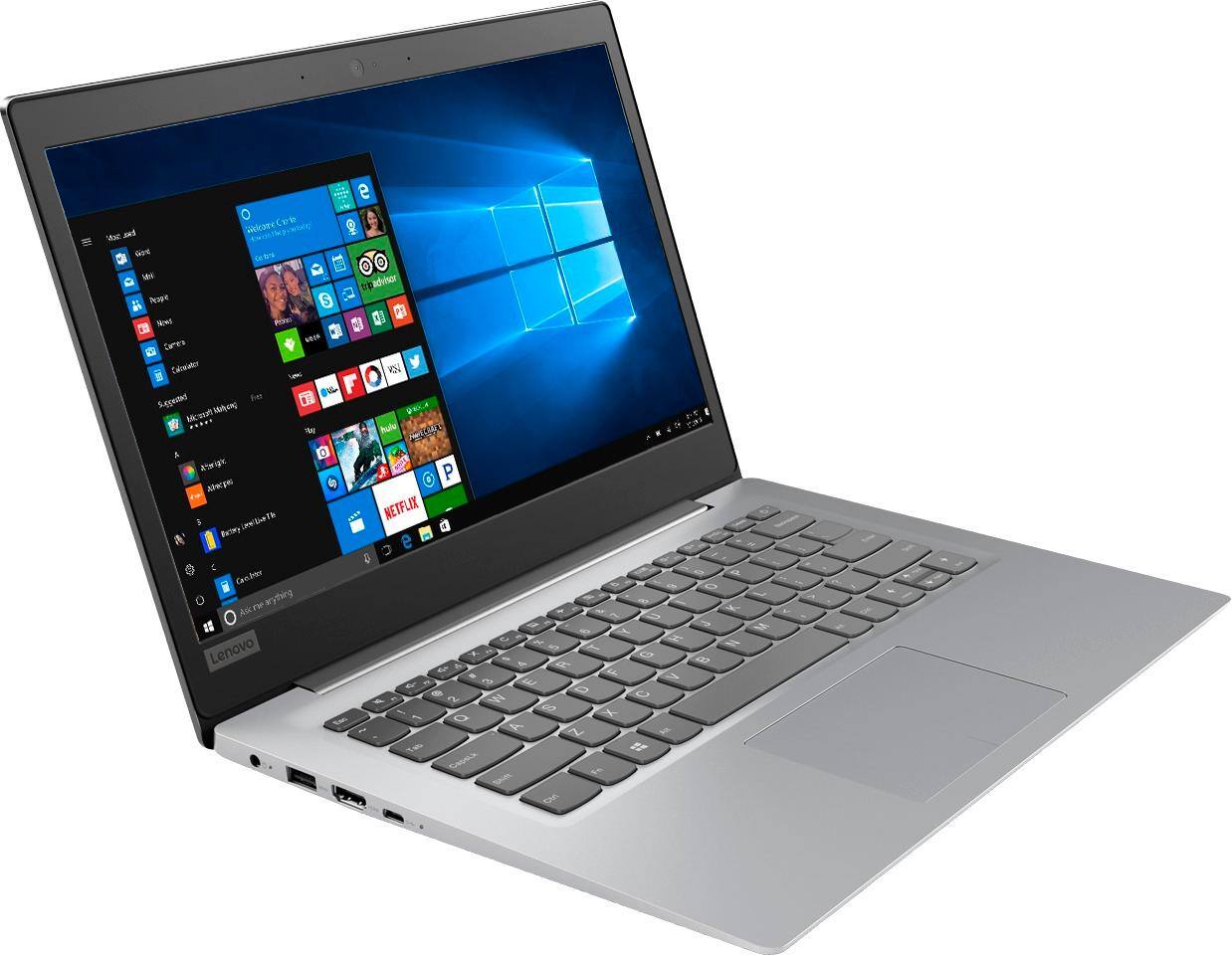
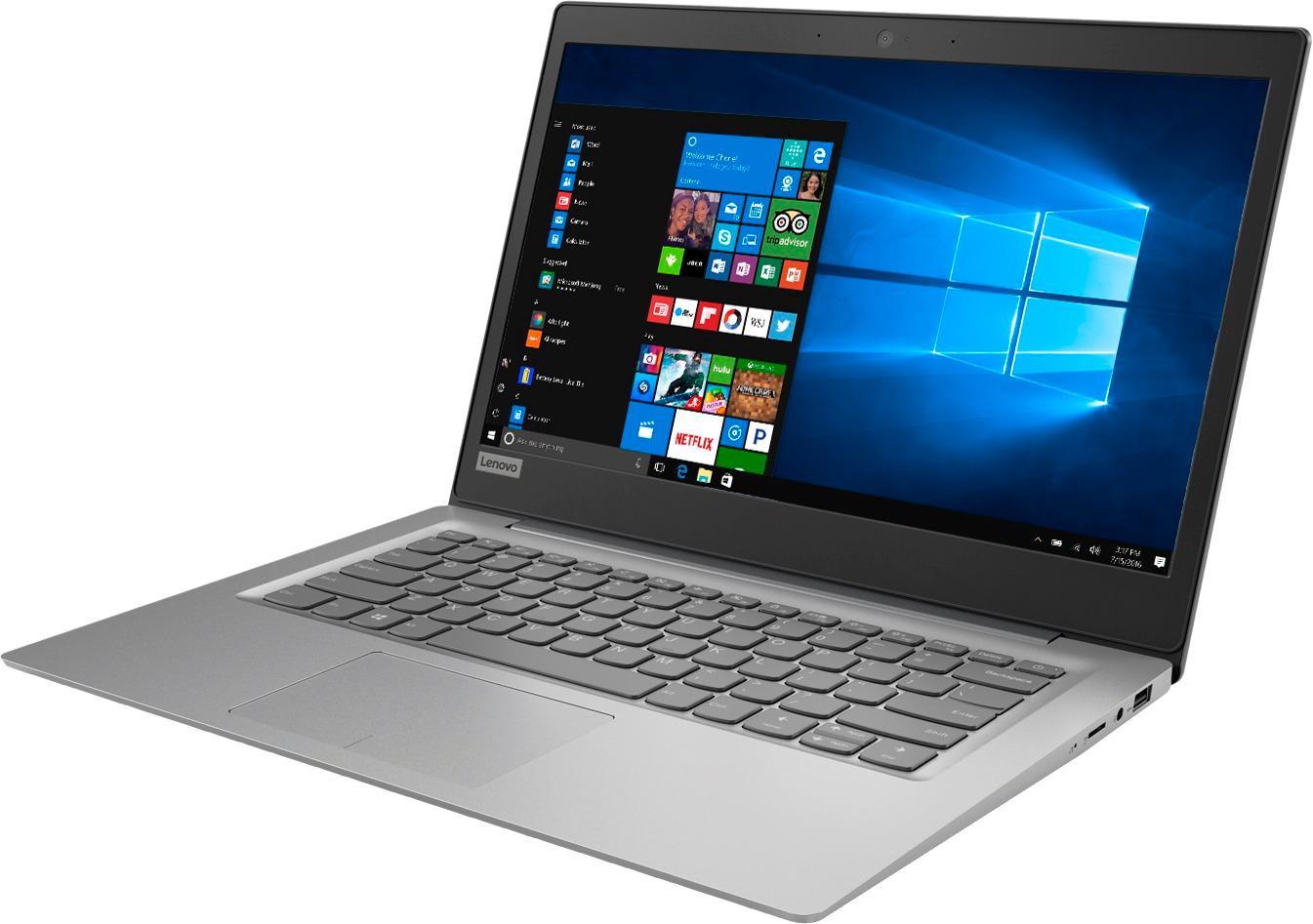
Customers praise the 14" Laptop for its budget-friendly price point and lightweight design, making it suitable for basic personal use. However, concerns are raised regarding its limited storage capacity, insufficient memory, and overall performance, which may not be suitable for multitasking or demanding tasks.
This summary was generated by AI based on customer reviews.
Fundamental Flaw
Posted .This reviewer received promo considerations or sweepstakes entry for writing a review.This is a Windows computer with 32GB of memory. This is not enough memory to install Windows and later install some Windows Updates. Windows advises that you need more than 32GB of memory to run Windows and Windows Updates. I just spoke with Lenovo, and while they shift the blame to Windows, they agree that 32GB is not enough memory to run Windows and have enough memory space to download some Windows Updates. So, all in all, a useless machine. I don't understand why it was made in the first place. To be clear, even if you uninstall all your nonessential apps and delete all temporary files and downloads, there is not enough memory on this computer to effectively run Windows and keep it updated. There are some fixes, but it's ridiculous to sell a Windows computer that cannot run Windows and Windows Updates.
No, I would not recommend this to a friendBrand response from Lenovo Product Expert
Posted .According to Microsoft Support, you can use an external hard drive when downloading Windows 10 updates for the needed temporary files. Here is a link to an explanation:
https://support.microsoft.com/en-us/help/4013876/windows-10-freeing-up-space-to-install-latest-update
- Cons mentioned:Storage
Beware! Windows takes over!
Posted .This reviewer received promo considerations or sweepstakes entry for writing a review.Within 3 months of my purchase, Windows 10 Updates used up most of my storage. And, trust me, you can't stop it! Extremely frustrating. They should not make a Windows computer with less than about 80 GB storage. Nice computer, fatal error. Oh, and Windows can't go on anything but the C: drive. So that's why it's so cheap.
No, I would not recommend this to a friendBrand response from Lenovo Product Expert
Posted .According to Microsoft Support, you can use an external hard drive, formatted NTFS, when downloading Windows 10 updates for the needed temporary files. Here is a link to an explanation:
https://support.microsoft.com/en-us/help/4013876/windows-10-freeing-up-space-to-install-latest-update
- Cons mentioned:Memory
Lenovo 120S-141AP
Posted .This reviewer received promo considerations or sweepstakes entry for writing a review.Do NOT spend the money on this laptop. There isn't enough memory for updates and I've had this laptop less than a year. When you use a USB flash drive, which is recommended by the store clerk, you will end up with a useless laptop; it freezes and there is NO RECOVERY. Lenovo has been aware of this issue since 2013 ( as I found out by looking for a remedy for this issue, hundreds of others have had the same one) and they haven't fixed it. I'm ticked off because not only should Best Buy have known about this, but the fact that Lenovo is still producing/ selling a faulty product is just plain wrong.
No, I would not recommend this to a friendBrand response from Lenovo Product Expert
Posted .According to Microsoft Support, you can use an external hard drive, formatted NTFS, when downloading Windows 10 updates for the needed temporary files. Here is a link to an explanation:
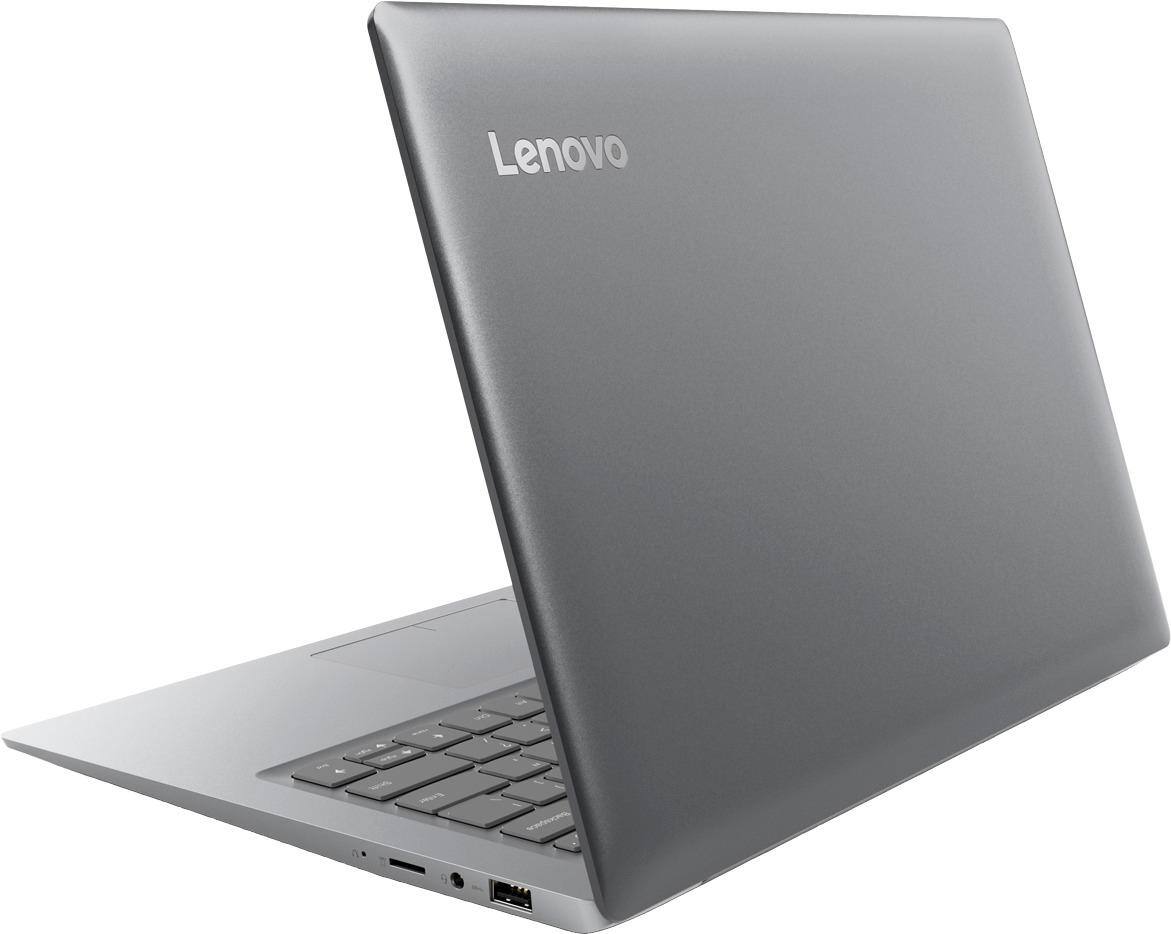
https://support.microsoft.com/en-us/help/4013876/windows-10-freeing-up-space-to-install-latest-update. This system is equipped with OneKey Recovery System. There is a very small pin hole on the right side of the device, right near the Micro-SD card slot on the device. You will need a pin to push this reset button. Plug the device in. Let the battery charge for about 15 minutes. Push the reset button. The system should boot to a choice screen where you can choose "Restore To Factory Default". Select this. It will delete everything from the hard drive except the original factory install of the operating system. You will need to reinstall all programs and files after the reset. If you don't have copies of the files, try to make one before you restore by selecting "Boot to desktop" and trying to back up your files. If the problem persists after the factory reset, we recommend you contact Lenovo Tech Support at: 877-453-6686.
- Cons mentioned:Speed
just awful.. Please read the reviews
Posted .This reviewer received promo considerations or sweepstakes entry for writing a review.My regular laptop decided to not power on. In a bind with papers, and presentations due in literally weeks, I had to replace with a temporary fix. The laptop is slow. It lags when loading anything. I couldn't have two tabs open simultaneously. While watching youtube videos it freezes. The screen froze on me 3 times in less than 18hrs. It takes FOREVER to load the extensions I have on my chrome browser.. so waiting for a page to open takes the least 1 minute. I'll return this today for a chromebook instead.. until I find the time to properly search for a new laptop. Listen to me.. Do not buy this.
No, I would not recommend this to a friendBrand response from Lenovo Product Expert
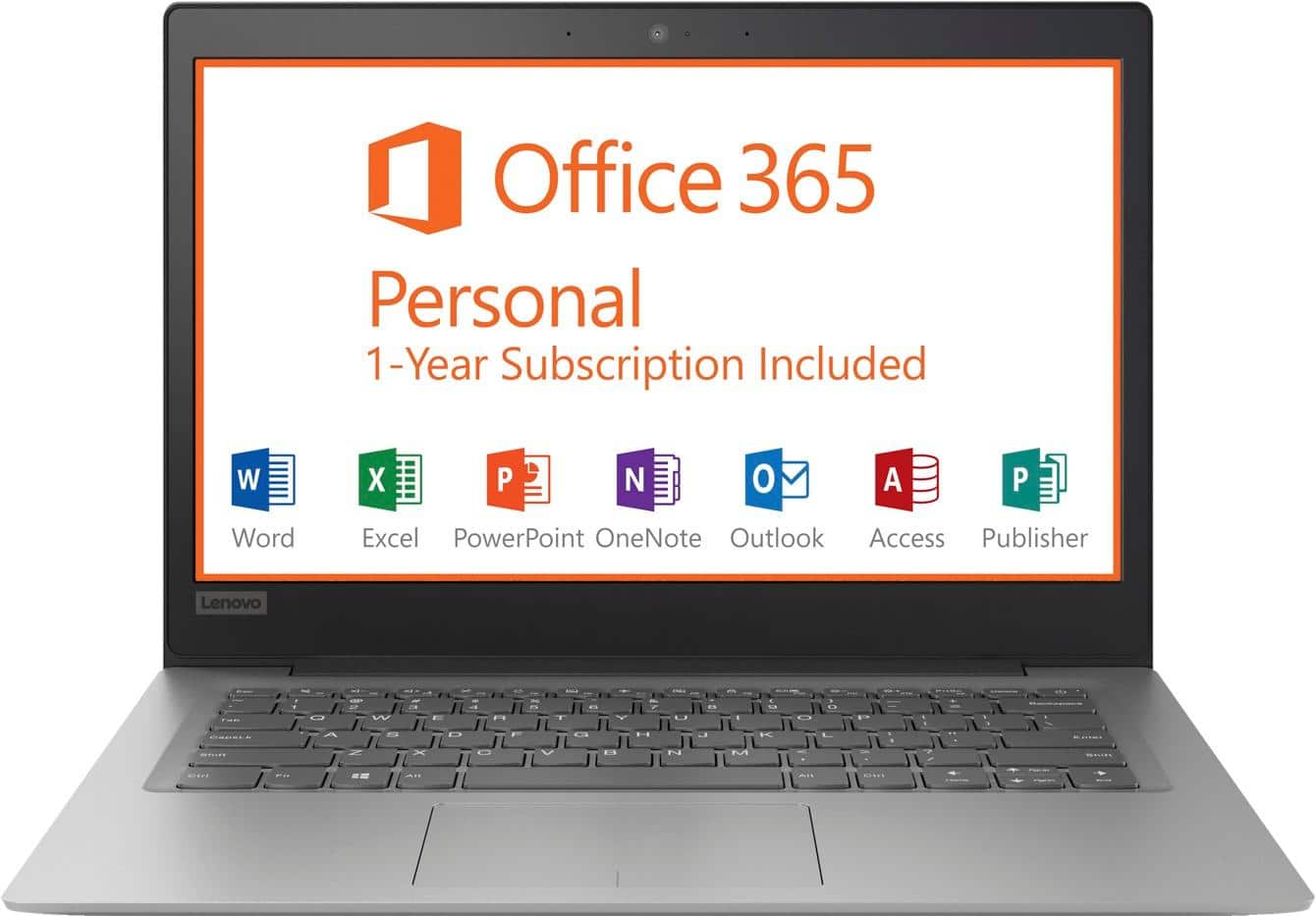
Posted .This is an entry level, light use computer system. It uses Windows 10 Home 64-Bit as its operating system, which requires less than 2GB of RAM to run. There is a 32GB solid state hard drive on this device for fast boot up and file recall. This device has the latest WiFi capability, with 802.11AC connectivity. There is a free 1-year subscription to Microsoft Office 365, a $69.00 value on this device. If your requirements fit this profile, this device is a good choice.
- Cons mentioned:Speed
Doesn't Deserve 4 Stars (Only 3)
Posted .This reviewer received promo considerations or sweepstakes entry for writing a review.This thing has the processing power of a potato. It is so incredibly slow. I bought it for writing and taking notes in class, but I can barely write them down because this laptop keeps randomly freezing. The mouse sometimes starts moving much slower than it should or sometimes it just jumps all over the screen, grabbing random windows and closing stuff. The battery life isn't anything to talk about. This laptop is really cheap, but I don't even think it's worth the price.
No, I would not recommend this to a friendBrand response from Lenovo Product Expert
Posted .This is an entry level, light use computer system. It uses Windows 10 Home 64-Bit as its operating system, which requires less than 2GB of RAM to run. There is a 32GB solid state hard drive on this device for fast boot up and file recall. This device has the latest WiFi capability, with 802.11AC connectivity. There is a free 1-year subscription to Microsoft Office 365, a $69.00 value on this device. If your requirements fit this profile, this device is a good choice. With regard to this device freezing, that should not happen. Be sure any software you installed is compatible with Windows 10. There is no need to install Microsoft Office software. The software is already part of the operating system, you just need to activate the software with a purchased product key. If you have installed a copy of Microsoft Office, this is conflicting with the existing copy on the system and this will slow your system down. If you have installed a 3rd party anti-virus program, be sure that Windows Defender is turned off and that the trial version of McAfee Anti-Virus software is uninstalled. There can only be one anti-virus program on the system. You may need to restore your system to original factory default settings if any of the programing errors have occurred. You can do that by typing "restore" in the Cortana search window. Just click on the magnifying glass icon at the bottom left of your Windows 10 Desktop. Click on "Reset This PC" Then click on "Get Started" and follow the on screen directions to restore to factory defaults. If the problem persists, we recommend you contact Lenovo Tech Support at: 877-453-6686.
- Pros mentioned:Price
Very Happy.
Posted .This reviewer received promo considerations or sweepstakes entry for writing a review.Good price and nice little computer. Easy setup and works great.
I would recommend this to a friendBrand response from Lenovo Product Expert
Posted .Thank you for choosing the Lenovo IdeaPad 120s-14 laptop. We are pleased to hear that the value, ease of use and performance of the IdeaPad 120s-14 meets your computing needs so well.
- Cons mentioned:Storage
This is a garbage computer
Posted .This reviewer received promo considerations or sweepstakes entry for writing a review.This was a colossal waste of money. Absolute garbage. I can't even factory reset this device because it doesn't have enough free space. Performing a disk clean up frees up mere MBs, where a factory reset requires an additional 5+ GB. I've uninstalled all unnecessary programs aside from Chrome, which crashes when I open more than 4 tabs. Maaaaaay be worth it for an open box sale, but certainly not worth the normal non sale price I paid. The only reason I bought this over a chrome book was that I wanted to backup my iPhone, and chrome won't run iTunes. Absolute garbage.
No, I would not recommend this to a friendBrand response from Lenovo Product Expert
Posted .We are sorry to hear that you are having issues resetting your Lenovo IdeaPad 120s-11 laptop. This system is equipped with OneKey Recovery System. There is a very small pin hole on the right side of the device, right near the Micro-SD card slot on the device. You will need a pin to push this reset button. Plug the device in. Let the battery charge for about 15 minutes. Push the reset button. The system should boot to a choice screen where you can choose "Restore To Factory Default". Select this. It will delete everything from the hard drive except the original factory install of the operating system. You will need to reinstall all programs and files after the reset. If you don't have copies of the files, try to make one before you restore by selecting "Boot to desktop" and trying to back up your files. If the problem persists after the factory reset, we recommend you contact Lenovo Tech Support at: 877-453-6686.
- Pros mentioned:Price
Good Product
Posted .This reviewer received promo considerations or sweepstakes entry for writing a review.It was very affordable. My Salesman was Great!!!!!
I would recommend this to a friendBrand response from Lenovo Product Expert
Posted .Thank you for choosing the Lenovo IdeaPad 120s-14 laptop. This is an entry level, light use computer system. It uses Windows 10 Home 64-Bit as its operating system, which requires less than 2GB of RAM to run. There is a 32GB solid state hard drive on this device for fast boot up and file recall. This device has the latest WiFi capability, with 802.11AC connectivity. There is a free 1-year subscription to Microsoft Office 365, a $69.00 value on this device. If your requirements fit this profile, this device is a good choice.
Great Simple Laptop
Posted .This reviewer received promo considerations or sweepstakes entry for writing a review.The battery runs well, It boots right up and is fast.
I would recommend this to a friendBrand response from Lenovo Product Expert
Posted .Thank you for choosing the Lenovo IdeaPad 120s-14 laptop. The Lenovo IdeaPad 120s-14 laptop is an entry level, light use system with its Intel Celeron processor, 2GB of RAM and a 32GB eMMC solid state hard drive. It is not meant for multi-tasking or demanding programs. It is good for Microsoft Office and light internet browsing. The IdeaPad 120s-14 laptop ships with a free 1-year subscription to Microsoft Office 365 (a $69.00 value). If this describes your computing needs, the IdeaPad 120s-14 laptop would be a good choice. For 2018, Lenovo retained its place for a second year as the best laptop vendor:
https://www.laptopmag.com/articles/laptop-brand-ratings
- Cons mentioned:Memory, Speed
Died in less than a year
Posted .This reviewer received promo considerations or sweepstakes entry for writing a review.Not enough memory to upload window 10 upgrade. Very slow loading websites. Then computer died!
No, I would not recommend this to a friend Great Value
Posted .This reviewer received promo considerations or sweepstakes entry for writing a review.I bought this laptop for the purpose of streaming videos and using remote play so I can play ps4 while my wife is watching TV and it works well for those purposes.
I would recommend this to a friendBrand response from Lenovo Product Expert
Posted .We are pleased to hear that the Lenovo IdeaPad 120s-14 laptop allows you to play your PS4 games via Remote Play and meets your computing needs so well.
Crap
Posted .This reviewer received promo considerations or sweepstakes entry for writing a review.This computer is a complete waste of time do not purchase. Bought it on a Saturday, it never was able to connect to Wi-Fi. Got an adapter to install programs and updates the thing was literally running updates for 2 days. After all the updates it still never connected to Wi-Fi. Tried pressing the reset button and nothing happened. This is garbage. Once I wipe it will be taking it back and never purchasing this brand again & will most definitely be telling my friends and family to say clear of Lenovo products. I purchased the computer to type of documents and get into a web based data system to access tiff files, nothing fancy. Just wanted a computer that was only for work. Do not waste your time.
No, I would not recommend this to a friendBrand response from Lenovo Product Expert
Posted .We are sorry to hear that you are having issues with the WiFi within this model. The Lenovo IdeaPad 120s-14 laptop ships with the latest and fastest version of WiFi, 5G 802.11AC. Although 802.11AC is backward compatible to older b/g/n frequencies, be sure your router has the latest firmware updates offered on the router manufacturer's web site for optimum connectivity and speed. Please keep in mind, this is an entry level, light use system with its Intel Celeron processor, 2GB of RAM and a 32GB solid state hard drive. It is not meant for multi-tasking or demanding programs. It is good for Microsoft Office and light internet browsing. If this describes your computing needs, the IdeaPad 120s-14 would be a good choice.
- Cons mentioned:Storage
Avoid any Lenovo Products at all costs
Posted .This reviewer received promo considerations or sweepstakes entry for writing a review.I was naive enough not to find out the device has only 32 GB prior to buying it. 32 GB is a complete joke and you will regret buying it. In addition, Lenovo customer representative (located in China) provided me negative experience. What a joke?
No, I would not recommend this to a friendBrand response from Lenovo Product Expert
Posted .This is an entry level, light use computer system. It uses Windows 10 Home 64-Bit as its operating system, which requires less than 2GB of RAM to run. There is a 32GB solid state hard drive on this device for fast boot up and file recall. If you need additional storage space for this device, there is a Micro-SD card slot on this device that can be used for additional storage space. This device has the latest WiFi capability, with 802.11AC connectivity. There is a free 1-year subscription to Microsoft Office 365, a $69.00 value on this device. If your requirements fit this profile, this device is a good choice.
Excellent product
Posted .This reviewer received promo considerations or sweepstakes entry for writing a review.This laptop is very fast. Great for checking email.
I would recommend this to a friendBrand response from Lenovo Product Expert
Posted .Thank you for choosing the lenovo IdeaPad 120s-14 laptop. We are pleased to hear that the performance of the IdeaPad 120s-14 meets your computing needs so well. This is an entry level, light use computer system. It uses Windows 10 Home 64-Bit as its operating system, which requires less than 2GB of RAM to run. There is a 32GB solid state hard drive on this device for fast boot up and file recall. This device has the latest WiFi capability, with 802.11AC connectivity. There is a free 1-year subscription to Microsoft Office 365, a $69.00 value on this device. If your requirements fit this profile, this device is a good choice.
Not worth the money
Posted .This reviewer received promo considerations or sweepstakes entry for writing a review.Don't waste your time, cheaply made compared to comparable laptops in this price range and features. Had higher hopes for this purchase, was quickly disappointed with the lack of quality.
No, I would not recommend this to a friendBrand response from Lenovo Product Expert
Posted .This is an entry level, light use computer system. It uses Windows 10 Home 64-Bit as its operating system, which requires less than 2GB of RAM to run. There is a 32GB solid state hard drive on this device for fast boot up and file recall. This device has the latest WiFi capability, with 802.11AC connectivity. There is a free 1-year subscription to Microsoft Office 365, a $69.00 value on this device. If your requirements fit this profile, this device is a good choice.
- Cons mentioned:Storage
Not worth it
Posted .This reviewer received promo considerations or sweepstakes entry for writing a review.Have only had the laptop for 6mths and there is not enough room on it for updates and it does not have anything extra stored on it.
No, I would not recommend this to a friendBrand response from Lenovo Product Expert
Posted .According to Microsoft Support, you can use an external hard drive, formatted NTFS, when downloading Windows 10 updates for the needed temporary files. Here is a link to an explanation:
https://support.microsoft.com/en-us/help/4013876/windows-10-freeing-up-space-to-install-latest-update
do not buy this laptop
Posted .This reviewer received promo considerations or sweepstakes entry for writing a review.This laptop died in less than a month. It made a loud buzzing noise and the screen went blank. Press the power button now and nothing happens. Totally dead. Very poor quality. I'll never buy another Lenovo product.
No, I would not recommend this to a friendBrand response from Lenovo Product Expert
Posted .We are sorry to hear that you are having issues with your Lenovo IdeaPad 120s-14 laptop. Be sure all of the software you have installed to the device is compatible with Windows 10. This system is equipped with OneKey Recovery System. There is a very small pin hole on the right side of the device, right near the Micro-SD card on the device. You will need a pin to push this reset button. Plug the device in. Let the battery charge for about 15 minutes. Push the reset button. The system should boot to a choice screen where you can choose "Restore To Factory Default". Select this. It will delete everything from the hard drive except the original factory install of the operating system. You will need to reinstall all programs and files after the reset. If you don't have copies of the files, try to make one before you restore by selecting "Boot to desktop" and trying to back up your files. If the problem persists after the factory reset, we recommend you contact Lenovo Tech Support at: 877-453-6686.
Just shuts off
Posted .This reviewer received promo considerations or sweepstakes entry for writing a review.I had high hopes after seeing the fairly decent reviews on here. A few folks mentioned it shuts off at random but I took a chance. Epic fail. Within two days the computer just shut off while I was working. When I powered back on, all the settings were changed. After a few times of this, decided to return the dang thing.
No, I would not recommend this to a friendBrand response from Lenovo Product Expert
Posted .Be sure any software you installed is compatible with Windows 10. There is no need to install Microsoft Office software. The software is already part of the operating system, you just need to activate the software with a purchased product key. If you have installed a copy of Microsoft Office, this is conflicting with the existing copy on the system and this will slow your system down. If you have installed a 3rd party anti-virus program, be sure that Windows Defender is turned off and that the trial version of McAfee Anti-Virus software is uninstalled. There can only be one anti-virus program on the system. You may need to restore your system to original factory default settings if any of the programing errors have occurred. You can do that by typing "restore" in the Cortana search window. Just click on the magnifying glass icon at the bottom left of your Windows 10 Desktop. Click on "Reset This PC" Then click on "Get Started" and follow the on screen directions to restore to factory defaults.
Worst laptop ever!
Posted .This reviewer received promo considerations or sweepstakes entry for writing a review.This laptop is not even capable of browsing the internet, much less anything more complicated. A waste of money. I'm not sure why they would even sell a laptop in 2018 that cannot even pull up a website. I have a 7 year old lap top that I use at work that is better than this.
No, I would not recommend this to a friendBrand response from Lenovo Product Expert
Posted .This is an entry level, light use computer system. It uses Windows 10 Home 64-Bit as its operating system, which requires less than 2GB of RAM to run. There is a 32GB solid state hard drive on this device for fast boot up and file recall. This device has the latest WiFi capability, with 802.11AC connectivity. There is a free 1-year subscription to Microsoft Office 365, a $69.00 value on this device. If your requirements fit this profile, this device is a good choice.
it turns off
Posted .This reviewer received promo considerations or sweepstakes entry for writing a review.Im not sure if its just my laptop but it shuts off if i click to go onto google turns off if i restart and click on a browser. I wiped the laptop and still does the same is this just a windows issue?
No, I would not recommend this to a friendBrand response from Lenovo Product Expert
Posted .We are sorry to hear that you are having issues with your IdeaPad 120s-14 laptop. If the browser you are using is Chrome, try uninstalling the Chrome Browser and reinstalling it. If this does not fix the issue, this system has Lenovo utilities installed to help maintain the health of the device and keep the operating software up to date. Type "Lenovo Vantage" in the Cortana Search window. Select Lenovo Vantage from the list. In the window that opens, click on "Health and Support". In the expanded menu, select "Hardware Scan" In the window that opens, select "Run Quick Tests". This will scan your entire system for errors. Follow any directions that may pop up. If the problem continues after this scan, now click on "System Update". First select Windows update from the menu. Scan your system to be sure you have the latest version of Windows 10. Once that scan is complete, select "Additional Updates". This will scan your device to be sure there are no new BIOS/Driver updates needed. Follow any instructions that may pop up. If the issue still continues after these updates, we recommend you call Lenovo Tech Support at: 877-453-6686 for additional help.