Customer Ratings & Reviews




- Model:
- 80XS0024US
- SKU:
- 5828300
Rating by feature
- Value
Rating 4.1 out of 5 stars
- Quality
Rating 3.9 out of 5 stars
- Ease of Use
Rating 4.1 out of 5 stars
Customers are saying
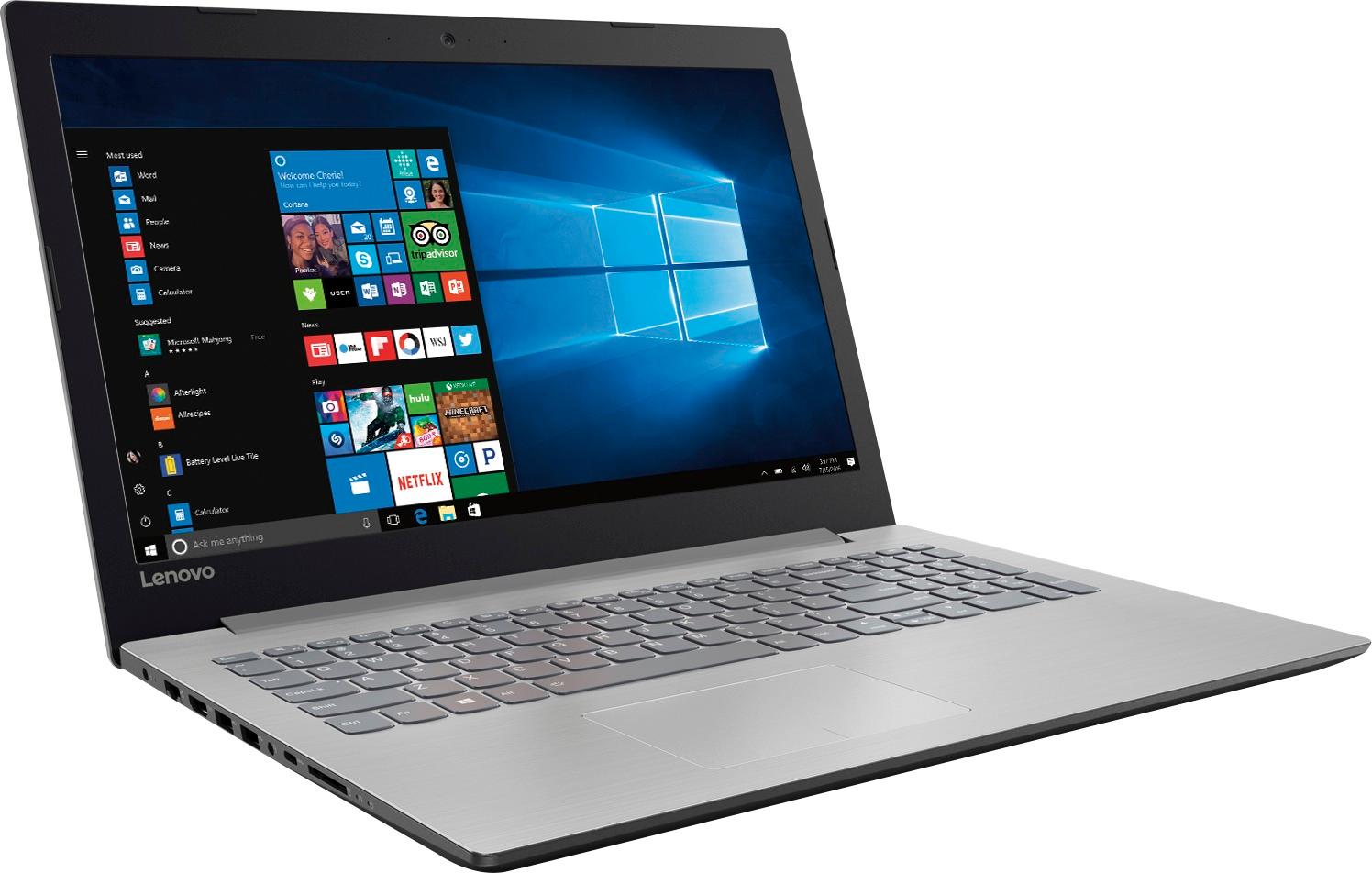
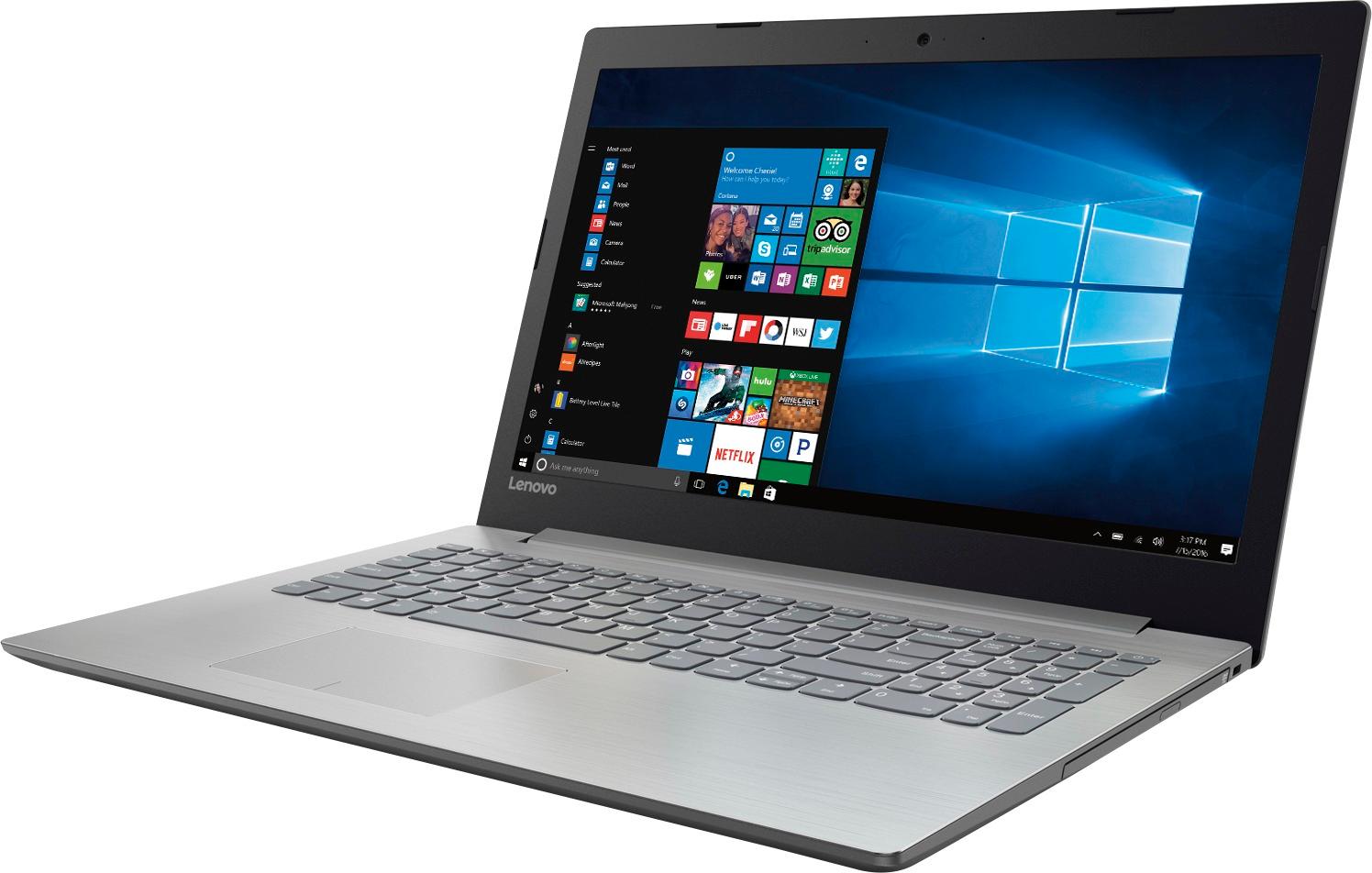
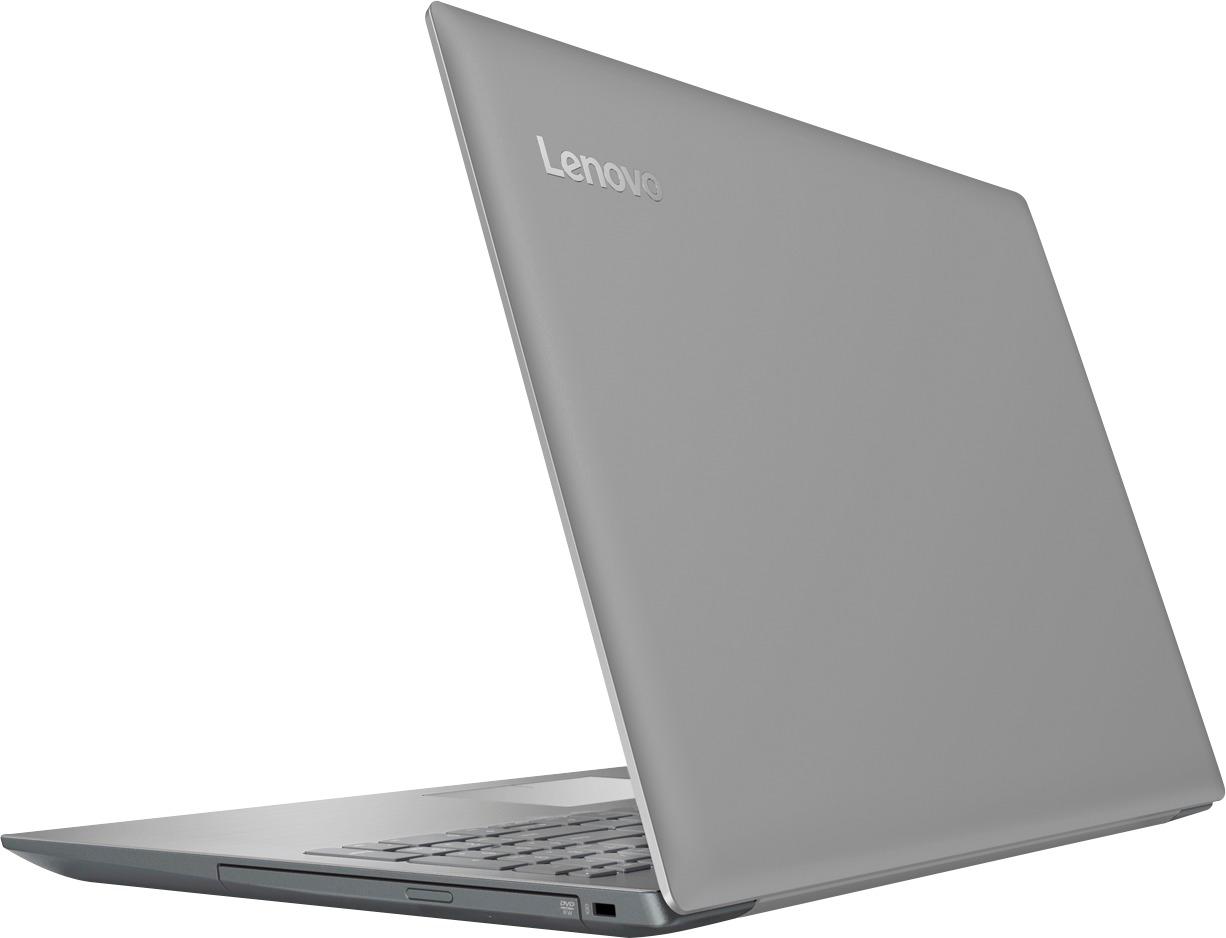
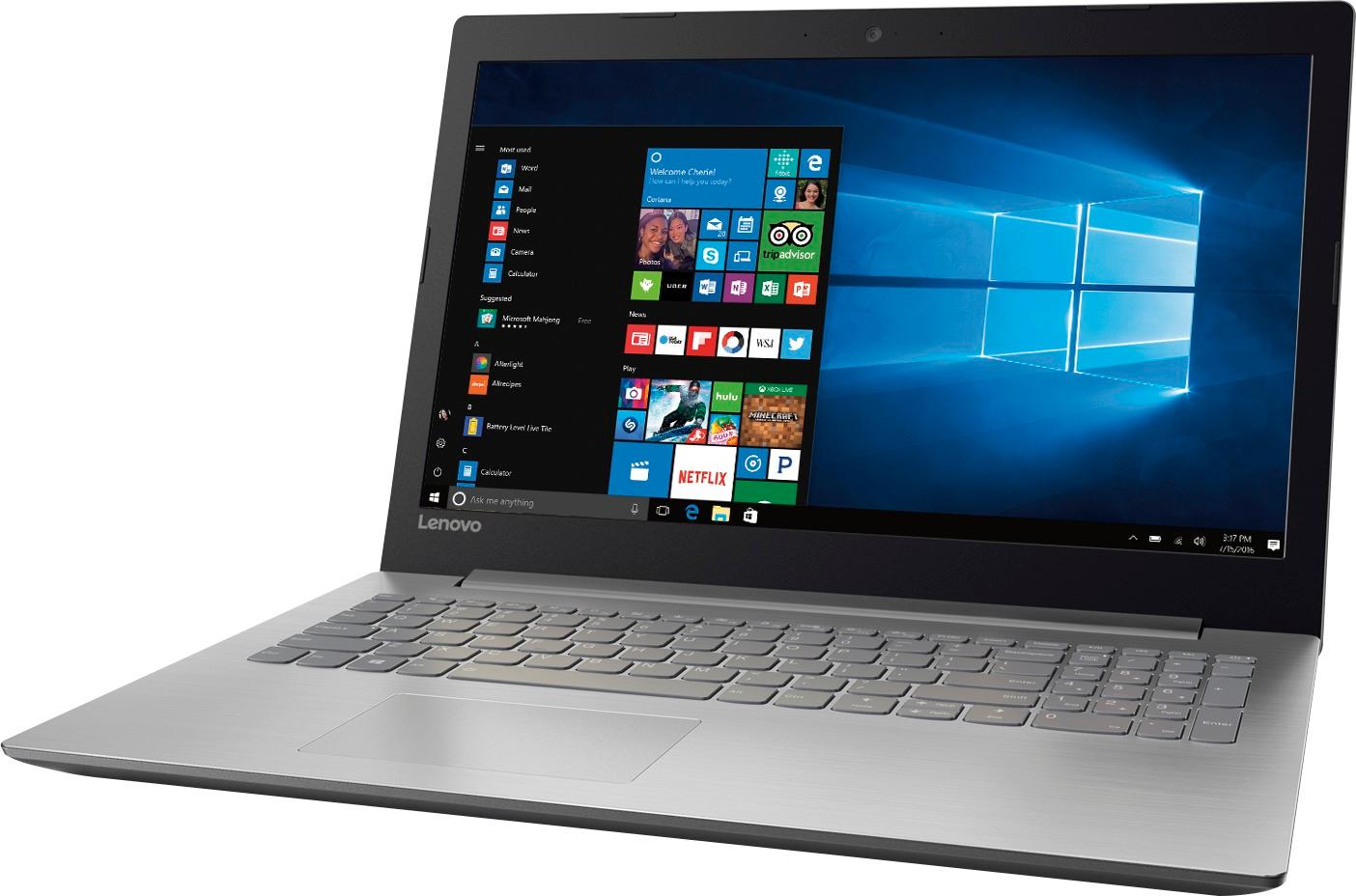
Customers frequently mention the affordability and user-friendly nature of the 15.6" Laptop. Many users appreciate its ample storage capacity and find it suitable for gaming and everyday tasks. However, concerns are raised regarding its short battery life, noisy fans, occasional touchpad issues, and subpar screen quality.
This summary was generated by AI based on customer reviews.
Big and sleek laptop
||Posted .This reviewer received promo considerations or sweepstakes entry for writing a review.I Like my silver toned laptop. I bought it as a gift for my son. He is thrilled with the purchase as it has some inbuilt free games which was his favorite. Picture clarity and monitor size is great. It has all the basic things needed for a middle school student school usage as well. Love it!
I would recommend this to a friendBrand response from Lenovo Product Expert
Posted .Thank you for choosing the Lenovo IdeaPad 320-15 laptop for your son. We are pleased to hear that the features and performance of the IdeaPad 320-15 meets your son's computing needs so well.

Good basic computer for a good price
||Posted .This reviewer received promo considerations or sweepstakes entry for writing a review.I was looking for a good, fairly capable but basic computer to donate to my son's high school robotics team. We were looking for a laptop that could run their programming apps, but we didn't want to spend a lot for extras they didn't need. So far, this computer seems to meet their needs.
I would recommend this to a friendBrand response from Lenovo Product Expert
Posted .Thank you for choosing the Lenovo IdeaPad 320-15 laptop. We are pleased to hear that the IdeaPad 320-15 meets your son's robotics team computing needs so well.
- Pros mentioned:Performance, Price
Great laptop for the price
||Posted .This reviewer received promo considerations or sweepstakes entry for writing a review.Great laptop, performs well and great speed! Bought it in 2017 and it's still holding up! Highly recommend it! Great product for the price!
I would recommend this to a friend - Cons mentioned:Battery life
Good computer for me
||Posted .This reviewer received promo considerations or sweepstakes entry for writing a review.I like the keyboards with lights, but this one doesn't have that feature. The battery drains fast, but it's a good computer for things I do.
I would recommend this to a friend The Laptop is good given its price range
||Posted .This reviewer received promo considerations or sweepstakes entry for writing a review.Brought this laptop as wanted to gift to my cousin and its a good one in its price range.....add to that I got additional discount from BB. Overall happy with price and performance.
I would recommend this to a friendBrand response from Lenovo Product Expert
Posted .Thank you for choosing the Lenovo IdeaPad 320-15 laptop. We are pleased to hear that the value and features met your criteria for a gift got your cousin.
Nice power at a reasonable price
||Posted .This reviewer received promo considerations or sweepstakes entry for writing a review.I did not need the top of the line, super powerful all in one laptop, I needed a good, all around performing workhorse computer. I was pleasantly surprised to ended up getting both
I would recommend this to a friendBrand response from Lenovo Product Expert
Posted .Thank you for choosing the Lenovo IdeaPad 320-15 laptop. We are pleased to hear that the features and performance of the IdeaPad 320-15 meets your computing needs so well.
- Cons mentioned:Battery life
Value for money laptop but heavy noise
||Posted .This reviewer received promo considerations or sweepstakes entry for writing a review.As al other reviewers mentioned, making more noise while it running and battery life worst wont even last for 30 mins after full battery.
No, I would not recommend this to a friendBrand response from Lenovo Product Expert
Posted .This system has a fan to maintain the normal operating temperature of the system. When the fan is running, it is normal to hear the fan. The battery life of this system is up to 4.5 hours, depending on the work that the device is performing. If you are getting sufficiently less battery life, be sure you have no unwanted programs running in the background on this device, draining the battery. Additionally, try changing your power management setting to a more conservative one. You can do this in the control panel, in the power management category on your system. Select a more conservative power management setting to extend battery life.
Great for the price
||Posted .This reviewer received promo considerations or sweepstakes entry for writing a review.I am using this for a home machine that mirrors my office unit. Running all Office 365 apps as well as several Adobe Cloud products. Given the black Friday special, it's perfect.
I would recommend this to a friendBrand response from Lenovo Product Expert
Posted .Thank you for choosing the Lenovo IdeaPad 320-15 laptop. We are pleased to hear that the value and performance of the IdeaPad 320-15 meets your computing needs so well.
Worth the money
||Posted .This reviewer received promo considerations or sweepstakes entry for writing a review.Although this computer isn't a top of the line, it's a definite improvement over our previous 4-year-old lap top. Good speed, perfect size. Don't pay over $300 - watch for sales!
I would recommend this to a friendBrand response from Lenovo Product Expert
Posted .Thank you for choosing the Lenovo IdeaPad 320-15 laptop. We are pleased to hear that the value and performance of the IdeaPad 320-15 meets your computing needs so well.
Impressive for the price
||Posted .This reviewer received promo considerations or sweepstakes entry for writing a review.Excellent features and specs, with good overall performance for the standard home user category. They do a better job with fit and finish than other brands in this price point.
I would recommend this to a friendBrand response from Lenovo Product Expert
Posted .Thank you for choosing the Lenovo IdeaPad 320-15 laptop. We are pleased to hear that the value, features and performance of the Ideapad 320-15 meets your computing needs so well.
- Pros mentioned:Price
Good laptop for price
||Posted .This reviewer received promo considerations or sweepstakes entry for writing a review.The laptop is great for the price and functionality for my 11 year old, the only downside is having to keep it plugged in to charge.
I would recommend this to a friend Nice basic laptop.
||Posted .This reviewer received promo considerations or sweepstakes entry for writing a review.Price was perfect for what I got. Only reason I gave 4 stars is because BB tried to ring me up for some Office 365 that I didn't even ask for. Glad I noticed during check out.
I would recommend this to a friendLaptop for my daughter in college
||Posted .This reviewer received promo considerations or sweepstakes entry for writing a review.I haven't heard any complaints so far since I purchased this for my daughter for her college classes. It was recommended by the Best Buy employees since it has 8GM of memory.
I would recommend this to a friendGood for the price
||Posted .This reviewer received promo considerations or sweepstakes entry for writing a review.Bought on Black Friday. Good for the price. Bought office suite lifetime and it froze the computer on day 1 when trying to open an excel file. Other than that it’s been good.
I would recommend this to a friendBrand response from Lenovo Product Expert
Posted .Thank you for choosing the Lenovo IdeaPad 320-15 laptop. Microsoft Office software is already installed as a 30-day trial as part of Windows 10. You just need to activate the software with a purchased Product Key, you don't need you install any more software.
Laptop for high schooler
||Posted .This reviewer received promo considerations or sweepstakes entry for writing a review.Bought this as an entry level computer for my 9th grader to do assignments. Works fine for what she needs, a little slow but that's to be expected for an entry level Laptop.
I would recommend this to a friendEnjoying updated features
||Posted .This reviewer received promo considerations or sweepstakes entry for writing a review.Liking it so far. Have appt with geek squad tomorrow for answers to some of my questions. Can hardly wait. I need a lot of help and always get it at Best Buy and Geek Squad.
I would recommend this to a friendFor $279
||Posted .This reviewer received promo considerations or sweepstakes entry for writing a review.I have several laptops about the house and this thing is better than my more expensive ones. Set up was way faster than the others and the internet speed with the next gen was crazy fast ( I do have the AC router already and all my old laptops just run off the N network)
I would recommend this to a friendnice and sturdy laptop gets the job done
||Posted .This reviewer received promo considerations or sweepstakes entry for writing a review.Can't beat the durability of a dell. This was a great laptop for my sister who does enough online to need something just a little better than the average user but not beefy
I would recommend this to a friendOk but not great
||Posted .This reviewer received promo considerations or sweepstakes entry for writing a review.This Lenovo is ok for the relatively cheap price but fairly regularly will lag as if it lacks sufficient memory or processing power. Probably won't last long at this rate.
No, I would not recommend this to a friend- Cons mentioned:Fan noise
slower and noisier than expected
||Posted .This reviewer received promo considerations or sweepstakes entry for writing a review.Got this for my wife thinking that with an A12 and 8G of memory it should be smooth and fast for what she does. The fan starts spinning loudly even with the most basic of tasks. I compared the WiFi throughput against the old Dell E6410 i5 4G that I replaced and the Dell blew away this Lenovo with about 4x the performance. If I can, I will try to return. Just because it has an A12 and 8G doesn't mean that it's fast.
No, I would not recommend this to a friendBrand response from Lenovo Product Expert
Posted .This system should be a fast system with its AMD A12 processor and 8GB of RAM. Be sure any software you installed is compatible with Windows 10. Additionally, concerning WiFi compatibility, this system uses 802.11AC, the latest and fastest version of WiFi. Although 802.11AC is backward compatible to earlier versions of WiFi, you might want to check with your router manufacturer to see if there is a firmware update for your router. So things to consider that might slow down the performance of this system: There is no need to install Microsoft Office software. The software is already part of the operating system, you just need to activate the software with a purchased product key. If you have installed a copy of Microsoft Office, this is conflicting with the existing copy on the system and this will slow your system down. If you have installed a 3rd party anti-virus program, be sure that Windows Defender is turned off and that the trial version of McAfee Anti-Virus software is uninstalled. There can only be one anti-virus program on the system. You may need to restore your system to original factory default settings if any of the programing errors have occurred. You can do that by typing "restore" in the Cortana search window. Just click on the magnifying glass icon at the bottom left of your Windows 10 Desktop. Click on "Reset This PC" Then click on "Get Started" and follow the on screen directions to restore to factory defaults.