Customer Ratings & Reviews

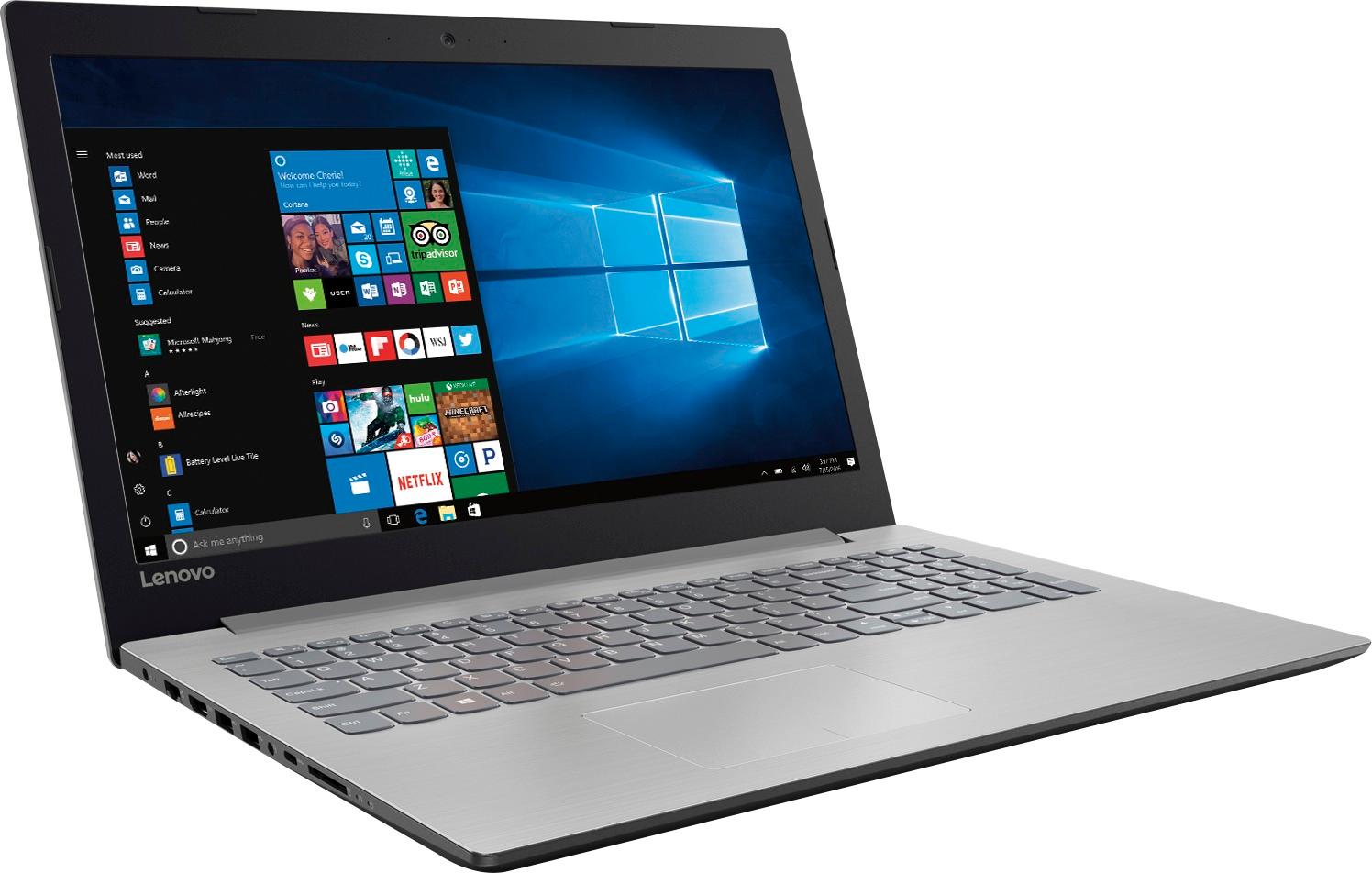
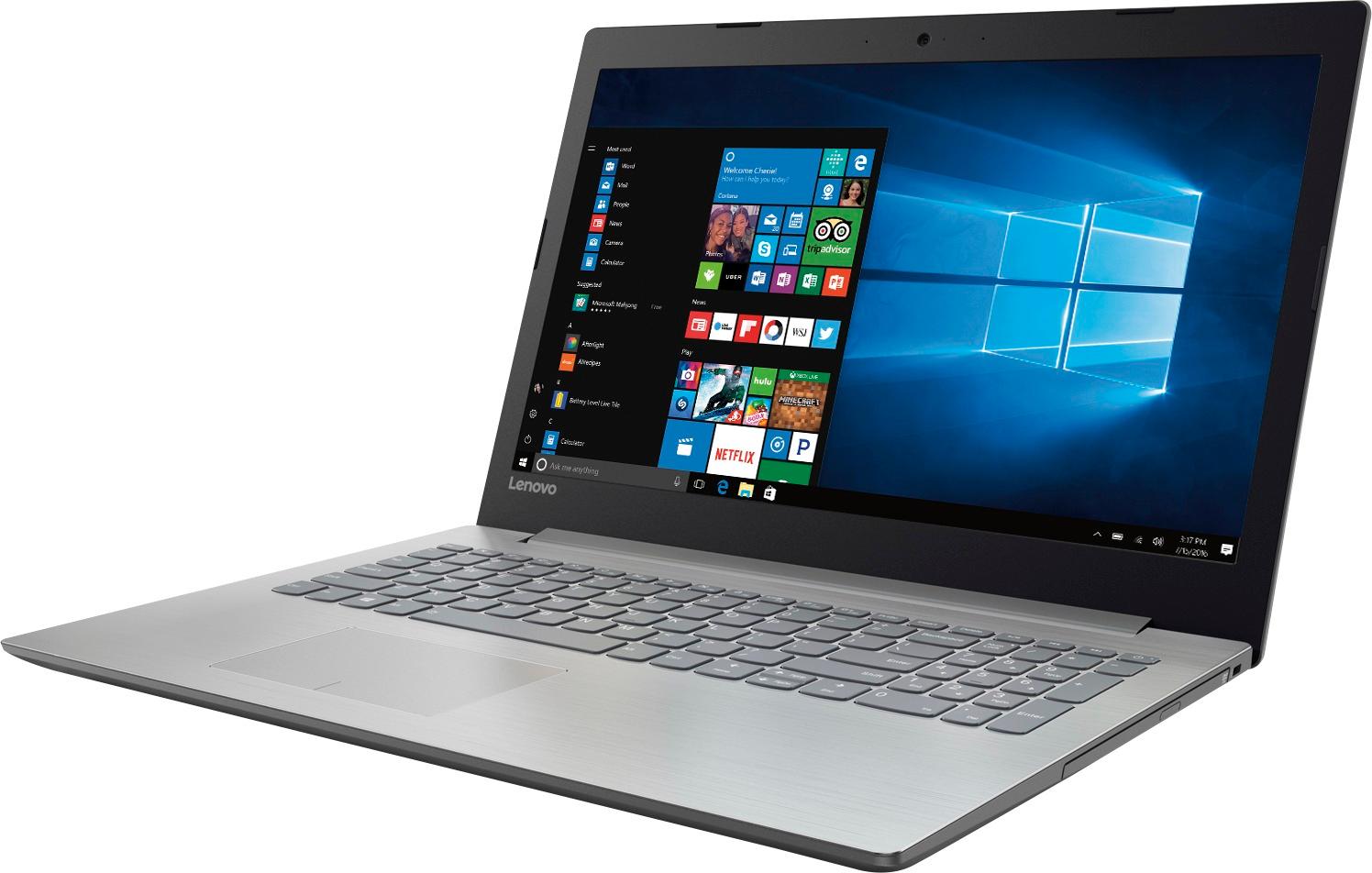
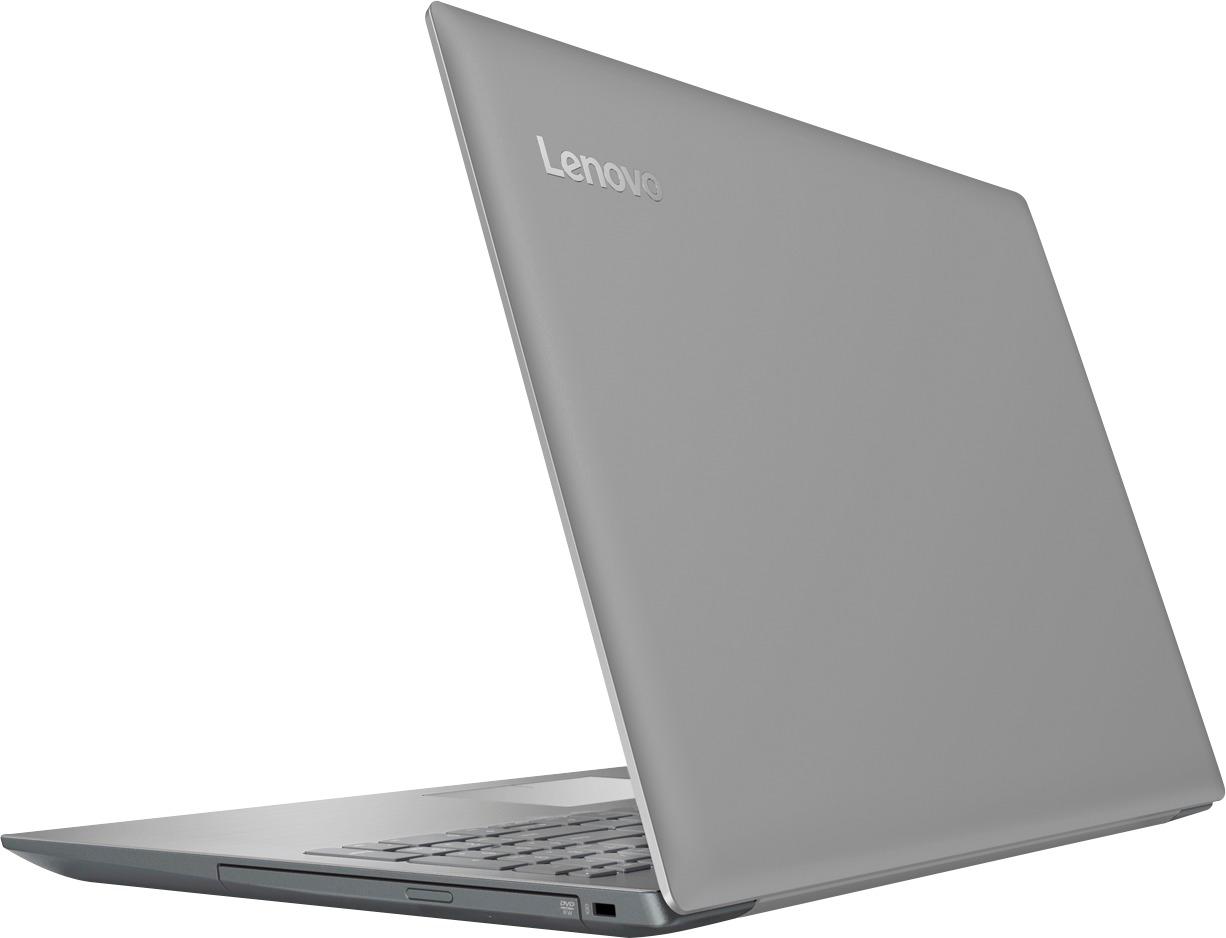

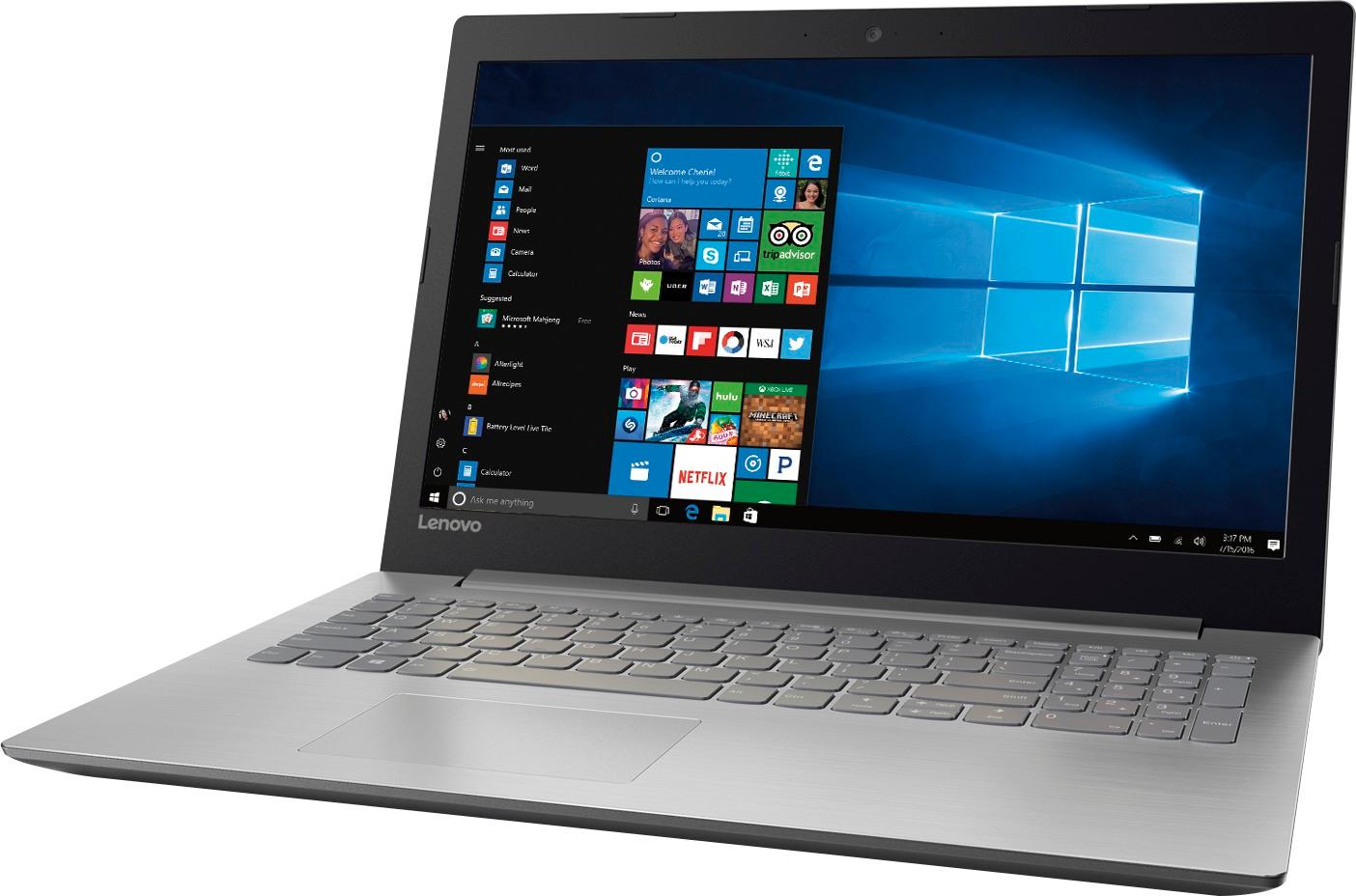


- Model:
- 80XS0024US
- SKU:
- 5828300
Rating by feature
- Value
Rating 4.1 out of 5 stars
- Quality
Rating 3.9 out of 5 stars
- Ease of Use
Rating 4.1 out of 5 stars
Customers are saying
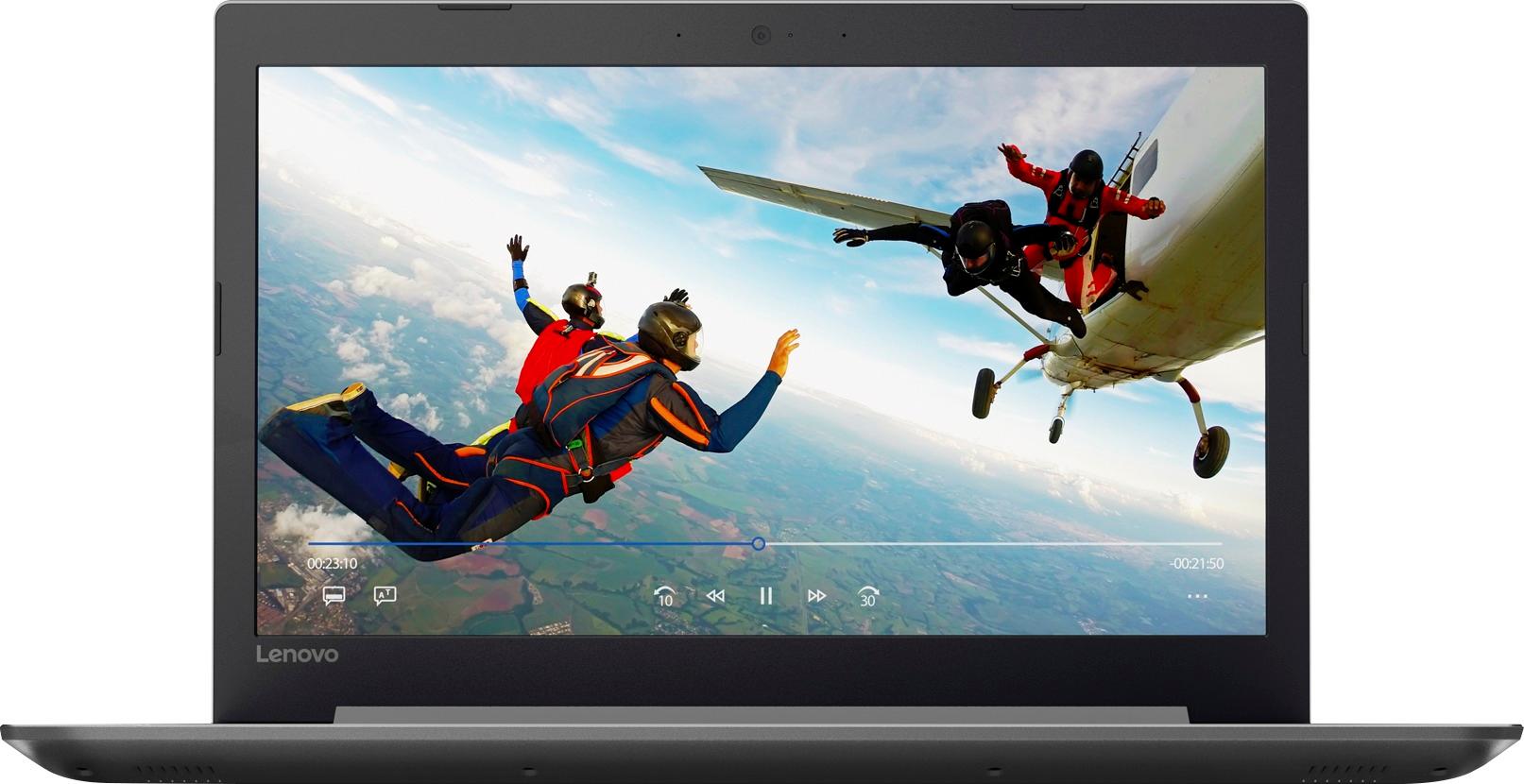
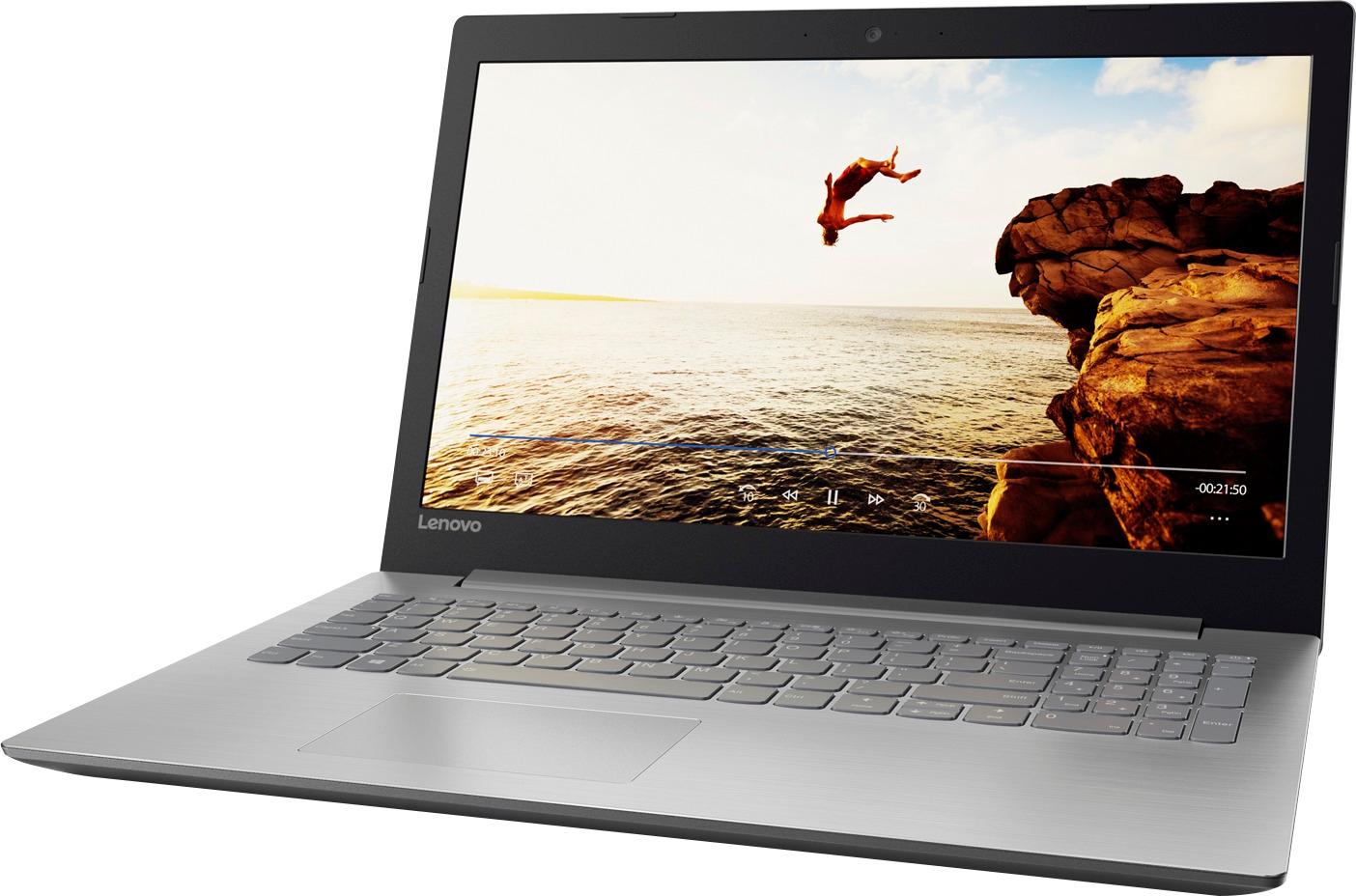
Customers frequently mention the affordability and user-friendly nature of the 15.6" Laptop. Many users appreciate its ample storage capacity and find it suitable for gaming and everyday tasks. However, concerns are raised regarding its short battery life, noisy fans, occasional touchpad issues, and subpar screen quality.
This summary was generated by AI based on customer reviews.
Good laptop
||Posted .This reviewer received promo considerations or sweepstakes entry for writing a review.Good laptop. Had to remove some software that came preinstalled. Made the internet terribly slow. Otherwise good purchase.
I would recommend this to a friendGreat for non cpu heavy aps
||Posted .This reviewer received promo considerations or sweepstakes entry for writing a review.My son uses this laptop for writing music and playing games, but nothing too intense. Works great for these type of users.
I would recommend this to a friendBeware!
||Posted .This reviewer received promo considerations or sweepstakes entry for writing a review.The computer keeps freezing up (especially when viewing video) and when it does there is a deafening buzzing sound then I have to reboot. Tech support is the worst I have ever encountered and keep telling me that it must be a software problem and they will be happy to help me for $20 even though it is only two months old.. I'm probably going to have to trash this unit and replace it with a better brand.
No, I would not recommend this to a friendBrand response from Lenovo Product Expert
Posted .This sounds like an issue with either installed software or a problem with an automatic Windows 10 update. This system is equipped with OneKey Recovery System. There is a very small pin hole on the left side of the device, right near the SD card slot on the device. You will need a pin to push this reset button. Plug the device in. Let the battery charge for about 15 minutes. Push the reset button. The system should boot to a choice screen where you can choose "Restore To Factory Default". Select this. It will delete everything from the hard drive except the original factory install of the operating system. You will need to reinstall all programs and files after the reset. If you don't have copies of the files, try to make one before you restore by selecting "Boot to desktop" and trying to back up your files.

Very sleek
||Posted .This reviewer received promo considerations or sweepstakes entry for writing a review.The Laptop is lightweight with a sleek design. The screen is large enough to see but thin enough to not add a lot of weight.
I would recommend this to a friendBrand response from Lenovo Product Expert
Posted .Thank you for choosing the Lenovo IdeaPad 320-15 laptop. We are pleased to hear that the features and performance of the Ideapad 320-15 meets your computing needs so well.
Good Student Computer
||Posted .This reviewer received promo considerations or sweepstakes entry for writing a review.Purchased the computer for my son in college. Small enough to transport easily and a big enough screen to view your work.
I would recommend this to a friendLaptop
||Posted .This reviewer received promo considerations or sweepstakes entry for writing a review.I brought my husband this laptop for work we have it only few months and it is falling apart the mouse pad does not work and USB port is sagging and there something wrong with windows go to make a new folder and the screen goes black and takes you to the home screen. I’m not very happy with this product, now I have buy another laptop because my husband has to have one for work and deal with this one.
No, I would not recommend this to a friendBrand response from Lenovo Product Expert
Posted .With regard to the touchpad, you can make adjustments to the touchpad in your system settings. You can get there by clicking on the magnifying glass at the bottom left of your Windows 10 screen. Type "touchpad" in the search window. Select "Mouse & touchpad settings" from the list of choices. You can make general adjustments to the touchpad there. You can also select "Additional mouse options" for more detailed adjustments to the touchpad sensitivity by increasing the delay of the touchpad. The issues you mention with Windows 10, making a new folder, sounds like a recent Windows 10 update might not have installed properly. This system is equipped with OneKey Recovery System. There is a very small pin hole on the left side of the device, right near the SD card slot on the device. You will need a pin to push this reset button. Plug the device in. Let the battery charge for about 15 minutes. Push the reset button. The system should boot to a choice screen where you can choose "Restore To Factory Default". Select this. It will delete everything from the hard drive except the original factory install of the operating system. You will need to reinstall all programs and files after the reset. If you don't have copies of the files, try to make one before you restore by selecting "Boot to desktop" and trying to back up your files.
Good computer for basic general use.
||Posted .This reviewer received promo considerations or sweepstakes entry for writing a review.I needed a computer for recordkeeping and didn't want to spend a lot of money. This computer functions well for what I need.
I would recommend this to a friendBrand response from Lenovo Product Expert
Posted .Thank you for choosing the Lenovo IdeaPad 110-15 laptop. We are pleased to hear that the value and performance of the IdeaPad 110-15 meets your computing needs so well.
Good for what I use it
||Posted .This reviewer received promo considerations or sweepstakes entry for writing a review.I got this for my mother-in-law who mostly use it for Web browsing, Skype, and storing pictures from her camera. It has worked great and she hasn't asked for much support from me. Everyone's happy!
I would recommend this to a friendLaptop
||Posted .This reviewer received promo considerations or sweepstakes entry for writing a review.So far so good seems to be everything needed a little time to set up and updates took awhile otherwise happy with purchase
I would recommend this to a friendVery happy
||Posted .This reviewer received promo considerations or sweepstakes entry for writing a review.Good computer. Bought it mostly because of value. Page up key is in a weird position causing me to hit it instead of ship. Pain. But, added an app to reassign the key. Over all very happy. Would buy again.
I would recommend this to a friendBrand response from Lenovo Product Expert
Posted .Thank you for choosing the Lenovo IdeaPad 320-15 laptop. For others who may be having the keyboard issue you mention, there is a free software APP called KeyTweak that may help you. You can switch the key functions of specific keys on your keyboard with this software, so you could change the right shift key with the key you hit in its place. Just Google search "KeyTweak" and you will find articles about what the software does and you will find the download location for this free APP.
- Pros mentioned:Storage
Great computer
||Posted .This reviewer received promo considerations or sweepstakes entry for writing a review.Bought a startup computer For my grandson. Fast another and with Plenty of storage.
I would recommend this to a friend Great laptop, great price
||Posted .This reviewer received promo considerations or sweepstakes entry for writing a review.This Lenovo laptop was an easy pick, with 8 GB of RAM and 1 TB hard drive for the same price (or less) than some models with half that. And Lenovo is a top notch brand, so there was no sacrifice in quality
I would recommend this to a friendBrand response from Lenovo Product Expert
Posted .Thank you for choosing the Lenovo IdeaPad 110-15 laptop. We are pleased to hear that the value, features and performance of the IdeaPad 110-15 meets your computing needs so well.
No regrets
||Posted .This reviewer received promo considerations or sweepstakes entry for writing a review.I trusted the employees who told me about all the brands, but when I asked them which one they had, two out of three had the Lenovo. I am very pleased with the simplicity because I am not very tech savvy.
I would recommend this to a friendBrand response from Lenovo Product Expert
Posted .Thank you for choosing the Lenovo IdeaPad 110-15 laptop. We are pleased to hear that the IdeaPad 110-15 is working out so well for you.
Great computer for home schooling granddaughter.
||Posted .This reviewer received promo considerations or sweepstakes entry for writing a review.Nice, nimble 1st computer for granddaughter. Easy to use and navigate. Do not need top of the line laptop until she commits to heavy, everyday use. Easily handles video and music for on-line instruction.
I would recommend this to a friendBrand response from Lenovo Product Expert
Posted .Thank you for choosing the Lenovo IdeaPad 320-15 laptop for your grand daughter. We are pleased to hear that the performance of the Ideapad 320-15 meets your grand daughter's computing needs so well.
Great for what I need
||Posted .This reviewer received promo considerations or sweepstakes entry for writing a review.I use internet and wifi a lot! Lots of different pages open at the same time. Seems to be fast enough to handle it all.
I would recommend this to a friendBrand response from Lenovo Product Expert
Posted .Thank you for choosing the Lenovo IdeaPad 320-15 laptop. We are pleased to hear that the performance of the IdeaPad 320-15 meets your computing needs so well.
New Laptop/New Accessories
||Posted .This reviewer received promo considerations or sweepstakes entry for writing a review.Needed a new laptop. Researched extensively before landing on this Lenovo. I have several Lenovo products and continue to stay loyal to the brand as I am completely satisfied with all of their products.
I would recommend this to a friendBrand response from Lenovo Product Expert
Posted .Thank you for choosing the Lenovo IdeaPad 110-15 laptop. We are pleased to hear that the IdeaPad 110-15 meets your computing needs so well. We appreciate your loyalty to the Lenovo Brand.
Great for College
||Posted .This reviewer received promo considerations or sweepstakes entry for writing a review.We got this computer because it met the recommended specs for my daughter's university. It seems to be working fine.
I would recommend this to a friendBrand response from Lenovo Product Expert
Posted .Thank you for choosing the Lenovo IdeaPad 110-15 laptop for your daughter. We are pleased to hear that the IdeaPad 110-15 is working out so well for your daughter.
Great laptop. Great work by geek squad
||Posted .This reviewer received promo considerations or sweepstakes entry for writing a review.This is a great laptop with tons of features and great performance. I got a open box deal and saves big TIM. Geek squad made sure it was like. Ew when I got it and installed anti virus software etc
I would recommend this to a friendGreat computer
||Posted .This reviewer received promo considerations or sweepstakes entry for writing a review.This is my 3rd Lenovo computer purchased. They are easy to set up and easy to use. Replacing the old laptops as they are breaking down. I would definitely suggest these computers for college students.
I would recommend this to a friendBrand response from Lenovo Product Expert
Posted .Thank you for choosing the Lenovo IdeaPad 320-15 laptop. We appreciate your loyalty to the Lenovo Brand.
It’s a good option for that price
||Posted .This reviewer received promo considerations or sweepstakes entry for writing a review.I bought it for a gift for my sister and it was perfect, she loved it and it is worth it for what she needs this.
I would recommend this to a friend