Customer Ratings & Reviews

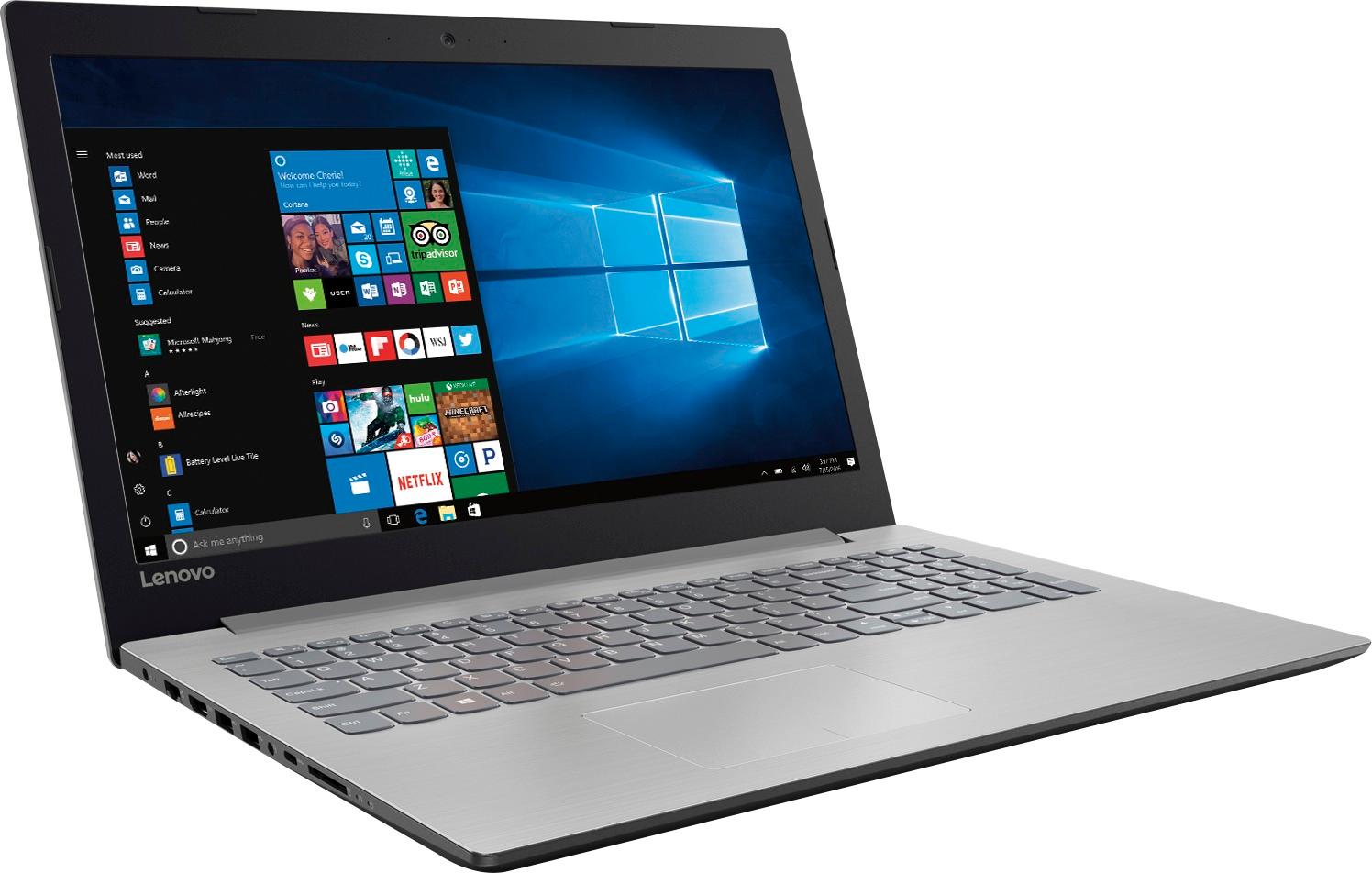
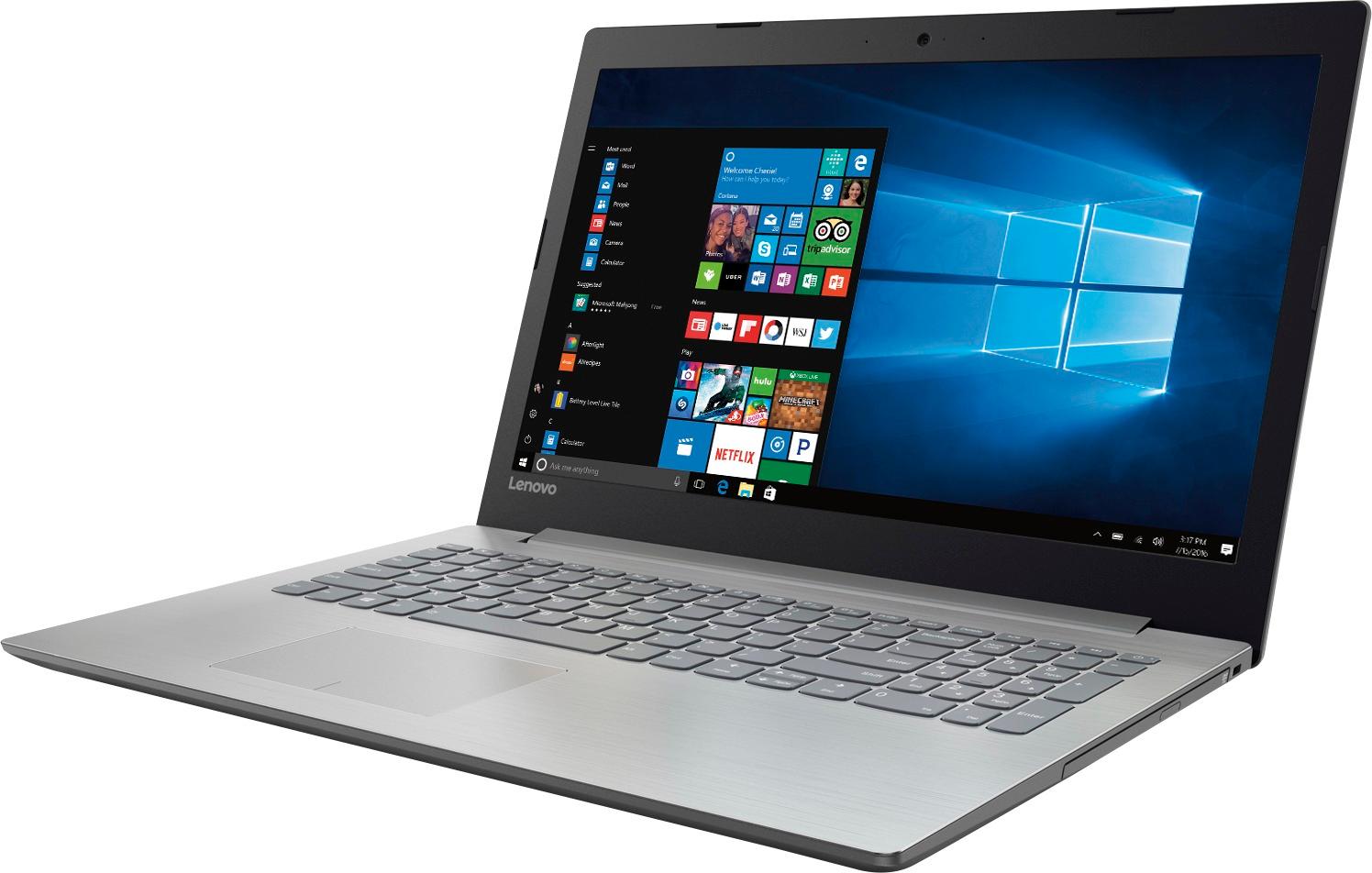
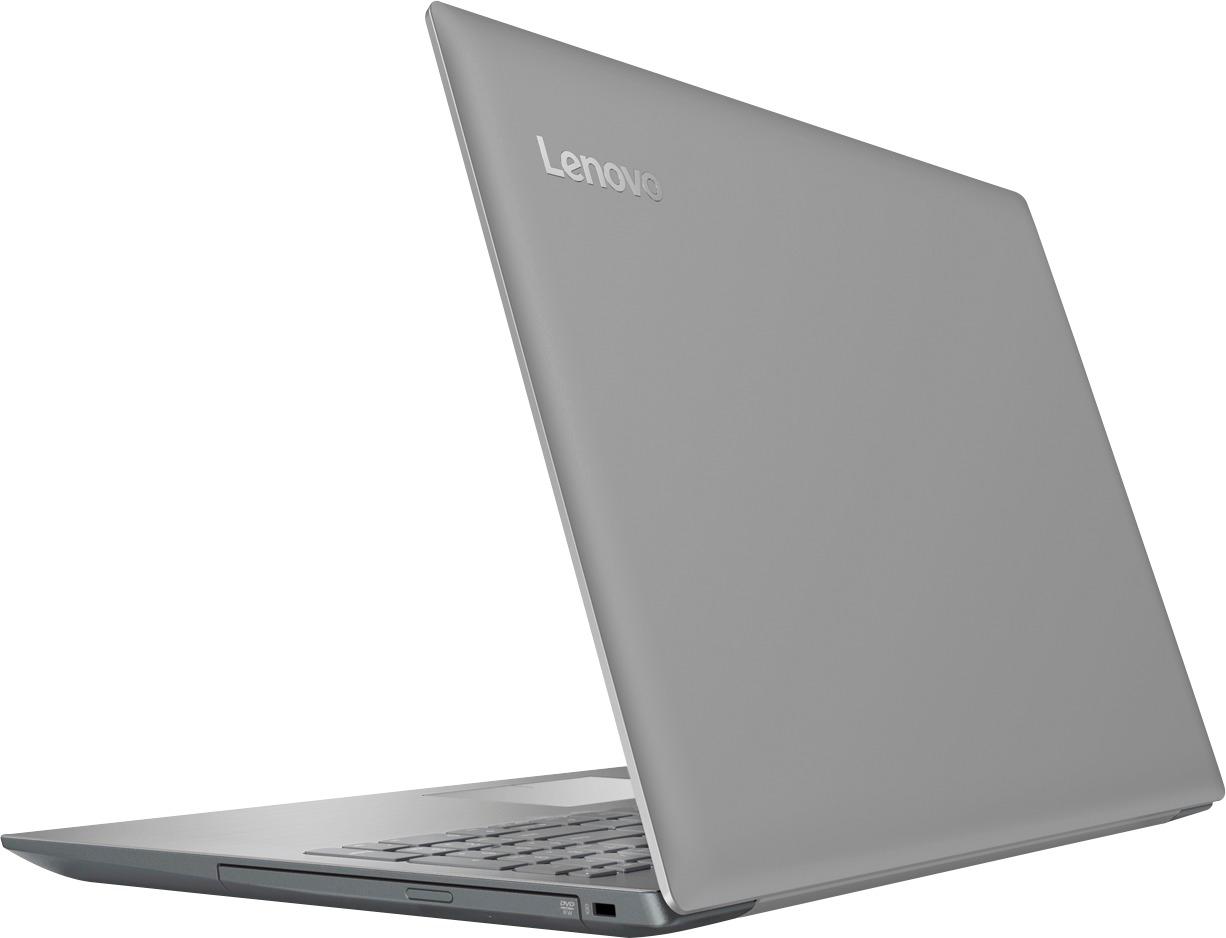

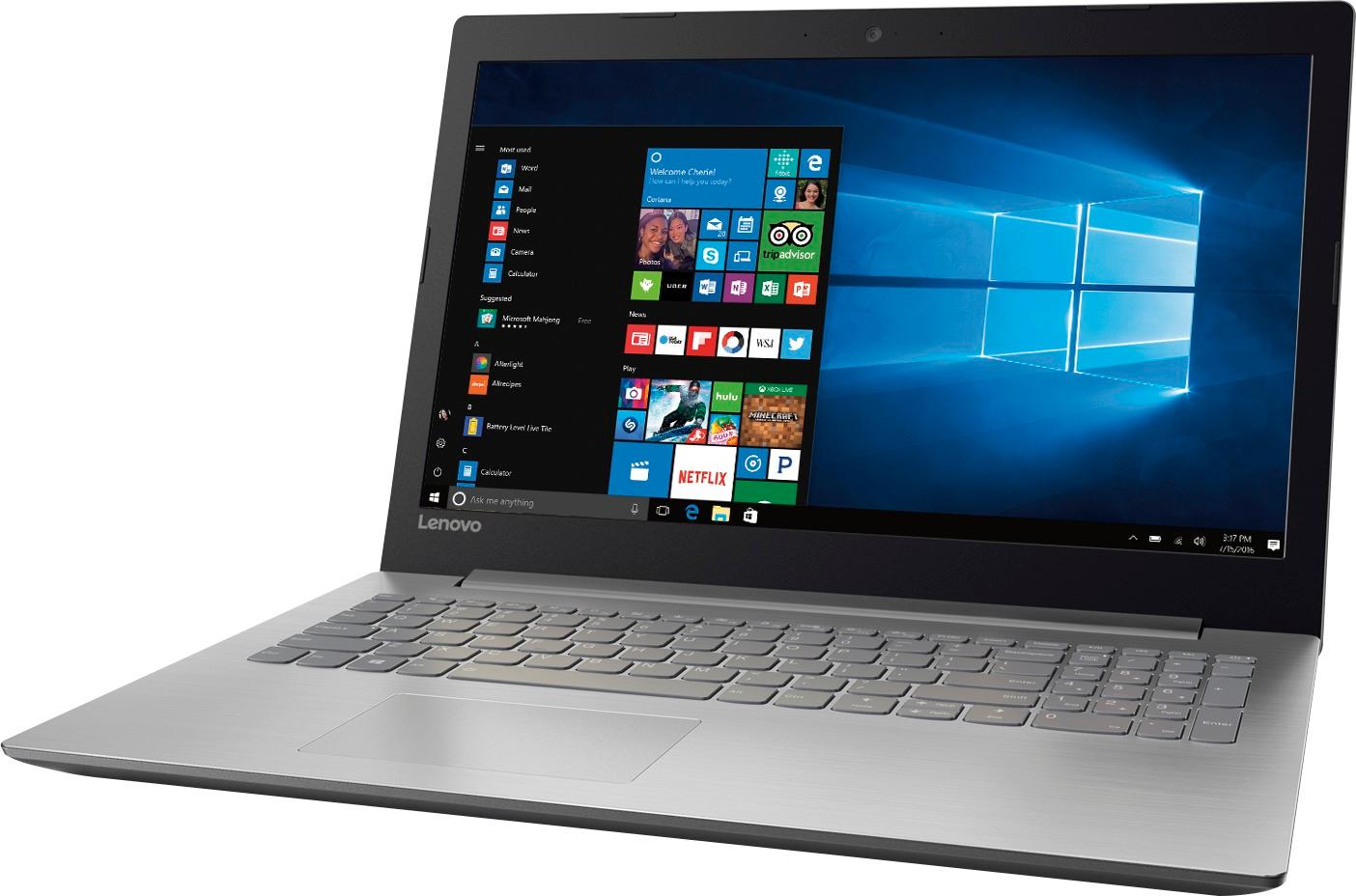


- Model:
- 80XS0024US
- SKU:
- 5828300
Rating by feature
- Value
Rating 4.1 out of 5 stars
- Quality
Rating 3.9 out of 5 stars
- Ease of Use
Rating 4.1 out of 5 stars
Customers are saying
Customers frequently mention the affordability and user-friendly nature of the 15.6" Laptop. Many users appreciate its ample storage capacity and find it suitable for gaming and everyday tasks. However, concerns are raised regarding its short battery life, noisy fans, occasional touchpad issues, and subpar screen quality.
This summary was generated by AI based on customer reviews.
Laptop
||Posted .This reviewer received promo considerations or sweepstakes entry for writing a review.Great laptop for the price would recommend to anyone
I would recommend this to a friendBrand response from Lenovo Product Expert
Posted .Thank you for choosing the Lenovo IdeaPad 110-15 laptop. We are pleased to hear that the value and performance of the IdeaPad 110-15 meets your computing needs so well.

Excellent product for the price.
||Posted .This reviewer received promo considerations or sweepstakes entry for writing a review.Power house laptop with a lot of bang for the buck.
I would recommend this to a friendBrand response from Lenovo Product Expert
Posted .Thank you for choosing the Lenovo IdeaPad 110-15 laptop. We are pleased to hear that the value and performance of the IdeaPad 110-15 meets your computing needs so well.
Nice for the money
||Posted .This reviewer received promo considerations or sweepstakes entry for writing a review.Haven't used it much yet, but happy with it so far!
I would recommend this to a friendGreat laptop for our needs
||Posted .This reviewer received promo considerations or sweepstakes entry for writing a review.Just needed basic computer. .perfect for searching
I would recommend this to a friendBrand response from Lenovo Product Expert
Posted .Thank you for choosing the Lenovo IdeaPad 320-15 laptop. We are pleased to hear that the IdeaPad 320-15 meets your computing needs so well.
Best Laptop on the market
||Posted .This reviewer received promo considerations or sweepstakes entry for writing a review.Fast Start up. easy to set up. best Mac Laptop yet
I would recommend this to a friendGreat, online speed.
||Posted .This reviewer received promo considerations or sweepstakes entry for writing a review.Great laptop to take anywhere. Colors are great...
I would recommend this to a friendBrand response from Lenovo Product Expert
Posted .Thank you for choosing the Lenovo IdeaPad 320-15 laptop. We are pleased to hear that the IdeaPad 320-15 meets your computing needs so well.
lenovo-15.6 laptop
||Posted .This reviewer received promo considerations or sweepstakes entry for writing a review.i like the place for the services and location for
I would recommend this to a friendGreat laptop for the price
||Posted .This reviewer received promo considerations or sweepstakes entry for writing a review.It is perfect for what my son needed for school!!!
I would recommend this to a friendBrand response from Lenovo Product Expert
Posted .Thank you for choosing the Lenovo IdeaPad 320-15 laptop for your son. We are pleased to hear that the IdeaPad 320-15 meets your son's computing needs so well.
Kids
||Posted .This reviewer received promo considerations or sweepstakes entry for writing a review.I bought this laptop for my kids and they love it.
I would recommend this to a friendBrand response from Lenovo Product Expert
Posted .Thank you for choosing the Lenovo IdeaPad 110-15 laptop for your children. We are pleased to hear that the IdeaPad 110-15 meets the computing needs of your children so well.
Excellent!
||Posted .This reviewer received promo considerations or sweepstakes entry for writing a review.Excellent laptop, does a lot for what the price is
I would recommend this to a friendBrand response from Lenovo Product Expert
Posted .Thank you for choosing the Lenovo IdeaPad 110-15 laptop. We are pleased to hear that the value and performance of the Ideapad 110-15 meets your computing needs so well.
Connection issues
||Posted .This reviewer received promo considerations or sweepstakes entry for writing a review.Laptop has issues with network adapter having to be reinstalled often in order to connect to internet
No, I would not recommend this to a friendDidn't open.
||Posted .This reviewer received promo considerations or sweepstakes entry for writing a review.Got a great deal on this laptop but it wasn't touch screen as my son wanted so found another smoking deal on a different laptop and returned this one.
I would recommend this to a friendThe worst
||Posted .This reviewer received promo considerations or sweepstakes entry for writing a review.Just turn on and the hard drive when blank. I had not used the computer and Best buy had been with the computer for almost 2 months. Worst service too
No, I would not recommend this to a friendBrand response from Lenovo Product Expert
Posted .This system is equipped with OneKey Recovery System. There is a very small pin hole on the left side of the device, right near the SD card slot on the device. You will need a pin to push this reset button. Plug the device in. Let the battery charge for about 15 minutes. Push the reset button. The system should boot to a choice screen where you can choose "Restore To Factory Default". Select this. It will delete everything from the hard drive except the original factory install of the operating system. You will need to reinstall all programs and files after the reset. If you don't have copies of the files, try to make one before you restore by selecting "Boot to desktop" and trying to back up your files.
Waste of money
||Posted .This reviewer received promo considerations or sweepstakes entry for writing a review.About 2 years ago I purchased this because it was on sale and needed something bigger than my phone for browsing the internet, which the salesman told me it would be a good buy. I have nothing on it but a few small documents and it is horrendously slow. I was going to upload my pictures from my camera on it but its pointless. I went out and got a Mac instead, Much happier now :)
No, I would not recommend this to a friendOk but not too good
||Posted .This reviewer received promo considerations or sweepstakes entry for writing a review.The computer is slow and windows OS 10 not responsive. If you can wait and be patient, then this price tag is amazing for technology!
No, I would not recommend this to a friendBrand response from Lenovo Product Expert
Posted .This system should be a fast system with its AMD A12 processor and 8GB of RAM. Be sure any software you installed is compatible with Windows 10. There is no need to install Microsoft Office software. The software is already part of the operating system, you just need to activate the software with a purchased product key. If you have installed a copy of Microsoft Office, this is conflicting with the existing copy on the system and this will slow your system down. If you have installed a 3rd party anti-virus program, be sure that Windows Defender is turned off and that the trial version of McAfee Anti-Virus software is uninstalled. There can only be one anti-virus program on the system. You may need to restore your system to original factory default settings if any of the programing errors have occurred. You can do that by typing "restore" in the Cortana search window. Just click on the magnifying glass icon at the bottom left of your Windows 10 Desktop. Click on "Reset This PC" Then click on "Get Started" and follow the on screen directions to restore to factory defaults.
- Cons mentioned:Battery life
not great computer
||Posted .This reviewer received promo considerations or sweepstakes entry for writing a review.this computer is not working the way I spect the battery give me only one hour of charge
No, I would not recommend this to a friend Do not buy
||Posted .This reviewer received promo considerations or sweepstakes entry for writing a review.Less than a month; in shop because operating system won't load! Also, the plug design suck, it becomes unplugged constantly!
No, I would not recommend this to a friendBrand response from Lenovo Product Expert
Posted .This system is equipped with OneKey Recovery System. There is a very small pin hole on the left side of the device, right near the SD card slot on the device. You will need a pin to push this reset button. Plug the device in. Let the battery charge for about 15 minutes. Push the reset button. The system should boot to a choice screen where you can choose "Restore To Factory Default". Select this. It will delete everything from the hard drive except the original factory install of the operating system. You will need to reinstall all programs and files after the reset. If you don't have copies of the files, try to make one before you restore by selecting "Boot to desktop" and trying to back up your files.
A little slow on performance
||Posted .This reviewer received promo considerations or sweepstakes entry for writing a review.I am really not pleased with this computer. Even though I got the 8g of ram it still loads a bit slower than I expected it to.
No, I would not recommend this to a friendBrand response from Lenovo Product Expert
Posted .This system should be a fast system with its AMD A12 processor and 8GB of RAM. Be sure any software you installed is compatible with Windows 10. There is no need to install Microsoft Office software. The software is already part of the operating system, you just need to activate the software with a purchased product key. If you have installed a copy of Microsoft Office, this is conflicting with the existing copy on the system and this will slow your system down. If you have installed a 3rd party anti-virus program, be sure that Windows Defender is turned off and that the trial version of McAfee Anti-Virus software is uninstalled. There can only be one anti-virus program on the system. You may need to restore your system to original factory default settings if any of the programing errors have occurred. You can do that by typing "restore" in the Cortana search window. Just click on the magnifying glass icon at the bottom left of your Windows 10 Desktop. Click on "Reset This PC" Then click on "Get Started" and follow the on screen directions to restore to factory defaults.
Economical laptop with fast wi fi
||Posted .This reviewer received promo considerations or sweepstakes entry for writing a review.I purchasex this laptop because I am tired of slow loading web pages. This has the high speed wi fi card built in.
I would recommend this to a friend- Pros mentioned:Price
Good Price.
||Posted .This reviewer received promo considerations or sweepstakes entry for writing a review.Price was right. Computer is S-L-O-W and heavy. You get what you pay for.
No, I would not recommend this to a friendBrand response from Lenovo Product Expert
Posted .This system should be a very fast system with its AMD A12 processor and 8GB of RAM. Be sure any software you installed is compatible with Windows 10. There is no need to install Microsoft Office software. The software is already part of the operating system, you just need to activate the software with a purchased product key. If you have installed a copy of Microsoft Office, this is conflicting with the existing copy on the system and this will slow your system down. If you have installed a 3rd party anti-virus program, be sure that Windows Defender is turned off and that the trial version of McAfee Anti-Virus software is uninstalled. There can only be one anti-virus program on the system. You may need to restore your system to original factory default settings if any of the programing errors have occurred. You can do that by typing "restore" in the Cortana search window. Just click on the magnifying glass icon at the bottom left of your Windows 10 Desktop. Click on "Reset This PC" Then click on "Get Started" and follow the on screen directions to restore to factory defaults.