Customer Ratings & Reviews




- Model:
- 80XS0024US
- SKU:
- 5828300
Rating by feature
- Value
Rating 4.1 out of 5 stars
- Quality
Rating 3.9 out of 5 stars
- Ease of Use
Rating 4.1 out of 5 stars
Customers are saying
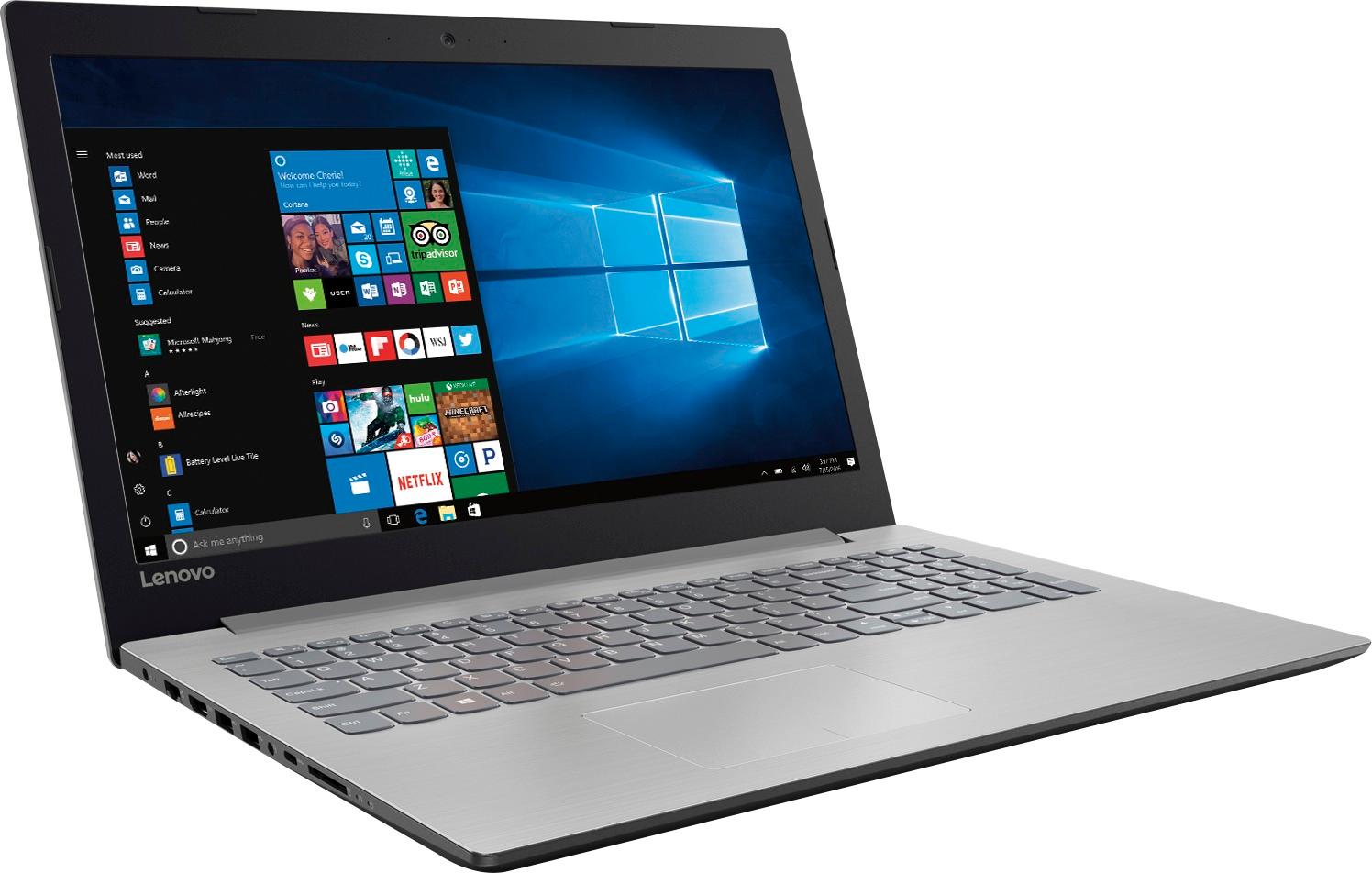
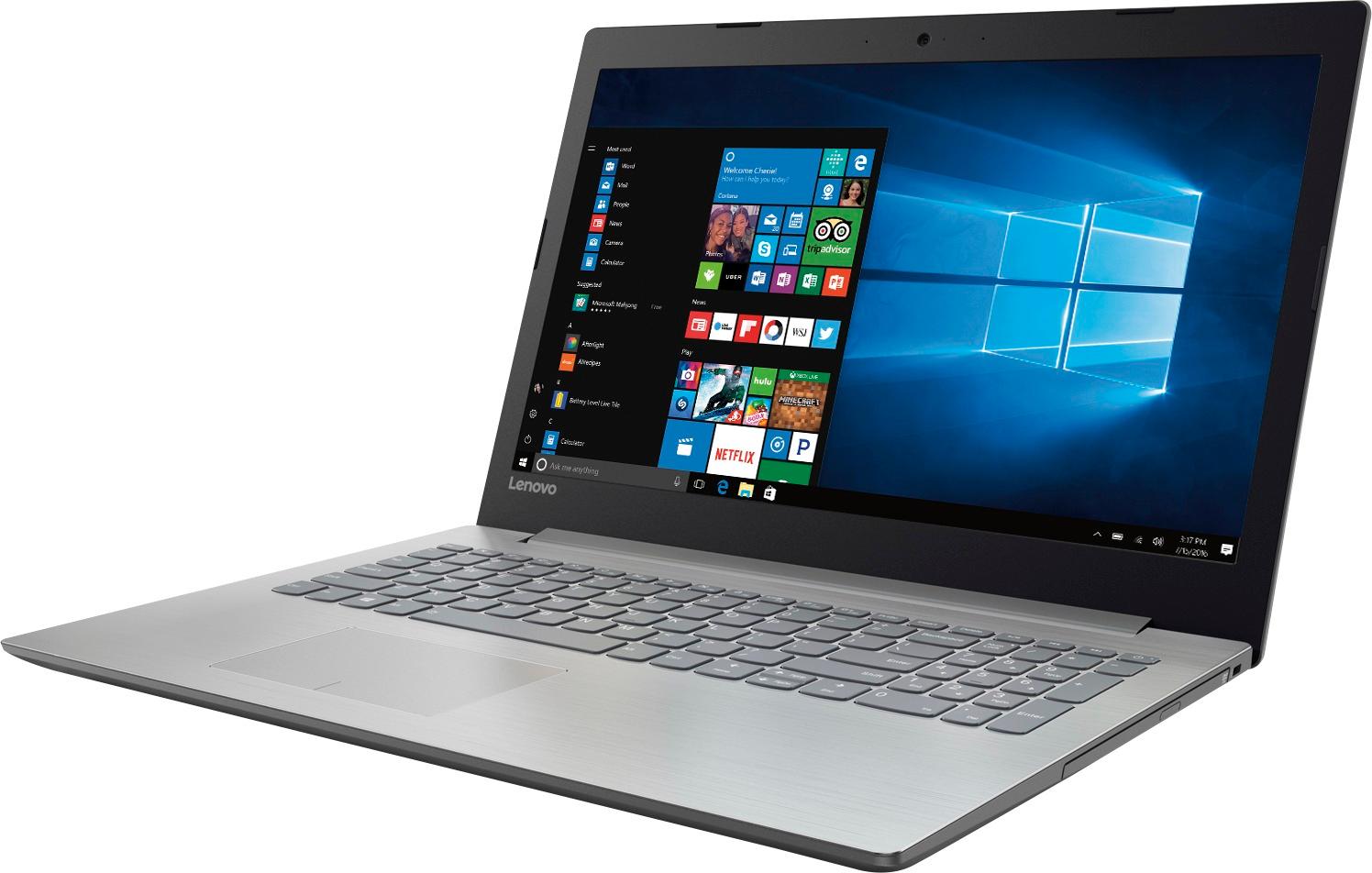
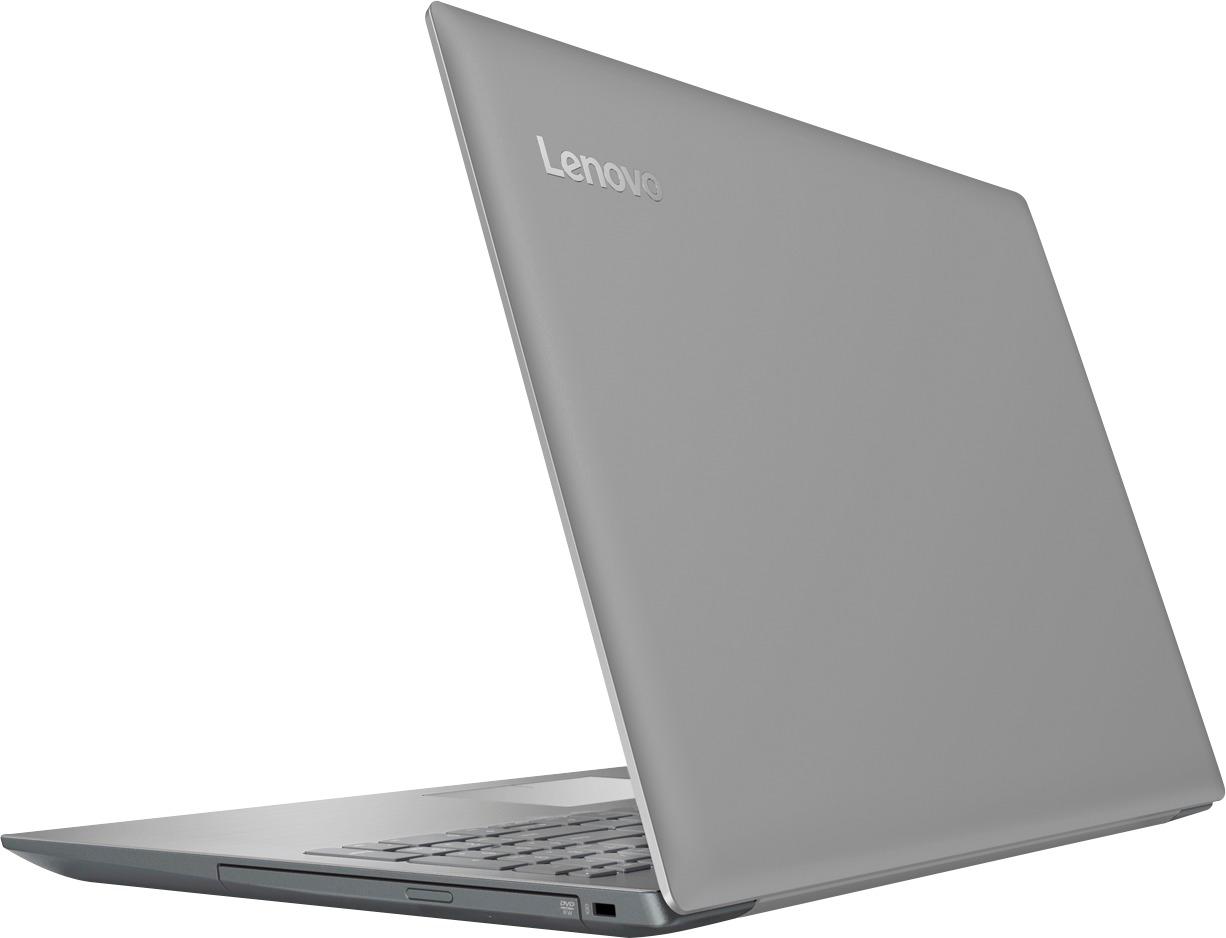
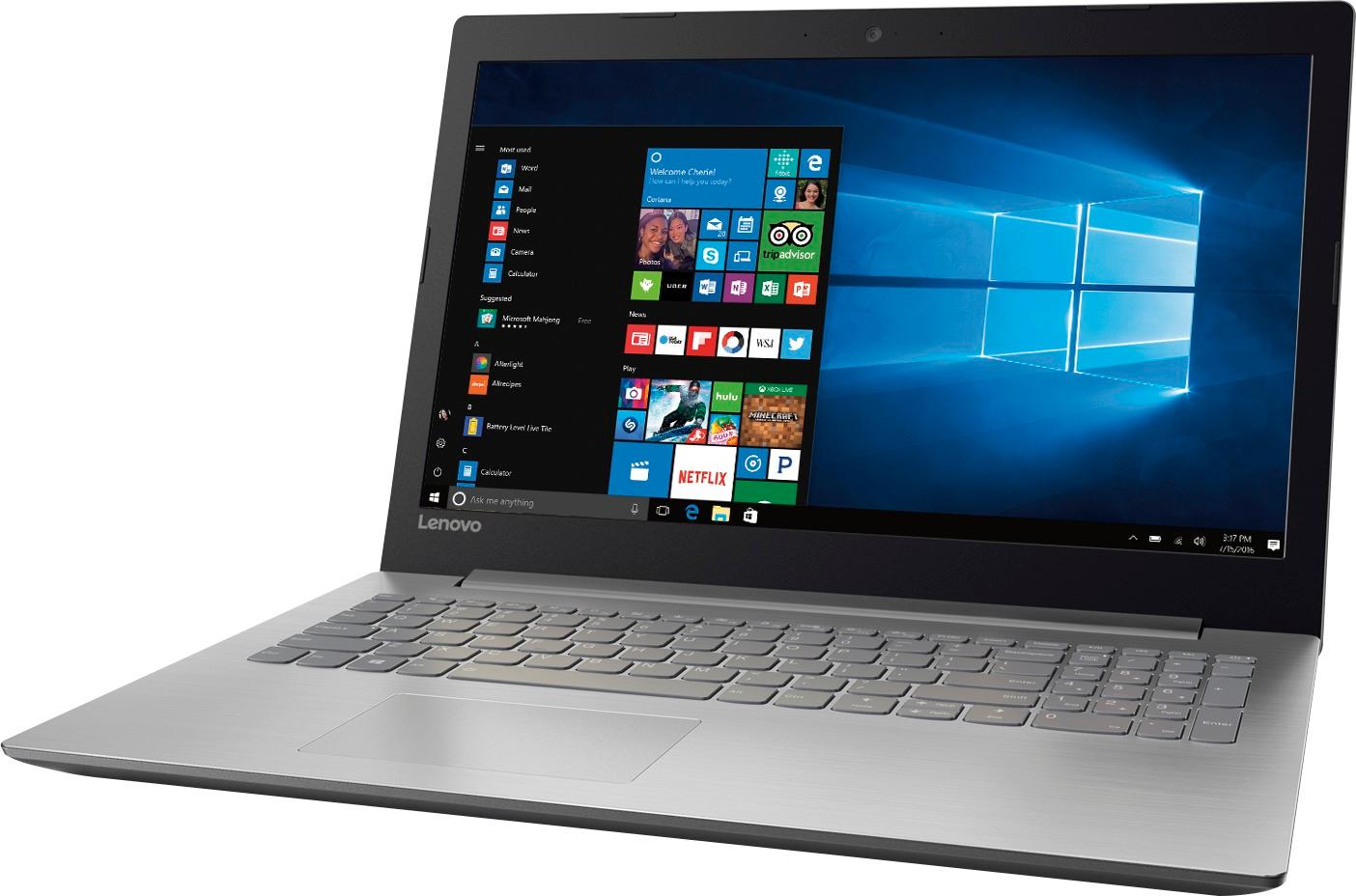
Customers frequently mention the affordability and user-friendly nature of the 15.6" Laptop. Many users appreciate its ample storage capacity and find it suitable for gaming and everyday tasks. However, concerns are raised regarding its short battery life, noisy fans, occasional touchpad issues, and subpar screen quality.
This summary was generated by AI based on customer reviews.
Not user friendly
||Posted .This reviewer received promo considerations or sweepstakes entry for writing a review.This laptop is very slow and difficult to set up. My son uses it for school, but itglur he’s a lot.
No, I would not recommend this to a friendnot happy
||Posted .This reviewer received promo considerations or sweepstakes entry for writing a review.just under 3 months old and the hard drive took a dump. Had to send to them to get fixed took long time.
No, I would not recommend this to a friendGood performance laptop
||Posted .This reviewer received promo considerations or sweepstakes entry for writing a review.Good cost benefit laptop. However, it is weird it keeps rebooting by itself once per week or so.
No, I would not recommend this to a friendOk, but slow!
||Posted .This reviewer received promo considerations or sweepstakes entry for writing a review.I bought this to use as my media center, but after about a month of use, it became apparent that it is too slow. Boot up takes twice as long as my other PC’s. And once I installed anti-virus program, the computer became too slow. I don’t know this is the issue with the processor or something else. Can not recommend this.
No, I would not recommend this to a friendIT WORKS FOR ME
||Posted .This reviewer received promo considerations or sweepstakes entry for writing a review.THIS COMPUER OFFERS WHAT I NEED. ACCESS TO MY EMAIL AND TO THE WEB, I DO NOT HAVE ANY COMPLAINTS.
I would recommend this to a friendGood laptop
||Posted . Owned for 1.5 years when reviewed.This reviewer received promo considerations or sweepstakes entry for writing a review.It works well and the price was reasonable. I would definitely buy again
I would recommend this to a friendOk for basic
||Posted .This reviewer received promo considerations or sweepstakes entry for writing a review.It is just ok not great computer not super fast. Ok for web surfing and checking email
No, I would not recommend this to a friendBrand response from Lenovo Product Expert
Posted .This system should be a fast system with its AMD A12 processor and 8GB of RAM. Be sure any software you installed is compatible with Windows 10. There is no need to install Microsoft Office software. The software is already part of the operating system, you just need to activate the software with a purchased product key. If you have installed a copy of Microsoft Office, this is conflicting with the existing copy on the system and this will slow your system down. If you have installed a 3rd party anti-virus program, be sure that Windows Defender is turned off and that the trial version of McAfee Anti-Virus software is uninstalled. There can only be one anti-virus program on the system. You may need to restore your system to original factory default settings if any of the programing errors have occurred. You can do that by typing "restore" in the Cortana search window. Just click on the magnifying glass icon at the bottom left of your Windows 10 Desktop. Click on "Reset This PC" Then click on "Get Started" and follow the on screen directions to restore to factory defaults.

no power how do i use it if i cant plug it in to c
||Posted .This reviewer received promo considerations or sweepstakes entry for writing a review.I receiver my computer but there is no power so how do I plug it in to charge it?
No, I would not recommend this to a friendSeems to be slower then expected
||Posted .This reviewer received promo considerations or sweepstakes entry for writing a review.Not happy with performance. Seems to slow. I wish I would have did better research
No, I would not recommend this to a friendBrand response from Lenovo Product Expert
Posted .This system should be a very fast system with its AMD A12 processor and 8GB of RAM. Be sure any software you installed is compatible with Windows 10. There is no need to install Microsoft Office software. The software is already part of the operating system, you just need to activate the software with a purchased product key. If you have installed a copy of Microsoft Office, this is conflicting with the existing copy on the system and this will slow your system down. If you have installed a 3rd party anti-virus program, be sure that Windows Defender is turned off and that the trial version of McAfee Anti-Virus software is uninstalled. There can only be one anti-virus program on the system. You may need to restore your system to original factory default settings if any of the programing errors have occurred. You can do that by typing "restore" in the Cortana search window. Just click on the magnifying glass icon at the bottom left of your Windows 10 Desktop. Click on "Reset This PC" Then click on "Get Started" and follow the on screen directions to restore to factory defaults.
Item was not working
||Posted .This reviewer received promo considerations or sweepstakes entry for writing a review.I bought an open box product which did not function properly so it was returned
No, I would not recommend this to a friendBulky
||Posted .This reviewer received promo considerations or sweepstakes entry for writing a review.PC was relatively fast but bulky and larger than I thought. I returned it
No, I would not recommend this to a friendDecent
||Posted .This reviewer received promo considerations or sweepstakes entry for writing a review.it is a little slow but it gets the job done for my uses
No, I would not recommend this to a friendok computer
||Posted .This reviewer received promo considerations or sweepstakes entry for writing a review.Great sound, great look, pretty poor performance, light to carry.
No, I would not recommend this to a friendBrand response from Lenovo Product Expert
Posted .This system should be a fast system with its AMD A12 processor and 8GB of RAM. Be sure any software you installed is compatible with Windows 10. There is no need to install Microsoft Office software. The software is already part of the operating system, you just need to activate the software with a purchased product key. If you have installed a copy of Microsoft Office, this is conflicting with the existing copy on the system and this will slow your system down. If you have installed a 3rd party anti-virus program, be sure that Windows Defender is turned off and that the trial version of McAfee Anti-Virus software is uninstalled. There can only be one anti-virus program on the system. You may need to restore your system to original factory default settings if any of the programing errors have occurred. You can do that by typing "restore" in the Cortana search window. Just click on the magnifying glass icon at the bottom left of your Windows 10 Desktop. Click on "Reset This PC" Then click on "Get Started" and follow the on screen directions to restore to factory defaults.
No frills computer
||Posted .This reviewer received promo considerations or sweepstakes entry for writing a review.Basic computer with no frills but that was what i was looking for
I would recommend this to a friend- Pros mentioned:Price, SpeedCons mentioned:Battery life
Good budget laptop with limitations
Posted .This reviewer received promo considerations or sweepstakes entry for writing a review.I like this laptop. I will give it a 3 out of 5 because it's not perfect but for the price you do get a good amount for your buck. It's fast enough enough to do your everyday computing on. I use office for a lot of work and it performs well. However, it does have its limitations. I have ADD and I tend to open up bunch of tabs and multiple windows when I'm browsing and when that happens, it seems to slow down the machine quite a bit. But the weakest parts of this otherwise good machine are: 1) the hard drive and 2) the battery. Just like a lot of folks mentioned, the battery is downright horrible. You can't expect anything but abysmal performance from this battery. From a battery the most I got was a max of 2 hours. Then there's the hard drive. Even with a update, there were just too much noise coming out of that hard drive and every time I checked task manager the disk was running at >90% level which kinda scared me for a new machine. If Lenovo got those aspects of the laptop right I probably would've kept the machine, but given that I bought it a week before thanksgiving and bunch of other options showed up at similar/ better price level I'll be returning it. Hope my review helps out the prospective buyers.
No, I would not recommend this to a friend 3 full days to update
||Posted .This reviewer received promo considerations or sweepstakes entry for writing a review.That's 72 hours!s The thing is also too big to handle easily.
No, I would not recommend this to a friendcool laptop
||Posted .This reviewer received promo considerations or sweepstakes entry for writing a review.I bought it for a friend and she loved it. Small and compact
I would recommend this to a friendReview and Tips for Gamers!!
Posted .This reviewer received promo considerations or sweepstakes entry for writing a review.So I've read tons of reviews here, made my Purchase at the Harrisonburg, VA store. Personally I bought it for playing games, like Hearthstone, WOW, Shroud of the Avatar, etc... For normal use, the laptop is fine, for gaming, it's a great budget rig, but requires some fine tuning. First thing, if you have the cash, is to Expand the memory. You can put in a single 16GB RAM stick for a total of 20gb. 4 of the 8 included is soldered in. Next you should go to Microsoft official site, and download a clean install of windows 10 64 bit onto a flash drive. This laptop suffers from a system hungry operating system version, and plenty of bloat ware (less bloat than most brands, but it's still in there. Conduct a clean install of basic windows 10 without all the crapware. Next go through, and clean out all junk files/temp files/unused resources. Move all performance levels to maximum (There's guides on how to do this, if you're not tech savvy. The system will by default only allocate 512MB memory to the graphics card portion of the APU. You should manually allocate 2GB, that will leave you with 6gb system, OR if you upgrade up to 18GB system. Once you've tweaked everything, and reduced the "idle" system usage, you should see a vast improvement in the smoothness of the operating system, and better performance in games. You can easily run World of Warcraft, CS:GO, PL, Diablo III, Hearthstone (with a deck counter/stat tracker), and much much more. Most modern games will be able to run at medium/high settings after optimization. Low settings at best when running out of box configuration. If you want to be really fancy, go ahead an dual boot Ubuntu or Linux Mint, (They are less system hungry than windows and have optimized/minimalist desktop options) and play games on Steam, which now carries tons of Linux Native titles. This is a great budget rig, if you optimize, and clean out the system. Get rid of the bloated windows, and fresh install a clean version. Remove all Microsoft storefront junk too, and you have yourself a budget gamer that can run most games, mmorpgs, etc...
I would recommend this to a friendSteer Clear
||Posted .This reviewer received promo considerations or sweepstakes entry for writing a review.Slow, slow, slow. Did I mention that this thing is slow.
No, I would not recommend this to a friendBrand response from Lenovo Product Expert
Posted .This system should be a fast system with its AMD A12 processor and 8GB of RAM. Be sure any software you installed is compatible with Windows 10. There is no need to install Microsoft Office software. The software is already part of the operating system, you just need to activate the software with a purchased product key. If you have installed a copy of Microsoft Office, this is conflicting with the existing copy on the system and this will slow your system down. If you have installed a 3rd party anti-virus program, be sure that Windows Defender is turned off and that the trial version of McAfee Anti-Virus software is uninstalled. There can only be one anti-virus program on the system. You may need to restore your system to original factory default settings if any of the programing errors have occurred. You can do that by typing "restore" in the Cortana search window. Just click on the magnifying glass icon at the bottom left of your Windows 10 Desktop. Click on "Reset This PC" Then click on "Get Started" and follow the on screen directions to restore to factory defaults.
Lenovo 320-15ABR
||Posted .This reviewer received promo considerations or sweepstakes entry for writing a review.Not a bad machine for the $. Wish it had a touch screen.
I would recommend this to a friend