Customer Ratings & Reviews

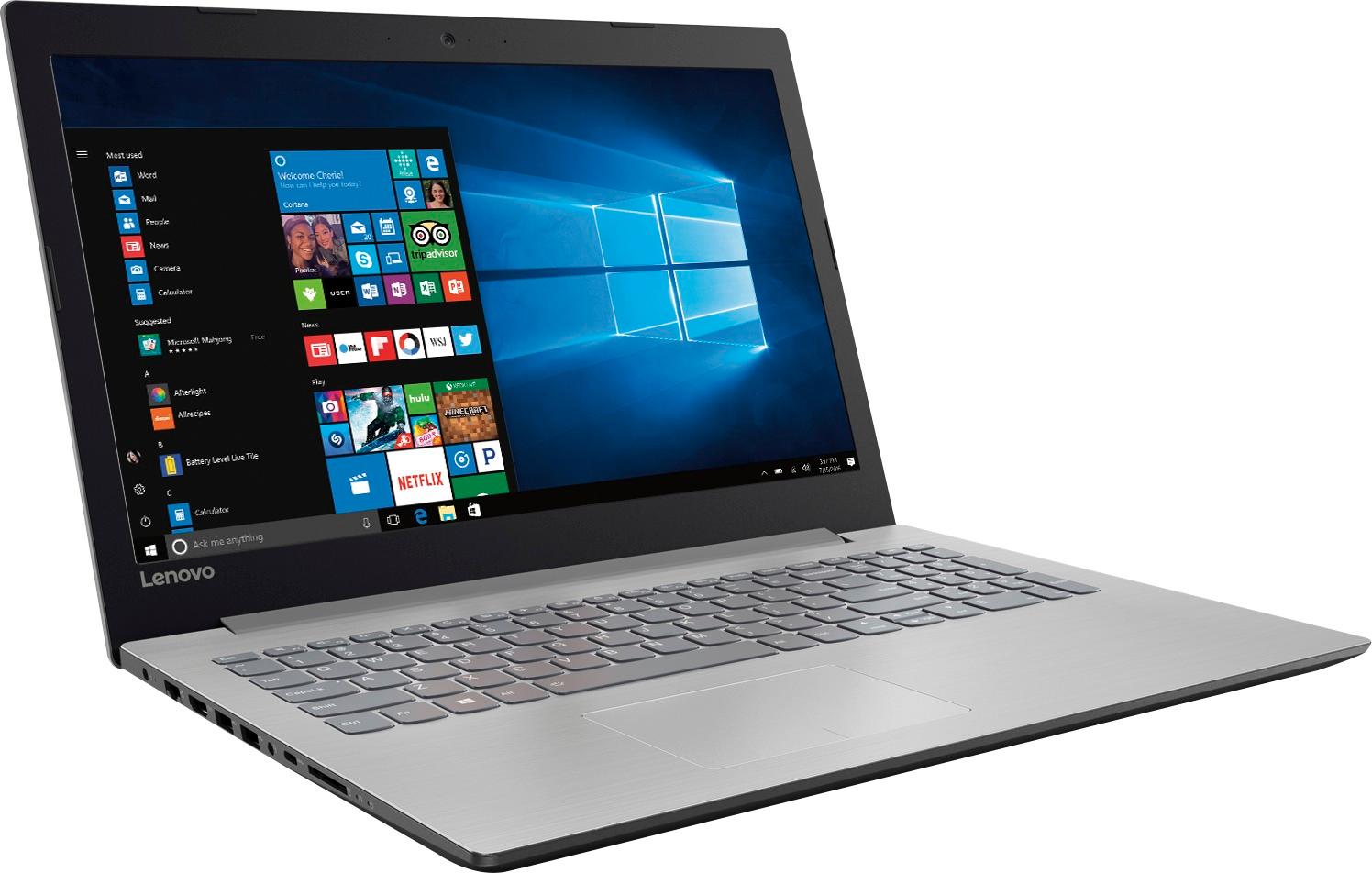
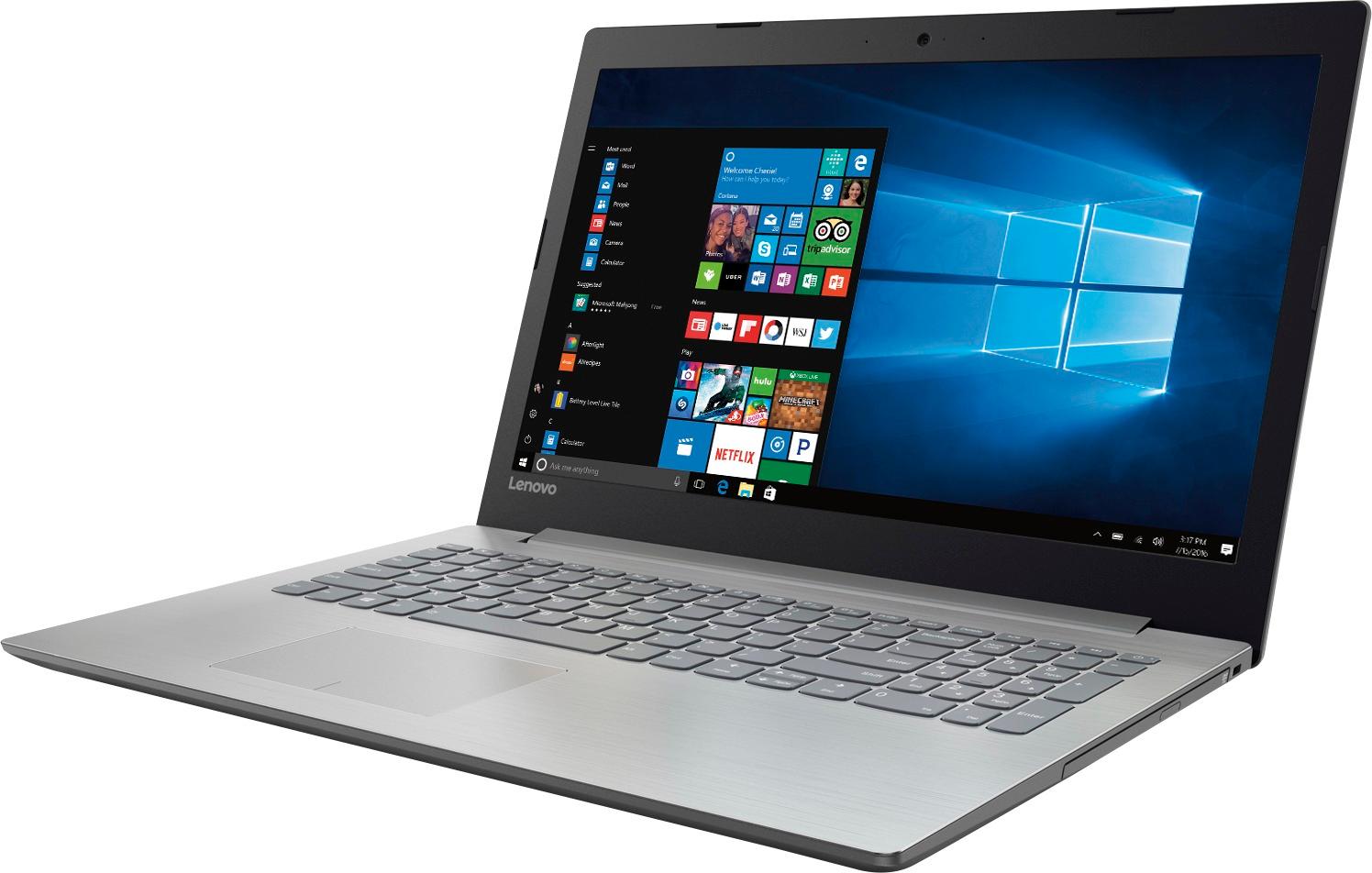
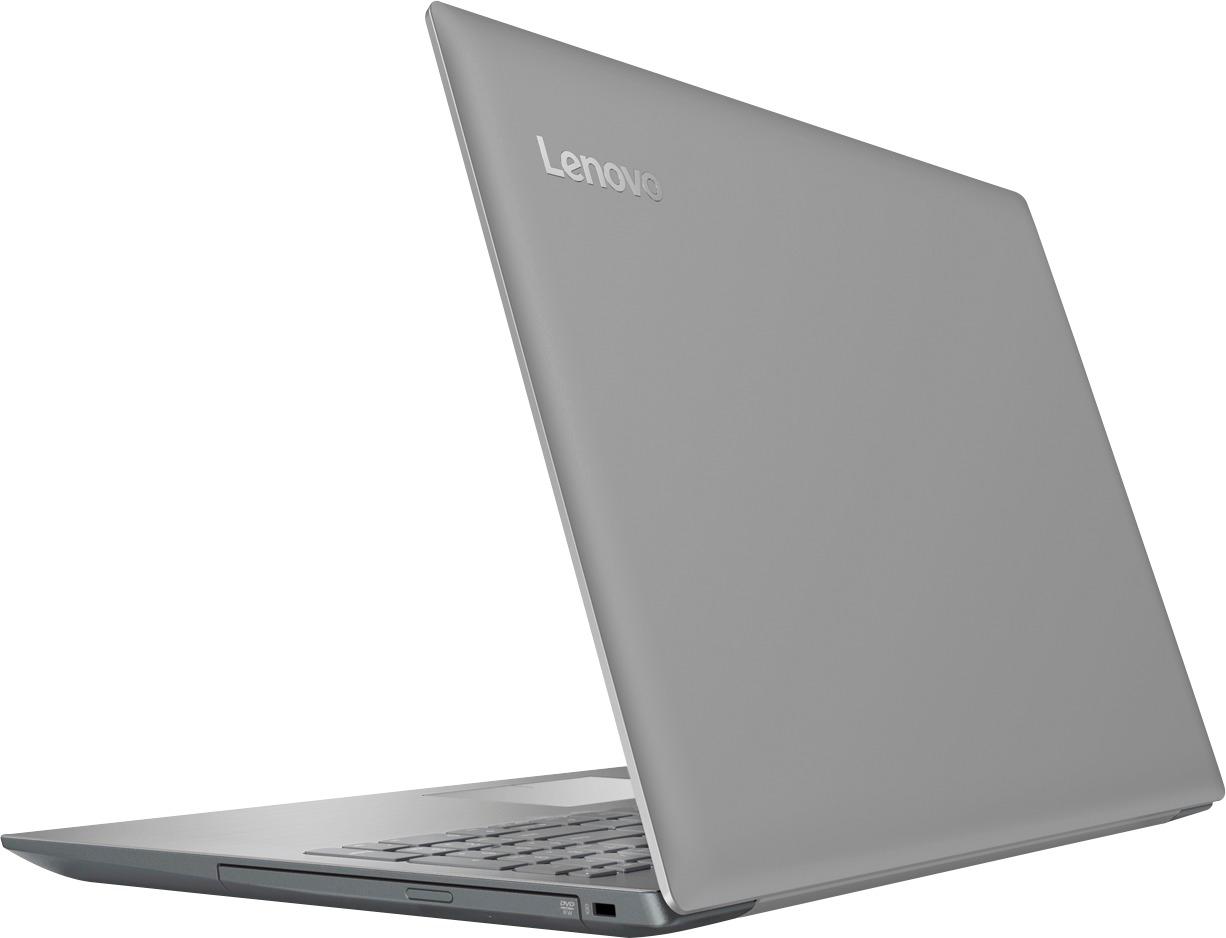

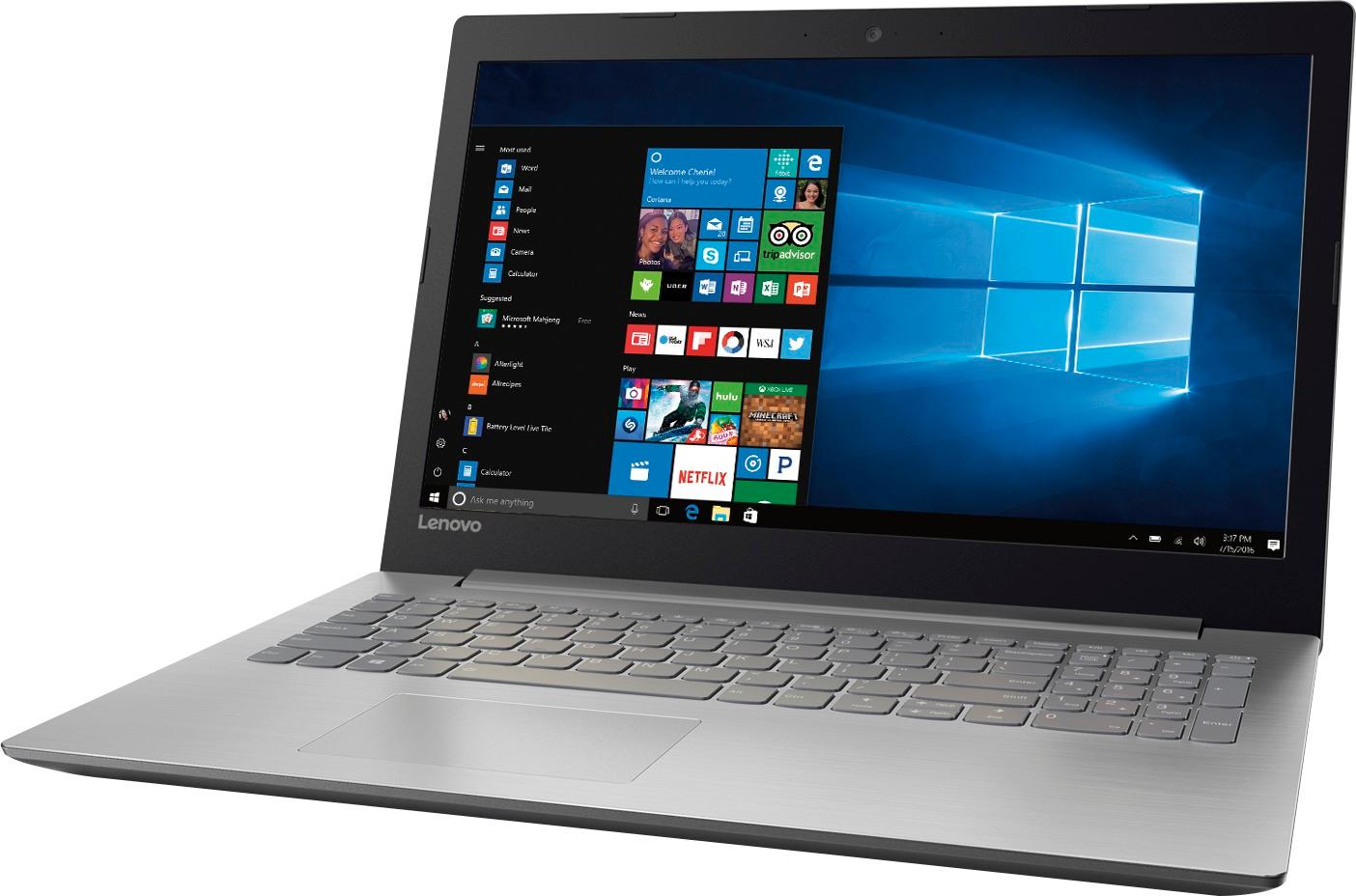


- Model:
- 80XS0024US
- SKU:
- 5828300
Rating by feature
- Value
Rating 4.1 out of 5 stars
- Quality
Rating 3.9 out of 5 stars
- Ease of Use
Rating 4.1 out of 5 stars
Customers are saying
Customers frequently mention the affordability and user-friendly nature of the 15.6" Laptop. Many users appreciate its ample storage capacity and find it suitable for gaming and everyday tasks. However, concerns are raised regarding its short battery life, noisy fans, occasional touchpad issues, and subpar screen quality.
This summary was generated by AI based on customer reviews.
Start up is slow
Posted .This reviewer received promo considerations or sweepstakes entry for writing a review.I have had this for a few months now, wanted to wait until I could really review this correctly. I like everything about the computer, except the speed. I have only downloaded a printer and Anti Virus, the system takes too long to boot up and seems much slower than our HP with intel i5, I really thought it would be more comparable. Since I really only do finance and very little browsing, it isn't that big of deal.
I would recommend this to a friendBrand response from Lenovo Product Expert
Posted .This system should be a fast system with its AMD A12 processor and 8GB of RAM. Be sure any software you installed is compatible with Windows 10. If you have installed a 3rd party anti-virus program, be sure that Windows Defender is turned off and that the trial version of McAfee Anti-Virus software is uninstalled. There can only be one anti-virus program on the system. You may need to restore your system to original factory default settings if any of the programing errors have occurred. You can do that by typing "restore" in the Cortana search window. Just click on the magnifying glass icon at the bottom left of your Windows 10 Desktop. Click on "Reset This PC" Then click on "Get Started" and follow the on screen directions to restore to factory defaults.

- Cons mentioned:Battery life
Great for the price
Posted .This reviewer received promo considerations or sweepstakes entry for writing a review.Was looking for a decent priced laptop when my other went down and this has not disappointed. Is not loaded down with junk ware and other junk that normally accompanies new laptops. Runs well with the A7 processor. Not suitable for gaming or high-end streaming, but runs Netflix and Hulu with no problems. Battery Life seems a little shorter than advertised but is no issue in the grand scheme. Overall a great laptop and would recommend for anyone looking for great basic quality on a budget.
I would recommend this to a friendBrand response from Lenovo Product Expert
Posted .Thank you for choosing the Lenovo IdeaPad 110-15 laptop. Please note that model number 80XS0024US ships with an AMD A12 processor. The battery life on this model is Up to 4.5 Hours, depending on the work that the device is performing. To extend battery life, try changing your power management setting to a more conservative one. You can do this in the control panel, in the power management category on your system. Select a more conservative power management setting to extend battery life.
- Cons mentioned:Fan noise
Horrible Laptop
Posted .This reviewer received promo considerations or sweepstakes entry for writing a review.Do not buy this laptop. From the reviews and specs, it seems like a deal to good to be true. IT WAS. I was overjoyed at first to get this for my girlfriend at the price I purchased on black friday. I ended up giving it to her early, because the screen died on her old one. I wouldn't have believed how bad the performance was, if I didn't see it with my own eyes. Boot up and load times were insanely long, and the laptop froze doing simple tasks. That and the fan was so loud, it was actually annoying. My girlfriend used it for a total of 4-5 hrs, before she got fed up. I exchanged this for a HP that cost more with less specs, but runs and performs WAY better.
No, I would not recommend this to a friendBrand response from Lenovo Product Expert
Posted .This system should be a fast system with its AMD A12 processor and 8GB of RAM. Be sure any software you installed is compatible with Windows 10. There is no need to install Microsoft Office software. The software is already part of the operating system, you just need to activate the software with a purchased product key. If you have installed a copy of Microsoft Office, this is conflicting with the existing copy on the system and this will slow your system down. If you have installed a 3rd party anti-virus program, be sure that Windows Defender is turned off and that the trial version of McAfee Anti-Virus software is uninstalled. There can only be one anti-virus program on the system. You may need to restore your system to original factory default settings if any of the programing errors have occurred. You can do that by typing "restore" in the Cortana search window. Just click on the magnifying glass icon at the bottom left of your Windows 10 Desktop. Click on "Reset This PC" Then click on "Get Started" and follow the on screen directions to restore to factory defaults.
- Pros mentioned:Storage
Not as advertised.
Posted .This reviewer received promo considerations or sweepstakes entry for writing a review.Good processor speed and dedicated graphics make this powerful enough for many applications. However, when asking floor people, chatting with experts and even Geek Squad members, each reported the RAM as upgradable to 16g, containing two removable 4g sticks. One stick is soldered to the motherboard to allow for an upgrade to 12g. Speed was dramatically increased by swapping out the 5400rpm hdd for an ssd. I WOULD recommend this product as the price point is still worth it, but the information by experts should be accurate. What does it take to open one up and look? Less than the cost of returns because it is not as advertised.
I would recommend this to a friendBrand response from Lenovo Product Expert
Posted .You are correct. 4GB of the RAM is soldered to the motherboard and not removable, so the maximum RAM upgrade is 12GB with one open slot. Please keep in mind, this model is not user upgradable. A certified technician must do all of the work, so as to not void the warranty.
Best laptop yet.
Posted .This reviewer received promo considerations or sweepstakes entry for writing a review.Cheap, reliable, expandable. I put 16 GB ram in it (20 total), and a caddy for two Hard drives. Great performance.
I would recommend this to a friendSlow and LOUD
Posted .This reviewer received promo considerations or sweepstakes entry for writing a review.I have to say I was so excited to get this laptop for what seemed like a bargain price. I should have known, you get what you pay for. This is the noisiest computer I've ever used. The fan is running or processor is constantly running at high speeds, making a high-pitched whine that drives me insane. In addition, the computer is terribly slow, especially when waking up from sleep. I literally only use it for browsing the internet and working from home using our company's cloud-based system. The noise and slowness are enough to make me eat the $$$ I paid for it and just chuck it. Avoid this product if noise and speed are an issue for you. Especially noise!
No, I would not recommend this to a friendBrand response from Lenovo Product Expert
Posted .This is a high performance system with its AMD A12 processor and 8GB of RAM. This system will generate heat, this is normal - even at idle. The onboard fan will run to maintain the normal operating temperatures of this device. You will hear the fan when it runs, this too is normal. Be sure any software you installed is compatible with Windows 10. There is no need to install Microsoft Office software. The software is already part of the operating system, you just need to activate the software with a purchased product key. If you have installed a copy of Microsoft Office, this is conflicting with the existing copy on the system and this will slow your system down. If you have installed a 3rd party anti-virus program, be sure that Windows Defender is turned off and that the trial version of McAfee Anti-Virus software is uninstalled. There can only be one anti-virus program on the system. You may need to restore your system to original factory default settings if any of the programing errors have occurred. You can do that by typing "restore" in the Cortana search window. Just click on the magnifying glass icon at the bottom left of your Windows 10 Desktop. Click on "Reset This PC" Then click on "Get Started" and follow the on screen directions to restore to factory defaults.
Lenovo is "ok", Windows 10 is horrible
Posted .This reviewer received promo considerations or sweepstakes entry for writing a review.First off let me say that Windows 10 is the biggest mistake since the release of Windows Millennium nearly 20 years ago. It freezes, it hangs, lags, and about every other thing you can imagine. So most of the time that's what's to blame for slow/bad computing in most PC's today. Then again, PC makers just don't take the pride and dedication they use to into making these machines. Back when Laptops were built like tanks a little less than 10 years ago. This PC is very nice to look at, but feels very cheap. The keys are quite good to type on, but the sound is just abysmal, and in 2017 there is no excuse for any laptop not to have at least decent sound. And for companies to quit putting them on the bottom of the unit. The resolution as some have said leaves something to be desired. Not so much that it's just 720p, but it's just very bland. Not colorful at all imo. Also Lenovo are notorious for having finicky trackpads that either respond/or not. And this one is no exception. And the A12 is really only on par with higher end I3's, definitely no I5 here. Hence the price. An APU is nowhere near as good as Intel's I series when it comes to everyday processing. Graphically yeah you can play "older" games at low/to medium settings. But this is NOT a gaming machine. You won't run the latest and great games on it. Even on low settings. I think people are mislead. Overall it is an ok computer. I purchased it for my mother to use, but I've used it a bit as well and those are my thoughts. You're really not going to find anything that just runs blazing fast on Windows 10, even though you can disable "updates" I won't disclose how. I'm satisfied with my 2014, 17.3 HP with Windows 8.1. And would love to fine another. But they cost a fortune because they are so sought after now. And Windows 10 is only getting worse, as PC's continue to use slower hardware. Which I have no idea why. So decent built, decent speed, with poor sound and a mediocre screen. that about sums it up. Also Lenovo are not really known for high reliability. Then again these days, what is?
No, I would not recommend this to a friend- Pros mentioned:Price
Versatile laptop
Posted .This reviewer received promo considerations or sweepstakes entry for writing a review.Excellent laptop for the money, great value; would recommend and buy again. Has features needed to do a wide array of activities. Very versatile.
I would recommend this to a friend - Cons mentioned:Fan noise
The hard drive is making noise
Posted .This reviewer received promo considerations or sweepstakes entry for writing a review.I just bought this laptop and last night when I was upgrading the OS, the HD started making noise and it has not stopped since then. And also the fan noise is bad. The speed seems to be fine. I will try this laptop for few more days and see if its really ok to keep.
No, I would not recommend this to a friendBrand response from Lenovo Product Expert
Posted .The hard drive and fan should not be making noise that is noticeable. We recommend you bring the device in to your local Best Buy and have the Geek Squad assess the problems.
Lots of memory space
Posted .This reviewer received promo considerations or sweepstakes entry for writing a review.Good laptop for every day use with lots of memory space.
I would recommend this to a friendVery slow hard drive.
Posted .This reviewer received promo considerations or sweepstakes entry for writing a review.The 5400 RPM HDD is so slow that it makes this laptop unusable at times. It takes several minutes for everything to load when started or restarted. Brand new, out of the box, took over ten hours for Windows 10 updates to be installed. Had I known this I would have passed on this particular computer. I am going to install a SSD and see if that helps. If not, I am going to use it at a location with no internet access and get something else.
No, I would not recommend this to a friendBrand response from Lenovo Product Expert
Posted .This system should be a fast system with its AMD A12 processor and 8GB of RAM. Be sure any software you installed is compatible with Windows 10. There is no need to install Microsoft Office software. The software is already part of the operating system, you just need to activate the software with a purchased product key. If you have installed a copy of Microsoft Office, this is conflicting with the existing copy on the system and this will slow your system down. If you have installed a 3rd party anti-virus program, be sure that Windows Defender is turned off and that the trial version of McAfee Anti-Virus software is uninstalled. There can only be one anti-virus program on the system. You may need to restore your system to original factory default settings if any of the programing errors have occurred. You can do that by typing "restore" in the Cortana search window. Just click on the magnifying glass icon at the bottom left of your Windows 10 Desktop. Click on "Reset This PC" Then click on "Get Started" and follow the on screen directions to restore to factory defaults.
- Pros mentioned:Price
Good budget laptop
Posted .This reviewer received promo considerations or sweepstakes entry for writing a review.A good budget laptop for the price…………………………………..!
I would recommend this to a friend Bad laptop, worst customer service.
Posted .This reviewer received promo considerations or sweepstakes entry for writing a review.I thought that I would buy something different instead of all the hp laptops that I bought in the past, so I picked this one. The price was good and the reviews were good so I decided on it. Never again! The hard drive died within 7 months of usage and you need to read the warranty where it says you have to pay your own shipping cost to ship their broken laptop back to them. I shipped mine on Nov 29th, paid 25 bucks to ship it. It's now December 19th and I still haven't received it back. The person I spoke to told me it would take about a week after they receive it to fix it. I have called them at least 5 times to find out whats going on and their communication with the customer is horrible! Today they finally said they will give me a tracking number and ship it back. UNBELIEVABLE worst service ever! Never buying their junk again!
No, I would not recommend this to a friendGreat buy for the price
Posted .This reviewer received promo considerations or sweepstakes entry for writing a review.I bought this pc to replace my Dell that I had for 7 year. The difference is amazing. It boots up in 12 seconds and the speed of the response to internet sites is much faster than the computer I use for Solidworks 2013, which used to be my best computer. I have already recommended it to a friend who needs a new laptop. Even the IT people where I work (very large world wide firm) was impressed with the laptop at this price. Buy it while it remains available.
I would recommend this to a friendBrand response from Lenovo Product Expert
Posted .Thank you for choosing the Lenovo IdeaPad 320-15 laptop. We are leased to hear that the features and performance of the IdeaPad 320-15 meets your computing needs so well.
- Cons mentioned:Fan noise
Very Nice Looking Laptop but Not usable.
Posted .This reviewer received promo considerations or sweepstakes entry for writing a review.First of all, the updates required right after initial turn the laptop on was a turn off, and it took 3.5 hours (thank you Microsoft Windows 10). And then the lovely fan started to blow so loud to let you know that it's on. It makes my 10 years old laptop looks so new. I have gone through reviews online and many on shopping website, even the one display at the BestBuy store. None probe up the problem about the fan noise. So I assumed that it was my unlucky one. I really hope that I got the lemon one out of the bunch, seriously the laptop looks so nice.
No, I would not recommend this to a friendBrand response from Lenovo Product Expert
Posted .The fan must run to keep the system within optimum operating temperatures. If you feel the computer is running hot, we recommend you bring the computer in to your local Best Buy and have the Geek Squad check the computer out to be sure it is running properly.
- Pros mentioned:Speed
Good for the price but noisy
Posted .This reviewer received promo considerations or sweepstakes entry for writing a review.I brought the first laptop 3 weeks ago. Once I went through the initial setup and update the laptop fan and hard drive noise got noticeably loud. So I went to the store and exchanged it. Now I have a new one and I can still hear the hard drive noise, even before I installed any updates on it. Since this is the second laptop with the same issue I think the noise is not a defect but a design issue. I am not sure if there is anything I can do to fix it because I want to keep the laptop since its a good laptop with good speed for its price.
I would recommend this to a friendBrand response from Lenovo Product Expert
Posted .This system has a mechanical hard drive and you will be able to hear the drive as it spins up, this is normal.
Disappointing Picture Display
Posted .This reviewer received promo considerations or sweepstakes entry for writing a review.I returned this laptop because I couldn't stand the low budget LCD display like the 1990's laptops where you can only see the picture if you hold it just right. Even when you hold it just right, it still has a hazy look to it.
No, I would not recommend this to a friendBrand response from Lenovo Product Expert
Posted .This system has a 1366 X 768 (HD) resolution screen.
- Cons mentioned:Fan noise
Fan is LOUD
Posted .This reviewer received promo considerations or sweepstakes entry for writing a review.I thought this laptop would be great for the price, I only needed it for college and some light Netflix-ing. It seemed fine at first, but after a couple weeks I noticed the fan began to increase in noise. It's almost impossible to not notice and I wish I could return it, but it's past the return date. I've tried to get the fan to quiet down, but nothing will work. I'm disappointed and constantly wish I chose a different laptop.
No, I would not recommend this to a friendBrand response from Lenovo Product Expert
Posted .This is a high performance system and it is normal for the fan to run to maintain normal operating temperatures. If you feel that the fan is louder than normal, you can stop by your local Best Buy local and have the Geek Squad assess the device for you.
OK for the price
Posted .This reviewer received promo considerations or sweepstakes entry for writing a review.It isn't as fast and efficient as I thought it would be. It has only been about 5 days but I've already had issues with slowness. I opened the laptop and the screen was black but you could tell it was on. I pressed a key and nothing came up. So I waited. Finally, my mouse was visible on the screen but still a black screen. I had to hold down the power button and turn it back on. Then that took a while. I'm a little disappointed. I may return it and get the dell or HP I was looking at.
No, I would not recommend this to a friendBrand response from Lenovo Product Expert
Posted .This system should be a fast system with its AMD A12 processor and 8GB of RAM. Be sure any software you installed is compatible with Windows 10. There is no need to install Microsoft Office software. The software is already part of the operating system, you just need to activate the software with a purchased product key. If you have installed a copy of Microsoft Office, this is conflicting with the existing copy on the system and this will slow your system down. If you have installed a 3rd party anti-virus program, be sure that Windows Defender is turned off and that the trial version of McAfee Anti-Virus software is uninstalled. There can only be one anti-virus program on the system. You may need to restore your system to original factory default settings if any of the programing errors have occurred. You can do that by typing "restore" in the Cortana search window. Just click on the magnifying glass icon at the bottom left of your Windows 10 Desktop. Click on "Reset This PC" Then click on "Get Started" and follow the on screen directions to restore to factory defaults.
Worst laptop ever
Posted .This reviewer received promo considerations or sweepstakes entry for writing a review.Bought this laptop for my son and it stopped working less than 60 days after purchase. So i sent it in to Lenovo for repair and after two weeks I had not received in updates. I called them to find out the status and they said it was on hold because they needed my permission to copy the HD. Why did they not email me for this instead of sitting on it for two weeks? They are the WORST and I will never purchase another product from them!
No, I would not recommend this to a friend