Customer Ratings & Reviews

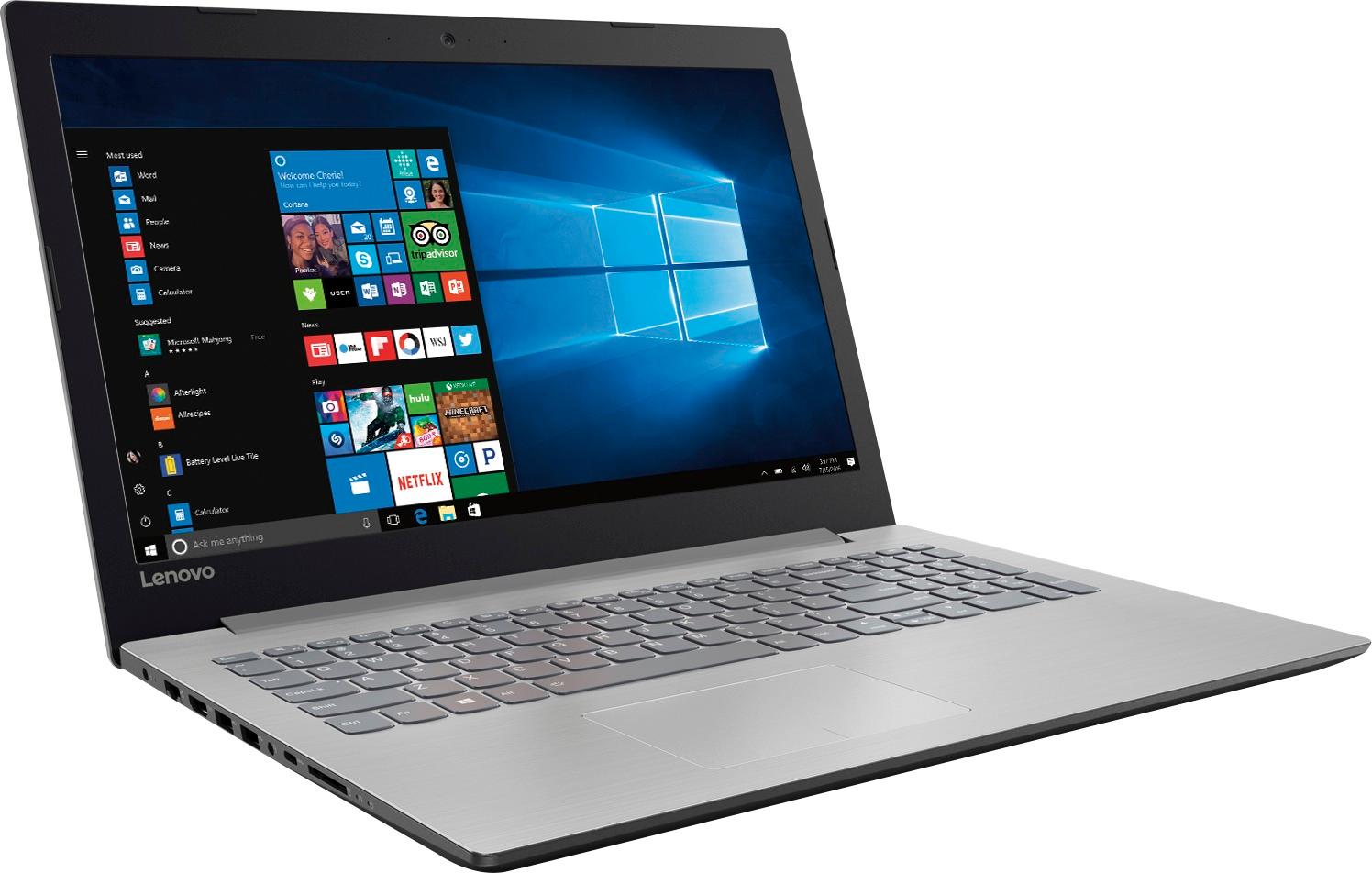
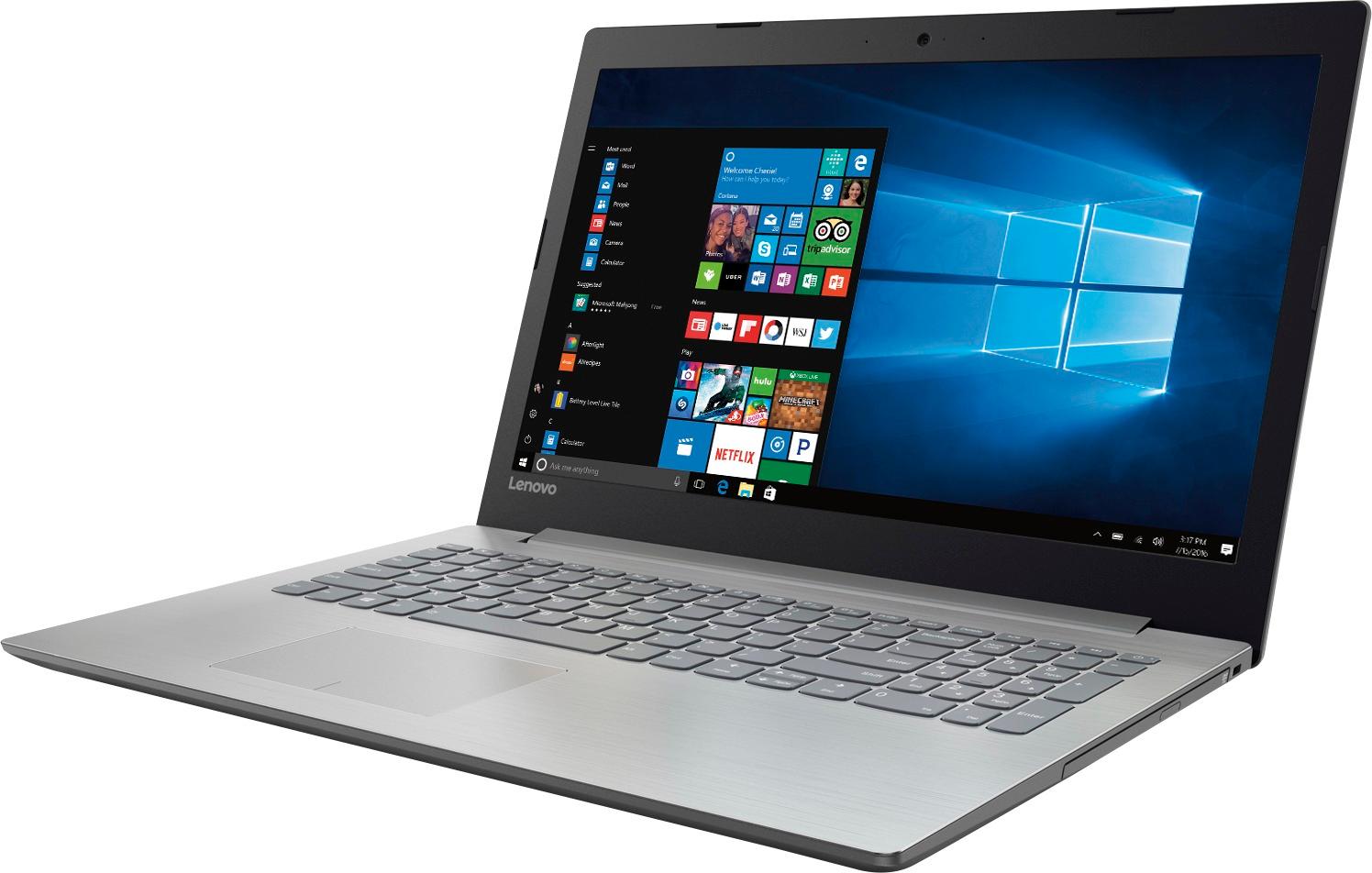
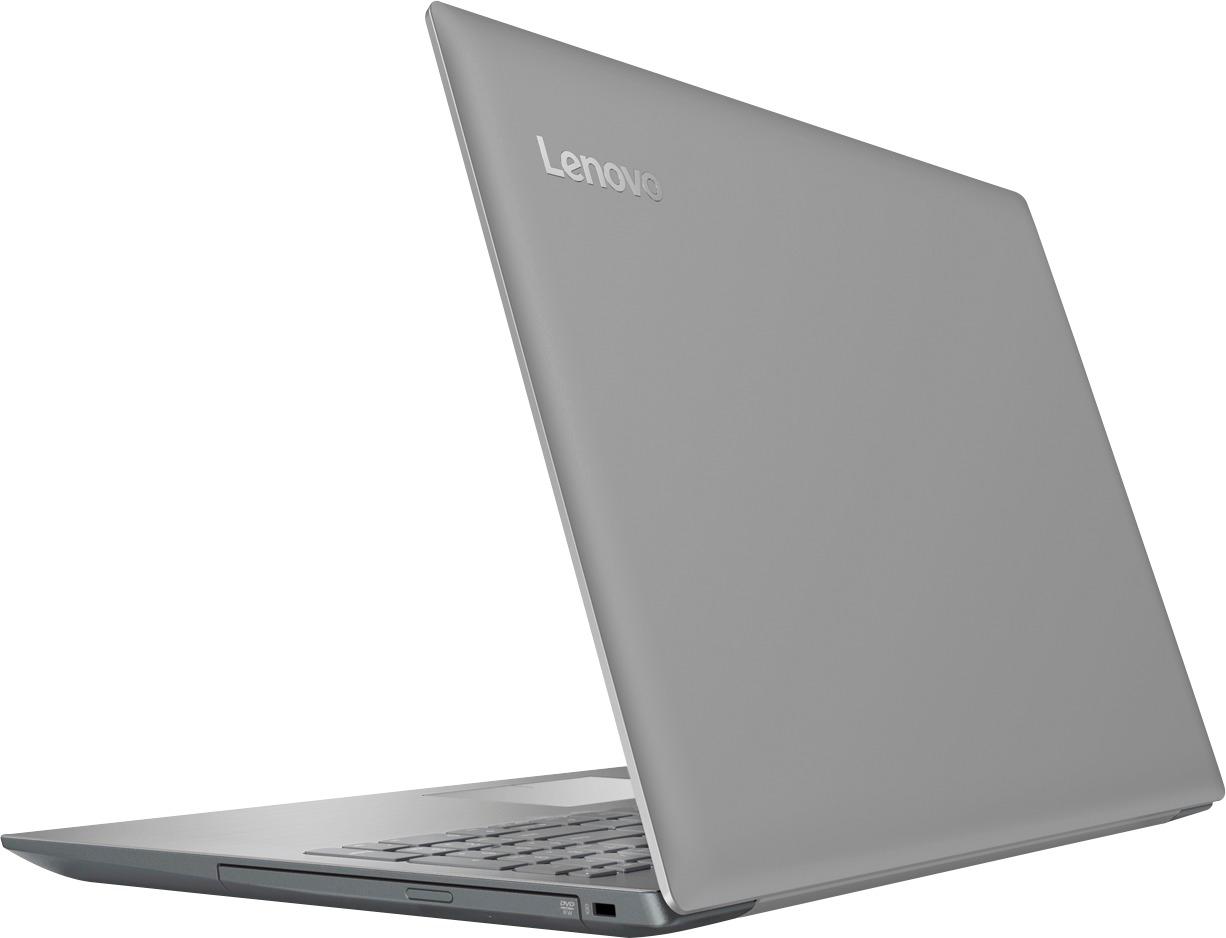

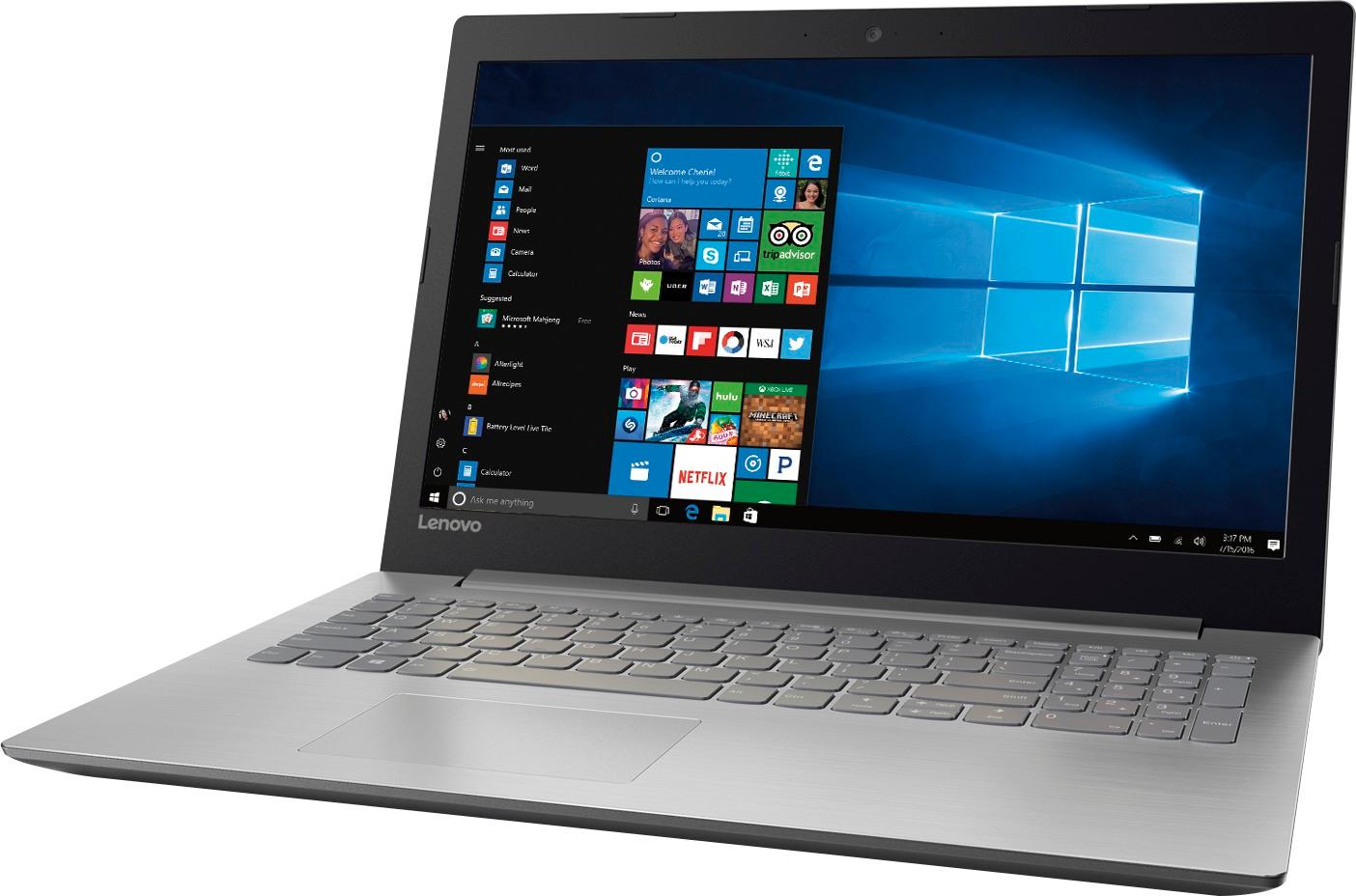
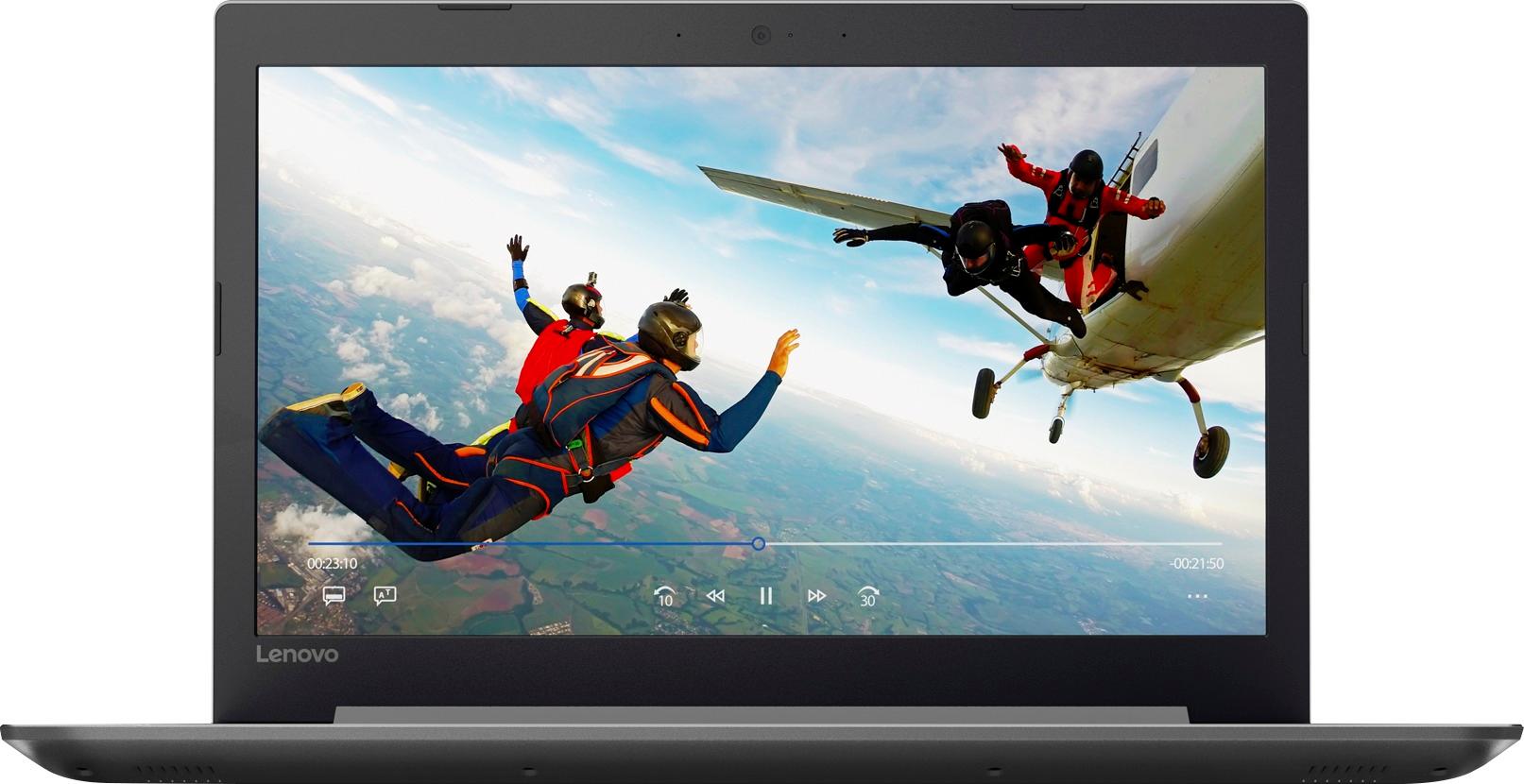


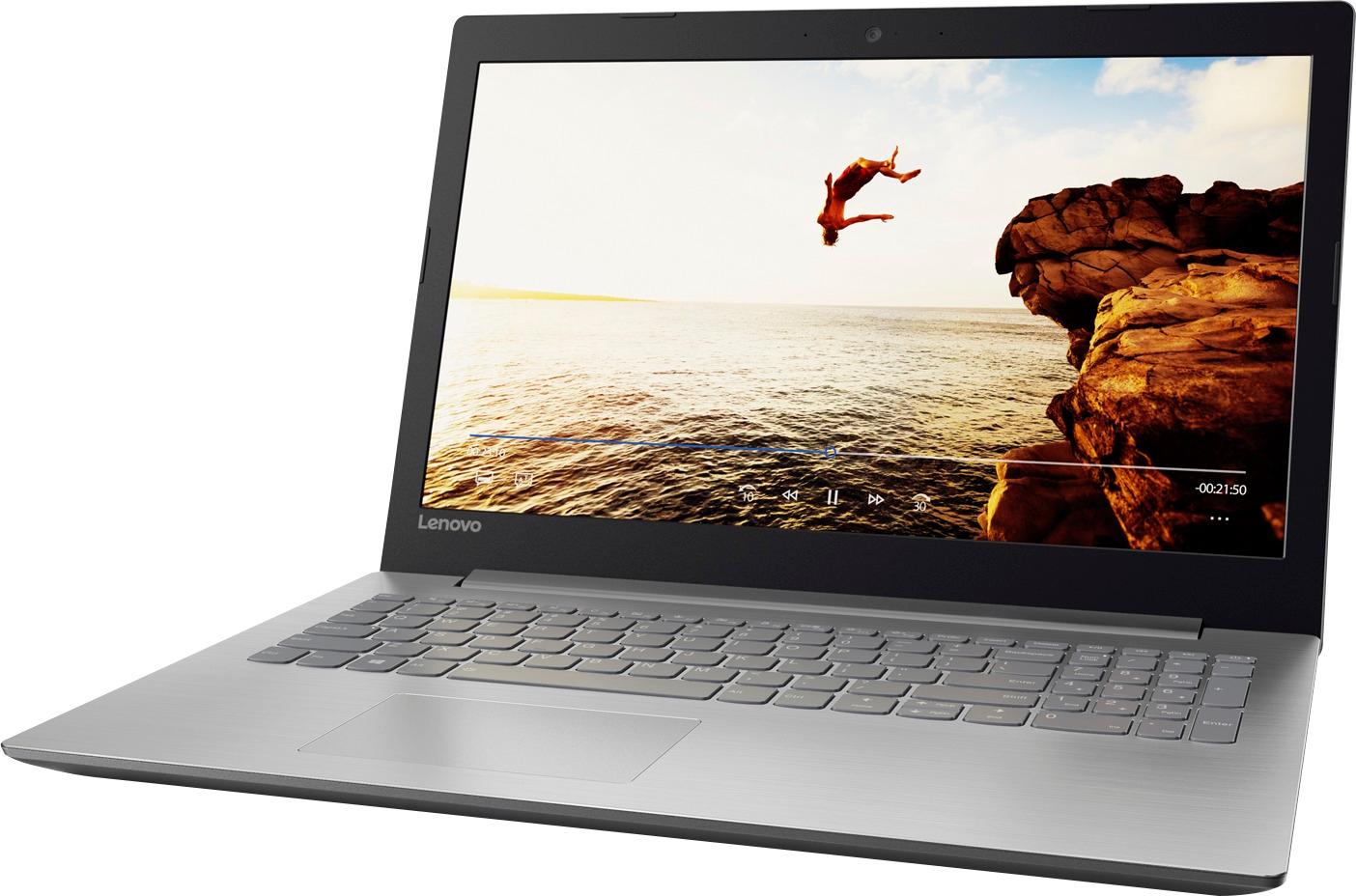
- Model:
- 80XS0024US
- SKU:
- 5828300
Rating by feature
- Value
Rating 4.1 out of 5 stars
- Quality
Rating 3.9 out of 5 stars
- Ease of Use
Rating 4.1 out of 5 stars
Customers are saying
Customers frequently mention the affordability and user-friendly nature of the 15.6" Laptop. Many users appreciate its ample storage capacity and find it suitable for gaming and everyday tasks. However, concerns are raised regarding its short battery life, noisy fans, occasional touchpad issues, and subpar screen quality.
This summary was generated by AI based on customer reviews.
Good Laptop
Posted .This reviewer received promo considerations or sweepstakes entry for writing a review.This has been a pretty good laptop to replace one that was getting old and slow
I would recommend this to a friendLong lasting
Posted .This reviewer received promo considerations or sweepstakes entry for writing a review.Been a great laptop the past few years. My favorite one that I have owned. Runs great and stores a lot of things which is great.
I would recommend this to a friend- Cons mentioned:Battery life
Disappointing laptop
Posted .This reviewer received promo considerations or sweepstakes entry for writing a review.I bought this laptop a few weeks before school as a replacement for my damaged laptop from last semester. I thought this would be sufficient for school work and light programming, but I was very disappointed. First, the battery life is abysmal. From full charge, my laptop won't make it through less than 3 hours of classes. I have to find a charger in my classrooms just to take notes. I've only had it a month now and I've already had to factory reset it because it keeps locking up and freezing. It randomly reboots, and it is very slow. I know in Intel CPU and chipset would have been faster, but I assumed an AMD A12 with 8 GB of RAM wouldn't be a slouch. The hard drive CONSTANTLY is accessing. It hasn't stopped since I got it, and it is very loud. Unfortunately my 14 days had passed by the time I got it ready for school and realized it's deficits, or I would have returned it. Unless you like slow, poorly performing laptops, I'd spend an extra hundo or two and get a better machine.
No, I would not recommend this to a friendBrand response from Lenovo Product Expert
Posted .The battery life on this system is up to 4.5 Hours, depending on your settings and the work that the system is performing. To extend battery life, try changing your power management setting to a more conservative one. You can do this in the control panel, in the power management category on your system. Select a more conservative power management setting to extend battery life. Obviously, this system should not be freezing. This system is a fast system with its AMD A12 processor and 8GB of RAM. Be sure any software you installed is compatible with Windows 10. There is no need to install Microsoft Office software. The software is already part of the operating system, you just need to activate the software with a purchased product key. If you have installed a copy of Microsoft Office, this is conflicting with the existing copy on the system and this will slow your system down. If you have installed a 3rd party anti-virus program, be sure that Windows Defender is turned off and that the trial version of McAfee Anti-Virus software is uninstalled. There can only be one anti-virus program on the system. You may need to restore your system to original factory default settings if any of the programing errors have occurred. You can do that by typing "restore" in the Cortana search window. Just click on the magnifying glass icon at the bottom left of your Windows 10 Desktop. Click on "Reset This PC" Then click on "Get Started" and follow the on screen directions to restore to factory defaults.

Lenovo laptop
Posted .This reviewer received promo considerations or sweepstakes entry for writing a review.Great Laptop. Bought this for my teenage daughter. She loves it . Great for school assignments.
I would recommend this to a friendWorst computer ever.
Posted .This reviewer received promo considerations or sweepstakes entry for writing a review.This is by far the worst computer I have had. Got it just for school and have downloaded nothing, yet my computers screen goes black all the time. Everything runs so slow. When I am in the middle of writing a paper stuff completely shuts down on me. I will never buy a lenovo again. If I could get my money back I would.
No, I would not recommend this to a friendBrand response from Lenovo Product Expert
Posted .It sounds like there is either incompatible software loaded or there was an issue with the initial activation of Windows 10. Be sure any software you installed is compatible with Windows 10. There is no need to install Microsoft Office software. The software is already part of the operating system, you just need to activate the software with a purchased product key. If you have installed a copy of Microsoft Office, this is conflicting with the existing copy on the system and this will slow your system down. If you have installed a 3rd party anti-virus program, be sure that Windows Defender is turned off and that the trial version of McAfee Anti-Virus software is uninstalled. There can only be one anti-virus program on the system. You may need to restore your system to original factory default settings if any of the programing errors have occurred. You can do that by typing "restore" in the Cortana search window. Just click on the magnifying glass icon at the bottom left of your Windows 10 Desktop. Click on "Reset This PC" Then click on "Get Started" and follow the on screen directions to restore to factory defaults.
Started great, but recently, extremely worrisome
Posted .This reviewer received promo considerations or sweepstakes entry for writing a review.I got this laptop about 4 weeks ago,(2 weeks after I could not take it back ) and for the most part, it was all I was looking for, a nice budget laptop that could run games and other things reasonably well. About a week ago, a crack appeared in the plastic between the d and c keys. I didn't think much of it, I thought I might have just missed it when I got it. Then, this morning, another one formed between the k and m keys. I am worried that this could be caused by battery expansion, or something else in the system, but I don't know quite how to continue. Do I bring this to Best Buy? Or should I be contacting Lenovo?
No, I would not recommend this to a friendBrand response from Lenovo Product Expert
Posted .We recommend you bring this device in to Best Buy and have the Geek Squad take a look at the device and advise you on next steps.
Slow
Posted .This reviewer received promo considerations or sweepstakes entry for writing a review.This laptop is awful. It is slow and I usually have to hit the right click button a few times before it activates so I can use it to copy/paste. The auto scroll also has a mind of it's own sometimes. This Lenovo makes me miss my HP.
No, I would not recommend this to a friendBrand response from Lenovo Product Expert
Posted .This system should be a fast system with its AMD A12 processor and 8GB of RAM. Be sure any software you installed is compatible with Windows 10. There is no need to install Microsoft Office software. The software is already part of the operating system, you just need to activate the software with a purchased product key. If you have installed a copy of Microsoft Office, this is conflicting with the existing copy on the system and this will slow your system down. If you have installed a 3rd party anti-virus program, be sure that Windows Defender is turned off and that the trial version of McAfee Anti-Virus software is uninstalled. There can only be one anti-virus program on the system. You may need to restore your system to original factory default settings if any of the programing errors have occurred. You can do that by typing "restore" in the Cortana search window. Just click on the magnifying glass icon at the bottom left of your Windows 10 Desktop. Click on "Reset This PC" Then click on "Get Started" and follow the on screen directions to restore to factory defaults. With regard to the touchpad, you can make adjustments to the touchpad in your system settings. You can get there by clicking on the magnifying glass at the bottom left of your Windows 10 screen. Type "touchpad" in the search window. Select "Mouse & touchpad settings" from the list of choices. You can make general adjustments to the touchpad there. You can also select "Additional mouse options" for more detailed adjustments to the touchpad sensitivity by increasing the delay of the touchpad.
Problems with OS, noisy, slow
Posted .This reviewer received promo considerations or sweepstakes entry for writing a review.I installed linux on this laptop. But the wireless card wasnt working neither the pad. I virtuallized a Linux machine but it is a bit slow and noisy. I wouldnt recommend it I am very disapointed
No, I would not recommend this to a friendSlow and frozed
Posted .This reviewer received promo considerations or sweepstakes entry for writing a review.I had only 2 days using it and I don't have none program, it's stay frozed for long seconds when am using internet.
No, I would not recommend this to a friendBrand response from Lenovo Product Expert
Posted .This system should be a fast system with its AMD A12 processor and 8GB of RAM. Be sure any software you installed is compatible with Windows 10. There is no need to install Microsoft Office software. The software is already part of the operating system, you just need to activate the software with a purchased product key. If you have installed a copy of Microsoft Office, this is conflicting with the existing copy on the system and this will slow your system down. If you have installed a 3rd party anti-virus program, be sure that Windows Defender is turned off and that the trial version of McAfee Anti-Virus software is uninstalled. There can only be one anti-virus program on the system. You may need to restore your system to original factory default settings if any of the programing errors have occurred. You can do that by typing "restore" in the Cortana search window. Just click on the magnifying glass icon at the bottom left of your Windows 10 Desktop. Click on "Reset This PC" Then click on "Get Started" and follow the on screen directions to restore to factory defaults.
Underwhelming
Posted .This reviewer received promo considerations or sweepstakes entry for writing a review.This is the last Lenovo I will buy ever! I have been talked in to buying a Lenovo at Best Buy twice now and have regretted my purchases both times. The Lenovo Ideapad 320 with the AMD A12 7th Generation Processor is a terribly slow computer. I have a 7 year old Acer that I purchased from Best Buy and it works circles around the Lenovo. It often can't connect to my home internet wirelessly and I have had to give my kids my Acer because quite frankly I'm tired of them complaining about this computer. It will work when I use a wired connection. The keyboard is nice so I'll give it that. I must use a wireless mouse with it because the scrolling pad is horrible. I do not know why everyone at Best Buy recommends these computers. Maybe because they know they will be back in to purchase another in the near future.
No, I would not recommend this to a friendJUNK
Posted .This reviewer received promo considerations or sweepstakes entry for writing a review.Upon starting the laptop, a notice flashed that something was wrong with 2 DPI something. It was so quick I couldn't catch it. I worked through the updates, and setting the laptop up. After running for 2 hours, what sounds like the fan or could be motor starts running intermittently. I've had the issue the last laptop- SEVEN YEARS OLD (not purchased at Best Buy). It would be futile to call BB, because upon purchase an HP laptop, had issues from the get go, called the store literally HOURS after purchase and was told "NO WARANTY? NO HELP FROM US! GOODBYE!" Hey BB! No more purchases of your second rate merchandise.
No, I would not recommend this to a friendBrand response from Lenovo Product Expert
Posted .The fan needs to run intermittently on this device in order to maintain the optimum operating temperature within the device. This is normal. If you have issues with the Lenovo IdeaPad 110-15 you can list the specific issues here and we will try to help. You can also call Lenovo Tech Support at 877-453-6686.
- Cons mentioned:Battery life
Lenovo IdeaPad
Posted .This reviewer received promo considerations or sweepstakes entry for writing a review.Super short battery life + extremely low quality display.
No, I would not recommend this to a friend Slowest laptop I've ever encountered.
Posted .This reviewer received promo considerations or sweepstakes entry for writing a review.Title says it all. If slow speed frustrates you, this is not the laptop you want. Took more than 3 hours to download the Win 10 updates during setup. Deleted a program through Control Panel and rebooted the computer - it took more than 3 minutes to reboot. I thought it might run a bit faster after getting beyond the setup but, disappointingly, that was not the case.
No, I would not recommend this to a friendBrand response from Lenovo Product Expert
Posted .This system should be a fast system with its AMD A12 processor and 8GB of RAM. Be sure any software you installed is compatible with Windows 10. There is no need to install Microsoft Office software. The software is already part of the operating system, you just need to activate the software with a purchased product key. If you have installed a copy of Microsoft Office, this is conflicting with the existing copy on the system and this will slow your system down. If you have installed a 3rd party anti-virus program, be sure that Windows Defender is turned off and that the trial version of McAfee Anti-Virus software is uninstalled. There can only be one anti-virus program on the system. You may need to restore your system to original factory default settings if any of the programing errors have occurred. You can do that by typing "restore" in the Cortana search window. Just click on the magnifying glass icon at the bottom left of your Windows 10 Desktop. Click on "Reset This PC" Then click on "Get Started" and follow the on screen directions to restore to factory defaults.
Audio/Video quality is terrible
Posted .This reviewer received promo considerations or sweepstakes entry for writing a review.Audio/Video quality is terrible! Very disappointed.
No, I would not recommend this to a friend