Customer Ratings & Reviews
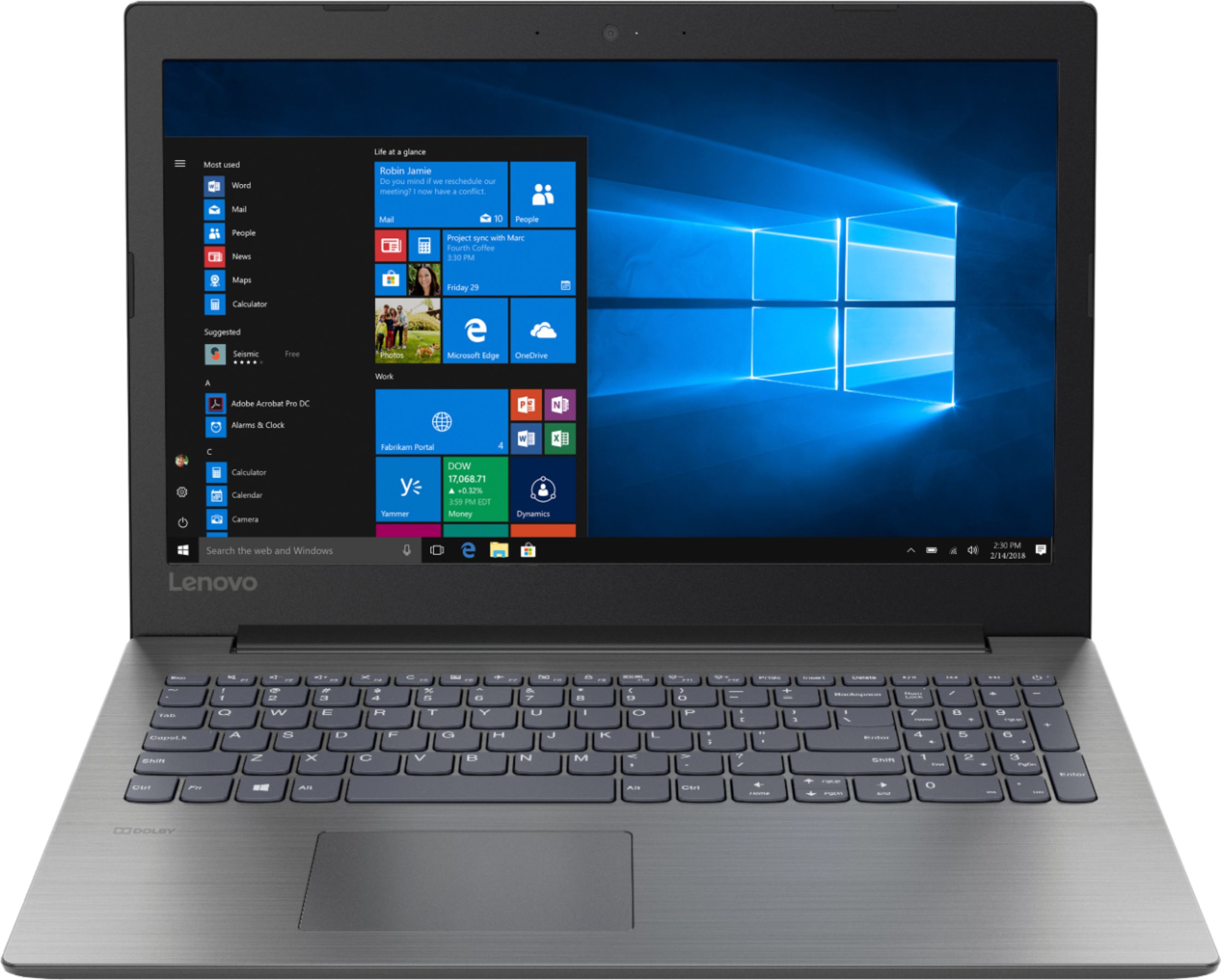
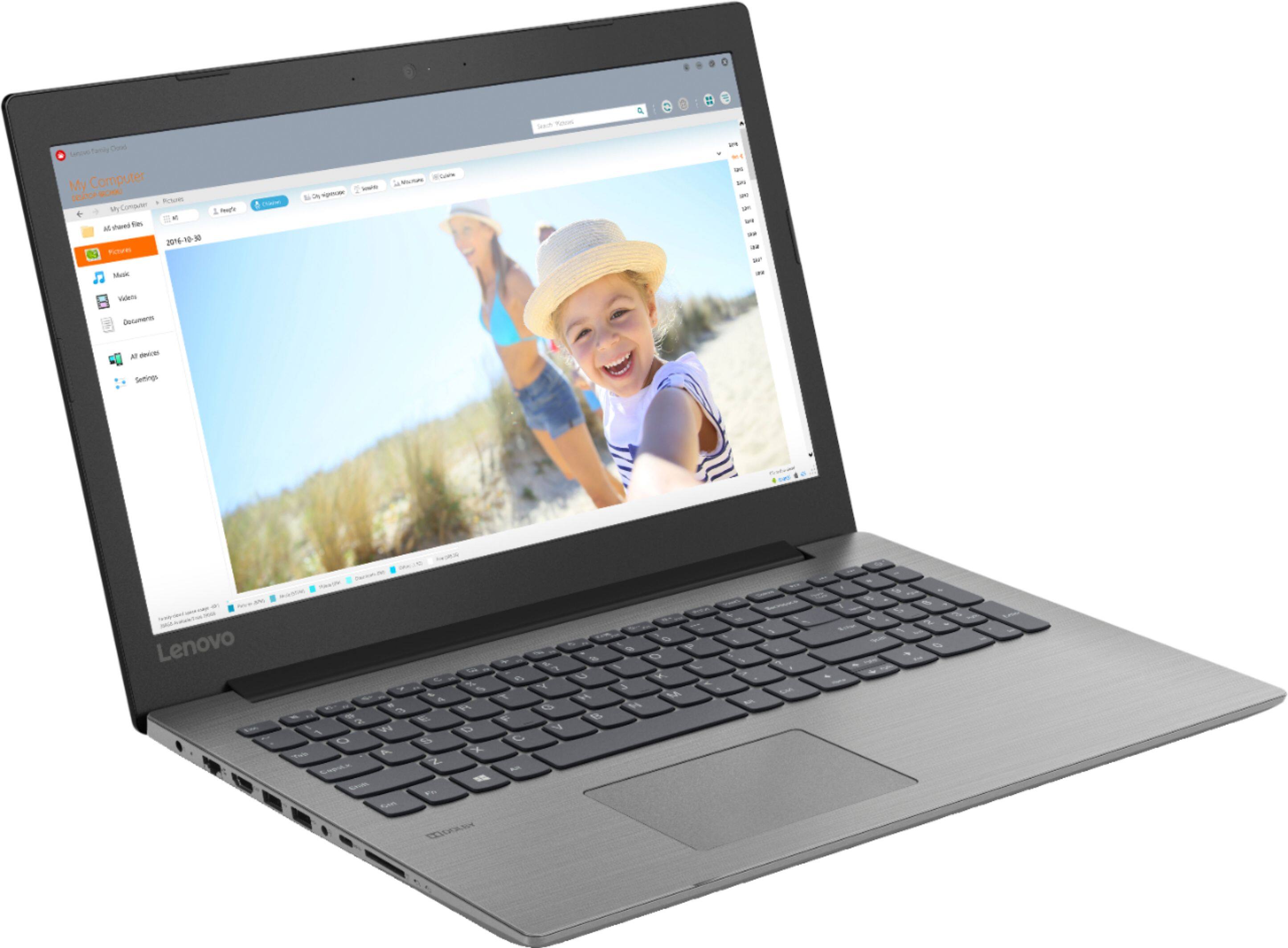
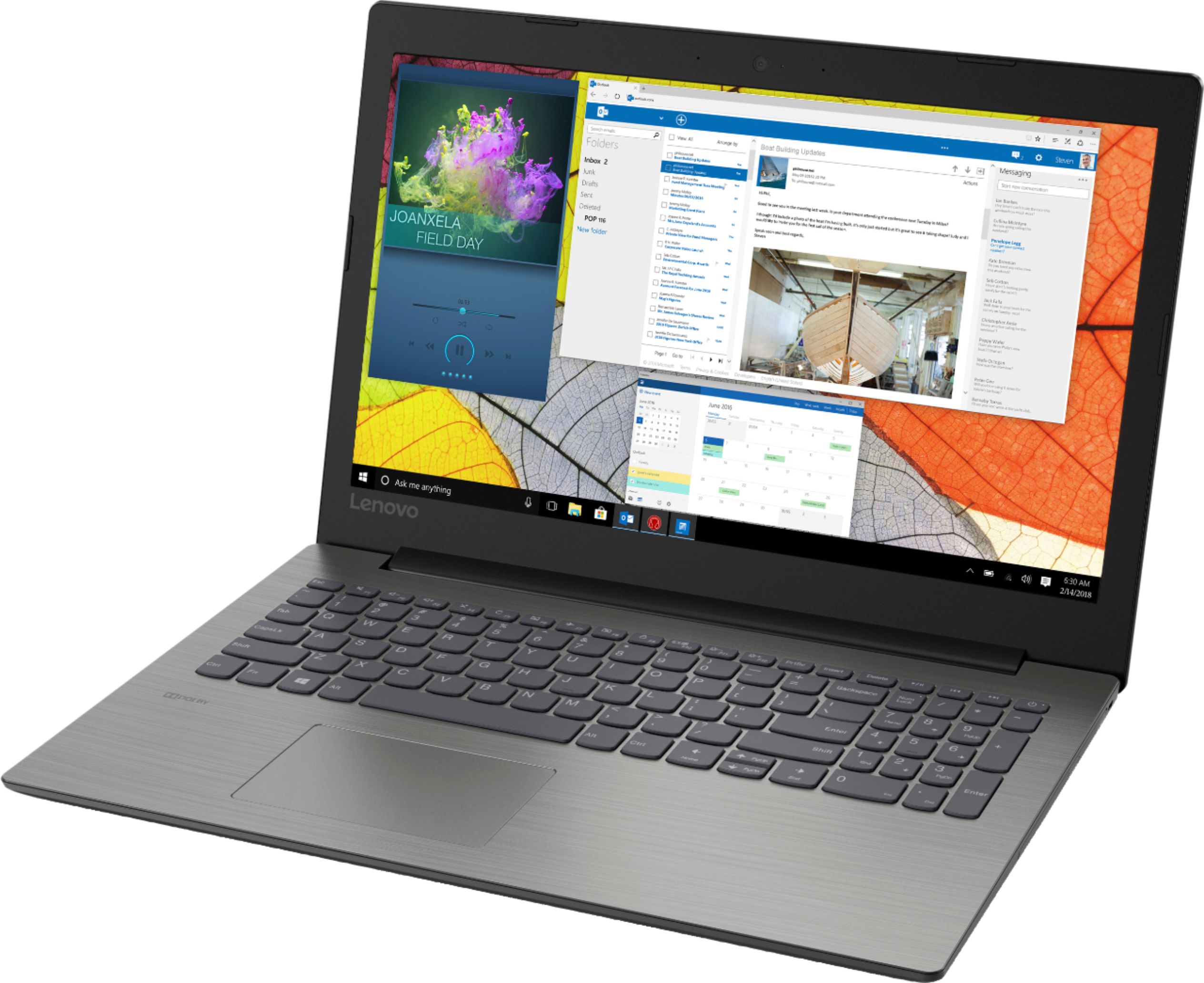
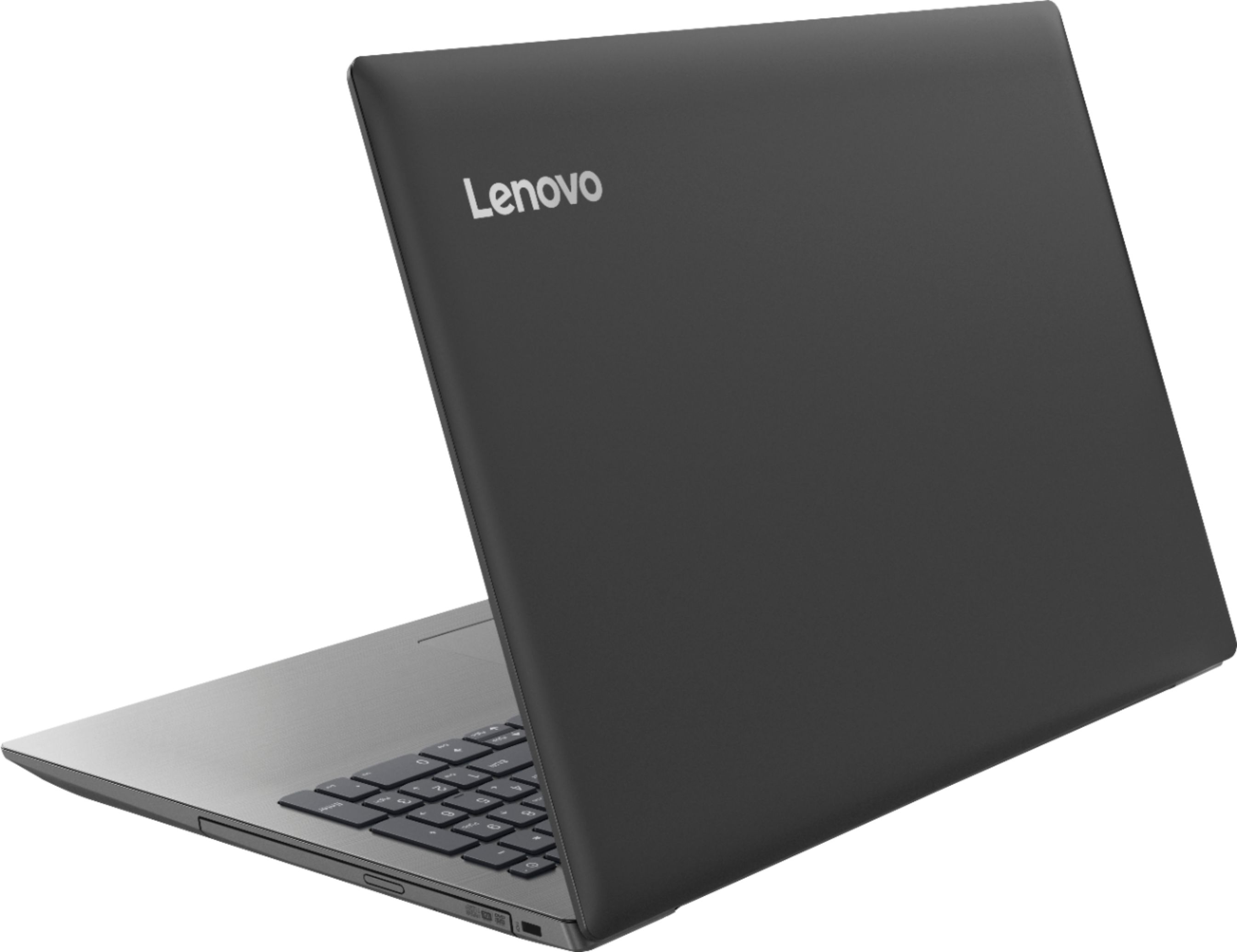
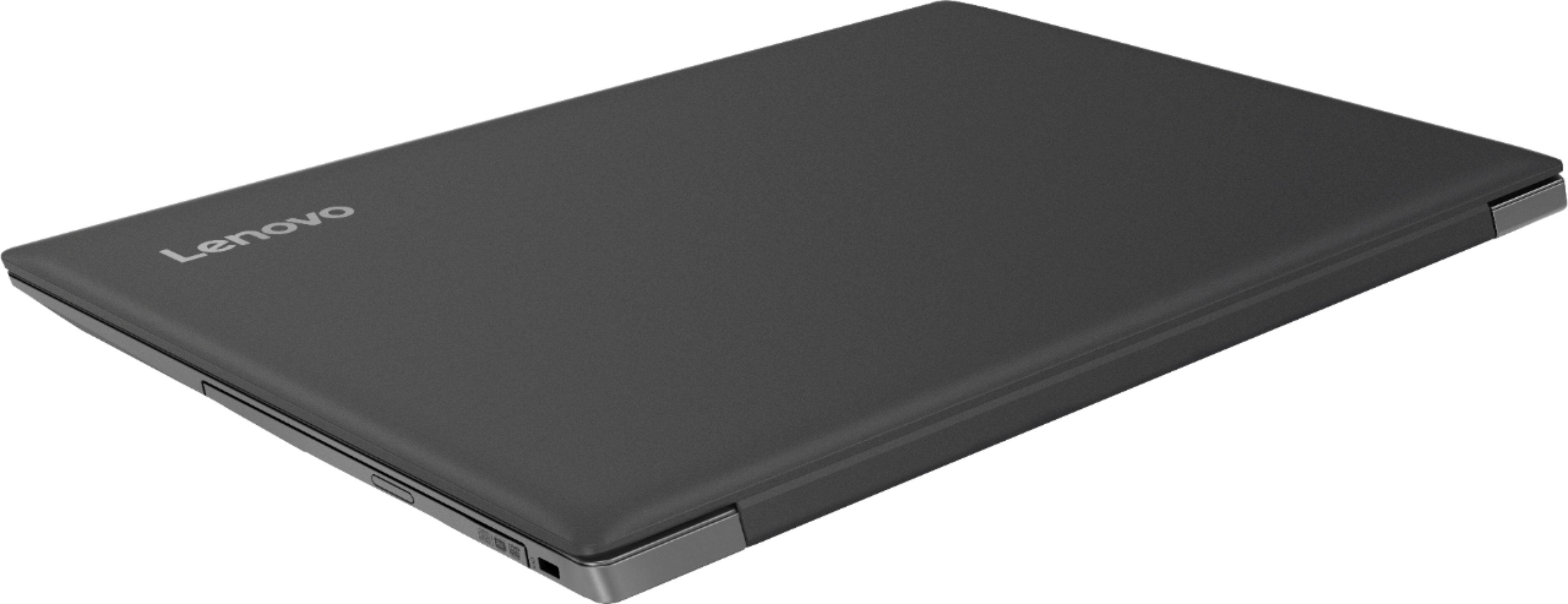



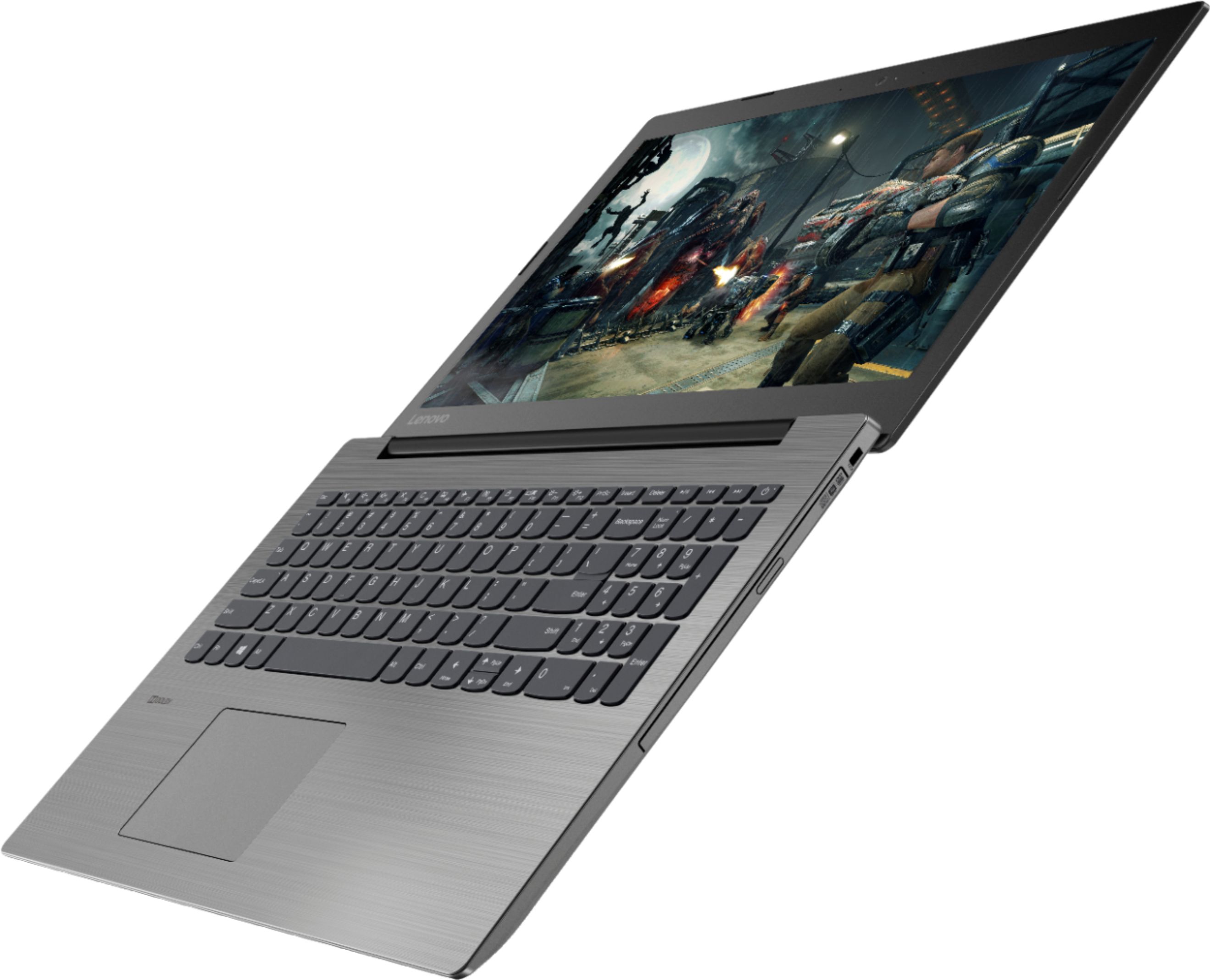
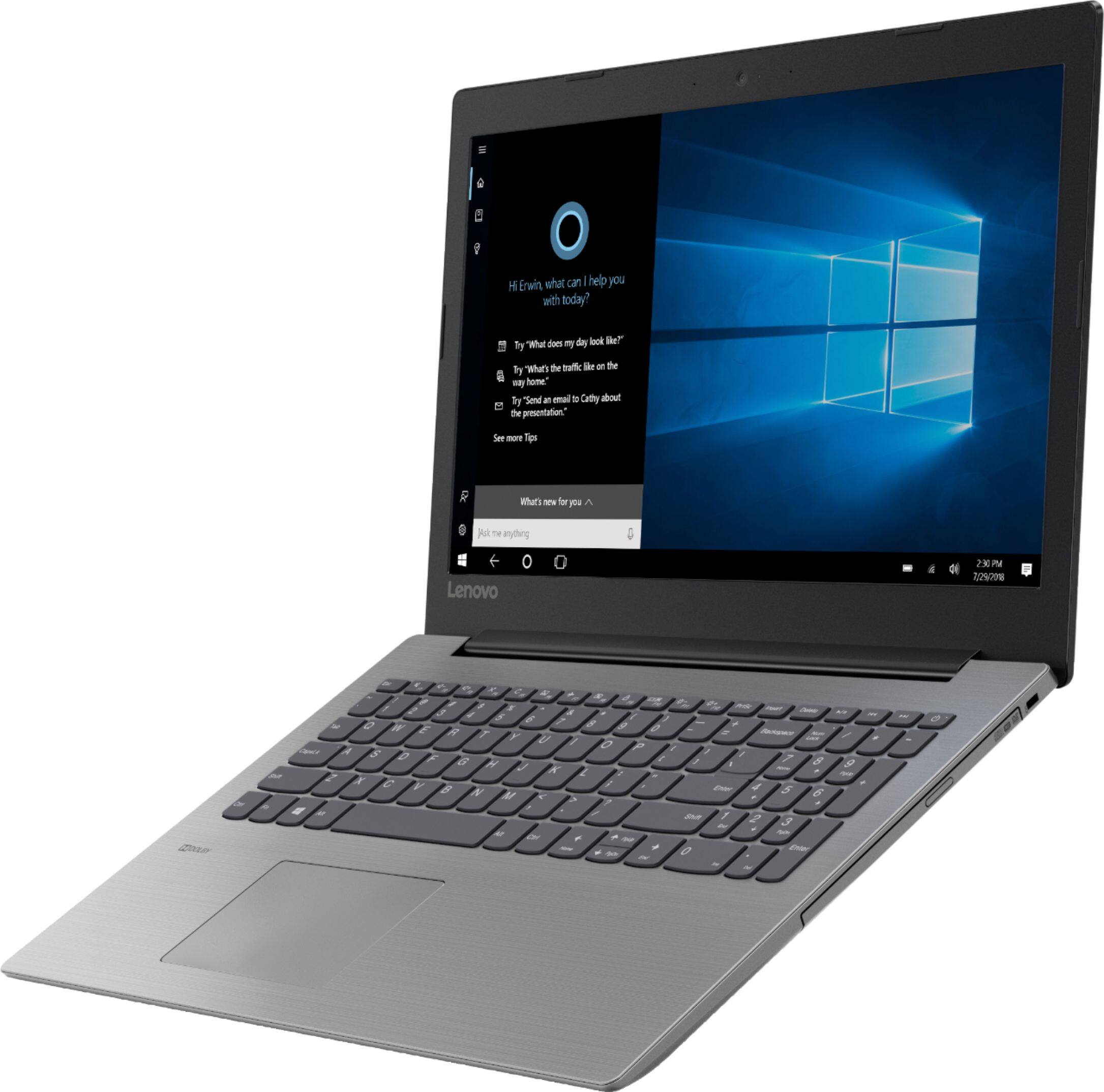
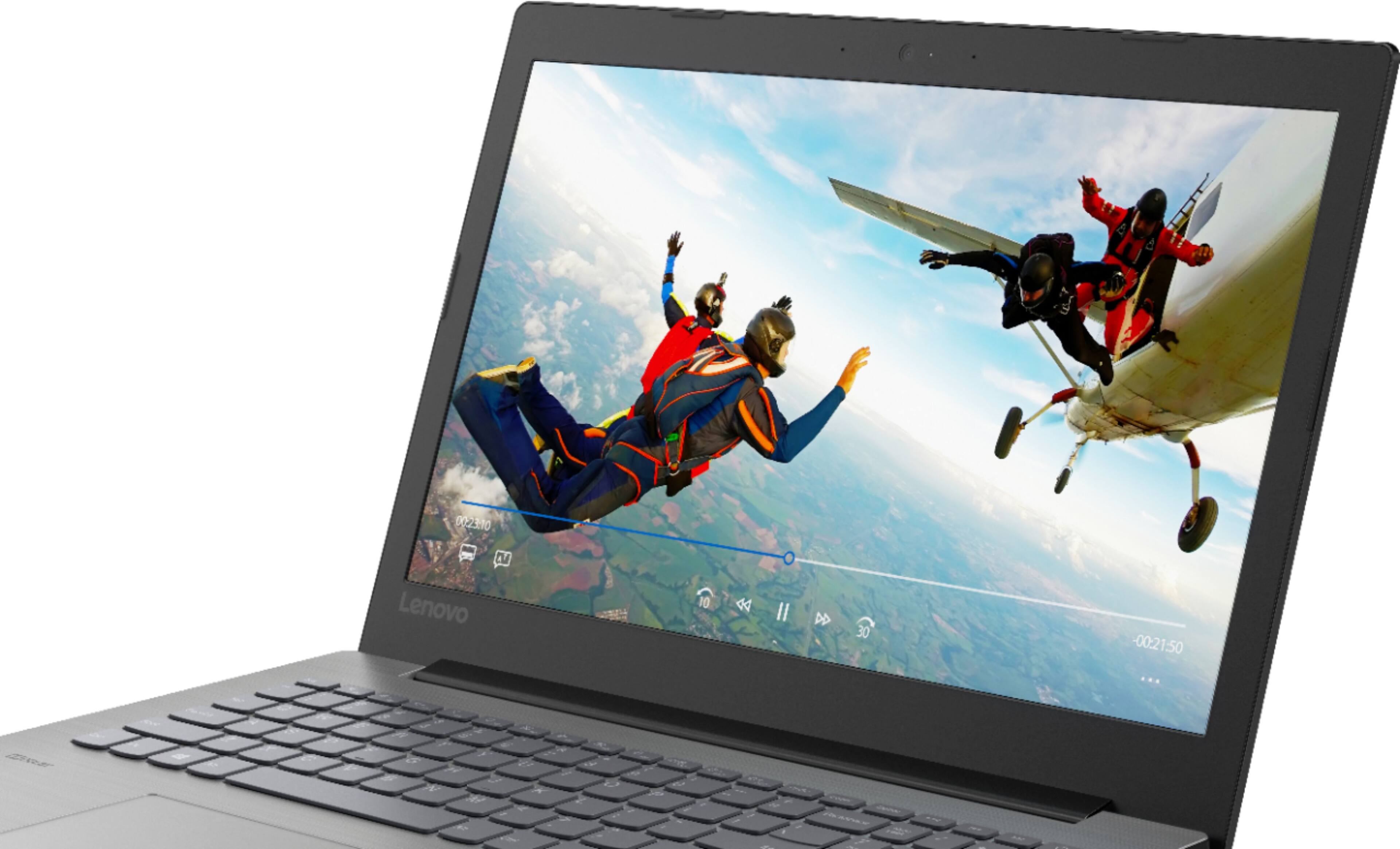

- Model:
- IDEAPAD 330 15 - 81D2008FUS
- SKU:
- 6266402
Rating by feature
- Value
Rating 4.2 out of 5 stars
- Quality
Rating 4.0 out of 5 stars
- Ease of Use
Rating 4.2 out of 5 stars
Customers are saying
Customers find value in the affordable price, user-friendly interface, and ample storage space of the 330-15ARR laptop. They appreciate its gaming capabilities and lightweight design, making it suitable for various tasks. However, some users have concerns about the battery life and screen quality, while others find Windows 10 to be less intuitive and the fan noise to be noticeable.
This summary was generated by AI based on customer reviews.
- Pros mentioned:Price
Great laptop
||Posted .This reviewer received promo considerations or sweepstakes entry for writing a review.I love this laptop for the specifications and price!
I would recommend this to a friendBrand response from Lenovo Product Expert
Posted .Thank you for choosing the Lenovo IdeaPad 330-15 laptop. We are pleased to hear that the value, features and performance of the IdeaPad 330-15 meets your computing needs so well. This is a mid-level, moderate use configuration, with its AMD Ryzen 3 2200U processor. This Dual-Core processor has a base speed of 2.5GHz and a boost speed of up to 3.4GHz. This configuration has 8GB of DDR4-2400MHz RAM. It is good with Microsoft Office type programs, internet browsing and other moderate work. If this describes your computing needs, the IdeaPad 330-15 would be a good choice for you.

- Pros mentioned:Storage
Great 2nd Laptop
||Posted .This reviewer received promo considerations or sweepstakes entry for writing a review.Love the simplicity and CD drive. Plenty of storage.
I would recommend this to a friendBrand response from Lenovo Product Expert
Posted .Thank you for choosing the Lenovo IdeaPad 330-15 laptop. We are pleased to hear that the features and performance of the IdeaPad 330-15 meets your computing needs so well.
- Pros mentioned:Price
Very good!
||Posted .This reviewer received promo considerations or sweepstakes entry for writing a review.Very nice laptop and it’s awesome for the price!!.
I would recommend this to a friendBrand response from Lenovo Product Expert
Posted .Thank you for choosing the Lenovo IdeaPad 330-15 laptop. We are pleased to hear that the value, features and performance of the IdeaPad 330-15 meets your computing needs so well. This is a mid-level, moderate use configuration, with its AMD Ryzen 3 2200U processor. This Dual-Core processor has a base speed of 2.5GHz and a boost speed of up to 3.4GHz. This configuration has 8GB of DDR4-2400MHz RAM. It is good with Microsoft Office type programs, internet browsing and other moderate work. If this describes your computing needs, the IdeaPad 330-15 would be a good choice for you.
- Pros mentioned:Price
Starter Laptop
||Posted .This reviewer received promo considerations or sweepstakes entry for writing a review.Great laptop for the price for a starter. Recommend
I would recommend this to a friendBrand response from Lenovo Product Expert
Posted .Thank you for choosing the Lenovo IdeaPad 330-15 laptop. We are pleased to hear that the value and performance of the IdeaPad 330-15 meets your computing needs so well. This is a mid-level, moderate use configuration, with its AMD Ryzen 3 2200U processor. This Dual-Core processor has a base speed of 2.5GHz and a boost speed of up to 3.4GHz. This configuration has 8GB of DDR4-2400MHz RAM. It is good with Microsoft Office type programs, internet browsing and other moderate work. If this describes your computing needs, the IdeaPad 330-15 would be a good choice for you.
- Pros mentioned:Speed
Lenovo laptop
||Posted .This reviewer received promo considerations or sweepstakes entry for writing a review.This is a very very good laptop. Fast and reliable
I would recommend this to a friendBrand response from Lenovo Product Expert
Posted .Thank you for choosing the lenovo IdeaPad 330-15 laptop. We are pleased to hear that the performance of the IdeaPad 330-15 meets your computing needs so well.
- Pros mentioned:Price
great computer for the price
||Posted .This reviewer received promo considerations or sweepstakes entry for writing a review.This was a great choice, I love it and great price
I would recommend this to a friendBrand response from Lenovo Product Expert
Posted .Thank you for choosing the Lenovo IdeaPad 330-15 laptop. We are pleased to hear that the value and performance of the IdeaPad 330-15 meets your computing needs so well.
Basically Good
||Posted .This reviewer received promo considerations or sweepstakes entry for writing a review.I needed to move on to a newer computer, was long overdue. I LOVE having 1TB to work with for storing music. Edge seems like a decent browser. The price is great for what this computer can do. However...I’ve had my frustrations. The battery doesn’t always charge when plugged in, I cannot connect my bluetooth headphones (it asks for a code, then a couple seconds later closes that window before I can even try) and there’s the occasional black screen which requires a reboot. All of these situations are mentioned by other users as well on many forums. I’d recommend it as a great deal on a good computer, but not a good deal on a great computer.
I would recommend this to a friendBrand response from Lenovo Product Expert
Posted .The Lenovo IdeaPad 330-15 laptop ships with a 2CELL 35WH, Lithium Polymer battery, with a battery life of up to 4 hours, depending on the work that the device is performing. If your battery has a charge of greater that 80% and you plug the device in, the Windows 10 Battery Saver software will protect the life of the battery, letting the battery continue to drain until the battery drains to a lower percentage, then start charging the battery back to 100%. Regarding Bluetooth, The IdeaPad 330-15 ships with Bluetooth 4.1 capability. Check with the headphone manufacturer for the proper pairing process. Be sure the headphones are compatible with Bluetooth 4.1 version. Windows 10 should not display a black screen. Be sure any software you installed is compatible with Windows 10. There is no need to install Microsoft Office software. The software is already part of the operating system, you just need to activate the software with a purchased product key. If you have installed a copy of Microsoft Office, this is conflicting with the existing copy on the system and this will slow your system down. If you have installed a 3rd party anti-virus program, be sure that Windows Defender is turned off and that the trial version of McAfee Anti-Virus software is uninstalled. There can only be one anti-virus program on the system. You may need to restore your system to original factory default settings if any of the programing errors have occurred. You can do that by typing "restore" in the Cortana search window. Just click on the magnifying glass icon at the bottom left of your Windows 10 Desktop. Click on "Reset This PC" Then click on "Get Started" and follow the on screen directions to restore to factory defaults. If the problem persists, we recommend you contact Lenovo Tech Support at: 877-453-6686. For 2018, Lenovo retained its place for a second year as the best laptop vendor:
https://www.laptopmag.com/articles/laptop-brand-ratings
Great laptop
||Posted . Owned for 7 months when reviewed.This reviewer received promo considerations or sweepstakes entry for writing a review.I was replacing a dead Toshiba laptop. I was on a limited budget and this one fit my needs perfectly. I manage finances and pay bills online, stream videos, and surf the web just fine. The unit is very light and easy to carry. The only thing I can complain about is my bag is too big for it.
I would recommend this to a friendWorks great..
||Posted . Owned for 1 year when reviewed.This reviewer received promo considerations or sweepstakes entry for writing a review.I didn't have a lot of laptop experience but my job went from office to mobile via traveling so made the dive-in. I'm sure there are other laptops with more gizmos, but if you need only for work it's a great buy..
I would recommend this to a friendToo new for me
||Posted .This reviewer received promo considerations or sweepstakes entry for writing a review.I had up Toshiba for some time and it has been very difficult to change an update with a new laptop. I chose Villanova for what it offered but honestly I do not like the new style pad because it's hard to determine what is right click and left click when you don't have a mouse and you don't have separate buttons. But it seems like all the new laptops or this way so I will probably have to get a mouse to help me with that situation which I'm not looking forward to... One more thing to have to keep up with. I haven't had not had the laptop long enough to tell you that I liked it or not. I am old school and this is just one more thing I have to get used to.
No, I would not recommend this to a friendBrand response from Lenovo Product Expert
Posted .The heart of the IdeaPad 330-15 laptop is the Windows 10 operating system. With regard to learning your way around Windows 10, you may want to try YouTube.com (just type that address in your browser address window). There are hundreds for free instructional videos there about Windows 10. Just type Windows 10 Introduction in to the YouTube search window. You can watch free videos there that will show you the basics all the way up to tips and tricks videos and they're all free. With regard to the touchpad, you can make adjustments to the touchpad in your system settings. You can get there by clicking on the magnifying glass at the bottom left of your Windows 10 screen. Type "touchpad" in the search window. Select "Mouse & touchpad settings" from the list of choices. You can make general adjustments to the touchpad there. You can also select "Additional mouse options" for more detailed adjustments to the touchpad sensitivity by increasing the delay of the touchpad.
A PERFECT and RARE find!!
||Posted . Owned for 6 months when reviewed.This reviewer received promo considerations or sweepstakes entry for writing a review.This is the best laptop computer I have ever owned. The power supply is always cool and it has very efficient start up time. It is also a rare find because, it actually has a CD/DVD drive! It is very durable and is at an extremely affordable price! I wish I could buy an additional one!
I would recommend this to a friendStill getting to know it.
||Posted .This reviewer received promo considerations or sweepstakes entry for writing a review.I’m still getting to know the computer, I did buy one for my daughter and she was pretty frustrated with it. It messed up her iPhone after she plugged it in. I don’t know if she received a lemon computer. I’ll update later.
I would recommend this to a friendBrand response from Lenovo Product Expert
Posted .With regard to using this computer with an iPhone, we recommend you check with Apple for compatibility of the iOS with the Windows Operating System and whether you can connect an iPhone to a Windows 10 computer.
Works for intended purpose
||Posted .This reviewer received promo considerations or sweepstakes entry for writing a review.Purchased for use in displaying Power Points and presentations on wide screen TV, and it works well for this, connects immediately. It runs slower than expected when on line, but for the price, offered what was needed.
I would recommend this to a friendBrand response from Lenovo Product Expert
Posted .Thank you for choosing the Lenovo IdeaPad 330-15 laptop. This model ships with the latest 5G 802.11AC frequency WiFi. If you are experiencing slow internet speeds, be sure your router has the latest firmware updates available from the router manufacturer's web site.
Mehh...
||Posted . Owned for 1 year when reviewed.This reviewer received promo considerations or sweepstakes entry for writing a review.I have now had my Lenovo for about a year. Since we bought it, it has not really lived up to my expectations. It seems slower than my old computer (about 5 years old) and I have issues logging in sometimes. When I turn on the computer there will be nowhere to put in my password. I wait 5-10 minutes and nothing. Once I reboot the computer then it works fine. Also the speed is average at best. It's not a terrible computer, just not as good as I was expecting.
No, I would not recommend this to a friendThe perfect laptop.
||Posted .This reviewer received promo considerations or sweepstakes entry for writing a review.Needed a laptop and after an exhausted search found this at Best Buy. Runs all the Office and Adobe Applications, plenty of ram and a really nice display. Upgraded the Hard Disk drive to an SSD drive and now its snappy
I would recommend this to a friendBrand response from Lenovo Product Expert
Posted .Thank you for choosing the Lenovo IdeaPad 330-15 laptop. Please keep in mind, this model is not user upgradable. A certified technician must do all of the work, so as to not void the warranty.
Bought for value
||Posted .This reviewer received promo considerations or sweepstakes entry for writing a review.I don't use this PC. I used it to install at a customer's site so that I have a way to remote into a safety system we installed. Set up as it should, but I can't give much more details since it is rarely used.
I would recommend this to a friendGood laptop for the price
||Posted .This reviewer received promo considerations or sweepstakes entry for writing a review.Bought this because it had more RAM and greater hard drive capacity than the one I was using. The USB 3 ports are a bonus. Don’t have anything that can use the USB C port. The vast majority of what I do is email and Microsoft office apps. Fills my requirements just fine
I would recommend this to a friendBrand response from Lenovo Product Expert
Posted .Thank you for choosing the Lenovo IdeaPad 330-15 laptop. This is a mid-level, moderate use configuration, with its AMD Ryzen 3 2200U processor. This Dual-Core processor has a base speed of 2.5GHz and a boost speed of up to 3.4GHz. This configuration has 8GB of DDR4-2400MHz RAM. It is good with Microsoft Office type programs, internet browsing and other moderate work. We are pleased to hear that the IdeaPad 330-15 meets your computing needs so well. For 2018, Lenovo retained its place for a second year as the best laptop vendor:
https://www.laptopmag.com/articles/laptop-brand-ratings
My Lenovo purchase
||Posted .This reviewer received promo considerations or sweepstakes entry for writing a review.Lenovo is a sound product which allows me and my staff to do most of the administrative functions required. It performs as needed and has proven quite reliable, sturdy, and functional in its present application. Would continue to purchase Lenovo products in the future.
I would recommend this to a friendBrand response from Lenovo Product Expert
Posted .Thank you for choosing the Lenovo IdeaPad 330-15 laptop. We are pleased to hear that the performance of the IdeaPad 330-15 meets your business computing needs so well.
Basic Laptop
||Posted .This reviewer received promo considerations or sweepstakes entry for writing a review.My husband just needed a basic laptop to read email, look at Facebook and do basic word applications this is perfect and did not break my budget. Lenovo seems like a solid Company that makes a solid laptop. You will need a mouse. Don’t expect an apple MacBook trackpad.
I would recommend this to a friendBrand response from Lenovo Product Expert
Posted .Thank you for choosing the Lenovo IdeaPad 330-15 laptop for your husband. With regard to the touchpad, you can make adjustments to the touchpad in your system settings. You can get there by clicking on the magnifying glass at the bottom left of your Windows 10 screen. Type "touchpad" in the search window. Select "Mouse & touchpad settings" from the list of choices. You can make general adjustments to the touchpad there. You can also select "Additional mouse options" for more detailed adjustments to the touchpad sensitivity by increasing the delay of the touchpad.
Very Satisfied
||Posted .This reviewer received promo considerations or sweepstakes entry for writing a review.It is faster and so much better than my dell I had for 6 months and tossed! There is mention of noise in reviews, mine is very quiet at all times. Great PC for the price. Slow to start up in the beginning, but after a few boots and using it it is much faster.
I would recommend this to a friendBrand response from Lenovo Product Expert
Posted .Thank you for choosing the Lenovo IdeaPad 330-15 laptop. Initial slowness at startup may be due to system updates. You can keep your computer operating software up to date by regularly scanning the computer with the Lenovo Utility software installed on this computer. This system has Lenovo utilities installed to help maintain the health of the device and keep the operating system software up to date. Type "Lenovo Vantage" in the Cortana Search window (if Lenovo Vantage is not installed on your device, you can download the APP and install it now). Select Lenovo Vantage from the list. In the window that opens, click on "Health and Support". In the expanded menu, select "Hardware Scan" In the window that opens, select "Run Quick Tests". This will scan your entire system for errors. Follow any directions that may pop up. If the problem continues after this scan, now click on "System Update". First select Windows update from the menu. Scan your system to be sure you have the latest version of Windows 10. Once that scan is complete, select "Additional Updates". This will scan your device to be sure there are no new BIOS/Driver updates needed. Follow any instructions that may pop up. If the issue still continues after these updates, we recommend you call Lenovo Tech Support at: 877-453-6686 for additional help.