Customer Ratings & Reviews
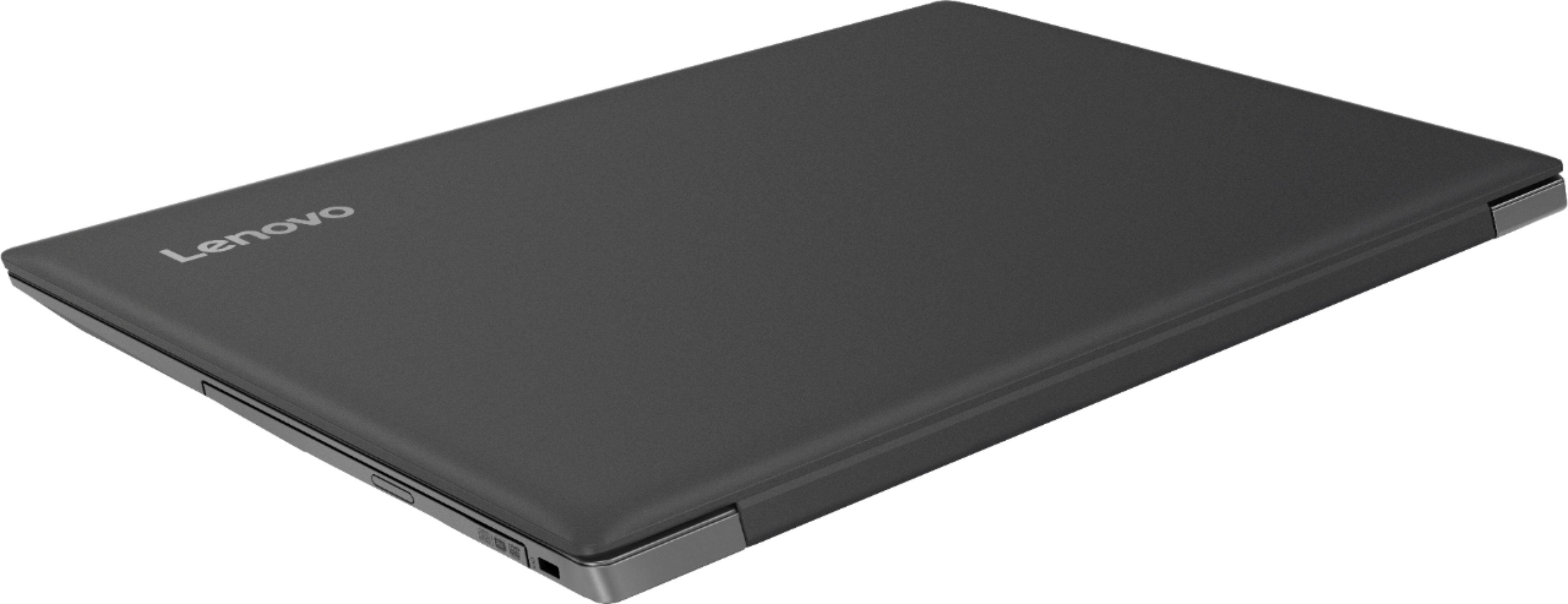



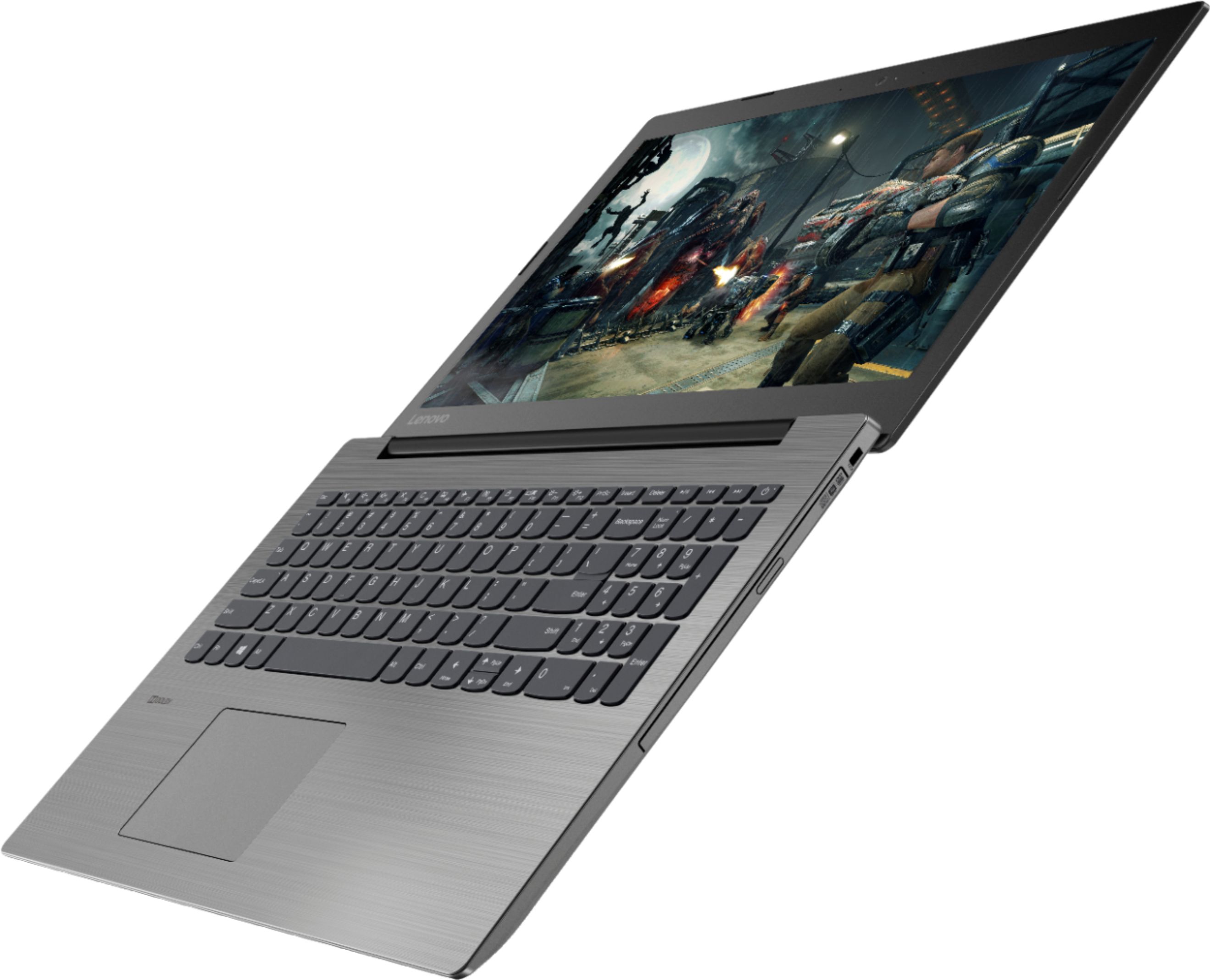
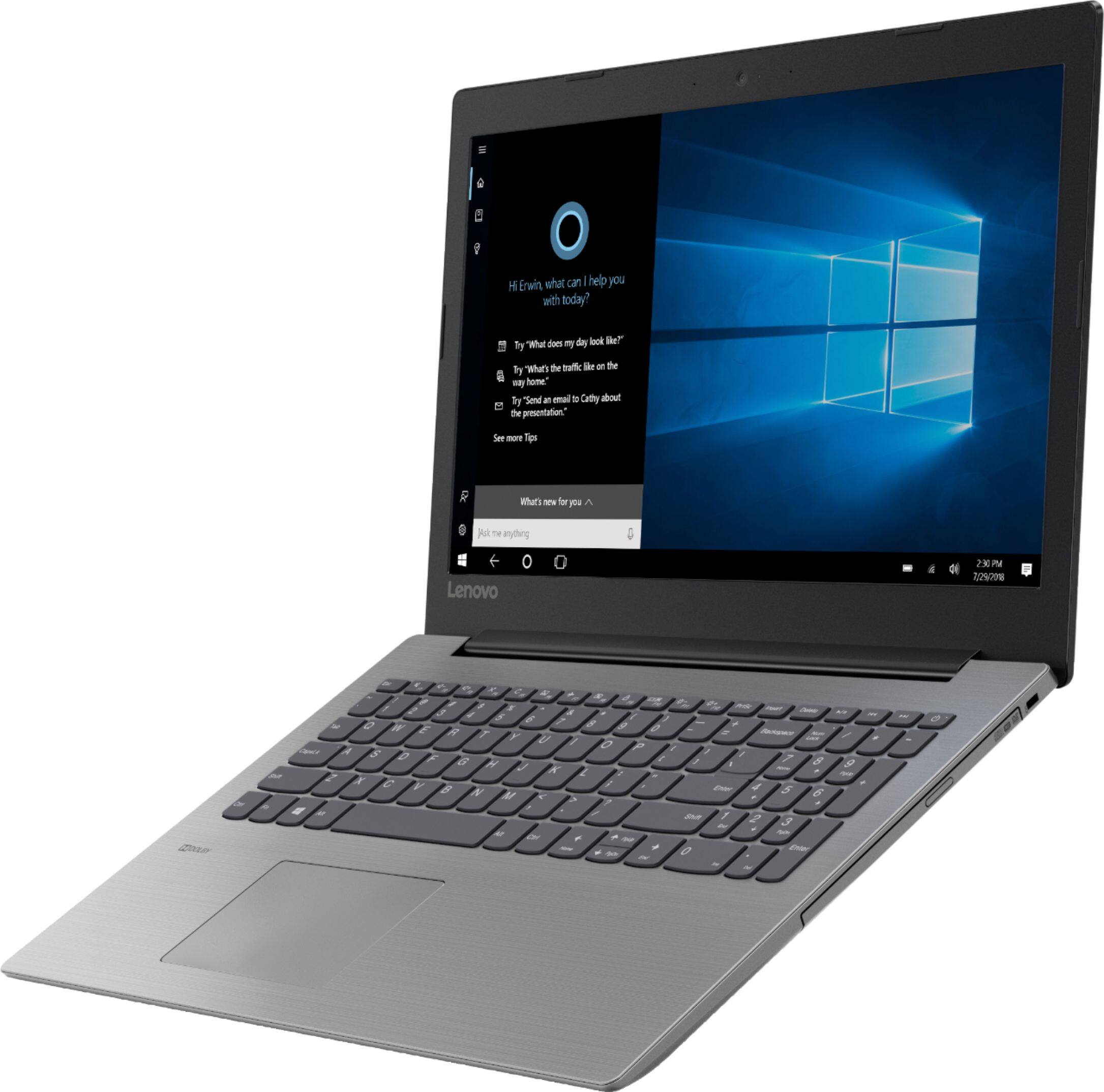
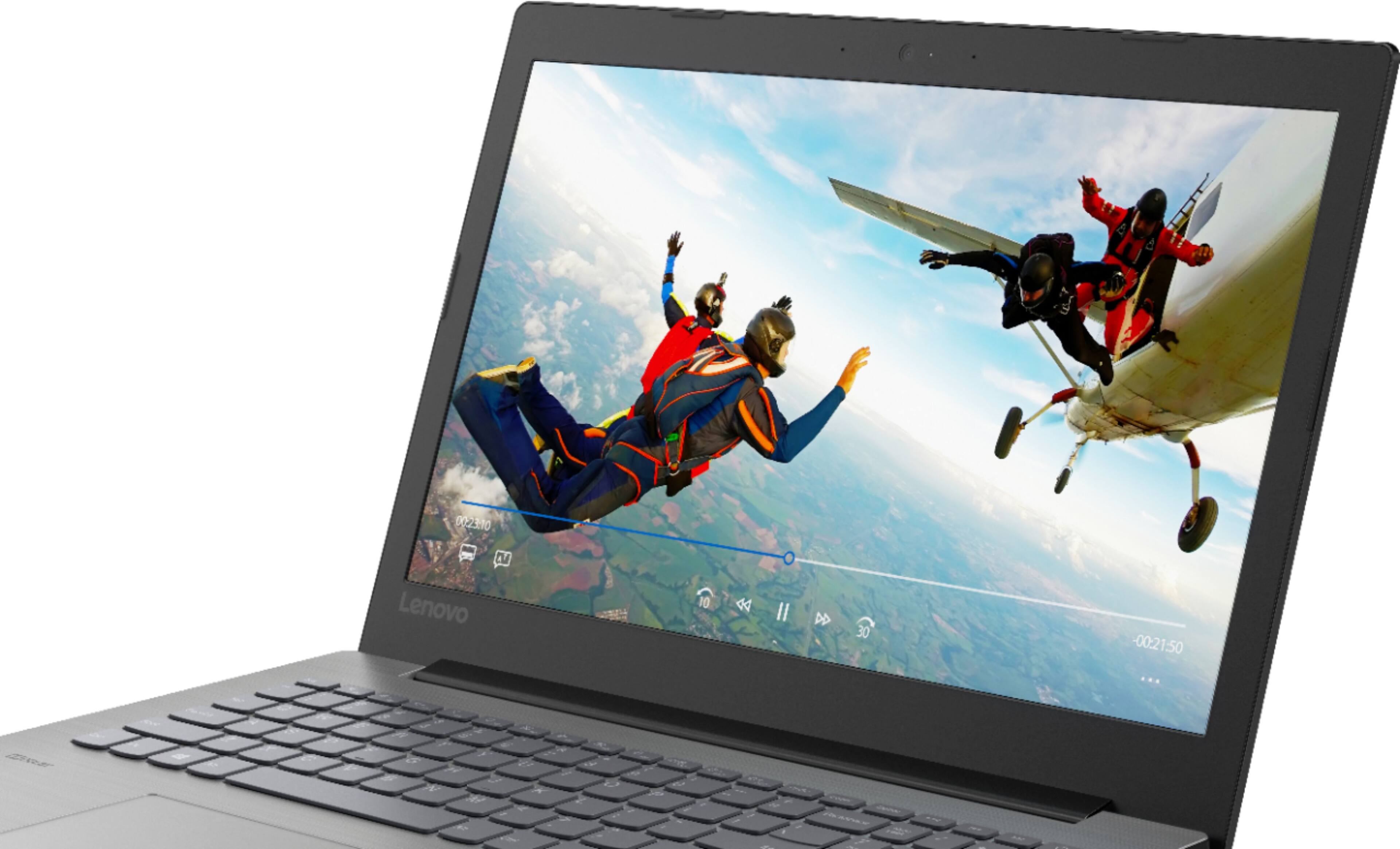

- Model:
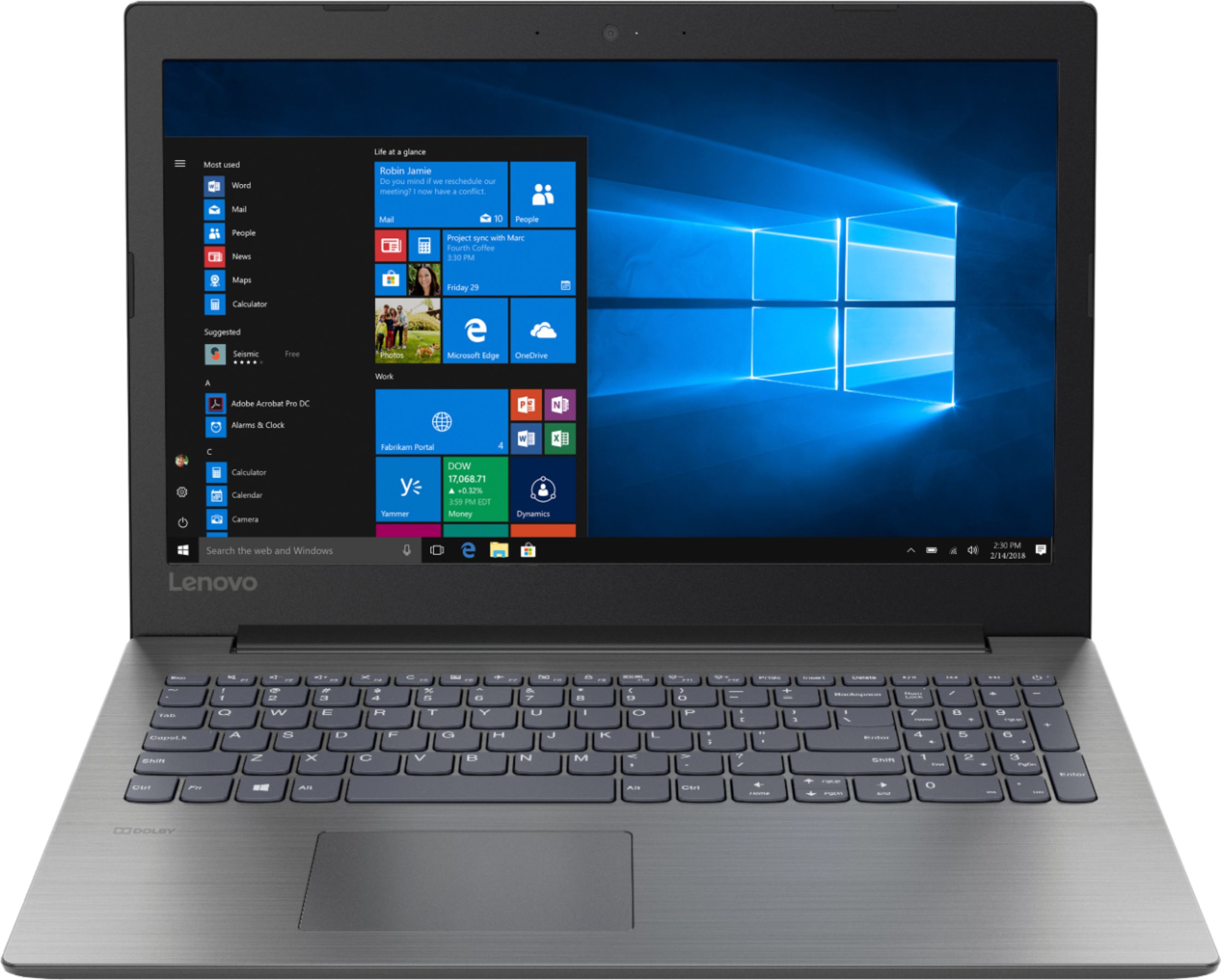
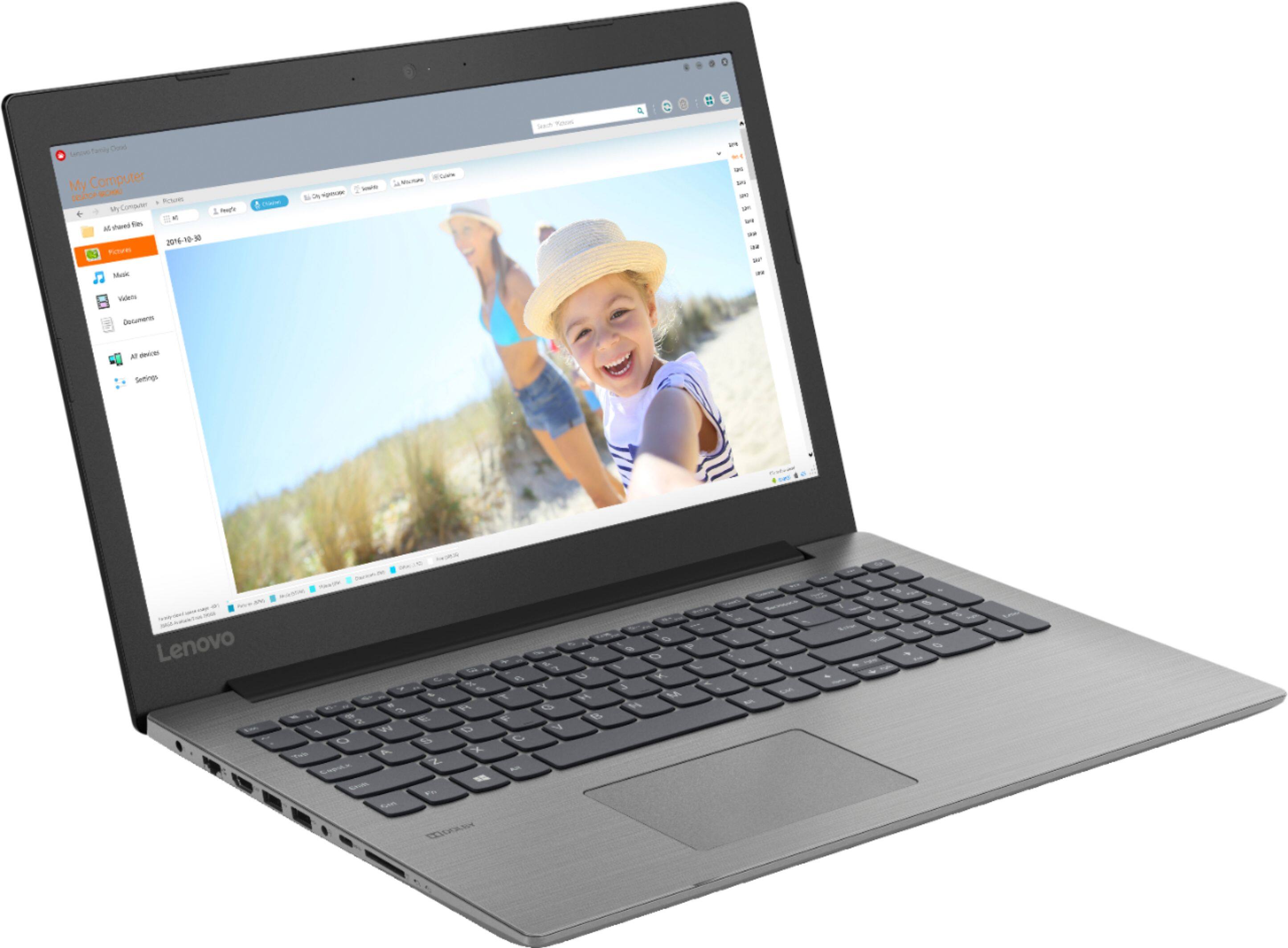
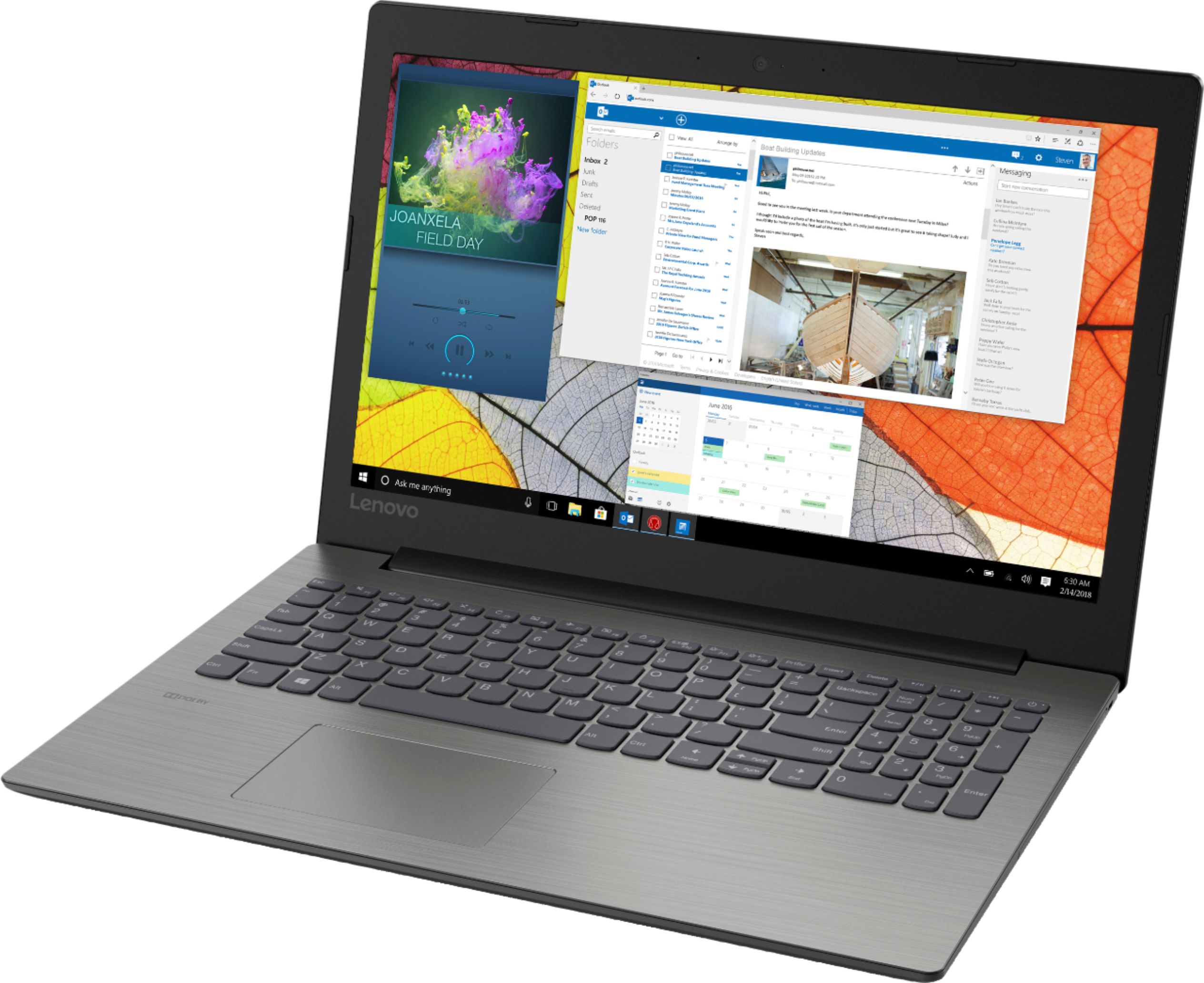
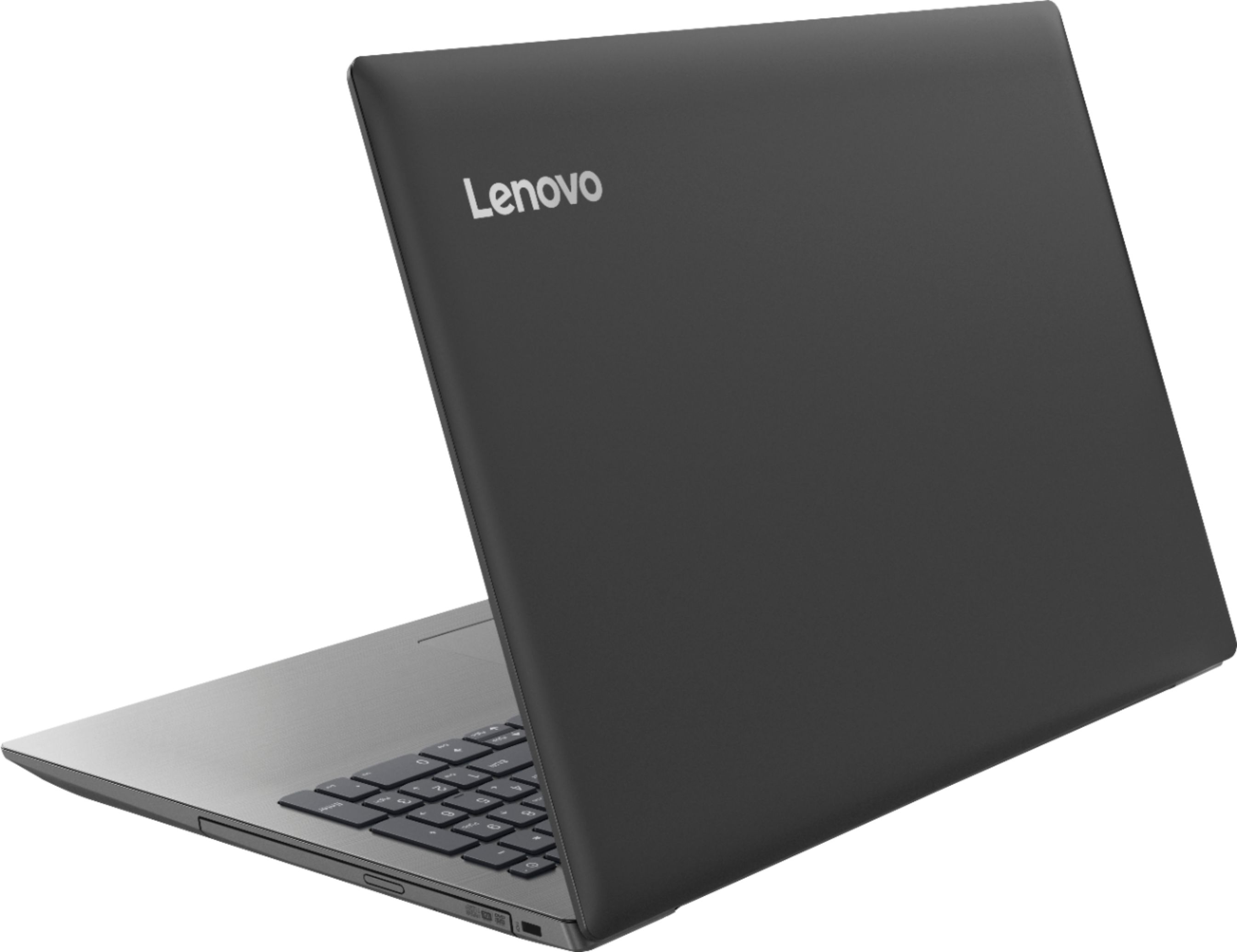
- IDEAPAD 330 15 - 81D2008FUS
- SKU:
- 6266402
Rating by feature
- Value
Rating 4.2 out of 5 stars
- Quality
Rating 4.0 out of 5 stars
- Ease of Use
Rating 4.2 out of 5 stars
Customers are saying
Customers find value in the affordable price, user-friendly interface, and ample storage space of the 330-15ARR laptop. They appreciate its gaming capabilities and lightweight design, making it suitable for various tasks. However, some users have concerns about the battery life and screen quality, while others find Windows 10 to be less intuitive and the fan noise to be noticeable.
This summary was generated by AI based on customer reviews.
Yep...it’s good
||Posted .This reviewer received promo considerations or sweepstakes entry for writing a review.Daughter was angry. “Like...OMG...like...I can’t even use my laptop anymoooooore...like I’m soooo sure...like, gag me with a spoon...”. So I went to BestBuy.com and found this fantastic deal. Purchased it. Gave to daughter. “OMG... like...totally awesome!”
I would recommend this to a friendBrand response from Lenovo Product Expert
Posted .Thank you for choosing the lenovo IdeaPad 330-15 laptop for your daughter. This is a mid-level, moderate use configuration, with its AMD Ryzen 3 2200U processor. This Dual-Core processor has a base speed of 2.5GHz and a boost speed of up to 3.4GHz. This configuration has 8GB of DDR4-2400MHz RAM. It is good with Microsoft Office type programs, internet browsing and other moderate work. If this describes your computing needs, the IdeaPad 330-15 would be a good choice for you.

It works fine for the price
||Posted .This reviewer received promo considerations or sweepstakes entry for writing a review.This computer seems to do what I need, which is pay bills and research items. The only real negative is the touch pad mouse. It is very frustrating for my screen size to change when trying to scroll.
I would recommend this to a friendBrand response from Lenovo Product Expert
Posted .Thank you for choosing the Lenovo IdeaPad 330-15 laptop. With regard to the touchpad, you can make adjustments to the touchpad in your system settings. You can get there by clicking on the magnifying glass at the bottom left of your Windows 10 screen. Type "touchpad" in the search window. Select "Mouse & touchpad settings" from the list of choices. You can make general adjustments to the touchpad there. You can also select "Additional mouse options" for more detailed adjustments to the touchpad sensitivity by increasing the delay of the touchpad.
Great PC for a Senior!
||Posted .This reviewer received promo considerations or sweepstakes entry for writing a review.Very fast and more storage than I will ever use. Don't be afraid of the AMD processor I have used them for quite a few years and have never been disappointed. Use mainly for internet and a few videos.
I would recommend this to a friendBrand response from Lenovo Product Expert
Posted .Thank you for choosing the Lenovo IdeaPad 330-15 laptop. We are pleased to hear that the features and performance of the IdeaPad 330-15 meets your computing needs so well.

Great deal for the price
||Posted .This reviewer received promo considerations or sweepstakes entry for writing a review.Overall, this laptop meets all of my needs. Although it is technically an HD display, it does not remain HD when connected to an larger, exterior HD monitor. Minor issue, but a little disappointing.
I would recommend this to a friendBrand response from Lenovo Product Expert
Posted .Thank you for choosing the Lenovo IdeaPad 330-15 laptop. This configuration has the ability to export a video signal to a monitor with a resolution of 1366 X 768 (HD). The aspect ratio may need to be adjusted for a larger external screen, but if the external screen supports resolutions up to 1366 X 768 (HD), the IdeaPad 330-15 will be able to send this image. Here is a link to instructions for adjusting image scaling to a second monitor within Windows 10: https://www.alphr.com/microsoft/microsoft-windows-10/1001272/how-to-set-display-scaling-in-windows-10
Good value
||Posted .This reviewer received promo considerations or sweepstakes entry for writing a review.For the price, a good value. Though somehat large, the laptop is light weight. Get a wireless mouse as the keypad is annoying. Startup is slow at time but may be attributed to the virus protection.
I would recommend this to a friendBrand response from Lenovo Product Expert
Posted .Thank you for choosing the lenovo IdeaPad 330-15 laptop. This is a full size 15.6" (screen size measured diagonally) laptop, but the device only measures 14.88 x 10.24 x 0.90 inches and weighs just 4.84 lbs. With regard to the touchpad, you can make adjustments to the touchpad in your system settings. You can get there by clicking on the magnifying glass at the bottom left of your Windows 10 screen. Type "touchpad" in the search window. Select "Mouse & touchpad settings" from the list of choices. You can make general adjustments to the touchpad there. You can also select "Additional mouse options" for more detailed adjustments to the touchpad sensitivity by increasing the delay of the touchpad. You can keep your computer running at its best by scanning regularly with the Lenovo Utility software installed on the computer. This system has Lenovo utilities installed to help maintain the health of the device and keep the operating system software up to date. Type "Lenovo Vantage" in the Cortana Search window (if Lenovo Vantage is not installed on your device, you can download the APP and install it now). Select Lenovo Vantage from the list. In the window that opens, click on "Health and Support". In the expanded menu, select "Hardware Scan" In the window that opens, select "Run Quick Tests". This will scan your entire system for errors. Follow any directions that may pop up. If the problem continues after this scan, now click on "System Update". First select Windows update from the menu. Scan your system to be sure you have the latest version of Windows 10. Once that scan is complete, select "Additional Updates". This will scan your device to be sure there are no new BIOS/Driver updates needed. Follow any instructions that may pop up. If the issue still continues after these updates, we recommend you call Lenovo Tech Support at: 877-453-6686 for additional help.
Love it
||Posted . Owned for 8 months when reviewed.This reviewer received promo considerations or sweepstakes entry for writing a review.I use my laptop daily; when my previous one "died" after many years of constant use I really needed a replacement. We looked at a model with less features but decided this one would serve me better in the long run. I'm very happy with it.
I would recommend this to a friendLovely PC at a wonderful price
||Posted .This reviewer received promo considerations or sweepstakes entry for writing a review.This is a great PC - it has a very fast CPU, and lots of capability. I added a 240 GB SSD for $40, and cloned the hard drive onto the SSD - it now runs like a rocket ship - total investment $360 - where can you get a new FAST PC for that price?
I would recommend this to a friendBrand response from Lenovo Product Expert
Posted .Thank you for choosing the Lenovo IdeaPad 330-15 laptop. Please keep in mind, this model is not user upgradable. A certified technician must do all of the work, so as to not void the warranty.
great laptop for home use
||Posted .This reviewer received promo considerations or sweepstakes entry for writing a review.Whether typing up a 100-page thesis or just taking notes in class, having a comfortable, responsive keyboard allows you to get more work done faster. this Lenovo 330-15arr is very efficient.
I would recommend this to a friendBrand response from Lenovo Product Expert
Posted .Thank you for choosing the Lenovo IdeaPad 330-15 laptop. We are pleased to hear that the features and performance of the IdeaPad 330-15 meets your computing needs so well.
Great starter computer
||Posted .This reviewer received promo considerations or sweepstakes entry for writing a review.I bought 2 of these for my teenage kids as their first computer. We needed something with more functionality than a chromebook, but with a similar price tag. So far they are both very pleased and have been able to do everything they envisioned.
I would recommend this to a friendBrand response from Lenovo Product Expert
Posted .Thank you for choosing the Lenovo IdeaPad 330-15 laptop for your children. We are pleased to hear that the value and performance of the IdeaPad 330-15 meets the computing needs of your children so well. The Lenovo IdeaPad 330-15 laptop is a mid-level, moderate use configuration, with its AMD Ryzen 3 2200U processor. This Dual-Core processor has a base speed of 2.5GHz and a boost speed of up to 3.4GHz. This configuration has 8GB of DDR4-2400MHz RAM. It is good with Microsoft Office type programs, internet browsing and other moderate work. If this describes your computing needs, the IdeaPad 330-15 would be a good choice for you.
Good value and very good performance.
||Posted . Owned for 7 months when reviewed.This reviewer received promo considerations or sweepstakes entry for writing a review.I bought this laptop and it is now my main computer. I added external monitor, mouse and keyboard and changed the hard drive. I am very satisfied with the overall performance.
I would recommend this to a friendSolid Laptop
||Posted .This reviewer received promo considerations or sweepstakes entry for writing a review.We purchased this laptop about a month ago and it has solid performance. I plan on buying some for my kids. At the current price, it's a great deal. Just don't forget the GS warranty. It's the best insurance around, especially with kids.
I would recommend this to a friendBrand response from Lenovo Product Expert
Posted .Thank you for choosing the lenovo IdeaPad 330-15 laptop. We are pleased to hear that the value and performance of the IdeaPad 330-15 meets your computing needs so well. This is a mid-level, moderate use configuration, with its AMD Ryzen 3 2200U processor. This Dual-Core processor has a base speed of 2.5GHz and a boost speed of up to 3.4GHz. This configuration has 8GB of DDR4-2400MHz RAM. It is good with Microsoft Office type programs, internet browsing and other moderate work. If this describes your computing needs, the IdeaPad 330-15 would be a good choice for you.
Awesome
||Posted .This reviewer received promo considerations or sweepstakes entry for writing a review.An unexpected gift for my son. His old computer went on the blink. Shopped around and saw the computer for the price and memory. So far so good he loves it. Fast and does what he was it to do faster than old computer. Good buy for price.
I would recommend this to a friendBrand response from Lenovo Product Expert
Posted .Thank you for choosing the Lenovo IdeaPad 330-15 laptop for your son. We are pleased to hear that the features and performance of the IdeaPad 330-15 meets your son's computing needs so well. This is a mid-level, moderate use configuration, with its AMD Ryzen 3 2200U processor. This Dual-Core processor has a base speed of 2.5GHz and a boost speed of up to 3.4GHz. This configuration has 8GB of DDR4-2400MHz RAM. It is good with Microsoft Office type programs, internet browsing and other moderate work. If this describes your computing needs, the IdeaPad 330-15 would be a good choice for you.
Excellent
||Posted .This reviewer received promo considerations or sweepstakes entry for writing a review.It had been over 10 years since I had purchased a computer. Geek Squad and the Best Buy staff were very patient and helpful. This Lenovo is perfect for me. Easy to use, great speed, not too small, not too large, and still light weight.
I would recommend this to a friendBrand response from Lenovo Product Expert
Posted .Thank you for choosing the lenovo IdeaPad 330-15 laptop. We are pleased to hear that the ease of use, features and performance of the IdeaPad 330-15 meets your computing needs so well.
Good Quality Laptop
||Posted .This reviewer received promo considerations or sweepstakes entry for writing a review.This laptop is good quality and I feel like it is worth the money. However, it would be better if the Microsoft package was included and you didn't have to purchase it separately.
I would recommend this to a friendBrand response from Lenovo Product Expert
Posted .There is a 30-day trial of Microsoft Office 365 included as part of the Windows 10 operating system. In order to keep the program active after the trial period, you will need to purchase a product key. You will not need to download any additional software.
All in one
||Posted .This reviewer received promo considerations or sweepstakes entry for writing a review.Comes with recording and playing dvds. Doesn't come with full instructions so will need to automatically know how to set up features.
I would recommend this to a friendBrand response from Lenovo Product Expert
Posted .For the initial setup of this device, Microsoft Cortana will give you audio step by step setup instructions. You can follow the onscreen instructions to setup the device for the first time. All documentation is now available online. Here is a link to the User's Manual for this model: https://download.lenovo.com/consumer/mobiles_pub/330-14igm_330-15igm_330-15icn_330-15arr_330touch-15arr_hmm_201805.pdf
Good Computer
||Posted .This reviewer received promo considerations or sweepstakes entry for writing a review.I bought already one for my son and I bought this one for a friend of mine, because he saw that works perfect and for all the tasks that he has to do for his business is perfect!
I would recommend this to a friendBrand response from Lenovo Product Expert
Posted .Thank you for choosing the Lenovo IdeaPad 330-15 laptop. We are pleased to hear that the IdeaPad 330-15 is working out so well for your son and your friend. We appreciate your loyalty to the IdeaPad 330-15 and the Lenovo Brand. The Lenovo IdeaPad 330-15 is a mid-level, moderate use configuration, with its AMD Ryzen 3 2200U processor. This Dual-Core processor has a base speed of 2.5GHz and a boost speed of up to 3.4GHz. This configuration has 8GB of DDR4-2400MHz RAM. It is good with Microsoft Office type programs, internet browsing and other moderate work. If this describes your computing needs, the IdeaPad 330-15 would be a good choice for you.
Good student laptop.
||Posted .This reviewer received promo considerations or sweepstakes entry for writing a review.Bought this for my teenager. We went through 3 laptops (returning them) until we ended up with this model. This one has the right specs to function well without breaking the bank.
I would recommend this to a friendBrand response from Lenovo Product Expert
Posted .Thank you for choosing the Lenovo IdeaPad 330-15 laptop for your child. We are pleased to hear that the value, features and performance of the IdeaPad 330-15 meets your computing needs so well.
- Cons mentioned:Battery life
Good, But....
||Posted .This reviewer received promo considerations or sweepstakes entry for writing a review.Good laptop. Can't say the same for the battery but good for some email, documents and some youtube
No, I would not recommend this to a friend Good product
||Posted .This reviewer received promo considerations or sweepstakes entry for writing a review.I just needed a new laptop after using my ASUS for almost 10 years. This one seems a good one for the price till now and for what I am using it, mostly internet and documents.
I would recommend this to a friendBrand response from Lenovo Product Expert
Posted .Thank you for choosing the Lenovo IdeaPad 330-15 laptop. This is a mid-level, moderate use configuration, with its AMD Ryzen 3 2200U processor. This Dual-Core processor has a base speed of 2.5GHz and a boost speed of up to 3.4GHz. This configuration has 8GB of DDR4-2400MHz RAM. It is good with Microsoft Office type programs, internet browsing and other moderate work. If this describes your computing needs, the IdeaPad 330-15 would be a good choice for you.
Great computer to take on the road
||Posted . Owned for 1 year when reviewed.This reviewer received promo considerations or sweepstakes entry for writing a review.A great computer for the road became a great main system when my Tower system crashed. I have since upgraded with a Solid State Drive and looking to upgrade the memory but very satisfied with the system.
I would recommend this to a friend