Customer Ratings & Reviews
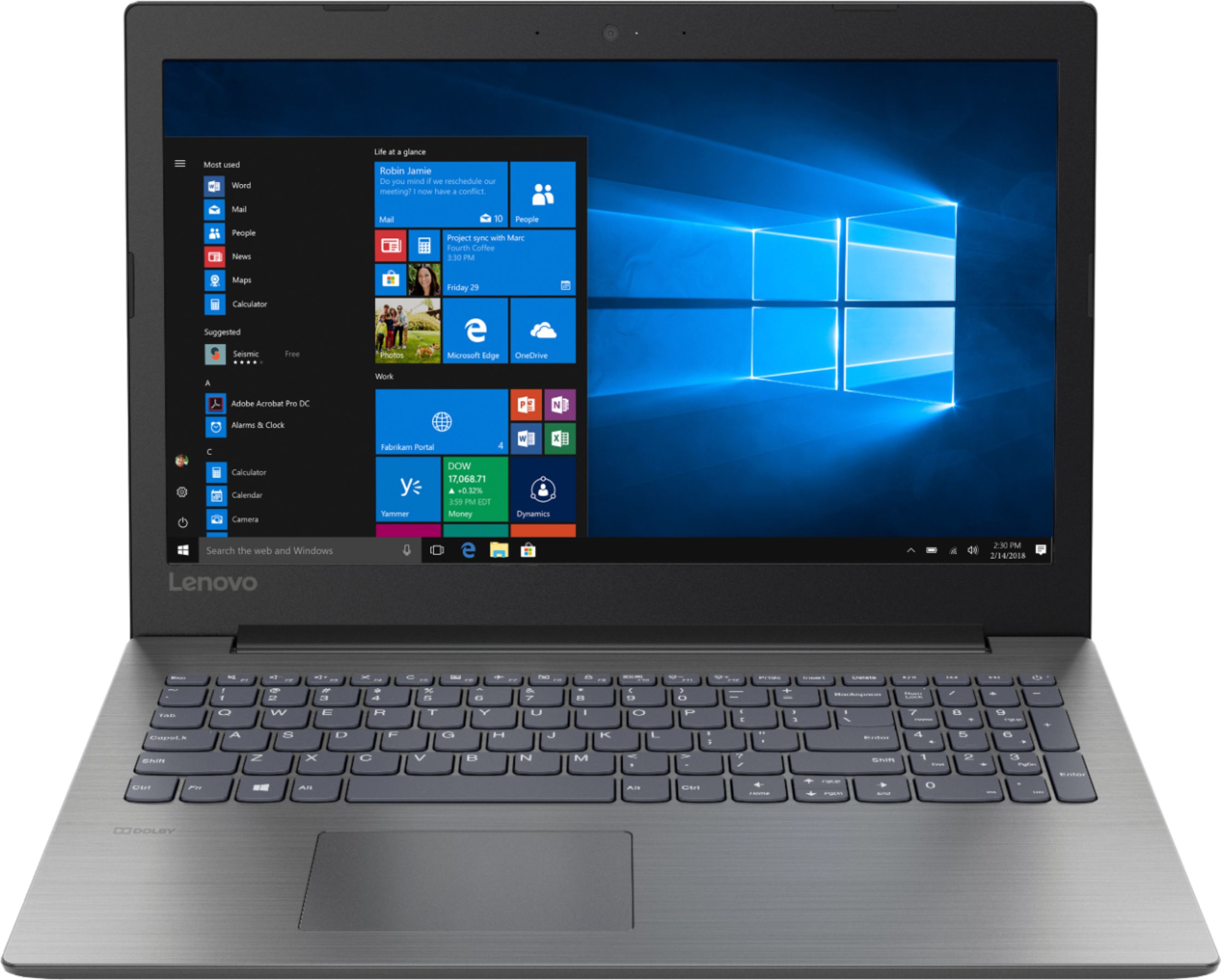
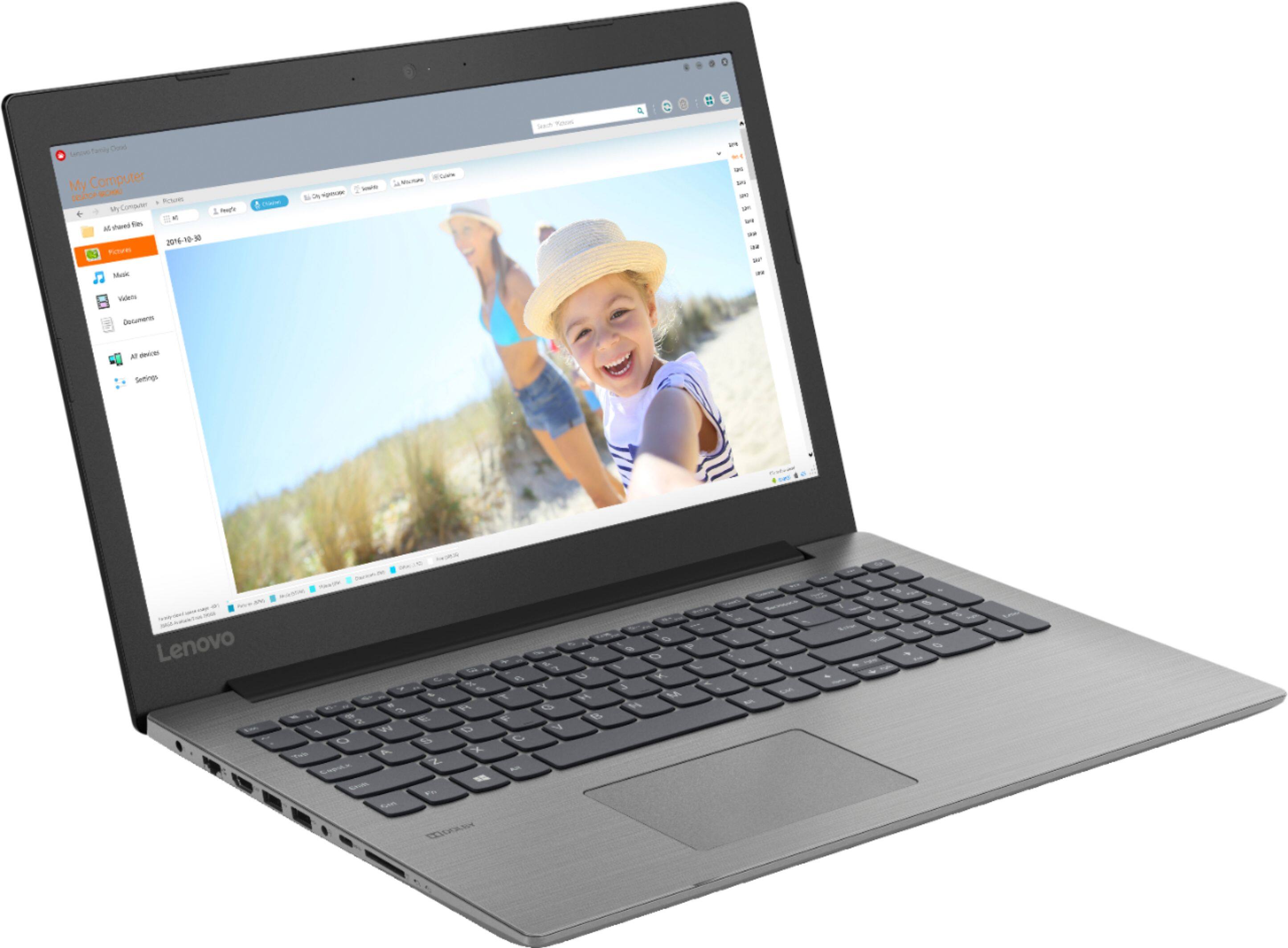
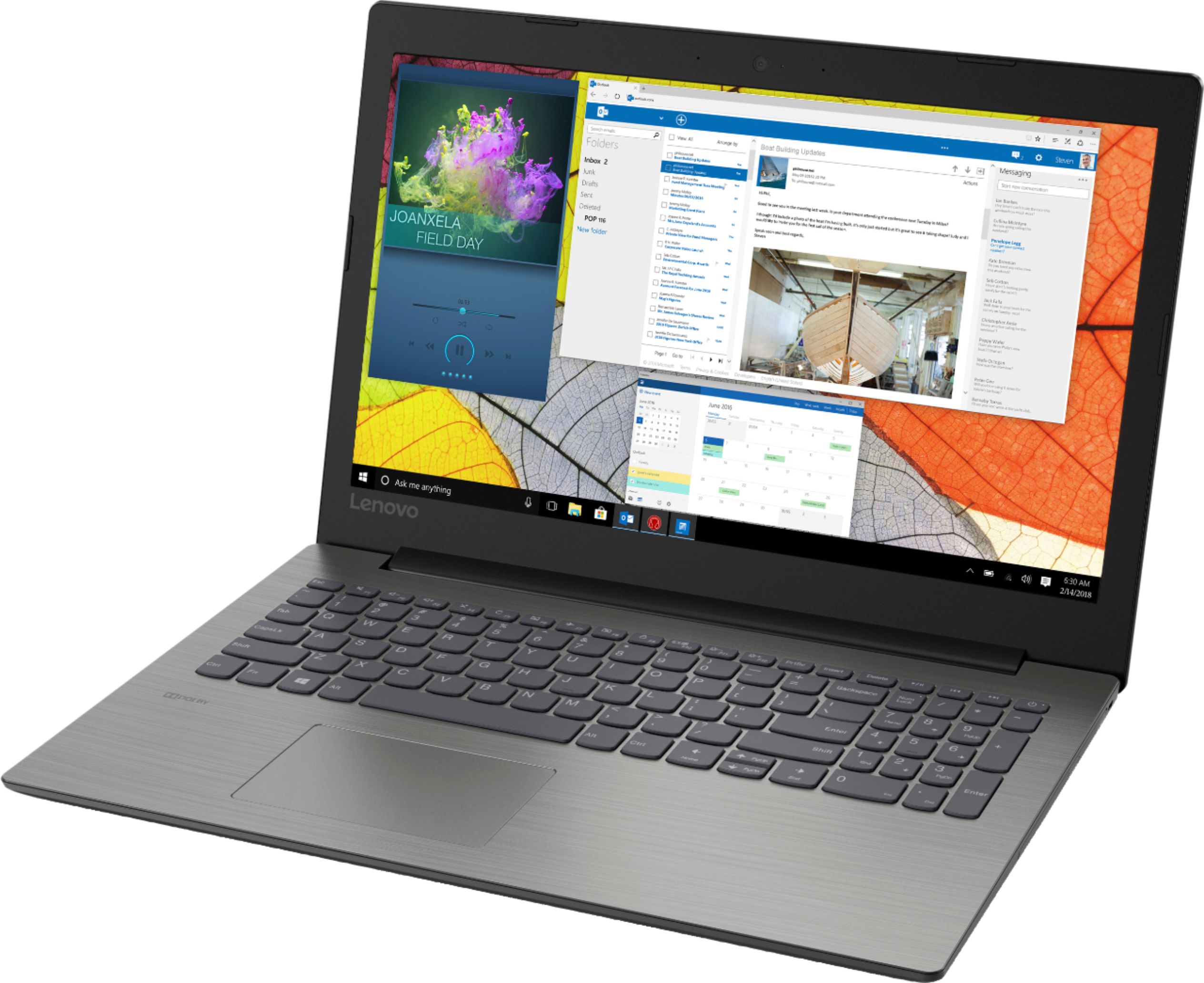
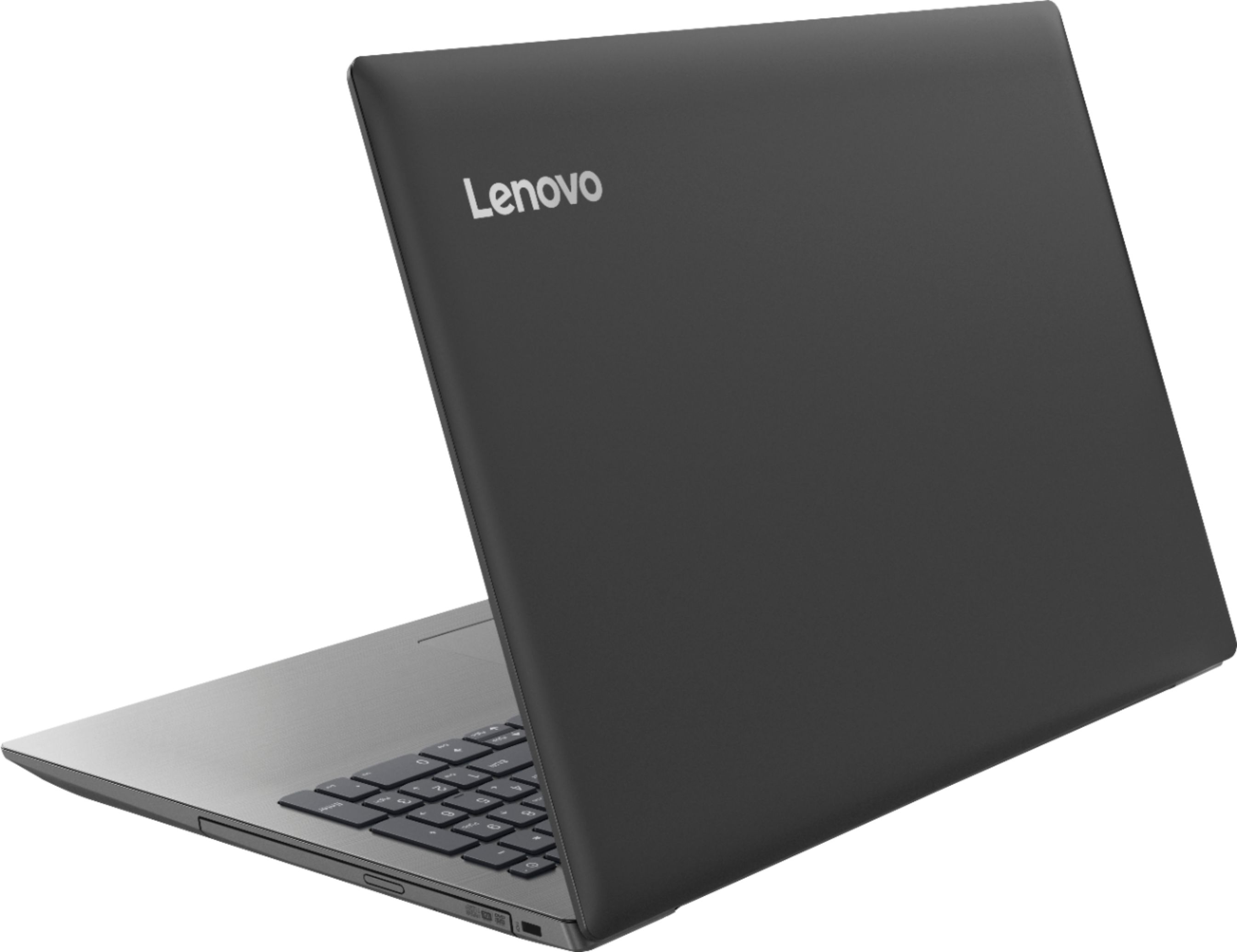
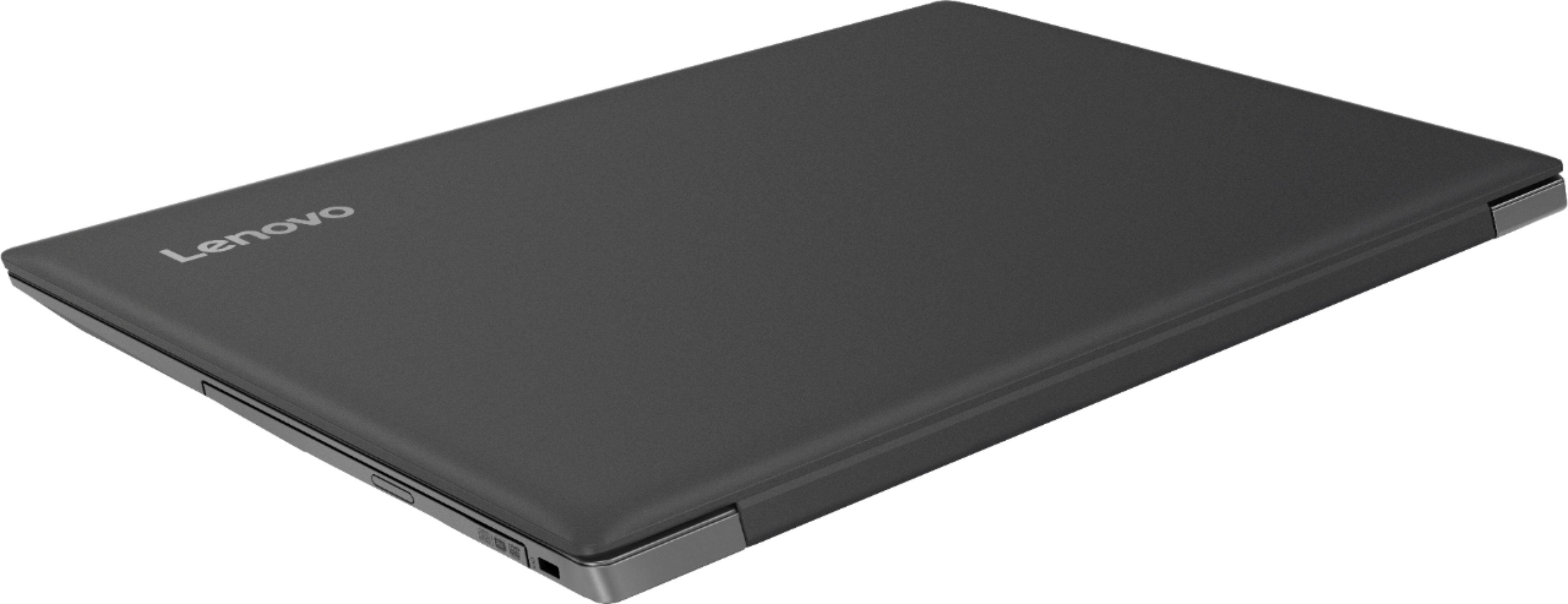



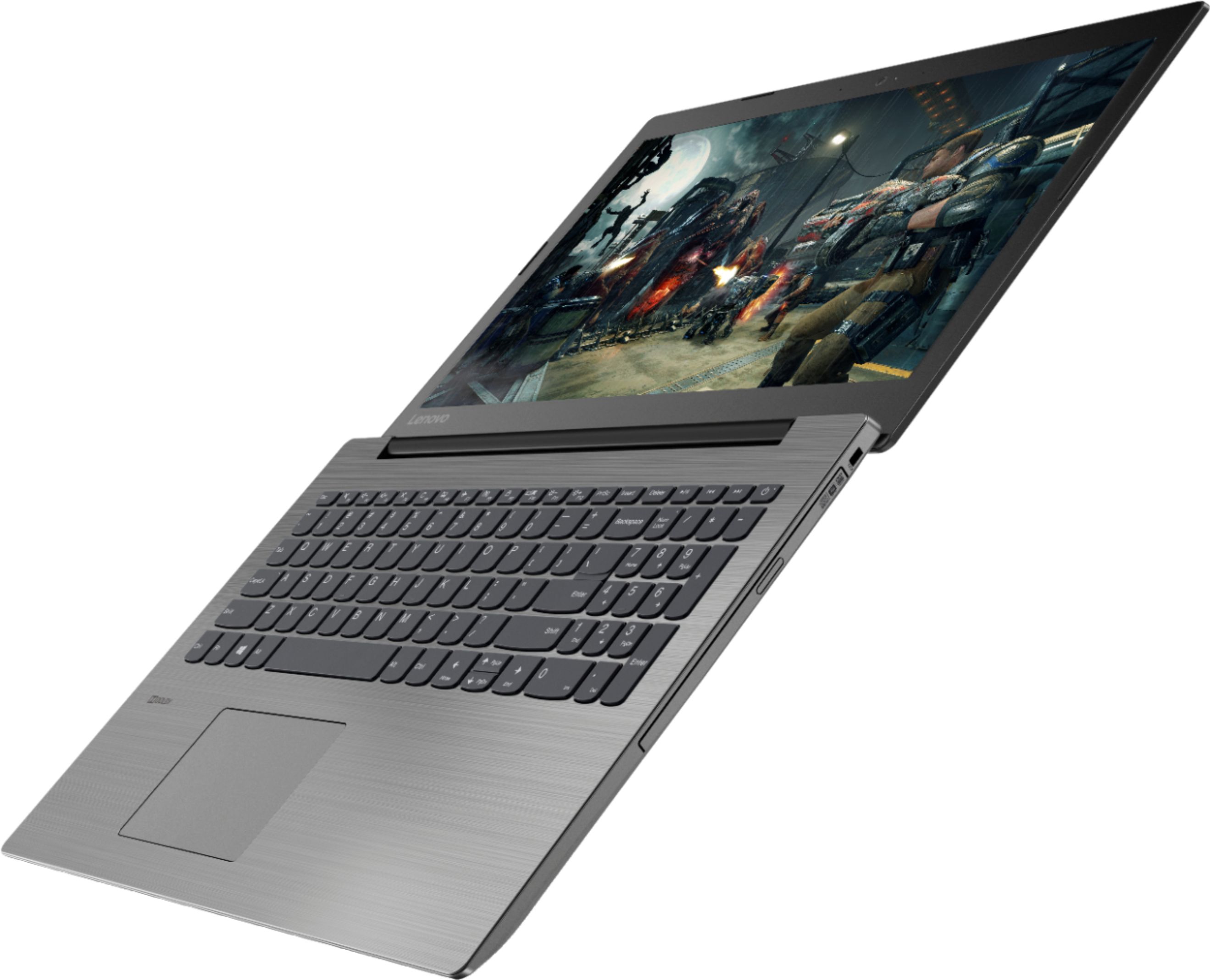
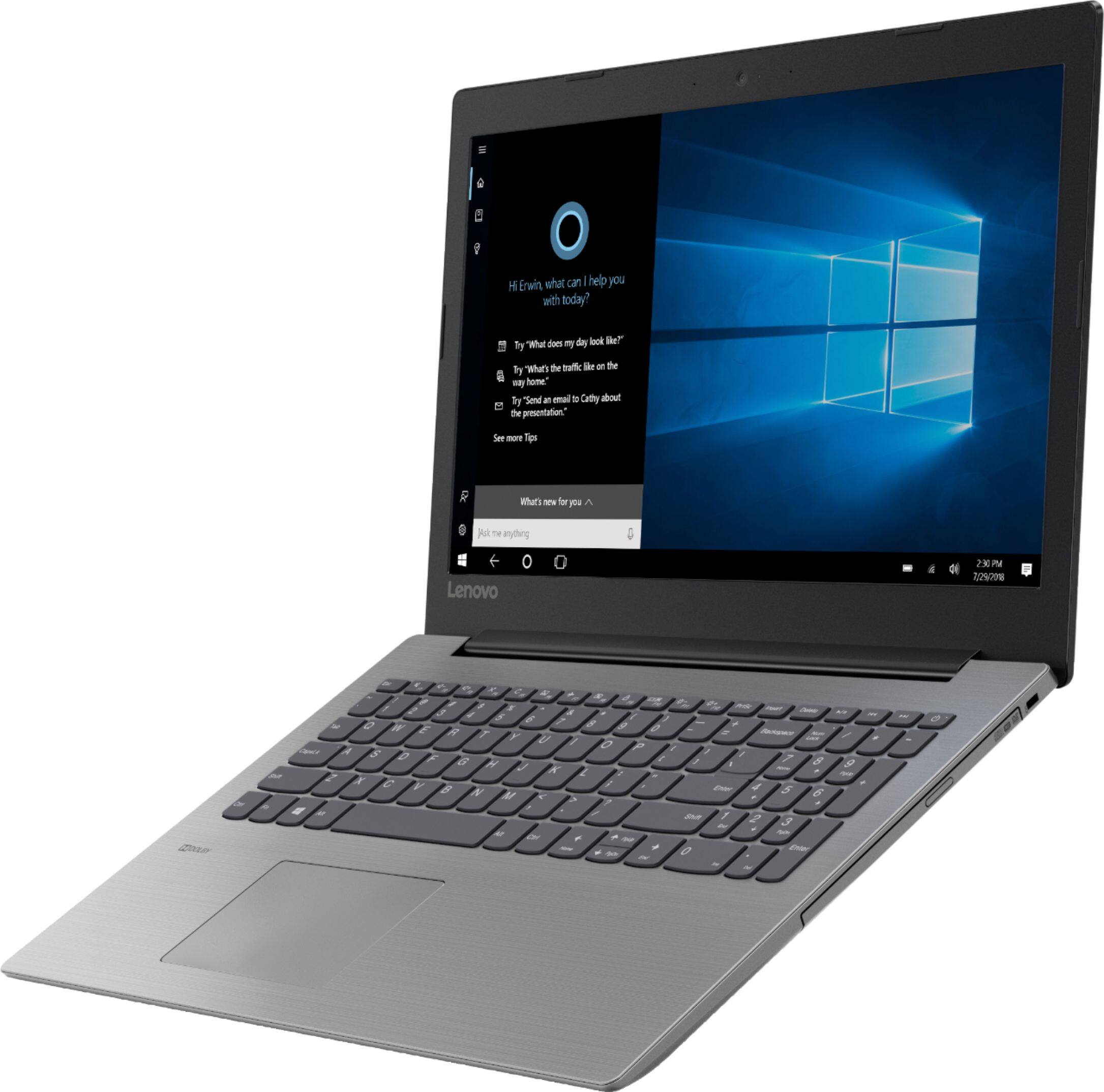
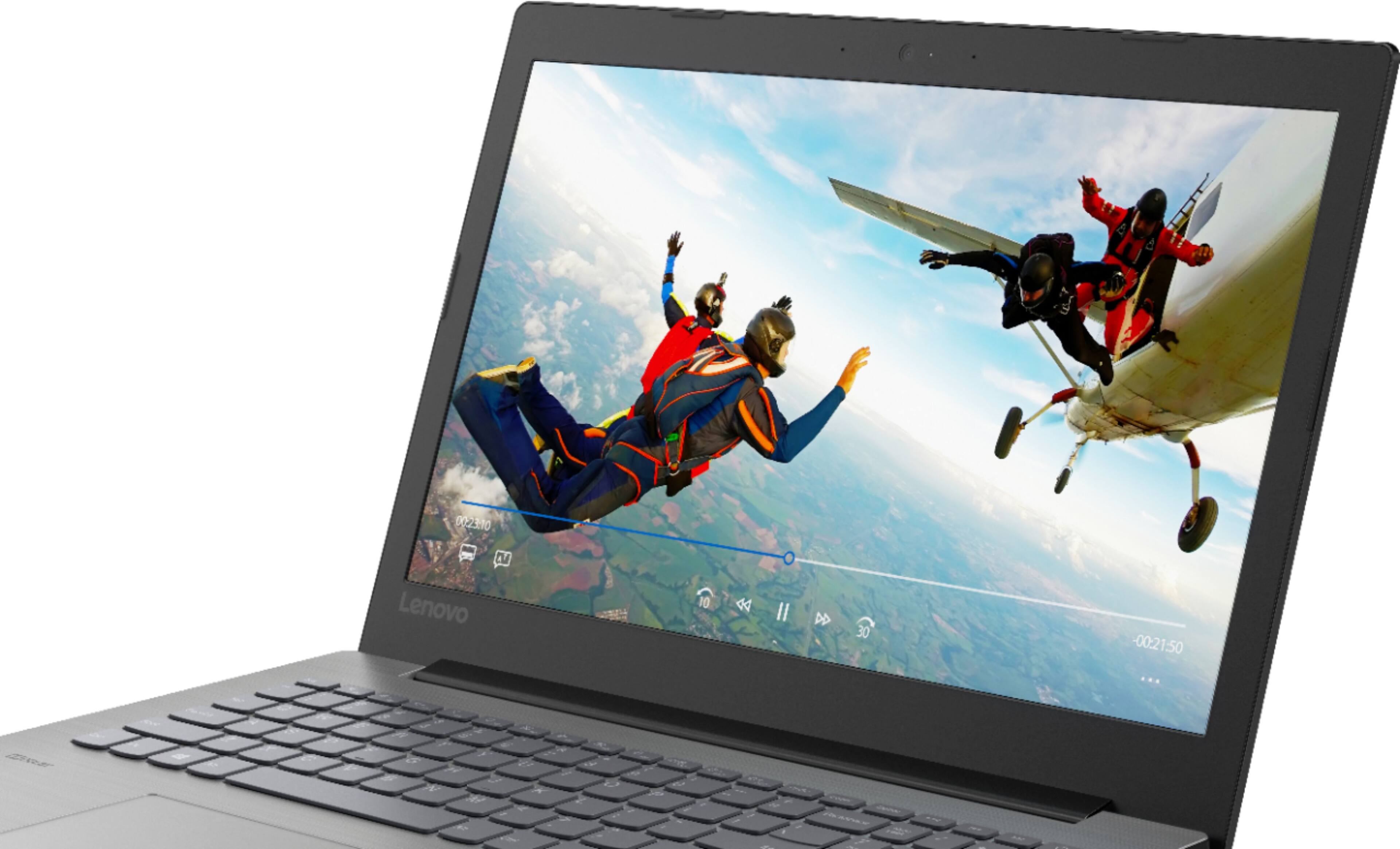

- Model:
- IDEAPAD 330 15 - 81D2008FUS
- SKU:
- 6266402
Rating by feature
- Value
Rating 4.2 out of 5 stars
- Quality
Rating 4.0 out of 5 stars
- Ease of Use
Rating 4.2 out of 5 stars
Customers are saying
Customers find value in the affordable price, user-friendly interface, and ample storage space of the 330-15ARR laptop. They appreciate its gaming capabilities and lightweight design, making it suitable for various tasks. However, some users have concerns about the battery life and screen quality, while others find Windows 10 to be less intuitive and the fan noise to be noticeable.
This summary was generated by AI based on customer reviews.
- Cons mentioned:Windows 10
sucks
||Posted .This reviewer received promo considerations or sweepstakes entry for writing a review.Do not like windows. 10 nor the laptop. Should have returned it long ago.
No, I would not recommend this to a friendBrand response from Lenovo Product Expert
Posted .With regard to learning your way around Windows 10, you may want to try YouTube.com (just type that address in your browser address window). There are hundreds for free instructional videos there about Windows 10. Just type Windows 10 Introduction in to the YouTube search window. You can watch free videos there that will show you the basics all the way up to tips and tricks videos and they're all free.

Better buy SSD
||Posted .This reviewer received promo considerations or sweepstakes entry for writing a review.It's good laptop but Hard disk and windows combo affects performance. I would recommend upgrading to ssd
No, I would not recommend this to a friendBrand response from Lenovo Product Expert
Posted .Please keep in mind, this model is not user upgradable. A certified technician must do all of the work, so as to not void the warranty. If you are experiencing slower than anticipated performance with your Lenovo IdeaPad 330-15 laptop, be sure any software you installed is compatible with Windows 10. There is no need to install Microsoft Office software. The software is already part of the operating system, you just need to activate the software with a purchased product key. If you have installed a copy of Microsoft Office, this is conflicting with the existing copy on the system and this will slow your system down. If you have installed a 3rd party anti-virus program, be sure that Windows Defender is turned off and that the trial version of McAfee Anti-Virus software is uninstalled. There can only be one anti-virus program on the system. You may need to restore your system to original factory default settings if any of the programing errors have occurred. You can do that by typing "restore" in the Cortana search window. Just click on the magnifying glass icon at the bottom left of your Windows 10 Desktop. Click on "Reset This PC" Then click on "Get Started" and follow the on screen directions to restore to factory defaults. If the problem persists, we recommend you contact Lenovo Tech Support at: 877-453-6686.
It’s Decent
||Posted .This reviewer received promo considerations or sweepstakes entry for writing a review.It’s a decent computer... only use it for simple web browsing. But it’s not the fastest in my opinion.
No, I would not recommend this to a friendBrand response from Lenovo Product Expert
Posted .The Lenovo IdeaPad 330-15 laptop is a mid-level, moderate use configuration, with its AMD Ryzen 3 2200U processor. This Dual-Core processor has a base speed of 2.5GHz and a boost speed of up to 3.4GHz. This configuration has 8GB of DDR4-2400MHz RAM. It is good with Microsoft Office type programs, internet browsing and other moderate work. If this describes your computing needs, the IdeaPad 330-15 would be a good choice for you.
Okay laptop
||Posted . Owned for more than 2 years when reviewed.This reviewer received promo considerations or sweepstakes entry for writing a review.Not that durable as my sister uses it every day , but ok for the money
No, I would not recommend this to a friendGreat but slow
||Posted .This reviewer received promo considerations or sweepstakes entry for writing a review.I got it on sale so maybe that’s why it’s slow to turn on but once it’s on it works great!
I would recommend this to a friend- Cons mentioned:Battery life
New Computer
||Posted .This reviewer received promo considerations or sweepstakes entry for writing a review.Poor battery life, not as good as nited on info guide.
No, I would not recommend this to a friendBrand response from Lenovo Product Expert
Posted .The Lenovo IdeaPad 330-15 ships with a 2CELL 35WH, Lithium Polymer battery, with a battery life of up to 4 hours, depending on the work that the device is performing. This is a mid-level, moderate use configuration, with its AMD Ryzen 3 2200U processor. This Dual-Core processor has a base speed of 2.5GHz and a boost speed of up to 3.4GHz. This configuration has 8GB of DDR4-2400MHz RAM. It is good with Microsoft Office type programs, internet browsing and other moderate work. If this describes your computing needs, the IdeaPad 330-15 would be a good choice for you.
Disappointing
||Posted . Owned for more than 2 years when reviewed.This reviewer received promo considerations or sweepstakes entry for writing a review.This computer was slower than the one I was trying to replace.
No, I would not recommend this to a friendMuch slower than advertised
||Posted .This reviewer received promo considerations or sweepstakes entry for writing a review.I don't know what it is about this laptop but it takes an age just to turn on. Google chrome gives it a hard time and streaming video sometimes freezes entirely and doesn't catch up with audio. This is a good laptop to use as a work station for low-intensity work but beyond that there are better products at cheaper prices.
No, I would not recommend this to a friendBrand response from Lenovo Product Expert
Posted .This system should boot from off to the Windows 10 desktop in less than 40 seconds. Be sure any software you installed is compatible with Windows 10. There is no need to install Microsoft Office software. The software is already part of the operating system, you just need to activate the software with a purchased product key. If you have installed a copy of Microsoft Office, this is conflicting with the existing copy on the system and this will slow your system down. If you have installed a 3rd party anti-virus program, be sure that Windows Defender is turned off and that the trial version of McAfee Anti-Virus software is uninstalled. There can only be one anti-virus program on the system. You may need to restore your system to original factory default settings if any of the programing errors have occurred. You can do that by typing "restore" in the Cortana search window. Just click on the magnifying glass icon at the bottom left of your Windows 10 Desktop. Click on "Reset This PC" Then click on "Get Started" and follow the on screen directions to restore to factory defaults. If the problem persists, we recommend you contact Lenovo Tech Support at: 877-453-6686.
Slow
||Posted .This reviewer received promo considerations or sweepstakes entry for writing a review.It’s a decent laptop for the price, i had to return because it was too slow for me.
No, I would not recommend this to a friendBrand response from Lenovo Product Expert
Posted .The Lenovo IdeaPad 330-15 laptop is a mid-level, moderate use configuration, with its AMD Ryzen 3 2200U processor. This Dual-Core processor has a base speed of 2.5GHz and a boost speed of up to 3.4GHz. This configuration has 8GB of DDR4-2400MHz RAM. It is good with Microsoft Office type programs, internet browsing and other moderate work. If this describes your computing needs, the IdeaPad 330-15 would be a good choice for you.
Okay for reasonably priced
||Posted .This reviewer received promo considerations or sweepstakes entry for writing a review.After a couple of days, it crashed. Black screen and when the tech hard started it, after a few minutes, it crashed again. Had to send it back for exchange. After a fiasco on the first delivery, it was frustrating to have to wait for the replacement. Thought ad showed backlit keys. Does not have it - sorely disappointed.
No, I would not recommend this to a friendBrand response from Lenovo Product Expert
Posted .We are sorry you had issues with your Lenovo IdeaPad 330-15 laptop. This model does not have a backlit keyboard. Obviously Windows 10 should not "crash". Be sure any programs you have installed are compatible with Windows 10. This system is equipped with OneKey Recovery System. There is a very small pin hole on the left side of the device, right near the SD card slot on the device. You will need a pin to push this reset button. Plug the device in. Let the battery charge for about 15 minutes. Push the reset button. The system should boot to a choice screen where you can choose "Restore To Factory Default". Select this. It will delete everything from the hard drive except the original factory install of the operating system. You will need to reinstall all programs and files after the reset. If you don't have copies of the files, try to make one before you restore by selecting "Boot to desktop" and trying to back up your files. If the problem persists after the factory reset, we recommend you contact Lenovo Tech Support at: 877-453-6686.
Ok not great
||Posted . Owned for 1 year when reviewed.This reviewer received promo considerations or sweepstakes entry for writing a review.Does you basic stuff. Mouse pad very touchy and can be a pain
No, I would not recommend this to a friendGood computer for the price
||Posted .This reviewer received promo considerations or sweepstakes entry for writing a review.Bought this for my teenage daughter. Basic web surfing , homework etc.
I would recommend this to a friendBrand response from Lenovo Product Expert
Posted .The Lenovo IdeaPad 330-15 ships with a Dual-Core/Four-Thread AMD Ryzen 3 2200U processor, supported by 8GB of DDR4-2400MHz RAM. This configuration has a 15.6" (measured diagonally) 1366 X 768 (HD) resolution screen, with a brightness level of 200 nits. This configuration can handle many of today's most popular programs, such as Microsoft Office and is good with internet browsing. If this describes the kind of computing you do, the Lenovo IdeaPad 330-15 will be a great choice for you.
- Cons mentioned:Battery life
Laptop Replacement
||Posted . Owned for 1.5 years when reviewed.This reviewer received promo considerations or sweepstakes entry for writing a review.Unit did not last two years. Very slow. Bad battery life. Had to purchase replacement for spouse and was very disappointed. New unit demonstrated such a dramatic improvement but we avoided Lenovo this time.
No, I would not recommend this to a friend Ok computer for home use only
||Posted .This reviewer received promo considerations or sweepstakes entry for writing a review.We use this computer for light work. It's too huge for travleing.
No, I would not recommend this to a friendBrand response from Lenovo Product Expert
Posted .The Lenovo IdeaPad 330-15 laptop ships with a full size 15.6 " (screen size measured diagonally) screen, but the total dimensions of this portable laptop are just 14.88 x 10.24 x 0.90 inches and weighs just 4.84 lbs. This is a mid-level, moderate use configuration, with its AMD Ryzen 3 2200U processor. This Dual-Core processor has a base speed of 2.5GHz and a boost speed of up to 3.4GHz. This configuration has 8GB of DDR4-2400MHz RAM. It is good with Microsoft Office type programs, internet browsing and other moderate work. If this describes your computing needs, the IdeaPad 330-15 would be a good choice for you.
You get what you pay for
||Posted . Owned for 1 year when reviewed.This reviewer received promo considerations or sweepstakes entry for writing a review.Not a fan and had to return this unit. Way too slow
No, I would not recommend this to a friendIt is not what I needed
||Posted .This reviewer received promo considerations or sweepstakes entry for writing a review.Although it is a good product I am used to a more advanced system.
I would recommend this to a friendBrand response from Lenovo Product Expert
Posted .The Lenovo IdeaPad 330-15 ships with a mid-range Dual-Core/Four-Thread AMD Ryzen 3 2200U
processor, 8GB of DDR4-2400MHz RAM. This configuration has a 15.6" (measured diagonally) 1366 X 768 (HD) resolution screen, with a brightness level of 200 nits. This configuration can handle many of today's most popular programs, like Microsoft Office 365 and is good with light multi-tasking. If this describes the kind of computing you do, the Lenovo IdeaPad 330-15 will be a great choice for you.
Good
||Posted .This reviewer received promo considerations or sweepstakes entry for writing a review.Works good no issues just a plain run of the mill computer
I would recommend this to a friendBrand response from Lenovo Product Expert
Posted .The Lenovo IdeaPad 330-15 laptop is a mid-level, moderate use configuration, with its AMD Ryzen 3 2200U processor. This Dual-Core processor has a base speed of 2.5GHz and a boost speed of up to 3.4GHz. This configuration has 8GB of DDR4-2400MHz RAM. It is good with Microsoft Office type programs, internet browsing and other moderate work. If this describes your computing needs, the IdeaPad 330-15 would be a good choice for you. For 2018, Lenovo retained its place for a second year as the best laptop vendor:
https://www.laptopmag.com/articles/laptop-brand-ratings
Decent for the money
||Posted .This reviewer received promo considerations or sweepstakes entry for writing a review.Unit is over sensitive on finger pad causing unwanted changes
No, I would not recommend this to a friendBrand response from Lenovo Product Expert
Posted .With regard to the touchpad, you can make adjustments to the touchpad in your system settings. You can get there by clicking on the magnifying glass at the bottom left of your Windows 10 screen. Type "touchpad" in the search window. Select "Mouse & touchpad settings" from the list of choices. You can make general adjustments to the touchpad there. You can also select "Additional mouse options" for more detailed adjustments to the touchpad sensitivity by increasing the delay of the touchpad.
Great computer for a budget
||Posted .This reviewer received promo considerations or sweepstakes entry for writing a review.Good basic computer for anyone who needs one and on a budget
No, I would not recommend this to a friendBrand response from Lenovo Product Expert
Posted .The Lenovo IdeaPad 330-15 laptop is a mid-level, moderate use configuration, with its AMD Ryzen 3 2200U processor. This Dual-Core processor has a base speed of 2.5GHz and a boost speed of up to 3.4GHz. This configuration has 8GB of DDR4-2400MHz RAM. It is good with Microsoft Office type programs, internet browsing and other moderate work. If this describes your computing needs, the IdeaPad 330-15 would be a good choice for you.
Good value
||Posted .This reviewer received promo considerations or sweepstakes entry for writing a review.Overall laptop is not bad for the price. It's more for kids
I would recommend this to a friendBrand response from Lenovo Product Expert
Posted .The Lenovo IdeaPad 330-15 laptop is a mid-level, moderate use configuration, with its AMD Ryzen 3 2200U processor. This Dual-Core processor has a base speed of 2.5GHz and a boost speed of up to 3.4GHz. This configuration has 8GB of DDR4-2400MHz RAM. It is good with Microsoft Office type programs, internet browsing and other moderate work. If this describes your computing needs, the IdeaPad 330-15 would be a good choice for you.