Customer Ratings & Reviews
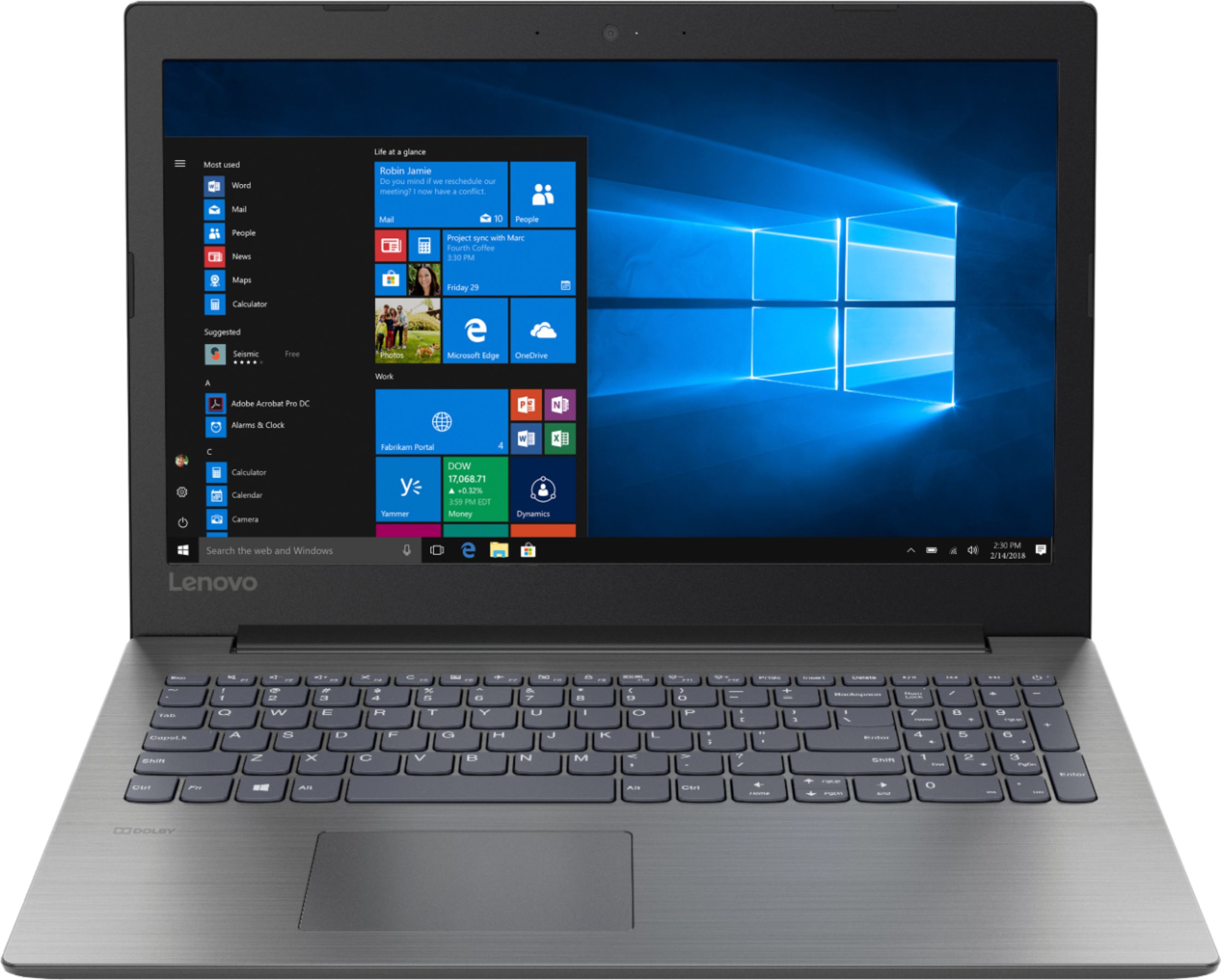
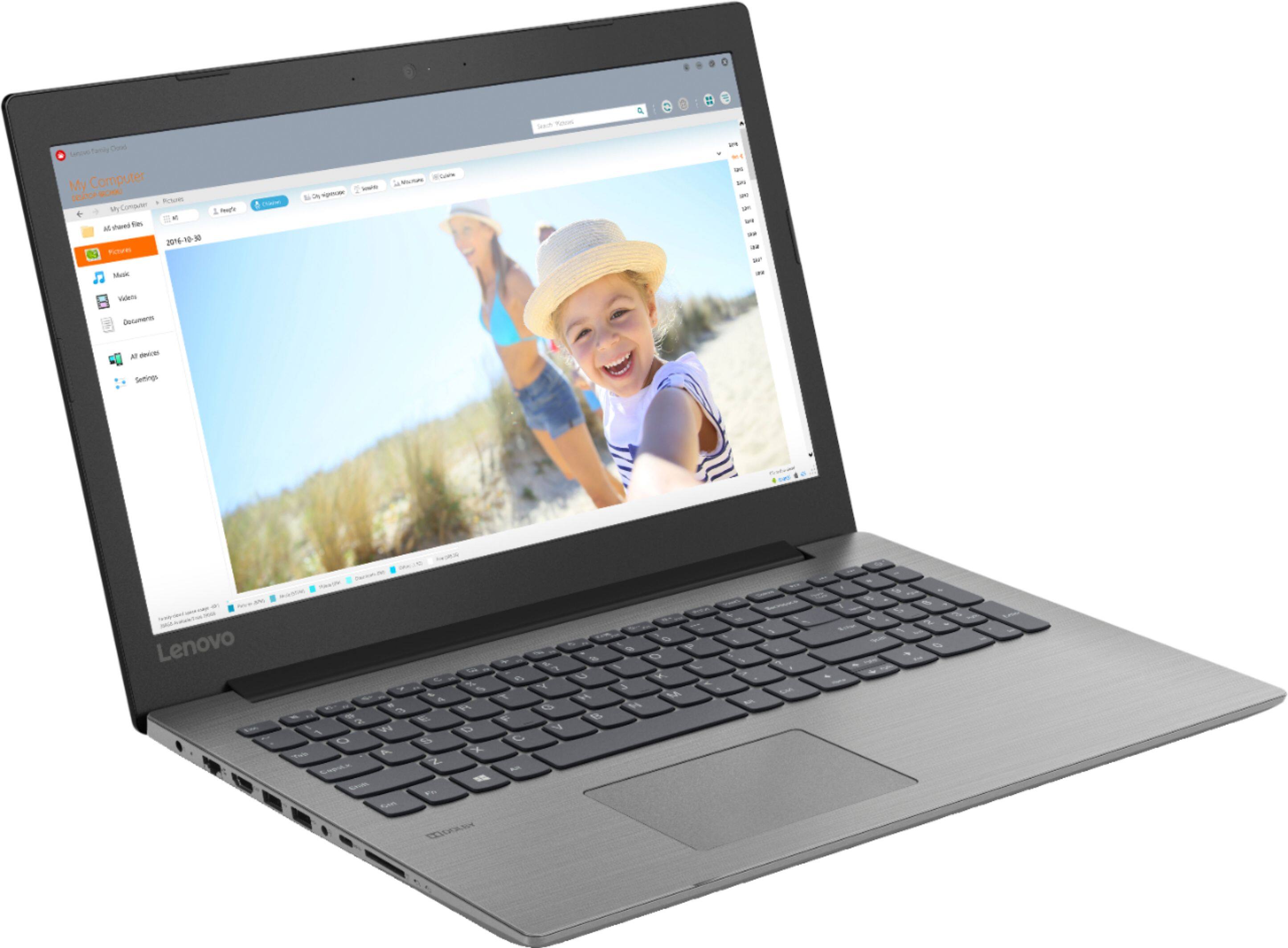
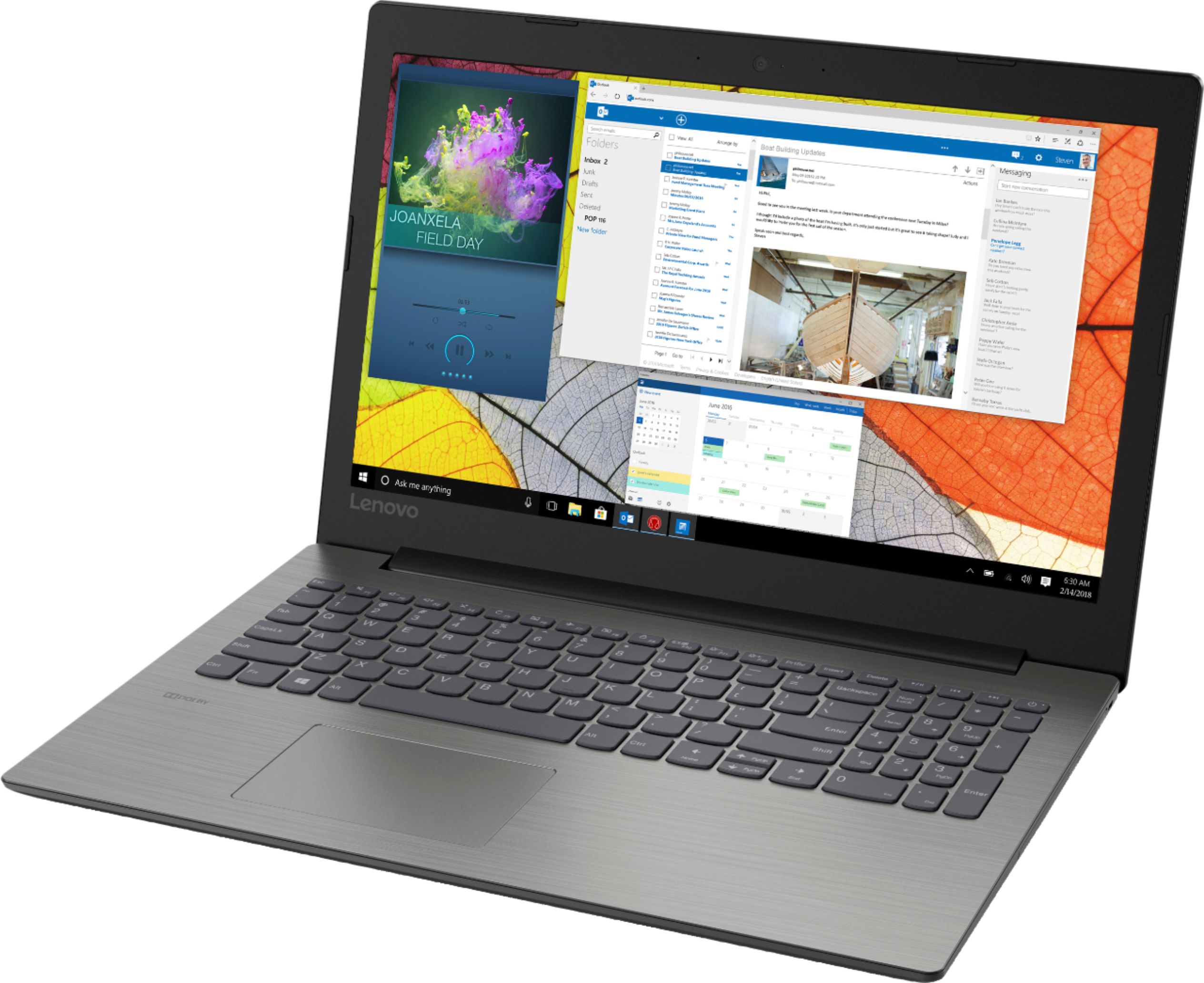
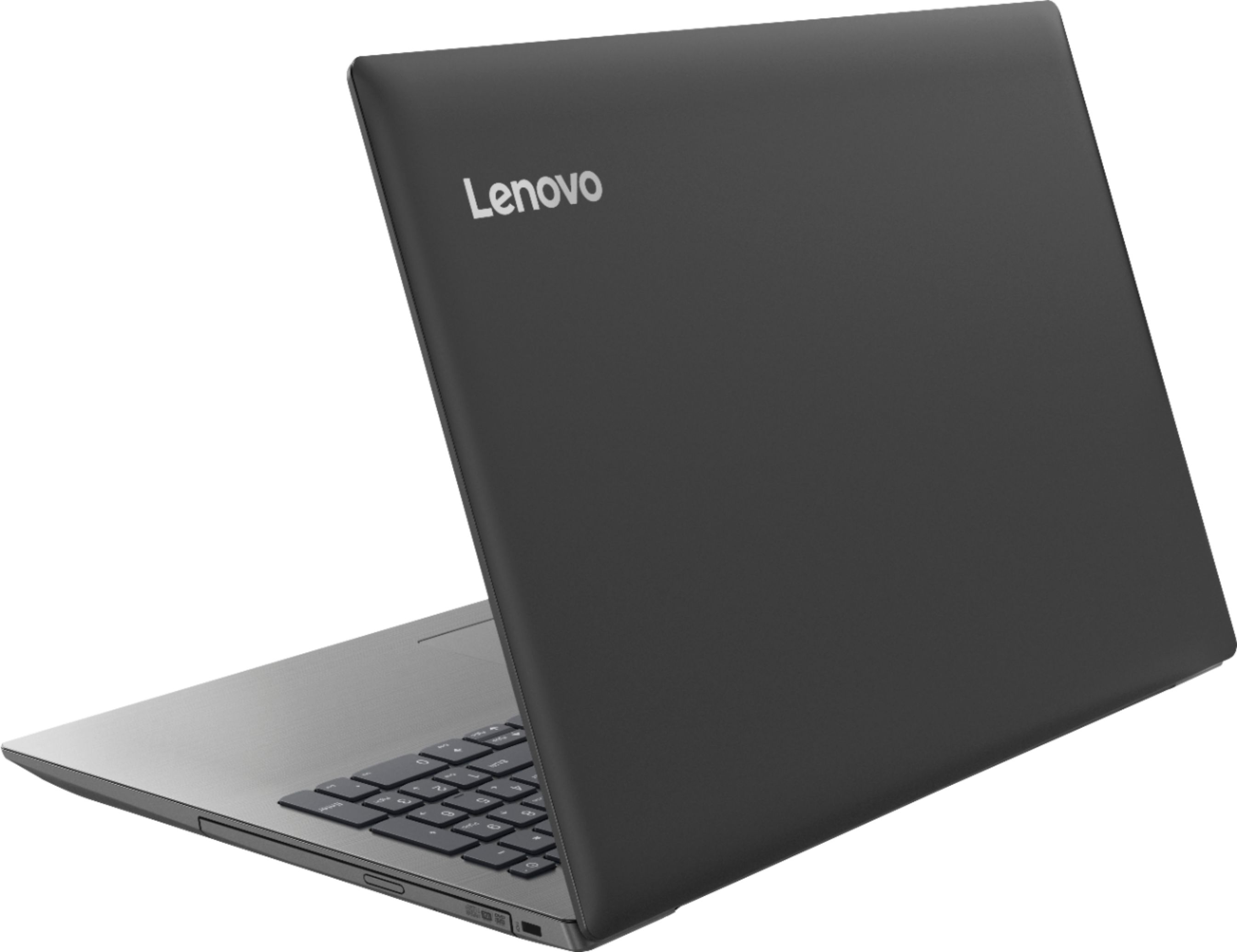


- Model:
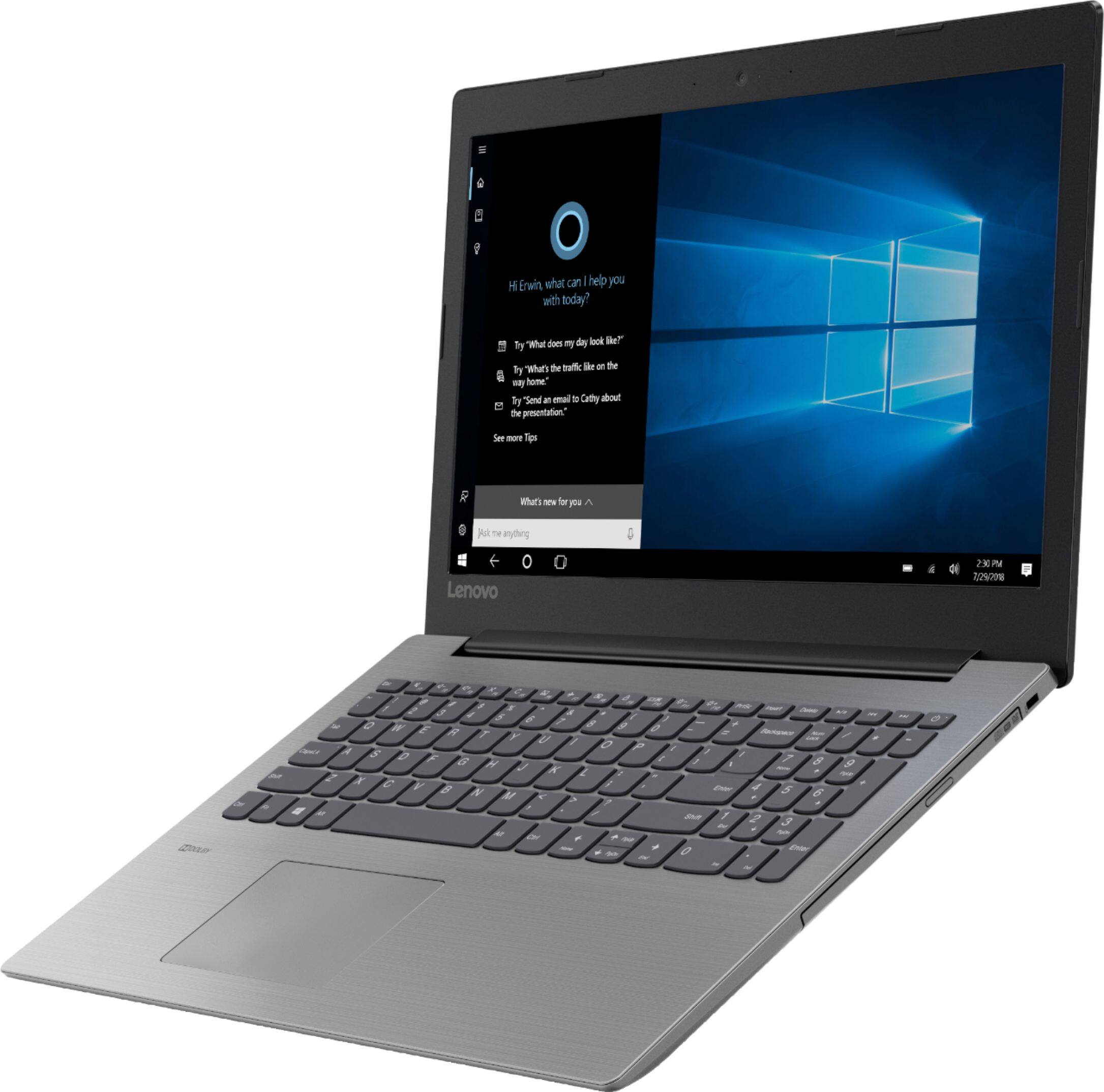
- IDEAPAD 330 15 - 81D2008FUS
- SKU:
- 6266402
Rating by feature
- Value
Rating 4.2 out of 5 stars
- Quality
Rating 4.0 out of 5 stars
- Ease of Use
Rating 4.2 out of 5 stars
Customers are saying
Customers find value in the affordable price, user-friendly interface, and ample storage space of the 330-15ARR laptop. They appreciate its gaming capabilities and lightweight design, making it suitable for various tasks. However, some users have concerns about the battery life and screen quality, while others find Windows 10 to be less intuitive and the fan noise to be noticeable.
This summary was generated by AI based on customer reviews.
Computer keep freezing up
||Posted .This reviewer received promo considerations or sweepstakes entry for writing a review.Was able to use it twice. After that it keeps freezing up.
I would recommend this to a friendBrand response from Lenovo Product Expert
Posted .We are sorry to hear that you are having issues with your Lenovo IdeaPad 330-15 laptop. Be sure any software you installed is compatible with Windows 10. There is no need to install Microsoft Office software. The software is already part of the operating system, you just need to activate the software with a purchased product key. If you have installed a copy of Microsoft Office, this is conflicting with the existing copy on the system and this will slow your system down. If you have installed a 3rd party anti-virus program, be sure that Windows Defender is turned off and that the trial version of McAfee Anti-Virus software is uninstalled. There can only be one anti-virus program on the system. You may need to restore your system to original factory default settings if any of the programing errors have occurred. If your computer will not boot up, this system is equipped with OneKey Recovery System. There is a very small pin hole on the left side of the device, right near the headphone jack on the device. You will need a pin to push this reset button. Plug the device in. Let the battery charge for about 15 minutes. Push the reset button. The system should boot to a choice screen where you can choose "Restore To Factory Default". Select this. It will delete everything from the hard drive except the original factory install of the operating system. You will need to reinstall all programs and files after the reset. If you don't have copies of the files, try to make one before you restore by selecting "Boot to desktop" and trying to back up your files. If the problem persists after the factory reset, we recommend you contact Lenovo Tech Support at: 877-453-6686.

Works great but needs more RAM
||Posted .This reviewer received promo considerations or sweepstakes entry for writing a review.Too little Random Access Memory (RAM) for the business user.
I would recommend this to a friendBrand response from Lenovo Product Expert
Posted .This system ships with 8GB of DDR4-2400MHz.

Lenovo
||Posted .This reviewer received promo considerations or sweepstakes entry for writing a review.Lenovo is my favorite brand this is what i carry for work
I would recommend this to a friendBrand response from Lenovo Product Expert
Posted .The Lenovo IdeaPad 330-15 laptop is a mid-level, moderate use configuration, with its AMD Ryzen 3 2200U processor. This Dual-Core processor has a base speed of 2.5GHz and a boost speed of up to 3.4GHz. This configuration has 8GB of DDR4-2400MHz RAM. It is good with Microsoft Office type programs, internet browsing and other moderate work. If this describes your computing needs, the IdeaPad 330-15 would be a good choice for you.
Huge peoblems
||Posted .This reviewer received promo considerations or sweepstakes entry for writing a review.Ran super slow. Called Lenovo tech support and they suggested wiping it. After wiping it wouldn’t do anything. I had to take it to a local shop and have it repaired. It had a bad reimagining if the hard disc. Definitely do not buy.
No, I would not recommend this to a friendPoorly made
||Posted . Owned for 1.5 years when reviewed.This reviewer received promo considerations or sweepstakes entry for writing a review.Since less than a year old the cover between the laptop and the screen has been popping off. Now the screen has detached from the laptop from a broken hinge. Will never buy a lenovo again!
No, I would not recommend this to a friendThe hard drive didn't work correctly
||Posted .This reviewer received promo considerations or sweepstakes entry for writing a review.this computers hard drive didn't work. i don't know if it was bad to start with or because it stayed of fedex ground 3 days longer than it should have took back to Best Buy for another one with different hard drive
No, I would not recommend this to a friendBrand response from Lenovo Product Expert
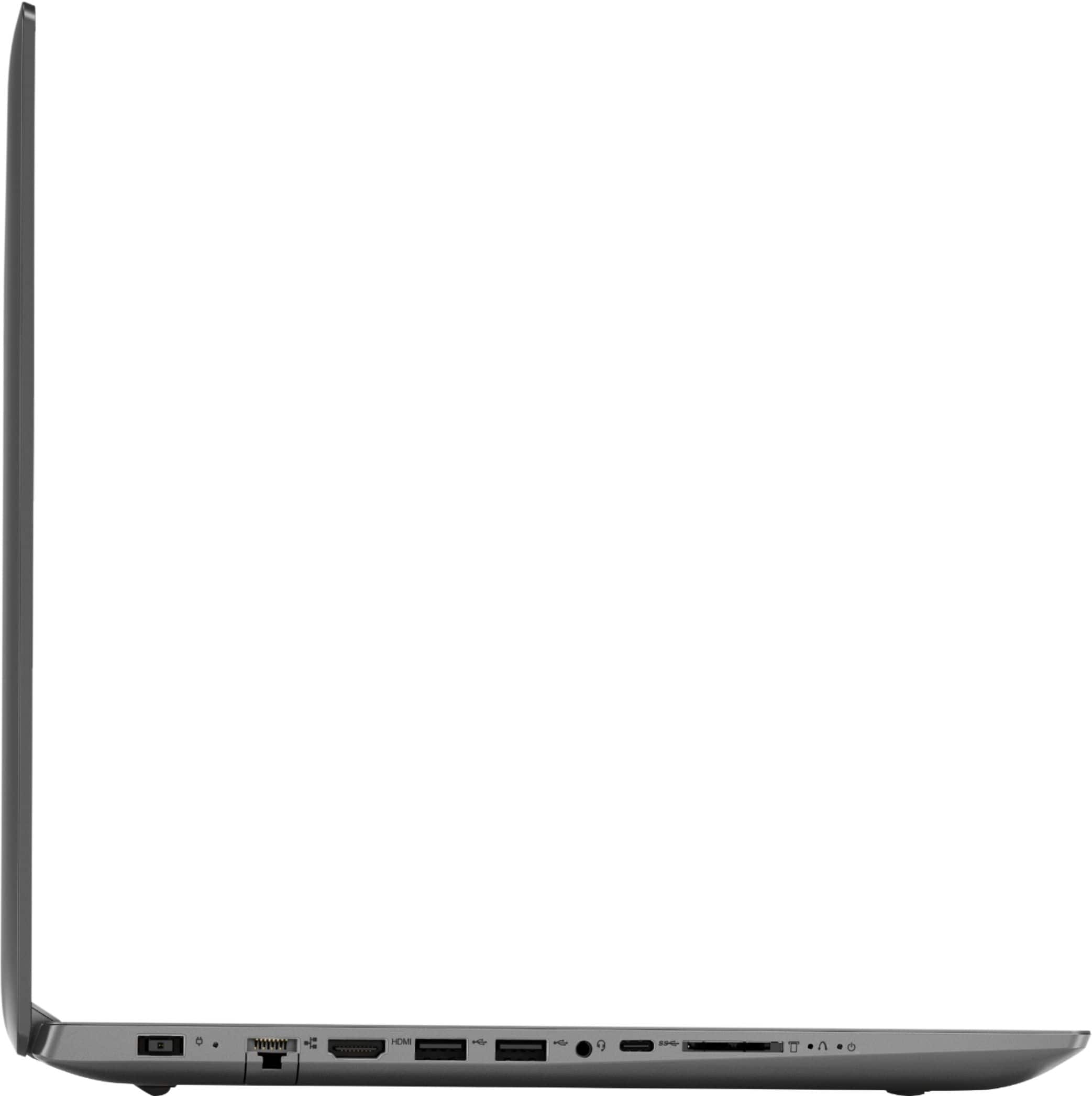
Posted .We are sorry to hear that you are having issues with your Lenovo IdeaPad 330-15 laptop. This system is equipped with OneKey Recovery System. There is a very small pin hole on the left side of the device, right near the SD card slot on the device. You will need a pin to push this reset button. Plug the device in. Let the battery charge for about 15 minutes. Push the reset button. The system should boot to a choice screen where you can choose "Restore To Factory Default". Select this. It will delete everything from the hard drive except the original factory install of the operating system. You will need to reinstall all programs and files after the reset. If you don't have copies of the files, try to make one before you restore by selecting "Boot to desktop" and trying to back up your files. If the problem persists after the factory reset, we recommend you contact Lenovo Tech Support at: 877-453-6686.
Not impressed
||Posted .This reviewer received promo considerations or sweepstakes entry for writing a review.I knew by choosing a computer with this processor it would be a bit slower but I had no idea it was going to be such a snooze! Will not make that mistake again.
No, I would not recommend this to a friendBrand response from Lenovo Product Expert
Posted .The Lenovo IdeaPad 330-15 laptop is a mid-level, moderate use configuration, with its AMD Ryzen 3 2200U processor. This Dual-Core processor has a base speed of 2.5GHz and a boost speed of up to 3.4GHz. This configuration has 8GB of DDR4-2400MHz RAM. It is good with Microsoft Office type programs, internet browsing and other moderate work. If this describes your computing needs, the IdeaPad 330-15 would be a good choice for you.
Didn't like it
||Posted .This reviewer received promo considerations or sweepstakes entry for writing a review.Maybe it was me being a beginner that I didn't understand the laptop came on but would not load info but for someone knowledgeable this maybe a great laptop
I would recommend this to a friendBrand response from Lenovo Product Expert
Posted .We are sorry to hear that you had issues with your Lenovo IdeaPad 330-15 laptop. Be sure any software you installed is compatible with Windows 10. There is no need to install Microsoft Office software. The software is already part of the operating system, you just need to activate the software with a purchased product key. If you have installed a copy of Microsoft Office, this is conflicting with the existing copy on the system and this will slow your system down. If you have installed a 3rd party anti-virus program, be sure that Windows Defender is turned off and that the trial version of McAfee Anti-Virus software is uninstalled. There can only be one anti-virus program on the system. You may need to restore your system to original factory default settings if any of the programing errors have occurred. You can do that by typing "restore" in the Cortana search window. Just click on the magnifying glass icon at the bottom left of your Windows 10 Desktop. Click on "Reset This PC" Then click on "Get Started" and follow the on screen directions to restore to factory defaults. If the problem persists, we recommend you contact Lenovo Tech Support at: 877-453-6686.
Not For Programming
||Posted .This reviewer received promo considerations or sweepstakes entry for writing a review.I would not recommend this for coding purpose though it has AMD RYZEN3 to it. It works good for general multimedia usage. Sound quality is poor though
No, I would not recommend this to a friendBrand response from Lenovo Product Expert
Posted .The Lenovo IdeaPad 330-15 ships with a mid-range Dual-Core/Four-Thread AMD Ryzen 3 2200U processor, supported by 8GB of DDR4-2400MHz RAM. The AMD Ryzen 3-2200U processor has a base speed of 2.5GHz and a boost speed of up to 3.4GHz. This configuration can handle many of today's most demanding programs and is good with multi-tasking. The IdeaPad 330-15 has stereo 1.5W speakers with Dolby Audio sound enhancement software. If this describes the kind of computing you do, the Lenovo IdeaPad 330-15 will be a great choice for you.
inexpensive laptop with low quality screen
||Posted . Owned for 1.5 years when reviewed.This reviewer received promo considerations or sweepstakes entry for writing a review.This Lenovo performed as expected for an entry-level laptop, but the screen quality was surprisingly poor.
No, I would not recommend this to a frienddon't waste you money or time
||Posted .This reviewer received promo considerations or sweepstakes entry for writing a review.the Lenovo I bought had a problem. when the computer was plugged in it was not charging. called Lenovo and tech said it would start charging when it dropped to 80%. I brought it back to best buy and they gave me another Lenovo. I brought it home and the 2d Lenovo has exactly the same problem, plugged in not charging. that's the end of my relationship with Lenovo. I then got an HP and it works fine,
No, I would not recommend this to a friendBrand response from Lenovo Product Expert
Posted .We are sorry to hear that you had issues with your Lenovo Ideapad 330-15 laptop. To help prolong the life cycle of the battery, the battery will not charge if there is more than 80% charge within the battery. If you leave the device plugged in at 80%, it will continue to discharge the battery until it reaches approximately 60% then begin recharging back to 100%.
3 months old & display not working
||Posted .This reviewer received promo considerations or sweepstakes entry for writing a review.Laptop is only 3 months old, and display intermittently goes to all white with a black 2” band across.
No, I would not recommend this to a friendBrand response from Lenovo Product Expert
Posted .We are sorry to hear that you are having issues with the screen image on your Lenovo IdeaPad 330-15 laptop. Since the issue developed after 3 months of use, this issue may be due to an automatic Windows 10 update that also requires a manual BIOS and Driver update. You can scan the computer for needed updates by using the Lenovo Utility software installed on this computer. This system has Lenovo utilities installed to help maintain the health of the device and keep the operating system software up to date. Type "Lenovo Vantage" in the Cortana Search window (if Lenovo Vantage is not installed on your device, you can download the APP and install it now). Select Lenovo Vantage from the list. In the window that opens, click on "Health and Support". In the expanded menu, select "Hardware Scan" In the window that opens, select "Run Quick Tests". This will scan your entire system for errors. Follow any directions that may pop up. If the problem continues after this scan, now click on "System Update". First select Windows update from the menu. Scan your system to be sure you have the latest version of Windows 10. Once that scan is complete, select "Additional Updates". This will scan your device to be sure there are no new BIOS/Driver updates needed. Follow any instructions that may pop up. If the issue still continues after these updates, we recommend you call Lenovo Tech Support at: 877-453-6686 for additional help.
Don't buy, poor quality
||Posted . Owned for 1.5 years when reviewed.This reviewer received promo considerations or sweepstakes entry for writing a review.I purchased this laptop at the advice of a agent at best buy. It has been nothing but one issue after another. The screen has broken and separate in parts completely from the computer. The computer itself has peeled as well. Very Very disappointed poor quality for such a high price computer or so I was told
No, I would not recommend this to a friendWorst Computer
||Posted .This reviewer received promo considerations or sweepstakes entry for writing a review.I’ve had this computer for only a month and already had so many problems. It’s the second one after having to return the first one for charging issues. Now this one constantly restarts and I’ve lost some files in the process. Don’t buy. I would give it zero stars.
No, I would not recommend this to a friendBrand response from Lenovo Product Expert
Posted .We are sorry to hear that you are having issues with your Lenovo IdeaPad 330-15 laptop. Windows 10 should not restart on its own. Be sure any software you installed is compatible with Windows 10. There is no need to install Microsoft Office software. The software is already part of the operating system, you just need to activate the software with a purchased product key. If you have installed a copy of Microsoft Office, this is conflicting with the existing copy on the system and this will slow your system down. If you have installed a 3rd party anti-virus program, be sure that Windows Defender is turned off and that the trial version of McAfee Anti-Virus software is uninstalled. There can only be one anti-virus program on the system. You may need to restore your system to original factory default settings if any of the programing errors have occurred. You can do that by typing "restore" in the Cortana search window. Just click on the magnifying glass icon at the bottom left of your Windows 10 Desktop. Click on "Reset This PC" Then click on "Get Started" and follow the on screen directions to restore to factory defaults. If the problem persists, we recommend you contact Lenovo Tech Support at: 877-453-6686.
Very low volume that can't be fixed
||Posted .This reviewer received promo considerations or sweepstakes entry for writing a review.Purchased this laptop not too long ago and the speaker volume is very low. Googled the issue and apparently, it's been raised in different forums going back a couple of years. Issue still not fixed. You can barely hear the sound on YouTube videos with volume increased to the highest. Have tried all suggested fixes, to no avail.
No, I would not recommend this to a friendBrand response from Lenovo Product Expert
Posted .Model number 81D2008FUS was first available for sale September, 2018. This model ships with stereo 1.5W speakers with Dolby Audio sound enhancement software. For the best audio experience using the device speakers, be sure Dolby Audio is turned on and adjusted to your personal preferences.
Easy setup
||Posted .This reviewer received promo considerations or sweepstakes entry for writing a review.Too slow of a computer I had to return the computer two weeks after I bought it.
No, I would not recommend this to a friendBrand response from Lenovo Product Expert
Posted .This is a fast system with its Dual-Core/Four-Thread AMD Ryzen 3 2200U processor and 8GB of RAM. This processor has a base speed of 2.5GHz and a boost speed of up to 3.4 GHz. Be sure any software you installed is compatible with Windows 10. There is no need to install Microsoft Office software. The software is already part of the operating system, you just need to activate the software with a purchased product key. If you have installed a copy of Microsoft Office, this is conflicting with the existing copy on the system and this will slow your system down. If you have installed a 3rd party anti-virus program, be sure that Windows Defender is turned off and that the trial version of McAfee Anti-Virus software is uninstalled. There can only be one anti-virus program on the system. You may need to restore your system to original factory default settings if any of the programing errors have occurred. You can do that by typing "restore" in the Cortana search window. Just click on the magnifying glass icon at the bottom left of your Windows 10 Desktop. Click on "Reset This PC" Then click on "Get Started" and follow the on screen directions to restore to factory defaults. If the problem persists, we recommend you contact Lenovo Tech Support at: 877-453-6686.
Mediocre
||Posted .This reviewer received promo considerations or sweepstakes entry for writing a review.Certainly not much faster than the very old laptop it replaced!!!!
No, I would not recommend this to a friendBrand response from Lenovo Product Expert
Posted .The Lenovo IdeaPad 330-15 ships with a powerful Dual-Core/Four-Thread AMD Ryzen 3 2200U processor, 8GB of DDR4-2400MHz RAM. This configuration has a 15.6" (measured diagonally) 1366 X 768 (HD) resolution screen, with a brightness level of 200 nits. This configuration can handle many of today's most popular programs, such as Microsoft Office 365 and is good with light multi-tasking. If this describes the kind of computing you do, the Lenovo IdeaPad 330-15 will be a great choice for you.
not that great
||Posted .This reviewer received promo considerations or sweepstakes entry for writing a review.for a brand new computer it is slower then it should be
No, I would not recommend this to a friendBrand response from Lenovo Product Expert
Posted .This system should be a fast system with its Dual-Core/Four-Thread AMD Ryzen 3 2200U processor and 8GB of RAM. This processor has a base speed of 2.5GHz and a boost speed of up to 3.4GHz. Be sure any software you installed is compatible with Windows 10. There is no need to install Microsoft Office software. The software is already part of the operating system, you just need to activate the software with a purchased product key. If you have installed a copy of Microsoft Office, this is conflicting with the existing copy on the system and this will slow your system down. If you have installed a 3rd party anti-virus program, be sure that Windows Defender is turned off and that the trial version of McAfee Anti-Virus software is uninstalled. There can only be one anti-virus program on the system. You may need to restore your system to original factory default settings if any of the programing errors have occurred. You can do that by typing "restore" in the Cortana search window. Just click on the magnifying glass icon at the bottom left of your Windows 10 Desktop. Click on "Reset This PC" Then click on "Get Started" and follow the on screen directions to restore to factory defaults. If the problem persists, we recommend you contact Lenovo Tech Support at: 877-453-6686.
Not internet friendly...
||Posted .This reviewer received promo considerations or sweepstakes entry for writing a review.Returned - Unable to setup to “secured” internet...?
No, I would not recommend this to a friendBrand response from Lenovo Product Expert
Posted .The Lenovo IdeaPad 330-15 laptop ships with the latest 5G 802.11AC frequency WiFi. It is backward compatible to older b/g/n frequencies as well. 802.11AC frequency WiFi will easily connect to password-protected WiFi. We recommend you be sure the router you are using has the latest firmware updates offered at the router manufacturer's web site. If you continue to have issues connecting to WiFi, we recommend you call Lenovo Tech Support at: 877-453-6686.
too big
||Posted .This reviewer received promo considerations or sweepstakes entry for writing a review.I could not get comfortable with it and returned it
No, I would not recommend this to a friendBrand response from Lenovo Product Expert
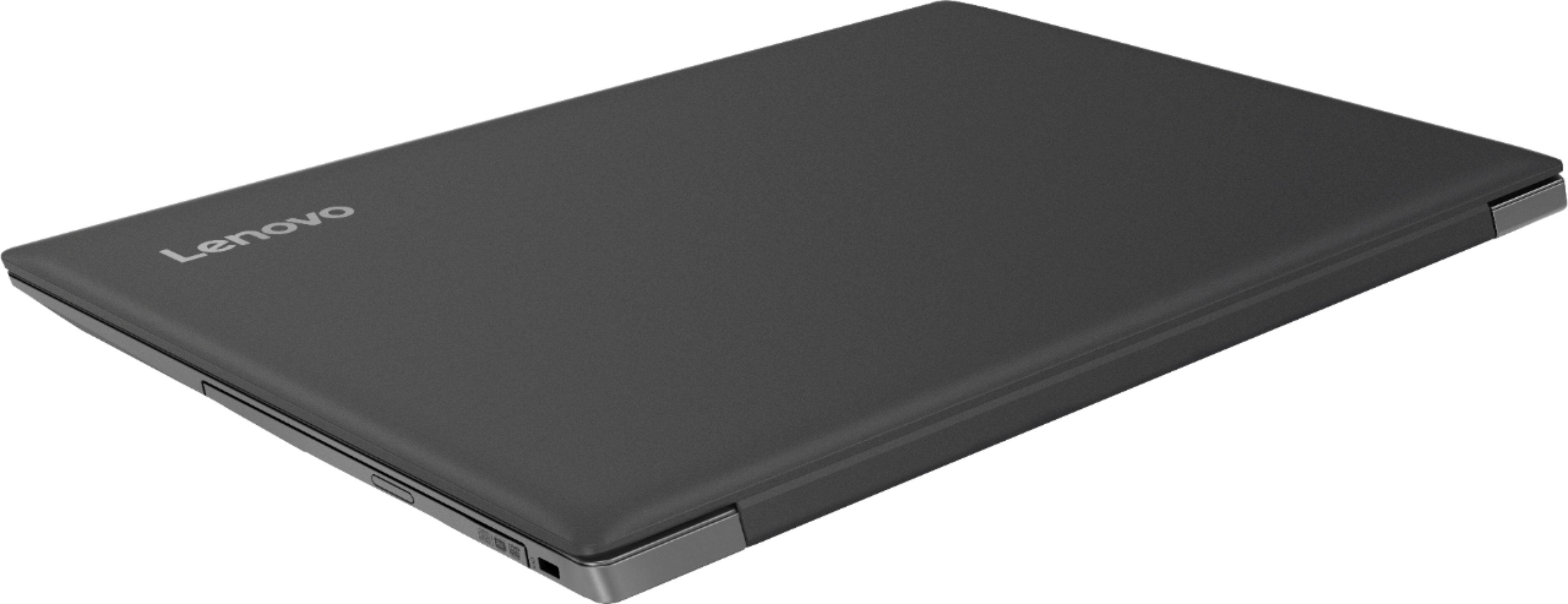
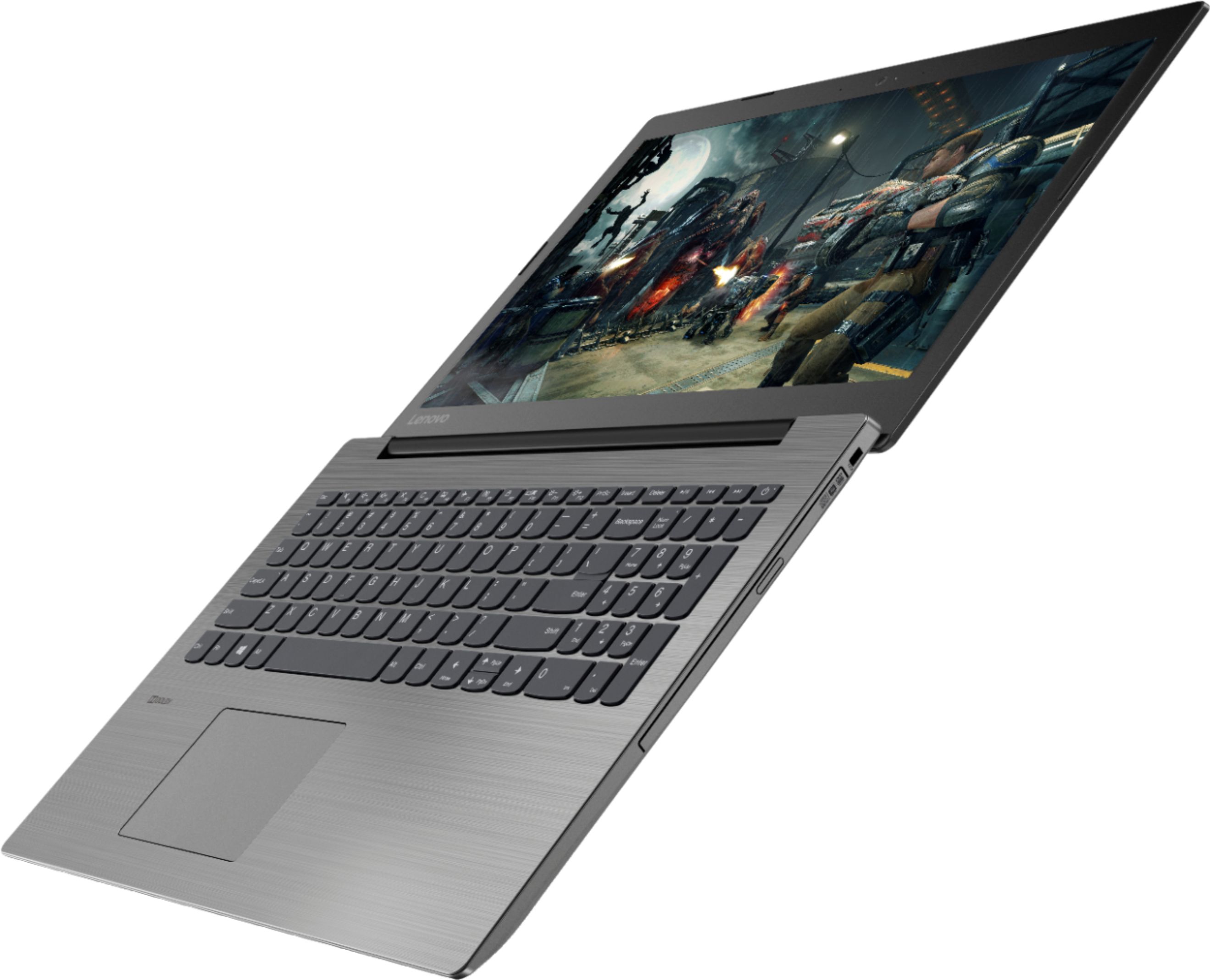
Posted .The full size Lenovo IdeaPad 330-15 laptop measures 14.88 x 10.24 x 0.90 inches and weighs just 4.84 lbs.