Customer Ratings & Reviews

- Model:
- 81DM001UUS
- SKU:
- 6224501
Rating by feature
- Value
Rating 4.1 out of 5 stars
- Quality
Rating 4.1 out of 5 stars
- Ease of Use
Rating 4.2 out of 5 stars
Customers are saying
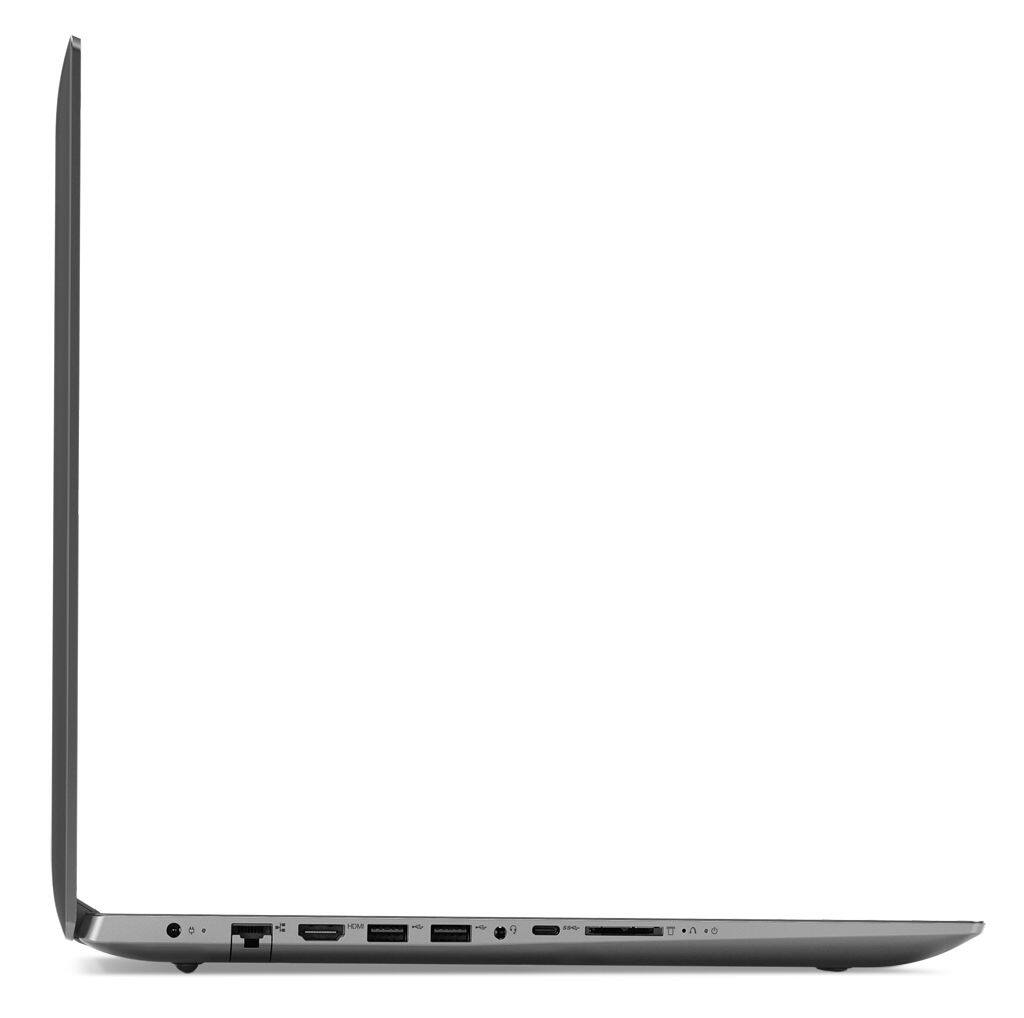
Customers are positive about the large screen, price, ease of use, storage, gaming capabilities, keyboard, performance, and processor. They appreciate the value for money and find the laptop suitable for light gaming. However, customers are negative about the battery life, weight, limited number of USB ports, and build quality, with some describing it as cheap and flimsy.
This summary was generated by AI based on customer reviews.
- Pros mentioned:Speed
Awesome
||Posted .This reviewer received promo considerations or sweepstakes entry for writing a review.It's awesome. Really fast and I use it for gaming.
I would recommend this to a friendBrand response from Lenovo Product Expert
Posted .Thank you for choosing the Lenovo IdeaPad 330-15 laptop. We are pleased to hear that the performance of the IdeaPad 330-17 meets your computing needs so well.

Good for the price
||Posted .This reviewer received promo considerations or sweepstakes entry for writing a review.I changed out the hard drive to a solid state not long after getting it. Makes it work like a higher end machine. Be aware that if you upgrade the ram it only had 1 slot. 4gb is built on board.
I would recommend this to a friendGreat laptop.
||Posted . Owned for 1.5 years when reviewed.This reviewer received promo considerations or sweepstakes entry for writing a review.I am super pleased with this purchase. I am very unhappy with the Bing app that was pre-installed. It has been a disaster to remove. Even TTS has not been able to completely remove it. It slows down everything I do - especially turning back on and when I try to access the internet.
I would recommend this to a friend- Pros mentioned:Speed
Great Laptop
||Posted .This reviewer received promo considerations or sweepstakes entry for writing a review.Fantastic laptop. Works great. Super fast!!!!!!!!!
I would recommend this to a friendBrand response from Lenovo Product Expert
Posted .Thank you for choosing the Lenovo IdeaPad 330-17 laptop. We are pleased to hear that the features and performance of the IdeaPad 330-17 meets your computing needs so well.
Great laptop for the price
||Posted .This reviewer received promo considerations or sweepstakes entry for writing a review.This laptop is a great value for the price. I especially appreciate that the keyboard is sturdy and doesn't have a spongy feel as keyboards do on many economically priced laptops. I bought this as a work laptop and it hasn't disappointed.
I would recommend this to a friendgood basic laptop
||Posted .This reviewer received promo considerations or sweepstakes entry for writing a review.It is fast enough for my needs, which is mostly surfing the net, checking e mails, doing billing of clients... Only issue I had is Lenovo rejected signing in registering this computer for warrantee. It said it was too late. It was an open box sale
I would recommend this to a friendgreat once I figure out how to use it
||Posted .This reviewer received promo considerations or sweepstakes entry for writing a review.I think once I can figure out how to use all of the features of windows 10 I will be very pleased. As an older person who has been using an older computer I have a somewhat difficult learning curve. I'm happy with what I have been able to figure out so far
I would recommend this to a friendBrand response from Lenovo Product Expert
Posted .Thank you for choosing the Lenovo IdeaPad 330-17 laptop. With regard to learning your way around Windows 10, you may want to try YouTube.com (just type that address in your browser address window). There are hundreds for free instructional videos there about Windows 10. Just type Windows 10 Introduction in to the YouTube search window. You can watch free videos there that will show you the basics all the way up to tips and tricks videos and they're all free.
Overall very satisfied.
||Posted .This reviewer received promo considerations or sweepstakes entry for writing a review.I am enjoying using my new computer. One thing that could definitely be improved is the camera quality. I paid a good amount for my computer only to find the camera quality very poor. I am teaching online and this is an important missing feature for me.
I would recommend this to a friendBrand response from Lenovo Product Expert
Posted .Thank you for choosing the Lenovo IdeaPad 330-17 laptop. This system ships with a 300p web cam built in. We are pleased to hear that the IdeaPad 330-17 is working out so well for you.
Great laptop for students
||Posted .This reviewer received promo considerations or sweepstakes entry for writing a review.My brother bought this laptop because he needed one for college right away. He had a similar Lenovo laptop which worked fine but there was a battery issue. This new laptop works perfectly fine and fits his needs. It has a lot of memory and an i5 intel chip which is perfect for students to do college work.
I would recommend this to a friendBrand response from Lenovo Product Expert
Posted .We are pleased to hear that the IdeaPad 330-17 laptop is working out so well for your brother. We appreciate your brother's loyalty to the Lenovo Brand.
needed a quick replacement
||Posted .This reviewer received promo considerations or sweepstakes entry for writing a review.My older computer died so I bought this because it seemed budget friendly and wanted the best for my money . It was a downgrade from my HP ENVY, but for the price It works very well .. not as fast as I would like but lots of memory and speed is GOOD .
I would recommend this to a friendBrand response from Lenovo Product Expert
Posted .The Lenovo IdeaPad 330-17 ships with a powerful Quad-Core/Eight-Thread Intel Core i5-8250U processor, 8GB of DDR4-2133MHz RAM. Be sure any software you installed is compatible with Windows 10. There is no need to install Microsoft Office software. The software is already part of the operating system, you just need to activate the software with a purchased product key. If you have installed a copy of Microsoft Office, this is conflicting with the existing copy on the system and this will slow your system down. If you have installed a 3rd party anti-virus program, be sure that Windows Defender is turned off and that the trial version of McAfee Anti-Virus software is uninstalled. There can only be one anti-virus program on the system. You may need to restore your system to original factory default settings if any of the programing errors have occurred. You can do that by typing "restore" in the Cortana search window. Just click on the magnifying glass icon at the bottom left of your Windows 10 Desktop. Click on "Reset This PC" Then click on "Get Started" and follow the on screen directions to restore to factory defaults. If the problem persists, we recommend you contact Lenovo Tech Support at: 877-453-6686.
Can't wait until windows 10 is gone
||Posted .This reviewer received promo considerations or sweepstakes entry for writing a review.The main problem with the laptop is the windows 10 operating system. It is constantly doing things on it's own and messing things up/ wasting time. It removes icons from the desktop on it's own, Cortana is a pain. It wants to speak to you all the time and you can disable things like that but there are automatic updates that you can not opt out of and after they are loaded it will go back to some of the defaults that microsoft wants as opposed to what you want. Networking is a real pain too. I should have spent the extra $300 to get a windows 7.
No, I would not recommend this to a friendBrand response from Lenovo Product Expert
Posted .We are sorry to hear that you are having issues with Windows 10. With regard to learning your way around Windows 10, you may want to try YouTube.com (just type that address in your browser address window). There are hundreds for free instructional videos there about Windows 10. Just type Windows 10 Introduction in to the YouTube search window. You can watch free videos there that will show you the basics all the way up to tips and tricks videos and they're all free.
- Pros mentioned:Large screen
Decent Laptop for the Price
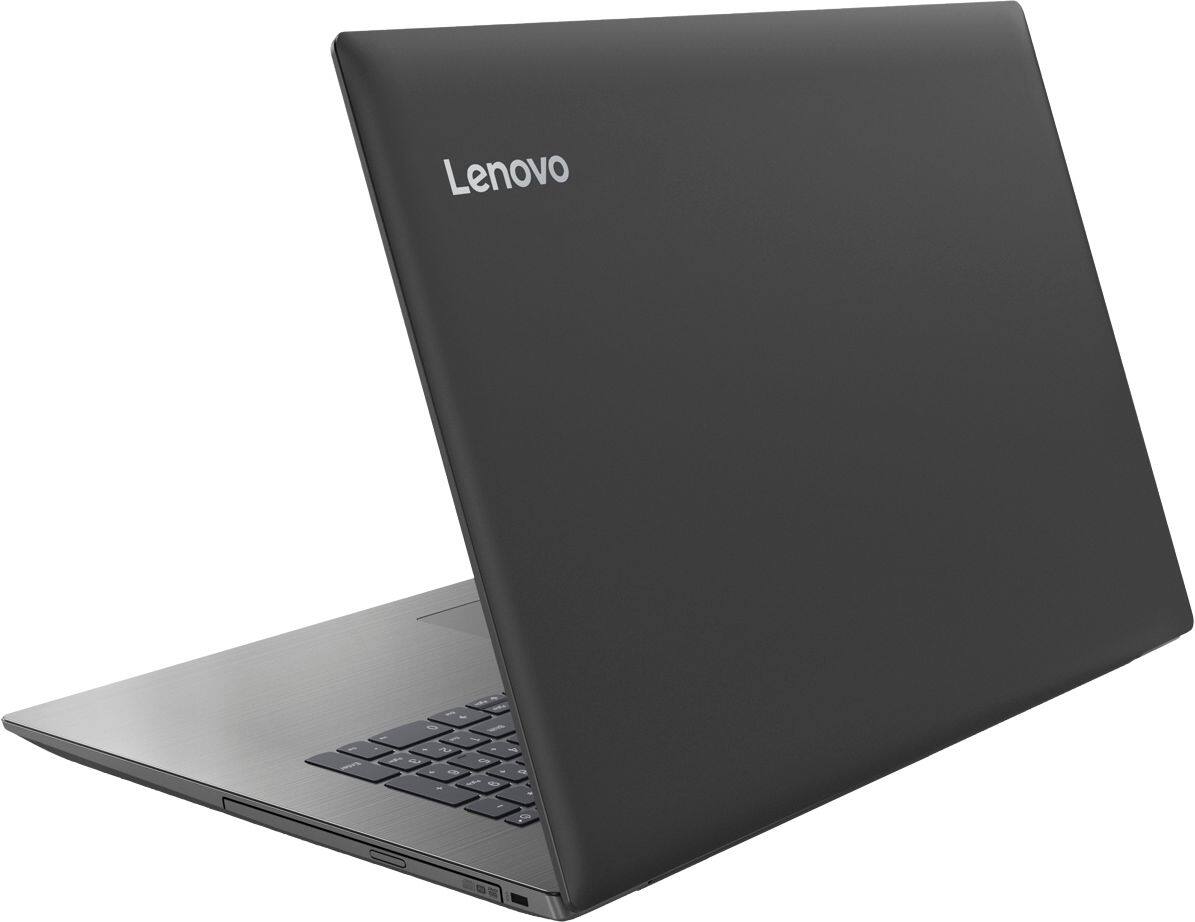
||Posted .This reviewer received promo considerations or sweepstakes entry for writing a review.This laptop is decent for the price. It runs a little slow, but has a big screen, and even has a disc drive which is unusual these days (although the disc drive adds to the size and weight).
I would recommend this to a friendBrand response from Lenovo Product Expert
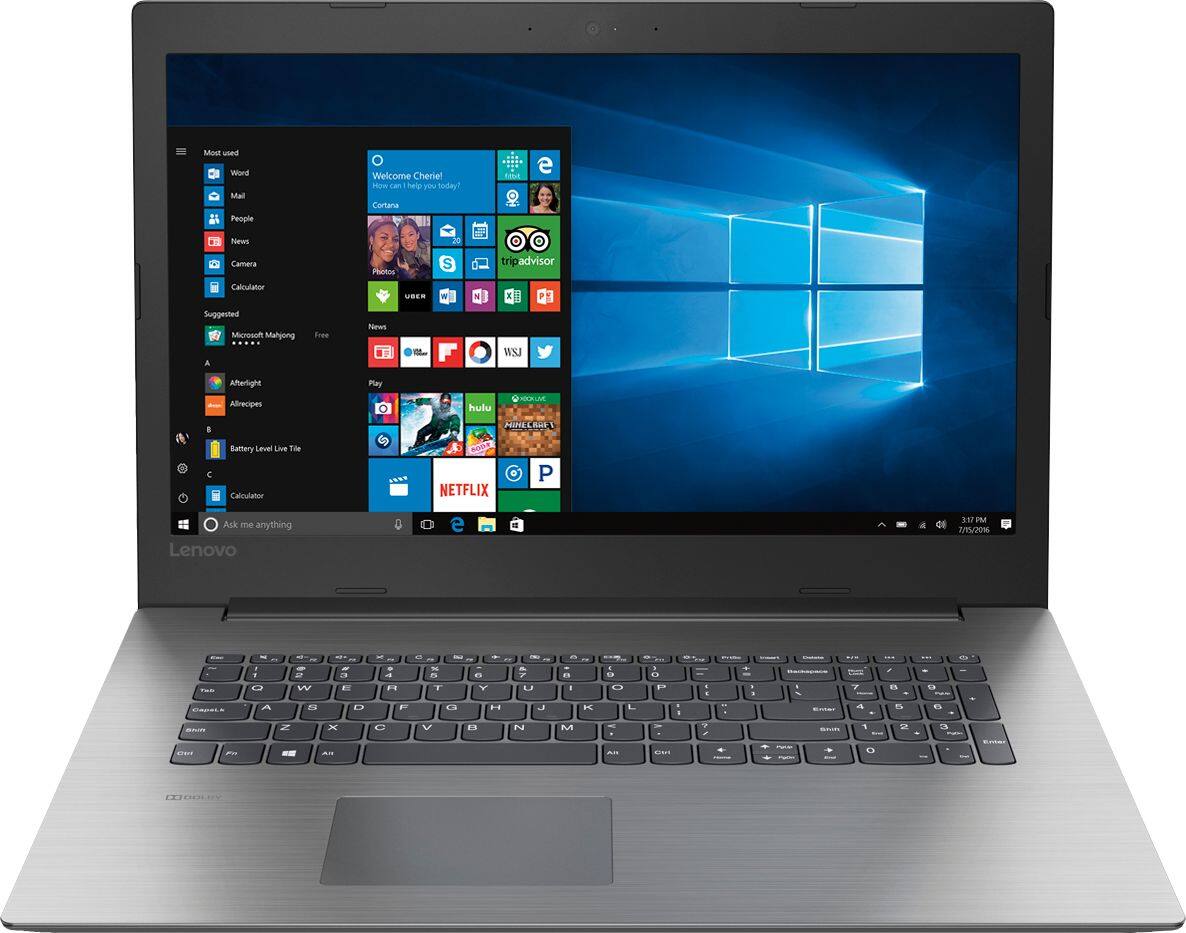
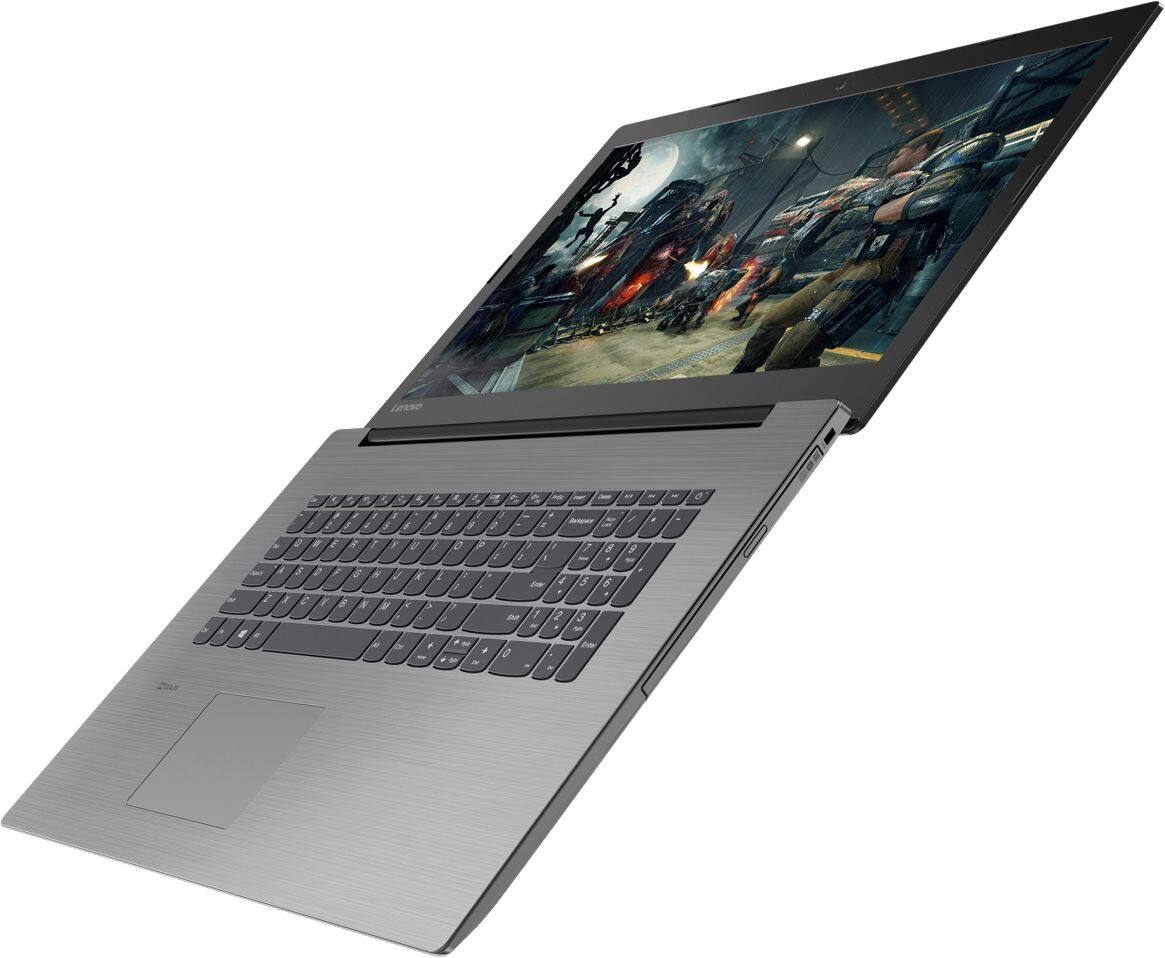
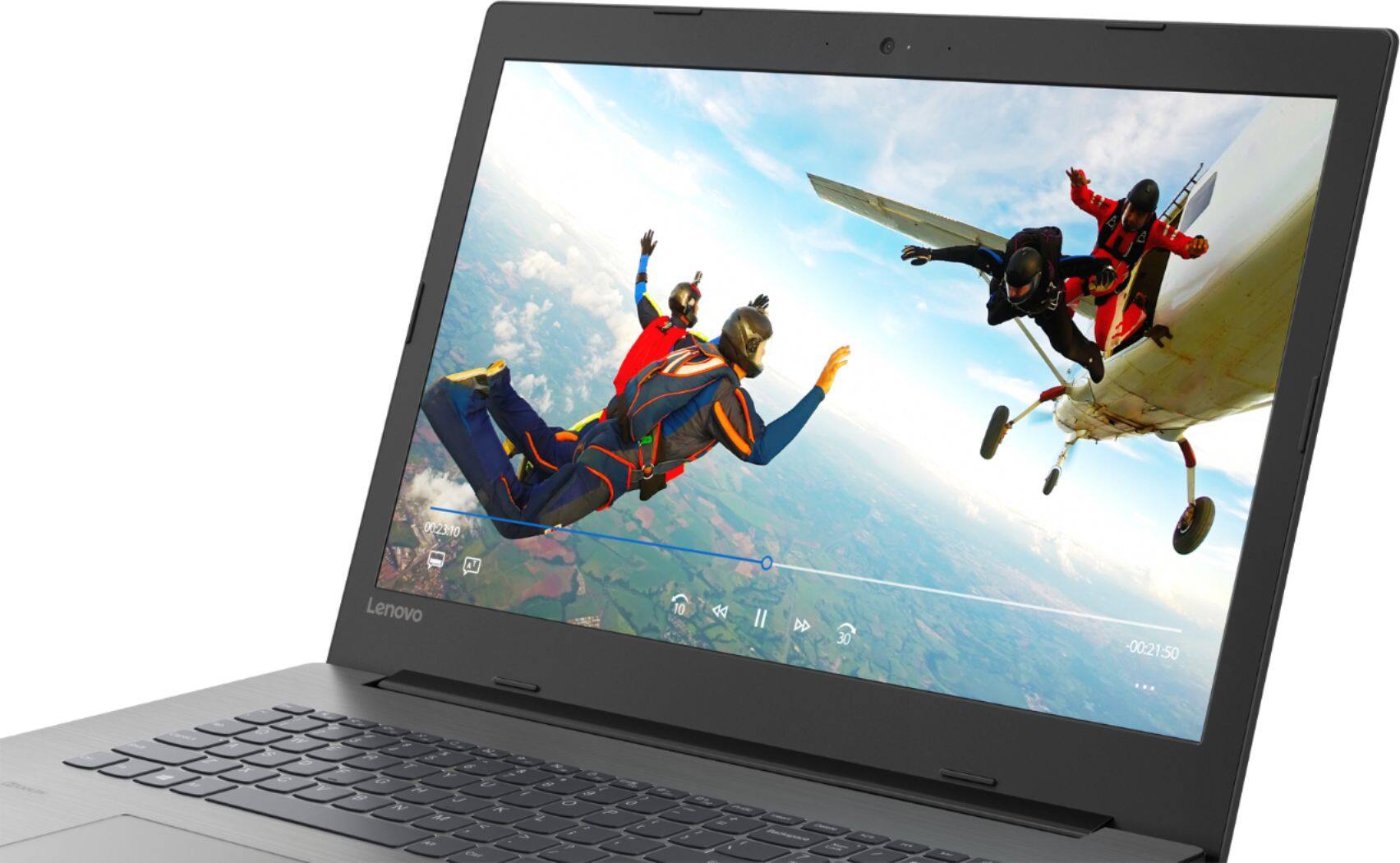
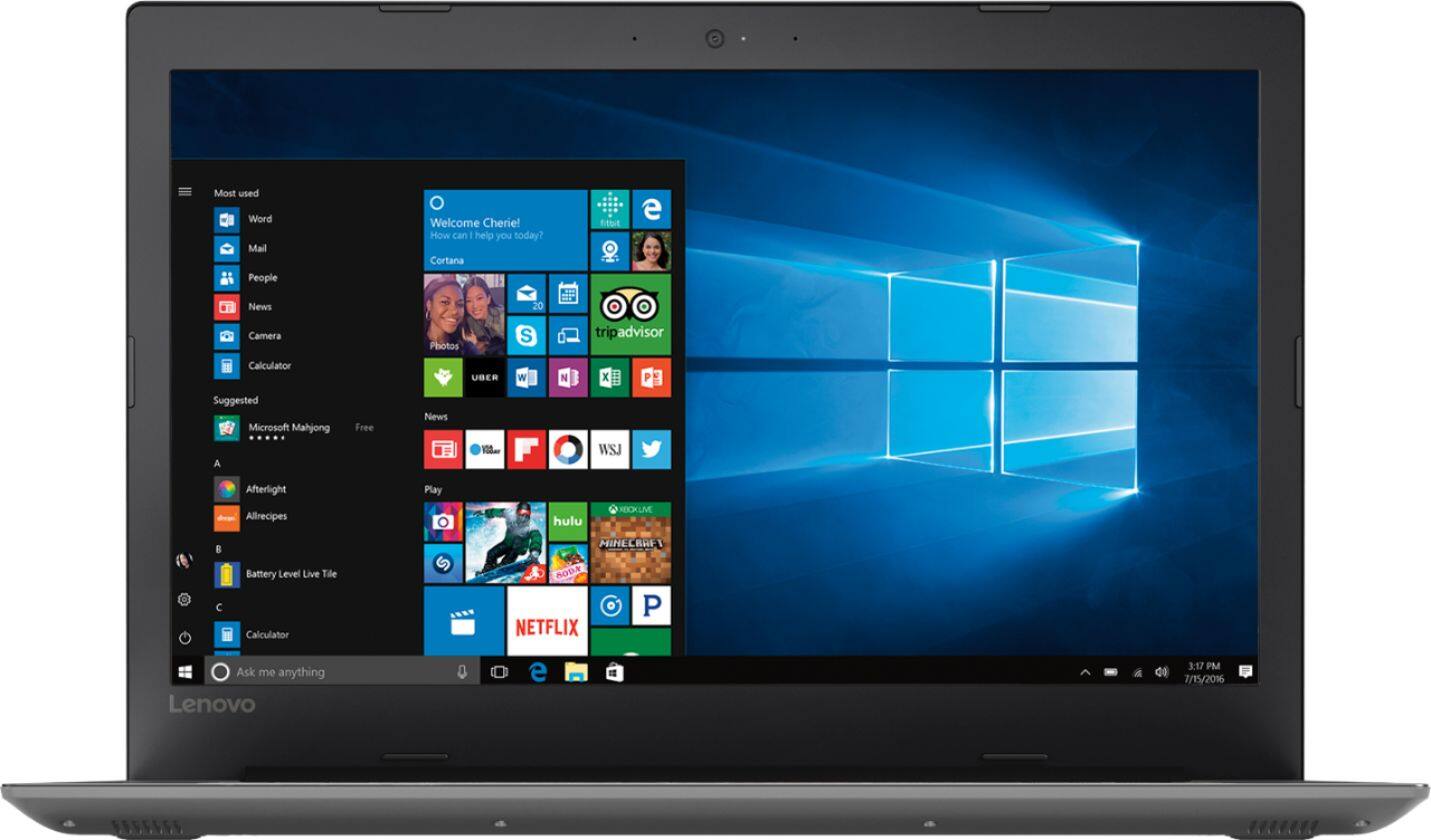
Posted .The Lenovo IdeaPad 330-17 ships with a powerful Quad-Core/Eight-Thread Intel Core i5-8250U processor, 8GB of DDR4-2133MHz RAM. This configuration has a 17.3" (measured diagonally) 1600 x 900 (HD+) resolution screen, with a brightness level of 200 nits. This configuration can handle many of today's most demanding programs and is good with multi-tasking. If this describes the kind of computing you do, the Lenovo IdeaPad 330-17 will be a great choice for you. This full-sized laptop with a 17.3" (screen measured diagonally) screen, weighs only 6.17 lbs.
Lenovo makes a good machine
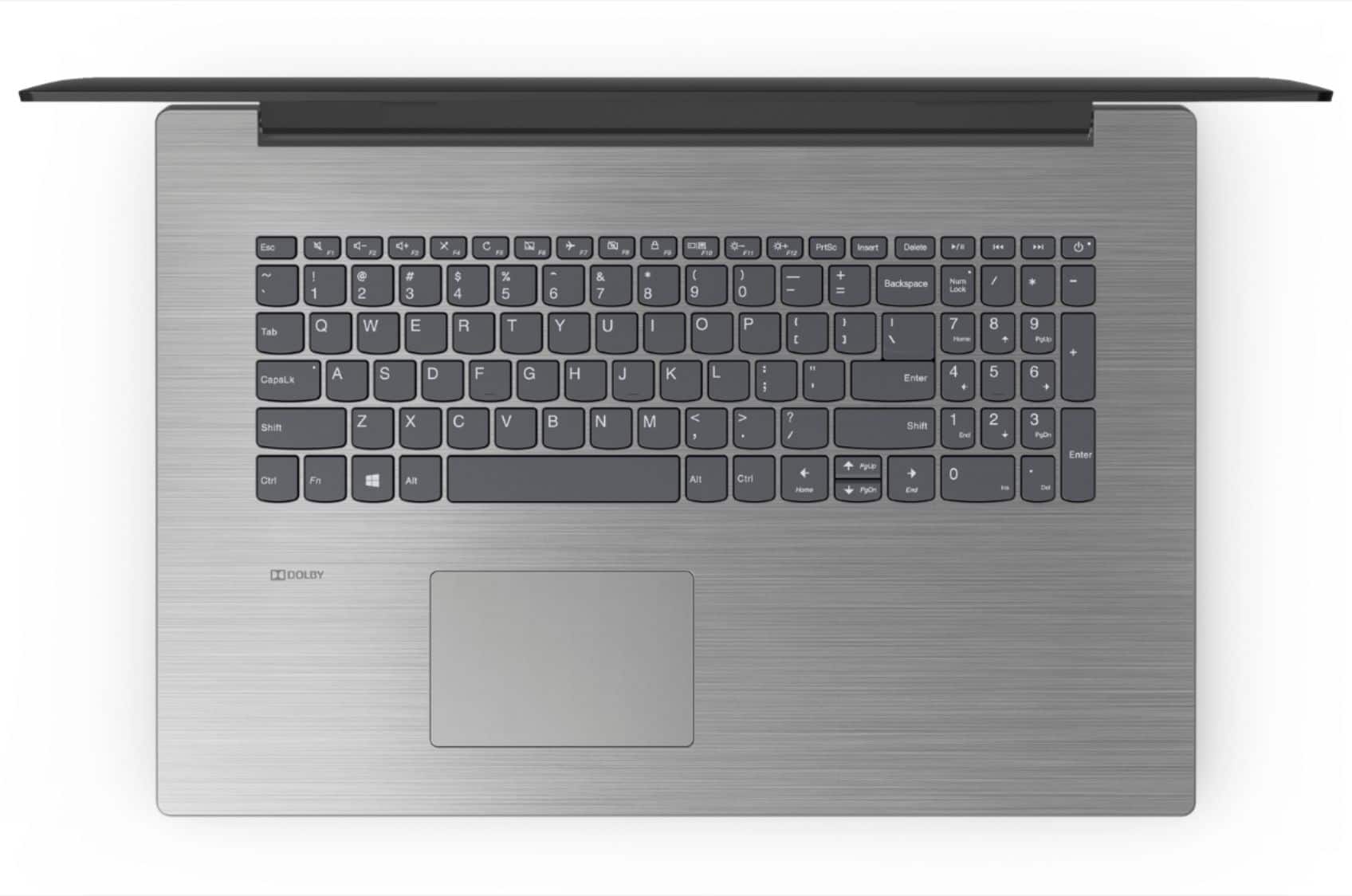
||Posted . Owned for more than 2 years when reviewed.This reviewer received promo considerations or sweepstakes entry for writing a review.Lenovo makes a great pc. I'm not really a PC guy, but when I do, I go with Lenovo. Quality feeling and sleek looking, with a nice keyboard and smooth trackpad, Lenovo knows what they are doing. Also, Lenovo, did not do bloatware on this machine.
I would recommend this to a friendgood computer for regular daily use.
||Posted .This reviewer received promo considerations or sweepstakes entry for writing a review.This is a good computer for the average computer user. It works fine browsing the internet and streaming videos and music. This would be a good computer for a college student who just needs it for school and not looking to do any hardcore gaming.
I would recommend this to a friendBrand response from Lenovo Product Expert
Posted .Thank you for choosing the Lenovo IdeaPad 330-17 laptop. We are pleased to hear that the performance of the IdeaPad 330-17 meets your computing needs so well.
Good laptop for the price
||Posted .This reviewer received promo considerations or sweepstakes entry for writing a review.This laptop has proven to be a good buy for my home business. It's fast enough and boots up quickly, which are normally the problems with a low priced laptop. I haven't used the battery alone, so I can't comment on it, but I would buy it again.
I would recommend this to a friendBrand response from Lenovo Product Expert
Posted .Thank you for choosing the Lenovo IdeaPad 330-17 laptop for your business. We are pleased to hear that the value and performance of the IdeaPad 330-17 meets your computing needs so well.
Incredible bang for the buck!
||Posted .This reviewer received promo considerations or sweepstakes entry for writing a review.I love this laptop because it was cheap, has a huge screen and it works great! I needed a cheap second laptop so I bought this as a backup but it quickly became my primary computer because it’s thin, lightweight and very powerful for the extremely low price point. I’d recommend it to anyone!
I would recommend this to a friendPerfect for my needs
||Posted .This reviewer received promo considerations or sweepstakes entry for writing a review.This computer is perfect for everything I need to do as a blogger. However I'm giving it for Starz because it did not come with any installed notepads or any kind of word document for me to just make quick notes or to cut and paste to
I would recommend this to a friendGood laptop for the price
||Posted .This reviewer received promo considerations or sweepstakes entry for writing a review.I just started using this laptop, but so far, it works great! We really only use a laptop for surfing and other minor apps like Dropbox, Excel, Word, etc. We don't game, but we do live stream sometimes. So, we opted for the least expensive laptop. So far, we've made the right decision!
I would recommend this to a friendBrand response from Lenovo Product Expert
Posted .Thank you for choosing the Lenovo IdeaPad 330-17 laptop. We are pleased to hear that the value, features and performance of the IdeaPad 330-17 meets your computing needs so well.
Very good for the price
||Posted .This reviewer received promo considerations or sweepstakes entry for writing a review.Still learning some of the quirks of the pc such as placement of left and right buttons but will get better the more I use it. Also need to adjust the the scroll button. Sometimes you try and pull it down and the page goes up instead.
I would recommend this to a friendBrand response from Lenovo Product Expert
Posted .Thank you for choosing the Lenovo IdeaPad 330-17 laptop. With regard to adjusting the scroll buttons on your Windows 10 computer, here is a link to instructions for doing this: https://techforluddites.com/windows-10-scroll-settings/
Good basic machine on W10
||Posted .This reviewer received promo considerations or sweepstakes entry for writing a review.Good basic machine for business applications when not all the windows 10 features (e.g. touch screen) are not needed. Touch pad takes a bit getting use to. Keyboard is ok, screen is bright and picture quality quite good.
I would recommend this to a friendBrand response from Lenovo Product Expert
Posted .Thank you for choosing the Lenovo IdeaPad 330-17 laptop. With regard to the touchpad, you can make adjustments to the touchpad in your system settings. You can get there by clicking on the magnifying glass at the bottom left of your Windows 10 screen. Type "touchpad" in the search window. Select "Mouse & touchpad settings" from the list of choices. You can make general adjustments to the touchpad there. You can also select "Additional mouse options" for more detailed adjustments to the touchpad sensitivity by increasing the delay of the touchpad.