Customer Ratings & Reviews
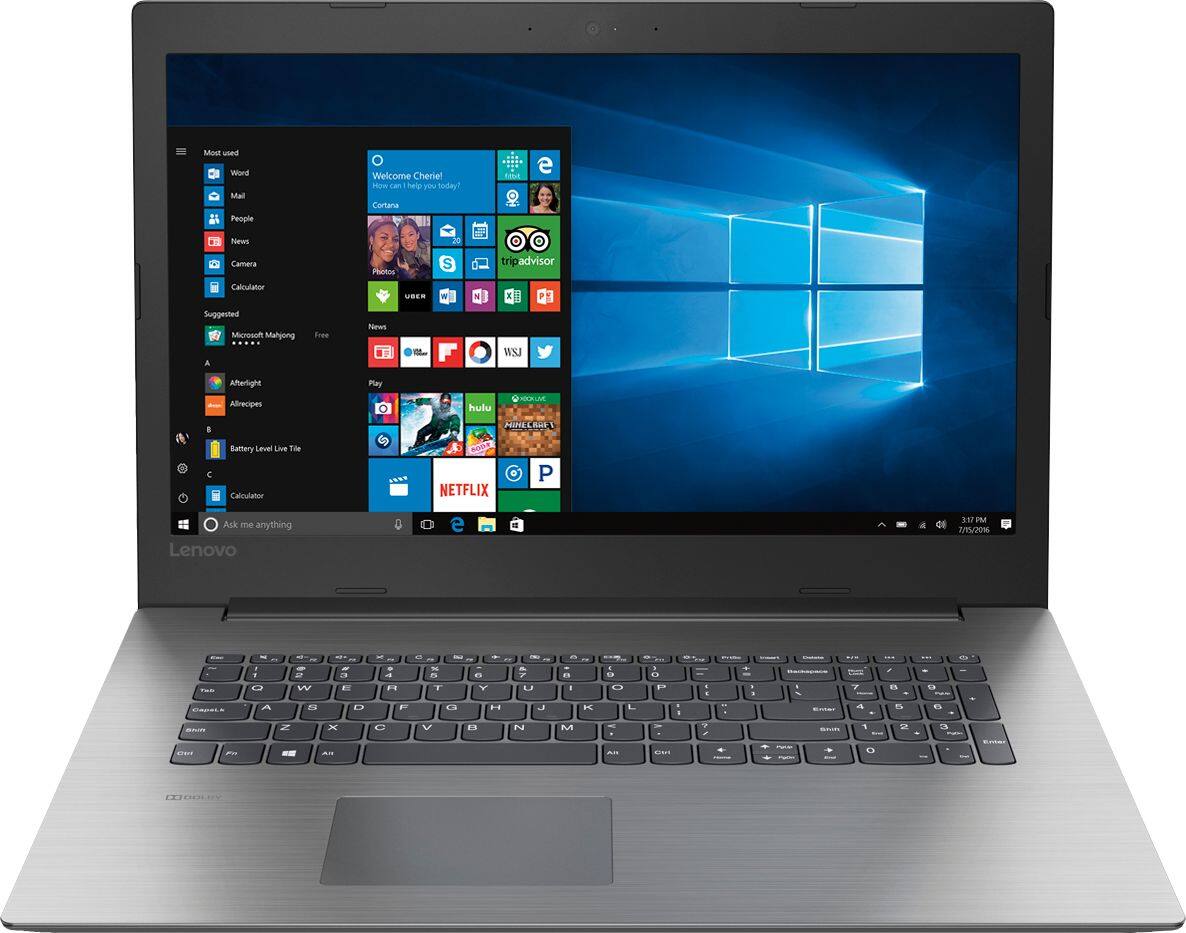
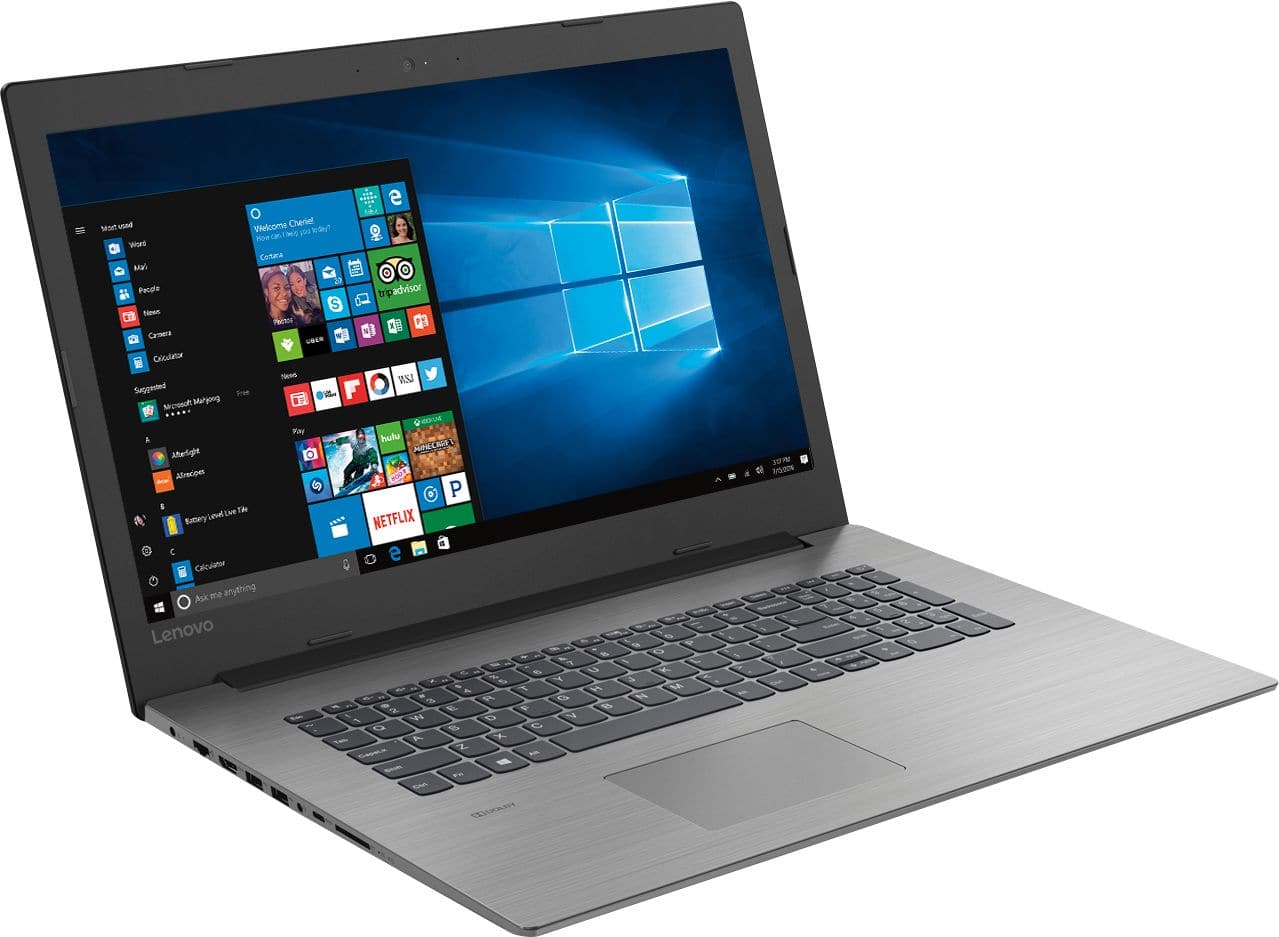
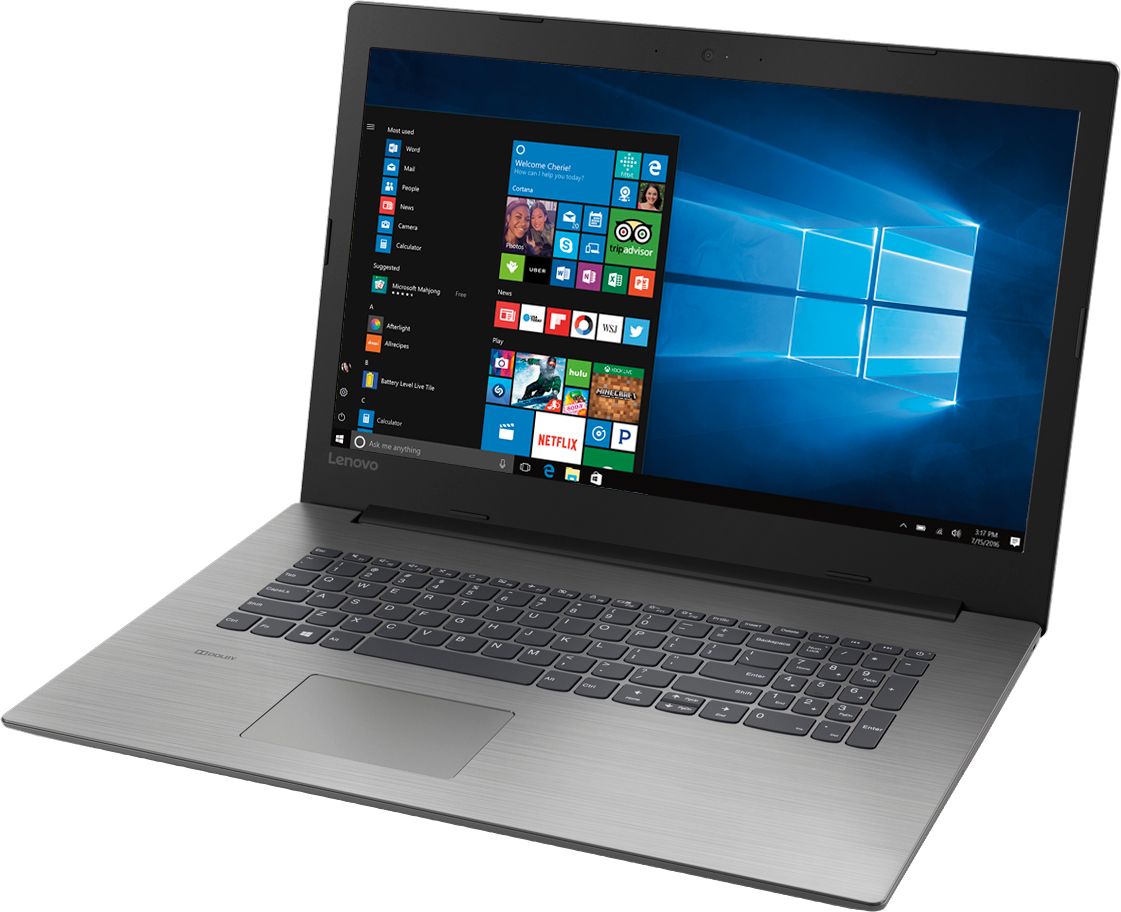
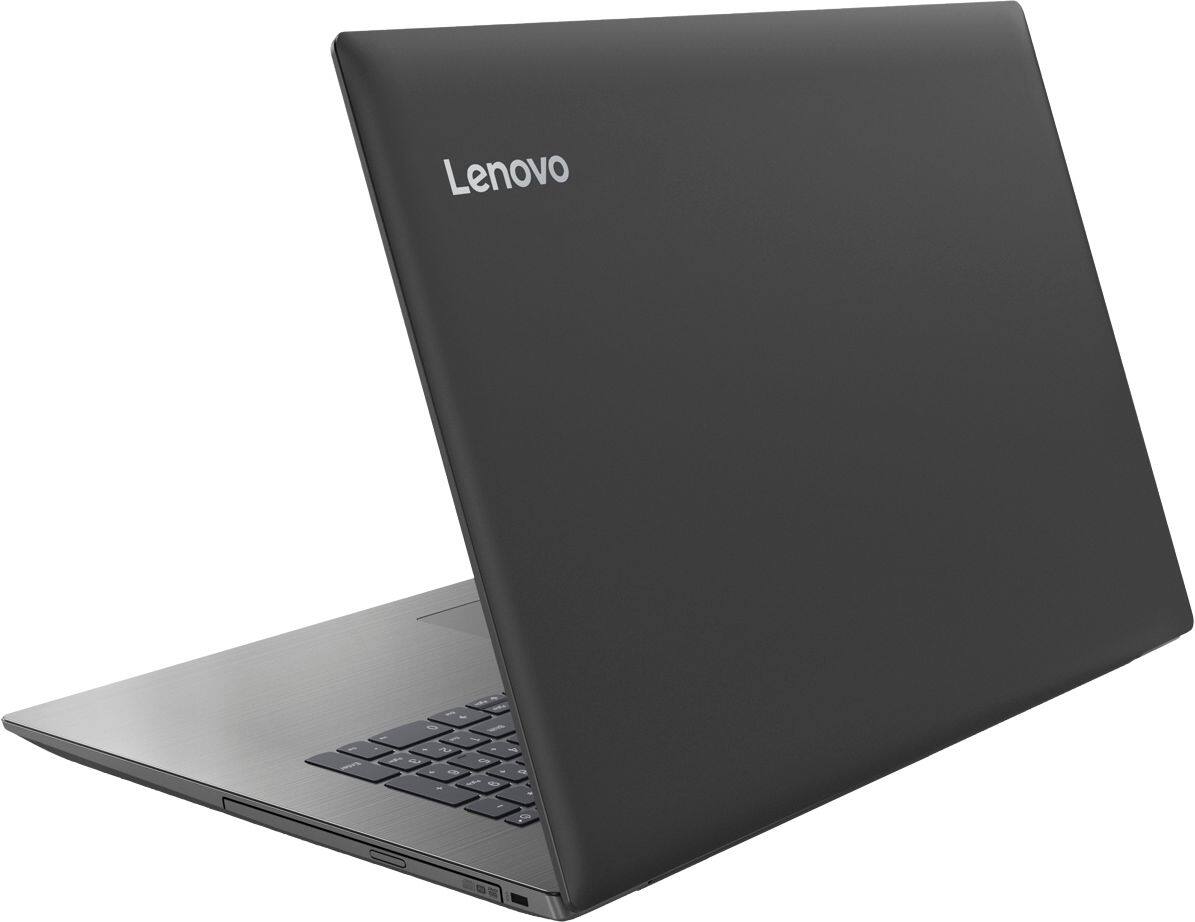

- Model:
- 81DM001UUS
- SKU:
- 6224501
Rating by feature
- Value
Rating 4.1 out of 5 stars
- Quality
Rating 4.1 out of 5 stars
- Ease of Use
Rating 4.2 out of 5 stars
Customers are saying
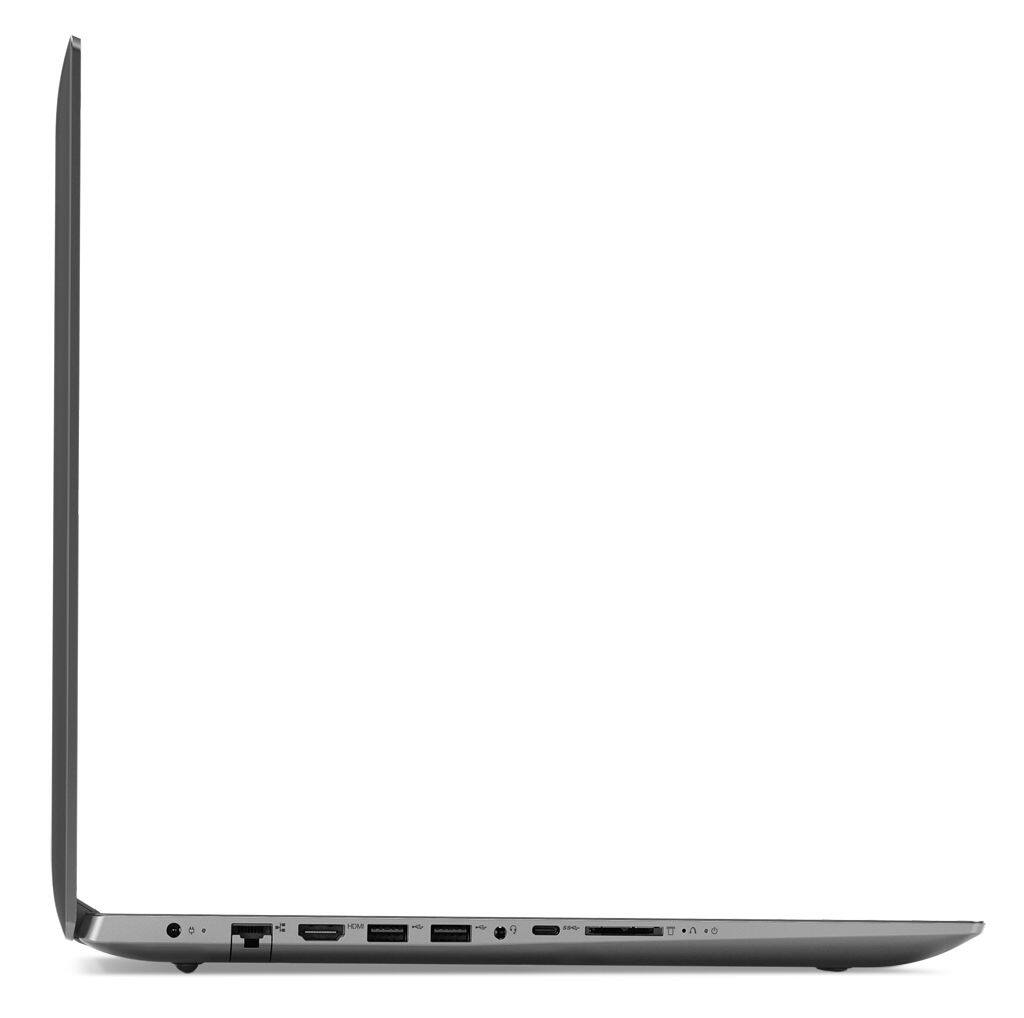
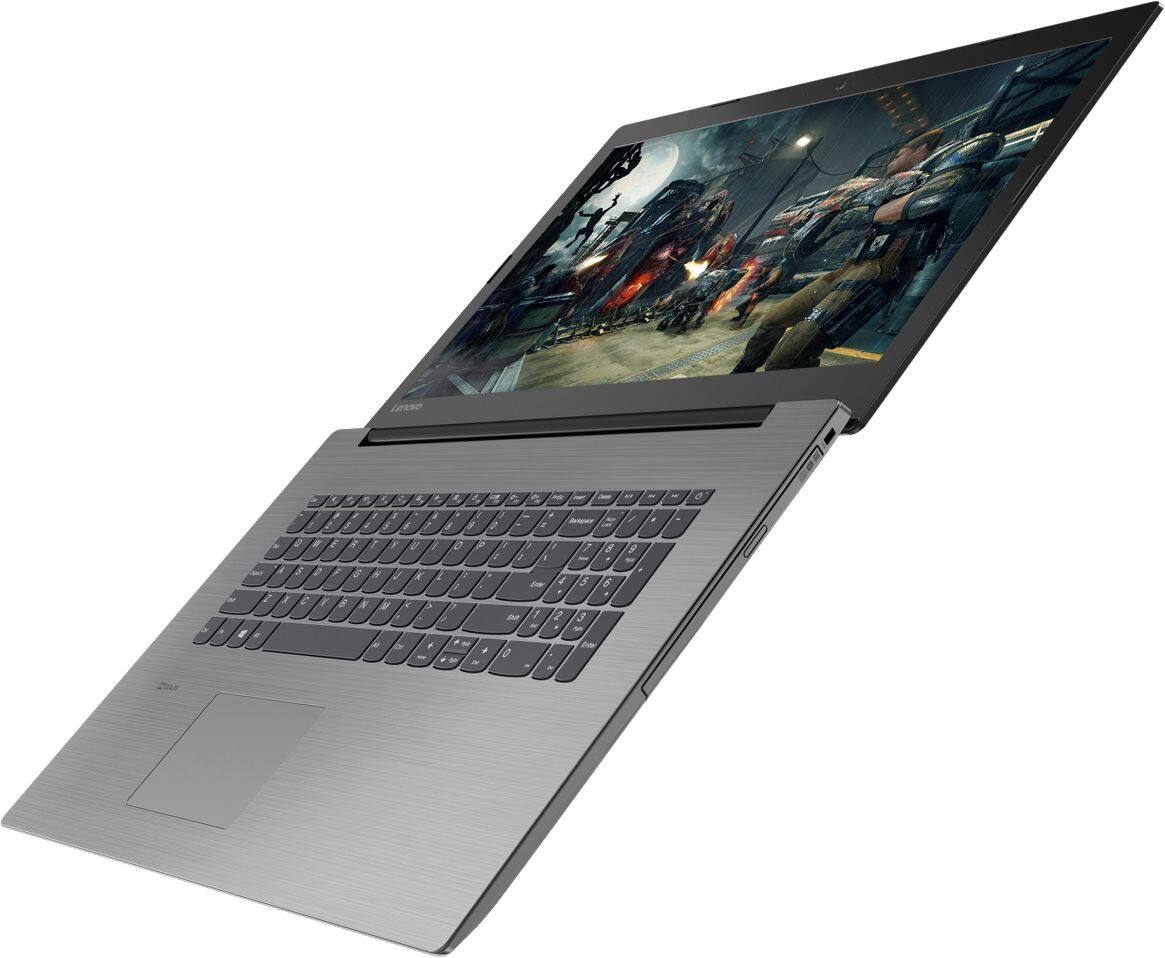
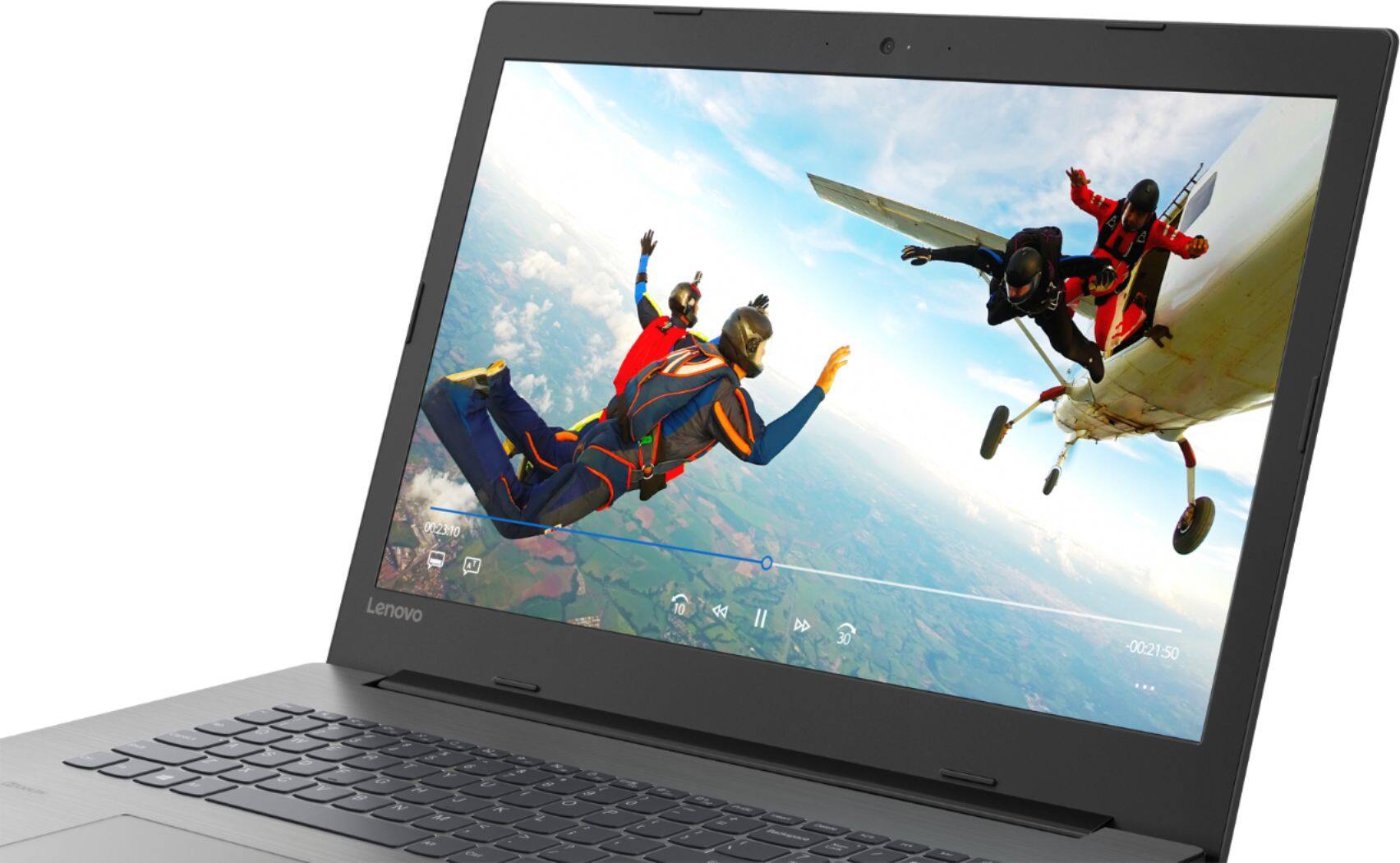
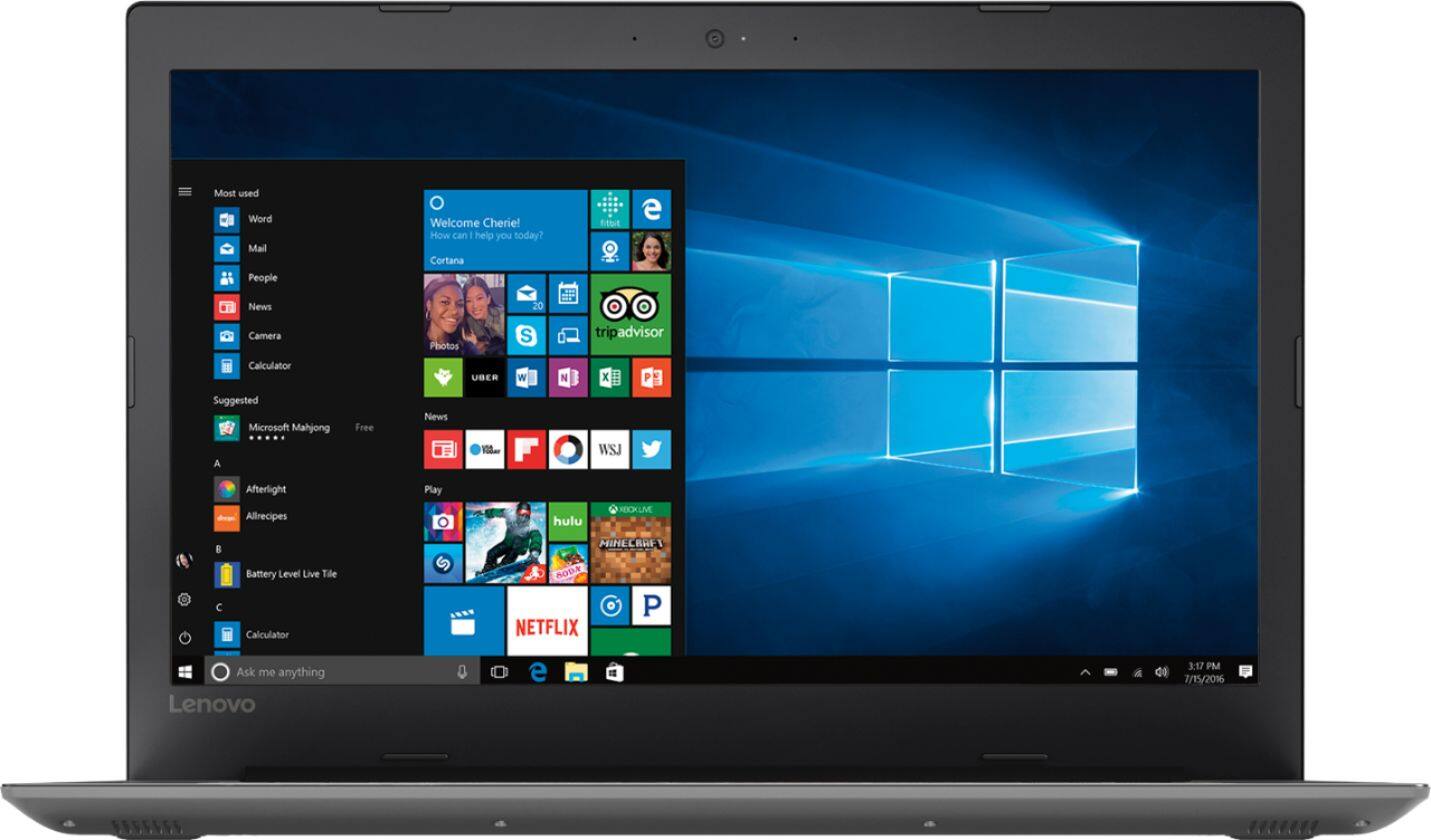
Customers are positive about the large screen, price, ease of use, storage, gaming capabilities, keyboard, performance, and processor. They appreciate the value for money and find the laptop suitable for light gaming. However, customers are negative about the battery life, weight, limited number of USB ports, and build quality, with some describing it as cheap and flimsy.
This summary was generated by AI based on customer reviews.
Great Laptop
||Posted .This reviewer received promo considerations or sweepstakes entry for writing a review.Bought this as an open item for my son. It has great picture quality and the screen is a great size. The touch pad could use improvement as it is not as user friendly as other brands. Great overall purchase for the price!
I would recommend this to a friendI would give it a 3.5 STAR ..
||Posted .This reviewer received promo considerations or sweepstakes entry for writing a review.Its just ok .. you would think that it would run faster then it does. Takes more then 2 min to load at startup and the keyboard double dips on the keys at times and the space bar has to be pushed kinda hard to get it to work. As for the price its about what you would expect. Not what the sales man sold us on.
I would recommend this to a friendBrand response from Lenovo Product Expert
Posted .This is a fast system with its Quad-Core/Eight-Thread Intel Core i5-8250U processor and 8GB of RAM. Be sure any software you installed is compatible with Windows 10. There is no need to install Microsoft Office software. The software is already part of the operating system, you just need to activate the software with a purchased product key. If you have installed a copy of Microsoft Office, this is conflicting with the existing copy on the system and this will slow your system down. If you have installed a 3rd party anti-virus program, be sure that Windows Defender is turned off and that the trial version of McAfee Anti-Virus software is uninstalled. There can only be one anti-virus program on the system. You may need to restore your system to original factory default settings if any of the programing errors have occurred. You can do that by typing "restore" in the Cortana search window. Just click on the magnifying glass icon at the bottom left of your Windows 10 Desktop. Click on "Reset This PC" Then click on "Get Started" and follow the on screen directions to restore to factory defaults. If the problem persists, we recommend you contact Lenovo Tech Support at: 877-453-6686.

Great mid-level computer!
||Posted .This reviewer received promo considerations or sweepstakes entry for writing a review.I bought this laptop for my wife. It has a boots quickly and exceeds her needs as a teacher. Unless you're wanting to do some serious gaming or serious graphic designing, this one will meet all your needs for an awesome price!
I would recommend this to a friendBrand response from Lenovo Product Expert
Posted .Thank you for choosing the Lenovo IdeaPad 330-17 laptop for your wife. We are pleased to hear that the value, features and performance of the IdeaPad 330-17 meets your wife's computing needs so well.
Great value for a Lenovo!
||Posted .This reviewer received promo considerations or sweepstakes entry for writing a review.Deal of the day purchase! Lenovo is rated as a top laptop purchase and I couldn't resist this purchase. It is a bit slow to boot but once booted up surfing is quick. I am happy with this purchase and would recommend to others.
I would recommend this to a friendBrand response from Lenovo Product Expert
Posted .Thank you for choosing the Lenovo IdeaPad 330-17 laptop. This Windows 10 system should boot to login screen in seconds. Once you input your password, system boot up should take less than 20-seconds to your Windows 10 desktop. Here is a link to some tips for speeding up the boot up time in Windows 10: https://lifehacker.com/enable-this-setting-to-make-windows-10-boot-up-faster-1743697169
so far its been awesome
||Posted .This reviewer received promo considerations or sweepstakes entry for writing a review.I've only had it for about a month, I did have to reload the OS once, but unknown is that was a window issue after a windows update. The laptop itself is solid and works great and even for a big screen holds well on battery
I would recommend this to a friendBrand response from Lenovo Product Expert
Posted .Thank you for choosing the Lenovo IdeaPad 330-17 laptop. You can keep the operating system software up to date and running properly by using the Lenovo Utility software installed on this device. This system has Lenovo utilities installed to help maintain the health of the device and keep the operating system software up to date. Type "Lenovo Vantage" in the Cortana Search window (if Lenovo Vantage is not installed on your device, you can download the APP and install it now). Select Lenovo Vantage from the list. In the window that opens, click on "Health and Support". In the expanded menu, select "Hardware Scan" In the window that opens, select "Run Quick Tests". This will scan your entire system for errors. Follow any directions that may pop up. If the problem continues after this scan, now click on "System Update". First select Windows update from the menu. Scan your system to be sure you have the latest version of Windows 10. Once that scan is complete, select "Additional Updates". This will scan your device to be sure there are no new BIOS/Driver updates needed. Follow any instructions that may pop up. If the issue still continues after these updates, we recommend you call Lenovo Tech Support at: 877-453-6686 for additional help.
Great laptop for the price
||Posted .This reviewer received promo considerations or sweepstakes entry for writing a review.My laptop completely died and I was in a pinch so I needed a new 1. Stopped off at Best Buy found this 1 and it was a great deal 17" screen and all of the Bells and whistles.
I would recommend this to a friendExcellent Laptop
||Posted .This reviewer received promo considerations or sweepstakes entry for writing a review.I needed a new computer that was user friendly but had enough power for streaming and this laptop was highly recommended. I agree with the recommendation, its all I asked for and wanted in a computer laptop and more.
I would recommend this to a friendGOOD Laptop
||Posted .This reviewer received promo considerations or sweepstakes entry for writing a review.I'm replacing a 2 yrs old Desktop with this 17" Lenovo laptop. So far it is working fine. This is my first 17" Laptop & I like it. I have gained Much space & have space to get to the back of my desk. I'm VERY HAPPY
I would recommend this to a friendBrand response from Lenovo Product Expert
Posted .Thank you for choosing the lenovo IdeaPad 330-17 laptop. We are pleased to hear that the features and performance of the IdeaPad 330-17 meets your computing needs so well.

Lenovos are awesome
||Posted .This reviewer received promo considerations or sweepstakes entry for writing a review.IBM Lenovo's are some of the best computers around. Treat them right and they are good for many years. I highly recommend this computer. It was given as a gift, and I hear nothing but good reviews and many thanks.
I would recommend this to a friendWas great until logged off
||Posted .This reviewer received promo considerations or sweepstakes entry for writing a review.Was great until logged off and keyboard went out using plug in keyboard since cant leave since in masters degree class in K-12 school counseling and use laptop every day.
I would recommend this to a friendNew laptop
||Posted .This reviewer received promo considerations or sweepstakes entry for writing a review.I needed to get a new laptop. I tried this at Best Buy and it seemed Okay. I am still trying to get used to the differences from my previous laptop but it works well.
No, I would not recommend this to a friendWork great
||Posted .This reviewer received promo considerations or sweepstakes entry for writing a review.Work as my other Lenovo computers work and have The only thing i would say is I think i would go with the 15" screen instead of 17" i really don't need the extra space.
I would recommend this to a friendBrand response from Lenovo Product Expert
Posted .Thank you for choosing the lenovo IdeaPad 330-17 laptop. We appreciate your loyalty to the Lenovo Brand. We are pleased to hear that the IdeaPad 330-17 is working out for you.
Price and performance
||Posted .This reviewer received promo considerations or sweepstakes entry for writing a review.This laptop was much better than the 5 year old laptop it replaced. For the price, I find the display is very nice, bright and sharp. Programs come up quickly and I had no trouble following the setup instructions.
I would recommend this to a friendBrand response from Lenovo Product Expert
Posted .Thank you for choosing the Lenovo IdeaPad 330-17 laptop. We are pleased to hear that the ease of setup and the performance of the IdeaPad 330-17 meets your computing needs so well.
Good all round family computer
||Posted .This reviewer received promo considerations or sweepstakes entry for writing a review.It works great for internet browsing or word and document processing. The hard drive is painfully slow and the screen is not as bright as I personally like. I swapped the hard drive out with an SSD and made all the difference in performance. However after several display card driver updates, the screen remains dark and sometimes hard to see in bright light areas. Would only reccomend for basic use.
I would recommend this to a friendBrand response from Lenovo Product Expert
Posted .The Lenovo IdeaPad 330-17 laptop ships with a 1TB standard 5400 RPM hard drive. The screen on the IdeaPad 330-17 is a LCD w/LED Backlight (Anti-glare) screen, with a resolution of 1600 x 900 (HD+) and a brightness level of 200 nits. For maximum brightness, be sure to turn off auto brightness and have the brightness level adjusted to your preferences. Here is a link to instructions for turning off auto-brightness within Windows 10: https://www.itsupportguides.com/knowledge-base/windows-10/windows-10-how-to-disable-automatic-brightness-adjustments/. Please keep in mind, This model is not user upgradable. A certified technician must do all of the work, so as to not void the warranty.
Great laptop for travel
||Posted .This reviewer received promo considerations or sweepstakes entry for writing a review.We took this laptop on vacation and it was perfect to keep up with our emails and to check for local attractions on our trip. Easy to set up and the built in bluetooth makes it easy to hook up to wifi.
I would recommend this to a friendGreat basic computer
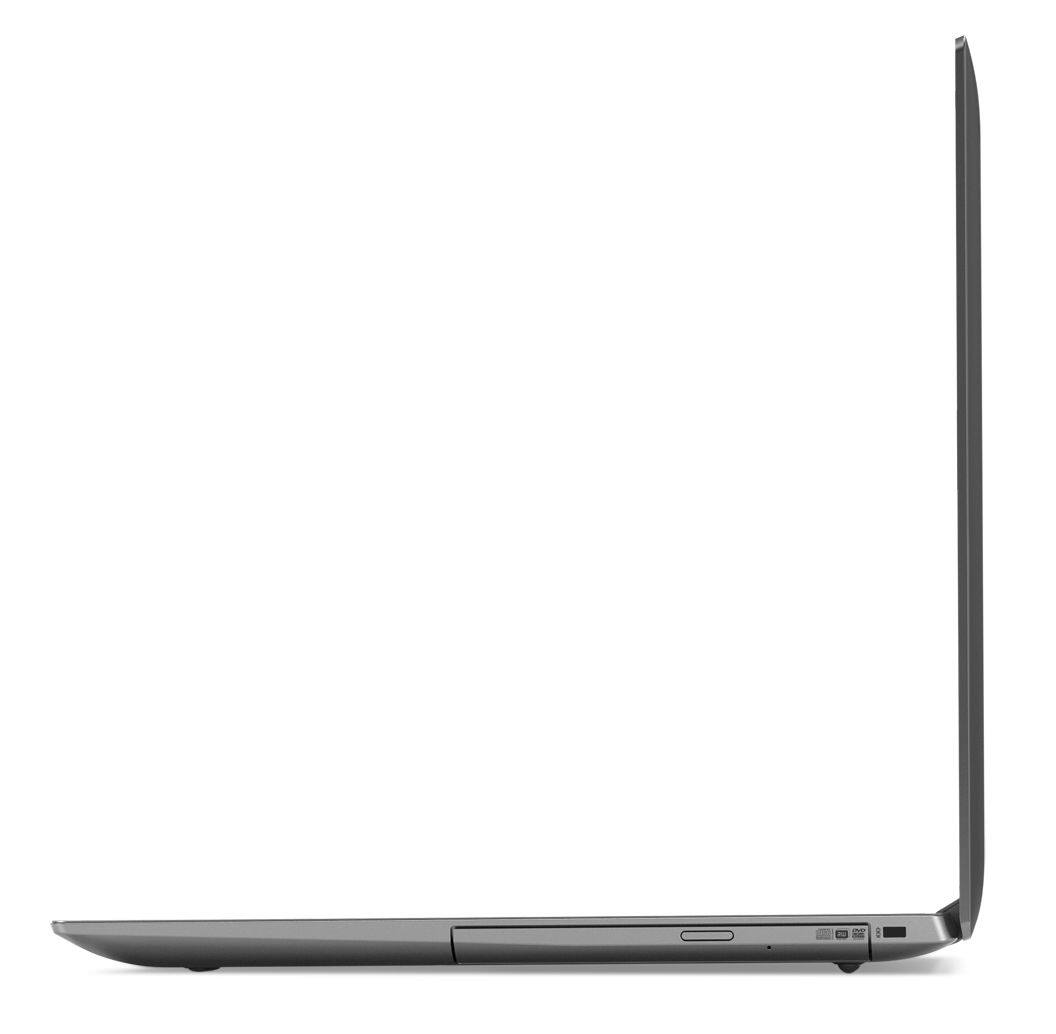
||Posted . Owned for 1.5 years when reviewed.This reviewer received promo considerations or sweepstakes entry for writing a review.I needed something for basic everyday use, and this fit the bill. I love that it still has a built in CD/DVD drive. The screen is also huge!
I would recommend this to a friendGreat laptop with better than average specs
||Posted .This reviewer received promo considerations or sweepstakes entry for writing a review.I5 processor with 8gb of RAM and a 17 inch display, its a great innexpensive laptop. Has room to add an SSD or more RAM if you ever need to upgrade. But currently this laptop exceeds my expectations.
I would recommend this to a friendGreat laptop for the money!
||Posted .This reviewer received promo considerations or sweepstakes entry for writing a review.I love this laptop. yes, it does have battery problem that some would say is not enough time on a charge, but, for my needs the battery has plenty of charge for the amount of time on the internet per day.
I would recommend this to a friendBrand response from Lenovo Product Expert
Posted .Thank you for choosing the Lenovo IdeaPad 330-17 laptop. This device ships with a 2CELL 30WH, Lithium Polymer battery, with a battery life of up to 5 hours, depending on the work that the device is performing. We are pleased to hear that the IdeaPad 330-17 meets your computing needs so well.
- Cons mentioned:Battery life
Camera not working and graphics could be better
||Posted .This reviewer received promo considerations or sweepstakes entry for writing a review.A nice computer but it should be equipped with a longer battery life than it has now, only two and half hours...not good.
I would recommend this to a friendBrand response from Lenovo Product Expert
Posted .The Lenovo IdeaPad 330-17 laptop ships with a 2CELL 30WH, Lithium Polymer battery, with a battery life of up to 5 hours, depending on the work that the device is performing. If you are getting substantially less battery life, be sure there are no unwanted programs running in the background, draining the battery. Here is a link to some tips for finding out what is draining your battery:
https://www.laptopmag.com/articles/battery-saver-windows-10. Regarding the web cam on the device, you can scan for hardware and operating system software issues easily by using the Lenovo Utility software installed on this device. This system has Lenovo utilities installed to help maintain the health of the device and keep the operating system software up to date. Type "Lenovo Vantage" in the Cortana Search window (if Lenovo Vantage is not installed on your device, you can download the APP and install it now). Select Lenovo Vantage from the list. In the window that opens, click on "Health and Support". In the expanded menu, select "Hardware Scan" In the window that opens, select "Run Quick Tests". This will scan your entire system for errors. Follow any directions that may pop up. If the problem continues after this scan, now click on "System Update". First select Windows update from the menu. Scan your system to be sure you have the latest version of Windows 10. Once that scan is complete, select "Additional Updates". This will scan your device to be sure there are no new BIOS/Driver updates needed. Follow any instructions that may pop up. If the issue still continues after these updates, we recommend you call Lenovo Tech Support at: 877-453-6686 for additional help.
- Pros mentioned:Large screen
good laptop
||Posted . Owned for 1 year when reviewed.This reviewer received promo considerations or sweepstakes entry for writing a review.Bought this laptop as a backup and its working great , the screen is large enough so as I don't squint my eyes
I would recommend this to a friend