Customer Ratings & Reviews

- Model:
- 81DM001UUS
- SKU:
- 6224501
Rating by feature
- Value
Rating 4.1 out of 5 stars
- Quality
Rating 4.1 out of 5 stars
- Ease of Use
Rating 4.2 out of 5 stars
Customers are saying
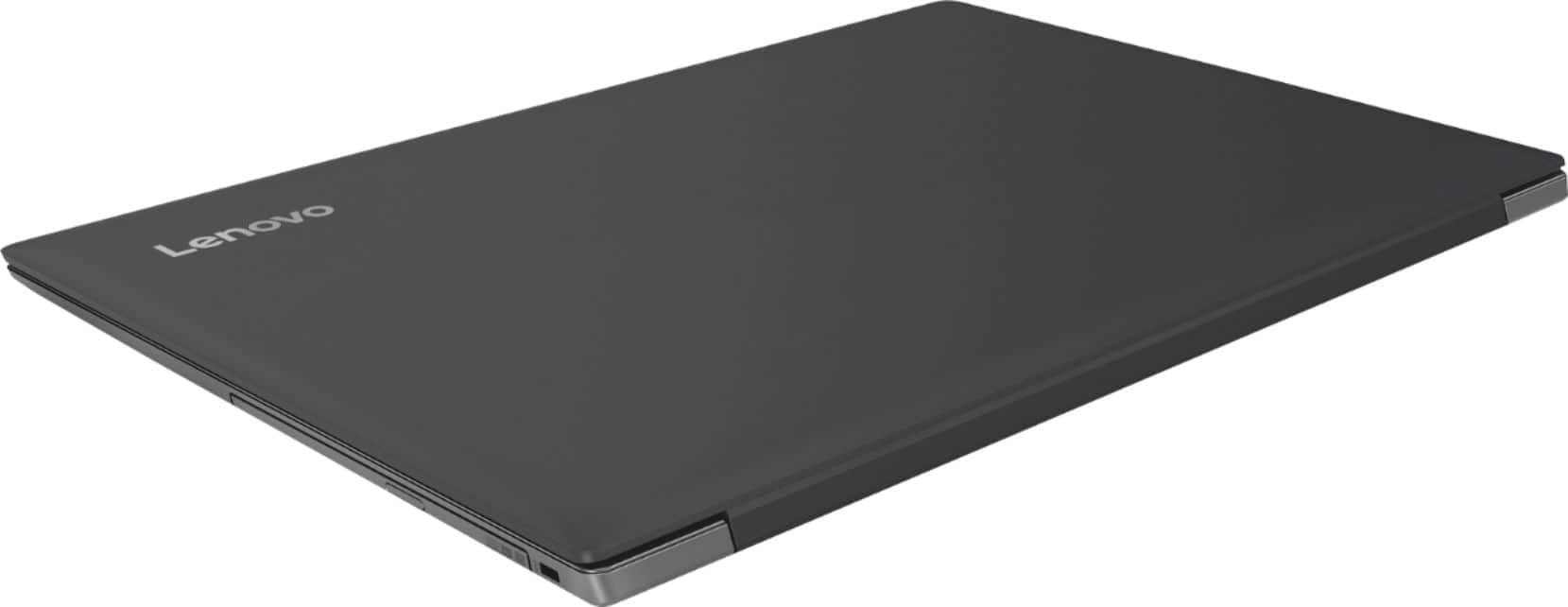
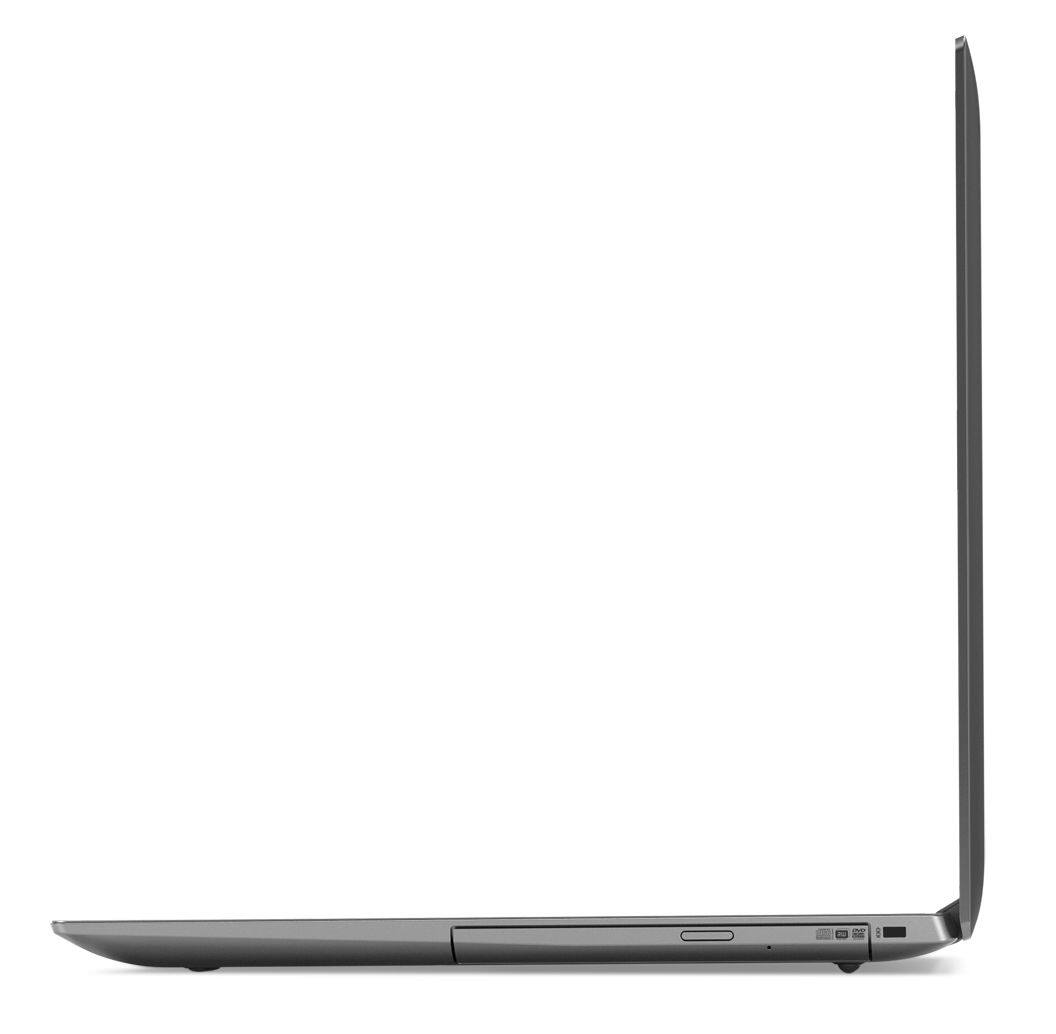
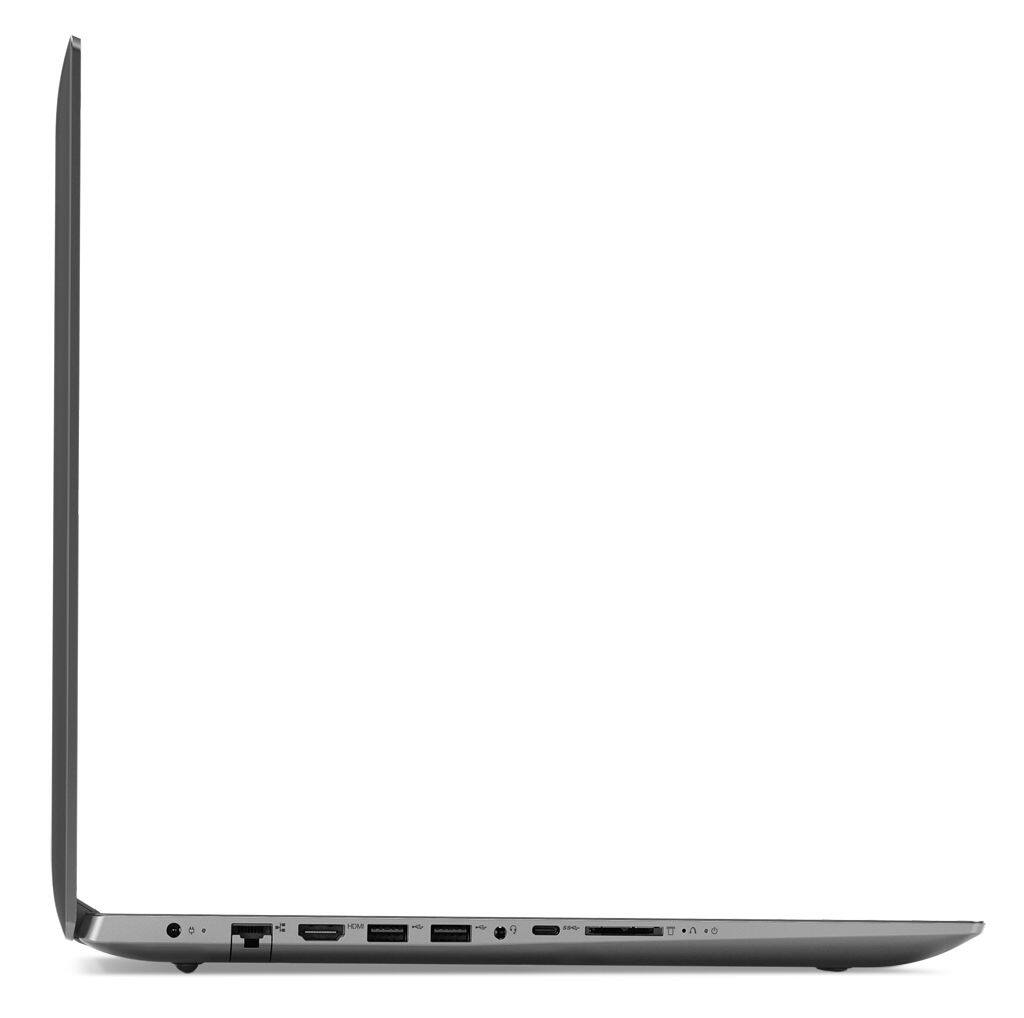
Customers are positive about the large screen, price, ease of use, storage, gaming capabilities, keyboard, performance, and processor. They appreciate the value for money and find the laptop suitable for light gaming. However, customers are negative about the battery life, weight, limited number of USB ports, and build quality, with some describing it as cheap and flimsy.
This summary was generated by AI based on customer reviews.
Great Laptop
||Posted .This reviewer received promo considerations or sweepstakes entry for writing a review.My daughter loves it , much better then the dell i got her a little over a year ago. had to replace her Dell because the hard drive went bad and Dell wanted over $200 to repair
I would recommend this to a friendBrand response from Lenovo Product Expert
Posted .Thank you for choosing the Lenovo IdeaPad 330-17 laptop for your daughter. We are pleased to hear that the IdeaPad 330-17 meets your daughter's computing needs so well.

- Pros mentioned:Large screen
AVERAGE LAPTOP
||Posted .This reviewer received promo considerations or sweepstakes entry for writing a review.ITS AVERAGE, I WANTED A BIGGER SCREEN AND I GOT IT BUT THE SCREEN WASNT AS BRIGHT AS IT SHOULD BE!
No, I would not recommend this to a friendBrand response from Lenovo Product Expert
Posted .The Lenovo IdeaPad 330-17 laptop ships with a LCD w/LED Backlight (Anti-glare) screen, with a resolution of 1600 x 900 (HD+) and a brightness level of 200 nits. For maximum brightness, be sure auto brightness is turned off and you adjust the screen brightness level manually to your preferences. Here is a link to instructions for turning off auto-brightness within Windows 10: https://www.itsupportguides.com/knowledge-base/windows-10/windows-10-how-to-disable-automatic-brightness-adjustments/
Its been a reliable computer
||Posted .This reviewer received promo considerations or sweepstakes entry for writing a review.use it mainly for internet, hooked up to our TV, like the Bluetooth, can use a game controller with the PC, had it 6 months no problems
I would recommend this to a friendBrand response from Lenovo Product Expert
Posted .Thank you for choosing the Lenovo IdeaPad 330-17 laptop. We are pleased to hear that the performance of the IdeaPad 330-17 meets your computing needs so well.
Offers lots of viewing options
||Posted .This reviewer received promo considerations or sweepstakes entry for writing a review.I purchased a Roku TV. The picture is great. Besides the normal TV & cable channels one can take advantage of all that Roku has to offer.
I would recommend this to a friendGood
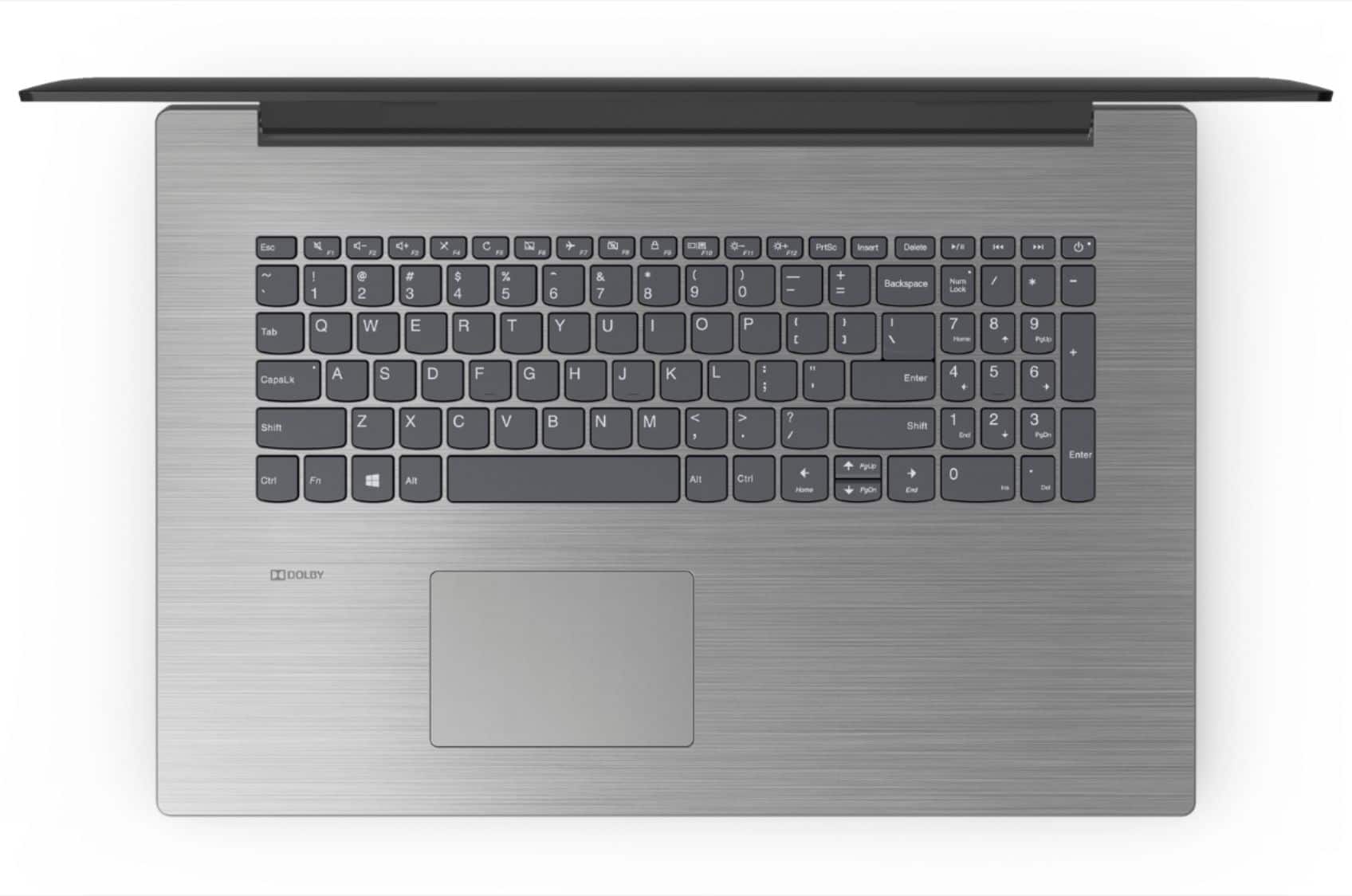
||Posted .This reviewer received promo considerations or sweepstakes entry for writing a review.Nice screen but the keyboard is pushed up to the screen leaving lots of room for your arms. But it works well in spite of having Windows 10
No, I would not recommend this to a friendBrand response from Lenovo Product Expert
Posted .Thank you for choosing the Lenovo IdeaPad 330-17 laptop. The keyboard is positioned to provide a wrist resting area at the bottom of the keyboard to help prevent issues with the wrist while typing. With regard to learning your way around Windows 10, you may want to try YouTube.com (just type that address in your browser address window). There are hundreds for free instructional videos there about Windows 10. Just type Windows 10 Introduction in to the YouTube search window. You can watch free videos there that will show you the basics all the way up to tips and tricks videos and they're all free.

Great Product
||Posted .This reviewer received promo considerations or sweepstakes entry for writing a review.My Lenovo went belly up and I needed something fast. This was slightly different version of the one had, but it works great. It was an open box purchase and a great bargain.
I would recommend this to a friendNice stylish laptop
||Posted .This reviewer received promo considerations or sweepstakes entry for writing a review.The laptop was a great buy for the specs and pricing on offer. Best of all I loved the smooth texture. I also received great customer service in helping me pick out this laptop.
I would recommend this to a friendBrand response from Lenovo Product Expert
Posted .Thank you for choosing the Lenovo IdeaPad 330-17 laptop. We are pleased to hear that the value and performance of the IdeaPad 330-17 meets your computing needs so well.
- Cons mentioned:Battery life
Good computer
||Posted .This reviewer received promo considerations or sweepstakes entry for writing a review.It’s an okay lap top but it has it’s cons battery life isn’t that great and the lap top is kinda big
No, I would not recommend this to a friendBrand response from Lenovo Product Expert
Posted .This is a 17.3" laptop. It weighs 6.17 lbs. and measures 1" thin. This system has a battery life of up to 5 hours, depending on the work that the device is performing. Be sure there are no unwanted programs running in the background, draining the battery. Here is a link to some tips for finding out what is draining your battery:
https://www.laptopmag.com/articles/battery-saver-windows-10. If there are no unwanted programs running, to maximize battery life, try changing your power management setting to a more conservative one. You can do this in the control panel, in the power management category on your system. Select a more conservative power management setting to extend battery life.
ok ok
||Posted .This reviewer received promo considerations or sweepstakes entry for writing a review.this is my second Lenova laptop this new one is slower then my 2 year old i3 with i5 i thought it will b faster but not that good
I would recommend this to a friendGreat for non-gaming
||Posted .This reviewer received promo considerations or sweepstakes entry for writing a review.Great computer for non-gaming. Processes fast enough to use for business, personal entertainment watching, and music listening.
I would recommend this to a friendBrand response from Lenovo Product Expert
Posted .Thank you for choosing the Lenovo IdeaPad 330-17 laptop. We are pleased to hear that the performance of the IdeaPad 330-17 meets your computing needs so well.
Awesome computer!
||Posted .This reviewer received promo considerations or sweepstakes entry for writing a review.I love this computer, at first it had a little problem but I brought it back to Best Buy and they fixed it for me without any additional cost and it’s working wonderful now!
I would recommend this to a friendBrand response from Lenovo Product Expert
Posted .Thank you for choosing the Lenovo IdeaPad 330-17 laptop. This system has Lenovo utilities installed to help maintain the health of the device and keep the operating system software up to date. Type "Lenovo Vantage" in the Cortana Search window (if Lenovo Vantage is not installed on your device, you can download the APP and install it now). Select Lenovo Vantage from the list. In the window that opens, click on "Health and Support". In the expanded menu, select "Hardware Scan" In the window that opens, select "Run Quick Tests". This will scan your entire system for errors. Follow any directions that may pop up. If the problem continues after this scan, now click on "System Update". First select Windows update from the menu. Scan your system to be sure you have the latest version of Windows 10. Once that scan is complete, select "Additional Updates". This will scan your device to be sure there are no new BIOS/Driver updates needed. Follow any instructions that may pop up. If the issue still continues after these updates, we recommend you call Lenovo Tech Support at: 877-453-6686 for additional help.
Met my needs
||Posted .This reviewer received promo considerations or sweepstakes entry for writing a review.My six year old HP laptop starting dying slowly. I wanted to find something to replace it. This Lenovo does what I need it to do.
I would recommend this to a friendBrand response from Lenovo Product Expert
Posted .Thank you for choosing the Lenovo IdeaPad 330-17 laptop. We are pleased to hear that the performance of the IdeaPad 330-17 meets your computing needs so well.
Great for a first laptop
||Posted .This reviewer received promo considerations or sweepstakes entry for writing a review.This is the first laptop I've ever had. It's an issue for me having had a Mac for so many years, but not the fault of the laptop. Very happy. It has everything I need.
I would recommend this to a friendBrand response from Lenovo Product Expert
Posted .Thank you for choosing the Lenovo IdeaPad 330-17 laptop. The heart of the IdeaPad 330-17 is the Windows 10 operating system. With regard to learning your way around Windows 10, you may want to try YouTube.com (just type that address in your browser address window). There are hundreds for free instructional videos there about Windows 10. Just type Windows 10 Introduction in to the YouTube search window. You can watch free videos there that will show you the basics all the way up to tips and tricks videos and they're all free.
Decent Laptop for basics
||Posted .This reviewer received promo considerations or sweepstakes entry for writing a review.Took my laptop to Geek Squad when couldn't get it to come on-found out screen was gone and not cost effective to replace. Got inexpensive Lenova that suits my basic needs.
I would recommend this to a friendBrand response from Lenovo Product Expert
Posted .Thank you for choosing the Lenovo IdeaPad 330-17 laptop. We are pleased to hear that the value and performance of the IdeaPad 330-17 meets your computing needs so well.
Great Laptop for Students
||Posted . Owned for 1 year when reviewed.This reviewer received promo considerations or sweepstakes entry for writing a review.If you’re in a budget, this is a great option. It’s fast enough to do what you need it to do. It’s a bargain!
I would recommend this to a friendGreat computer for the price
||Posted .This reviewer received promo considerations or sweepstakes entry for writing a review.The computer is perfect for my college school work, it has a good quality picture, its light and fast and has plenty of memory. If this one goes out, I will by another.
I would recommend this to a friendBrand response from Lenovo Product Expert
Posted .Thank you for choosing the Lenovo IdeaPad 330-17 laptop. We are pleased to hear that the performance of the IdeaPad 330-17 meets your computing needs so well.
Great Laptop for the price
||Posted .This reviewer received promo considerations or sweepstakes entry for writing a review.Just compare the features to similar Dell or HP and you will see the value in this laptop and then it is 17 inch screen vs 15.9 inch on the competition. But you decide!
I would recommend this to a friendBrand response from Lenovo Product Expert
Posted .Thank you for choosing the Lenovo IdeaPad 330-17 laptop. We are pleased to hear that the value and performance of the IdeaPad 330-17 meets your computing needs so well.
Great PC
||Posted . Owned for 1.5 years when reviewed.This reviewer received promo considerations or sweepstakes entry for writing a review.This replaced a tower PC. Large display, but I needed to add a USB hub due to limited ports. Otherwise this is a very good machine.
I would recommend this to a friendA very good laptop, couldn't be better.
||Posted .This reviewer received promo considerations or sweepstakes entry for writing a review.This is my first Lenovo and I am very happy. Never expect the great quality this product has. Very efficient, fast and reliable. I really recomend it to every one.
I would recommend this to a friendBrand response from Lenovo Product Expert
Posted .Thank you for choosing the Lenovo IdeaPad 330-17 laptop. We are pleased to hear that the performance of the IdeaPad 330-17 meets your computing needs so well.
Great for our purpose .
||Posted .This reviewer received promo considerations or sweepstakes entry for writing a review.Our church bought this for our book keeper . It has a large harddrive . It also had sufficient speed to make work more efficient.
I would recommend this to a friendBrand response from Lenovo Product Expert
Posted .Thank you for choosing the lenovo IdeaPad 330-17 laptop. We are pleased to hear that the features and performance of the IdeaPad 330-17 meets your computing needs so well.