Customer Ratings & Reviews
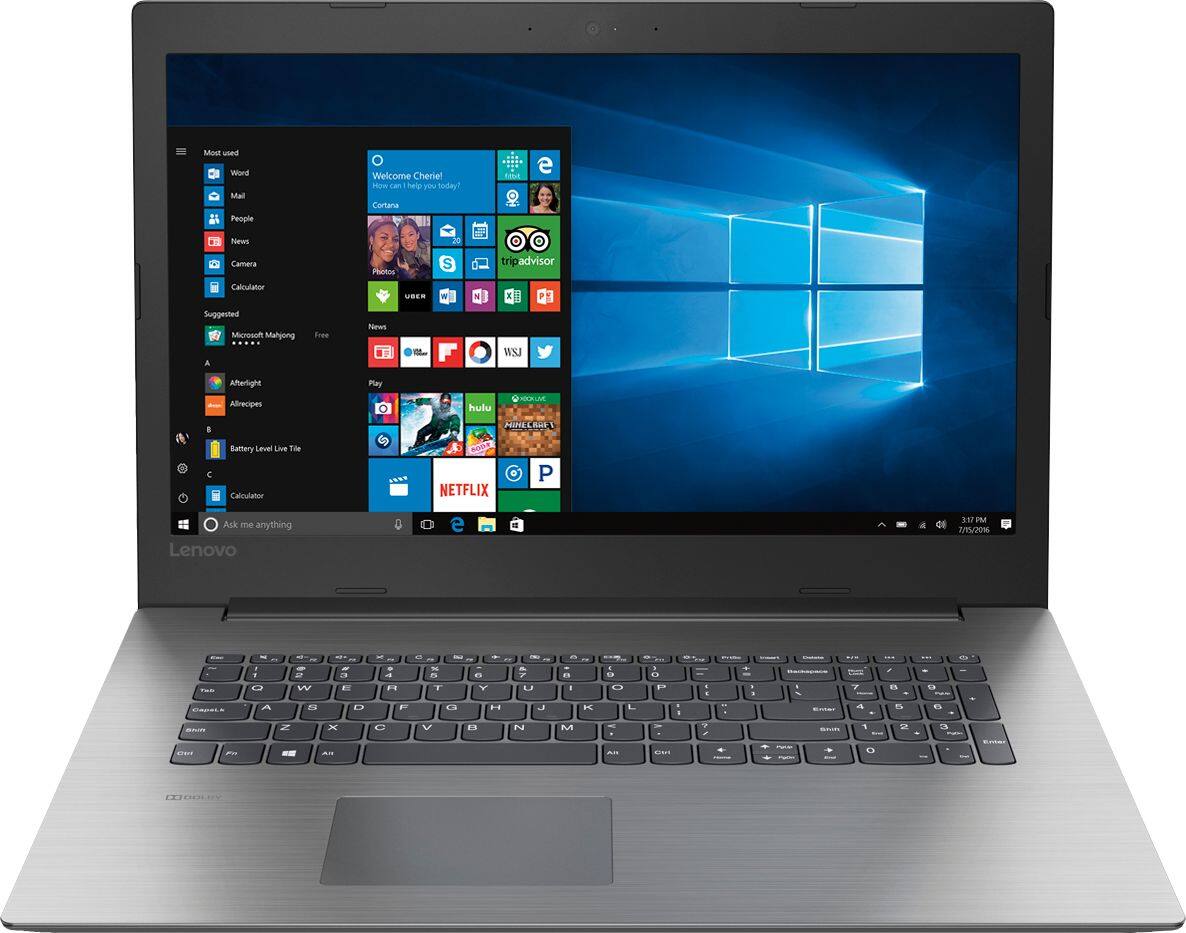
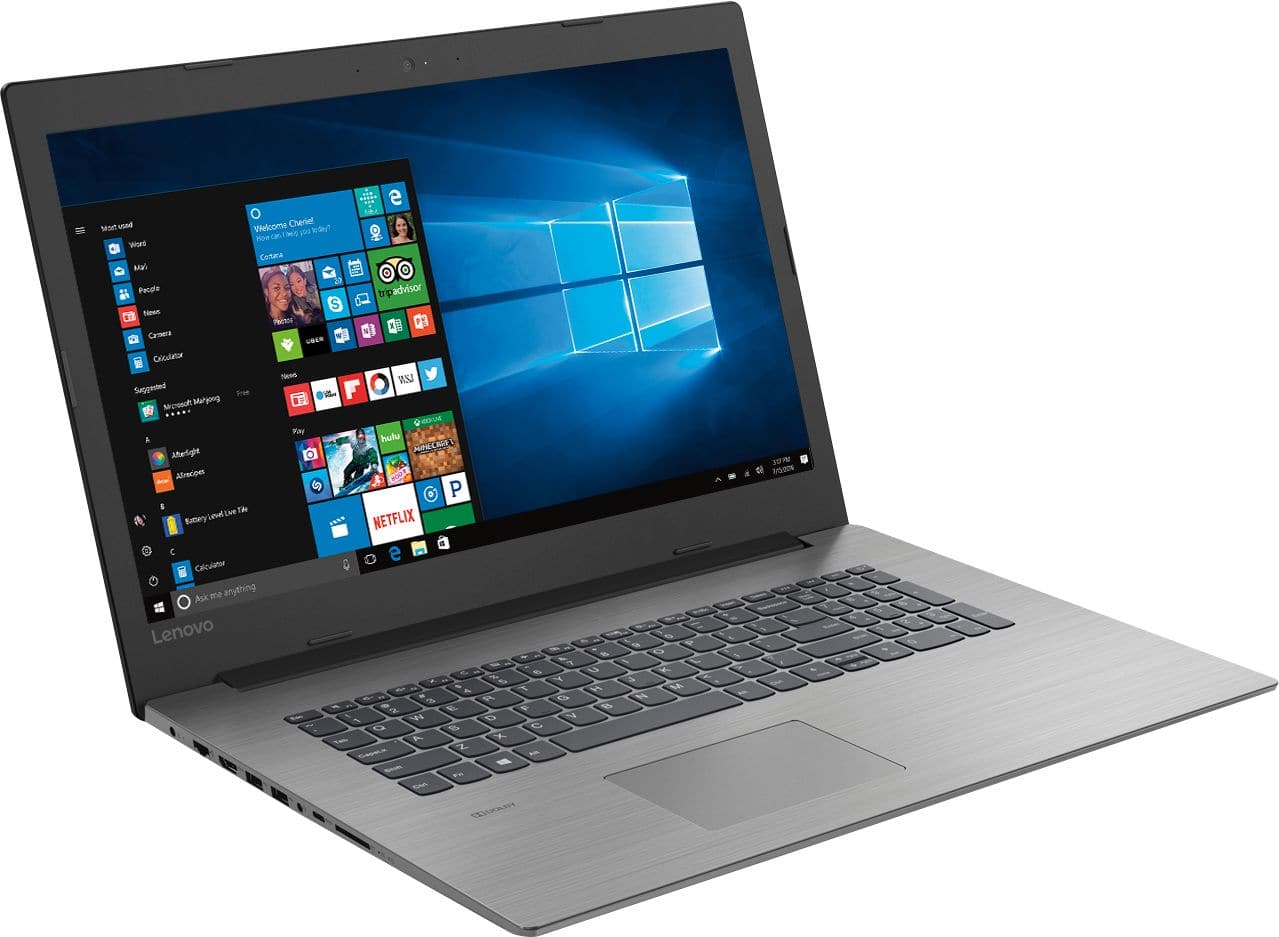
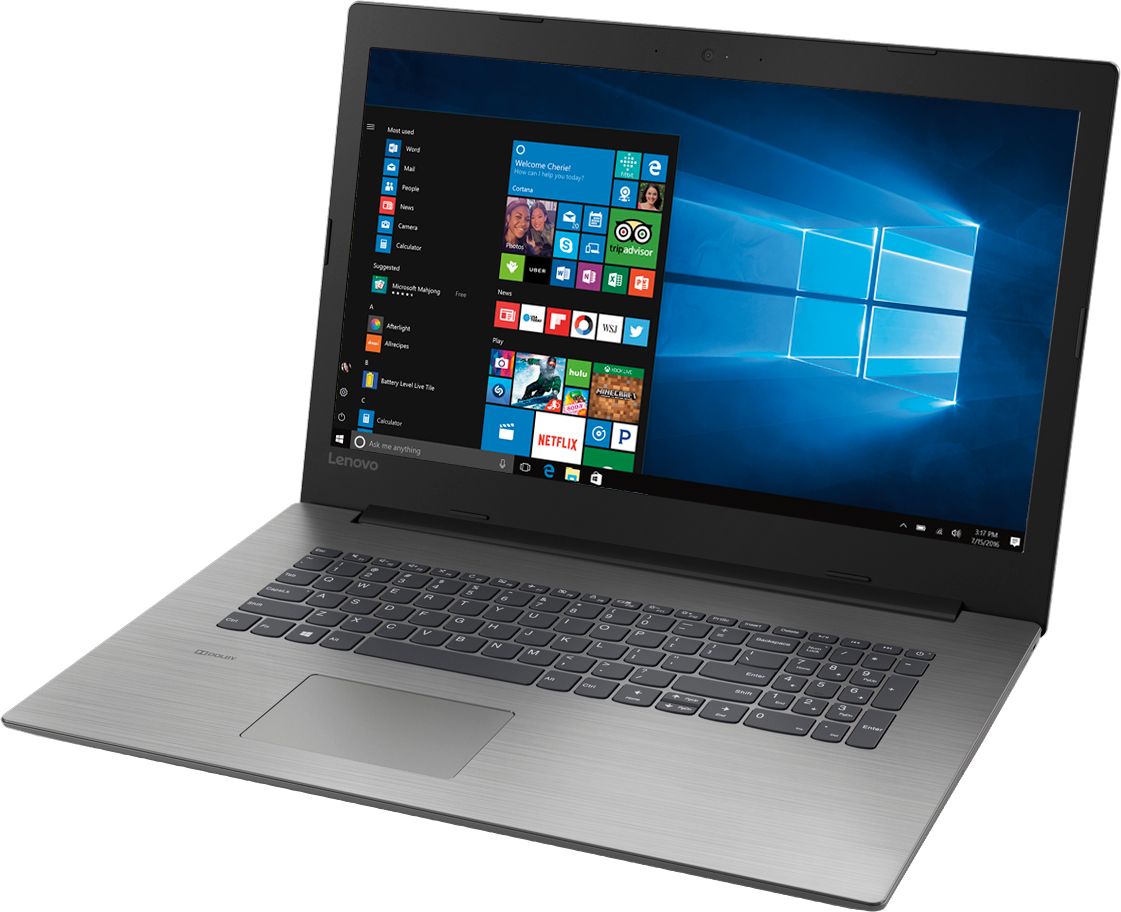
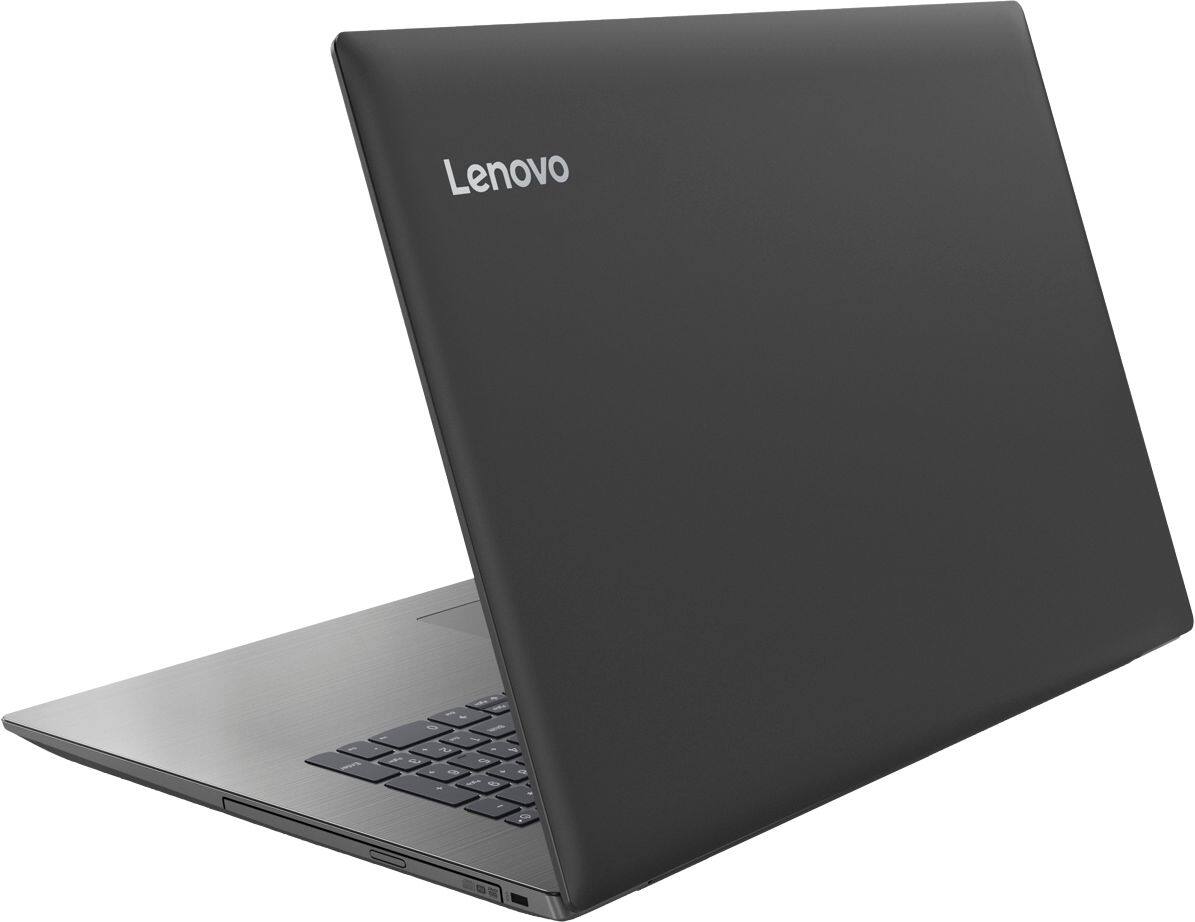
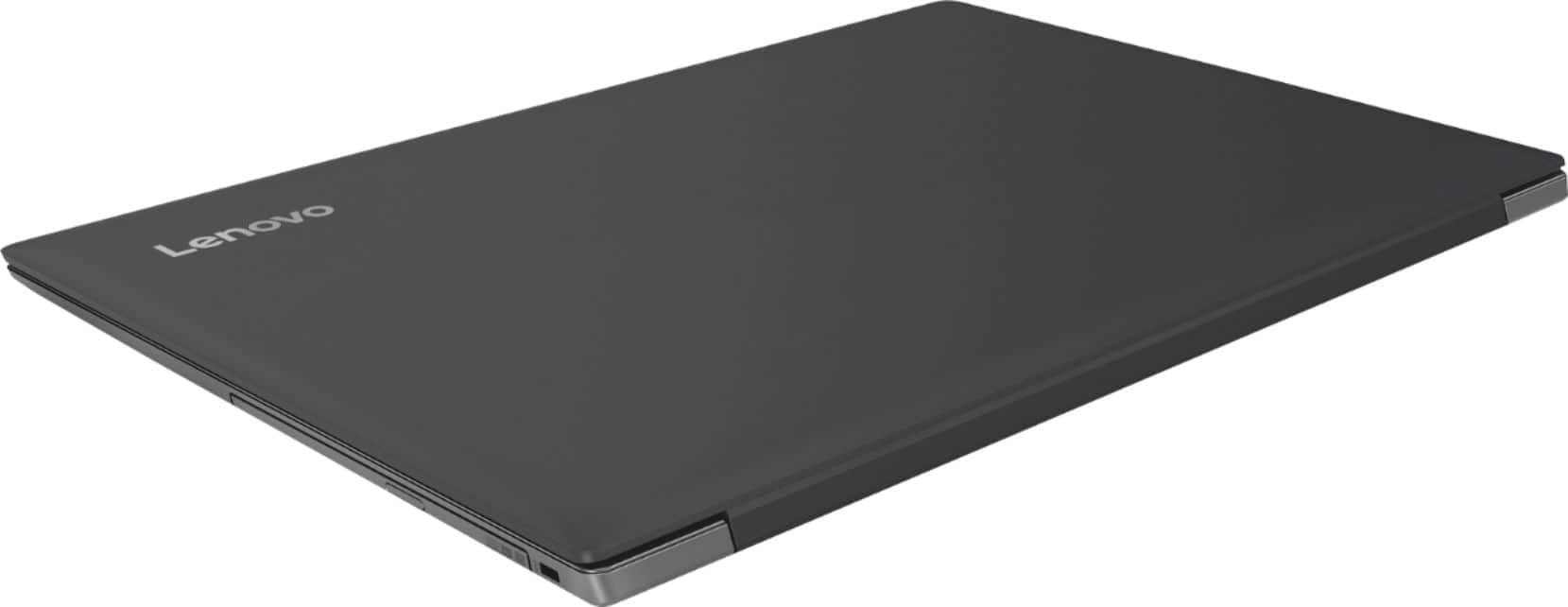
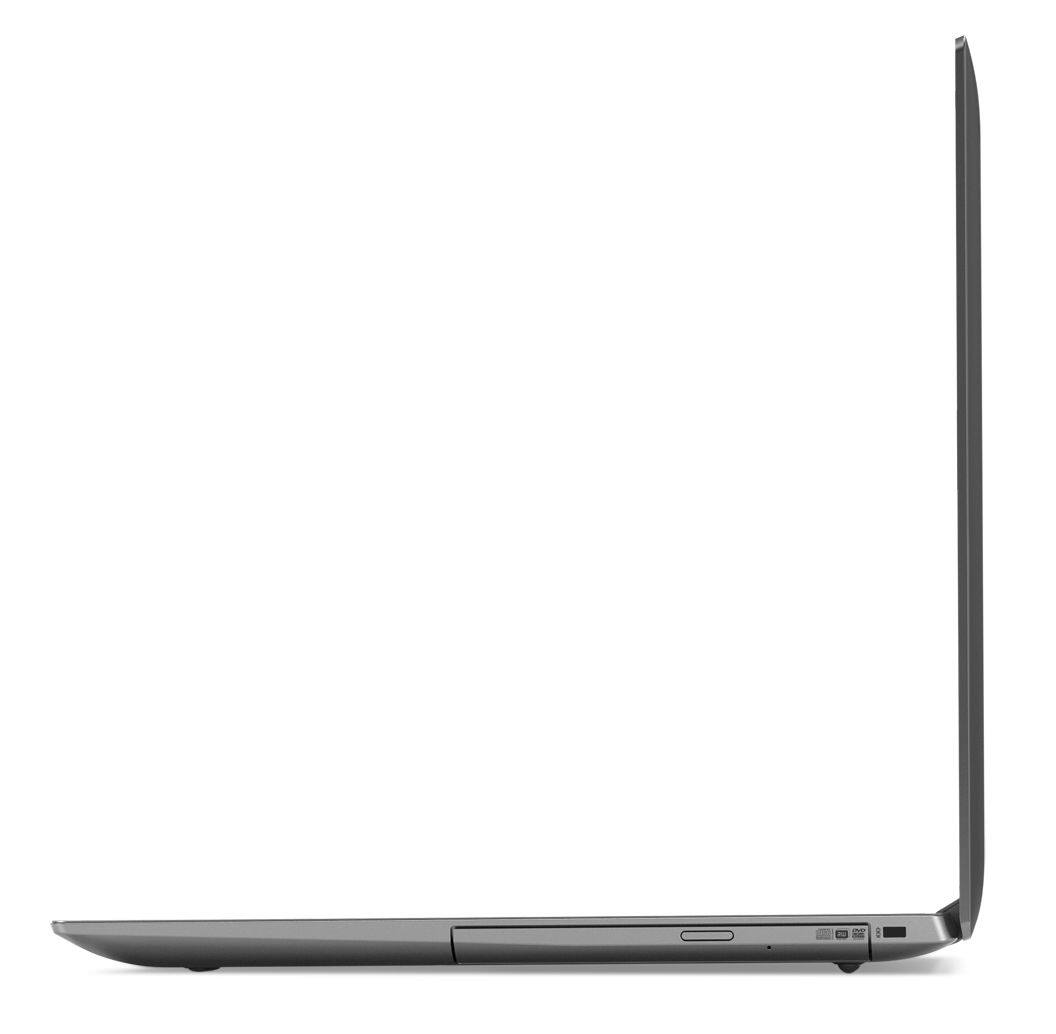
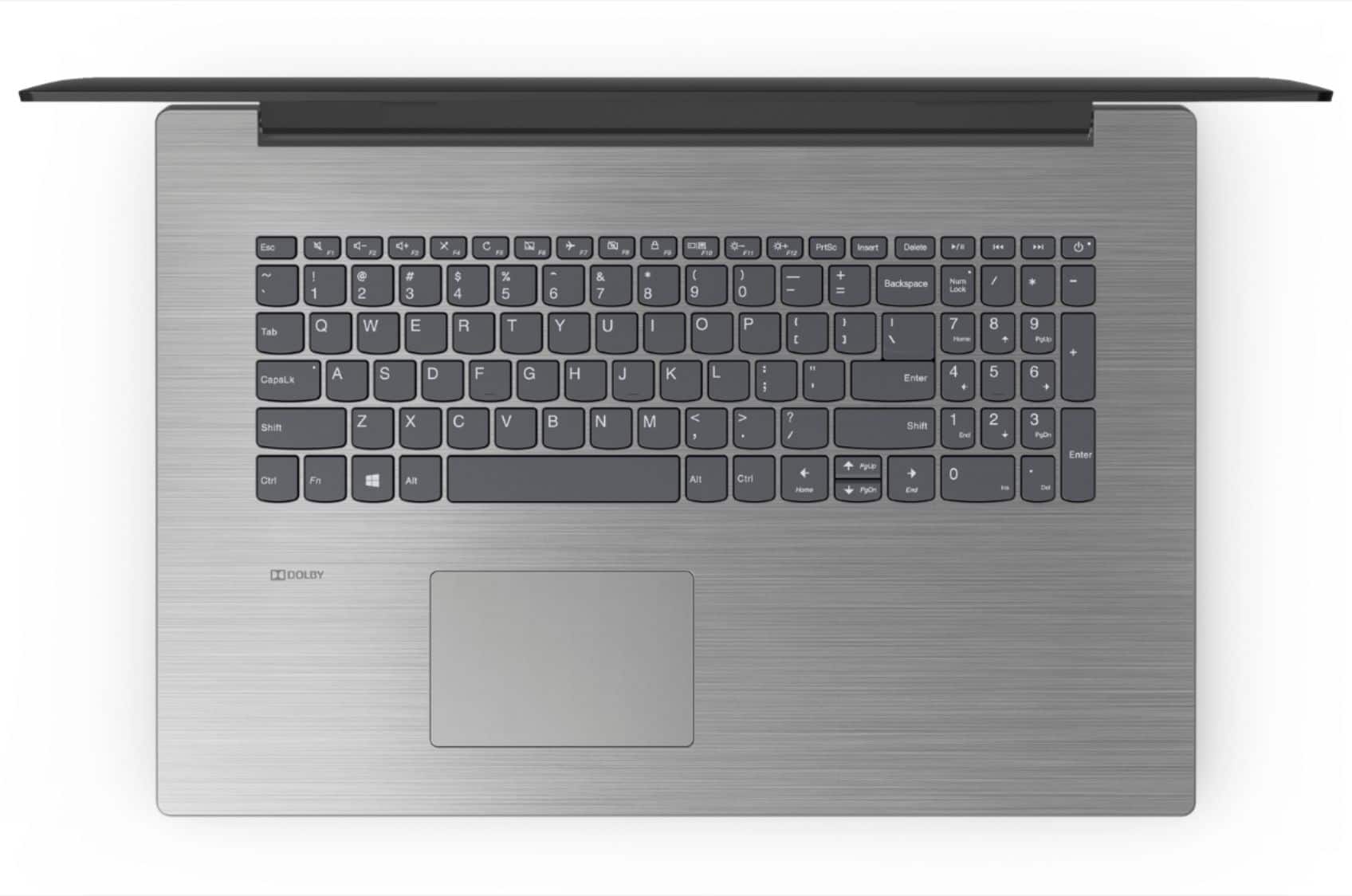
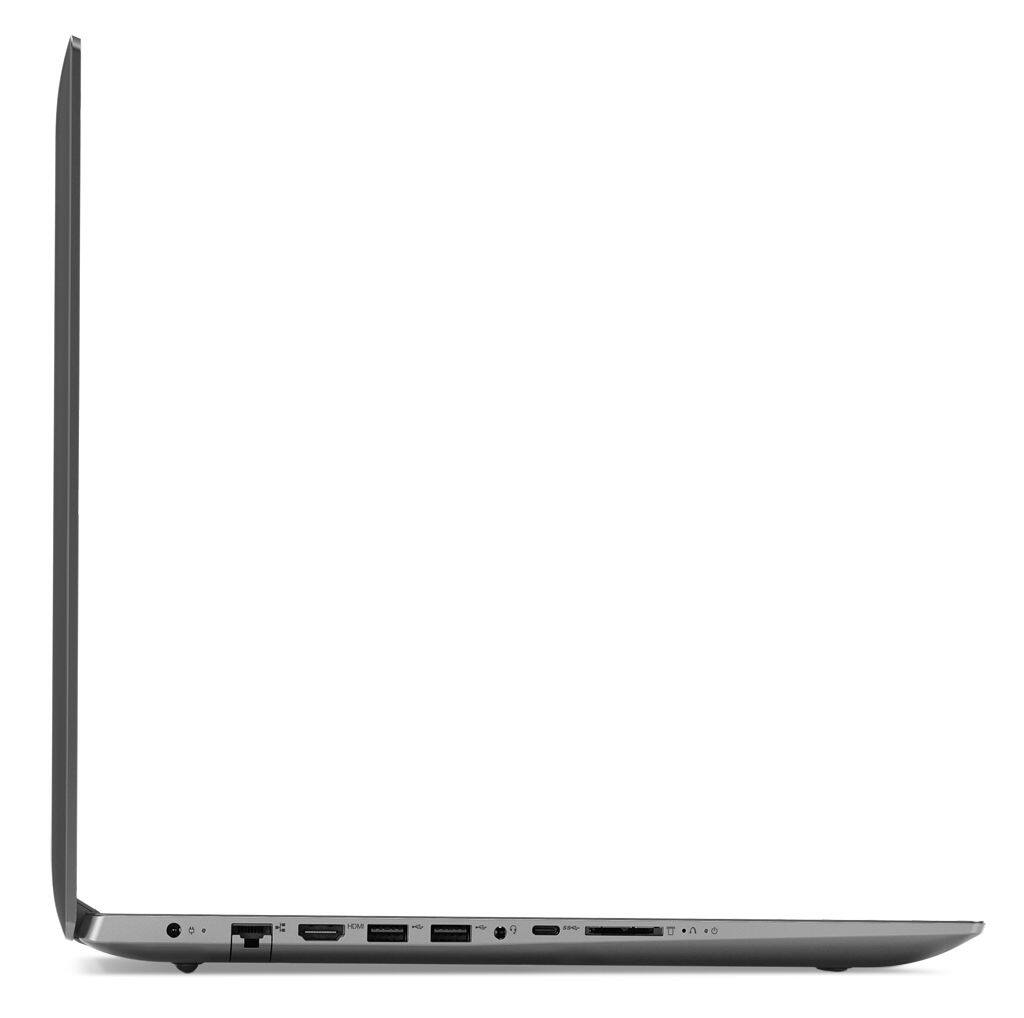
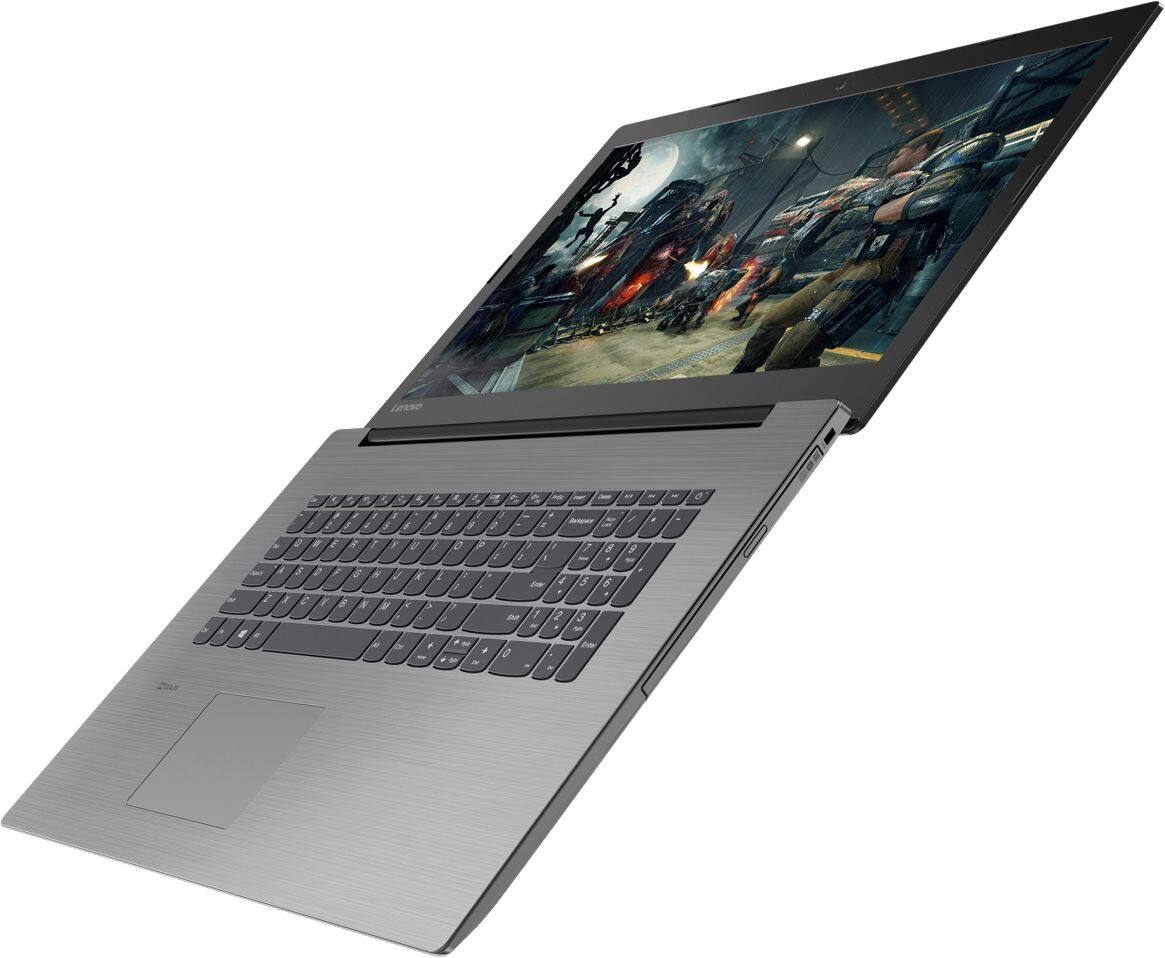
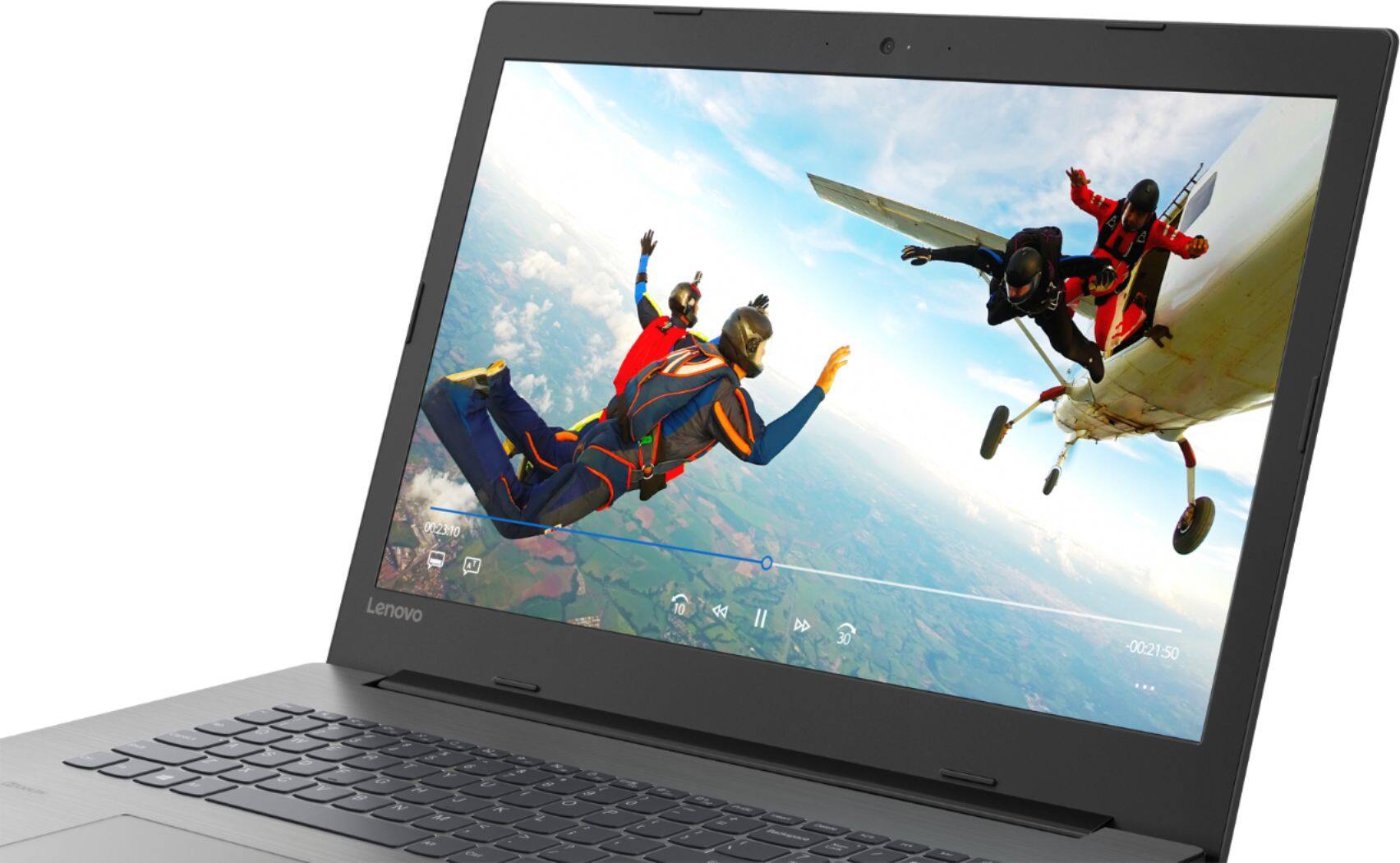

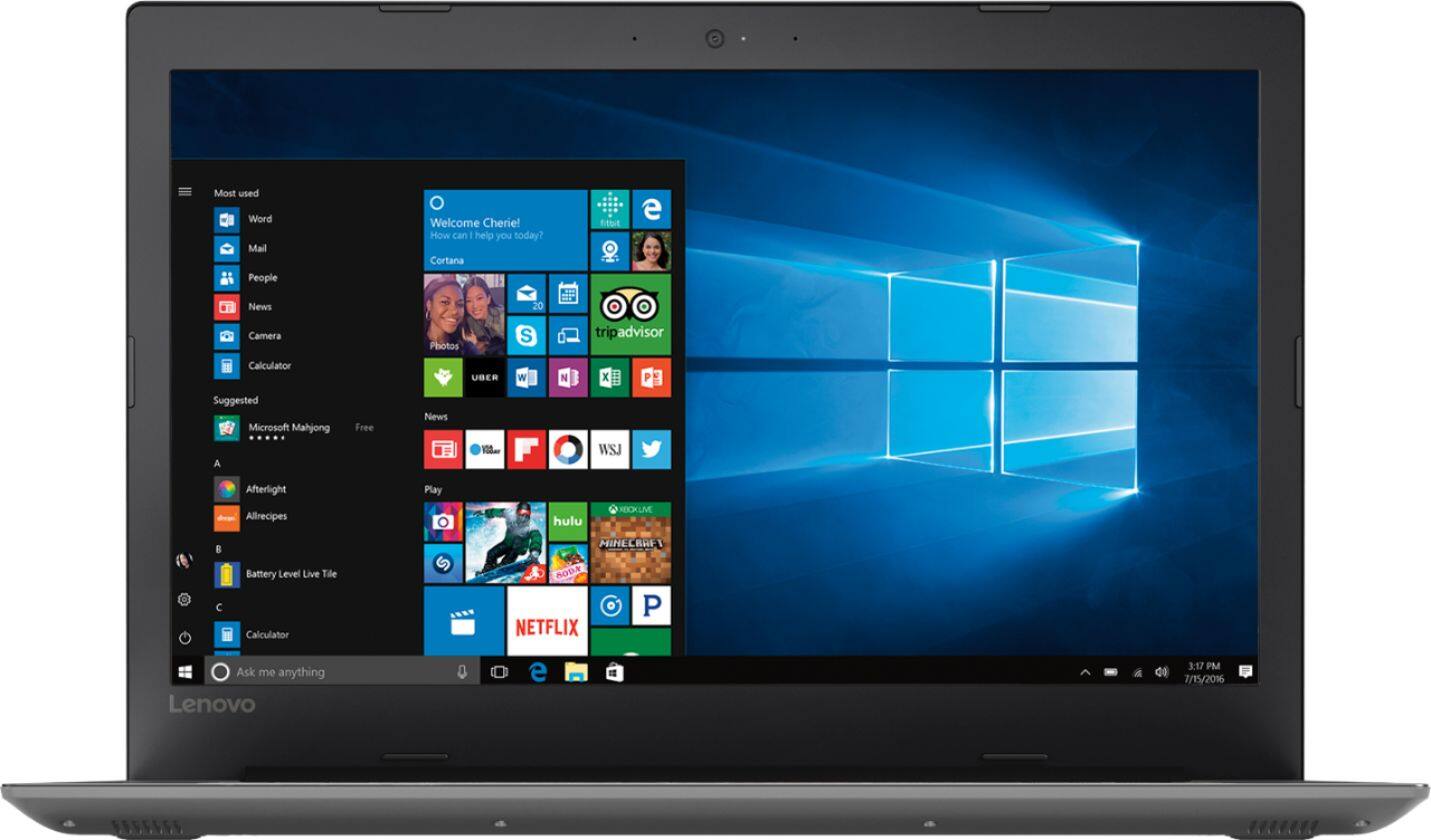
- Model:
- 81DM001UUS
- SKU:
- 6224501
Rating by feature
- Value
Rating 4.1 out of 5 stars
- Quality
Rating 4.1 out of 5 stars
- Ease of Use
Rating 4.2 out of 5 stars
Customers are saying
Customers are positive about the large screen, price, ease of use, storage, gaming capabilities, keyboard, performance, and processor. They appreciate the value for money and find the laptop suitable for light gaming. However, customers are negative about the battery life, weight, limited number of USB ports, and build quality, with some describing it as cheap and flimsy.
This summary was generated by AI based on customer reviews.
Great
||Posted .This reviewer received promo considerations or sweepstakes entry for writing a review.A good replacement computer for my old computer that went on the fritz. It has all bells and whistles for a good price.
I would recommend this to a friendBrand response from Lenovo Product Expert
Posted .Thank you for choosing the Lenovo IdeaPad 330-17 laptop. We are pleased to hear that the features and performance of the IdeaPad 330-17 meets your computing needs so well.

Decent basic computer
||Posted .This reviewer received promo considerations or sweepstakes entry for writing a review.Wish it was faster but works for my needs. If you just need a basic computer this works.
I would recommend this to a friendBrand response from Lenovo Product Expert
Posted .Thank you for choosing the Lenovo IdeaPad 330-17 laptop. This system should be a fast system with its Core I-5 processor and 8GB of RAM. Be sure any software you installed is compatible with Windows 10. There is no need to install Microsoft Office software. The software is already part of the operating system, you just need to activate the software with a purchased product key. If you have installed a copy of Microsoft Office, this is conflicting with the existing copy on the system and this will slow your system down. If you have installed a 3rd party anti-virus program, be sure that Windows Defender is turned off and that the trial version of McAfee Anti-Virus software is uninstalled. There can only be one anti-virus program on the system. You may need to restore your system to original factory default settings if any of the programing errors have occurred. You can do that by typing "restore" in the Cortana search window. Just click on the magnifying glass icon at the bottom left of your Windows 10 Desktop. Click on "Reset This PC" Then click on "Get Started" and follow the on screen directions to restore to factory defaults. If the problem persists, we recommend you contact Lenovo Tech Support at: 877-453-6686.
Great for students
||Posted .This reviewer received promo considerations or sweepstakes entry for writing a review.This laptop has all the specifications for those that don't need to use for gaming.
I would recommend this to a friendSo far, so good!
||Posted .This reviewer received promo considerations or sweepstakes entry for writing a review.Only 6 weeks old, but no problems, had a smaller Lenovo, they both seem real solid!
I would recommend this to a friendLots of power for the price
||Posted . Owned for 11 months when reviewed.This reviewer received promo considerations or sweepstakes entry for writing a review.For basic word processing and internet searches, this is a great computer.
I would recommend this to a friendGreat product
||Posted .This reviewer received promo considerations or sweepstakes entry for writing a review.I bought this item as a gift. So far the person who received the computer is very pleased with it. Great product.
I would recommend this to a friendBrand response from Lenovo Product Expert
Posted .Thank you for choosing the lenovo IdeaPad 330-17 laptop. We are pleased to hear that the IdeaPad 330-17 is working out so well for the user.
Love Lenovo
||Posted .This reviewer received promo considerations or sweepstakes entry for writing a review.My last laptop was Lenovo and wanted a larger screen for research. I also bought cable to have dual screens.
I would recommend this to a friendGreat laptop
||Posted .This reviewer received promo considerations or sweepstakes entry for writing a review.It has been a wonderful laptop for me. And I appreciate all the great help I received in learning this new laptop.
I would recommend this to a friendBrand response from Lenovo Product Expert
Posted .Thank you for choosing the Lenovo IdeaPad 330-17 laptop. We are pleased to hear that the IdeaPad 330-17 is working out so well for you.
Good but a little slow
||Posted .This reviewer received promo considerations or sweepstakes entry for writing a review.I thought it would be good for just emails and web surfing but it’s a little slow.
I would recommend this to a friendBrand response from Lenovo Product Expert
Posted .This is a fast system with its Core I-5-8250U processor and 8GB of RAM. Be sure any software you installed is compatible with Windows 10. There is no need to install Microsoft Office software. The software is already part of the operating system, you just need to activate the software with a purchased product key. If you have installed a copy of Microsoft Office, this is conflicting with the existing copy on the system and this will slow your system down. If you have installed a 3rd party anti-virus program, be sure that Windows Defender is turned off and that the trial version of McAfee Anti-Virus software is uninstalled. There can only be one anti-virus program on the system. You may need to restore your system to original factory default settings if any of the programing errors have occurred. You can do that by typing "restore" in the Cortana search window. Just click on the magnifying glass icon at the bottom left of your Windows 10 Desktop. Click on "Reset This PC" Then click on "Get Started" and follow the on screen directions to restore to factory defaults. If the problem persists, we recommend you contact Lenovo Tech Support at: 877-453-6686.
Son loves it
||Posted .This reviewer received promo considerations or sweepstakes entry for writing a review.Got this for our 17 y/o for his birthday. Plays all the vidoes he can watch and all his favorite steam games.
I would recommend this to a friendGood Product
||Posted . Owned for 1.5 years when reviewed.This reviewer received promo considerations or sweepstakes entry for writing a review.Using this PC for the last few years. Still going strong.
I would recommend this to a friendgood computer for my needs
||Posted .This reviewer received promo considerations or sweepstakes entry for writing a review.Even with the faster processor this computer is still a little on the slow side.
I would recommend this to a friendBrand response from Lenovo Product Expert
Posted .The Lenovo IdeaPad 330-17 laptop is a very fast computer, it ships with a powerful Quad-Core/Eight-Thread Intel Core i5-8250U processor, 8GB of DDR4-2133MHz RAM. If your system is running slow, be sure any software you installed is compatible with Windows 10. There is no need to install Microsoft Office software. The software is already part of the operating system, you just need to activate the software with a purchased product key. If you have installed a copy of Microsoft Office, this is conflicting with the existing copy on the system and this will slow your system down. If you have installed a 3rd party anti-virus program, be sure that Windows Defender is turned off and that the trial version of McAfee Anti-Virus software is uninstalled. There can only be one anti-virus program on the system. You may need to restore your system to original factory default settings if any of the programing errors have occurred. You can do that by typing "restore" in the Cortana search window. Just click on the magnifying glass icon at the bottom left of your Windows 10 Desktop. Click on "Reset This PC" Then click on "Get Started" and follow the on screen directions to restore to factory defaults. If the problem persists, we recommend you contact Lenovo Tech Support at: 877-453-6686.
Great product
||Posted .This reviewer received promo considerations or sweepstakes entry for writing a review.I really love this computer. It's a great product for the money. I not have one issue since I purchased it
I would recommend this to a friendNice laptop computer, is a bit slow .
||Posted .This reviewer received promo considerations or sweepstakes entry for writing a review.Nice laptop with really great screen.is a bit slow but could be cable provider.
I would recommend this to a friendBrand response from Lenovo Product Expert
Posted .The Lenovo IdeaPad 330-17 is a fast system, it ships with a powerful Quad-Core/Eight-Thread Intel Core i5-8250U processor, 8GB of DDR4-2133MHz RAM. This model uses the fastest and latest version 5G 802.11AC WiFi capability. This configuration can handle many of today's most demanding programs and is good with multi-tasking. If this describes the kind of computing you do, the Lenovo IdeaPad 330-17 will be a great choice for you.
bubbat
||Posted .This reviewer received promo considerations or sweepstakes entry for writing a review.the first laptop I have kept liking it so far I wish I had brought one sooner
I would recommend this to a friendBrand response from Lenovo Product Expert
Posted .Thank you for choosing the Lenovo IdeaPad 330-17 laptop. We are pleased to hear that the IdeaPad 330-17 meets your computing needs so well.
Great value
||Posted .This reviewer received promo considerations or sweepstakes entry for writing a review.Sleek looking laptop that performs on par with far more expensive models. And the display is crystal clear.
I would recommend this to a friendGreat value for the money
||Posted .This reviewer received promo considerations or sweepstakes entry for writing a review.This Lenovo Laptop has great value for the money including an Intel Core i5 - 8GB Memory - 1TB Hard Drive.
I would recommend this to a friendBrand response from Lenovo Product Expert
Posted .Thank you for choosing the Lenovo IdeaPad 330-17 laptop. We are pleased to hear that the value and performance of the IdeaPad 330-17 meets your computing needs so well.

so far so good
||Posted .This reviewer received promo considerations or sweepstakes entry for writing a review.I have not had this computer for very long but so far it seems to work well.
I would recommend this to a friendBrand response from Lenovo Product Expert
Posted .Thank you for choosing the Lenovo IdeaPad 330-17 laptop. We are pleased to hear that the performance of the IdeaPad 330-17 meets your computing needs so well.
Great product
||Posted . Owned for 1.5 years when reviewed.This reviewer received promo considerations or sweepstakes entry for writing a review.It is a great product. I strongly recommend this to someone looking for similar item.
I would recommend this to a friendDecent Value
||Posted . Owned for 1 year when reviewed.This reviewer received promo considerations or sweepstakes entry for writing a review.The computer is a little slow but otherwise great . Sturdy exterior
I would recommend this to a friend